


kout
-
Posts
366 -
Joined
-
Last visited
-
Days Won
2
Content Type
Profiles
Forums
Gallery
Downloads
Store
Everything posted by kout
-
The blast deflectors still don't deploy on the carrier, do they?
-
And the pilot record screen WIP:

-
I thought the original desert terrain was based on mozambique, turned 90 degrees? The boxes don't highlight if you change/select a campaign or terrain; I was hoping to make them link to an info page (using "Destination=[xxxx]" in the ini file) but unfortunately the campaignscreen.dll doesn't seem to support this (i.e. the destinations for cancel and accept are hardcoded in the dll).
-
Some more WIP screens (Dave: all 1680x1050):
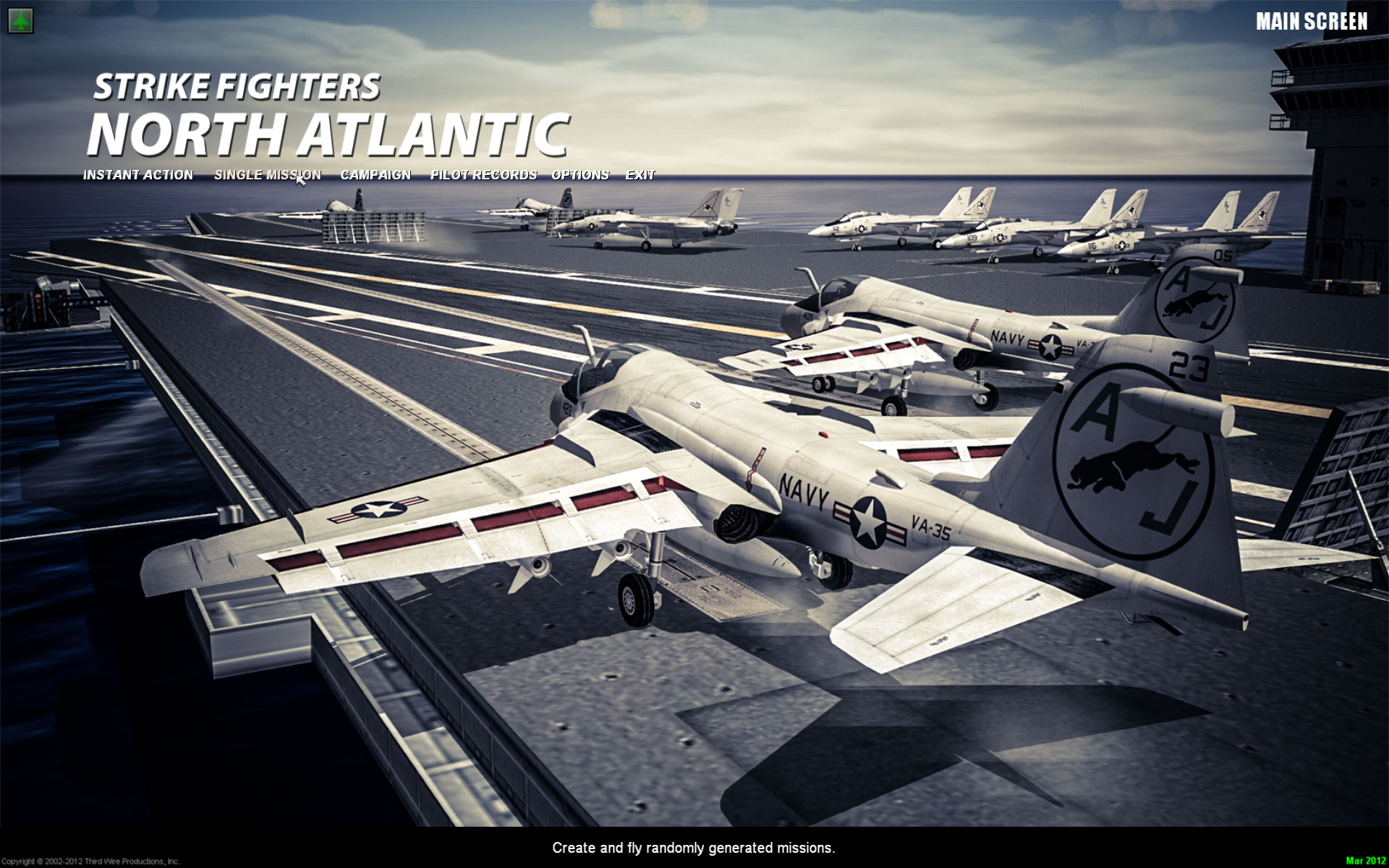
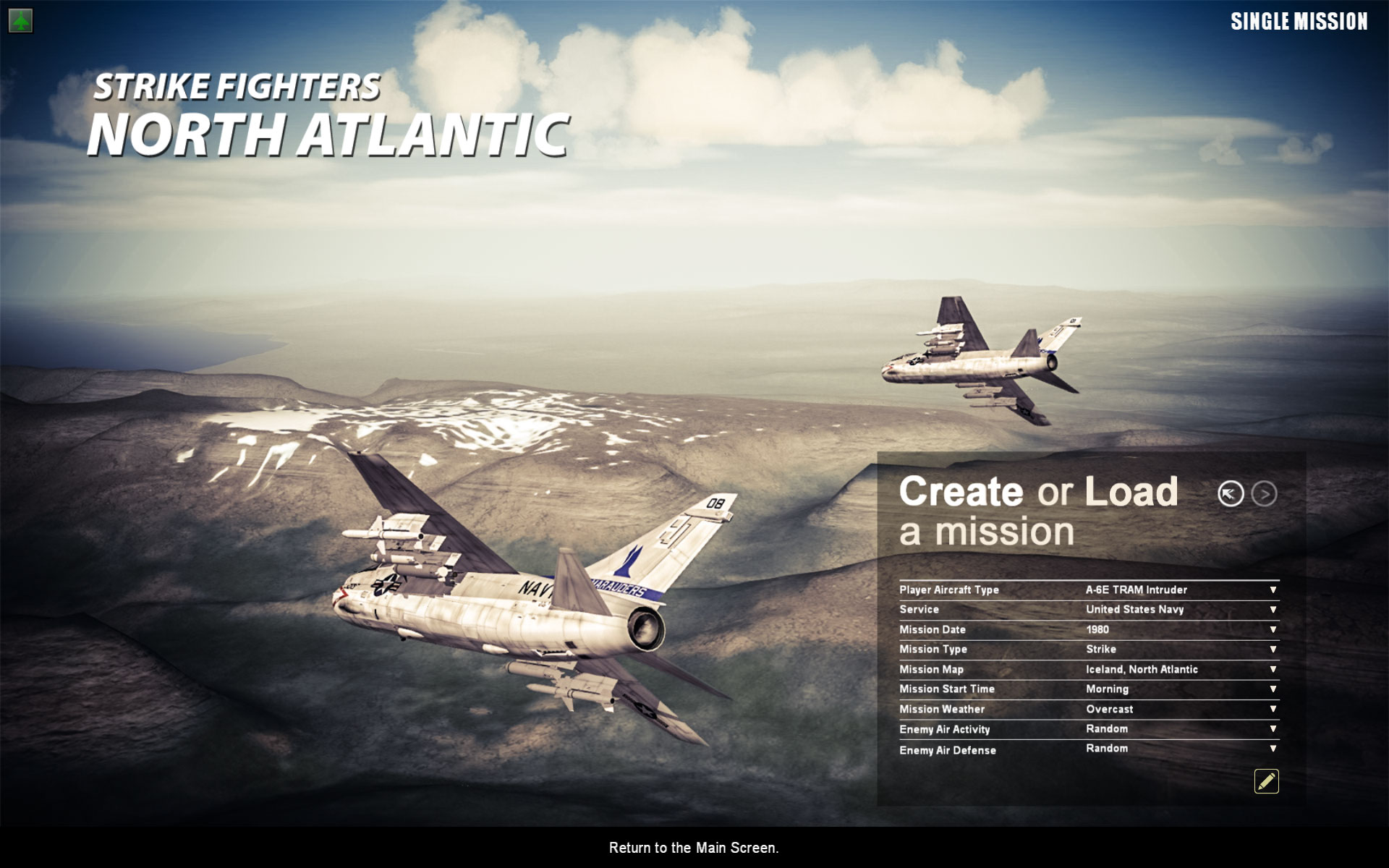
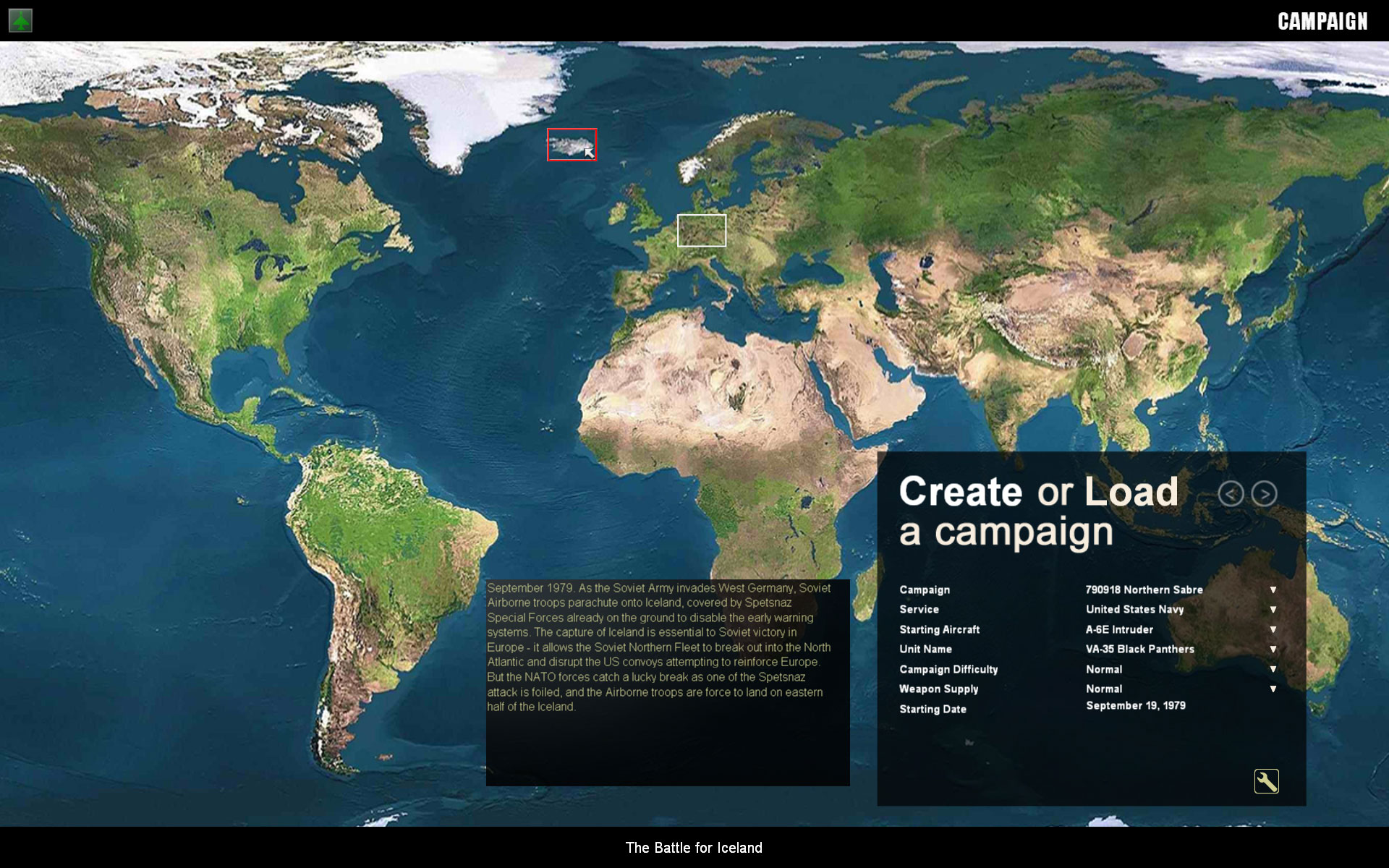
-
Thanks Baltica - if you use the stock SF1 WoE you were already using my UI Does anyone have any thoughts on resolution - I'm working in 1920 x 1200 but I assume I'm in the minority. Would 1680 x 1050 be the most mainstream resolution or should I go even lower? Time for a poll?
-
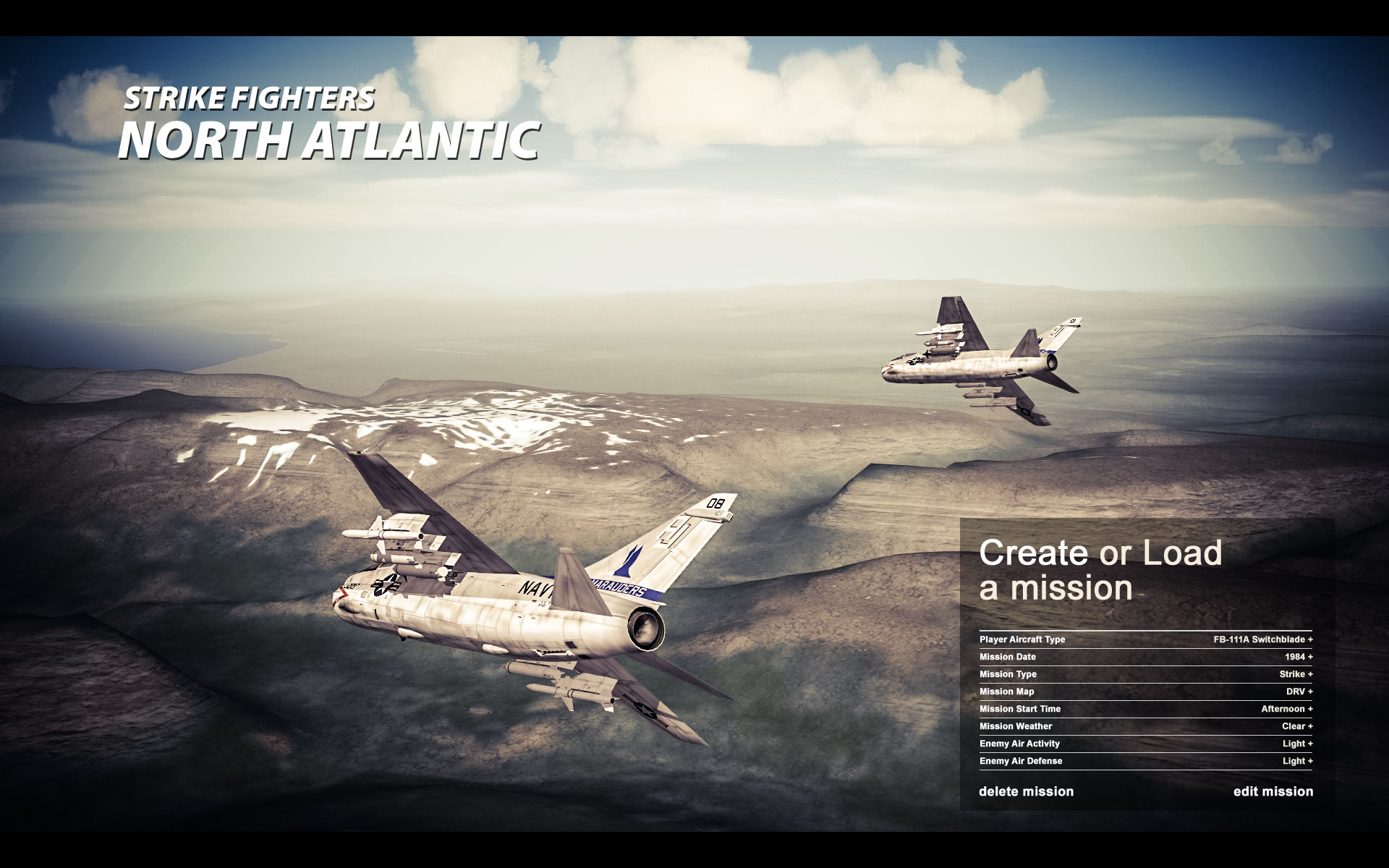
One of the concepts I'm exploring for the rest of the menu system:
-
Stingray77: No, that's actually pretty easy to do (see my WOI screens) but requires some editing of mainscreen.ini which I was to lazy to do. jeanba: Easy: edit the MainMenuText in mainscreen.ini
-
View File Strike Fighters - North Atlantic New Mainscreens - The "I don't want to change anything else" Edition Strike Fighters - North Atlantic ____________________________________________________________________ New Mainscreens - The "I don't want to change anything else" Edition ____________________________________________________________________ Notices_____________________________________________________________ (1) May overwrite files - back up first if this bothers you. (2) Provided "as is" - use at your own risk. Installation Instructions___________________________________________ The Strike Fighters 2 automatically scales the background image of the menu's to fill your screen at its native/desktop resolution. This distorts the image if you have a widescreen monitor. This mod therefore includes to variants -- one for regular screens with a 4:3 aspect ratio (e.g. 1024x768px or 1600x1200)which should also work on screens with a 5:4 aspect ratio (1280x1024). There is also a widescreen variant for screens with an aspect ratio of 16:10 or 16:9 (e.g. 1920x1200 or 1920x1080). > The regular aspect mainscreens are located in the folder "Normal" > The widescreen mainscreens are located in the folder "Widescreen" Each folder contains two subfolders, "A-6" and "F-14". > Decide whether you want an A-6 or a F-14 themed mainscreen and copy the relevant "mainscreen.bmp" file to the MENU folder in your Strike Fighters North Atlantic mods folder. > For more information on the mods folder, please see: http://combatace.com/topic/62302-what-is-the-mod-folder/ > If you don't have a MENU folder, create one by selecting File > New > Folder in the explorer menu. > Copy the file named MAINSCREEN.INI to your MENU folder as well. That's it. ____________________________________________________________________ © 2012, Kout These files are made available under the Creative Commons - Attribution-NonCommercial-ShareAlike 3.0 license. This basically means you are allowed to modify and redistribute these files, but that you should (1) give fair credit to me; (2) distribute work based on these files under the same conditions as I did; and (3) you may not use these files or works based on them for commercial purposes. For details: http://creativecommons.org/licenses/by-nc-sa/3.0/ ____________________________________________________________________ Submitter kout Submitted 03/27/2012 Category Menus
-
I've uploaded two basic versions with regular and widescreen variants which should work without making any other changes to the menu's.
-

219 downloads
Strike Fighters - North Atlantic ____________________________________________________________________ New Mainscreens - The "I don't want to change anything else" Edition ____________________________________________________________________ Notices_____________________________________________________________ (1) May overwrite files - back up first if this bothers you. (2) Provided "as is" - use at your own risk. Installation Instructions___________________________________________ The Strike Fighters 2 automatically scales the background image of the menu's to fill your screen at its native/desktop resolution. This distorts the image if you have a widescreen monitor. This mod therefore includes to variants -- one for regular screens with a 4:3 aspect ratio (e.g. 1024x768px or 1600x1200)which should also work on screens with a 5:4 aspect ratio (1280x1024). There is also a widescreen variant for screens with an aspect ratio of 16:10 or 16:9 (e.g. 1920x1200 or 1920x1080). > The regular aspect mainscreens are located in the folder "Normal" > The widescreen mainscreens are located in the folder "Widescreen" Each folder contains two subfolders, "A-6" and "F-14". > Decide whether you want an A-6 or a F-14 themed mainscreen and copy the relevant "mainscreen.bmp" file to the MENU folder in your Strike Fighters North Atlantic mods folder. > For more information on the mods folder, please see: http://combatace.com/topic/62302-what-is-the-mod-folder/ > If you don't have a MENU folder, create one by selecting File > New > Folder in the explorer menu. > Copy the file named MAINSCREEN.INI to your MENU folder as well. That's it. ____________________________________________________________________ © 2012, Kout These files are made available under the Creative Commons - Attribution-NonCommercial-ShareAlike 3.0 license. This basically means you are allowed to modify and redistribute these files, but that you should (1) give fair credit to me; (2) distribute work based on these files under the same conditions as I did; and (3) you may not use these files or works based on them for commercial purposes. For details: http://creativecommons.org/licenses/by-nc-sa/3.0/ ____________________________________________________________________ -
1. Try PrtScrn instead of CTL-PrtScrn
-
Thanks everyone. I'll start with releasing these two @1920x1200 -- can anyone confirm that the SF2 engine automatically scales down or should I go for a lower resolution? I'll see if can work on some other parts of the menu. Skatezilla -- good luck with the audio files -- probably an even worse job than placing all the menu items "by hand"!
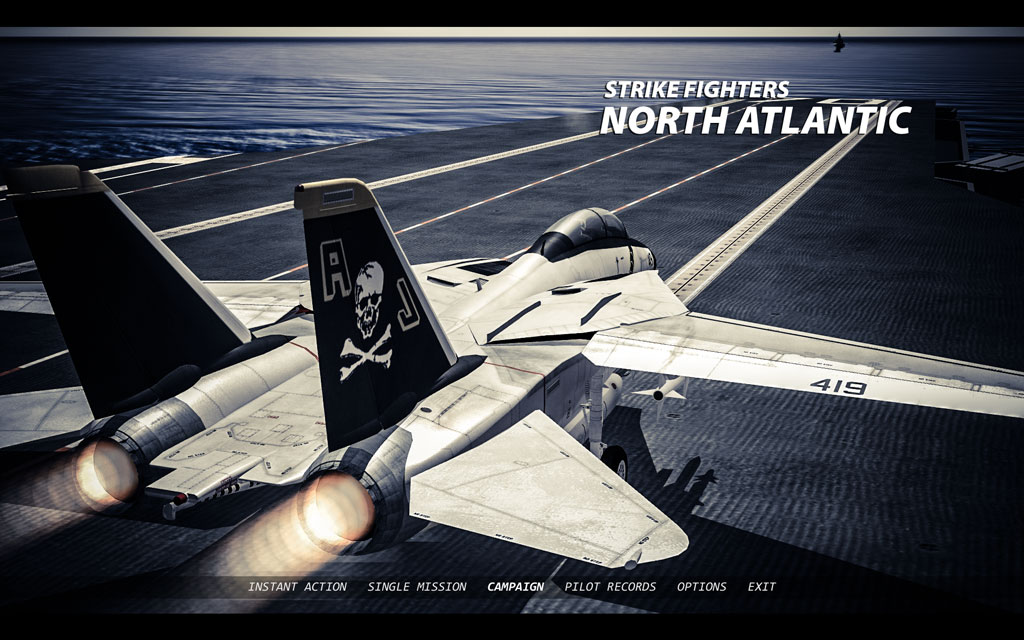
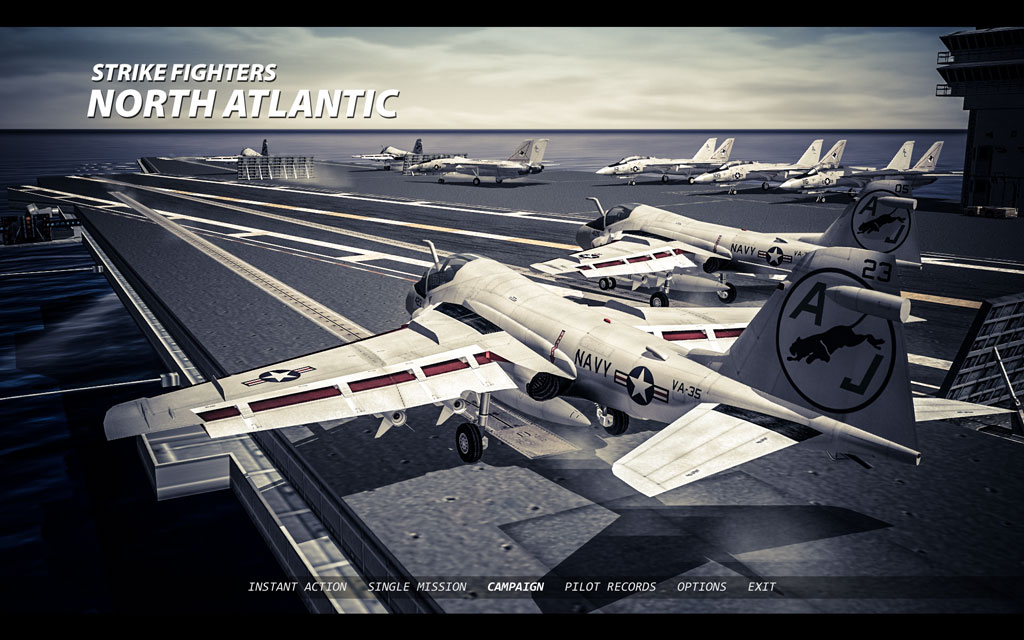
-
Thanks - tried that but the screenshots didn't show up. Will give it another go.
-
Thanks everyone for your kind words - will try to get this finalised asap. Perhaps throw in some F-14 shots similar to the A-6 ones - btw, does anyone know how to get better screenshots than the default compressed jpegs (which have some nasty artifacts)?
-
Thanks for the feedback! alternative for A-6 fans:
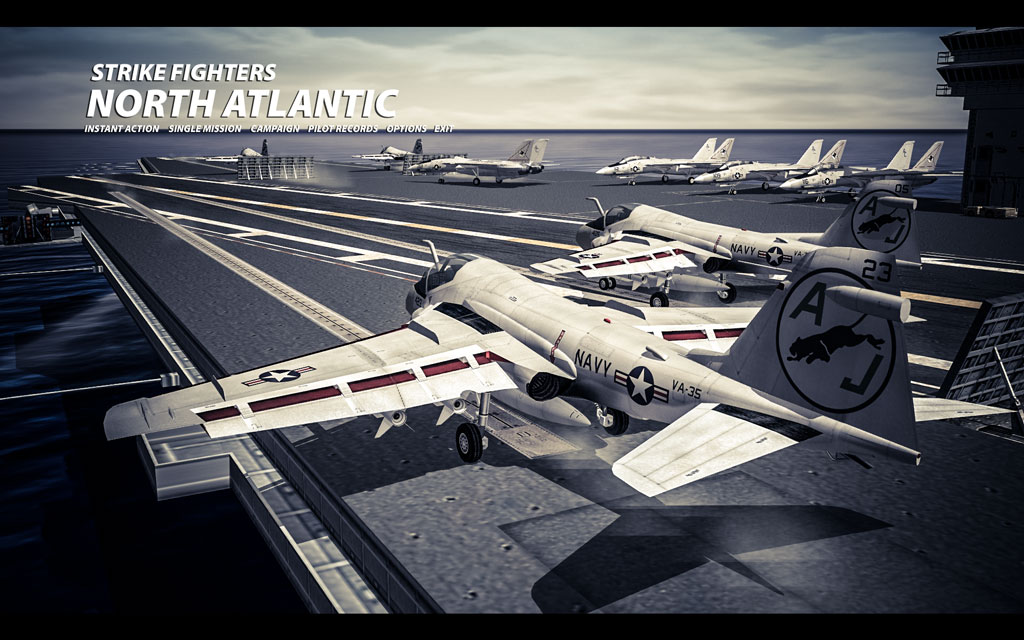
-
Some WIP / variants for a SF:NA menu while we wait for Hellman to finish his GUI overhaul

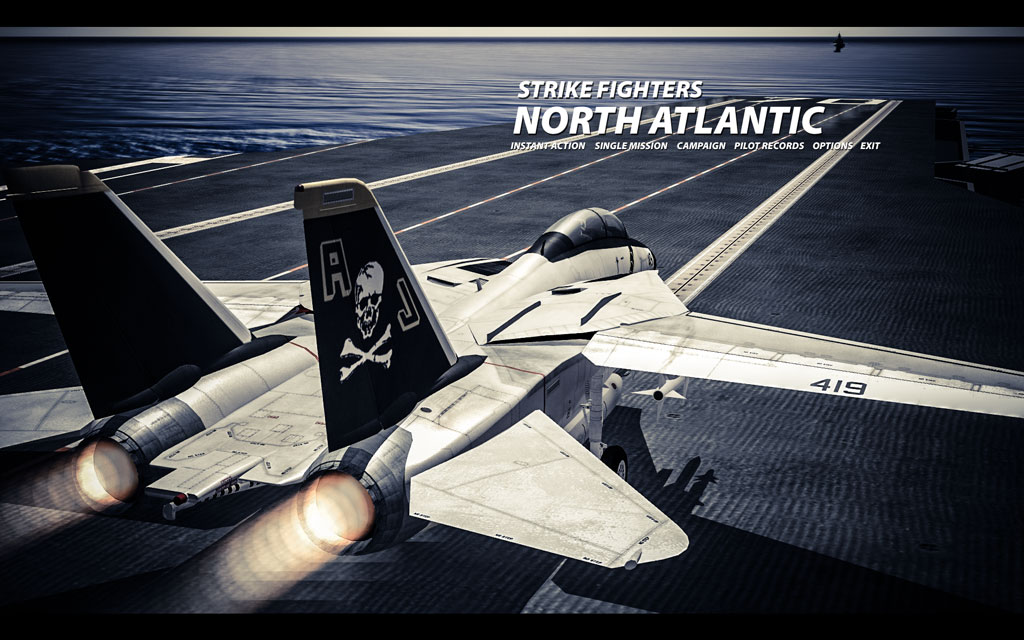

-
Well, if you mean the official set that shipped with WOE, I still have all the original files
-
 4:3 only at the moment - problem with ws is all the different resolutions; for instance, my lcd has a 1920x1200 resolution. It would be interesting to see some statistics for SF2, like Steam does.
 -
Thanks guys. Updated some more oldies.
-
View File SF2 - USNF - Mainscreen My USNF '97 style mainscreens, updated for SF2. Includes ATF, USMC, USNF and USAF variants. No other menu screens included. Includes installation instructions. Submitter kout Submitted 01/29/2012 Category Menus
-
Version v1.00
156 downloads
My USNF '97 style mainscreens, updated for SF2. Includes ATF, USMC, USNF and USAF variants. No other menu screens included. Includes installation instructions. -
View File SF2 - Korea - Mainscreen Update of my Korean conflict mainscreen for SF1. Installation instructions included. Let me know if you encounter any bugs. Submitter kout Submitted 01/21/2012 Category Menus
-

Version v1.00
137 downloads
Update of my Korean conflict mainscreen for SF1. Installation instructions included. Let me know if you encounter any bugs. -
View File SF2 - Wings over Israel - Mainscreen This is an update of my mainscreen for the SF1 version of WOI. 1024x768. Two variants. Installation instructions included. Let me know any bugs/issues you encounter. Submitter kout Submitted 01/21/2012 Category Menus
-

Version v1.00
147 downloads
This is an update of my mainscreen for the SF1 version of WOI. 1024x768. Two variants. Installation instructions included. Let me know any bugs/issues you encounter.
