fallout3
-
Posts
63 -
Joined
-
Last visited
Content Type
Profiles
Forums
Gallery
Downloads
Store
Everything posted by fallout3
-

577 downloads
J-5 of the PLAAF,maybe I will make a seprated MiG-17F with some changes in the 3D model soon. Important note! Don`t use this addon for any commercial use,or any use against China or the PLA and so on. You can make skins for this aircraft freely,but if you post this addon to other places,please announce that it is made by fallout3 from CombatACE and the insky forum. If you want to modify and upload it,please ask for my permission by the CombatACE forum message. Important installation notes. I used the ww2pilot as default. F-16 AB effects needed Drop the original skins of the default MiG-17F to the skin folder. MiG-17 seat needed. Cockpit files are not included,and I suggest you use the MiG-17F cockpit on CombatACE. And by the way,use the tailhook key to open the canopy. The J-5A/MiG-17PF and JJ-5 will be released soon! Happy hunting then,Thanks. -
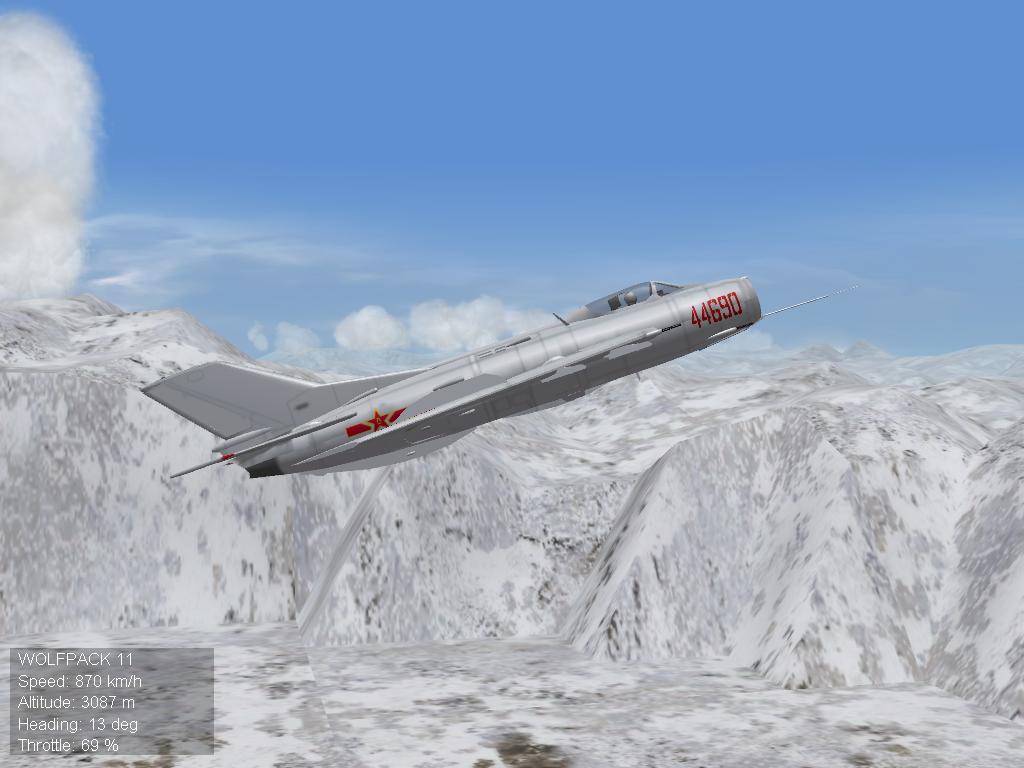
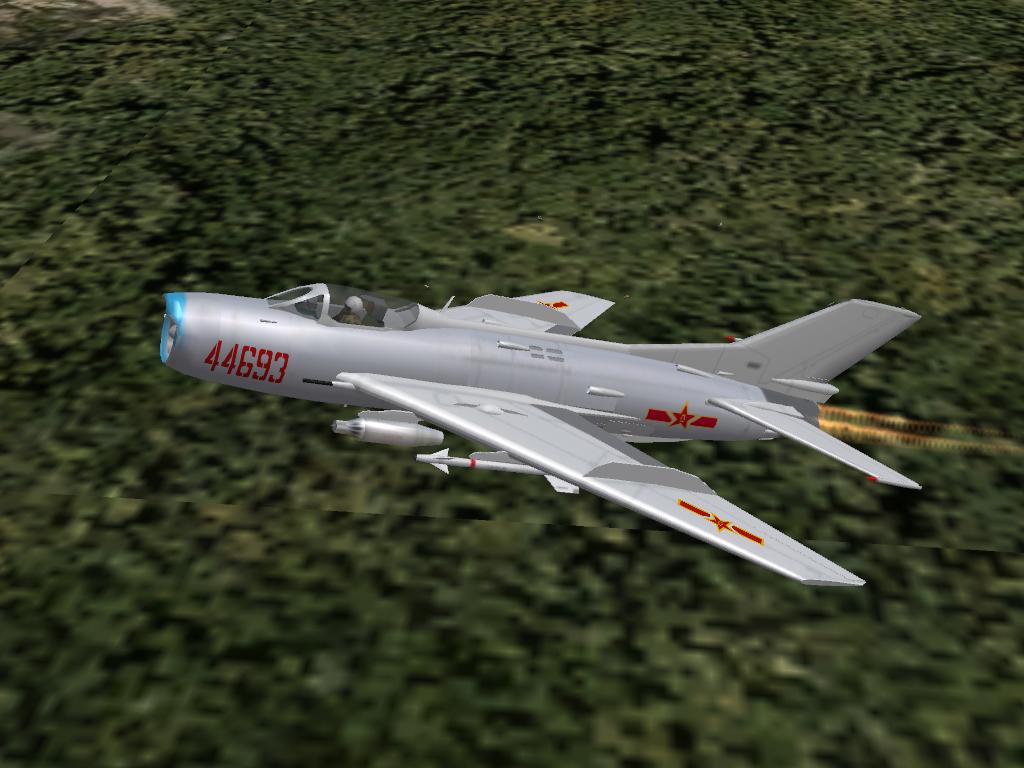
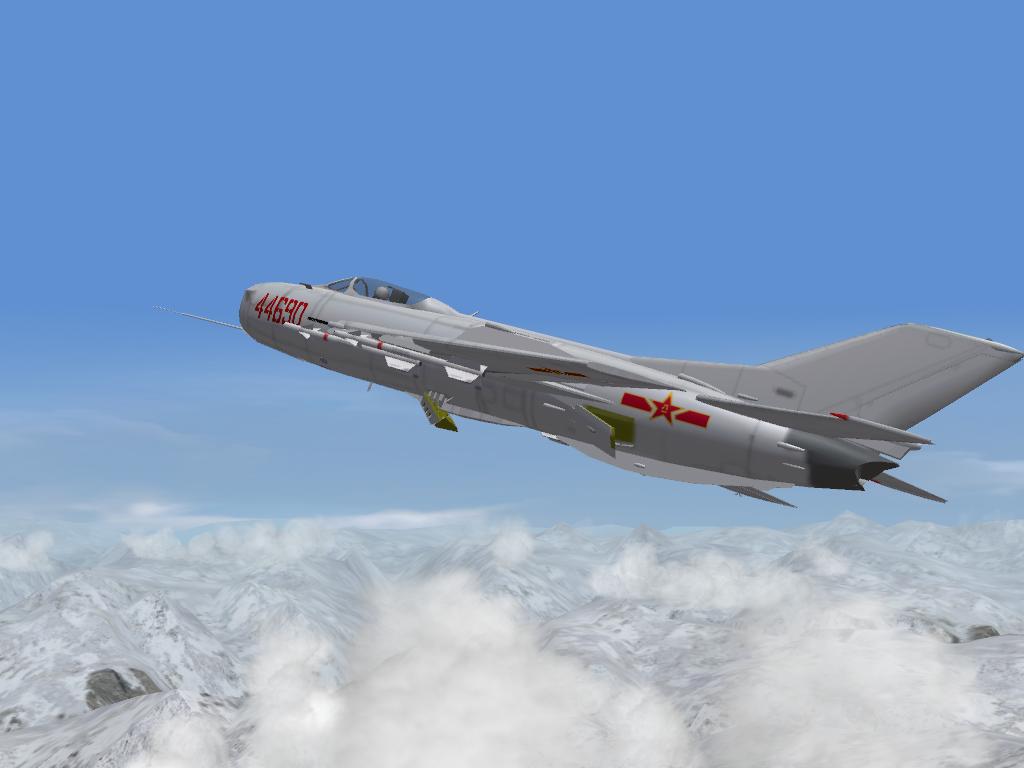
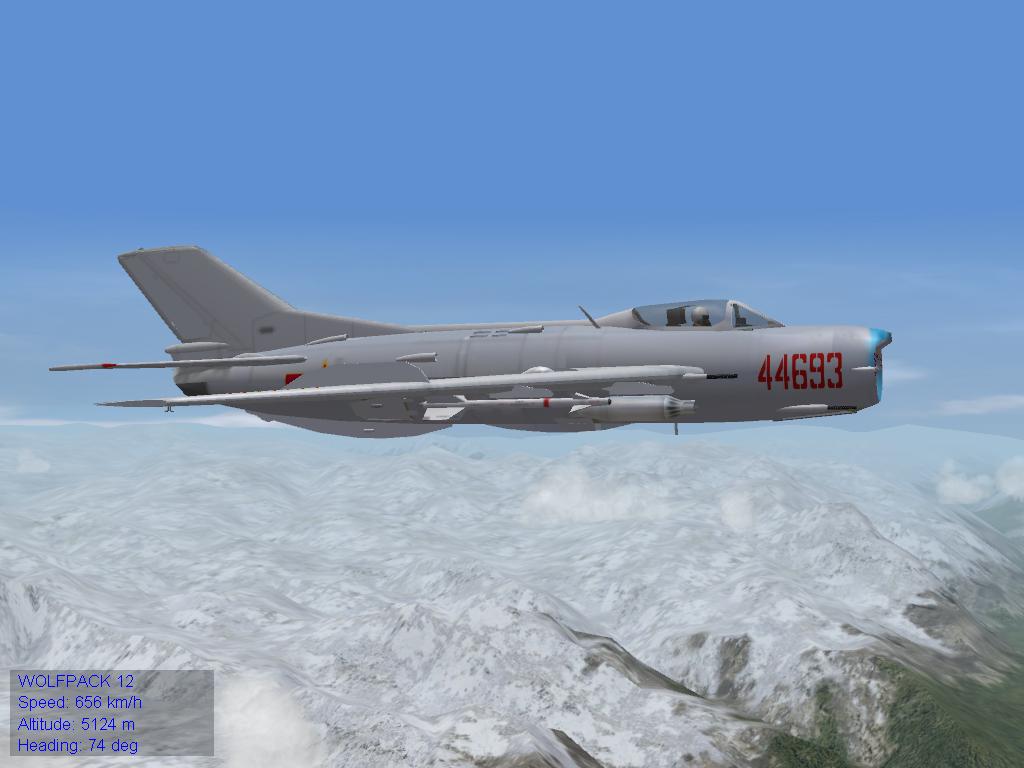
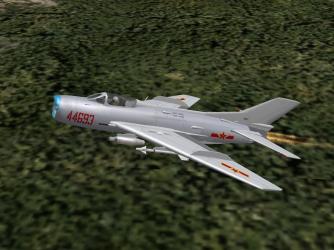
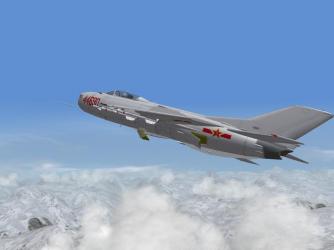
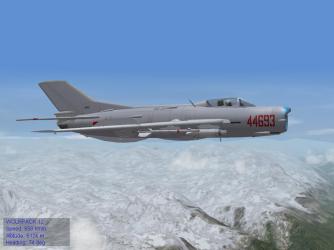
I decided to make the full series of the J-6/MiG-19s,and the nose of this J-6A is correct.It has a completely new 3D model made by me. And generally speaking,the J-6s are no copy of the MiG-19.Many improvements and varitions.
-
J-6 fighters of the PLAAF. Some WIP pics here.

-
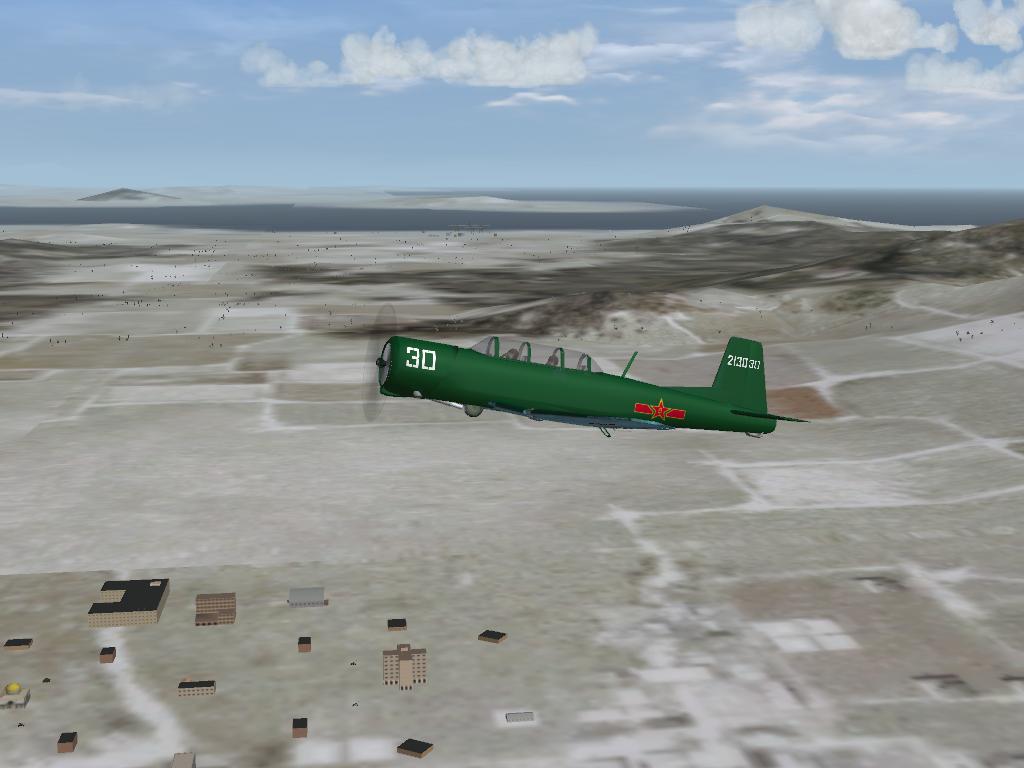
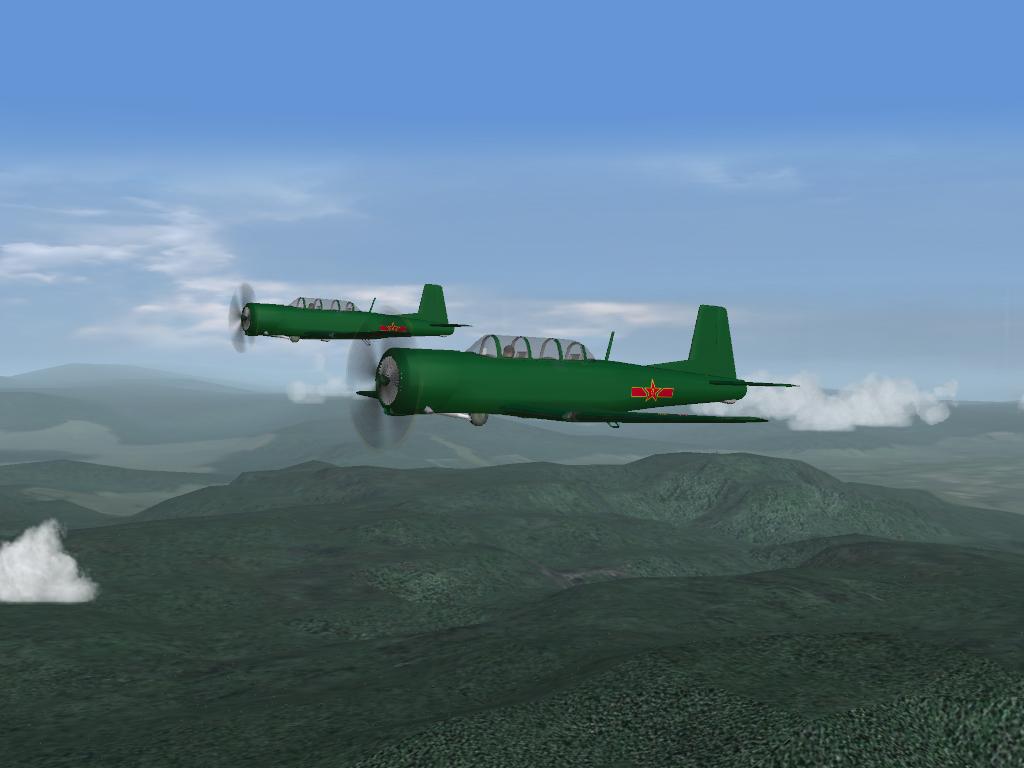
I saw a DPRK stamp in a magazine,the CJ-6s in it seemed to be common CJ-6 trainers. Maybe some armed CJ-6s were sold to DPRK,and was thought to be Yaks. But it seemed that DPRK do use normal CJ-6s as trainers.
-
The DPRK has CJ-6s.But I don`t know whether they are armed.
-
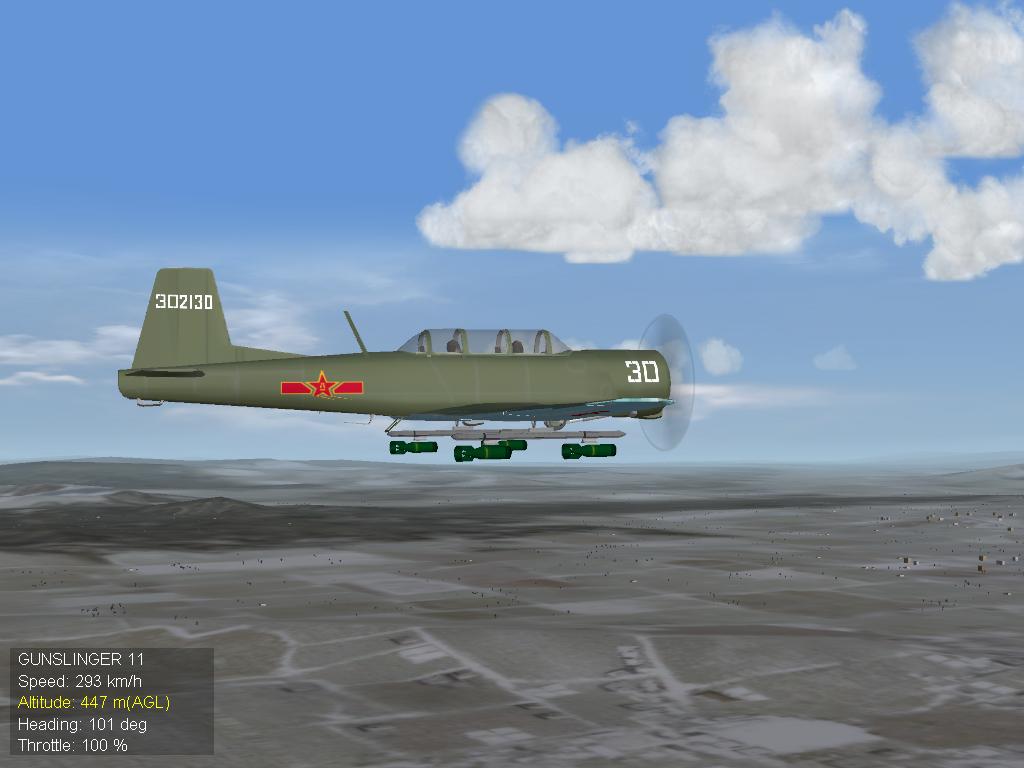
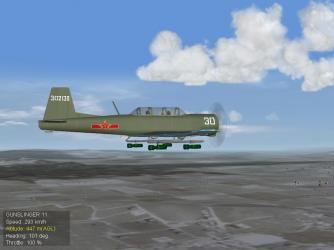
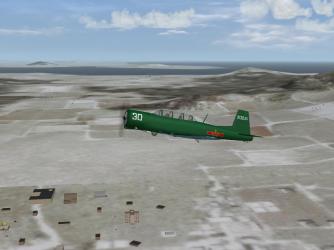
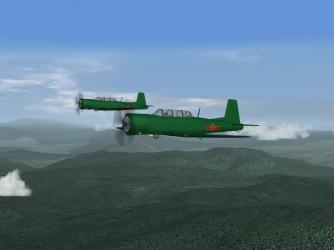
CJ-6A(Trainer) and CJ-6B(ARMED type),coming soon!
-
Thanks!
-
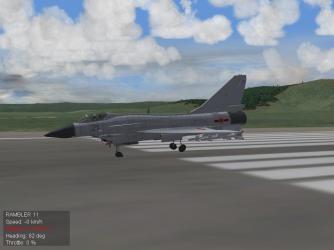
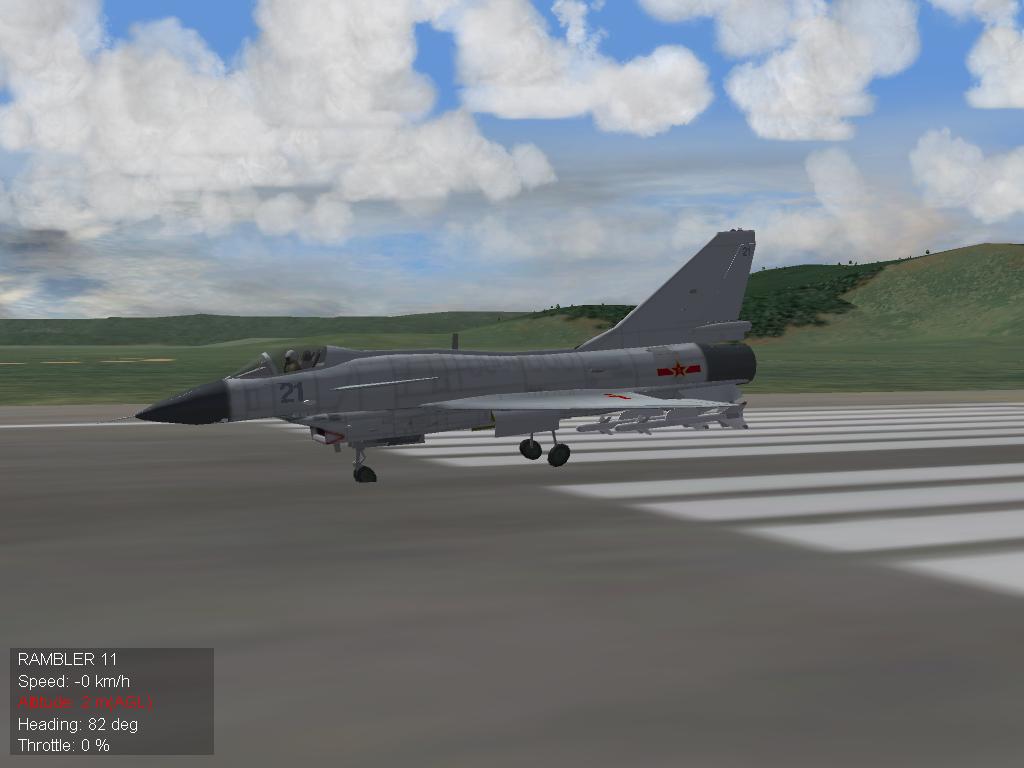
I am making the J-10.But I found that the landing gear cannot be displayed correctly in the game,and other aircrafts I made don`t have this problem.You can see it in the screenshot. And I use the following set [NoseGear] SystemType=LANDING_GEAR Retractable=TRUE DeployTime=3.0 AnimationID=1 DragArea=0.35 HideGearNode=TRUE ModelNodeName=NoseGearStrut InsideNodeName=FrontBay ShockAnimationID=2 ShockStroke=0.15 SpringFactor=0.55 DampingFactor=2.90 WheelNodeName=NoseGearTire RotationAxis=Z-AXIS RollingRadius=0.18 CastoringWheel=FALSE CastoringNodeName=NoseGearHydraulics Steerable=TRUE MaxSteeringSpeed=45 Locking=FALSE MaxSteeringAngle=32.0 InputName=YAW_CONTROL ControlRate=0.8 HasBrakes=FALSE RollingCoefficient=0.05 MaxDeploySpeed=220 MaxLoadFactor=9.0 CompressGearOnRetraction=TRUE [LeftMainGear] SystemType=LANDING_GEAR Retractable=TRUE DeployTime=3.0 AnimationID=1 DragArea=0.45 HideGearNode=FALSE ModelNodeName=LeftMainGearStrut ShockNodeName=LeftMainGearHydraulics ShockStroke=0.3 SpringFactor=4.0 DampingFactor=3.0 WheelNodeName=LeftTire RotationAxis=Z-AXIS RollingRadius=0.6 CastoringWheel=FALSE CastoringNodeName= HasBrakes=TRUE BrakingCoefficient=0.8 RollingCoefficient=0.05 MaxDeploySpeed=220 MaxLoadFactor=9.0 [RightMainGear] SystemType=LANDING_GEAR Retractable=TRUE DeployTime=3.0 AnimationID=1 DragArea=0.45 HideGearNode=FALSE ModelNodeName=RightMainGearStrut ShockNodeName=RightMainGearHydraulics ShockStroke=0.3 SpringFactor=4.0 DampingFactor=3.0 WheelNodeName=RightTire RotationAxis=Z-AXIS ReverseModelOrientation=TRUE RollingRadius=0.6 CastoringWheel=FALSE CastoringNodeName= HasBrakes=TRUE BrakingCoefficient=0.8 RollingCoefficient=0.05 MaxDeploySpeed=220 MaxLoadFactor=9.0 The mesh of the parts are correct.And I set the animations TCB.but not the wheel.Because the wheels have no animation.Could there be any mistakes in setting the pivot point and axis? By the way,how do you make animated AfterBurner nozzles? Can anyone help me with this problem? Thanks in advance.