
jeanba
-
Posts
3,603 -
Joined
-
Last visited
-
Days Won
19
Content Type
Profiles
Forums
Gallery
Downloads
Store
Everything posted by jeanba
-
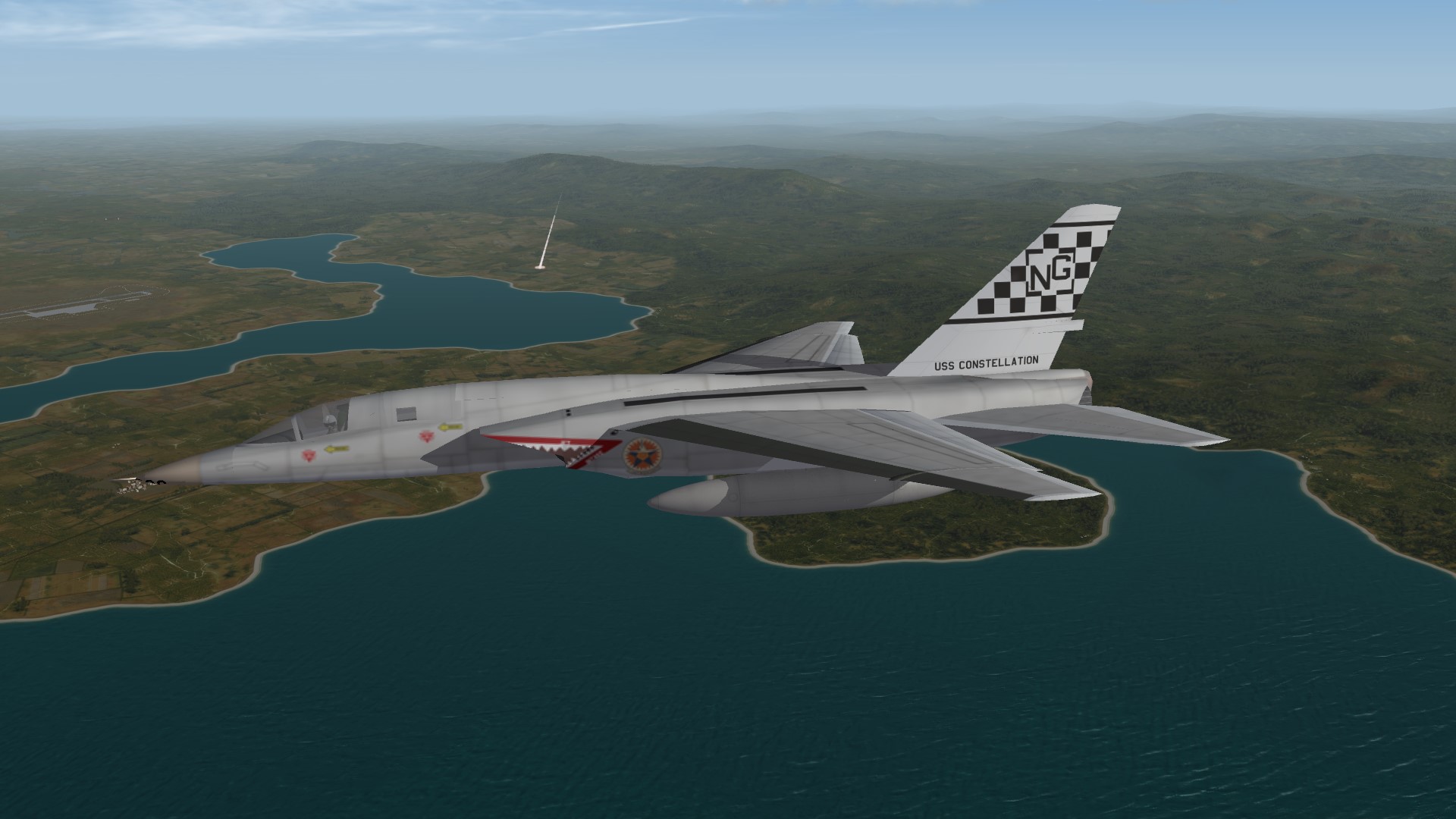
From the album: SF2V
-
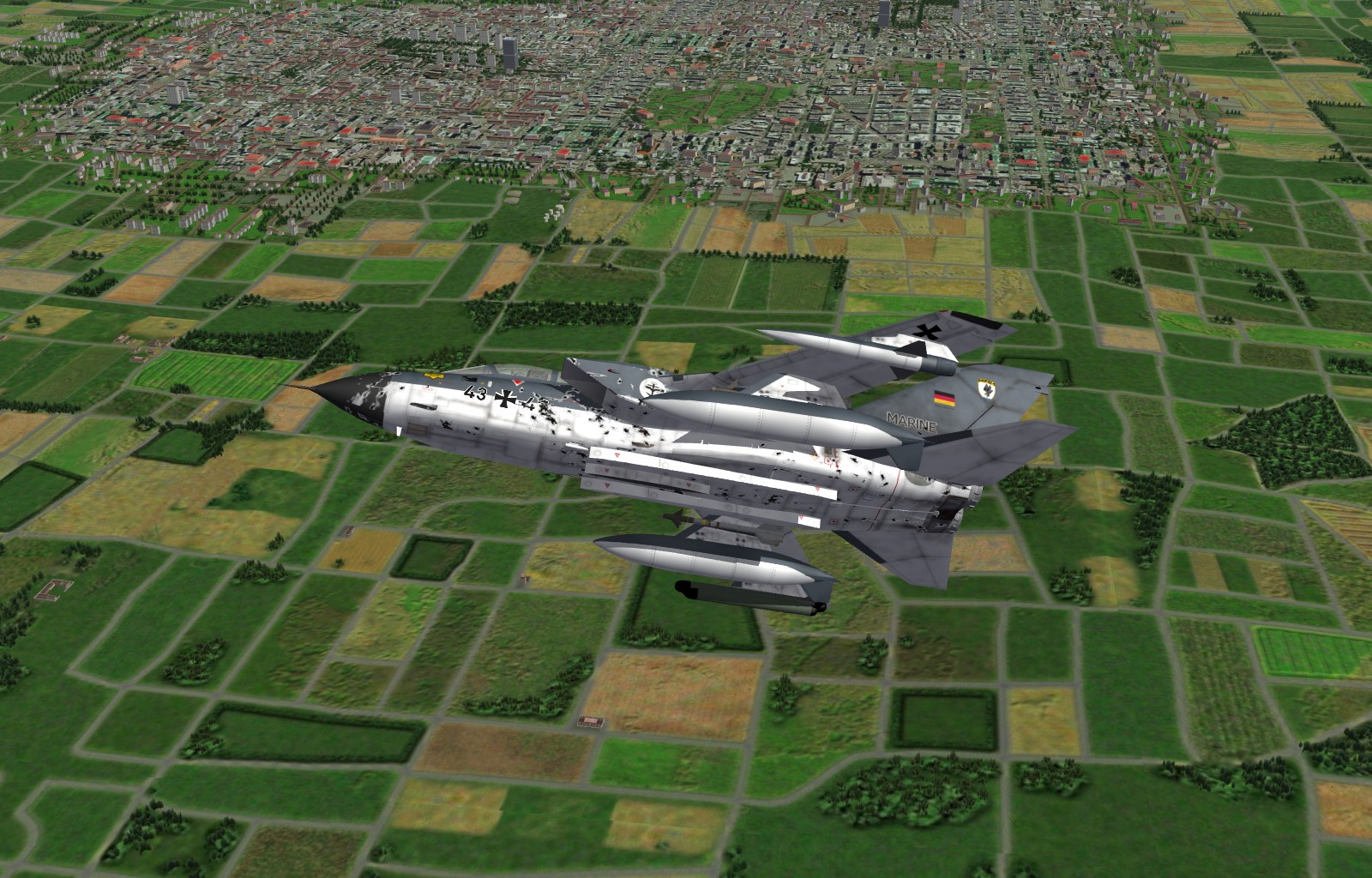
From the album: sf2:europe
-
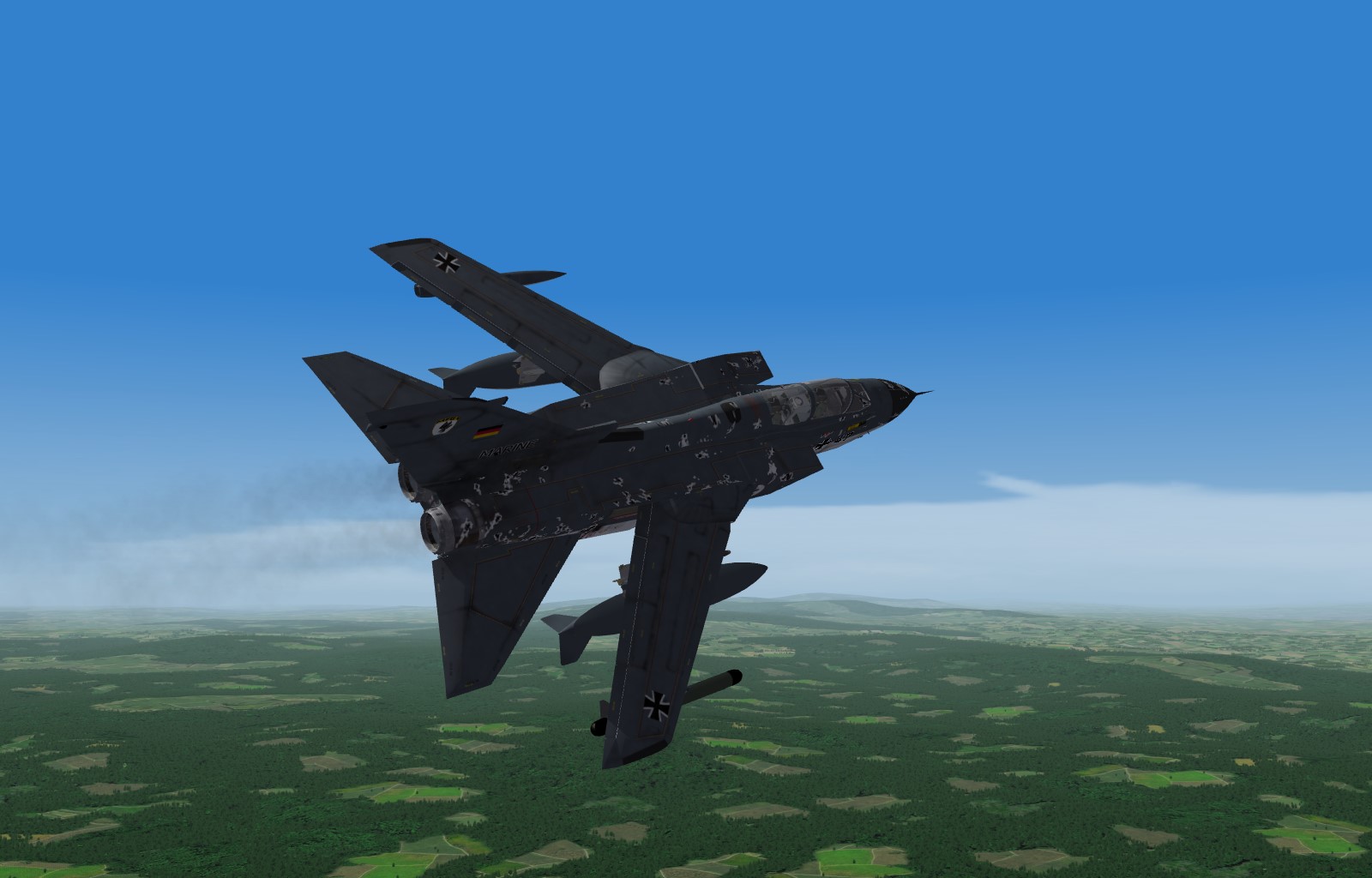
From the album: sf2:europe
-
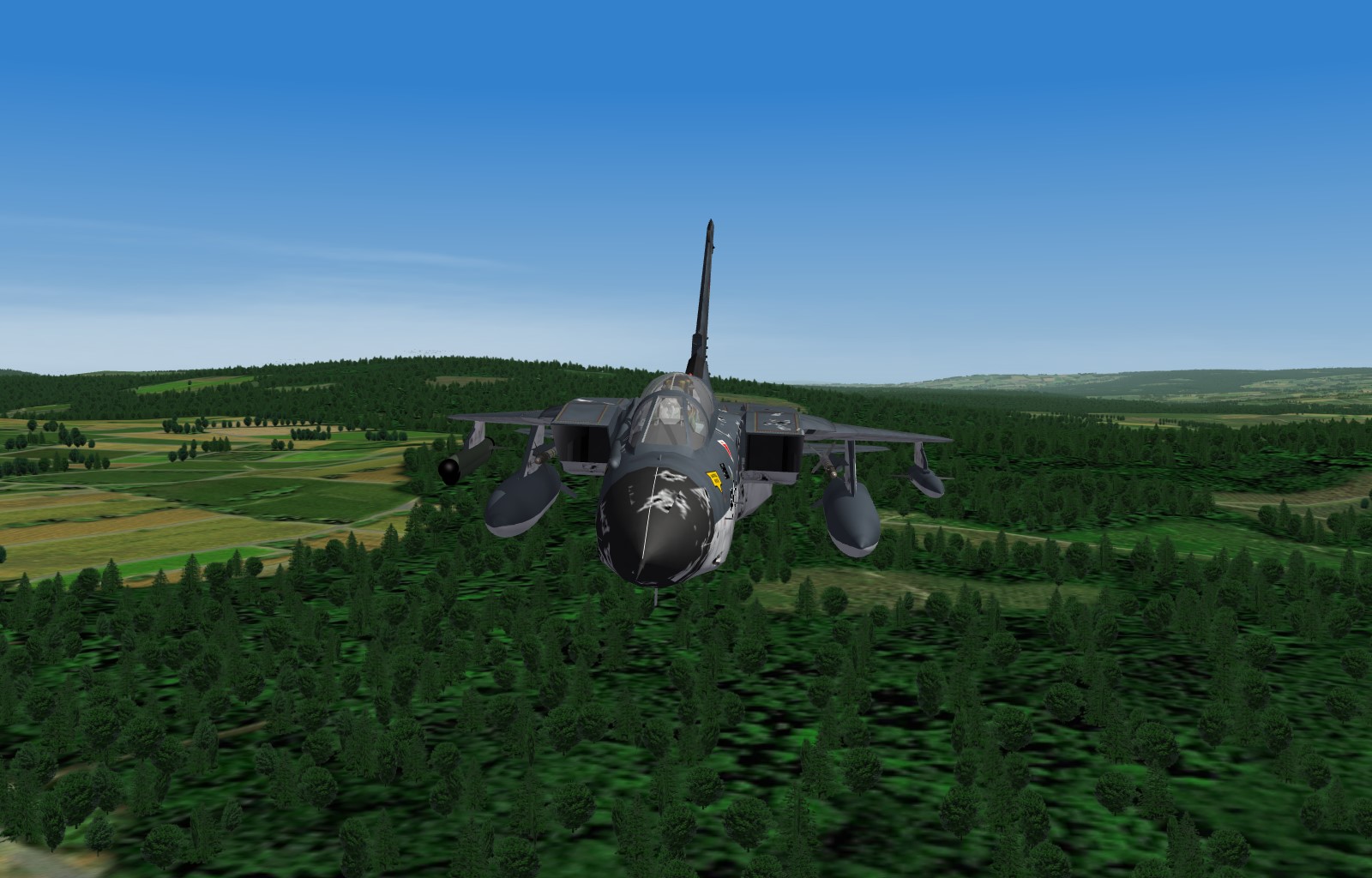
From the album: sf2:europe
-

From the album: sf2:europe
-
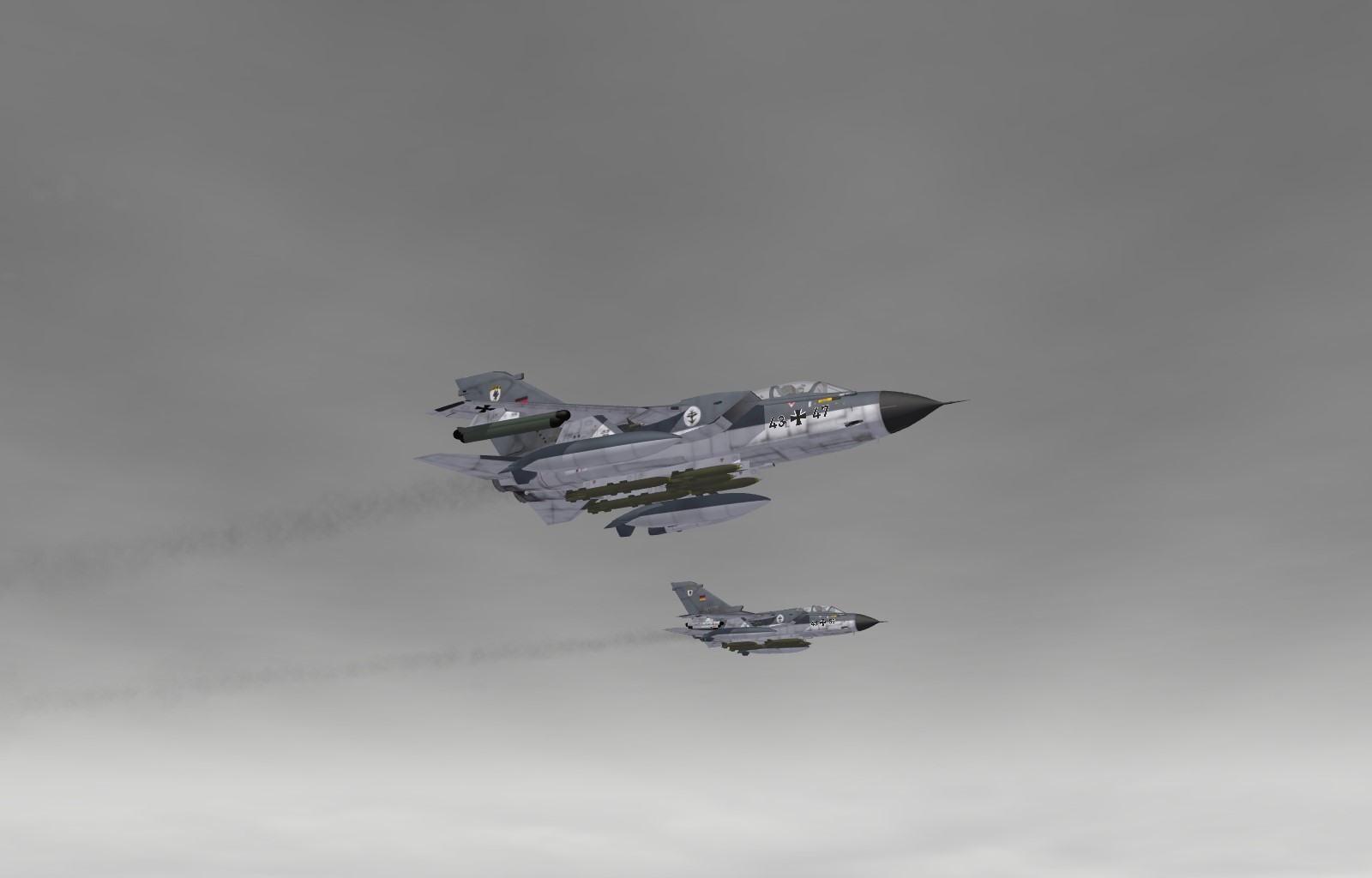
From the album: sf2:europe
-
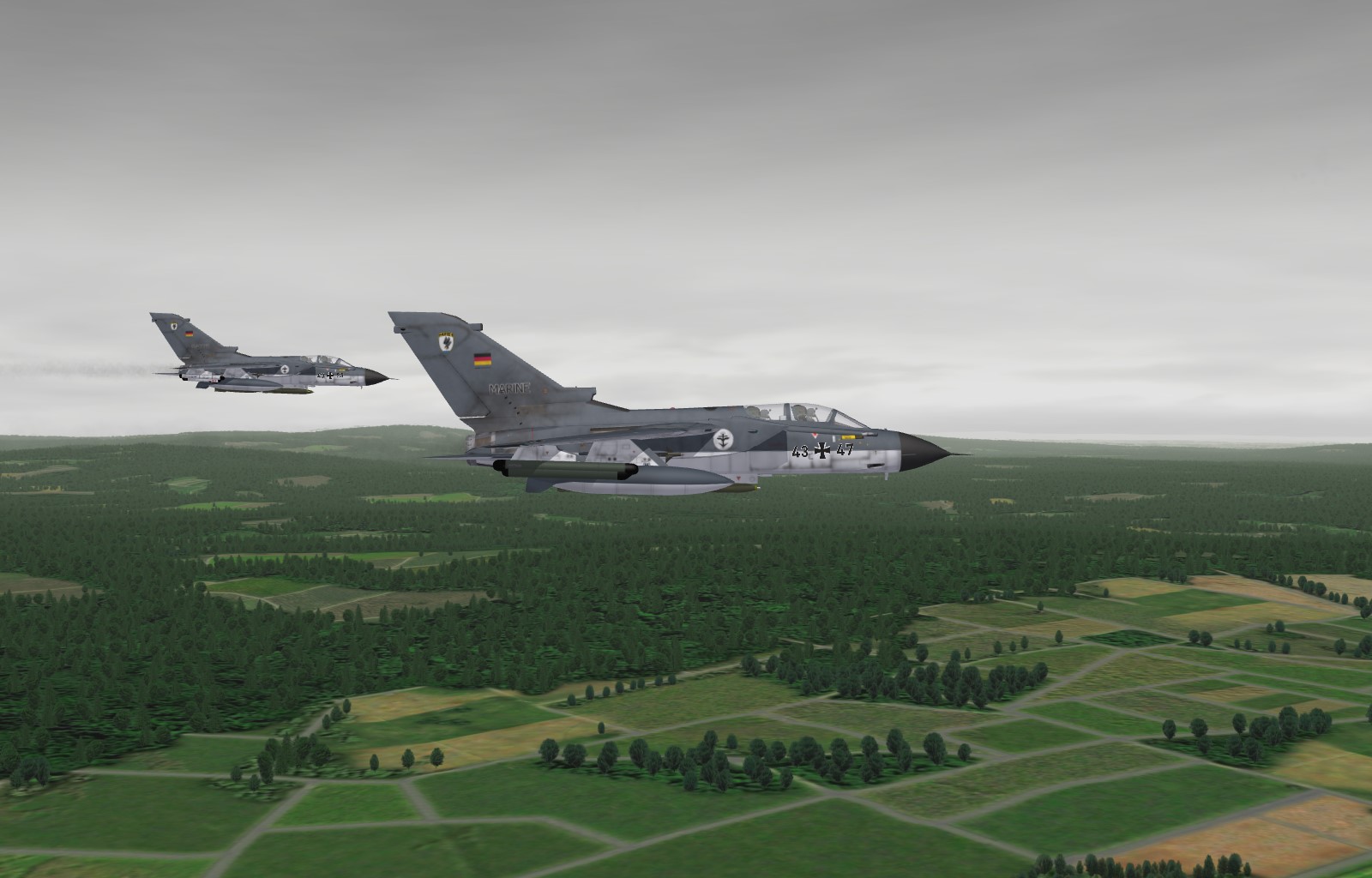
From the album: sf2:europe
-
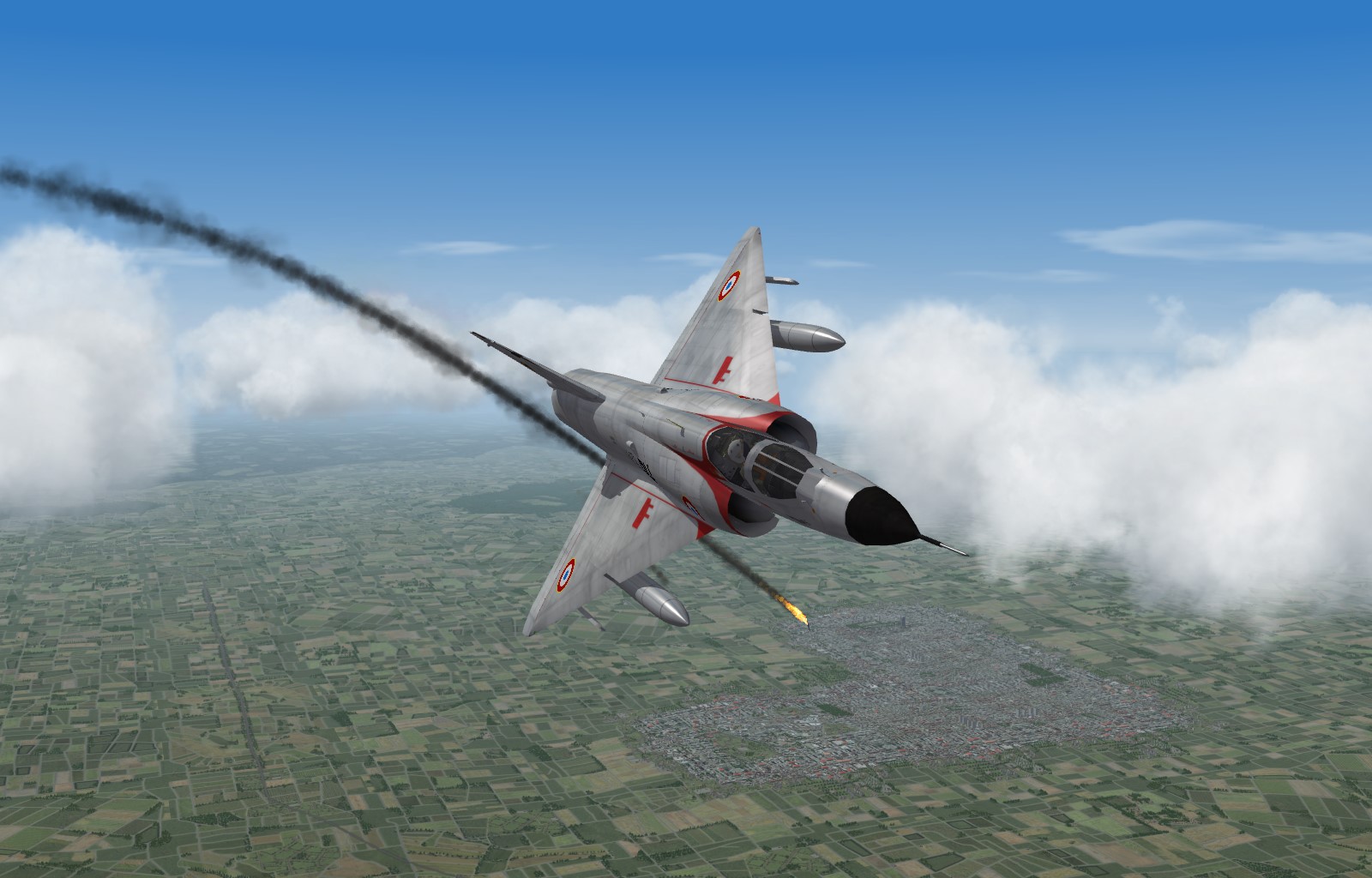
From the album: sf2:europe
-

From the album: sf2:europe
-
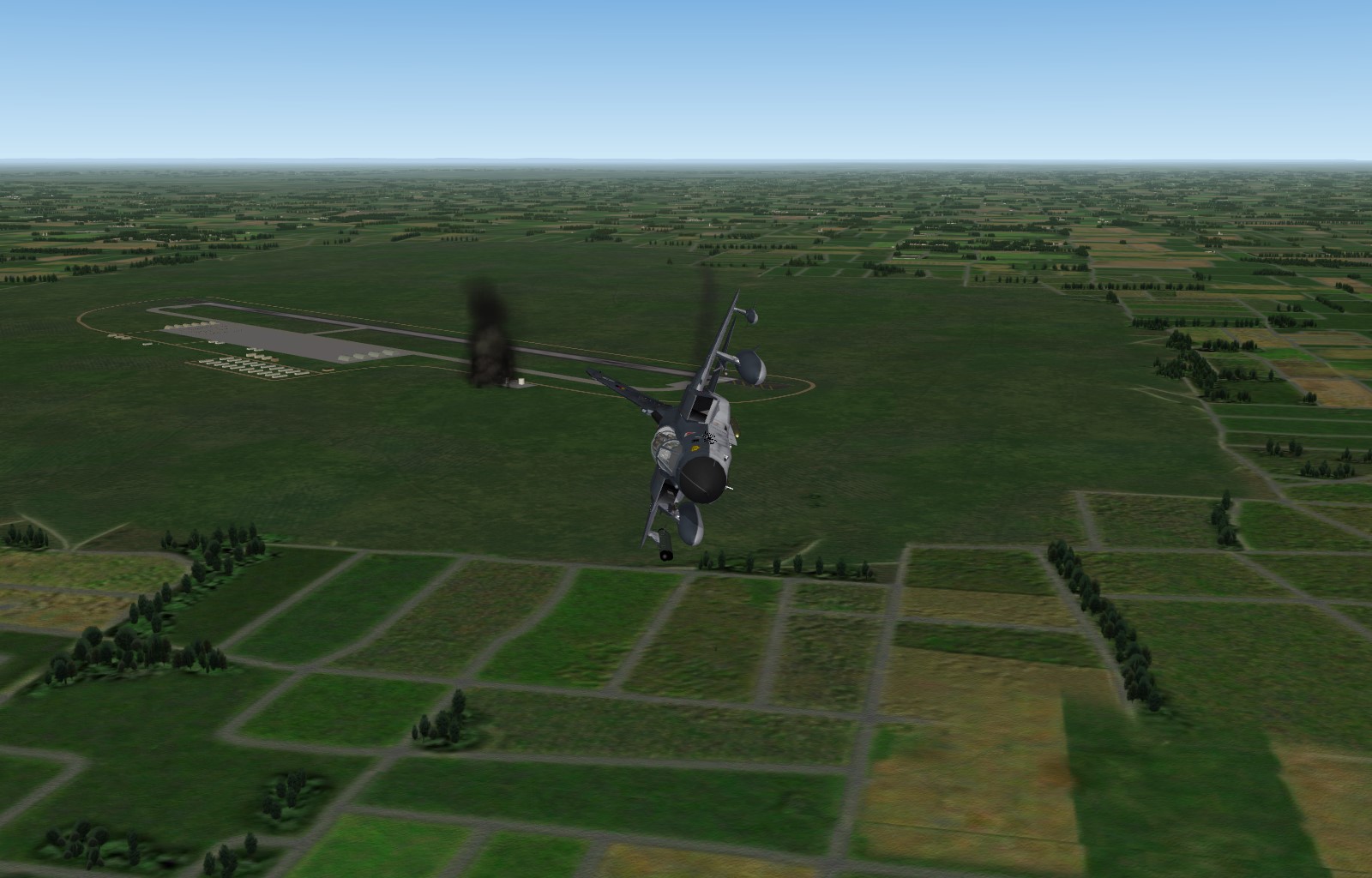
From the album: sf2:europe
-
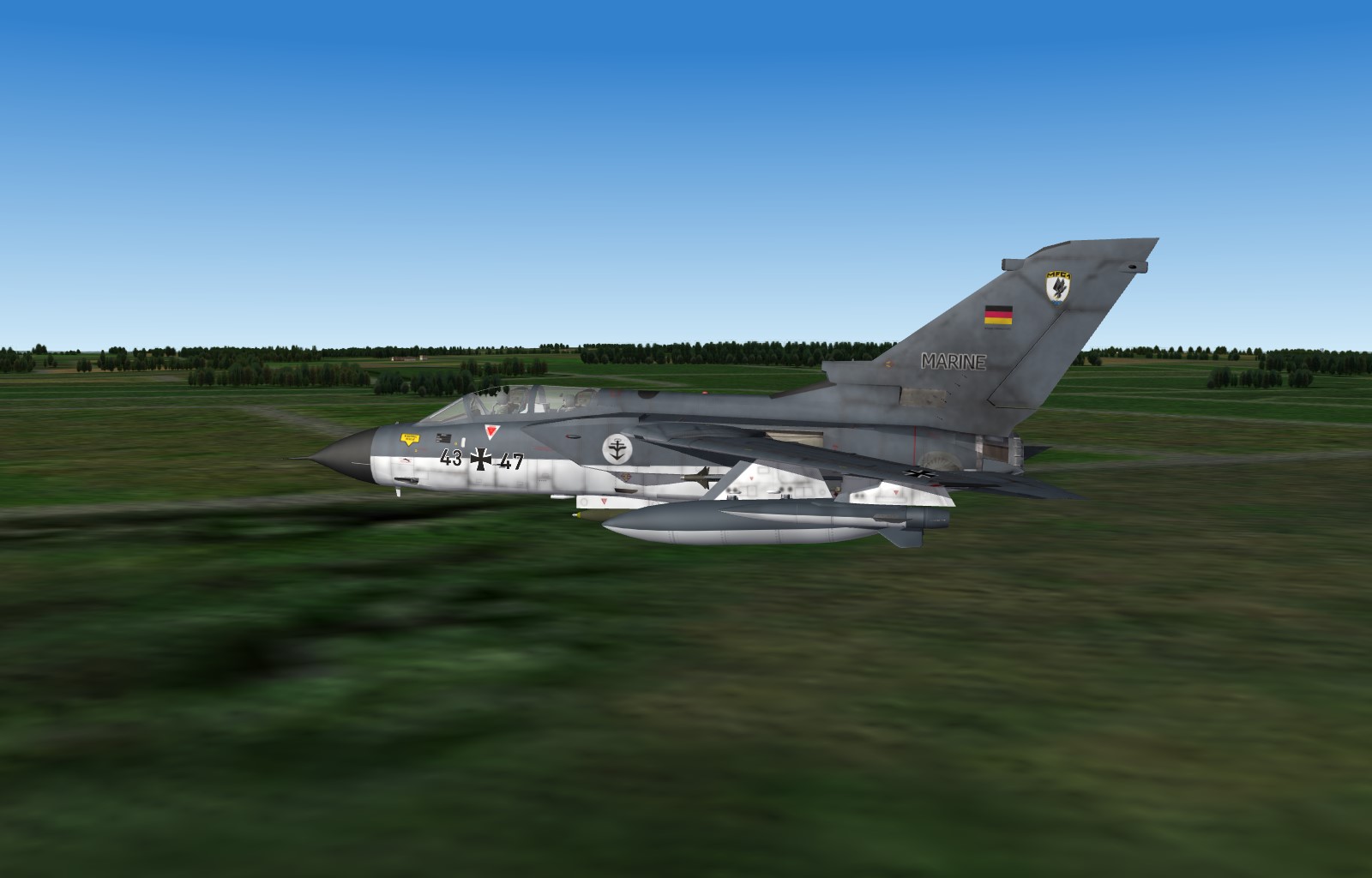
From the album: sf2:europe
-
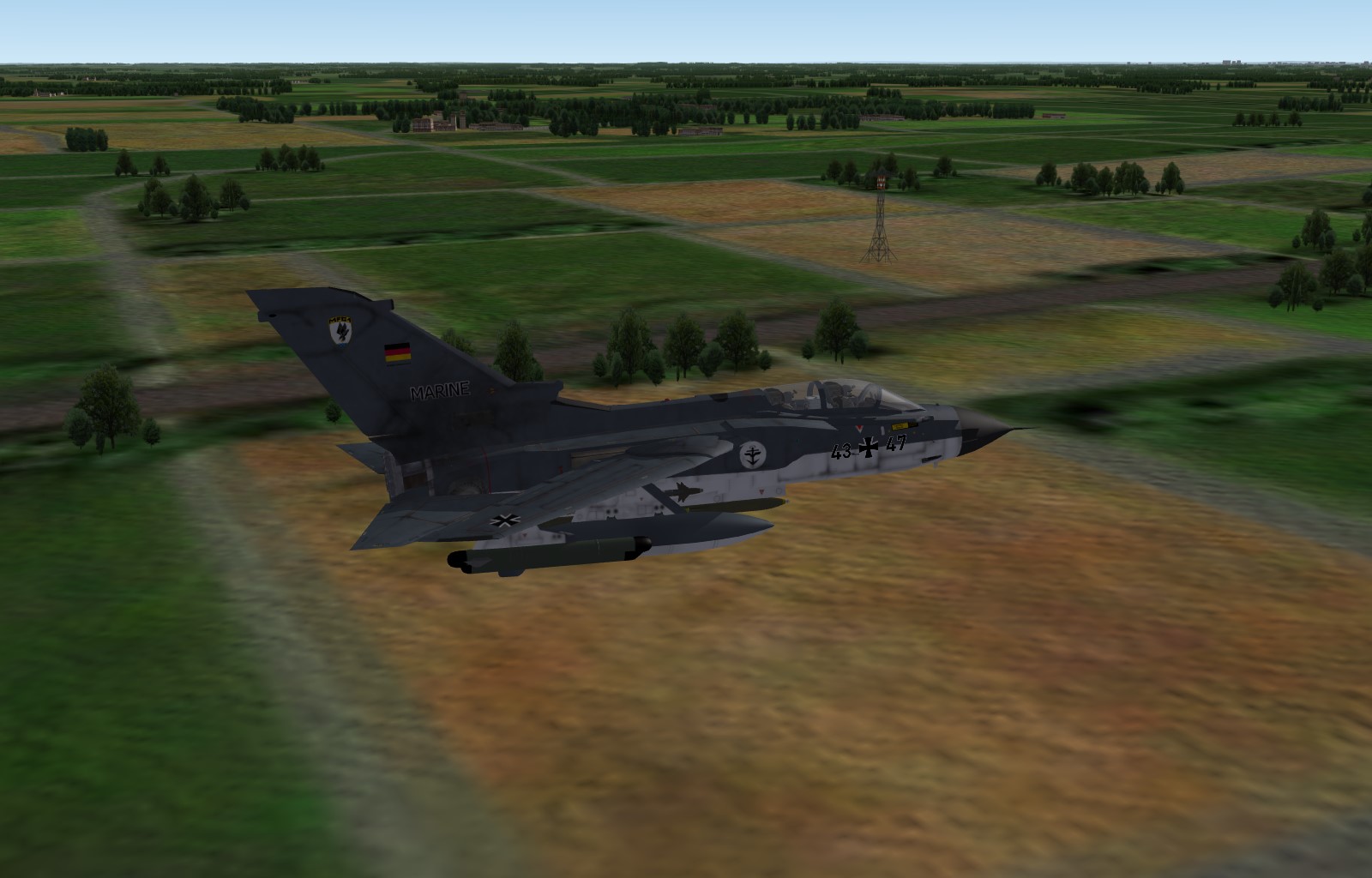
From the album: sf2:europe
-
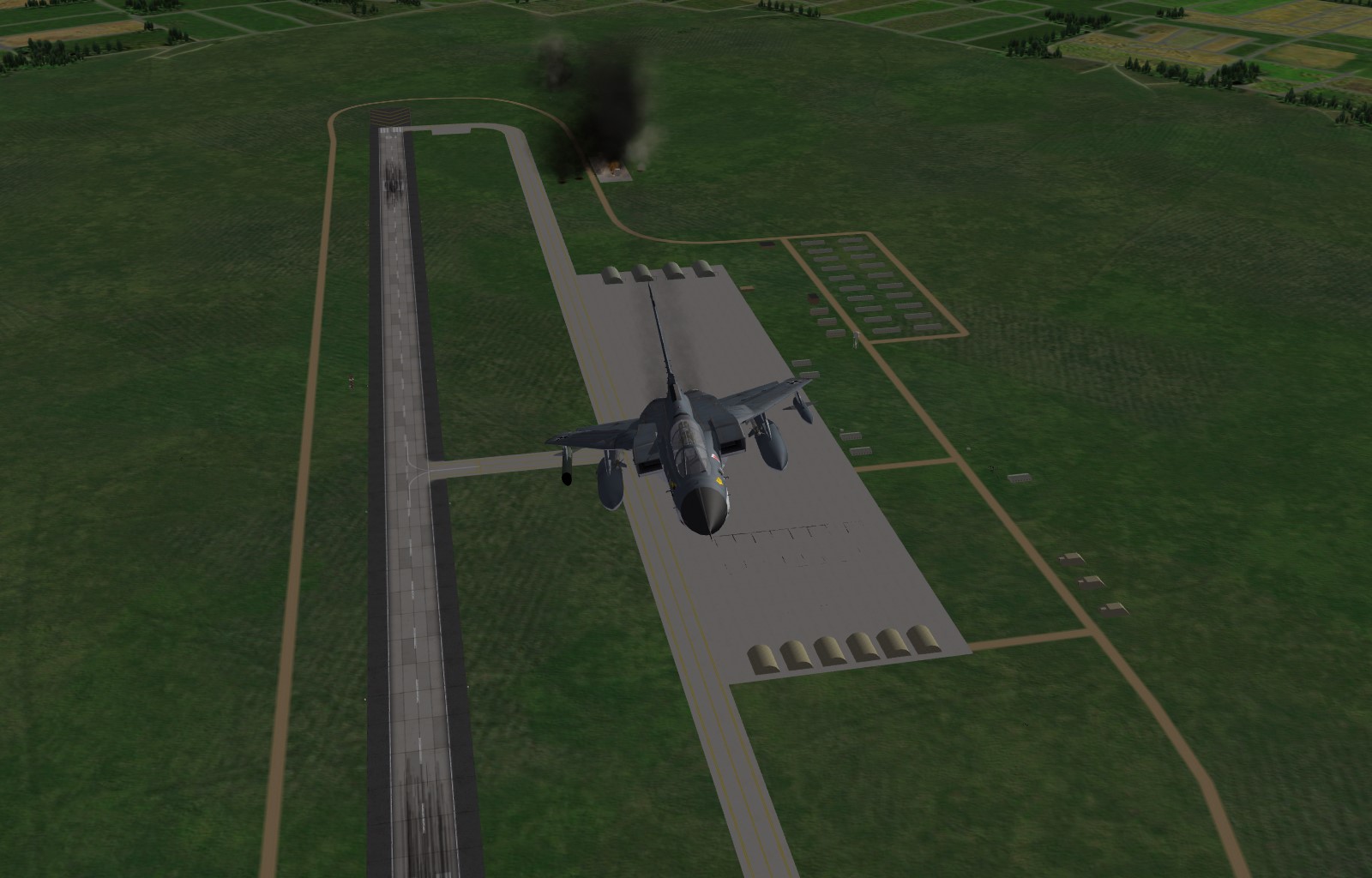
From the album: sf2:europe
-
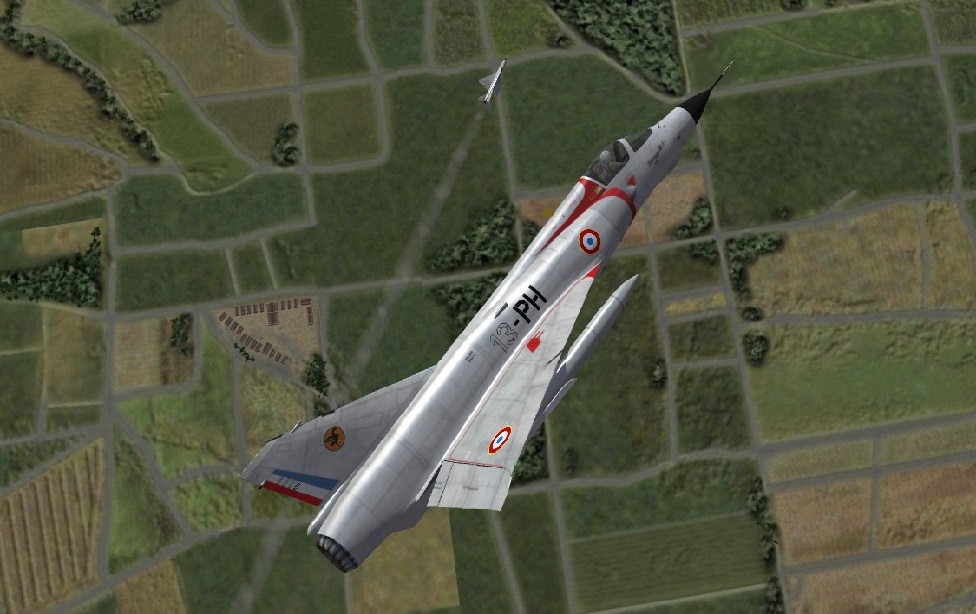
From the album: sf2:europe
-
Maybe worth trying ?
-
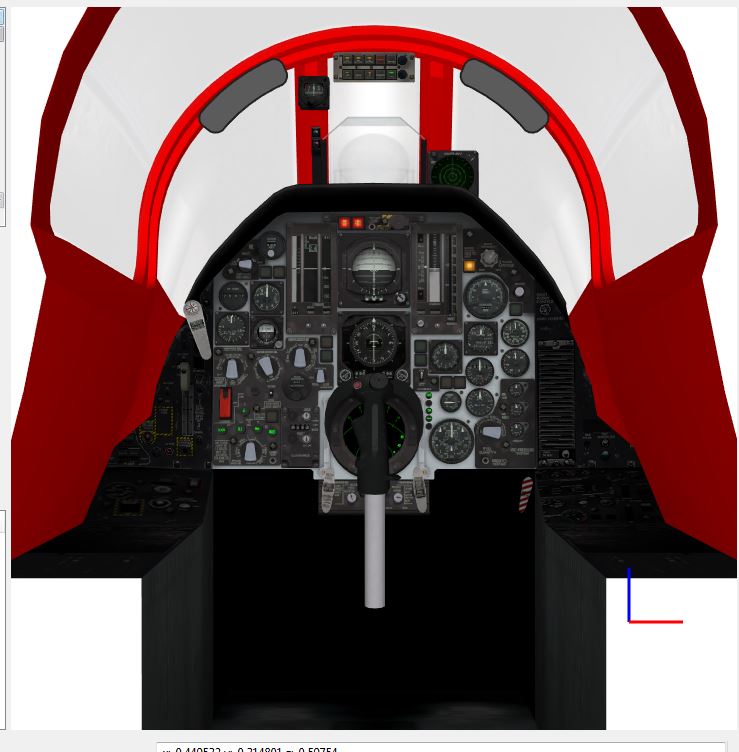
Thank you, it works very well Unfortunatly, I cannot separate the vertical frames from the global one : Anyway, I am happy I have learnt how to do it :)
-
From the album: Jeanba's album
-
I will check, thank you :)
-
I cannot extract the F105_66 lod, so I cannot use Lod Viewer :( Unless I missed something ? Is what you show a workaround to get it ?
-

From the album: scandinavia
-
Thank you I found my problem : I was checking the wrong load.ini Unfortunatly, the right .ini is f105d_66.lod, which is crypted, so I cannot get the name of the frames :(
-
I need to recheck, it does not seem to work :( Thank you anyway Here is what I wrote : [Hideleft] Type=AIRSPEED_INDICATOR NodeName=Cylinder52 MovementType=POSITION_Y Set[01].Position=-100 Set[01].Value=0.0 Set[02].Position=-99 Set[02].Value=1.0 [Hideright] Type=AIRSPEED_INDICATOR NodeName=Cylinder26 MovementType=POSITION_Y Set[01].Position=-100 Set[01].Value=0.0 Set[02].Position=-99 Set[02].Value=1.0
-
Thank you What shall I put as "Type" in mycase ?