


RAVEN
-
Posts
1,545 -
Joined
-
Last visited
-
Days Won
1
Content Type
Profiles
Forums
Gallery
Downloads
Store
Posts posted by RAVEN
-
-
I'm running win 7-64 and I had to install DX9 for another 32bit program to run on it. Don't know if will fix your error, but it fixed mine.
-
When I was in Highschool I could fill my motorcycle for 0.80 cents with premium. I sold LowLead at the Gulf station I worked at for 0.24 cents a gallon. Now I walk to work. Yup things are better.
-
The method I used will let you select the proper rack and it doesn't have to be defined in the loadeout.ini, but I ran into problems with other weapons of the same type. And it gets worse if the rack or weapon type can be carried on multiple pylons.
-
I've done it using 'SpecificStationCode' I duplicated the weapons rack, changed the name and gave it a code. Then had to add a weapons station to the aircraft _Data.ini with just that AlowedWeaponsClass and the same code. Then added it all to the loadeout.ini. It's a lot of editing,but it works.
I forgot to add that the fun part is making sure it doesn't mess up the other weapons of the same type that the aircraft can carry.
-
As a test I created a blank texttur (4096x4096) Gave it the correct name. Selected show all nodes and Exported as a .jpg.
Result, Large clean UV Map. A skinning we will go!
-
Sweet, Raven like!
-
Geezer, Im a little confused. I thought that just the maps (Land scale) were 63% and the Terrian objects were full scale. I've never looked into it, I dont do maps, but I woul like to know the correct scale of things.
-
Just noticed, ANSI .lod's will load Ok when lod is selected by lod or ini in a temp folder with no cat pointer. Pre extracted UNICODE lod's won't lode at all. mue I know your working hard to get your program to run for everyone, Thanks. If you get the time can you look into it.
-
Mue. Could you paste the path to the cat your using and are you opening the files from the main install or the user files?
-
All of my cat files are pre 2013 and I can't open any of them.
-
Just had a thought, you're using OpenGL, correct? I'll try to tweek my driver settings in control center and let you know the results. Right now, I'm off to work.
-
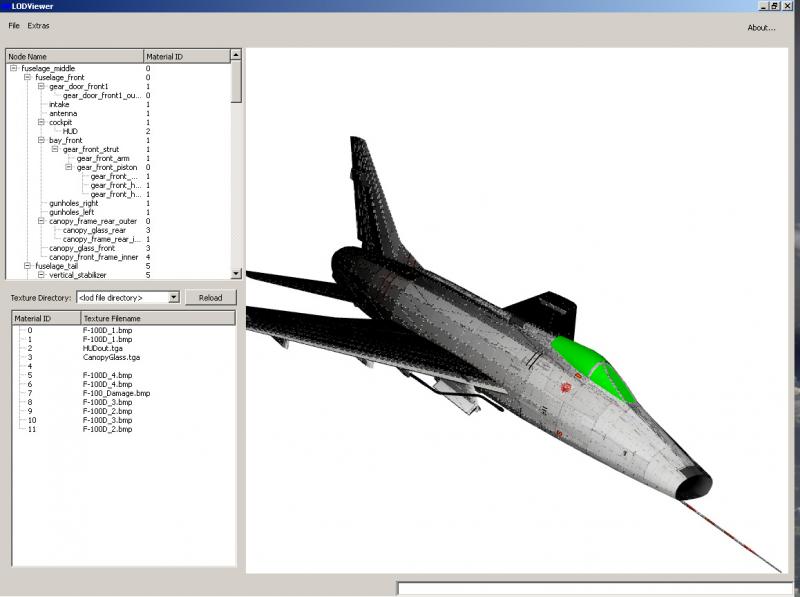
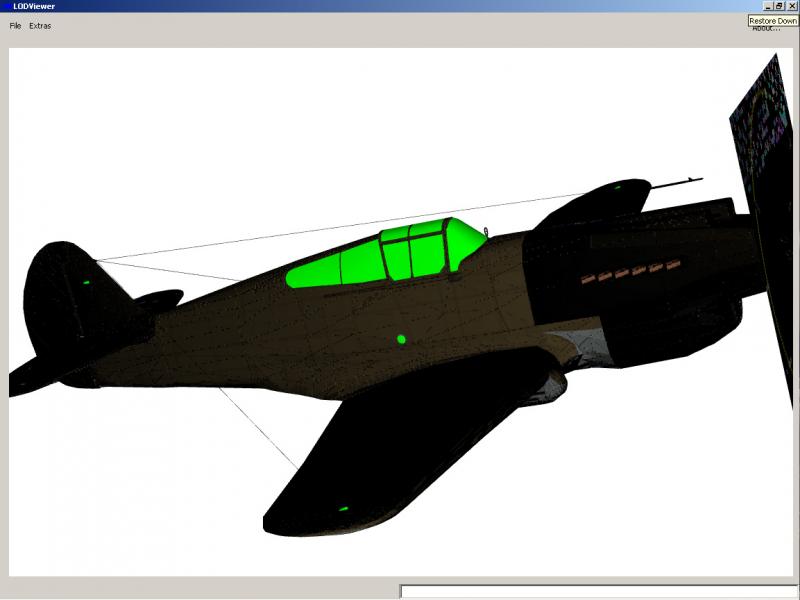
I tested it with XP (ATI 4650 1GB AGP) Program runs. i'm getting some strange textures, but for meshes and UV's it works great.
-
Just to let you know the V0.1.2 worked fine on my laptop, Textures were nice and clear. My only wish is that your program worked with Win XP, but i just swap stuff via Flash drive, so i can live with it. Keep up the good work and Thanks.
-
Anyone know if this drive is any good? I have a chance to pick one up for less then half the selling price. Just not sure if I should.
WD Black Duel Drive 120GB SSD /1TB HHD.
-
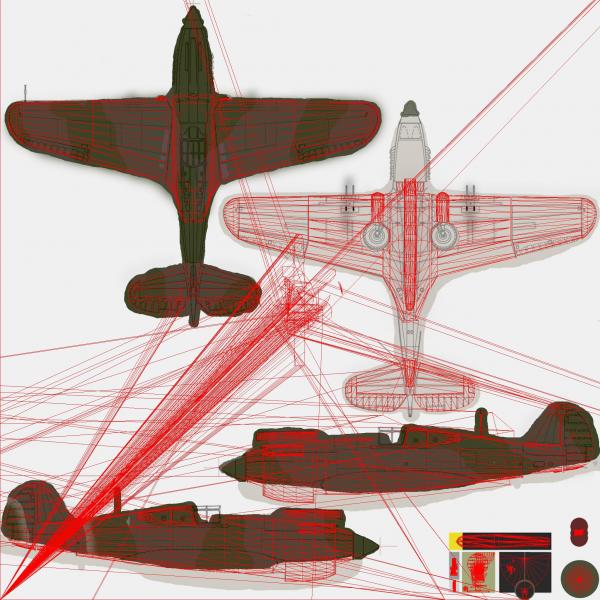
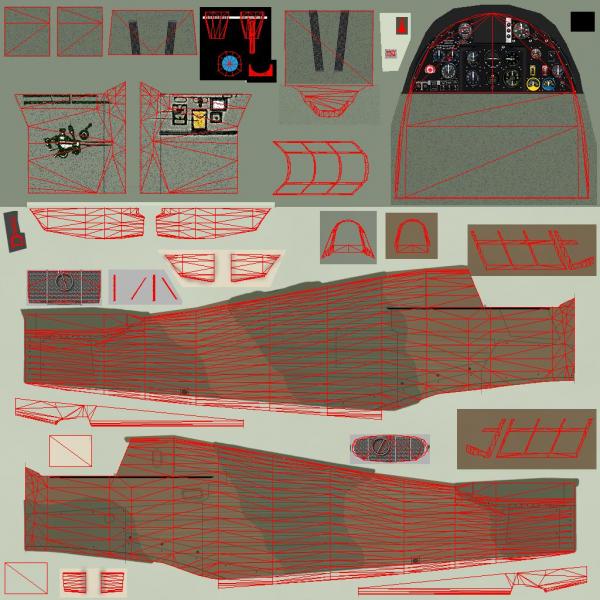
OK. I re-updated and everything works as far as the UV. In fact it even shows stray mapped mesh sections,(First Pic) I see this a lot when mapping using LilthUnwrap. haven't tried with the cat again yet. I'm using Intel® HD Graphics (Core i5) in my Laptop. Model is still black in the viewer.
-
Just thought I'd add I'm running Win 7 64. Reloaded program with out update, works same as before.
-
OK I copied in the update, now it only shows a black model, i tried .jpg,.bmp, no .ini / With the .ini. Put texture files in a folder with just the lod. Tried SF2 cats, 2009/ 2013, Still no textures. Left click won't select mesh. Click on Tree then can't deslect. Right click dose nothing.. So what am I missing or doing wrong. Cat pointer won't load .lod from cat file not sure if It can?
-
Just to let you know Erik. I can reach the site on my iPad Mini (iOS 8.1.2) and my PC ((Win XP /IE 8?) At the same time, no problem logged in. Although i can't go back and edit a post on the iPad. Strange.
-
Can't edit from this iPad Mini. I ment to say that I had to re-recover any zero length files one at a time into a temporary folder then paste them back after checking their kb or mb size.
-
recuva will let you recover entire folders at once, but I had to check for zero length files and recover those to a separate folder then paste them back in. Took me one day to recover 100 GB, but it was worth it.
-
I just went through a HD crash and now I Back up every time I mod or model, and once a week for everything. The program I used to recover the crashed drive was "recuva" ran it in windows XP and got everything except a few ,bmp's and a .mov file. The program is free and it's very good. It Works best if you only recover a few files at a time,
-
I really like Homeworld 2, but if it requires Steam. I'll pass.
-
I don't think she's a vergin.
-
Just had another thought. If your using a single pixel tga. And the the added sections are mapped different, the texture stretch will be lighter or darker depending on the amount of stretching of the tga. I'm Not 100% on this. The only way I fixed it was to remove the texture from the mesh and the texture library, Max will inport textures with imported meshes. That's why some of Geo's ground objects are missing textures. Their textured in max, but not textured with the same "Library" texture when exported. I ran into it doing the Hurricane's swapping meshes with the same texture names. I hope this makes sense.
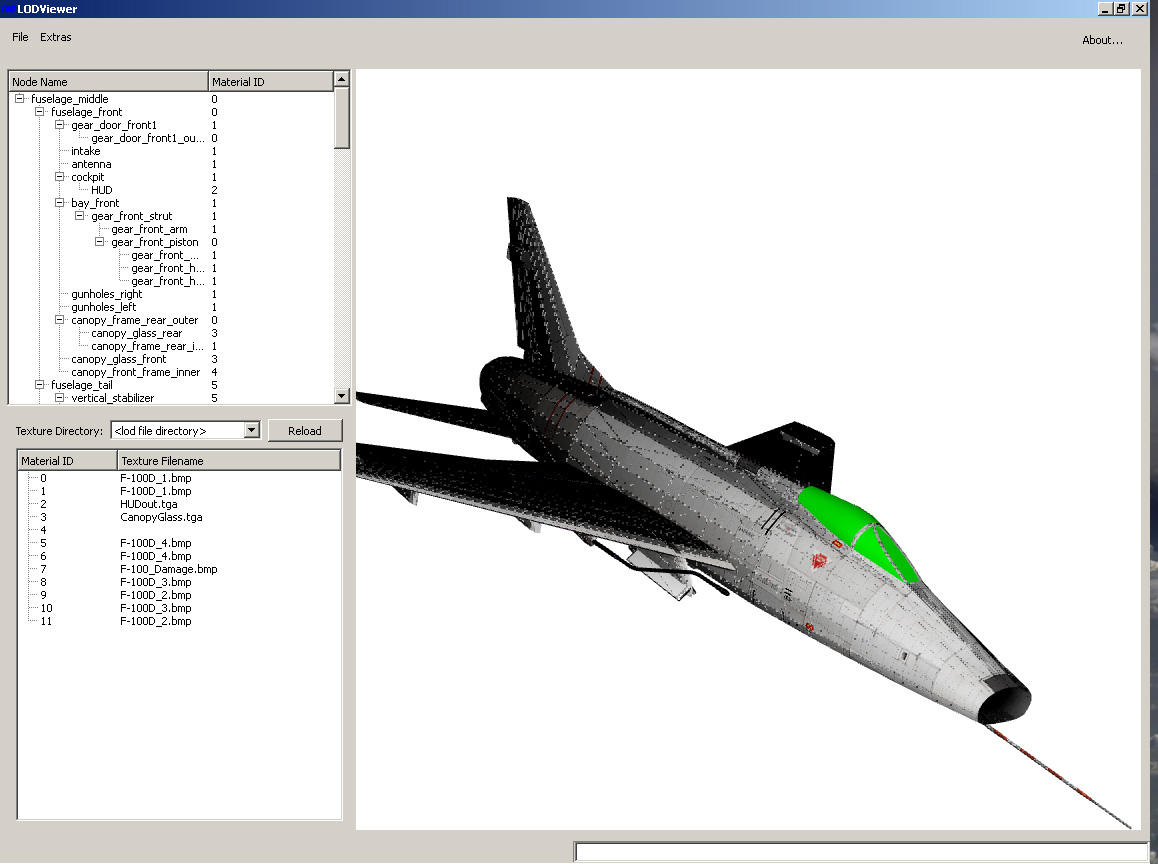


LOD Viewer
in Mods & Skinning Discussion
Posted
We are the Modders.
You will be assimilated.
Residence is futile!