
sophocles
-
Posts
591 -
Joined
-
Last visited
-
Days Won
31
Content Type
Profiles
Forums
Gallery
Downloads
Store
Everything posted by sophocles
-
Jusy PM'd you
-
Hello RussoUK, sorry for not being specific enough but the model is fully uvunwrapped and I've exported with the textures. Here's what's in the out file. Does this look right? TW Exporter Dec2010-C, Decals=TRUE HP_fuselage_mid [8528 polys, 25584 verts (decal)] 'F_5a_HP_1' HP_fuselage_hump [7040 polys, 21120 verts (decal)] 'F_5a_HP_1' Num Nodes: 2 Total: (15568 polys, 46704 verts) Mesh Max: (8528 polys, 25584 verts) CastShadow=FALSE Nodes: CatchShadow=FALSE Nodes: AllowDecals=FALSE Nodes: 1 Materials: ( 1) F_5a_HP_1: F_5a_HP_1.bmp F_5a_HP_1_b.bmp (bump map) F_5a_HP_1_S.bmp (specular map) 1 Textures: F_5a_HP_1.bmp Points Extents
-
Hello all. I've been trying to import my F-5a into the game and have some problems. If anyone could help I'd really appreciate it:) I'd exported earlier versions of my mesh with no hassles, but have since come up with problems (I wish I'd known that the maximum polys per mesh was between 4k and 5K, - exporter crashes!! I happened upon a post by Brain32 identifying the problem and I've since had to do a lot of cutting .. problem solved however, and the mesh exports ok; it's once I've exported that I have some problem's in game. The most serious is that my mesh is a dark transparrent color (see pic). the material I'm using is standard with opacity 100 and diffuse, specular and bump maps added. Even when I load without textures, the mesh is still this dark grey translucent color .. any ideas?
-
Oh boy!! Thanks a ton russouk2004!! That is exactly what I needed You are a real gentleman; I've been a fan of yours since way back when you were working on the Westland whirlwind ..
-
Hello Derk; thanks for the offer .. I'd like you to share somer of the main differences; I'd like to make a model of the NF-5a as well. Pics and drawings would be most welcome! Regards
-
It's good to get back to texturing! .. Regards BTW.. I've no idea how the decals are supposed to be set up in max, I understand that they are made from .tga files; but how does one specify where they are supposed to go in max? Do you like pick polys in the mesh where they are supposed to go? I'd really appreciate it If someone could give me some idea or point out where to get the info
-
Hello squid; thanks for the encouragement .. I'm actually planning to do several HAF paint schemes including SEAcamo, Asia minor camo and the ghost 1 . It won't be available any time soon but I'm determined to complete it and share.
-
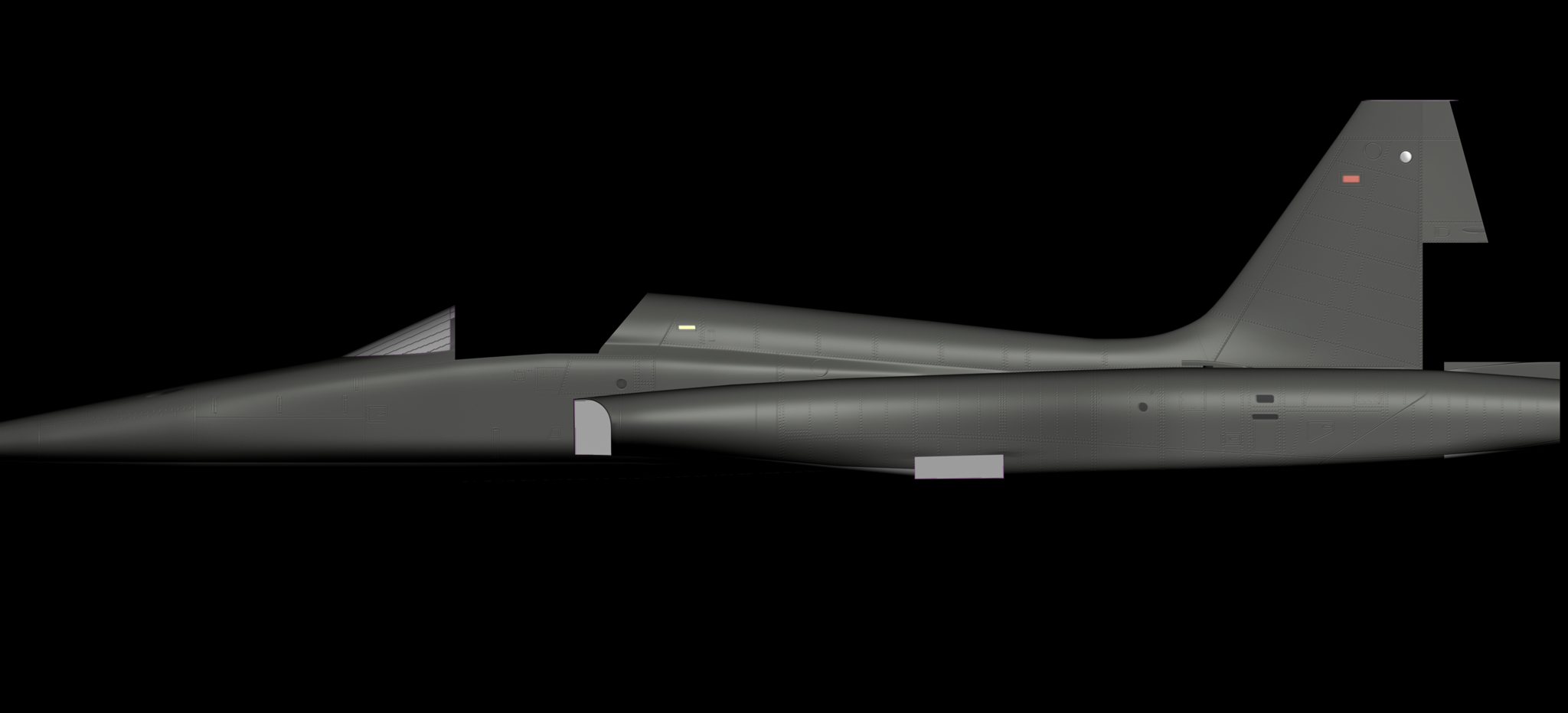
Hello all, I'm currently having fun with the bump and specular maps .. I've still got way more to learn ..all the different variables for the maps are ming-blowing! regards
-
Thanks a ton for the tips! I'm going to need some help a little later, so cheers for the offer. Love your modelling btw, no pinches or stretching. Regards
-
Would I ever!!!! Any references would be most welcome! Thanks, Coupi. Regards
-
Thanks for the comments guys My first scheme will be a SEA vietnam variant .. of course this is actually the F-5C variant with the flight refueling receptacle on the port side .. so I'll probably model it in. Would anybody be interested in seeing some of the modified (Canadair, Dutch variants) variants? Will post some screens later on in the week when I've finished the basic templates. Regards
-
Hello all. i think I've finally got my head around the basics of uv mapping .. Now it's on to the rest of the plane! Regards
-
Thanks Eric J; I'm looking to get as much information as I can. Nice to hear on the polycount Stary, and thanks. I've made a start on the mapping .. it appears to be very overwhelming (studying tutorials etc.. on all the different methods) but I think i'lI settle on some variation of planar mapping. Hope to make some progress soon, can't wait to start painting .. Regards
-
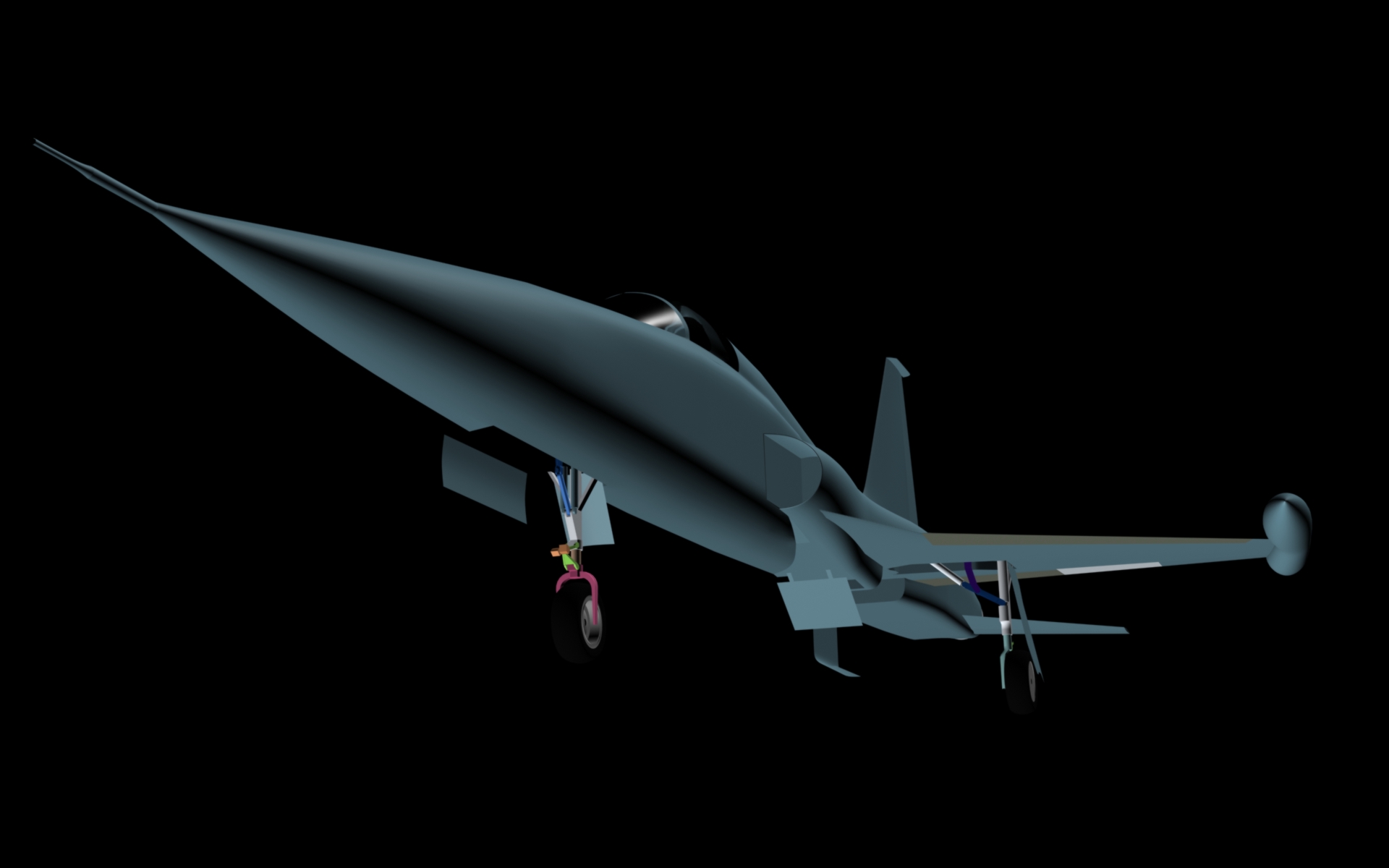
Hello all! I've managed to get the gear doors, wells and speed brakes cut out. (I've only rendered half the plane..) I know I'm going to have difficulty animating the gear and doors .. haven't had any experience doing that in Max. I wish there were some animation tutorials out there fort the Thirdwire animations :helpme: Regards
-
Thanks Coupi Here's a hi-res shot. I've tried to keep the poly count as low as I could by avoiding too many edge loops and using smoothing groups instead. I've tested it in-game and am thankful that the smoothing groups work as they should. Am nearly finished cutting out the gear doors, speedbrakes .. should have some more screens soon. Regards
-
Thank you gentlemen for your kind words truly honoured to get comments from some of the greats of this sim; Column 5, Brain32, Russouk2004 .. your work has provided me with inumerable hours of enjoyment!!. I'm so relieved the count will be ok. I'm actually looking forward the mapping so that I get to paint again (I'm actually a frustrated texture guy who then learned max ..) Hellenic paint schemes for sure Tiopilotos, and many others I hope! Regards
-
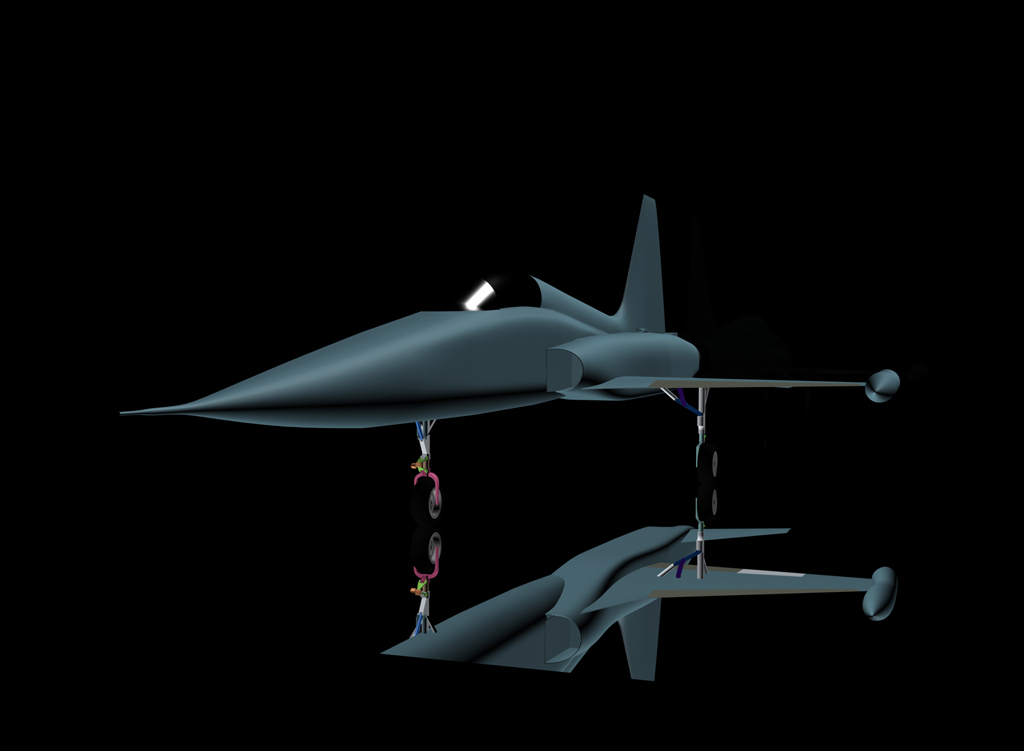
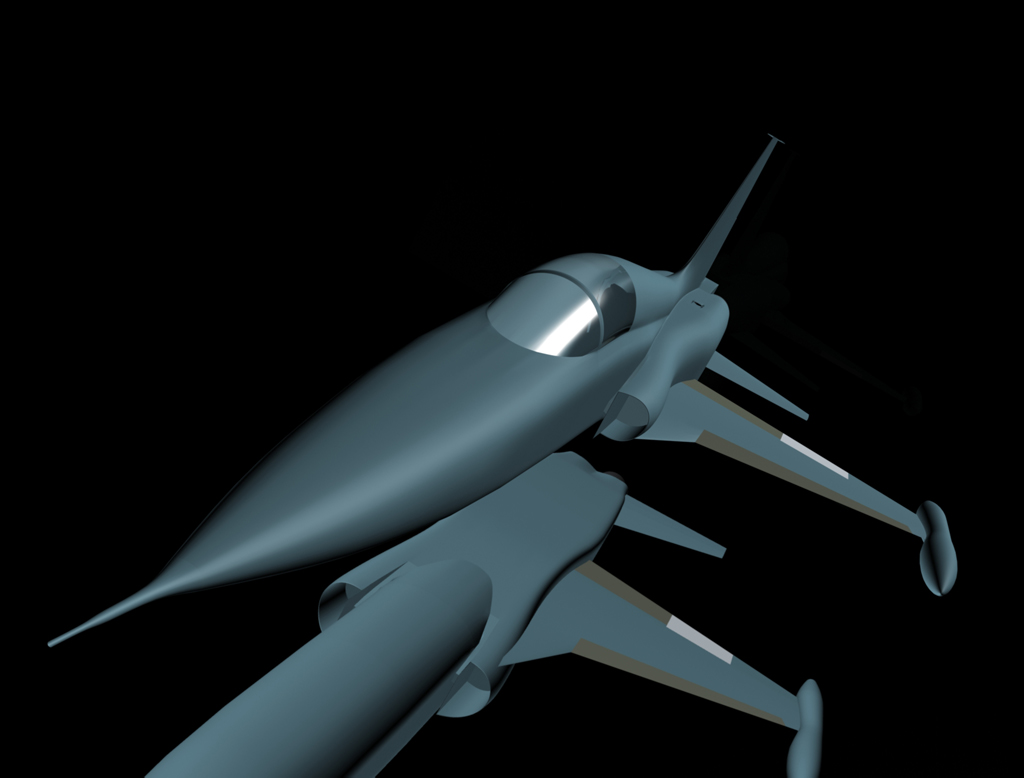
Hello all, I've been working on an F-5a freedom fighter, and I'm almost finished the model. Still have to map it, do animations etc.. but I'm new to strike fighters modeling and am trying to get all the information I can. How many polys are too many? I reckon the external model will take about 35K polys .. Is this too many? There are plans for much smaller lods. Regards
-
Looks gorgeous! I'm glad increasing computer power is allowing for some higher poly models!
-
This thread is very important. I've been working on a complete from scratch build of the WOI tiles at 1024x1024 for about 5 months. It's evolving well and dare I say I think it's looking pretty good. I've only completed the mountain, desert, farm and valley bmps to my satisfaction .. but all the while I've been thinking that wow! wouldn't it be great if we could pool our collective resources! We'd have excellent work done .. not to mention in a fraction of the time. I'd like an avenue where I could post WIPs and have the opportunity to have others see what i'm doing and vice versa.
-
Whoops! posted the same pic twice; was wanting to post this one with all 5 desert textures done!
-
making some slow progress; I have 4 mountain textures done so that they join on all sides, at any rotation, seemlessly(whew!!). Now to see If I can start assimilating some of these into aome nice sand textures ..
-
I definitely don't mind and welcome all observations and criticism .. especially from you Brain32 you are my terrain "Hero"; having improved my enjoyment of the sim with your SeA and Europe terrains 10-fold. I am getting a clearer idea as I continue to experiment; trying to make a base layer for the outskirts of all the sides (on which to base the other files to avoid repetitive tiles).. very tricky .. but it's working. Thanks for your comments
-
I've managed to make one texture which can be tiled every whichway (a lot of work here!!). This pic shows the same texture (I've renamed the same texture to represent the equivalent mountain textures in the game) tiled by the game over and over .. I'm hoping to see if I can get some success with any others ..
-
Thankyou very much for those links; you've saved me a lot of effort! Still trying to sort out what's what .. putting the old color and letter codes like I did when skinning for FS ..
-
I'm trying to make sense of the terrain texture files in WOI to see If I could employ my photoshop skills to try and make some higher res ones from scratch; I've deduced that for example ISMOUNTAIN1.BMP through ISMOUNTAIN5.BMP would need 5 textures that were different in appearance but that would each join seemlessly at each of the 4 sides of every texture. That means that I would have to make texture1 so that it could seemlessly join texture2 flipped 90 degrees clockwise .. etc.. Is that right? Some idea of this process would help; thanks