


Wrench
-
Posts
27,828 -
Joined
-
Last visited
-
Days Won
159
Content Type
Profiles
Forums
Gallery
Downloads
Store
Posts posted by Wrench
-
-
SF2 NAA RB-45C Tornado (SI) Package
SF2 NAA RB-45C Tornado (SI) Package 3/23/2026
-For SF2 =ONLY= (Full/5 Merged Recommended)
This is a 'stand in' package for the RB-45C "Tornado" photo-recon aircraft. I say stand in, as it (re)uses the solid nose version of the B-45C bomber (actually, the gun nosed 'what if' version).
There are two skins included in this package:
323rd Strategic Recon Squadron, 91st SRW, USAF
Special Duties Flight, Sculthorpe (RAF)The skins are in jpg format. All markings are decals, and decal randomization is TRUE. The USAF skin has the serial numbers for all 33 RB-45Cs produced, included those converted from B-45Cs. The RAF skin carries NO marking other than national insignias, although the number list DOES show the 4 historical airframes used by the RAF. Pilot figures, the 'fake pilot' wing tip tanks, the 'fake pilot' himself, new Hangar & Loading Screens are all included. The avionics ini has had a "recon camera" added which uses the radar screen. The in-cockpit radar mode display has also been modified to show "Recon Camera" when selected
When in game, on the Aircraft selection drop-down, you'll see . . .
RB-45C Tornado (SI-V2K)
This lets you know it's a 'stand in' by Veltro2k. I don't believe there's any other Recon versions (at least not yet), but I like to be safe and de-conflict mods from each other.
As is always recommended, unzip to a temp folder or your desktop to give easy access to the rest of this readme for it's install instructions. PLEASE read them, before installing!!!
Please read the Notes section for any other useless bits of information, and full credits. You should pay special attention to the "Flying Recon Missions CORRECTLY" in the Notes below.
Please also take note of changes in the Standard Disclaimer in the "Legal BS" section at the bottom.Happy Landings!
Wrench
Kevin Stein
-
Submitter
-
Submitted03/27/2026
-
Category
-
 1
1
-
-
Just out of curiosity, was this supposed to be the plane that Moraine parasol was 'standing in' for at the end of "Blue Max"???
-
moved to correct Forum
-
moved to correct Forum
-
there are several here at Santa Monica AP as well. They always wind up sitting on their nose. The gear must 'fold up' for parking or whatever!!
-
 1
1
-
-
Don't bother or worry about it !!! It'll be easier to keep track of things this way!
Sorry that I don't have an actual answer to your campaign question -- hopefully someone more knowledgeable than me on campaigns will pop in.
-
-
I heard Spinners was abducted by aliens, and now resides on the Planet of Loose Babes In Bikinis. But, that just a rumor.
-
3
-
-
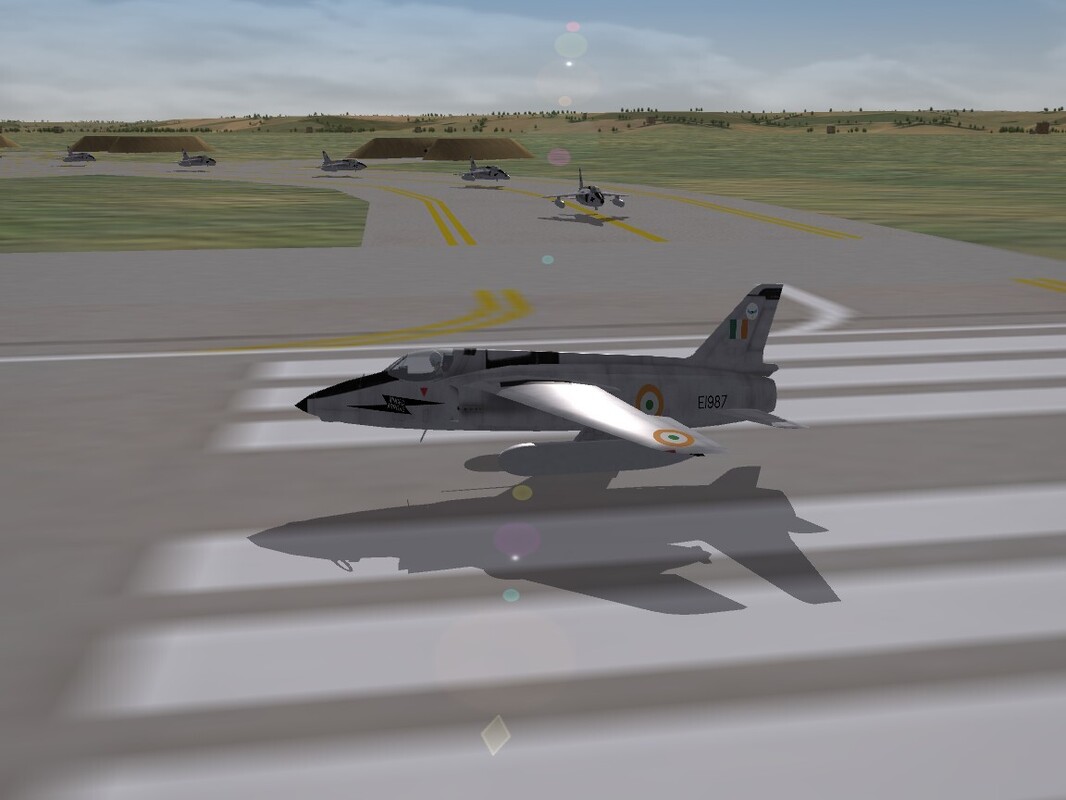
I had TOTALLY forgotten this!!! In the mid 1970s, HAL had been experimenting and perfected an anti-gravity suspension field, replacing the landing gears on many of their aircraft. Later called a 'repulsor lift', the Ajeet was the major reciepient, saving hundred of kilos of weight.
(Yes, those of us that were around with this was released for SF1, DO remember the actual reason why)
-
2
-
5
-
-
Quote
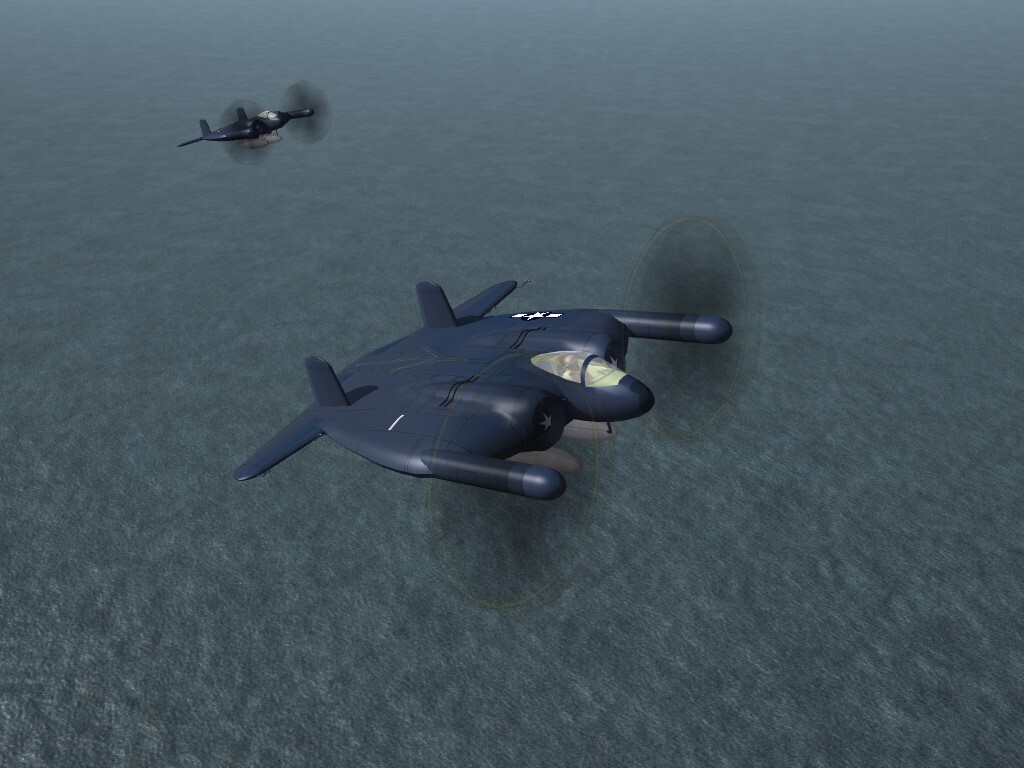
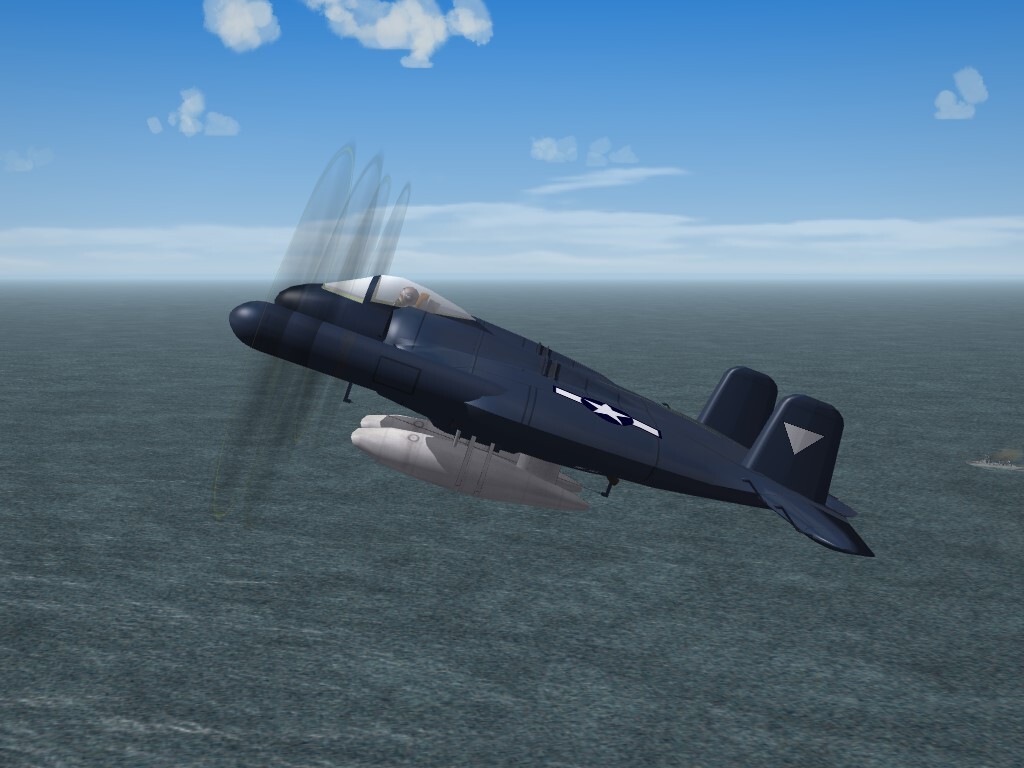
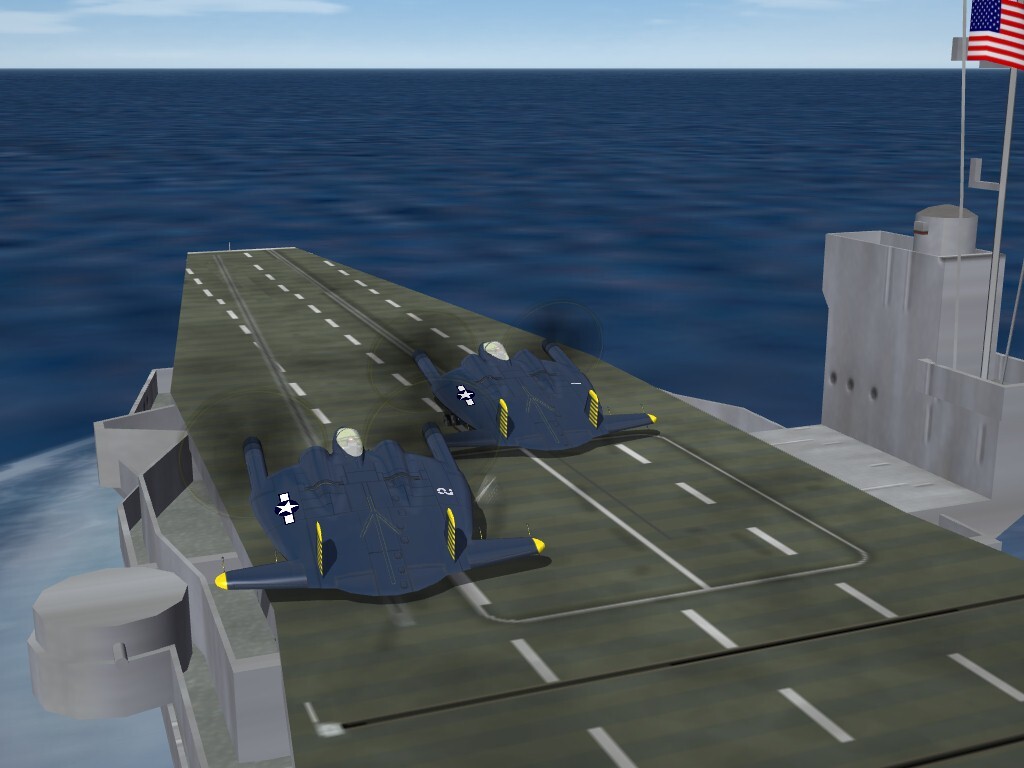
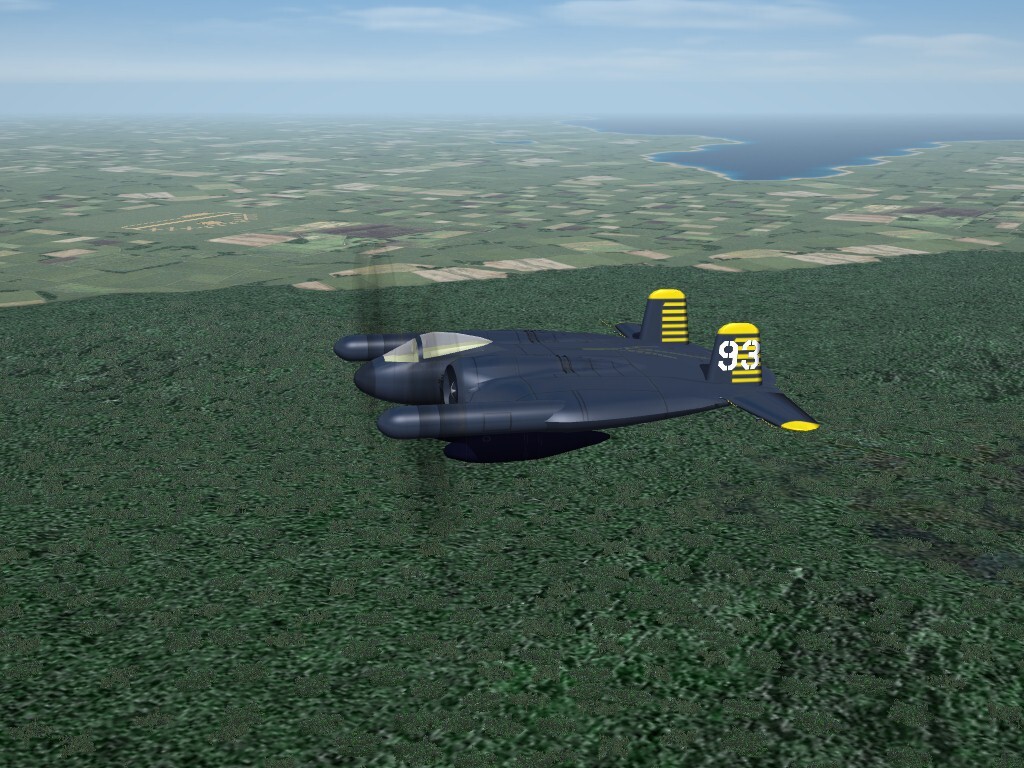
does anyone you know of happen to have an XF5U model?
From 2010. But the model was never completed, and is seriously fucked up. Without the MAX files, we can't do shit with it. As the builder is long gone from the community, and WW2 modding has gone the way of all flesh ... it's doubtful anything new will ever appear. I should know. I carried WW2 modding almost by myself for nearly 10 years ..
-
3
-
-
I wasn't sure if I should have spelled it with the "Ph" or "F". I've seen it both ways
-
1
-
-
You should all bend the knee to Brother Nightshade, as he DID find your missing pieces, now attached HERE, below.
So, quit necro threading and whining!!!
Enjoy!
-
1
-
-
make sure you have plenty of ramp space for the yearly EAA Fly-In at Oshkosh!!!
(if you really want to get fancy, there are plenty of WW2 statics to park there, too! <gr>)
-
2
-
2
-
-
Oh man!!! You don't worry about a thing here -- you just concentrate on YOU getting better. Hopes and prayers going you way!! Speedy recovery, my brother!!
-
1
-
 1
1
-
-
yes, that's how it works.
Just curious, WHICH games are you trying to mod??? This is the SF/Wo* forums, NOT the SF2. Might want to let us know, so we can be of more exact help
========
edit
Since you seem to have so many questions, have you not availed yourself of our handy-dandy Knowledge Base??? Most everything, with some exceptions, are answered therein
https://combatace.com/forums/forum/349-strike-fighters-knowledge-base/
start at the beginning, and go from there
-
Ok, then. Here's an idea ...
Since it's supposed to be modern, why not simply point the main ini to a stock avionics ini, with the proper dll listed, and see if THAT works.
something like this ...
Quote[AircraftData]
AircraftFullName=Oscar EW-5894 "Phallus"
AircraftShortName=EW-5894
AircraftDataFile=EW5894_data.ini
LoadoutFile=EW5894_loadout.ini
CockpitDataFile=F-15A_cockpit.ini
LoadoutImage=Gnat_loadout.TGA
HangarScreen=Phallus_hangar.JPG
LoadingScreen=
AvionicsDLL=Avionics70.dll <---
AvionicsDataFilename=F-15A_avionics.ini <----
1
-
-
you do have a textureset ini inside the skin folder ???
-
you can check the format of the textures by simply LOOKING at the name of the originals. How hard can that be??
Also, have you looked in the "What If..." downloads, in both SF1 & SF2??? I seem to remember Parani skins for the Fantail being done by Spinners. It should also be noted neither Paran nor Dhimar are listed in the game's Nations.ini, so some "issues" may crop up there as well.
-
1
-
-
Couldn't have done it right without your help!!

-
1
-
-
The green IS historically correct for most, if not all Red Side guns. Don't forget the accounts from Vietnam of "basketball slzed green balls flying past the airplane"
it's coded in the gun's data ini; it's a simple text edit to switch it from Commie Green (tm) to Western Red -- just look at the data is for, say, the Mk.12 20mm or the Vulcan. It's the callout for the 'tracer**.tga'
You WILL probably have to create a 'new' data ini for the Shilka's 23s, and create a /Guns sub folder in you /Objects folder, then put the modified inis (both a main and data) in there.
Or find one of the weapons packs with the various guns already set up, and install and edit that one.
the autocannon you're looking for is 23MM_AZP23
edit -- be advised, if you change JUST the tracer tga, that's a GLOBAL change and will screw up EVERY other gun that uses it. So, be careful what you do
-
we have a 75 gallon napalm tank (oddly, made iirc from the 75 gallon drop tank)
here ya go; from one of my WW2 installs
-
2
-
2
-
-
SF2 EE Lightning F Mk.6, No. 5 Squadron Skin Pack
SF2 EE Lightning F Mk.6, No. 5 Squadron Skin Pack 3/20/2026
-For SF2 =ONLY= (Full/5 Merged w/Expansion Pack)
*The stock Lightning F.Mk6 is REQUIRED for this mod*
Here we have a new(ish) skin for the stock 3rdWire Lightning Mk.6, from the SF2E expansion pack. It is finished in the 'Barley Grey' uppers, with Lo-Viz markings. It depicts No. 5 Squadron wearing it's "Shark Mouth" nose markings, and reuses the stock 'RAFGrey1' as it's base.
All markings are decals, and decal randomization is TRUE. All 26 serial numbers are historically correct for F.Mk6s used by No 5 squadron. Those with a star (*) have been matched exactly to the plane-in-group letters. Those with the cross or plus sign (+) could not be matched to letter. Those with no mark, while having served in #5 as some point were either used on aircraft with the same letters, or could not be matched. This skin makes use of the SF2 "date switch" and will automatically turn on in 1982.
Also included are a slightly modified cockpit, data, and loadout inis, and repainted gunsight tgas, making them brighter for those of us with not so good eyes, no matter the monitor!! <gr>. A skin specific Hangar Screen was also created for the mod, in (semi) wide screen (1152x864). The data ini adds some 'hardening' to the airframe, and a manual opening canopy, using the standard animation keystroke (tm), Shift/0 (zero). The loadout ini adds the drop tanks for all mission tasking, when possible.
As is always recommended, unzip to a temp folder or your desktop to give easy access to the rest of this readme for it's install instructions. PLEASE read them, before installing!!!
Please read the Notes section for any other useless bits of information, and full credits. I've also included
Please also take note of changes in the Standard Disclaimer in the "Legal BS" section at the bottom.Good Hunting & Happy Landings!
Wrench
Kevin Stein
-
Submitter
-
Submitted03/20/2026
-
Category
-
-
It's called the F-104S, SA, and SASA(M)
should still be available in the 1stGen downloads, when you've been activated
-
1
-
-
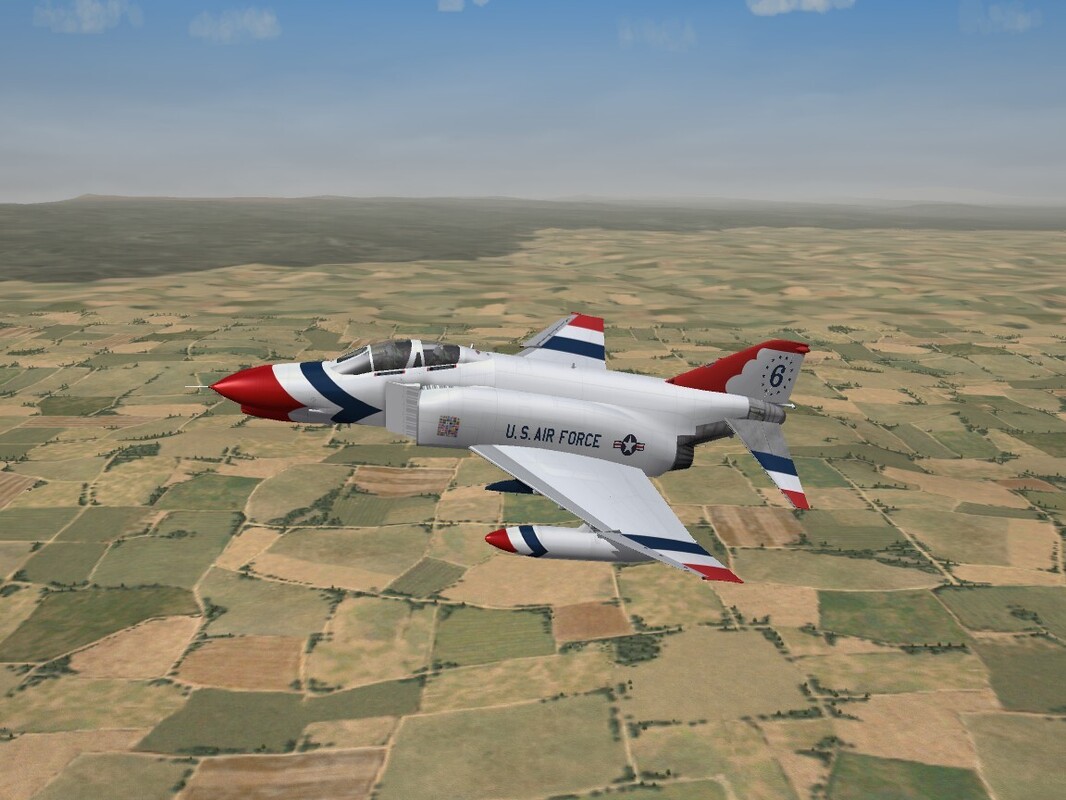
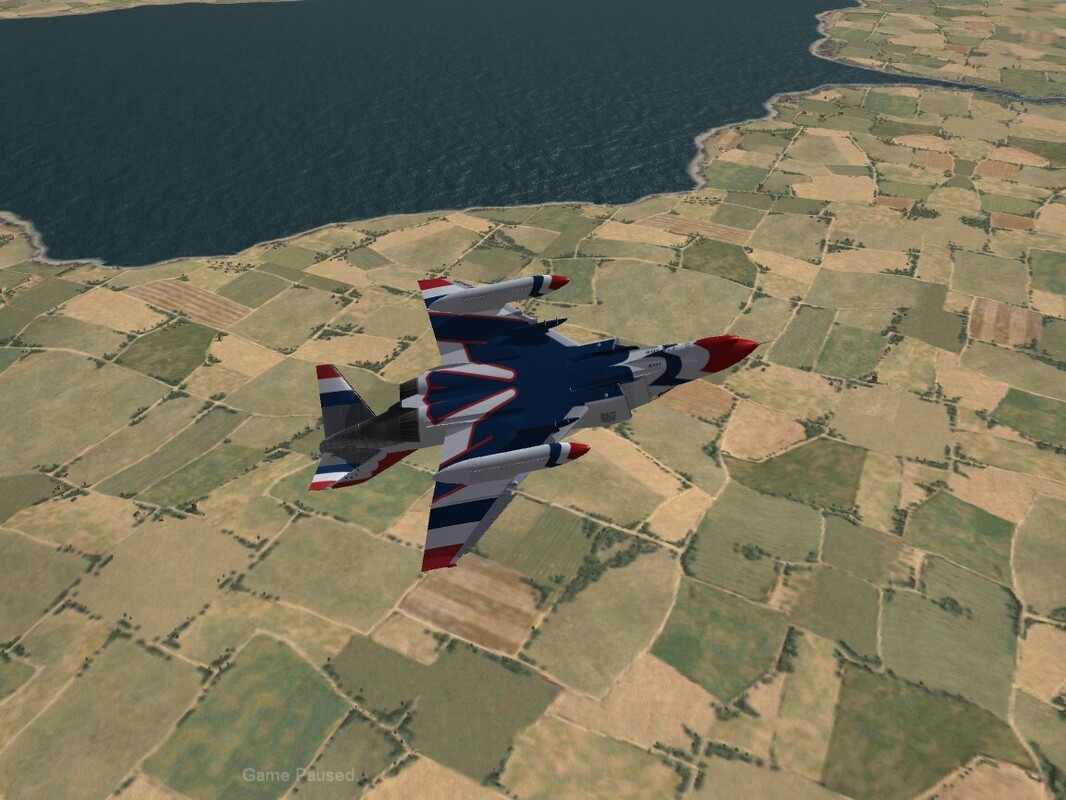
And, apparently, SO is this one!!! Sneaky, TK, very sneaky!!!
-
5
-
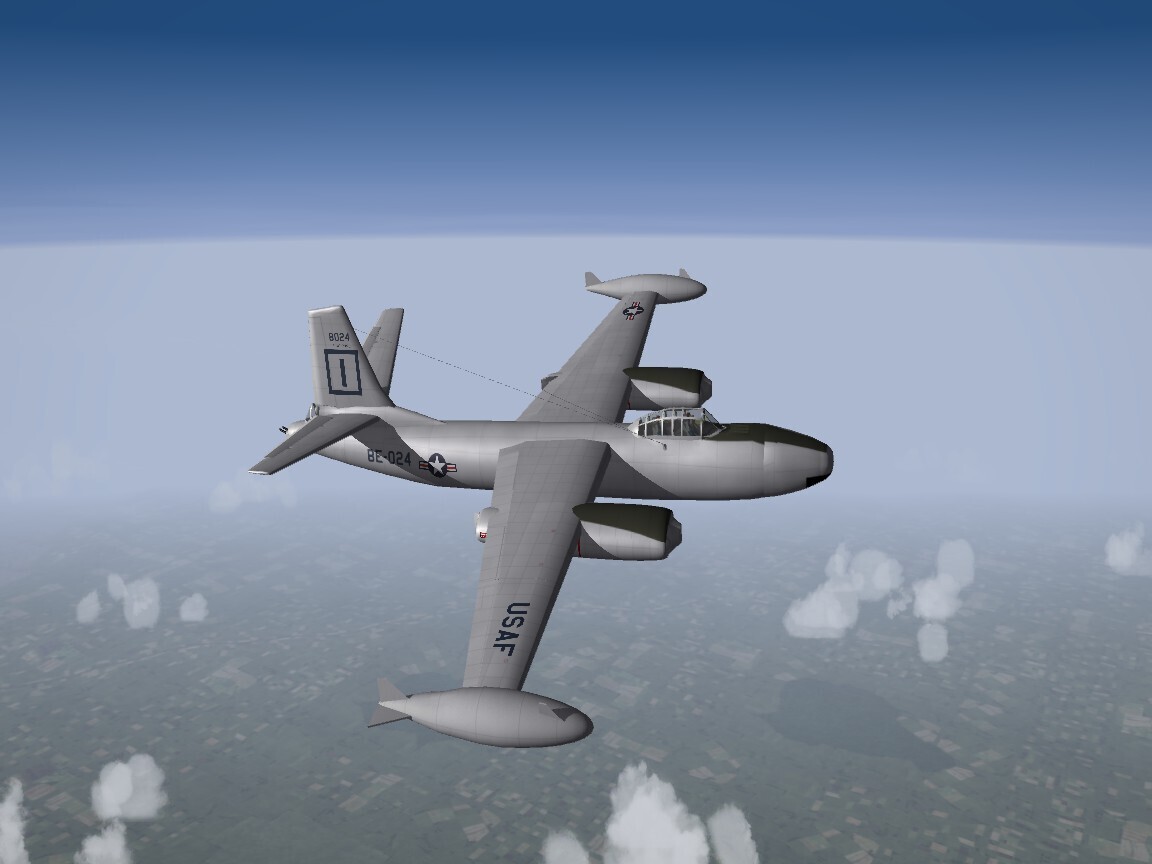

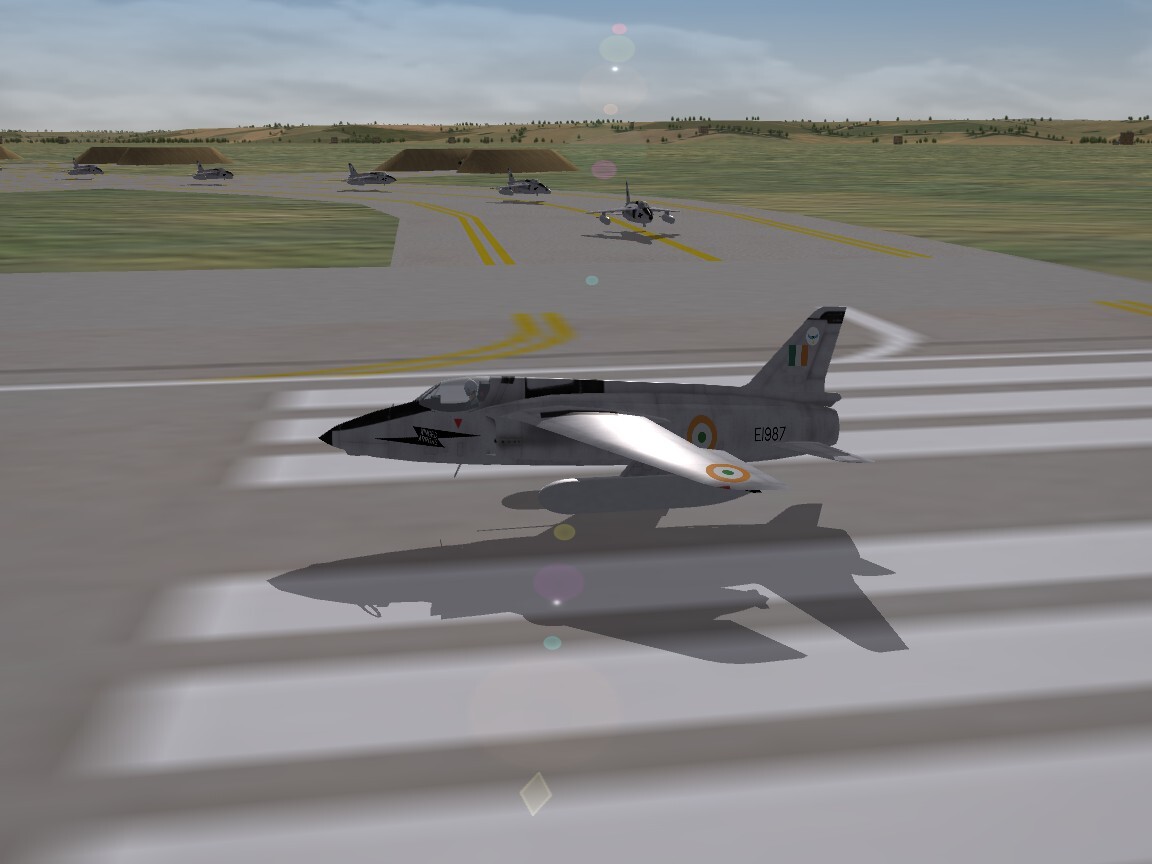
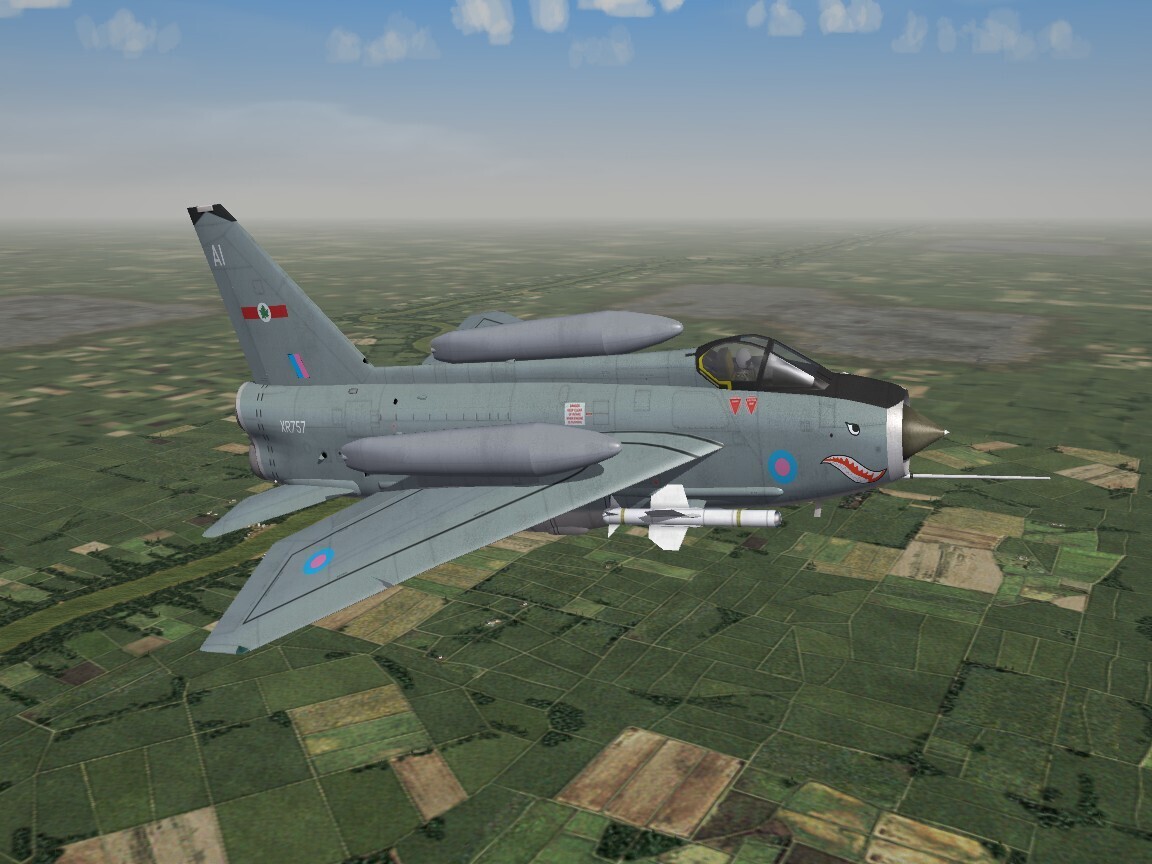
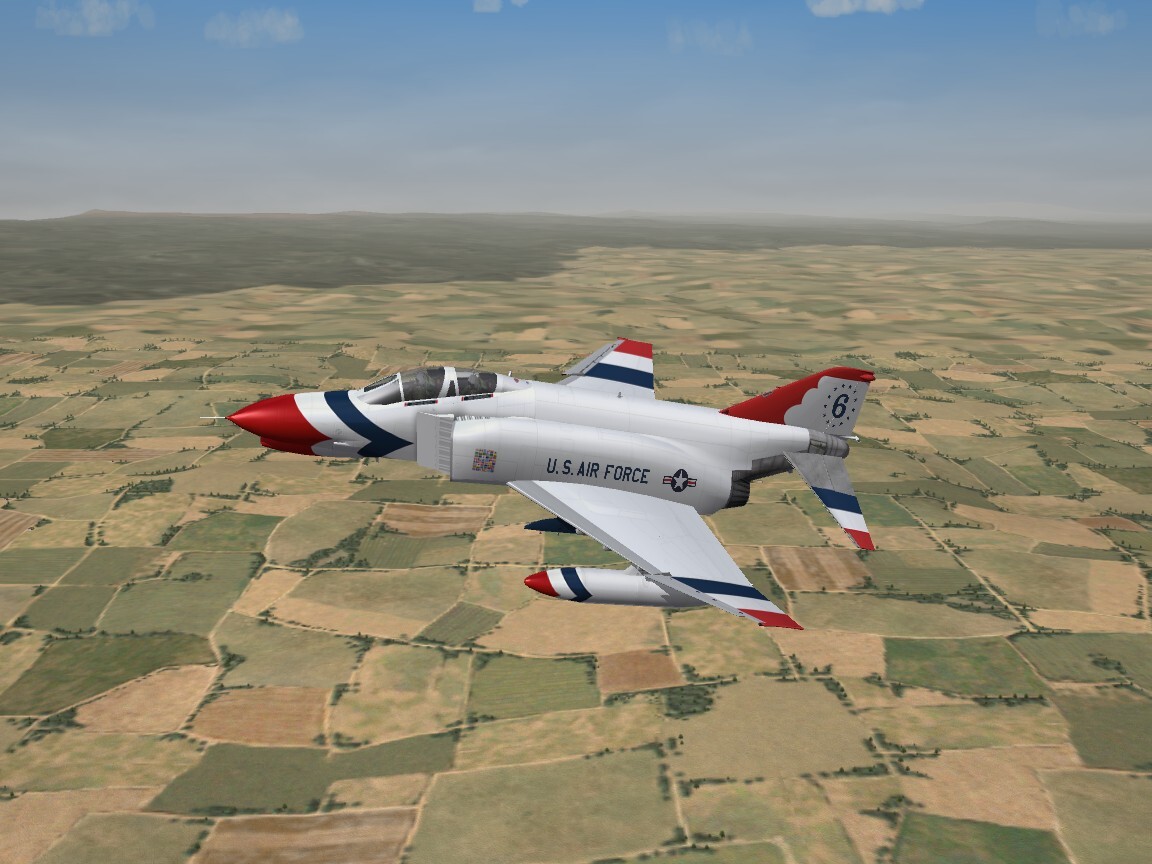
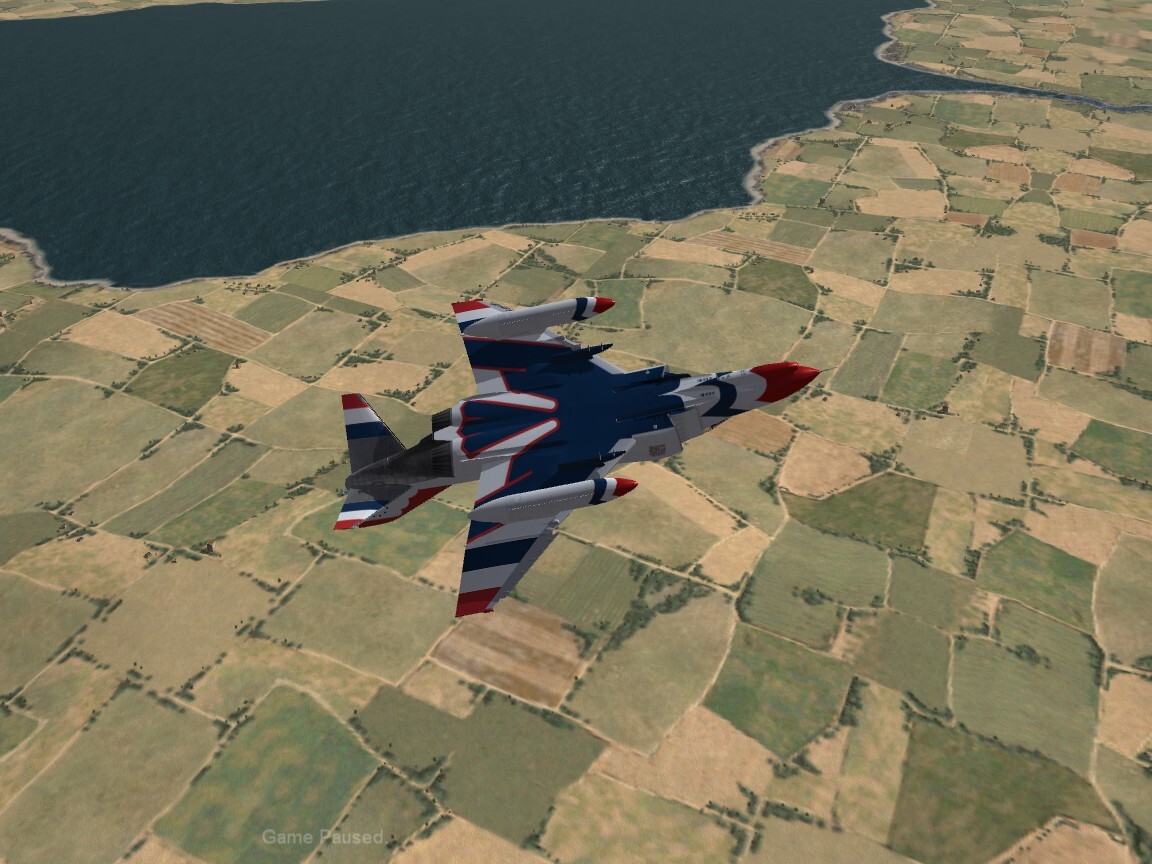
Delta-Wing Mirage Screenshots
in Screen Shots
Posted
Indian Mirage 2000 (found in the archives!)