ShrikeHawk
-
Posts
1,508 -
Joined
-
Last visited
-
Days Won
7
Content Type
Profiles
Forums
Gallery
Downloads
Store
Everything posted by ShrikeHawk
-
So awesome! Thank you very very much, Wrench! I found a thread with fixes to some inis. I'm not worried about the inis. If there's any issue, I can fix it. The plane looks fantastic Thanks again to you and Raven!
-
I'll take the E in the PTO (New Guinea), please. If you have a white-tailed skin available I'd love that. If you want to PM me, or post a zip here, either is fine with me. Thanks Wrench! Looking forward to these Raven. I've heard great things about your P-40 so I'm anxious to fly it for myself.
-
I'm just dying to get a nicer P-40E/F/K than the one I have. It seems that Raven has made a great one, but with downloads recovering in the hospital, I can't get one. Is their an alternate download location for Raven's P-40 or would someone kindly post a copy here?
-
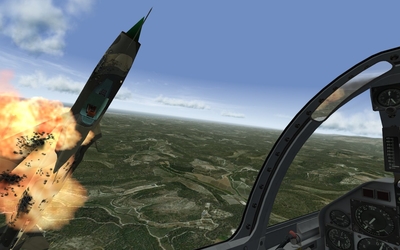
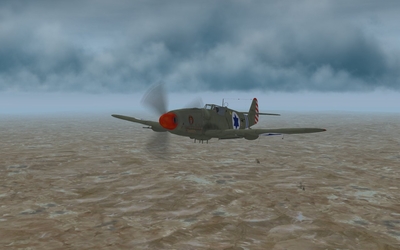
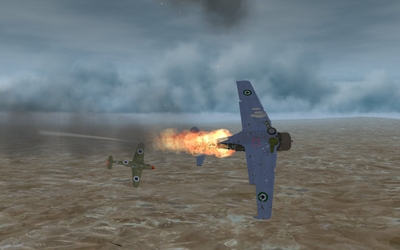
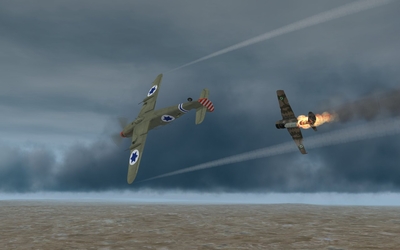
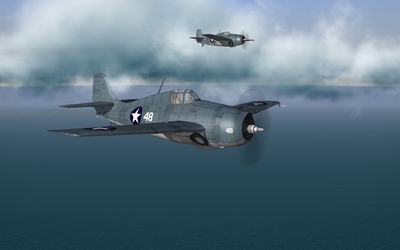
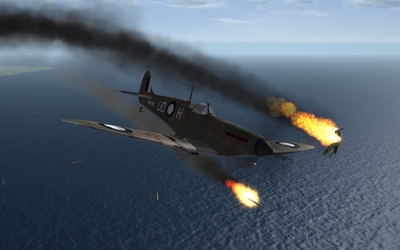
Combat Air Patrol Flamed one.
-
-
-
From the album: Just Shots
-
From the album: Just Shots
-
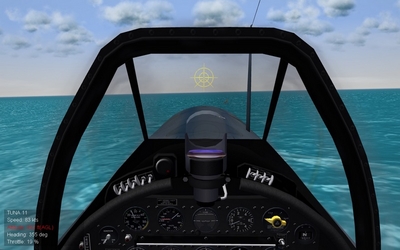
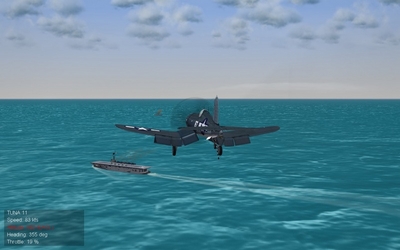
Even with this new view, that enormous Corsair schnaz still gets in the way. So the RN approach with the Corsair is still recommended. That's my final approach below, and my view above.
-
From the album: Tech
-
From the album: Tech
-
Yup. That's what I was doing too. The F4U didn't fly off US carriers until the Brits invented that approach with their own RN Corsairs. I took a page from them and that was the best approach I could use.
-
Sorry about that. They should be visible now.
-
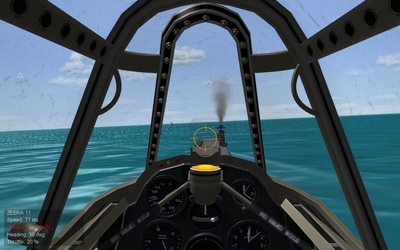
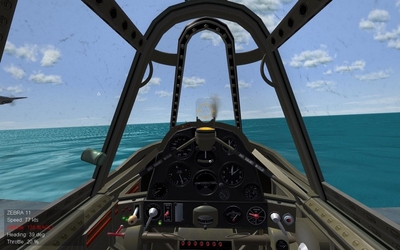
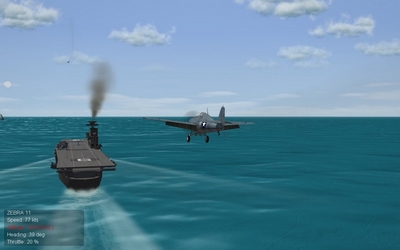
I love doing carrier landings, but without the advantage of angled decks in ww2 props, I've been struggling a bit. 90% of the problem is being able to "see" the carrier during final approach. I realized that a slight edit to viewlist.ini can eliminate the problem of not seeing the carrier during landing. I don't know if anyone else has tried this, but here goes. In the viewlist, there's an entry for CockpitUp. A view that I don't use even before I started using TrackIR. Find this entry: [View005] Change this value: AngleOffsets=0.0,30.0,0.0 To this: AngleOffsets=0.0,-20.0,0.0 And add this entry: PositionOffsets=0.0,-0.08,0.148 What this does is effectively move the pilot seat up and back slightly, and change the view to looking down a bit, just like a real carrier pilot in ww2 could do. Here's what happens...(the next three images are all taken at the same instant while the game is paused) Here's me below, seconds away from landing (e.g., "missing the mark entirely"). Here's the problem. Below, I can't see the carrier at all. I don't know if my glide slope is correct or if I've drifted to port or starboard. With this new view below, I can now see the carrier. I know exactly where the carrier is and where I'm going. Carrier landings are now a breeze with any prop aircraft!
-
From the album: Tech
-
From the album: Tech
-
I'm using Stary's cockpits in SF1 and they work just fine.
-
I don't think there's a problem raising them "up" from the @10K limit. It's getting them "below" 10K that is a problem. It's possible to have a terrain-specific environmentsystem.ini. So mountainous terrains could have clouds at a higher level and flatter terrains could have them lower at the discretion of the modder. It's an incredibly easy adjustment. Why can't we just have that?
-
Thanks for those, Stary. And thanks for the update.
-
Bummer. I was hoping to look at the envCloud.fx file. Hey Stary - Any chance you or anyone else figured out how to get clouds showing below 10K feet?
-
Can anyone tell me what .cat archive has the .fx files?
-
Not sure what you mean. The game runs just fine. Plays fine too. Switching out cloud1.tga gets an appropriate response. The replaced cloud shows up, but changing the count of clouds in environmentsystem.ini or the size gets no response at all. If there's a section in options.ini you need to see let me know.
-
July. It's a modded folder. Original aircraft and ground objects removed and replaced.
-
I'm seeing that changes to environmentsystem.ini seems to have no effect in SF2:NA. As a test, I installed the newest cloud mod I know (Stary's SARCASM), that I know works in other SF2 titles, and even that has no effect. What gives? Is the structure different now?
-
Thanks Kevin. I've been fiddling with the D3A Val, but so far I have no idea how it dive bombs by AI because they're too low to do it.