malibu43
-
Posts
2,260 -
Joined
-
Last visited
-
Days Won
6
Content Type
Profiles
Forums
Gallery
Downloads
Store
Everything posted by malibu43
-
USN F-4Bs Some Black skins From wings over vietnam mods
malibu43 replied to DEVIL11's topic in Mods & Skinning Discussion
I had this issue recently after I reinstalled SF2 on a much more powerful PC. It had nothing to do with installation - it was a VRAM issue with high-rez 3rd party skins. I resolved it by lowering some settings (I think lowering ground object from Unlimited to High was the one that finally did it). It would come and go depending on the aircraft selected and the mission, so just be aware you may think you've fixed it by reinstalling the aircraft, but it can come back if you fly a mission with a higher number of objects. -
Carrier based units defaulting to landing base
malibu43 replied to malibu43's topic in Mission & Campaign Building Discussion
Ahhh!!!! Yep, I think that was it. I did not catch on to that when I was looking back at the other campaign.ini files... -
Hoping someone can help me here. In the attached .zip, campaign6 is from my "SF2 Campaigns for Desert4" mod that is in the downloads section of this site (https://combatace.com/files/file/14812-sf2-campaigns-for-desert4/). I have used that as the basis for creating a 1988 version of that campaign with some F-18s, F-16s, etc... (campaign7). In campaign6, all the units that are defined as carrierbased=true start their campaigns from carriers. However, in campaign7, only air units 004, 005, and 006 start the campaign from the carrier. Units 048 - 051 start the campaign from Dhimaq Airbase. I cannot figure out why. I have combed through both sets of .ini files looking for something that would cause this, but everything that I think could possibly impact where the units start the campaign looks identical. If anyone has any ideas or can help, it's much appreciated! This is a real head-scratcher... Desert Campaign Help.zip
-
-
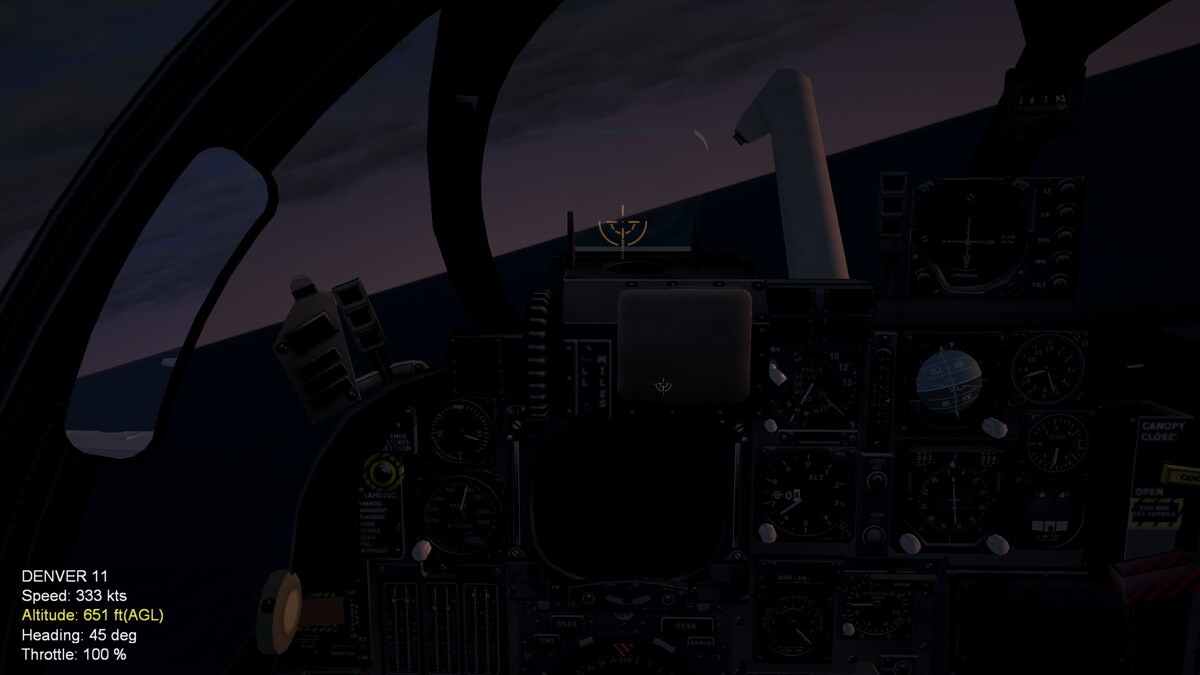
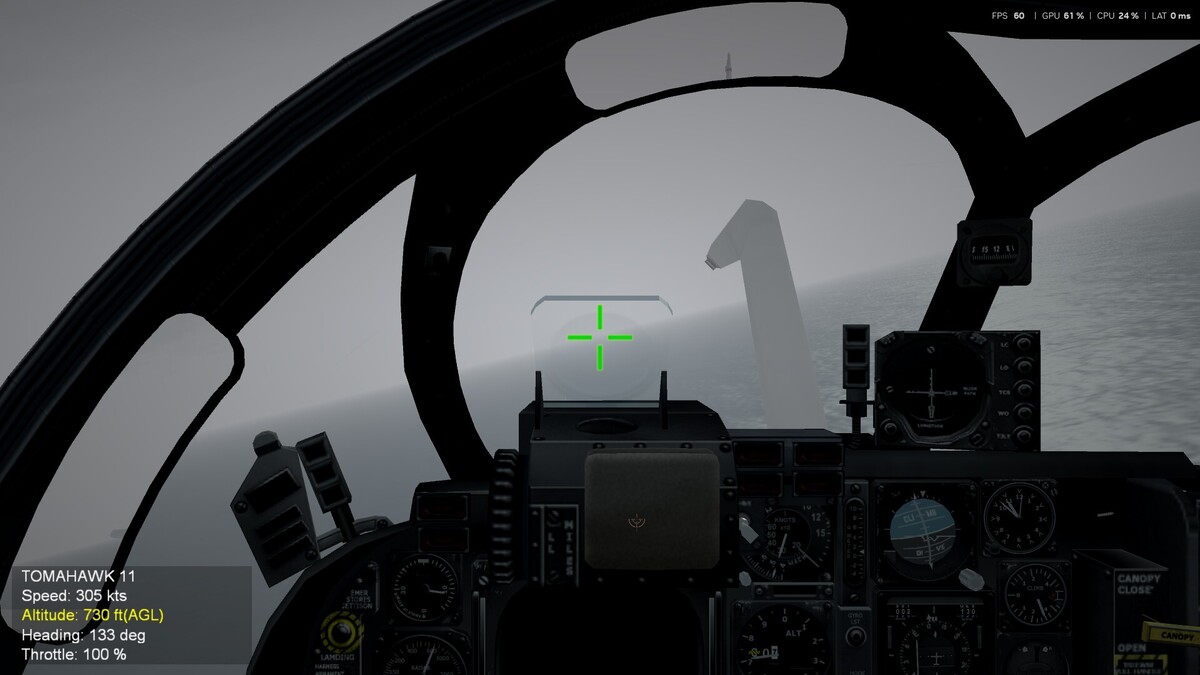
Answered my own question. The impact marker for the CCIP is dictated by the gunsight entry at the top of the cockpit.ini file. The avionics.ini entries dictate the gunsight that shows on the glass. Opposite of what I would have thought, but it works now!
-
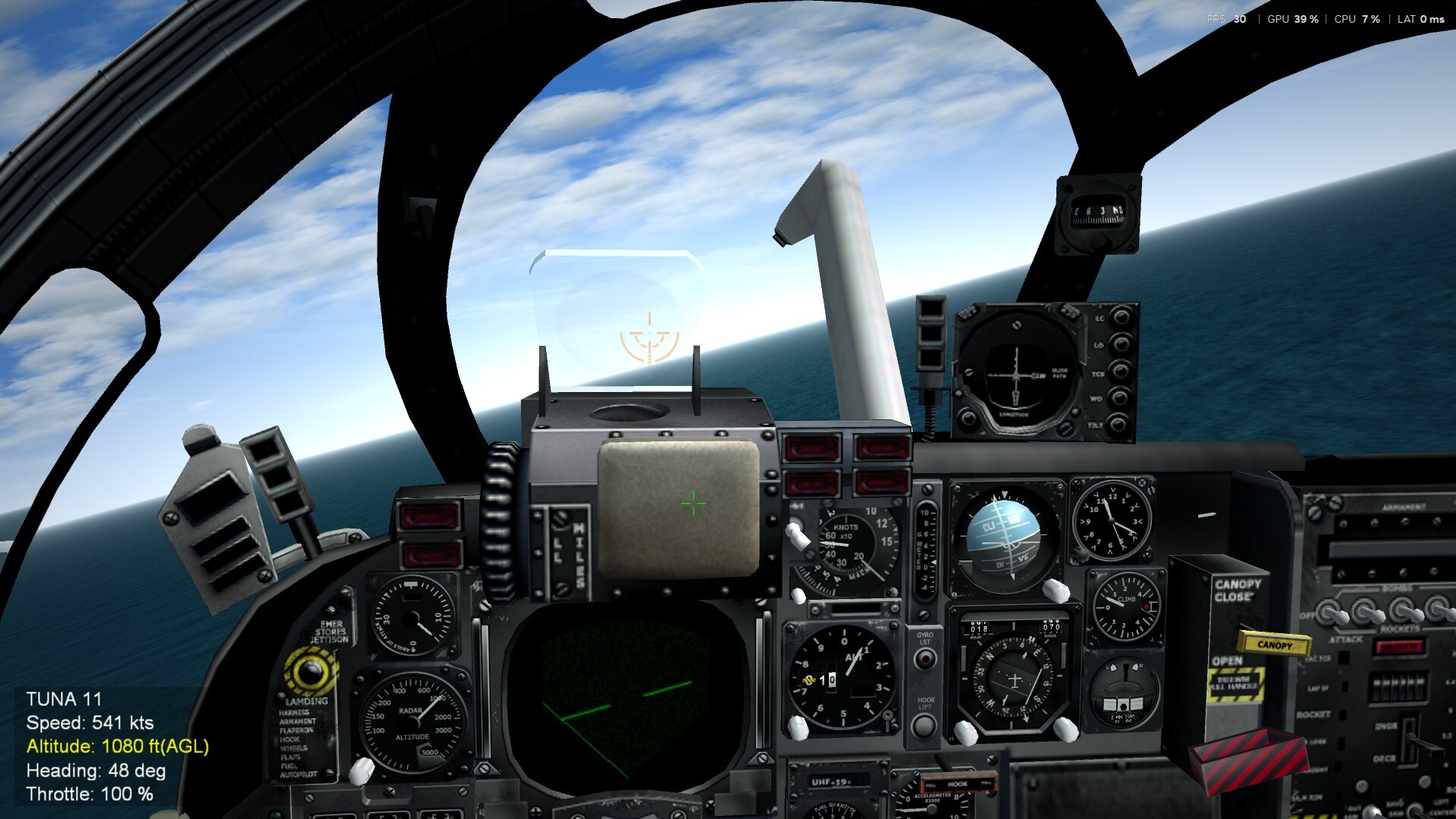
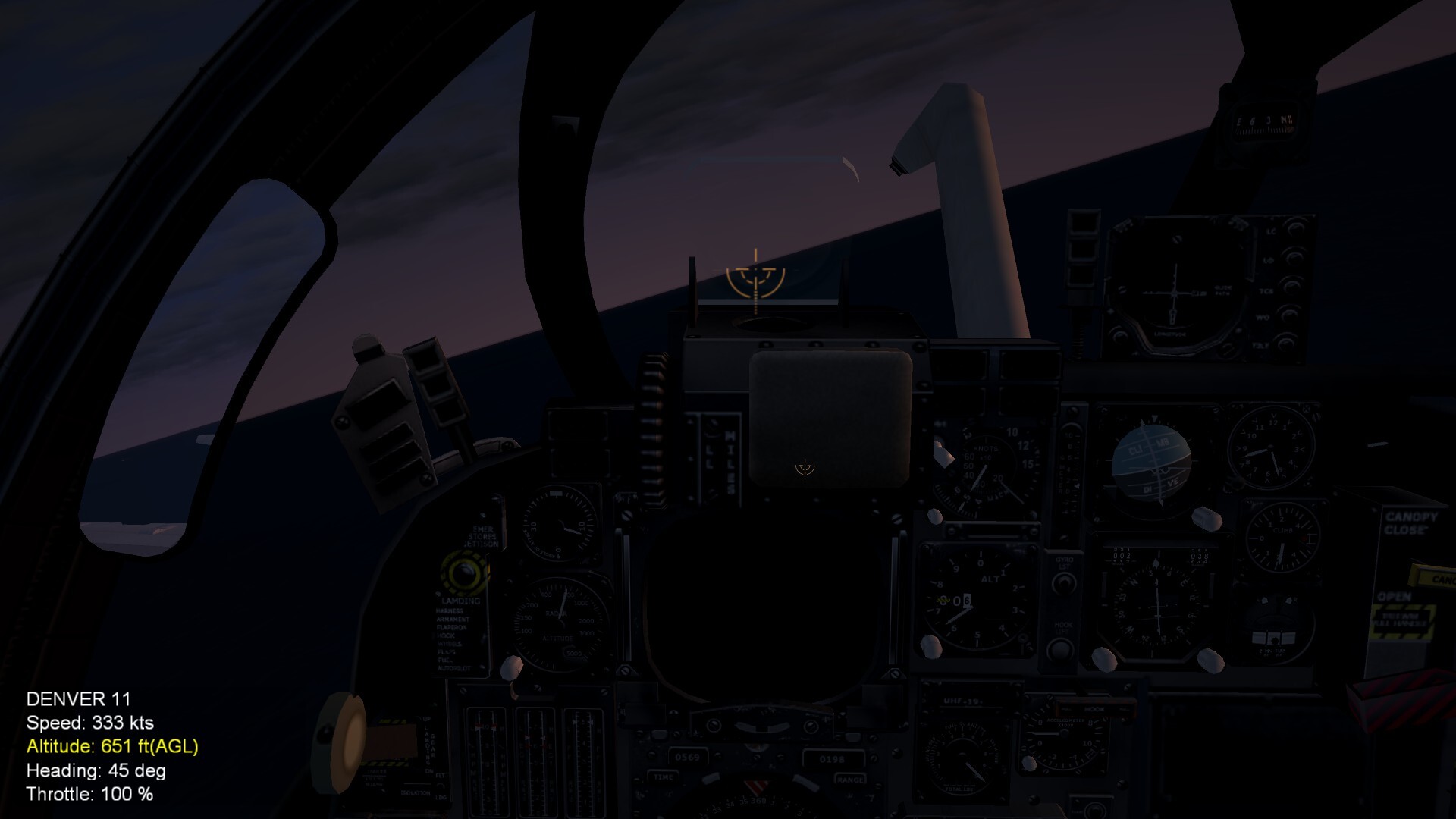
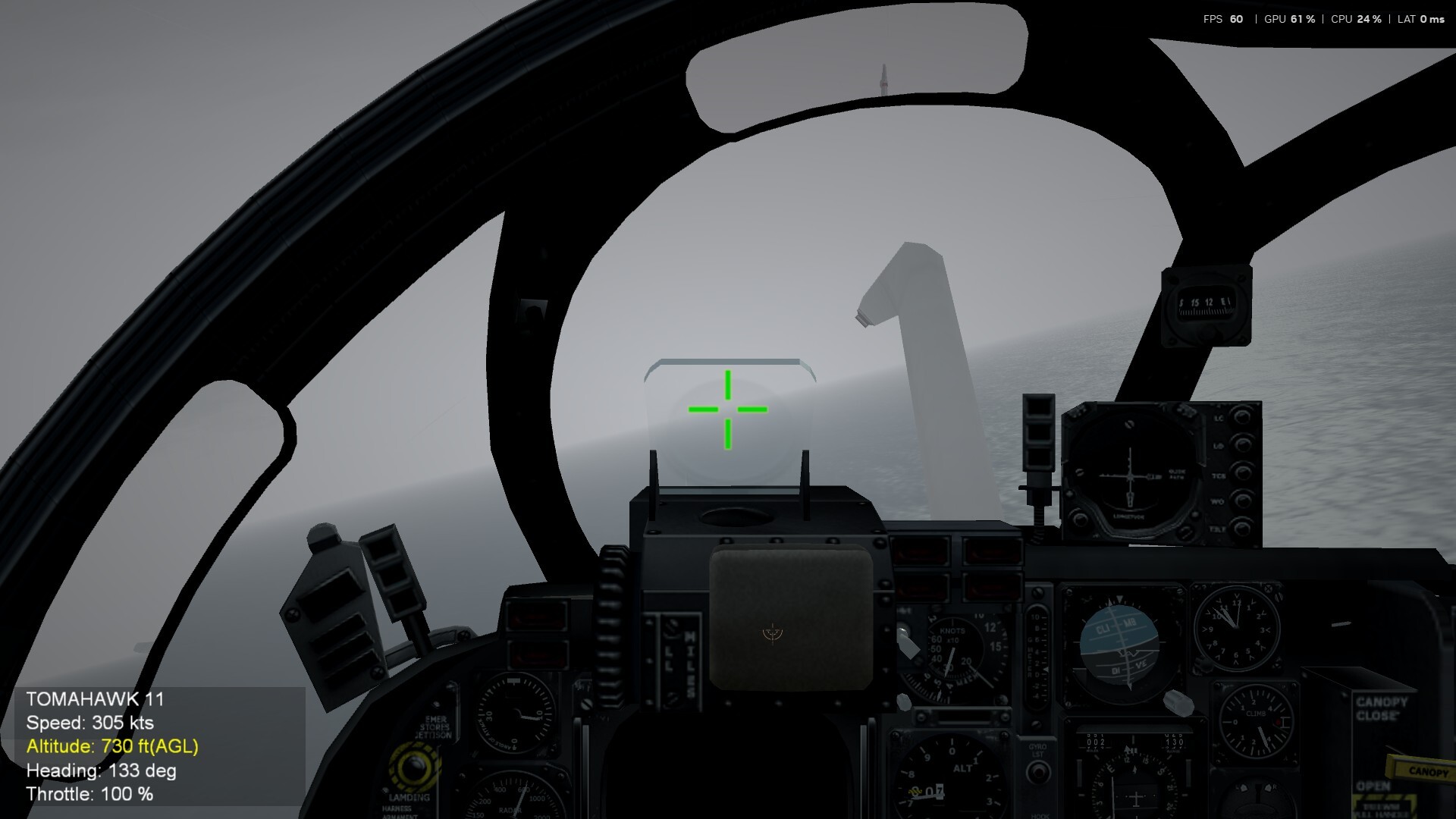
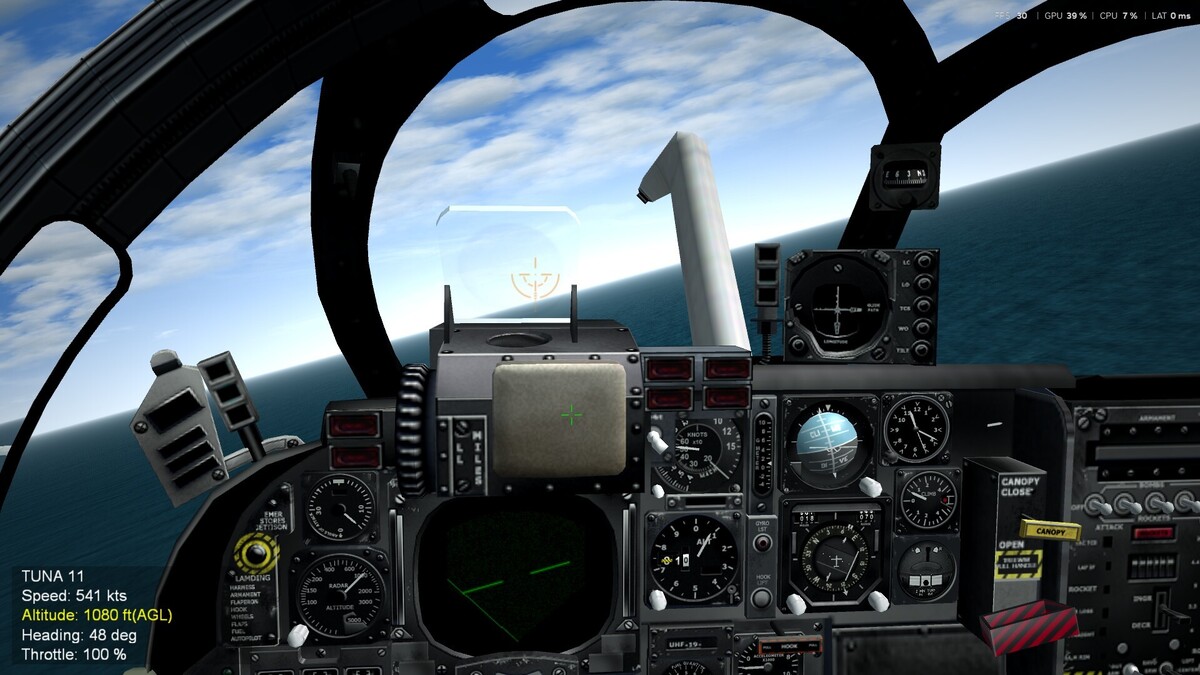
I am using MigBuster's excellent CCIP/DAINE mod for the flyable A-6s. It works just fine as installed. It uses the same reflective USN gunsight image for both the gunsight and CCIP impact point. See first image below. I'd like to keep utilizing the current gunsight up on the glass, but use something different for the CCIP impact point. I cannot find anything in the avionics.ini file that calls out what to use for the CCIP impact marker. I replaced the [gunsight] entry in avionics.ini with a my desired CCIP impact marker, and it changes the gunsight up on the glass, but the CCIP impact marker is still the USN style gunsight. See second image. Basically I want the opposite of the second image. So I've figured out how the change the gunsight up on the glass, but the CCIP marker seems to be controlled by a different entry all together, but I can't find it. Any help? These are the only entries in avionics.ini that deal with CCIP or the guncross:
-
Just curious if anyone was ever able to create a fix for the CCIP impact marker showing outside the HUD...? I searched and didn't find anything, but I know some folks have done some great things the last several years by digging deeper into some of the files.
-
Thinking about a Gaming PC, need advice.
malibu43 replied to malibu43's topic in Hardware/Software Chat
Yep, it arrived yesterday too! Had it set up and running in like 10 minutes. Another 5 minutes to get track IR working. The surprise was spending quite a bit of time trying to get SF2 working. I copied over my Saved Games folder and the .exe installation folder (like I've done a million times in the past) and it was giving me CTDs. Had to repeat it a couple of time before I got it to work. Then was struggling with textures not loading on some add-on aircraft and runways. I eventually found some things to try here on CA and think I have that fixed now by keeping object and cockpit textures on unlimited, but reducing ground objects to High. That part is weird, as I never had issues with textures not loading in 10 years of using the 970M 3GB card on my laptop. Get a dedicated 8GB card and now textures don't load...? Hopefully that's sorted out now. I'm sure I'll run into some more things as I dive back into the can of worms that is SF2. But I'll deal with those in other subforums... -
Thinking about a Gaming PC, need advice.
malibu43 replied to malibu43's topic in Hardware/Software Chat
Snagged this yesterday. Due to arrive today. Boy… that escalated quickly. https://a.co/d/0dhAcTGe -
Thinking about a Gaming PC, need advice.
malibu43 replied to malibu43's topic in Hardware/Software Chat
I was looking at something like one of these: https://www.amazon.com/STGAubron-Gaming-Computer-Desktop-Windows/dp/B0G59GCQT8/ref=sr_1_1_sspa?crid=3JOCHHAN8B60L&dib=eyJ2IjoiMSJ9.KsSV43uTYtjojDX-GeGdSgl2qYtAoLMlzZcbrdsamw5b-Jt4AA4CTSWQSnuPSwhObEW4ebaVuSMhKe6xrmi4HSmd0W8xQjpNVIiB_Y8qMDzpmRA1ERhQpMxOfbEPa10dwwTwQPz32HuyiCsaSWBervUS8HLmPH0_8i4jlQE8dpt73URGUTIhZegLuGmlohXDPPX4rPfcQvdesCgqKIPMSLNSTgywSpd49bR2tL3IL8s.Oh9KQMH2j-PLHPbvSCDvQsnsTA7FNtfyYTbUd4Xvh5w&dib_tag=se&keywords=gaming%2Bpc&qid=1791241450&sprefix=%2Caps%2C184&sr=8-1-spons&sp_csd=d2lkZ2V0TmFtZT1zcF9hdGY&th=1 https://www.amazon.com/STGAubron-Computer-Desktop-GeForce-Keyboard/dp/B0DYJN7V83/ref=sr_1_17_sspa?crid=3JOCHHAN8B60L&dib=eyJ2IjoiMSJ9.xkRt-Q2LCKdo80yVq-LPSJi4bU-F3ZQxsWzS26GDNnQz54-iBXGcghtHNot2Op5c1on9YnkSI9lltKqIf38pAbcc7jVGp-7kIdhELft934wp5YeXpQ2nEDl7jpBv3DEoTt_IbE4cM-rpMptGcjKhQ5KzC8c86NXzaFjv1VPNkV36bnrV64C6qTCsQmI_XhqAbz58_NTSP0tXFUatjJ3k-kDXKuJ0kcLtGxvfhKqhaCk.BOu8blShghMBLuc-kMJ021h0rCejZ-jixz7w6ddKCEA&dib_tag=se&keywords=gaming%2Bpc&qid=1791241565&sprefix=%2Caps%2C184&sr=8-17-spons&xpid=F_XMUTsFp68Xm&sp_csd=d2lkZ2V0TmFtZT1zcF9hdGZfbmV4dA&th=1 -
Thinking about a Gaming PC, need advice.
malibu43 replied to malibu43's topic in Hardware/Software Chat
I'm actually very interested in not getting another laptop. I only went that route so many years ago due to space constraints. I have plenty of room for a desktop PC now, and I feel like bang for my buck will be so much better. -
I have not been simming for several years. Thinking about getting an actual gaming PC (as opposed to the 10+ year old laptop in my signature). I'd like to be able to run SF2 maxed out, DCS on fairly high settings. I don't really do multiplayer. I'm really trying to do this on a budget. I'm seeing a lot of deals for systems that use the RX 580 (8GB). I know this is an older card, but it will still blow away what I'm using currently. I'm also see some with a GTX 1660 Super (6GB). Would either of these hold up for what I'm trying to do?
-
Limit single mission years for an SF2 install
malibu43 replied to malibu43's topic in General Discussion
Over the years, I have had so many installs and gone through so many iterations of what I wanted to get out of SF2! I've had SF2 uninstalled completely for several years and have not been simming at all. I took my son and two other teenage boys to the Miramar Air Show last weekend, and he came home asking for me to set up all my old flight sim stuff. So I've reinstalled a backed-up generic "SF2 plus" install I had that tries to keep the spirit and simple content of the base game with mostly terrain/environment/effect updates for immersion. For now, I'm going to try to stick with just that one install (famous last words...). I got track my old trackIR 4 working and setup a profile for the T-Flight HOTAS One we have for the XBOX... It's been a fun trip down memory lane for sure! And also somehow my son came home from the airshow declaring that the F-5 is his "favorite plane". Not sure how that happened after watching F-35's and F-18's rip holes in the sky all day. But I'll take it. -
F-5E Early Versions Pack 1.0 missing afterburner emitter
malibu43 replied to malibu43's topic in Mods & Skinning Discussion
I figured it would be something easy like that. Thanks! -
Limit single mission years for an SF2 install
malibu43 replied to malibu43's topic in General Discussion
Got it. I only have 4 terrains installed, so no big deal to edit those 4 files. Thanks! -
It's me again. The F-5E Early Versions Pack 1.0 (see below) seems to be missing "F5eAfterburnerEmitter" as called out in the ...data.ini file and the aircraft does not display an after burner. However, "F5Effects.ini" that's installed as part of the package does include "F5AfterburnerEmitter" entries. Effects were never my bag. How do I properly fix this?
-
Limit single mission years for an SF2 install
malibu43 replied to malibu43's topic in General Discussion
Interesting... I've found this in options.ini. But the end year seems to not have any effect...? -
Hey guys. Long time no see. I’ve just re-installed my big, modded, combined SF2 install that I backed up several years ago, as my 15 yr old son has taken an interest in flying around and shooting at things. My combined install was always focussed on limiting things up to the early 80’s as that’s where I think this sim is best suited. I noticed that the F-5E he asked me to install (as well as some stock aircraft) allow you to select single mission dates well past that, depending on service years for that particular aircraft. This gets weird if you elect to fly a mission in the mid 2000’s in the F-5E with no red opposition installed that covers that date range. Remind me what’s the easiest way to limit the available years for an entire SF2 install? Is it to go into each terrain and adjust the available years? Or is there one .ini somewhere that dictates flyable years for the entire install?
-
SF2 occasionally stops responding to keyboard
malibu43 replied to malibu43's topic in General Discussion
It's a laptop, so no unplugging possible. Since it only happens with SF2, I'm guessing it's not a driving or device related issue. I'll experiment with the Windows key theory later when I get a chance. -
SF2 occasionally stops responding to keyboard
malibu43 replied to malibu43's topic in General Discussion
I'm not 100% sure but I feel like maybe it's happened when I've tried to pause (ALT+P). I wonder if I'm hitting Windows key by accident... -
I'm hoping this has come up somewhere already and someone knows if there's a cause/fix... Just reinstalled SF2 after not having it installed or playing for several years. I had my installation folder and mod folders backed up on a hard drive and simply drag and dropped them back into place. Occasionally during flight the keyboard will stop responding altogether. I can't pause, I can't change views, I can't alt-D to change HUD, and hitting ESC does not exit the mission. Sometimes if I mash keys furiously, I get keyboard input back, but sometimes I then lose them again. Most of the time this has happened, I have to alt-TAB and close the SF2 window from there. Upon restarting the game, everything works fine. This seems to happen maybe once every 5-8 flights. Anyone else experienced this? I'm running on Win10.
-
Awesome! I'll check it out!
-
Hey - sorry to bump an old thread. Were the consolidated .ini fixes for the Razbam A-6 pits ever made available anywhere?
-
Ya, I saw that one. He might stress me out sitting next to me with that excited look in his eyes, but I could give it a try. I also saw the Top Gun Jester model in the downloads section. That could be fun also... Would prefer more of a generic USN pilot look, but if not, the two options above should work.
-
Does anyone know if there's a hi-res USN pilot model available? I've reinstalled SF2, and would like to put a higher resolution pilot in the BN seats of the A-6 and F-111. Looking over and seeing that blury helmet kind of kills the immersion...