


Epizikl
-
Posts
1,568 -
Joined
-
Last visited
-
Days Won
2
Content Type
Profiles
Forums
Gallery
Downloads
Store
Everything posted by Epizikl
-
СОВЕРШЕННО непонятно, ДЛЯ ЧЕГО нужно было переносить в папку "Геймс" (?!). Можете объяснить?! Возможно, причина именно в этом. Так как у меня игра запускалась даже в такой ситуации: предварительно сохранял папку развернутой игры на другом разделе винта, переустанавливал ОС, после чего снова перемещал папку по необходимому адресу - все РАБОТАЛО (!). Заметьте, без новой инсталляции игры (!).
-
 Problem decided! Updated WeaponsEditor (SF2_WeaponsEditor_setup_Oct2009) and everything was normal! And before that used the old version WeaponsEditor (SF2_WeaponsEditor_setup_Jun2009)
 -
The problem of using false weapons in conjunction with the installation of games: SF2, SF2E, SF2V, SF2I After a consistent set of all games revealed the problem: when you use the Strike Fighters 2 Weapons Editor does not create a file WeaponData.dat For this reason, there is no possibility of suspension of arms and equipment (except that which is the default) ... Previously, when using only a single installation SF2E this was not observed: all were normal. Has anyone encountered this problem?
-
Extracted the following files from WOE Object.cat F-4E_PANEL.bmp F-4E_HUDGLASS.tga F-4E_COWL.bmp F-4E_PIT1.bmp F-4E_GAU3.bmp F-4E_MIRROR.bmp F-4E_HUDGLASSTOP.tga F-4E_HUDREFLECTION.tga Copy into cockpit folder After this cabin will be displayed without defects To facilitate the solution of the problem put my needed files in the archive Cockpit.rar
-
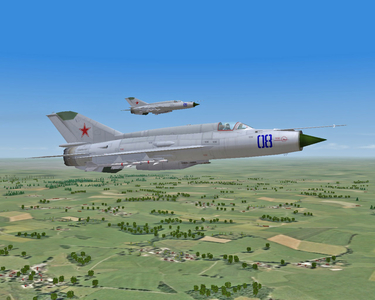
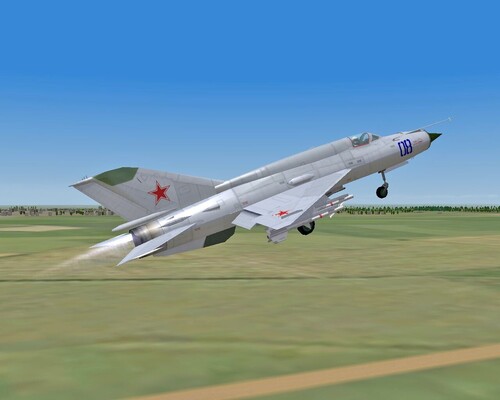
View File MiG-21S for a series of SF2 (3W) MiG-21S for a series of SF2 Option of the MiG-21S using the model of the MiG-21MF TW This option allows you to use more different suspension arms and equipment than in the model of the MiG-21S, appeared in SF2I, which uses a gun hanging container GP-9 on the central pylon This option is being followed and checked in the game Strike Fighters 2 Europe Overhead gun container GP-9 used in this work: http://forum.combata...&showfile=10325 Image Loadout.bmp made anew In the presence of two images Loading.bmp, one of which you can choose optional The movable part of the cabin opened by pressing a keyboard shortcut Shift + 1 The installation process is described in the attached file Submitter Epizikl Submitted 12/17/2009 Category MiG-21
-
From the album: Miscellaneous
-
771 downloads
MiG-21S for a series of SF2 Option of the MiG-21S using the model of the MiG-21MF TW This option allows you to use more different suspension arms and equipment than in the model of the MiG-21S, appeared in SF2I, which uses a gun hanging container GP-9 on the central pylon This option is being followed and checked in the game Strike Fighters 2 Europe Overhead gun container GP-9 used in this work: http://forum.combata...&showfile=10325 Image Loadout.bmp made anew In the presence of two images Loading.bmp, one of which you can choose optional The movable part of the cabin opened by pressing a keyboard shortcut Shift + 1 The installation process is described in the attached file -
If still no one noticed (Erwin I talked about this earlier), the picture is loaded with distortion!
-
Tu-22M3 for use in TW yet, as far as I know ...
-
Thank you! Beautiful ship!
-
Show you where to get a very model of the MiG-21FL?
-
From the album: New Projects
-
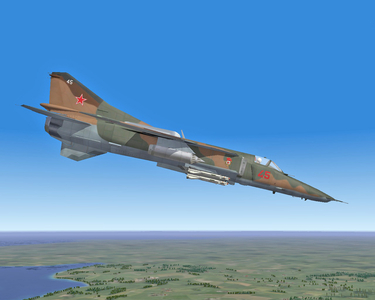
From the album: New Projects
-
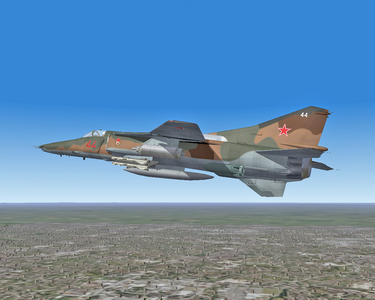
From the album: New Projects
-
 I am very pleased that you liked my work!
 -
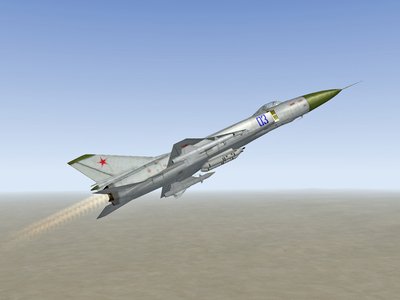
From the album: New Projects
-
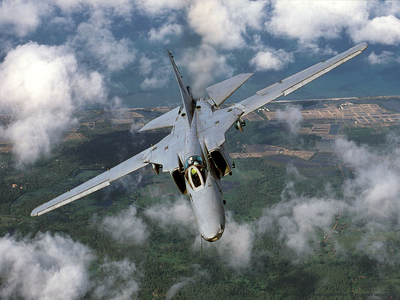
From the album: Miscellaneous
-
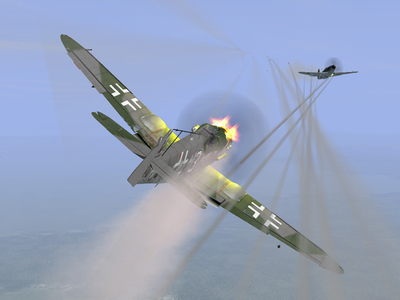
From the album: Miscellaneous
-
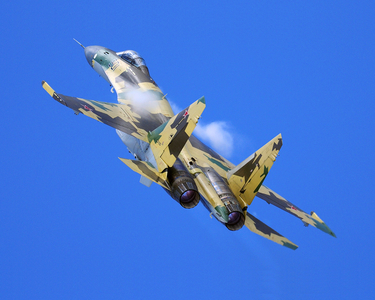
From the album: Miscellaneous
-
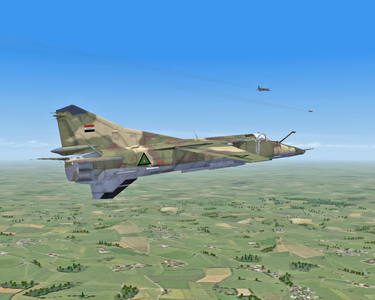
From the album: Miscellaneous
-
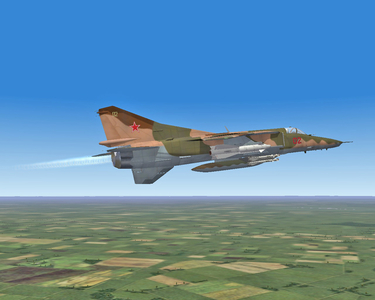
From the album: New Projects
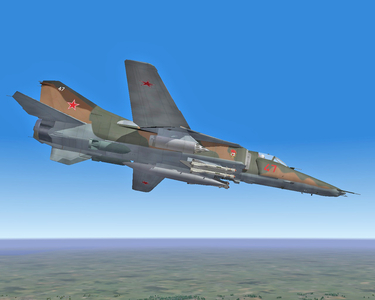
Picture from work to equip the MiG-27M new engine - the AL-31F -
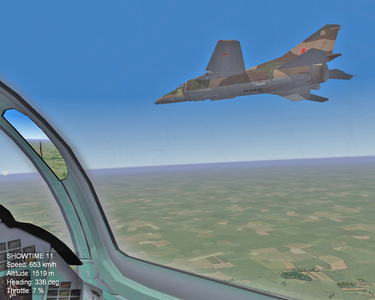
From the album: New Projects
Pictures from the work of equipping MiG-23BN new engine - the AL-31F -
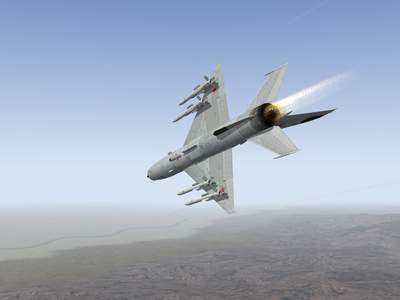
From the album: New Projects
Pictures of the work to equip the MiG-21-93 new modern weapons, particularly missiles R-77 -
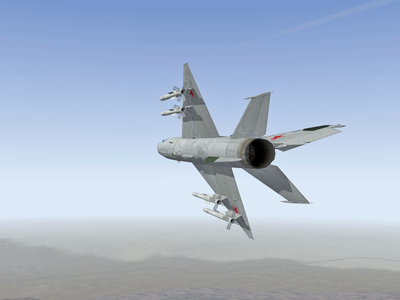
From the album: New Projects
Pictures of the work to equip the MiG-21-93 new modern weapons, particularly missiles R-77 -
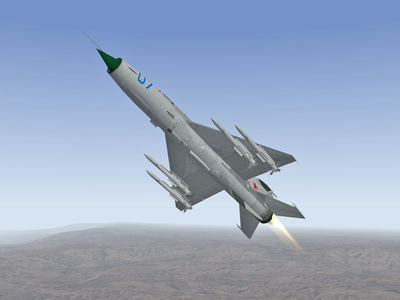
From the album: New Projects
Pictures of the work to equip the MiG-21-93 new modern weapons, particularly missiles R-77