FalconC45
-
Posts
1,778 -
Joined
-
Last visited
-
Days Won
1
Content Type
Profiles
Forums
Gallery
Downloads
Store
Everything posted by FalconC45
-
Deleted combatace.com cookies and still get the "Don't have permission" message when marking a forum as read... Falcon
-
Question about Mues shimmering fix and etc
FalconC45 replied to FalconC45's topic in General Discussion
Its more like what you see in a hot summer day on a road, like that. Maybe thats normal I don't know Falcon -
I installed the fx files in 2 of the terrains and still see the shimmering (I think, the cities and trees shimmer at distance). Am I doing something wrong? Also can you guys give me some values to play with for the flightengine.ini? Thanks! Falcon
-
It seems I can't mark a forum as read. It says I don't have permission whatever that means... Falcon
-
She'll be immoralized in alot of flight sims too. Wonder if she knows that too. Falcon
-
Yes that's Nvidia control panel. Falcon
-
take a screenshot of your Nvidea GUI, maybe I can help. Falcon
-
Yeah just put 0 in that line. Falcon
-
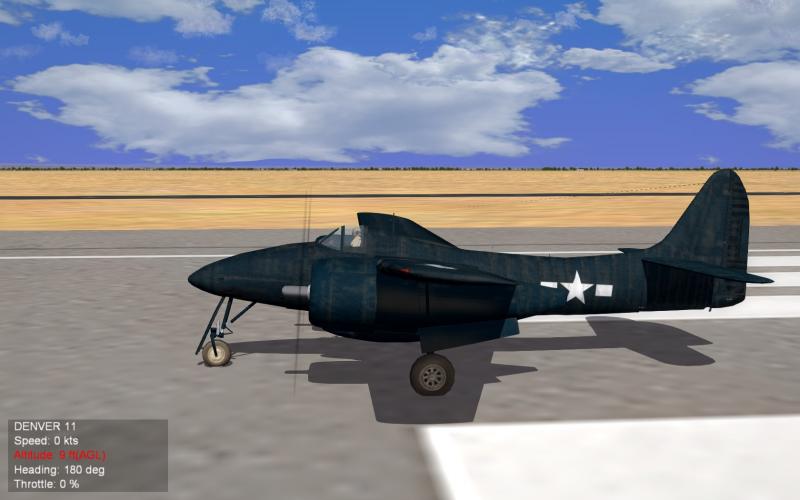
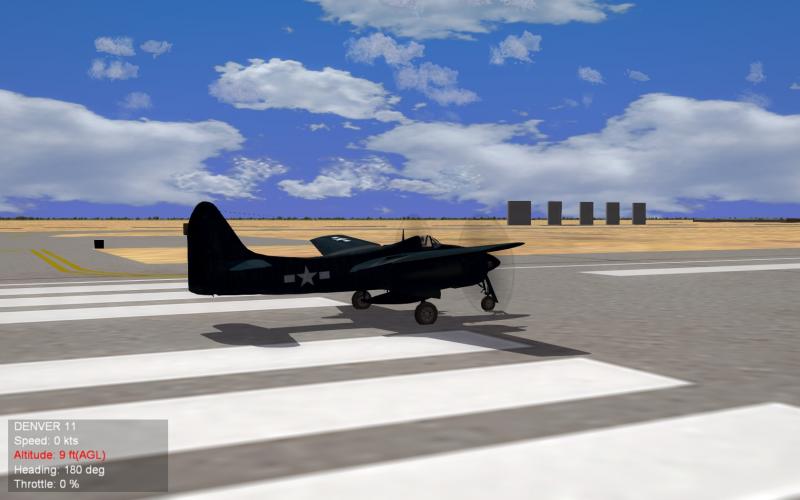
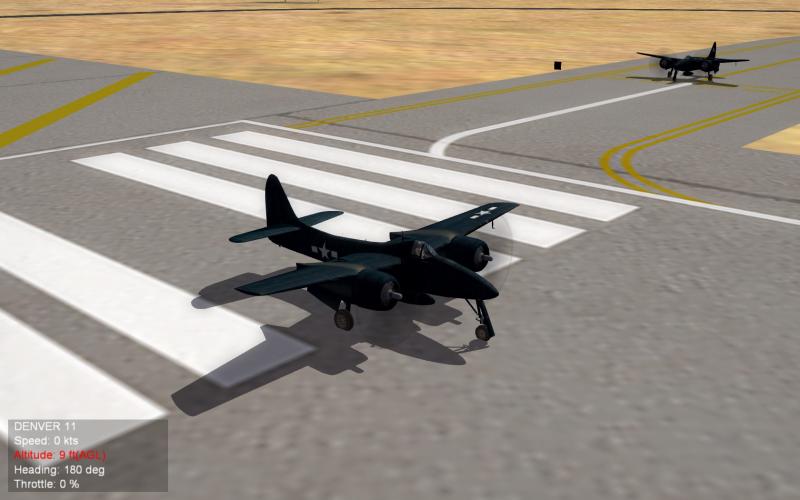
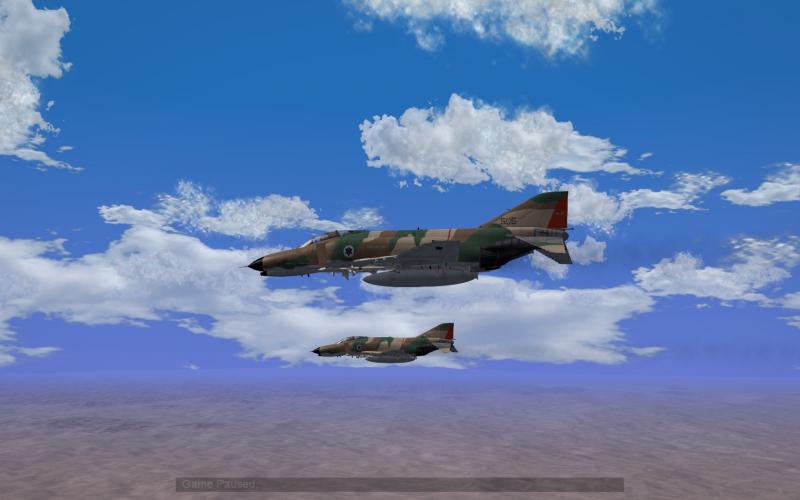
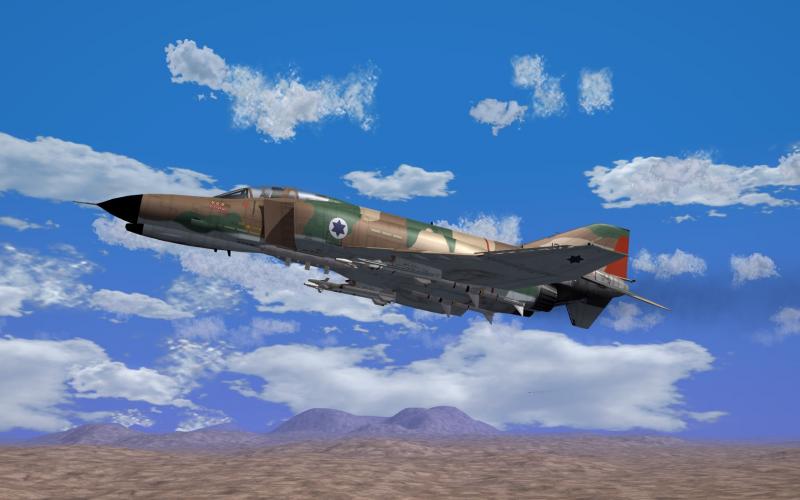
Before continuing, I apologize for sounding as an asshole. I was getting frustrated and got ticked off. Now guess what? I fixed my problem of jaggies by not turning on in-game AA. I knew in the past that I had awesome graphics by turning off the in-game AA so I experimented the card's GUI. And here's the results. And I will try baff's software suggestion too. Thanks for being patient with me. Falcon
-
Well, before I upgraded to WIN10, I had in-game AA off and used my card's GUI. It was beautiful. I'll post a few samples. As you see no jaggies except on odd angles but those were really tiny. WIN 8.1 by the way but I'll try the suggestion of turning the in-game AA. Falcon
-
Before I upgraded WIN10 I had 8.1. About the option.ini, I thought you had to disable the in-game AA so the card's functions could work. So I need to turn it back on. Is this mean I can't improve the quality the graphics via my card's GUI? That sucks big time. And yeah I'm getting ticked here. Falcon
-
No modded. Falcon
-
I retuned my video card since the upgrade default my settings but the jaggies are still there. I checked if the driver had changed and it hasn't. I'm at lost here. Any help is appreciated. Thanks in advanced. Falcon
-
Its getting there. Still getting TOD shimmering despite installing mue's fx files. I'm still tweaking. The F-4E cockpit is kinda dark now, weird. I'm getting mid 20's to high 40's when just flying. In dogfights high 30's to 50's. I think I can get more if I study more. Stary's cloud mod looks great though. Falcon
-
Yeah the original '54 without Burr is much better. Akira Takarada will be at this year's GFEST. He plays the love interest of the female lead. Can't wait to meet him. He's a legend for the godzilla fans. I pre-ordered an beautiful figure of the '54 godzilla biting a train. Its coming late march. I also got a '72 Gigan figure coming this month too. Can't wait! Falcon
-
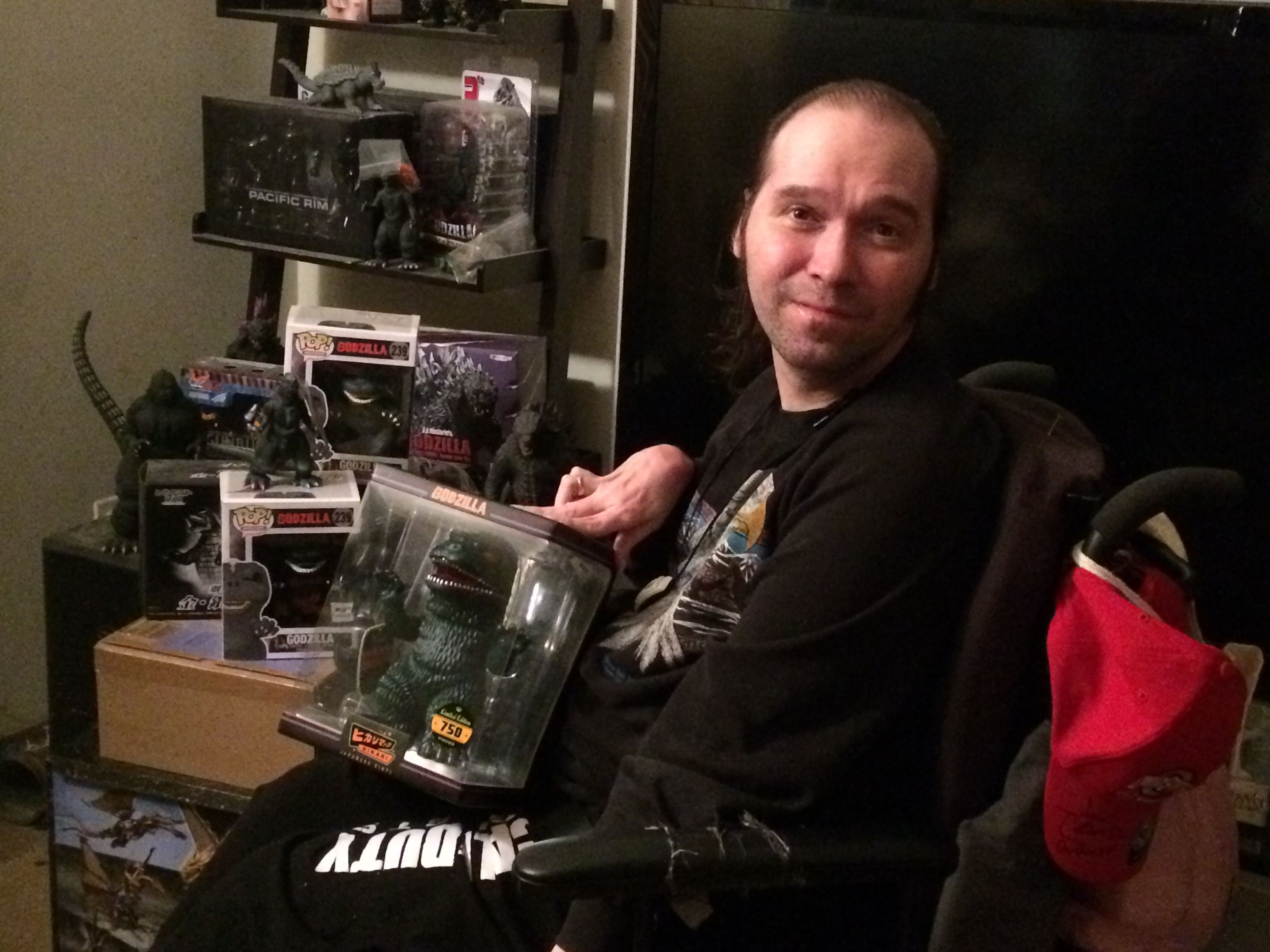
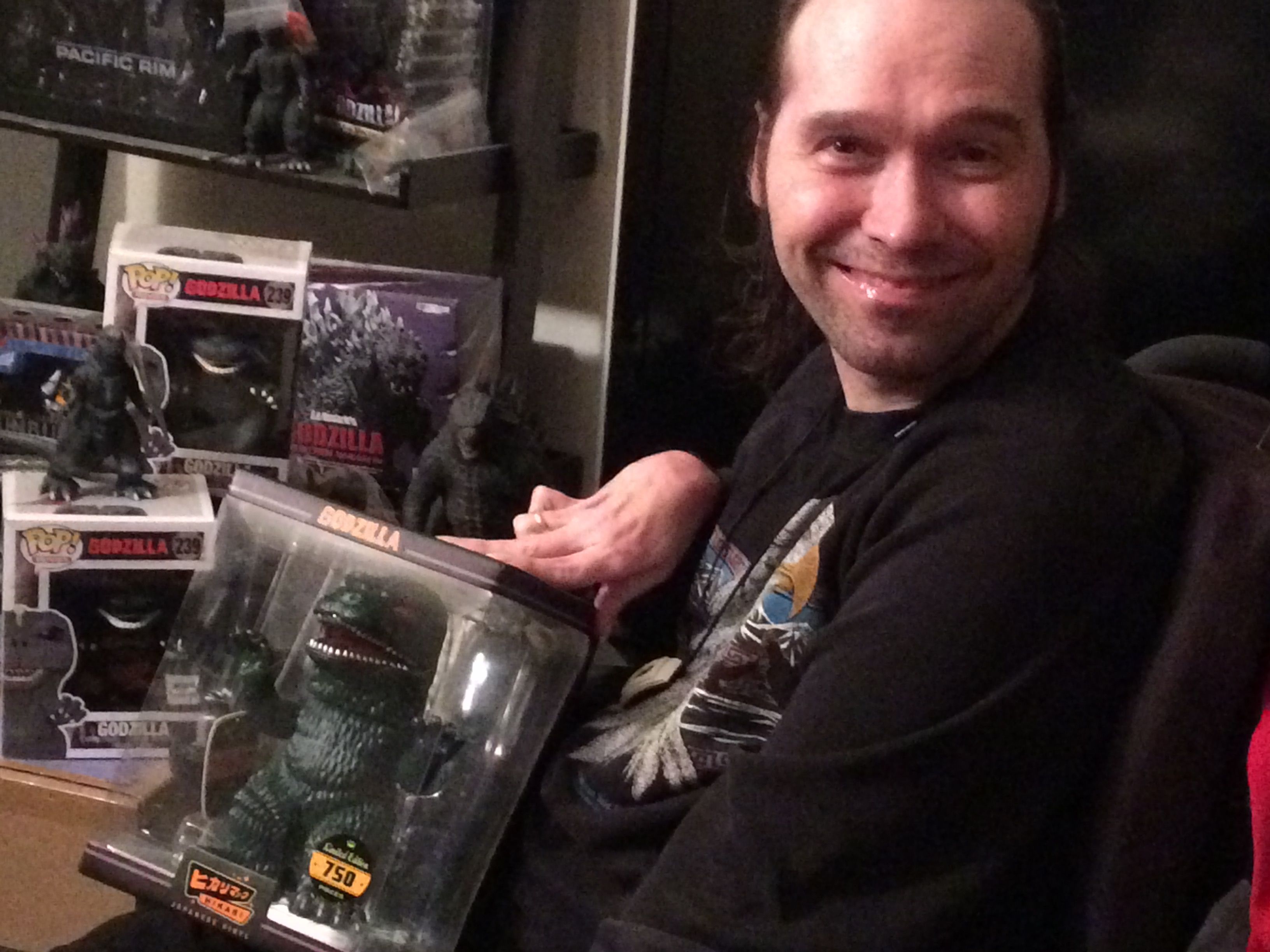
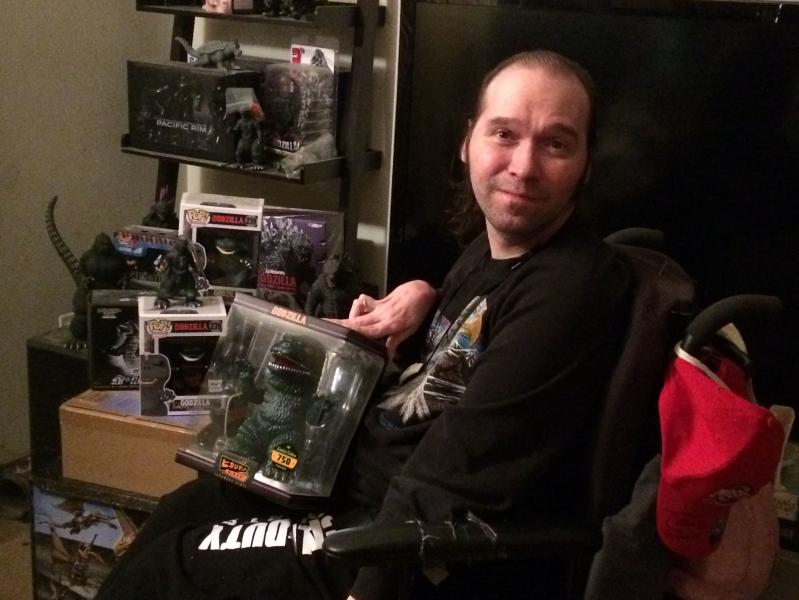
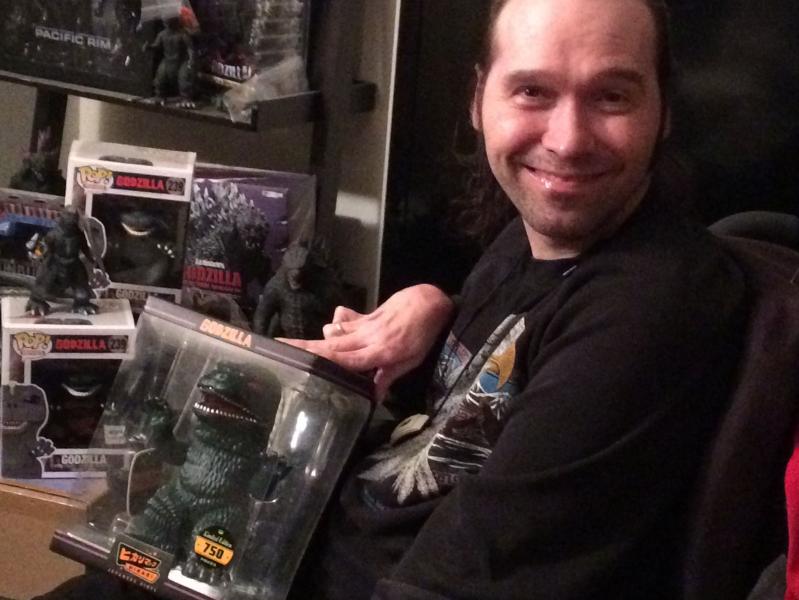
Limited to 750. He's huge! Collection beside me is small fraction of my total collection...
-
Thanks guys. This is what I wanted. Falcon
-
No change the detail beyond the in-game settings. I remember talk about changing the detail mesh values. But I can't find the thread discussion. Falcon
-
I'll look again Falcon Found Lowdetail and Meddetail. Is that it? Falcon Whoops. found it. its in the options ini
-
I want to push the detail level to see how much my new beast can handle and I tried to search (maybe I used the wrong search word) to tweak the detail mesh on Piecemeals terrain and can't find the file to tweak. Any help is appreciated Thanks. Falcon
-
Thanks guys! Appreciate it! Falcon
-
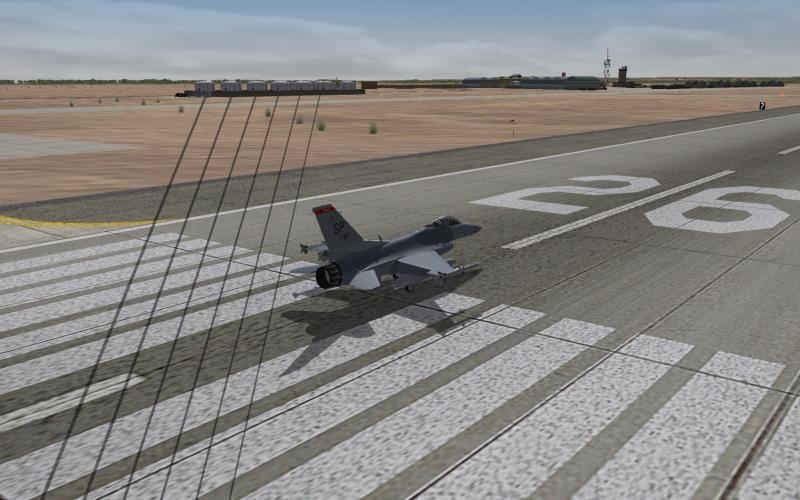
Did he fixed the Shadow bug on his mod? Falcon
-
D/L it before you answered buddy, I apologize. I need to register my soundbar to unlock the pro. But it works. Some sounds are distorted but once I register I hopefully can tweak it. Only wished they put sound bar setup in this software. Falcon
-
The soundbar comes with a subwoofer. How do I use virtual surround? Falcon
-
I got a Razer sound bar that does surround sound and when I play SF2 on it a couple sounds are missing. The sounds for jet engine in the cockpit and the sounds for the gear and the flaps aren't playing. I tried everything in the soundblaster card GUI to get those sounds to run. The ironic part is I don't have any problems in NoS Shift. Any suggestions? Also does SF2 have the ability to do surround sound? Falcon