warthog64
-
Posts
1,050 -
Joined
-
Last visited
-
Days Won
2
Content Type
Profiles
Forums
Gallery
Downloads
Store
Everything posted by warthog64
-
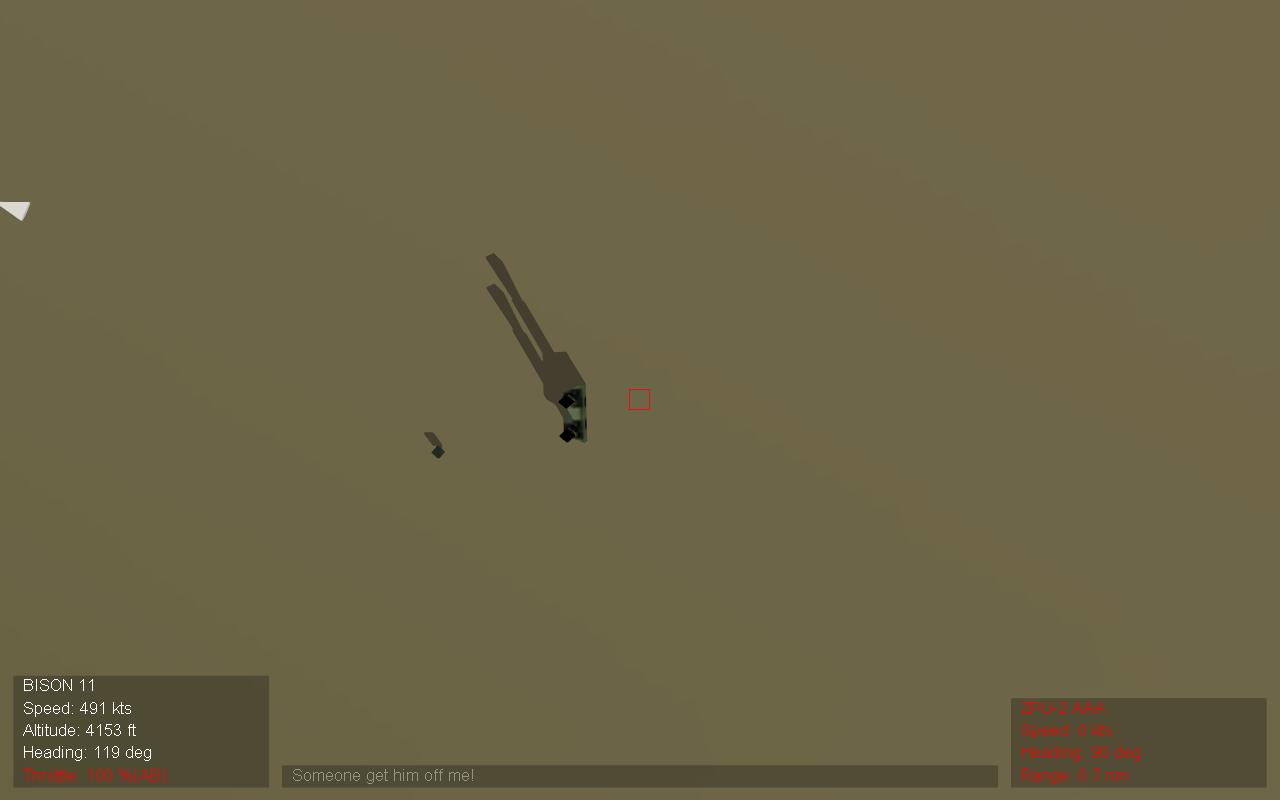
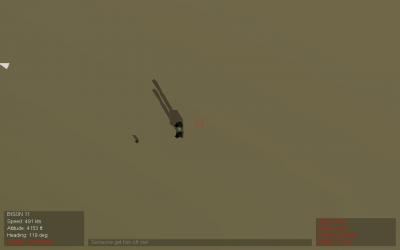
Thanks, Seems to have worked One more thing though, in Israel 2 terrain some vehicles are sometimes burried in the sand, like this image below. This isn't a big problem, but its somewhat annoying Anyone know whats up with this? Thanks
-
One more question, In the Data.ini's which line controls the water height? And as far as the hm.bmps go what is the exact process for that? I know this is pathetic, but I just don't know anything about this game editing stuff, I do understand things pretty quickly once I am told though. Also what should I rename the Stock terrain Data.ini's Thanks for everyones help!
-
Thanks, I'll try these fixes I am running libya 3 As for Israel 2, I am running the one available in the downloads section. I think this is the only one available?
-
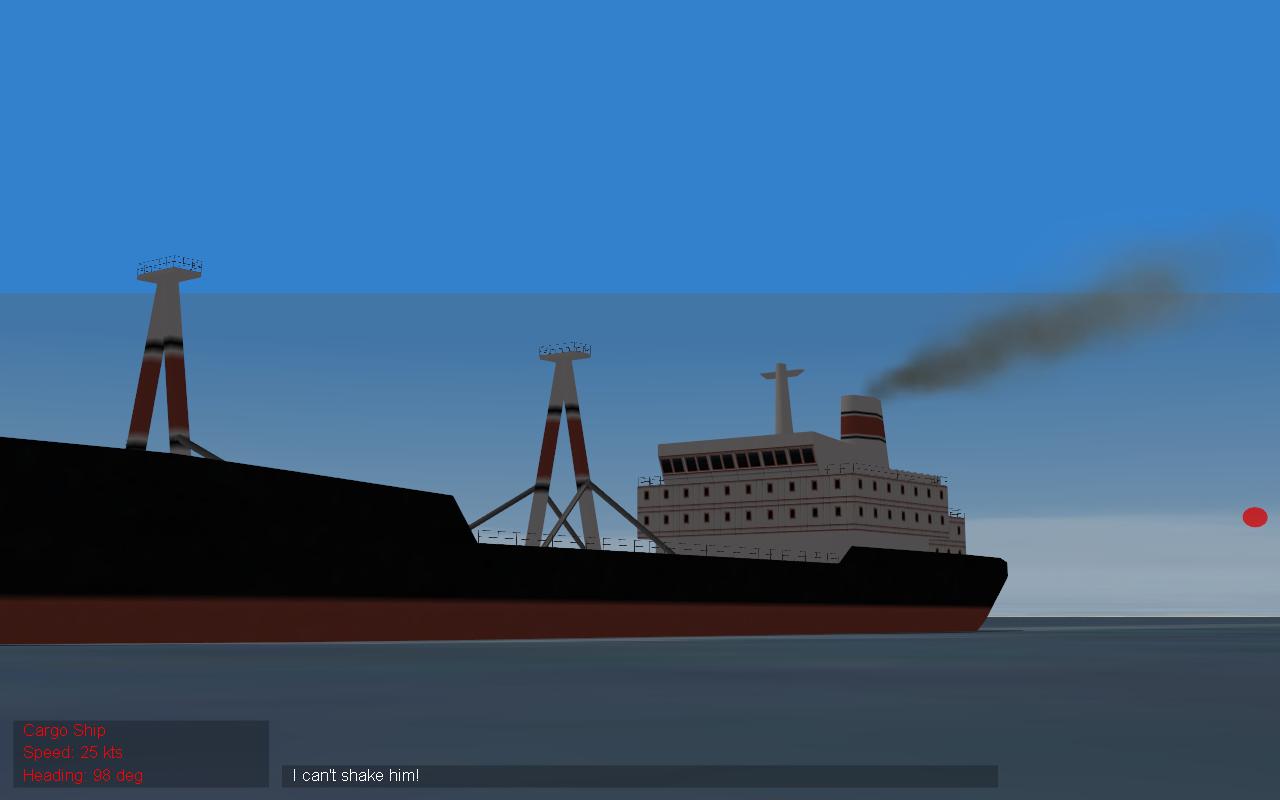
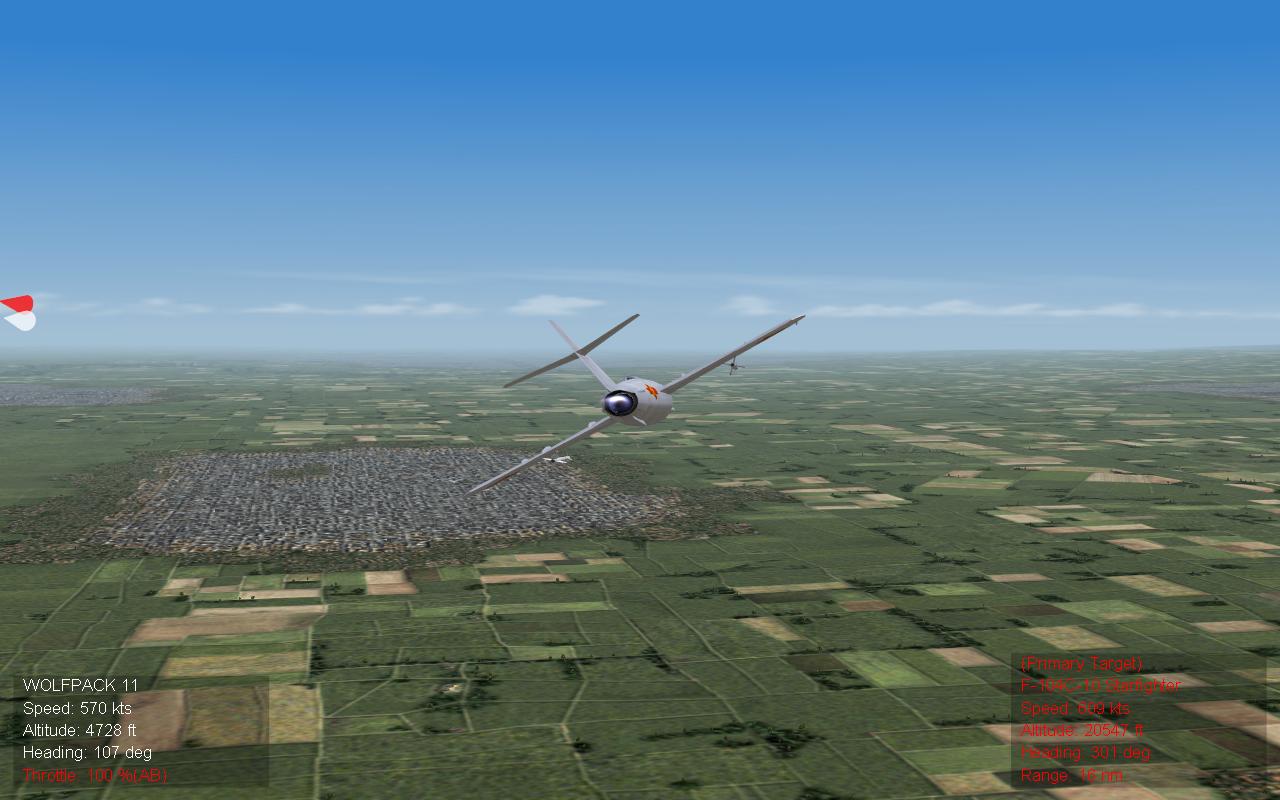
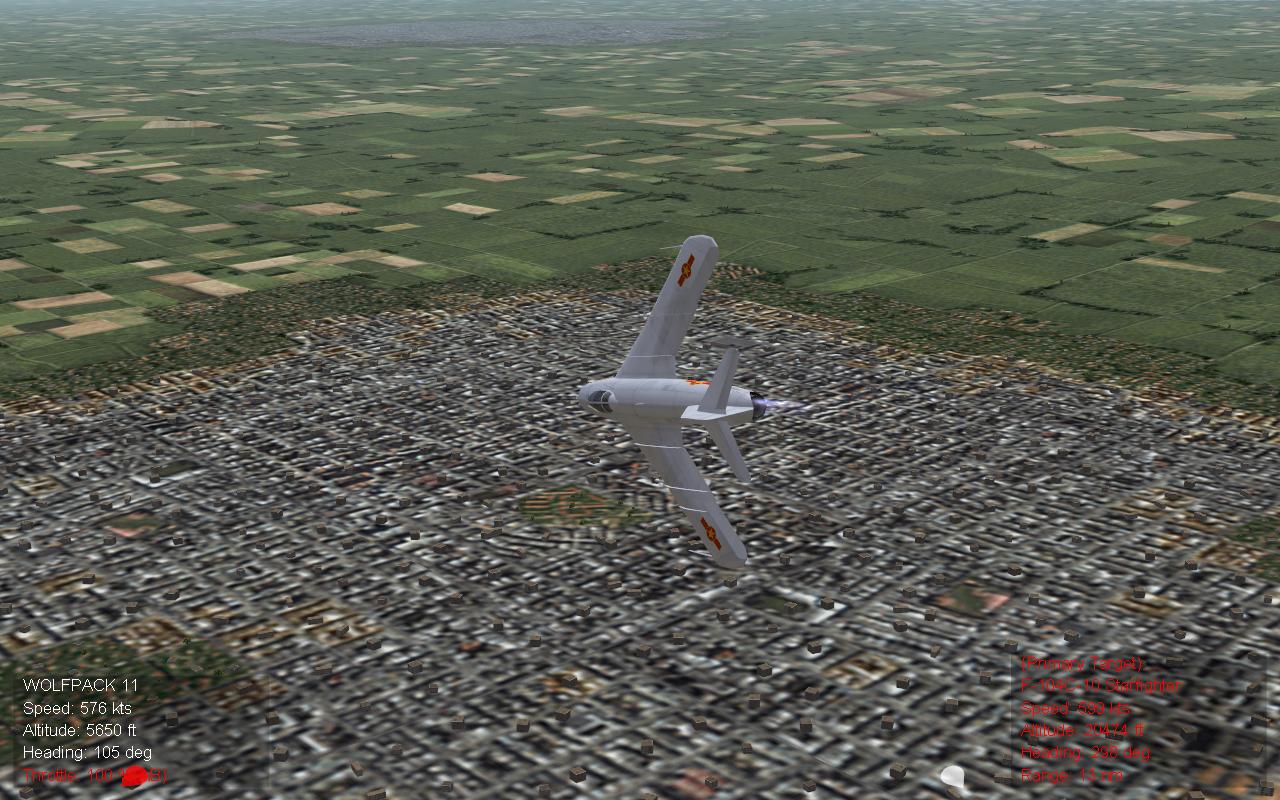
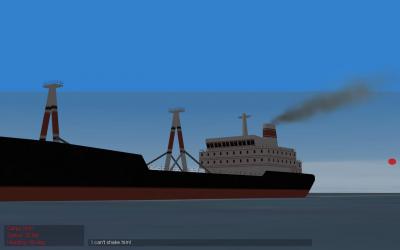
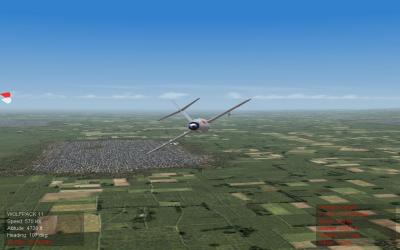
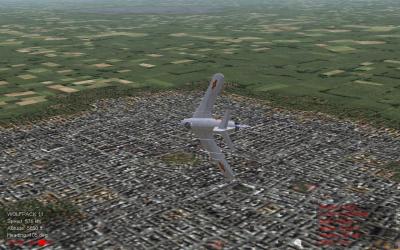
It's a little hard to tell in these images, as they are still. But the Terrain Texture below the Mig-17 has an odd horizontal Wave effect, which moves in the direction that I move. Also the Shimmering Trees are a problem that will never stop. The image of the ship shows how the water line effect moves above the vessel as I zoom in. Also when I fly low above the water this same effect happens. Thanks Everyone
-
Thanks everyone, I'll post one ASAP. The terrains are- Libya Israel2 VietnamSEA (Stock) Germany (Stock) Desert Storm (Iraq)
-
I know this sounds pathetic, but how exactly do you take a screenshot?
-
I've tried forever now to solve the problems of terrain, and terrain objects shimmering, flashing, etc. solved. Every fix I have tried both from this site, and on my own just won't work. I know I don't know anything about editing or solving these problems on my own but there has to be a way? I know editing lines in the terrain_data.ini can solve this but I have tried every fix provided with no results (My fault of course, I'm inexperienced). I have no idea what anything means in the data files so I can't and probably shouldn't really solve it on my own either. Problems such as the water line suddenly being above me when I am still 50 feet above the water is one issue which is unfixable. and the terrain in the distance still shimmering, and having a strange horizontal wave effect is another problem that wont stop. My Question is how, and where should I begin to fix it, if even possible. Or if I still can't fix it, even with the fixes provided on this website should I just give up? Thanks
-
Thanks I get it now.
-
Well I figured out how to use the new CatPak tool. But how do you get the files like F-4E_Data.ini etc. extracted? So far I'm not sure how the whole process really works.
-
Got It! Thanks Everyone
-
For some reason the Cat Extractor which works fine for WOE,WOV etc. is not working with SF2V. Every time I try to use it I get an error message. Any suggestions
-
Well Thanks anyway. I'll keep trying to figure it out.
-
I don't think so? I downloaded the Desert Storm mod for WOE, and I didn't add any trees to the DS terrain. And my Vietnam terrain doesn't have trees either, but both have this odd problem. It's mostly just weird lines that move down the ground in the distance, but not directly below me.
-
I noticed that in all terrains when I am about 6,000 feet above the ground or lower the ground has an odd shimmering/wavy line effect about 1 mile or so from me in all directions. I tried changing the same Height Offset lines which fixed the shimmering water effect, but with no result. Has anyone else noticed this? This isn't a big problem but I was just wondering if there is a fix for it. Thanks
-
Oh okay, I can figure that out. Thanks
-
I downloaded strike fighters 2 recently and realized that when I open the game in Computer/program files/strike fighters 2 it is different from other thirdwire games. For example in WOE there are folders for, Menu,Objects,Effects etc. None of these appear to in the Strike Fighters 2 install. Is there a way to access these folders in Strike Fighters 2?
-
Thanks, Makes since
-
I noticed today while flying an intercept mission, that what looked like a single tu-16 suddenly turned into two. I think what is happening is that two planes are flying in the same part of the sky and are actually "inside" one another. This is not a big problem but if there is a fix, I'd appreciate it. I just like having more targets, and getting two planes at once like this is just too easy. Thanks
-
Well everything worked well except that only one AIM-7 appears to be able to be carried. But I think it's my fault. When you say, "add the respective components to the fuselage". How exactly do you do this
-
Oh thanks, Simple Enough
-
Is there a way to enable the Stock F-4F in WOE to carry radar guided Air to Air missiles? Thanks
-
Getting something other than Cargo Ships, and Tankers
warthog64 replied to warthog64's topic in General Discussion
Thanks Alot -
Does anyone know a fix for the shimmering trees in the stock VietnamSea terrain, with the GreenHell2 update. I have tried many settings but they just won't stop that distracting shimmering. Thanks
-
Getting something other than Cargo Ships, and Tankers
warthog64 posted a topic in General Discussion
Well due to all the problems I've had in the past I have recently re installed WOE, and finally everything works! So thanks again for everyone's help. But one thing that I have noticed is that although I have added many extra ships to my current install, I still only get cargo ships, or tankers when flying an anti shipping mission. I'm not sure if I have ever heard the fix fot this or not (if there is one). So sorry if this is an old an obvious topic. But if anyone knows how I'd appreciate it. Thanks -
Oh okay sorry. All I see for unlimited is the graphics options, is this what you mean? Thanks