warthog64
-
Posts
1,050 -
Joined
-
Last visited
-
Days Won
2
Content Type
Profiles
Forums
Gallery
Downloads
Store
Everything posted by warthog64
-
Thanks Guys!
-
Is there a weapons pack available for the Viggen, Draken, etc. that contains Sweedish Air Force weapons? I'm pretty sure I've seen it before, but can't remember where. I looked through the weapons section in the downloads but couldn't find it. Any help is appreciated. Thanks Everyone
-
Well I just figured it out, I was forgetting to change the avionics60 to 70 in the aircraft.ini file. So simple how could I forget. Thanks Everyone
-
Thanks, I'll just keep trying.
-
In the Mirage Factory Israeli F-16A and F-16I the HUD displays are very much more modern and accurate than the USAF F-16C Blck 30,50,52 HUDs. What I mean is the Israeli jets have the Radar boresight circle, and IRM lock on circles as well. The Block 30 etc just have a simple Gunsight so you never really know what you're locked on to. I've tried copying the Israeli Falcon cockpit, and avionics files to the block 30,50,and 52 but I can never seem to get it to work. Is there a F-16 avionics upgrade available for dowload anywhere? If not does anyone know the proper way to give the block 30,50,52 jets a more modern HUD. Thanks Alot
-
One more question, the destroyed LOD's used to have color to them. Anyone know why they are whit all the sudden Thanks
-
None of the SAM's in my install of WOE have launch, or inflight booster effects. What is the correct booster effect name/ in flight effect name to add in the weapons editor to enable these effects. Thanks
-
B-52 Vietnam Era Upgrade Pack 4.0
warthog64 commented on gbreuder's file in Heavy Bombers and Multi Engined Aircraft
 Very Cool!
 -
Thanks Guys
-
I know only the stock ships like the Cargo Ship, and Tanker have Destroyed Lods. But is there a way to change the way a ship such as the Akagi sinks from just disappearing, to actually having a sinking effect? Thanks
-
Thanks Wrench, The terrain is WW2 China, with the upgrade installed
-
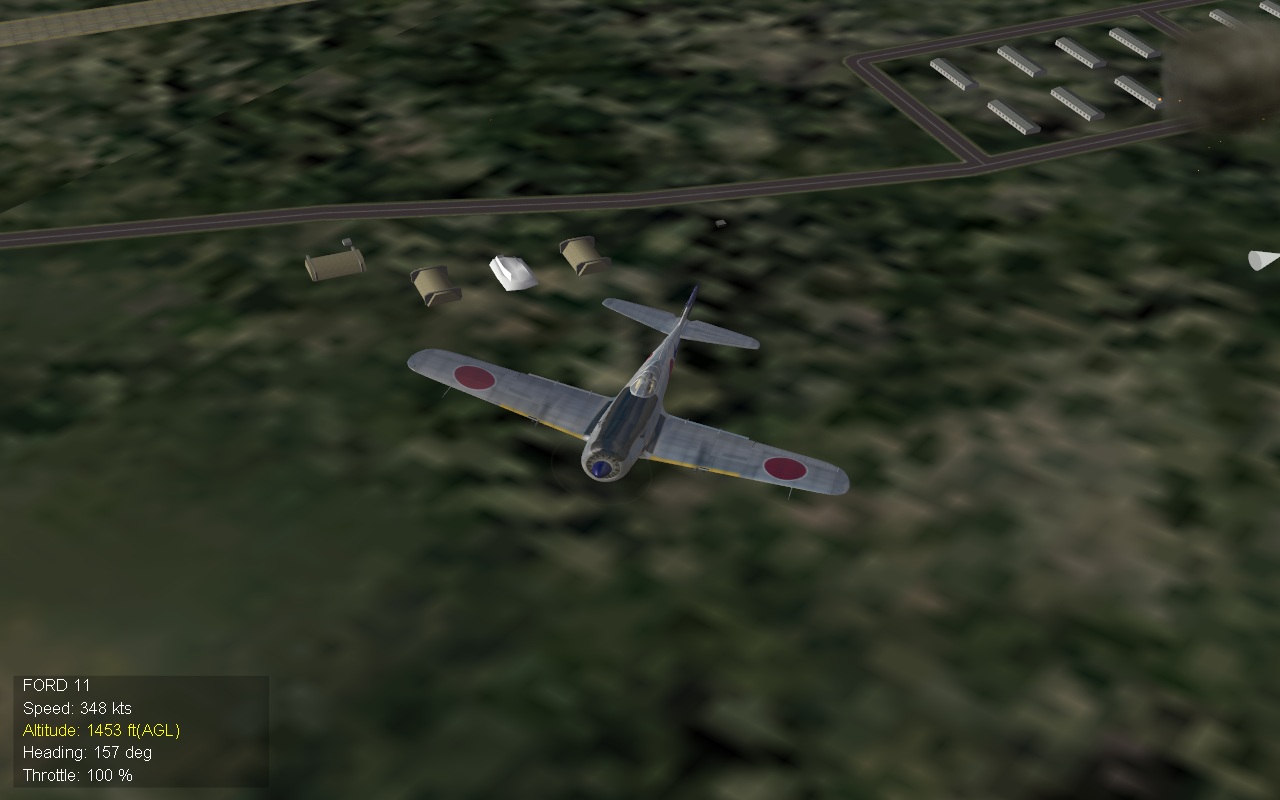
For some reason in my install of WOE, most stationary ground target Destroyed LOD's have not been working properly in any terrain I have added to the game. The targets just bcome a very bland white color, and have no effect associated with them after being destroyed. I have never had this problem, and don't know why it started all the sudden. I've included a picture of a bombed Ammo Bunker to show an example. Any suggestions on how to fix this? Thanks
-
The terrain came from the Korea War Mod update, in the campaigns download section for SFP1 series.
-
Thanks, I'll see what each does
-
It says desert.cat, is that correct?
-
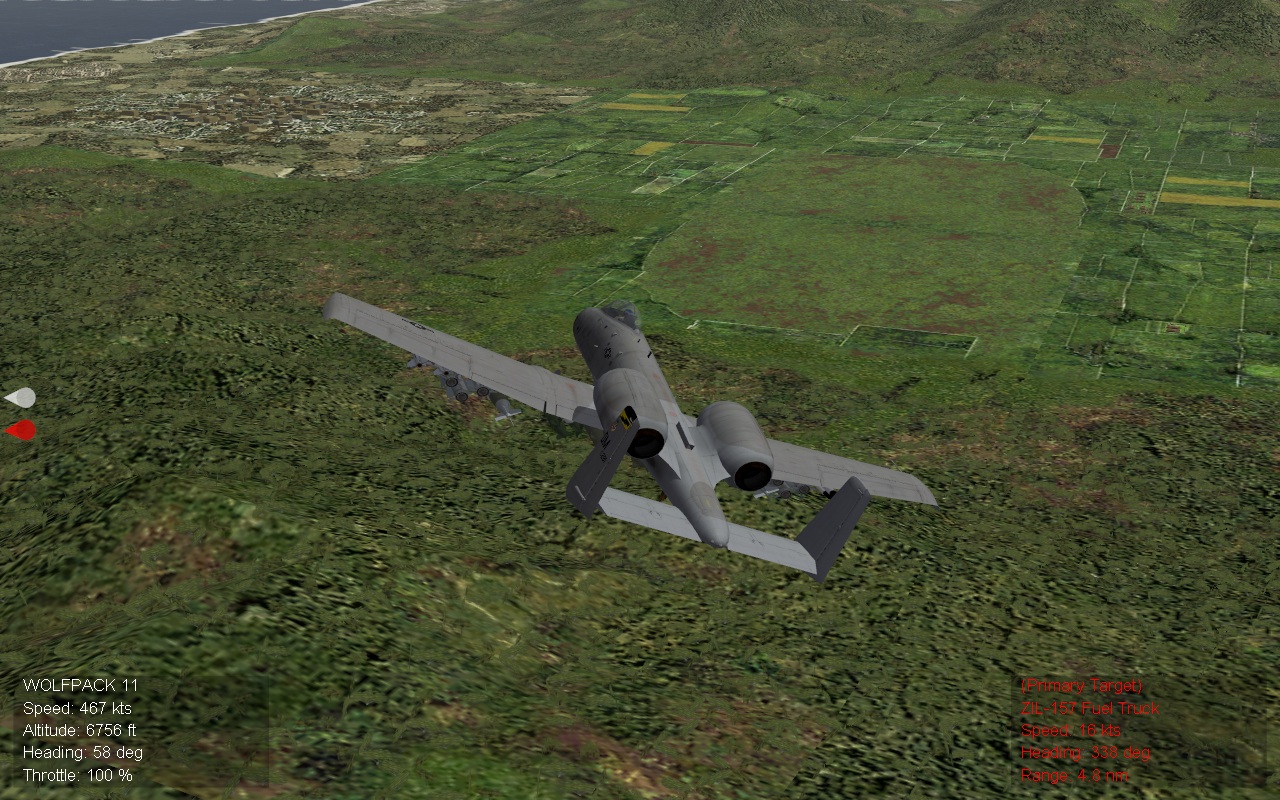
I just downloaded the Korea Terrain from 2005, and for some reason none of the airfields show up anywhere! The rest of the terrain is GREAT! but for some reason the Airfield LODs just won't work. Any suggestions Thanks
-
I recently installed the UBON RTAFB update from 2008 and for some reason now anytime I try to fly a mission in a Soviet/North Vietnamese aircraft on an offensive mission over the Vietnam SEA terrain my game will crash! Anyone have an idea?
-
That sounds great, Thanks everyone
-
I made the effects folder but I'm not sure which files go in there, as I don't see anything similar to what is in my WOE effects folder.
-
I was just wondering which cat file the effects files are located in SF2E/V. I've finally got it set up right and working but can't fund this one last thing. Thanks
-
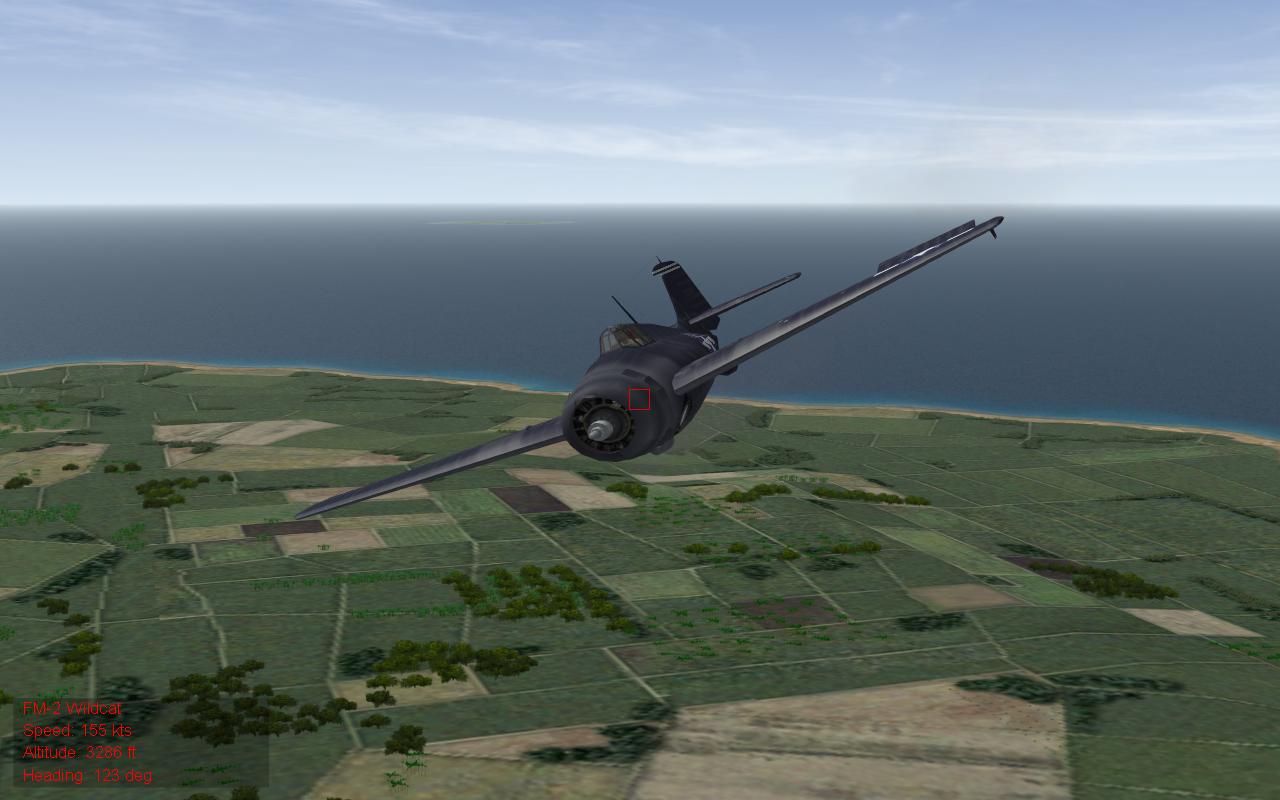
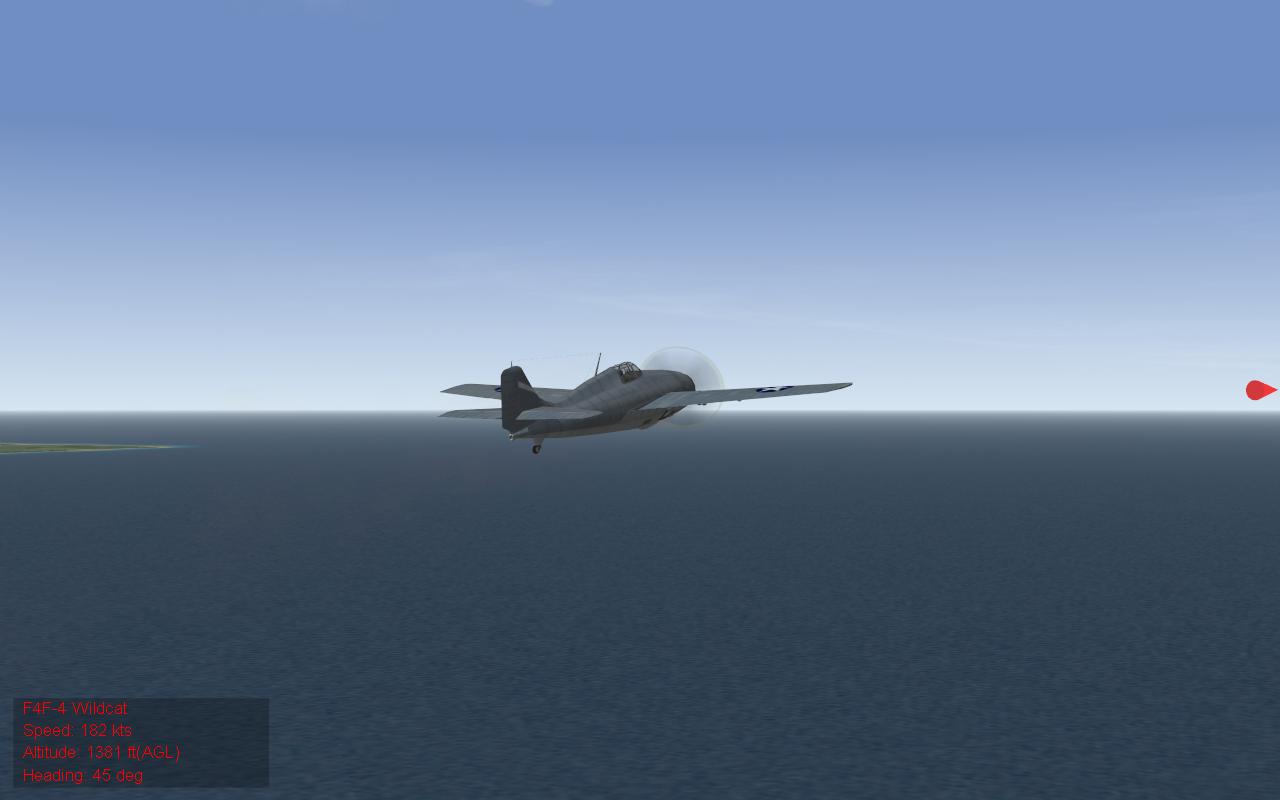
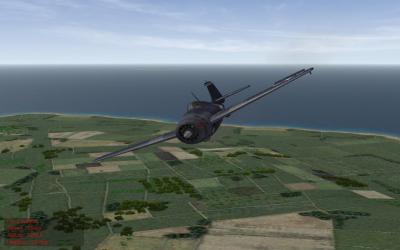
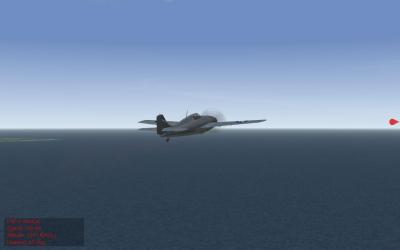
Is there a way to add a prop effect to the FM-2 like the one the F4F has? Thanks
-
For some reason I have never been able to get the german opel truck or blitzopen (part of Geo's WWII groundobject's pack) to appear in WOE. It's a lod problem because the vehicle is there as a target, but will not show up. It's not that important or serious, but I'm just curious how to make it work finally. Thanks
-
Oh thanks, didn't notice that.
-
No problem, I'll just reinstall the terrain. Thanks Everyone
-
It's actually a merged WOV WOE install, not sure if that matters. But here's what it includes (VietnamSEA terrain, Black VN_Repainted_BMPs, and Deuces Vietnam repaint) Thanks