
ace888
-
Posts
1,383 -
Joined
-
Last visited
-
Days Won
13
Content Type
Profiles
Forums
Gallery
Downloads
Store
Everything posted by ace888
-
-
-
-
-
-
-
-
-
-
-
-
-
-
Spiinners, I think I misunderstood ndicki on the LOD part. I did use an example LOD from the Stock F-4E_75 and converted to .dds, but I was not sure if that was correct? So, am I'm to assume that as long as I am able to get each .bmp from the aircraft using XV132 and just simple click on .dds, that this will convert to .dds format and that the aircraft will recognize the new .dds instead of the .bmp? Thanks again for the information Soulfreak, I am using GIMP so the format maybe a little different? Thanks
-
Kevin this is where I went wrong, I was in the wrong box? Thanks for the photo... Still, more learning and investigating is needed to figure this out? Thanks Kevin
-
Looks like I am unable to use the .dds format. I do not how to modified the model LOD files...
-
Thanks for the information ndicki!
-
I have been examining the .dds format, so far... my efforts has ended with no result of showing the test skin I have made. Is there a good tutorial on converting .psd to .dds or .bmp to .dds? I would think that the most likely format conversion is from .psd to .dds? Also, under the save as DDS, the window does not allow me to select the "Save:" options? I can only select 'compression' or 'format' selection? I assume I should be saving my skin under the specific layer I want? Saving under Cube or Volume takes a lot more work I think? Thanks
-
View File SF2 TuAF F-4ETM_Simsek number updated decal For the SF2 TuAF F-4ETM_Simsek I was not happy with the numbering on the four new skin. Still not perfect but much better than the one on the v1.0 To Install: -COPY and PASTE the content of each respective squadron .tga file on to the Aircraft "D" folder and Decal "D" Folder. Let it override the old file. -Go fly... 29 March 2011 Ace888 Submitter ace888 Submitted 03/29/2011 Category F-4
-

120 downloads
For the SF2 TuAF F-4ETM_Simsek I was not happy with the numbering on the four new skin. Still not perfect but much better than the one on the v1.0 To Install: -COPY and PASTE the content of each respective squadron .tga file on to the Aircraft "D" folder and Decal "D" Folder. Let it override the old file. -Go fly... 29 March 2011 Ace888 -
Sorry guys... Looks like the file was not uploaded successfully? Trying to re-upload now? Ok, it looks like the upload was successful this time
-
File is updated...
-
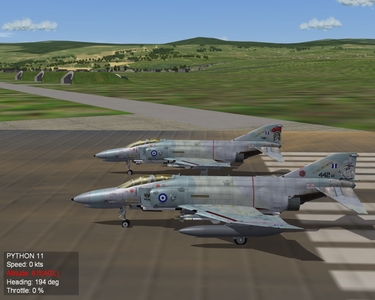
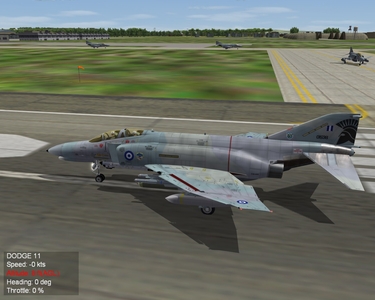
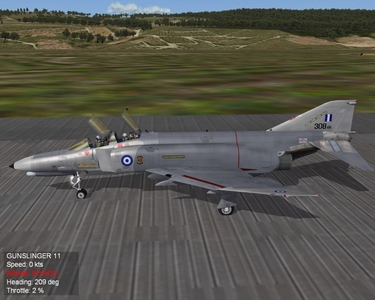
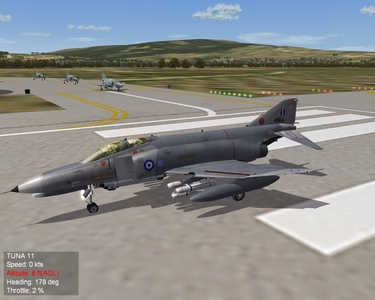
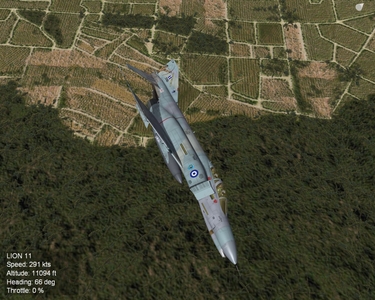
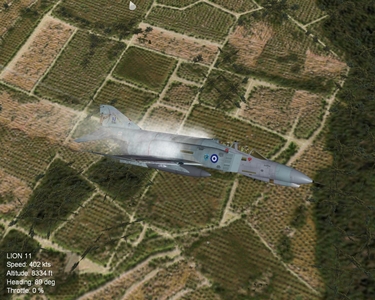
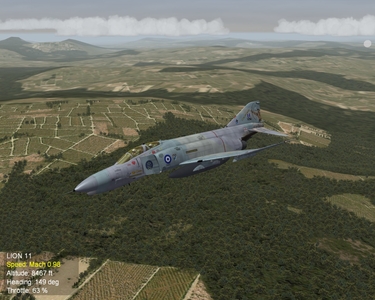
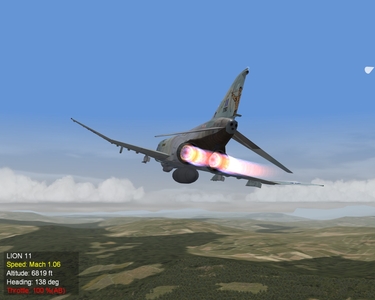
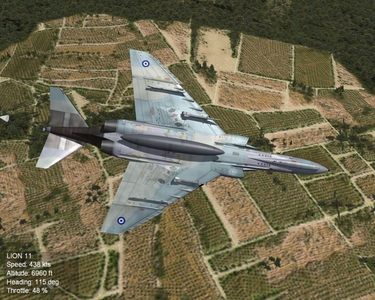
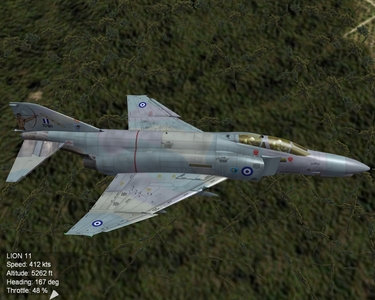
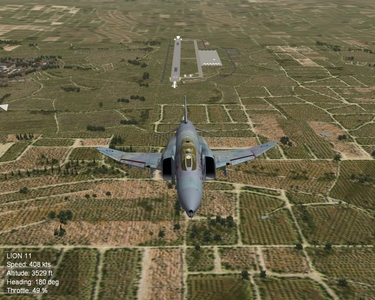
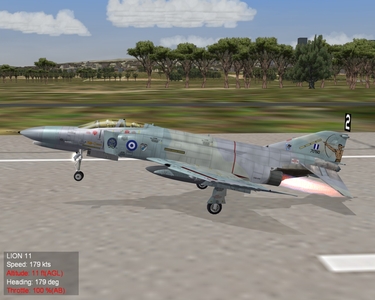
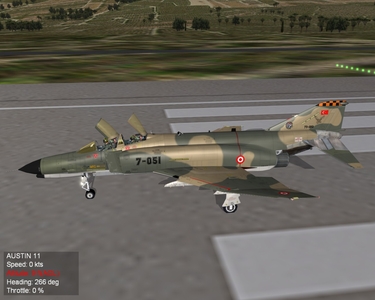
Final tweaking is complete.... These are the added birds, should be uploading soon. Then of to the GREEK PHANTOMS SRA.
-
-