Dels
-
Posts
707 -
Joined
-
Last visited
-
Days Won
30
Content Type
Profiles
Forums
Gallery
Downloads
Store
Everything posted by Dels
-
Here are some updated _DATA.ini files that fix the moving landing light issue. A huge thanks to Cliff7600 for this. Dels RAH-66A_DATA.ini RAH-66B_DATA.ini
-
Thanks so much Cliff! This was bugging me for ages! The precise position for the light is this: Position=0.445,0.728,-0.356 Dels
-
I'm not sure. I guess the simple way would be to create two separate aircraft: one that always has the stub wings attached and a higher RCS value, and one that doesn't. Dels
-
View File RAH-66 Comanche Pack This is my RAH-66 Comanche pack. It includes all the files for the Comanche and Longbow Comanche. Please read the readme file (included) for installation instructions and credits. Happy Easter! Dels Submitter Dels Submitted 04/20/2025 Category Other
-
The RAH-66 package has been uploaded here. He is risen! Happy Easter to all! Dels
-
Version 1.0.0
145 downloads
This is my RAH-66 Comanche pack. It includes all the files for the Comanche and Longbow Comanche. Please read the readme file (included) for installation instructions and credits. Happy Easter! Dels -
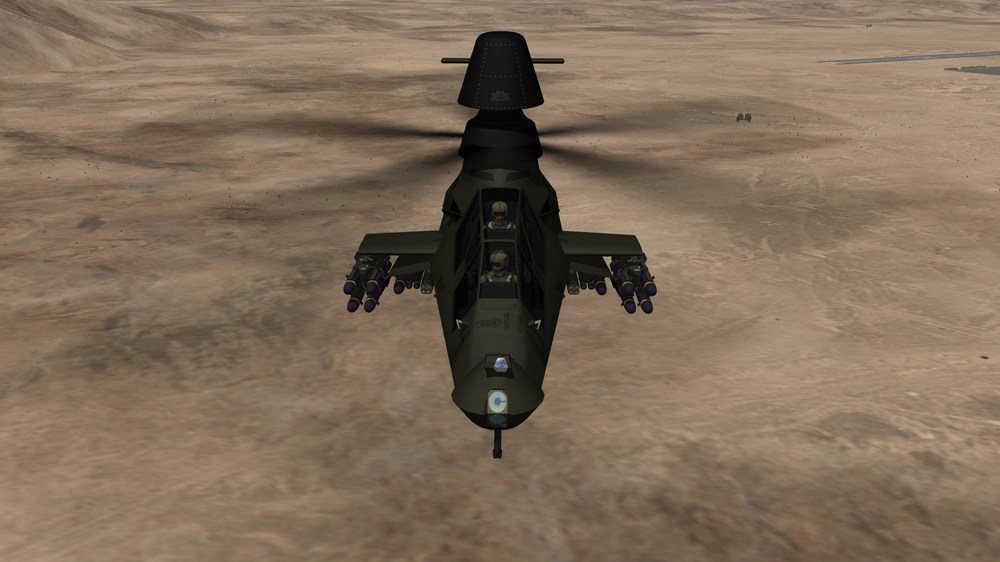
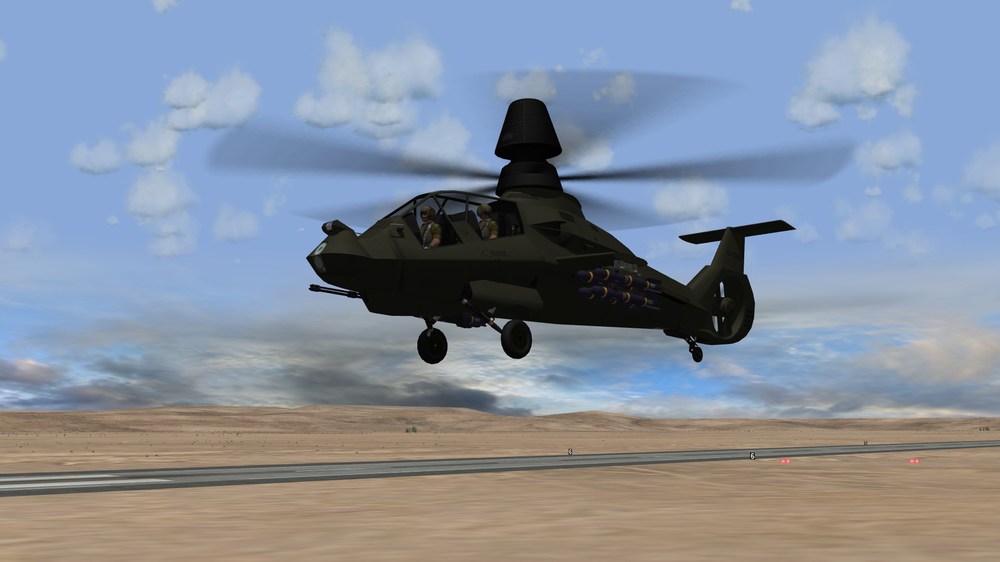
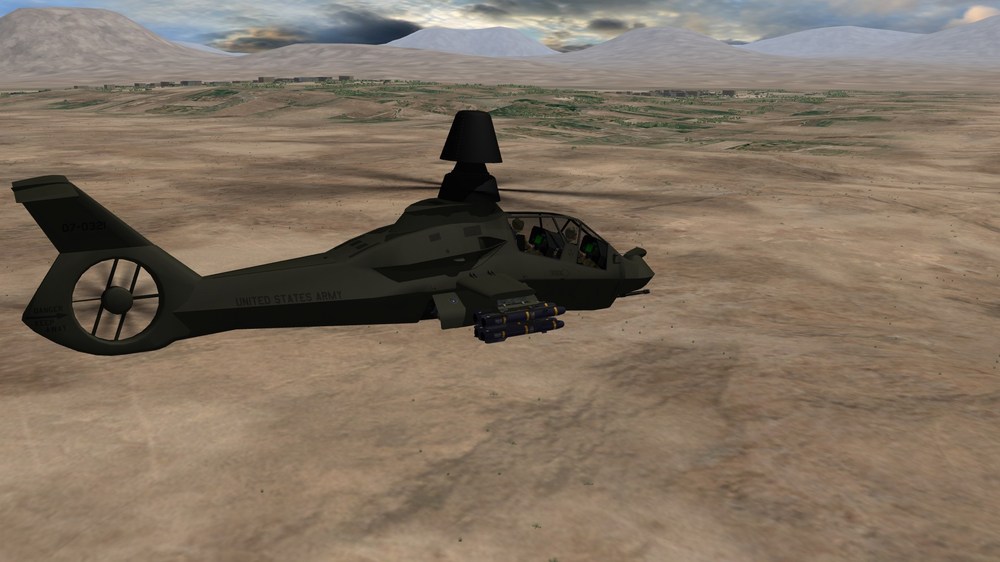
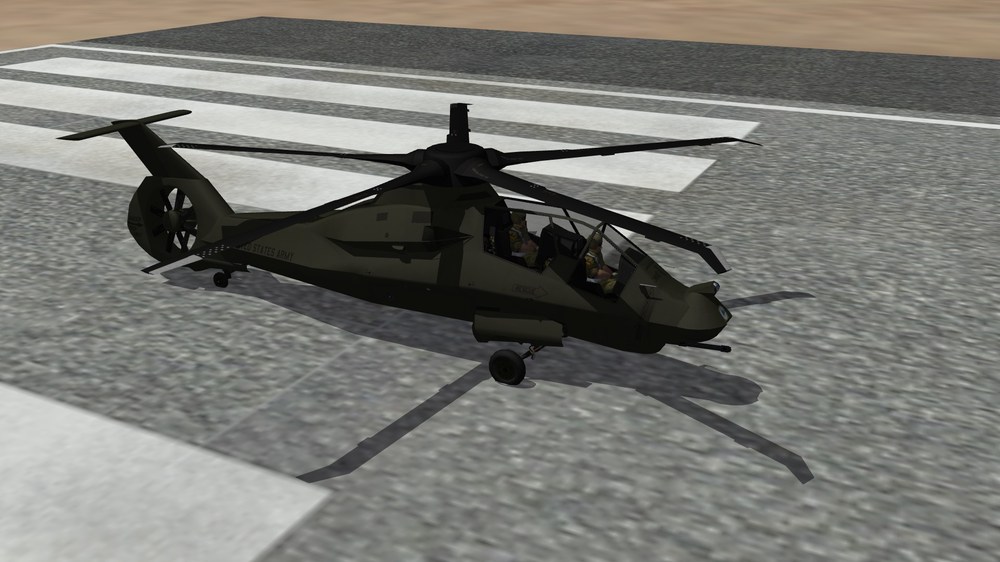
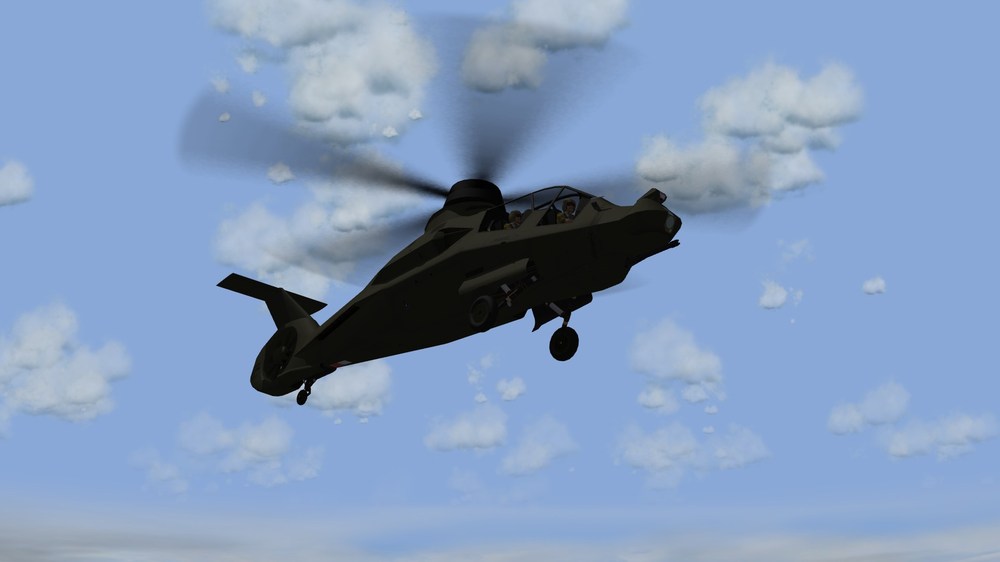
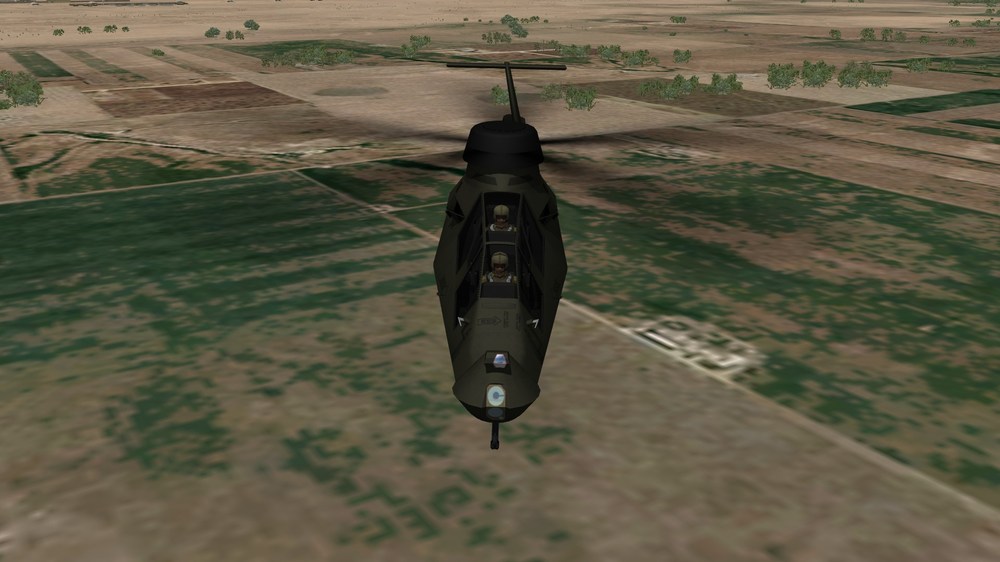
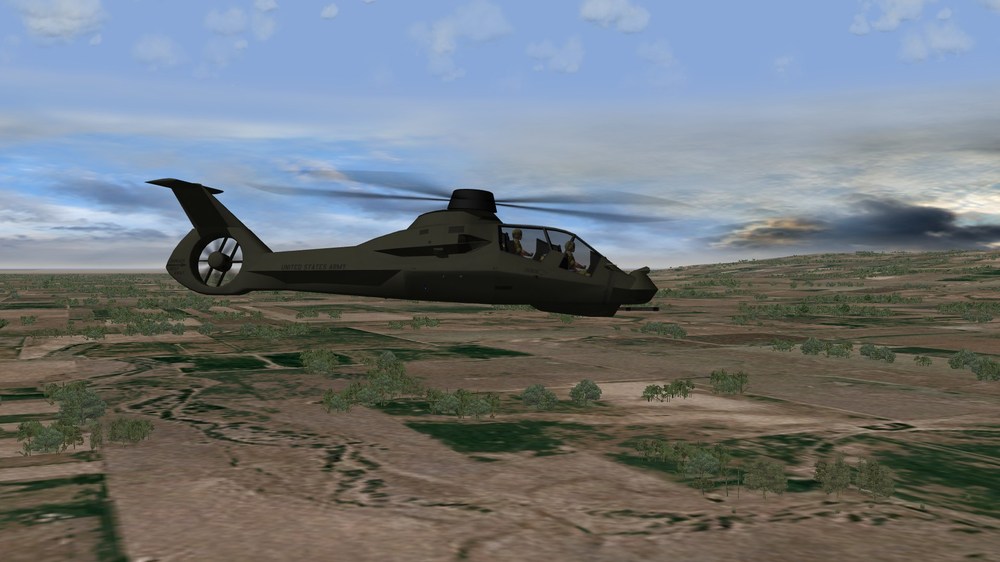
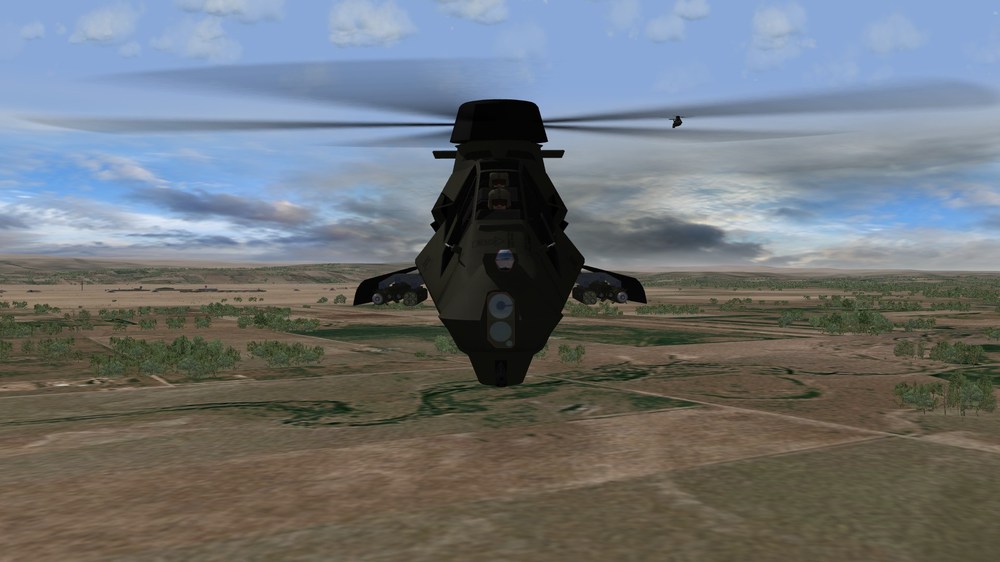
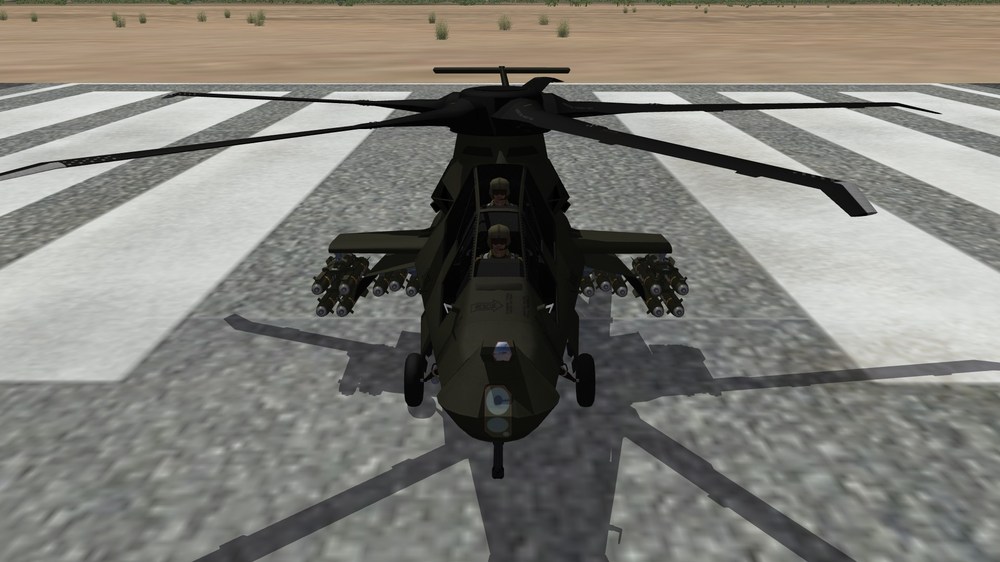
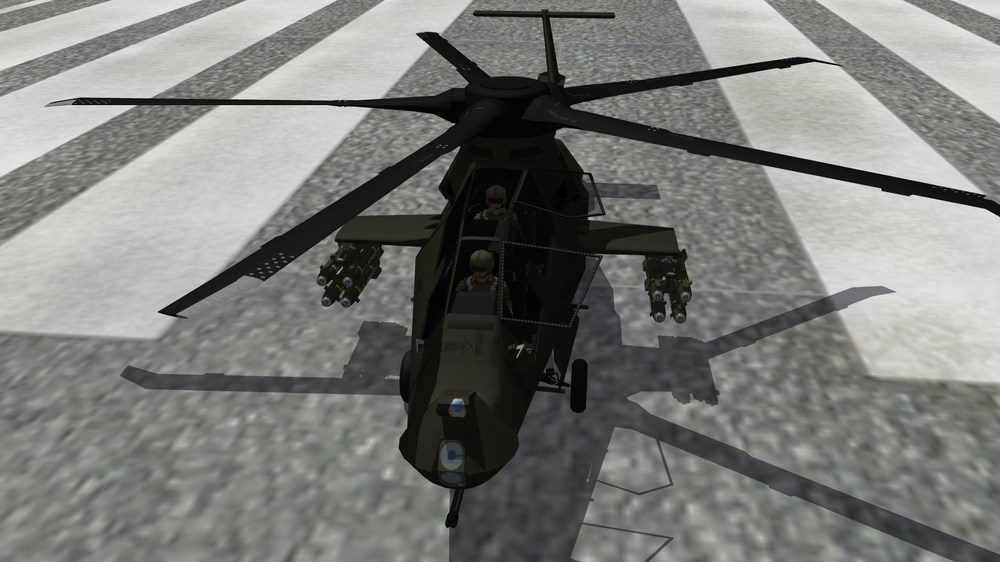
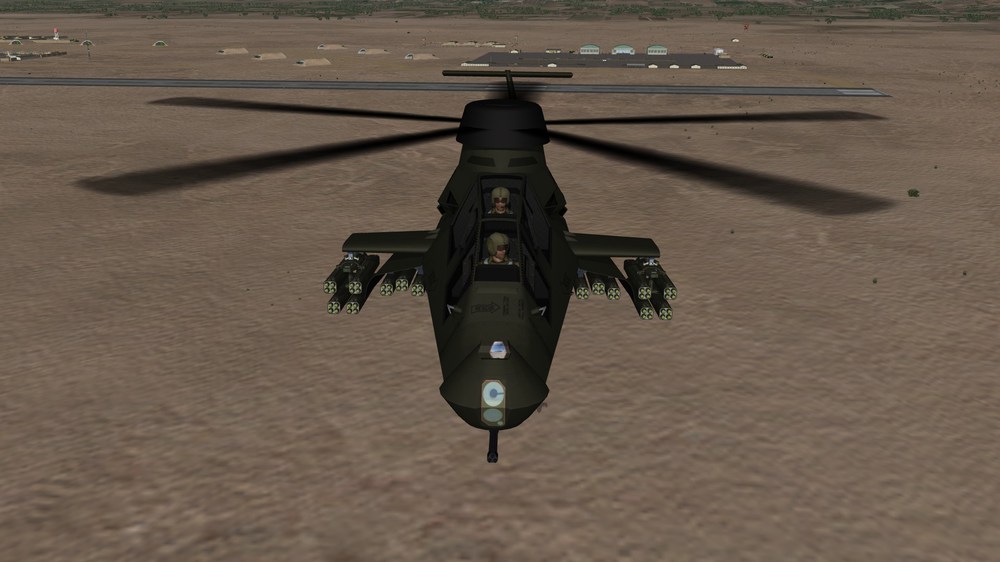
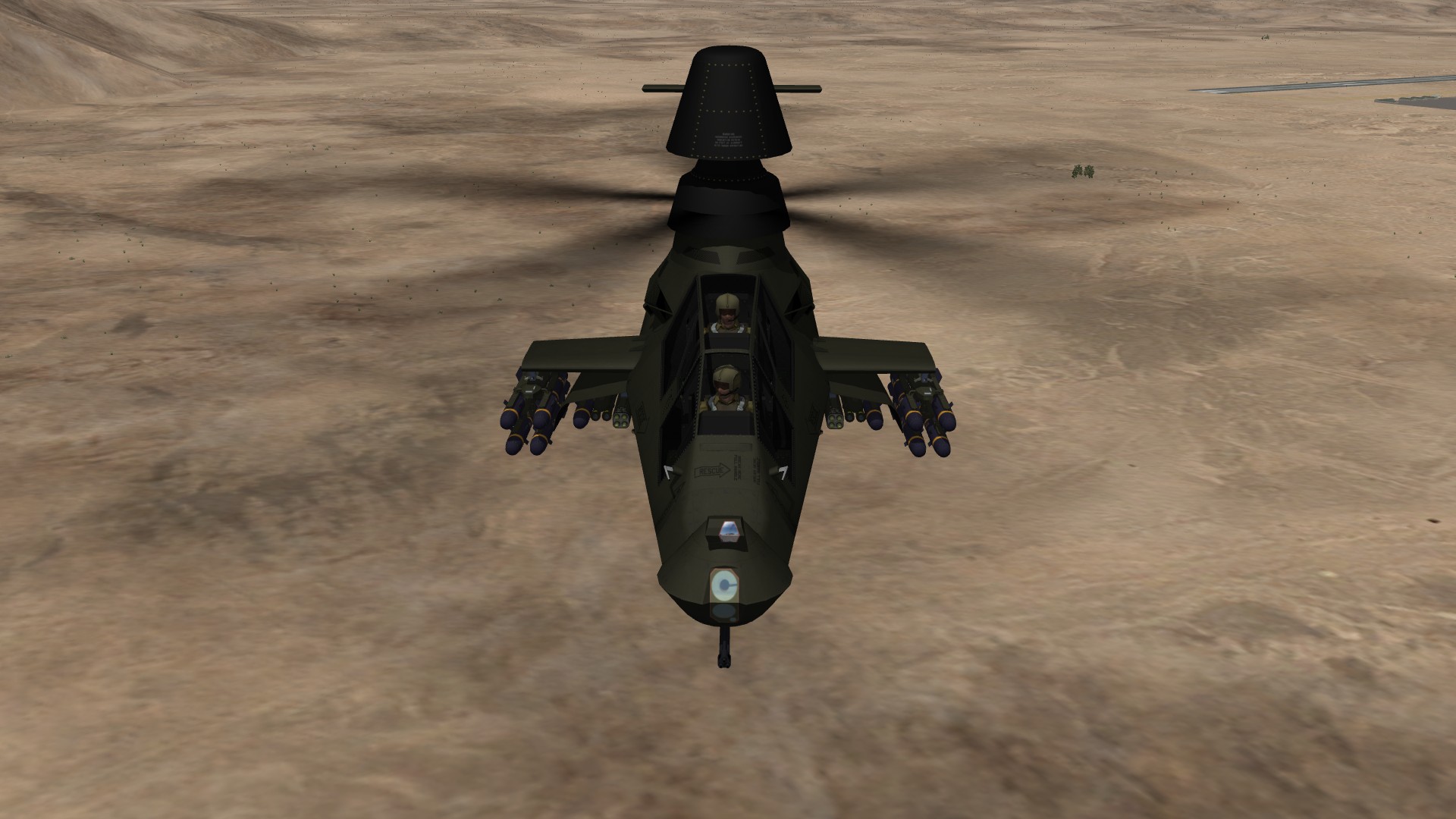
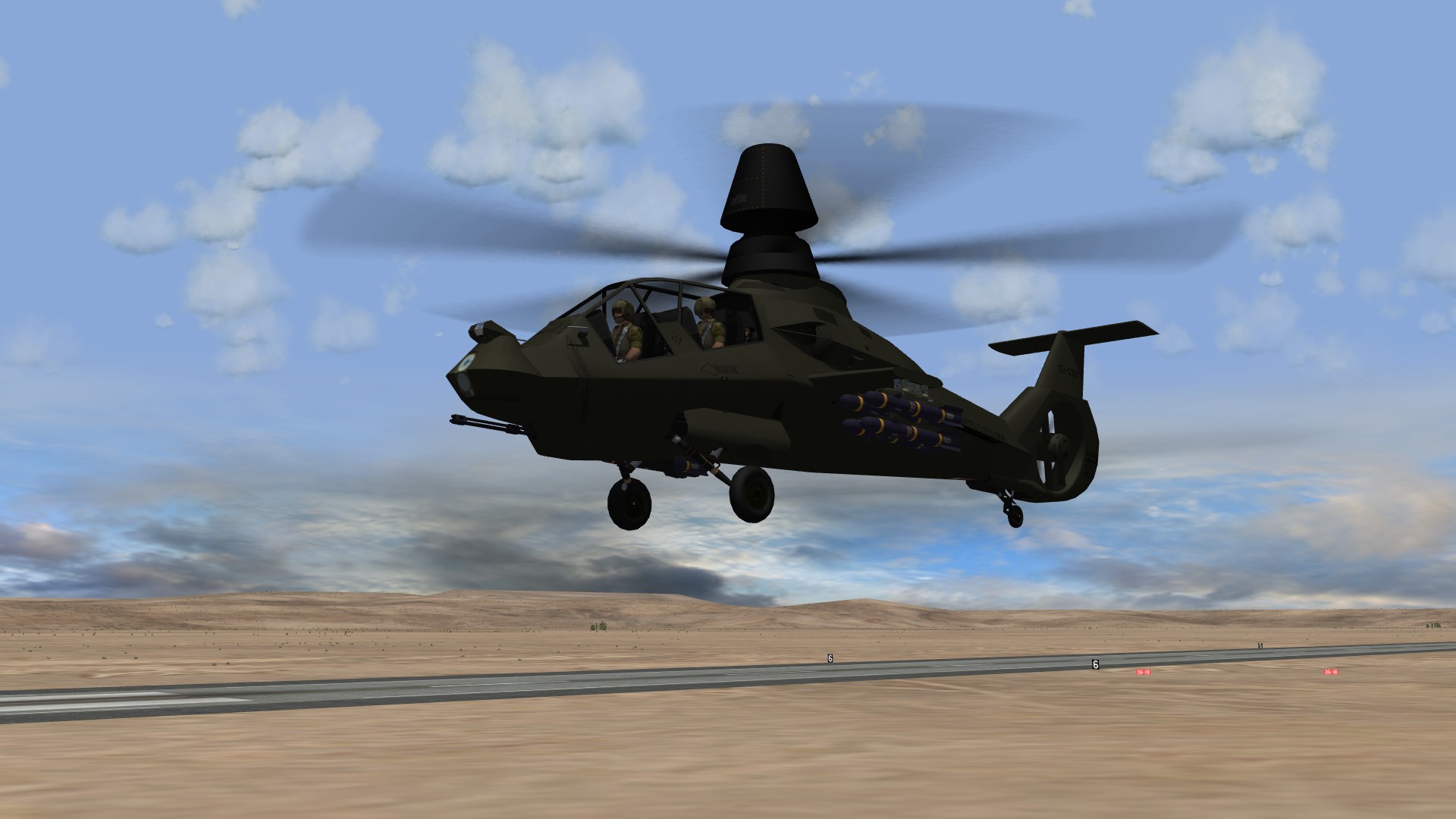
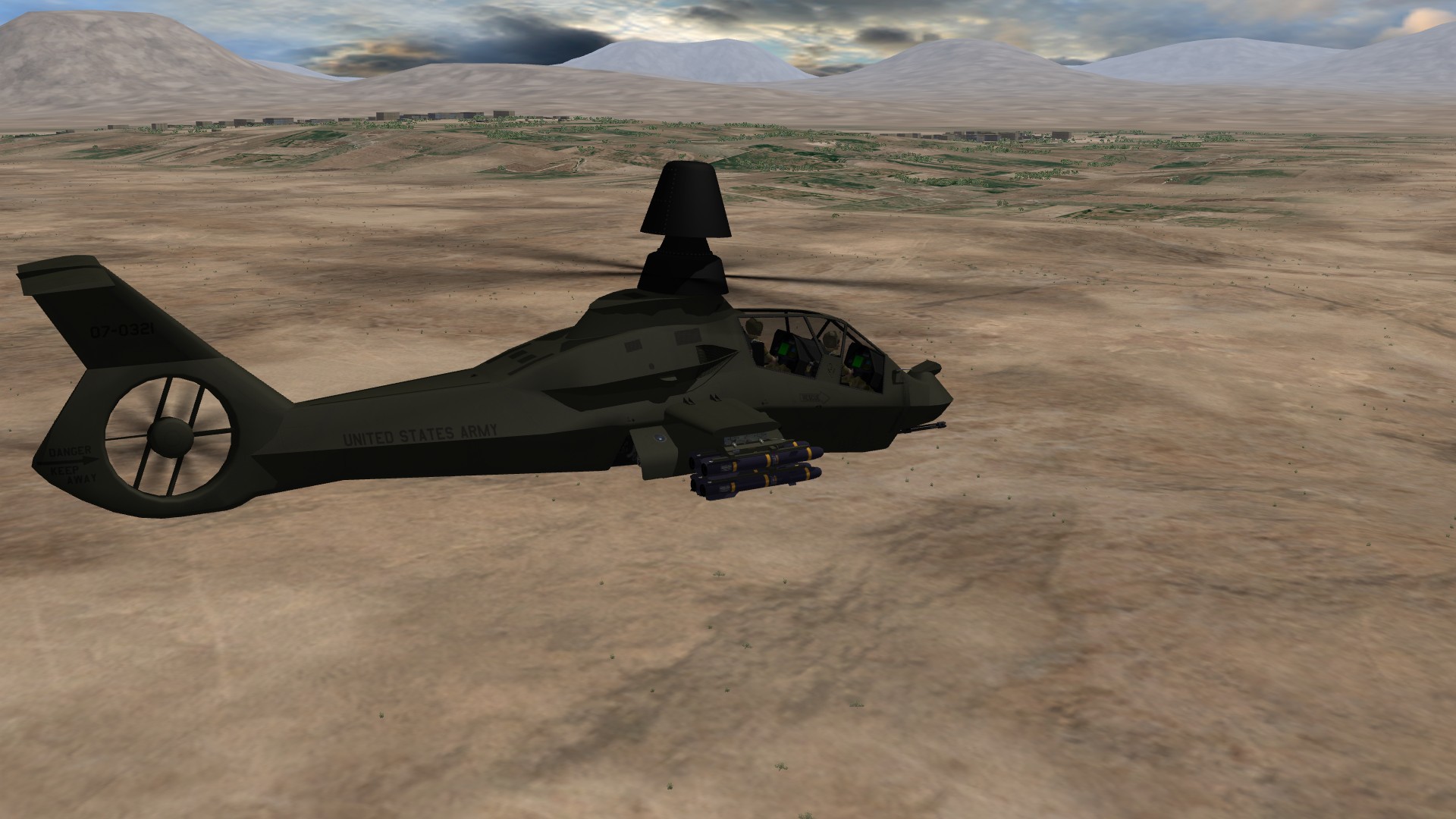
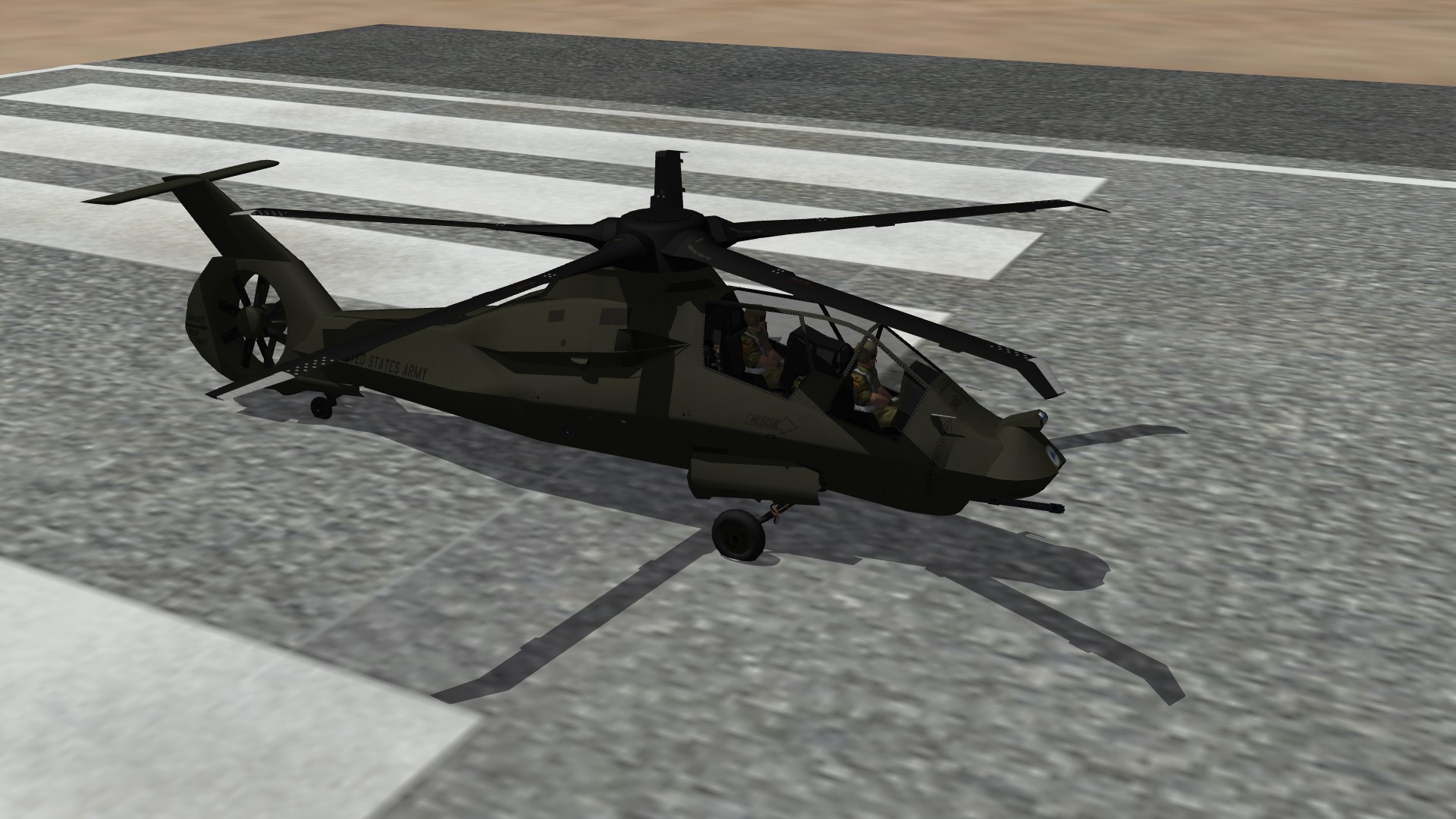
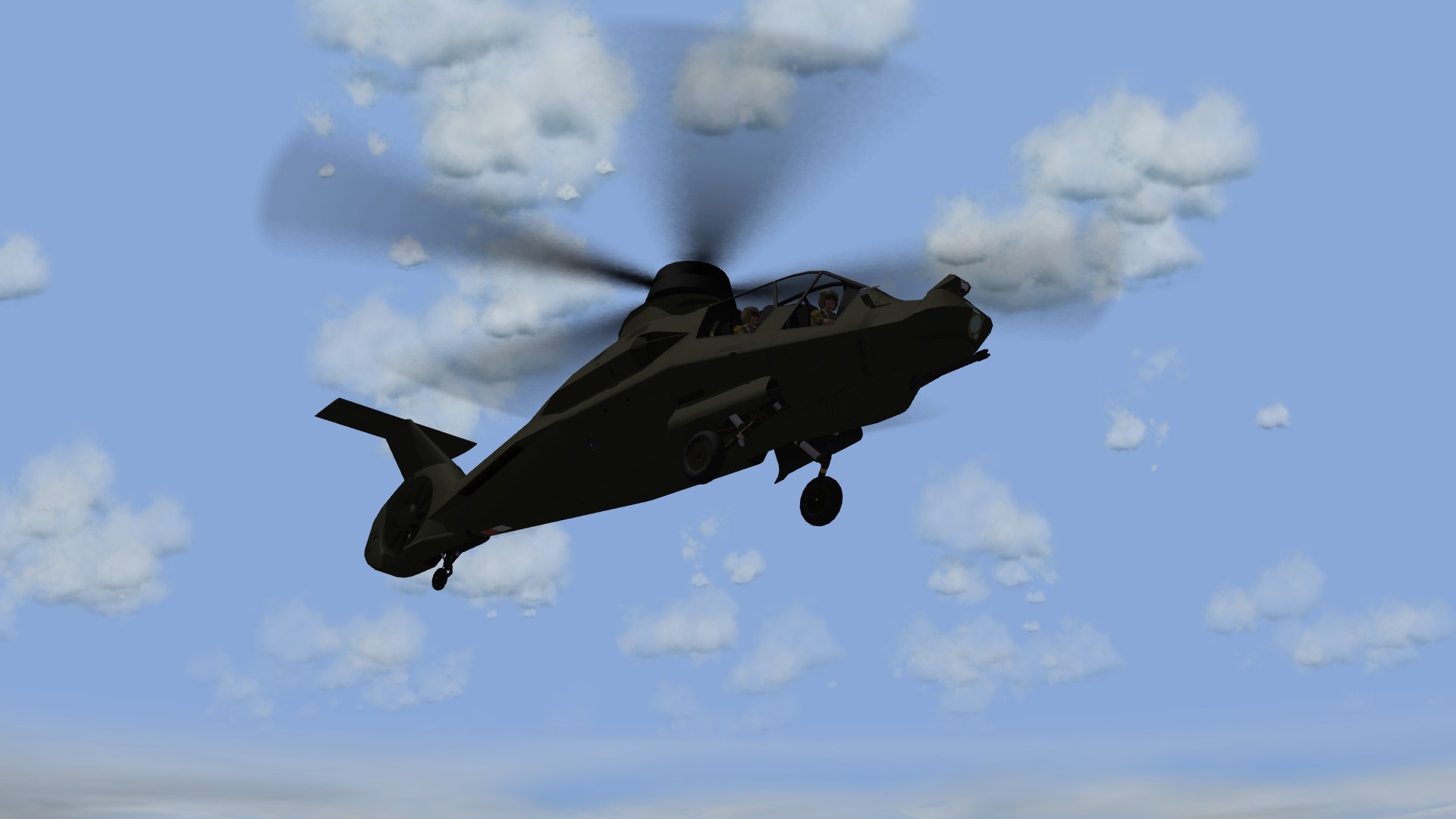
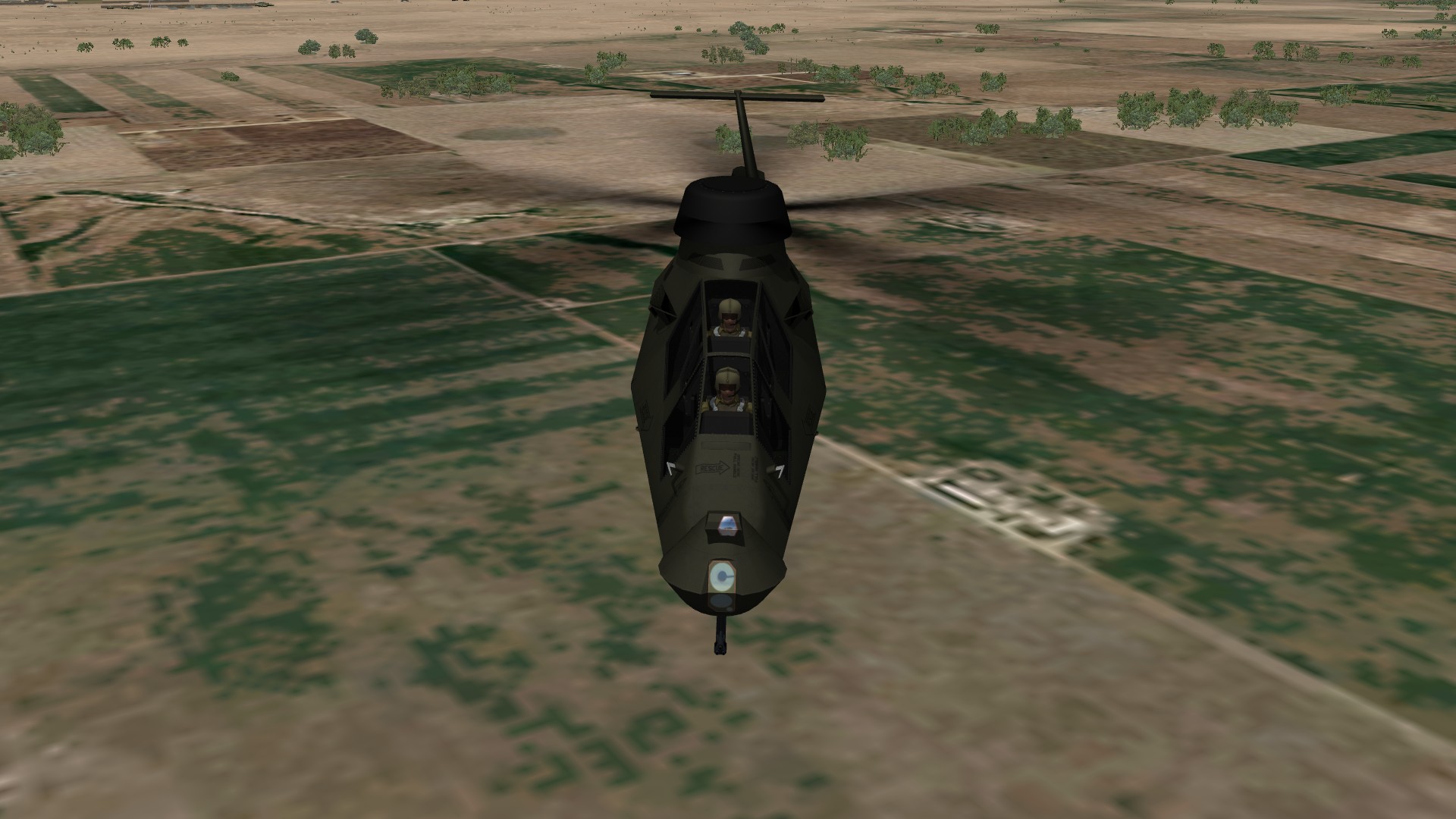
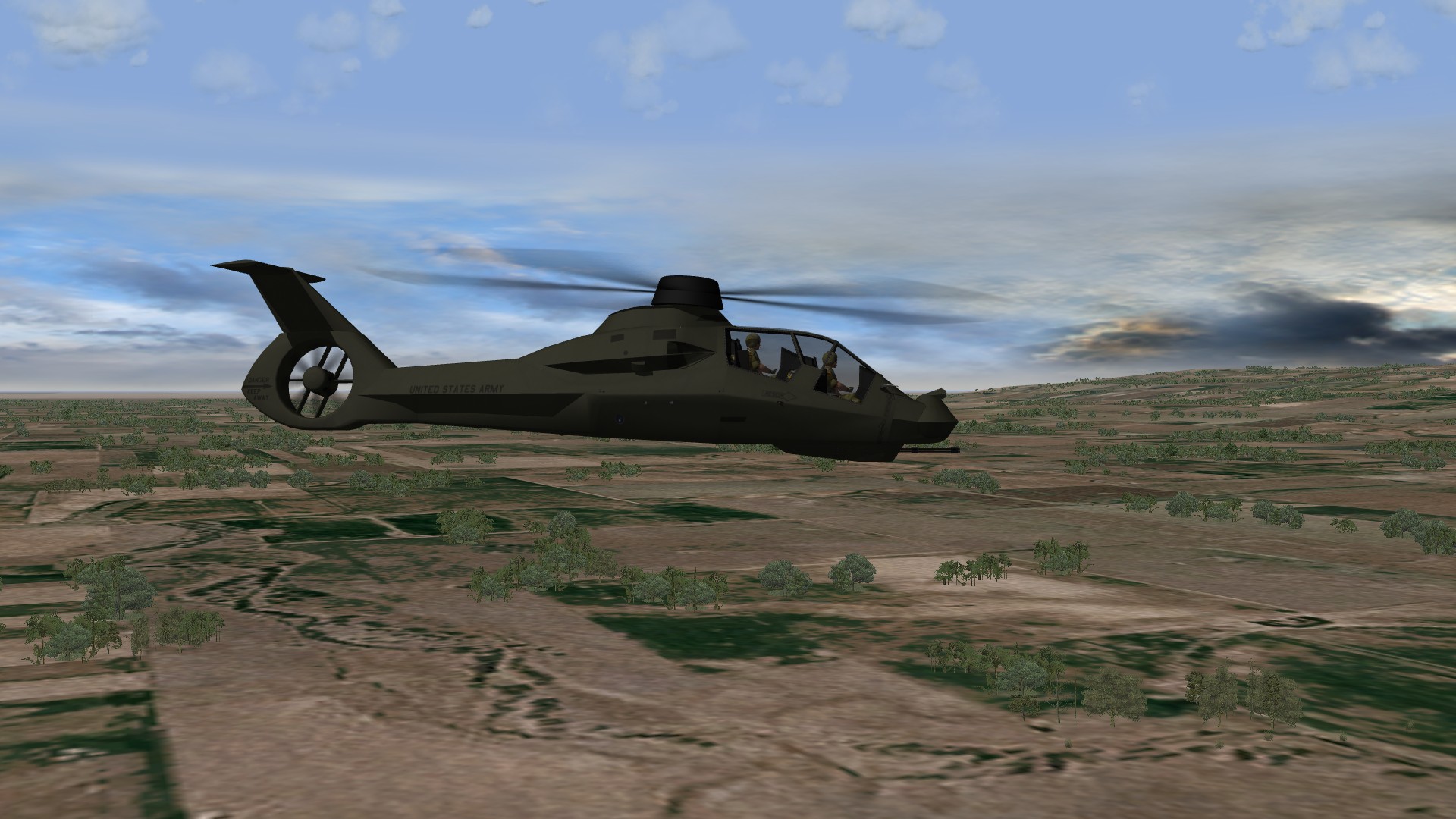
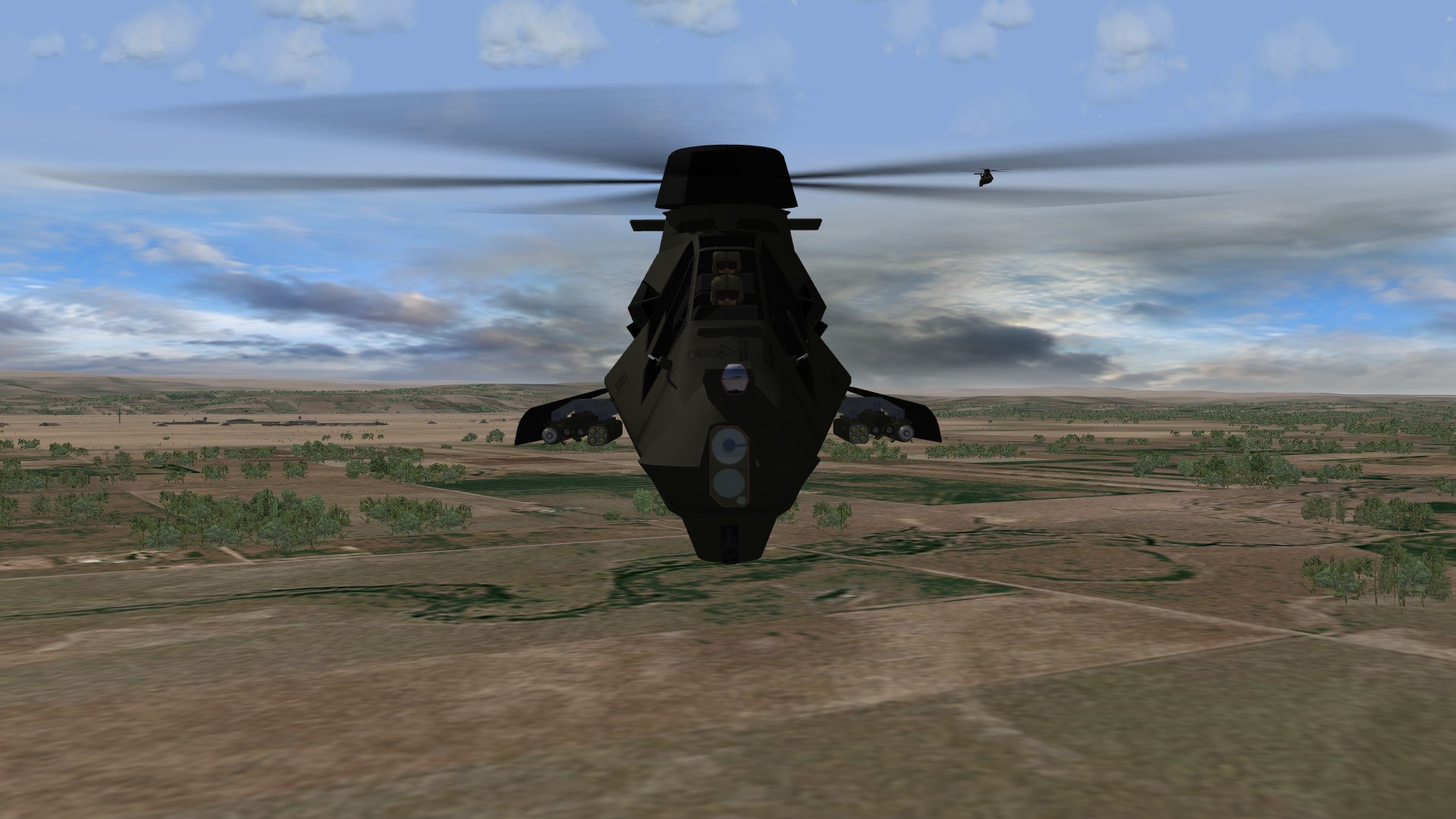
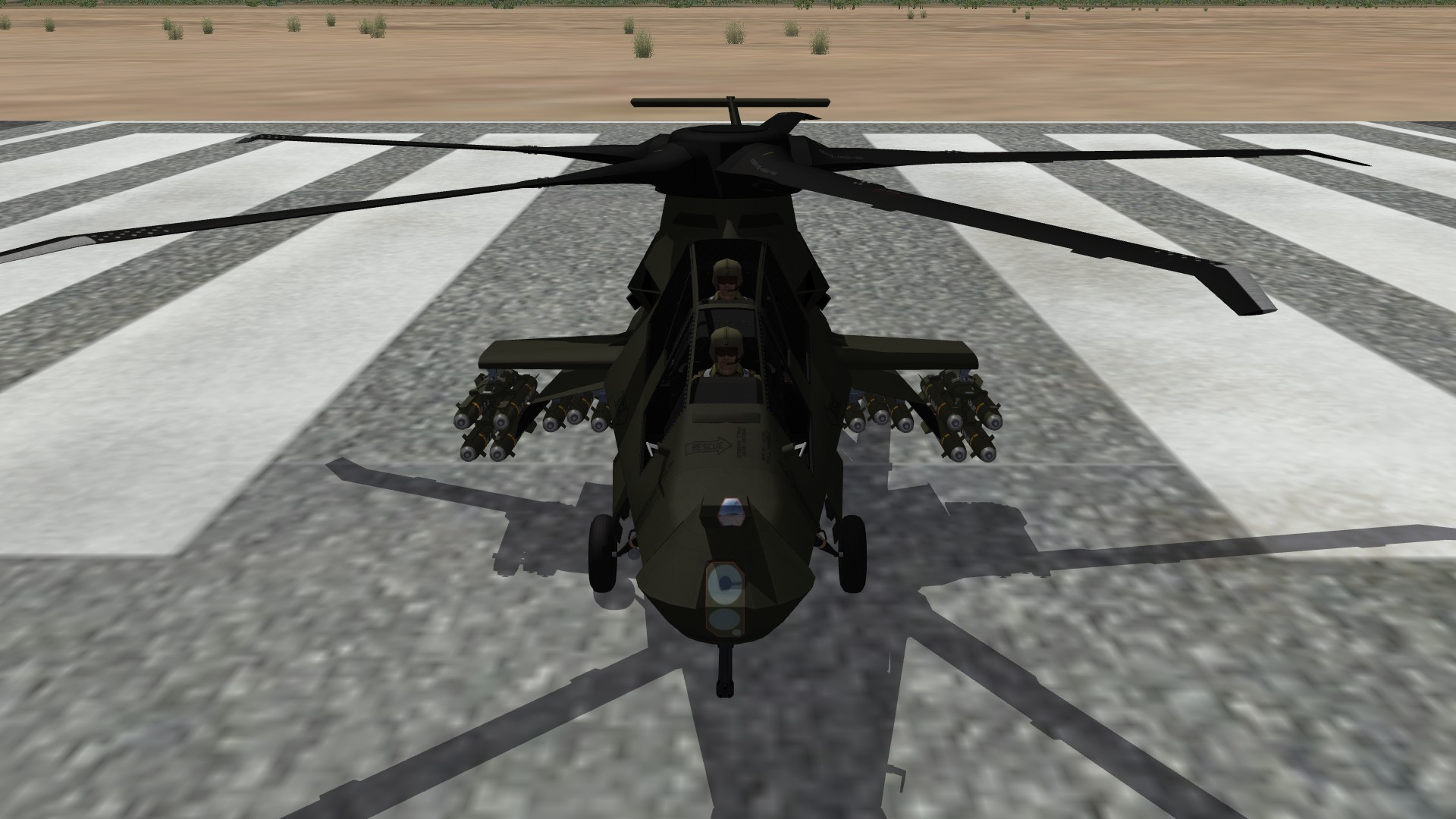
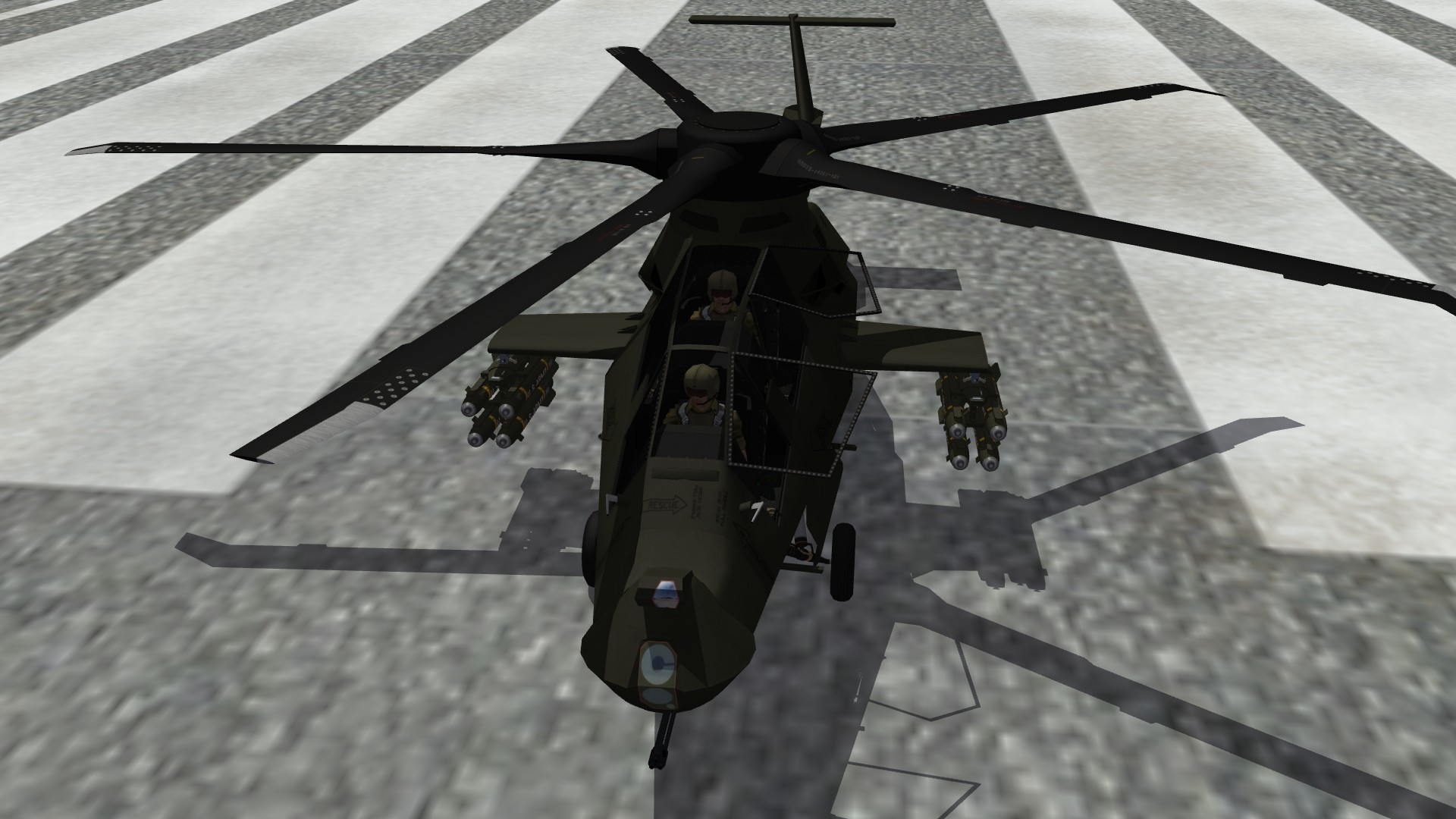
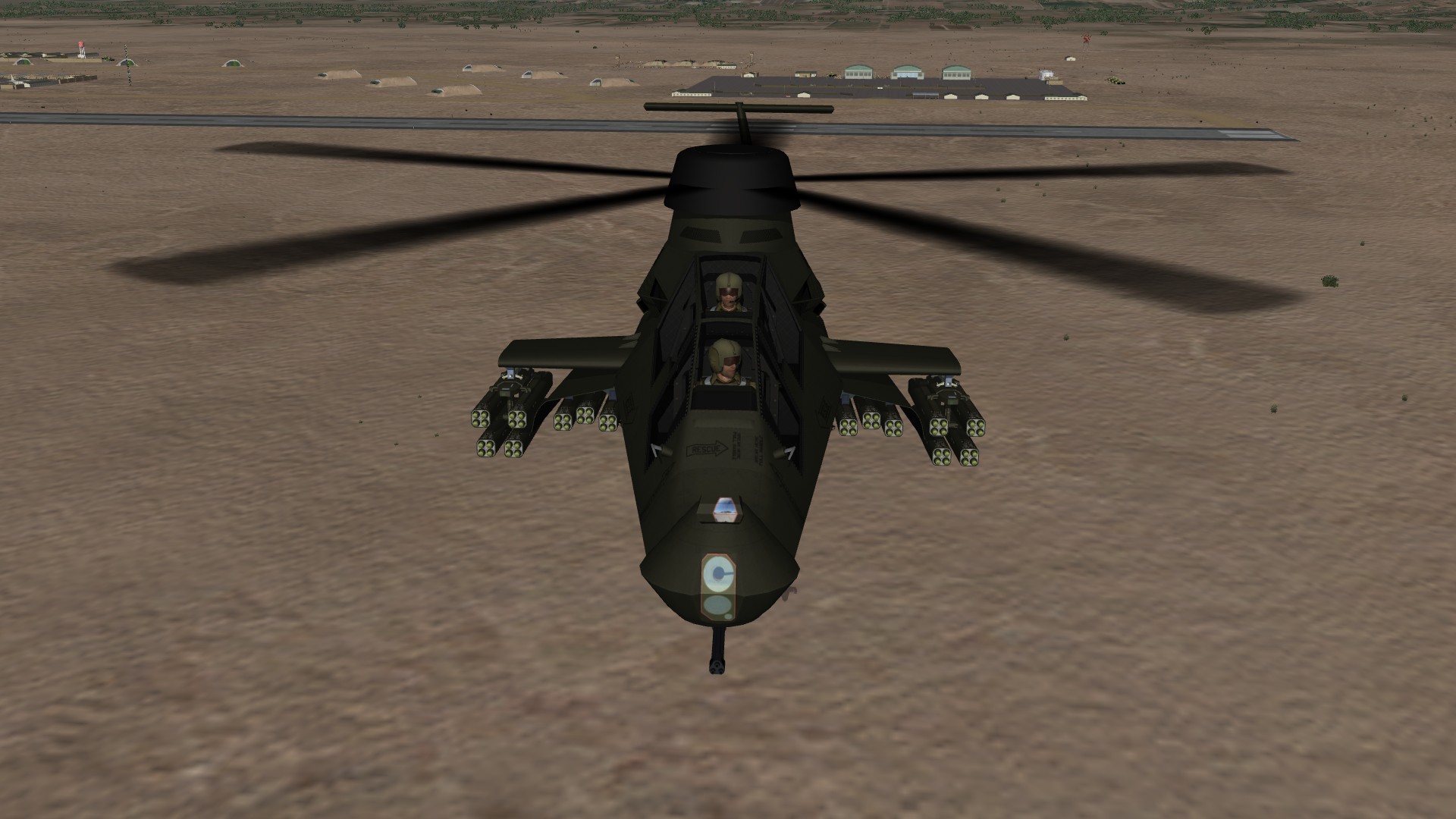
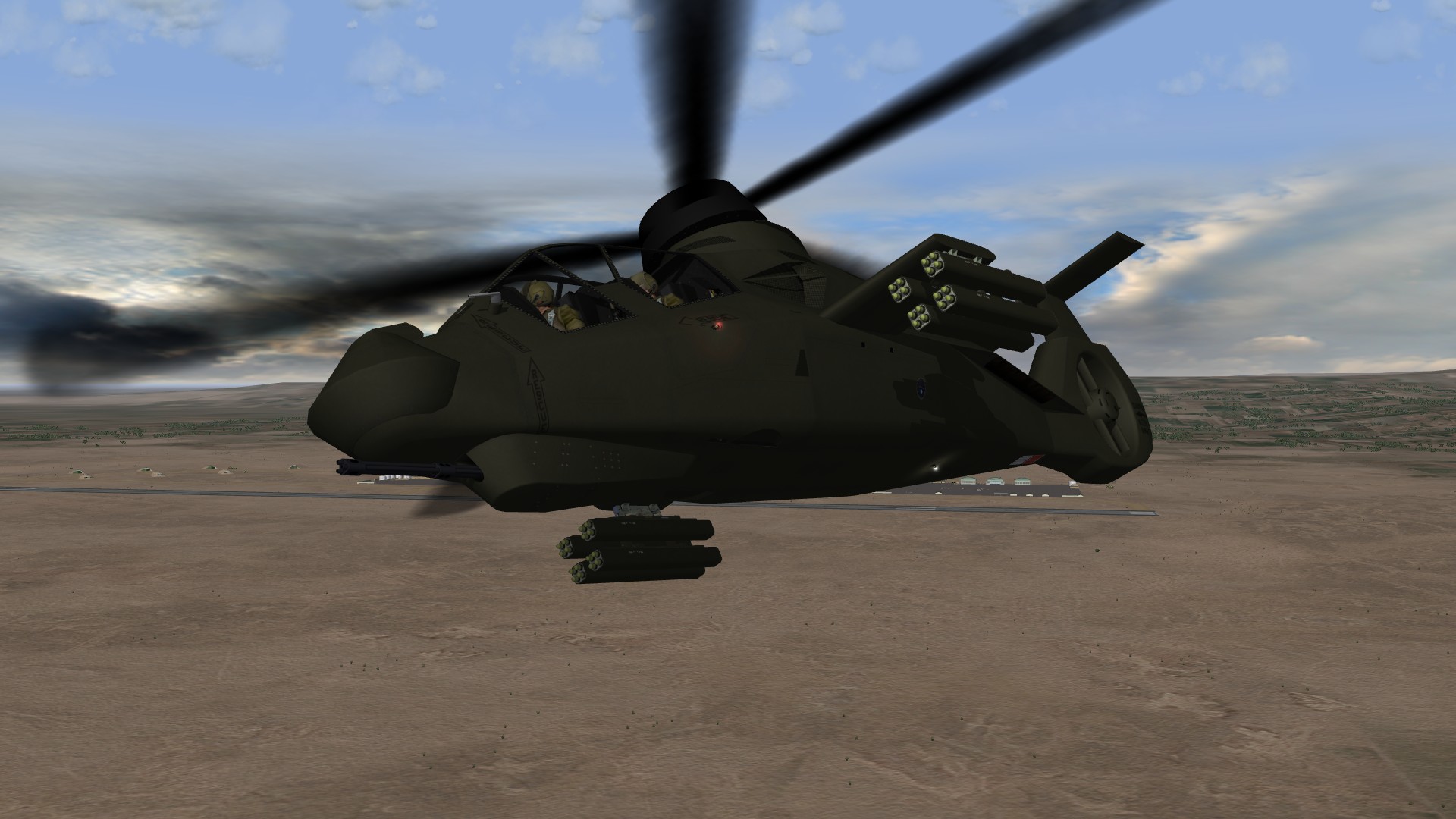
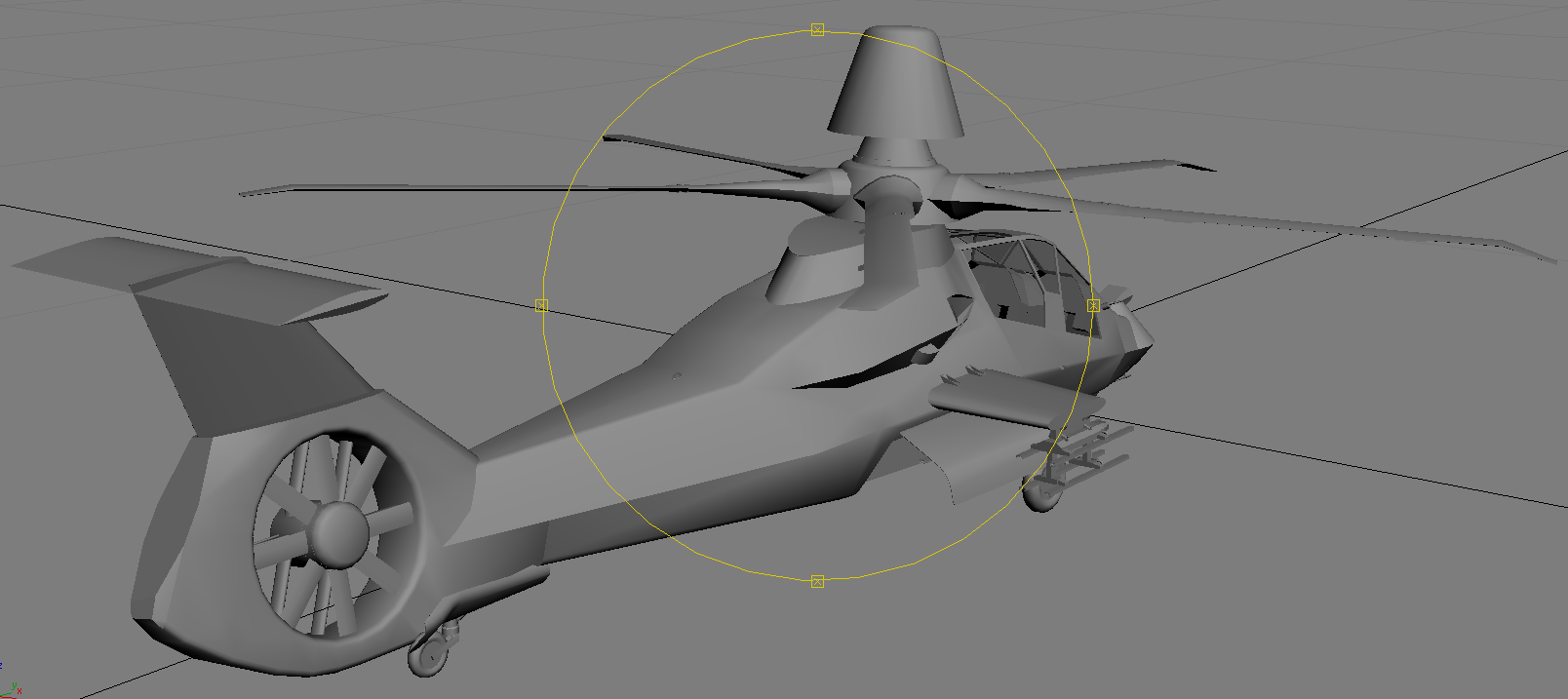
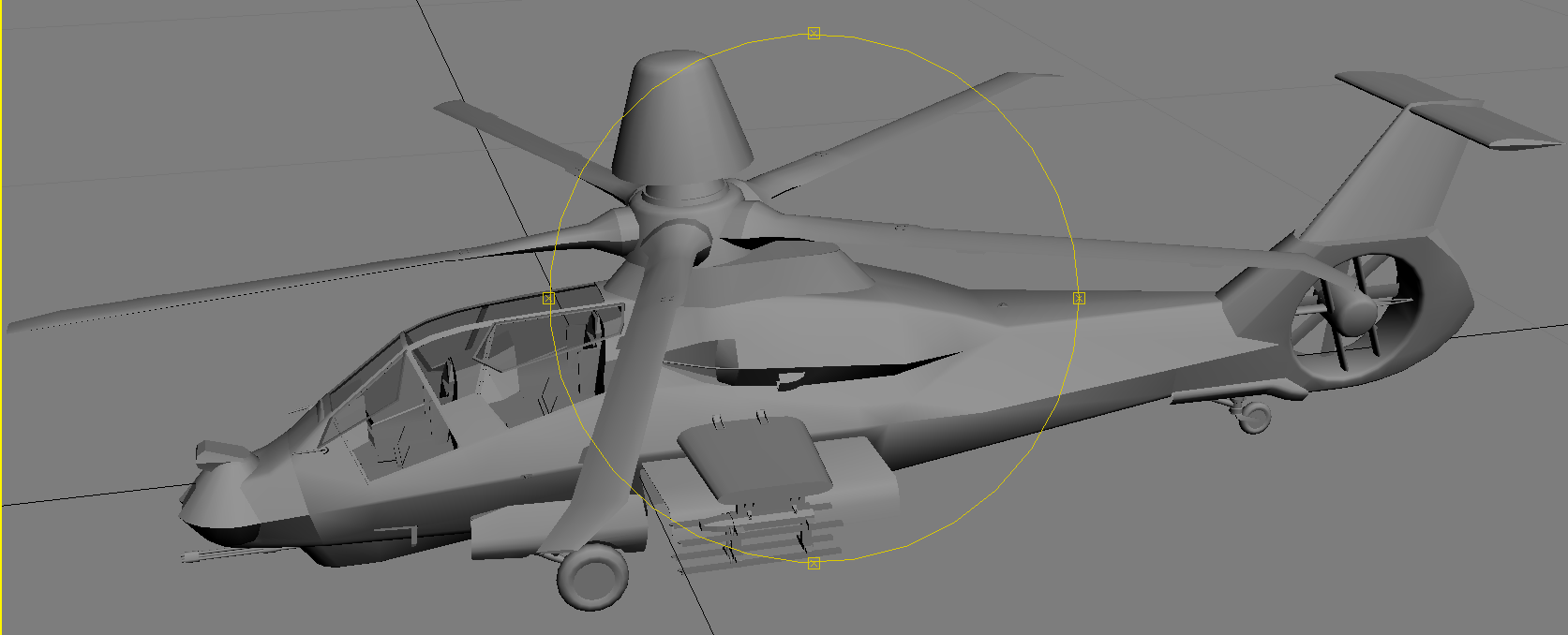
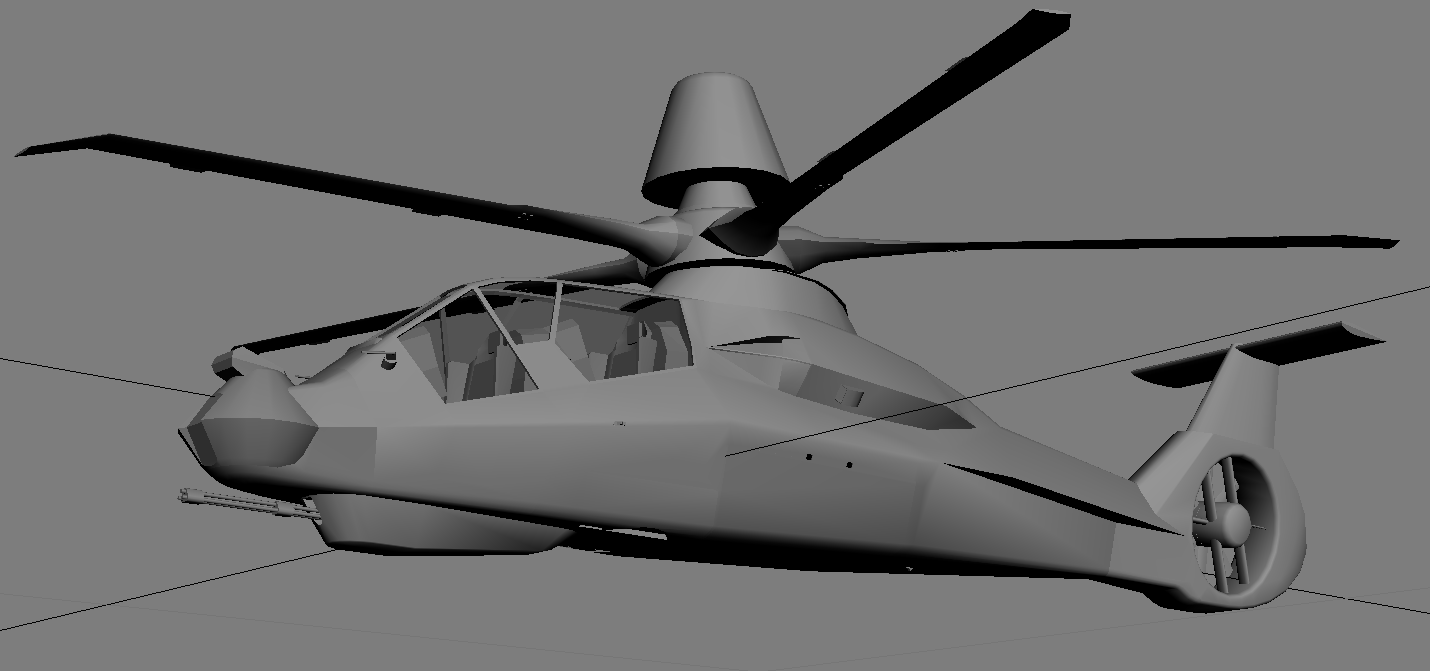
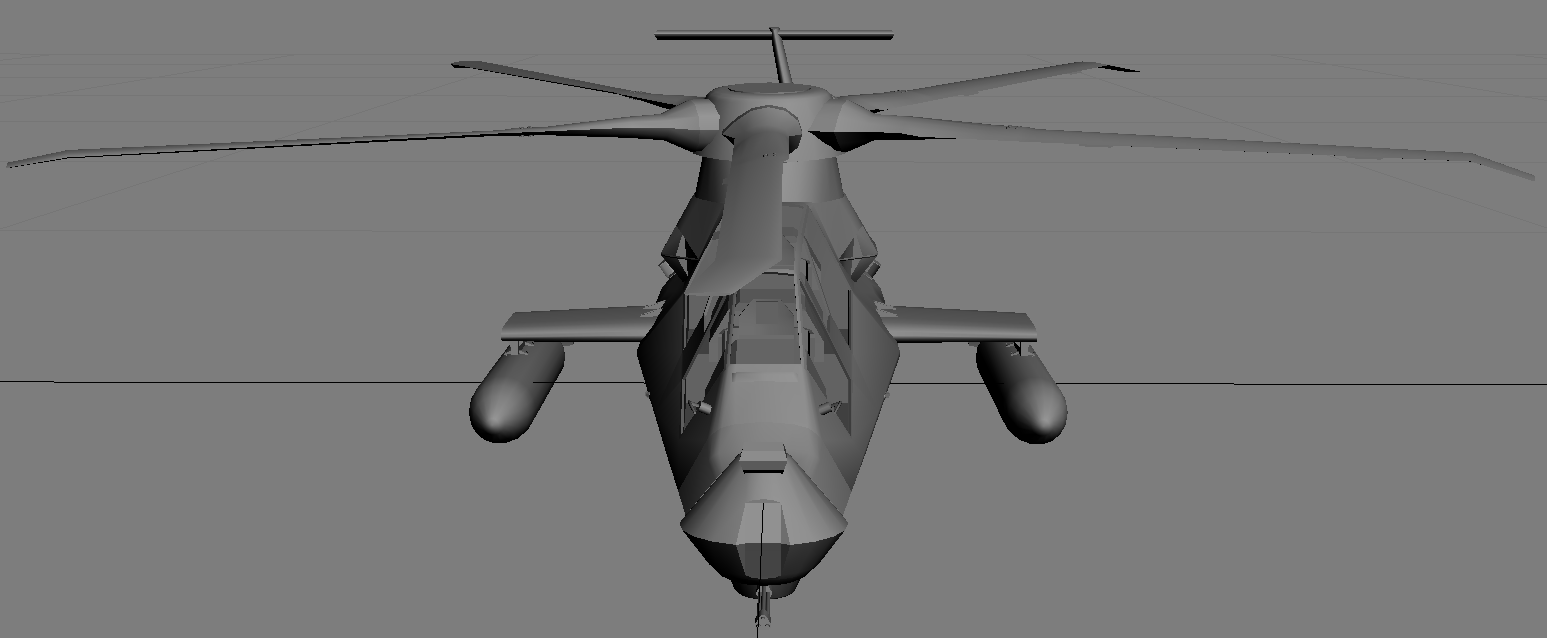
Some pics of the Longbow Comanche which I have designated RAH-66B: It's all coming along well. Just need to do some final testing and it will be ready for release. Dels
-
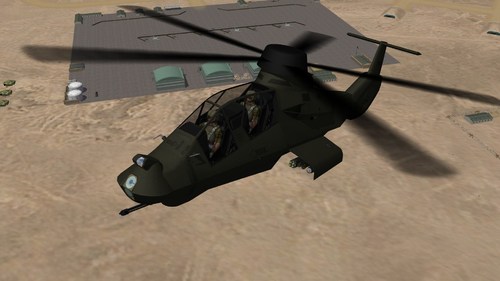
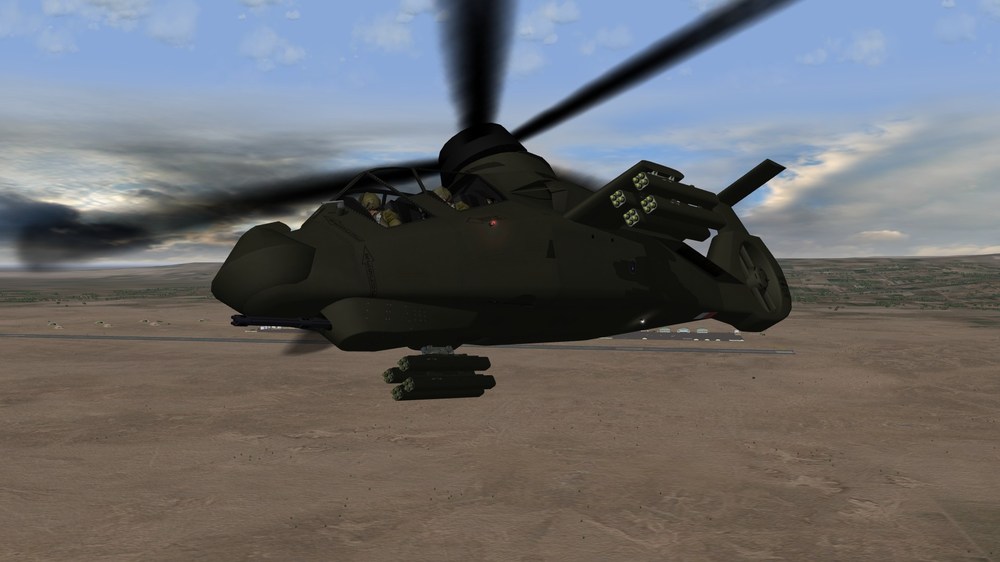
First in game pics It's all coming along now, still need to work on the bump map, low detail LODs, decals, flight model and general testing. I'm not making a dedicated cockpit, so it will use my AH-64D cockpit. Dels
-
Thanks Rob! I plan to release it with an olive drab skin but will definitely include the psd templates for further modding. Dels
-
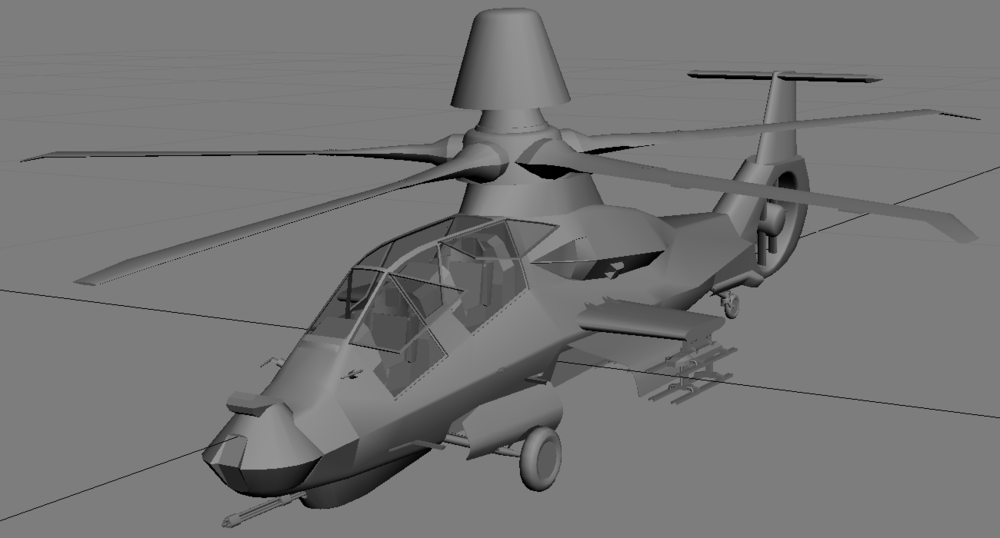
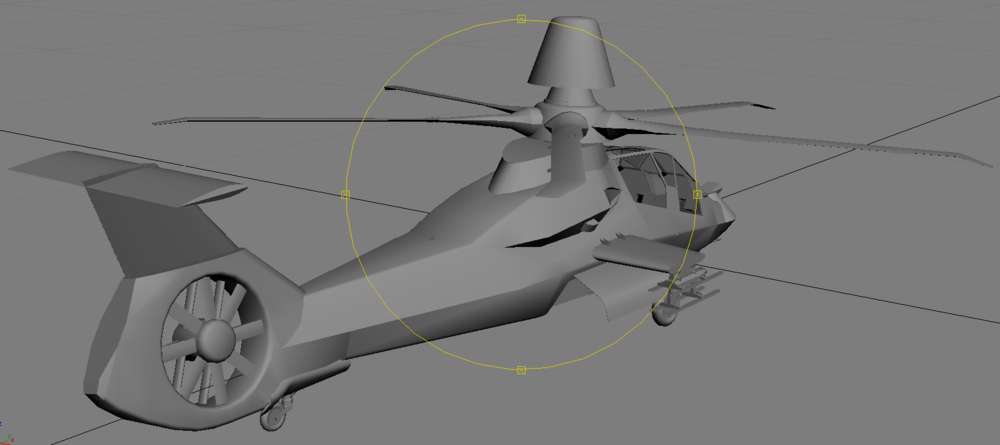
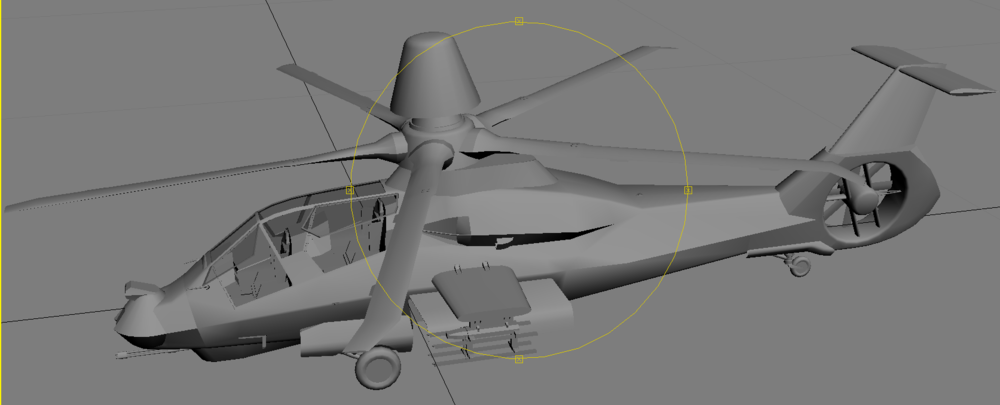
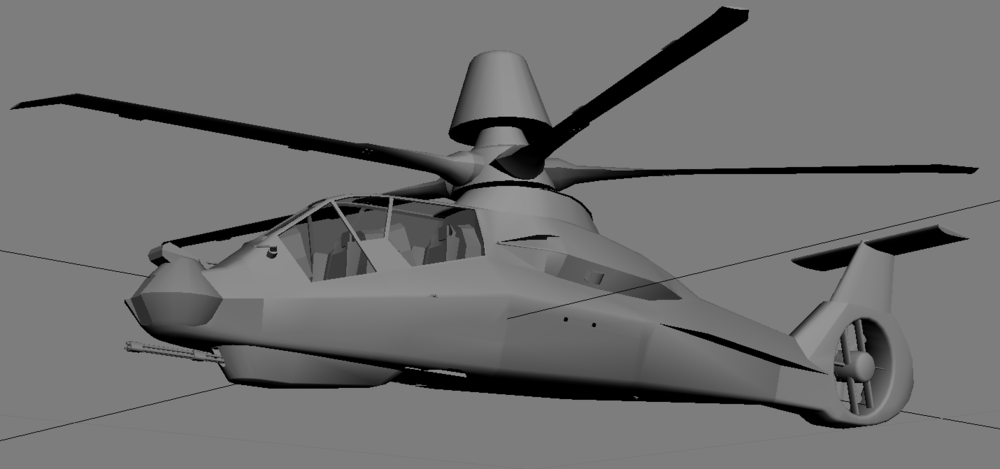
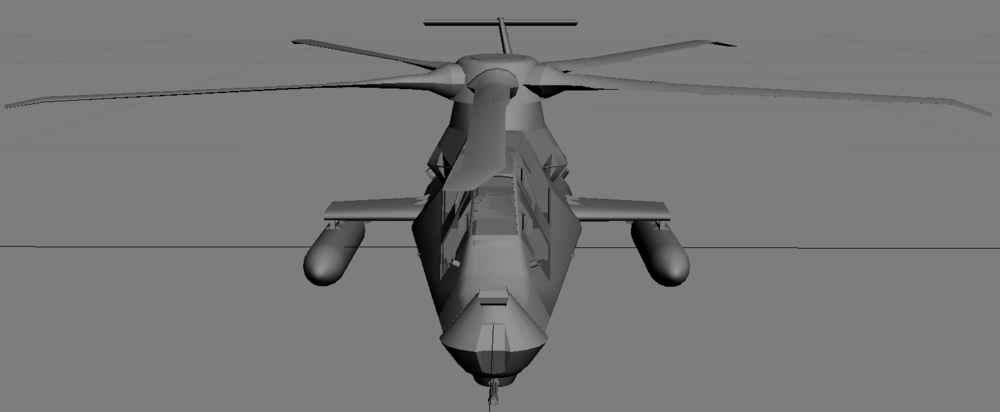
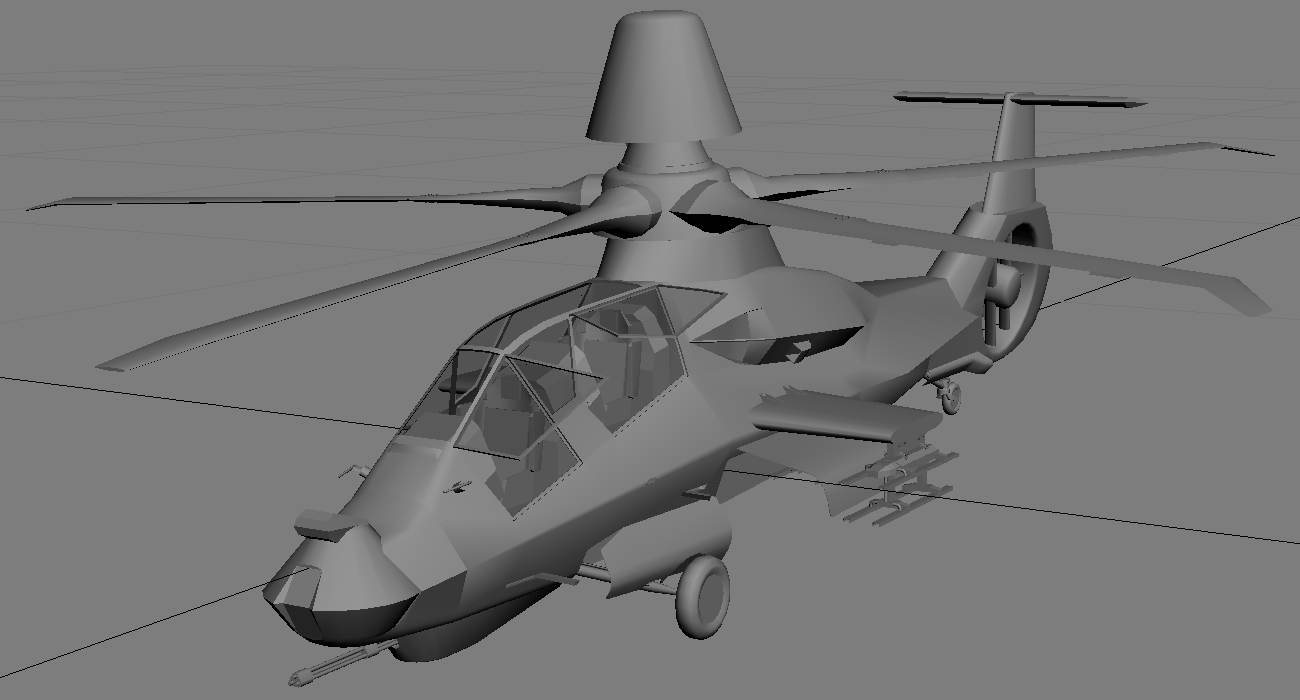
G'Day all, My next project is the RAH-66 Comanche. There will be two versions - with and without the Longbow radar. So far I've done the modelling, animations and texture mapping, so there's still a little while to go... Dels
-
Maybe it's an aerospike? https://en.wikipedia.org/wiki/Drag-reducing_aerospike
-
All the AC-130s are armed and have a gunsight sitting on the left cockpit shelf (sorry I don't have a screenshot at the moment). But this gunsight is only a guide, so you pretty much have to 'walk' the shots onto the target. If you're not flying the C-130, the best way to get it into your missions would be to create your own. Regards Dels
-
Yes, the templates are all the same with some minor additions. You should be able to drop any 1024x1024 layer into the new templates and go from there. In the templates, I have removed all the extra layers that create the weathering for the panel lines. But the basic panel lines are all there, you will just need to make the weathering layers. I have left one complete set in the template so you can see how I have set it up, but they all have this common structure: 6 *Aircraft version* Panels Ripple 85% Blur 1.5 128,85,0 (5% opacity) <- The panels in this layer are brown (RGB 128,85,0) 5 *Aircraft version* Panels Ripple 75% (2% opacity) 4 *Aircraft version* Panels Ripple 35% Blur 1.5 (2% opacity) 3 *Aircraft version* Panels (a) Blur 1.5 (10% opacity) <- The panels in this layer are white 2 *Aircraft version* Panels Blur 0.5 (10% opacity) 1 *Aircraft version* Panels (5% opacity) For Dark skins layer 1 has 10% opacity, layer 3 has 5% and layer 5 has 10%. Dels
- 21 replies
-
- 2
-

-

-
- c-130
- combat talon
- (and 1 more)
-
View File C-130 Hercules Megapack This is my C-130 Hercules Megapack. It includes all the files for the 48 versions of the C-130 Hercules listed below: AC-130A ---------------- USAF SEA Camo AC-130A_83 ------------- USAF Gunship Grey AC-130H ---------------- USAF Euro1 Camo, USAF Gunship Grey AC-130H_93 ------------- USAF Gunship Grey AC-130H_04 ------------- USAF Dark Grey AC-130J ---------------- USAF Dark Grey AC-130U ---------------- USAF Dark Grey AC-130U_04 ------------- USAF Dark Grey AC-130W ---------------- USAF Dark Grey C-130A ----------------- RAAF Silver, USAF Silver C-130A (Roman nose) ---- USAF Silver C-130B ----------------- USAF SEA Camo C-130E ----------------- RAAF Grey/White, USAF Euro1 Camo, USAF SEA Camo C-130E(I) -------------- USAF Blackbird Camo Light Grey Underside C-130E (SKE) ----------- USAF Euro1 Camo, USAF SEA Camo C-130E (SKE & ASE)------ USAF Grey C-130H2 ---------------- RAAF Camo C-130H2 (ASE) ---------- RAAF Camo, RAAF Dark Grey C-130H3 ---------------- USAF Dark Grey C-130H-30 -------------- French Camo C-130J (ASE) ----------- RAAF Grey, RAAF Dark Grey (fictional) C-130J-30 (ASE) -------- RAAF Grey, RAAF Dark Grey C-130K ----------------- RAF Camo Light Grey Underside, RAF Camo C-130K (ASE) ----------- RAF Camo, RAF Green C-130K-30 -------------- RAF Camo Light Grey Underside, RAF Camo C-130K-30 (ASE) -------- RAF Camo, RAF Green CC-130H (SAR) ---------- RCAF Dark Grey DC-130A ---------------- USAF SEA Camo DC-130A_USN ------------ USN Grey/White/Yellow DC-130E ---------------- USAF SEA Camo EC-130H ---------------- USAF Grey HC-130P ---------------- USAF SEA Camo KC-130F ---------------- USMC Grey KC-130H ---------------- Spanish Desert Camo KC-130J ---------------- USMC Grey KC-130J (Harvest HAWK) - USMC Grey KC-130R ---------------- USMC Grey KC-130T ---------------- USMC Grey L-100-30 --------------- Kuwait Grey/White MC-130E ---------------- USAF Blackbird Camo, USAF Euro1 Camo MC-130E_92 ------------- USAF Dark Grey MC-130E_04 ------------- USAF Dark Grey MC-130H ---------------- USAF Euro1 Camo, USAF Dark Grey MC-130H_04 ------------- USAF Dark Grey MC-130J ---------------- USAF Dark Grey MC-130P ---------------- USAF Dark Grey MC-130P_12 ------------- USAF Dark Grey MC-130W ---------------- USAF Dark Grey Please read the readme file (included) for installation instructions and credits. Dels Submitter Dels Submitted 01/18/2025 Category Other
-
G'Day, I have finally released the C-130 Hercules Megapack. You can find it here once it's approved.. Dels
-
G'Day, I have finally released the C-130 Hercules Megapack. You can find it here once it's approved.. Dels
- 21 replies
-
- 2
-
-
- c-130
- combat talon
- (and 1 more)
-
Version 1.0.0
181 downloads
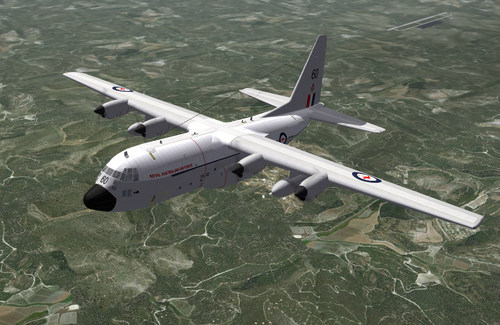
This is my C-130 Hercules Megapack. It includes all the files for the 48 versions of the C-130 Hercules listed below: AC-130A ---------------- USAF SEA Camo AC-130A_83 ------------- USAF Gunship Grey AC-130H ---------------- USAF Euro1 Camo, USAF Gunship Grey AC-130H_93 ------------- USAF Gunship Grey AC-130H_04 ------------- USAF Dark Grey AC-130J ---------------- USAF Dark Grey AC-130U ---------------- USAF Dark Grey AC-130U_04 ------------- USAF Dark Grey AC-130W ---------------- USAF Dark Grey C-130A ----------------- RAAF Silver, USAF Silver C-130A (Roman nose) ---- USAF Silver C-130B ----------------- USAF SEA Camo C-130E ----------------- RAAF Grey/White, USAF Euro1 Camo, USAF SEA Camo C-130E(I) -------------- USAF Blackbird Camo Light Grey Underside C-130E (SKE) ----------- USAF Euro1 Camo, USAF SEA Camo C-130E (SKE & ASE)------ USAF Grey C-130H2 ---------------- RAAF Camo C-130H2 (ASE) ---------- RAAF Camo, RAAF Dark Grey C-130H3 ---------------- USAF Dark Grey C-130H-30 -------------- French Camo C-130J (ASE) ----------- RAAF Grey, RAAF Dark Grey (fictional) C-130J-30 (ASE) -------- RAAF Grey, RAAF Dark Grey C-130K ----------------- RAF Camo Light Grey Underside, RAF Camo C-130K (ASE) ----------- RAF Camo, RAF Green C-130K-30 -------------- RAF Camo Light Grey Underside, RAF Camo C-130K-30 (ASE) -------- RAF Camo, RAF Green CC-130H (SAR) ---------- RCAF Dark Grey DC-130A ---------------- USAF SEA Camo DC-130A_USN ------------ USN Grey/White/Yellow DC-130E ---------------- USAF SEA Camo EC-130H ---------------- USAF Grey HC-130P ---------------- USAF SEA Camo KC-130F ---------------- USMC Grey KC-130H ---------------- Spanish Desert Camo KC-130J ---------------- USMC Grey KC-130J (Harvest HAWK) - USMC Grey KC-130R ---------------- USMC Grey KC-130T ---------------- USMC Grey L-100-30 --------------- Kuwait Grey/White MC-130E ---------------- USAF Blackbird Camo, USAF Euro1 Camo MC-130E_92 ------------- USAF Dark Grey MC-130E_04 ------------- USAF Dark Grey MC-130H ---------------- USAF Euro1 Camo, USAF Dark Grey MC-130H_04 ------------- USAF Dark Grey MC-130J ---------------- USAF Dark Grey MC-130P ---------------- USAF Dark Grey MC-130P_12 ------------- USAF Dark Grey MC-130W ---------------- USAF Dark Grey Please read the readme file (included) for installation instructions and credits. Dels -
Thanks to all who voted, it looks like I'll be going with an all inclusive mega pack. Dels
-
G'Day all, I am getting close to release for the latest updates and additions that I have made to the C-130s. Please vote on if you would like updates to the current packs and a new add on pack or a complete package. Regards Dels
-
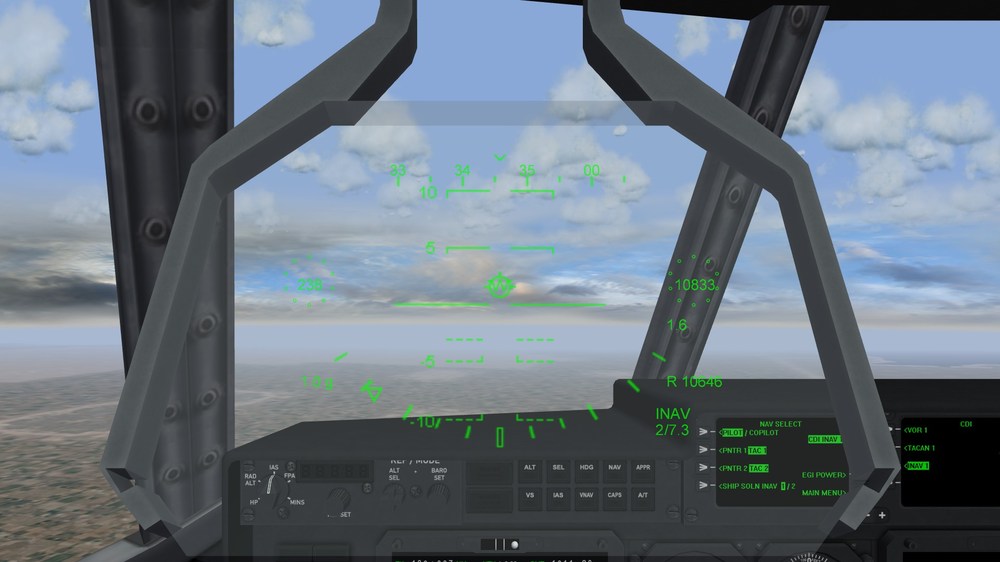
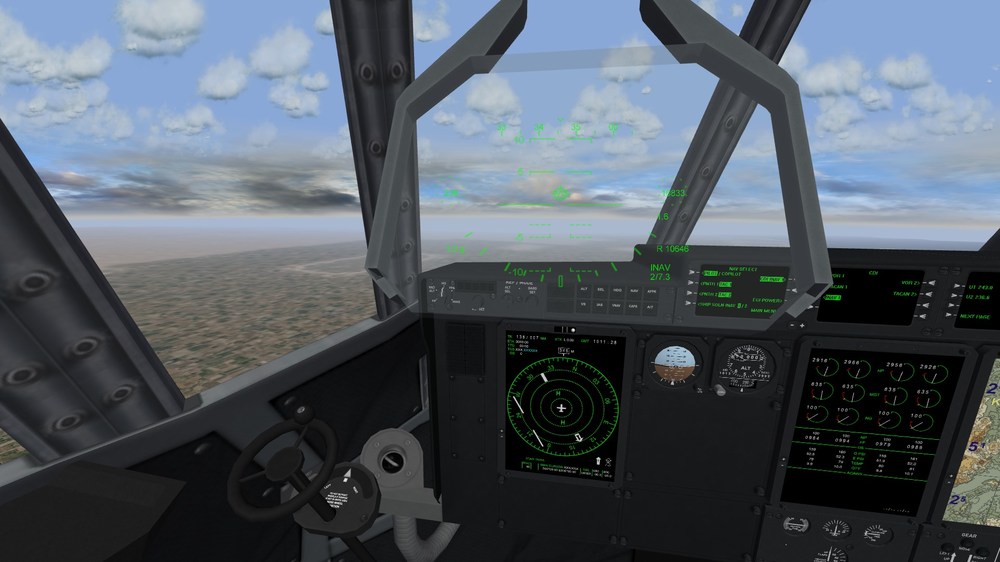
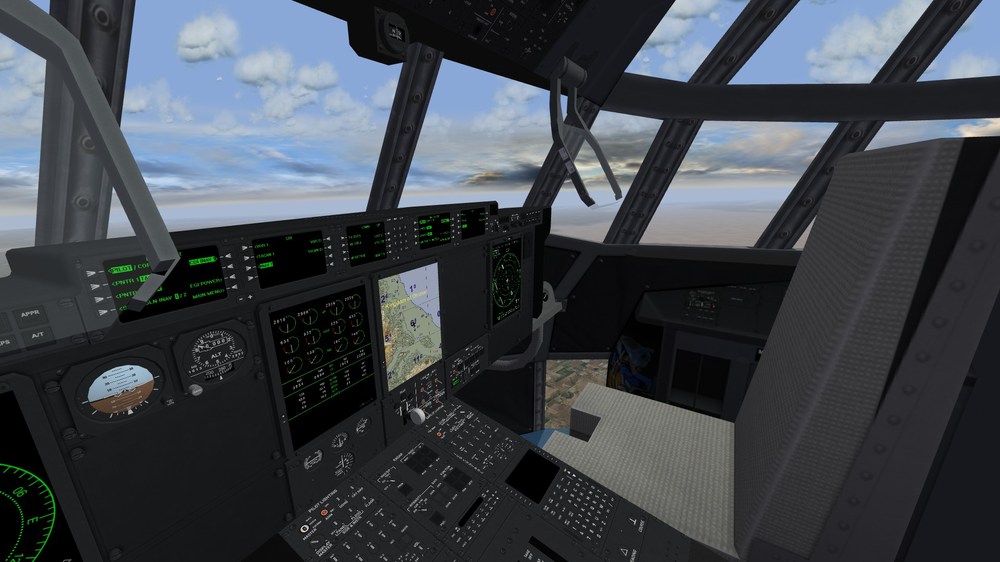
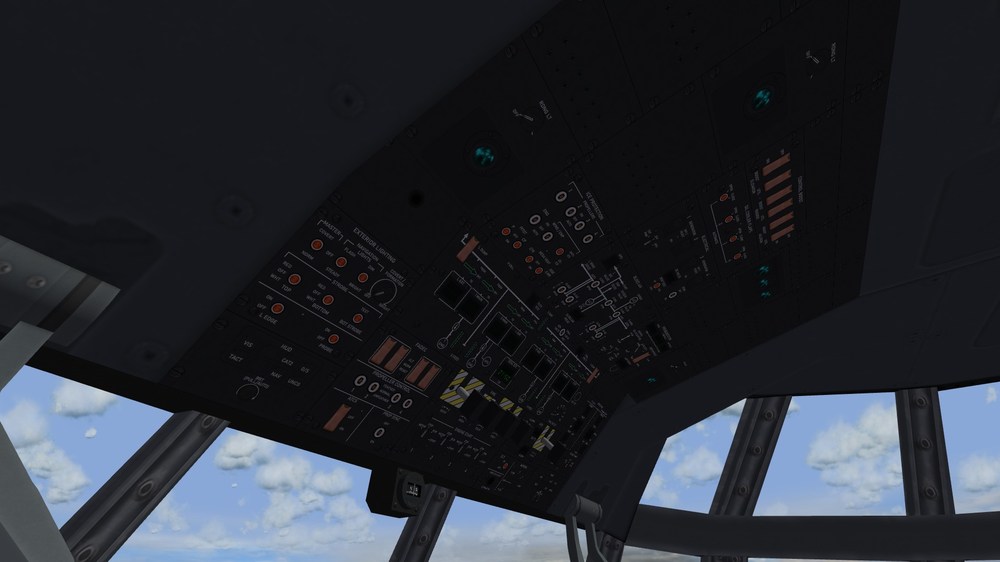
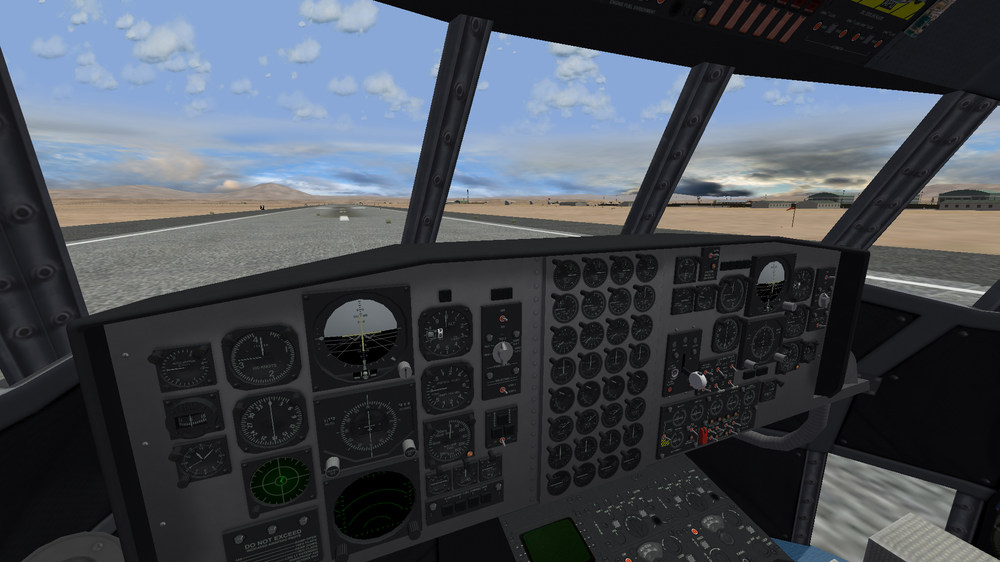
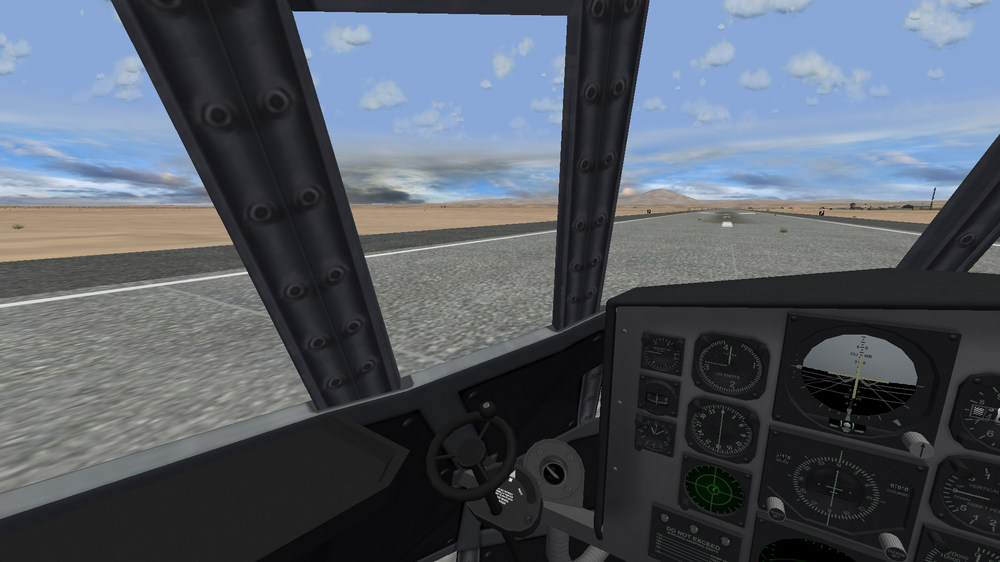
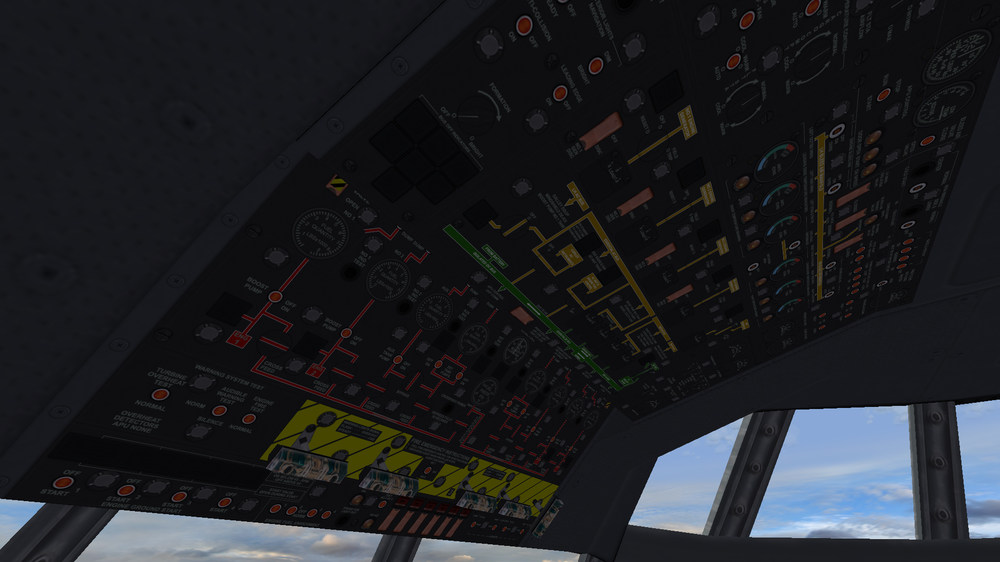
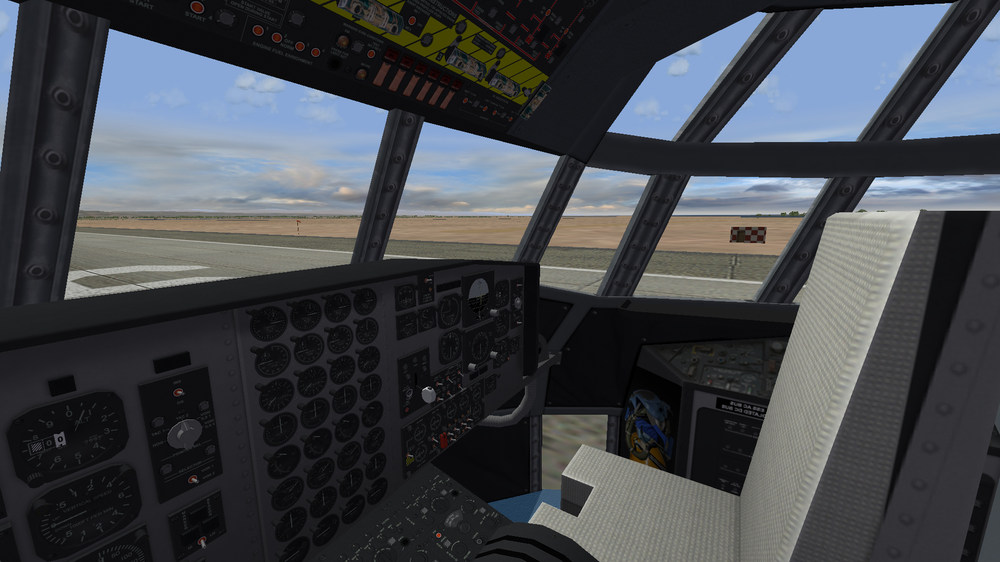
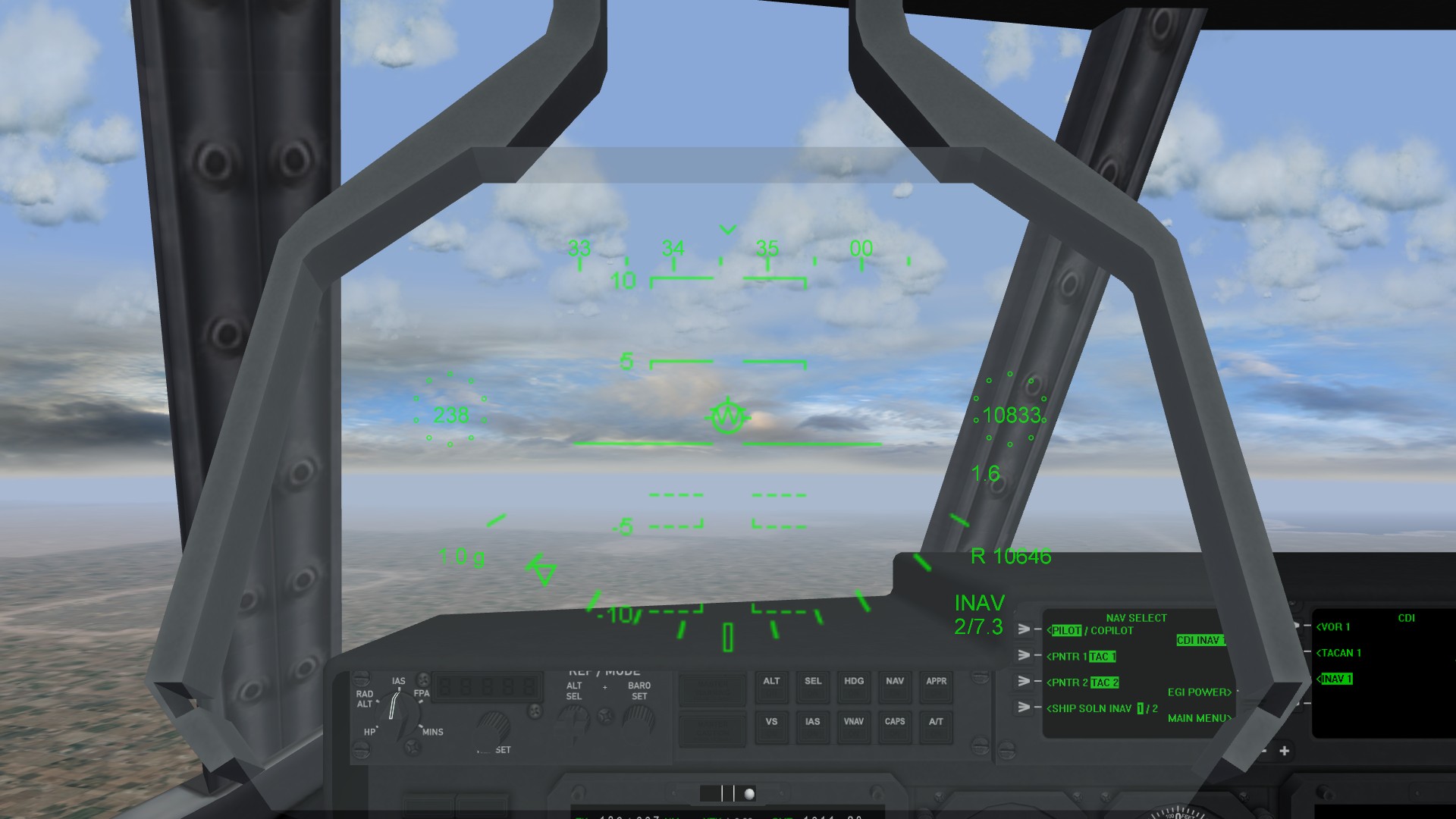
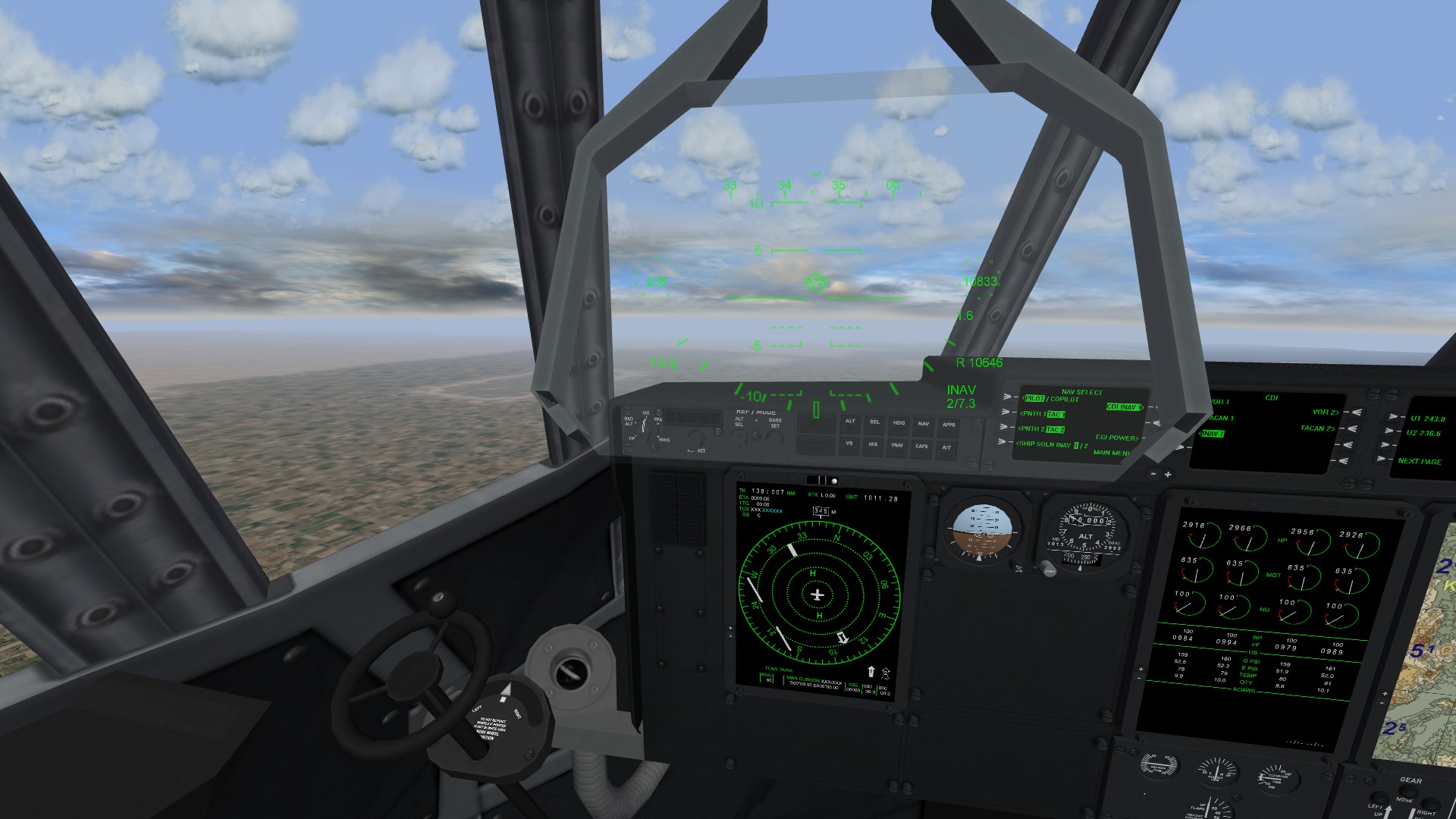
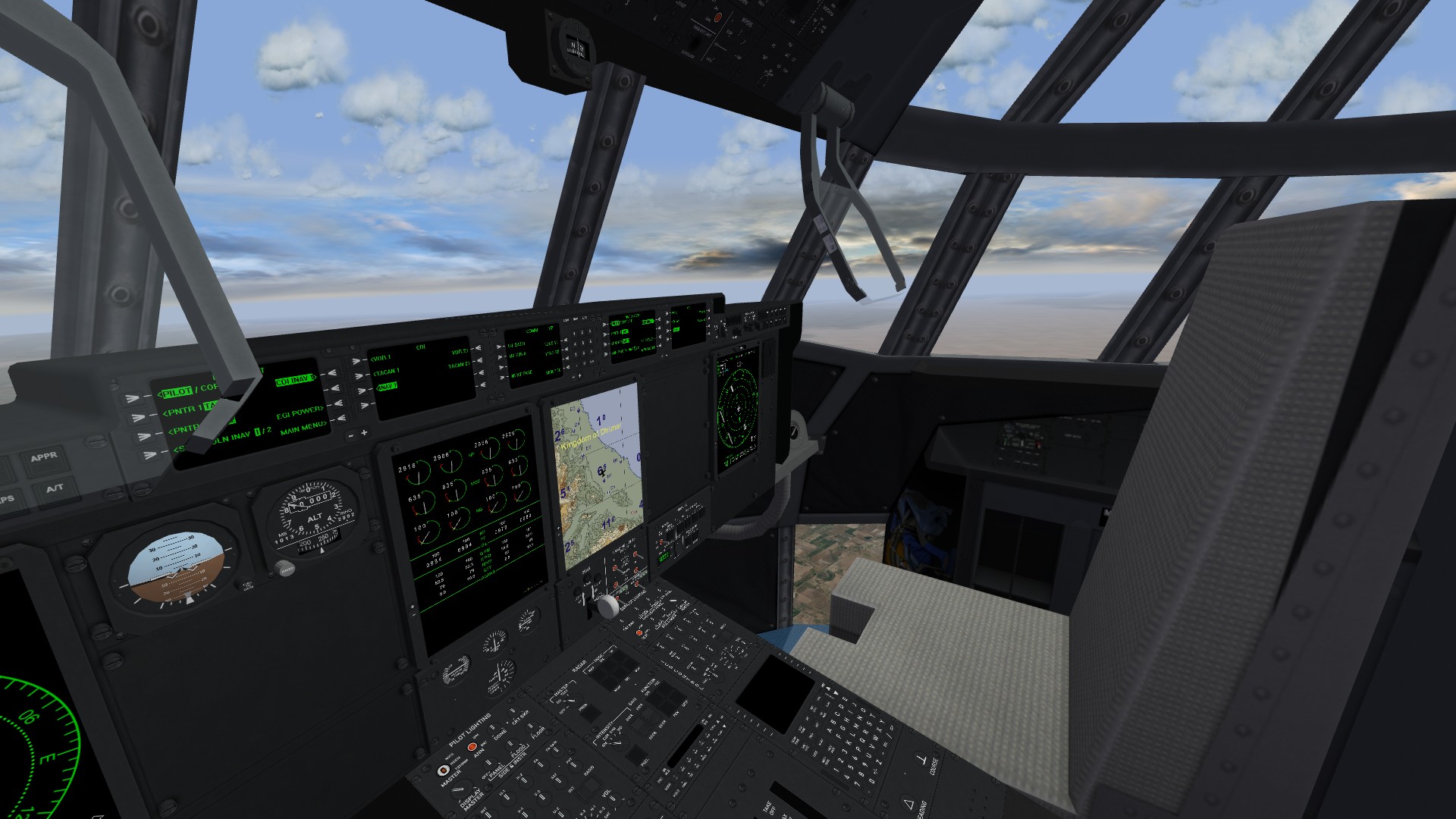
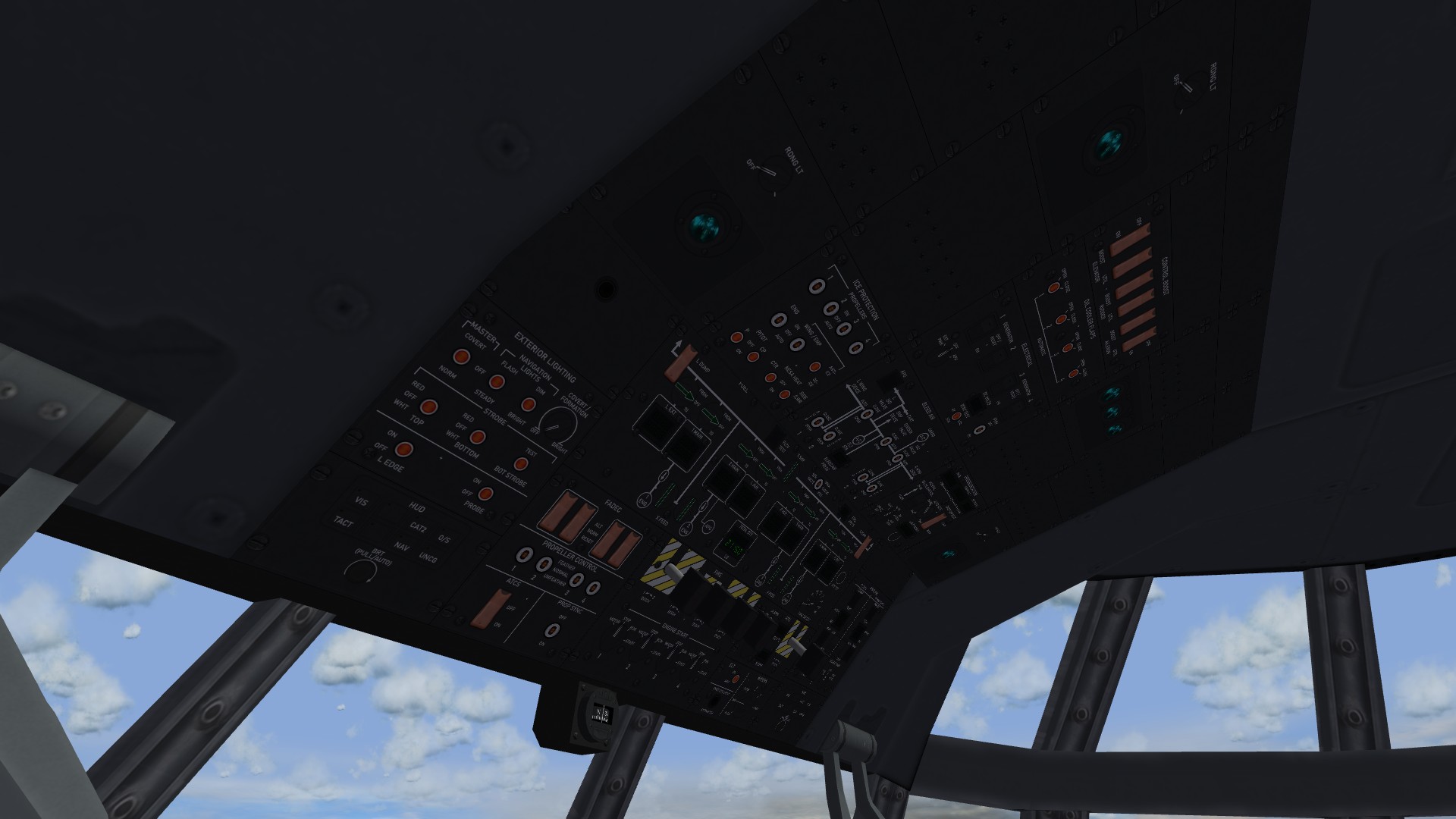
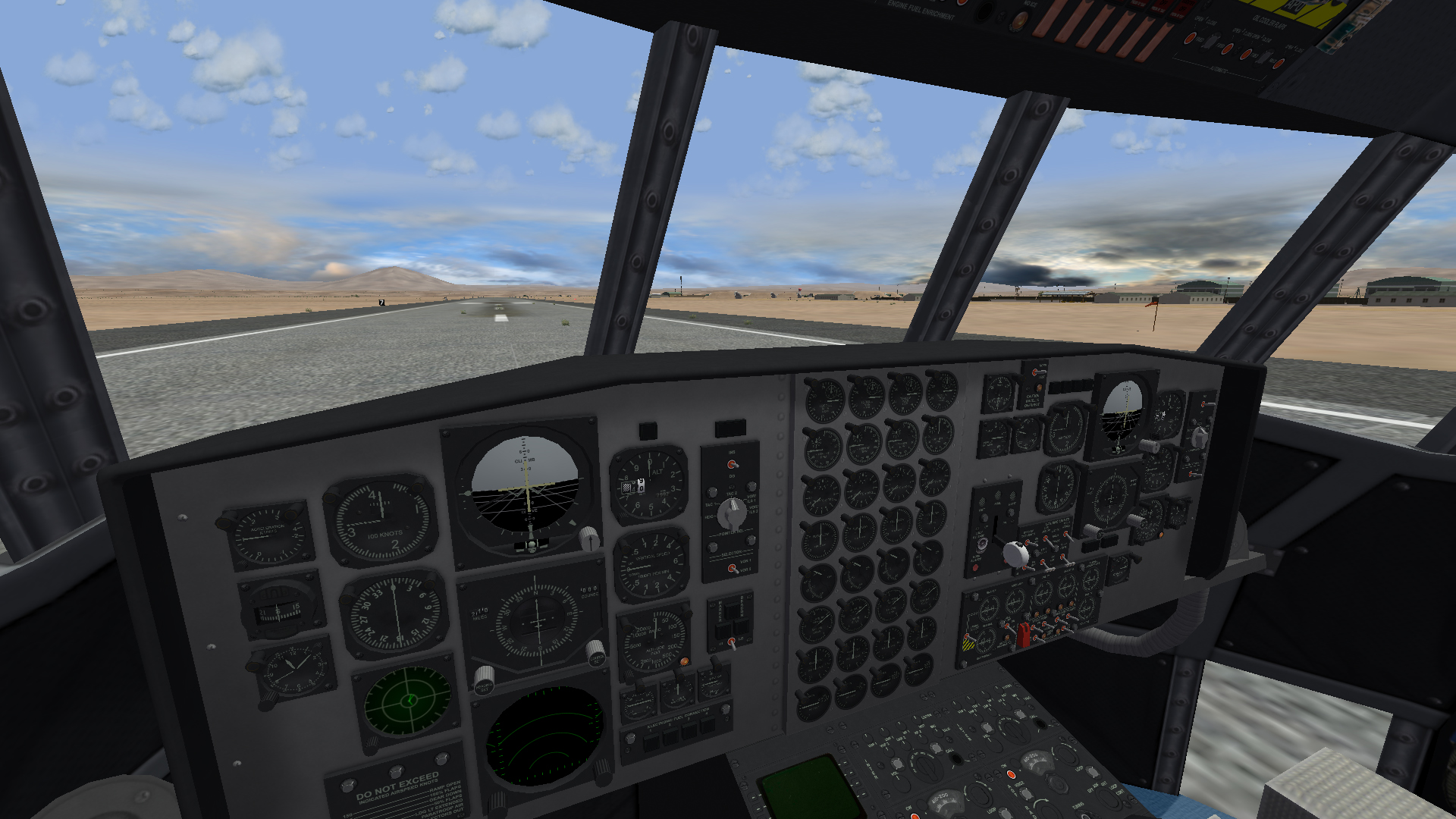
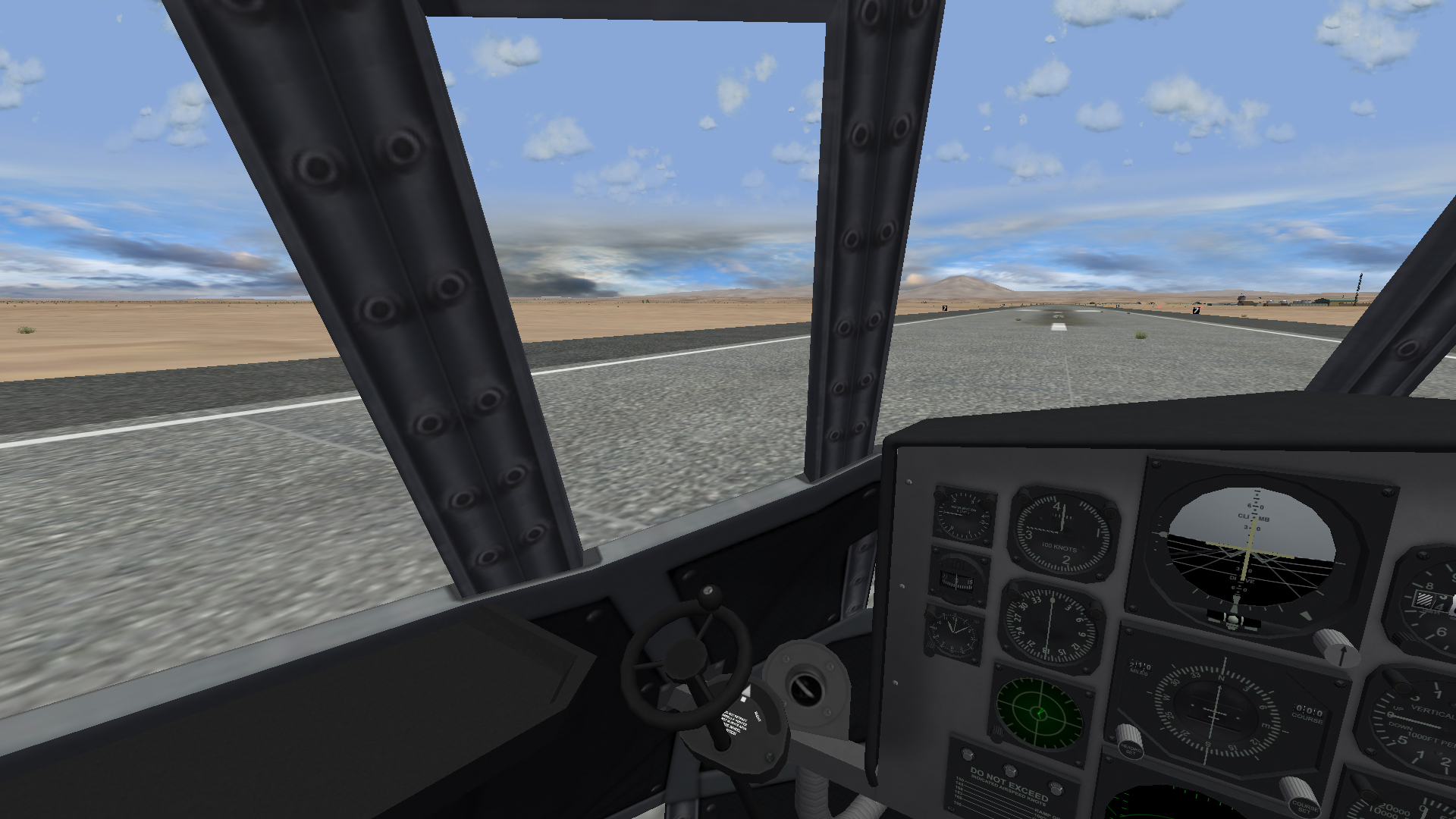
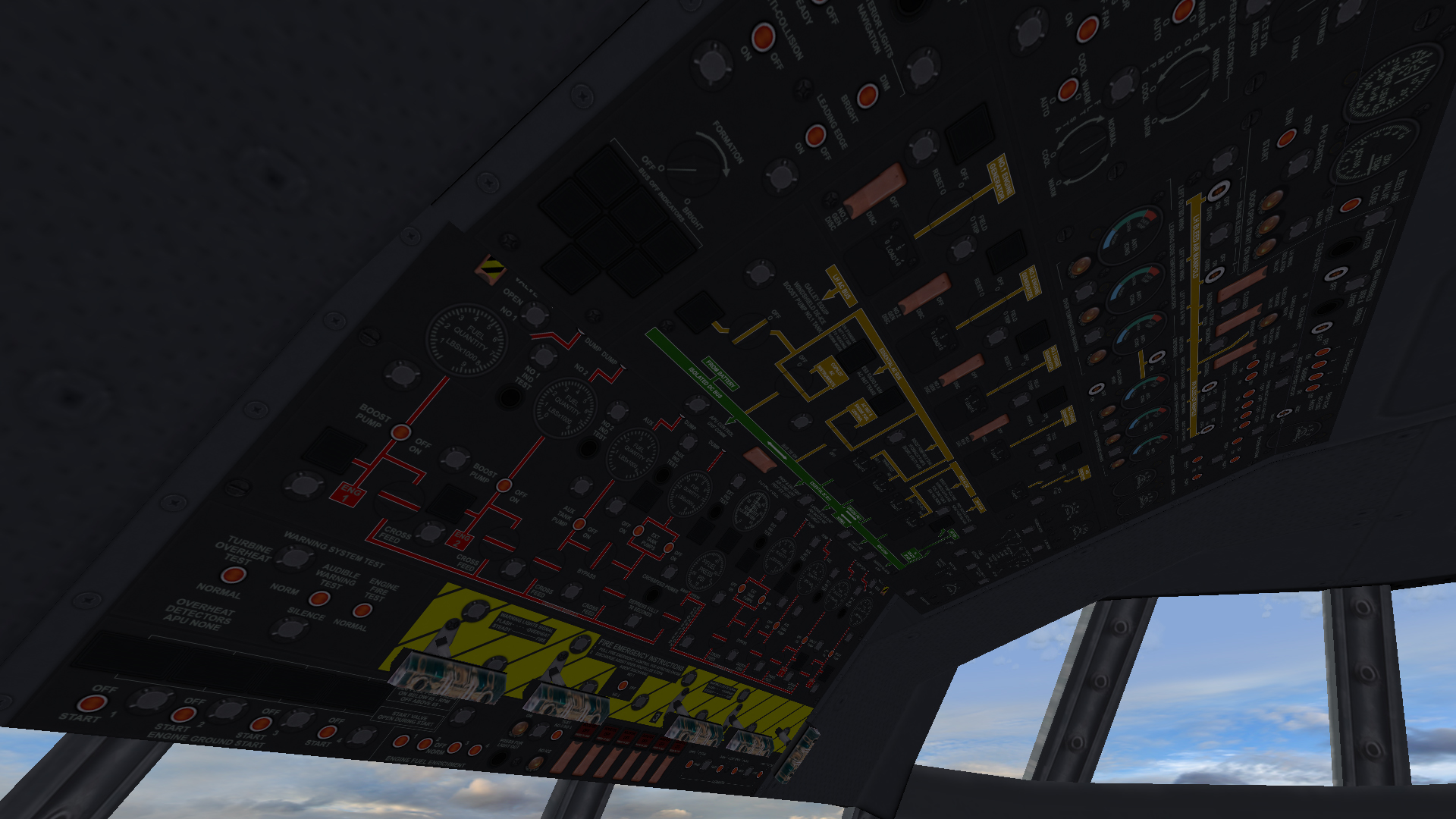
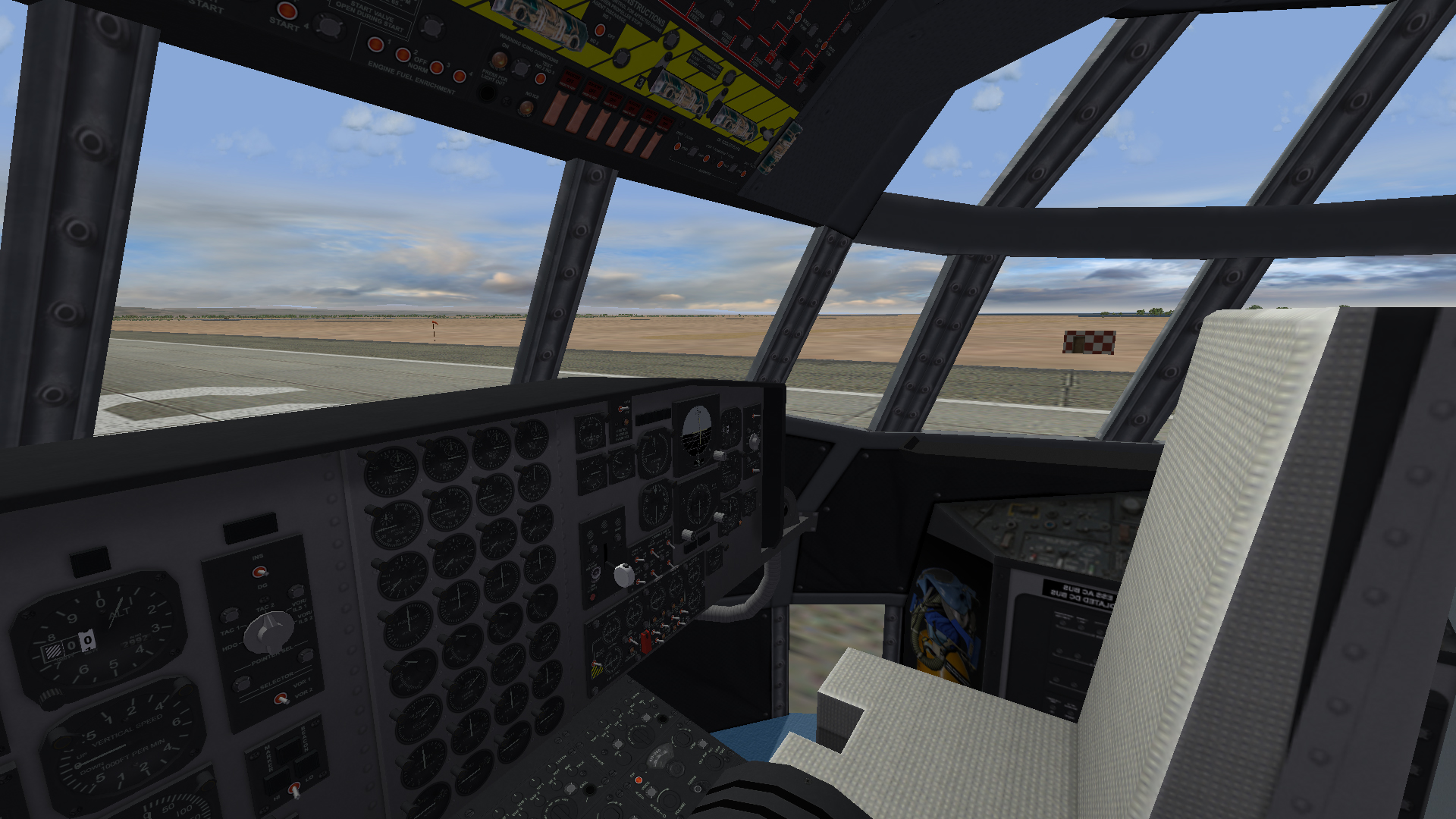
G'Day all, I realised that it has been over 17 years since I built the C-130J cockpit, so I decided it needed some love too... Dels
- 21 replies
-
- 12
-
-
-
- c-130
- combat talon
- (and 1 more)
-
Oh, and I forgot one last thing
- 21 replies
-
- 17
-
-
-
- c-130
- combat talon
- (and 1 more)
-
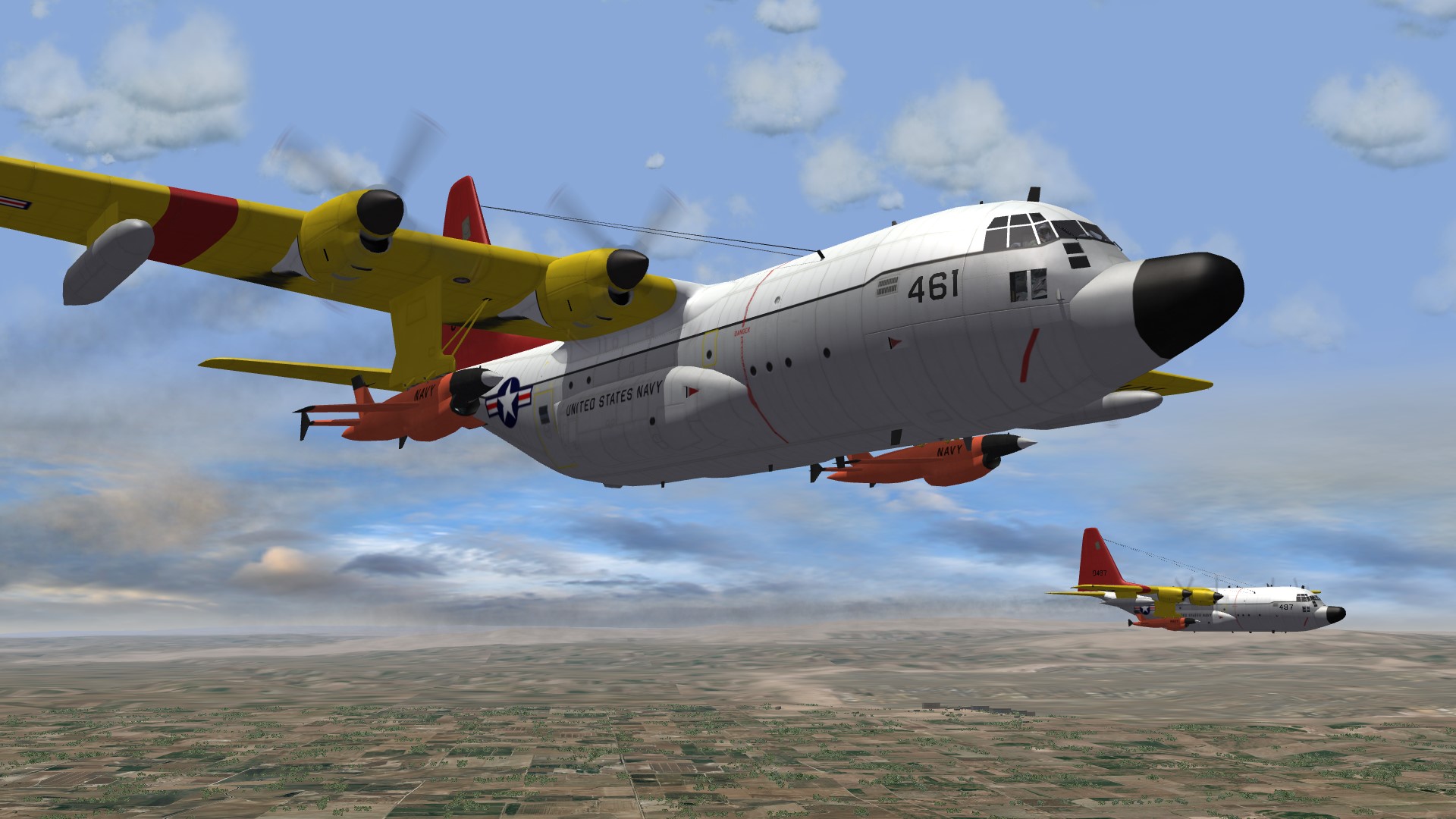
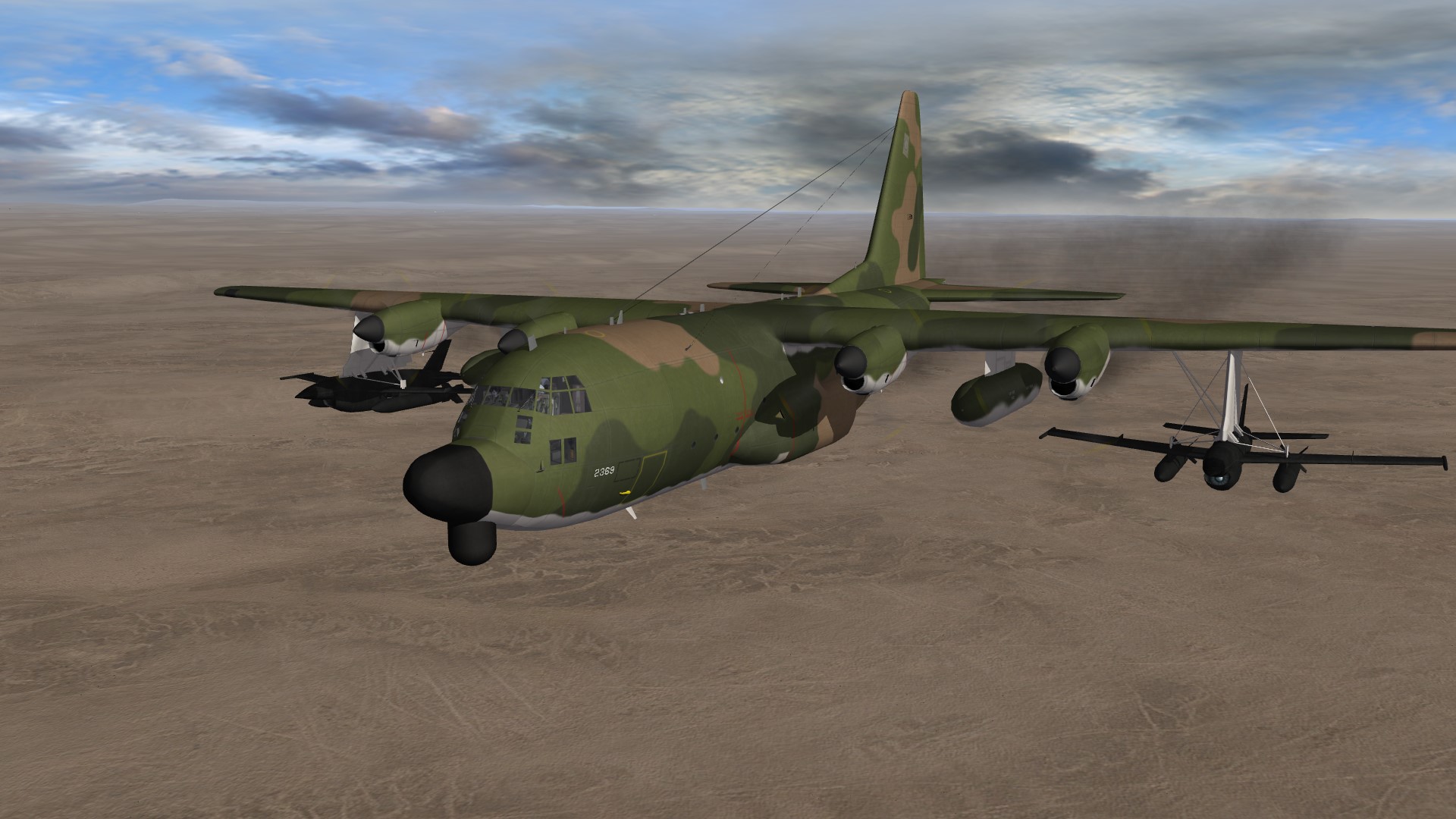
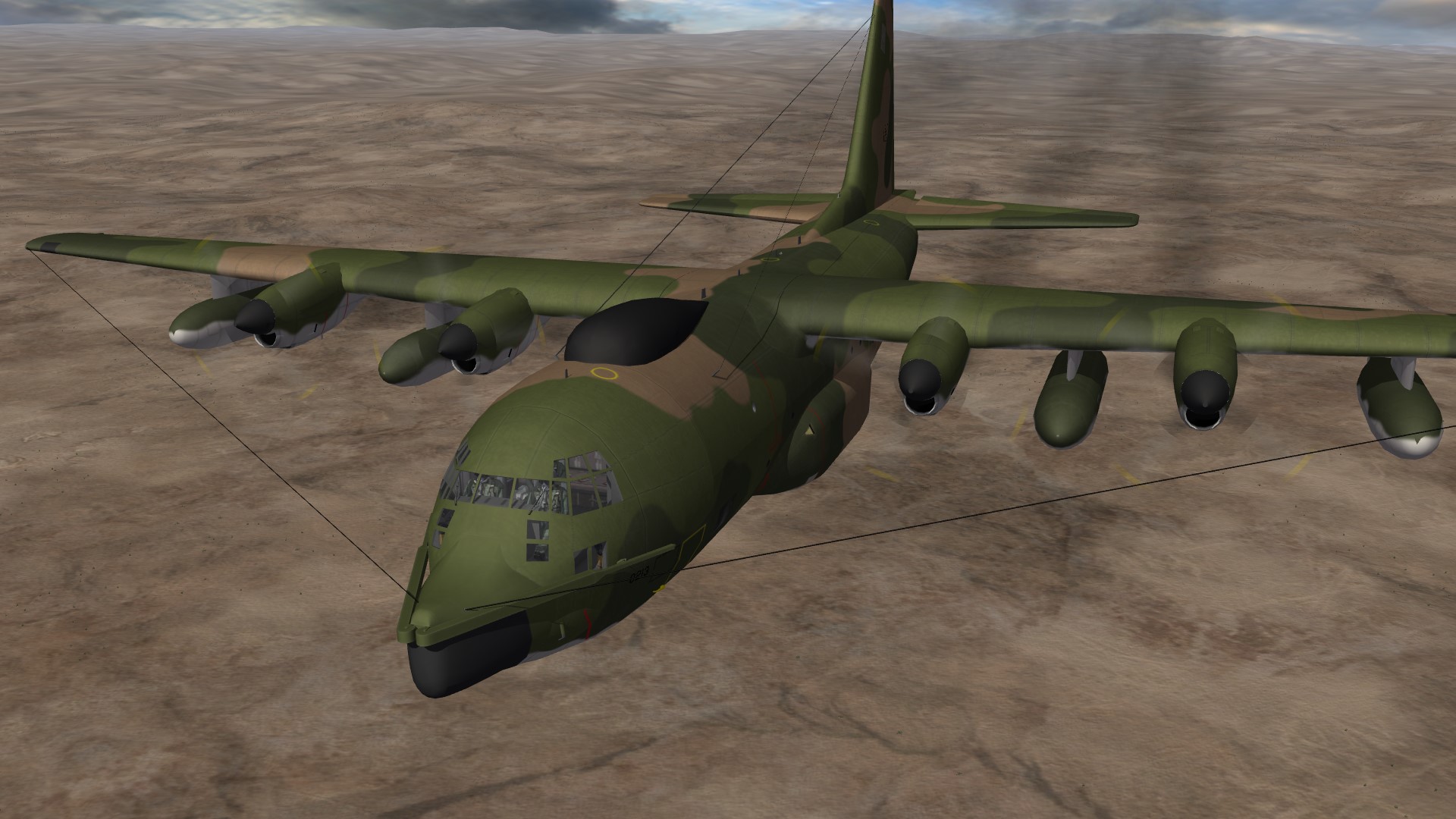
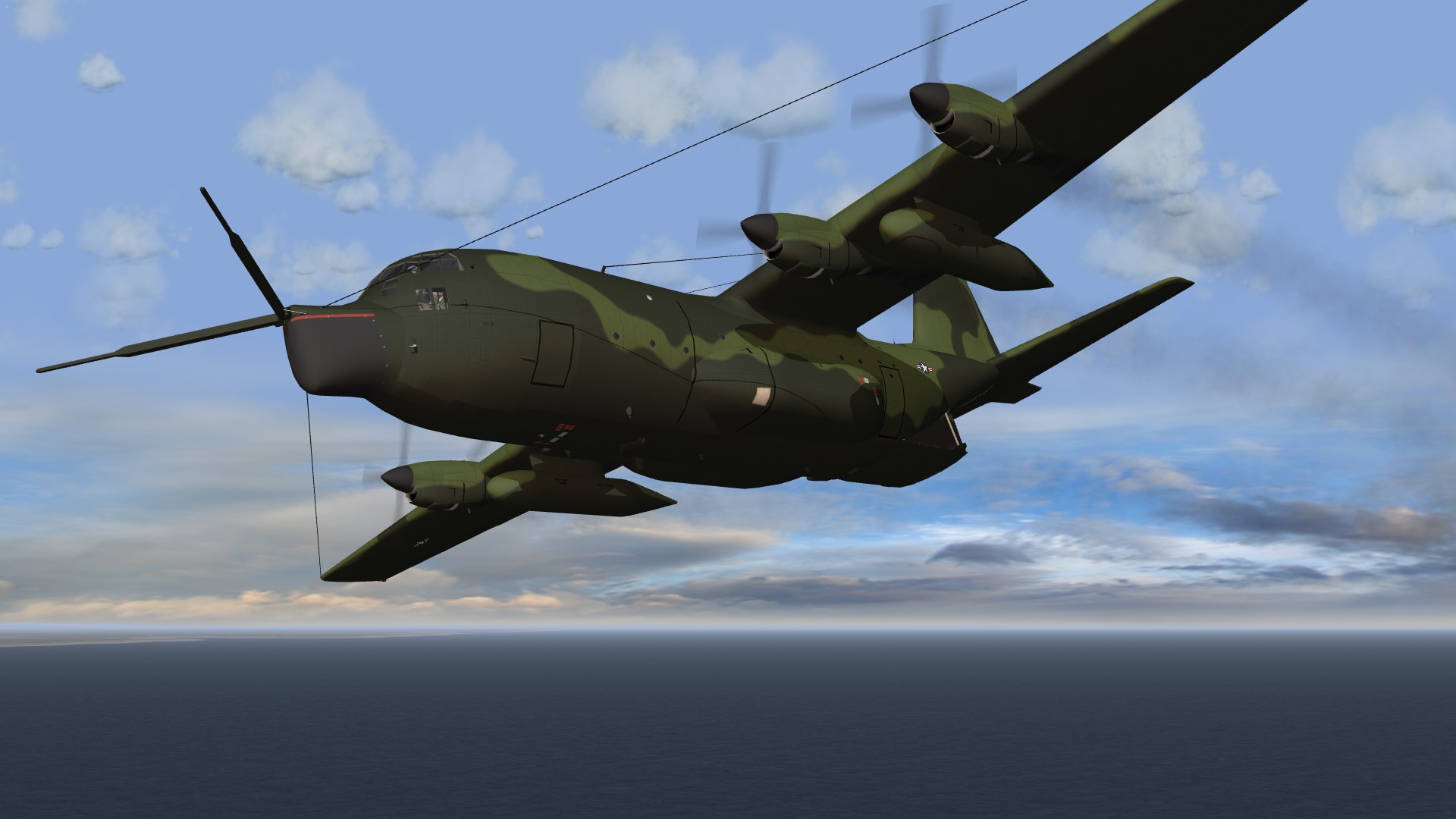
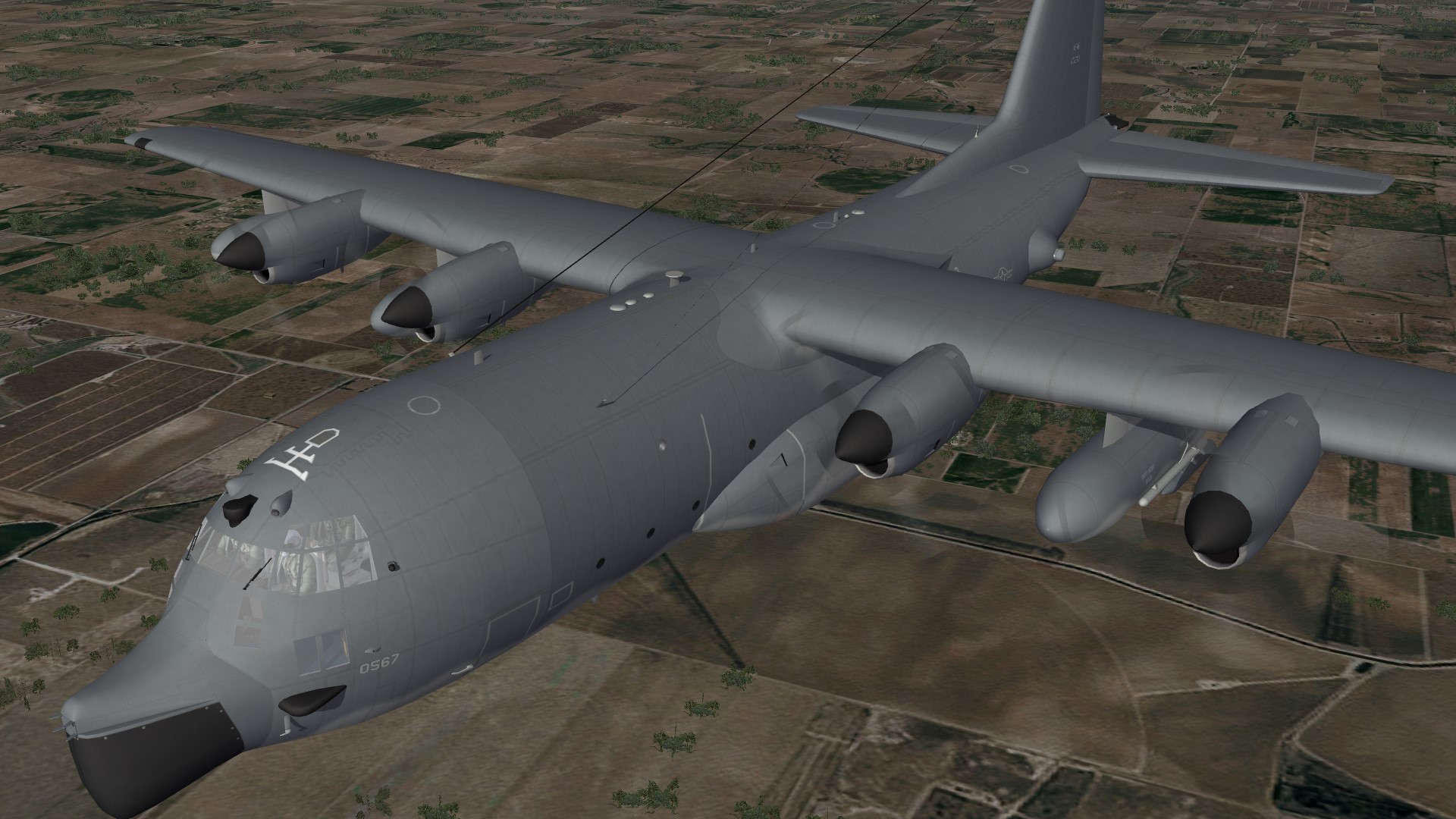
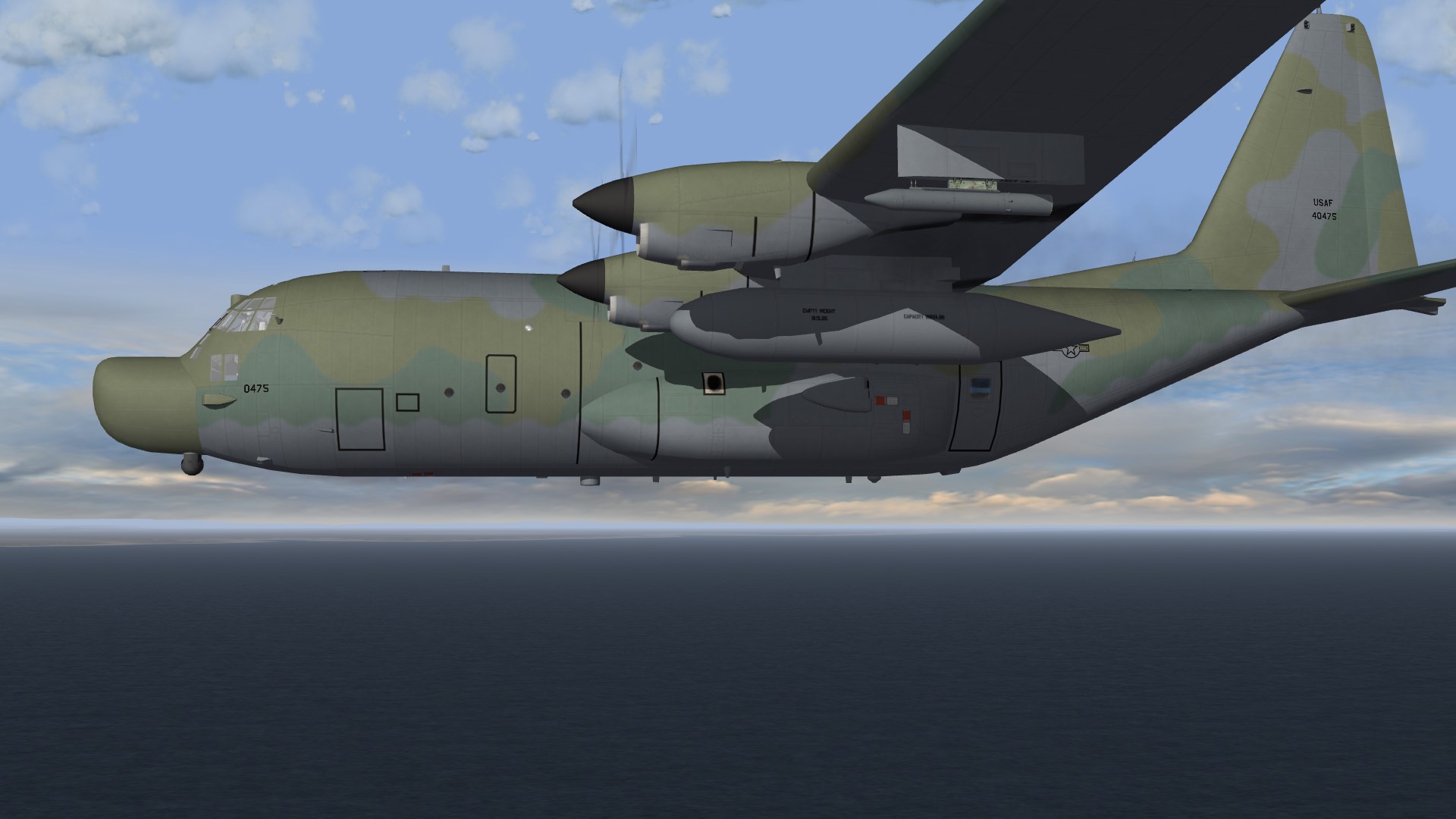
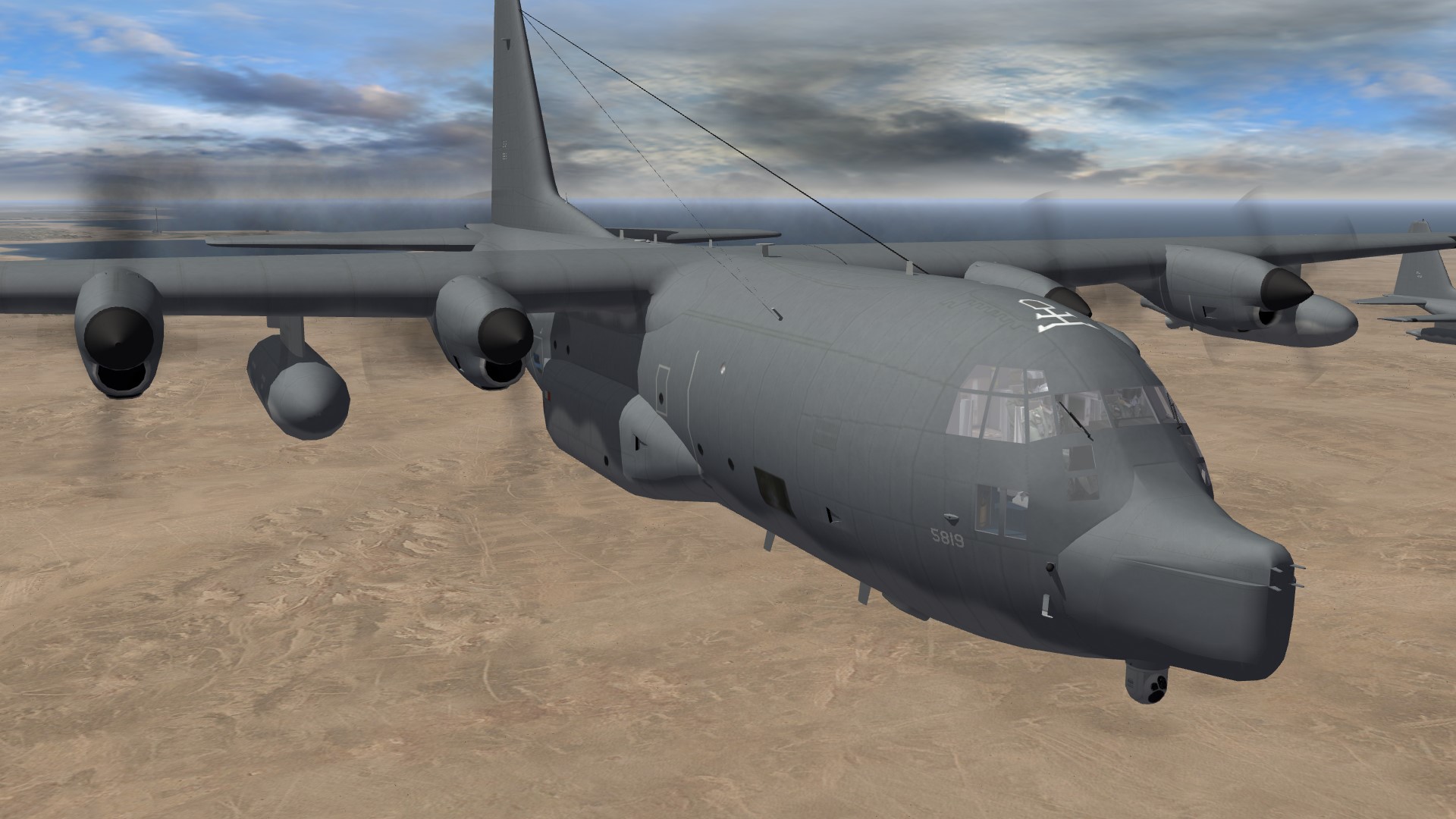
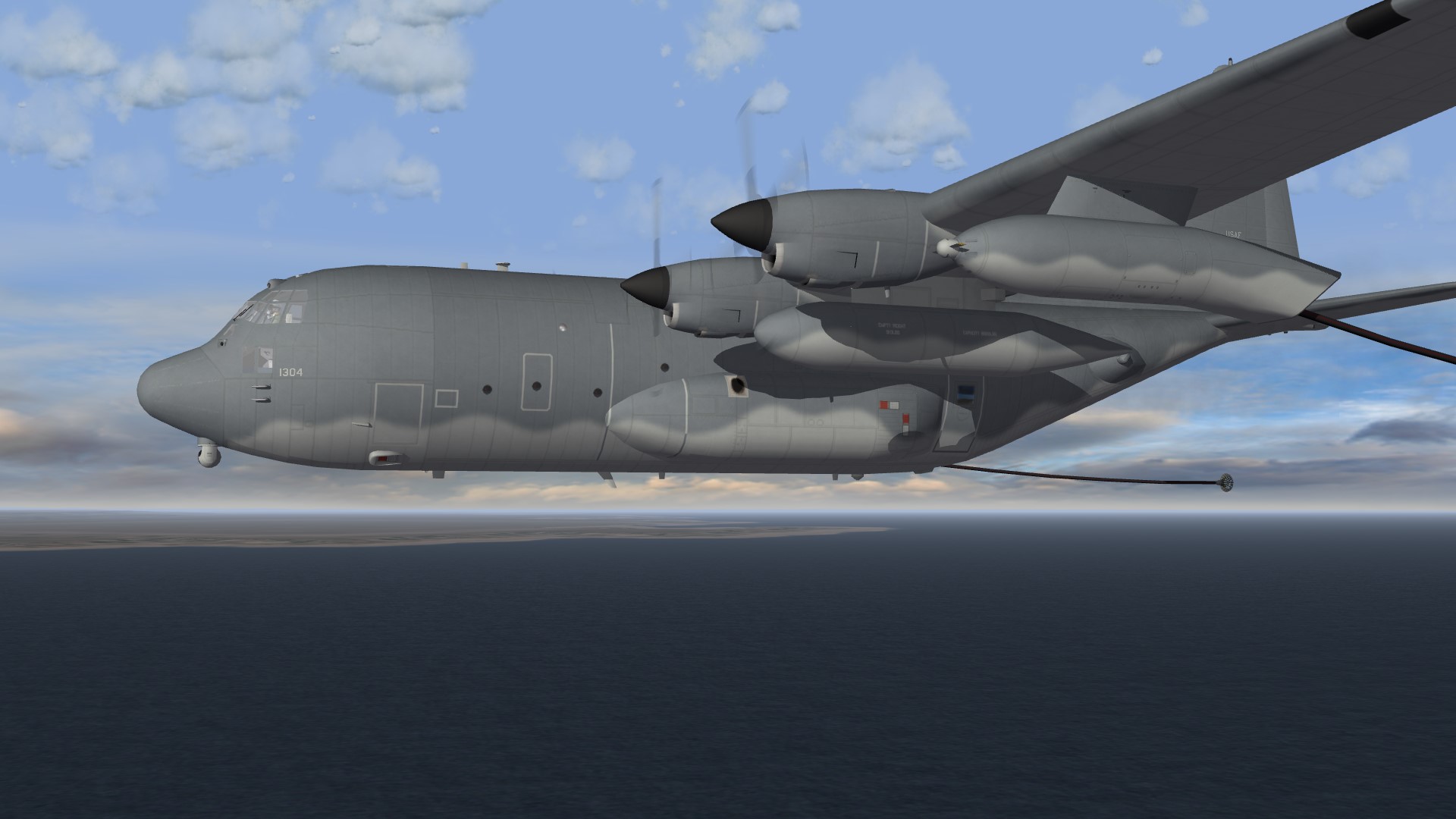
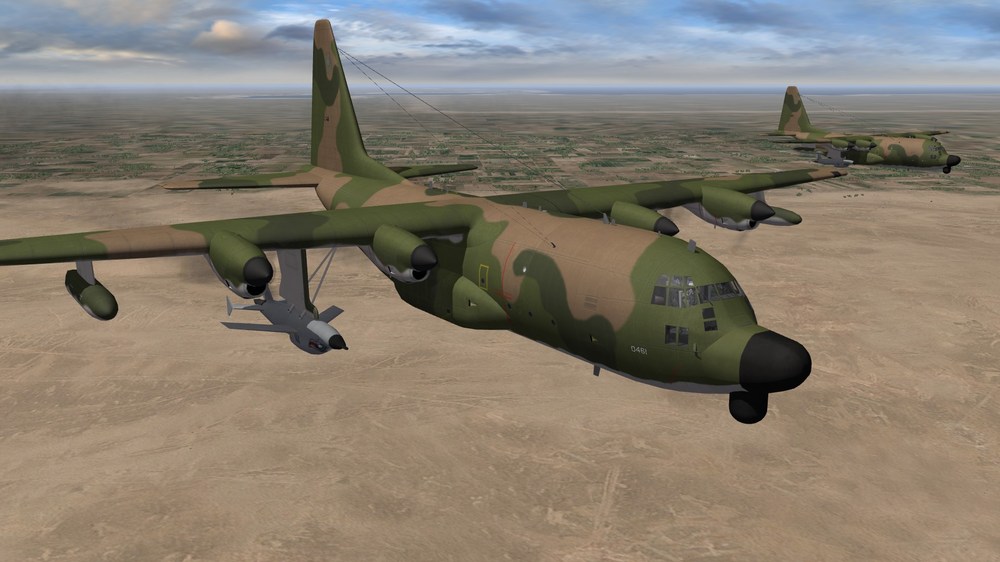
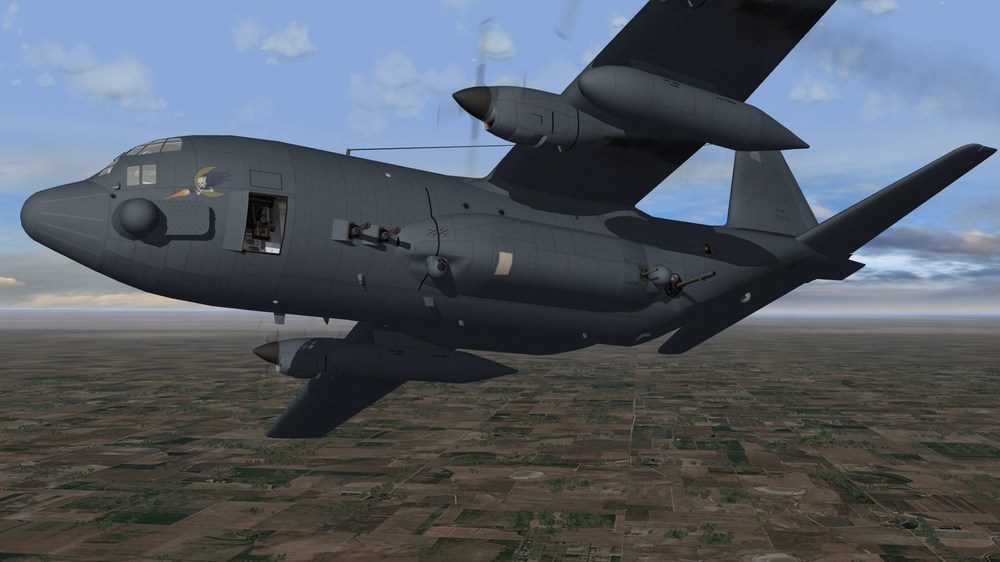
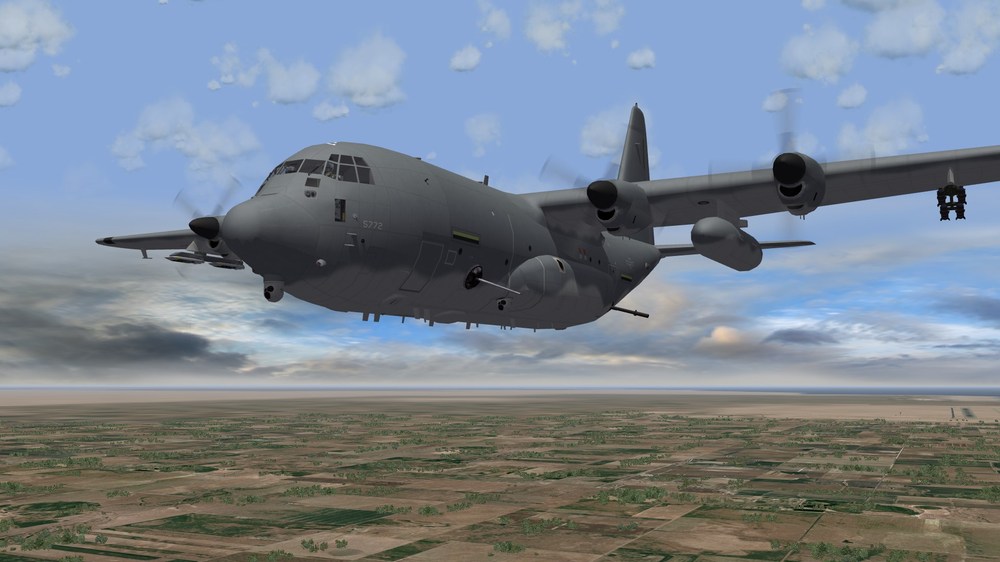
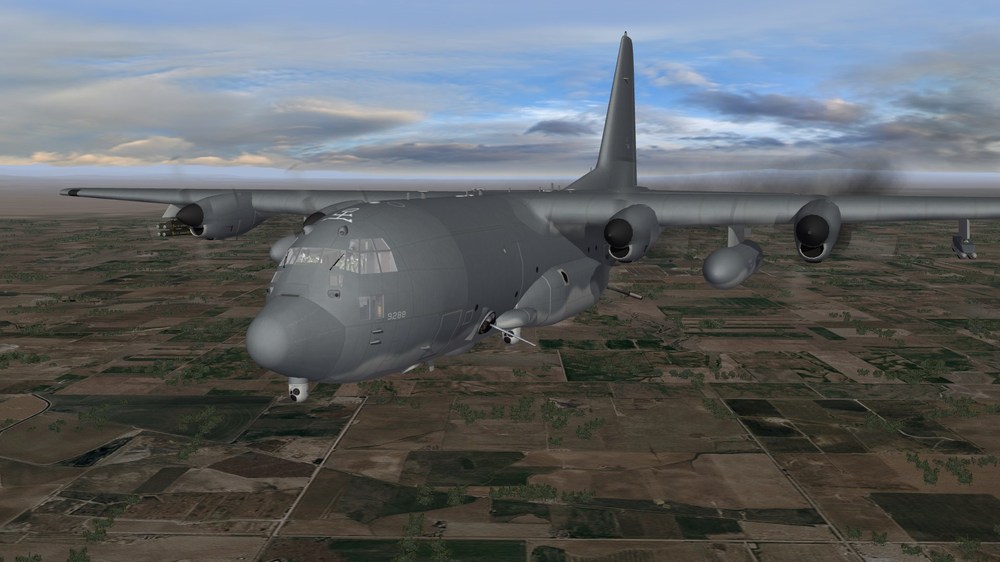
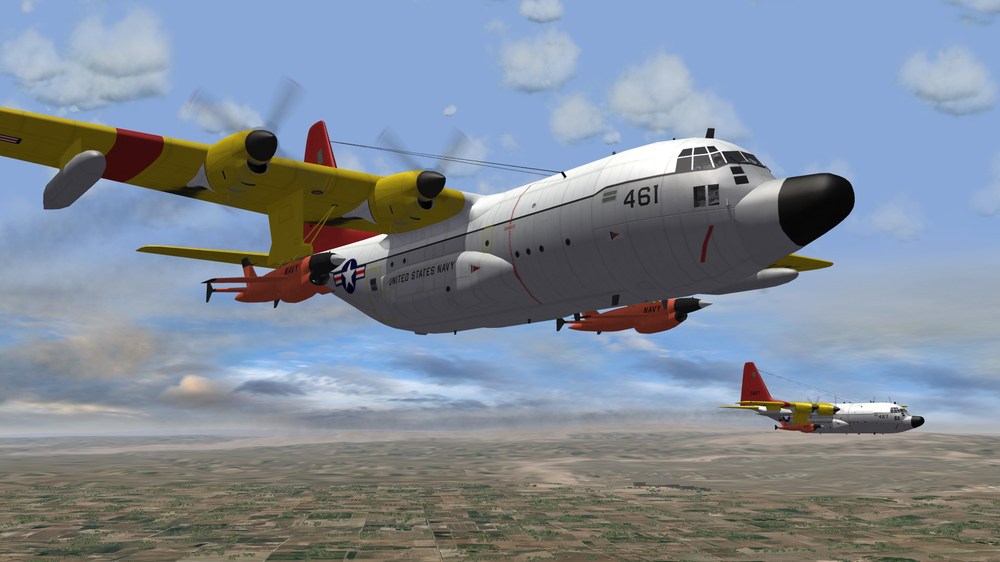
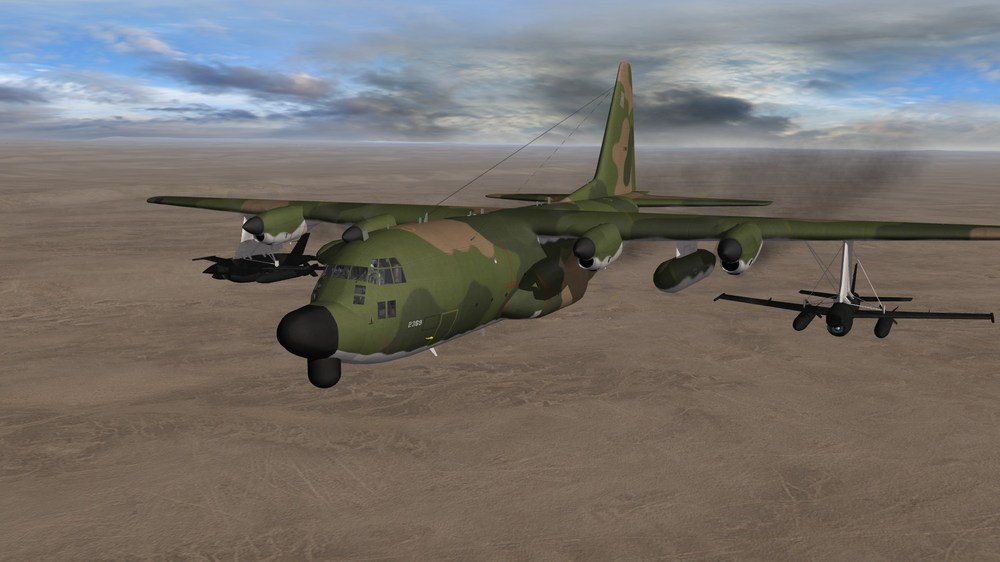
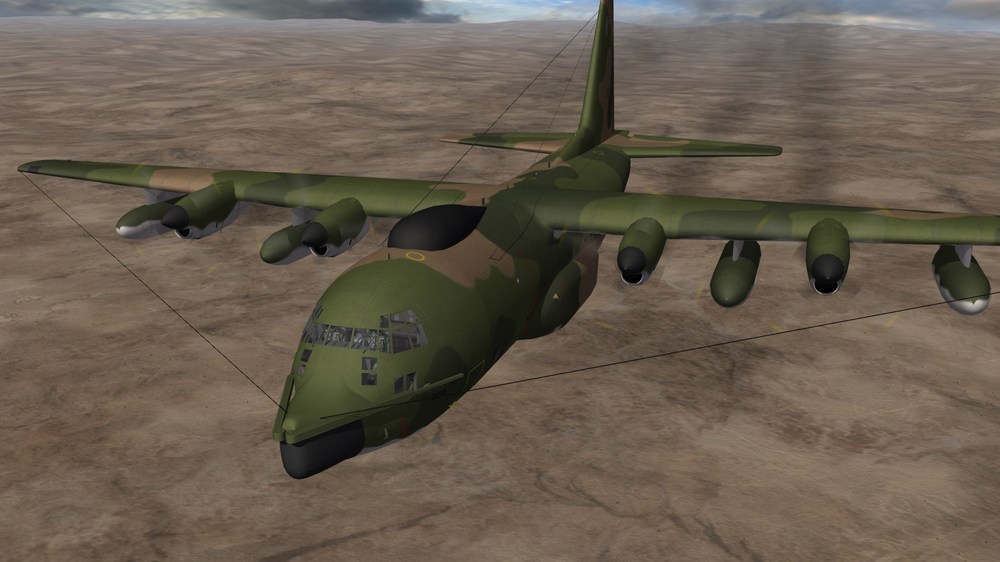
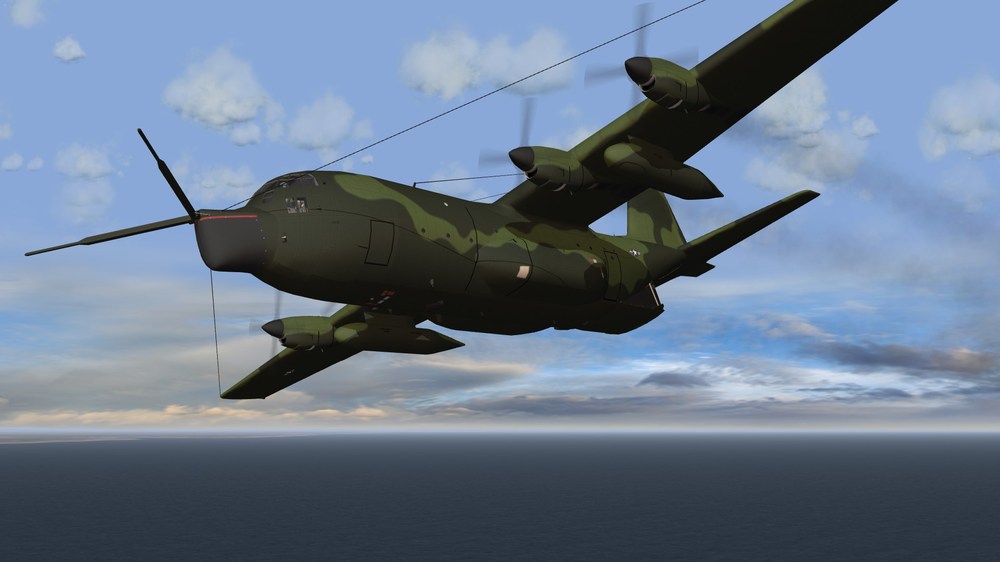
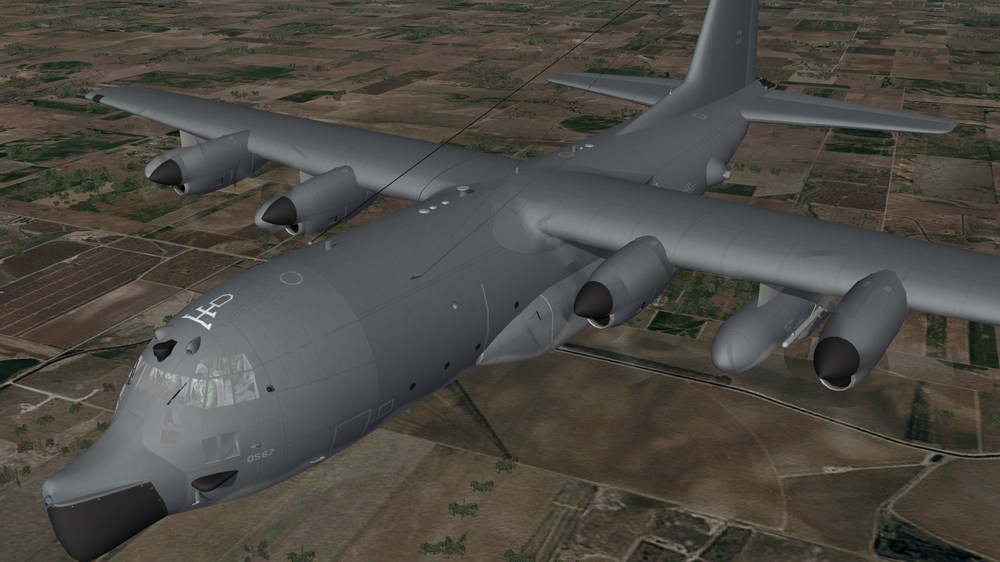
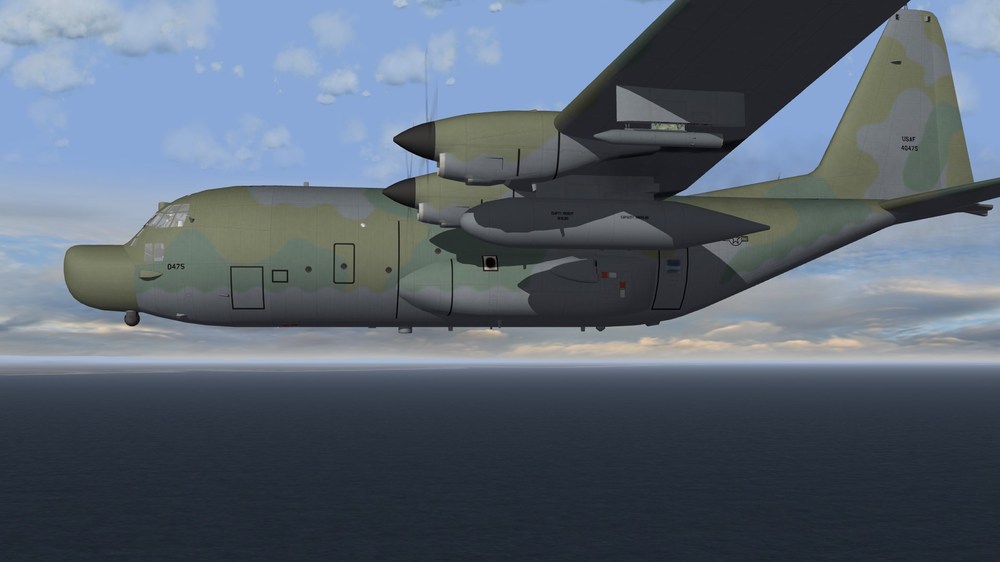
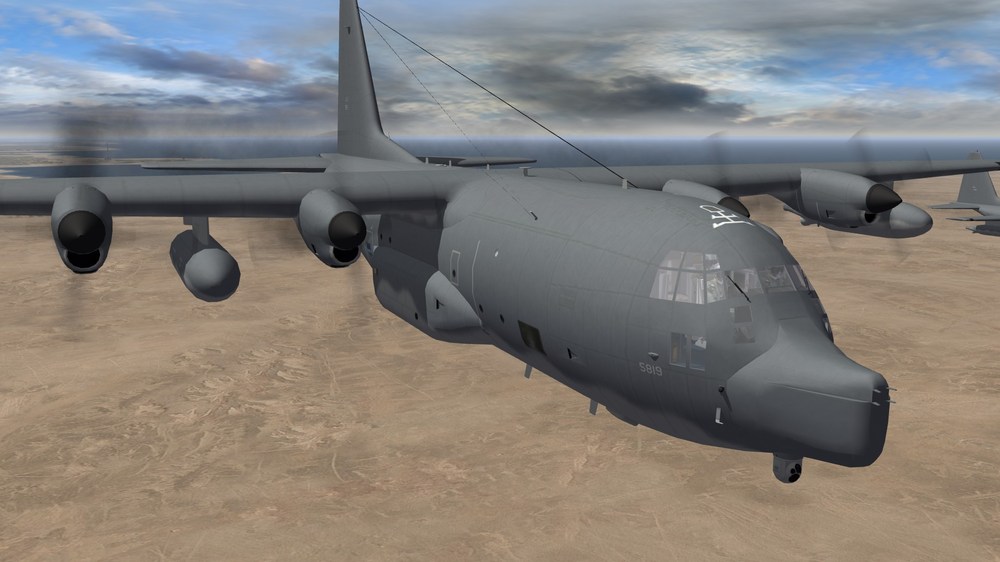
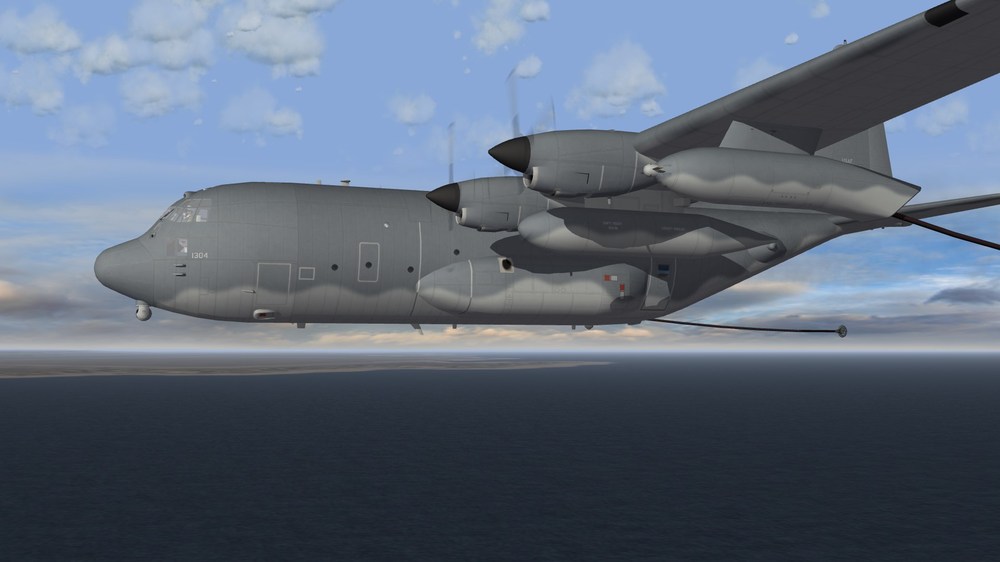
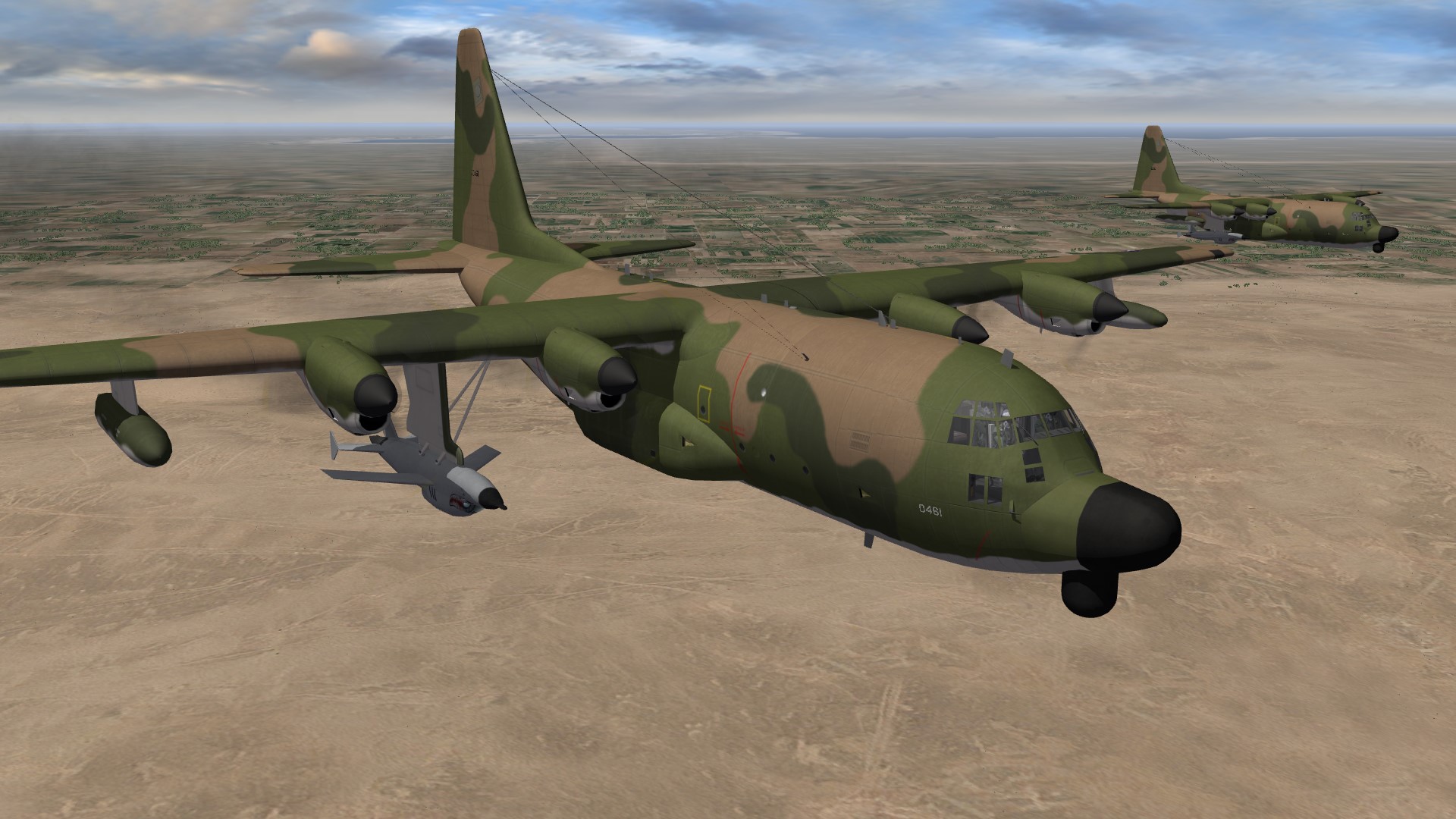
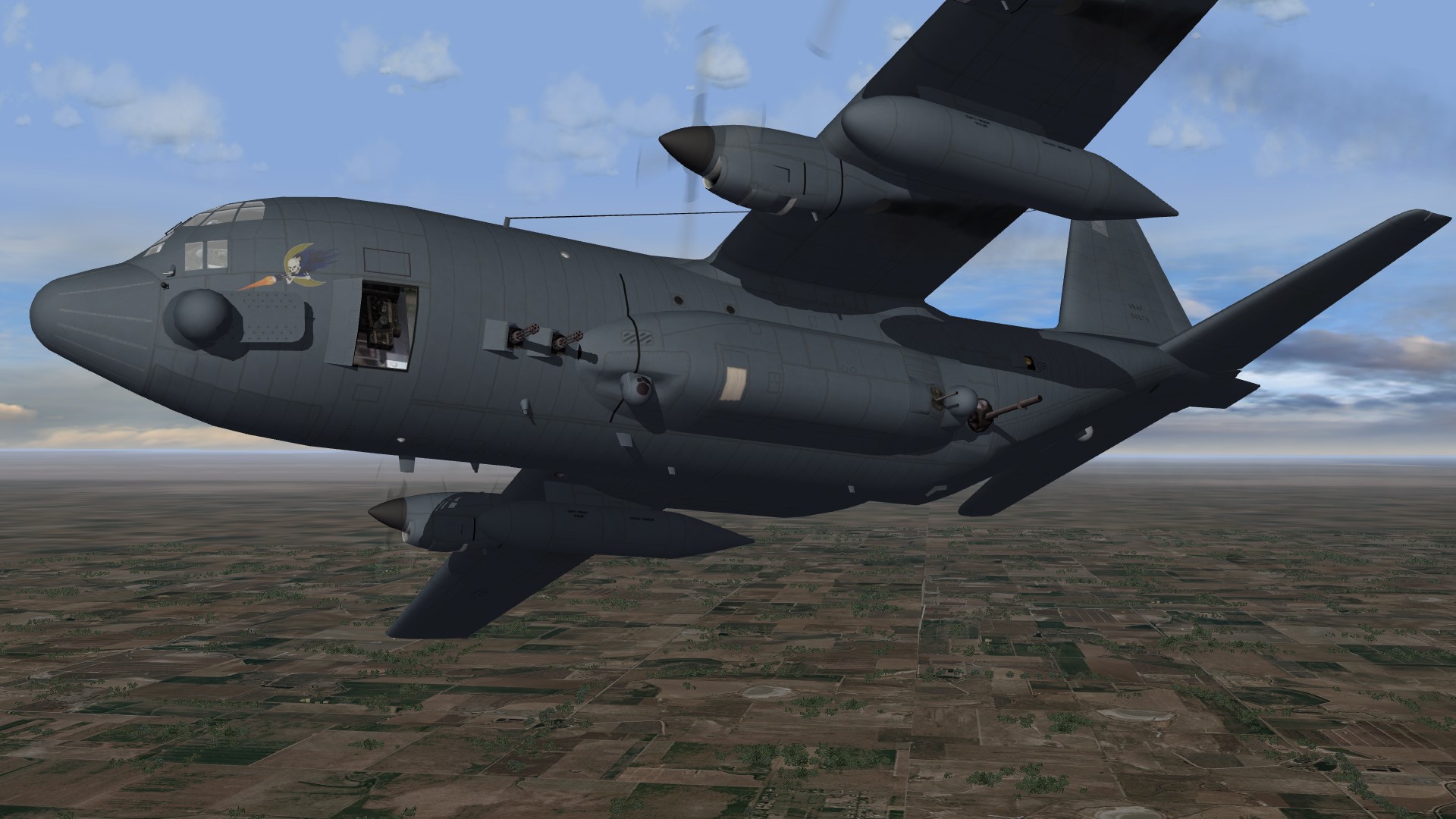
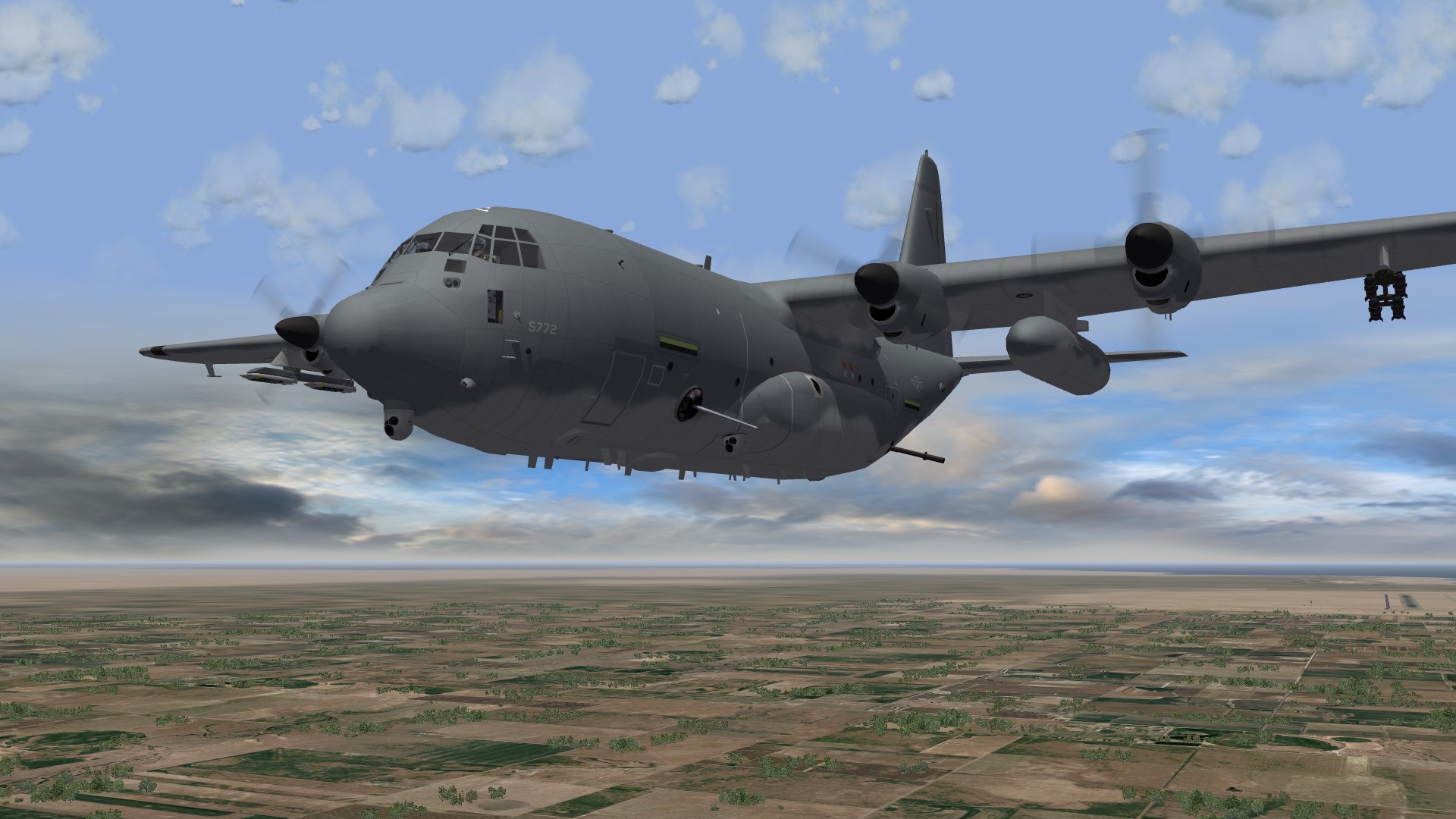
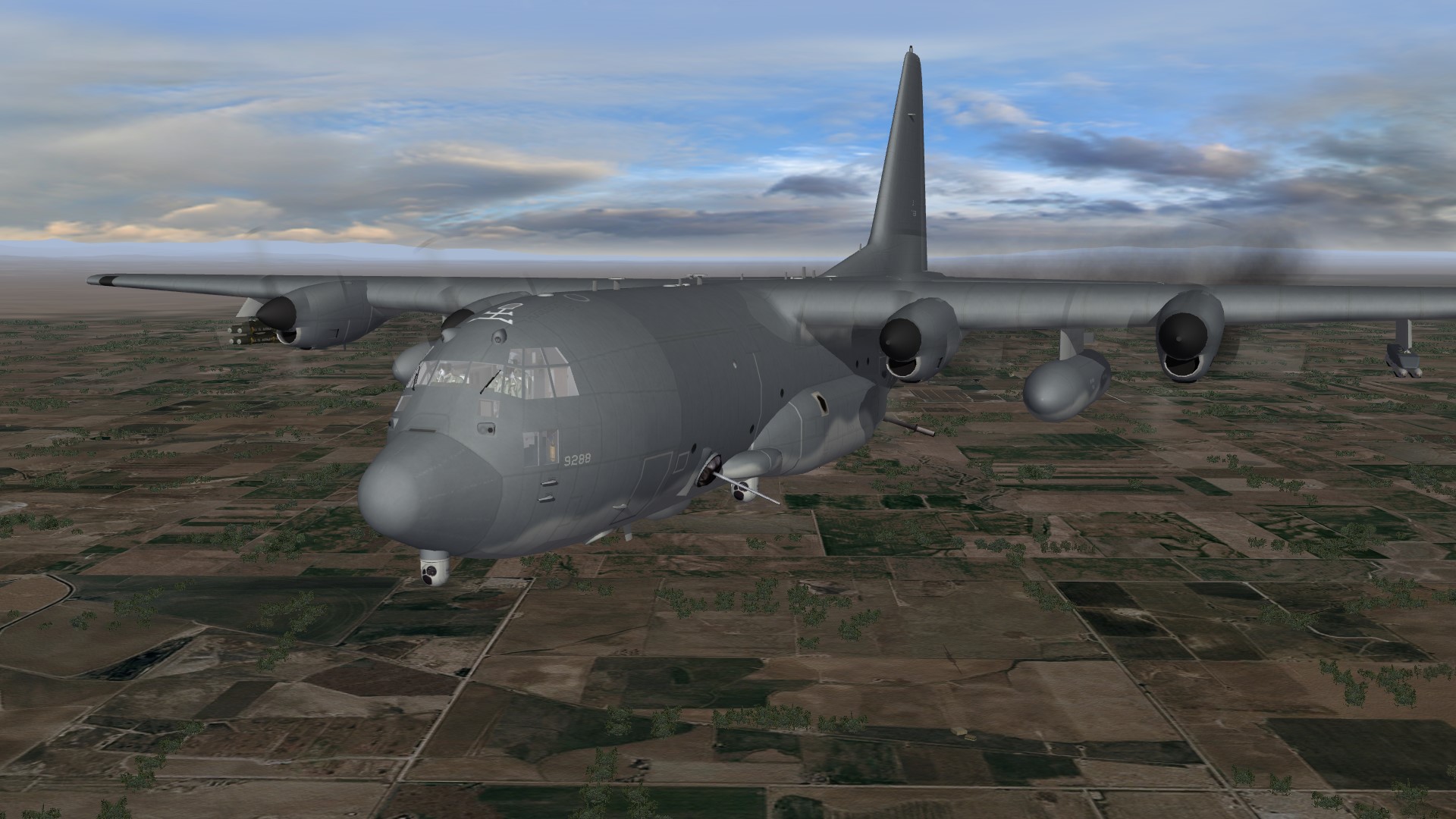
G'Day all, I thought it was time to provide an update on what I've been doing, so here are some screenshots: DC-130A DC_130A_USN DC-130E HC-130P MC-130P (pictured) I have also done a 2012 version with updated self-protection equipment (not pictured) C-130E(I) MC-130E MC-130E_04 (pictured) I have also done a 1993 (mod-90) version with the FRS and older self-protection equipment (not pictured) MC-130H (pictured) I have also done a 2004 version with updated self-protection equipment and MCARS refuel pods (not pictured) MC-130W AC-130W AC-130H (pictured) I have also done 1993 and 2004 versions with updated self-protection equipment (not pictured) AC-130J (updated my previous model) I have also updated my AC-130A and AC-130U, I might upload some pictures later. Dels
.thumb.JPG.73fc25e28670ddcbfb12508c05bf4061.JPG)
- 21 replies
-
- 11
-
-
-
- c-130
- combat talon
- (and 1 more)
-
Thanks for that! I did have the first two photos but those other ones were great.
-
Thanks!
-
G'Day all, I'm trying to find some more detailed or close up photos and information about the QRC-84-02A IR Countermeasure pod. It's the pod that used to be carried on the outboard pylon of the MC-130H/AC-130U and attached to the fuel tanks of the MC-130E before they were upgraded to DIRCM and LAIRCM. Here's a photo. Through some web searches, I've found that it was roughly 91" long and 10.19" in diameter. Thanks Dels

.JPG.456c1cac5671e9c5438263c72ef74255.JPG)