CrimsonRoamer
-
Posts
212 -
Joined
-
Last visited
Content Type
Profiles
Forums
Gallery
Downloads
Store
Everything posted by CrimsonRoamer
-
Once again someone puts be completely to shame with their skills, beautiful</br> Hmm, I wonder if I can get my beriev to transform into a giant robot?</br>
-
Sorry for the double post but I'd just like to bumb this back up to the top.</br> Right now it's nearly at the animation stage, I just need to clean up the insides of the bomb bays (which are shoddy) and then I can start animating.</br> If I can get this one flying (which will take months because until June I can only work on this at the weekends) I might just hink about some other versions.</br> How would you feel about a Be-2500 AWACS?</br>
-
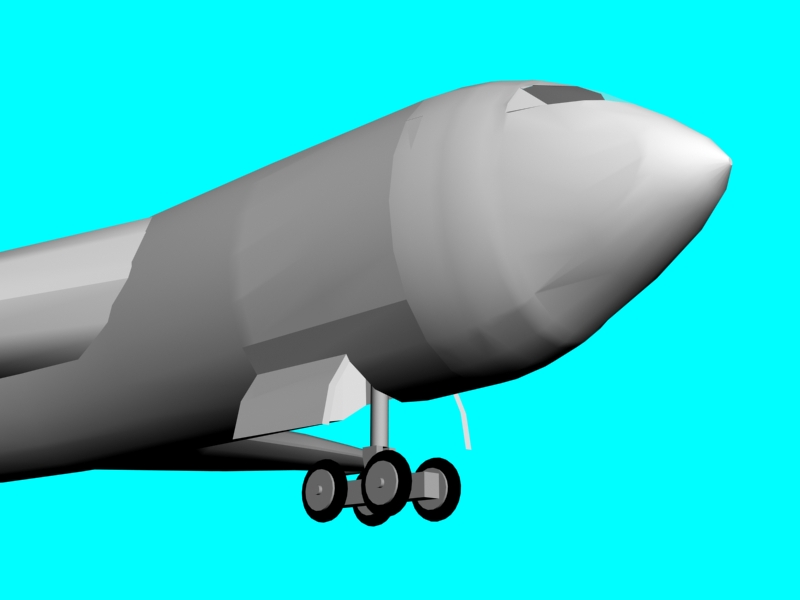
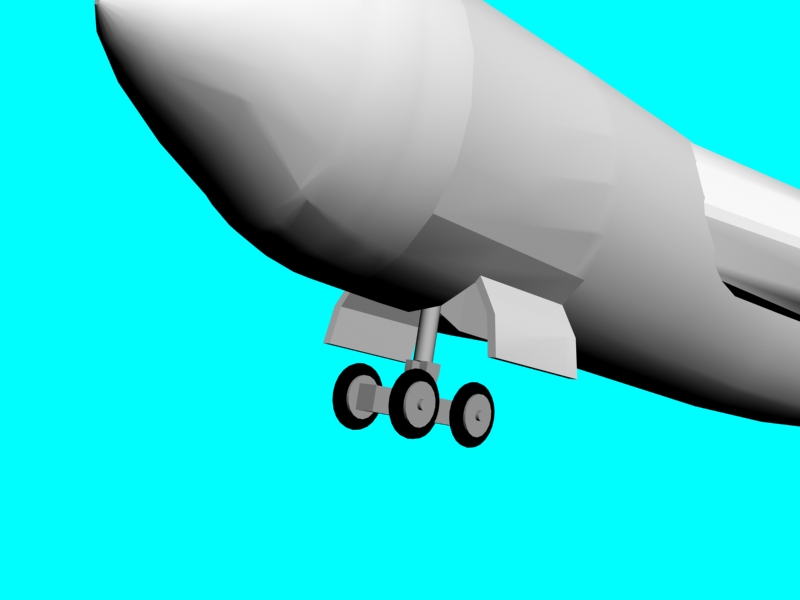
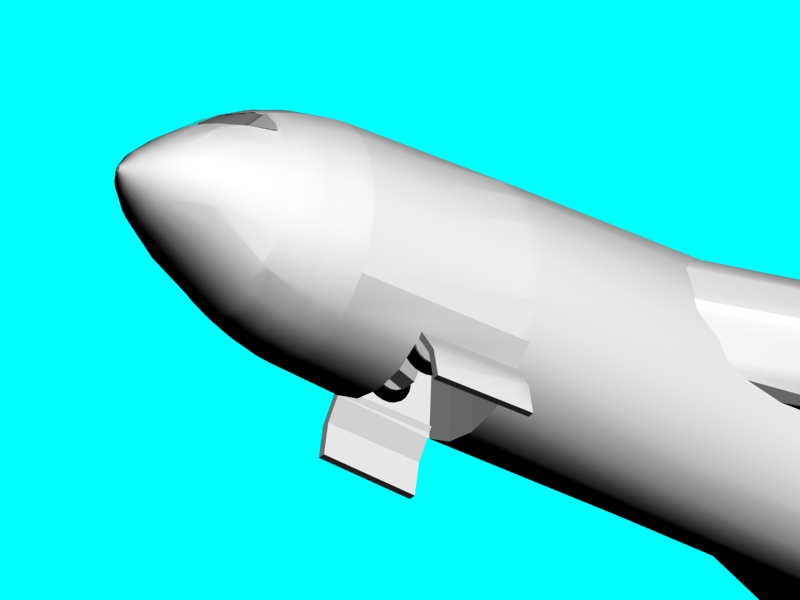
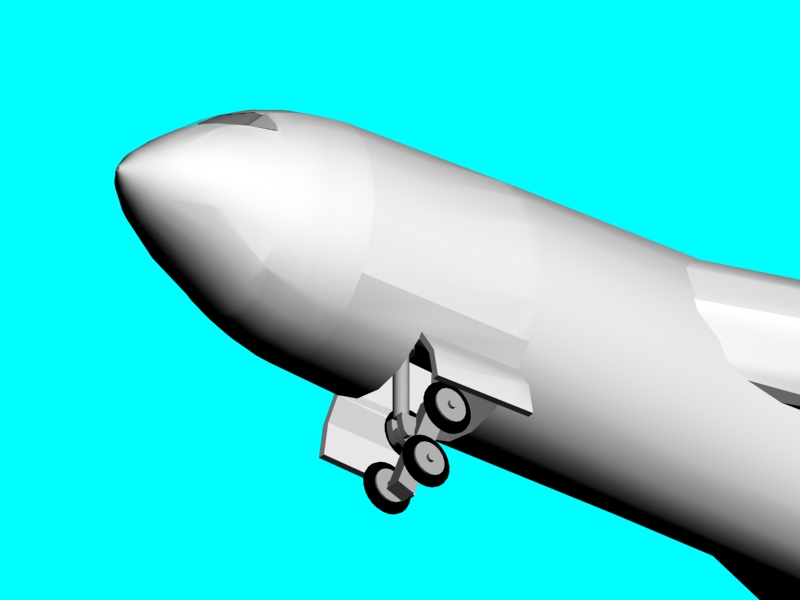
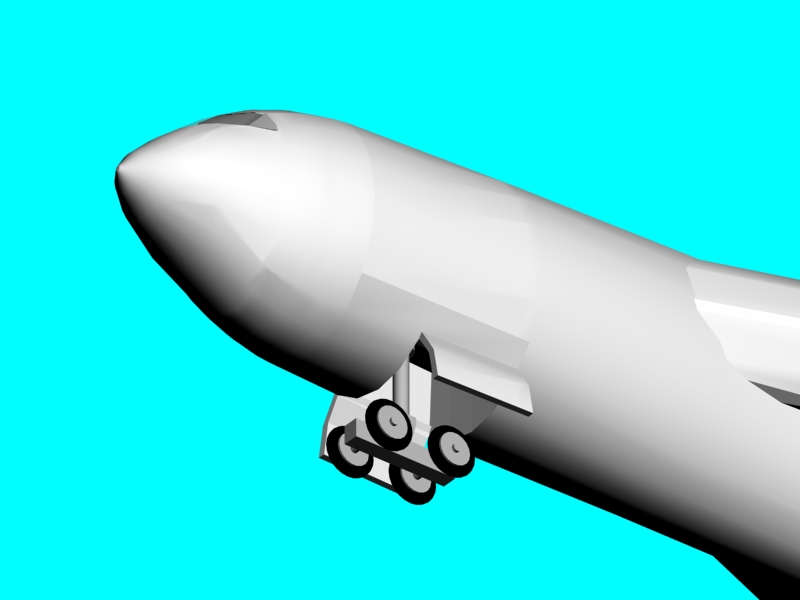
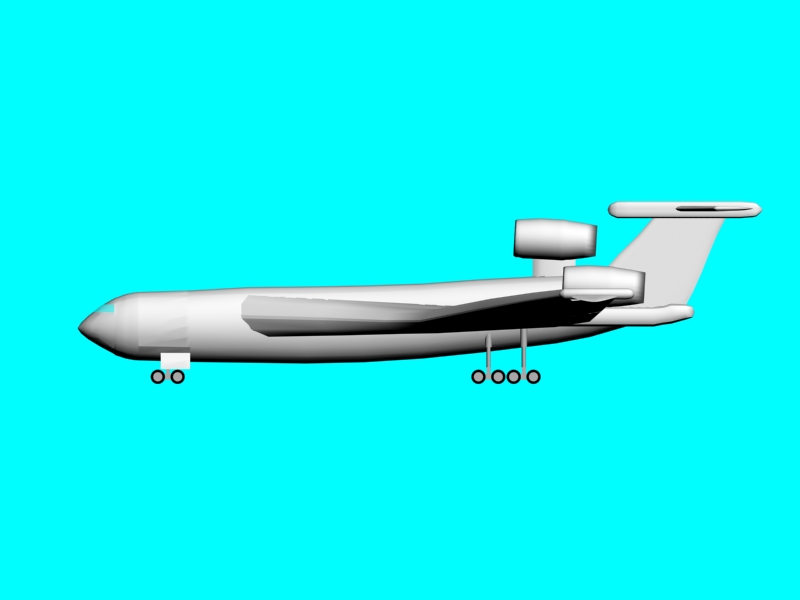
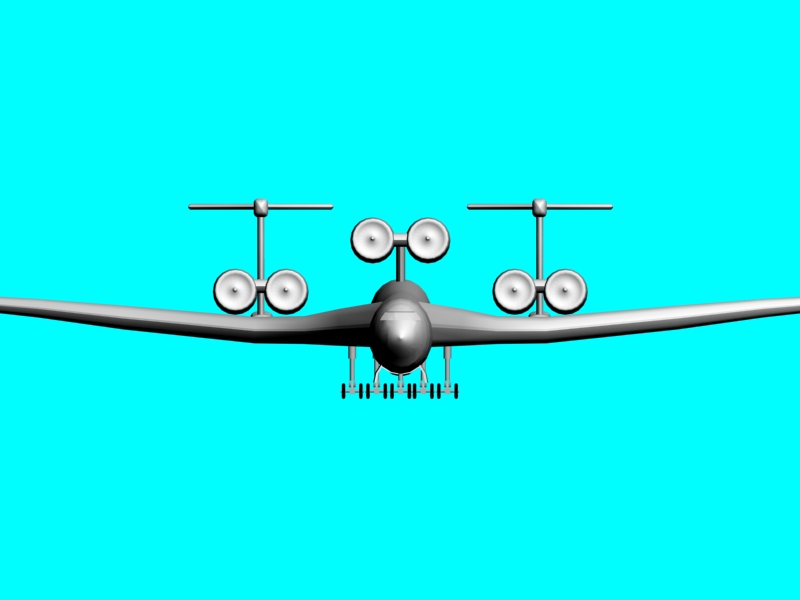
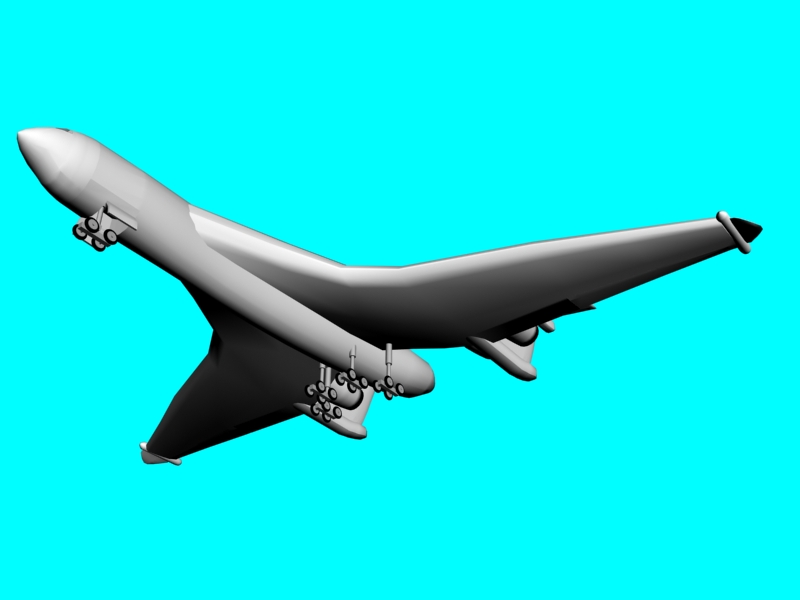
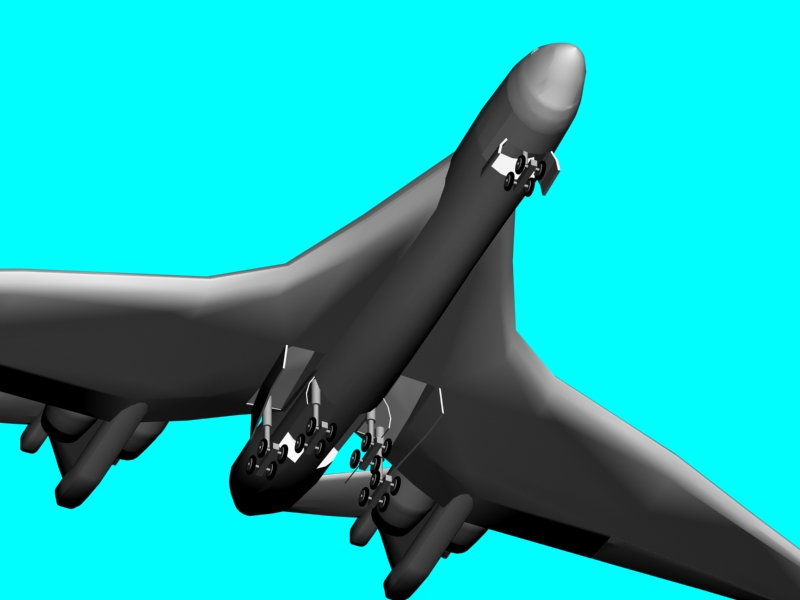
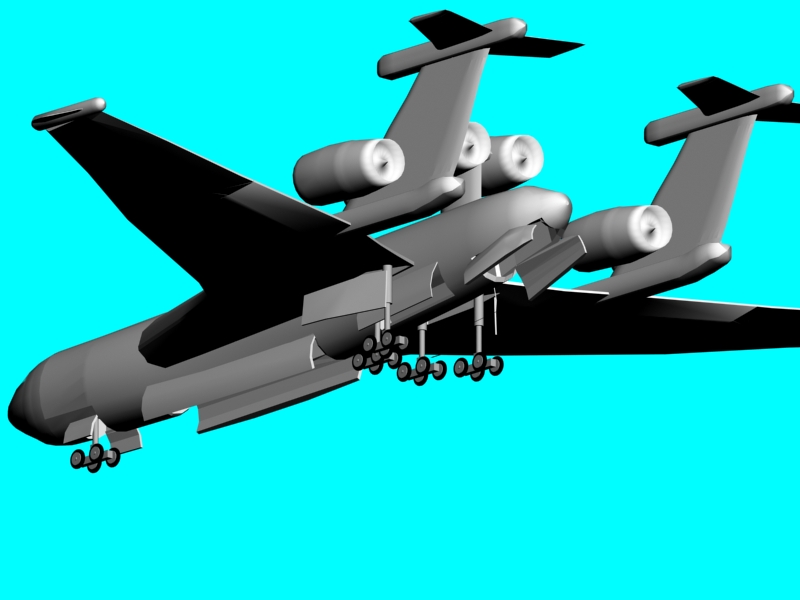
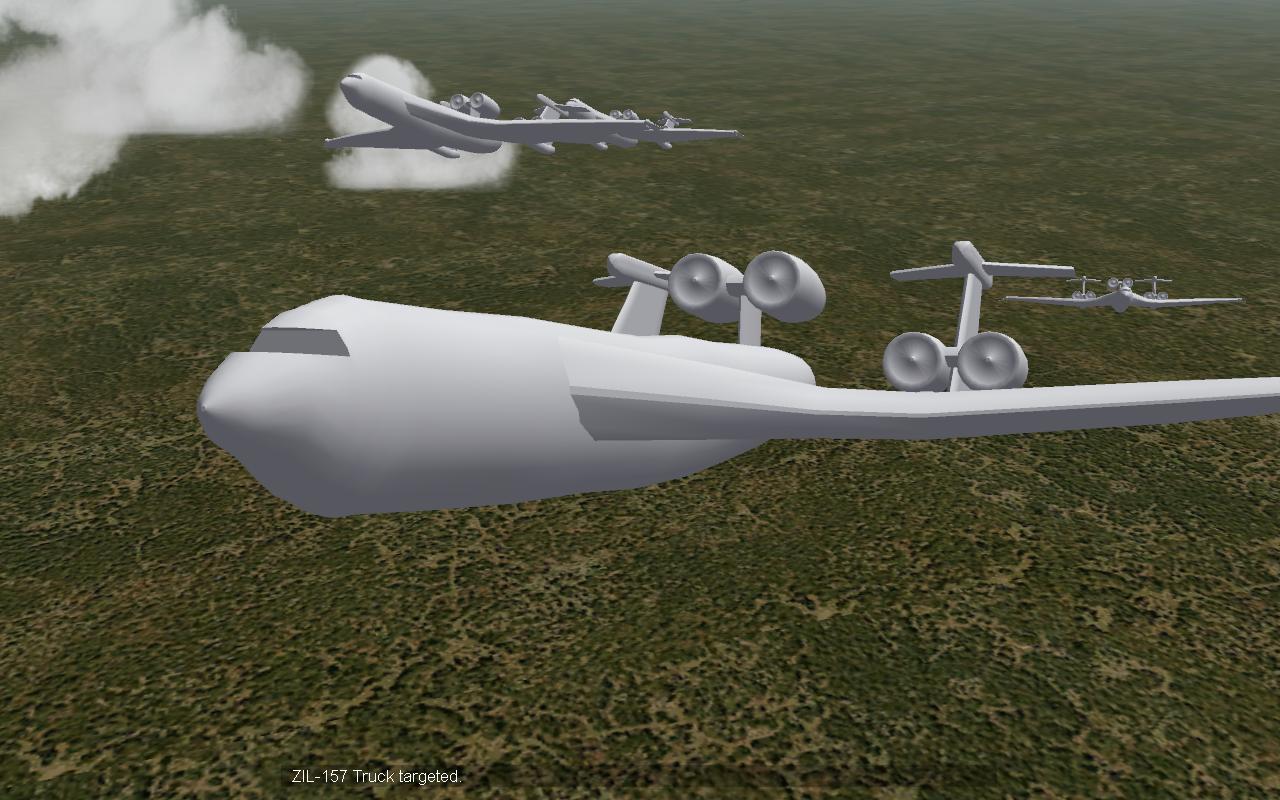
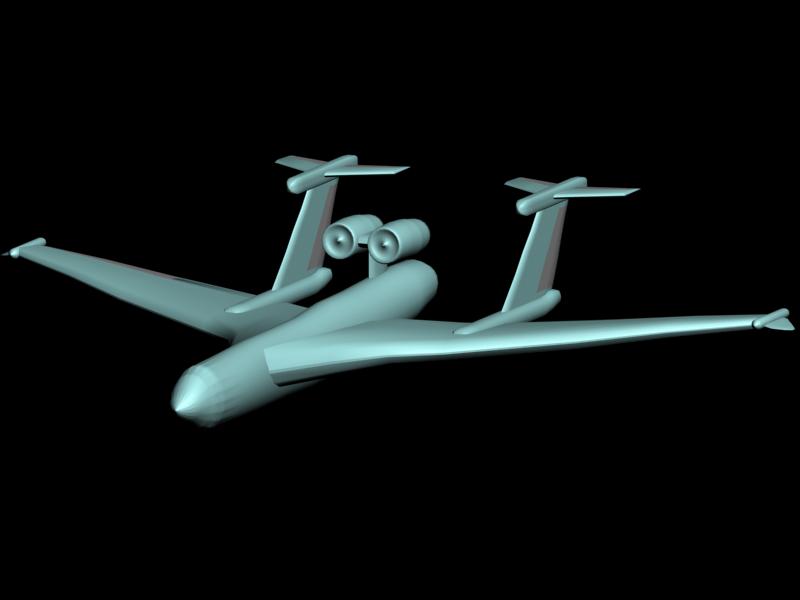
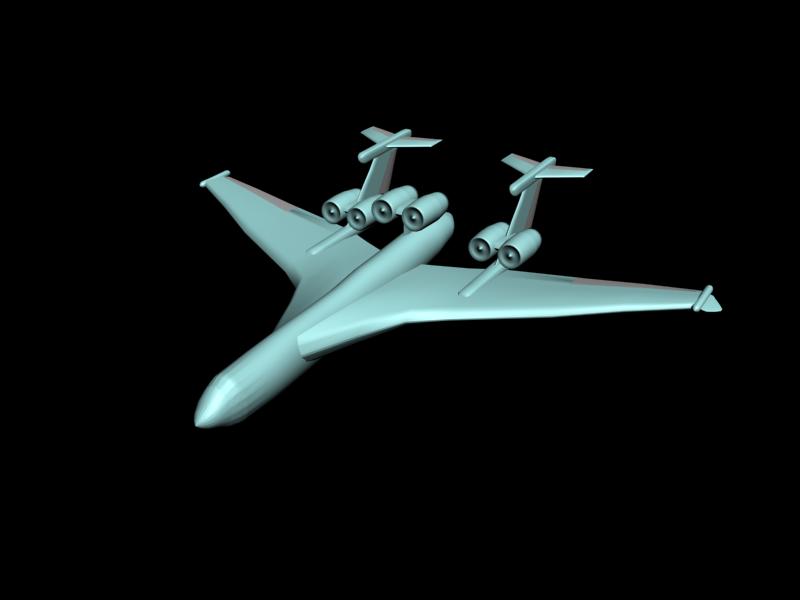
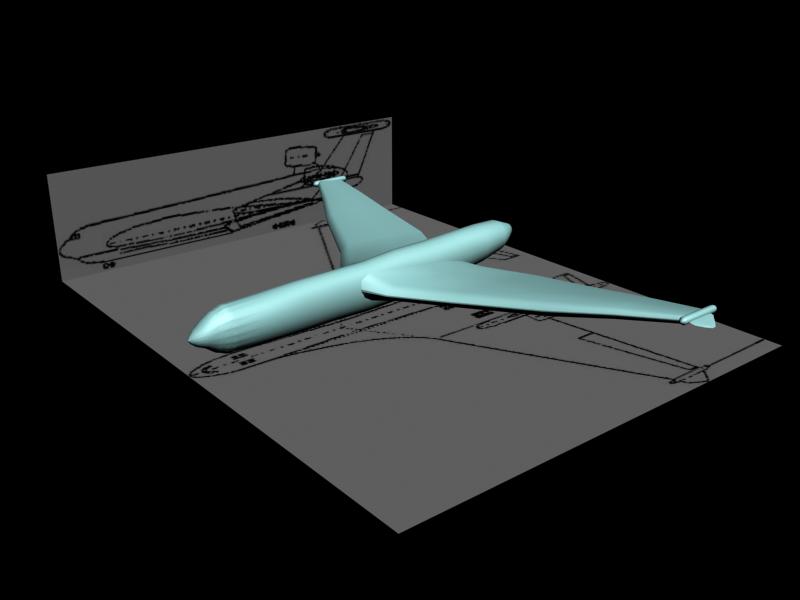
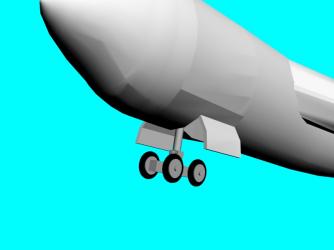
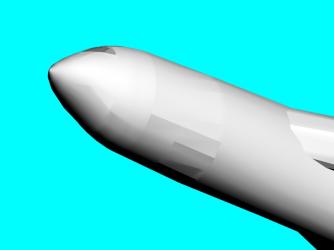
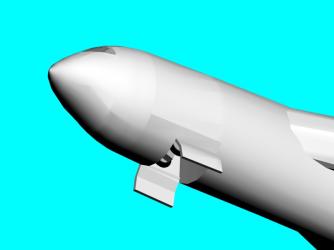
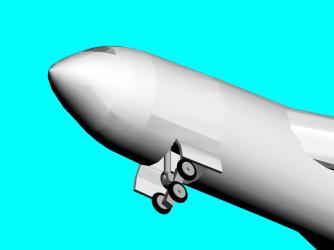
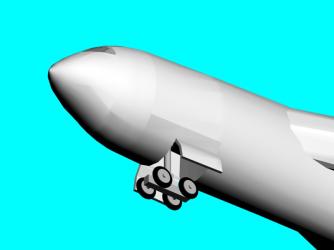
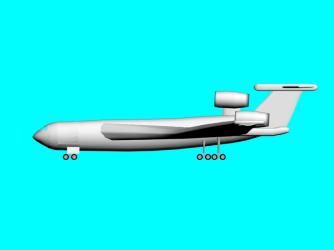
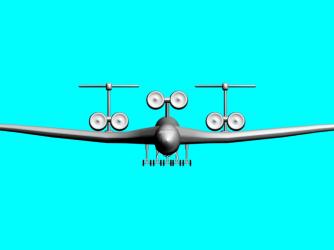
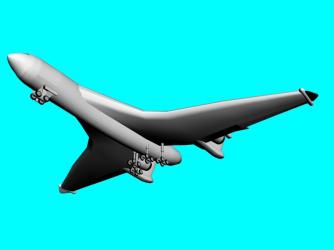
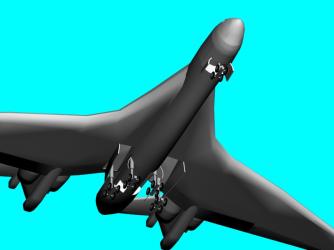
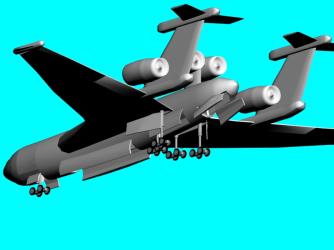
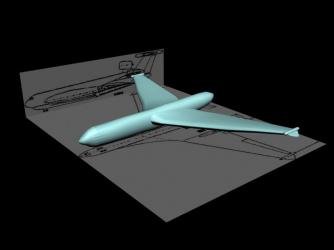
Getting somewhere with the gear, but I'm afraid that I am making a bit of a mess of it. I don't have much experience with this so any advice would be appreciated EDIT: Ah hah, got the hang of the 'create polygon' tool Now for the main gear and possibly a bomb bay EDIT2: Nose gear is fully done EDIT3: This is what it'll look like with the full gear. It was designed to be a seaplane, with the landing gear only for delivery and maintenance, thus a very strong, heavy landing gear is unnesessary. I'd just like to point out again just how immense this thig is, its wingspan is nearly 200 feet greater than the Hughes H-4 Hercules, and nearly three times bigger than the B-52, I don't think anything this monstrous has been done in any flight sim EVER EDIT again: gear doors and bays are done, almost ready for flight. Now for some other bit, what should a do for flaps? the 3 view don't appear to have any, and the wing is set very far back, like a delta
-
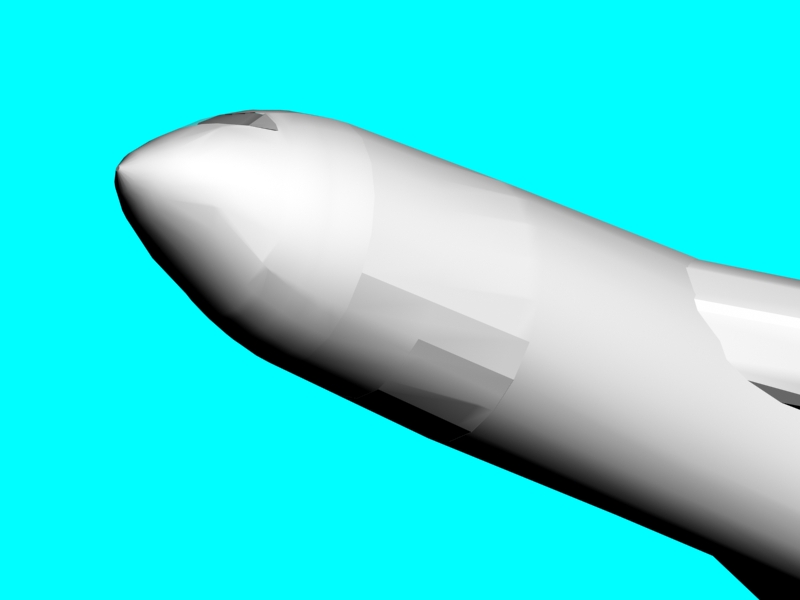
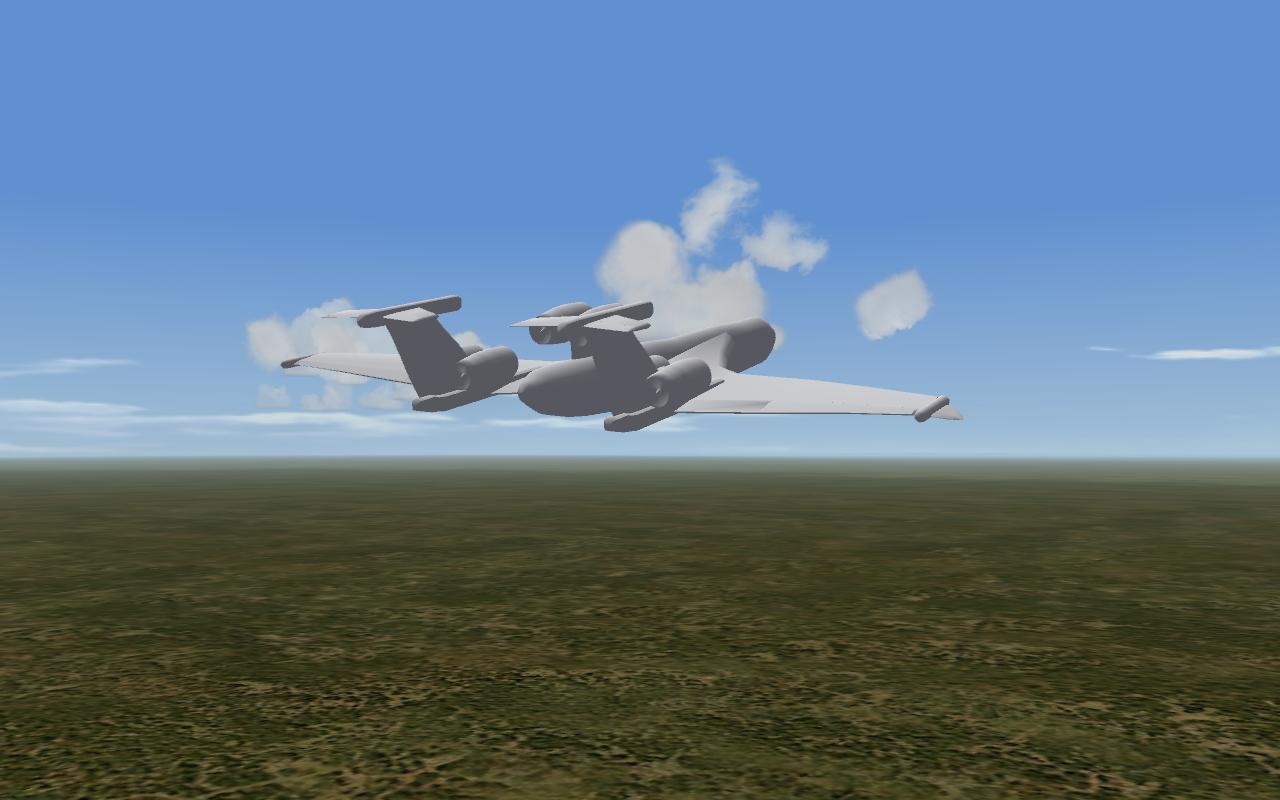
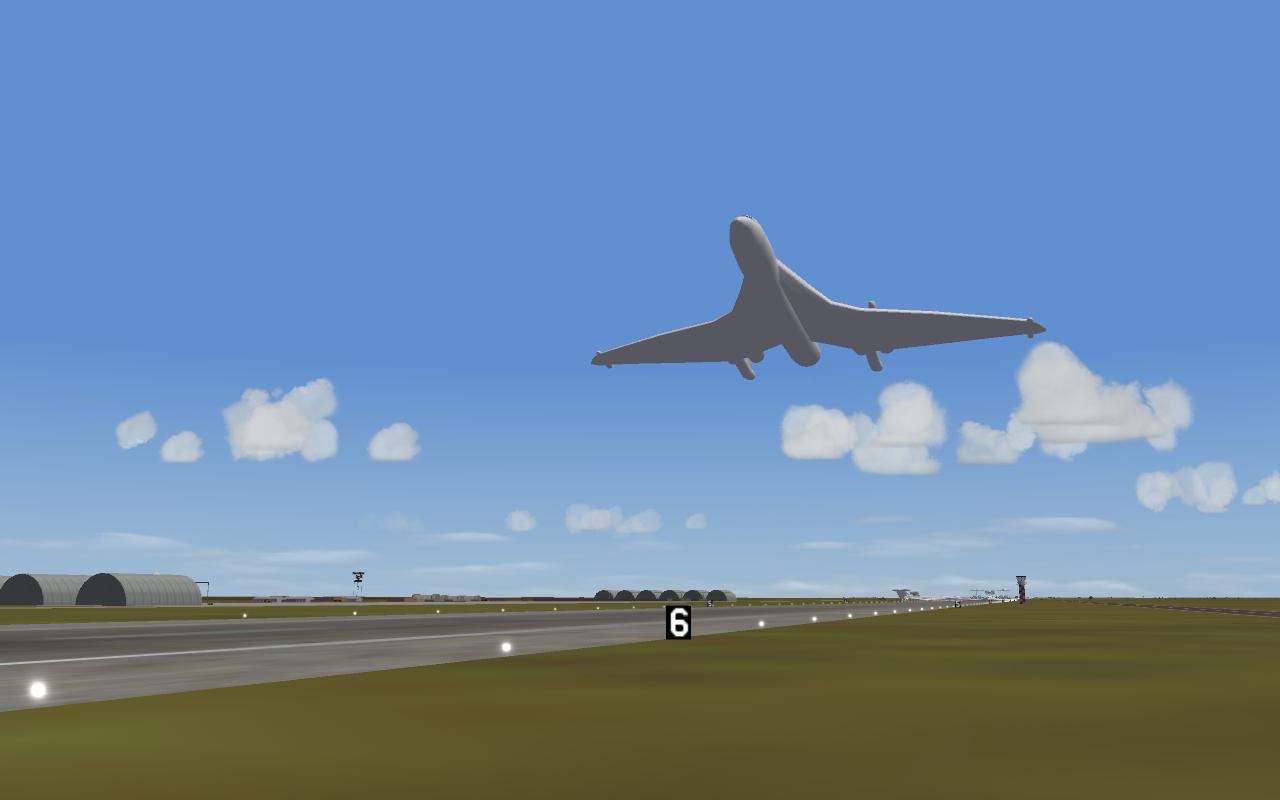
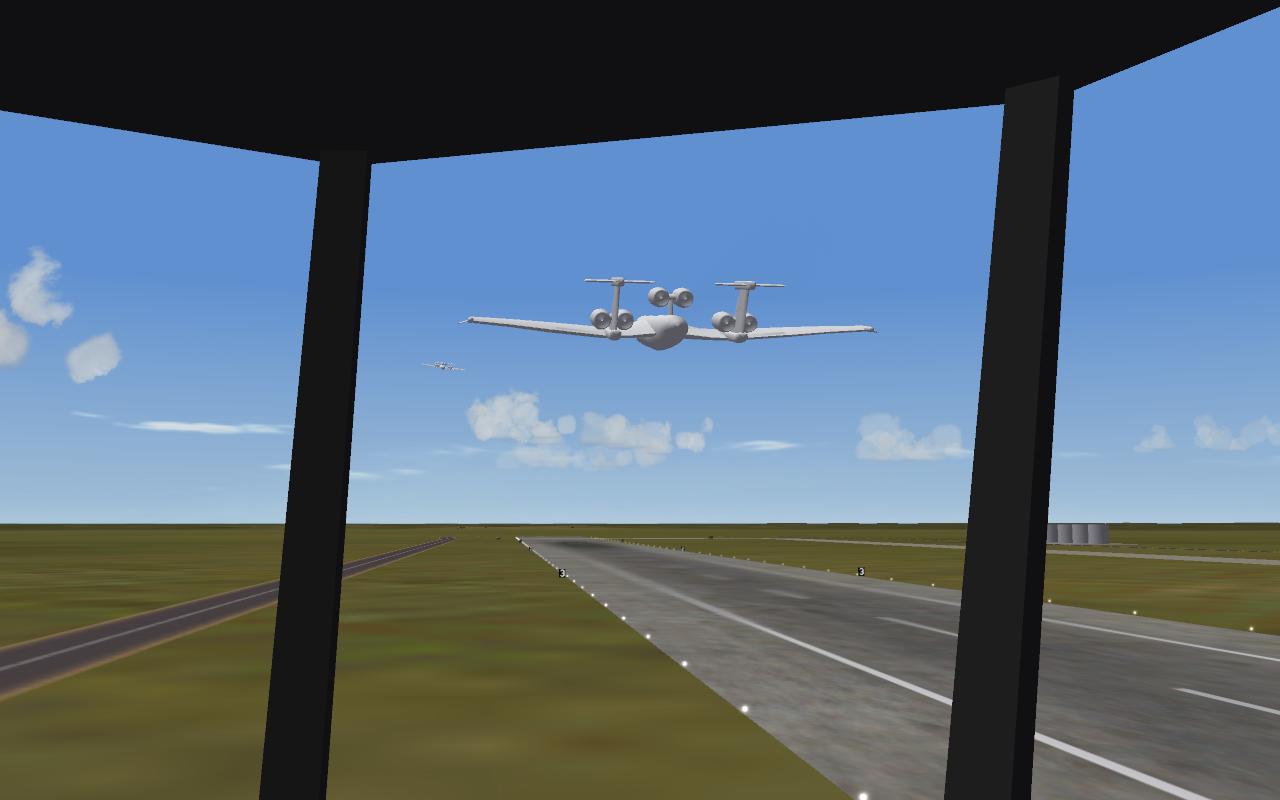
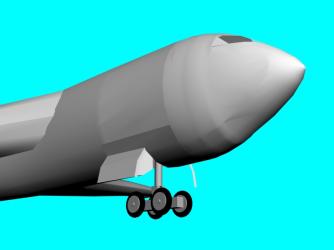
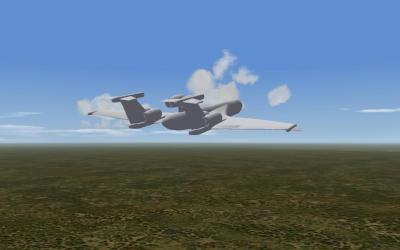
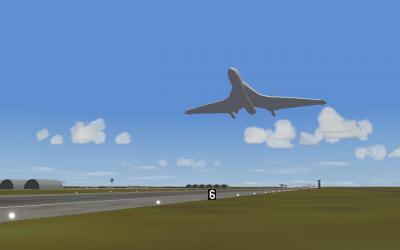
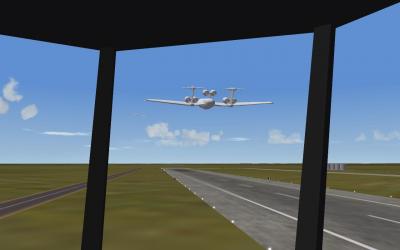
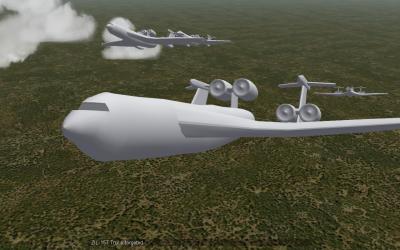
Introducing, the biggest plane in any flight sim, anywhere in the world. This thing is really immense. I cheated a little, I still haven't done the undercarrage or the proper install yet, or skinned it. I added it using the pilotstation trick typically used for canards.
-
The game dosen't model ground effect, but apparently someone managed to get a floatplane to work. Also, If anyone here has any tips on making landing gear, it would be appreciated. (any heavy aircraft gear will do)
-
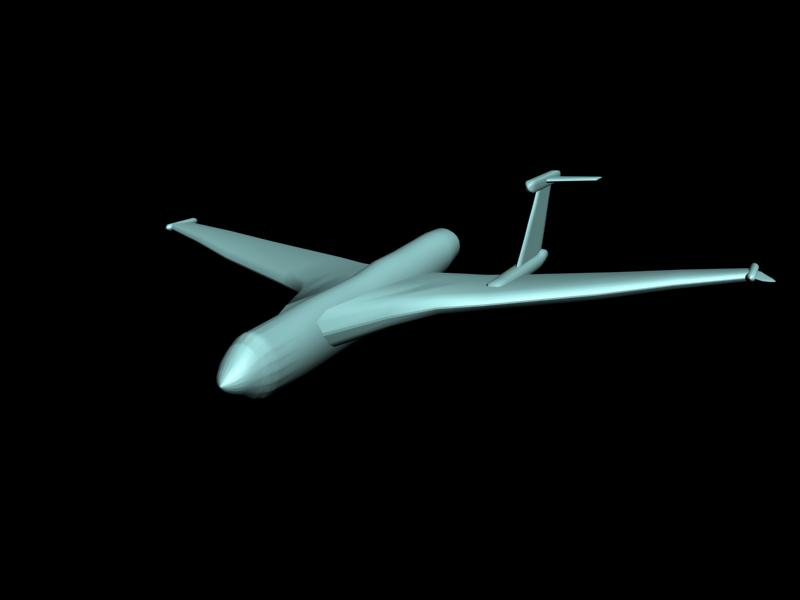
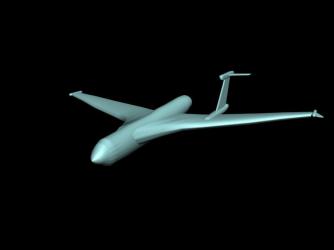
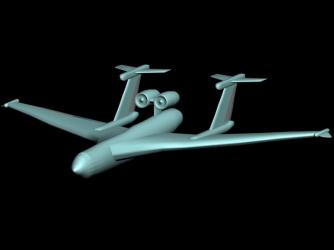
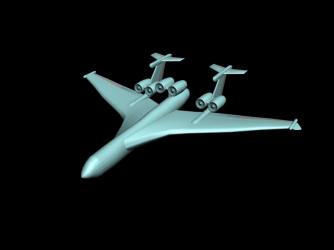
Model is coming along faster tha I thought it would, but a 3D model is just the start of the work. Now with 2 of the 6 engines This is going much faster than I expected, which I can attribute to not having to worry about accuracy, since it dosen't exist in reality. but now come the tricky part, landing gear.
-
WIP, ETA... well, don't hold your breath. http://en.wikipedia.org/wiki/Beriev_Be-2500
-
<br /><br /> <br /> Possibly, needs a little work, particularly in terms of thrust.<br /> The highest I've gotten up to is mach 3.8<br />
-

257 downloads
Skin for the UPEO EF2000E Super Typhoon from Ace Combat 3: Electrosphere Full details and disclaimer in the readme Tally Ho -CrimsonRoamer -
View File UPEO EF2000E Super Typhoon Skin for the UPEO EF2000E Super Typhoon from Ace Combat 3: Electrosphere Full details and disclaimer in the readme Tally Ho -CrimsonRoamer Submitter CrimsonRoamer Submitted 04/13/2008 Category Fictional/What If Skins
-
Pakistan's Answer to IAF's Phalcon AWACS
CrimsonRoamer replied to ghostrider883's topic in Military and General Aviation
Propellers are still significantly more efficient than turbojets or turbofans, since its based on a civvie plane that has no need to go supersonic, turboprops are more economical -
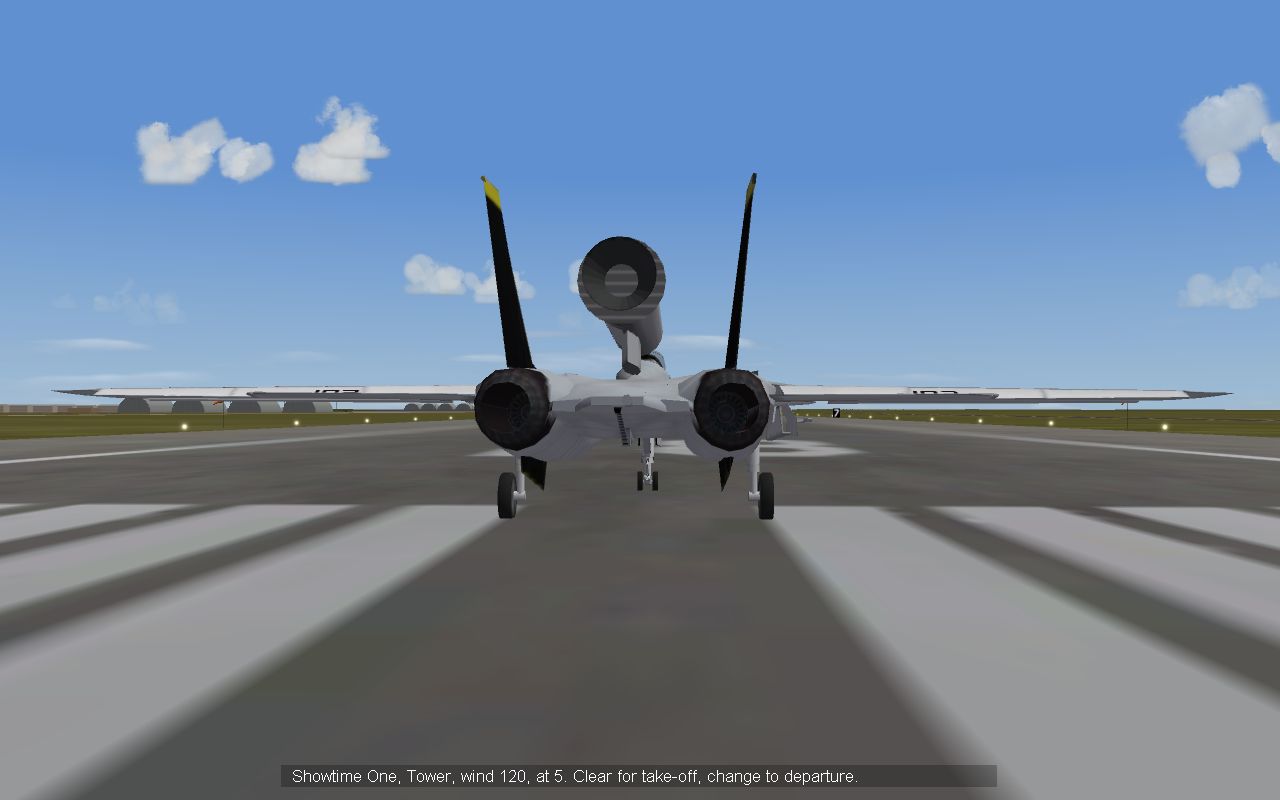
Actually if I installed it as a fuel tank instead of a pliot station, then it would be jettisonable, however you would get a afterburner fire in mid-air of you accidentally went to full throttle. In effect it's the same method used for the NF-104 mod, with the eventual intention of making full macross FAST-packs, complete with missile launchers/guns (Strike valkyire anyone)
-
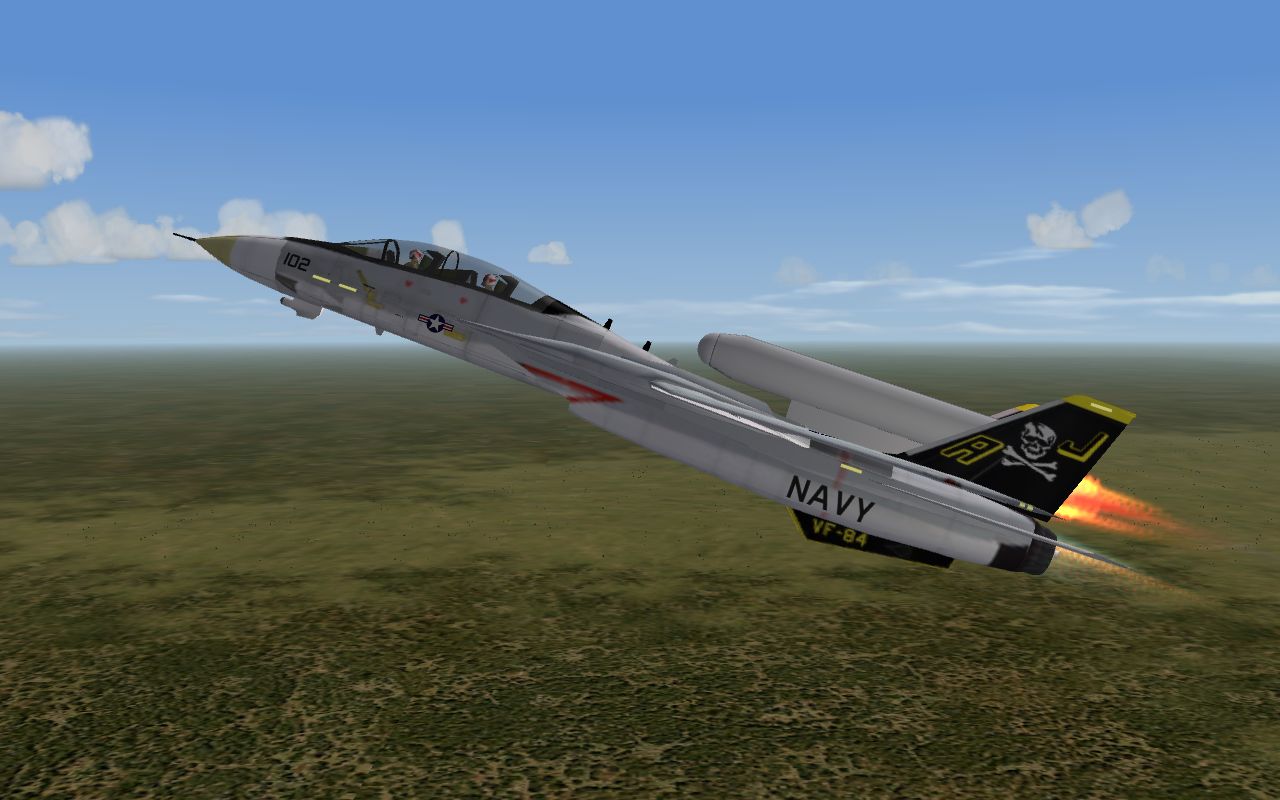
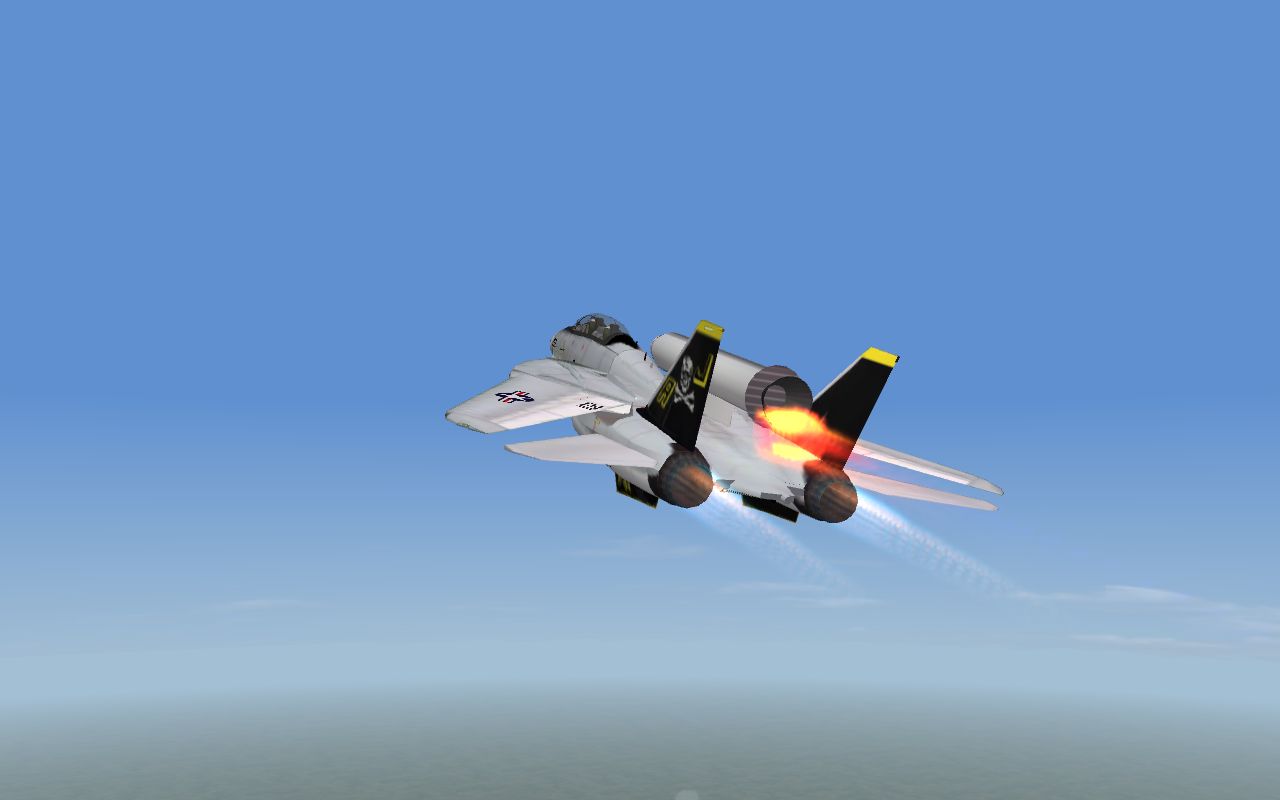
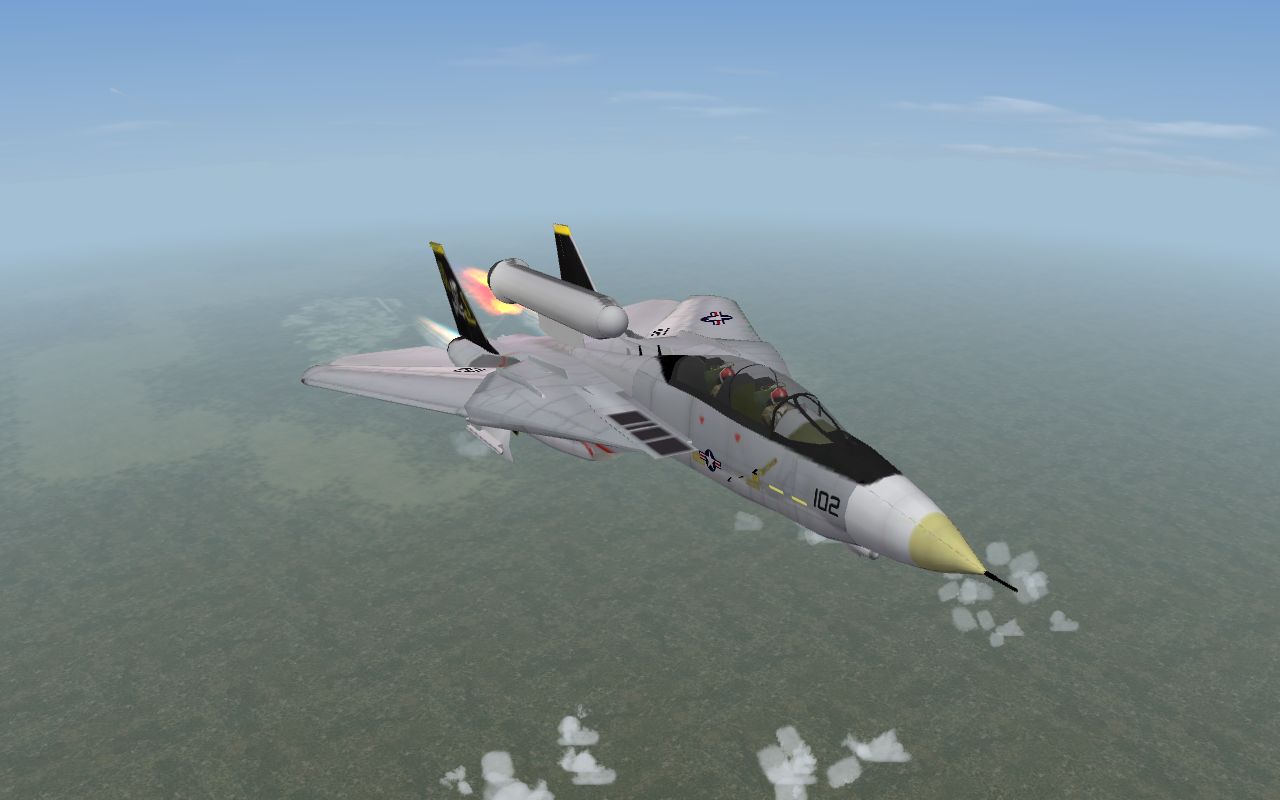
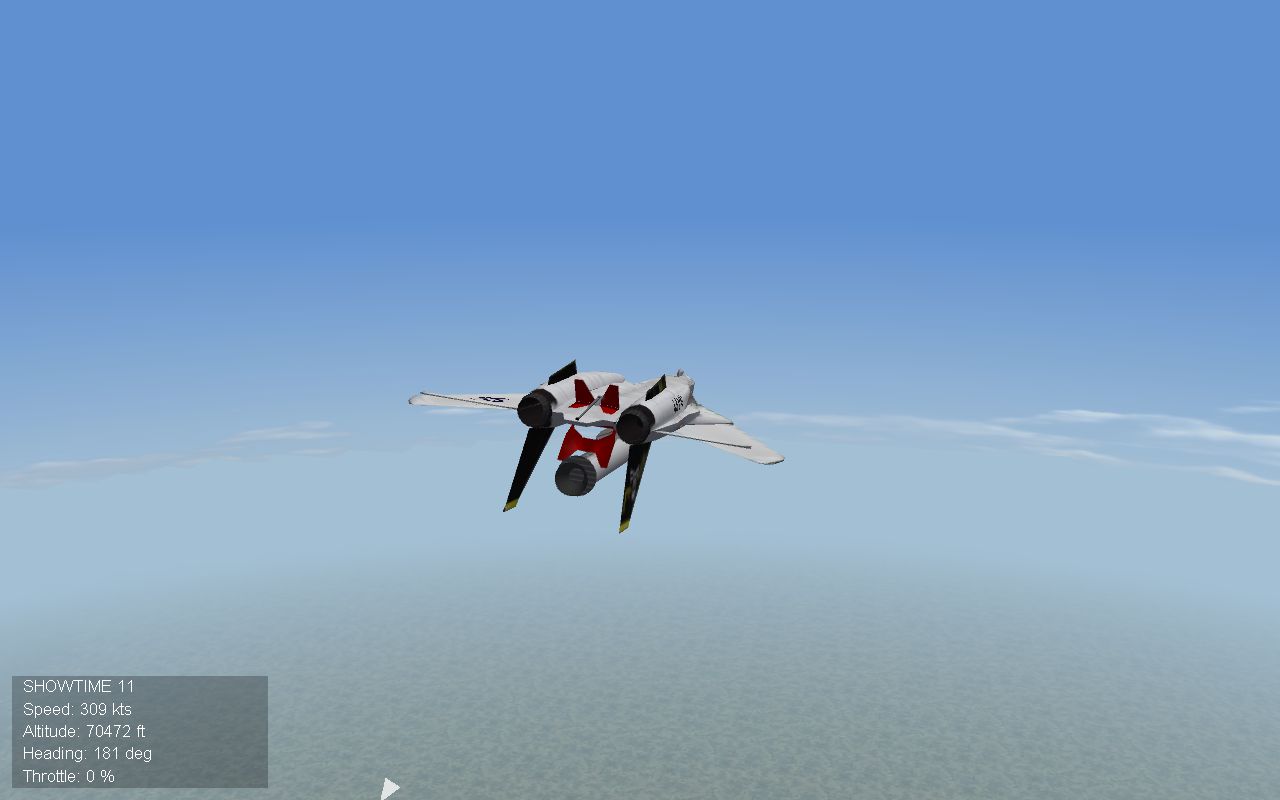
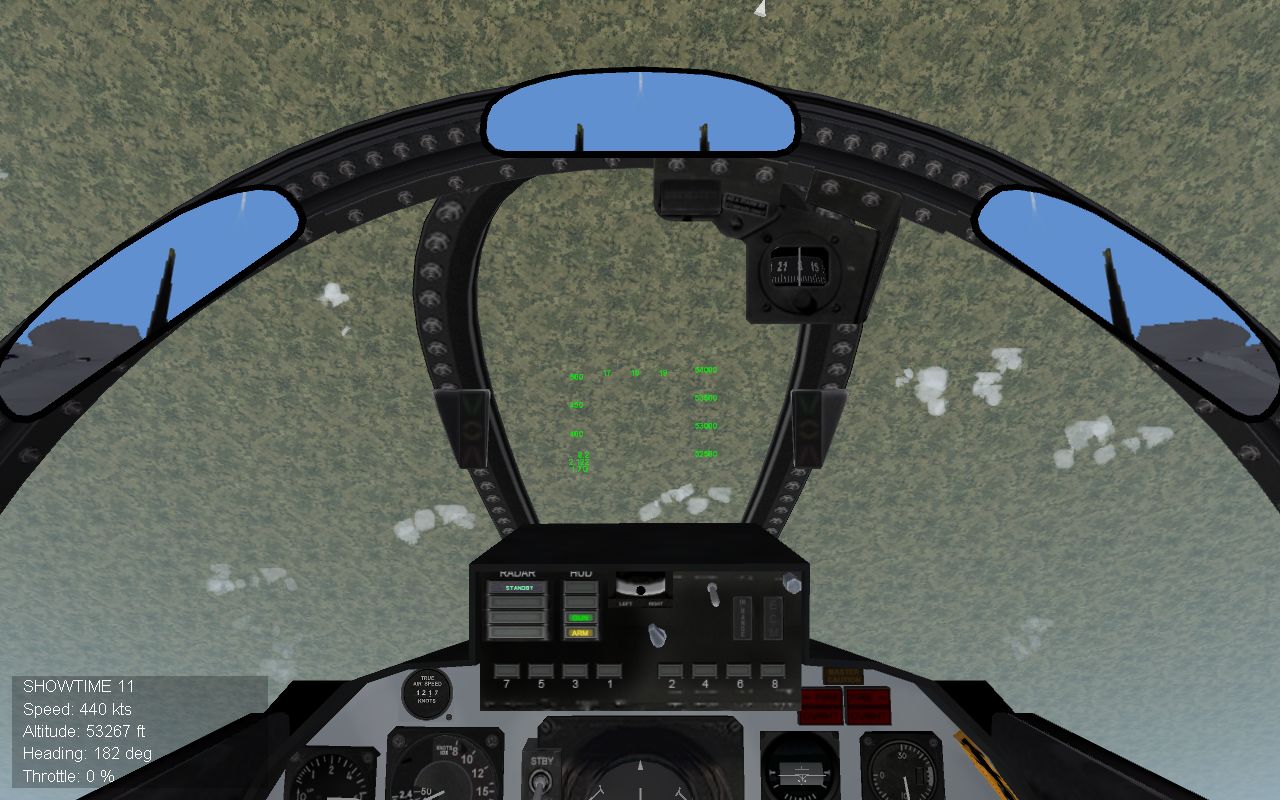
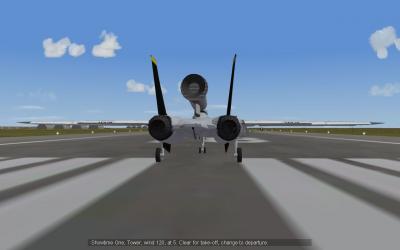
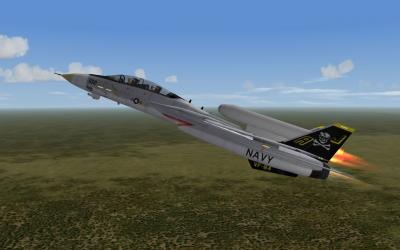
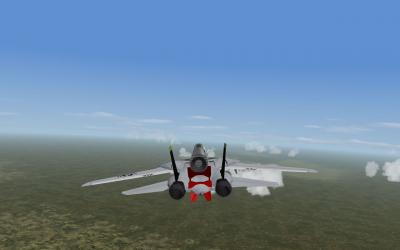
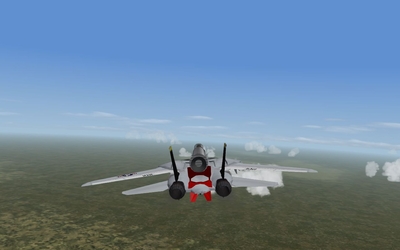
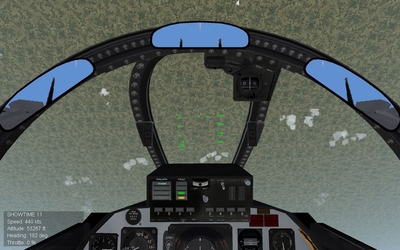
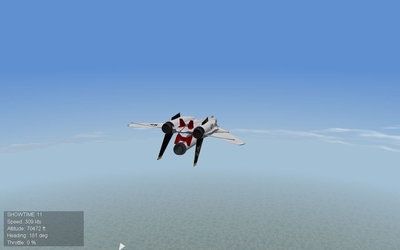
Reay for launch, Tee minus fifteen seconds Ad lift-off of the Rocketcat 'Wolfgang' on its mission of exploration Approaching operational altitude Cruising at mach 2.5, 80,000 feet Beginning re-entry deacceration (maybe the MkII will have thrust vectoring retro-rockets) This mach 2.4 split S took 20,000 feet to complete at mach 2 Approaching home-plate in glide
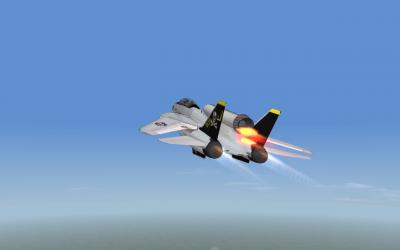
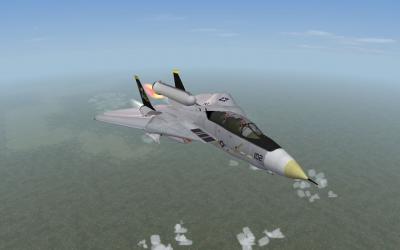
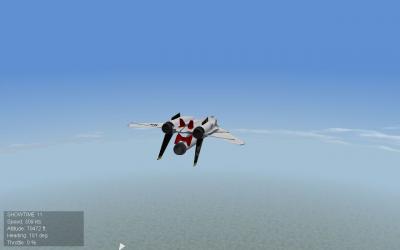
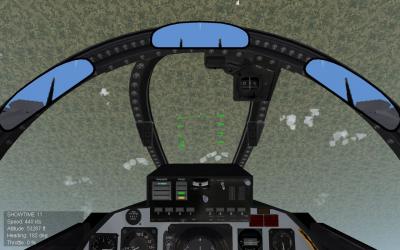
-
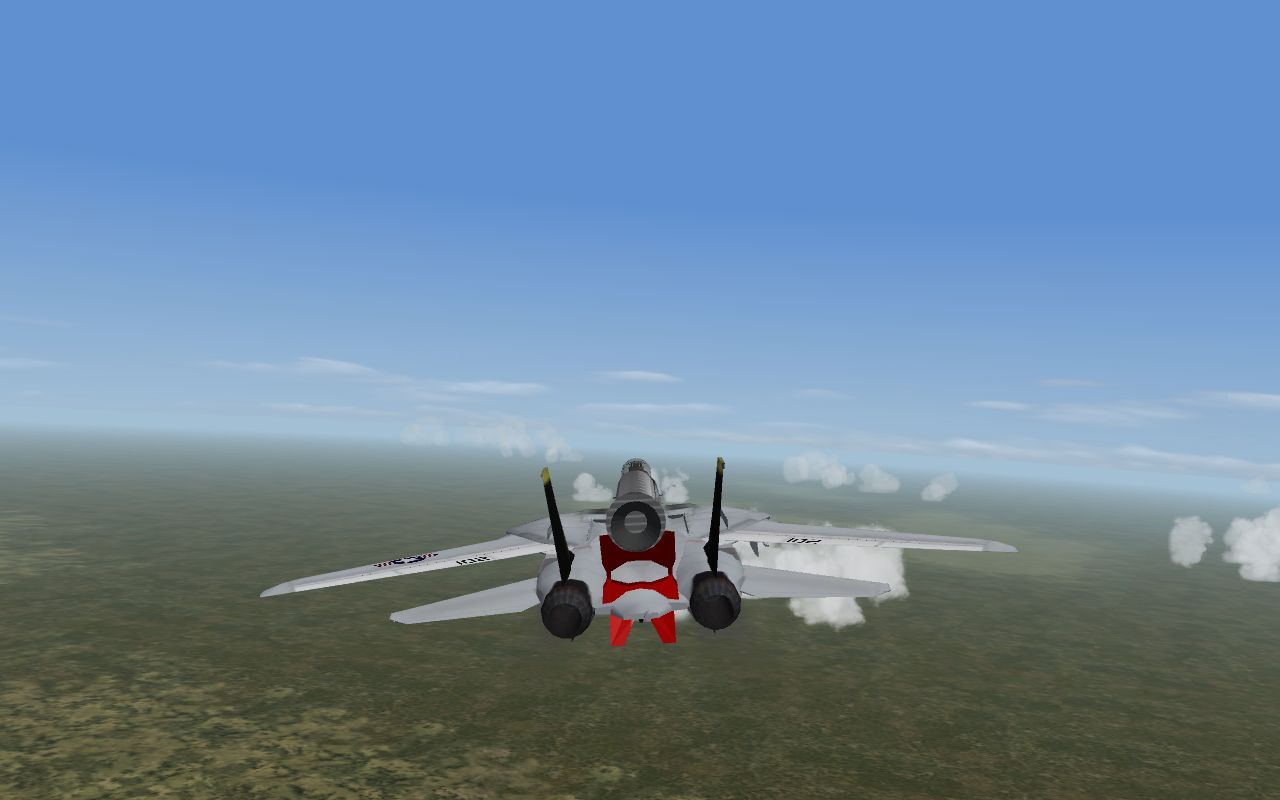
F-14D with booster rocket
-
-
From the album: Rocketcat
-
From the album: Rocketcat
-
From the album: Rocketcat
-
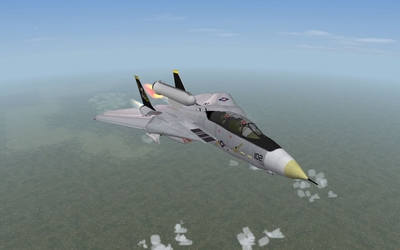
From the album: Rocketcat
-
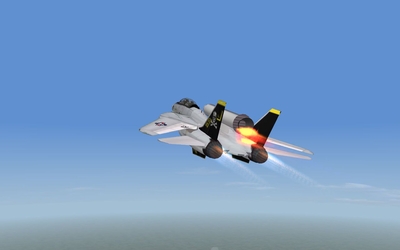
From the album: Rocketcat
-
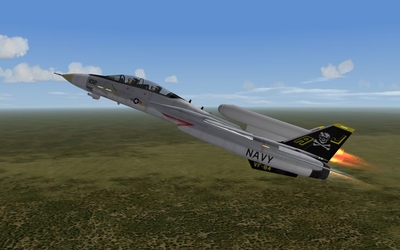
From the album: Rocketcat
-
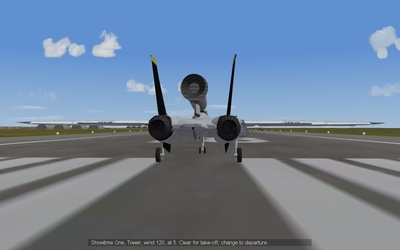
From the album: Rocketcat
-

231 downloads
This is a skin for the SU-27 flanker representing the UPEO Super Flanker from Ace Combat 3: Electrosphere All relavent details are in the Read Me Tally Ho -CrimsonRoamer -
View File UPEO Super Flanker from Ace Combat 3: Electrosphere This is a skin for the SU-27 flanker representing the UPEO Super Flanker from Ace Combat 3: Electrosphere All relavent details are in the Read Me Tally Ho -CrimsonRoamer Submitter CrimsonRoamer Submitted 04/06/2008 Category Fictional/What If Skins
-
Spitfire inverted
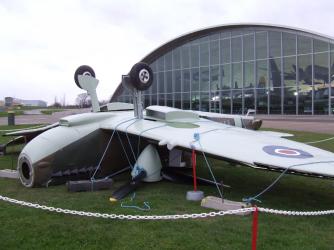
-
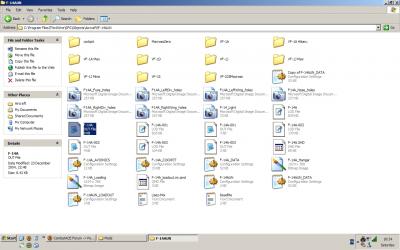
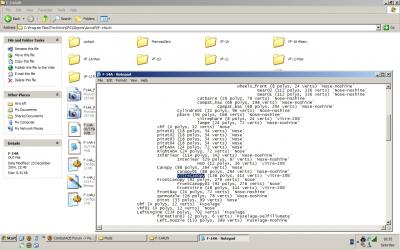
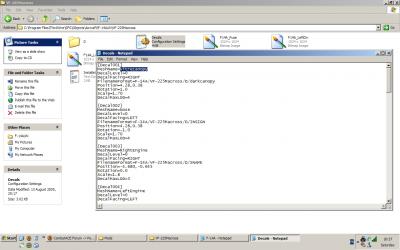
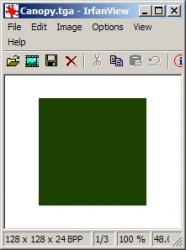
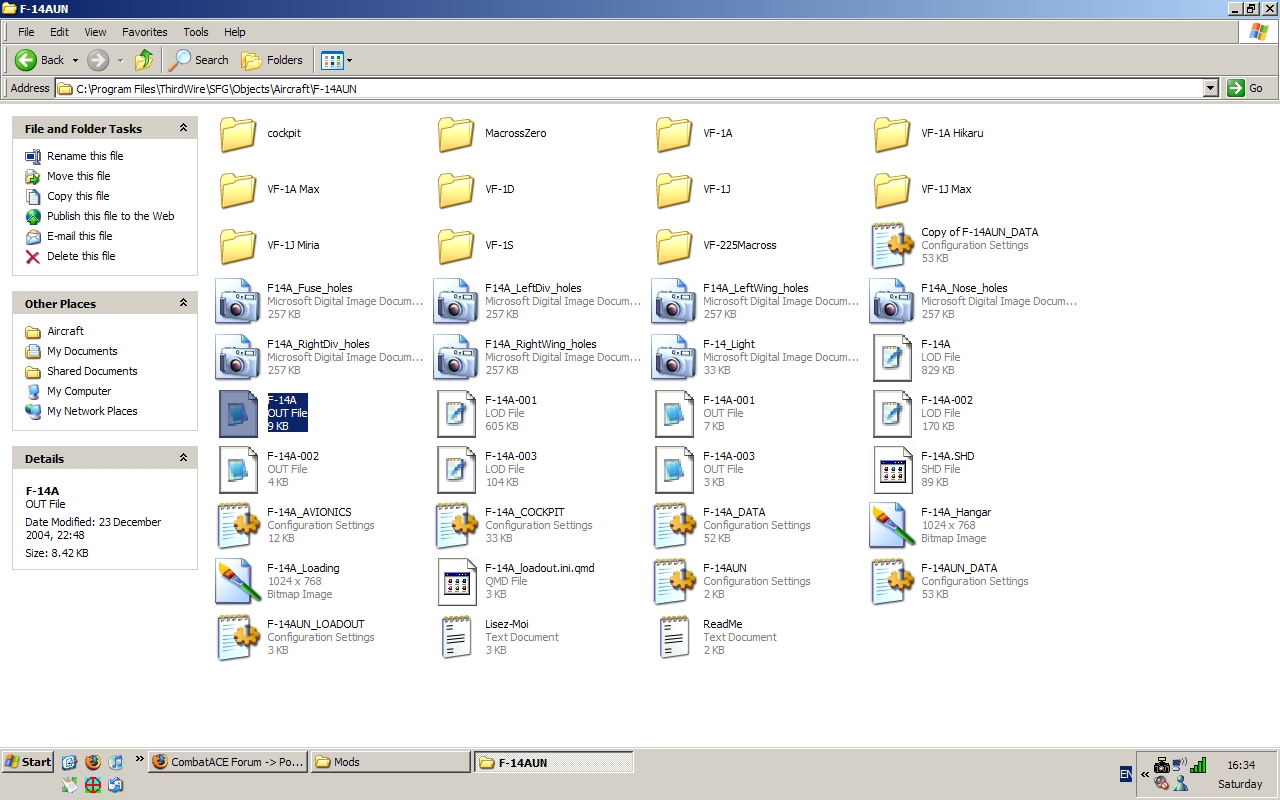
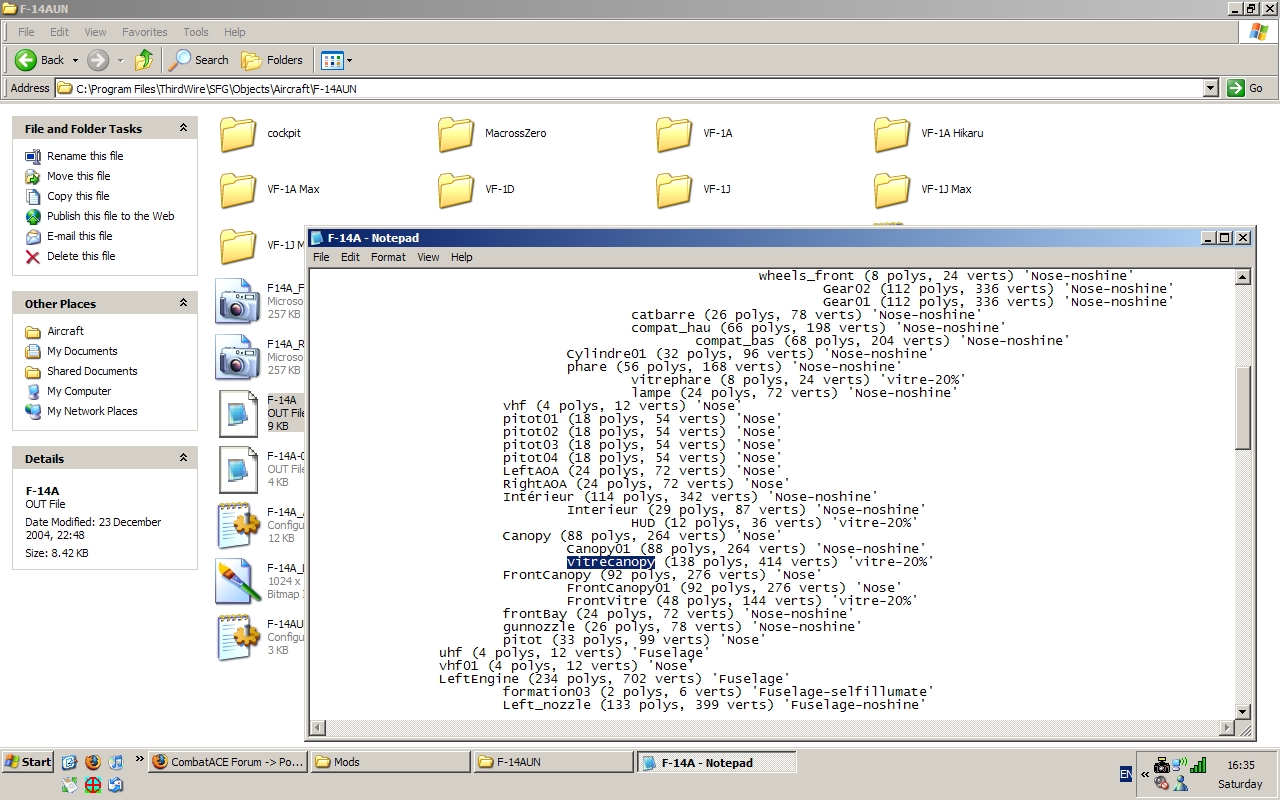
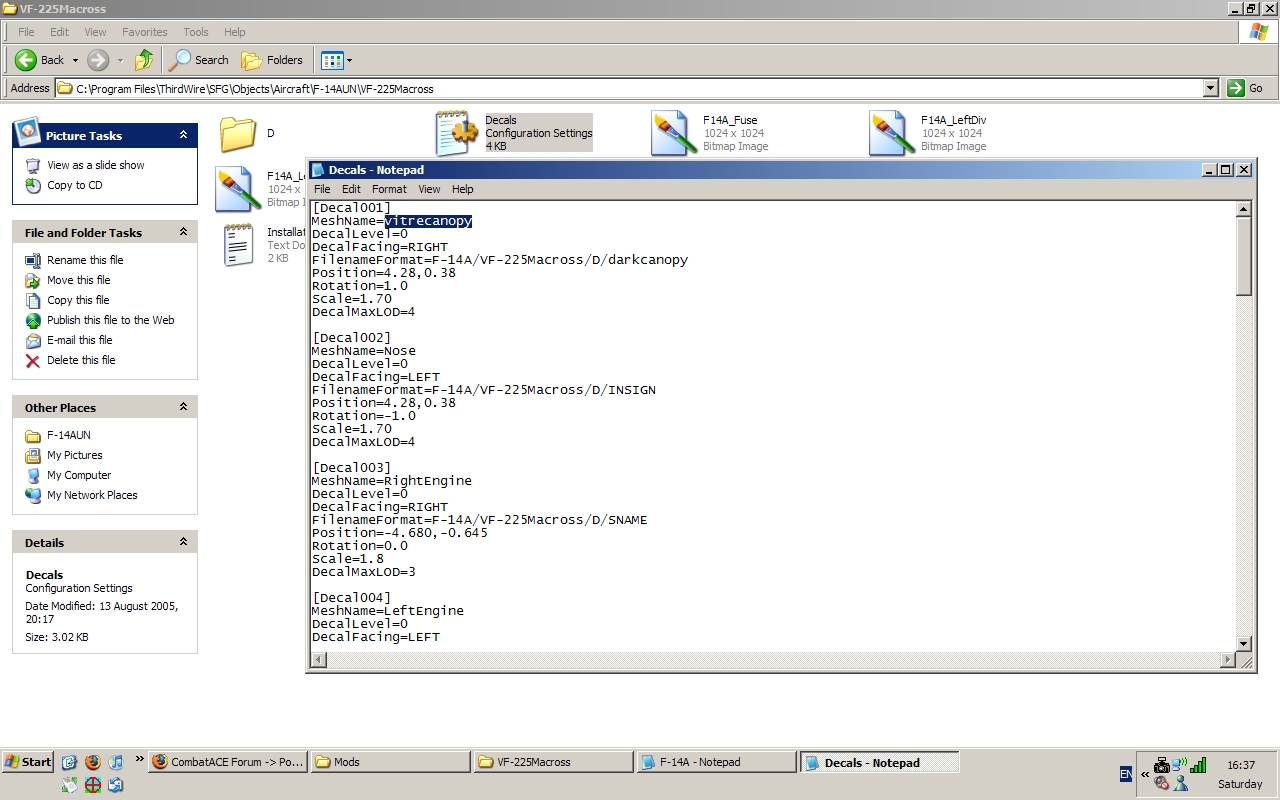
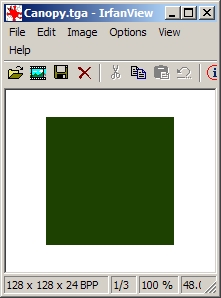
So you've seen my recent F-16XF and F/A-18V ADV mods, or Wrench's F-110 wraith, or even Kei Nagase cool, but slightly questionable iDOLM@STER skins, and you're wondering how its done, well, I'm going to tell you. Tonight the Modders secrets will be revealed by me, The Masked Modder (or not) Anyway, the canopy is tinted through the application of a decal to the canopy mesh. which seems simple enough (and there are aleady tutorials on decal placement, so I won't go into detail there) However here's the rub, in order to put the decal on the mesh, you need to know the mesh name, sure, you can guess (as I did in the case of the F-16XF) but that time consuming and frustrating. an easier way is to use the .OUT file. The .OUT file is generated by the thirdwire object exporter when the model is exported from 3DS max. It contains a list of the meshes (parts) in the model and there names. heres a grapical example, using the Mirage factory's F-14A the .OUT file is highlighted and you can open it with notepad or wordpad, either will do (incidently this my United Nations F-14 install, used for testing my macross mods, and no, you can't have it, its mine ) Here's what the inside of the .OUT file, and I've highlighted the pertinent entry. As for why they couldn't have called it something sensible like 'glasscanopy', well, They're French An important note to make is that some aircraft may have two or more canopy meshes, representing the front glass, main canopy, etc, and you need to put a decal on each of these, for future referece, vitre means glass in french. so it'll probably be called that, unless of course the person who made the model speaks English. Also while most modders kindly include the .OUT file, some omit it, and none of the default thirdwire planes have one included Here you can see the decal file, and where you need to enter the name of the mesh. remember that you need to put a decal on every relavant mesh (or mix and match) and that the canopy darkening effect will only work for that skin. As for decal placement, You COULD actually look at the data.ini and find the correct location based on pilot postion, etc. Or you could just set the scale variable to something like 20 or 50 so you can't miss. As for the decal itself. Make a single colour square (say 128x128 pixels) image and save it as a .tga file using. irfanview http://www.irfanview.com/ What I normally do is use the gimp ( http://www.gimp.org/ ) and it's colour selection tool to get the colour correct, and then export it to .tga with irfanview. (gimp does support .tga but for some reason whe I use it it never shows in-game. Additionaly you can use the .OUT file to help you place regular decals, but that is someone else's tutorial. And thats all there is to it. now you too can have a pimpin' fighter jet Tally ho -CrimsonRoamer