ace888
-
Posts
1,383 -
Joined
-
Last visited
-
Days Won
13
Content Type
Profiles
Forums
Gallery
Downloads
Store
Everything posted by ace888
-
WOW! New and improved F-4E AUP with the full RWR and the IFF on the nose. Sundowner, I hope you will release this and all the "NEW" phantoms. Thanks
-
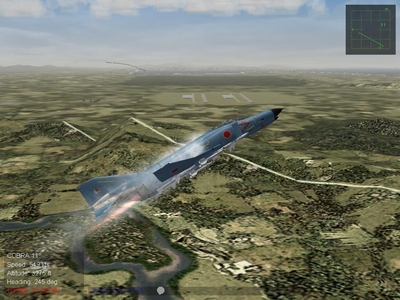
It is here! RF-4E! (late production version) Thanks Sundowner
-
-
Thank You...
-
SF1 "Third Party Terrains" ported onto SF2 Terrains?
ace888 replied to ace888's topic in General Discussion
Roger... copy... -
SF1 "Third Party Terrains" ported onto SF2 Terrains?
ace888 replied to ace888's topic in General Discussion
(edit, yes, just checked; the latest versions ARE in unicode) Kevin, Sir, thank you for the prompt post. I just need to confirm that I need to change the ANSI code to Unicode "only" on the config.ini and the data.ini, or is there other areas that I need to convert? I'll probably end up with a lot more questions down the road. Thanks -
Re: Q for TK on Terrain_Types.ini files by The Wrench » Wed Sep 02, 2009 1:05 pm Please define which terrain objects? Those in the various cats are still in the various cats; those 3rd Party items work just as well. All I've had to do is make sure the various bits were in the terrain folder in question, and have targets and types ini entries. And mayber converting their ini (if available) to Unicode from ANSI. I've added several terrains to SF2 (all 3 merged) with no issues using the old tried and true cat pointer line. wrench kevin stein"No Target Too Small, No Weapon Too Large" Finally got on the SF2 series this week. Getting the hang of the new format of the SF2 Series. Questions? I have the SF2 Combo setup. Plan to place 3rd Party Terrain onto the SF2 Series. I have read the SF2 knowledge section, no information on Terrains? I did also look through the rest of the combatace thread and no information that I can see so far? I looked through Third Wire and found the comment made by "Wrench" on Gen 1 terrain into Gen 2. So, if I understood Wrench's statement... I still need to use the "cat" pointer to mate with the appropriate terrain. I need to change the ANSI code to Unicode (is this only the config.ini and the data.ini, or more)? What other areas that I need to consider? I did thought about the conversition of ANSI code to Unicode but only the config.ini and the data.ini of the Terrain. Thank you
-
MGunny 331Killerbee's SF2 Ordnance Shop
ace888 replied to 331Killerbee's topic in File Announcements
Thanks FastCargo, I guess I have to search further to see why the weapons are not showing up. -
MGunny 331Killerbee's SF2 Ordnance Shop
ace888 replied to 331Killerbee's topic in File Announcements
331Killerbee, Sir, thank you for your hard work and all involved. I am having a problem with your weapon pack. First, I installed your weapon pack on another file. Then I copy/paste to the weapon folder under objects folder of the SF2V. I have installed the latest weaponeditor. I open up the weaponeditor and it only show the SF2V default weapons? I see that your weapon pack has no weapondata.ini file for the entire weapon pack. Do I have to go through each and every weapon, copy/paste, to create a weapondata.ini file? Thanks -
Eagle114th, welcome back... I did run the game once, plays find. I check the folder, the same... empty. However, as always... if one search hard enough, the answer is in this forum. I think I have it figure it out? EricJ and MigBuster has excellent tutorial on SF2 .cat extract process, I am doing it now. Cheers
-
Thank you rscsjsuso5... As always, I should of search harder. Still, it does not explain why I do not have a aircraft folder (it should be in the game)?
-
War For Israel Campaign For SF2,SF2:E,SF2:V and SF2:I
ace888 replied to Spectre8750's topic in File Announcements
Thank you Spectre, sorry for not being clear on whom I was asking the question -
To All, Would someone be kind enough to show me what is the "entire" SF2V (example) game folder format on your computer. I am very late to the SF2 games. I just bought the SF2V but I am unable to see any of the aircraft folders, decals, ground object, etc... Thank you.
-
War For Israel Campaign For SF2,SF2:E,SF2:V and SF2:I
ace888 replied to Spectre8750's topic in File Announcements
"If You use "Wings Over Israel" Terrain, just drop the IsraelME.cat file into a SF2 Main program Terrains dir." Spectre, I need a clarification from you please. The sentence above... do you mean that I can use a SF1 WOI terrain and place it into the SF2 folder with the right .cat name? I have SF2V, I was thinking of using a WOI terrain or one of the excellent 3rd party Israel Terrain and place it in the SF2 and add your Mod. Thanks -
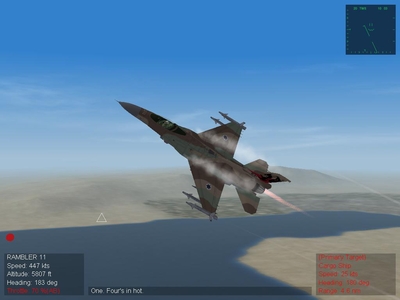
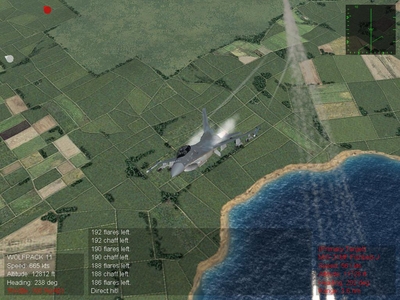
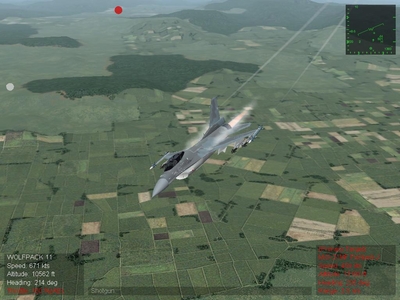
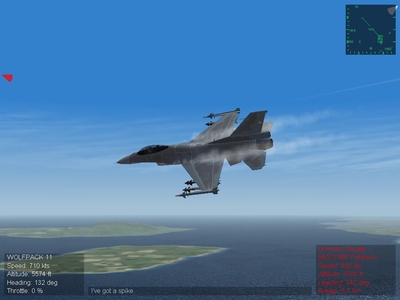
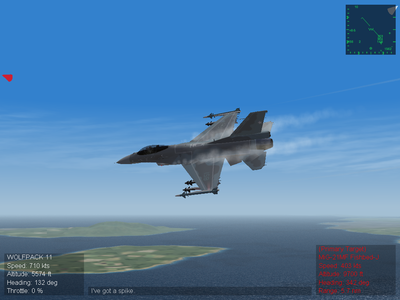
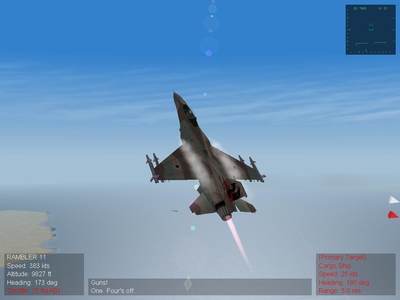
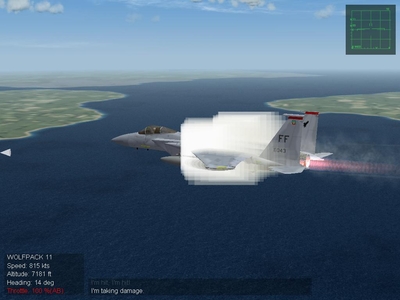 Pulling G-force from a Split-S out of a dive!
 -
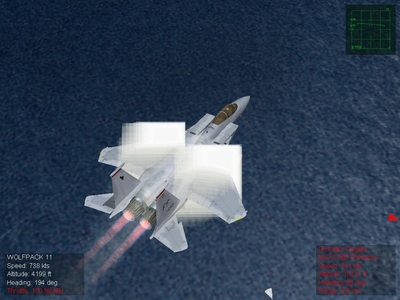 Pulling G-force! Vapor vortex did not turn out the way I wanted...
 -
-
-
Thanks Stick... Thanks again Gepard... great Mod! Looking forward to further improvements on the F-16D series
-
-
-
-
-
-