Gunrunner
-
Posts
1,390 -
Joined
-
Last visited
-
Days Won
2
Content Type
Profiles
Forums
Gallery
Downloads
Store
Everything posted by Gunrunner
-
From the album: NF4++ - 62-63 - WiP
-
From the album: NF4++ - 62-63 - WiP
-
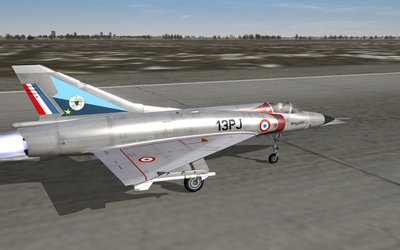
From the album: NF4++ - 62-63 - WiP
-
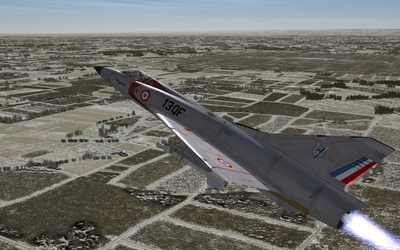
From the album: NF4++ - 62-63 - WiP
-
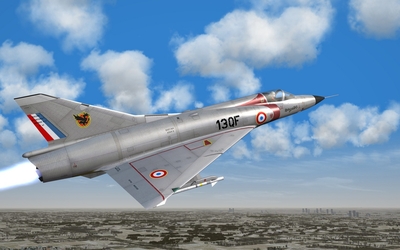
From the album: NF4++ - 62-63 - WiP
-
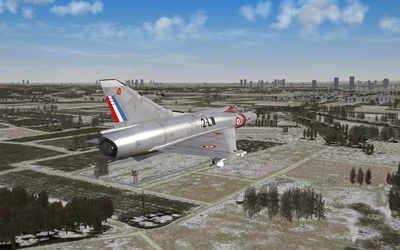
From the album: NF4++ - 62-63 - WiP
-
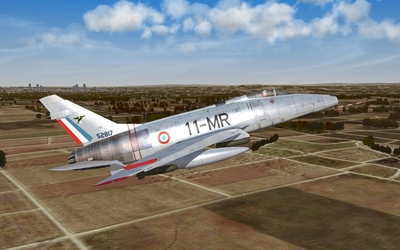
From the album: NF4++ - 62-63 - WiP
-
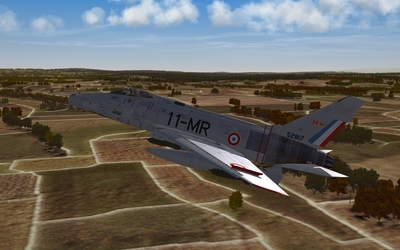
From the album: NF4++ - 62-63 - WiP
-
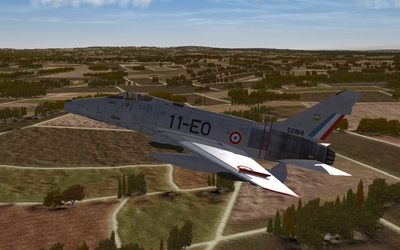
From the album: NF4++ - 62-63 - WiP
-
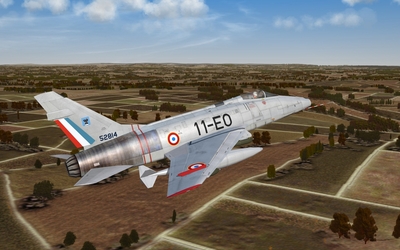
From the album: NF4++ - 62-63 - WiP
-
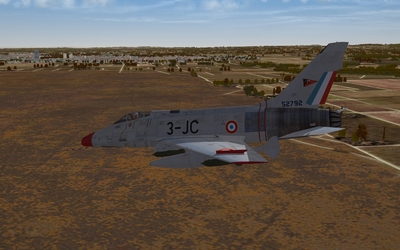
From the album: NF4++ - 62-63 - WiP
-
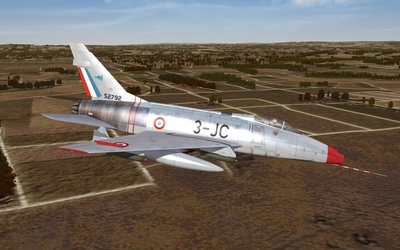
From the album: NF4++ - 62-63 - WiP
-
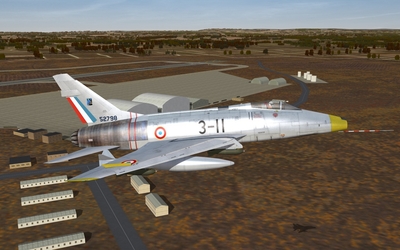
From the album: NF4++ - 62-63 - WiP
-
Super Mystère B.2 - EC 2/12 Cornouailles, ca. 1962
Gunrunner posted a gallery image in Member's Albums
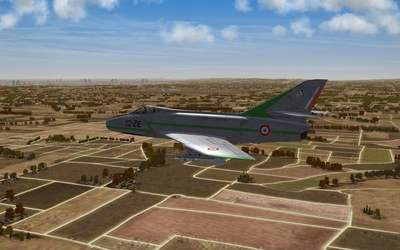
From the album: NF4++ - 62-63 - WiP
-
Super Mystère B.2 - EC 2/12 Cornouailles, ca. 1962
Gunrunner posted a gallery image in Member's Albums
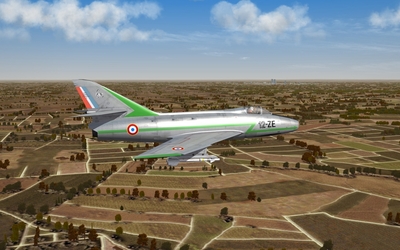
From the album: NF4++ - 62-63 - WiP
-
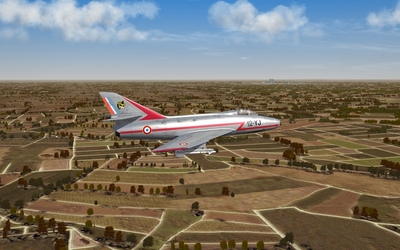
From the album: NF4++ - 62-63 - WiP
-
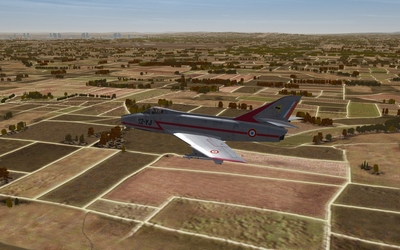
From the album: NF4++ - 62-63 - WiP
-
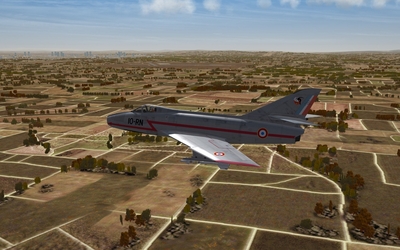
From the album: NF4++ - 62-63 - WiP
-
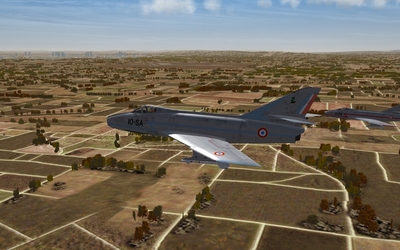
From the album: NF4++ - 62-63 - WiP
-
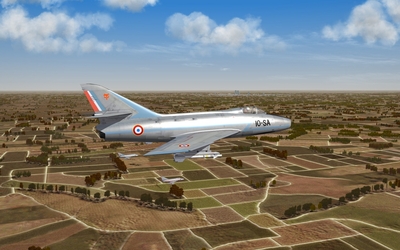
From the album: NF4++ - 62-63 - WiP
-
Super Mystère B.2 - EC 2/5 Ile-de-France, ca. 1962
Gunrunner posted a gallery image in Member's Albums
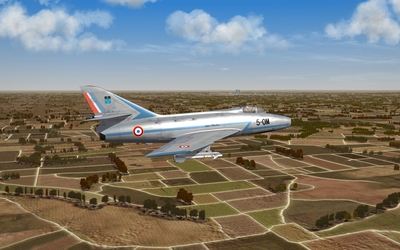
From the album: NF4++ - 62-63 - WiP
-
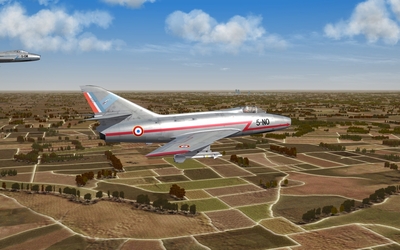
From the album: NF4++ - 62-63 - WiP
-
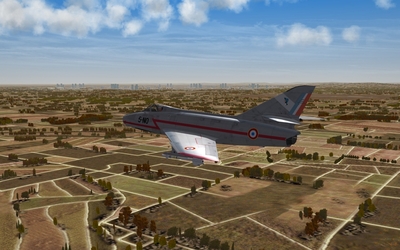
From the album: NF4++ - 62-63 - WiP
-
And the right door is door number... *drum roll* 3. IIRC nose_gear_door1 is the main door. nose_gear_door2 is the part attached to the gear. nose_gear_door3 is the frontmost part, the one we're interested in.
-
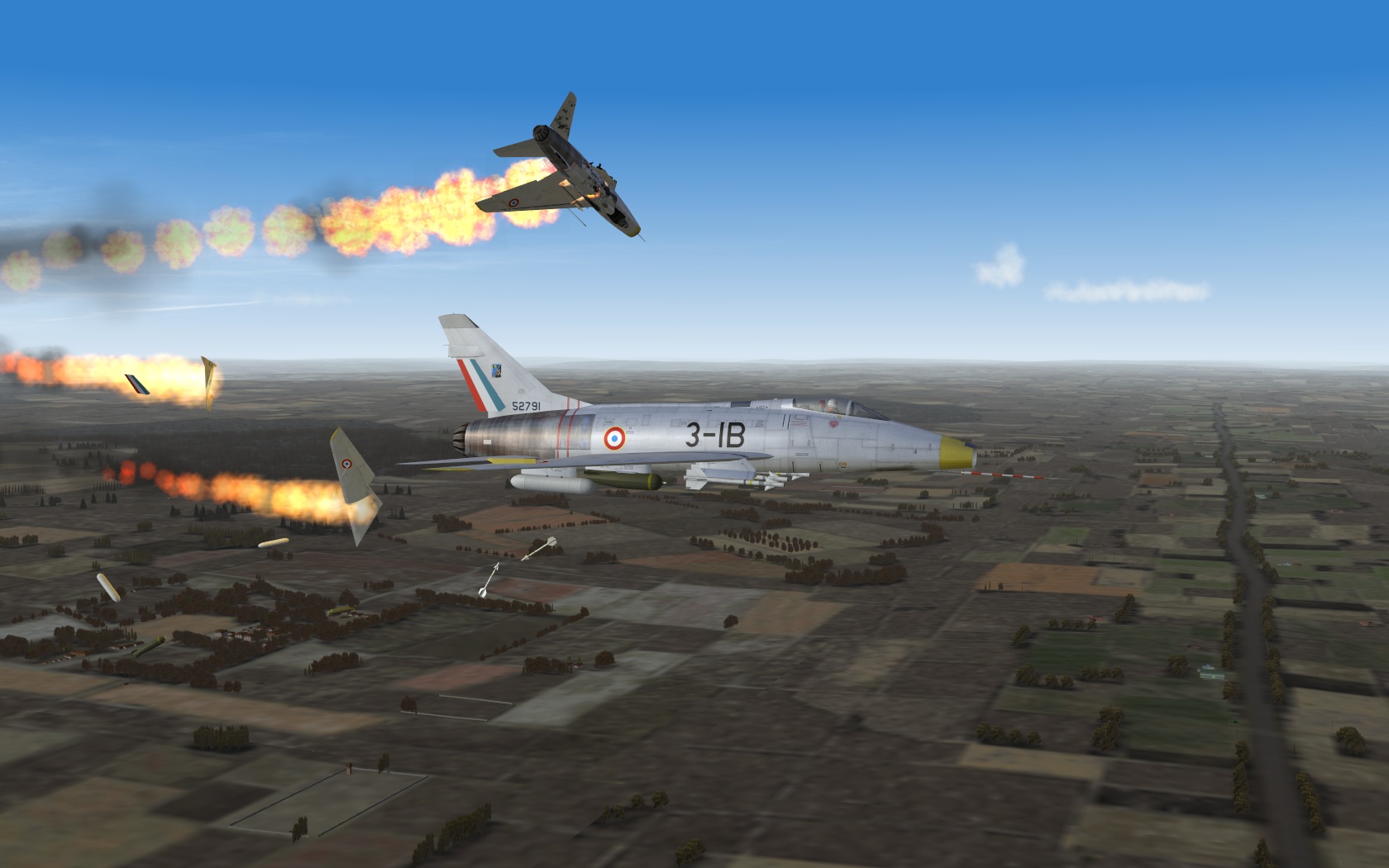
And that's when we realised we had MiGs on our tails. Our "escort" didn't fare much better.