
Flanker562
-
Posts
13,493 -
Joined
-
Last visited
-
Days Won
64
Content Type
Profiles
Forums
Gallery
Downloads
Store
Everything posted by Flanker562
-
I think you're on the ball FC, check out these:
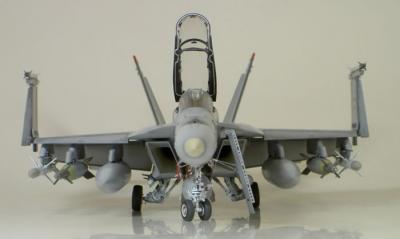
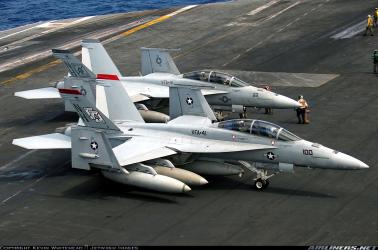
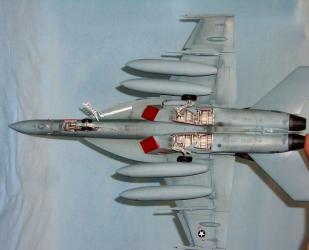
-
That's beautiful FC, just outright beautiful.
-
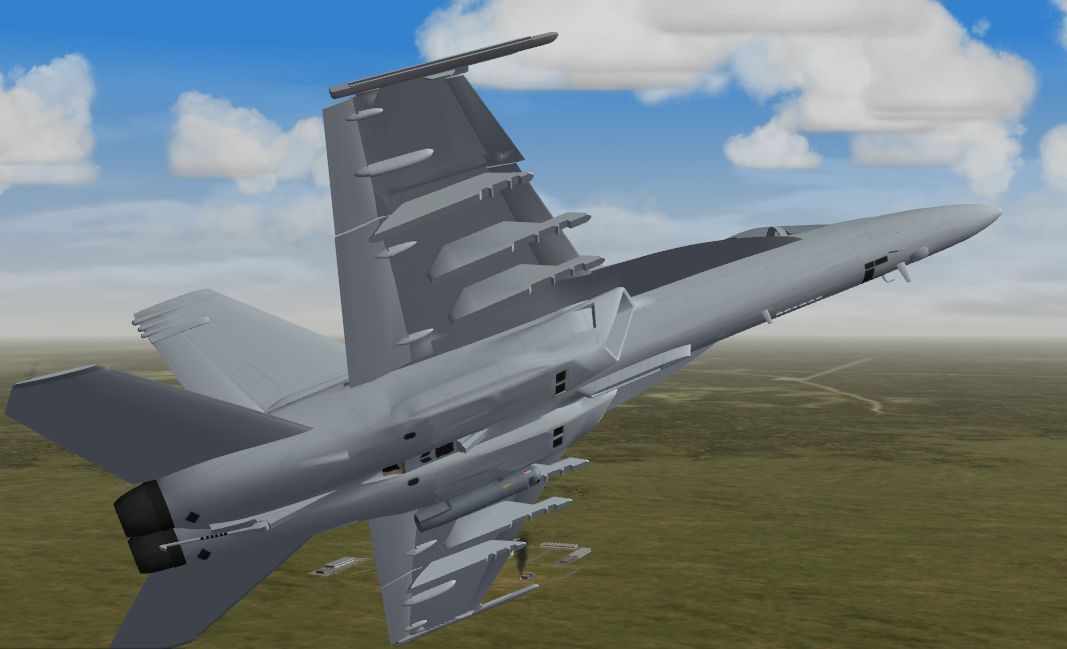
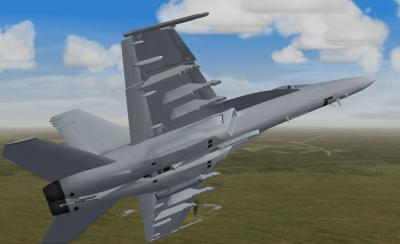
If there's one thing that ticks me off, it's the US Navy. Why? they have to pick the most complex color in the world. Effective yes, but I think I finally got it (I hope this time!):
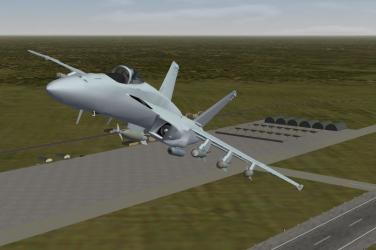
-
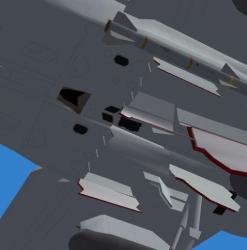
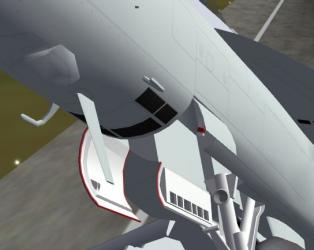
Thanks! More work, more details and such. I passed along the model to Dave for decalling, more or less for my favorite E squadron anyways. Pending refinements it's not going to be long really I would surmise.
-

Since we're showing terrain WIPs...
Flanker562 replied to Wrench's topic in Mods/Skinning Discussion
I'd say do it, would help get a read on what to look forward to -
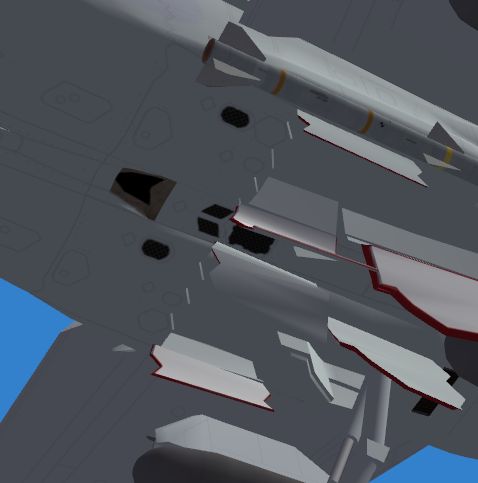
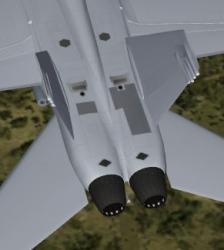
More detail work.
-
Um.. I think it may have due to Dave's feeling guilty about going OT, which for the record, I came off the wrong way, besides it was all cool. As far as the Saeqeh? Um... gonna have to ask FC. I submitted the Splinter F-5F to pappychecksix and haven't heard a word on the bird, so not sure where it's at. I know I fixed some issues with FC's project.
-
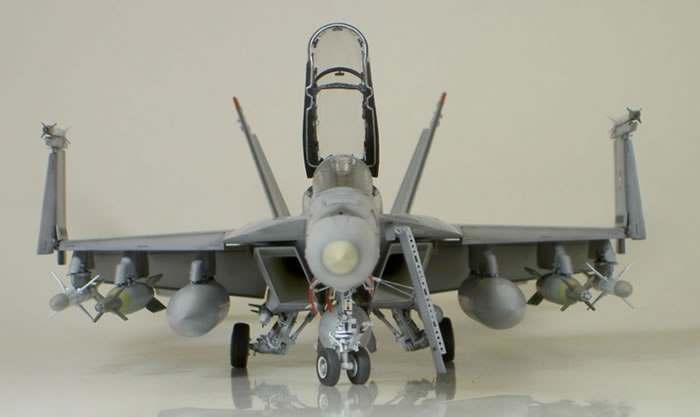
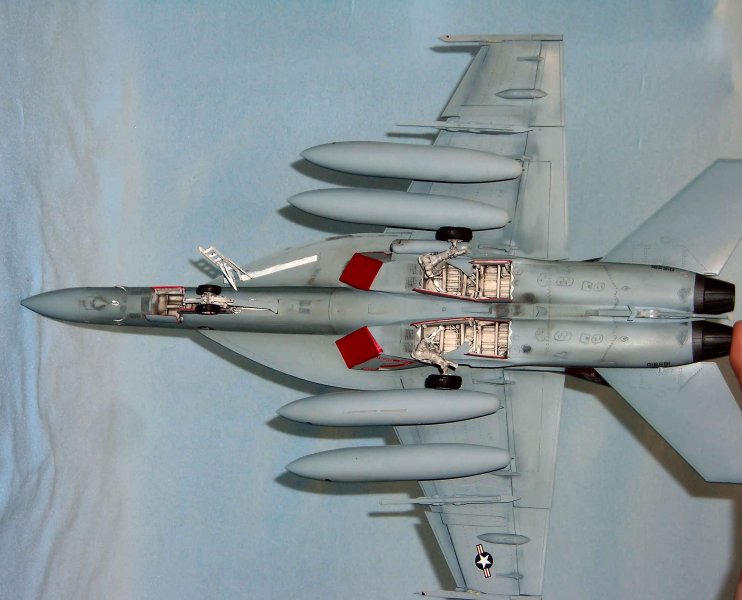
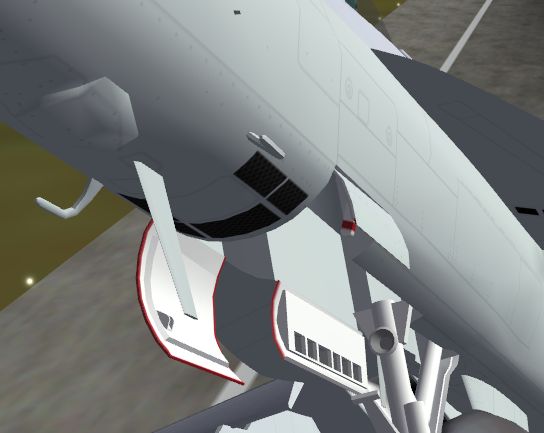
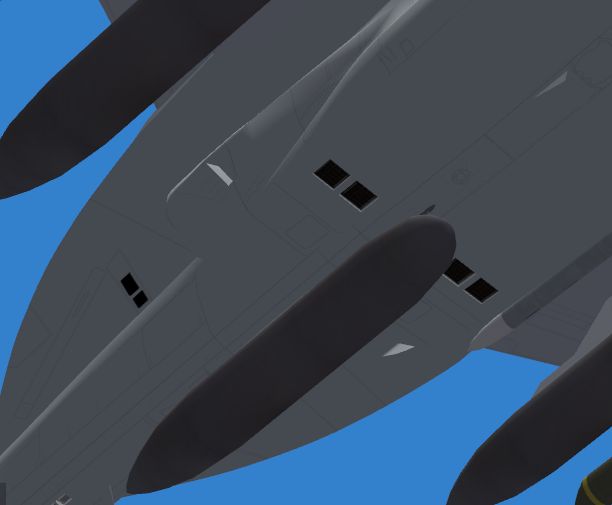
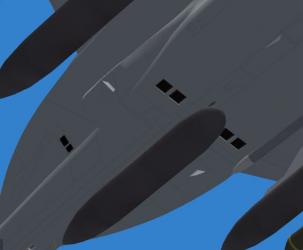
Chaff/Flare boxes detail. Found a good pic from an F-16 so this should suffice. Also a good site on some details.. http://www.ipmslondon.ca/old%20site/ipmslo...icles/id16.html http://www.primeportal.net/hangar/michael_.../fa-18e_165898/ http://www.primeportal.net/hangar/bill_spi.../fa-18f_166453/
-
Too bad there isn't a Kuznetsov.. or it'd be "true" to use carrier ops in that region to be "true to reality" but still nice stuff.
-
Since we're showing terrain WIPs...
Flanker562 replied to Wrench's topic in Mods/Skinning Discussion
Definitely alot better than the original, which I fly on occasion, but this... nice! -
Yeah becauase obviously the Supa is a "low rider" and using the MF A version as a basis. Just don't look right but will be squared away. And no I don't want the ATFLIR hardcoded, because yes true, it's used quite alot, but sometimes it isn't, so it'll be what it is, a removable pod.
-
lol gotcha Because if you can get me non classified shots, it would be nice , since my best source at Alert 5 got removed, so I have a limited amount now and need stuff for detailing and stuff.
-
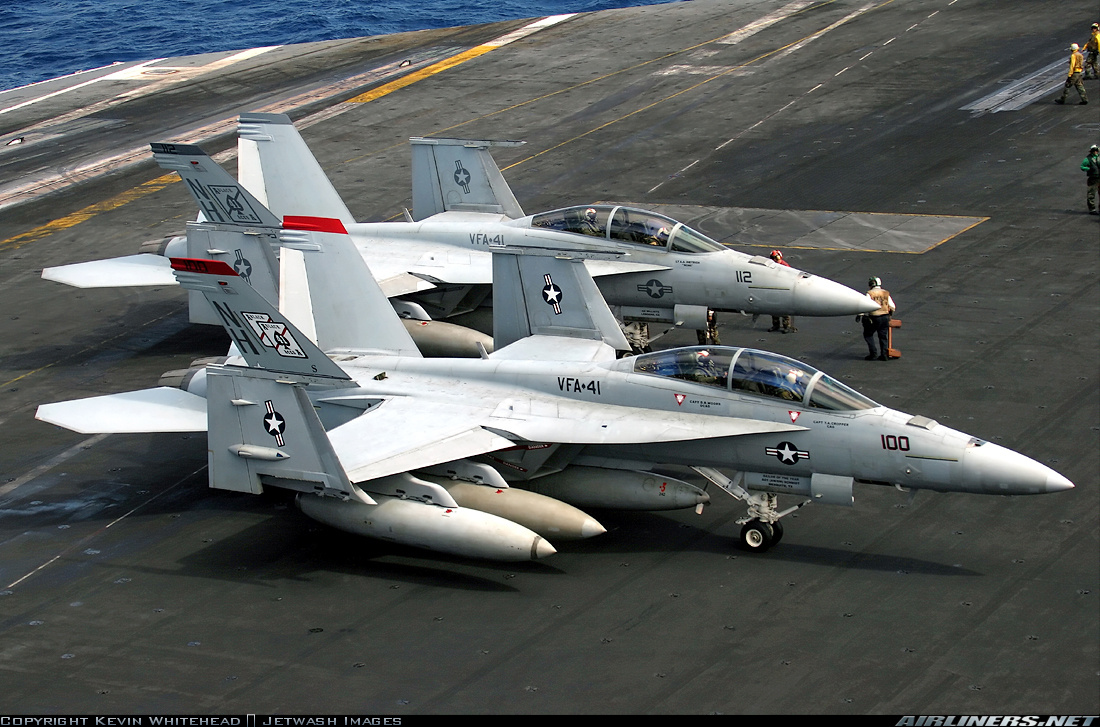
Ahh man, that's what I get for going off of photos off of Airliners.net . SidDogg, you on a carrier?
-
F/A-18A/B/C/D, though I've seen Litening IIIs on Marine Deltas though. Primarily the US Navy uses it only, for both Legacy and Super Hornets. Boeing ships a pod per aircraft delivered, and from what I hear the Navy is cuckoo for cocoa puffs over it.
-
http://forum.combatace.com/index.php?autoc...p;showfile=7979 It's in the Downloads section.
-
Naw man, the SH is designed for max STOL capabilities, hence the huge LERX and flaps, and besides, stall in WOI? never done it no matter how hard I try. And FC, you need ATFLIR pics? I got some photos I just found that would be a reference down the line.
-
Gotcha, PM it and I'll have a go tomorrow.
-
What do you use? CS3 or GIMP? All you have to do is move the lines so they line up. Of course it could be just the texture is stretching for some reason....
-
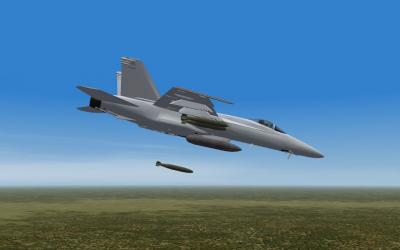
Hawk 200, a single seat version of the T.1A Hawk, or T-45A Goshawk (USN service). BAe tried to export it as a light combat aircraft but wasn't popular.
-
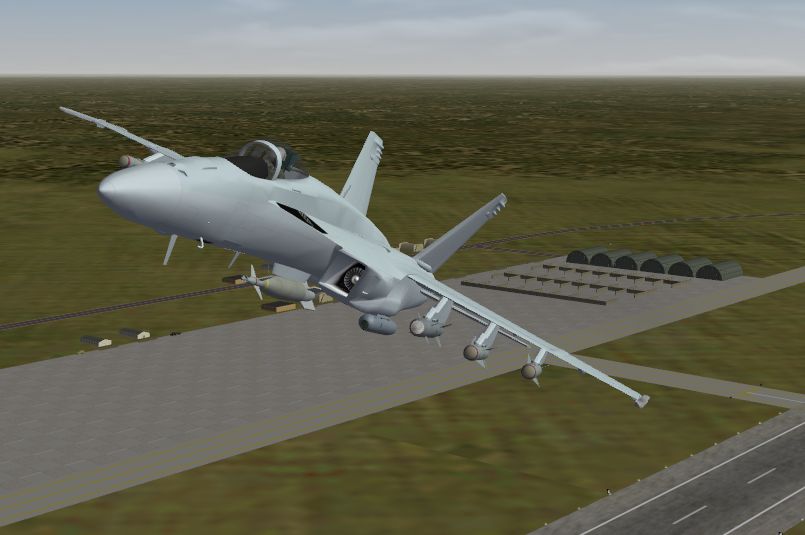
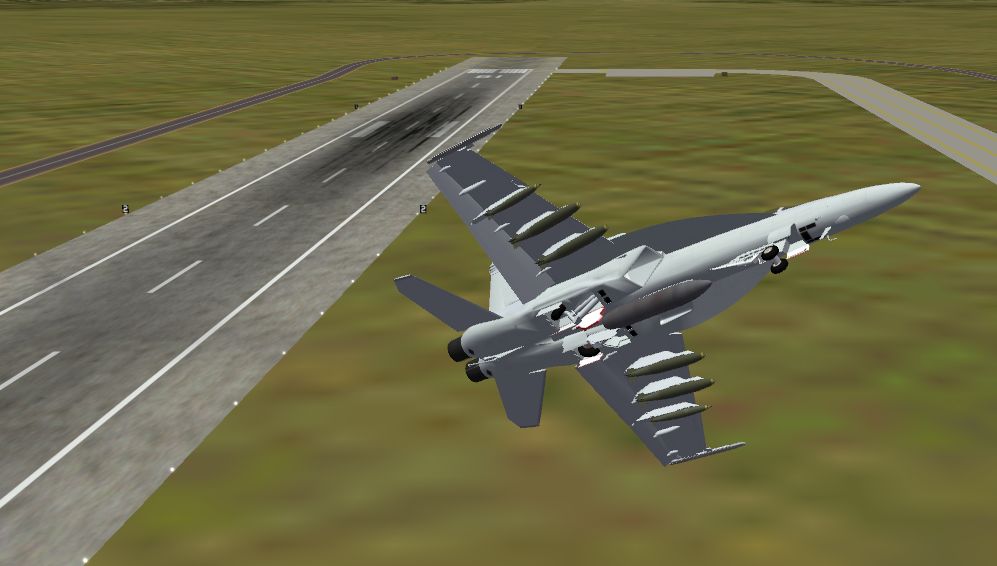
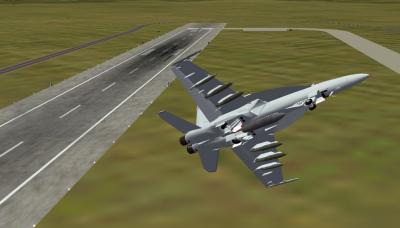
A shot of the STOL capabilities. I tend to rotate around 120 knots, both in Erwin_Han's and this one.
-
I would assume so. Hey man I got ICQ if that will help things too. Also took it amongst the mountains of the Black Sea map, and it's just nice JAT, good work!
-
Yeah the only six-point MERs I see loaded are for training ops, not so much actual bomb use, though they use the two bomb unit for dumb bombs only. And no problem man
-
http://www.ausairpower.net/000-Super-Bug-loadout.jpg Had to use my Google-Fu technique, but I have been trained by the Eel Shaolin Temple..
-
http://forum.combatace.com/index.php?s=&am...st&p=233855 Yeh that's the only model I got though, checking around I didn't have the "good" one.. LAU-117 for Maverick: http://www.fas.org/man/dod-101/sys/ac/equi...117-990773a.jpg http://www.ordnance.org/lau117a.htm LAU-118/A for HARM: http://www.fas.org/man/dod-101/sys/ac/equi...N-7280M-002.jpg http://www.ordnance.org/lau118a.htm LAU-115 for AIM-7: http://www.ordnance.org/lau115.htm General file (PDF) http://www.globalsecurity.org/military/lib...c/14313_ch3.pdf
-
http://forum.combatace.com/index.php?autoc...p;showfile=6631