Lex2Limit
-
Posts
77 -
Joined
-
Last visited
-
Days Won
1
1 Follower

About Lex2Limit

Recent Profile Visitors
1,969 profile views




Lex2Limit's Achievements





-
Oh no! Hope you get full recover as soon as possible! Take care my friend!
-
Yes pleased, Volker! I will, i will! I,m already Doing some Radar Avionics. So im Filly in "Test Mood"!
-
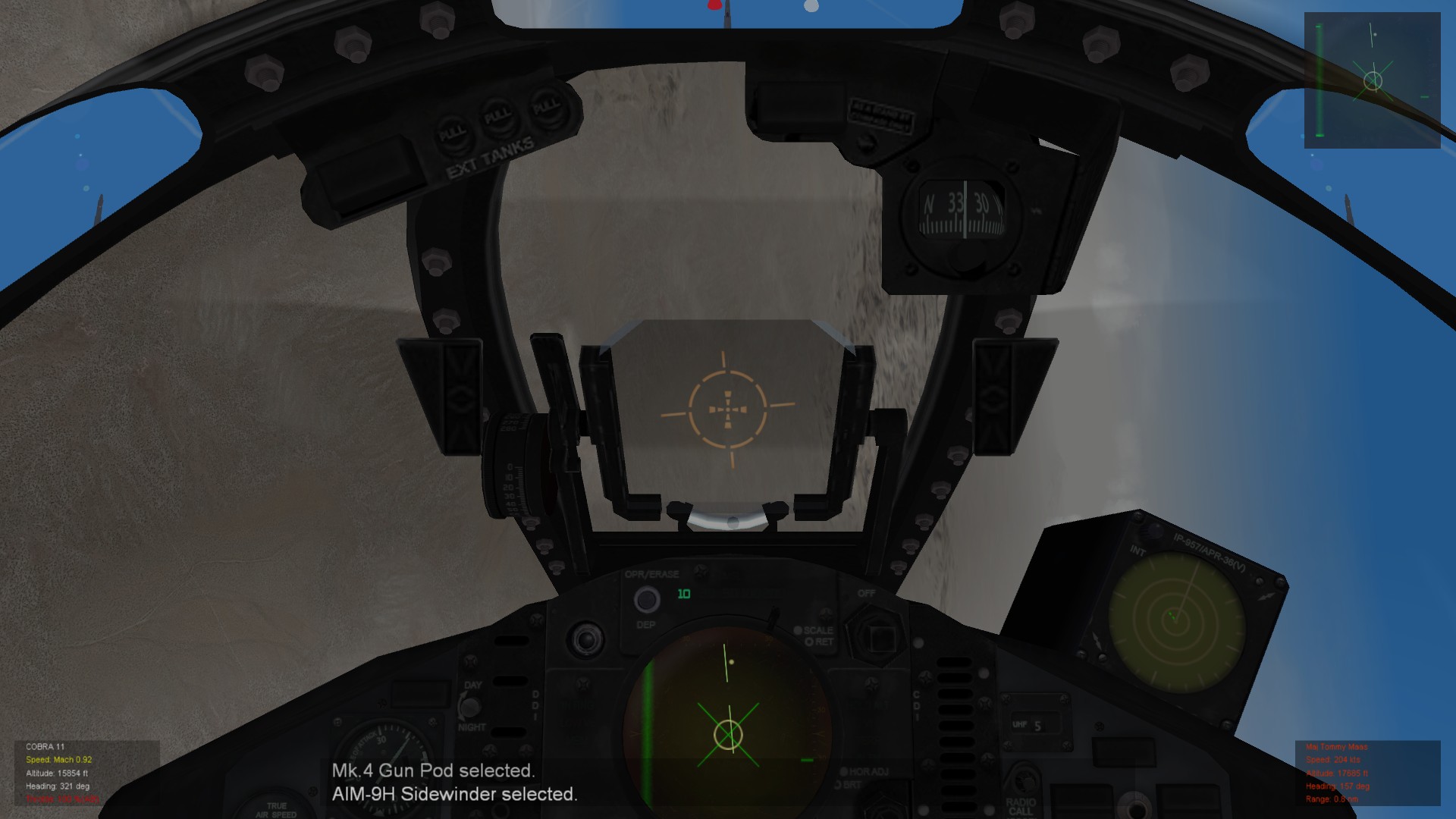
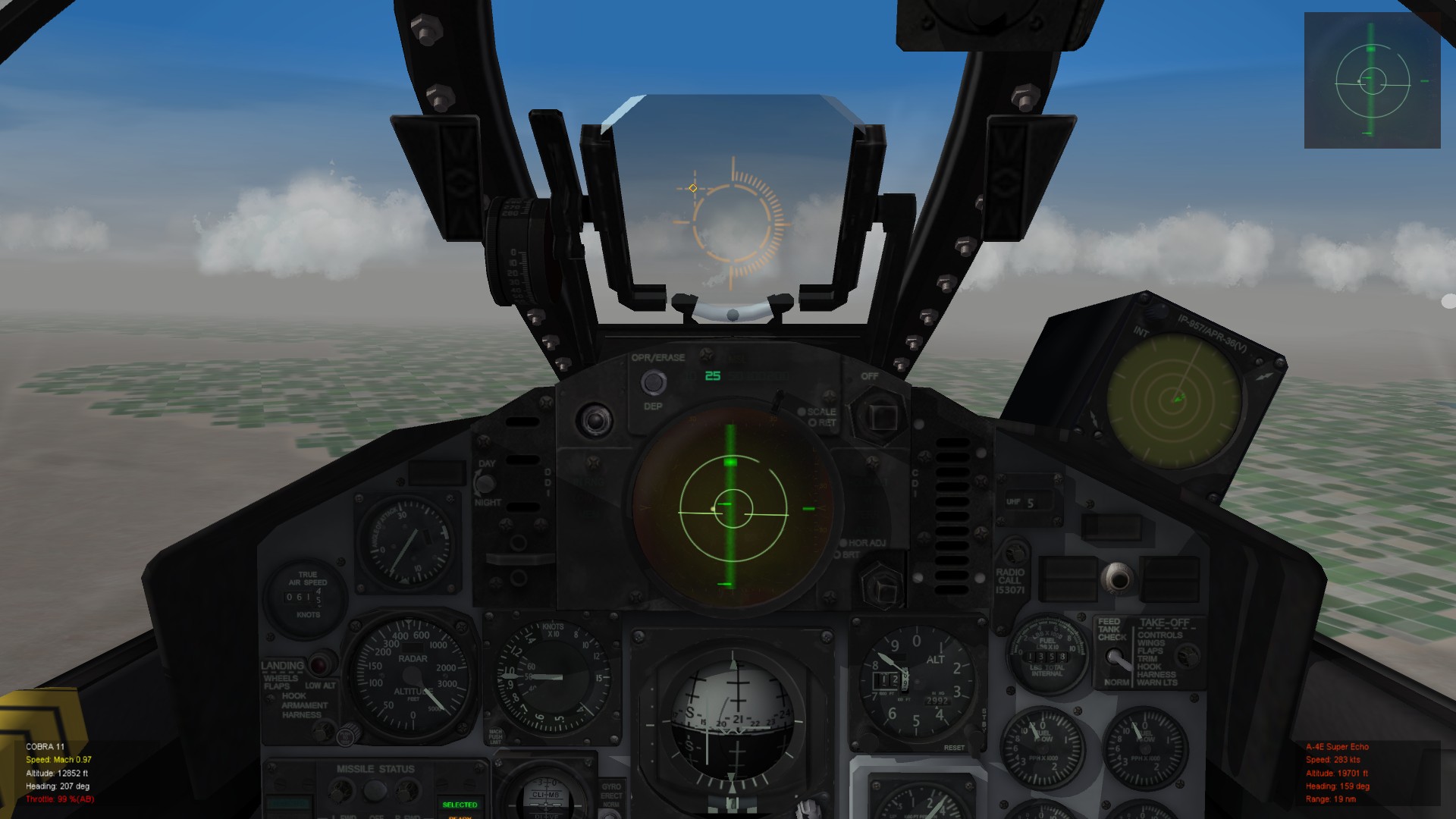
Hello community, sorry for opening a Thred for a trivial Topic...i'm searching but didn't find anything for the awnser... I want to find out, how Kill Insignia are patched on the planes. I know it's in the decals ini . but where are the textures for that? AND how affect it on the Pilot's data? Situation: Pilot 1 has a kill counter of 47 - Pilot 2 a kill counter of 17. Both has the kill marks on the left splitter (F-4) Pilot 1 flys a F-5C, Pilot 2 a F-4B. First i think it's addictet to the Plane decals, but when i flew the same Plane with the two pilots the Kill Marks are different. How i can change that? Pilot 1 has Kill Marks for 1 Kill, 10 Kill and 50 Kill. Pilot 2 have onla Kill Mark 1. For better explaination two screenies...


-
OK. Nice! i woul'd try! but how it works from Cockpit view? Can you turn itof and on?
-
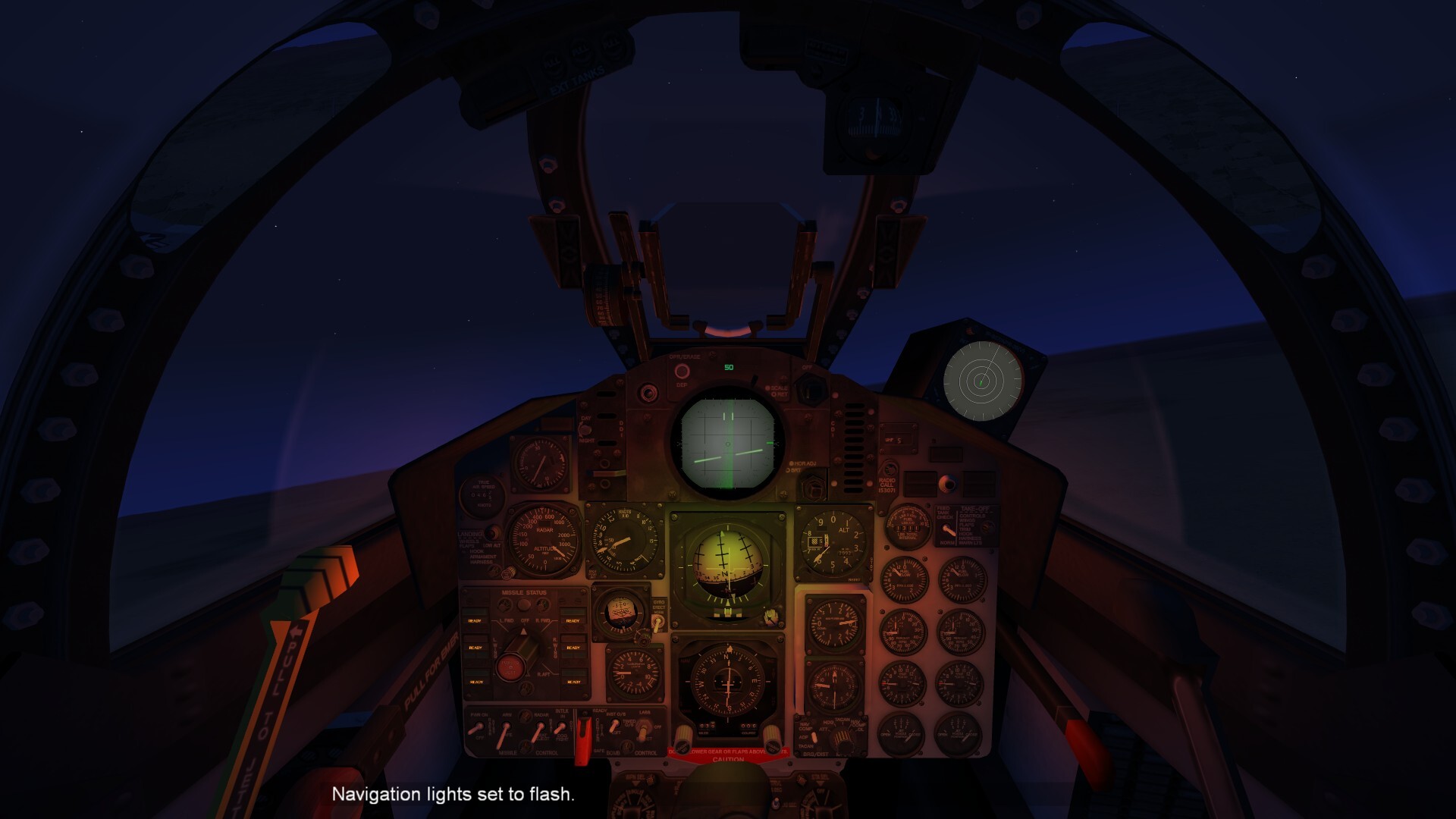
I possitioning the Light Source a little bit in front of the cockpit Flight sticks, but there is a red Lightpulp like a Trigger Fireing. i don't want to see the "Light pulp"! And how do change this Values the light source? [PilotLight] SystemType=LIGHT Color=0.90,0.20,0.00 Brightness=0.03 Position=0.0,6.800,0.230 LightSrcOffset=0.0,0.1,0.1 LightSrcRange=0.5 CanFlash=FALSE [CoPilotLight] SystemType=LIGHT Color=0.90,0.20,0.00 Brightness=0.03 Position=0.0,5.350,0.350 LightSrcOffset=0.0,0.1,0.1 LightSrcRange=0.5 CanFlash=FALSE
-
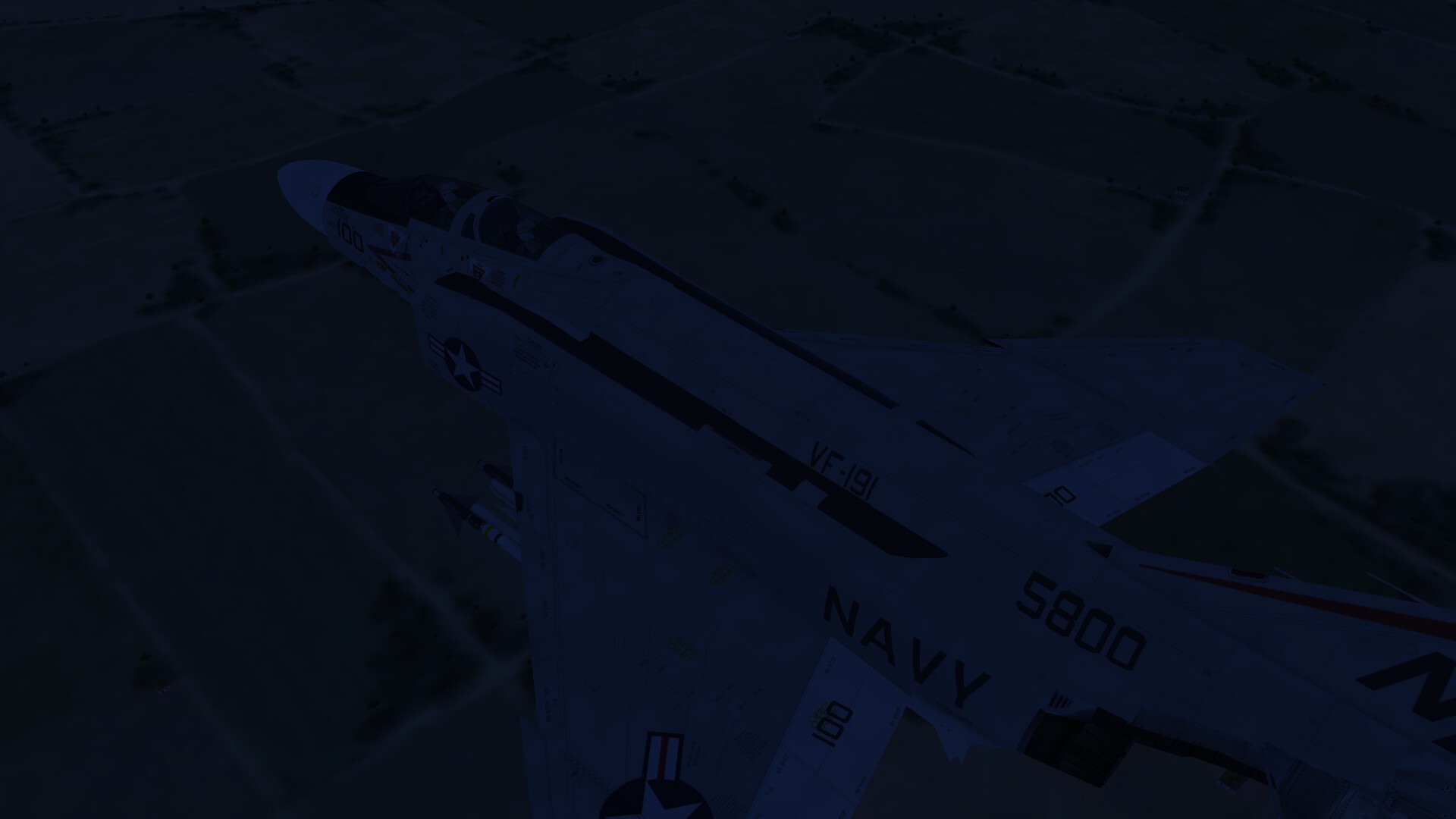
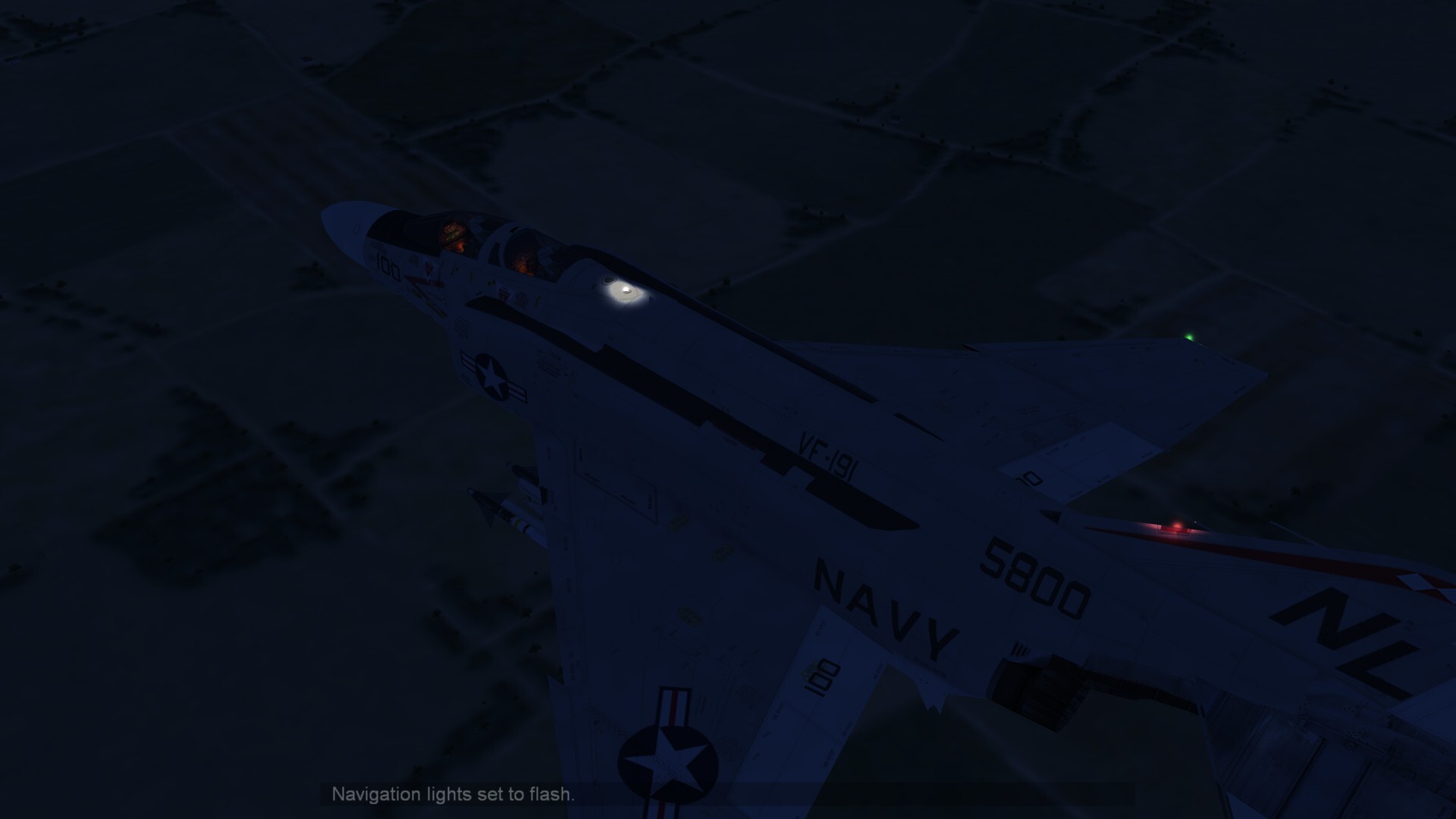
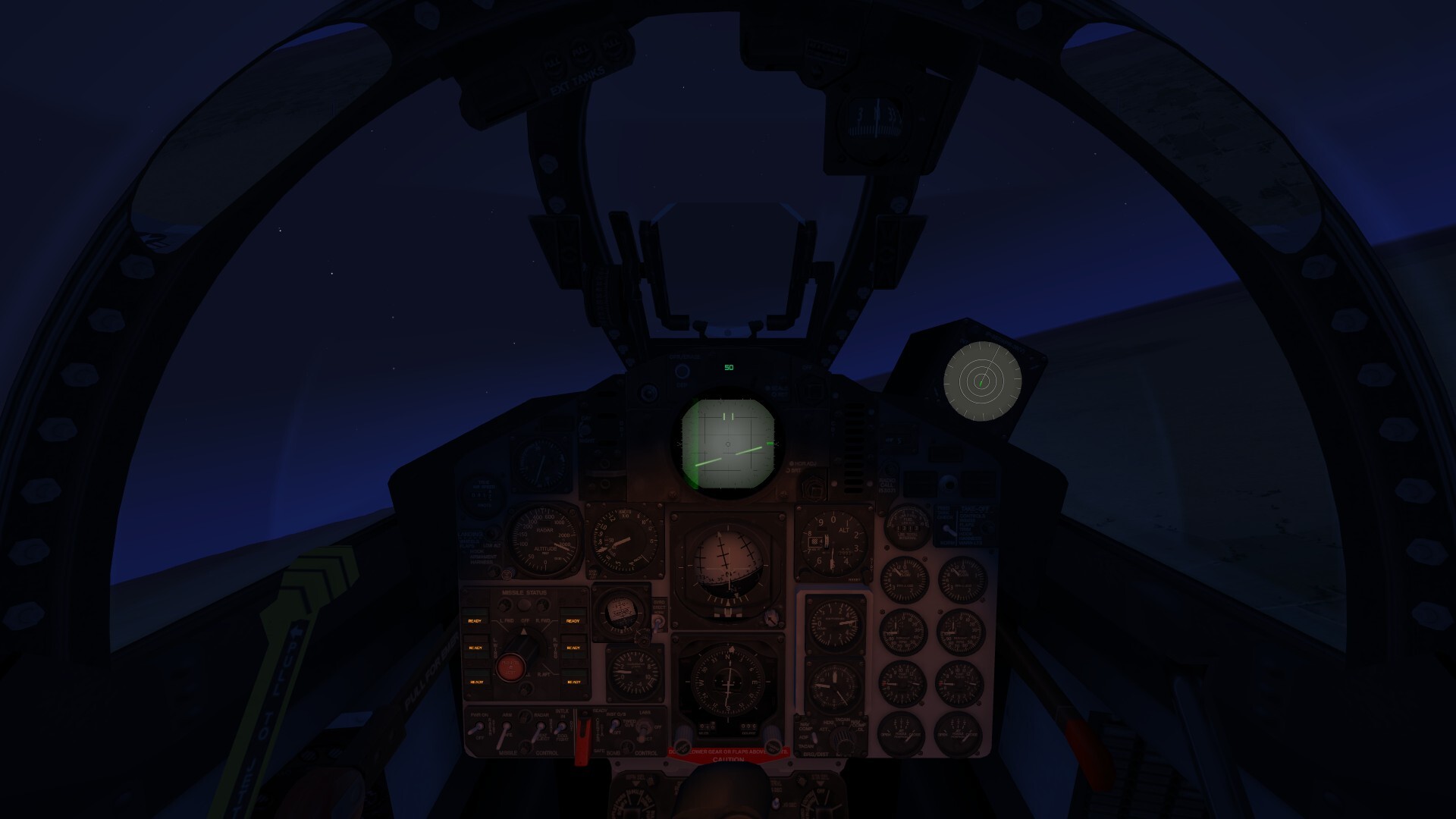
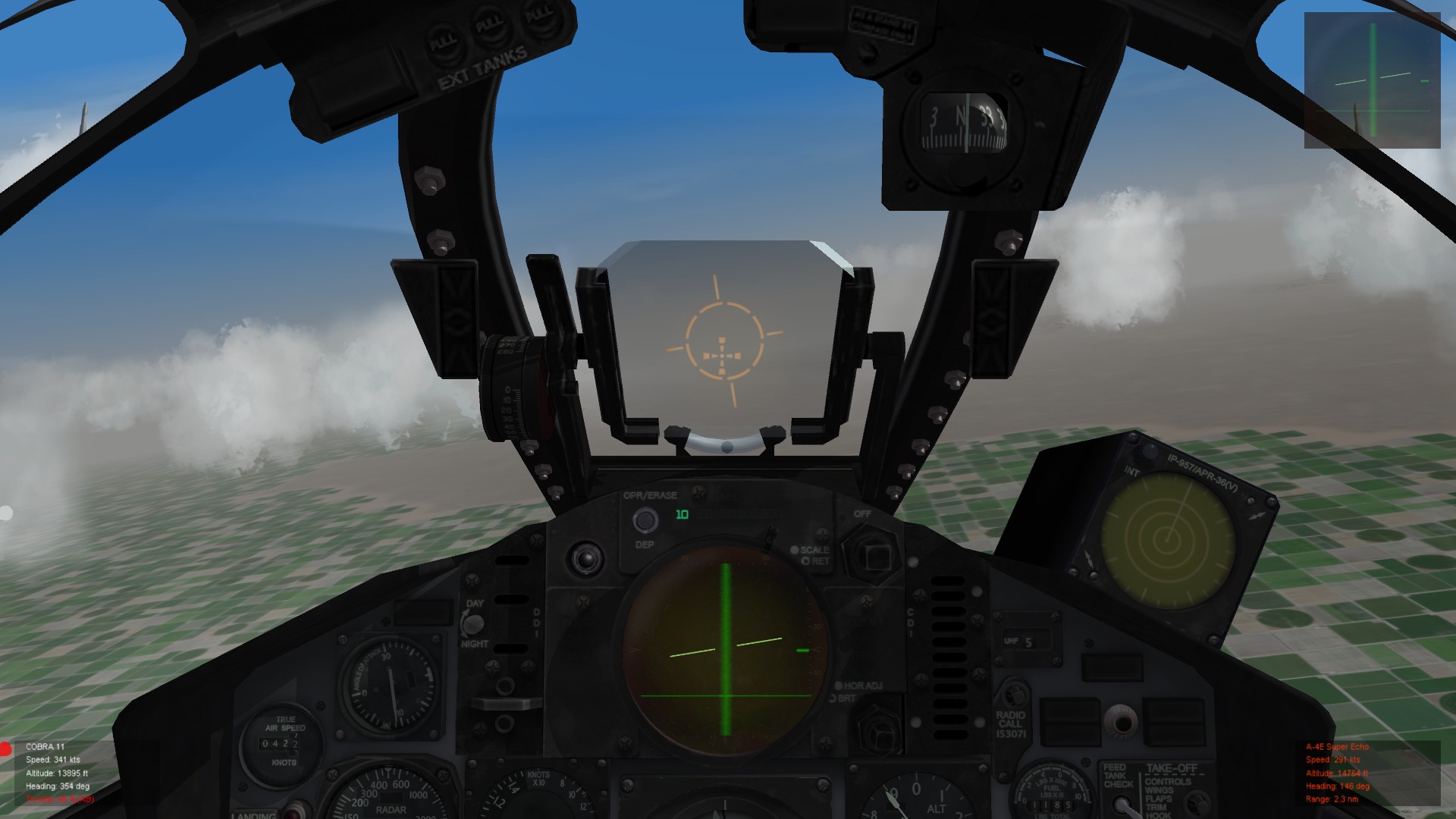
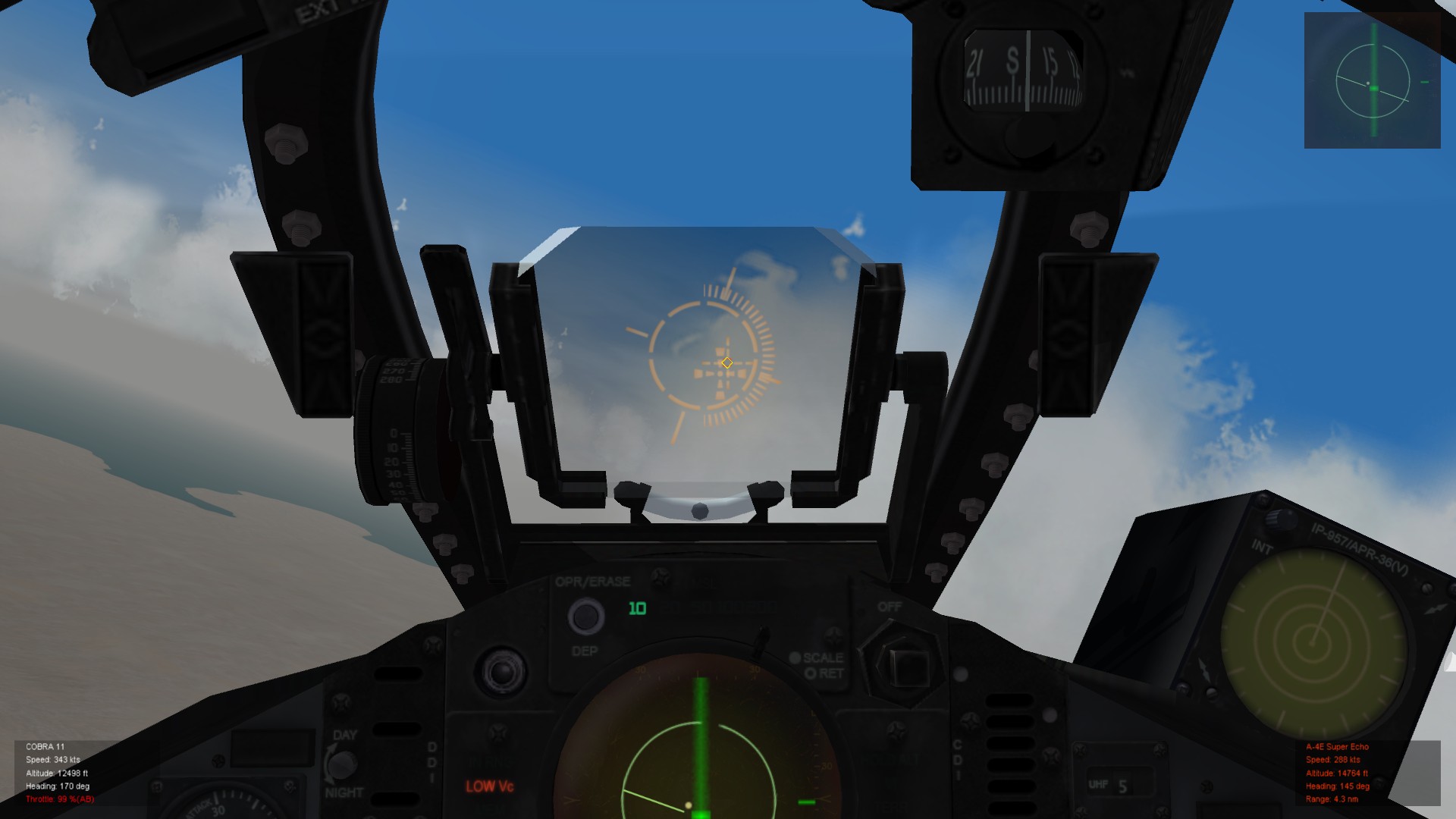
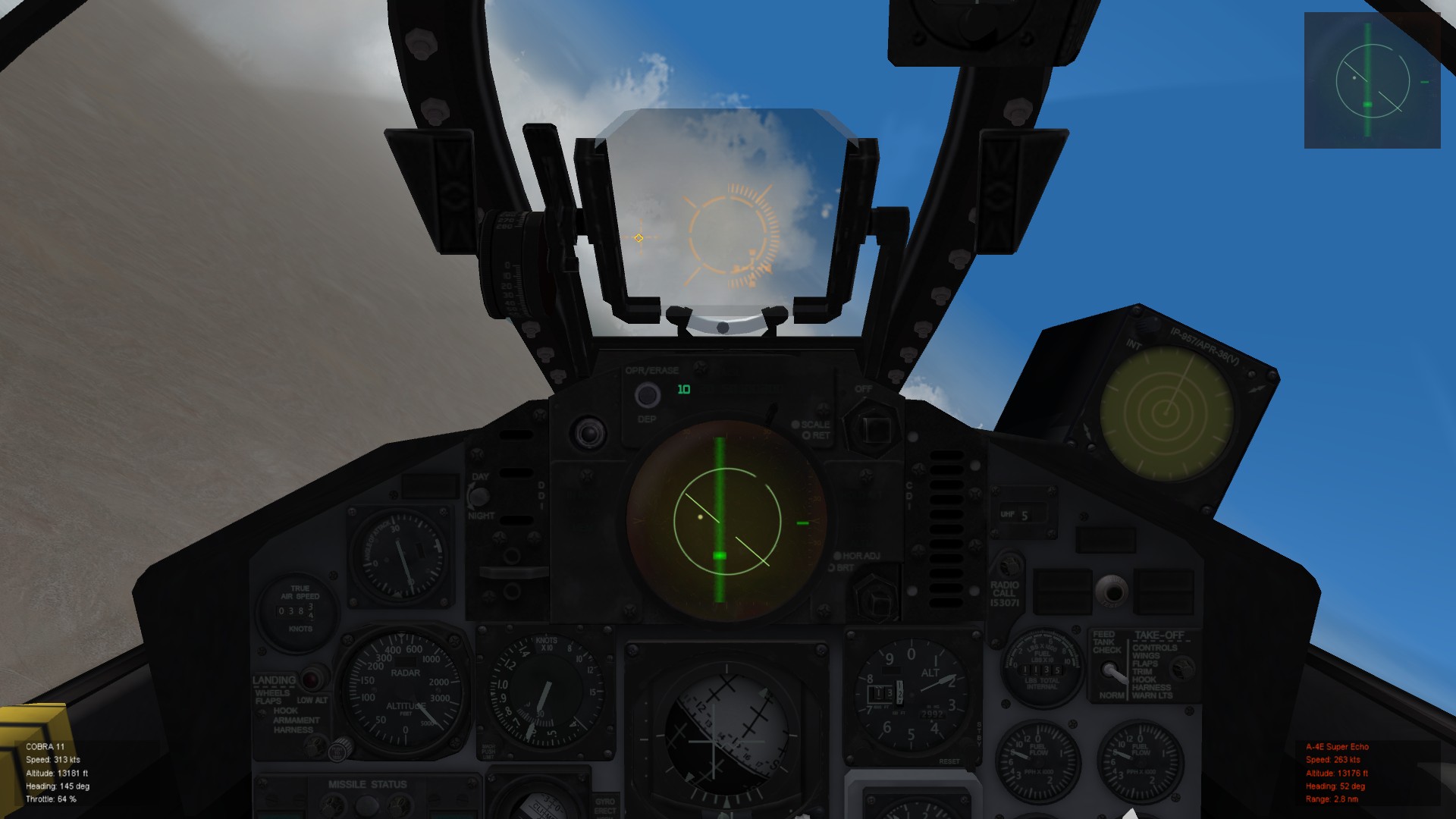
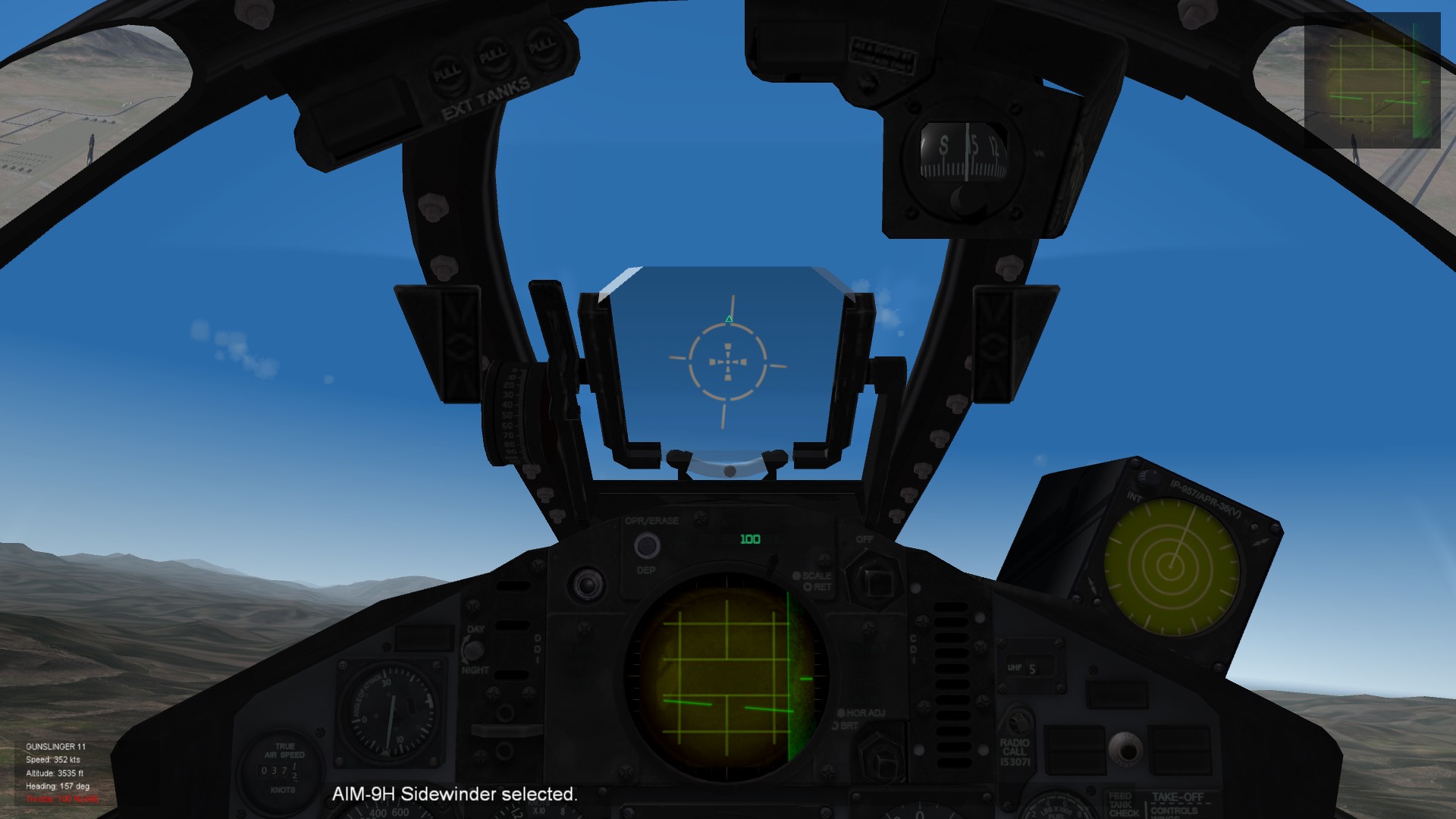
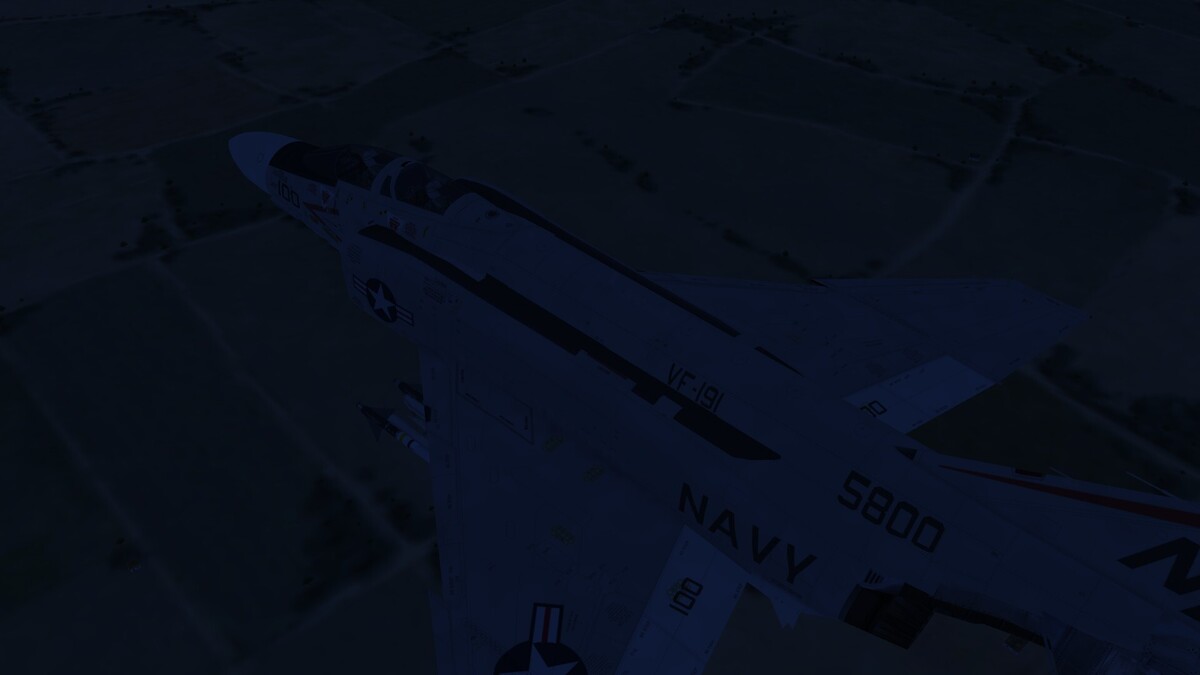
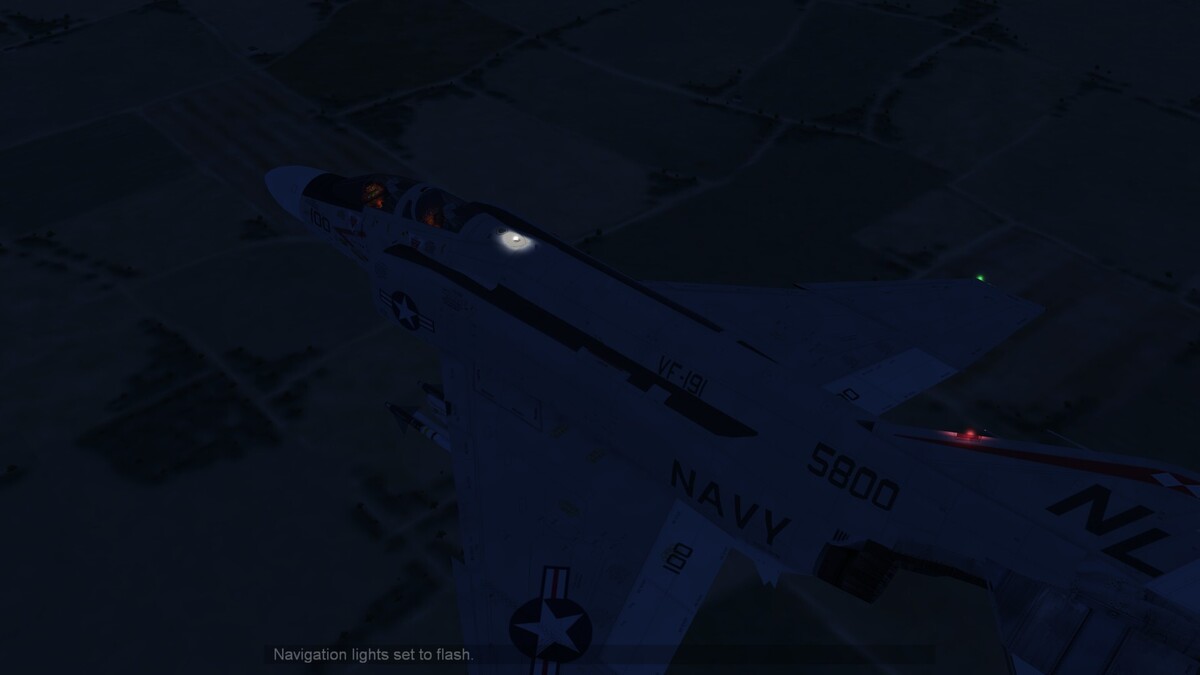
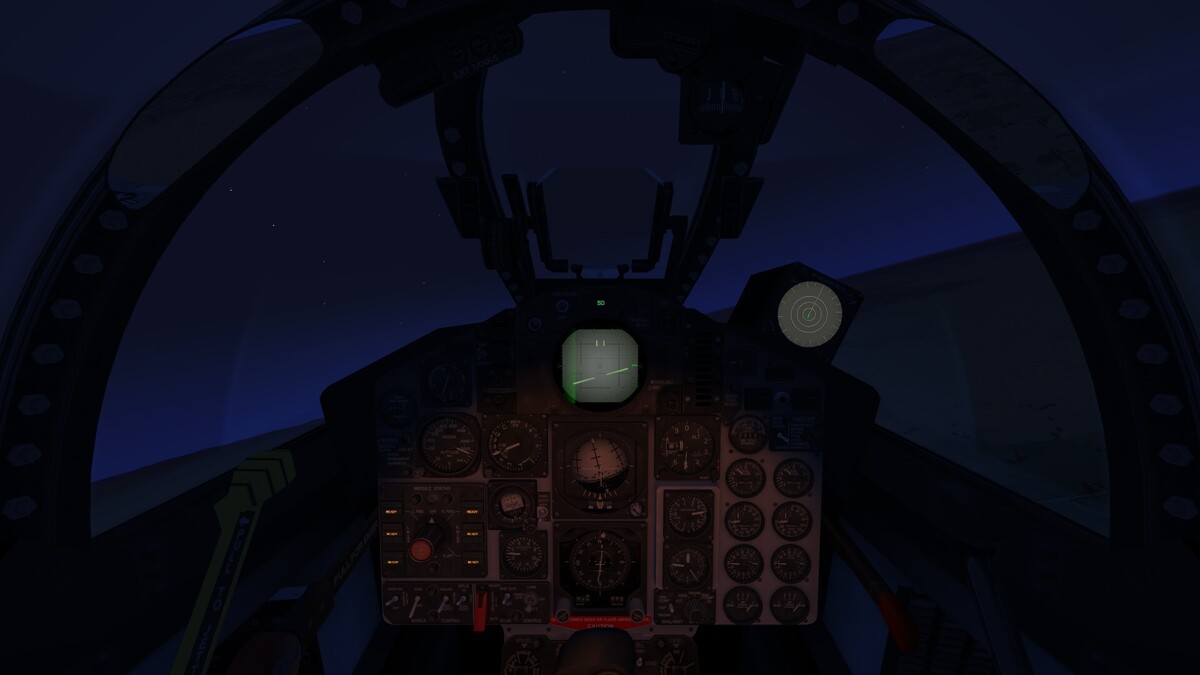
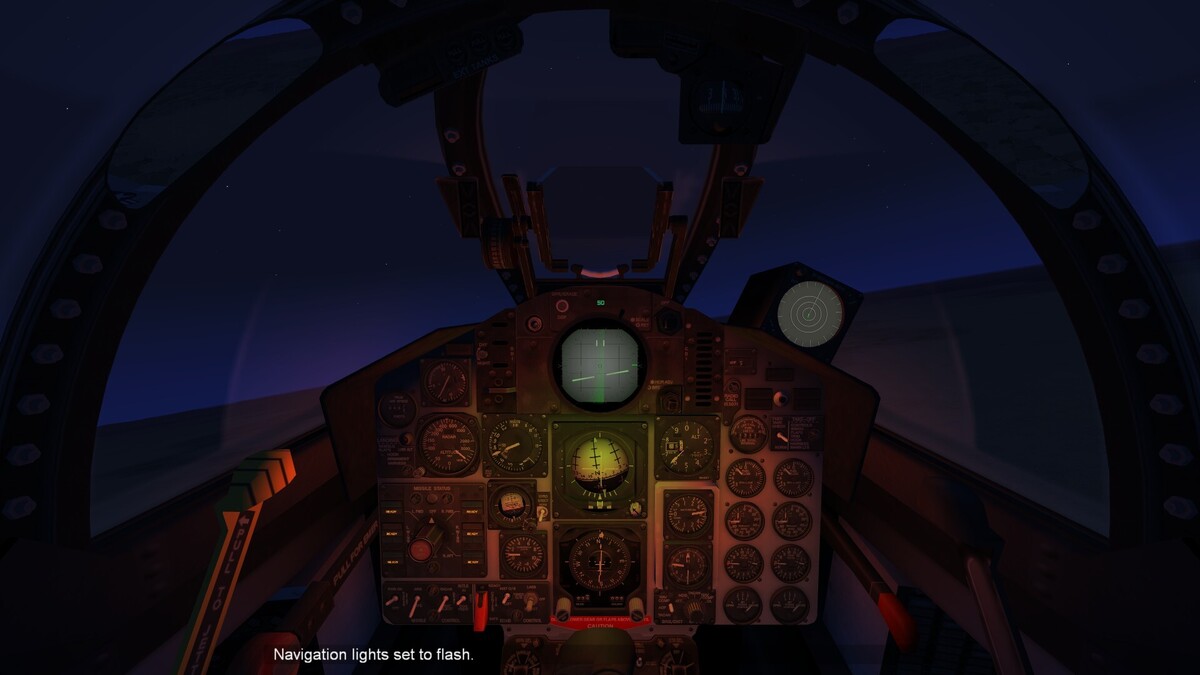
Hello Volks, I'm on the work to make Cockpit Lights Visible in 3rd and 1st Perspective. Like GKABS A-6 Mods. So how i can change the Light Source to invisible? Here some screenies from a F-4J...
-

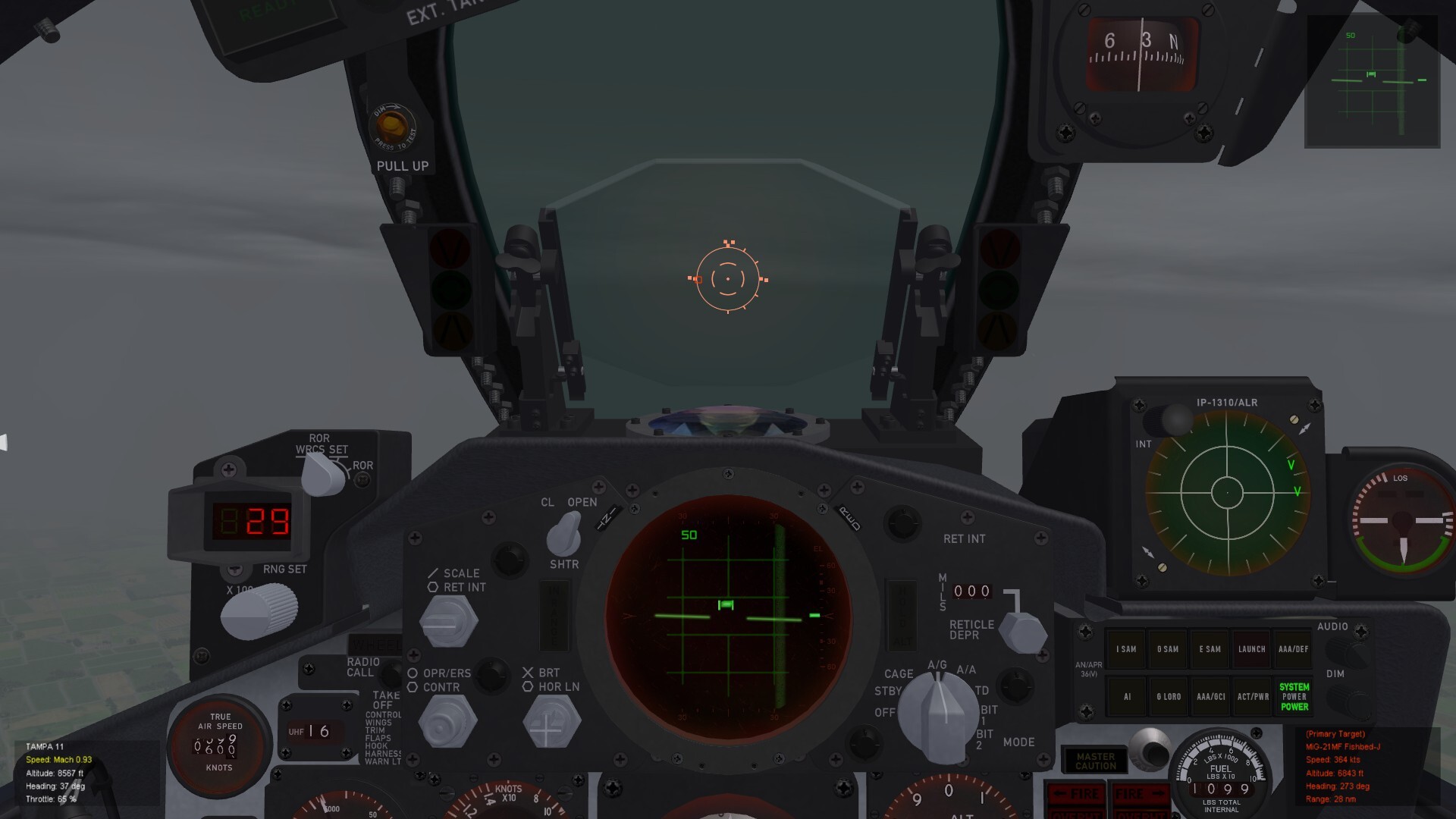
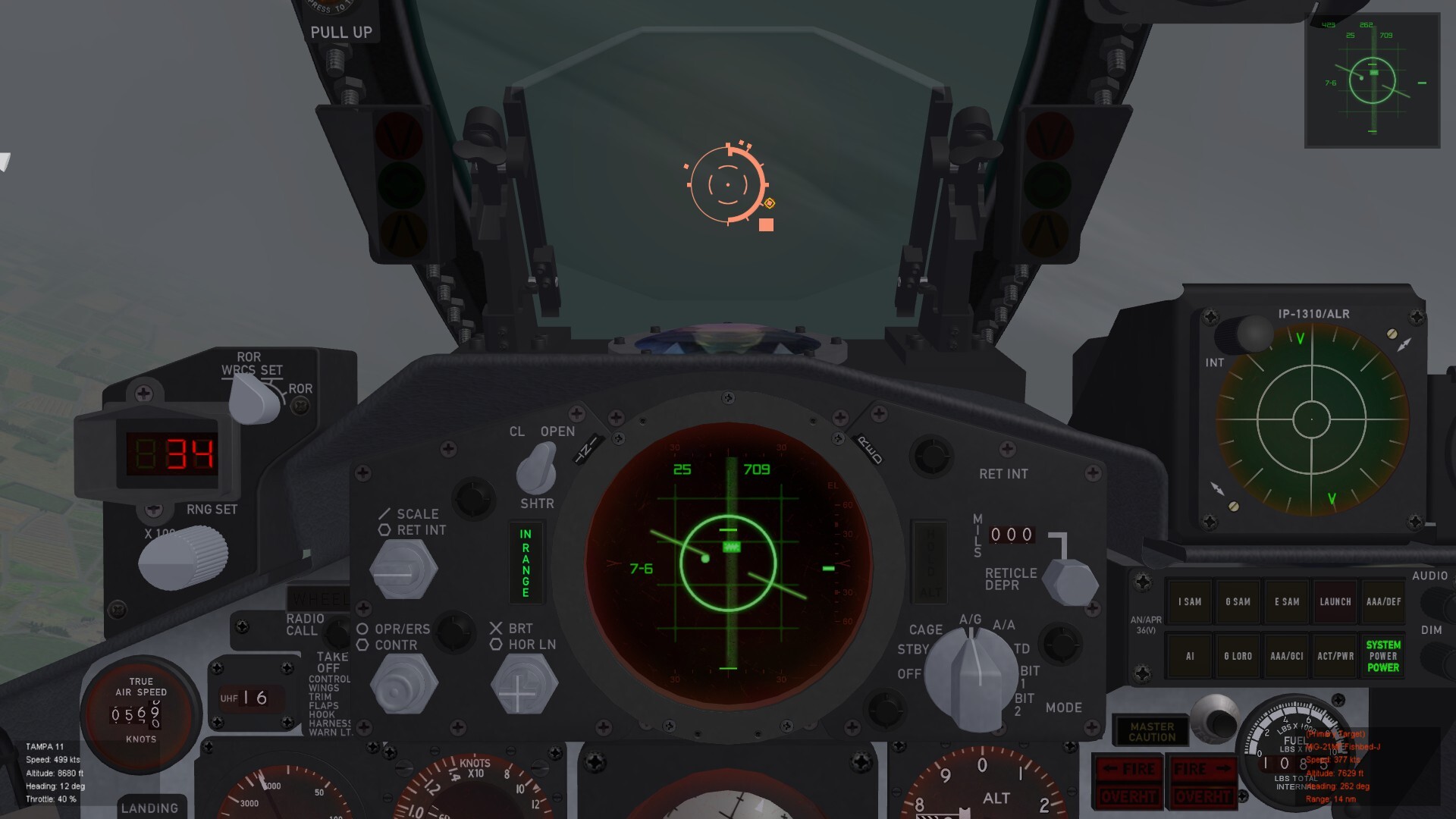
F-4E DSCG Radar Display & DMAS / ARN-101
Lex2Limit replied to ravenclaw_007's topic in General Discussion
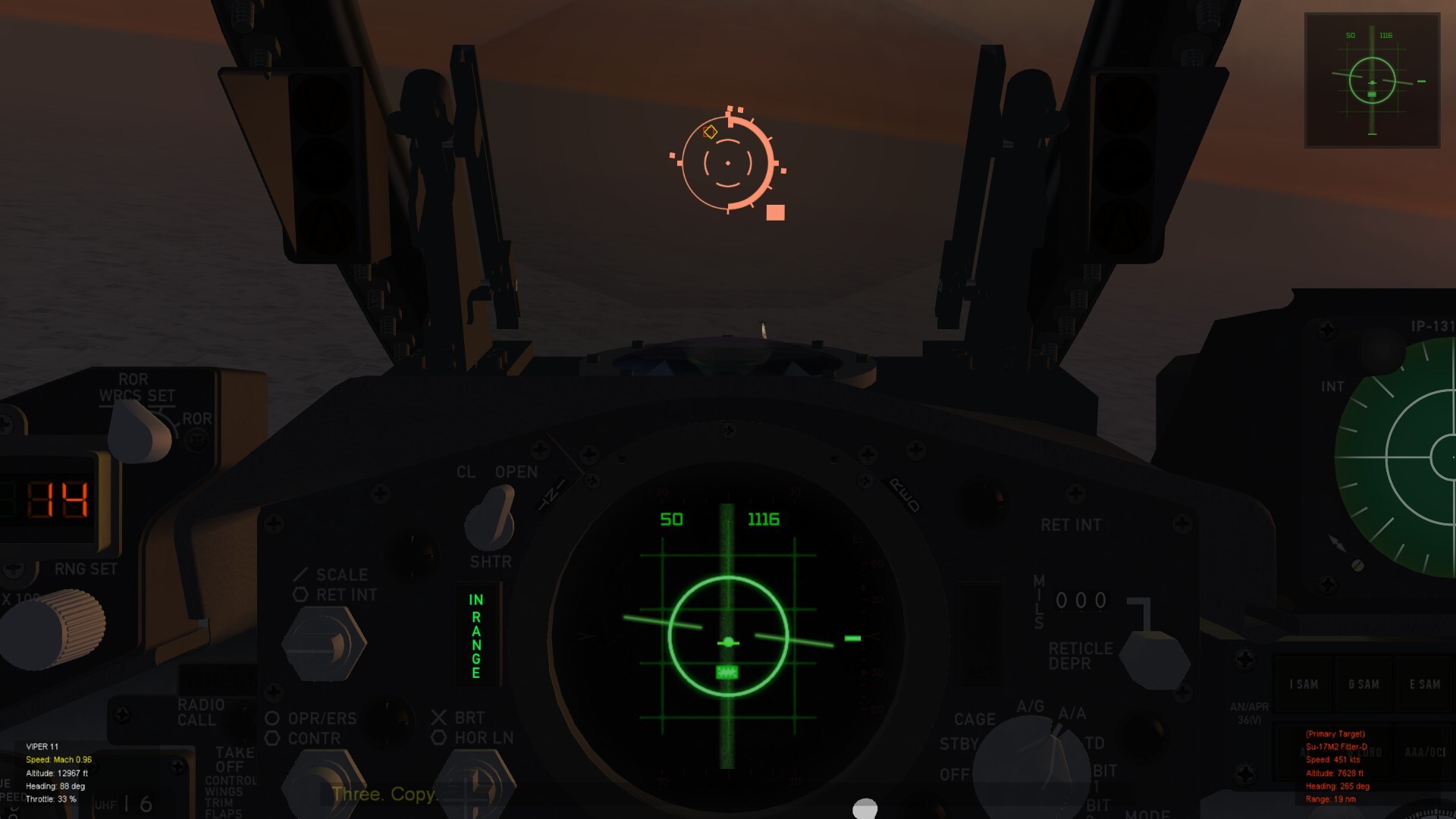
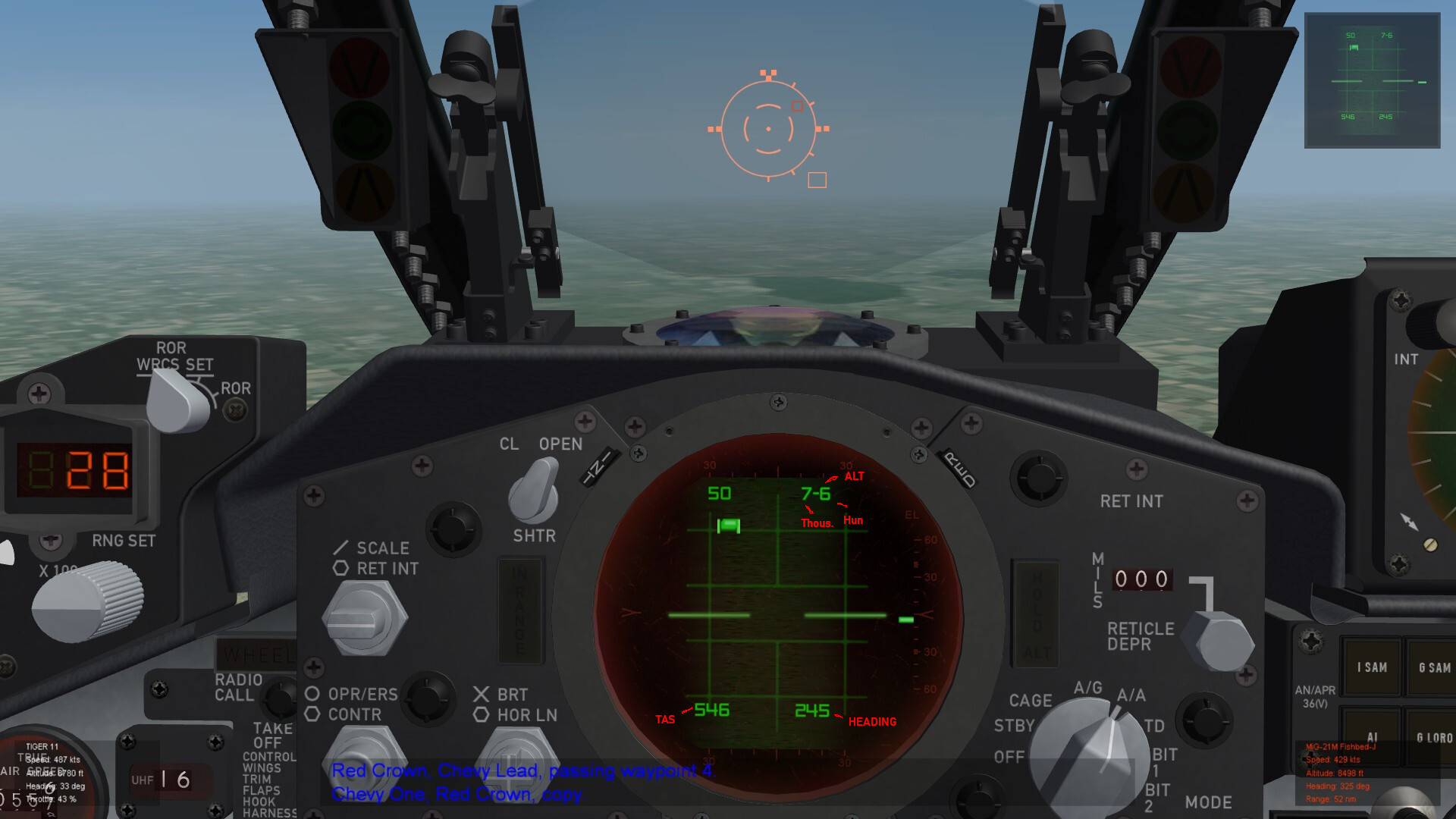
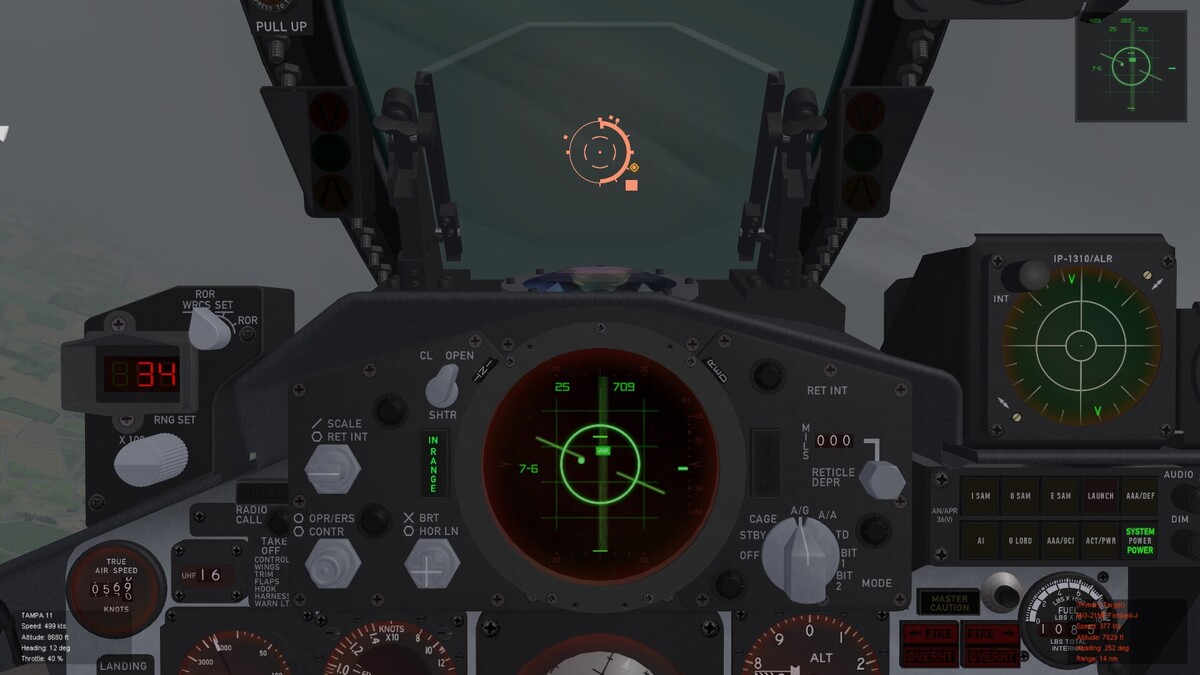
This is TWS Screen. The normal Lock On Screen is This...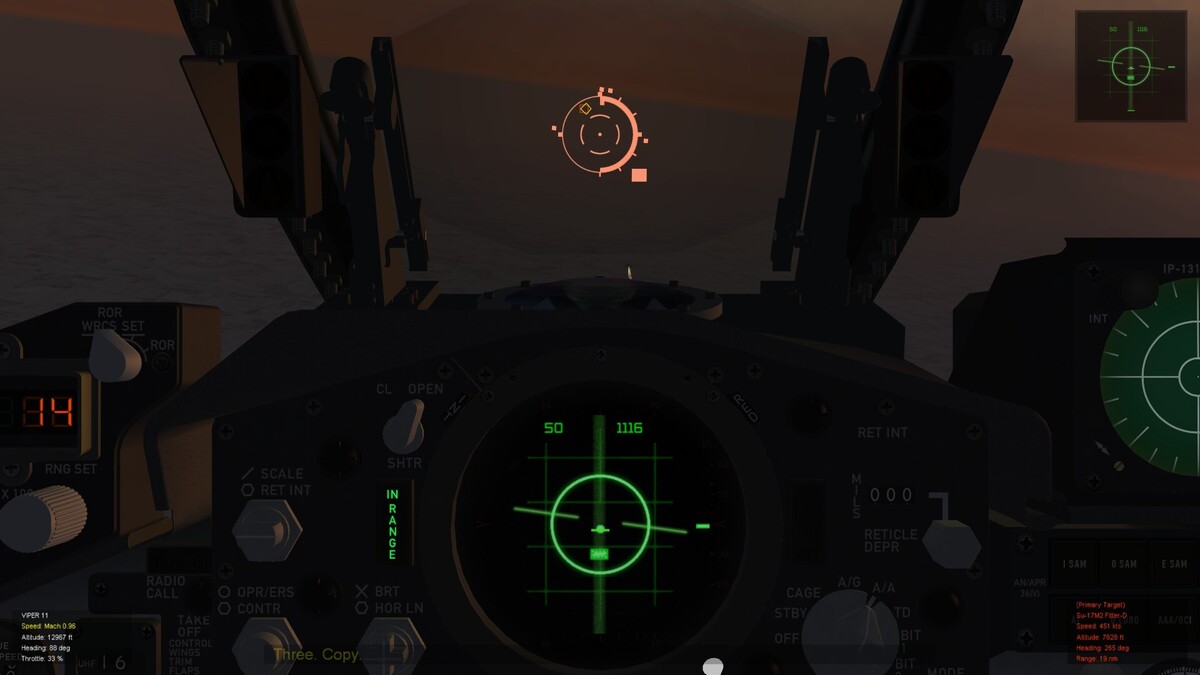
-
F-4E DSCG Radar Display & DMAS / ARN-101
Lex2Limit replied to ravenclaw_007's topic in General Discussion
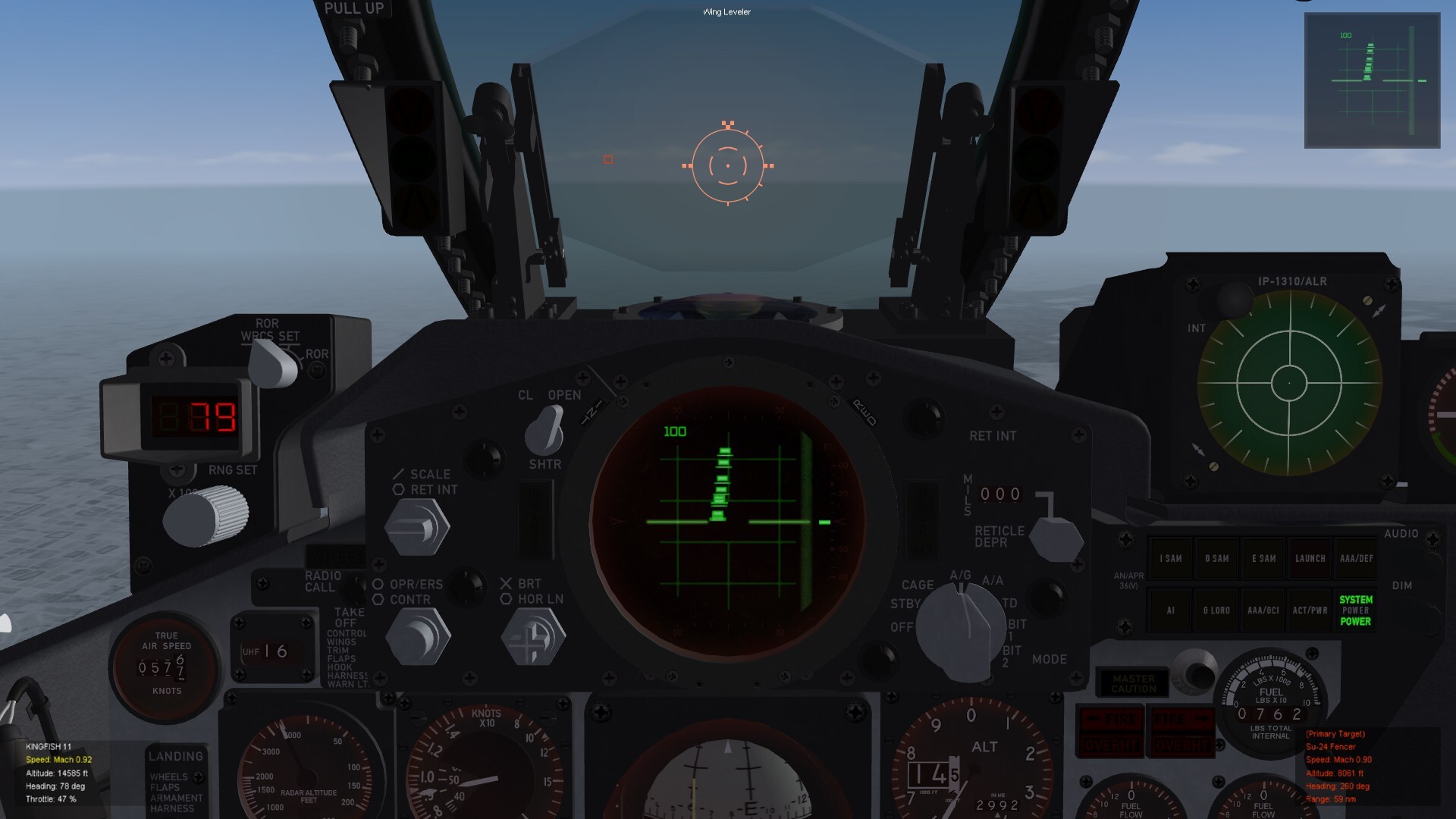
Here is an Update: F-4 Avis with IFF and TWS. I make them for ravenclaw_007's F-4D_78 Pits F-4 AVI New.7z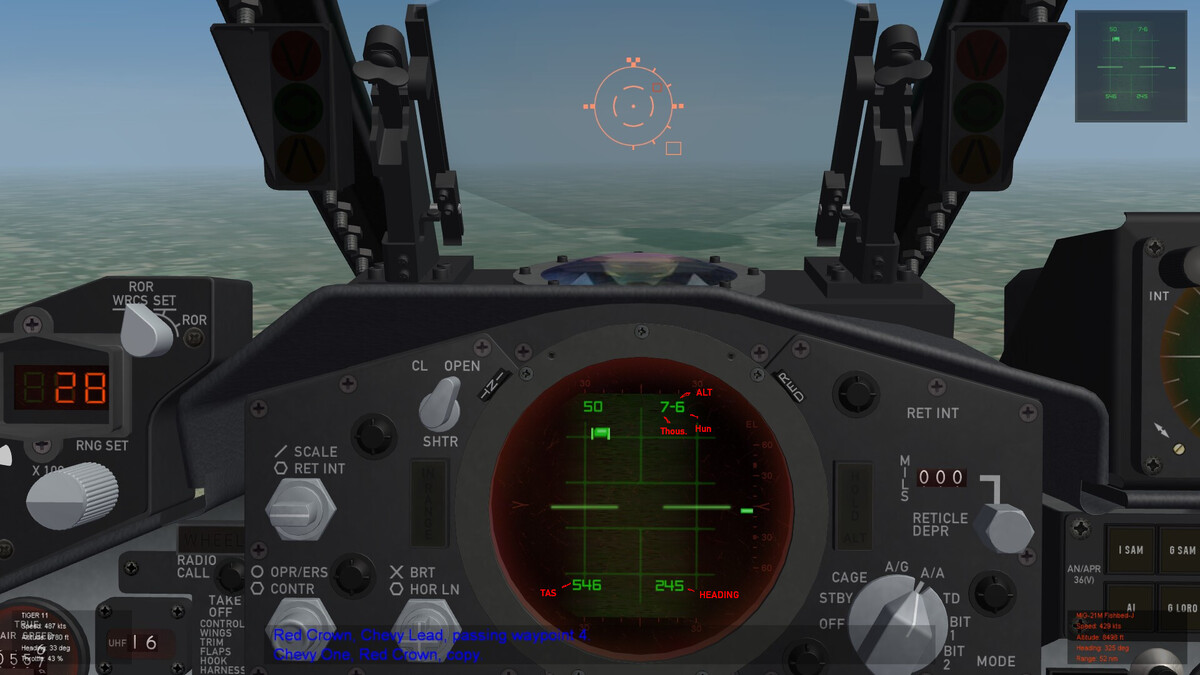
-
F-4E DSCG Radar Display & DMAS / ARN-101
Lex2Limit replied to ravenclaw_007's topic in General Discussion
By the Way... the Font i used here on the RADAR SCOPE, is Zeroes. it's totaly Freeware. I use it also for the F-14 Tomcats. https://www.dafont.com/zeroes.font But Attention!! in my Ini's the font was titelt ZERO THREES, it's a spelling Error from my first DL. now it's ZEROS THREE... -
F-4E DSCG Radar Display & DMAS / ARN-101
Lex2Limit replied to ravenclaw_007's topic in General Discussion
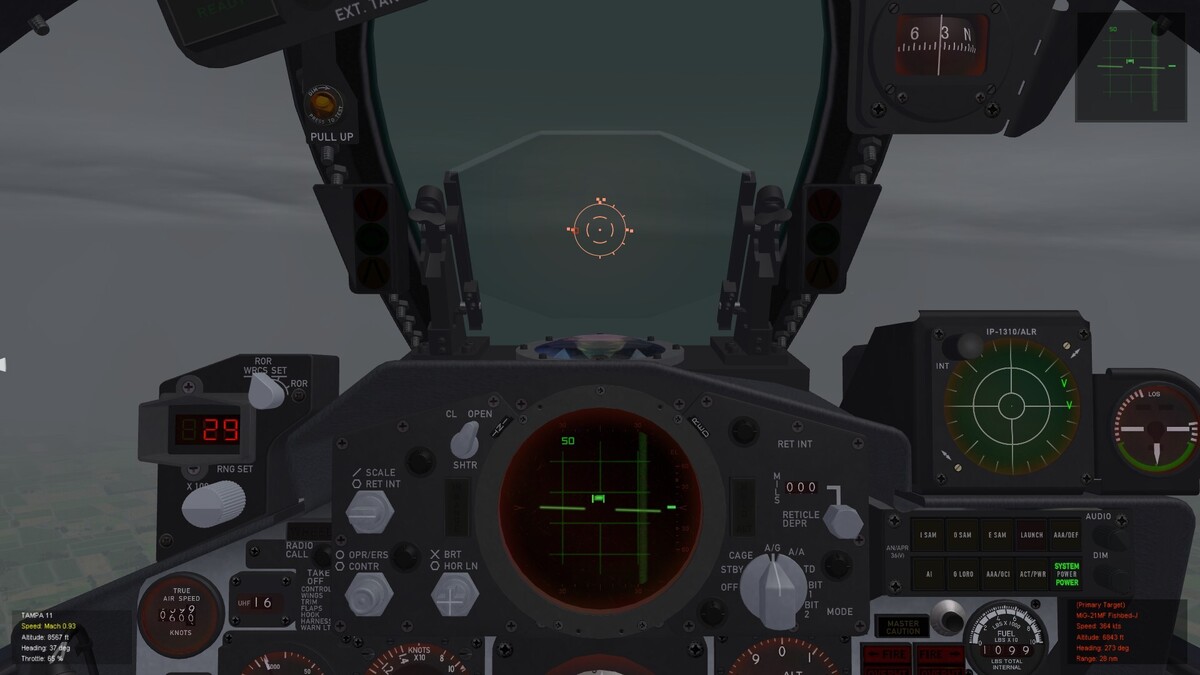
Here it comes.. as i told i' Beta. i have an other one without TWS its for ravenclaw_007's new F-4D_78 Pit F-4_IFFnew_AVIONICS.7z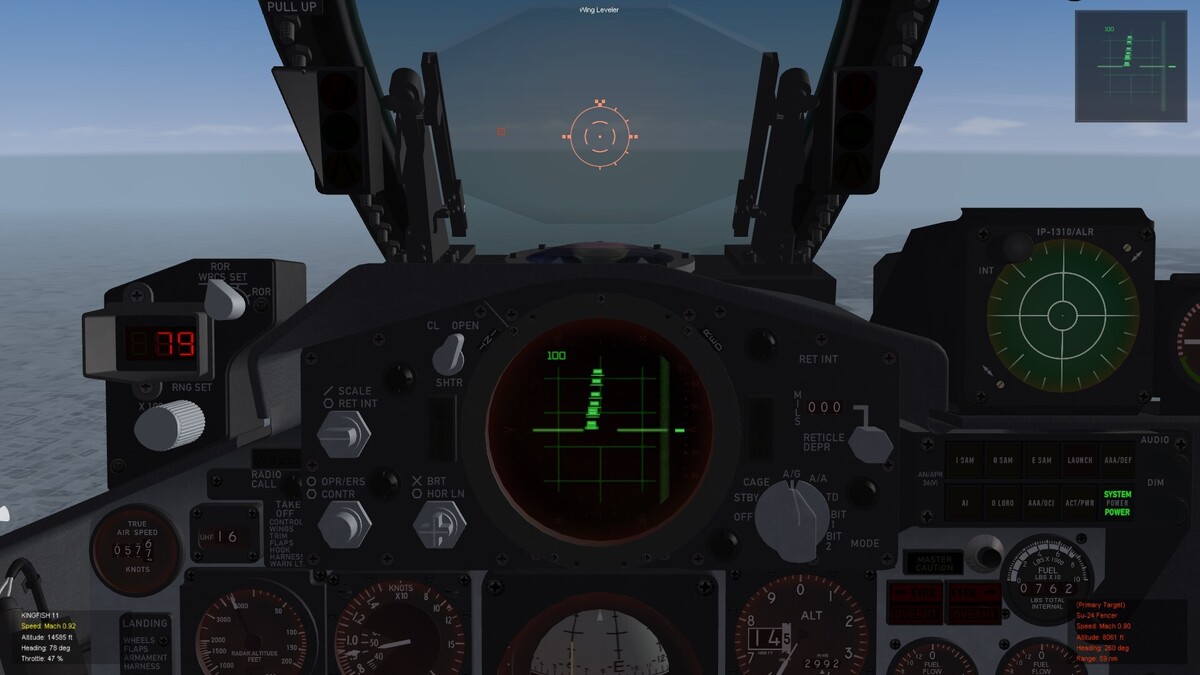
-
F-4E DSCG Radar Display & DMAS / ARN-101
Lex2Limit replied to ravenclaw_007's topic in General Discussion
Hi Volker, if you need Support i have a Beta Avionics70 with IFF for Phantoms and symbols for that. -
oh yep. this is the reason.Thx 4 the info, Wrench! . Ok, it make sense....AIM 120 Amraam So i make it my way. every singelseater Hornet like from EricJ. all double seater Avionics 70 Ground Stuff by the way...it's a sorrow, that the ground map radar has only optical charm....
-
Hello, is there a reason, why the Block II and III Hornets don't have a GM Mode on the Radar? In the cockpit inis and Avionics there is a GM Mode "installed", but i couldn't switch on them....
-
SF2 Avionics Community Pack - - Beta release v0.5
Lex2Limit replied to Eagle114th's topic in Mods & Skinning Discussion
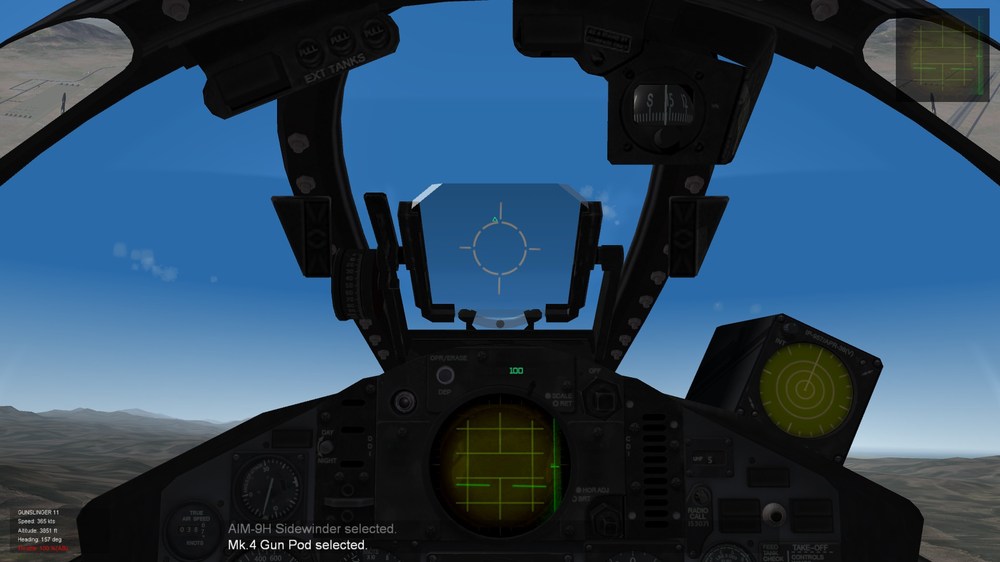
I check it. I think it was the missing BLANK.TGA So what happens. i make a new F.4 J (74) PI Avi with your files look the screenshots and giv me feedback. you can have the files, f you want.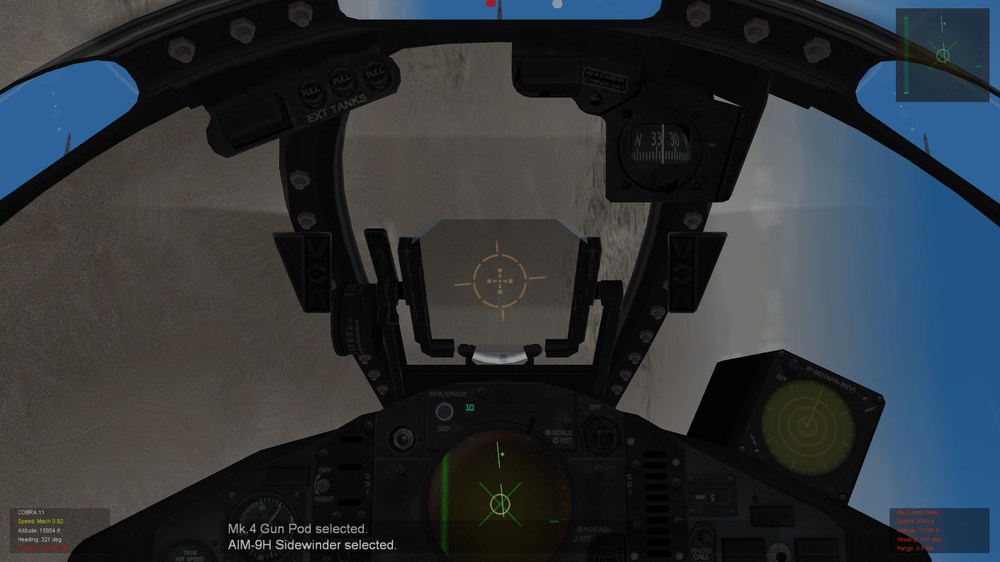
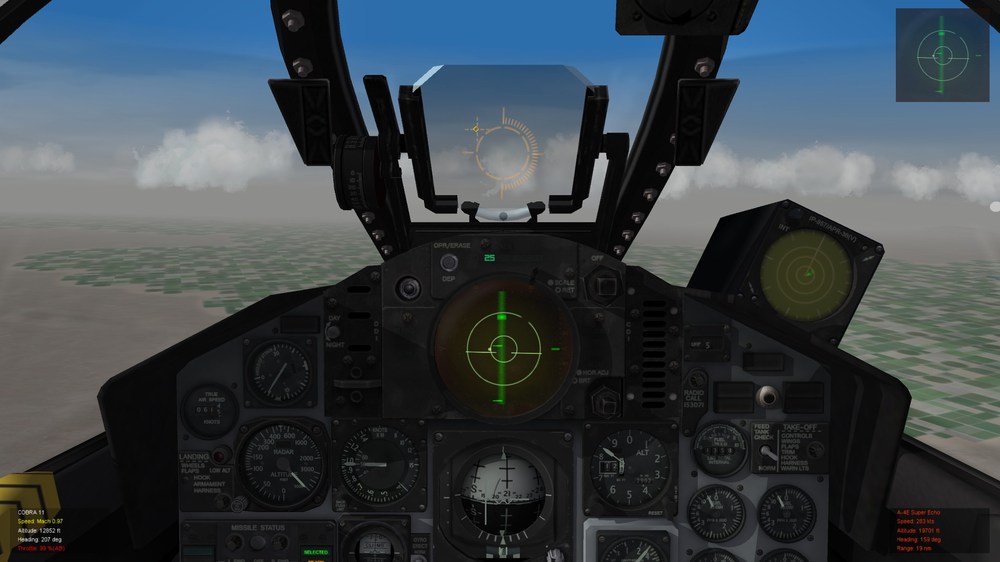


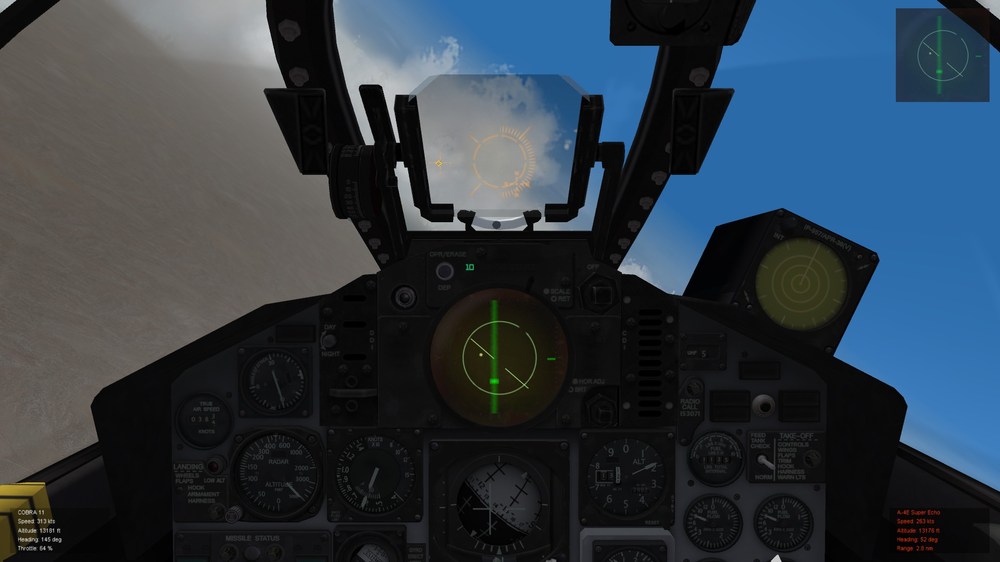
-
SF2 Avionics Community Pack - - Beta release v0.5
Lex2Limit replied to Eagle114th's topic in Mods & Skinning Discussion
But then i lost my Leading Crosshair for Guns...