
Goob113870
-
Posts
108 -
Joined
-
Last visited
Content Type
Profiles
Forums
Gallery
Downloads
Store
Everything posted by Goob113870
-
i watched that video on youtube yesterday and it looks amazing. Downloaded it off of Moddb also. gotta fire up Freespace now
-
go to mission for today and seek help. Also would help to know if you are using vanilla 1946 or the B.A.T. mod?
-
uh....I'm going to say there are none but feel free to make us one if you like LOL!
-
Cliff of Dover Blitz planes rolls to the right constantly?
Goob113870 replied to BWYF-23's topic in General Discussion
delete and reinstall. also go into joystick settings properties and see if all the buttons and axis are working and re-calibrate. go into search window and type joy.cpl to bring up joystick properties window. -
 so this will work with SF2 merged all five?
-
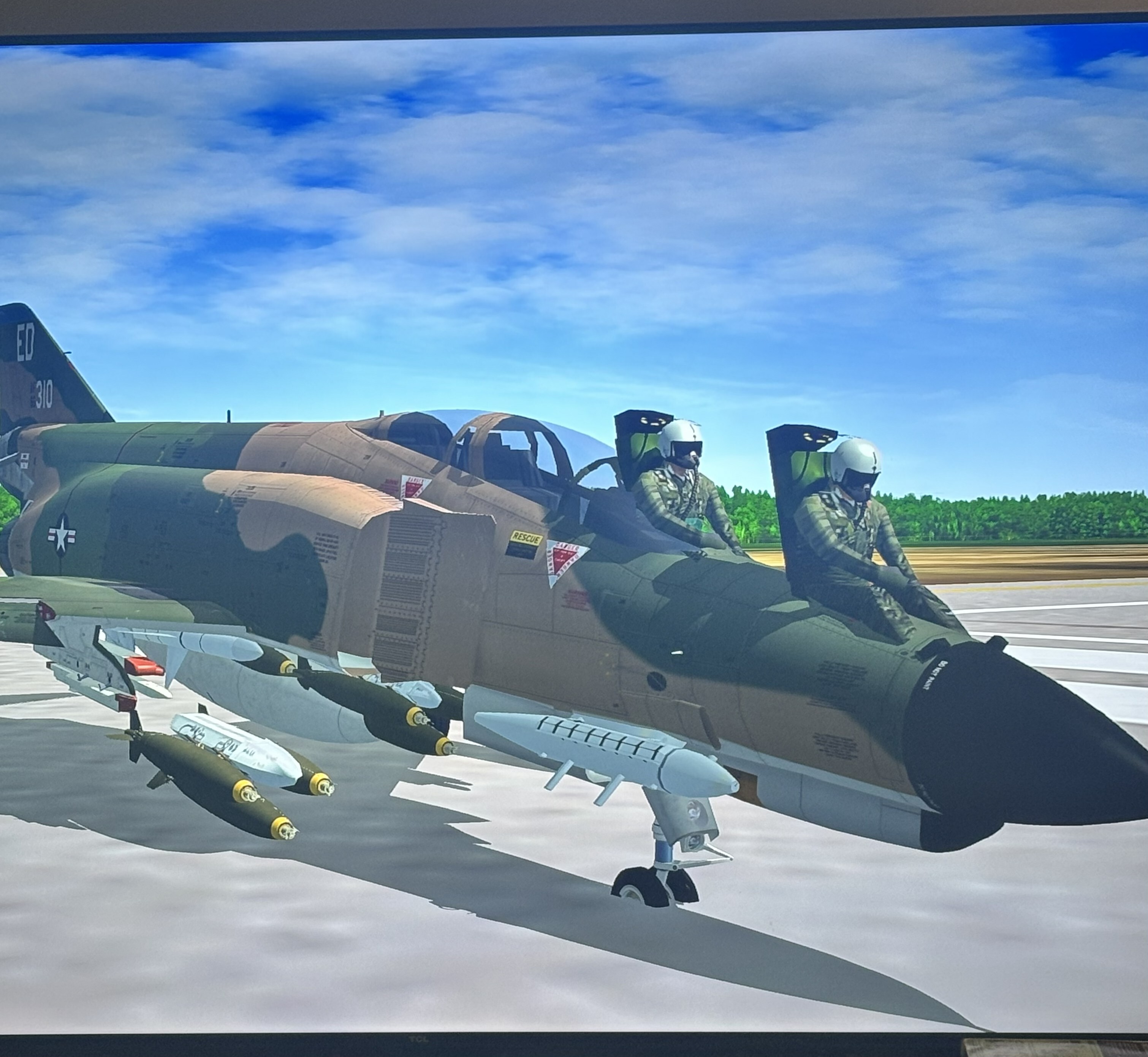
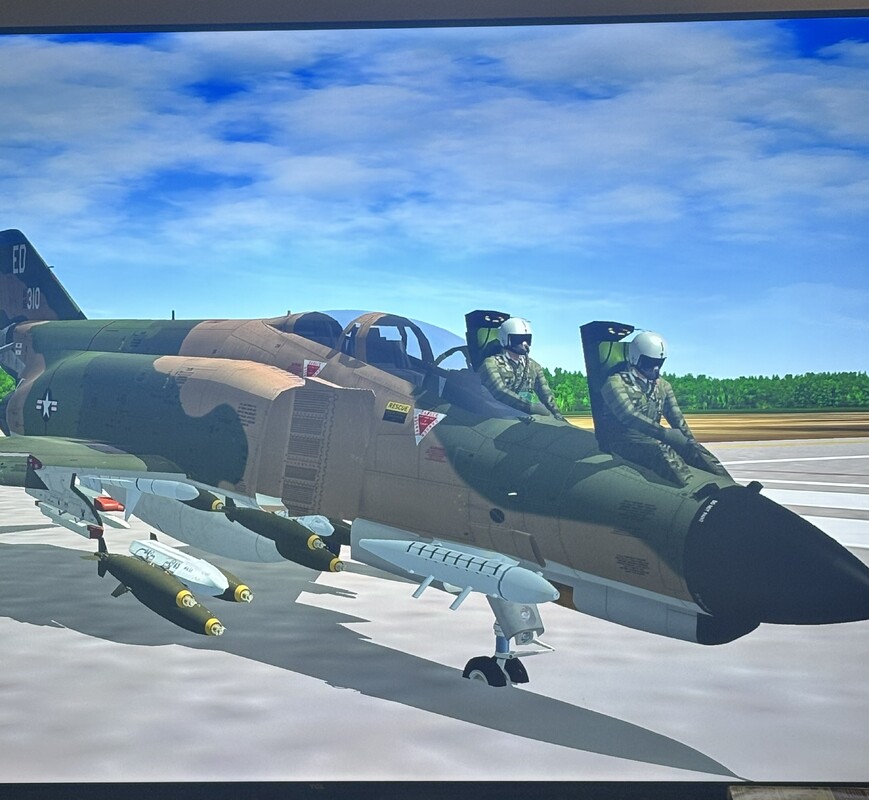
pilots appear outside or on top of aircraft.
Goob113870 replied to Goob113870's topic in General Discussion
glad it worked for you -
I've been waiting well over a year LOL!
-
Yankee Air Pirate Revamp Works new release: YAP RW Phase Two (2026)
Goob113870 replied to potentesciamano's topic in The Pub
I've done all that stuff already before your reply to this. It's funny that a whole lot of people on here at Combat Ace have reported the same issues with the YAP-RW site. I don't know if this is a windows 11 issue or on your end especially if you have done recent updates to your site. I can access your website just fine on my iPhone. I have never had any issues going to your website before posting on this thread. It's got me stumped. Maybe I will try on Google Chrome as I am currently using Microsoft Edge and it has been updated recently. -
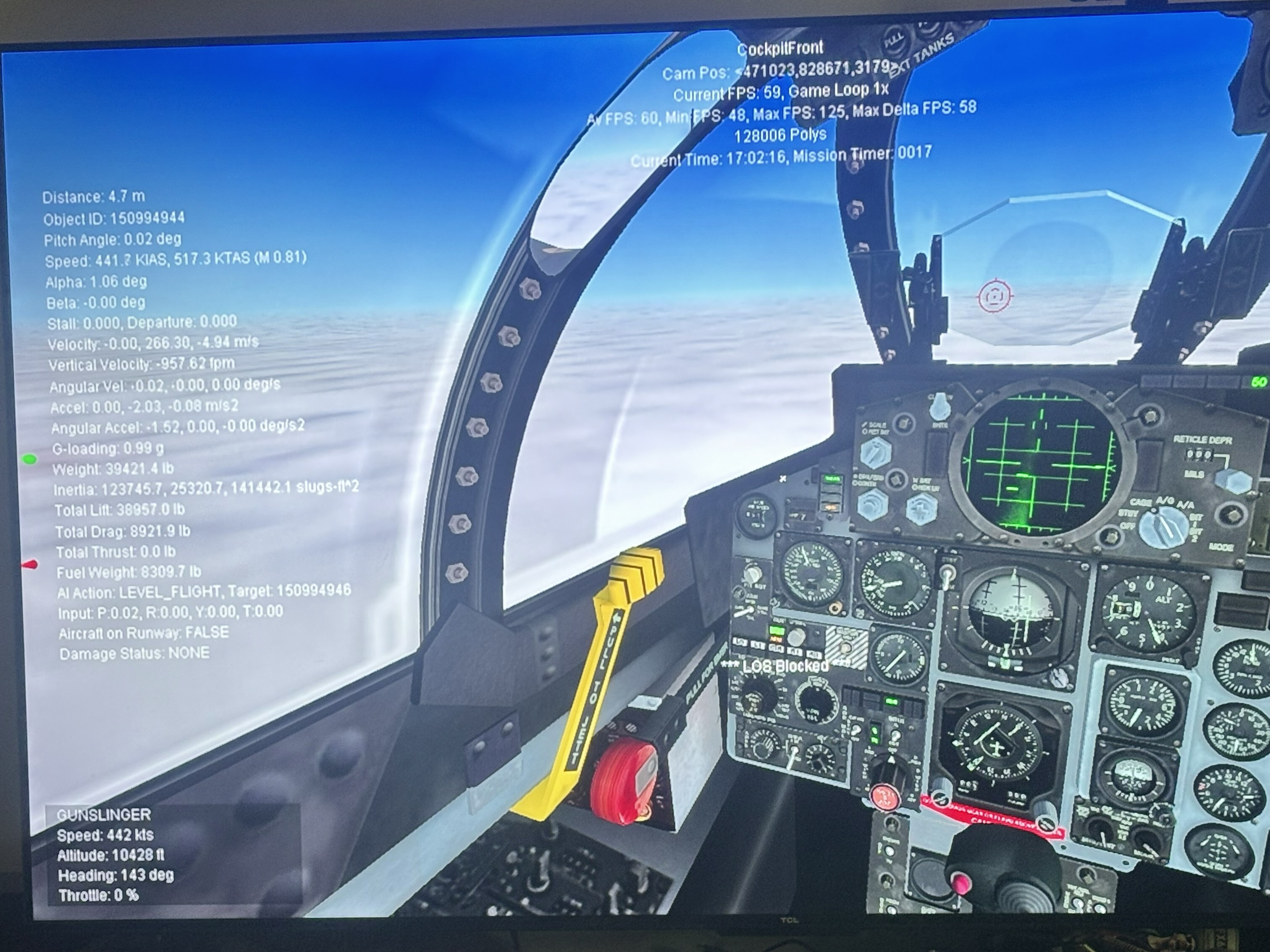
[Debug] DisplayDebug=FALSE ;DisplayDebug=FALSE Thank You this worked. Found the hud.ini in the Flight Folder and changed the top Value to False like you said. IT WORKS!!!!
-
I'm afraid neither of those seem to work. Thanks for helping though. I've run into this problem a couple of years ago but for the life of me I can't remember what I did to clear all that data off the screen. I thought I wrote it down in my troubleshooting notepad on my desktop screen.
-
Yankee Air Pirate Revamp Works new release: YAP RW Phase Two (2026)
Goob113870 replied to potentesciamano's topic in The Pub
I have found today that using the method of removing http:// does not work today. So I turned on my VPN and low & behold I was able to go to the website and download all that I needed. I think there is something wrong with their (YAP RW) website that they need to correct. I should not have to enable my VPN to get access to the site. -
Yankee Air Pirate Revamp Works new release: YAP RW Phase Two (2026)
Goob113870 replied to potentesciamano's topic in The Pub
no problem I hope it worked for you also. -
Yankee Air Pirate Revamp Works new release: YAP RW Phase Two (2026)
Goob113870 replied to potentesciamano's topic in The Pub
I had to do like one member suggested and drop the https:// then click enter and it brought up a security block page and i just clicked the button to allow this website through. -
Yankee Air Pirate Revamp Works new release: YAP RW Phase Two (2026)
Goob113870 replied to potentesciamano's topic in The Pub
still cant get through and its the same error message that others are reporting -
Yankee Air Pirate Revamp Works new release: YAP RW Phase Two (2026)
Goob113870 replied to potentesciamano's topic in The Pub
your link for YAP-RW phase 2 in this post is dead. Just thought you should know -
There is a really cool mod and it's a 2-day plan for $6.95 under SUBSCRIPTIONS to download mods.
-
Dang that's all you are looking for is free mods. Why don't you just spend $6.95 for a 2 day unlimited download plan. If you can't throw a couple of dollars in the ring buddy than you ought to rethink your strategy in life LOL
-
I have it on my PC and iPhone. It's okay for retro looking flight game. The controls scheme is not the best and hard to control fighters.
-
Janes WW2 Fighters from 1998
-
pilots appear outside or on top of aircraft.
Goob113870 replied to Goob113870's topic in General Discussion
Thank You for the info. The problem was only with the F-4E II. I found my archived F-4E II zip and reinstalled the Pilot Folder into Objects/Pilot Folder and that fixed the problem. -
pilots appear outside and on top of aircraft. How to fix?
-
LOL that message about all the files being purged or destroyed has been up for YEARS!!!!!!!!!!!!!!!!!!!!!!!!!!! Don't waste your time on that website its pretty much abandoned, all you'll do is give yourself a headache. I think the website stay up just to gloat at everyone for the things you cant have from them
-
boy I remember doing all that and getting the obligatory when he gets back to the office! seems to be a theme with that guy LMFAO
-
It's all PDF after the origianl IL-2