


orsin
-
Posts
339 -
Joined
-
Last visited
Content Type
Profiles
Forums
Gallery
Downloads
Store
Everything posted by orsin
-
it is actually implemented with a dummy engine. The only drawback is it works 360 degrees...
-
Hi Centurion-1, I find a lot of mig-23 cockpit photo here http://igor113.livejournal.com/102515.html
-
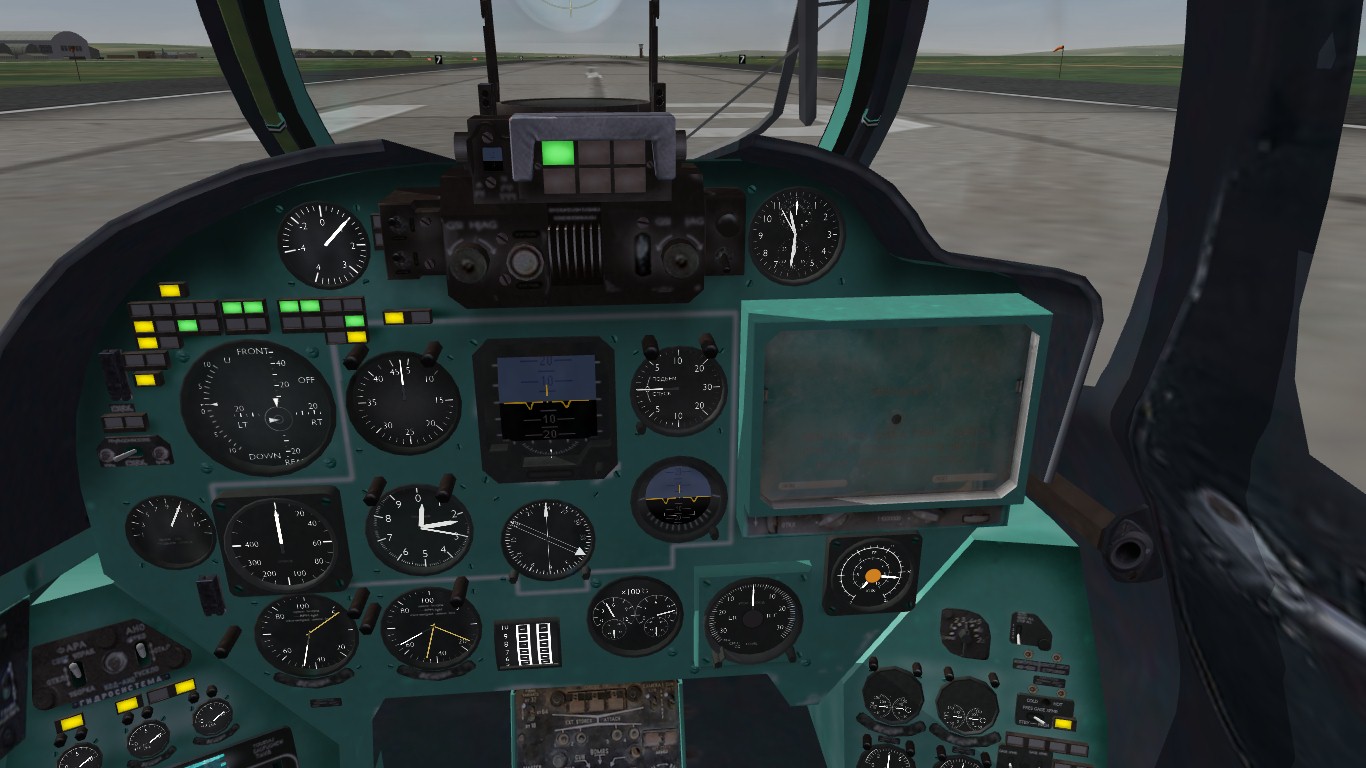
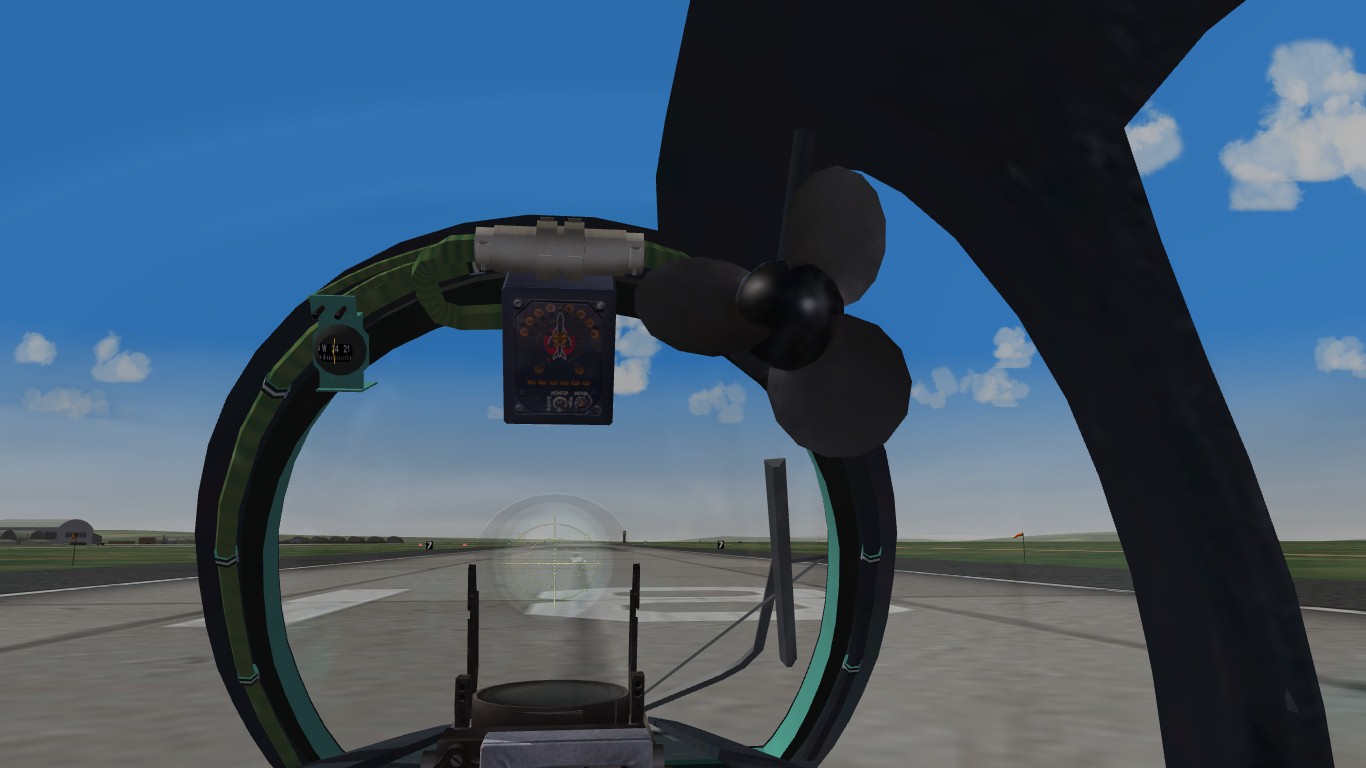
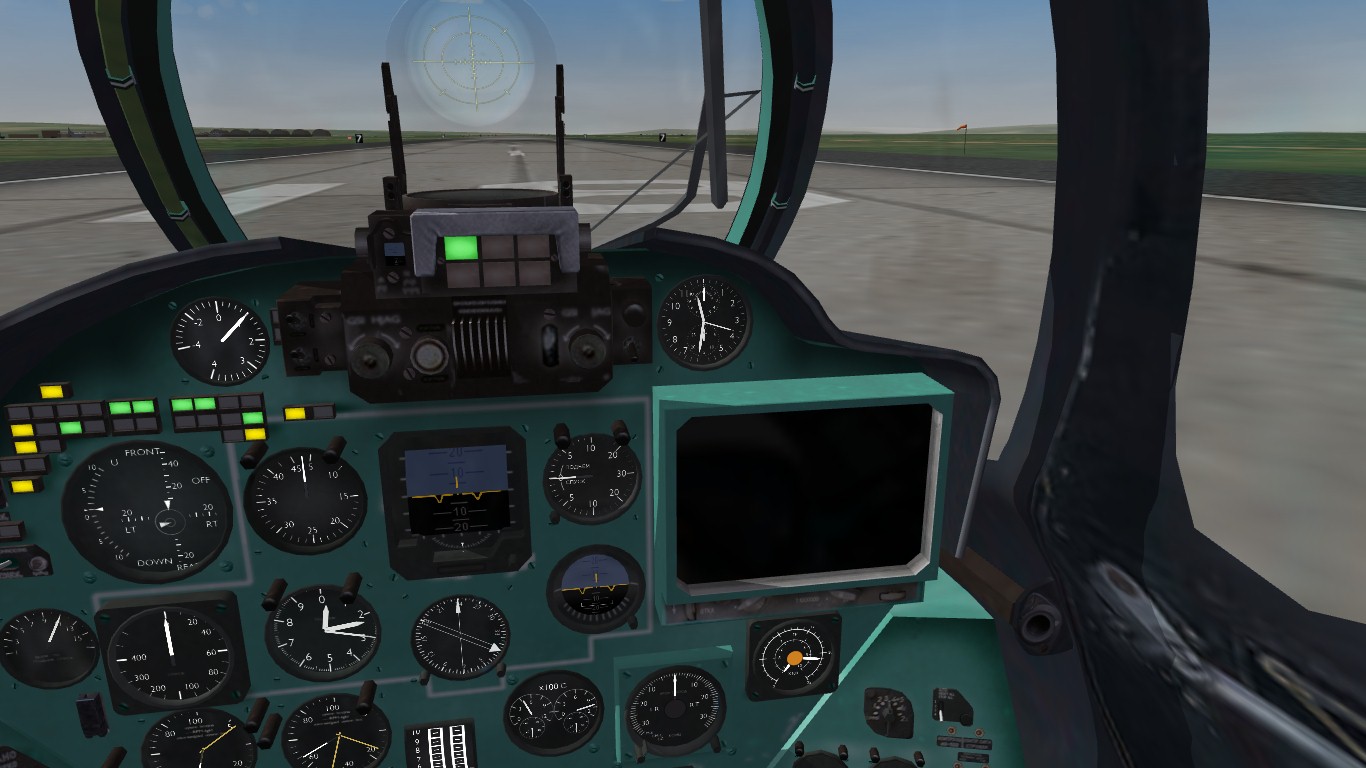
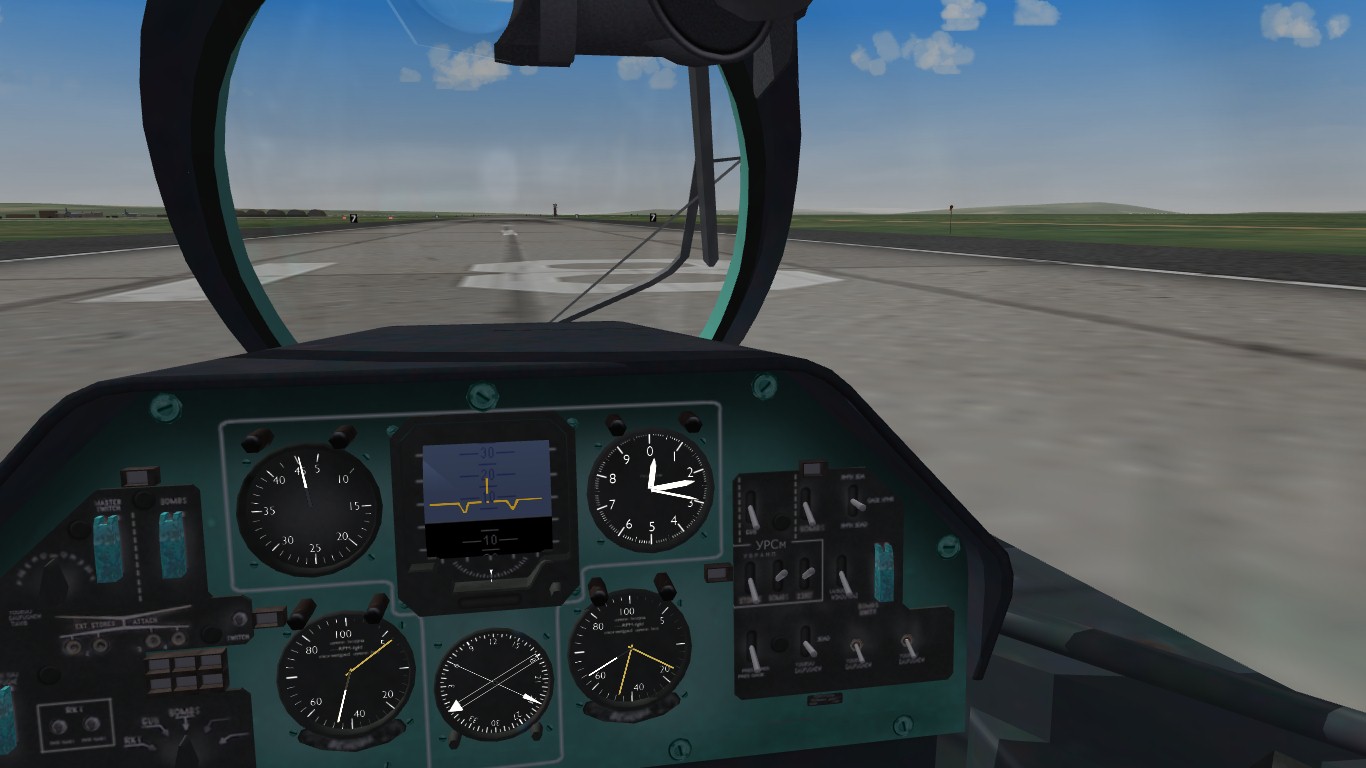
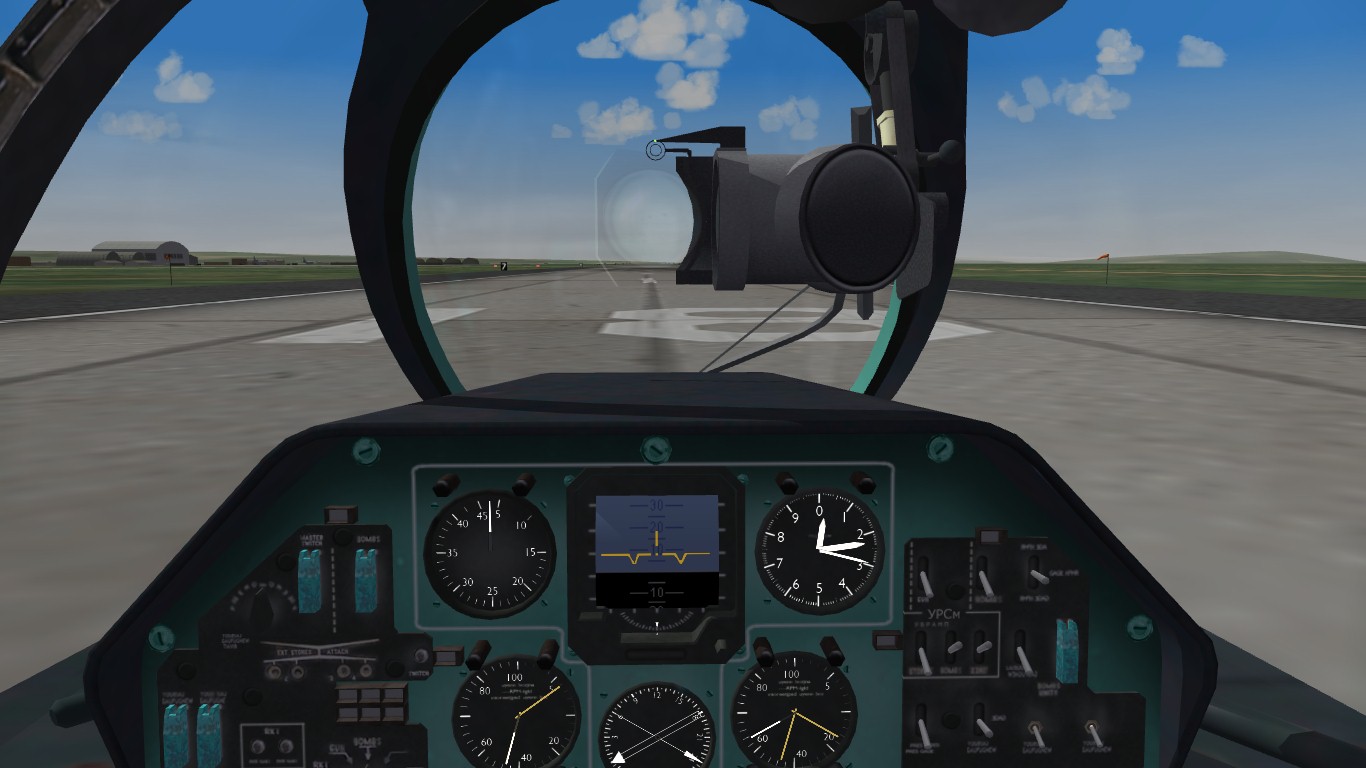
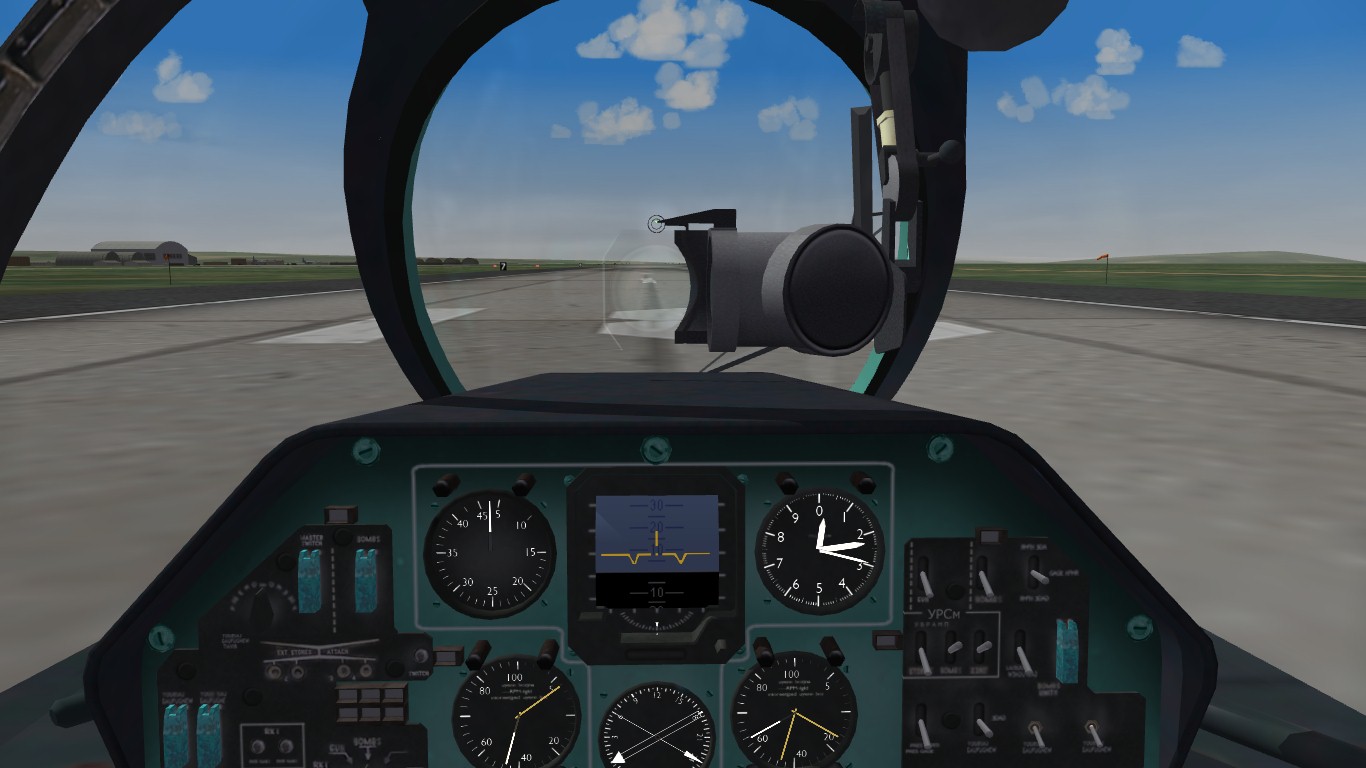
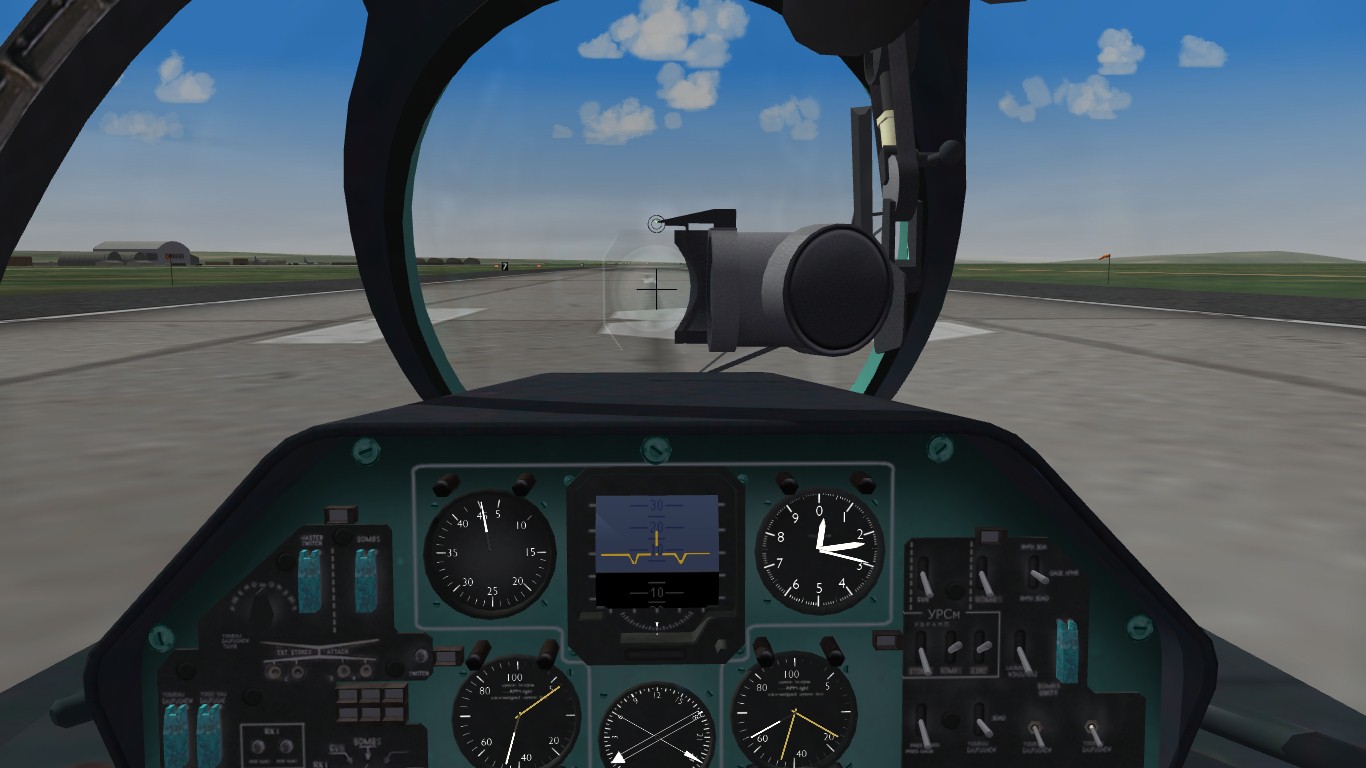
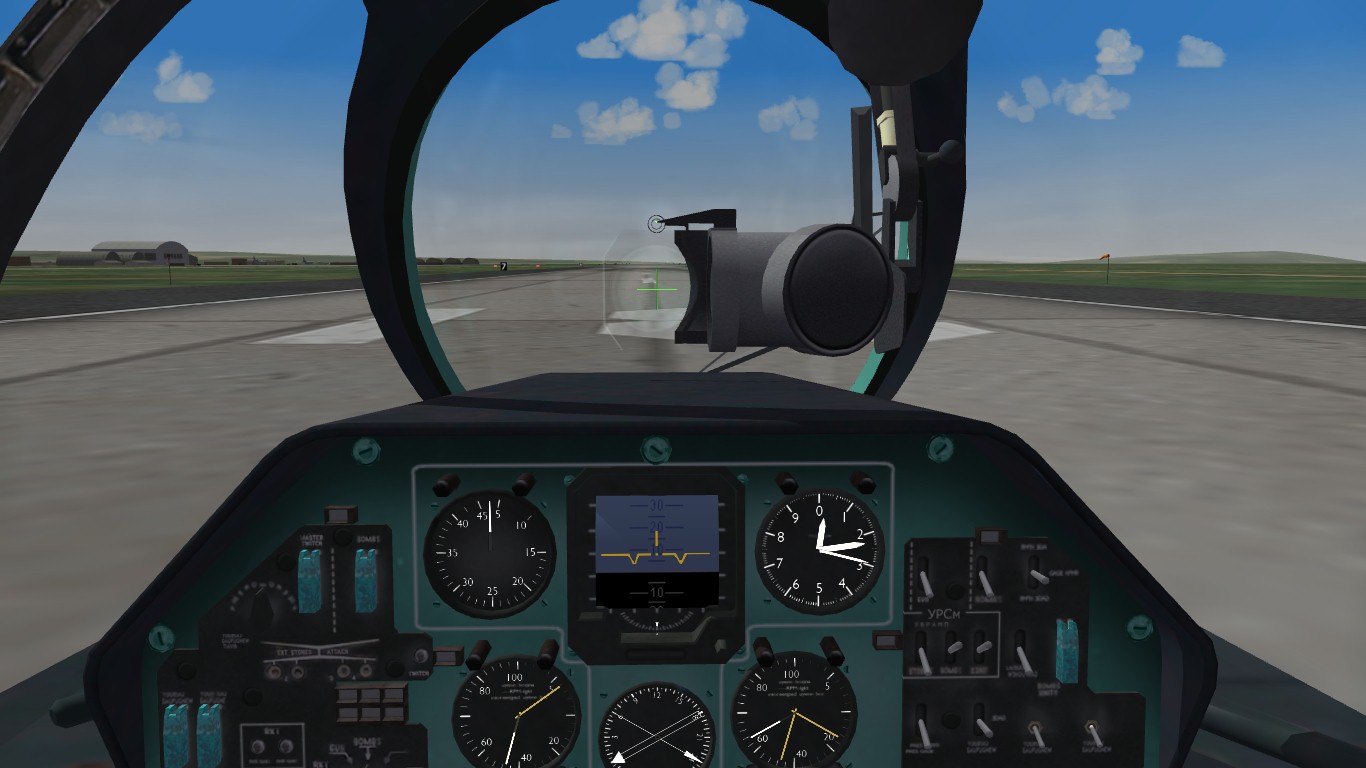
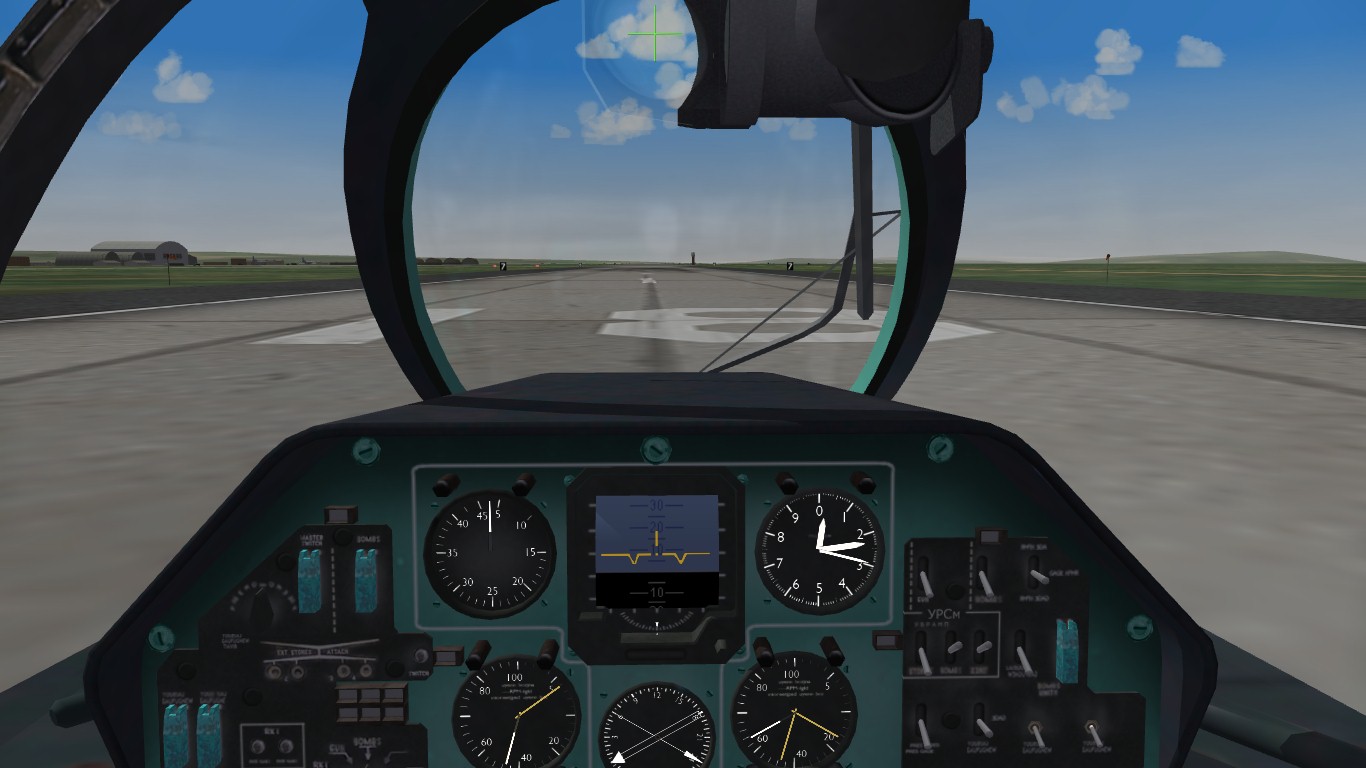
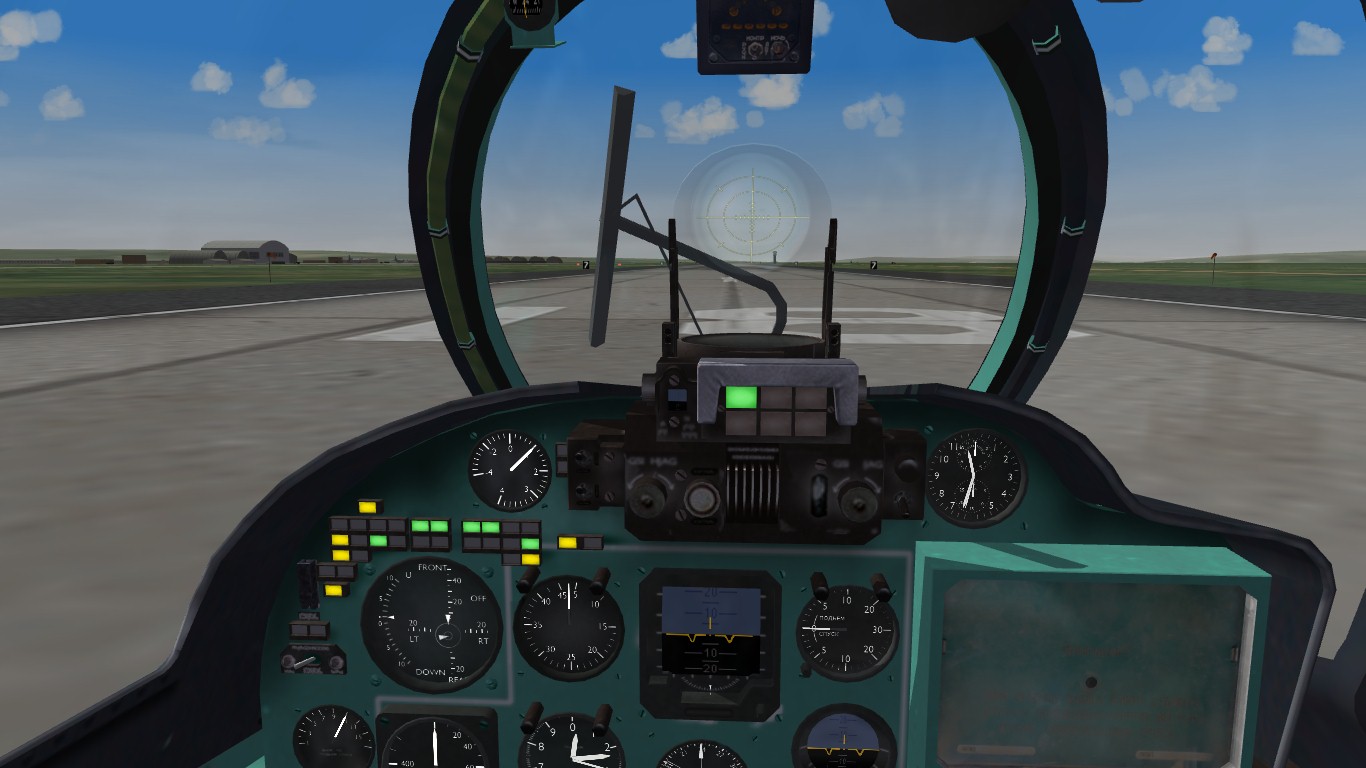
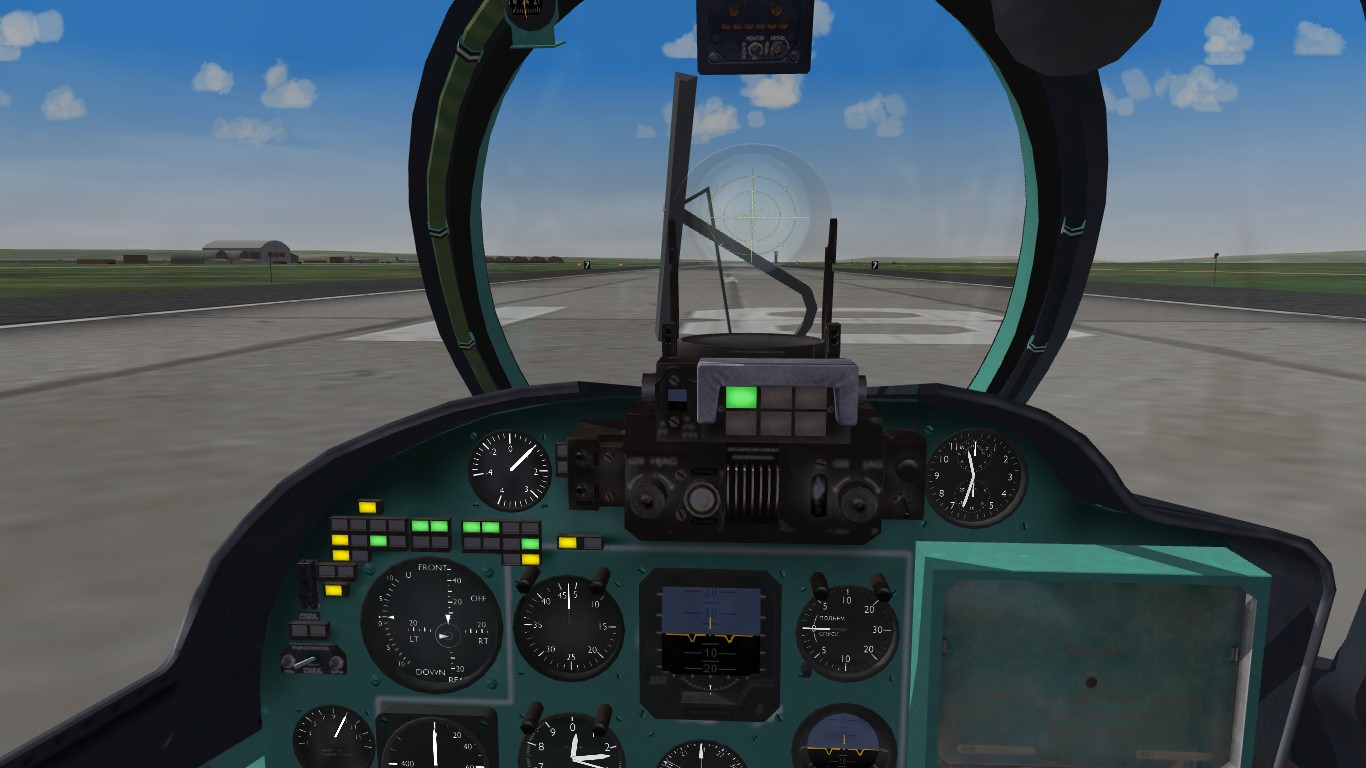
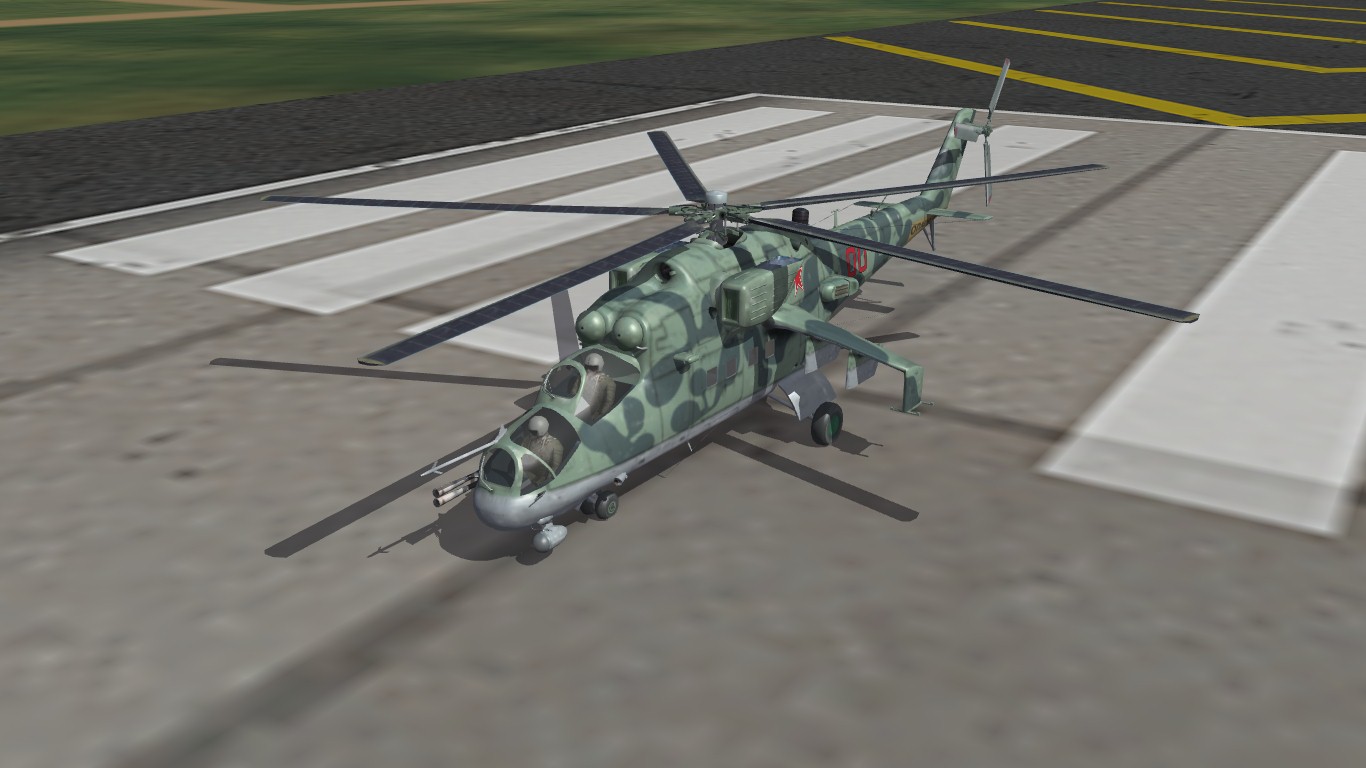
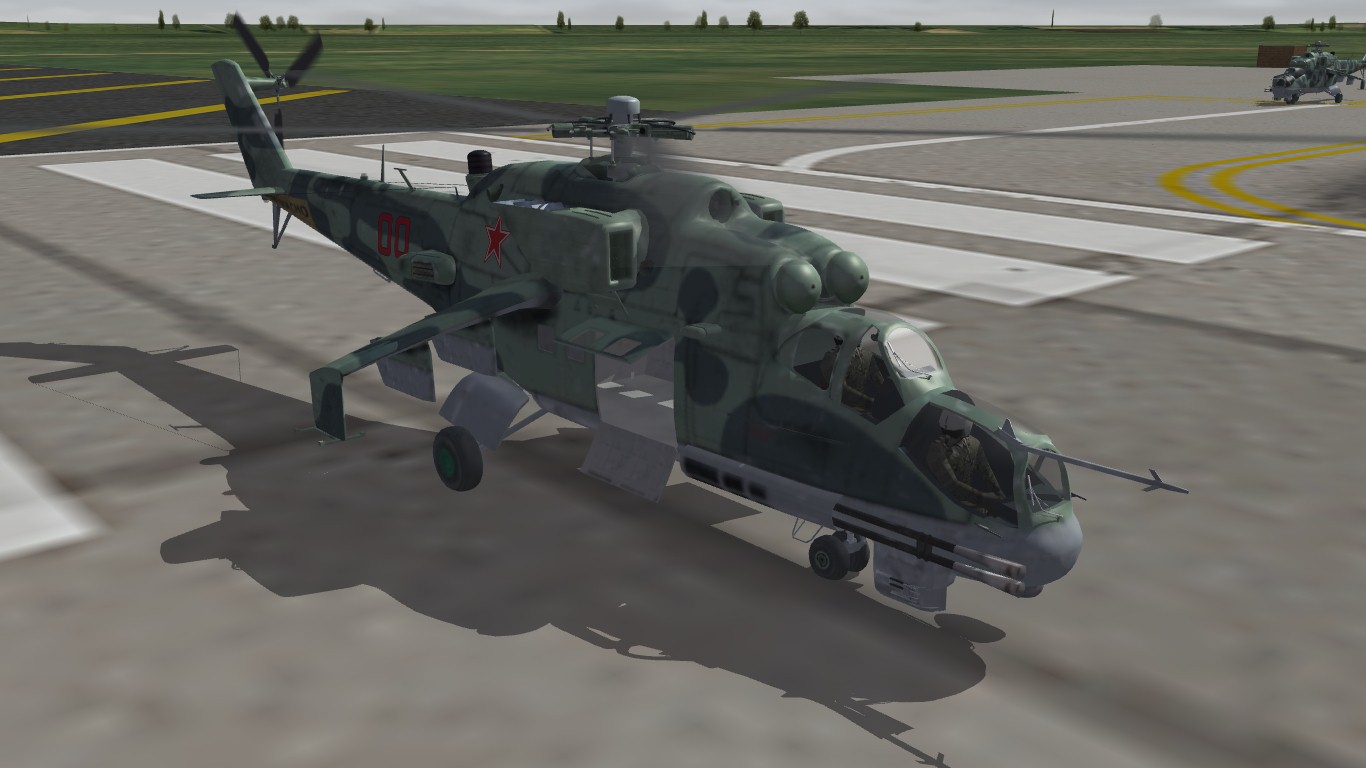
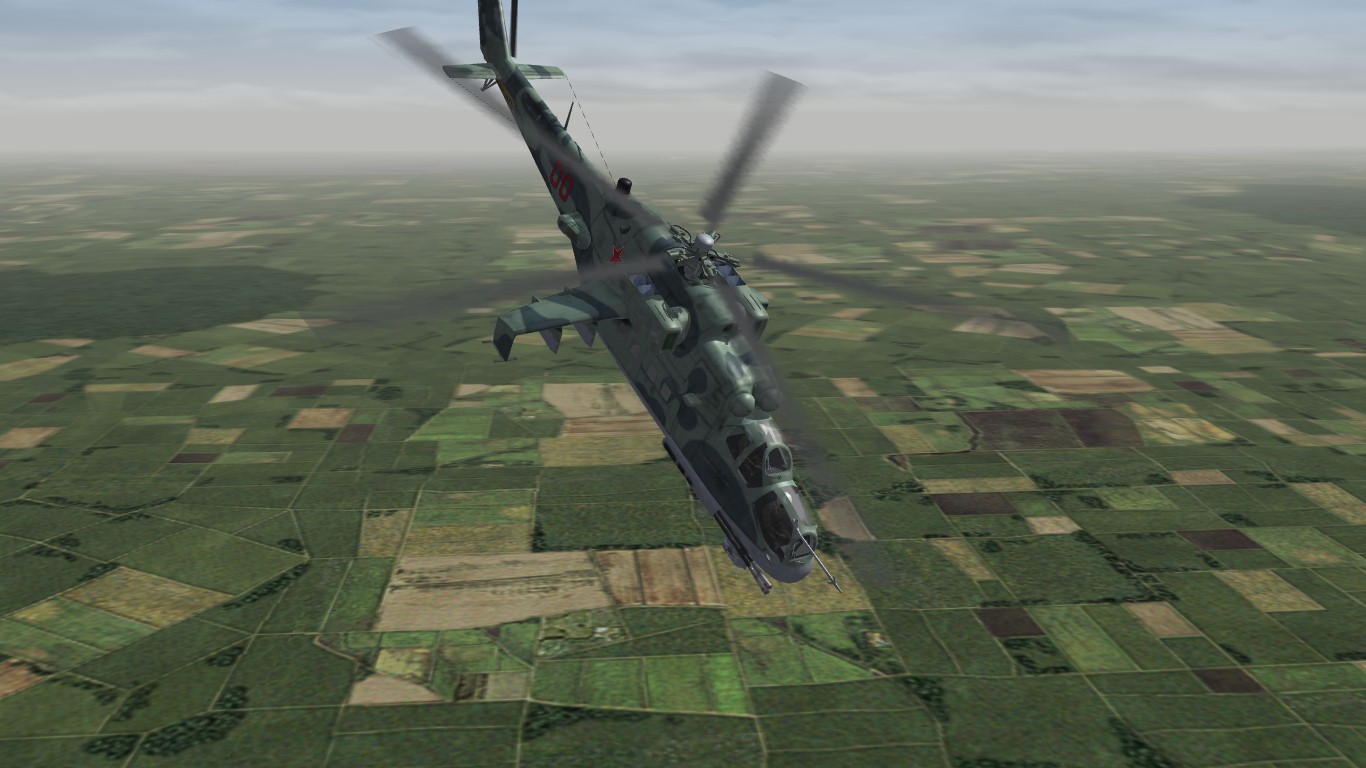
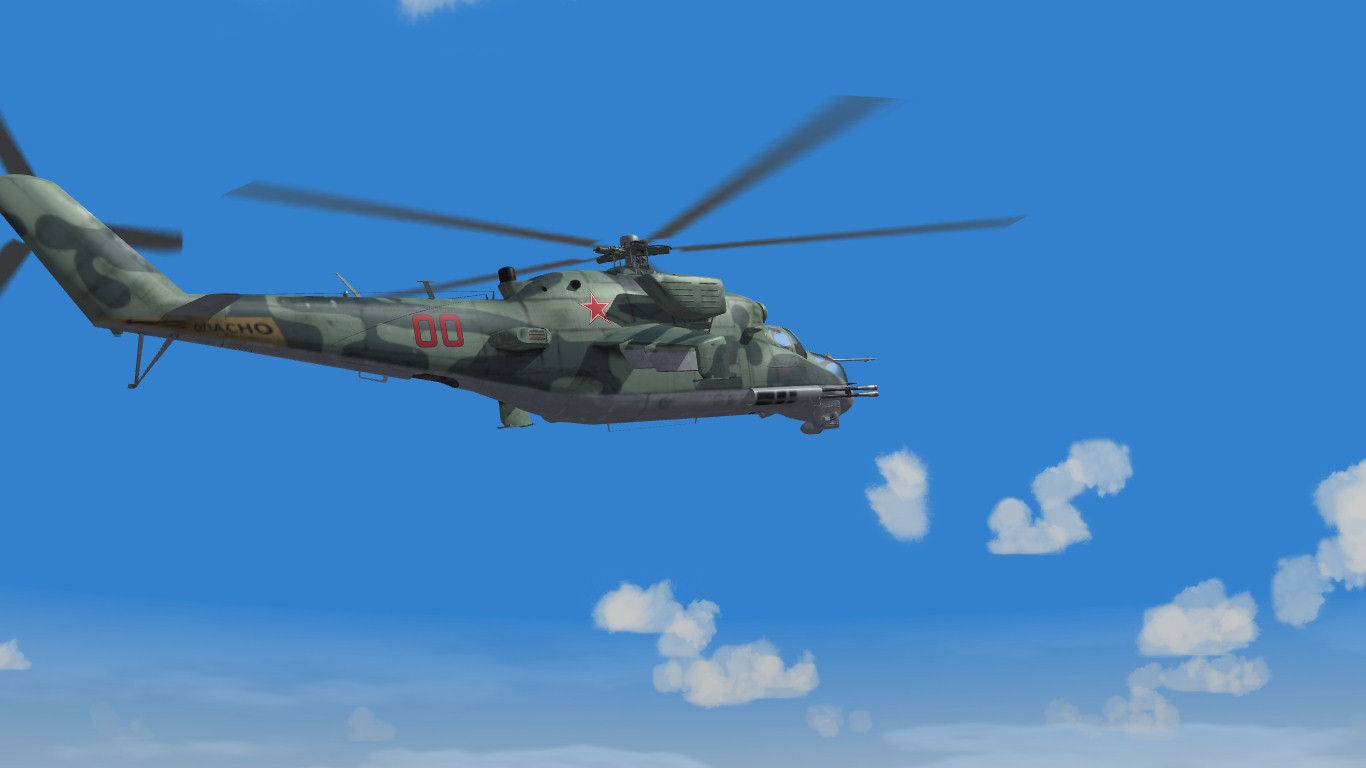
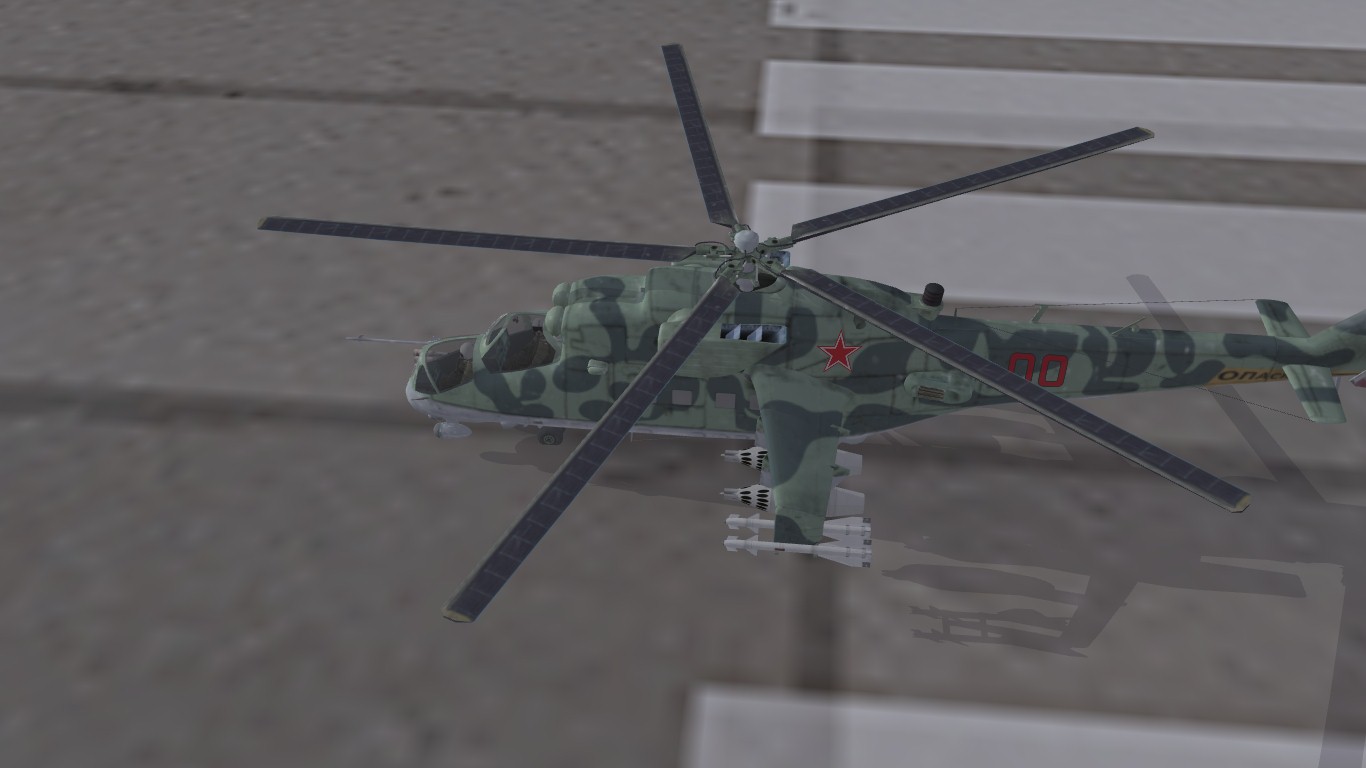
I have seen other people asking download helo from "the other site" lately. In fact, there is a Mi-24 project run by YEYEYE since last year. The mod features a brand new Mi-24 model with a dedicated cockpit, capable of switching between pilot and WSO seats. The mod is still unfinished, missing some textures for warning lights on dashboard. SF2 AI is unable to handle the helo at this moment due to special configuration of flight model. However it may be release "as is" since YEYEYE does not have intention to further complete it...
-
ffcn好久不见
-
there is a premature v2.0 come from insky back in 1 year ago. it reached me for INI and model refinement and got stuck since then... i was simply too busy. Anyways, good to see you pick the model up Veltro2K
-
the answer is very simple You used TGA components for radar display. (could have been your radar background) so the solution is Use BMP instead.
-
Is it possible to Mod a carrier with a "weapon" that uses a lod file of a whole set of crews parking planes, stock weapons, etc?
-
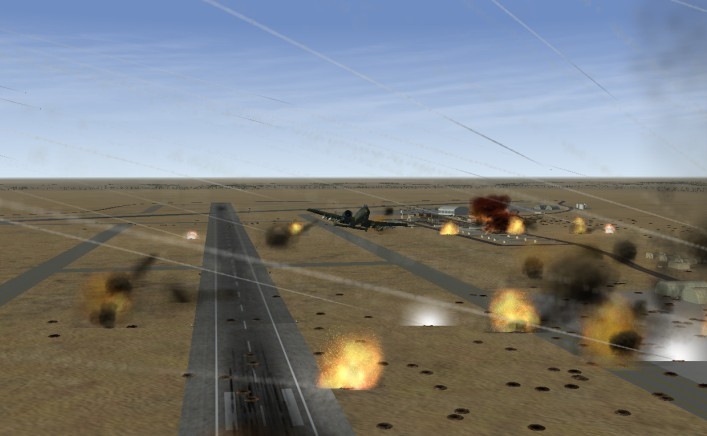
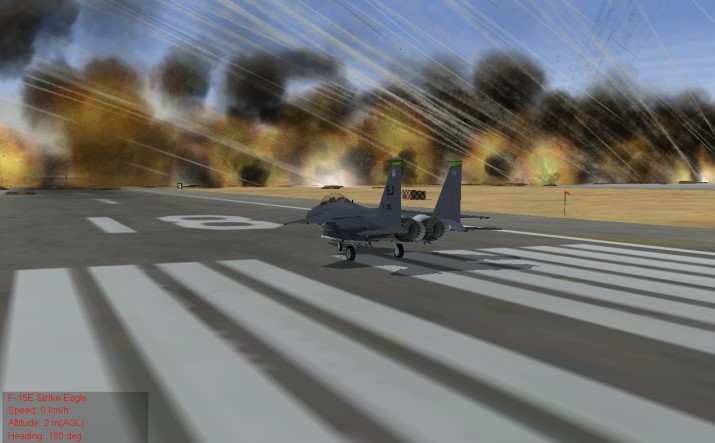
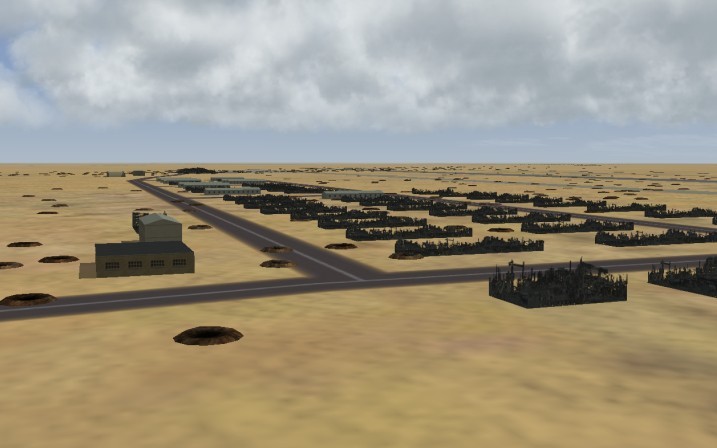
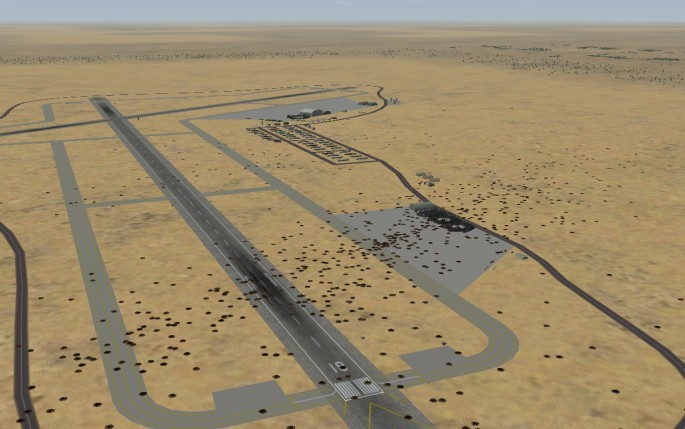
A bad start of the day..... New MLRS rocket effect, present to you by HoneyFox
-
That is quite a large bombay...
-
I actually released one for SF series a while ago, by simply reducing the texture size to get a Jane's F-15 feel. The tracer dots now look much smaller and denser.. I m experimenting tracers like LOFC2.0, but I personnally dislike it...
-
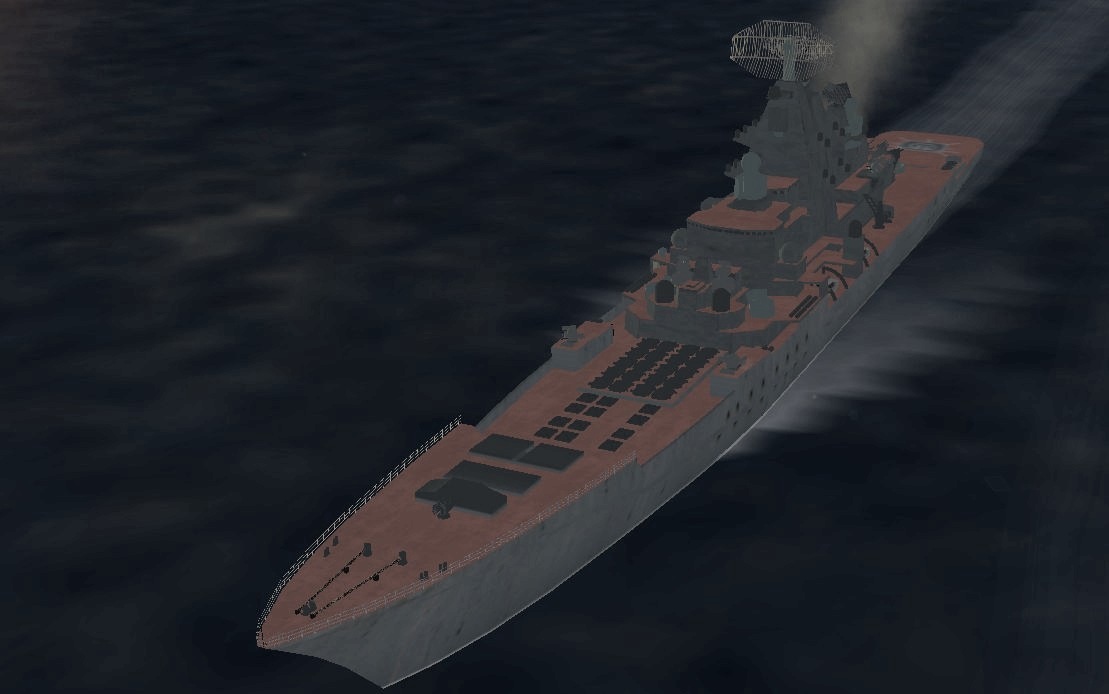
View File PAC-2 SAM System PAC-2 SAM System for SF1 series ----------------------------------------- Credit ------- Creator: YEYEYE Beta Testing: HoneyFox, XIAOHANI, YEYEYE, and other brilliant Insky Team members. Installation ------------ 1. Extract contents in Patriot/Object Folder to your Object folder 2. Import Patriot/Object/Weapon/MIM-104C/MIM-104C_data.ini to your weapon data by using the weapon editor, save. Submitter orsin Submitted 05/20/2010 Category Ground Objects Mods
-
928 downloads
PAC-2 SAM System for SF1 series ----------------------------------------- Credit ------- Creator: YEYEYE Beta Testing: HoneyFox, XIAOHANI, YEYEYE, and other brilliant Insky Team members. Installation ------------ 1. Extract contents in Patriot/Object Folder to your Object folder 2. Import Patriot/Object/Weapon/MIM-104C/MIM-104C_data.ini to your weapon data by using the weapon editor, save. -
don;t ask for it, it will be done when it;s done...
-
Q: what is the relationship between the MaxG defined in an Aircraft_Data.ini and the G amount where actual structural damage occurs? Which role does "StructuralFactor=" and "Elasticity=" parameter play in the damage relationship? A: I think the current damage does start at 1.5x maxG, the amount depending on how far over the max-G and how long. Remember in the game, each component has structural "hit-points", and over-G damages are accumulated over time. Its not all or nothing, if you go over 1.5x maxG at some point, your wings will be weaker later. If you think the default setting is too low damage, you can also set where the damage starts for each component, I think you can add MaxG= to each wing parts. The answer provided by TK proven to be true. You can set G limit for each component and it starts to fall when you pull hard. That only happens to player's aircraft. AI jets are not limited by anything other than the MaxG set in FlightControl section of a xx_Data.in. Meaning it will ignore the G limit you set for wings, go over to reach the global MaxG, and it will not suffer wing breakage.
- 1 reply
-
- 1
-

-
I m moving on detailings for the new F15E pit in the eagle pack. I will revisit mig-29G after that...
-
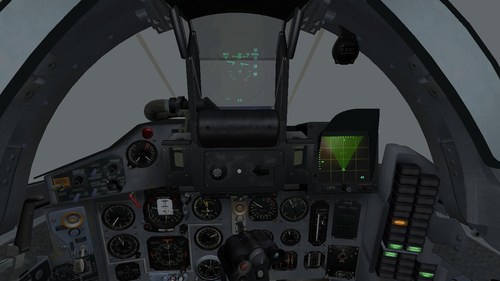
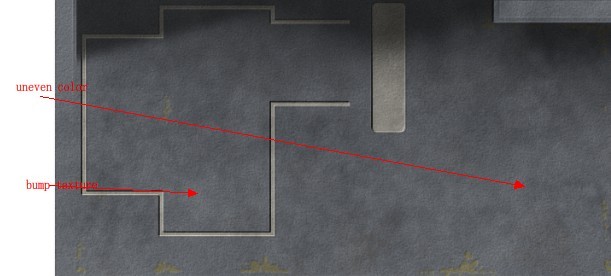
View File Cockpit Detailing for MF MiG-29 Mirage Factory MiG-29 Cockpit Detailing This mod will bring the MF MiG-29 a better look in the cockpit. The package includes reprocessed texture for all instruments, radar screen and wall. Installation ------------ 1. In case you may regret, back up your cockpit folder and avionics.ini in your MiG-29 directory 2. Drop the cockpit folder to your MiG-29 directory, cover the files and folders as asked. 3. The wall texture in the cockpit directory is 4x enlarged with bump texture and color tweak (which require unlimited setting in the cockpit texture setting to enjoy), if you are unhappy with the performance or look, replace with the file included in the "optional wall texture", that will give you flat walls closer to the real-world one although not as eye-candy. 4. You might find the radar looks too bright and also want to replace with the radar texture in the "optional radar" folder, by dropping all 3 files and 1 folder to your cockpit folder. And then change the color of your radar character in your xxxx_avionics.ini find below section [RadarFont] Change the line Color= xxxxxx to Color=0.45,94,0.49,1.0 then save and exit Credit ------- original mig-29 pit by The Mirage Factory texture reprocess by orsin Submitter orsin Submitted 04/18/2010 Category Jet Cockpits
-
993 downloads
Mirage Factory MiG-29 Cockpit Detailing This mod will bring the MF MiG-29 a better look in the cockpit. The package includes reprocessed texture for all instruments, radar screen and wall. Installation ------------ 1. In case you may regret, back up your cockpit folder and avionics.ini in your MiG-29 directory 2. Drop the cockpit folder to your MiG-29 directory, cover the files and folders as asked. 3. The wall texture in the cockpit directory is 4x enlarged with bump texture and color tweak (which require unlimited setting in the cockpit texture setting to enjoy), if you are unhappy with the performance or look, replace with the file included in the "optional wall texture", that will give you flat walls closer to the real-world one although not as eye-candy. 4. You might find the radar looks too bright and also want to replace with the radar texture in the "optional radar" folder, by dropping all 3 files and 1 folder to your cockpit folder. And then change the color of your radar character in your xxxx_avionics.ini find below section [RadarFont] Change the line Color= xxxxxx to Color=0.45,94,0.49,1.0 then save and exit Credit ------- original mig-29 pit by The Mirage Factory texture reprocess by orsin -
nope, I believe the rule is to ask for release admission from MF team first?
-
I have completed the pit detailing. Waiting approval...
-
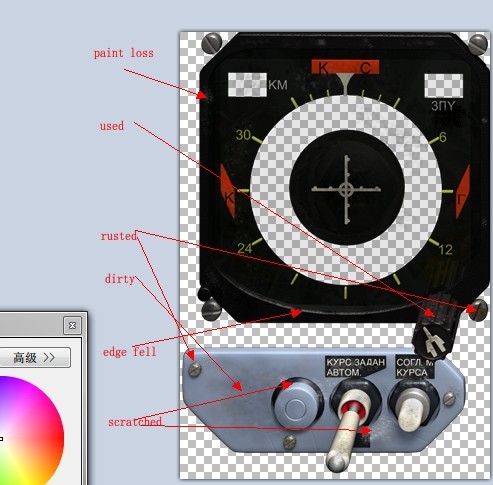
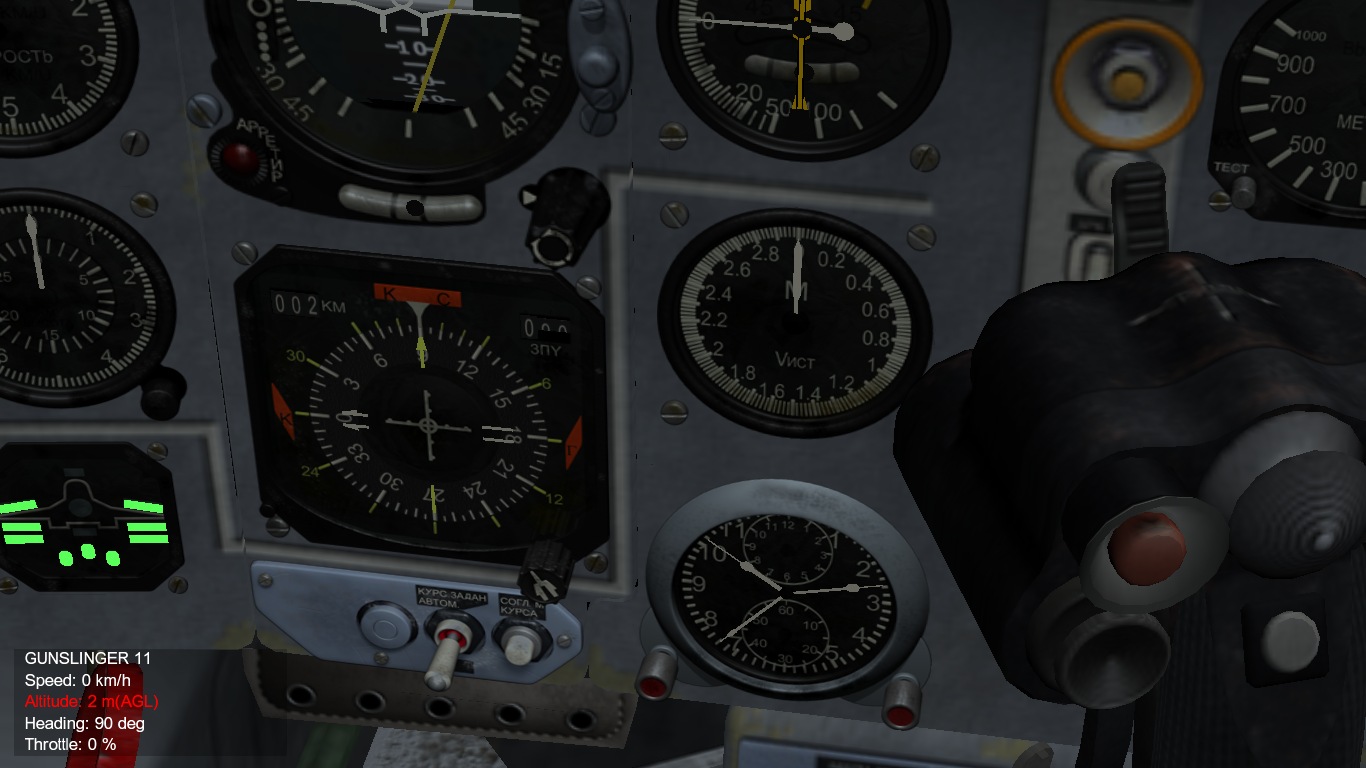
Other than global color tweak and making some bumps on the dashboard, my work actually down to detail, tweaking the delicate aspects of the instruments...
-
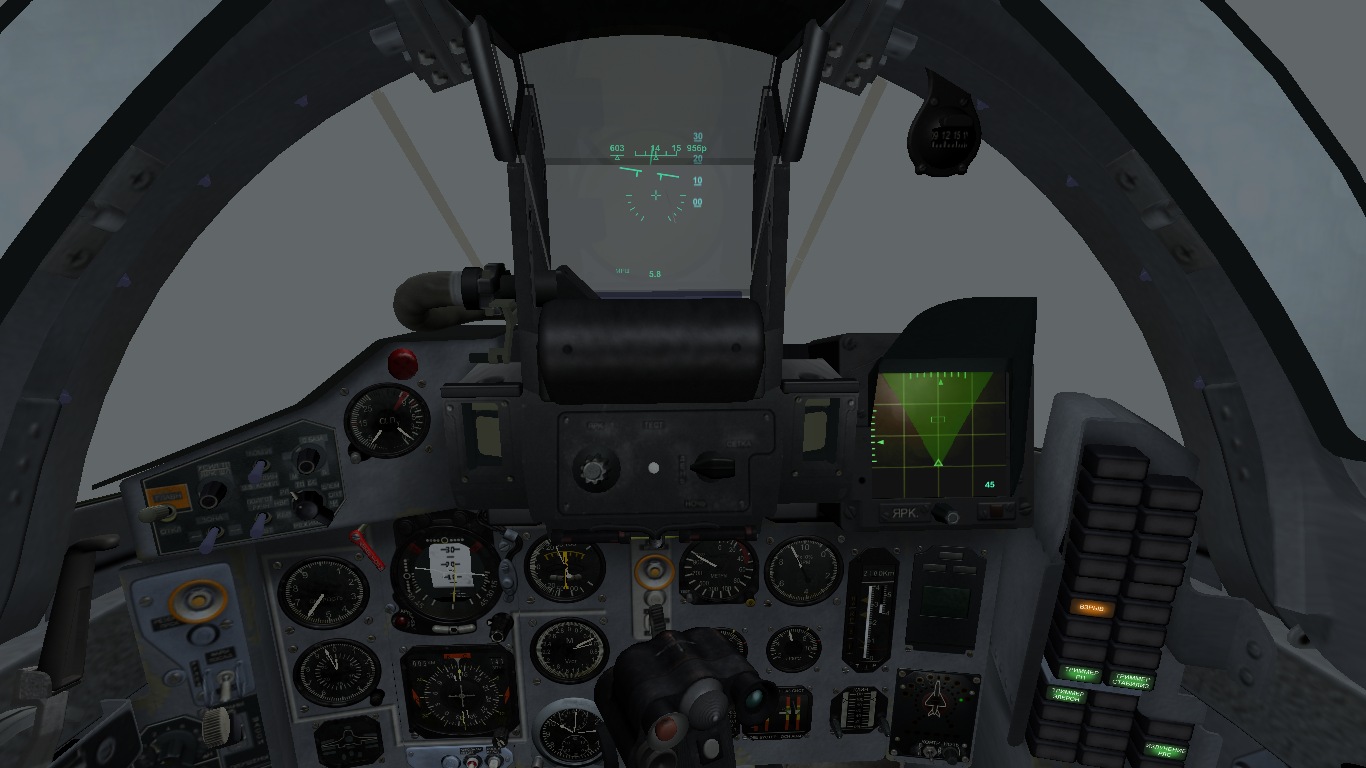
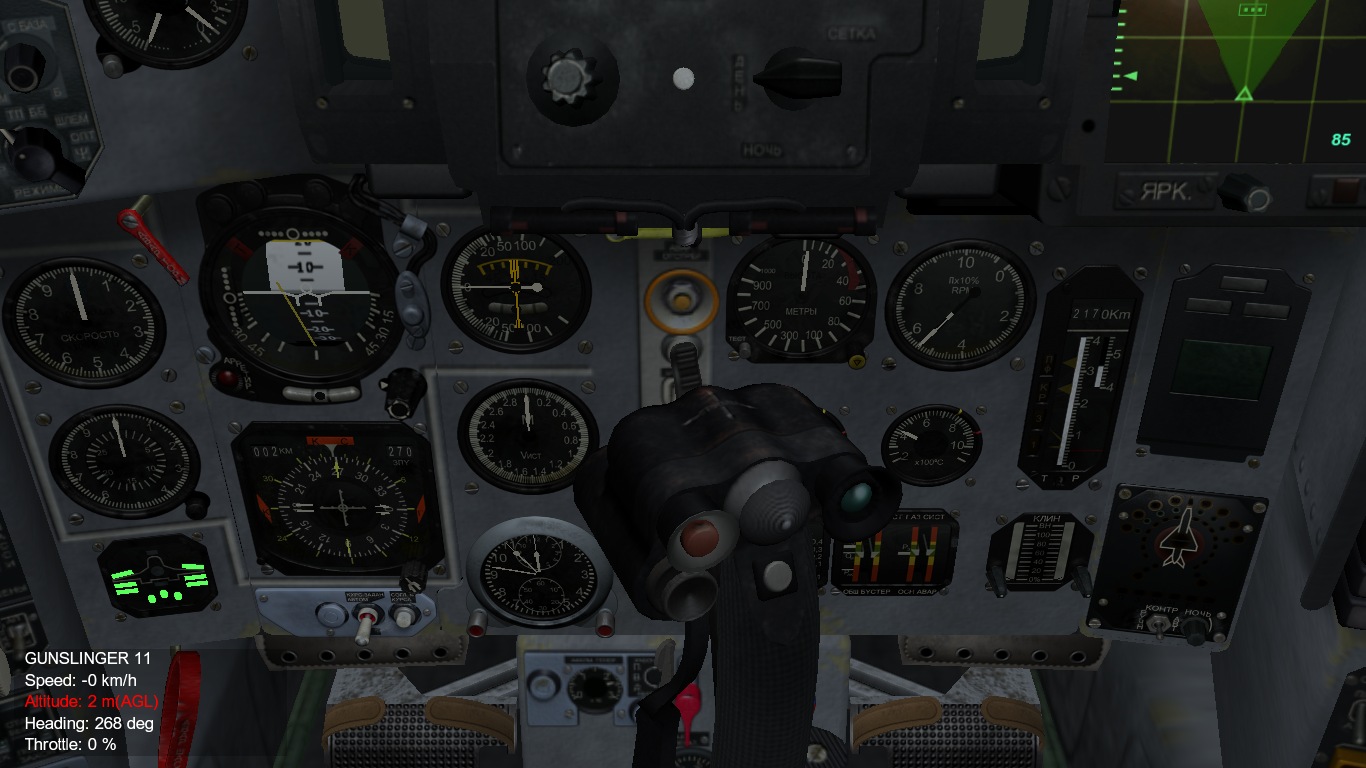
it really took me some time to research how the stock cockpits in SF2 were decorated. Once I done, I spend some time with GIMP and now Fulcrum looks less plastic...
-
For that beloved Fulcrum... This is my first attempt of so called "cockpit detailing"...
-
updated to v1.1
-
Hi TurtleHawk, This has been updated to V1.2 to resolve the effect issue in SF2 according to your report. Thanks, Orsin
