mue
-
Posts
419 -
Joined
-
Last visited
-
Days Won
8
Content Type
Profiles
Forums
Gallery
Downloads
Store
Everything posted by mue
-
2) The coordinate system axis tripod (View->Show Coordinate System) can act as a compass rose. The green axis points north, the red axis points east. 1) With shift + mouse move you can "slide" around. The moving direction depends on the current view azimuth: e.g. rotate the view, so that the green tripod axis points up and the red tripod axis points right. If you now hold shift and moves the mouse up/down you slide north/south (moving the mouse left/right you slide west/east)
-
In Extras->Settings point to the SF2 install directory. NOT to the terrain subfolder. With File->Open select the terrain.ini file within your mod terrain folder. For viewing stock terrain you have to extract at least the terrain.ini file into your mod terrain folder and open it from there.
-
If we could get the source code, I would help with programming.
-
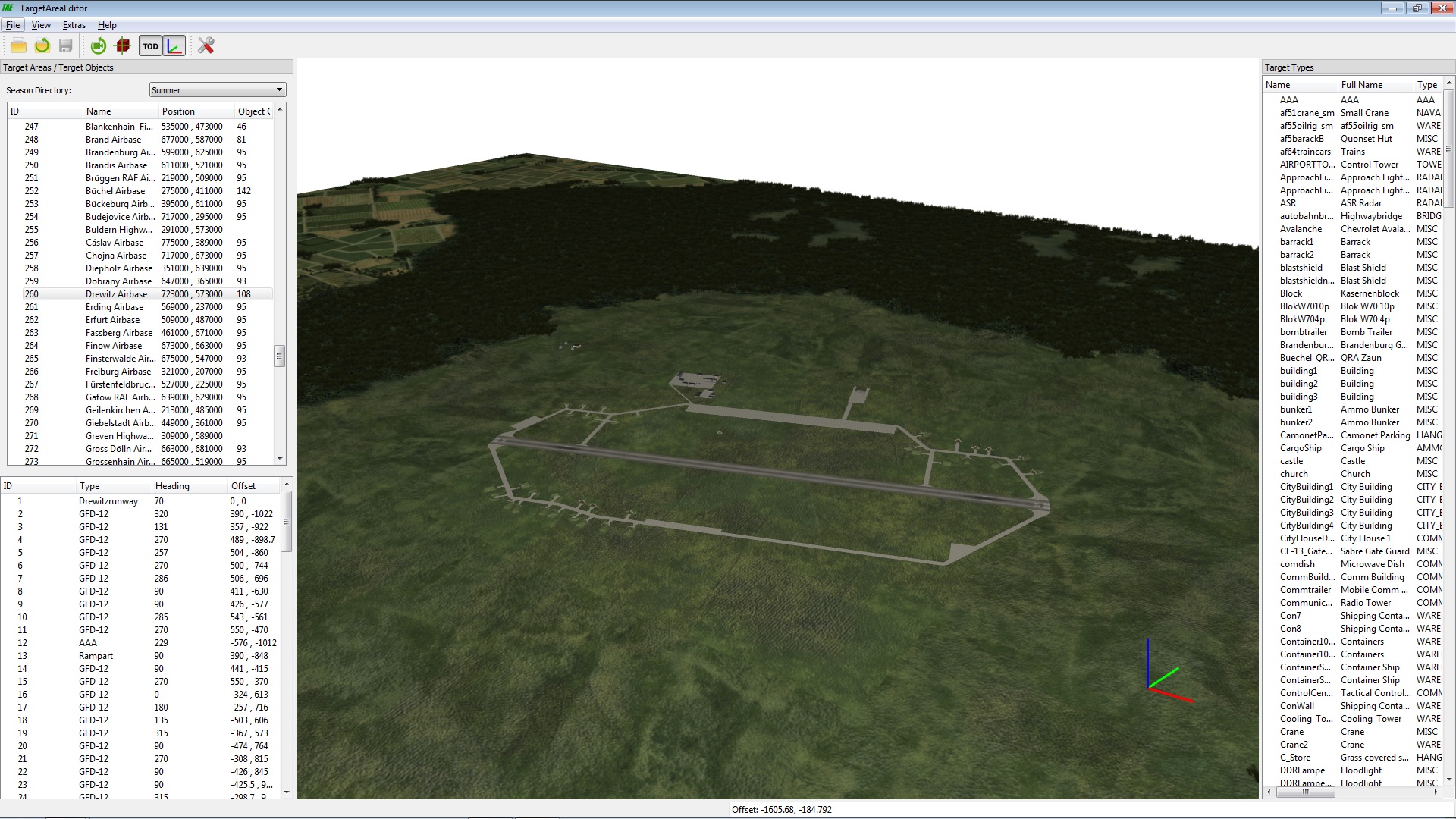
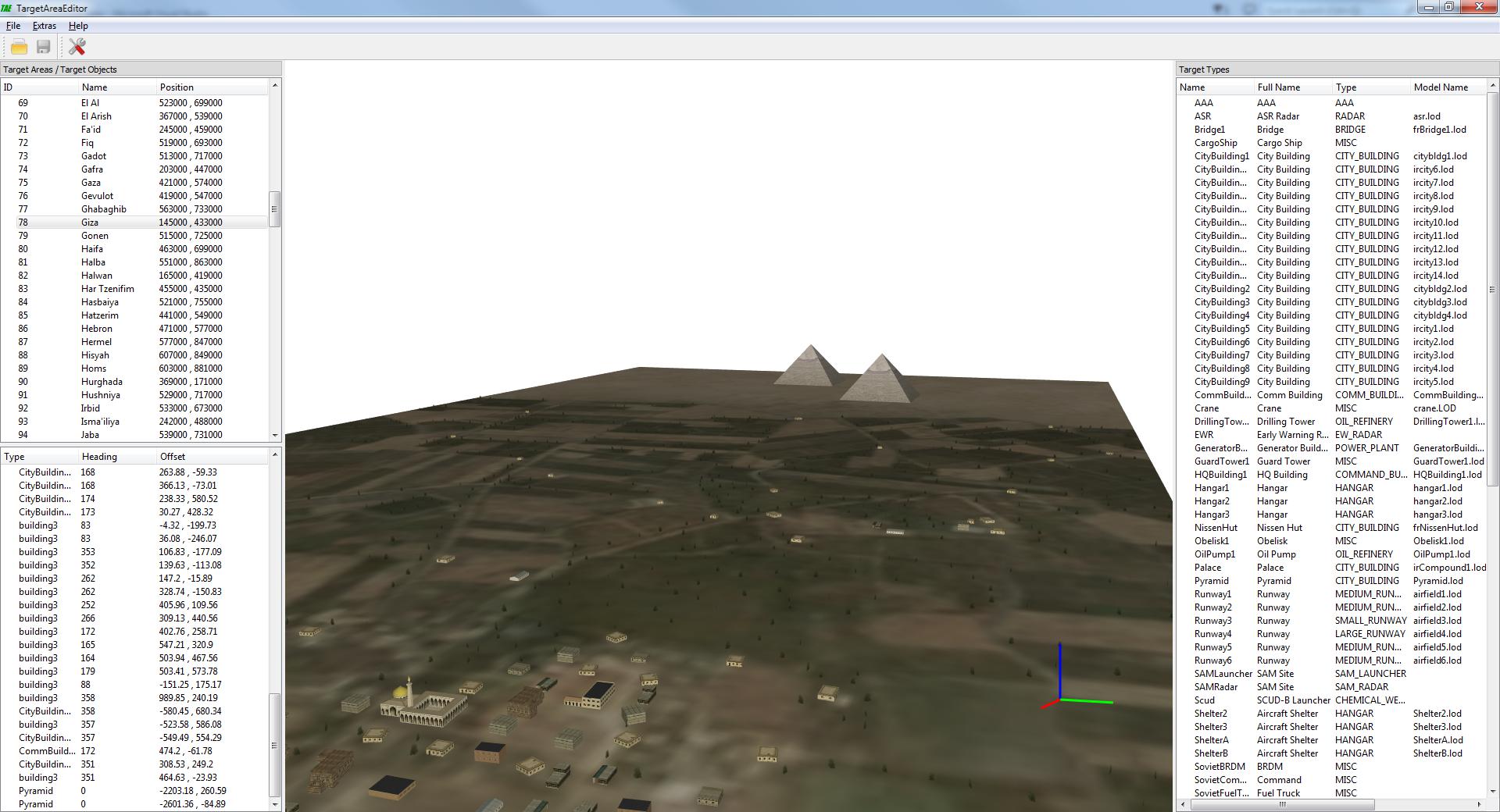
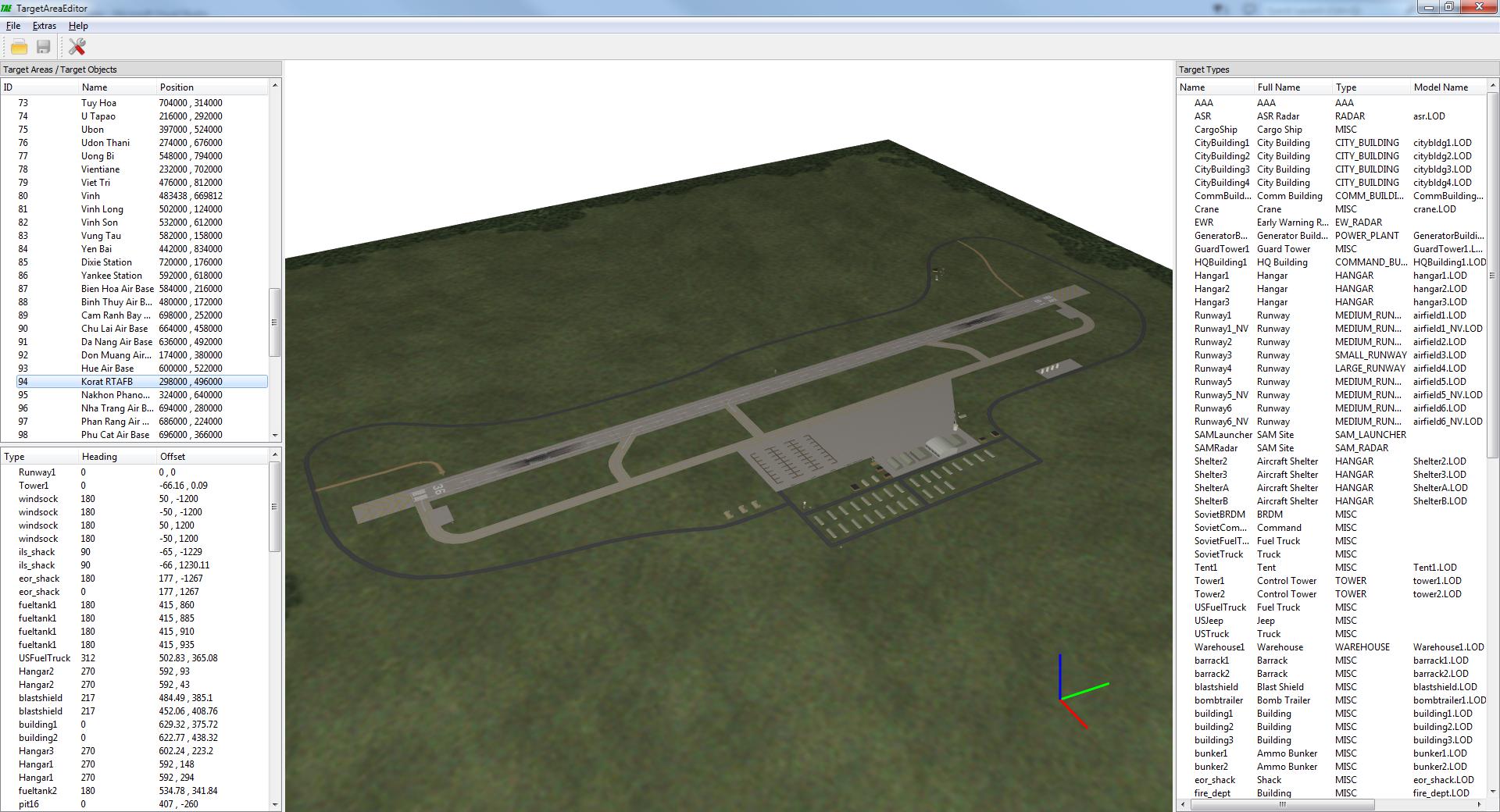
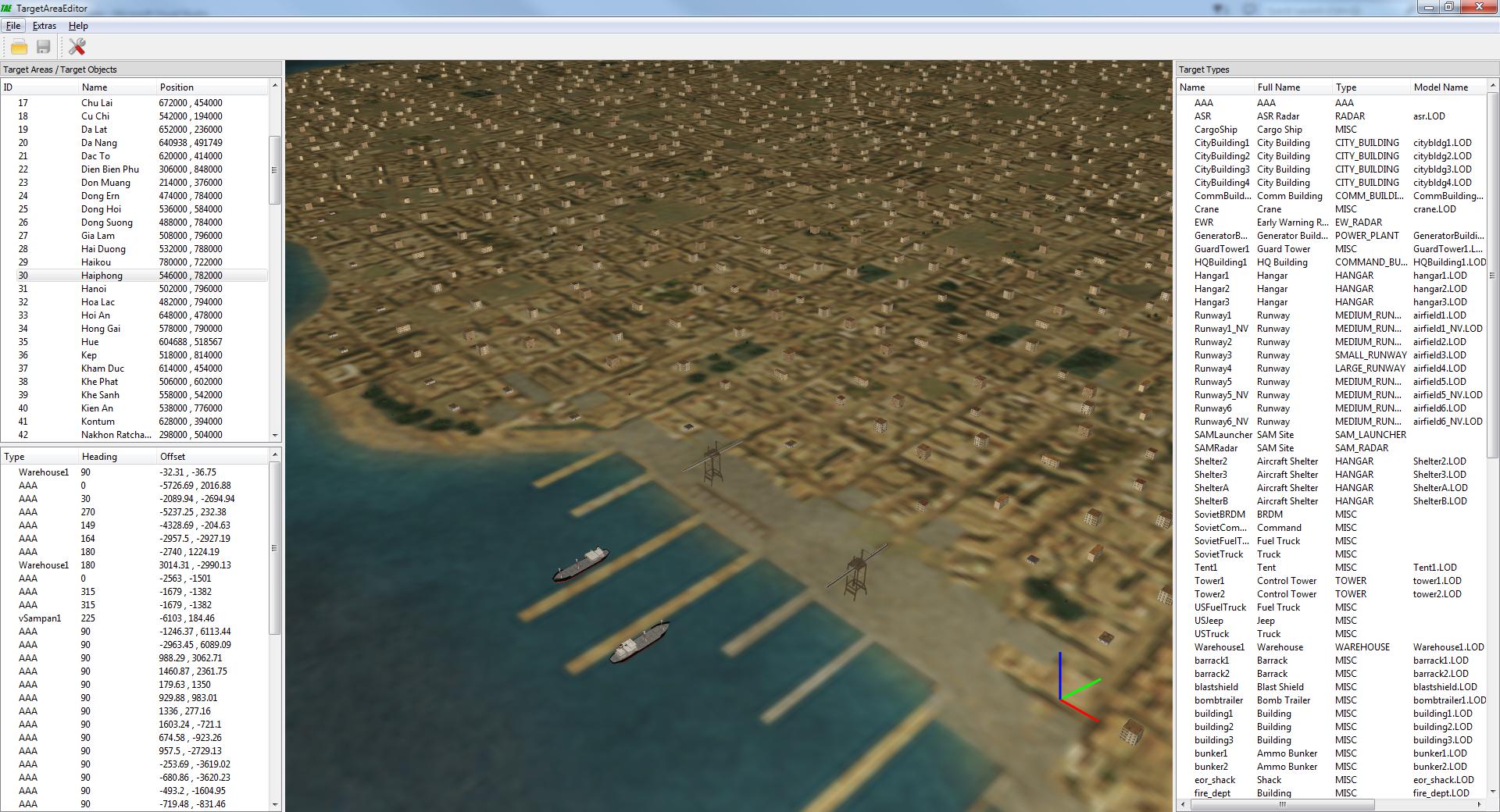
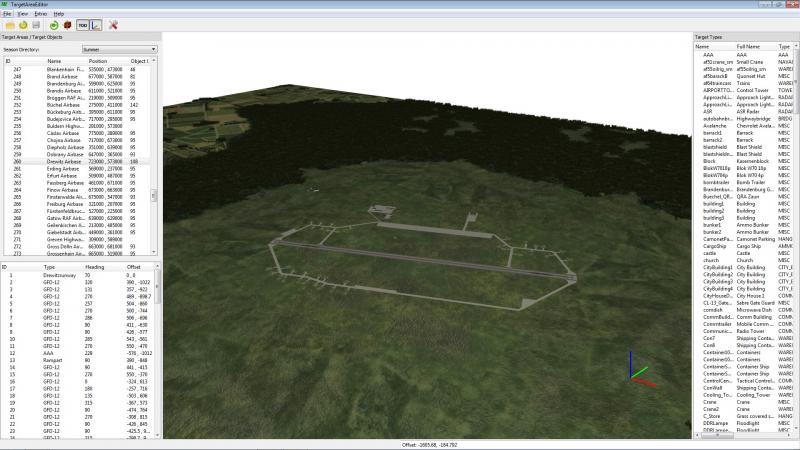
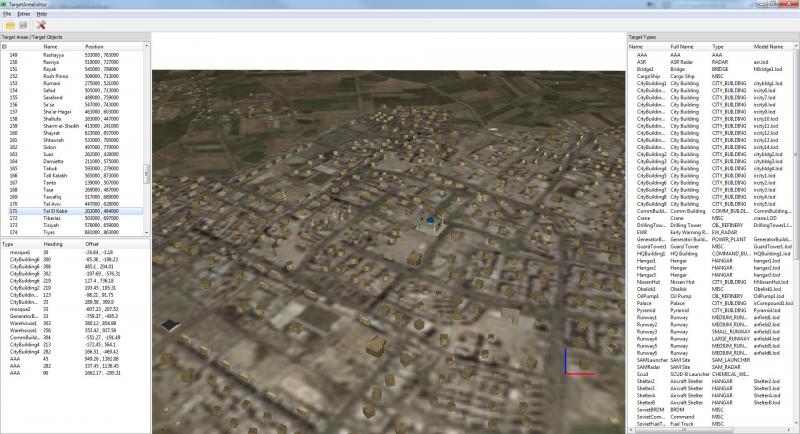
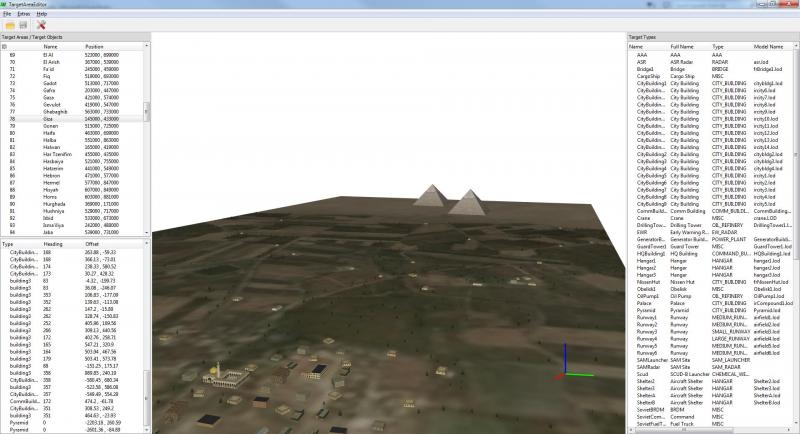
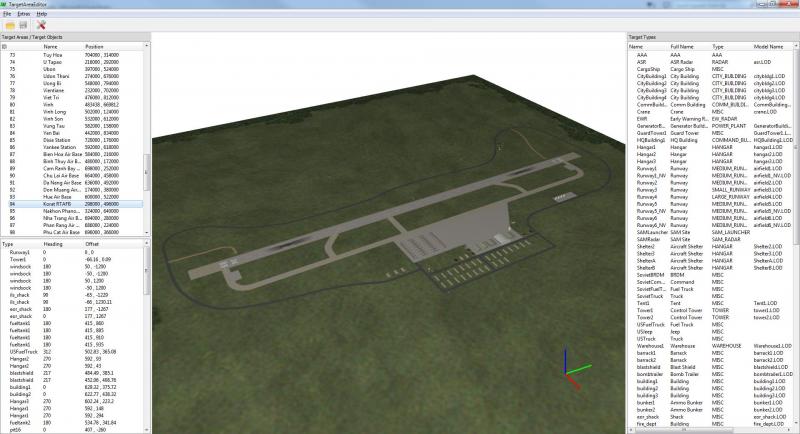
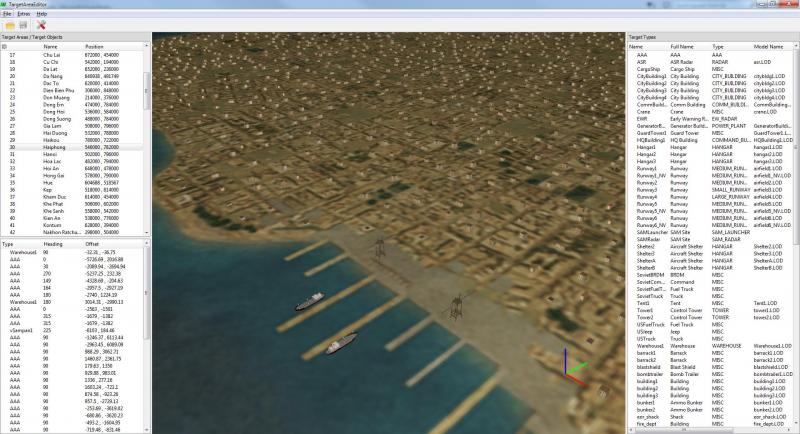
Although the target area editor in its current state only has viewing (and no editing) capabilities I decided to release a first version. Maybe someone find it already useful. For usage instructions read the readme.txt. I tested it with stock terrains, Rends germany terrain and the range terrain. Feel free to report bugs, feature wishes etc. TargetAreaEditorV0.1.zip Screenshot: Rends germany terrain, (now ex-) airbase near my hometown.
-
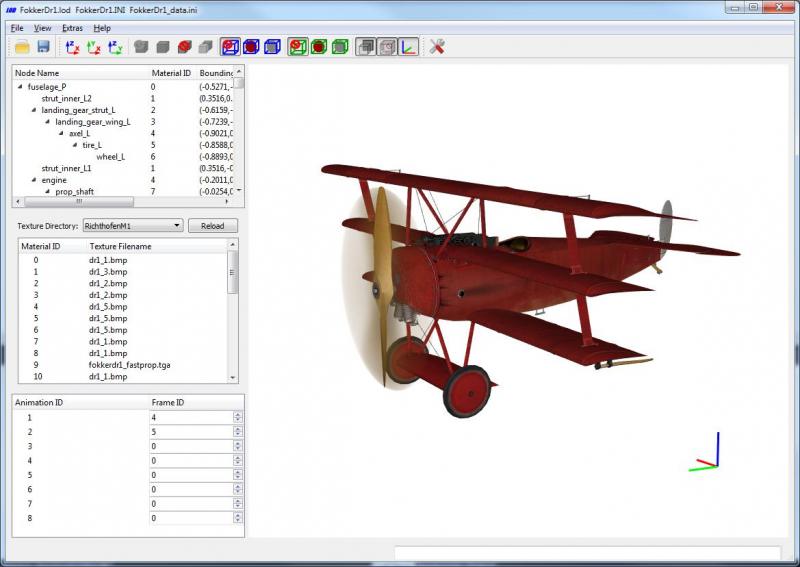
Ok, after the change of the thirdwire homepage I was afraid that the pc games may disappear. So I purchased First Eagles 2 and some DLCs as long as they are still available. And that gave me the opportunity to add FE2 and DLC support to the LODViewer. Version 0.5 changelog: -reads SF1 and FE2 cat files -reads DLC files -copy 3D coordinates to clipboard (press key 'c' while the 3D view window has the focus) -case insensitive hitbox node names LODViewerUpdateV0.5.zip
-
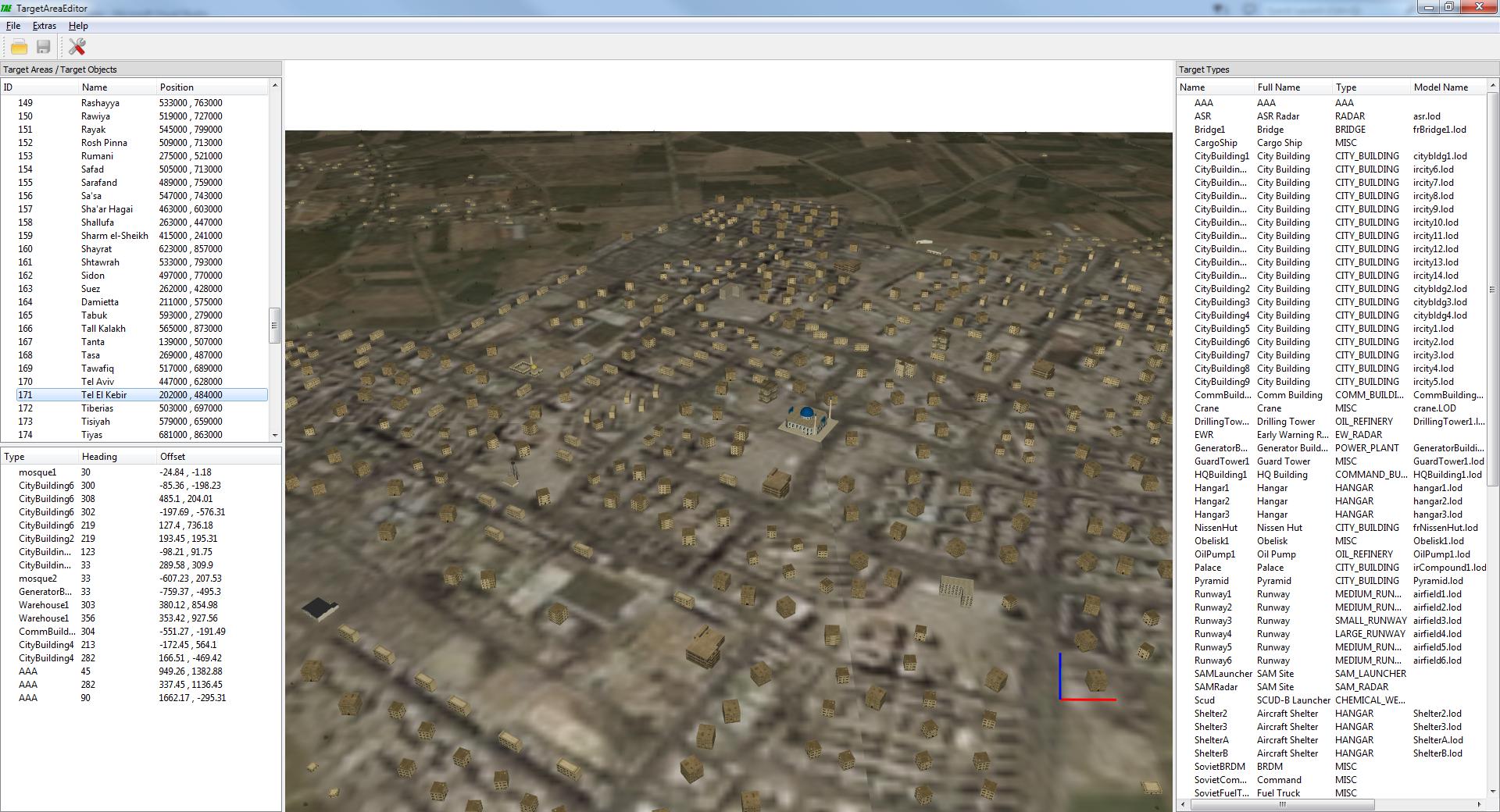
Screenshots of my new project: Target Area Editor. Currently it only has viewing (and no editing) capabilities.
-
You can try to change the video card settings (especially the texture filtering settings). Is the game engine case sensitive? And if not, should I change it in LODViewer?
-
Directx version doesn't matter. LODViewer don't depend on Directx it uses OpenGL. Regarding your test results: I can not understand why this happens. I changed the texture generation routine in version 0.2. But some users (e.g. Raven) got black textures with the 0.2 version. So with version 0.2.1 I changed the texture routines back to version 0.1. But for you version 0.1 and 0.2 work and 0.2.1 and later not. But I see no difference regarding texture handling between version 0.1 and 0.2.1. From version 0.2 and later I compiled the lodviewer with xp support. Maybe thats the reason. Although verson 0.2 works for you. Anyway, I don't believe the xp support is the cause but here is version 0.4 without xp support: LODViewerUpdateV0.4_noXP.zip
-
Please, can you check at which version exactly the textures went dark/black. Version 0.1: http://combatace.com/index.php?app=core&module=attach§ion=attach&attach_id=126169 Update 0.2: http://combatace.com/index.php?app=core&module=attach§ion=attach&attach_id=126870 Update 0.2.1: http://combatace.com/index.php?app=core&module=attach§ion=attach&attach_id=126894 Update 0.2.2: http://combatace.com/index.php?app=core&module=attach§ion=attach&attach_id=126937 Update 0.3: http://combatace.com/index.php?app=core&module=attach§ion=attach&attach_id=127098 If you zoom in, does the texture "jumps" from black to the normal color or does the texture color gets smoothly brighter from black to the normal color?
-
You wrote, that LODViewer version 0.1 worked. Is that correct? With version 0.4 does the black textures happen with all objects? What are your system specs?
-
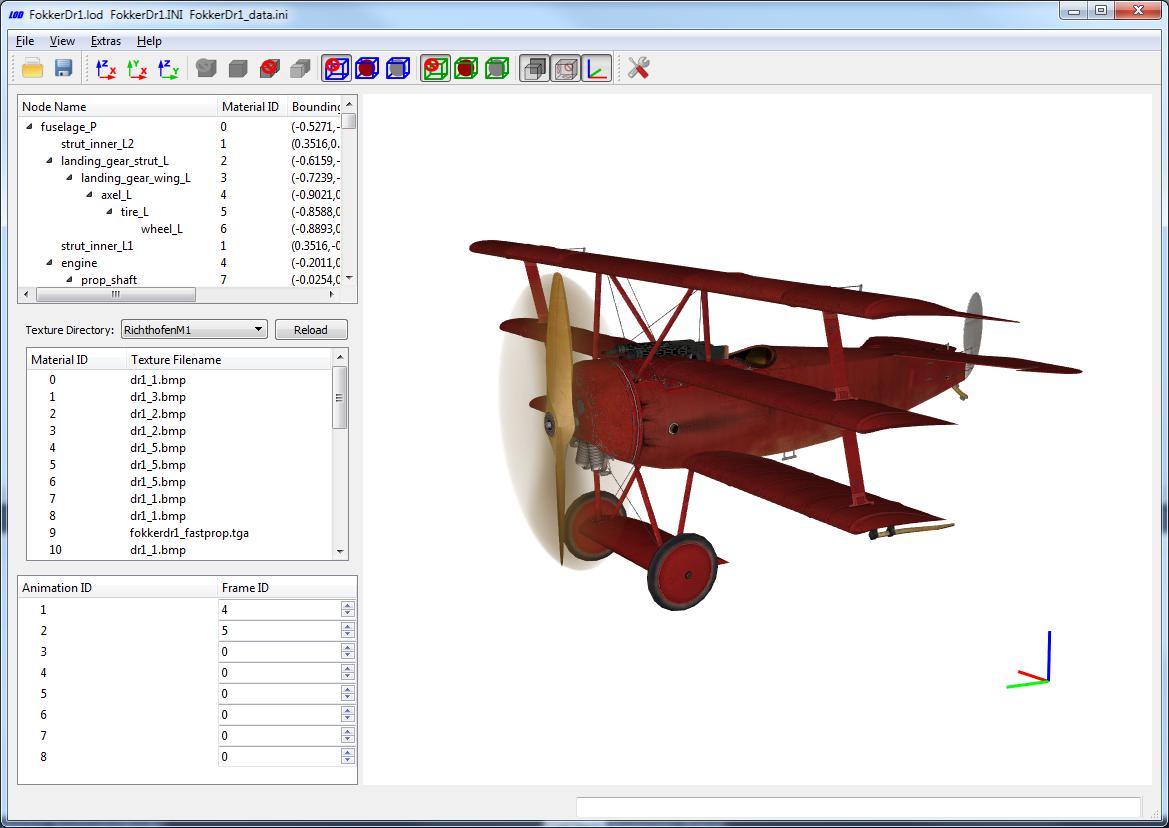
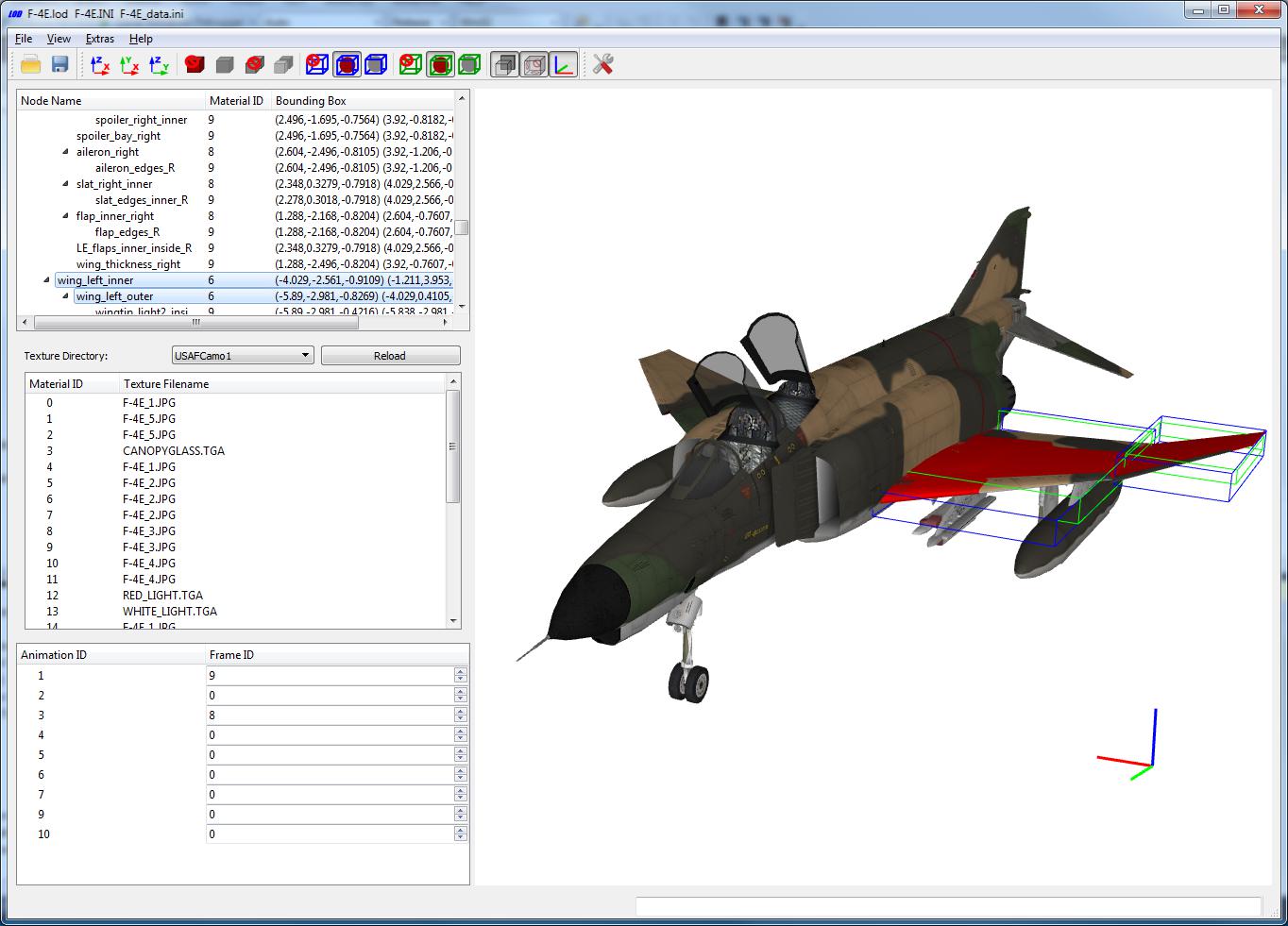
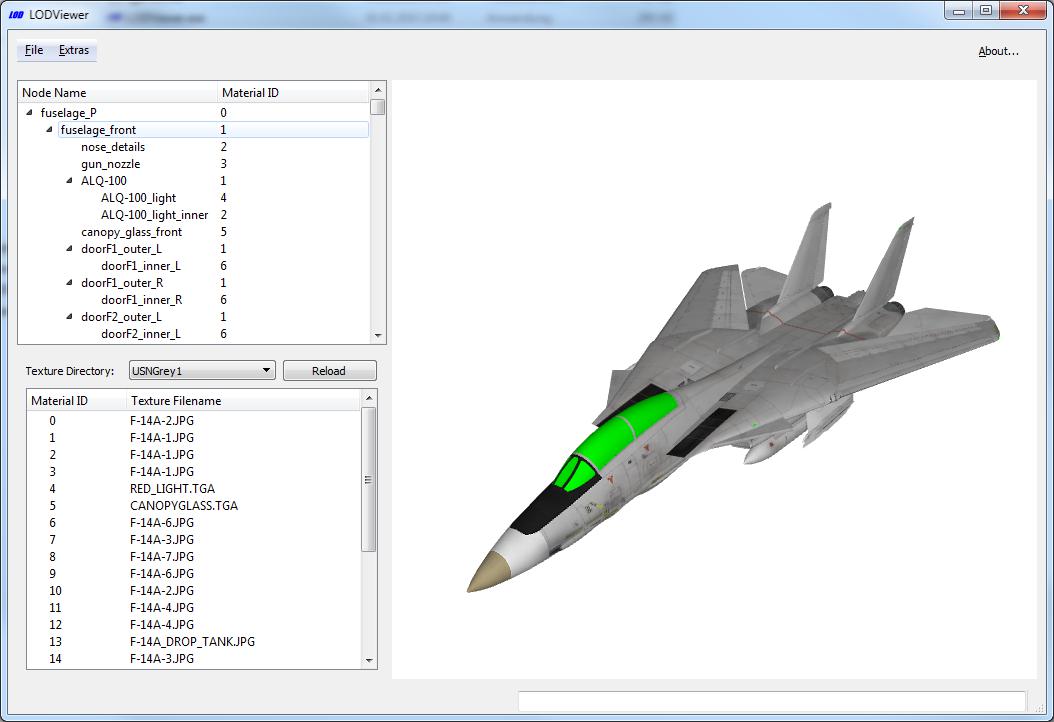
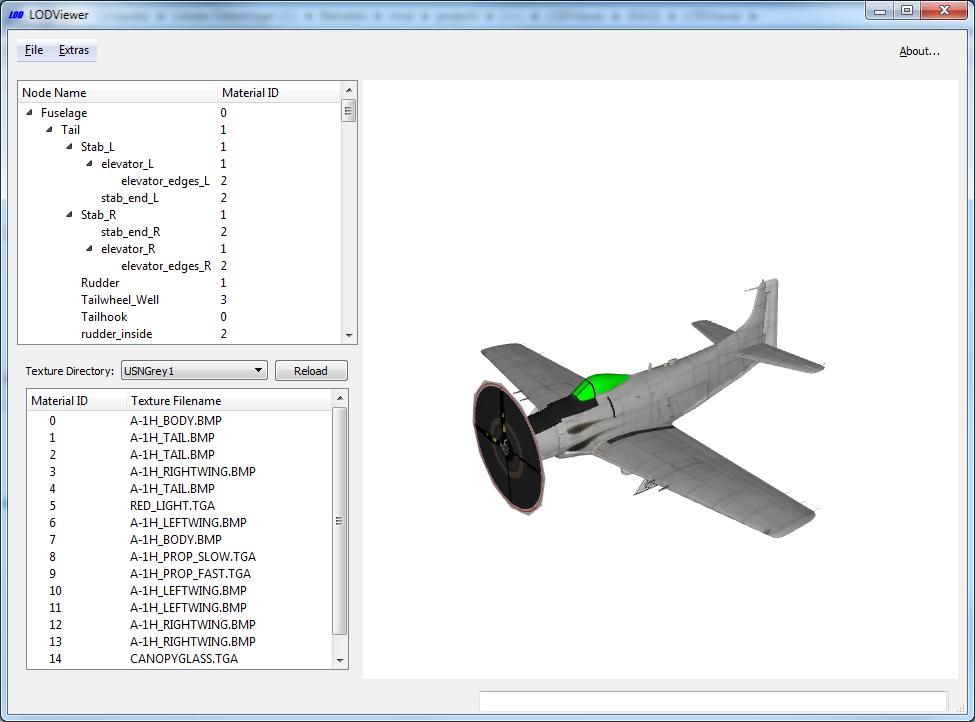
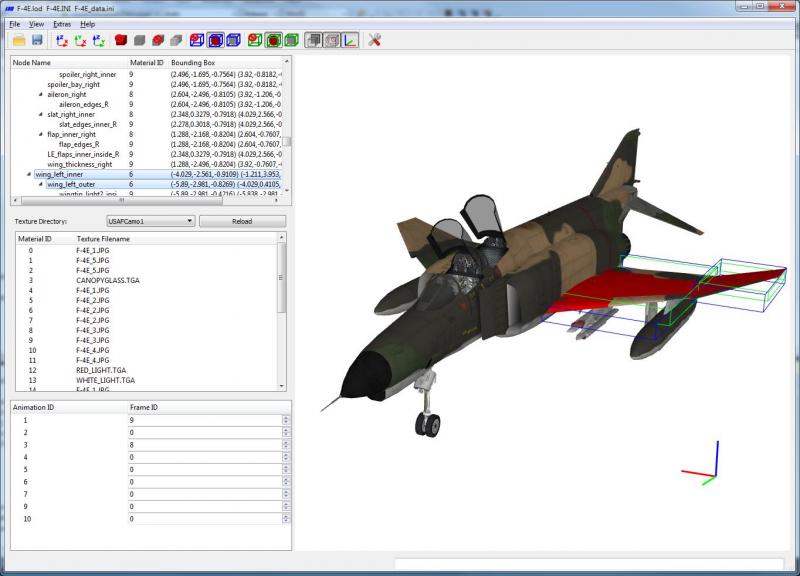
Version 0.4 is ready! Changelog: -added toolbar -nodes can be hidden -multiple nodes can be selected -animations -simple transparency (no depth ordering of triangles) -bounding and hit boxes of nodes are shown -write a file with information about all nodes and materials Please read the readme.txt! I changed the mouse view control within the 3D view window. The update zip file: LODViewerUpdateV0.4.zip Copy the content of this zip file (LODViewer.exe and readme.txt) into the LODViewer directory of the old version (overwrite the two old files). Version 0.1 can be downloaded here: http://combatace.com/topic/85079-lod-viewer/?do=findComment&comment=684342 Screenshot:
-
What info are you interested in exactly? The bounding boxes (xmin,ymin,zmin) / (xmax,ymax,zmax) of each single node or of a group of nodes? Do you need some visualizations?
-
I don't own FE2. Maybe the install directory file structure or the cat file format is different from SF2. Is it possible that FE2 still uses the old SF1 cat format? Currently LODViewer doesn't support the old cat format, but it's on my todo list.
-
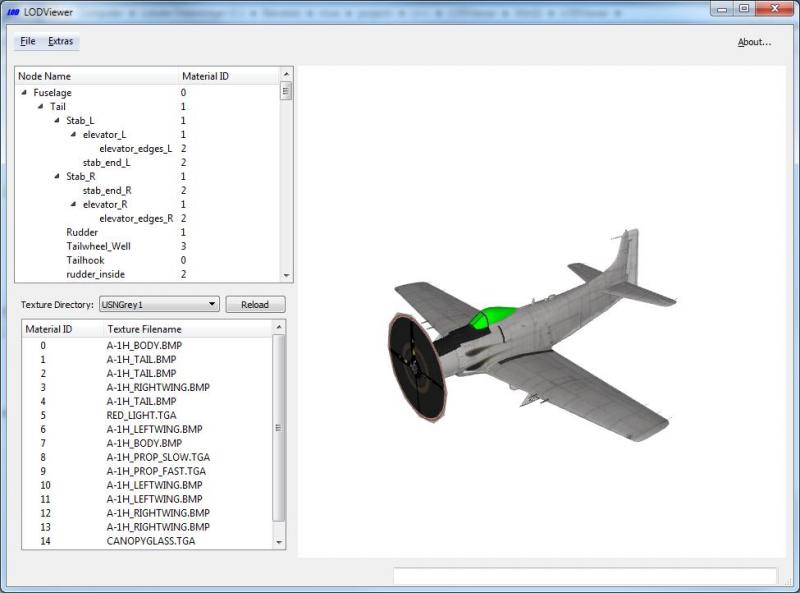
The LOD Viewer doesn't read and therefore doesn't use any other material properties (e.g. specular, diffuse colors, bump mapping,...). It only reads the texture file name. There is a known bug in LOD Viewer: It can not display 1x1 textures. Those are used mostly for canopies or lights.
-
My current plan is only for a target area editor ( = target object placement tool) and not for a terrain&tile editor. With TKs and gerwins tools we already have two terrain editors.
-
Maybe it has something to do with this: I were asked if I would publish a cat extractor for the locked cat files. I declined. I think TK locked the lod's on purpose so that it is harder to "steal" them. I don't like his decision but I will respect it. In my opinion the LOD Viewer is a good compromise: for the community it helps to reskin stock lods and for TK it keeps the lods locked. Yes, I also remember a conversation where TK allows us to modify/patch the executables. But I don't think that it includes a permission to extract the lods.
-
Thanks for the confirmation that y-trees don't work. Yes, to write a converter for creating tod files should be possible. But currently I'm busy with another project. What do you mean with "engine on the fly creates the meshes from TOD files". Can you explain it in more detail?
-
The uv mapping window only shows meshes those texture uv coordinates lie inside the "normal" interval between 0 and 1. Maybe the model uses texture coordinates that lie outside this interval. You can deselect a node: 1.) in the node list view with ctrl + left click on the node entry or 2.) in the 3d view with ctrl + left click in an empty area. A "hide node" option is on my todo list. Yes I can add support for the older formats. Before I looked at the cat files myself I searched this forum for some infos about the cat file format and I found your posting that described the old format. It helped me a lot. The new formats are not that different. Although the locked cat format added some obfuscation / scrambling. The reload button only reloads the textures.
-
Thank you, but actually, I don't see me as a modder since I haven't created and published any mods yet. I'm more of a tool developer. No, you only need the first package (since this contains all needed qt libraries) and the latest update. The "update process" is only copying the two files from the update zip package into the lodviewer directory.
-
Thank you all. You, the community, create fantastic mods for this series and I'm glad that I could give something back to the community. With right click in the material list window all nodes that use the selected material are shown on the texture. Maybe that helps you?
-
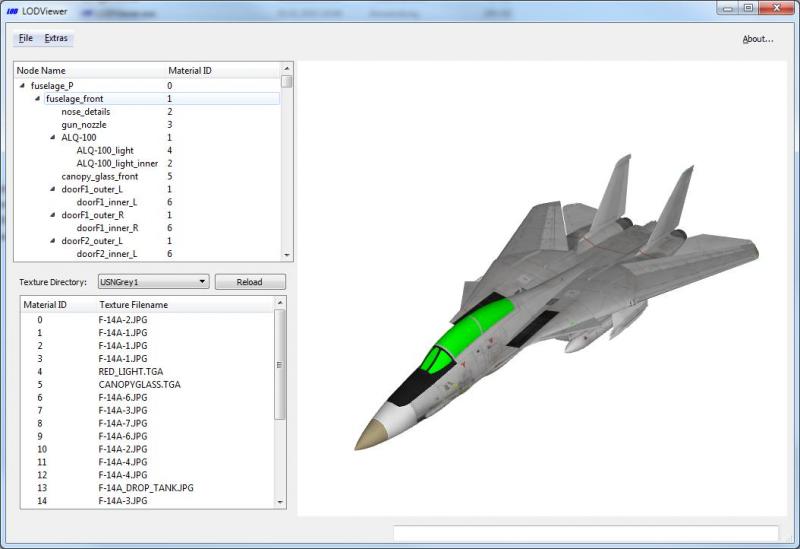
Update Version 0.3 -reads expansion pack 1 / 2 and sf2na cat files (maybe it also reads the objectdata002.cat files that are different from mine file, but I couldn't test it) -reads "pre locked" unicode lod files LODViewerUpdateV0.3.zip
-
The name/location of the install directory path doesn't matter. You have to select the install directory eg. "C:\Program Files (x86)\Thirdwire\Strike Fighters 2" and NOT the Objects directory or any cat files. But since you are on patch level jul2012 and not jul2013 I doubt that it will work anyway. For those who can not see the stock lods: Can you send me the following informations please (preferably as pm, as to not clutter this thread): -Exact size of your ObjectData002.cat -your version.ini Thank you!
-
LODViewer expects patch level jul2013. In "Extras->Settings->Strike Fighters 2 Installation Directory" you have to set your sf2 install directory not the mod directory. E.g. C:\Program Files (x86)\ThirdWire\Strike Fighters 2. LODViewer scans for all cat files in the Objects and Terrains directories. Currently cat files from both expansion packs and SF2NA can not be opened. But I'm working on it. I've made a test already and merged installs don't seems to alter ObjectData002.cat. But I don't have any DLC.
-
Your file size is different from my file. So you have a different cat file. No need to check the checksums. Probably your file is a bit different encoded/scrambled than my file. And thats the reason my program crashes on your file. But I don't understand why your file is different? Because you also have patch level jul2013, right?
-
Strange. What error message do you get? I can load both aircraft. Its in ObjectData009.cat. Do you have it?