ravenclaw_007
-
Posts
4,305 -
Joined
-
Last visited
-
Days Won
322
Content Type
Profiles
Forums
Gallery
Downloads
Store
Everything posted by ravenclaw_007
-
i think so , it is just an editing of given entries i reduced the MapBackgroundLevel to MapBackgroundLevel=0.0 , that will be the setting on my F-4E/F/G´s , much better and as you say it is much sharper
-
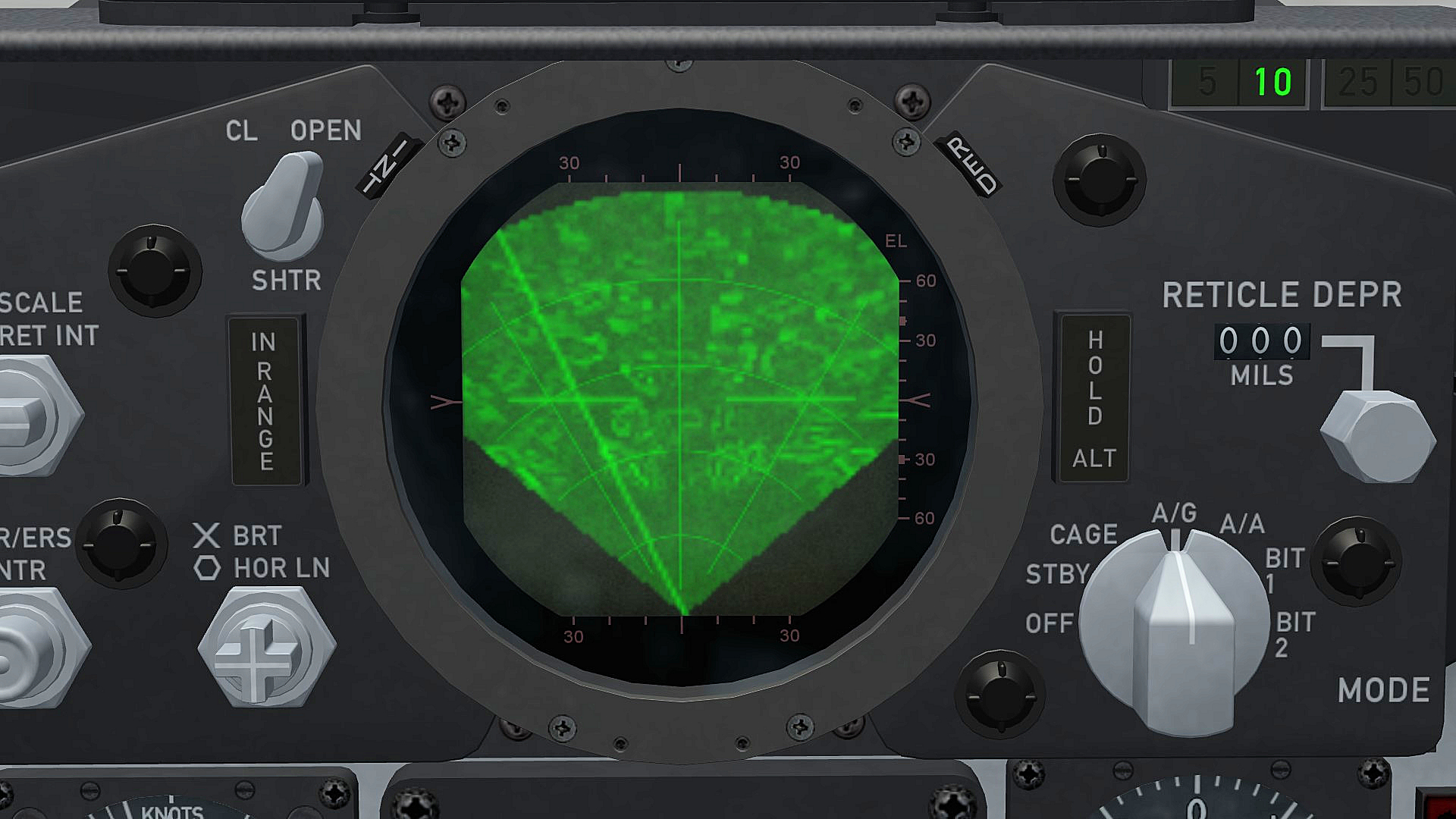
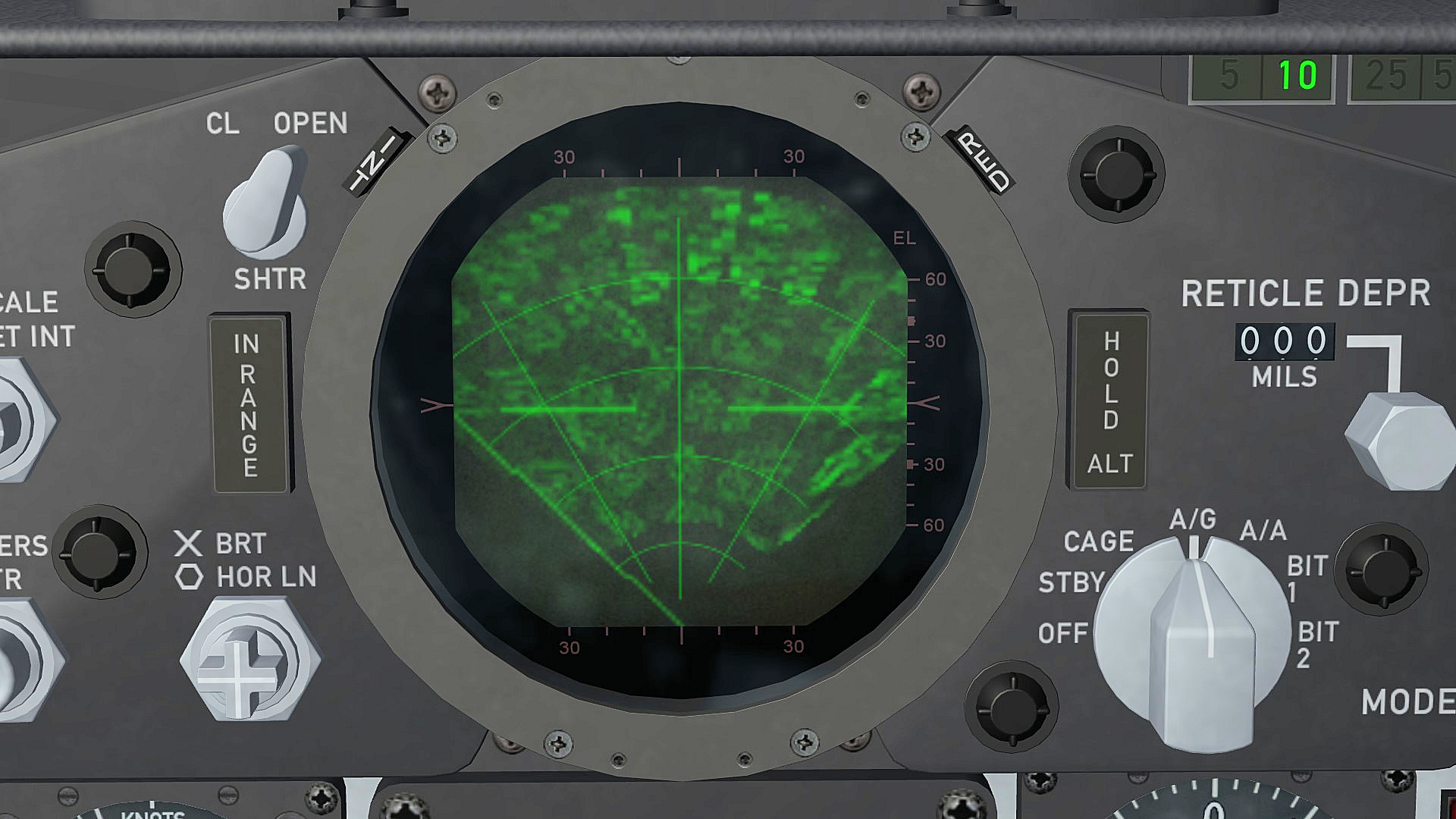
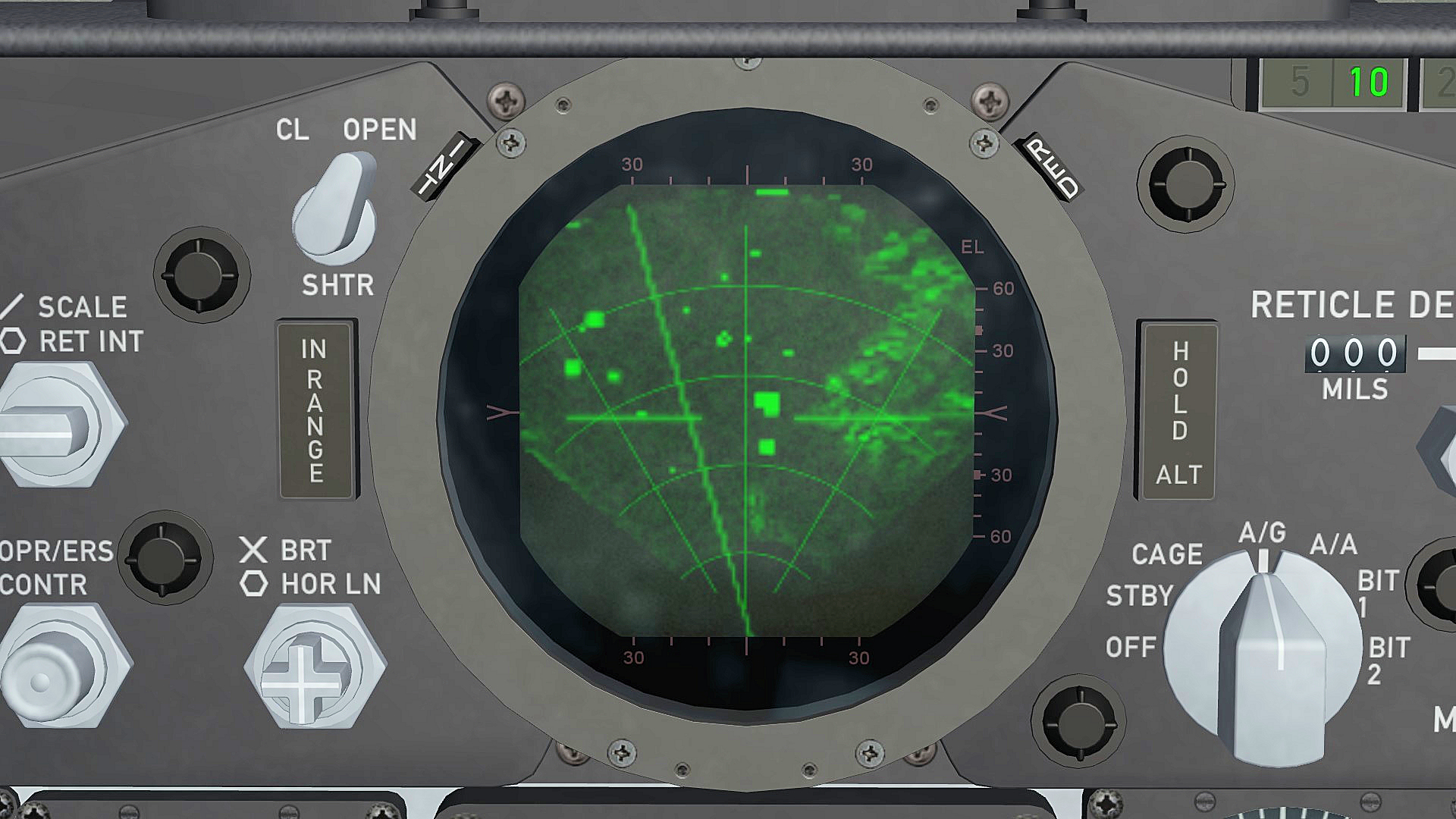
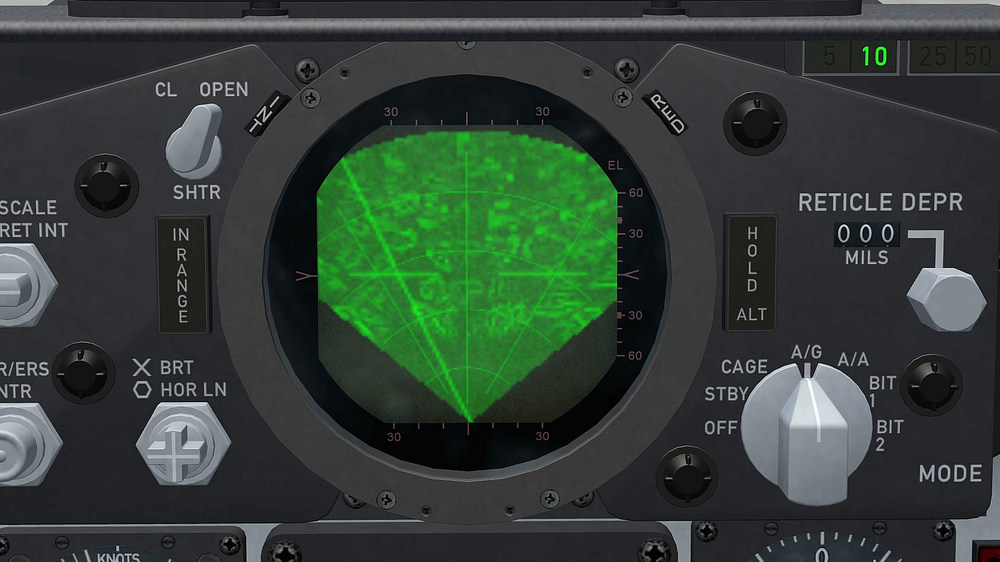
for all of you who aren't happy the way the PPI is displayed in the game this is what i found and changed on my F-4E radar this is how it looks unchanged , the PPI has a green background with a serrated edge on top and left and right , this edge problem annoys me a lot and i was never happy with that green background either so i start looking in to the Avionics.INI but at first i did not know what to look for until i had a conversation with ludo.m54 and pvince , so i checked the Avionics.INI again and found this entrys , GroundClutter , MapBackgroundLevel and MapHighlightLevel and started to change the entrys that is the original entry GroundClutter=0.6 MapBackgroundLevel=0.2 MapHighlightLevel=0.6 that is the modified one GroundClutter=0.8 MapBackgroundLevel=0.001 MapHighlightLevel=0.8 and that is the result , the PPI looks almost like the real one in a F-4E ,and the serrated edge is no longer a problem , i´m more than happy right now finally i got that problem solved
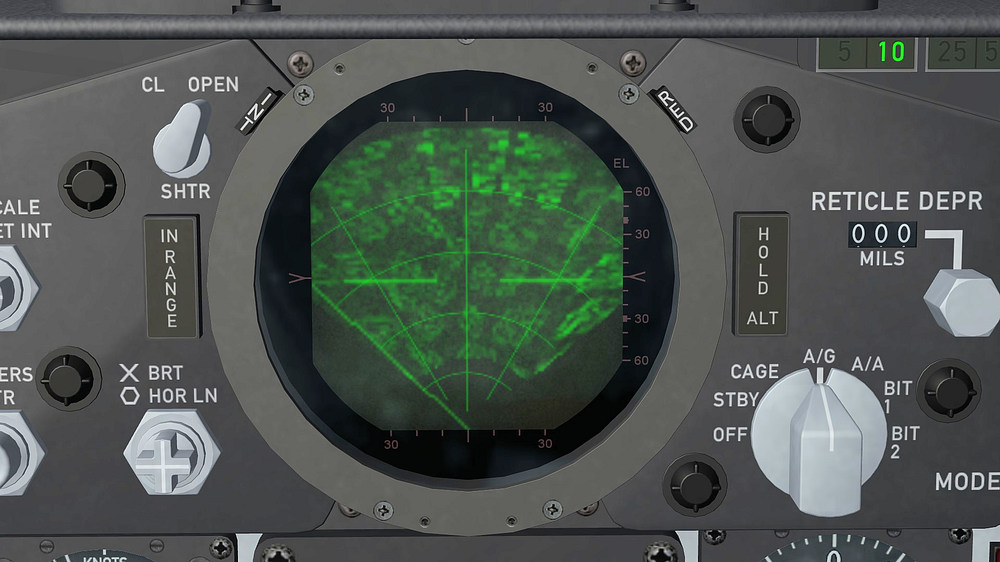
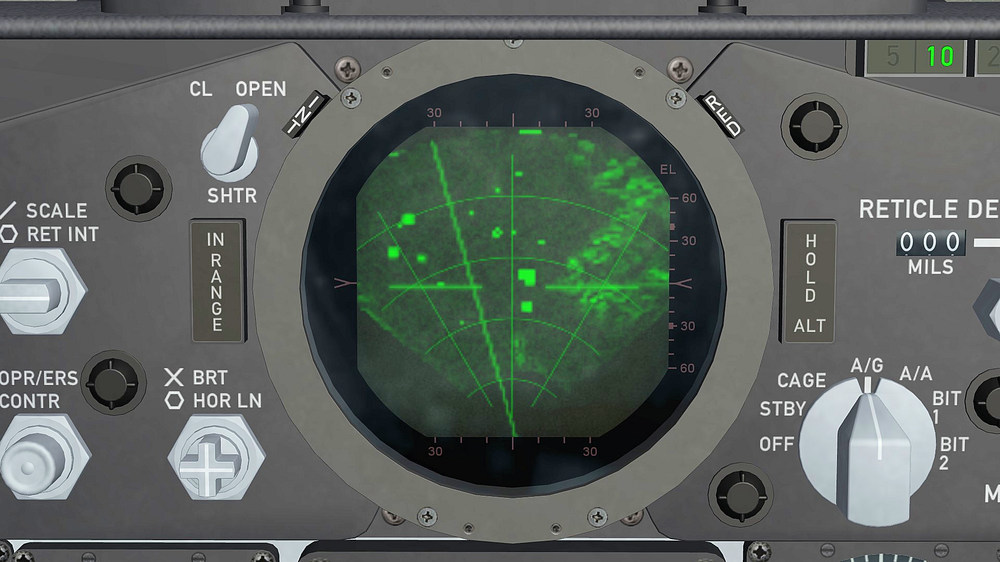
- 22 replies
-
- 17
-

-

-

USAF F-16A Block 15 (Mirage Factory) for SF2 ?
ravenclaw_007 replied to Coupi's topic in General Discussion
you have to set it up like this ItemNumber is the animation slot from the aircraft , AnimationID is the animation slot for the cockpit [Canopy] Type=EXTERNAL_ANIMATION_LINK NodeName=inside_canopy MovementType=ANIMATION AnimationID=1 ItemNumber=8 this is how it looks on my F-4E´s and it works fine , important is that you get the right node name [Canopy] Type=EXTERNAL_ANIMATION_LINK NodeName=CanopyFrame01 MovementType=ANIMATION AnimationID=1 ItemNumber=3 if you have problems with it send me the cockpit.ini and i will have a look at it -
USAF F-16A Block 15 (Mirage Factory) for SF2 ?
ravenclaw_007 replied to Coupi's topic in General Discussion
animation 1 is the whole landing gear so i like to avoid that , why dont you edit the cockpit.ini file ??? and link the cockpit animation to the aircraft one -
USAF F-16A Block 15 (Mirage Factory) for SF2 ?
ravenclaw_007 replied to Coupi's topic in General Discussion
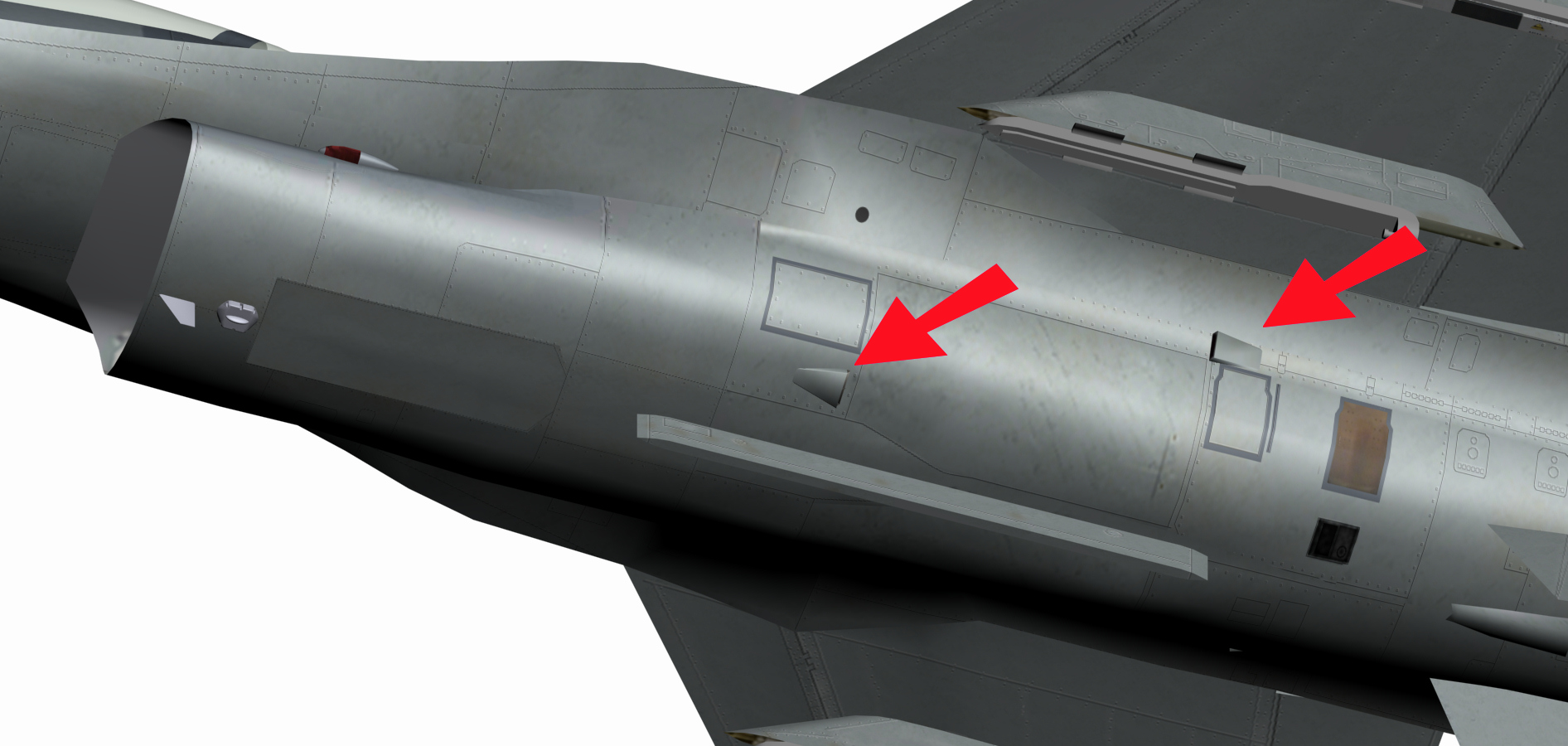
did the Block 10 have this vents ( red arrow ) or do i have to remove them ???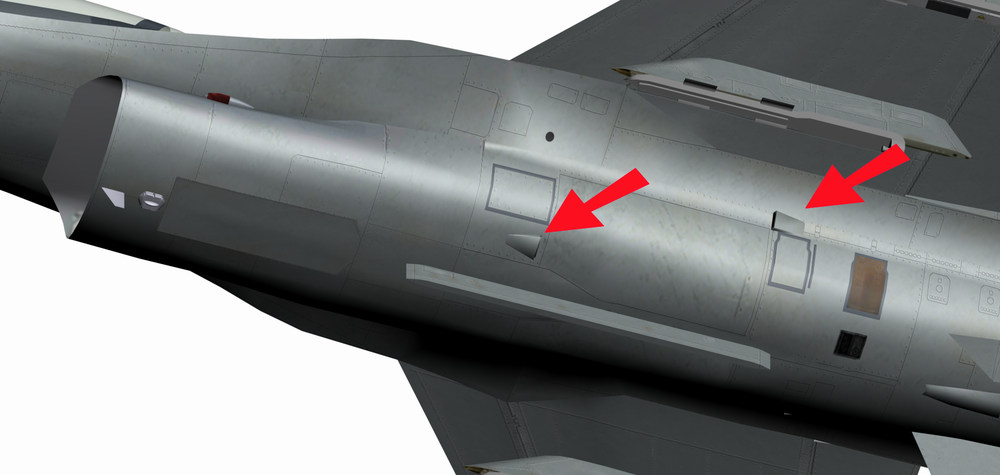
-
USAF F-16A Block 15 (Mirage Factory) for SF2 ?
ravenclaw_007 replied to Coupi's topic in General Discussion
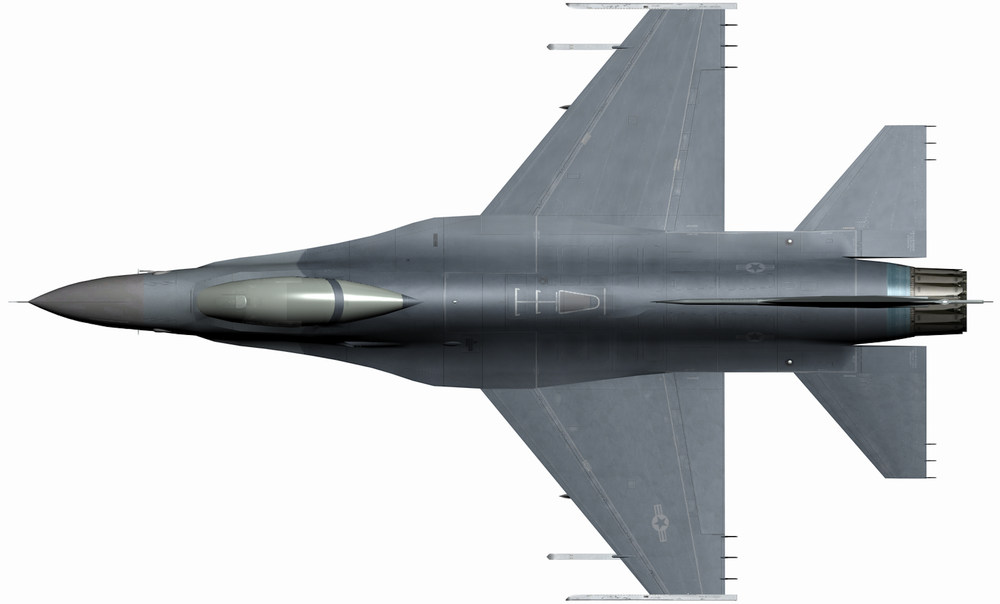
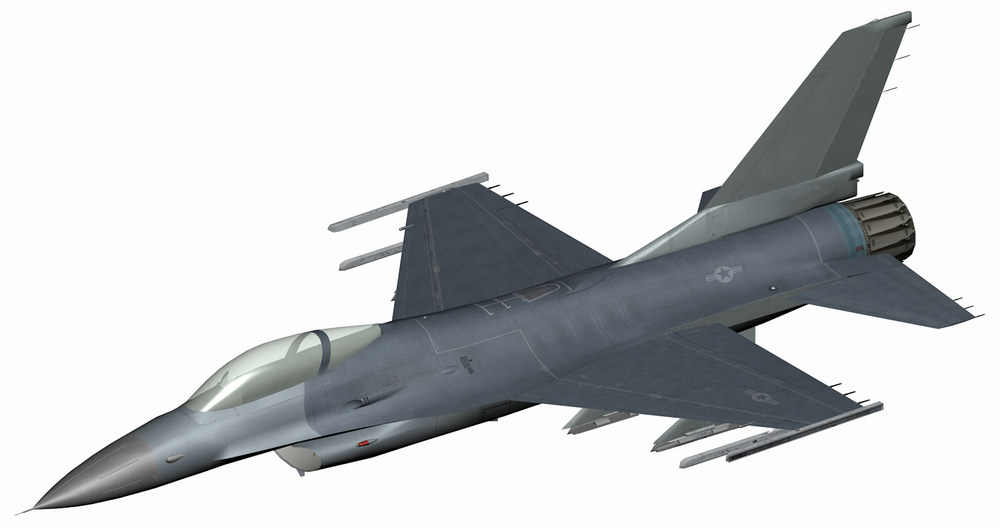
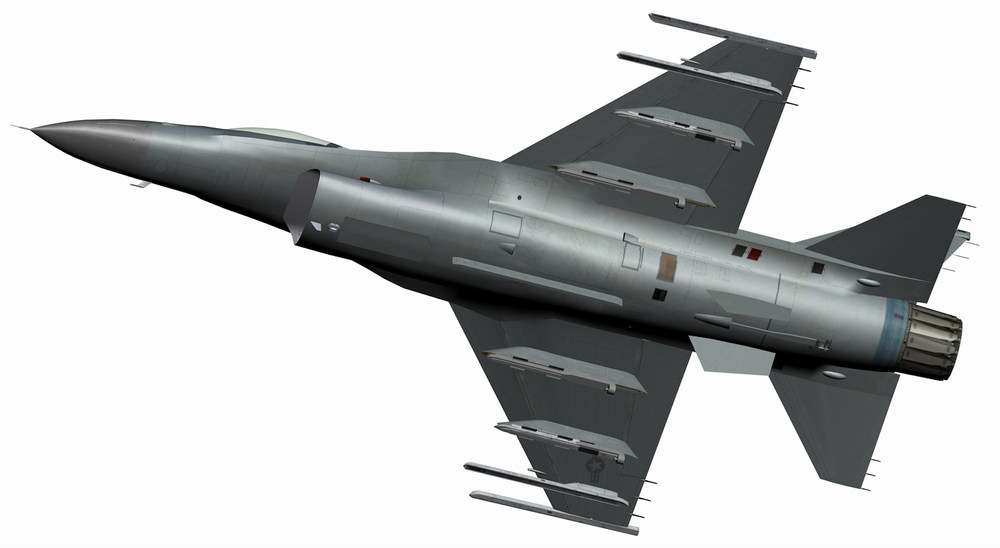
that is what i have now for the F-16A_B10 , let me know if i missed something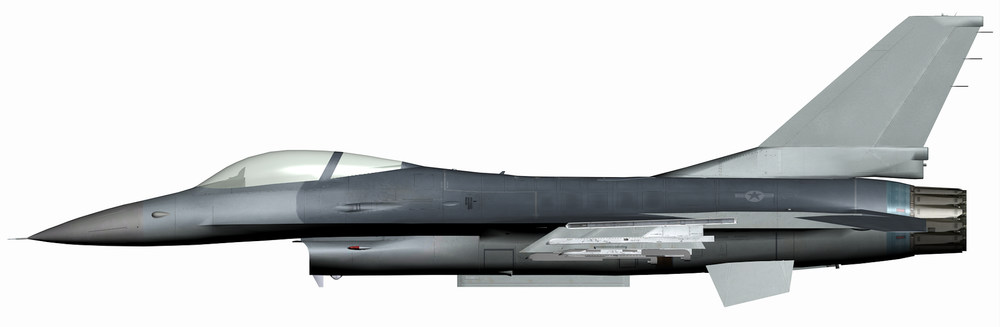
-
USAF F-16A Block 15 (Mirage Factory) for SF2 ?
ravenclaw_007 replied to Coupi's topic in General Discussion
i would need the exact differences , best with good pictures , so i can make the changes -
USAF F-16A Block 15 (Mirage Factory) for SF2 ?
ravenclaw_007 replied to Coupi's topic in General Discussion
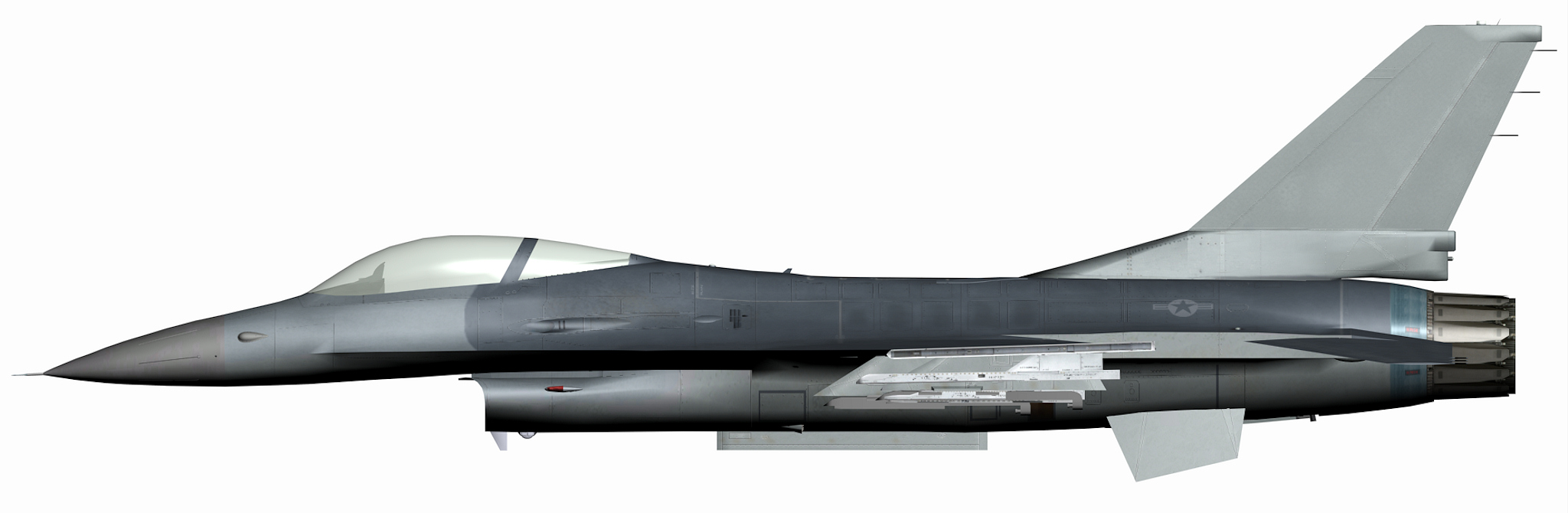
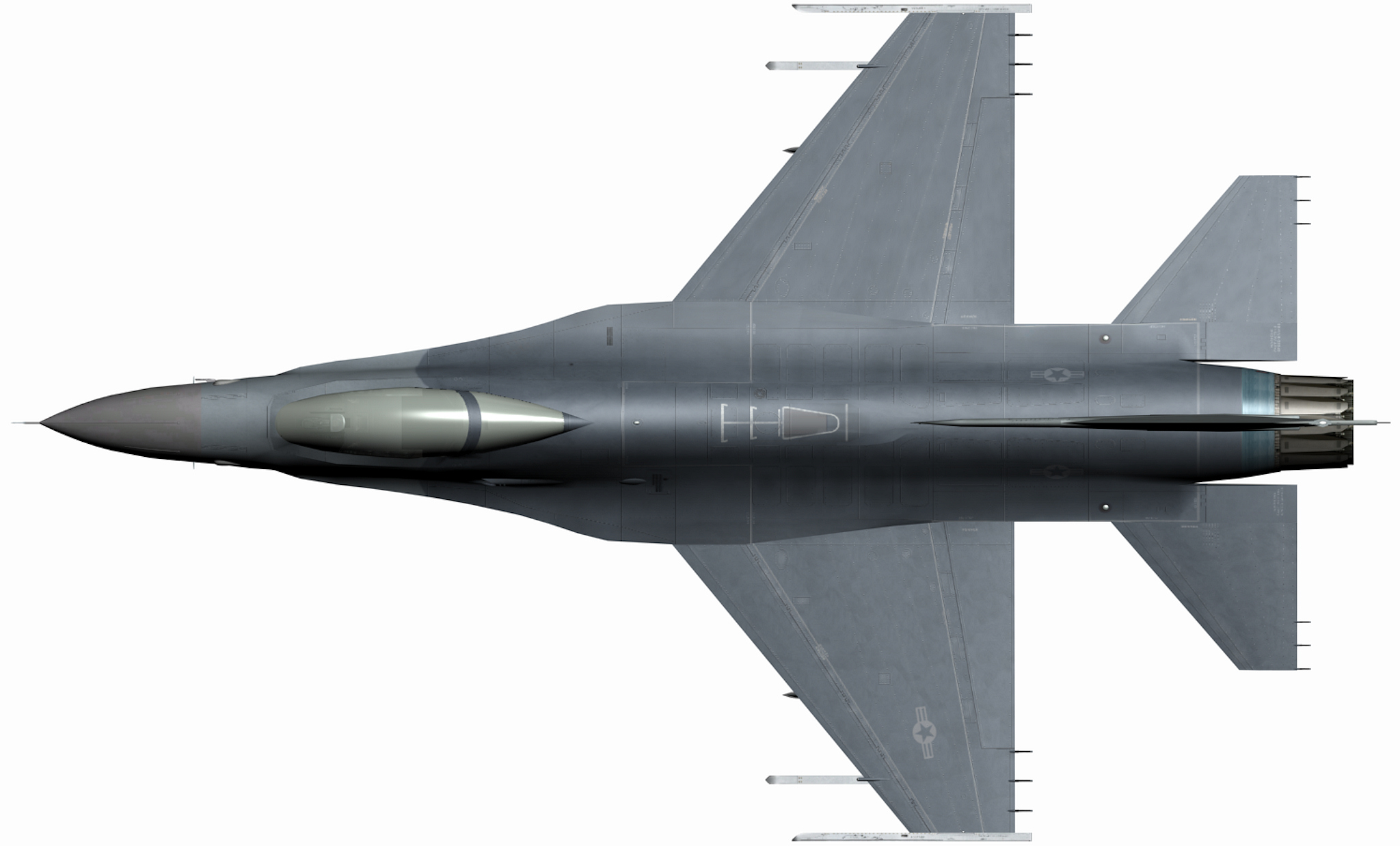
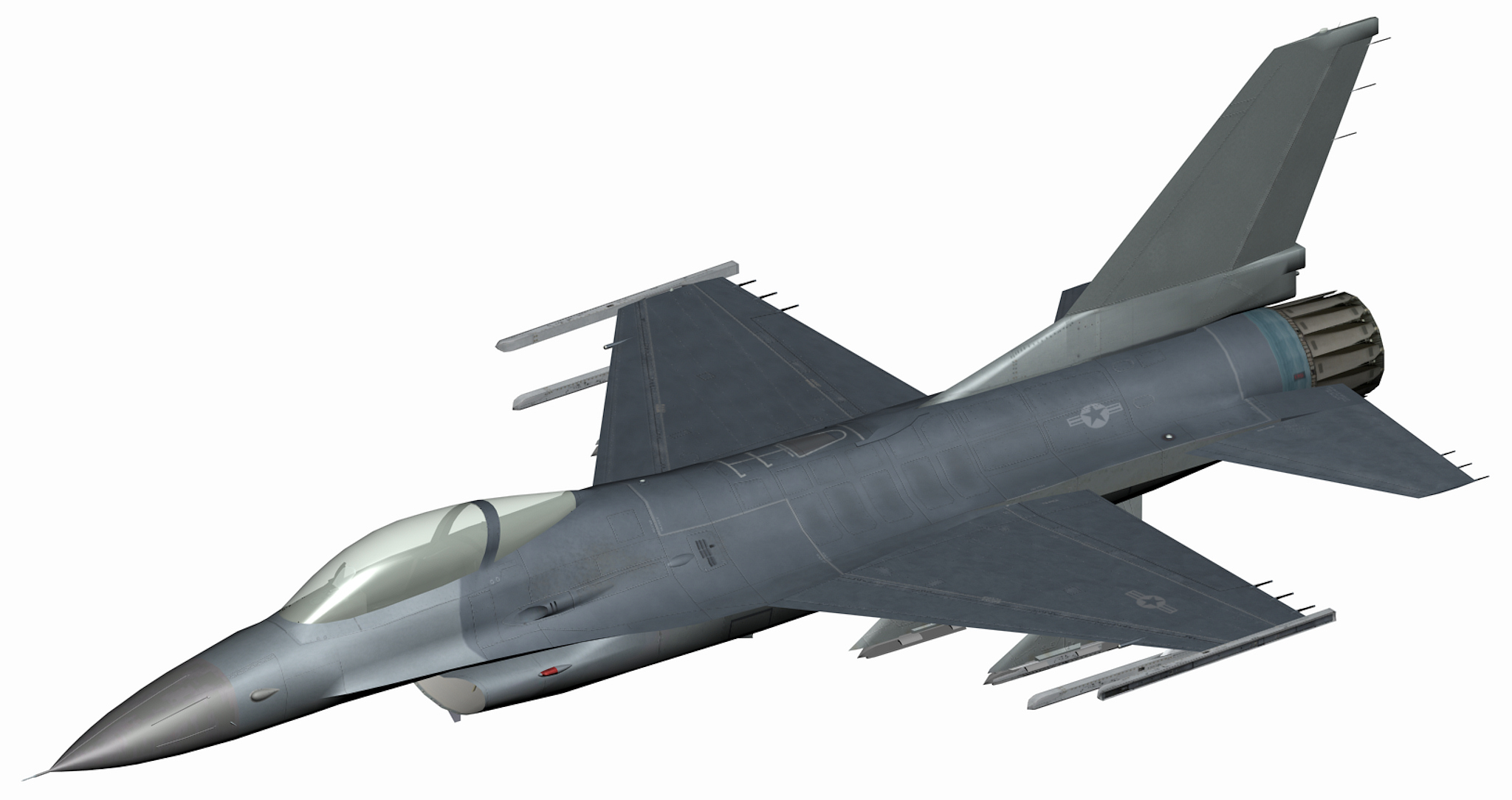
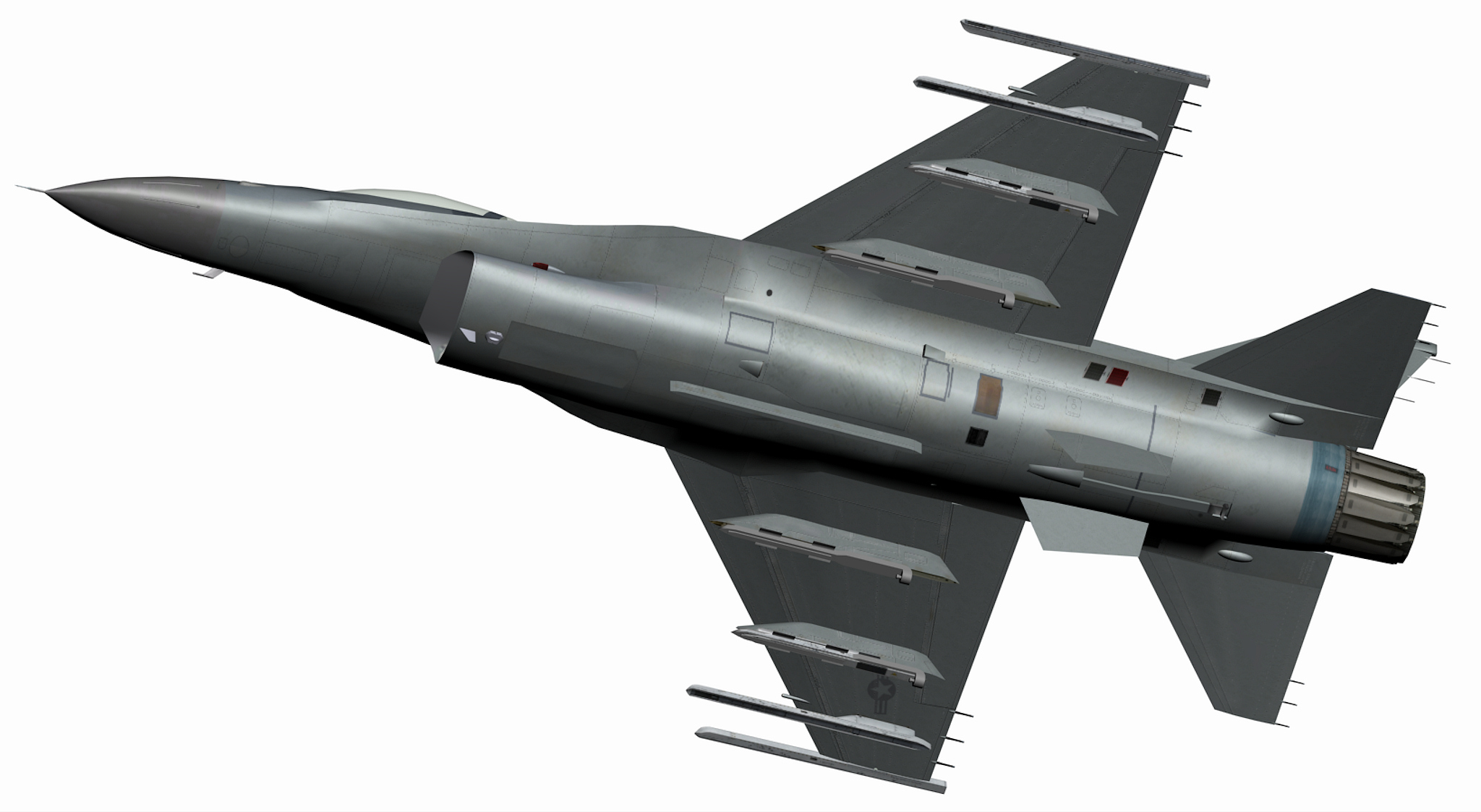
here is the F-16A_B15 , it is a complete aircraft folder , the decals are from the ADF version so you have to make your own , this aircraft is using .jpeg skin F-16A_B15.7z here is the F-16C_B30 , it is only the lod and the data.ini , PLEASE keep the original as a copy in case something is wrong , this aircraft is using still the .dds skin F-16C_B30.7z and please copy the Boom texture from the F-16A_B15 to the F-16C_B30 , i added this little feature to the aircraft in case you want something to be added , changed or removed let me know -
USAF F-16A Block 15 (Mirage Factory) for SF2 ?
ravenclaw_007 replied to Coupi's topic in General Discussion
So the ADF but with out the search lights and the outer missile pylons down by -1° , right ??? -
USAF F-16A Block 15 (Mirage Factory) for SF2 ?
ravenclaw_007 replied to Coupi's topic in General Discussion
and the bulg on the vertail , remove or you want it ??? -
USAF F-16A Block 15 (Mirage Factory) for SF2 ?
ravenclaw_007 replied to Coupi's topic in General Discussion
just give me some time and i see what i can come up with do you need the bird slicer or should i remove them ??? -
USAF F-16A Block 15 (Mirage Factory) for SF2 ?
ravenclaw_007 replied to Coupi's topic in General Discussion
is it the F-16A Block 15 ADF that you need or wich version is it exactly that you want i think you better go with the -1° for the outer missile pylons , that looks more like on the real aircraft -
USAF F-16A Block 15 (Mirage Factory) for SF2 ?
ravenclaw_007 replied to Coupi's topic in General Discussion
same on the Team Viper thats why i posted the last picture with a -1° for the outer missile pylon , i think that would be the most correct way to display it -
USAF F-16A Block 15 (Mirage Factory) for SF2 ?
ravenclaw_007 replied to Coupi's topic in General Discussion
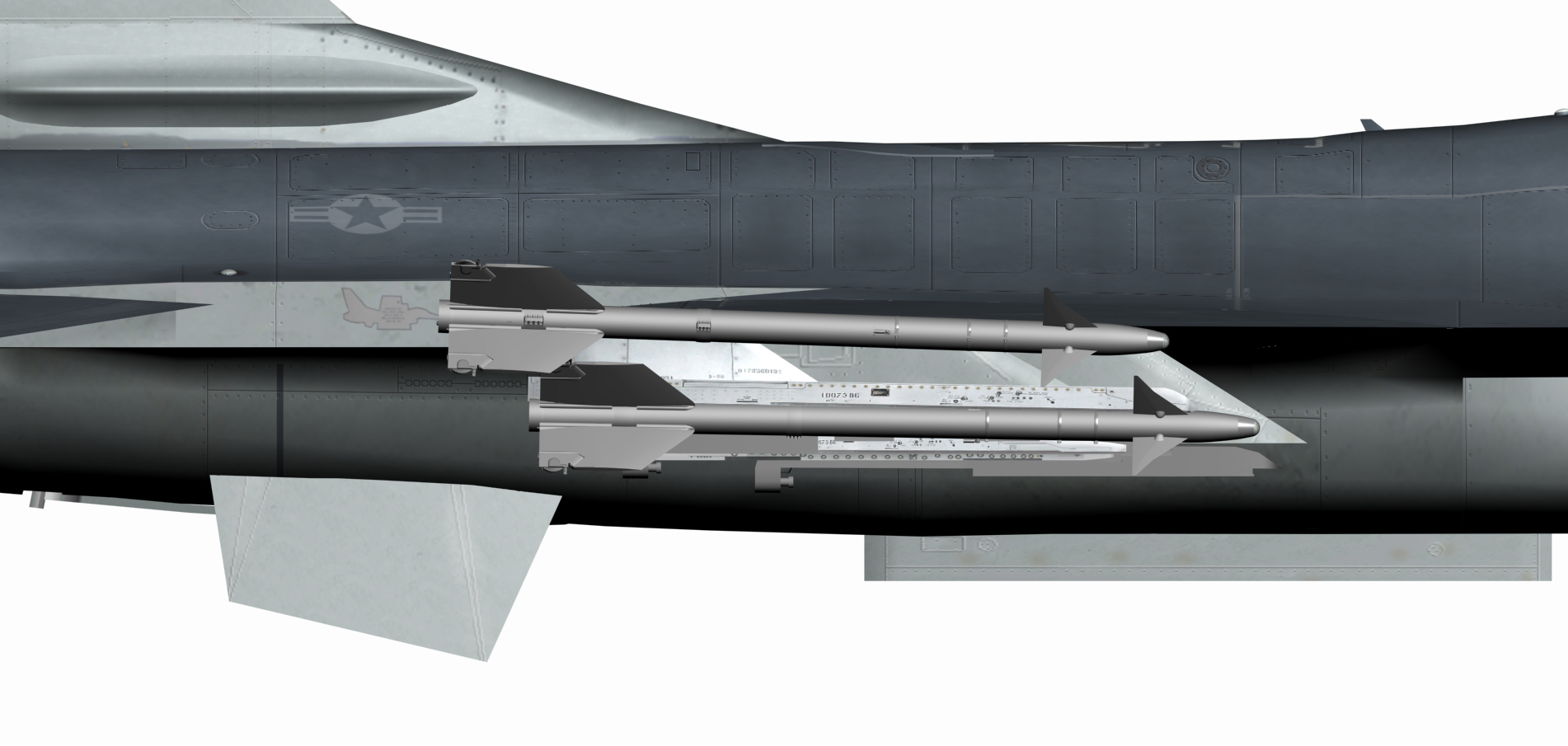
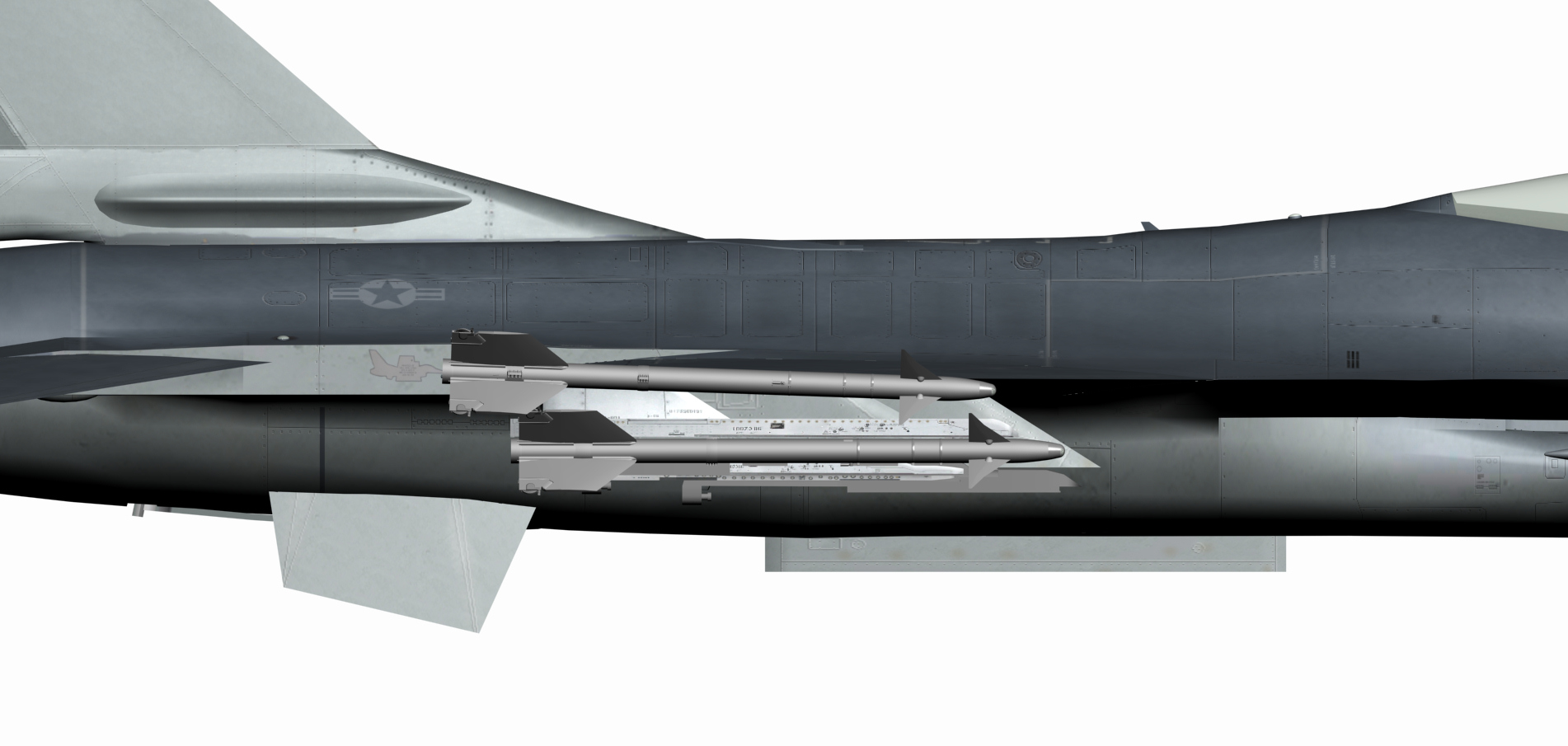
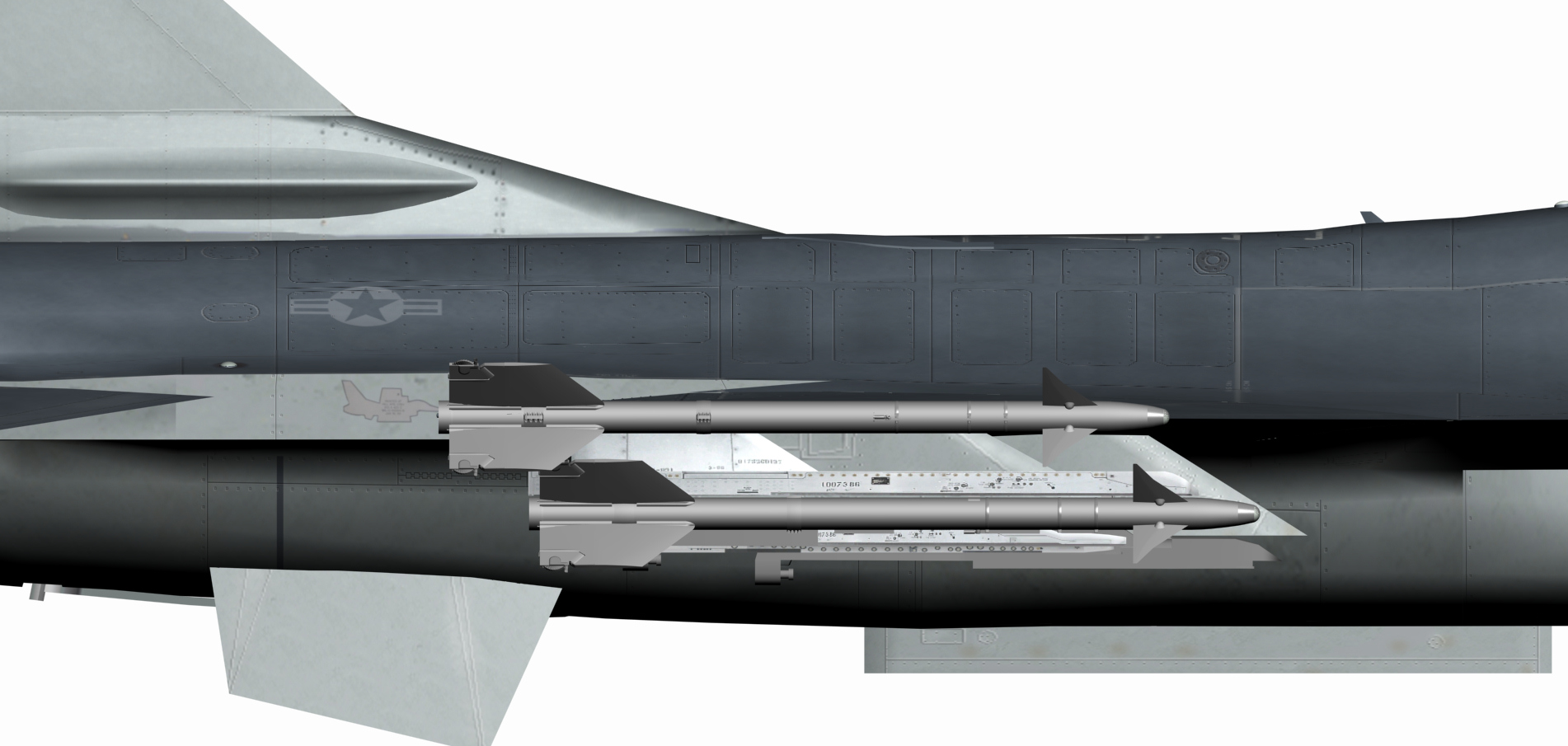
keep in mind that on the real aircraft the missiles have a nose down position especially on the wing tip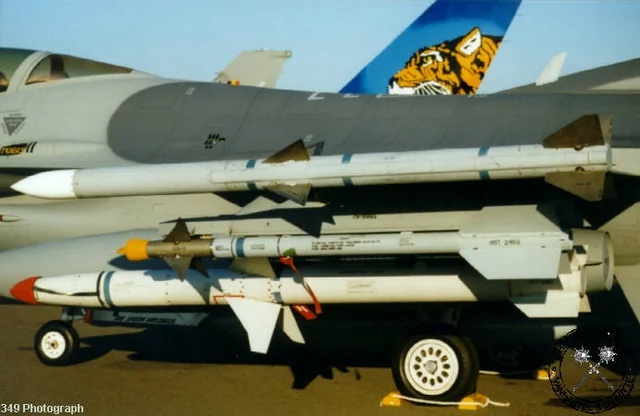
-
USAF F-16A Block 15 (Mirage Factory) for SF2 ?
ravenclaw_007 replied to Coupi's topic in General Discussion
that is how it looks if i swivel the outer pylon by -1° and the wing tip remains standard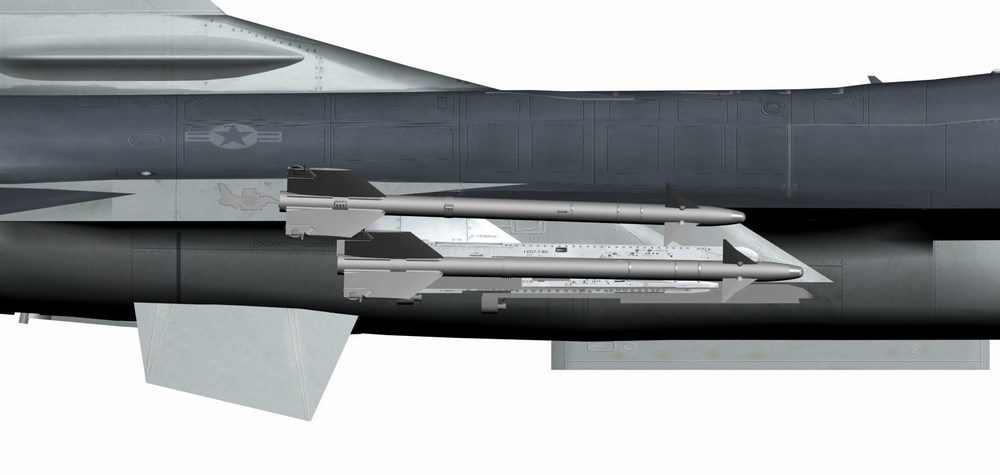
-
USAF F-16A Block 15 (Mirage Factory) for SF2 ?
ravenclaw_007 replied to Coupi's topic in General Discussion
ok , do you need the search light on the left front or with out it ??? -
USAF F-16A Block 15 (Mirage Factory) for SF2 ?
ravenclaw_007 replied to Coupi's topic in General Discussion
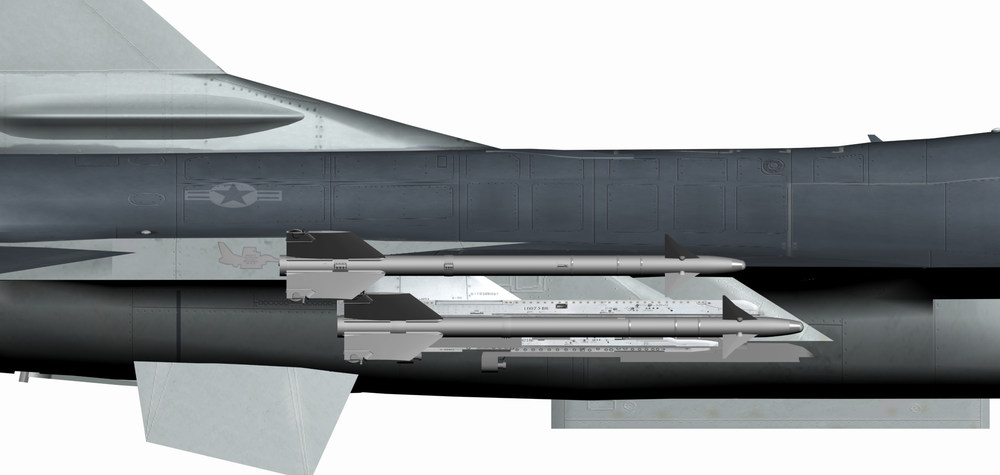
ok this is how it looks on the aircraft right now ( standard ) this is how it would look if i align the tip missile to the other one on the outer pylon ( swivel by +2° ) like on your picture to swivel it by 5,9° up or down would look very strange to say the least i think if i remember correct the problem on the TEAM VIper F-16 is more on the pylon angle than the angle of the wing tip launcher , but that is my 2 cent , so i would go with the standard version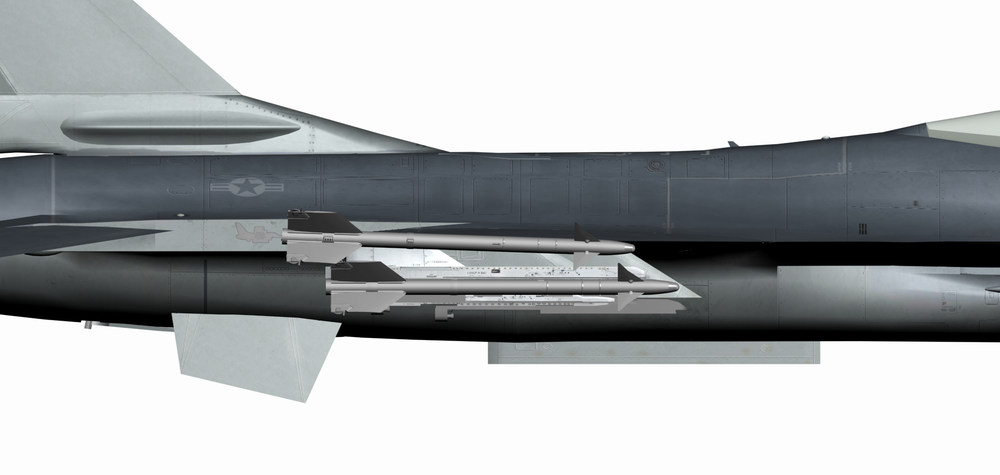
-
USAF F-16A Block 15 (Mirage Factory) for SF2 ?
ravenclaw_007 replied to Coupi's topic in General Discussion
i could change the rail angle , in the moment the angle is by -2° what angle to you like to have ??? and what launch rail you want -
USAF F-16A Block 15 (Mirage Factory) for SF2 ?
ravenclaw_007 replied to Coupi's topic in General Discussion
i do have the 3ds max file for the A/B MLU Vipers , if you tell me what you need i maybe able to help you -
how to make 4096 x 4096 textures
ravenclaw_007 replied to ravenclaw_007's topic in Mods & Skinning Discussion
got it working , i´m using Paintshop Pro X9 now , just have to figure out how everything works and how i can get my nvidia plugins get to work nvidia plugin is working as well , so i´m going to work on new Templates for the F-4 in 4096 x 4096 , will take some time -
how to make 4096 x 4096 textures
ravenclaw_007 replied to ravenclaw_007's topic in Mods & Skinning Discussion
i installed win 10 and 3ds max 2009 some time ago , but 3ds max did not work so i went back to win 7 -
how to make 4096 x 4096 textures
ravenclaw_007 replied to ravenclaw_007's topic in Mods & Skinning Discussion
i just tried to upscale the template on my gaming computer , i use here a RTX 3060 with 12GB ram but no luck -
how to make 4096 x 4096 textures
ravenclaw_007 replied to ravenclaw_007's topic in Mods & Skinning Discussion
Thanks for the answer i cant afford a 3rd computer just to make this large textures , i have to stick to the win7 64 bit because of 3ds max , 3ds max is not running on any higher win version -
i have try to make some 4096 x 4096 textures but constantly run out of memory , i´m using a win7 64bit computer with 32GB ram and a ASUS ROG Strix GeForce GTX-1070 Ti 8GB GDDR5 graphics card , the Software i use is Corel Paintshop Photo Pro X3 what exactly do i wrong to run out of memory ??? any help is welcome i´m not even able to convert a existing 2048 x 2048 template to 4096 x 4096 , best result i had by converting layer by layer to 4096 x 4096 and add them to a new template , but as soon as i start to modify some lines i run out of memory
-
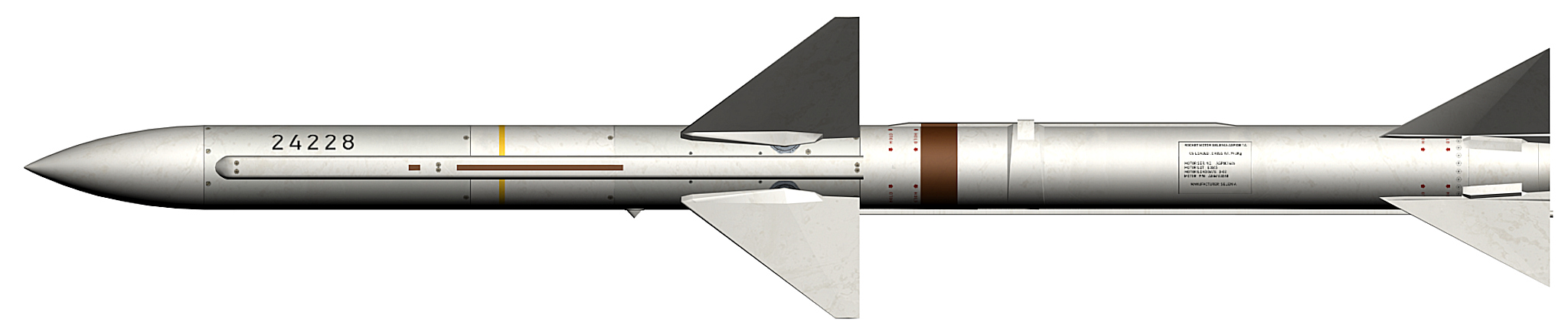
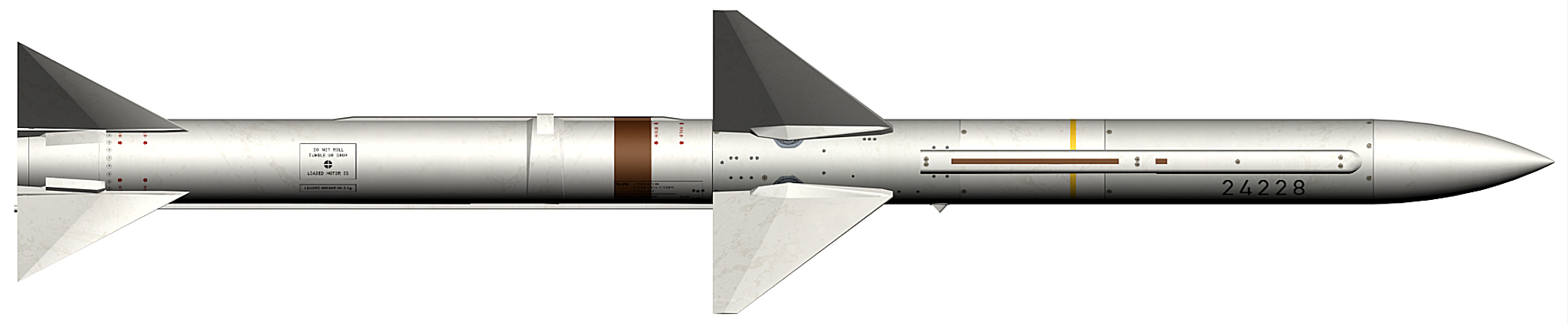
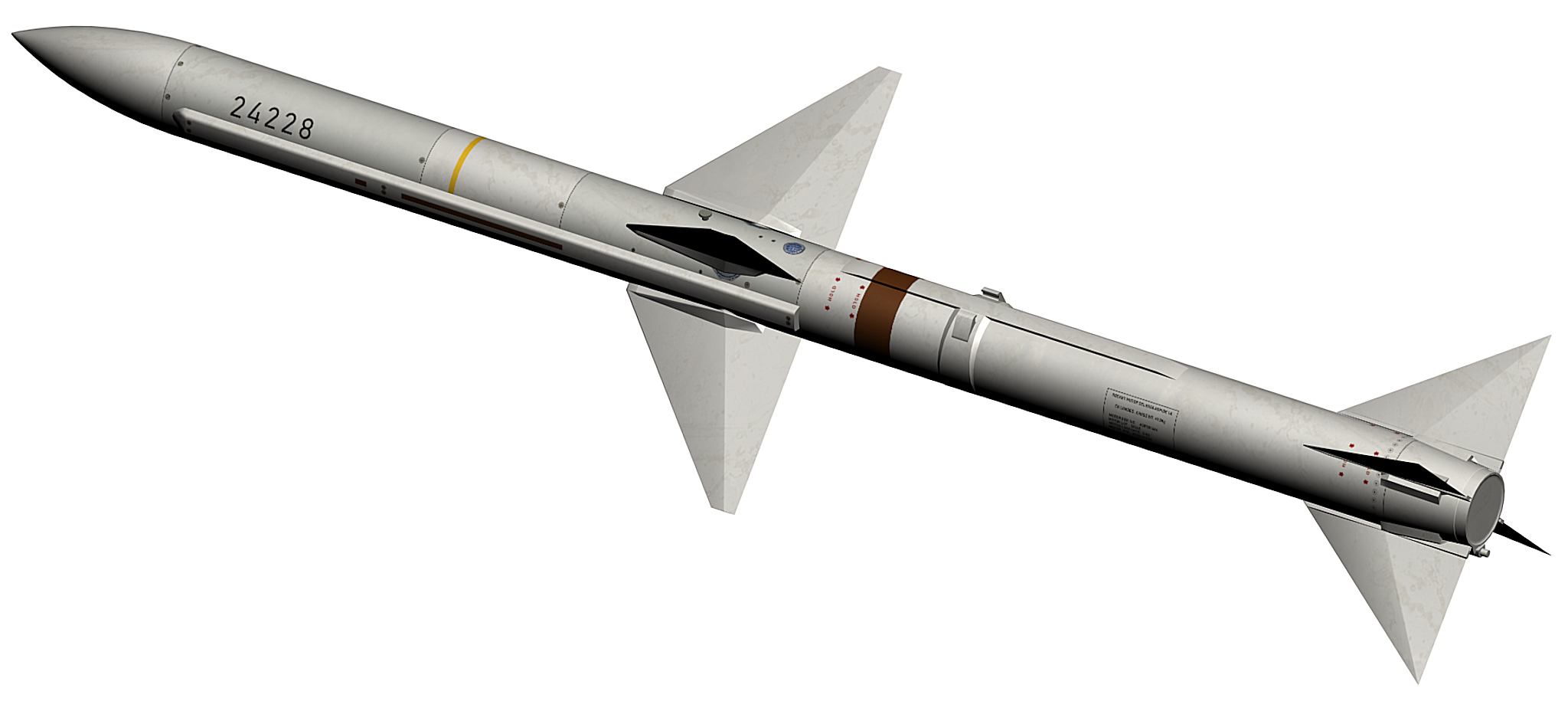
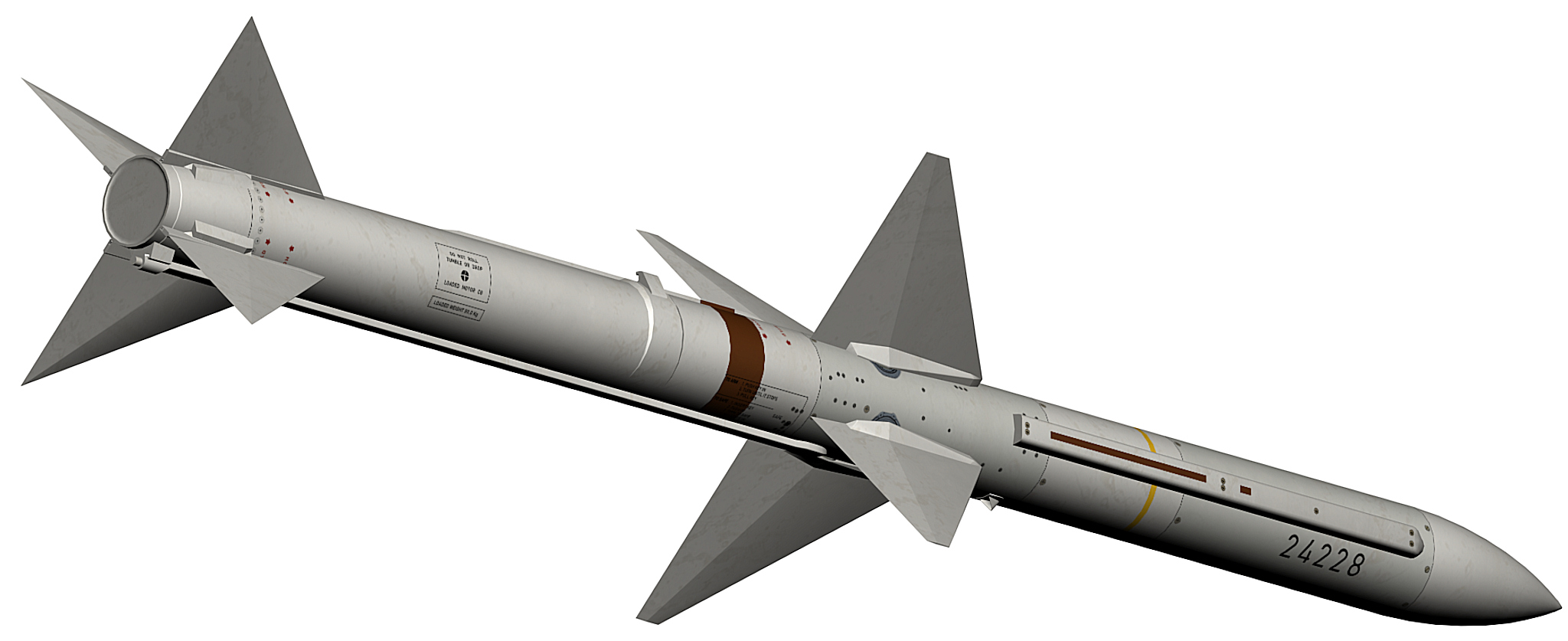
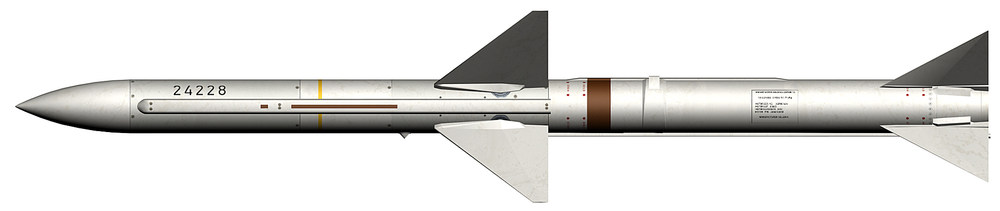
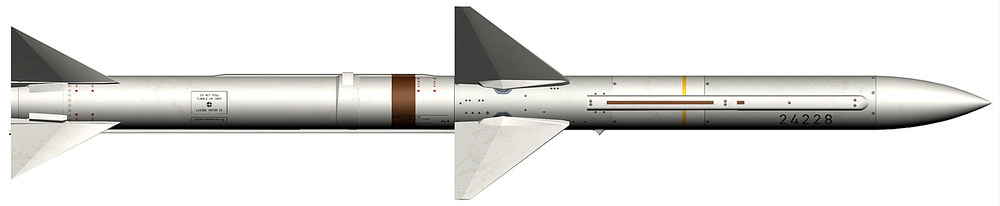
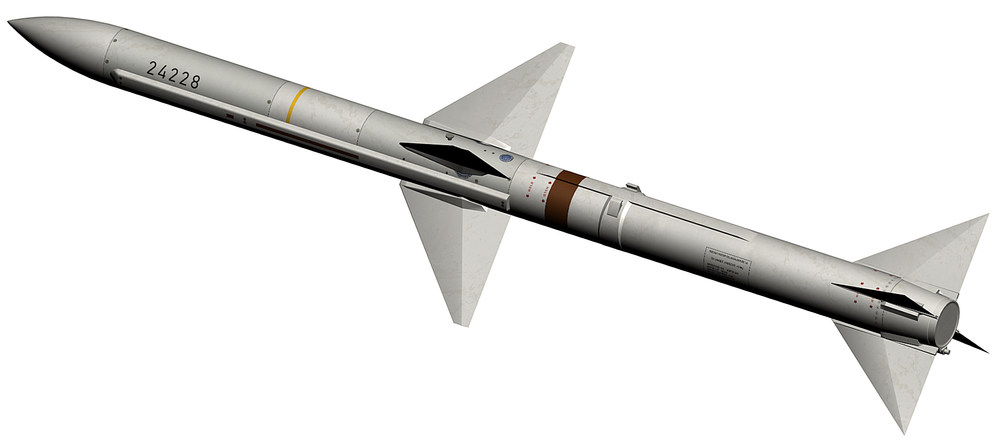
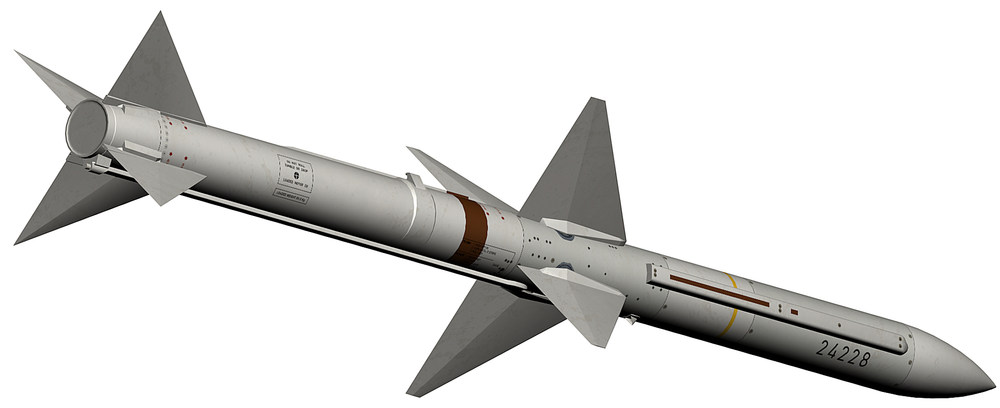
here is the ASPIDE 1A used on the Italian F-104S ASPIDE_1A.7z
- 63 replies
-
- 13
-
-