ravenclaw_007
-
Posts
4,243 -
Joined
-
Last visited
-
Days Won
315
Content Type
Profiles
Forums
Gallery
Downloads
Store
Everything posted by ravenclaw_007
-
i`m not sure but i think Wrench would be the right person to ask , i´m not familiar with terrain modding
-
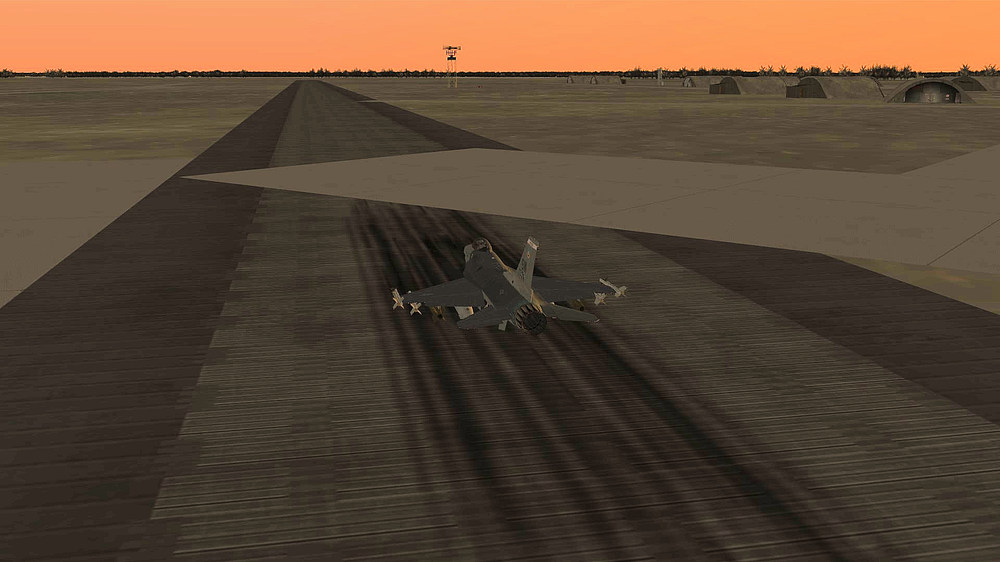
here you go looks like the taxiway texture is overlapping the runway texture
-
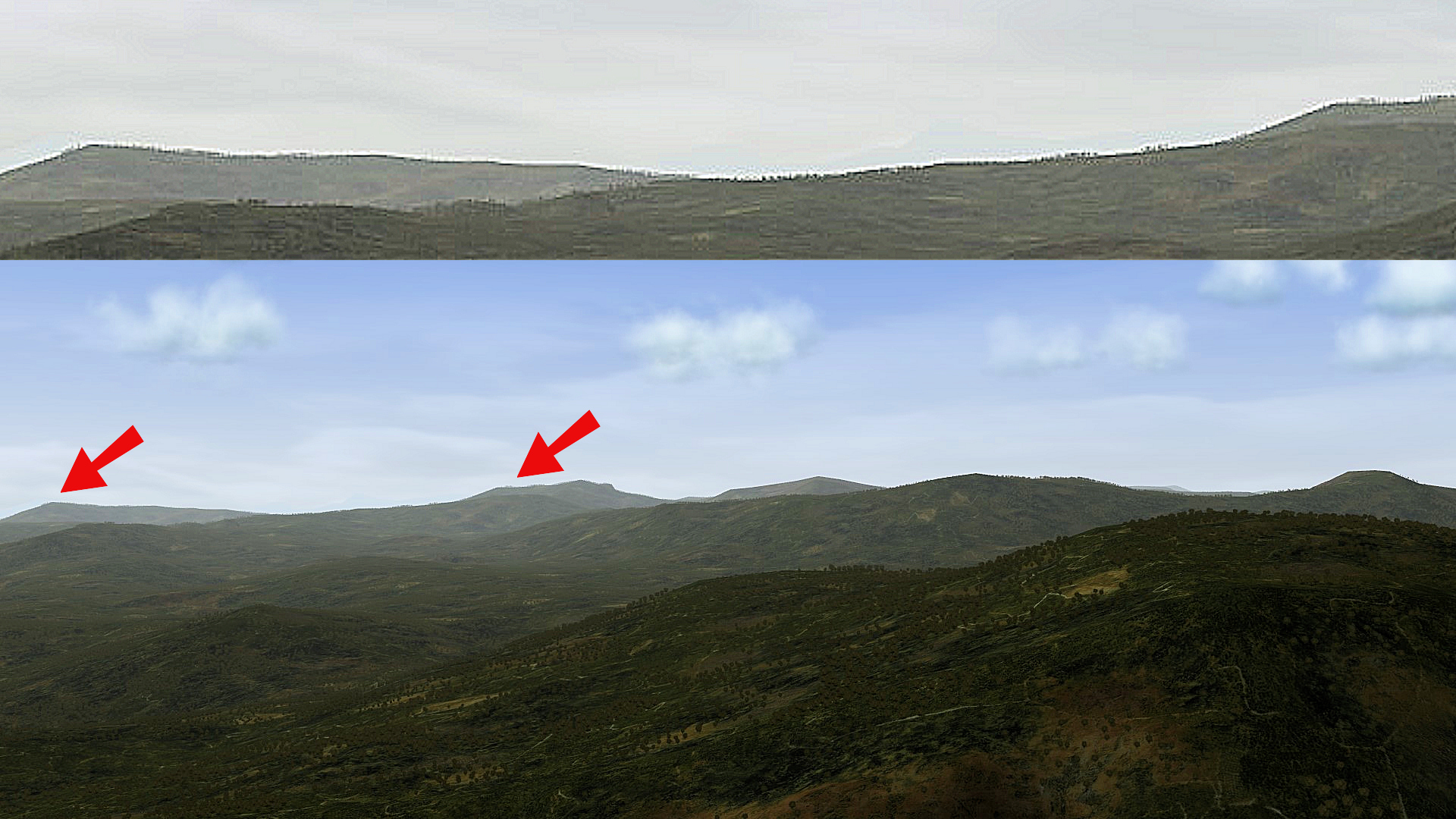
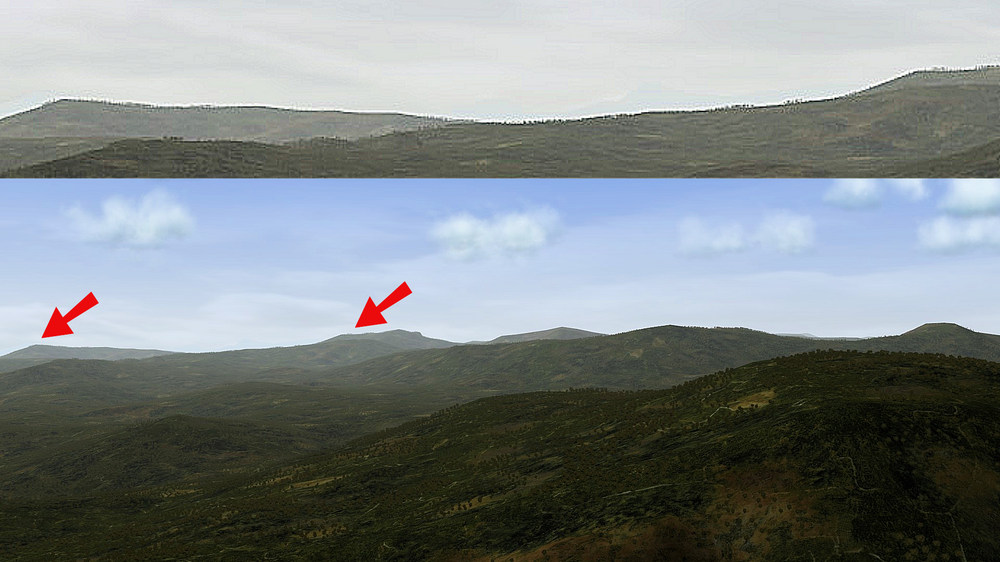
i updated my old 8gb grafics card to a 12gb Gigabyte RTX 3060 but on some terrains i still run in to problems, actually there are only 2 terrains that causes problems that is the Anatolia terrain ( final version ) and the Germany CE from Rents ( final version ) on this 2 terrains i have problems even with stock aircrafts not to mention with heavily modded ones all other terrains work fine , i have some early versions of this 2 terrains and they work better but sometimes even this early versions causing problems my flight engine ini is set up to have trees / buildings visible up to the horizon i´m using Gigabyte GA-Z97X-UD5H mainbord Gigabyte GeForce RTX 3060 Gaming OC LHR 12 GB Intel Core I7-4790K 4 x 4.00 GHz G.Skill 32 GB Ram DDR3-1333 Windows 7 pro 64 bit so it is a old computer but i´m happy with it , and for all the guys who are telling me that Windows 7 is no longer supported , i still get regular updates from Microsoft thats my FlightEngine.ini settings [GraphicsSettings] ZBufferDepth=24 MaxVertexCount=16384 MaxIndexCount=32768 MaxTextureCount=4096 MaxModelType=2024 MaxMeshPerScene=4096 MaxModelPerScene=2024 MaxLightPerScene=256 AspectRatio=1.333333 MinPixelSize=1.0 [BackgroundSceneClip] FarClipDistance=80000.0 NearClipDistance=3000.0 [ForegroundSceneClip] FarClipDistance=14000.0 NearClipDistance=0.45 [InsideSceneClip] FarClipDistance=250.0 NearClipDistance=0.01 [LowDetailOption] HorizonDistance=30000.0 DetailMeshSize=2 DetailLevel=0 WaterEffect=0 NoiseTexture=0 MaxTextureRes=128 [MedDetailOption] HorizonDistance=52000.0 DetailMeshSize=2 DetailLevel=1 WaterEffect=1 NoiseTexture=0 MaxTextureRes=256 [HighDetailOption] HorizonDistance=60000.0 DetailMeshSize=14 DetailLevel=2 WaterEffect=2 NoiseTexture=1 MaxTextureRes=512 [UnlimitedDetailOption] HorizonDistance=72000.0 DetailMeshSize=19 DetailLevel=2 WaterEffect=2 NoiseTexture=1 MaxTextureRes=-1 and that is the result from that setting , you have trees up to the horizon , and yes that may have something to do that the Anatolia and the Germany CE terrain from Rents is not working well on my computer but i dont like this near clipping where trees or buildings are popping up out of nowhere , this picture is from the North Vietnam terrain , the area with the red arrows is enlarged on the top of the picture so it is up to you , if you want the Anatolia terrain and the Germany CE terrain from Rent to work in your game you have to reduce a lot of this settings and accept the near clipping distance and that objects pop up from nowhere ( basically the original TW settings ) or you modify your FlightEngine.ini and you game Detail settings and use the other terrains available , its your choice aaahhhh...... or buy a super / new computer that may help as well the grapihc card alone will not solve your problems as you can see with my RTX 3060 , i still have the problems
-
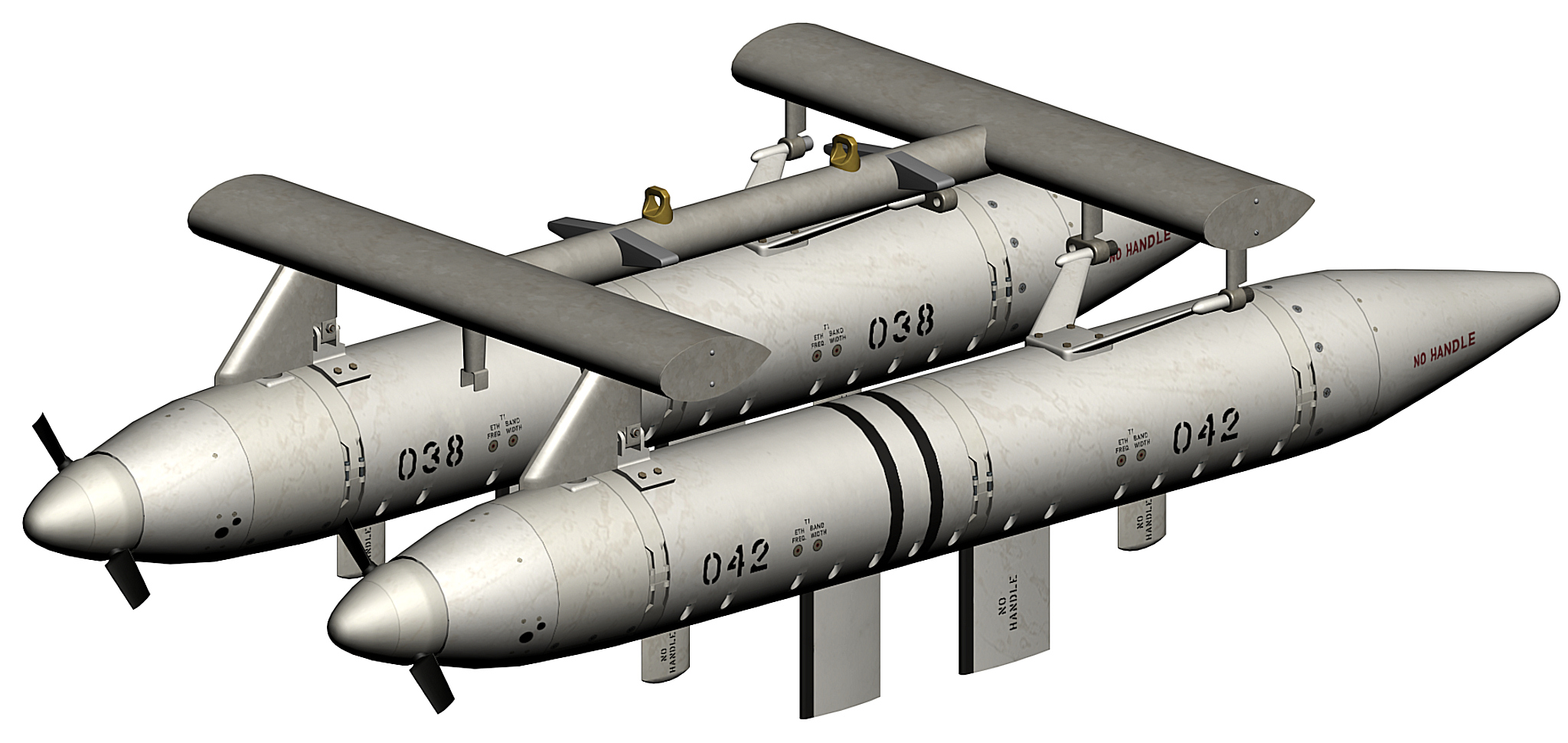
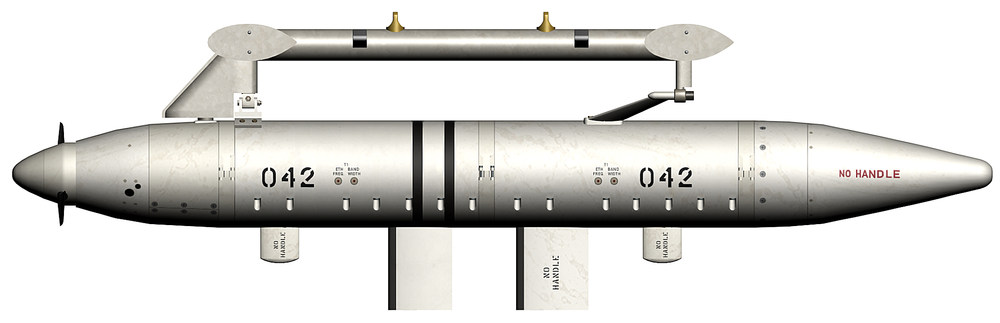
AN/ALQ-71 with RAT , twin pod assembly , used with the F-105 and EB-66
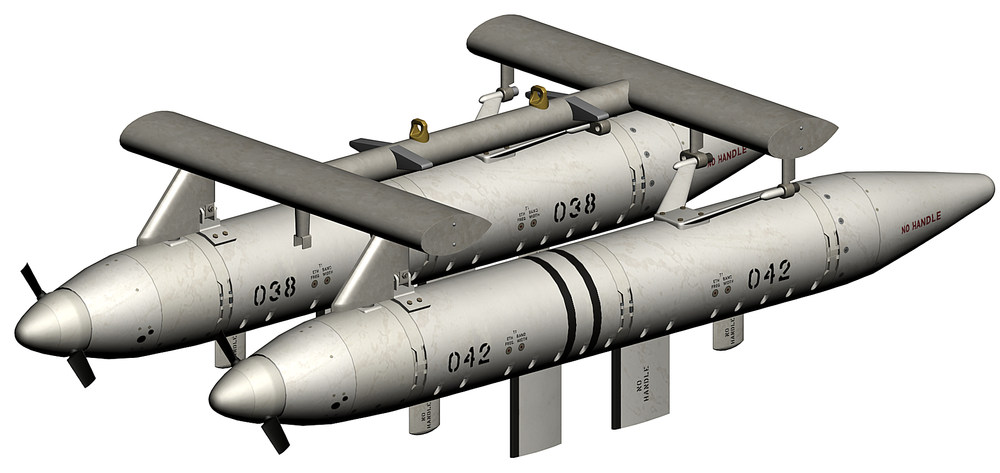
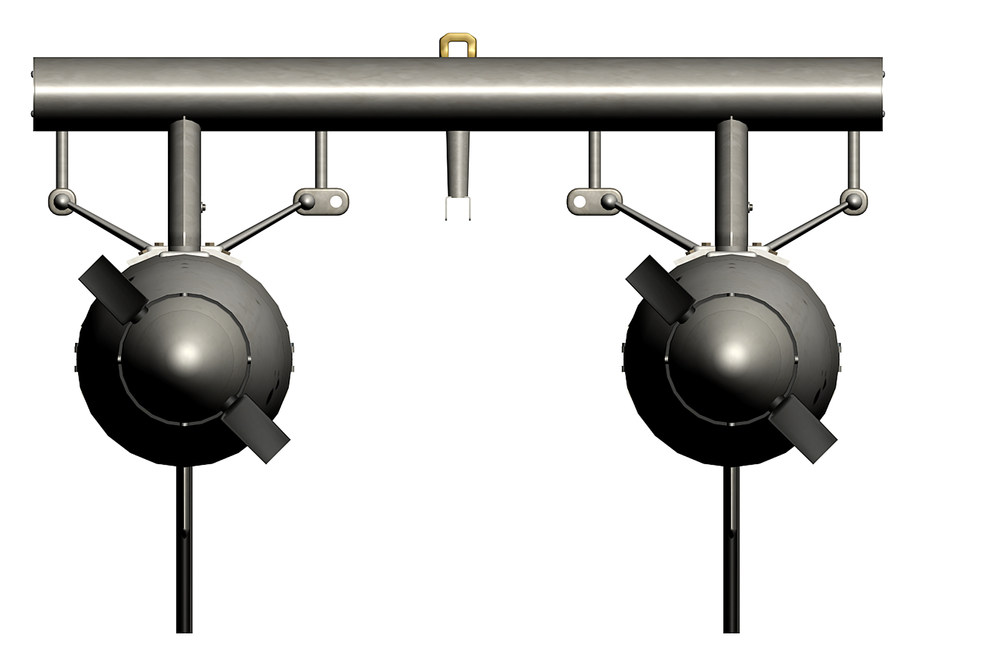
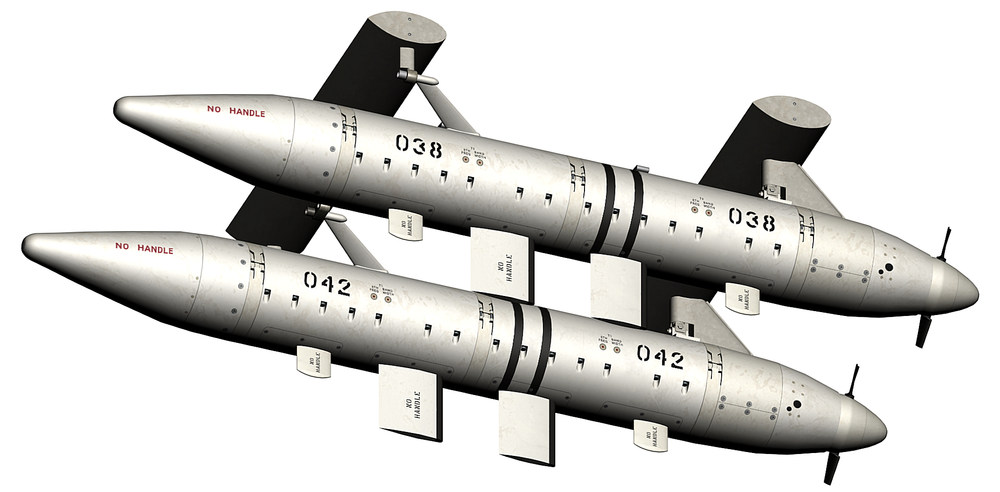
- 523 replies
-
- 17
-

-

-
as soon as i have the weapons folder and the weapons.ini done
-
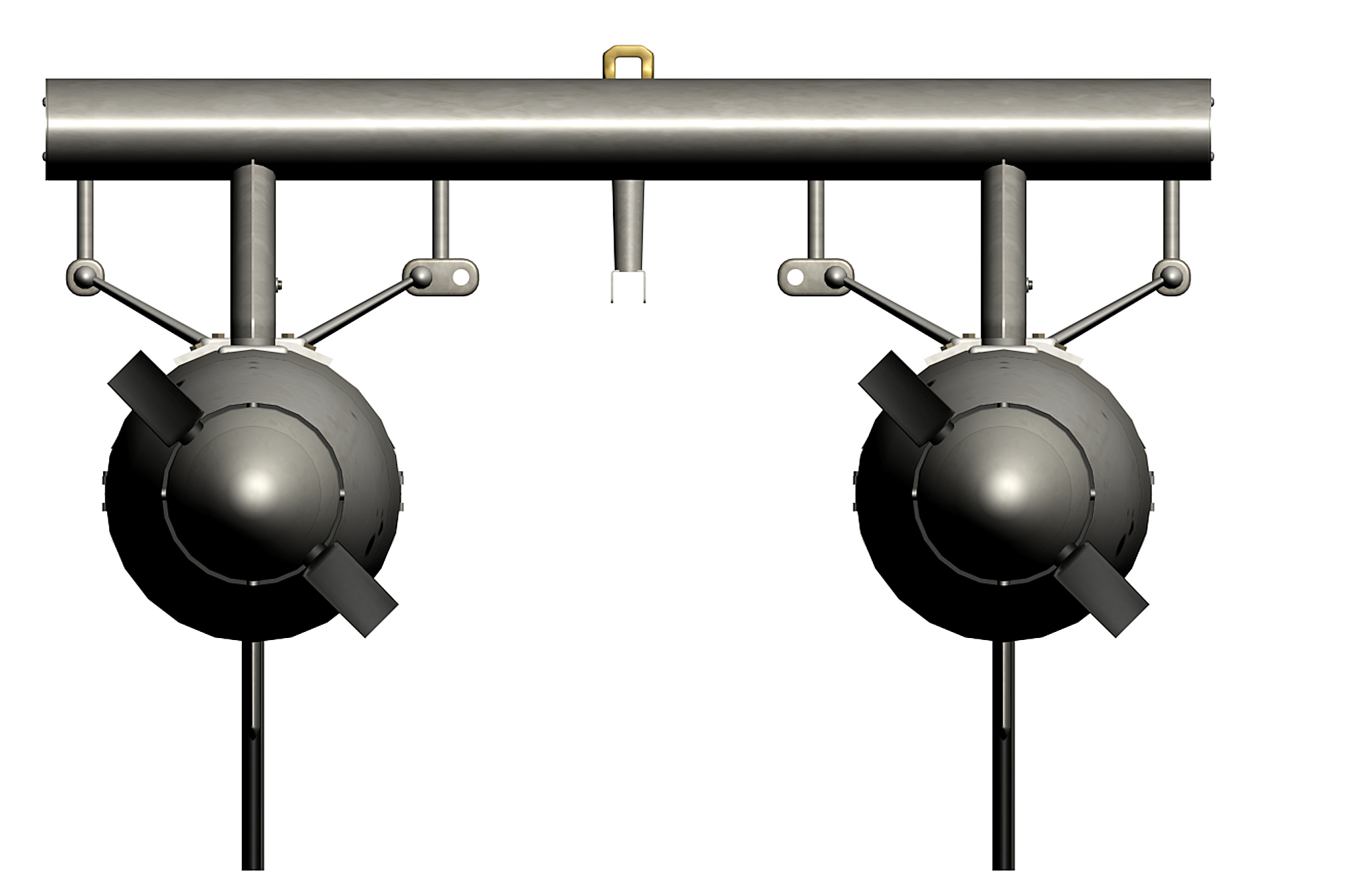
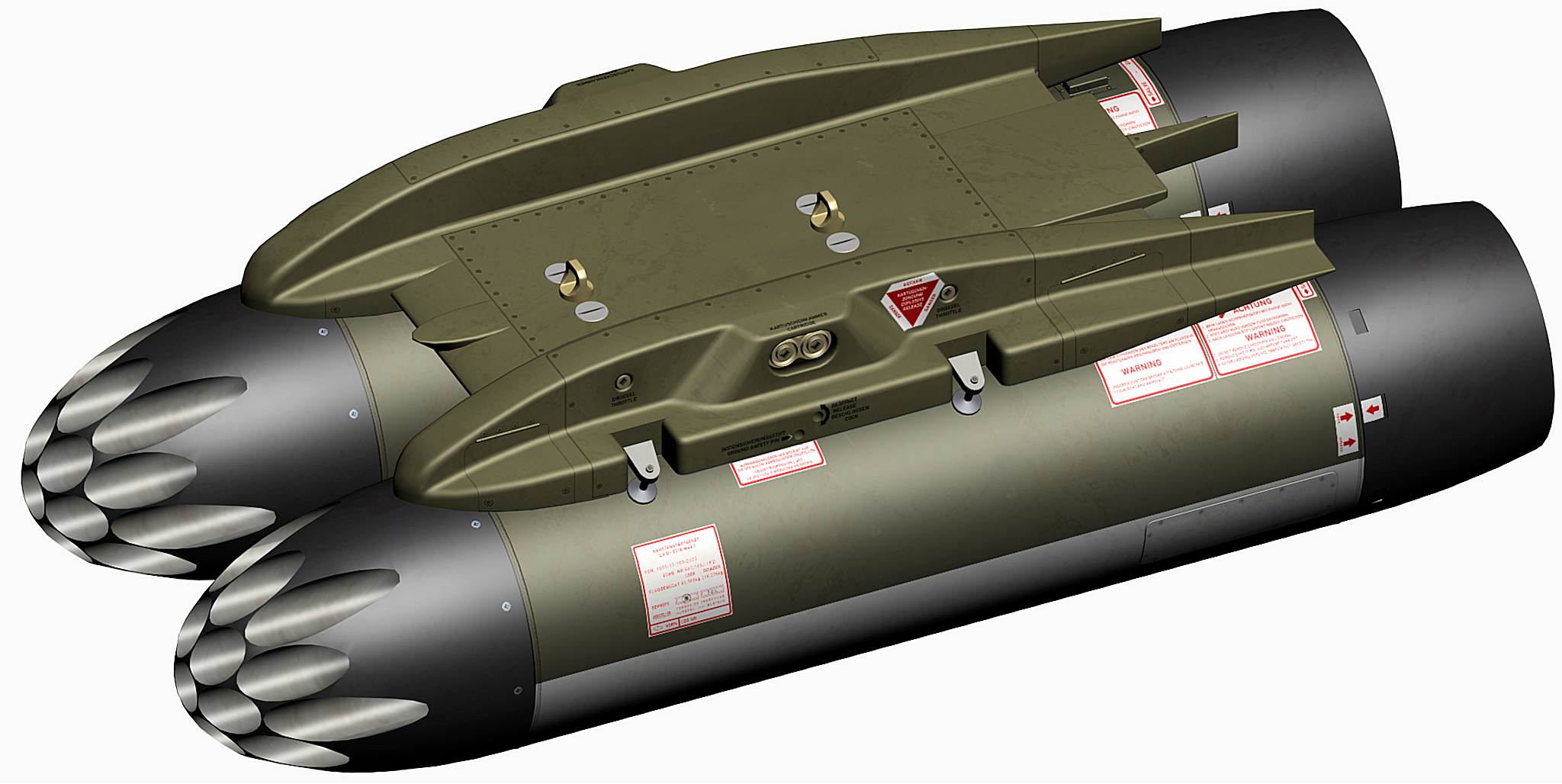
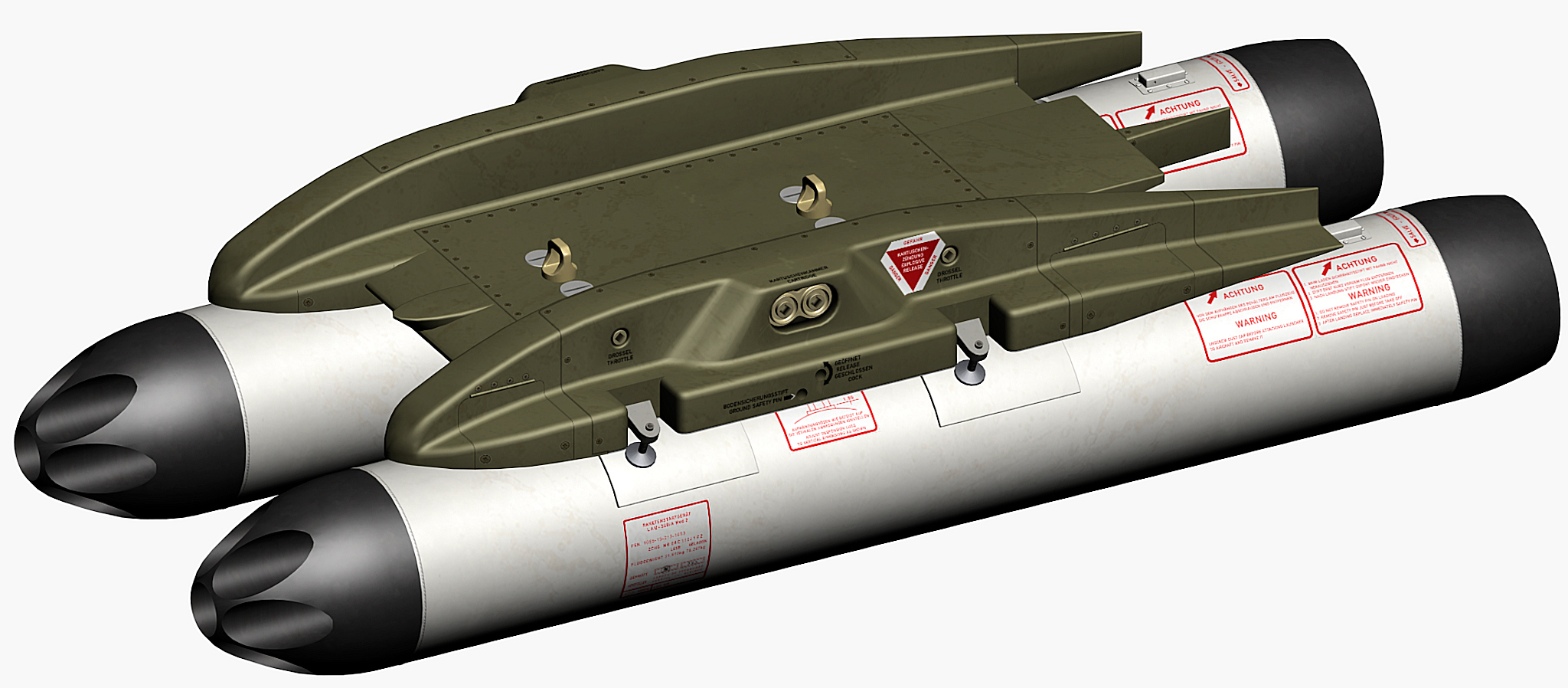
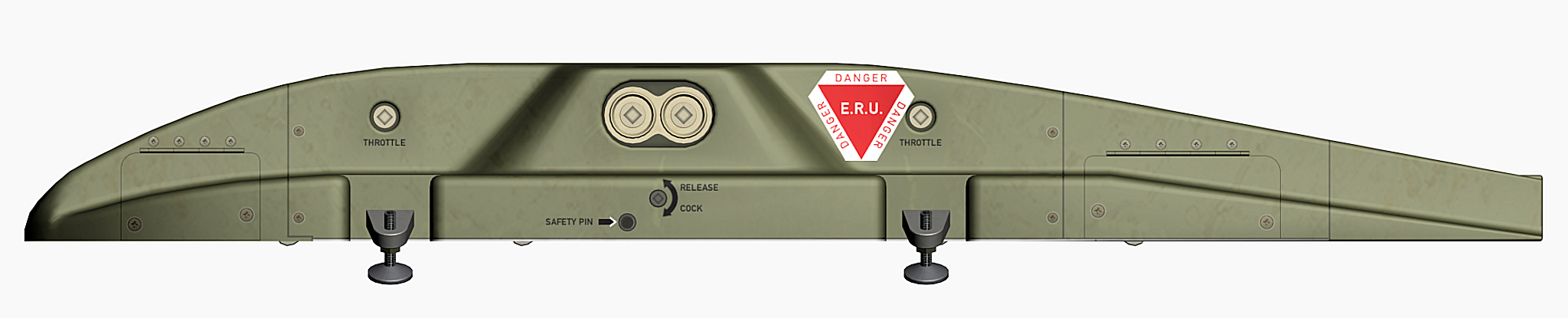
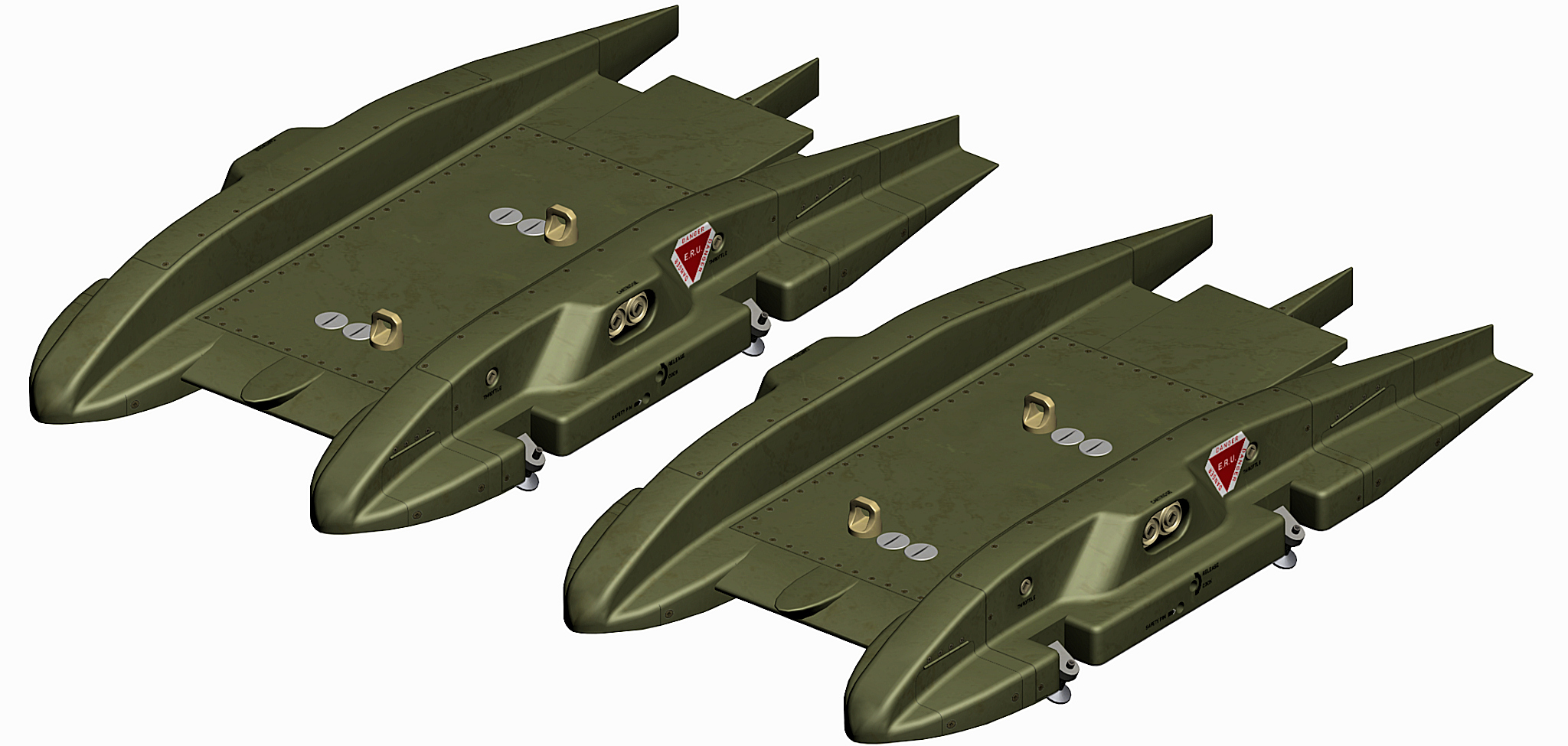
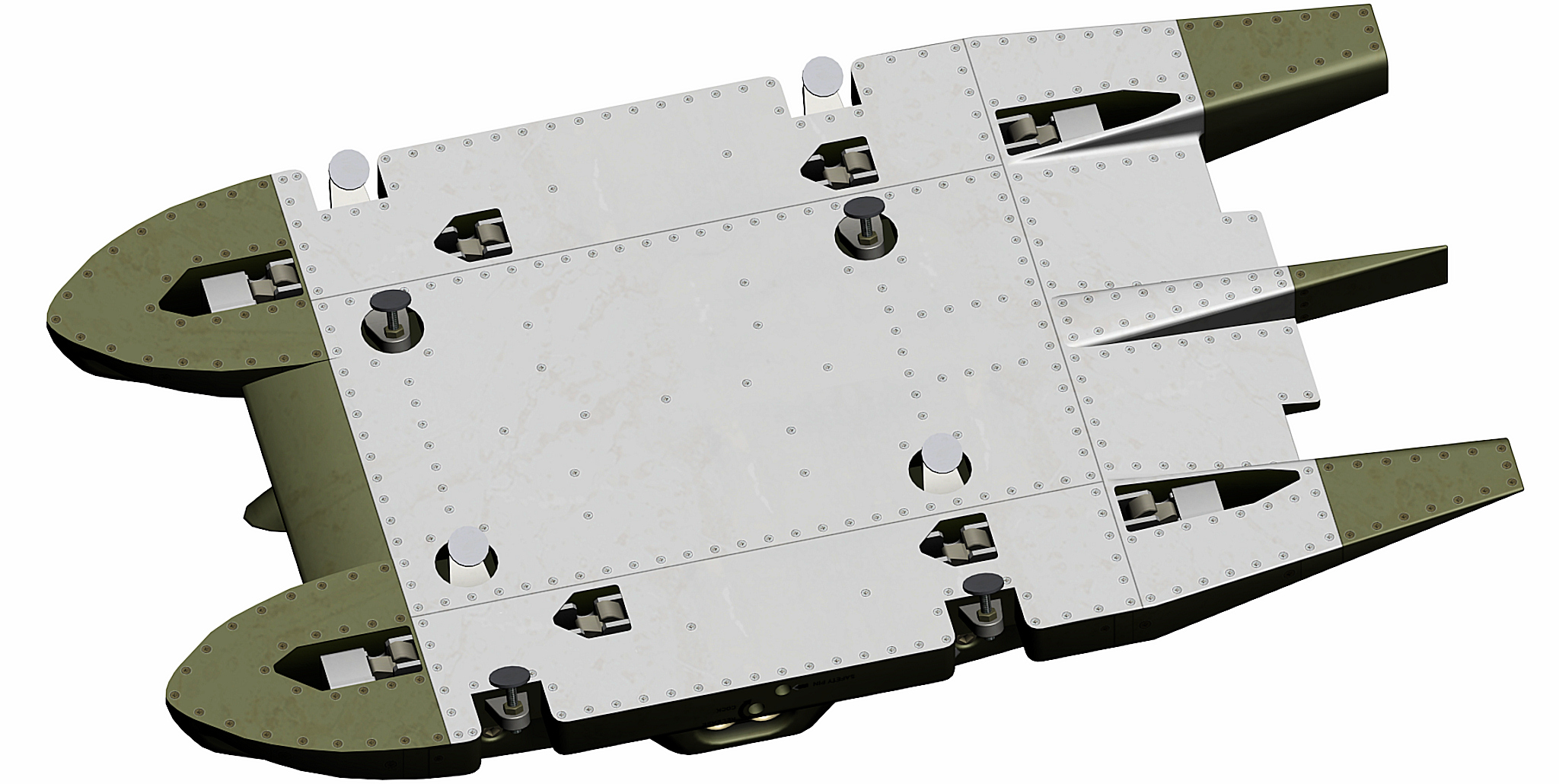
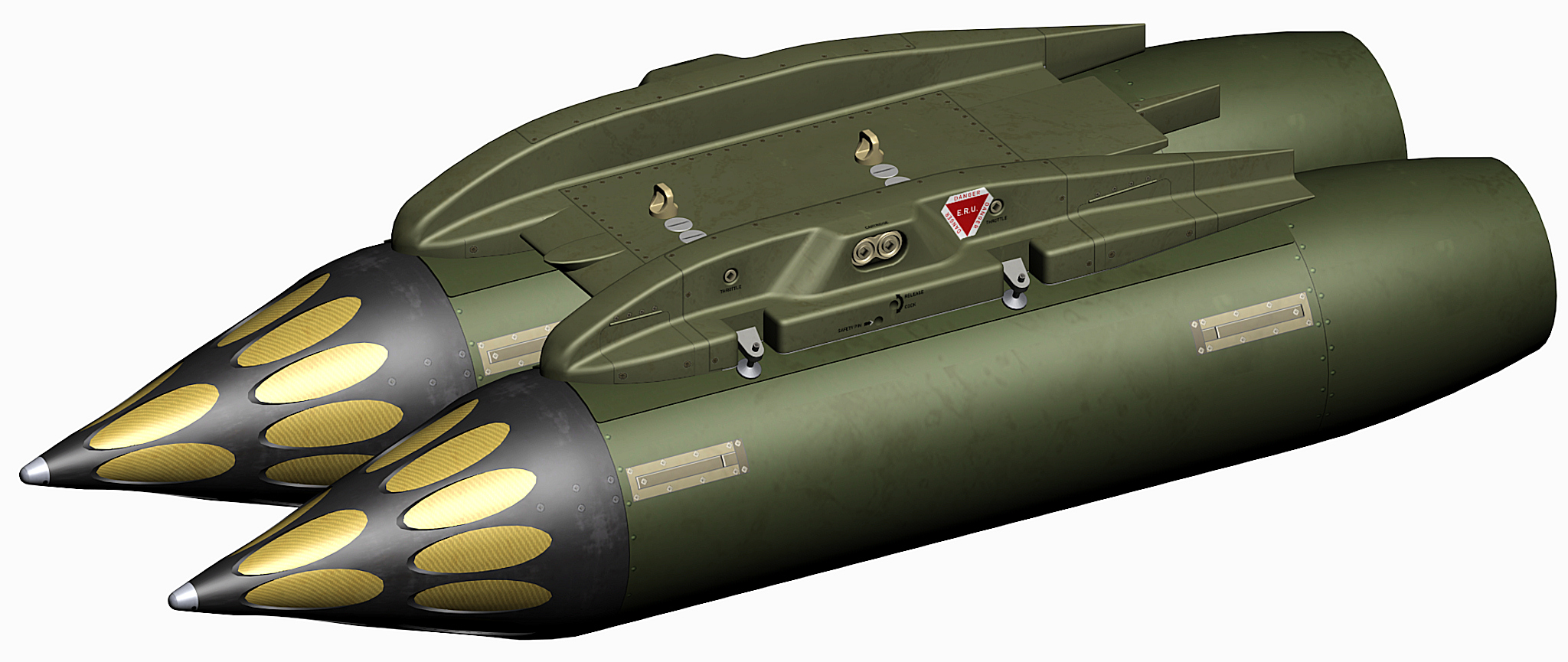
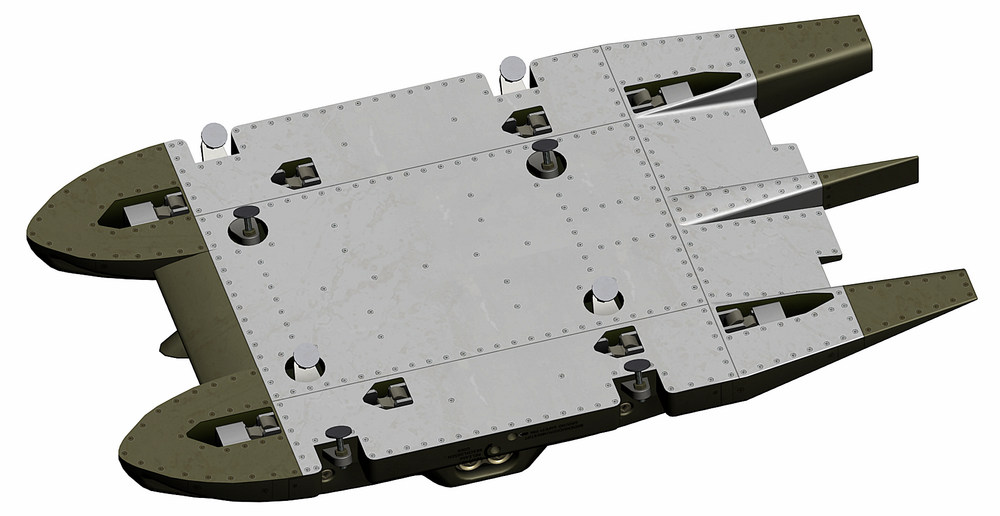
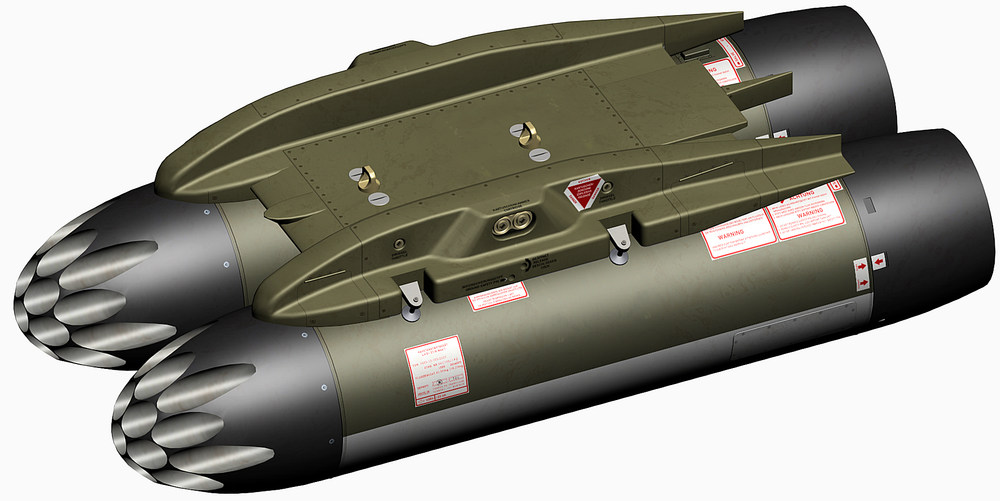
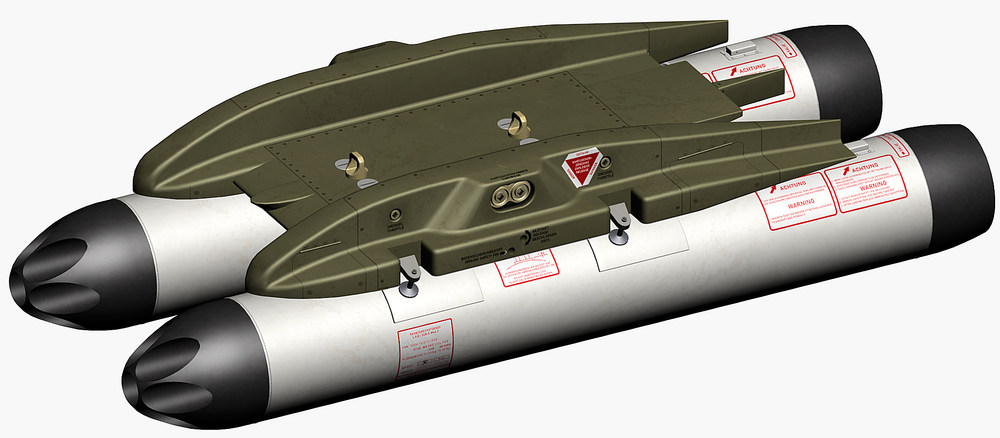
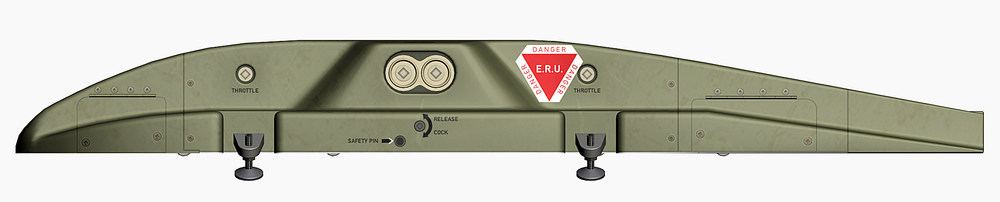
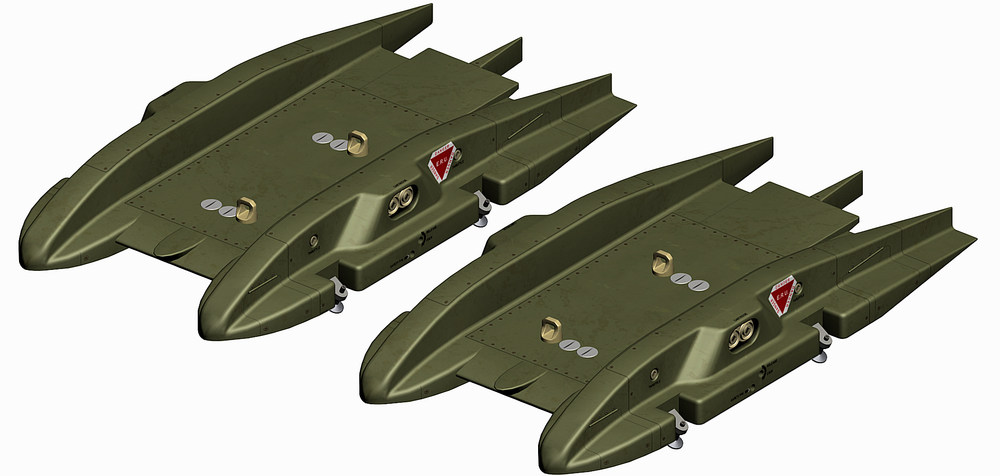
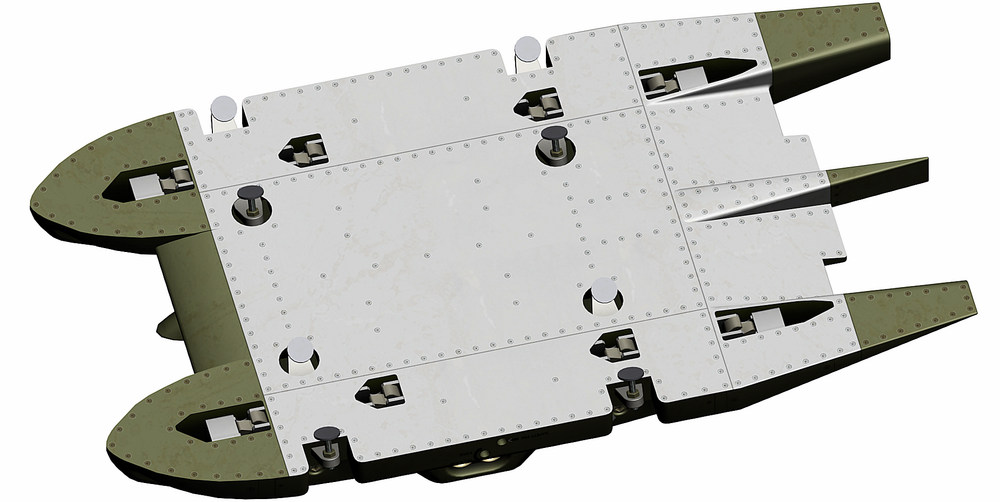
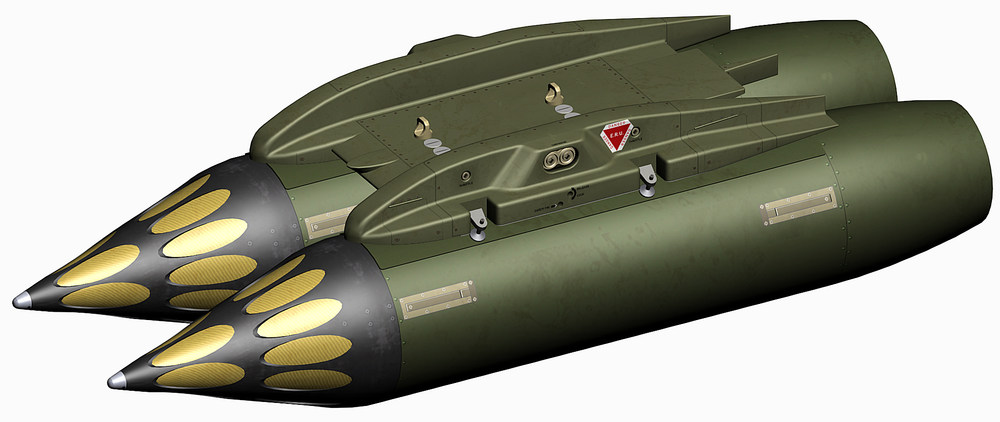
Alpha Jet twin store carrier twin store carrier with LAU-51A twin store carrier with LAU-32B/A Harrier twin store carrier left and right twin store carrier twin store carrier with Matra Type-155 rocket pods

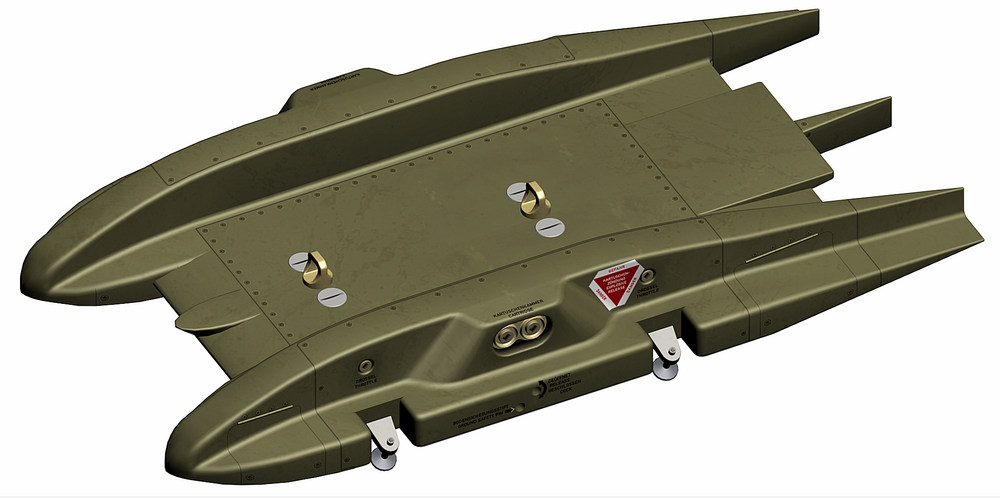
- 523 replies
-
- 17
-
-
-
problem solved , i just bought the NAVAIR 11-75A-54 LAU-7 Maintenance Manual and there is everything i need
- 1 reply
-
- 7
-
-
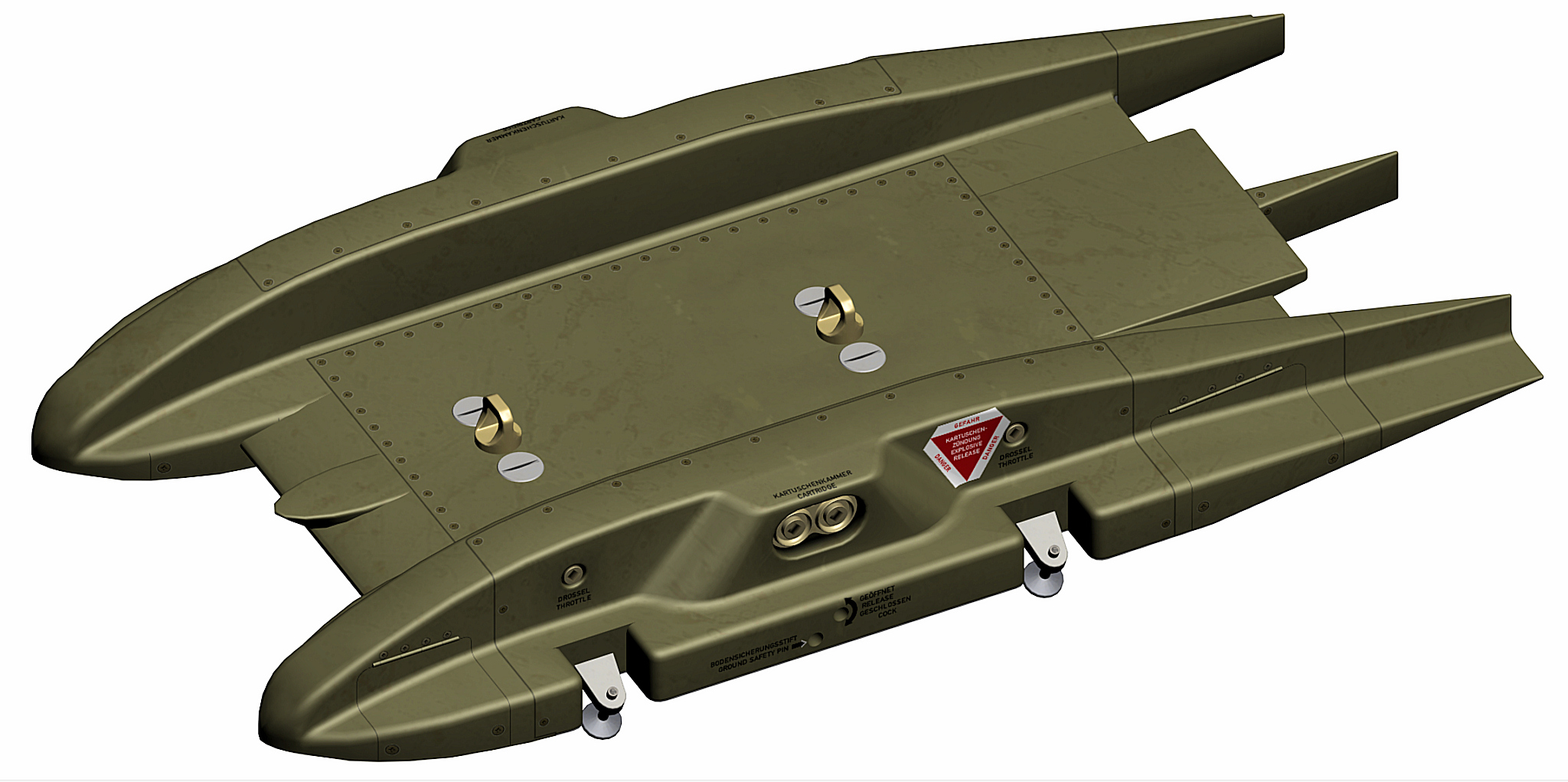
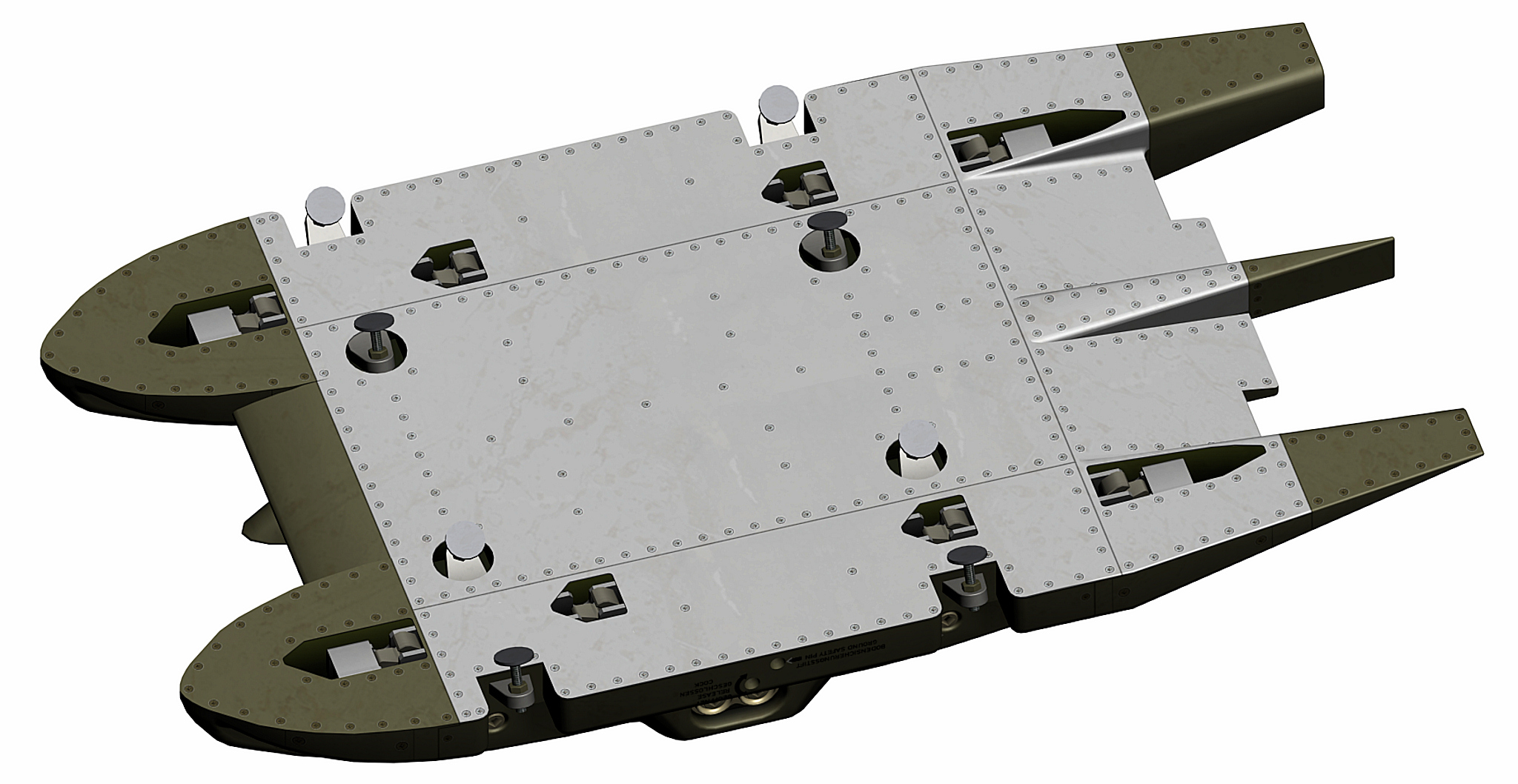
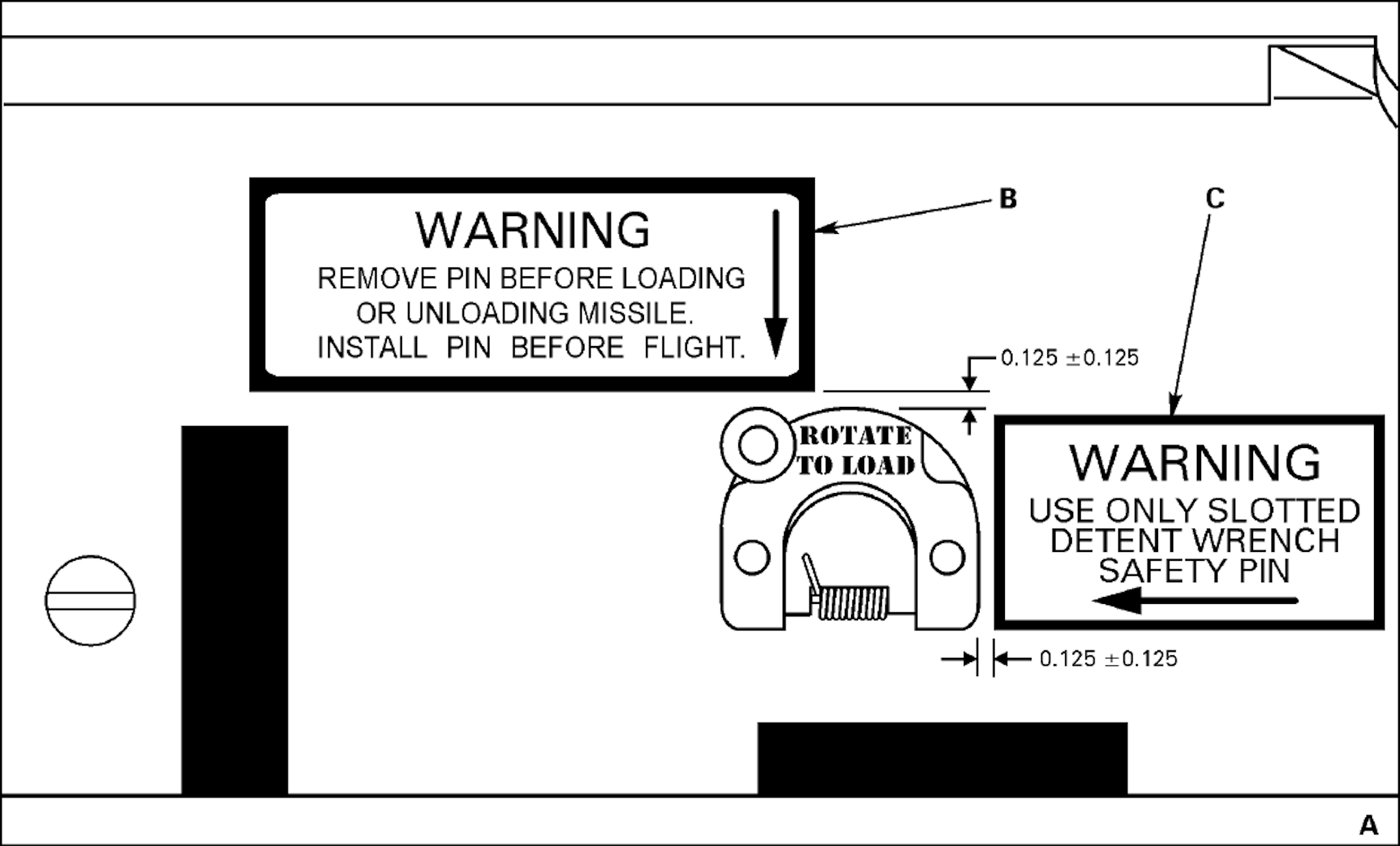
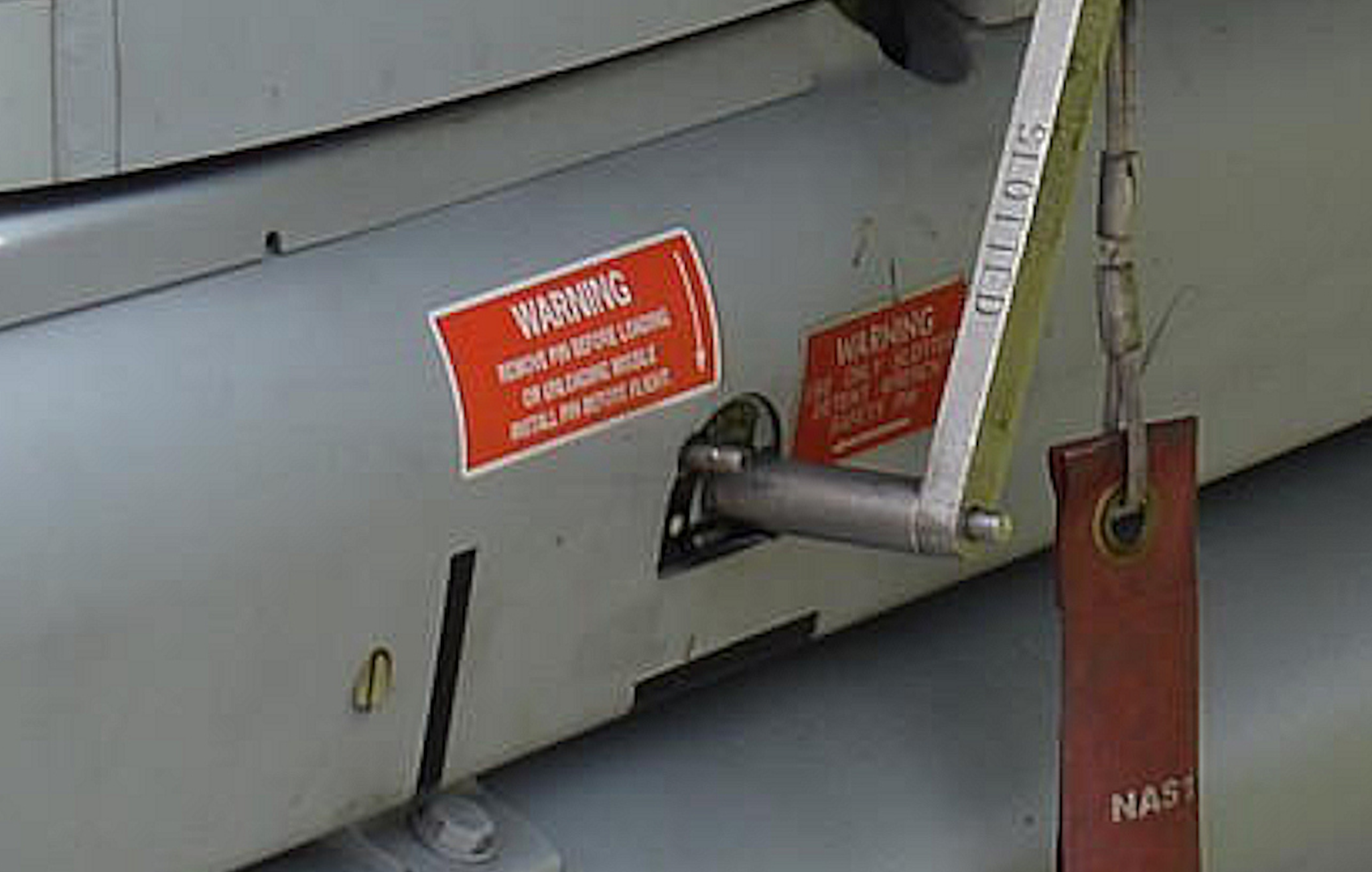
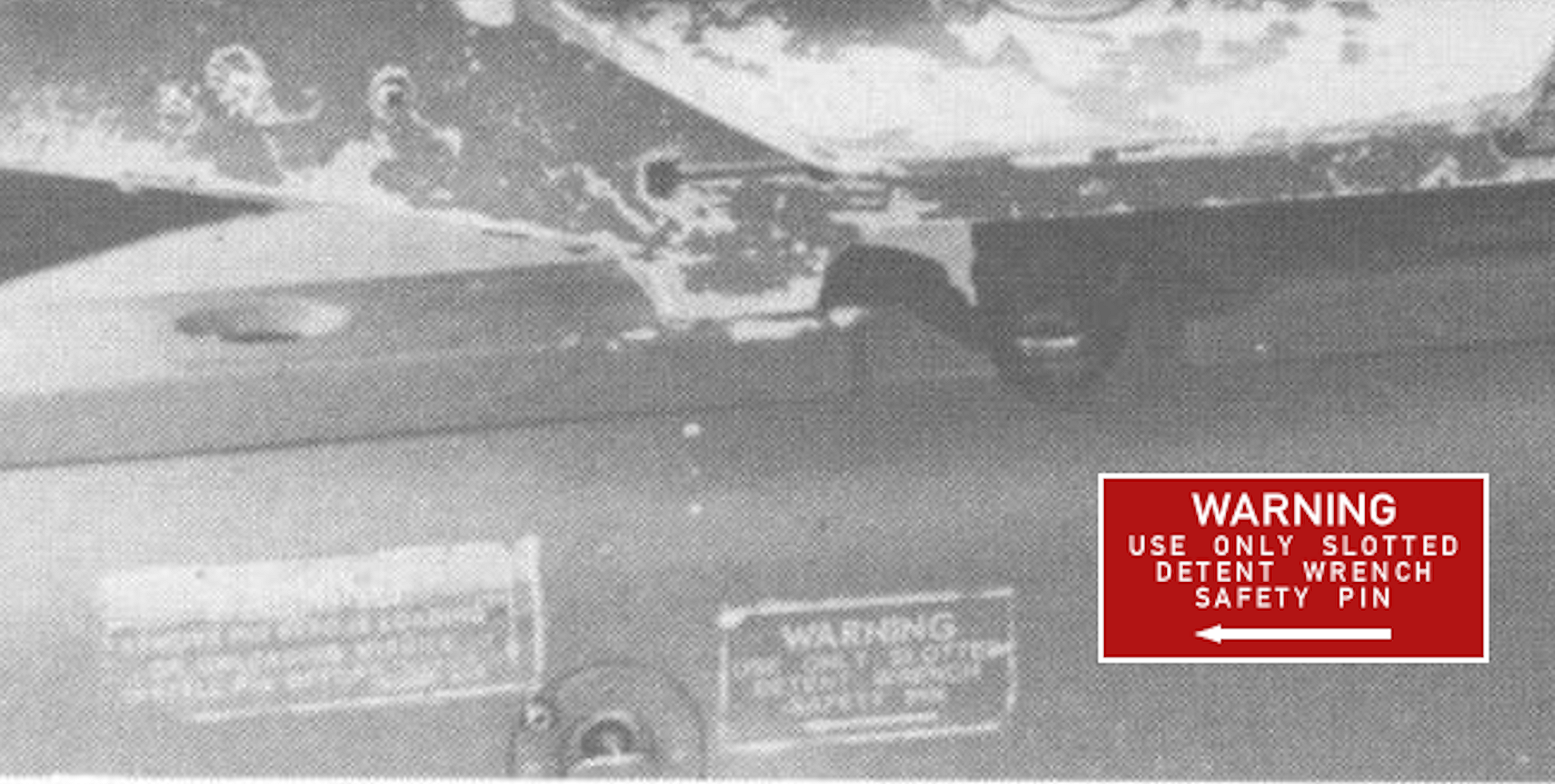
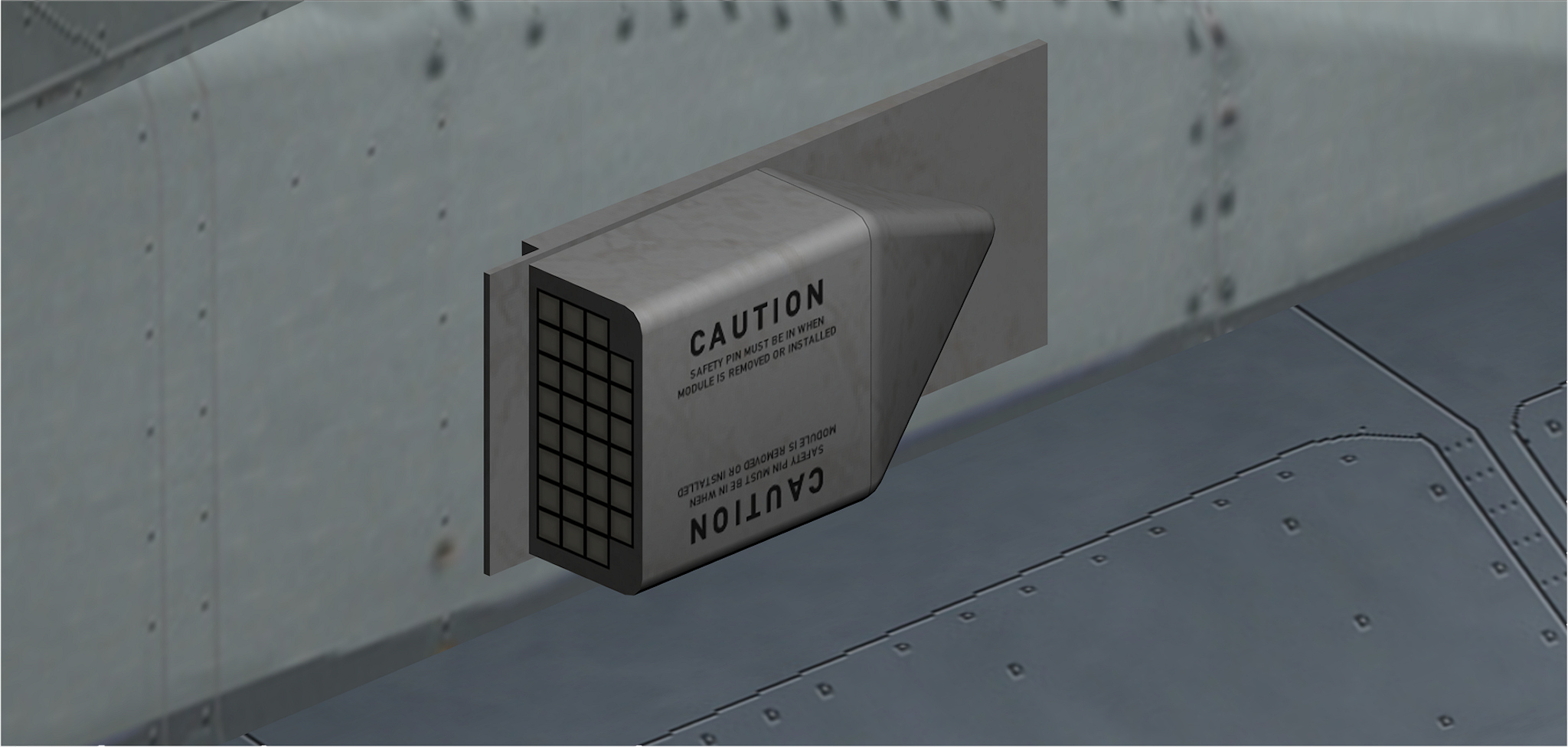
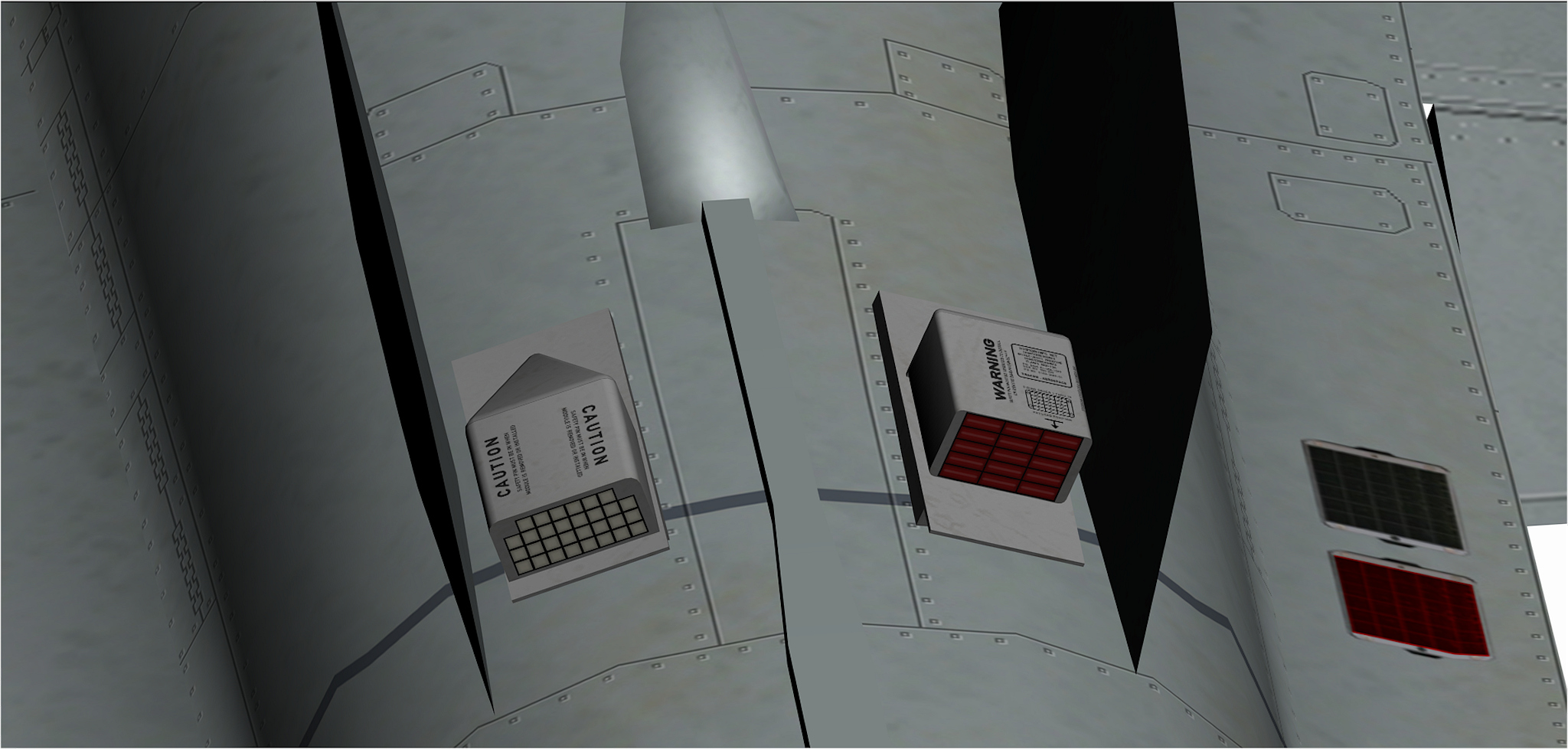
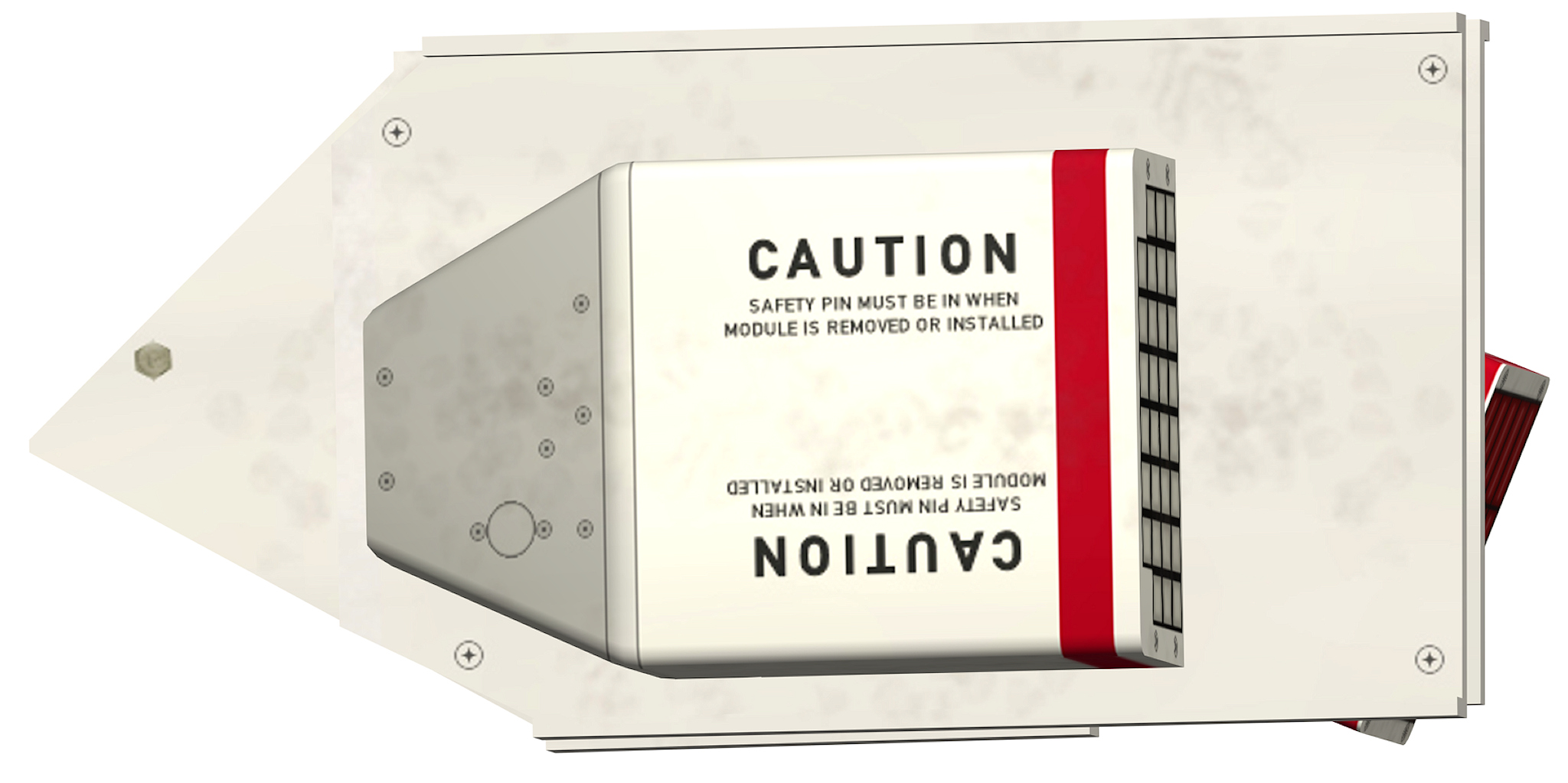
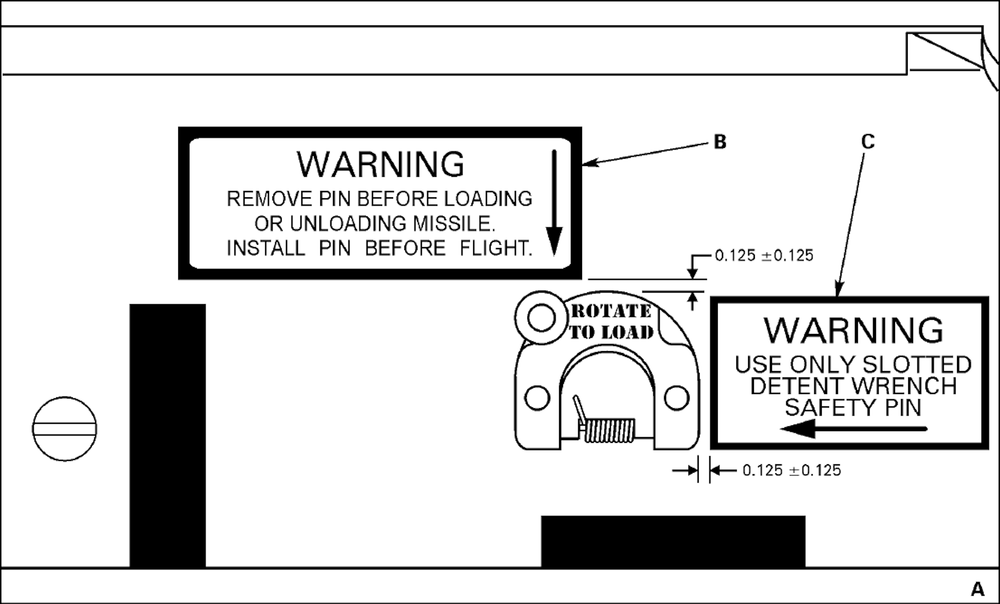
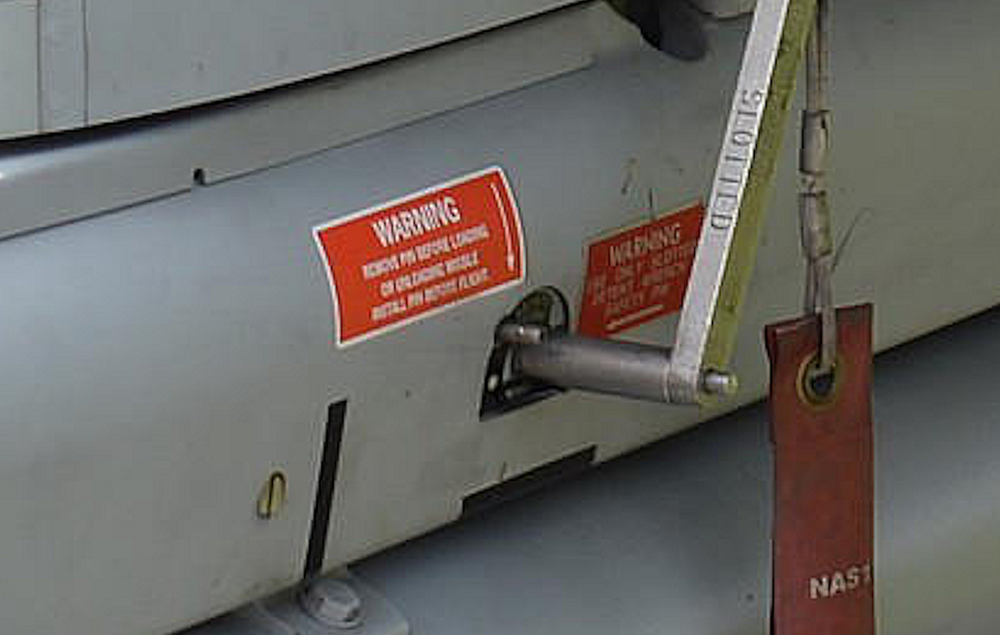
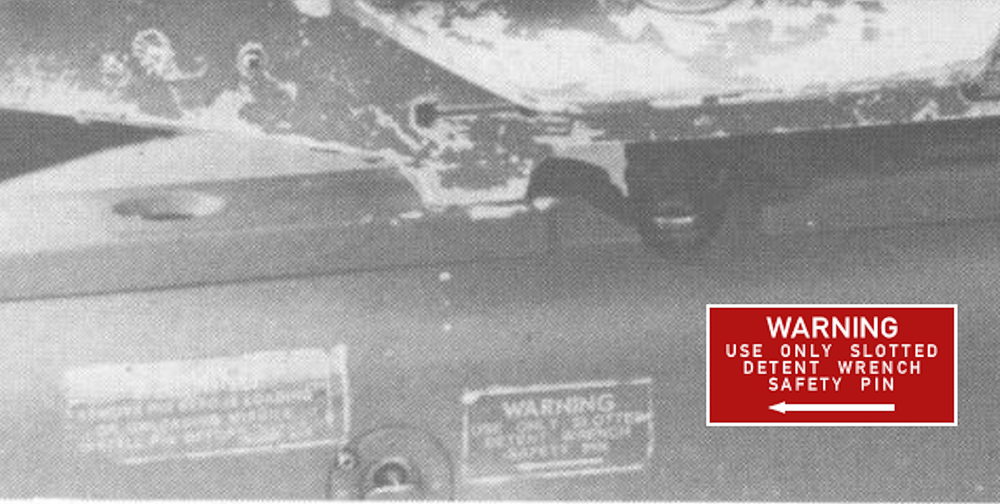
i need some help again , this time it is the LAU-7A this launch rail has 2 warning labels around the access door for the Safety Pin , for the second label i got a black and white picture showing what is written there but vor the first one i cant find any picture so if you have a good picture showing the first warning label or you now what is written on it let me know , or maybe you have a LAU-7A manual showing it , in any case i would be thankful for any information
-

HELP cant access CombatACE NET::ERR_CERT_DATE_INVALID
ravenclaw_007 replied to ravenclaw_007's topic in General Discussion
Thank You -
since this morning i´m no longer able to access CombatACE i´m getting this error code NET::ERR_CERT_DATE_INVALID , and what ever i try google is blocking me from accessing this side , i checked my time setting like it is suggested on several sides still no luck to get on to this side just installed Firefox but the same problem , i try my modding computer and yes the same problem
-
yap the object is ok , and as i mention above , if i transfer the part on to my F-4G the problem is gone if i get i back to the EF-2000 the problem is back something with that aircraft model / texture is wrong
-
to make it even more interesting , i merged the object with the rear canopy of my F-4G and the problem is gone , after getting it from my F-4G back to the EF-2000 the problem is back the object is not yet mapped but what puzzles me is that on the one aircraft the problem is gone and on the other one it is back could it be the tga texture that is causing it ??? or the canopy frame where the object is linked to ??? i never had this issue at all and something tells me that this is not easily fixed and that the problem is definitely a problem of that aircraft model and not a 3ds setup problem
-
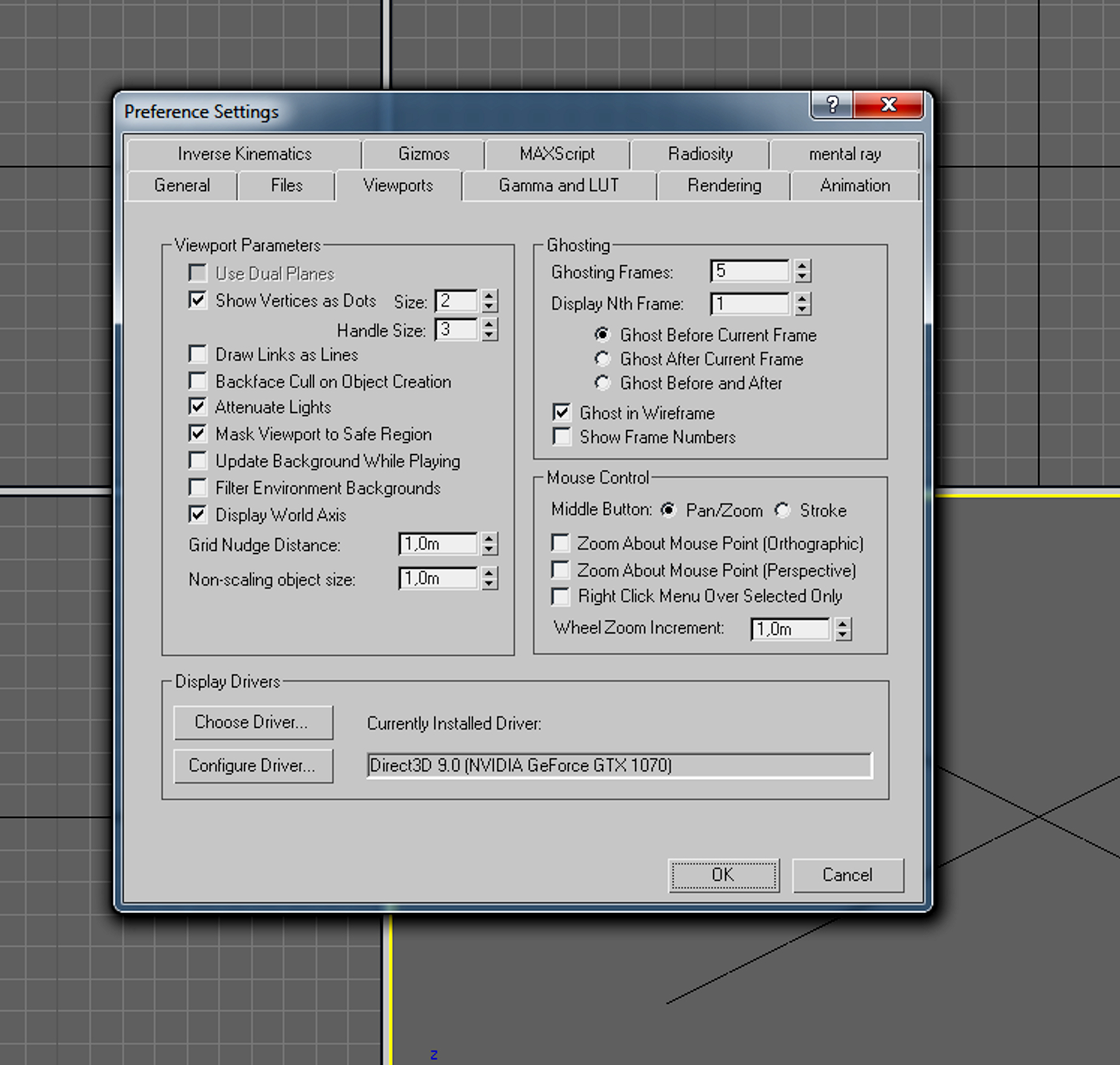
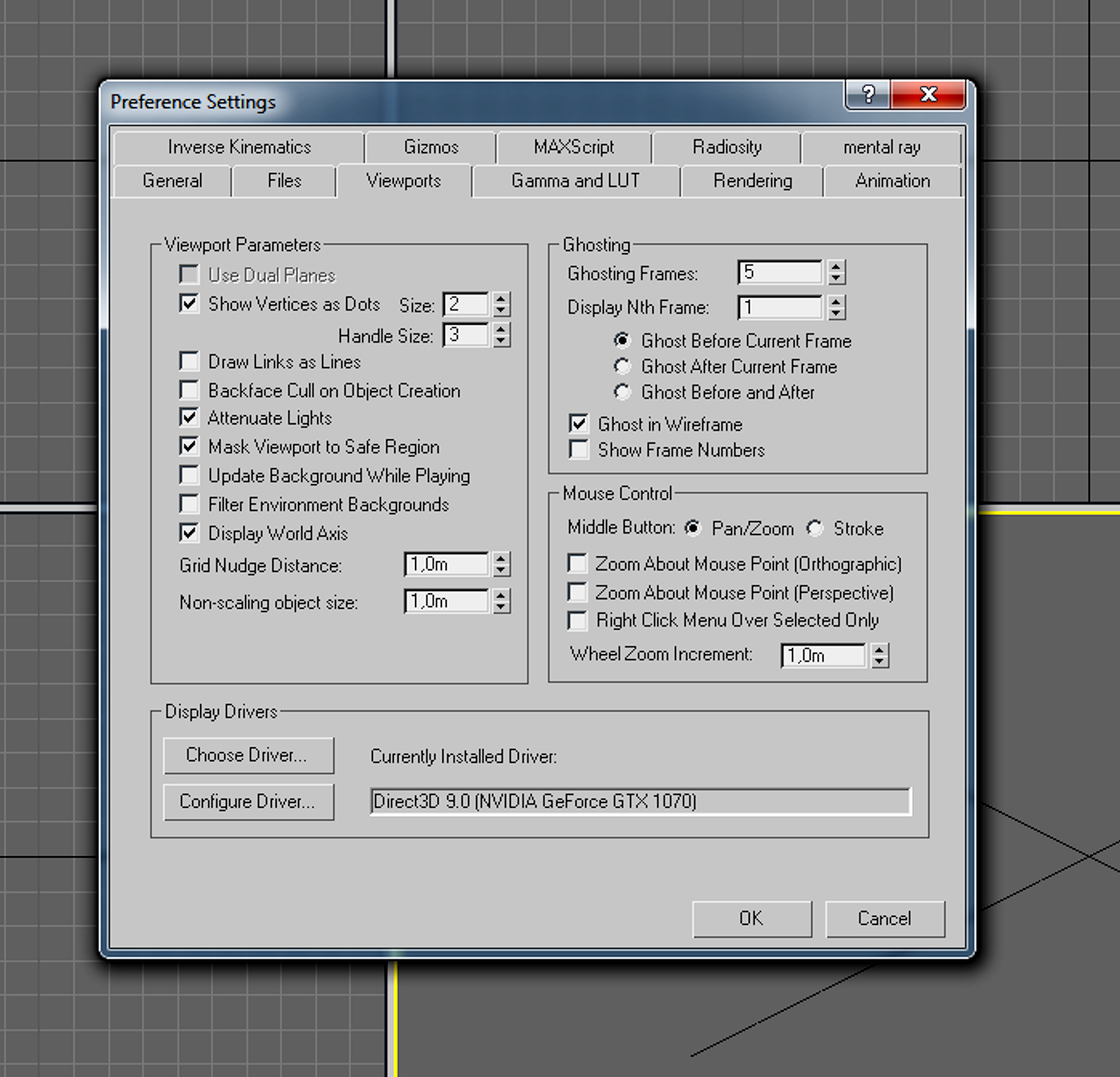
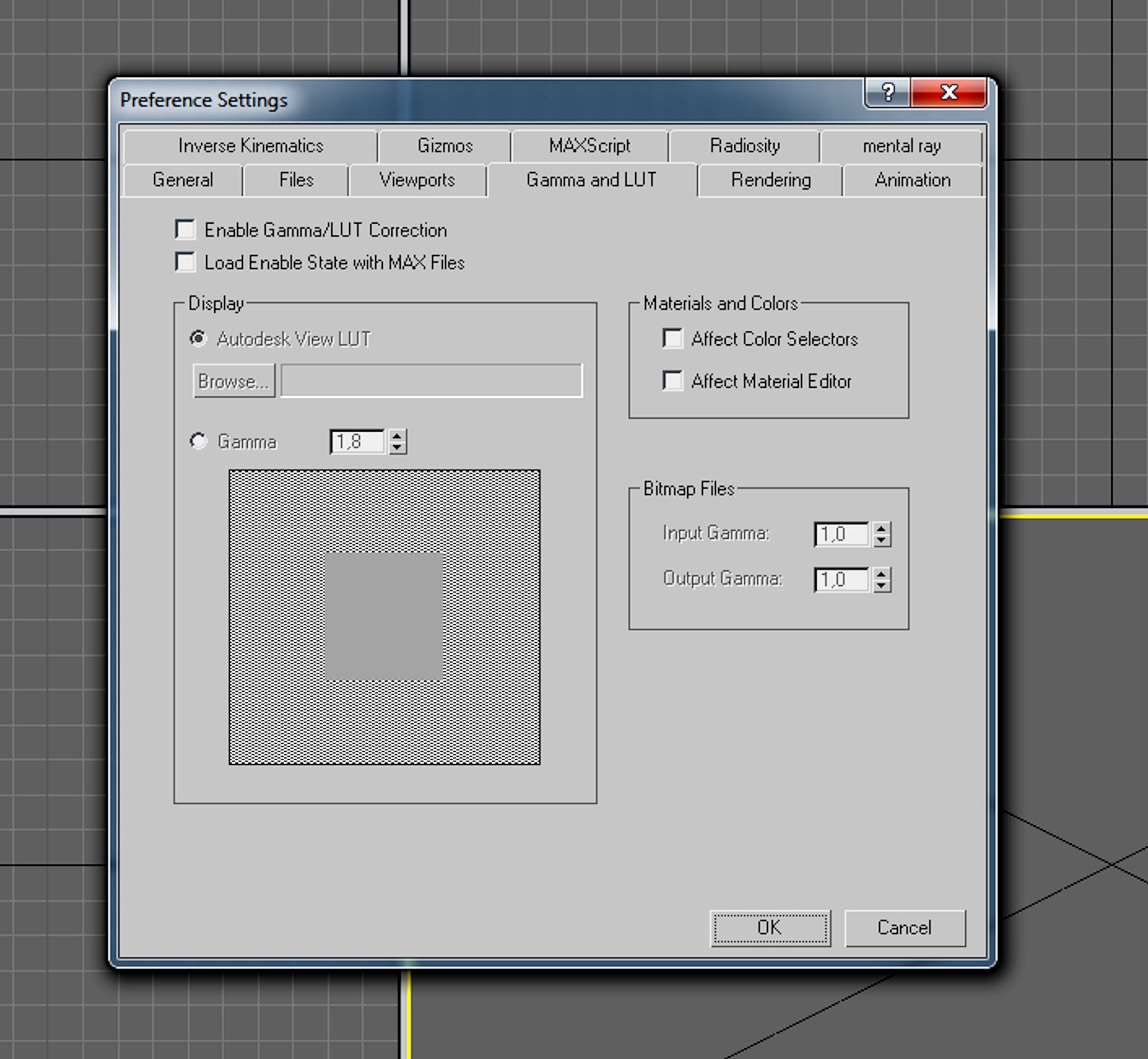
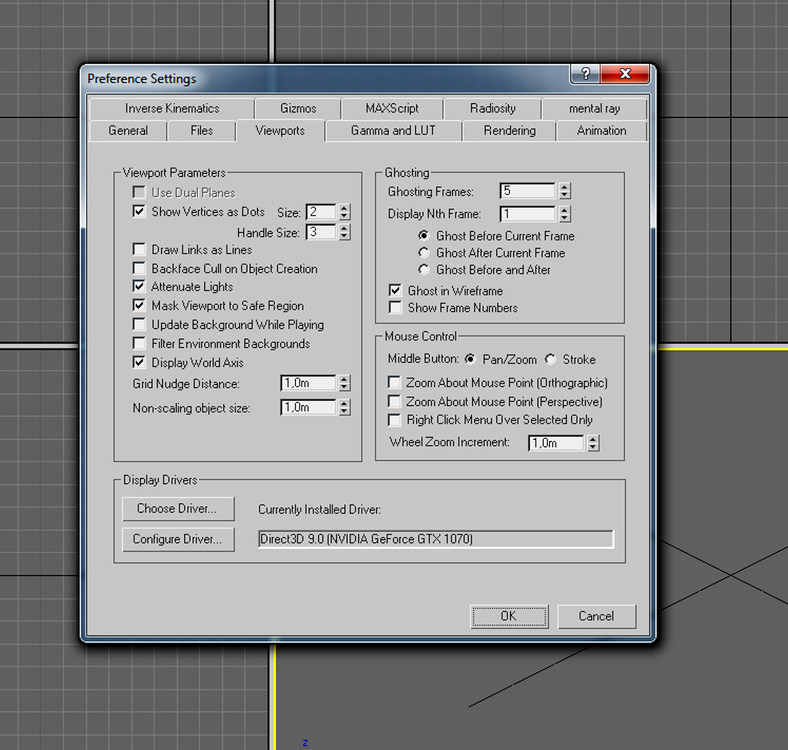
the same except for the mouse settings and the value for the Vertices as Dots
-
all settings are the same on my 3ds max except this 2 if you like you can send me this canopy part and the texture for it and i take a look at it
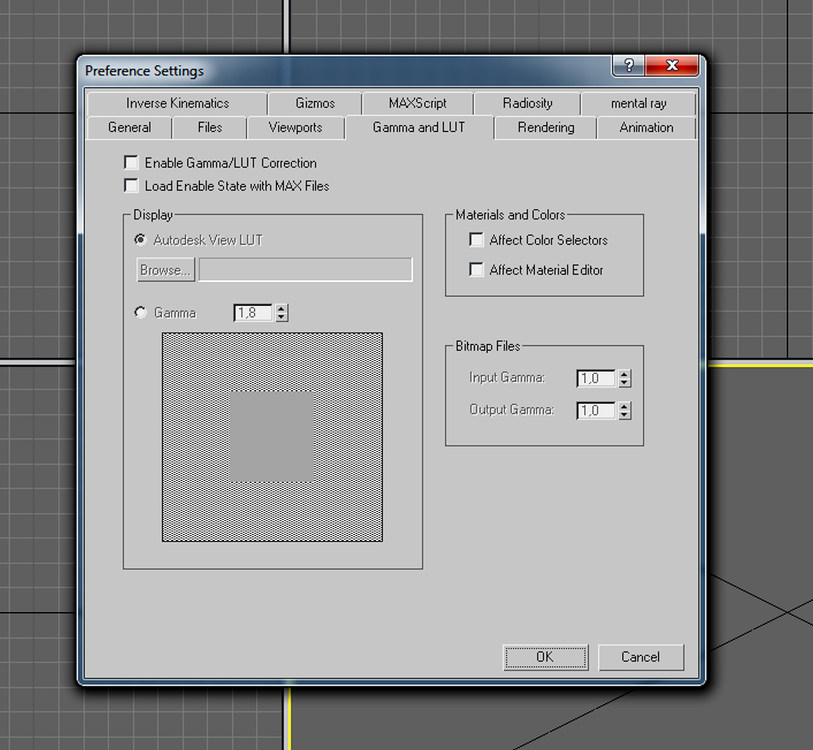
-
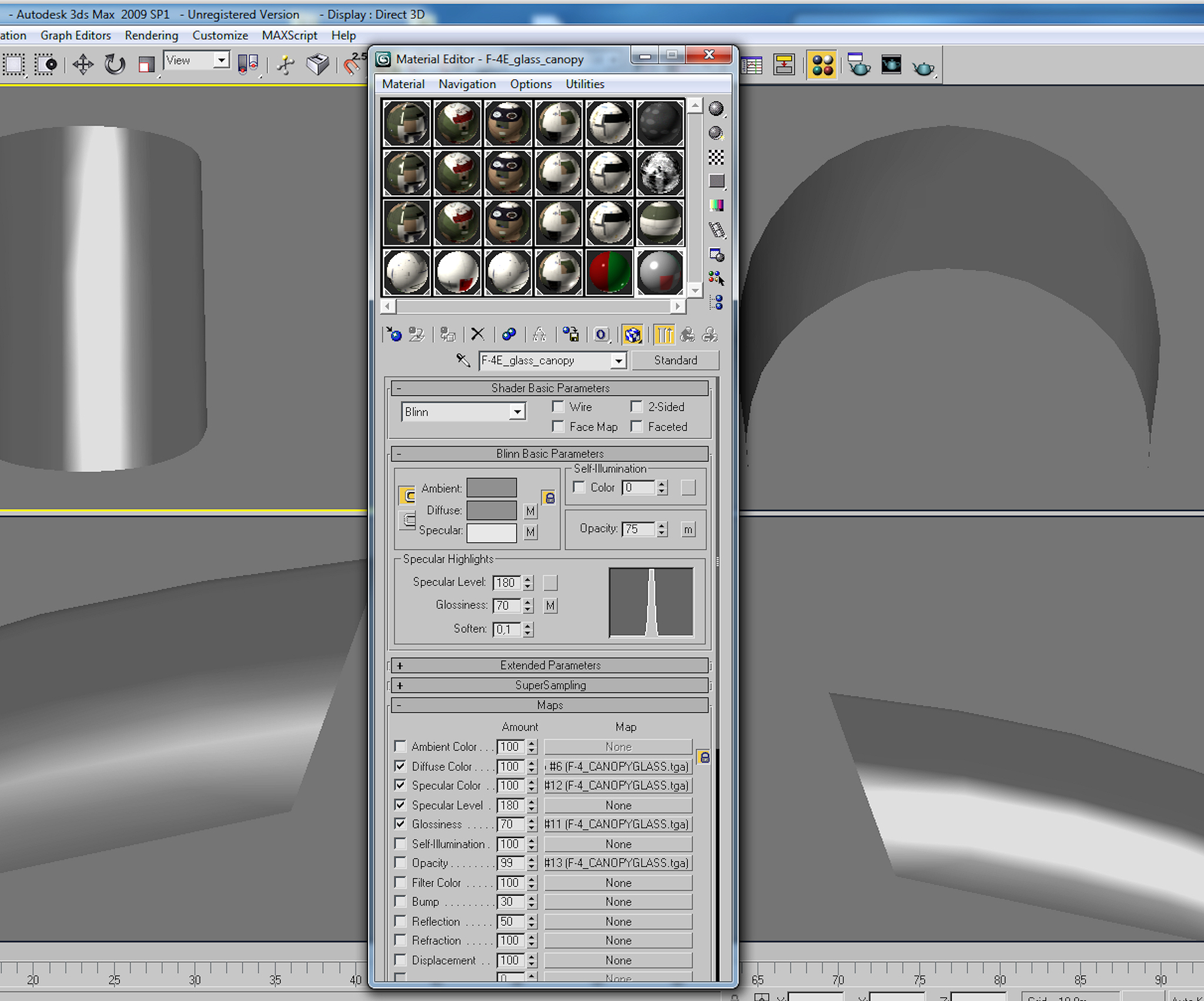
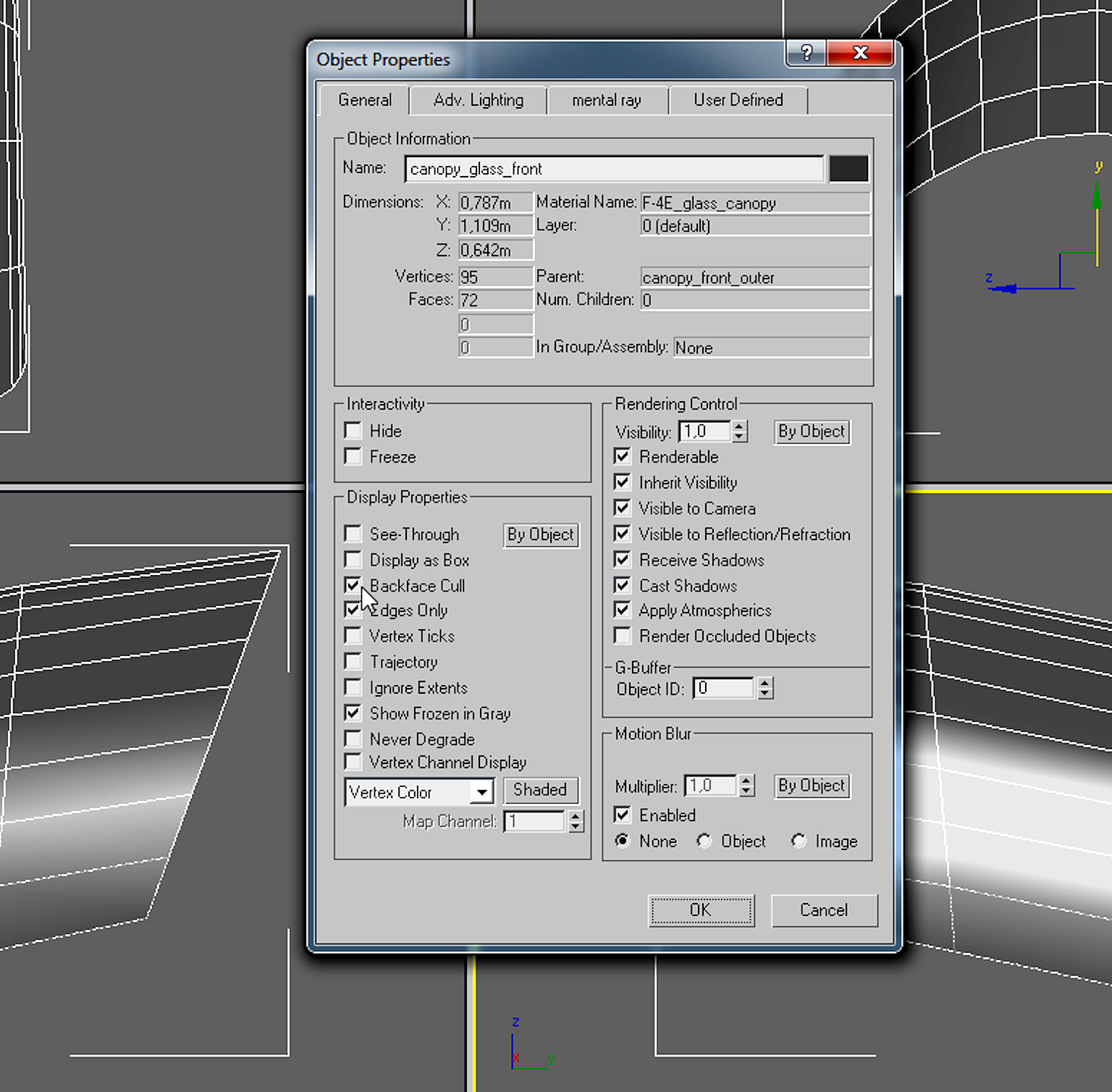
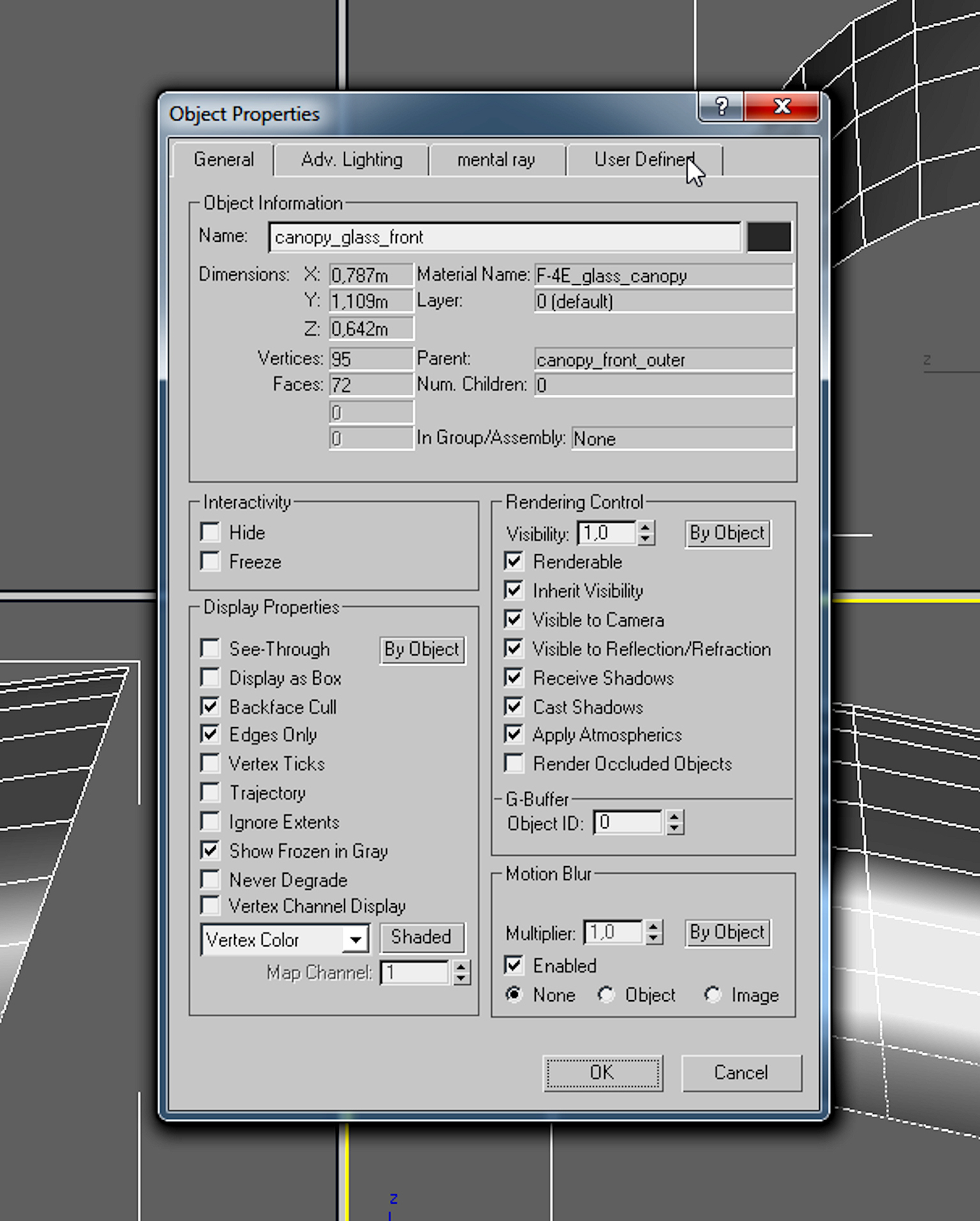
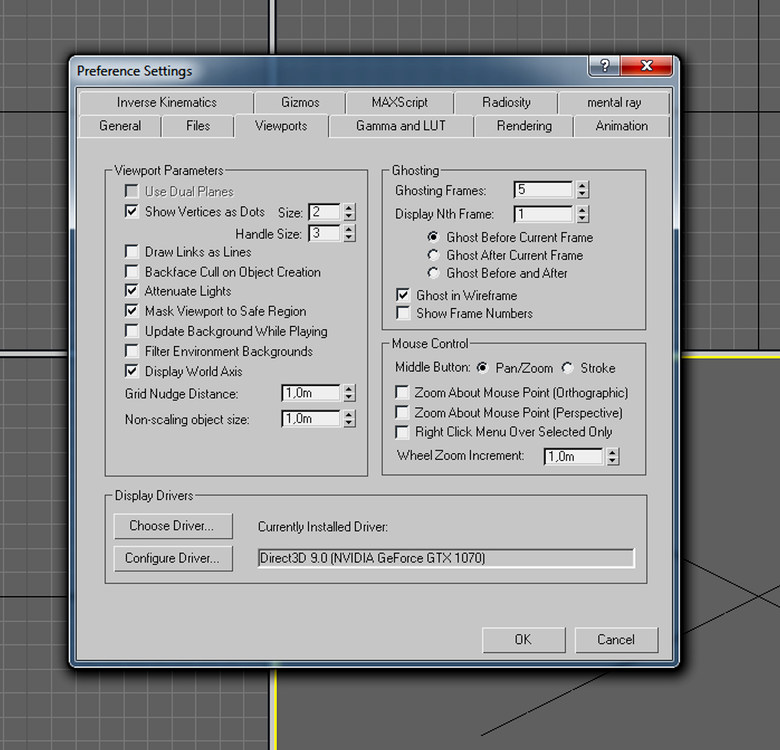
ok try this settings , that is what i use on my F-4E/F/G hope that will help
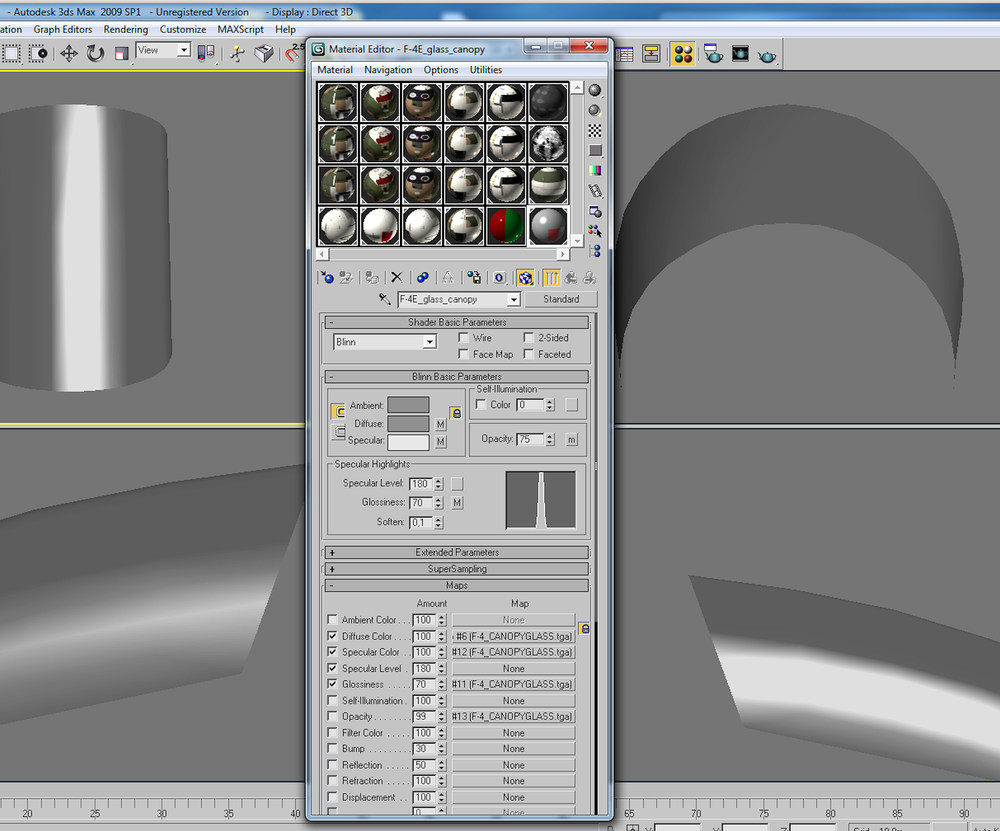
-
like Sundowner suggested , dont use that 2 sided option
-
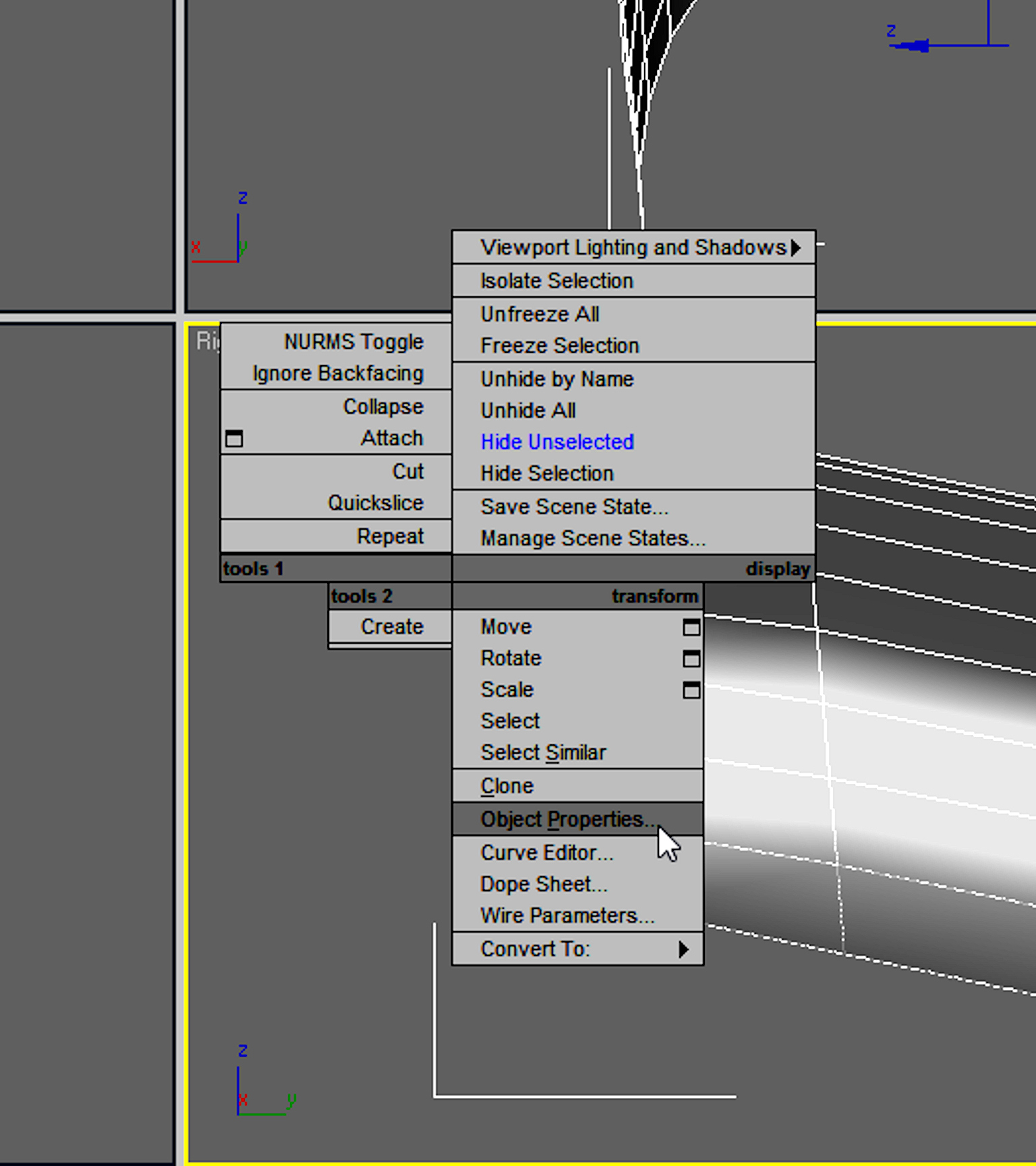
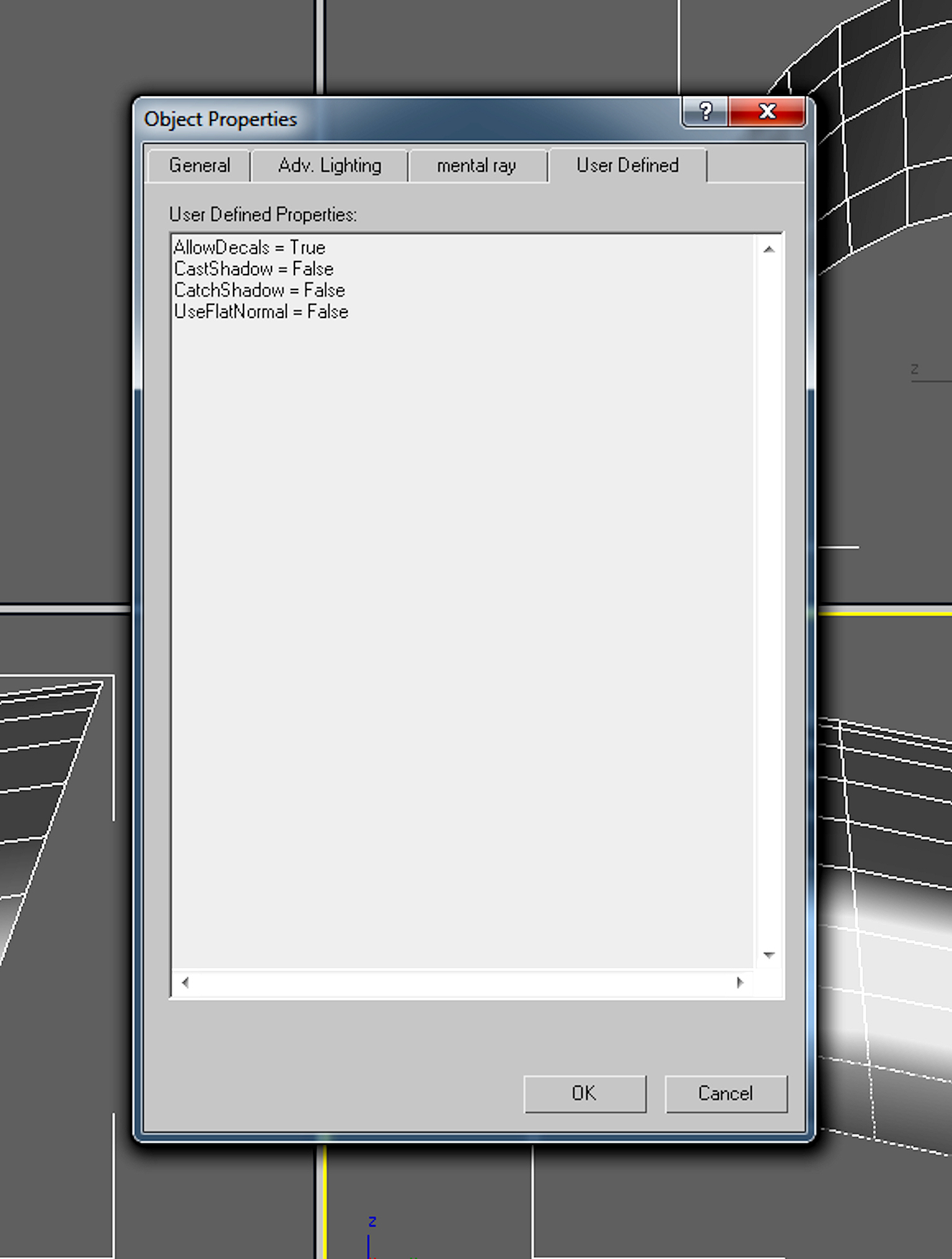
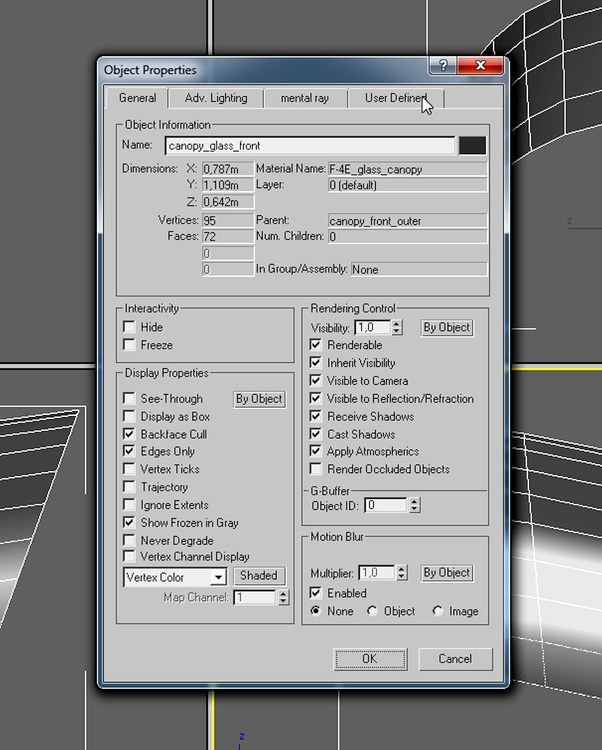
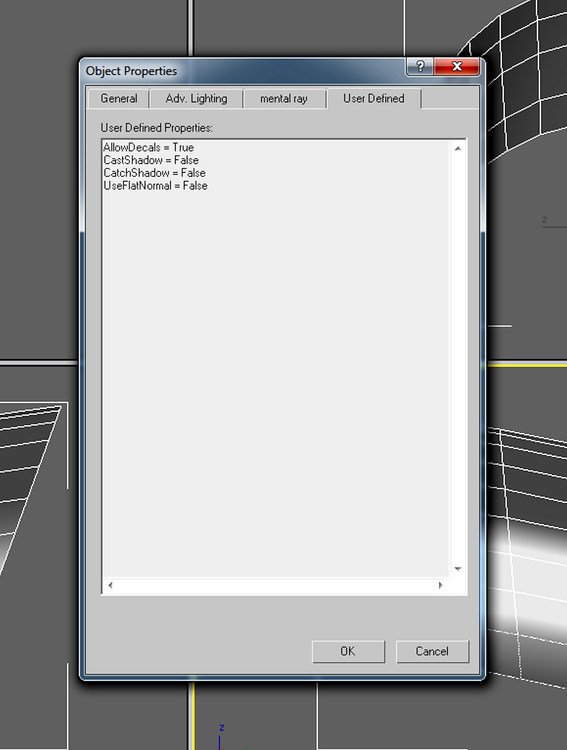
ok , select the canopy glas part and left click with your mouse and select Object_Properties make sure that you have "Backface Cull" selected select User Defined check that you have the setting like below
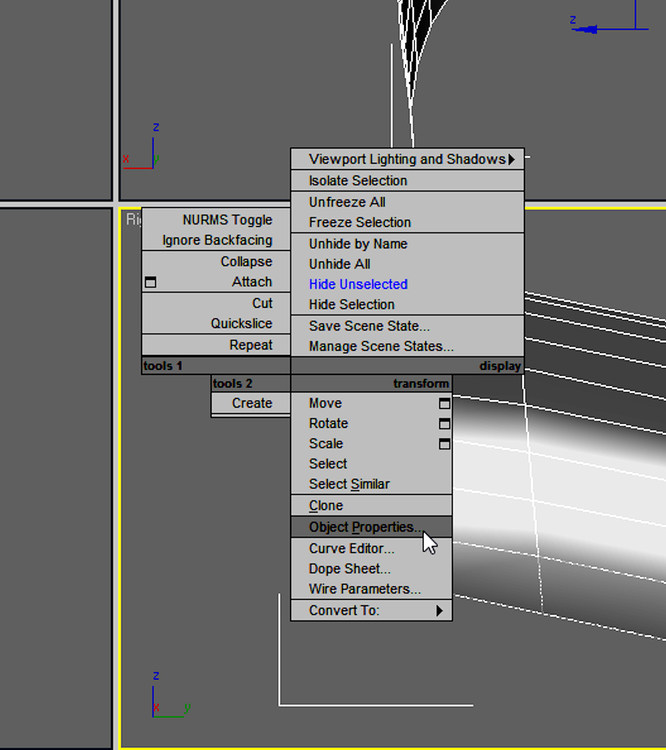
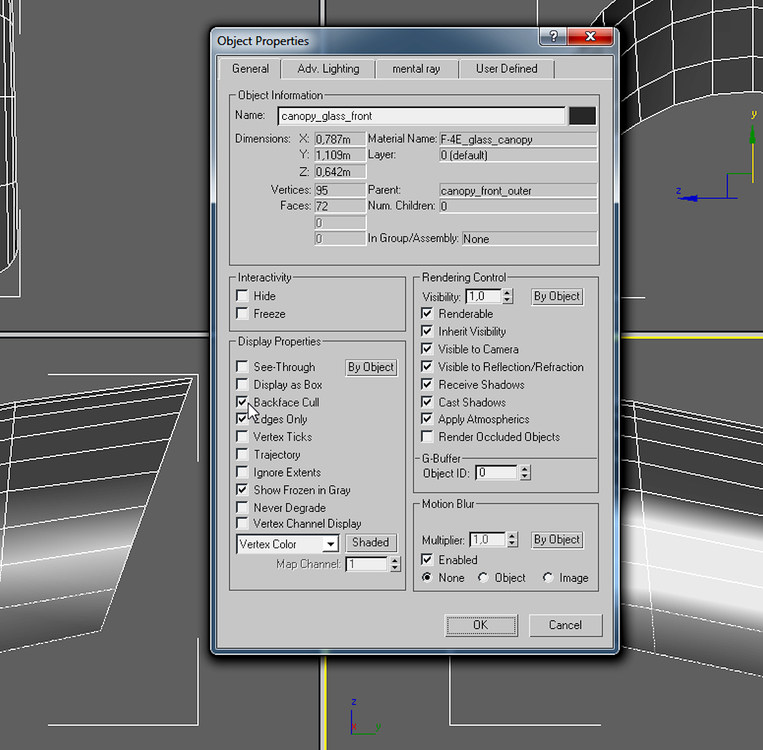
-
Simple Model Request thread
ravenclaw_007 replied to daddyairplanes's topic in Mods & Skinning Discussion
you should ask for simple mods only -
Simple Model Request thread
ravenclaw_007 replied to daddyairplanes's topic in Mods & Skinning Discussion
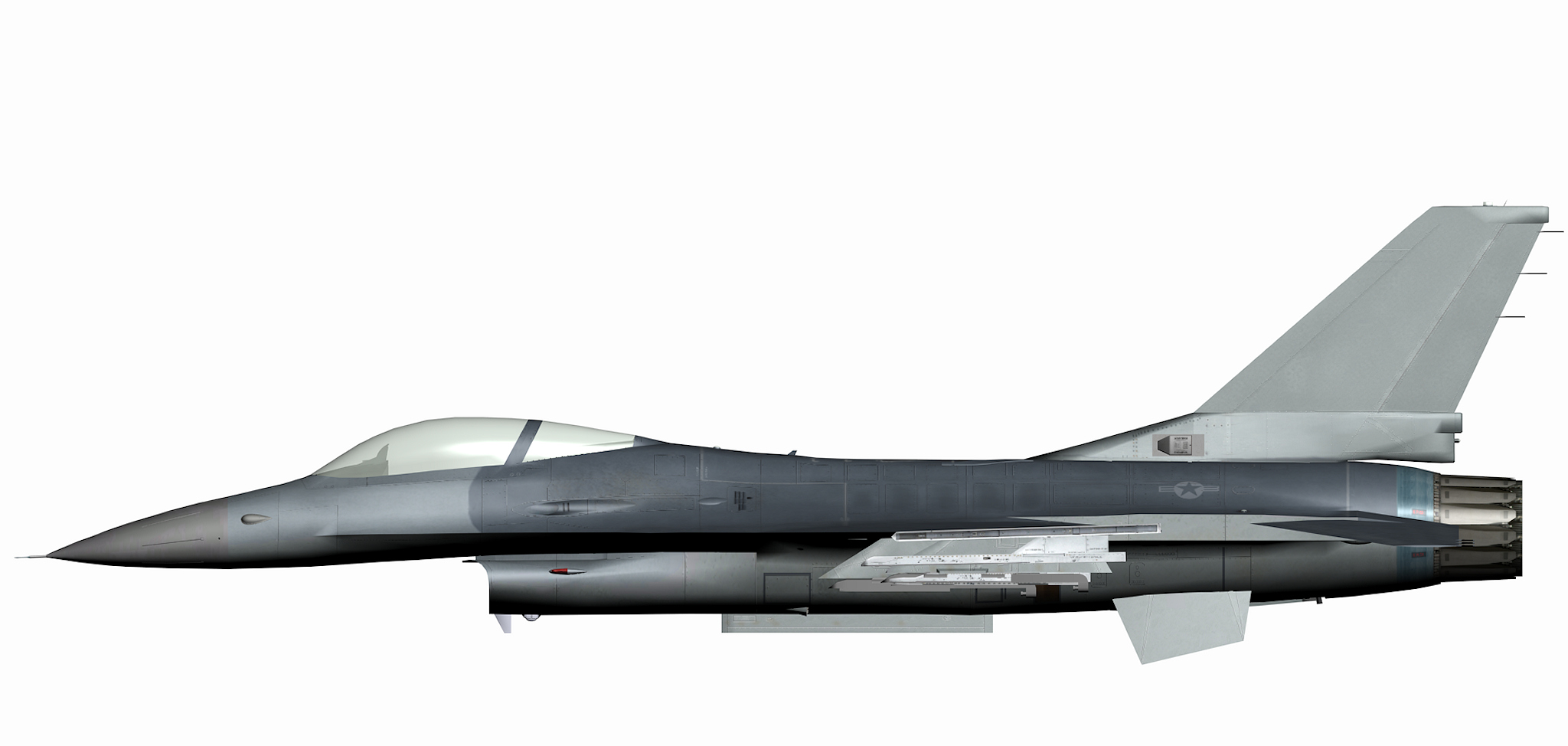
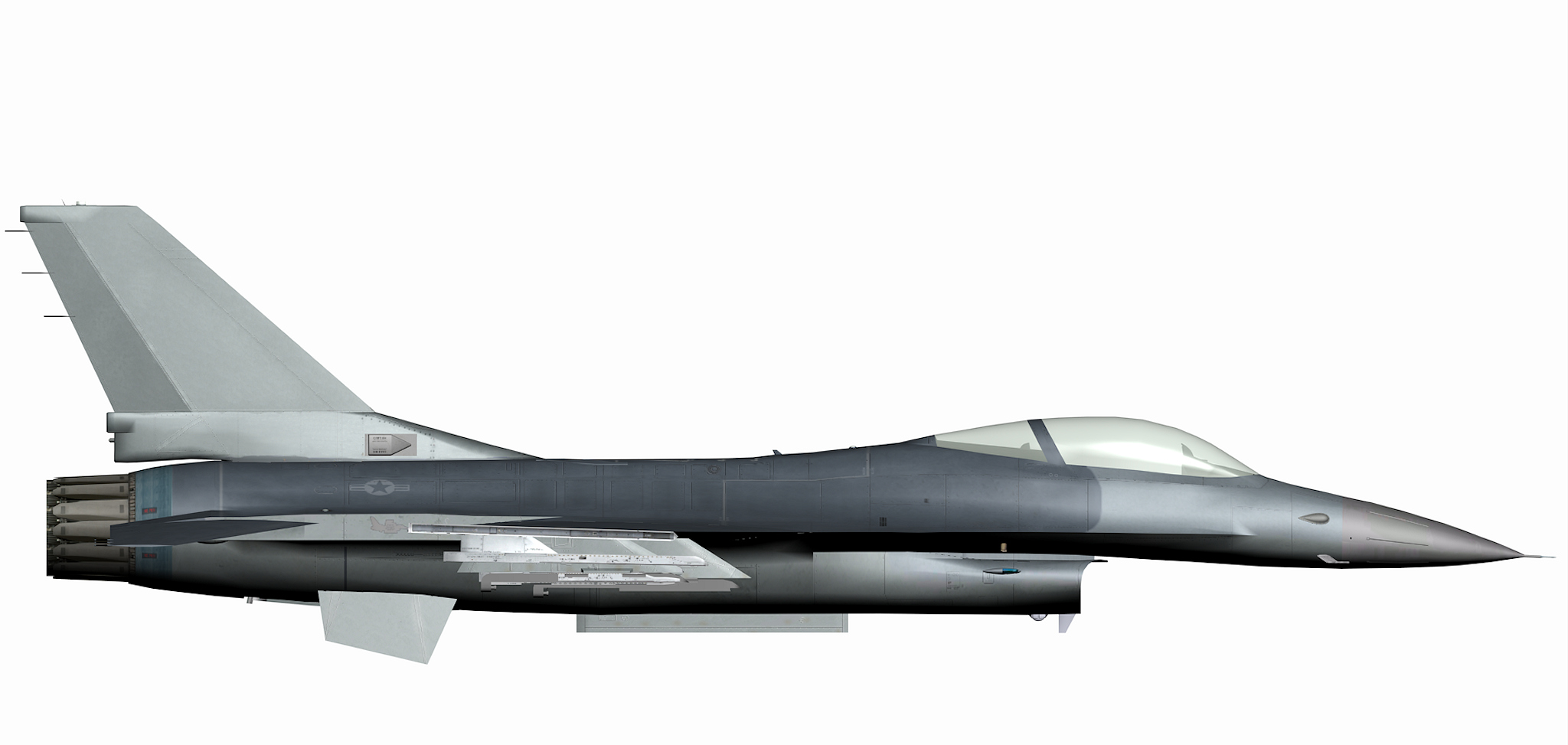
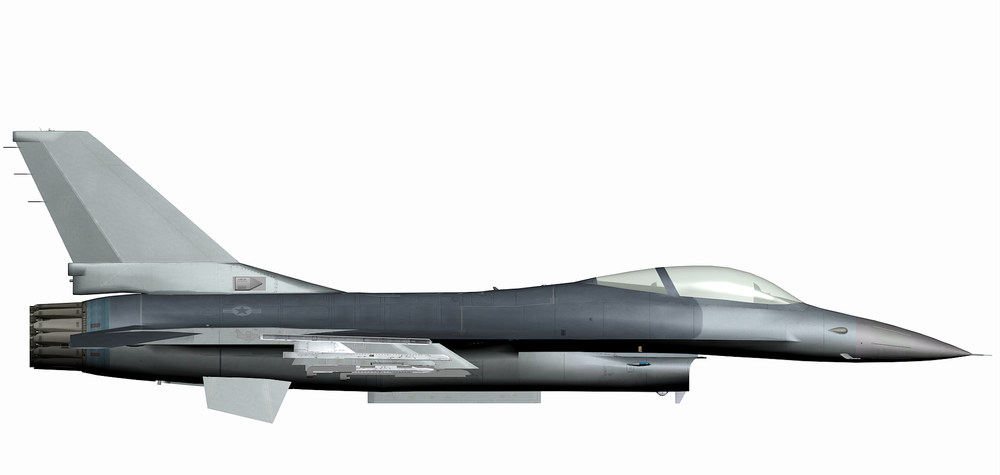
that was simple to make , i had the 3d model of the aircraft i had the AN/ALE-40 and had to change them a bit and i had the antenna and sensor from the air intake ( somebody else requested a specific F-16 model so that is why i got them ) basically it was just adding the parts together and add some new items to make the whole thing work , if i would have to start from scratch i would not have done it or at least not in a morning , so dont worry it was not a difficult task , to make it as a fake pilot would have been much more difficult this way everything fits together like it should this kind of request i got a lot , like many other modders to ( i assume ) , and if possible i will do the work , so keep asking for simple mods -
Simple Model Request thread
ravenclaw_007 replied to daddyairplanes's topic in Mods & Skinning Discussion
just changed it to the larger stabilizers , Thank You -
Simple Model Request thread
ravenclaw_007 replied to daddyairplanes's topic in Mods & Skinning Discussion
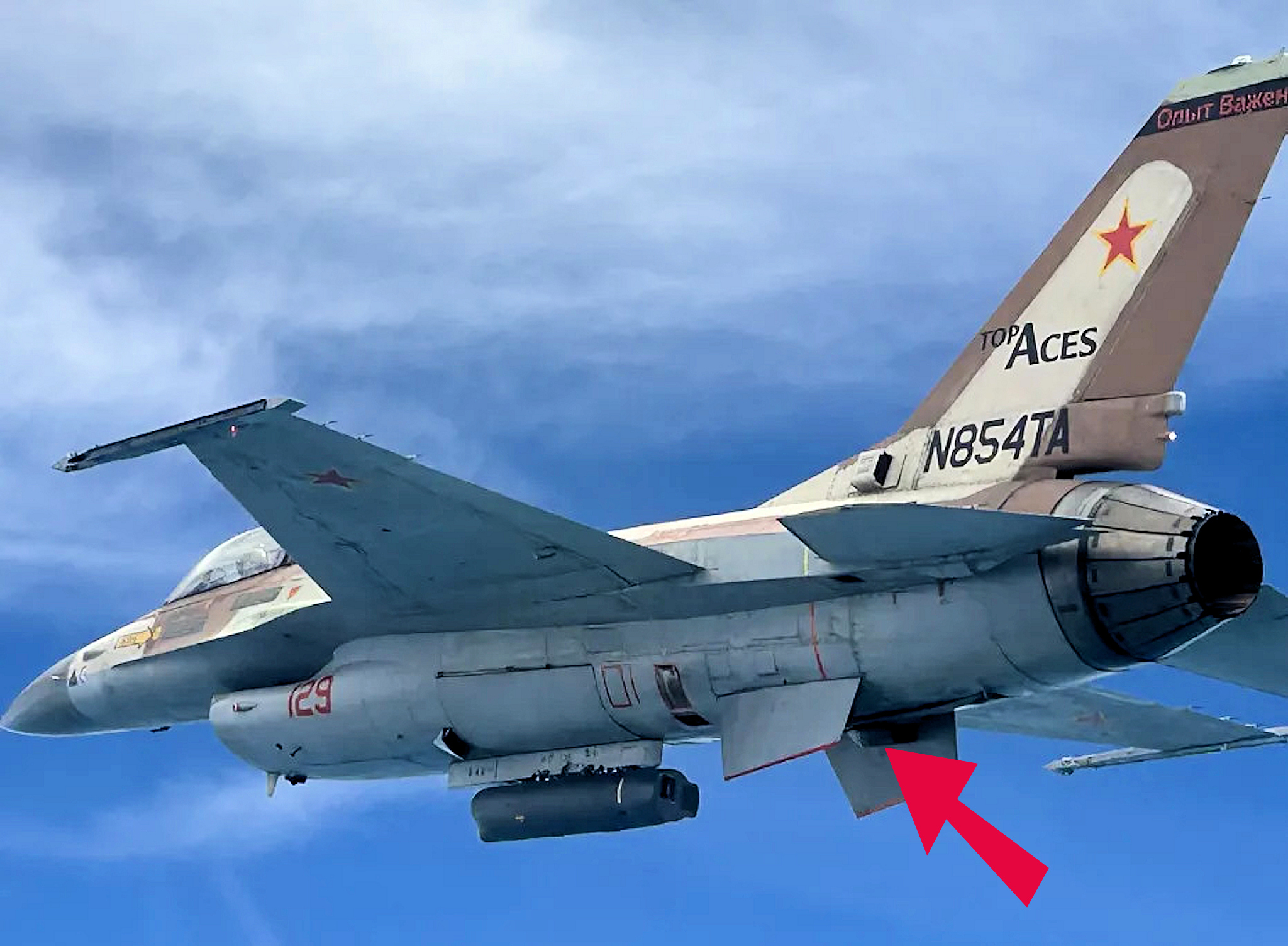
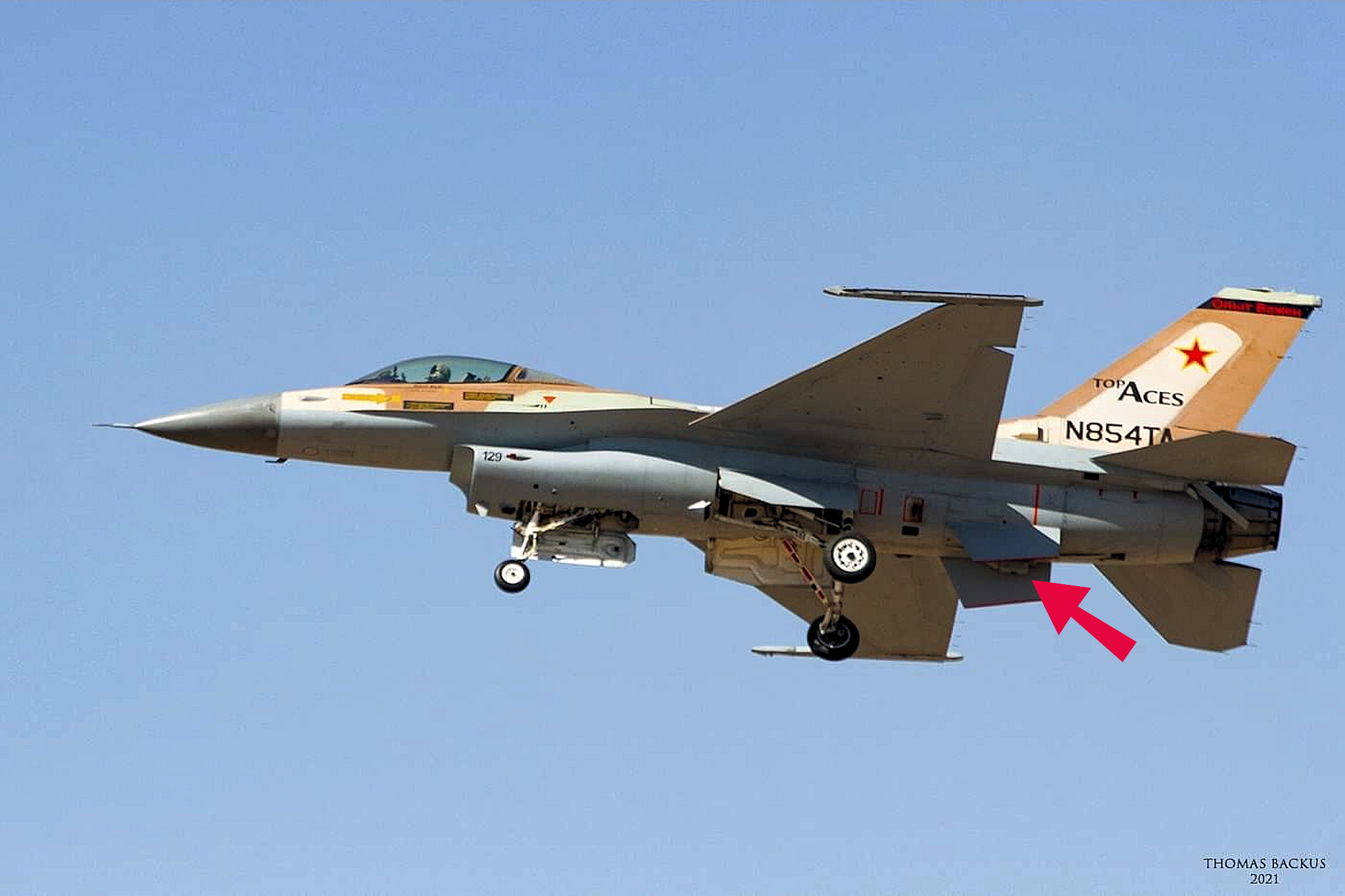
Thank You , that helped a lot just something that i made this morning , new AN/ALE-40 dispensers and the antenna and sensor on the intake the skin has to be made by daddyairplanes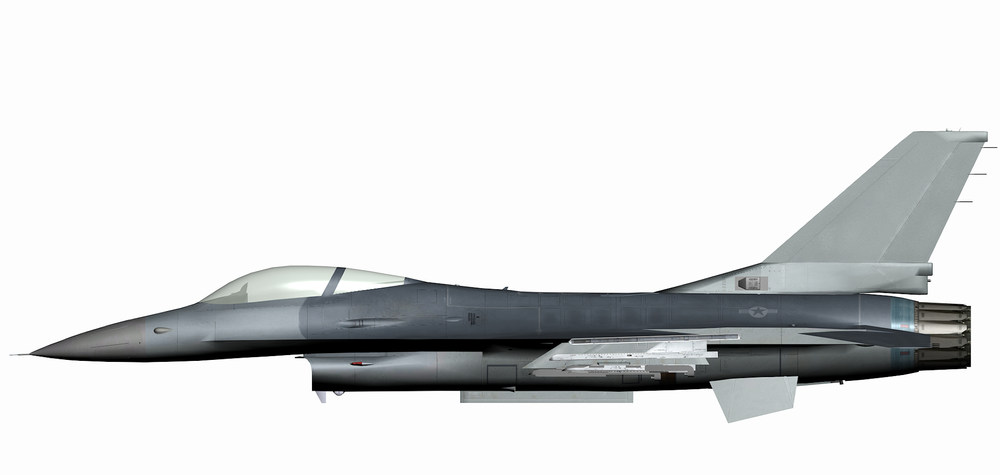
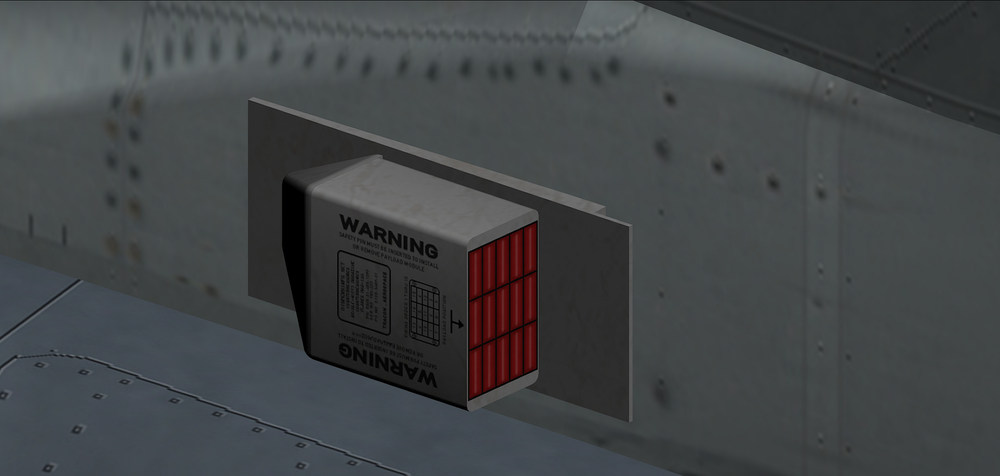
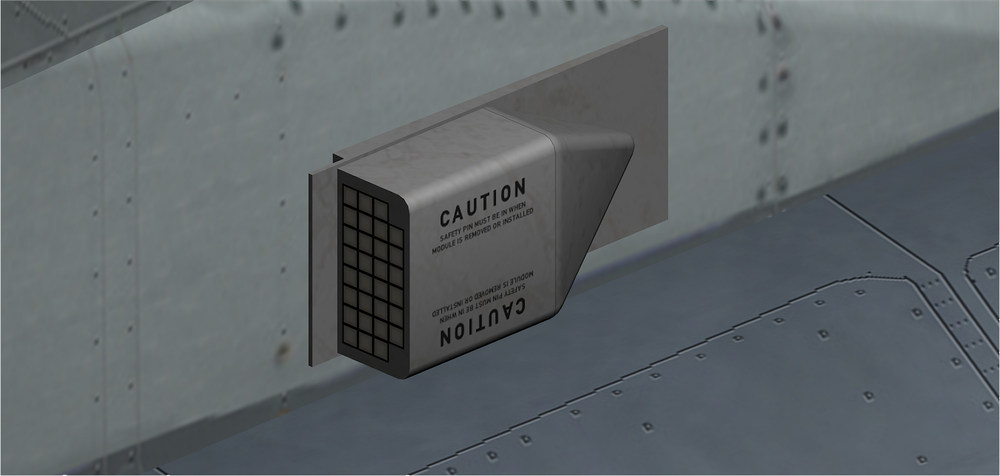
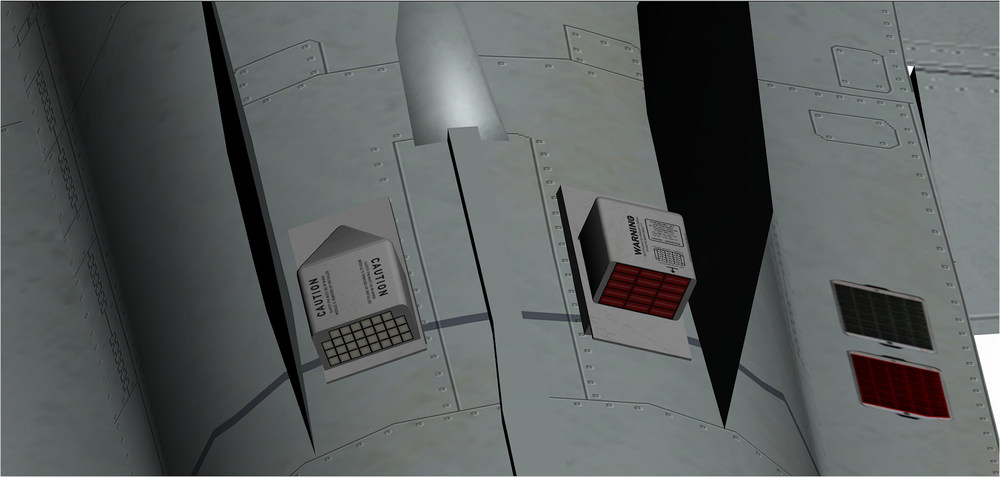
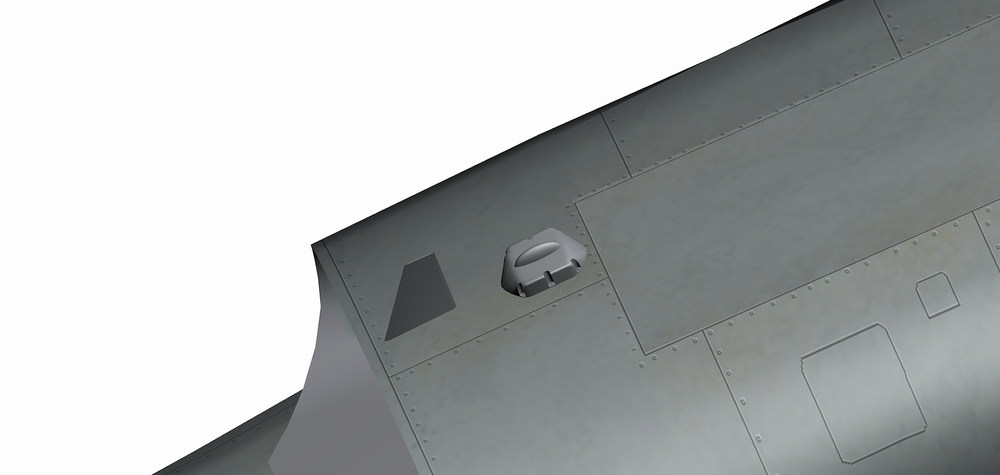
- 25 replies
-
- 12
-
-
Simple Model Request thread
ravenclaw_007 replied to daddyairplanes's topic in Mods & Skinning Discussion
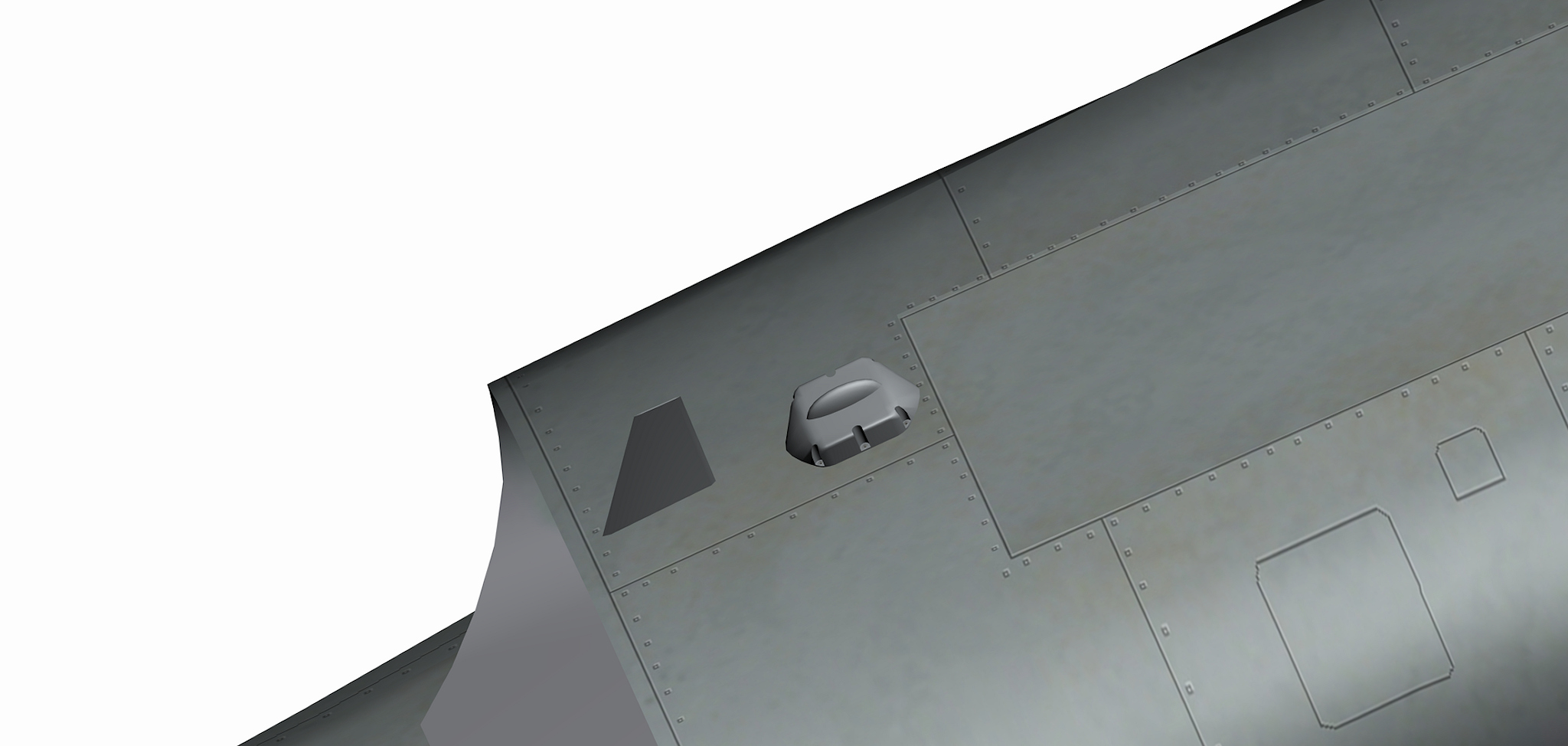
its always good to have a closer look at the pictures there are dispenser on the inner side of the ventral fins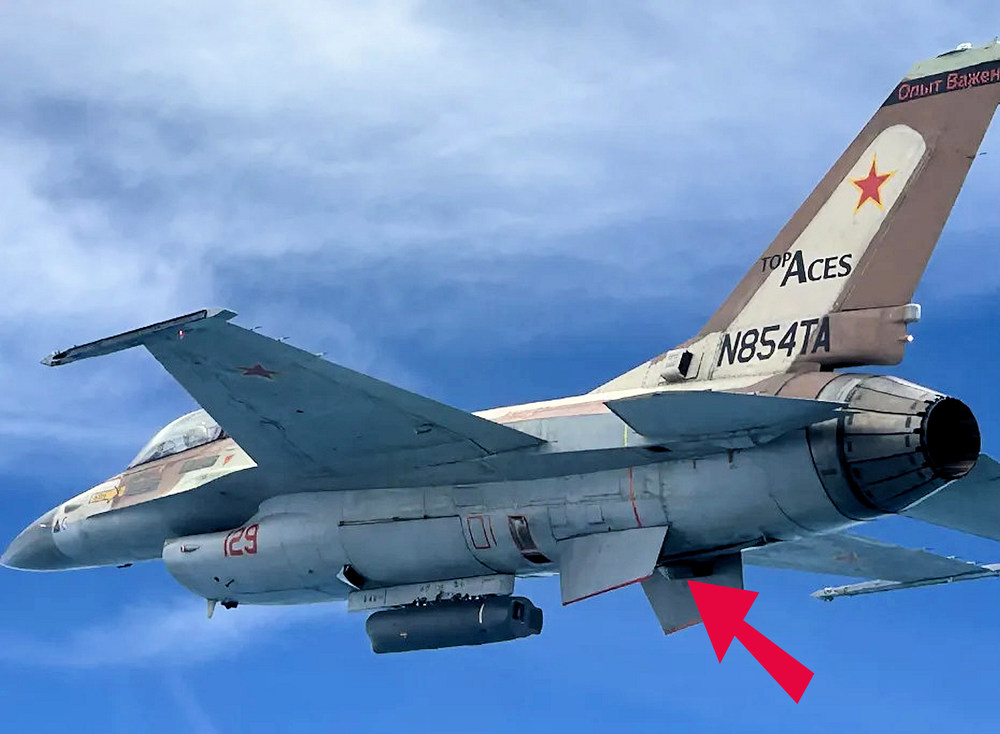
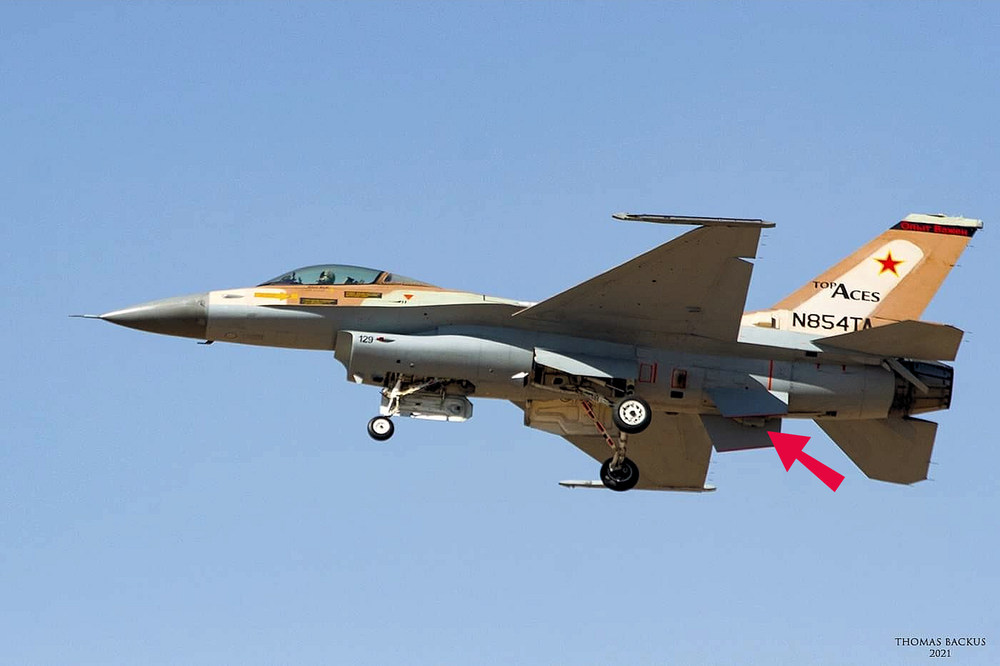
-
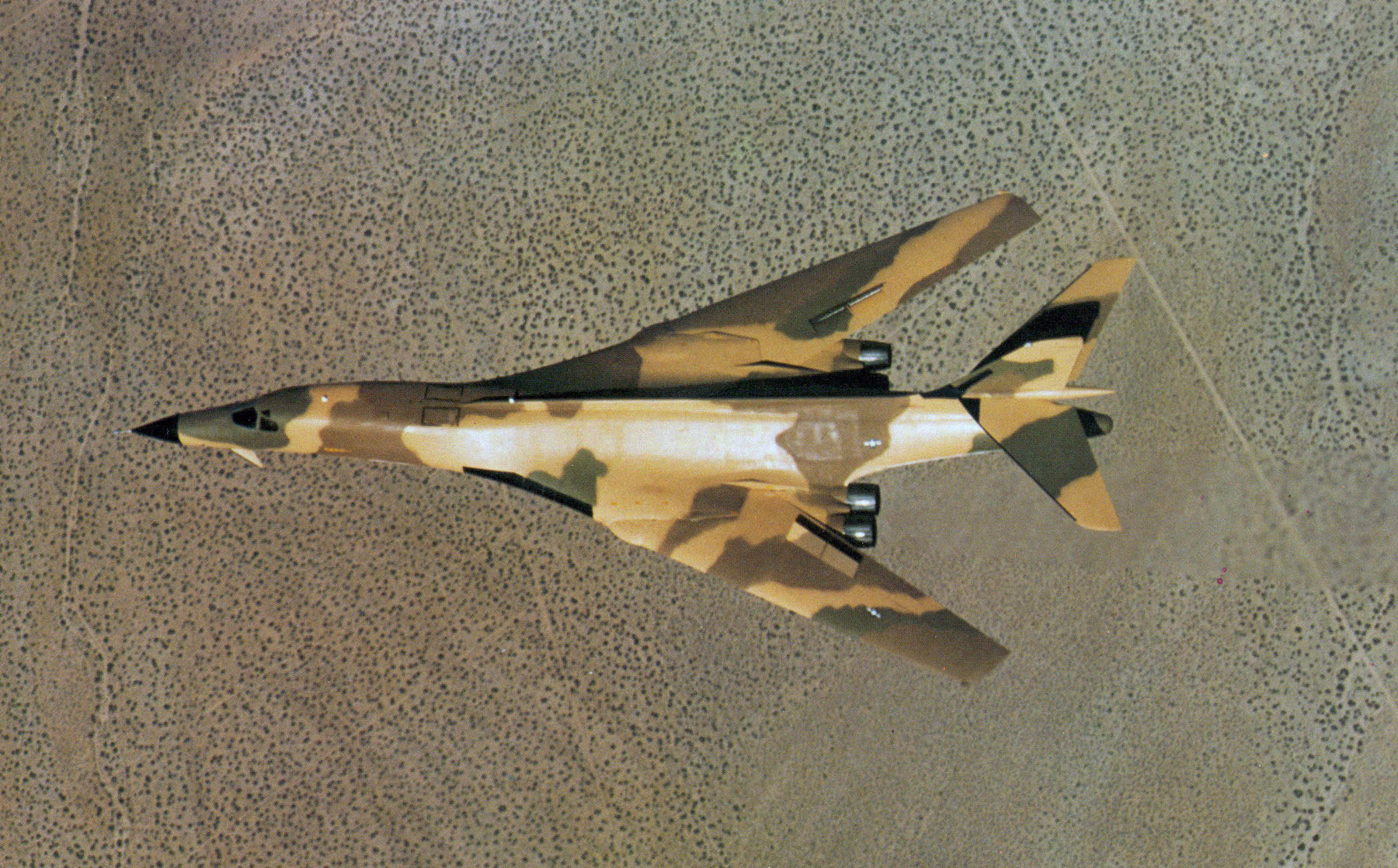
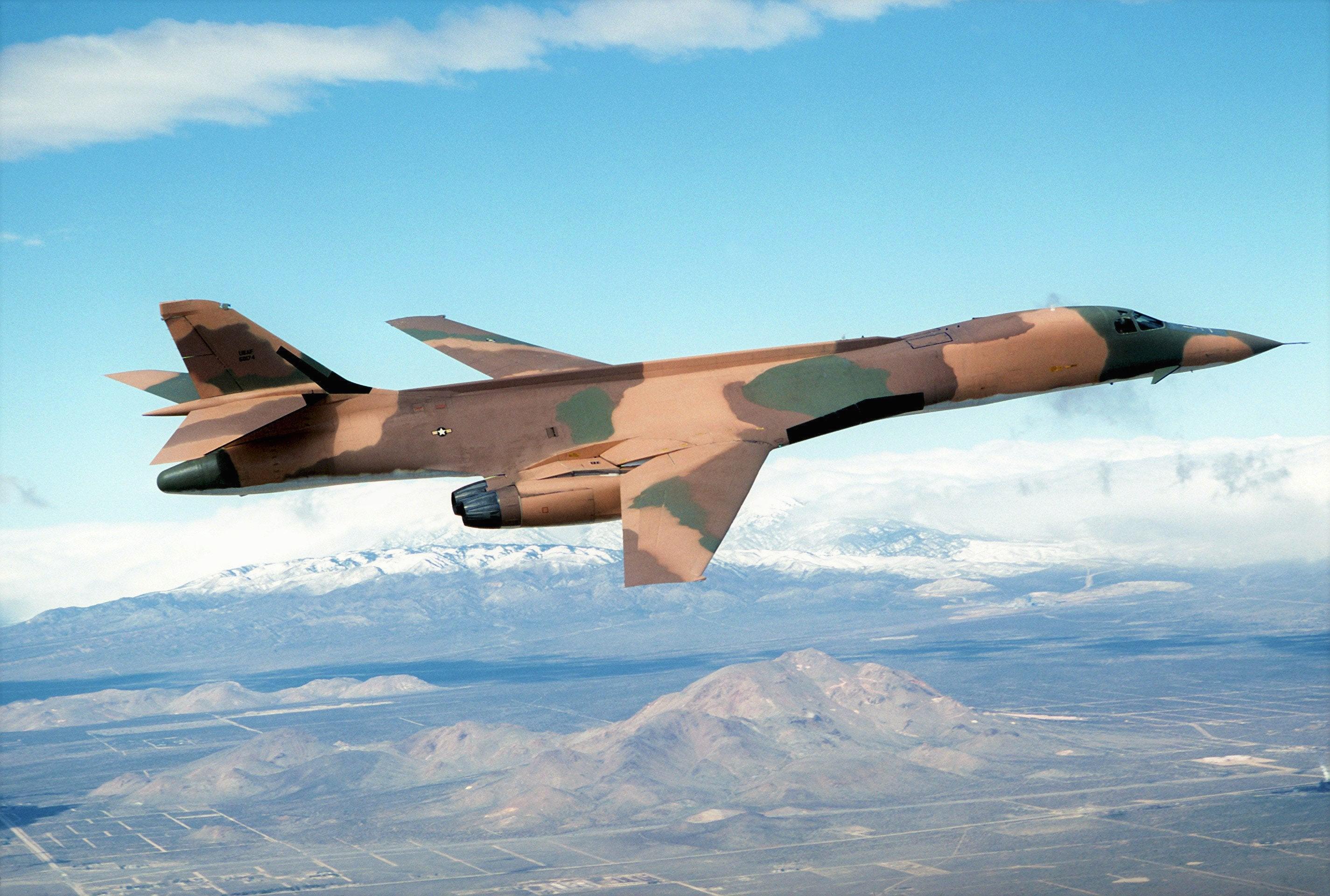
looks like somebody took a pen and colored it some more picture of that camo
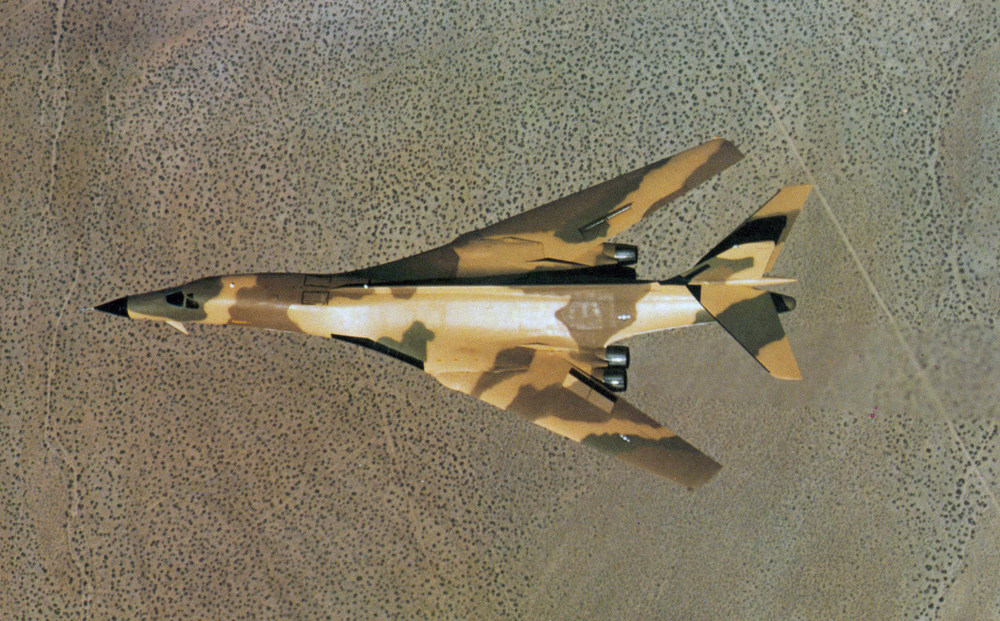
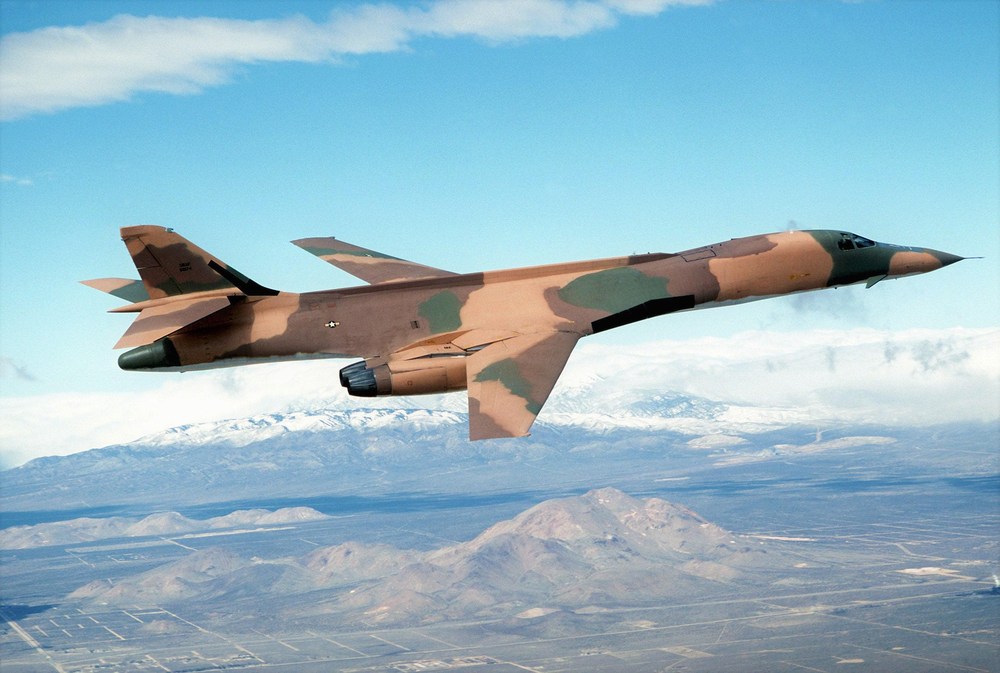
-
how to make 4096 x 4096 textures
ravenclaw_007 replied to ravenclaw_007's topic in Mods & Skinning Discussion
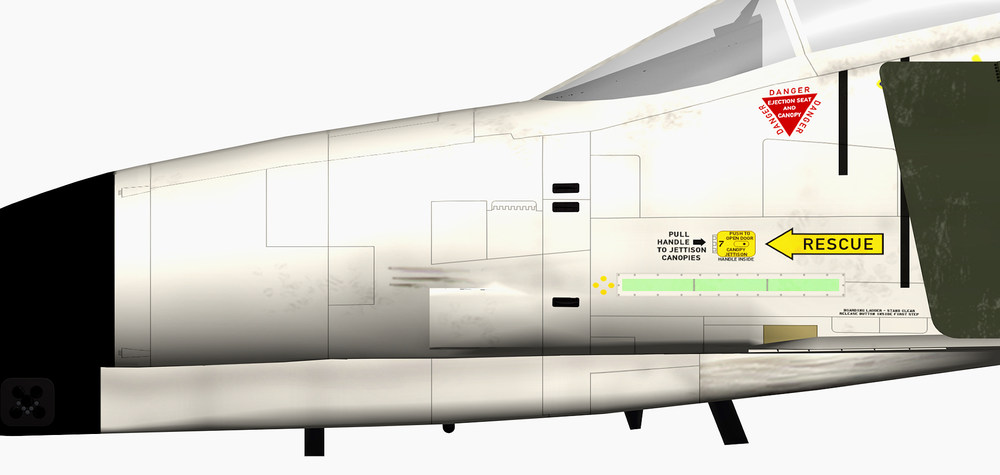
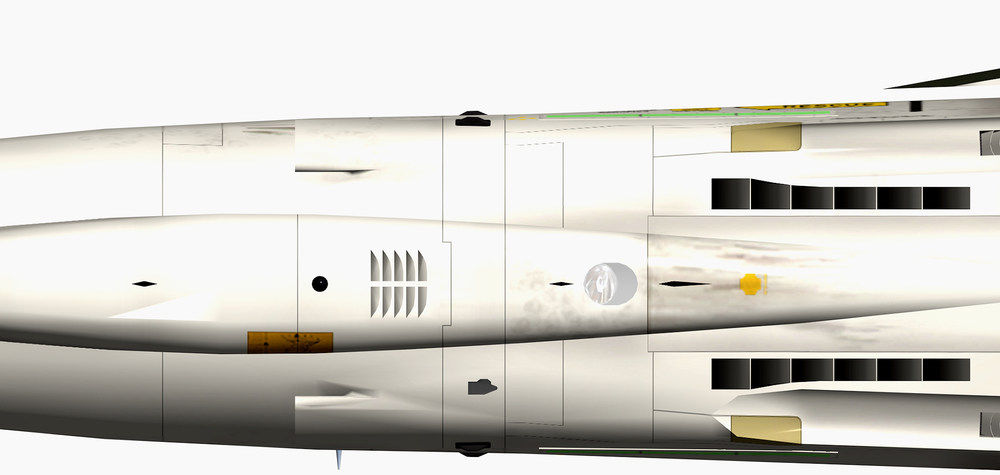
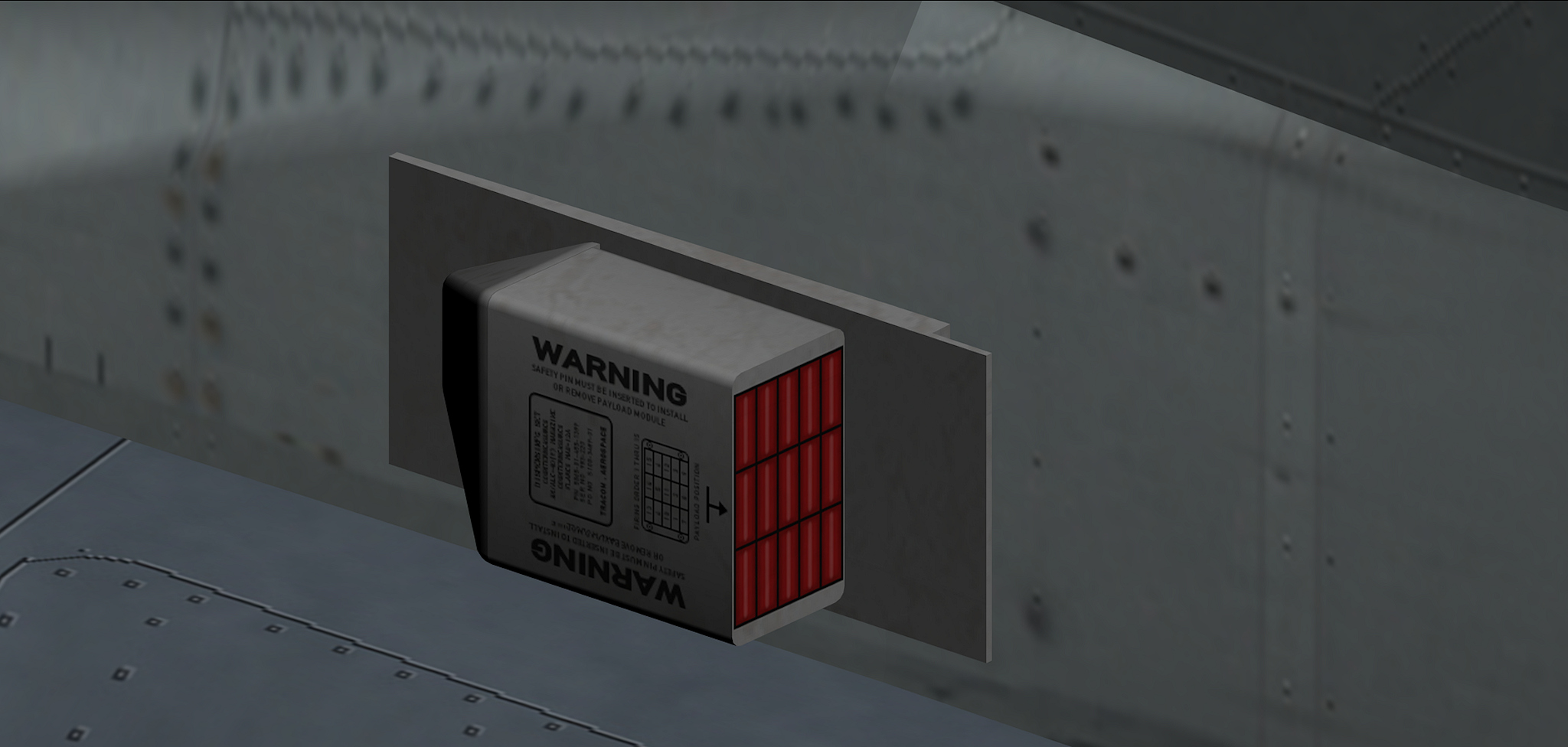
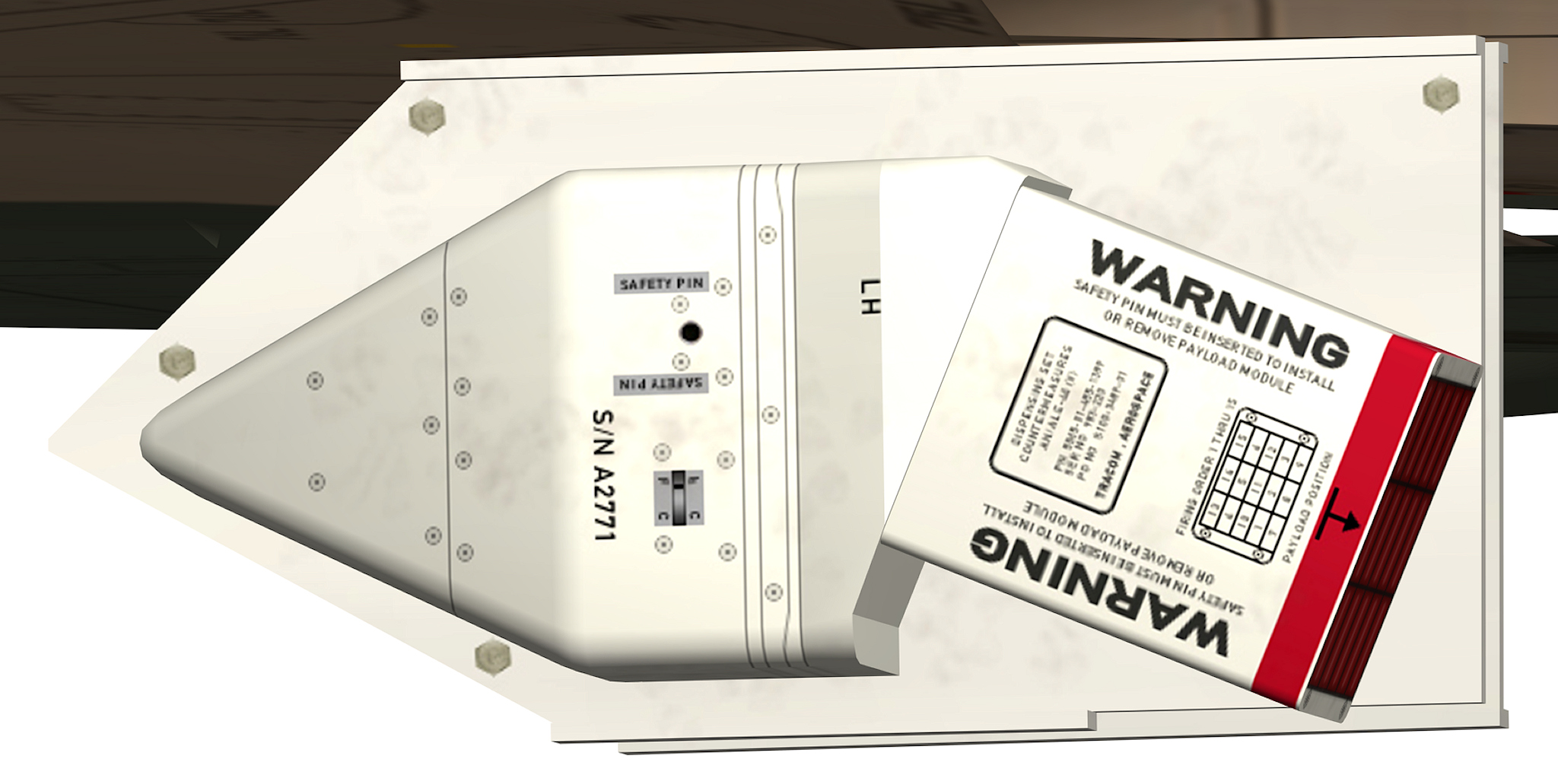
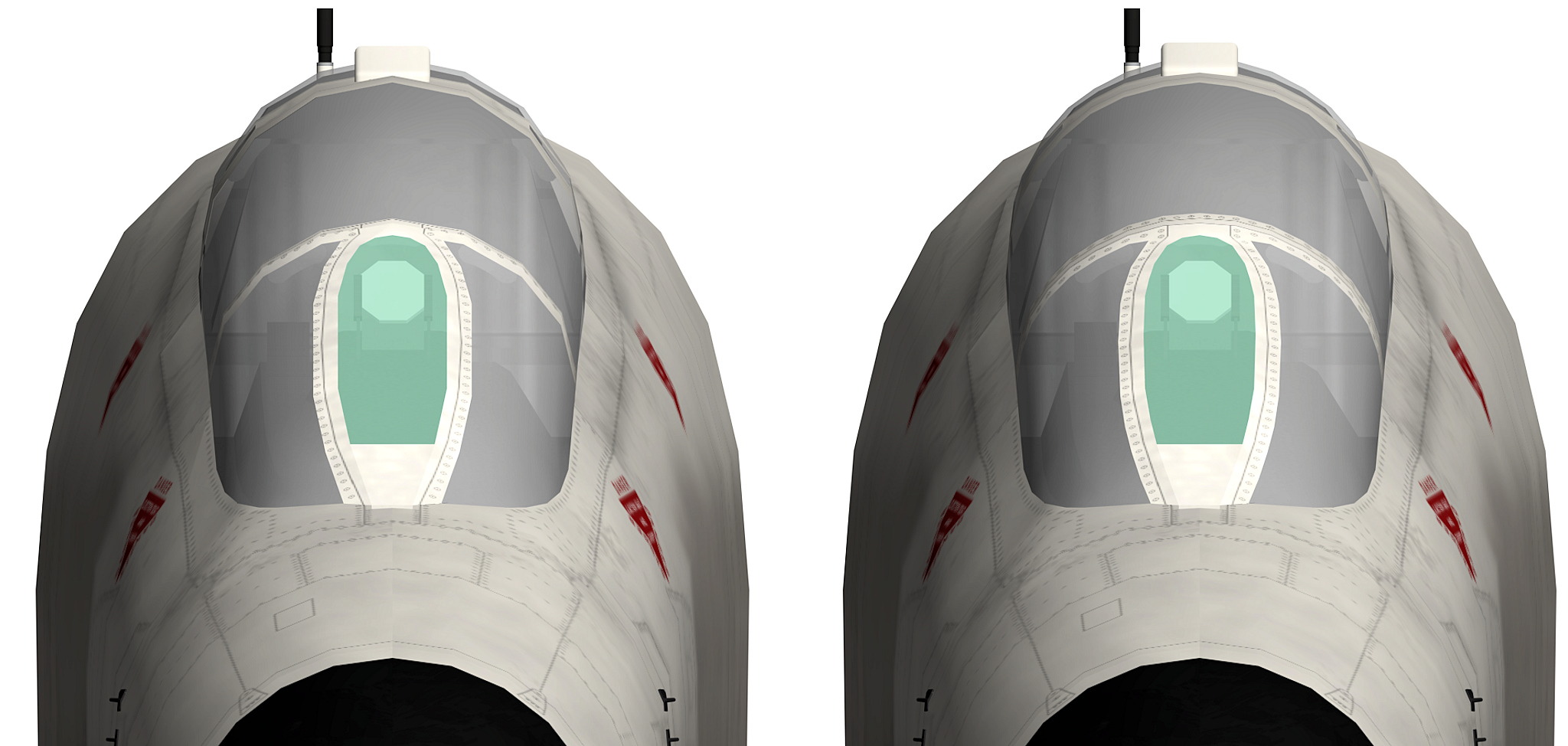
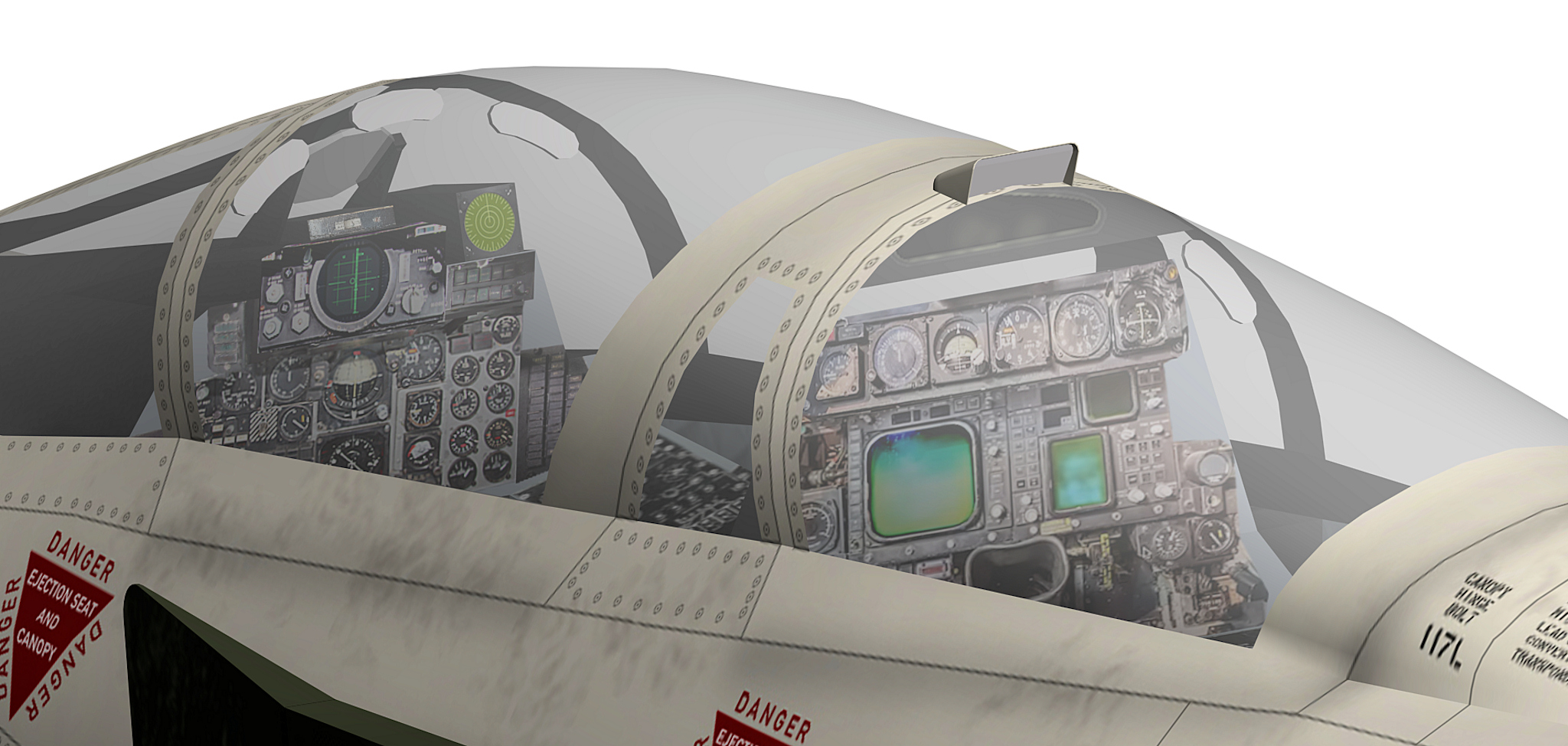
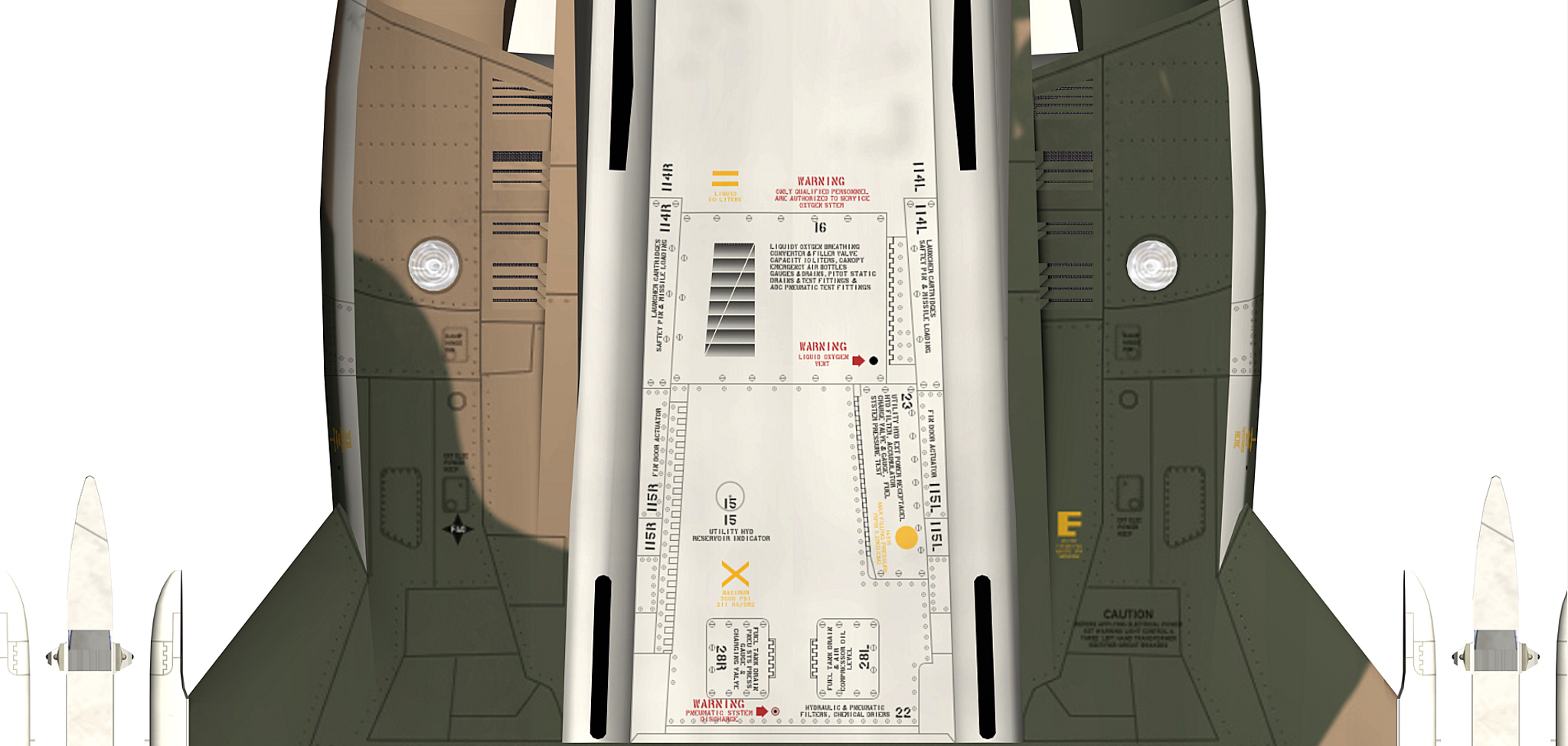
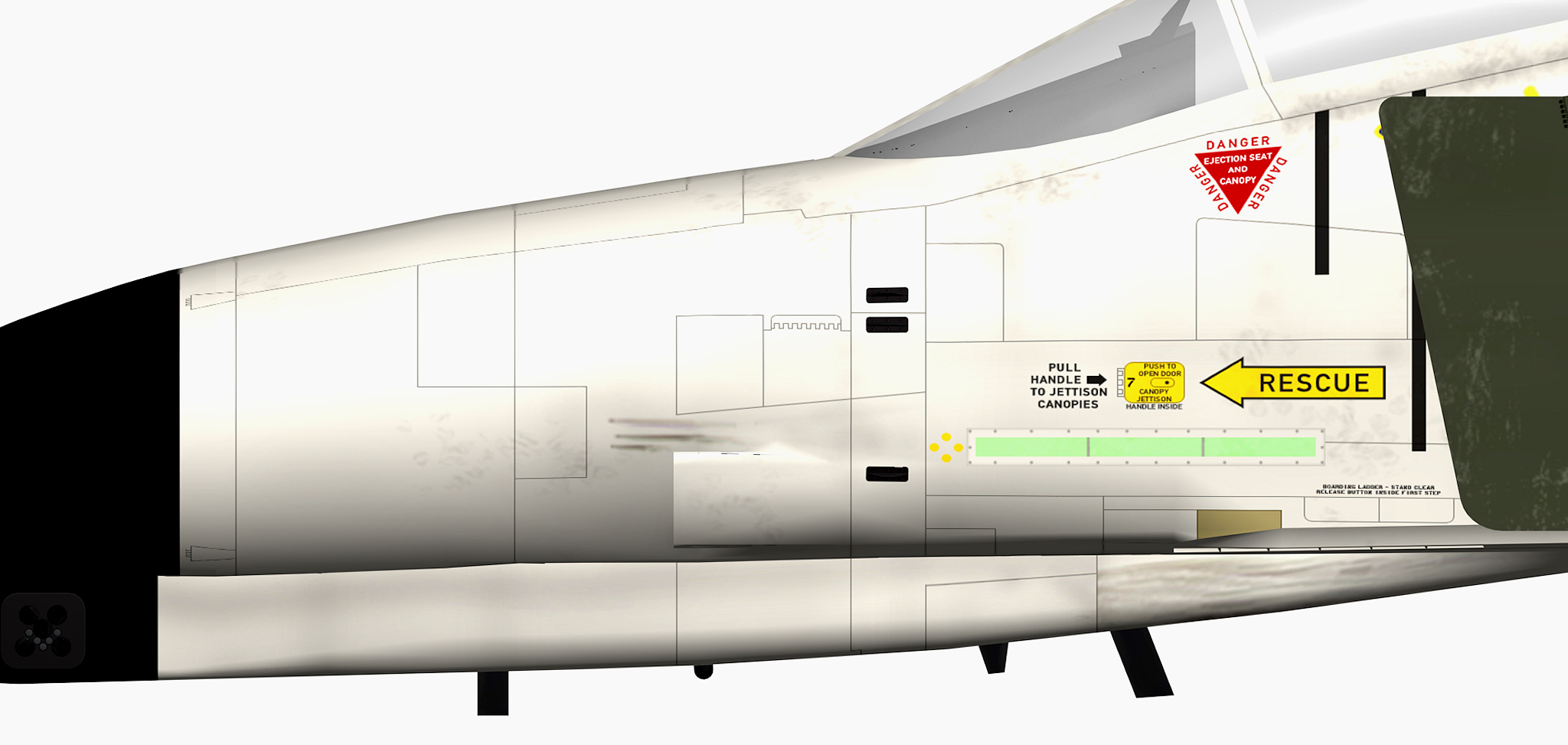
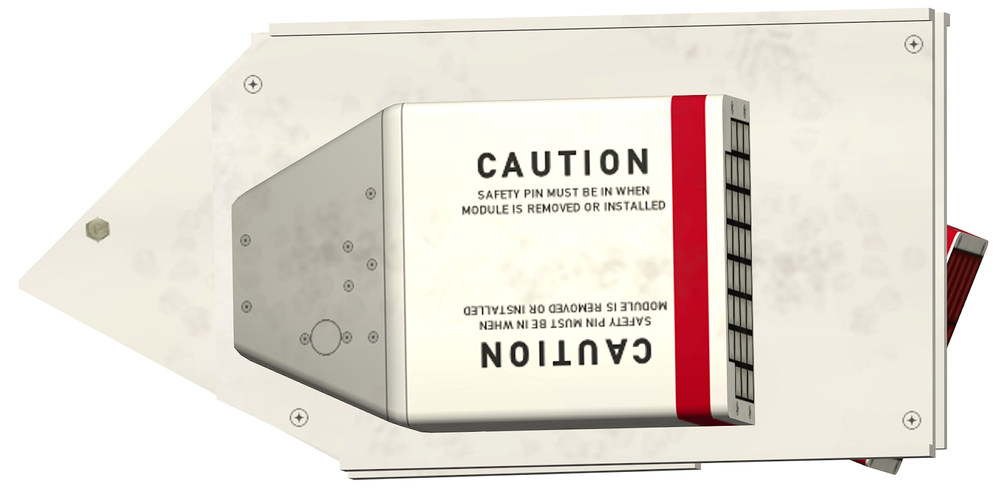
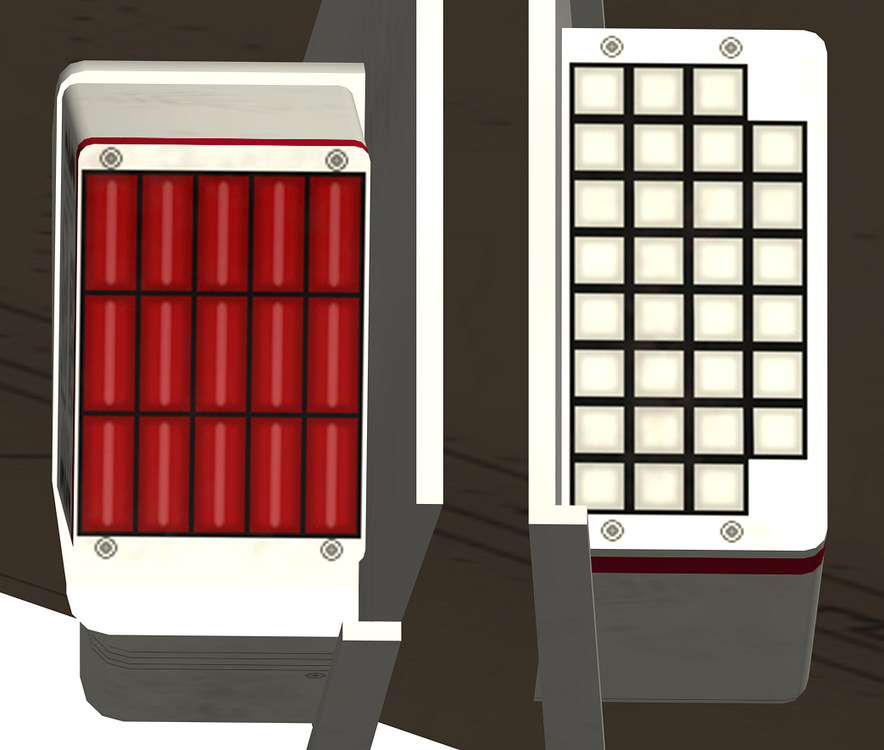
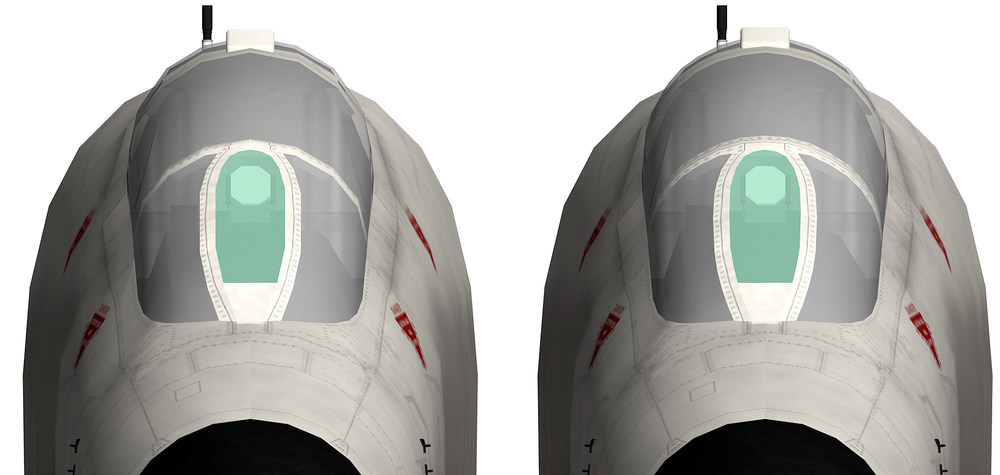
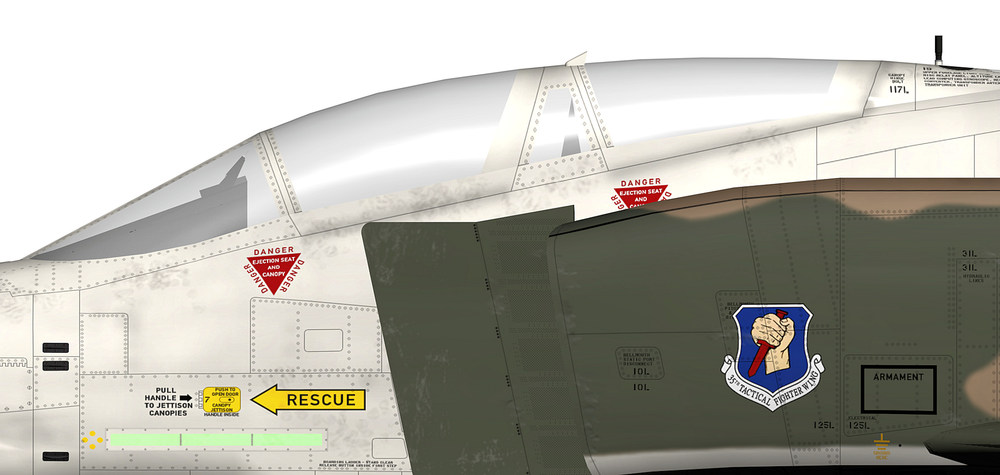
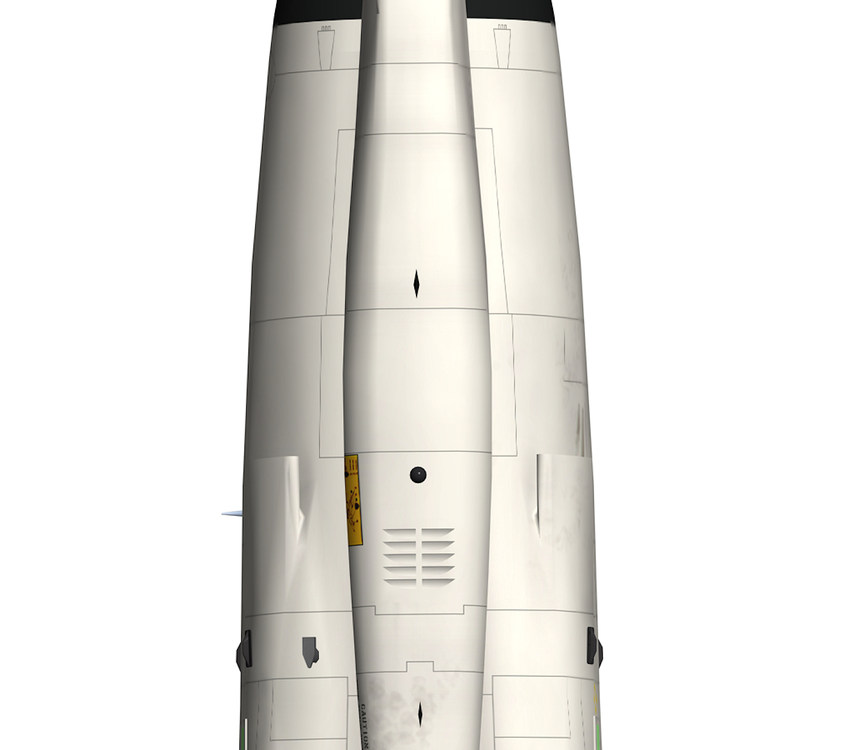
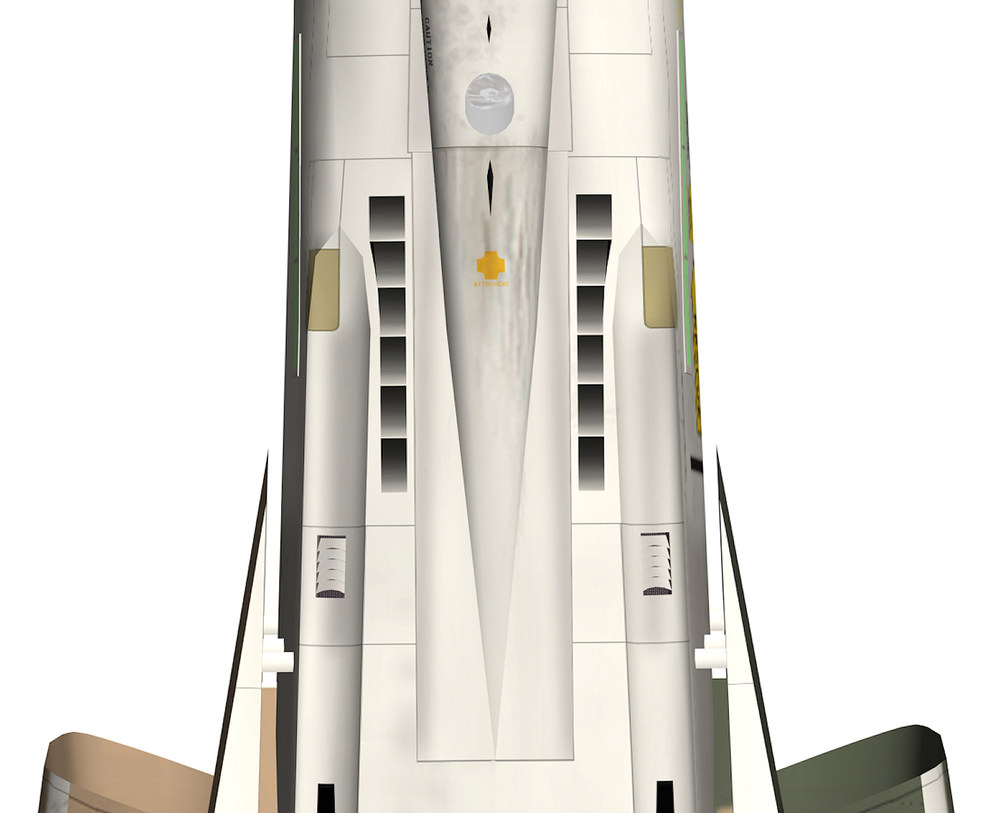
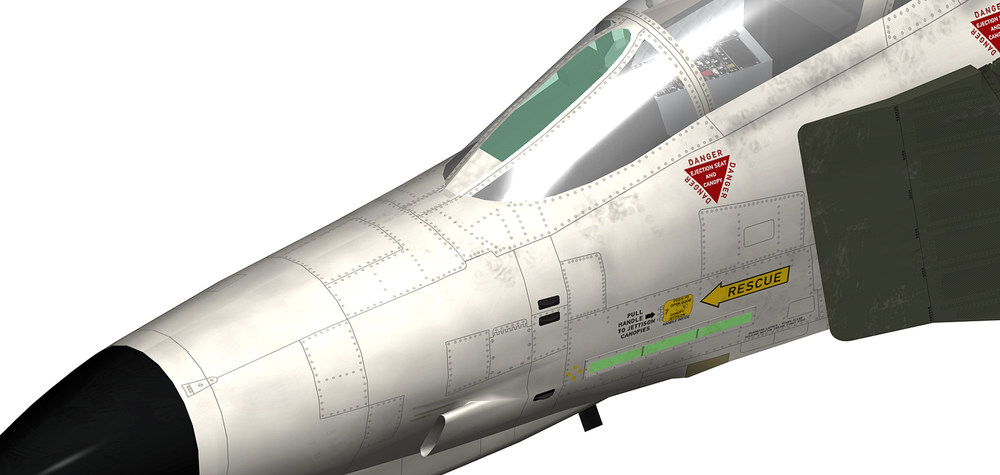
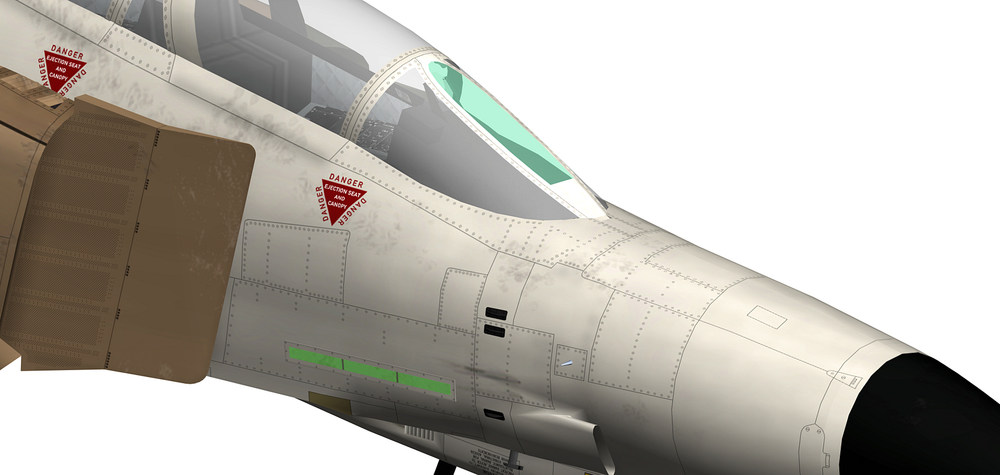
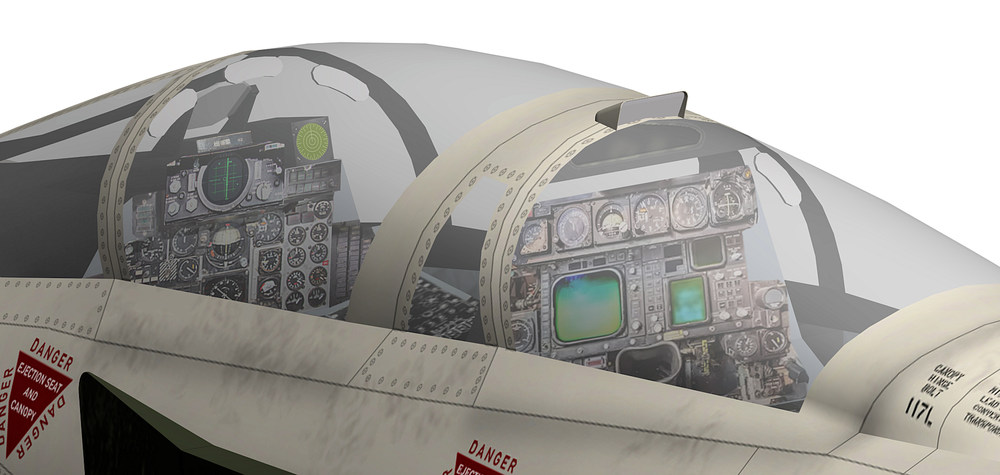
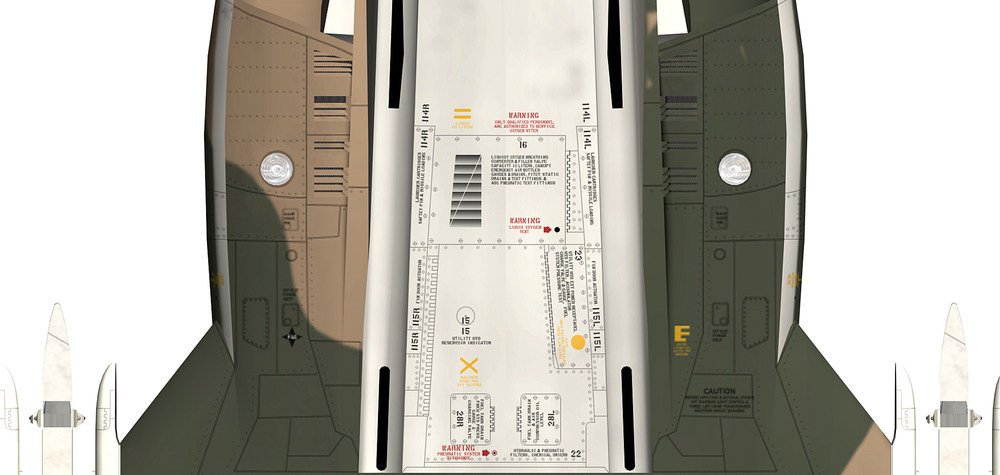
new textures for the AN/ALE-40 chaff / flare dispenser i decided to make the canopy part new , the old one was to edgy and did not look good with the rest of the aircraft old and new the panel lines on the front fuselage are almost done only some minor things are missing but it seams that i have some problem with the mapping , when i started to add the screws to the front fuselage i notice that on some parts of the front fuselage the screws appear larger then on the rest of the front fuselage , the screws on the template have the size of 5 pixels , so to make them smaller is almost impossible , dont know what to do with that mapping problem the new canopy section i mapped now for the 6th time and i´m still not happy maybe i have to let it like it is for the mean time until i find a way to fix this the top rear mirror is new , the mirror has the correct position now and is moving together with the rear canopy the mirror itself is slanted and a bit back in the housing like the original , the cockpit has some new textures as well making this new 4096 x 4096 templates is very time consuming and with each detail i add i get a new surprising result on the aircraft , mostly a very unpleasant surprise that needs a long time to fix and in some cases i even cant find a solution to the problem i just hope that all the work is worth doing one thing i did not expect was that i had to change or remodel so many 3d parts of the aircraft so the overall look is better and i´m scared like hell by just thinking that the wings are next and what surprises they have for me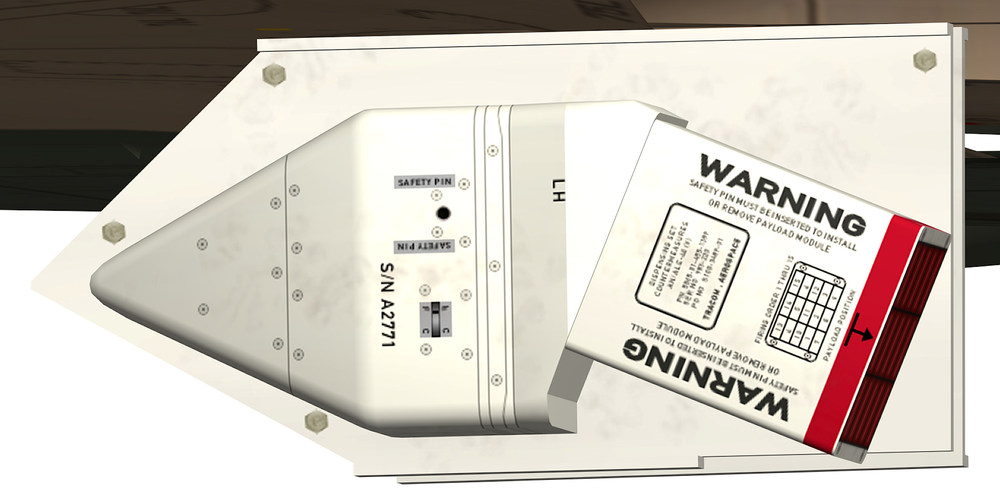
- 60 replies
-
- 12
-
-
-
how to make 4096 x 4096 textures
ravenclaw_007 replied to ravenclaw_007's topic in Mods & Skinning Discussion
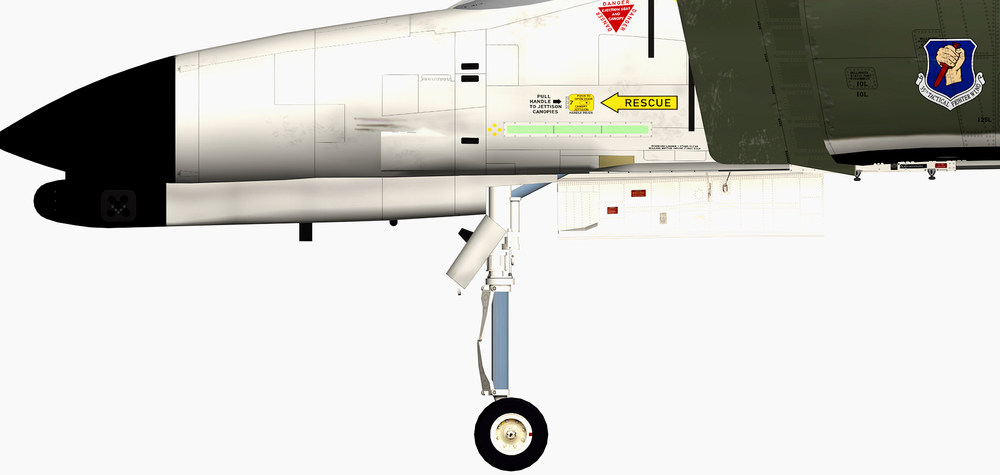
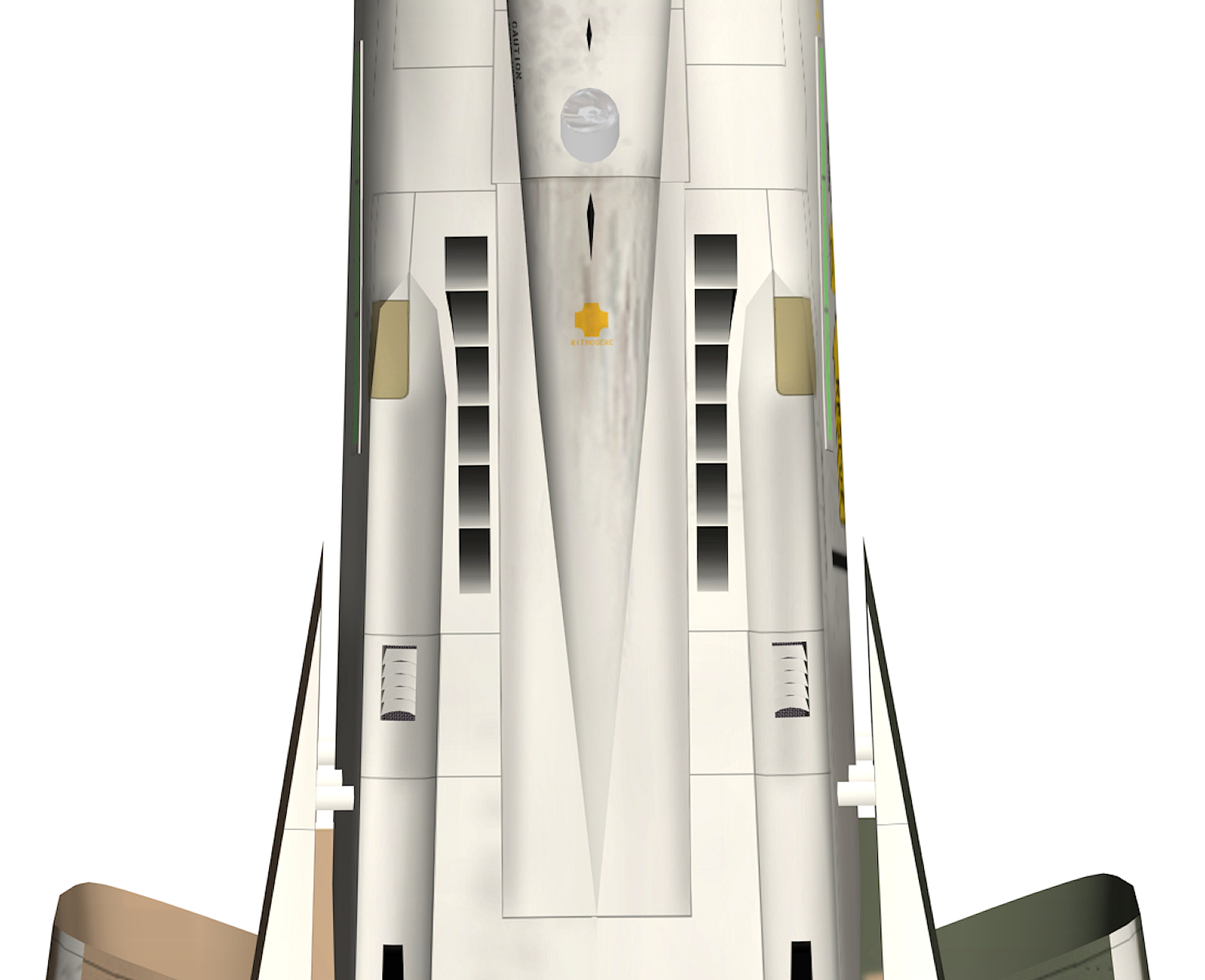
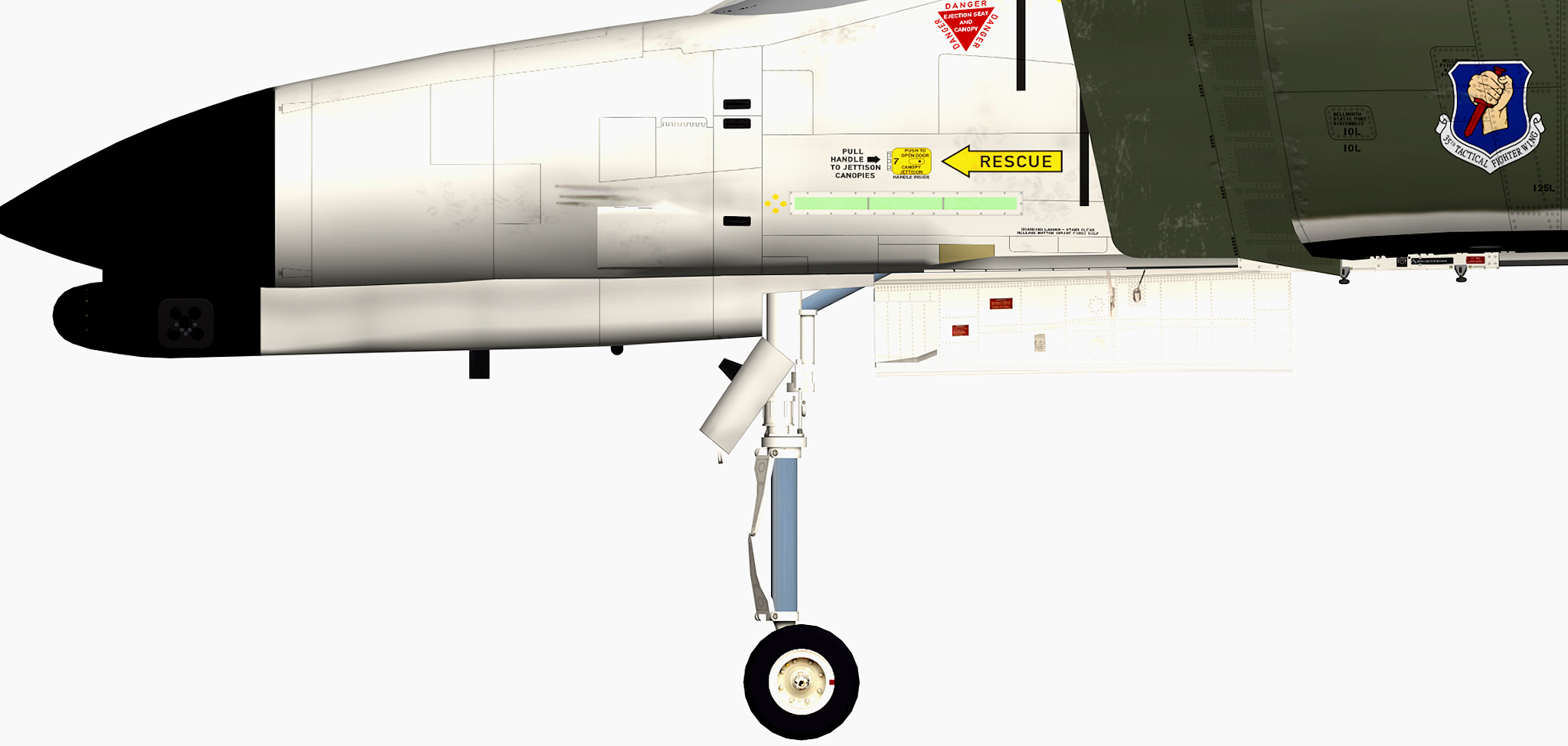
got it done , vents are moved forward front gear door changed and the landing gear has a new position and since i have now more space in the nose gear well i adjusted the the max travel of the damper and changed the animation for it , so now for the first time we have a fully extendet nose gear that was not possible due to the position of the nose gear before i had to change some entrys in the data.ini because the nose gear was hanging in the air but after adjusting the stroke length value everything works fine and the bonus a now fully extendet nose gear and now i´m going to enjoy the rest of the sunday evening