ravenclaw_007
-
Posts
4,272 -
Joined
-
Last visited
-
Days Won
317
Content Type
Profiles
Forums
Gallery
Downloads
Store
Everything posted by ravenclaw_007
-
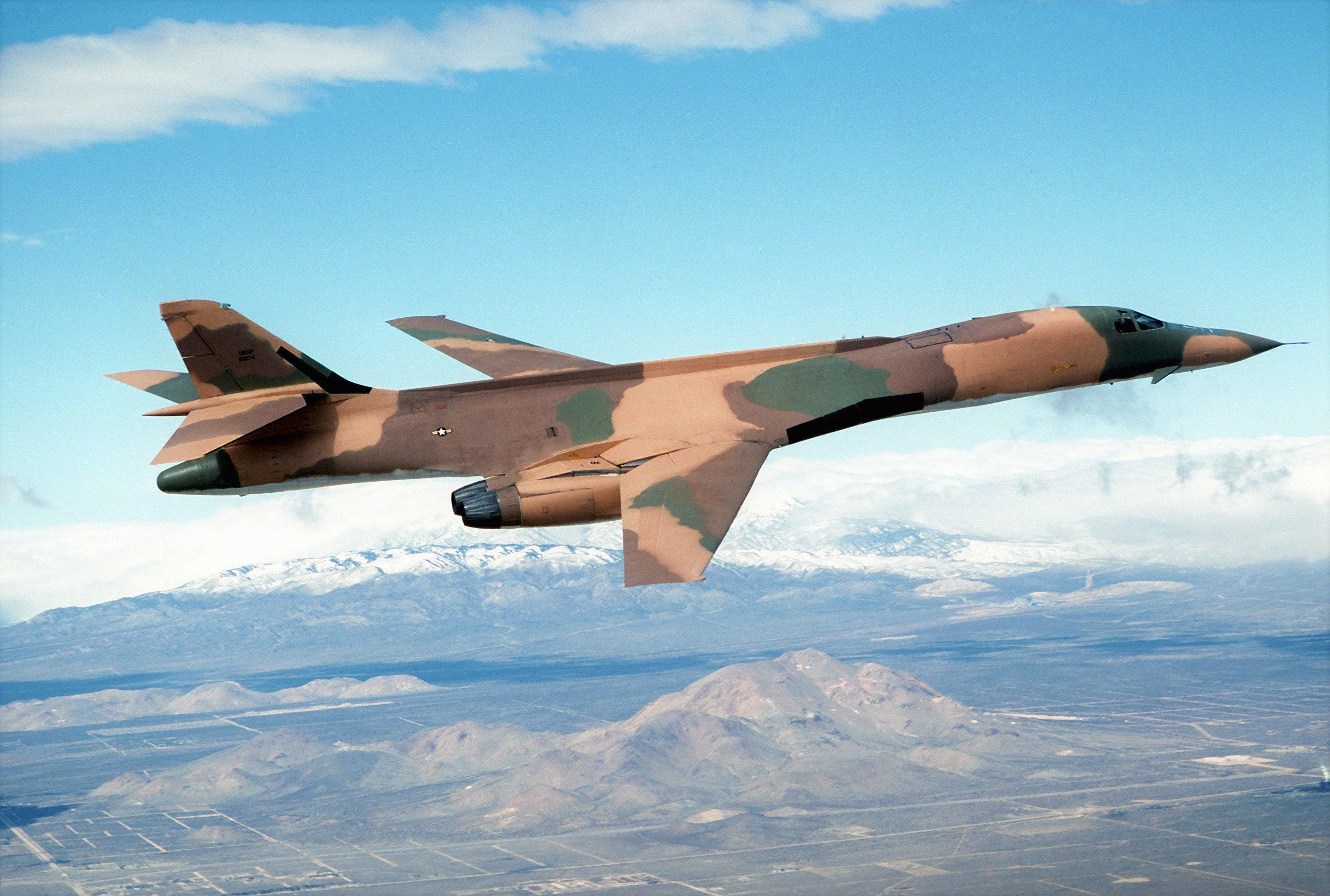
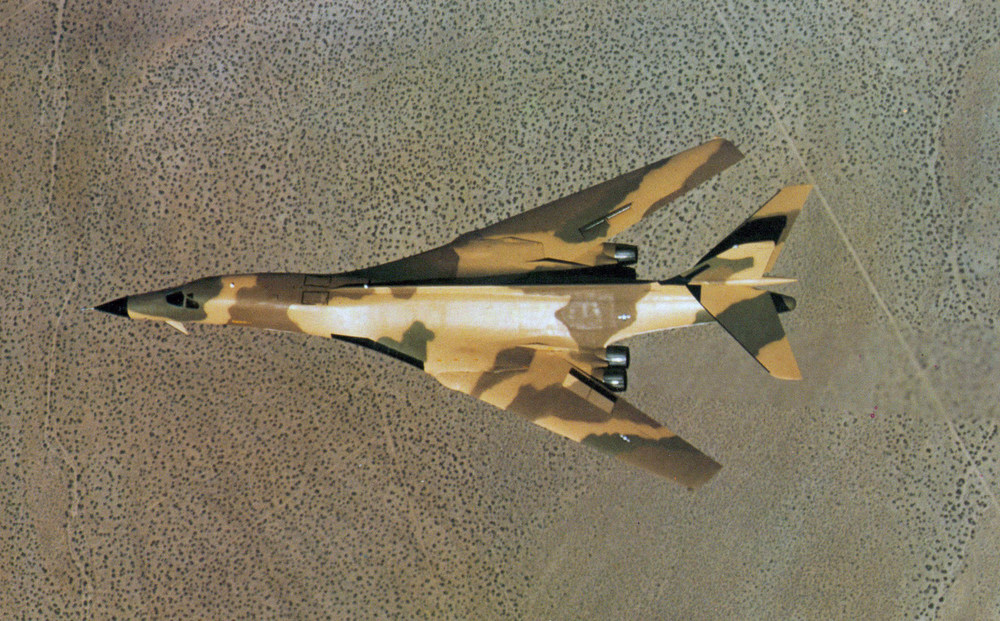
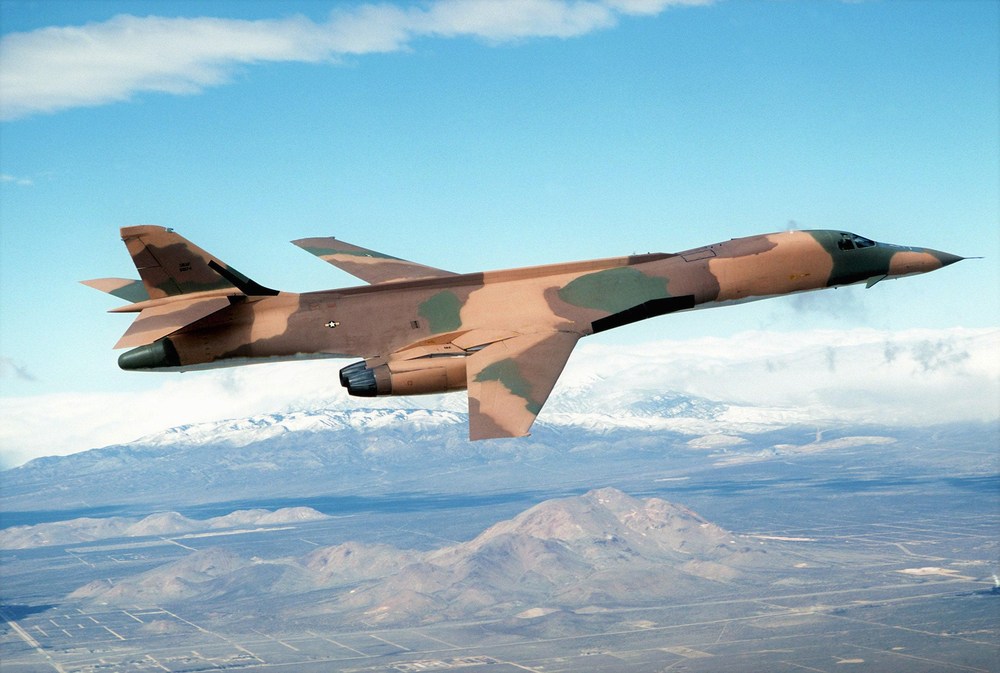
looks like somebody took a pen and colored it some more picture of that camo
-

how to make 4096 x 4096 textures
ravenclaw_007 replied to ravenclaw_007's topic in Mods & Skinning Discussion
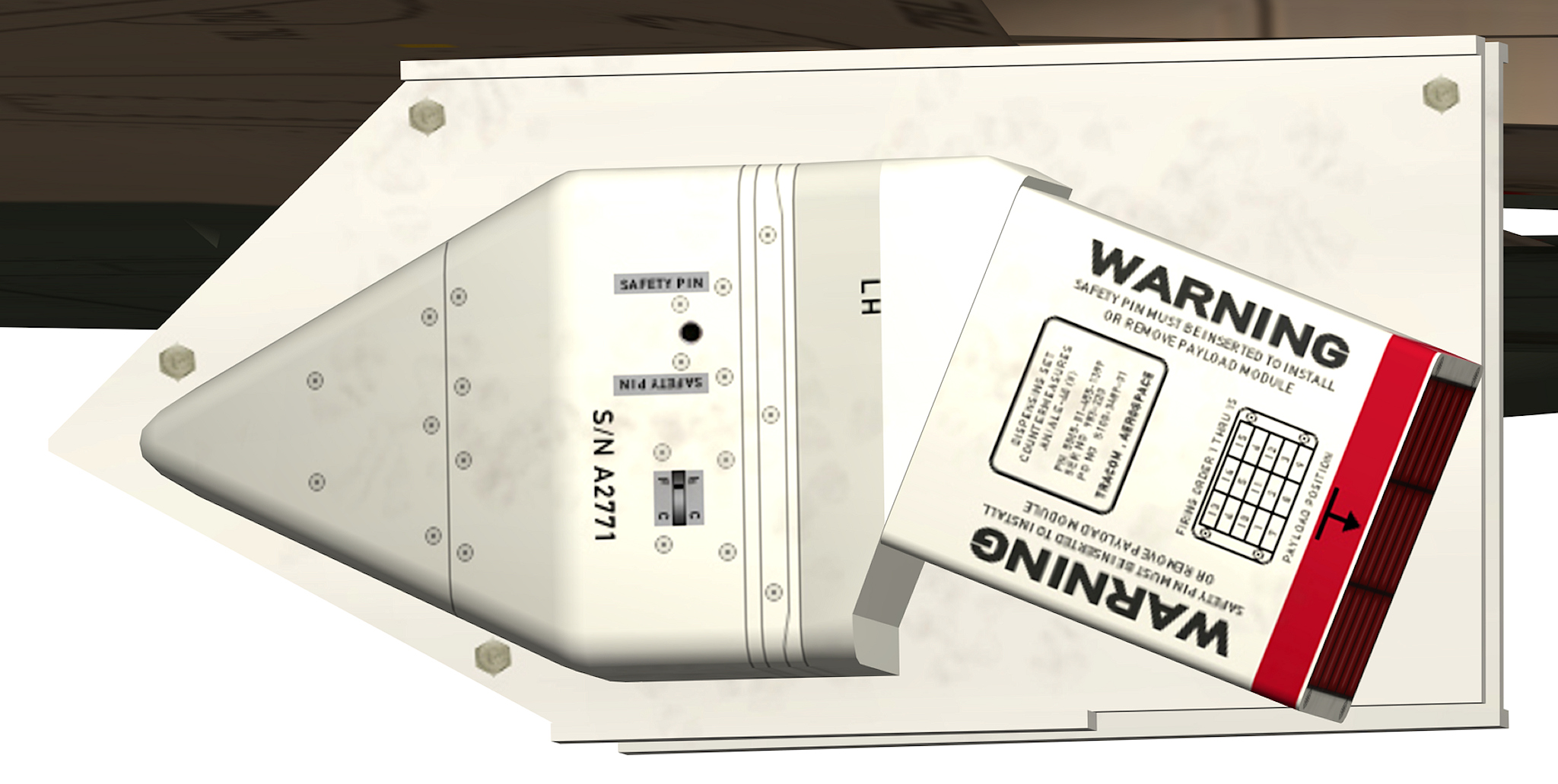
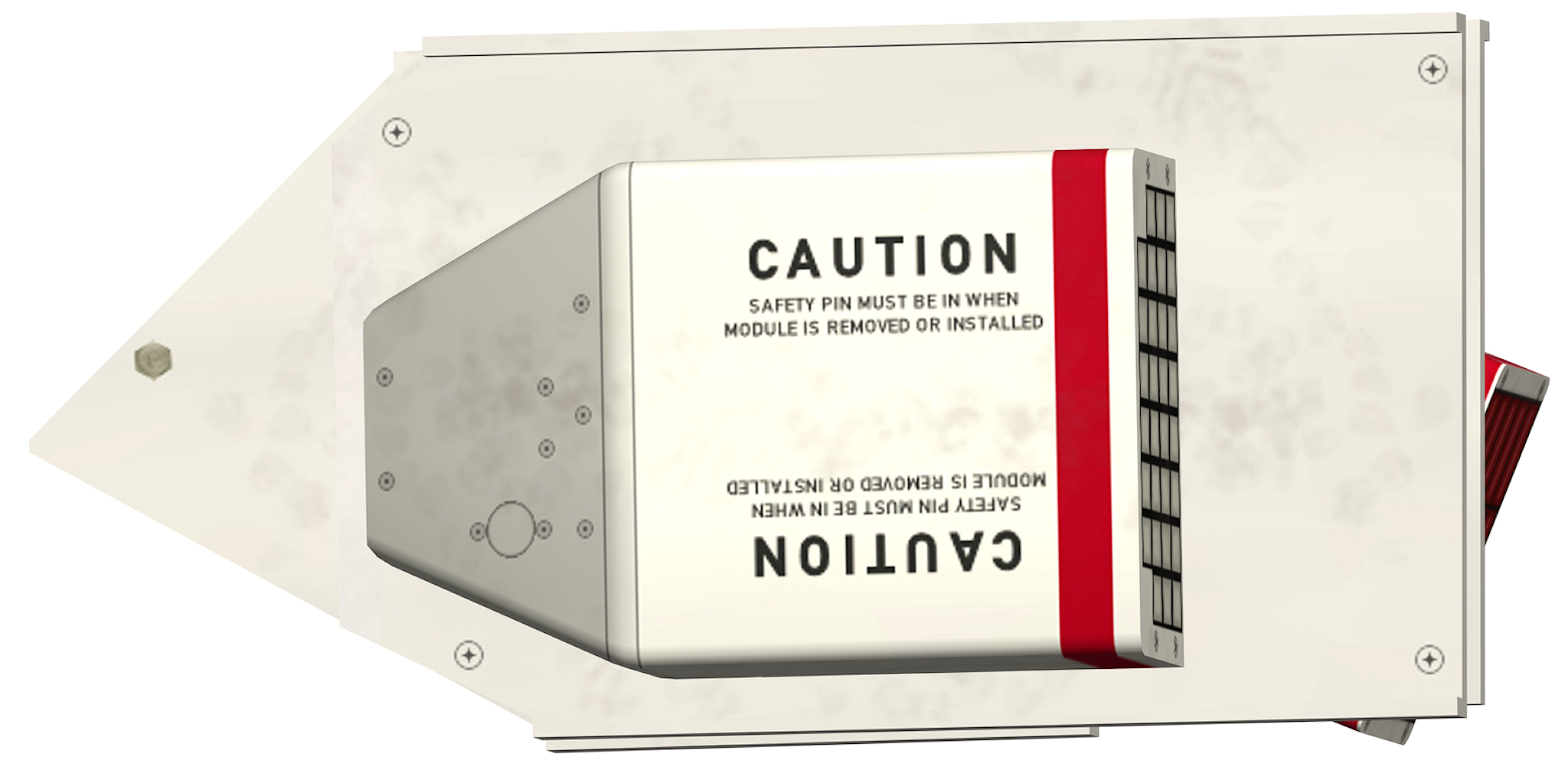
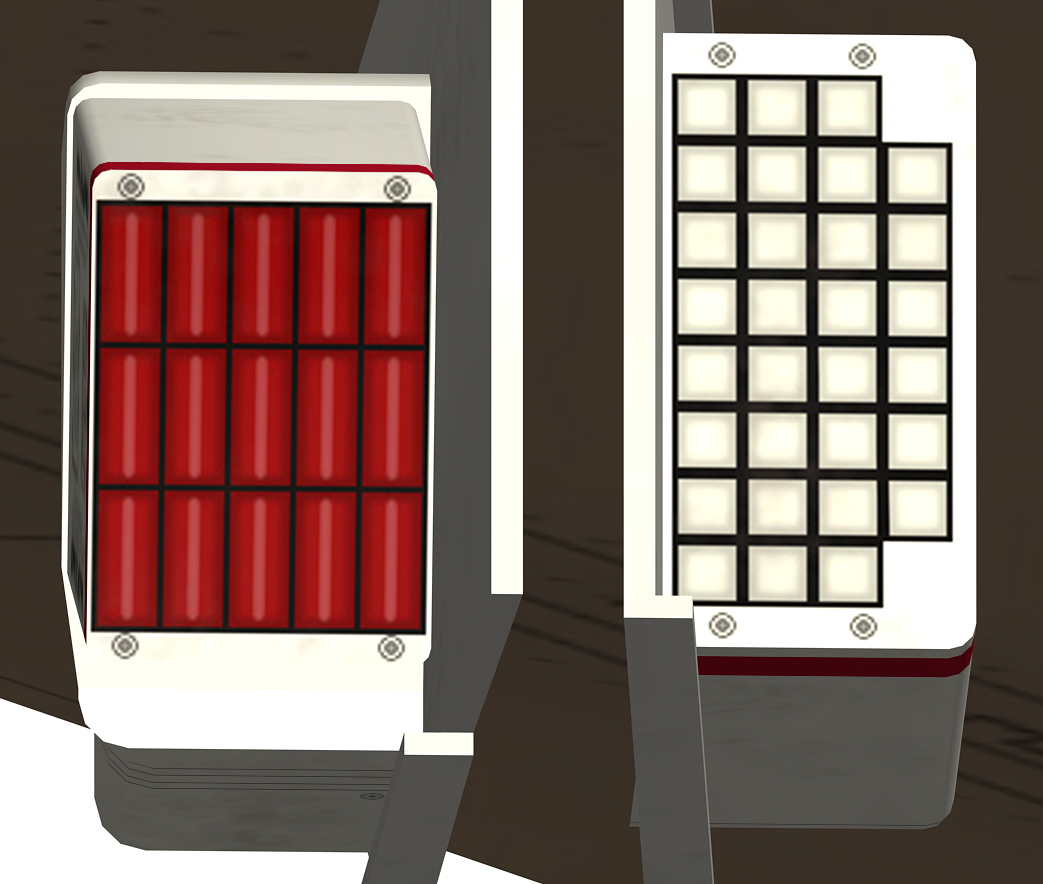
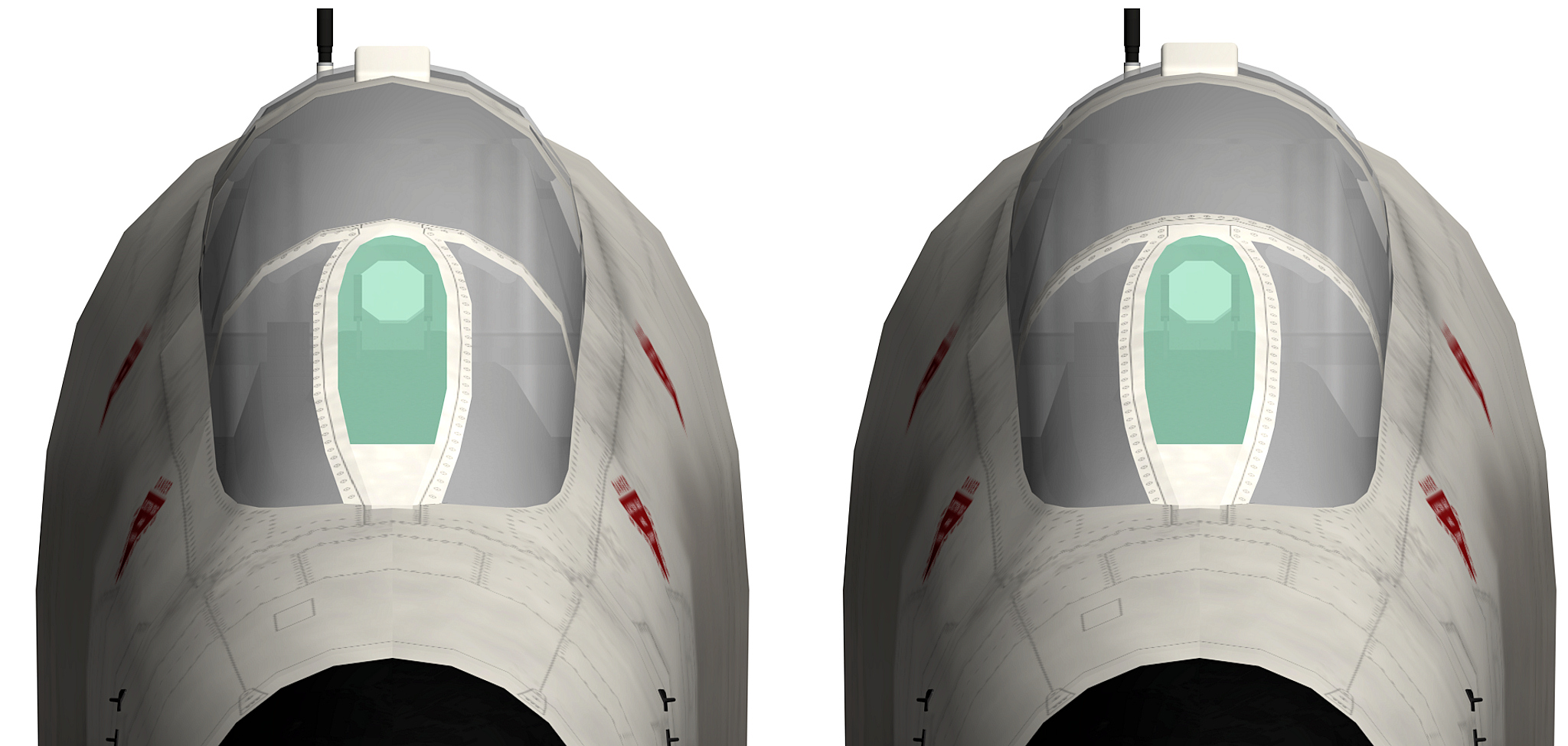
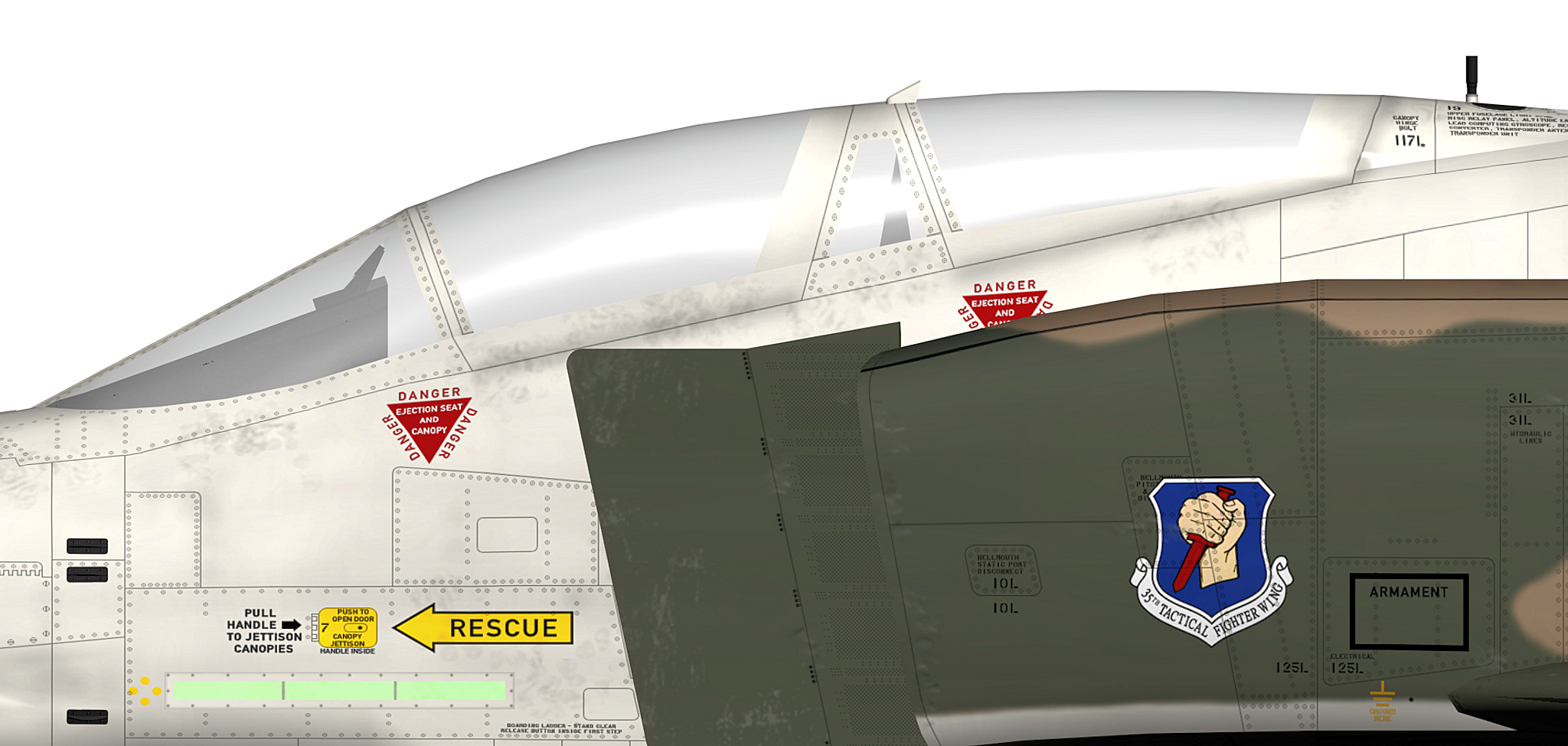
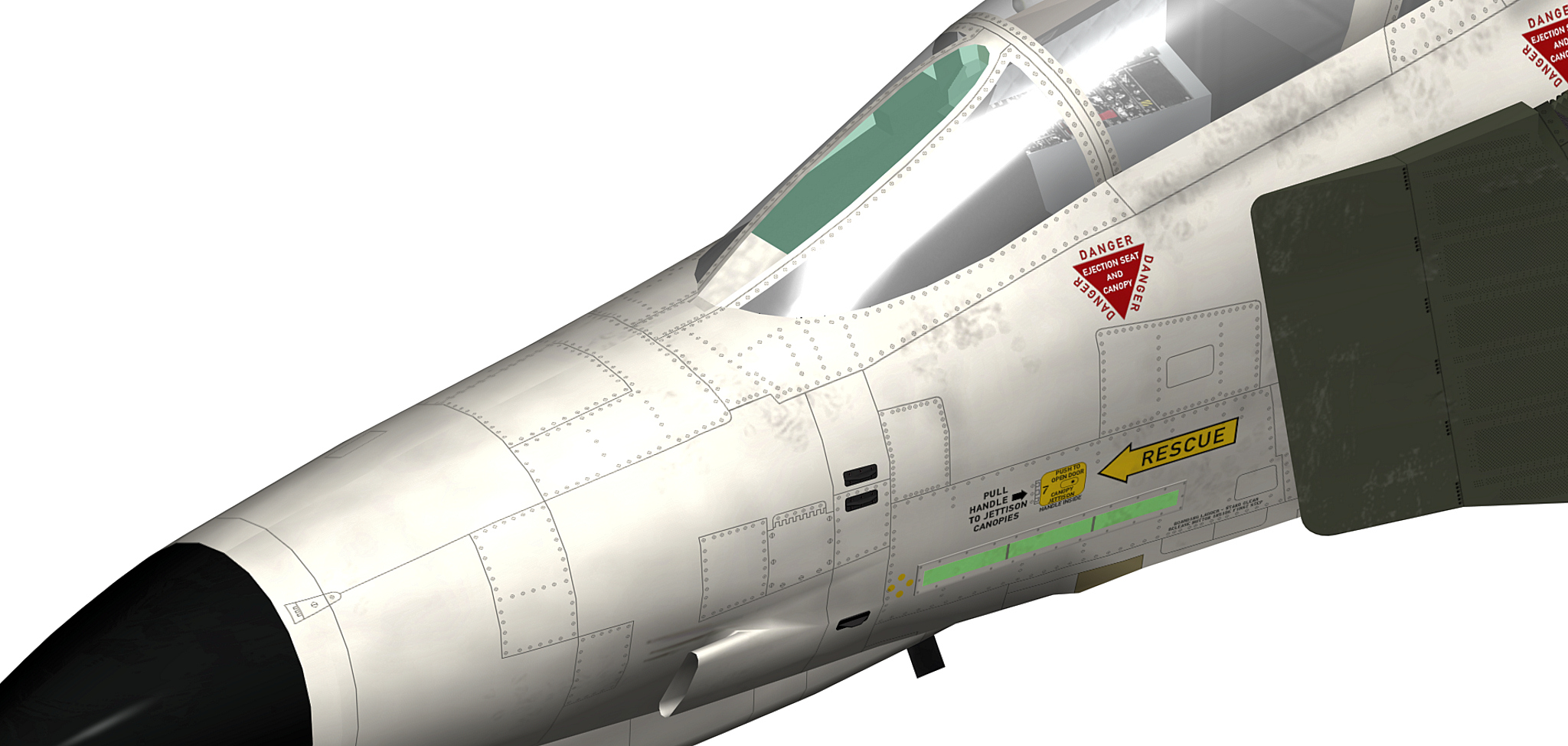
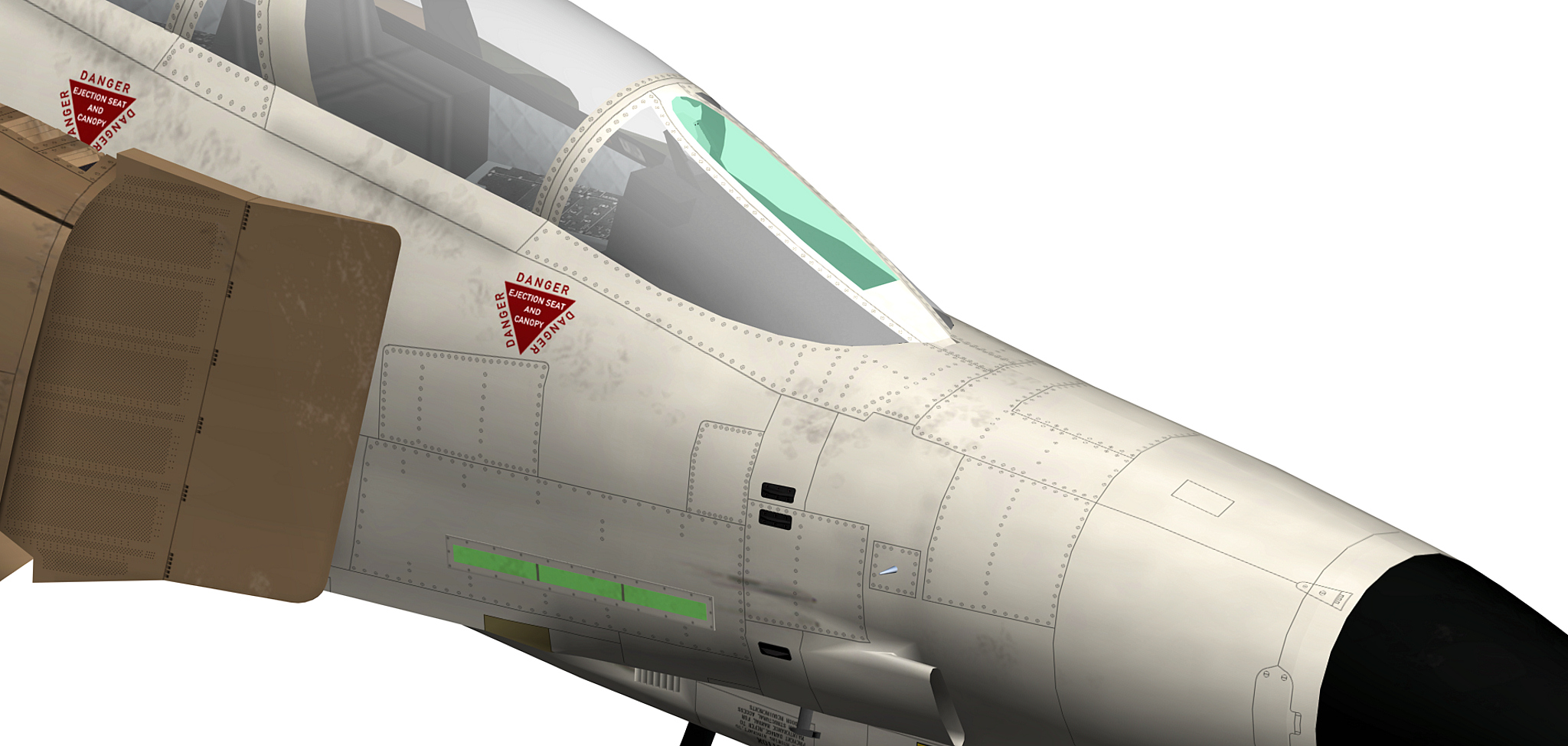
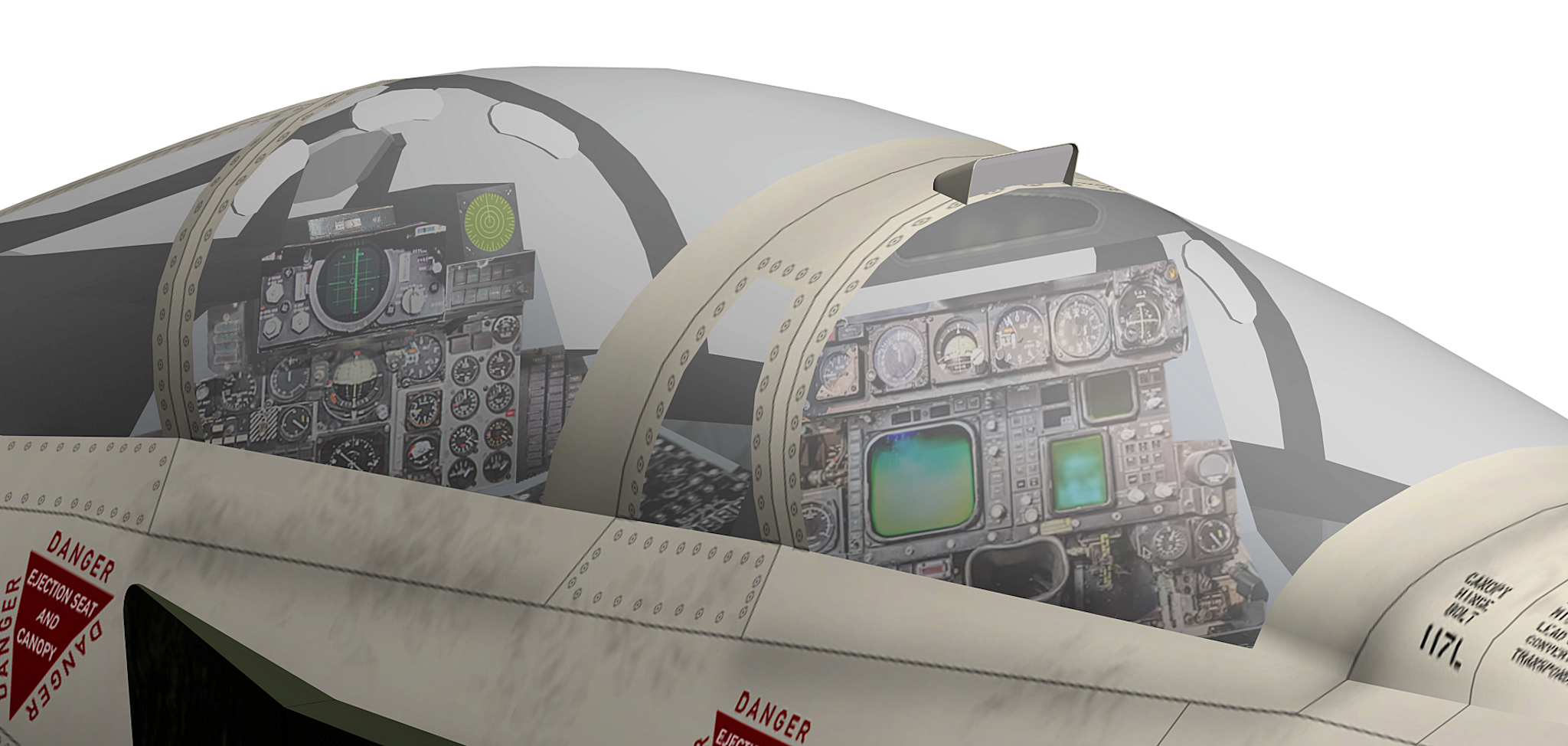
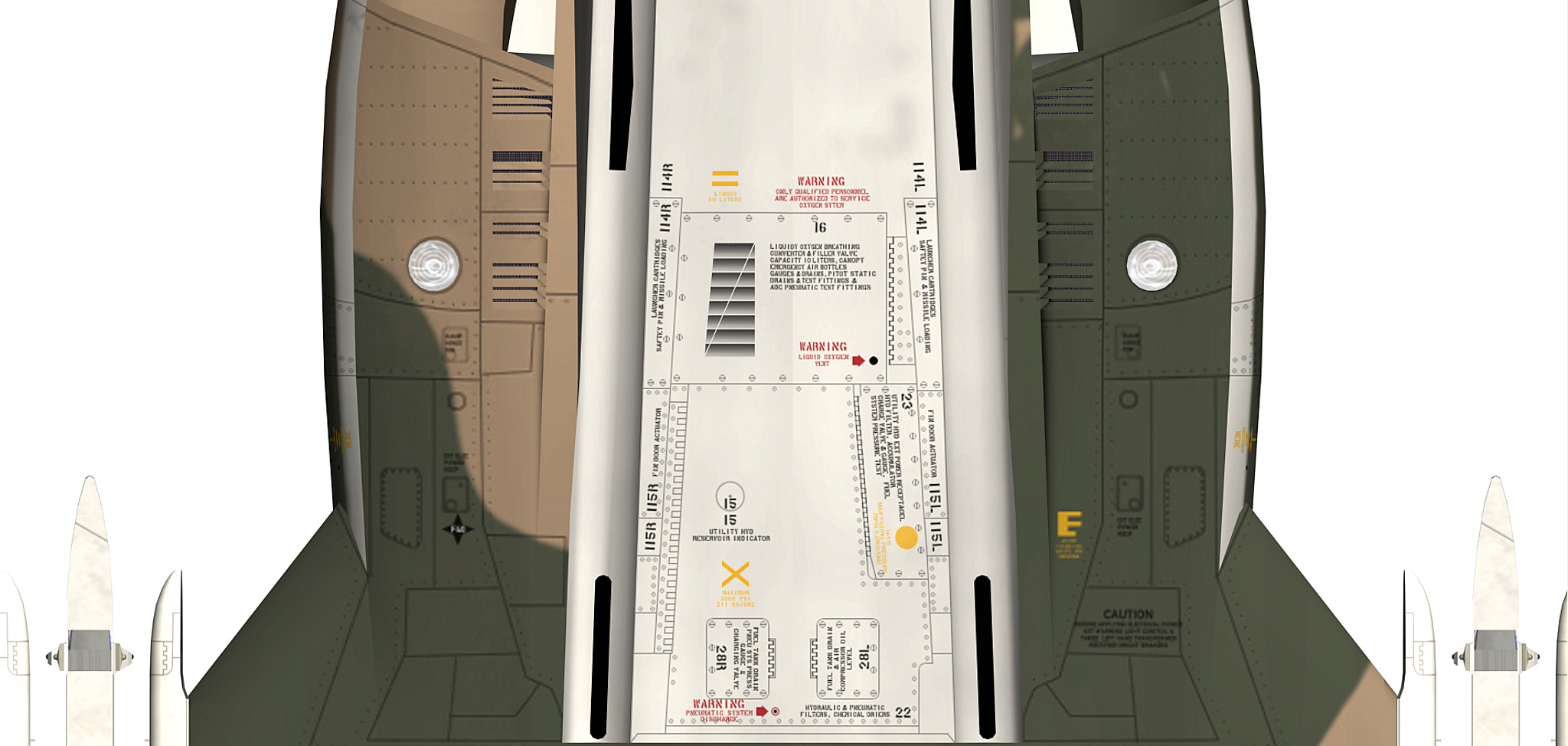
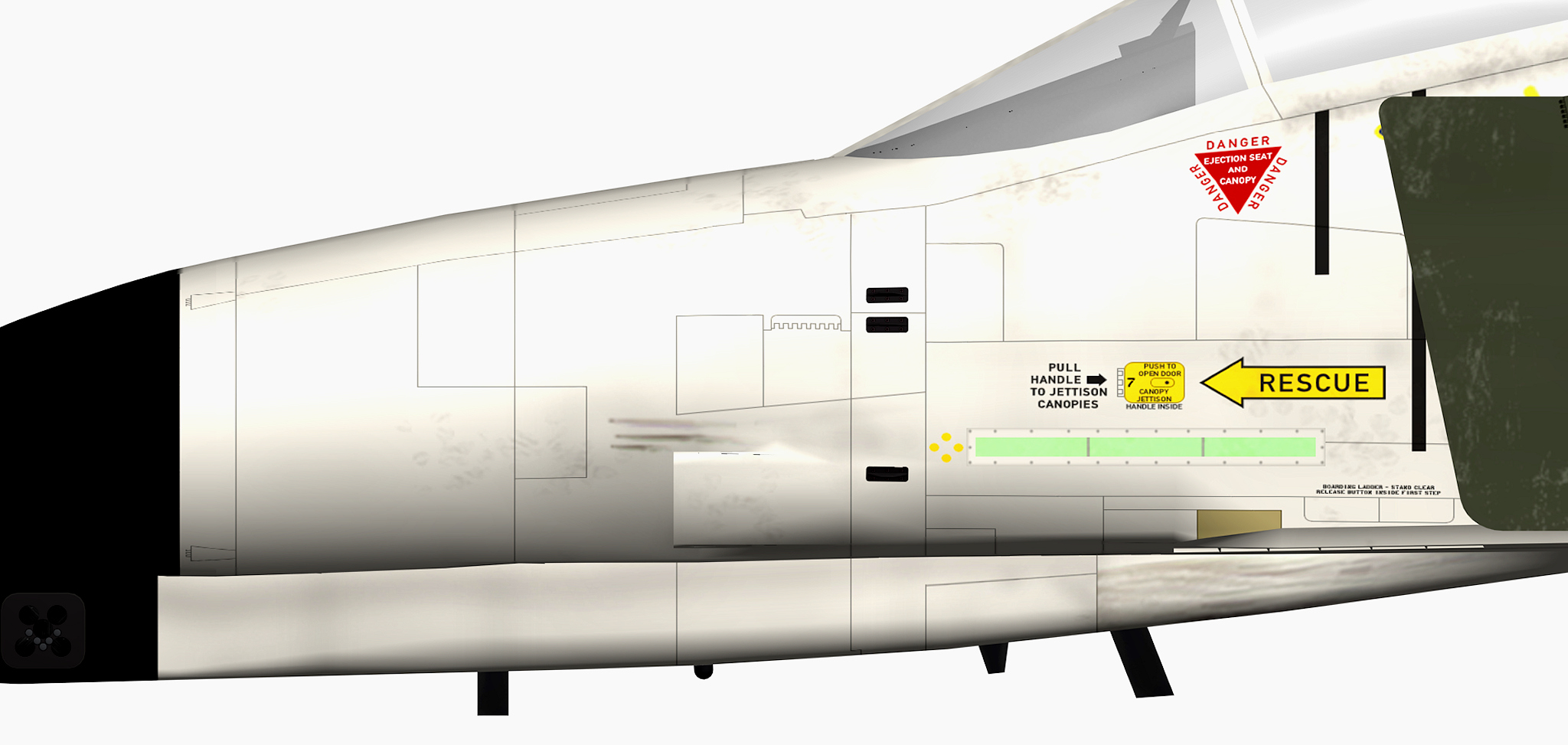
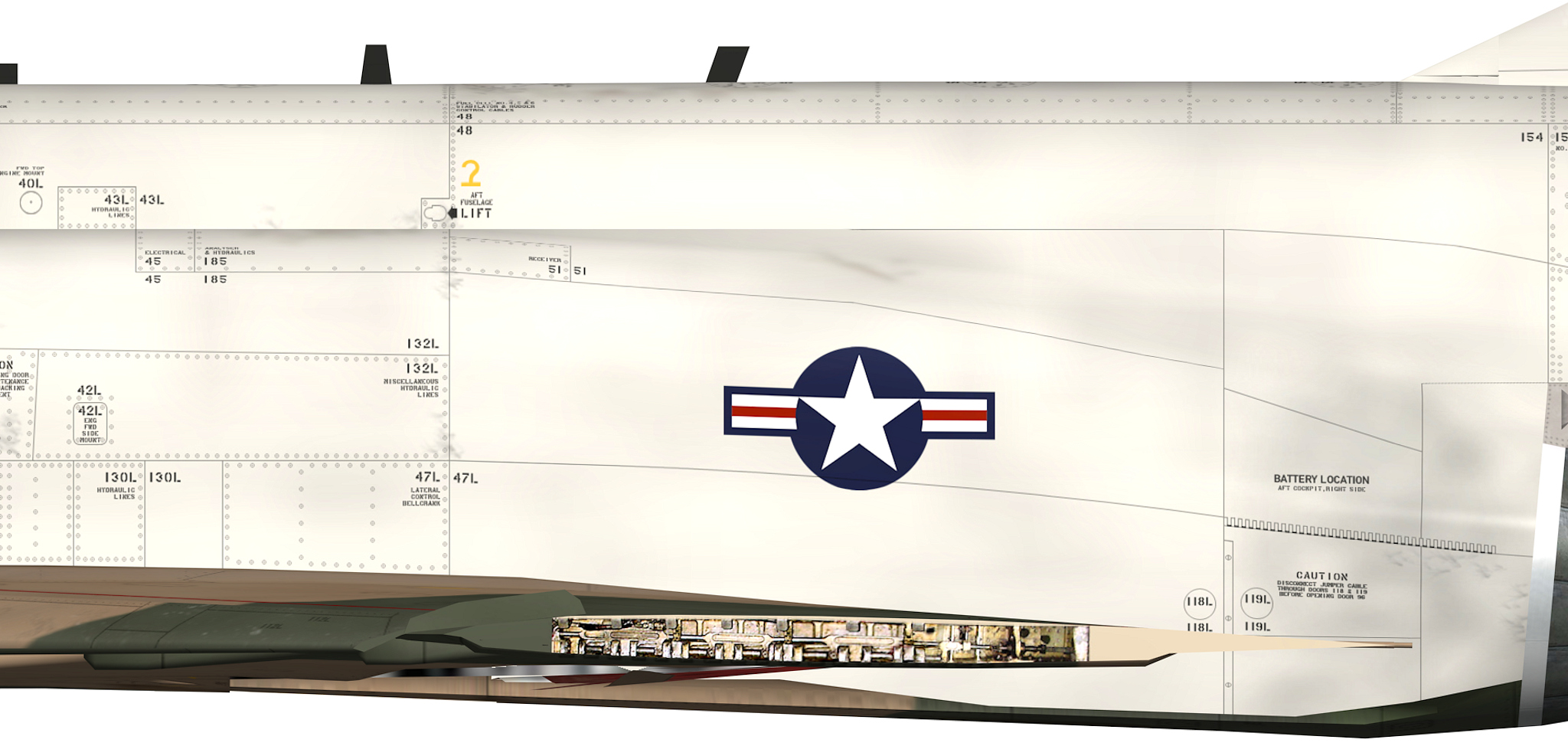
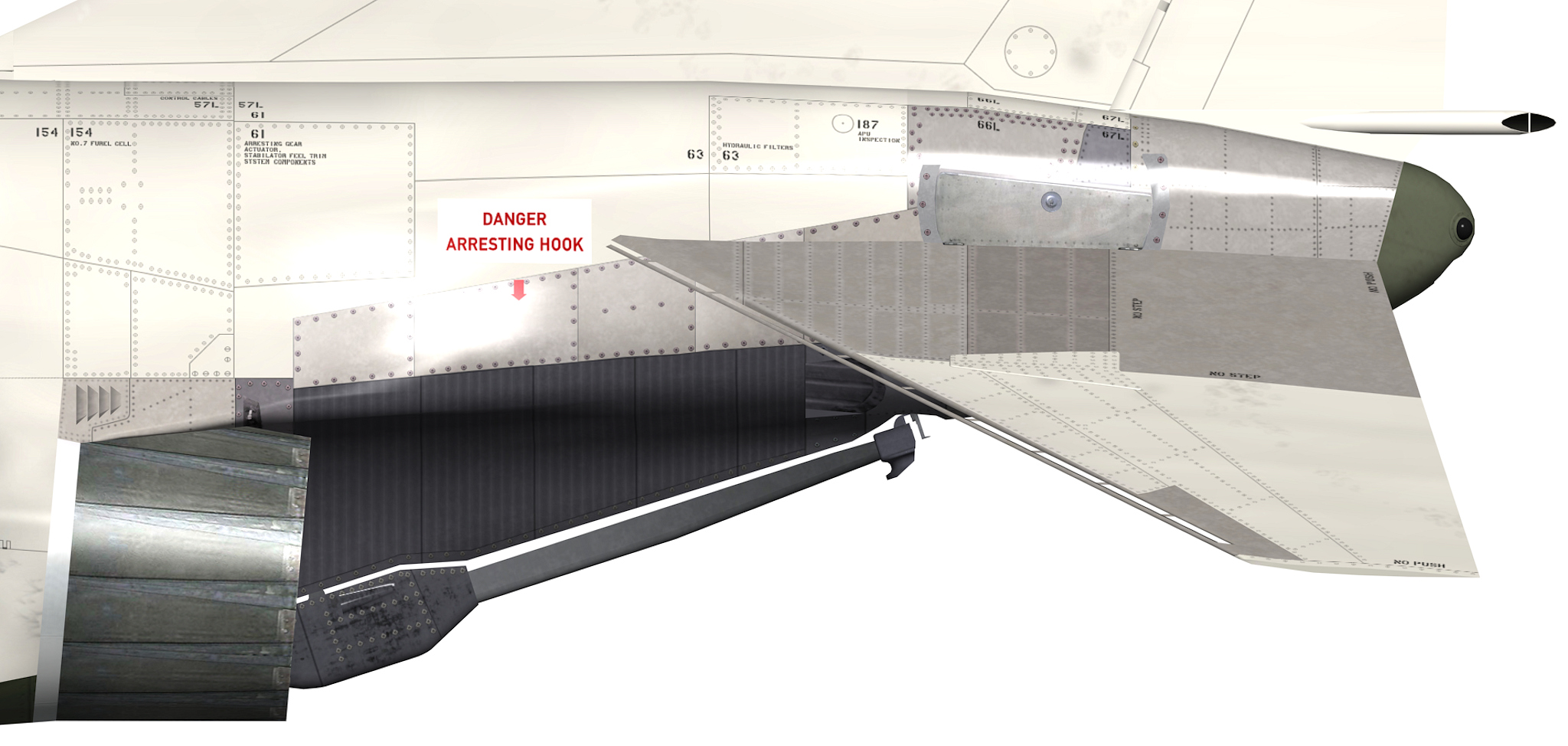
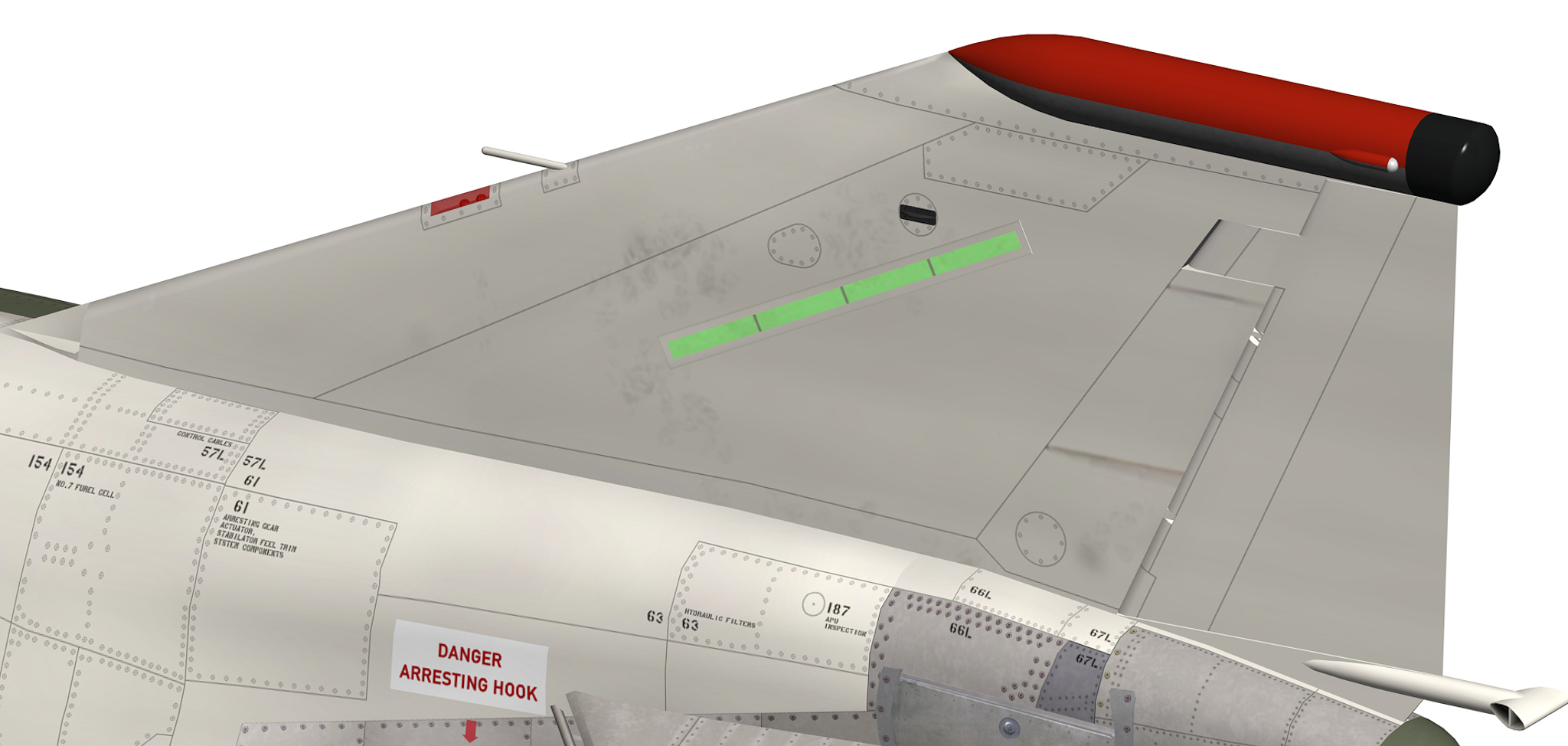
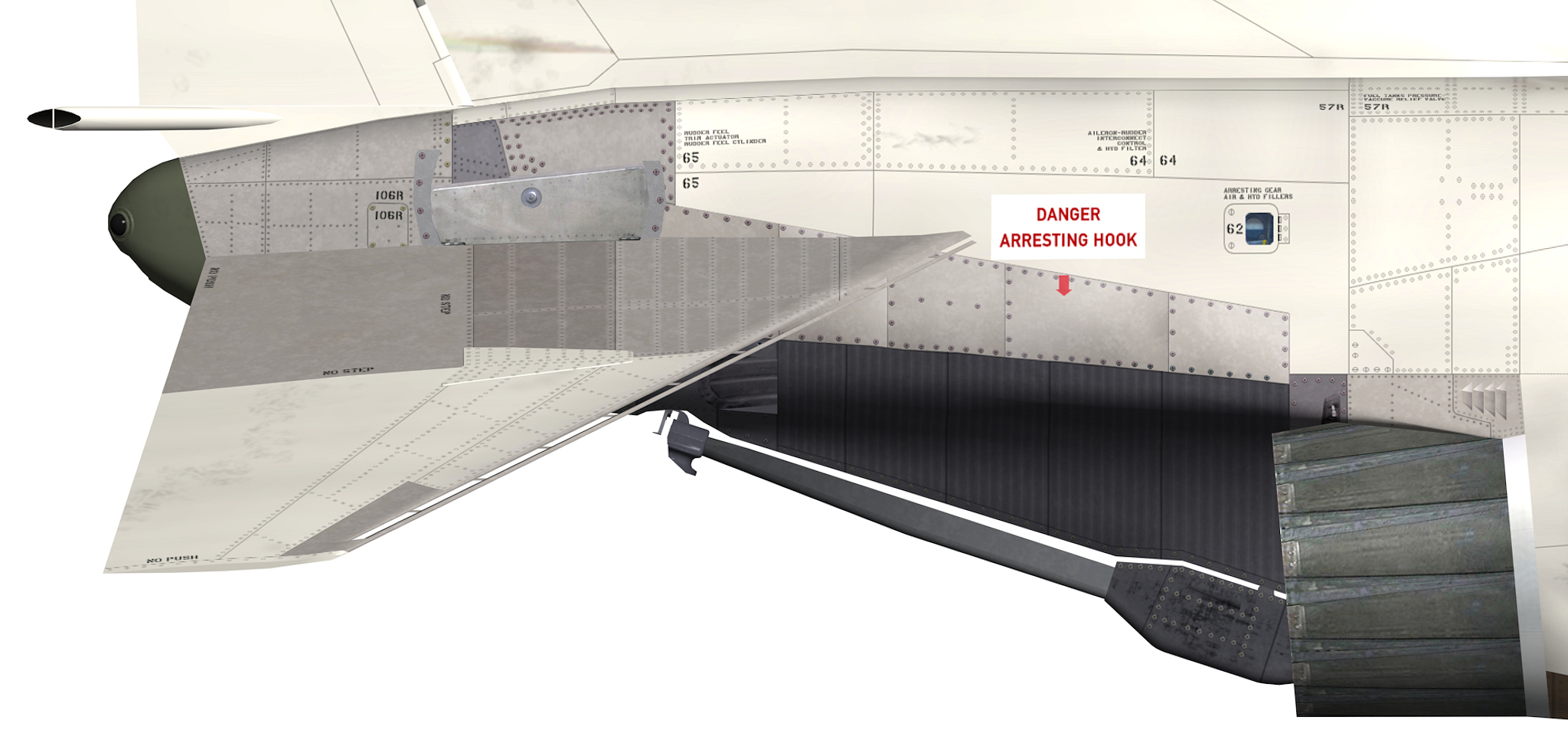
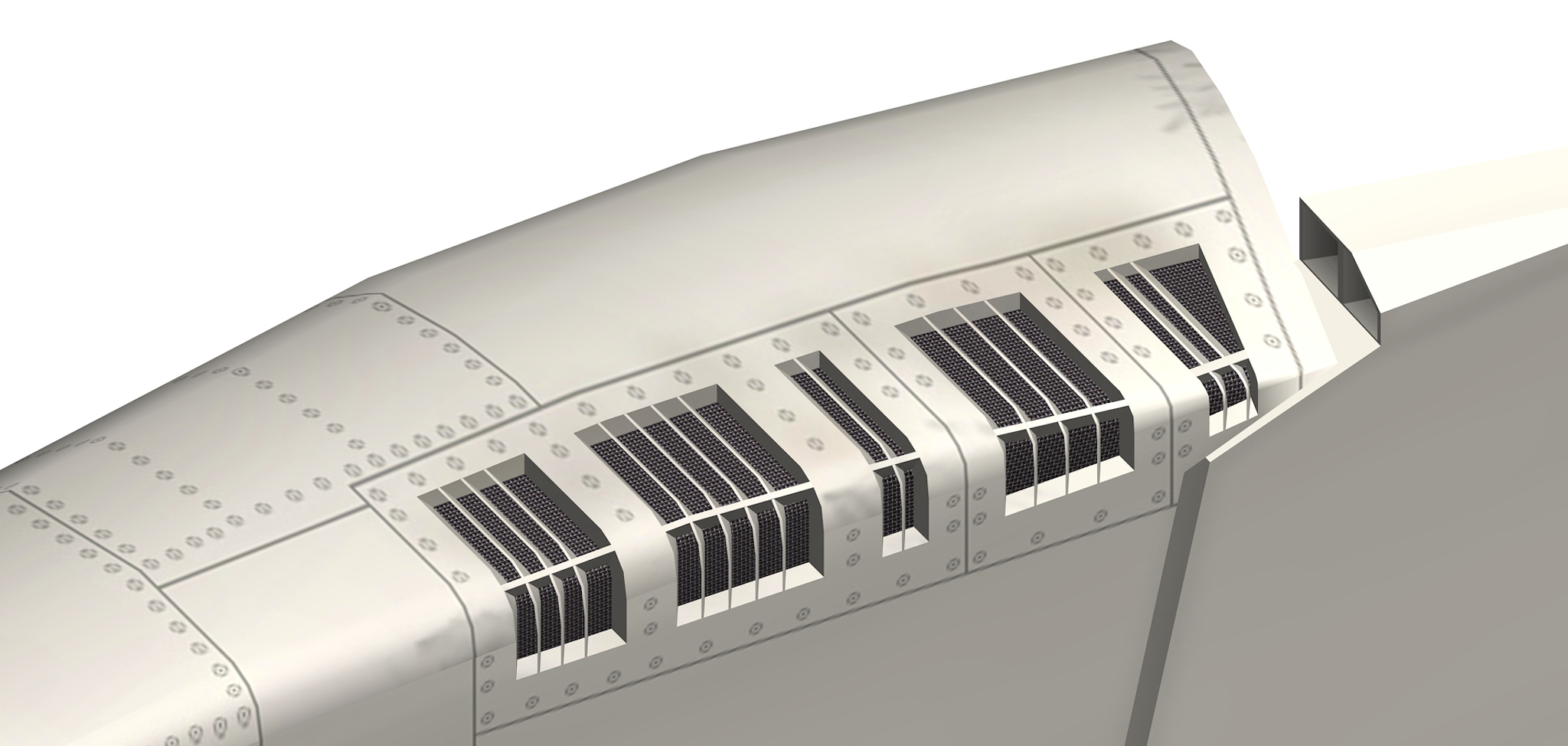
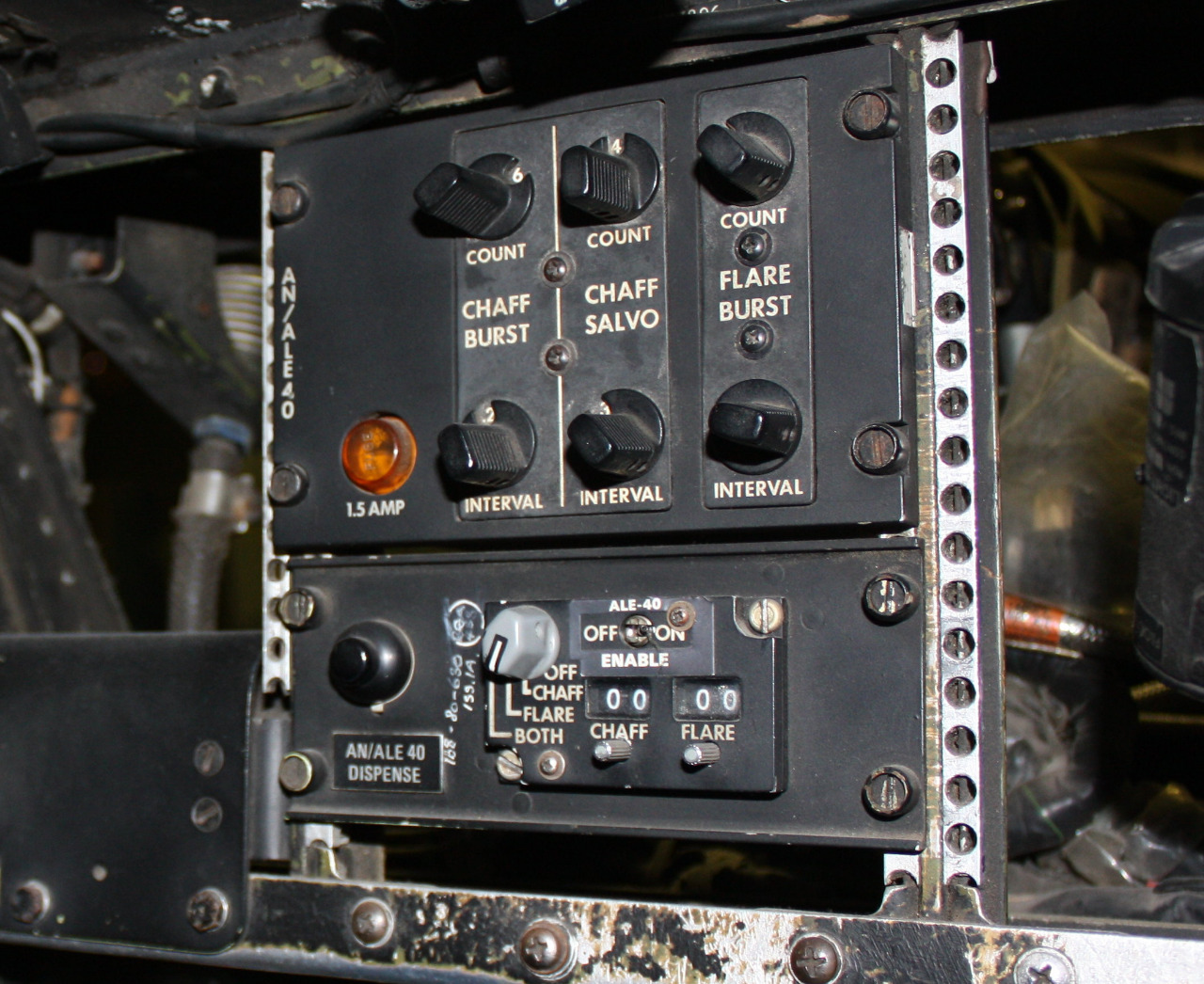
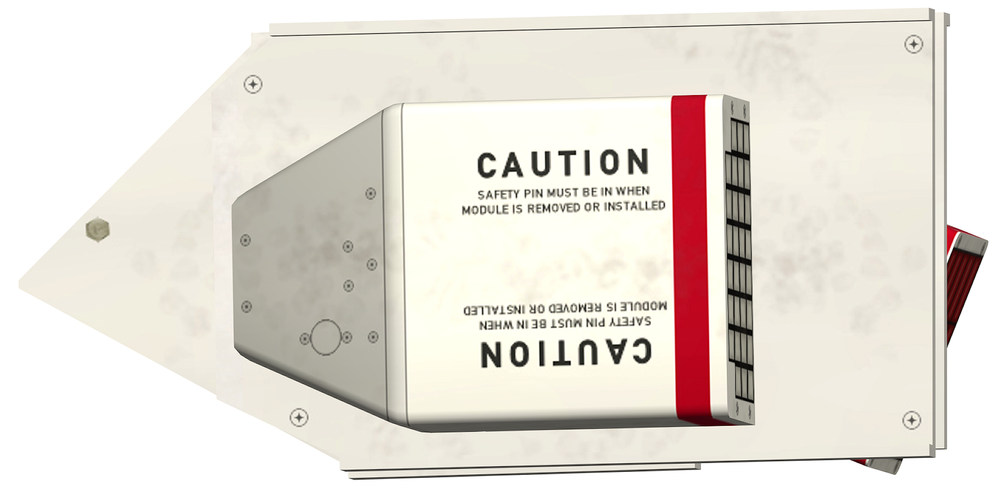
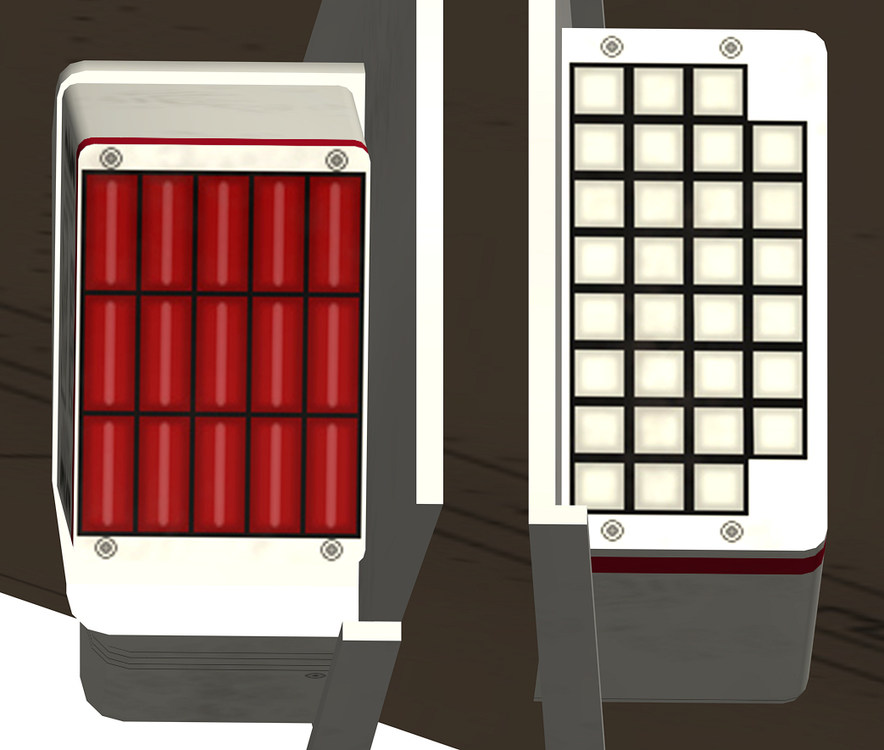
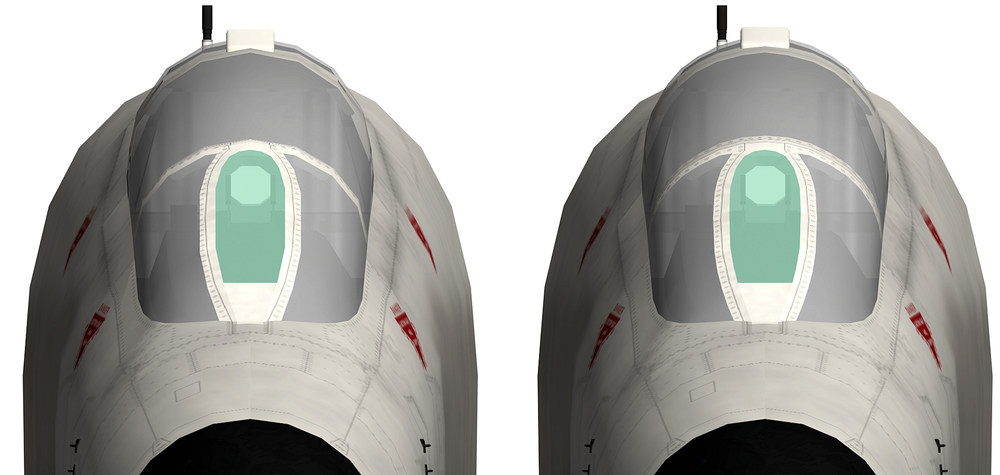
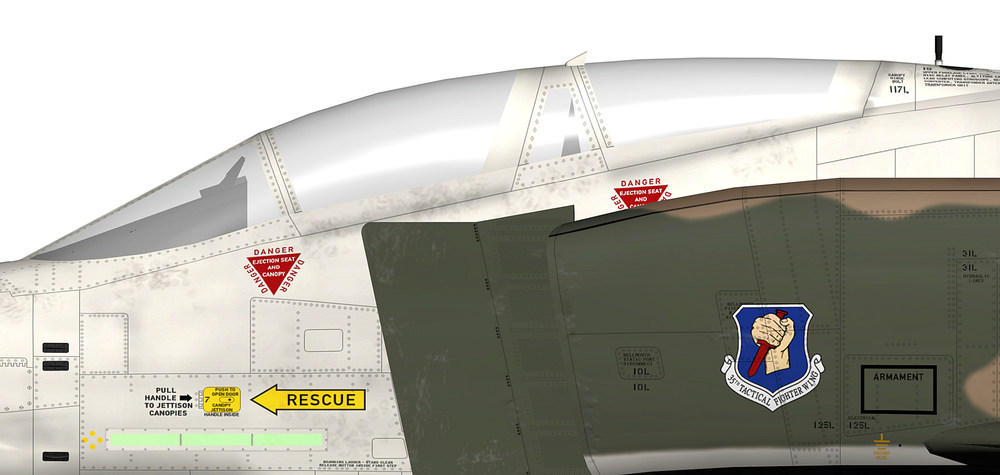
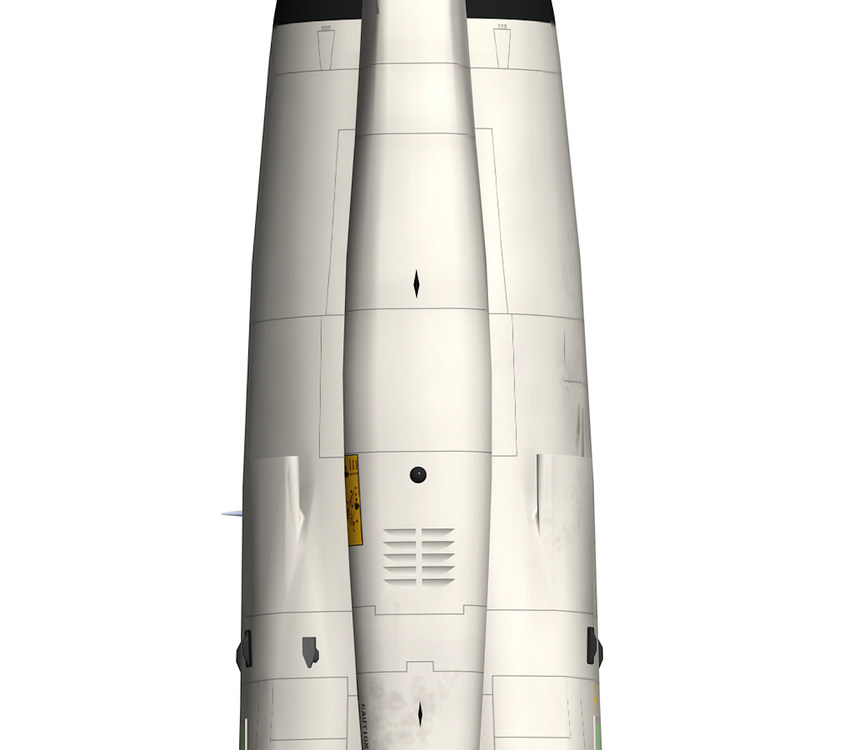
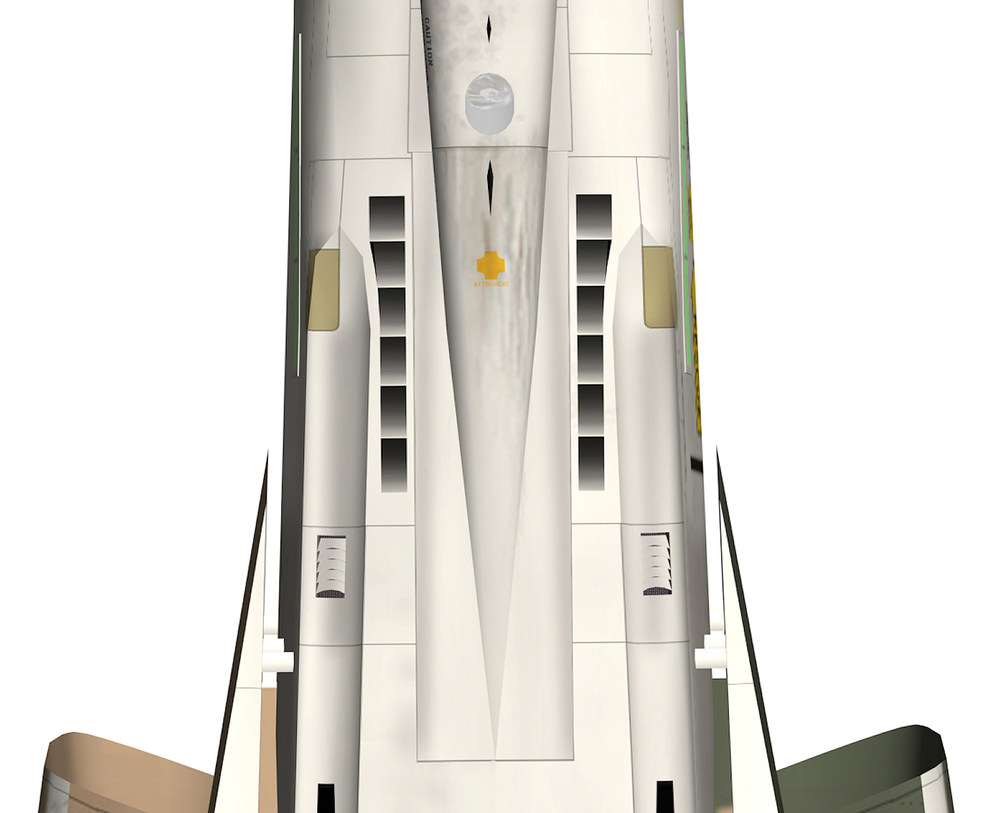
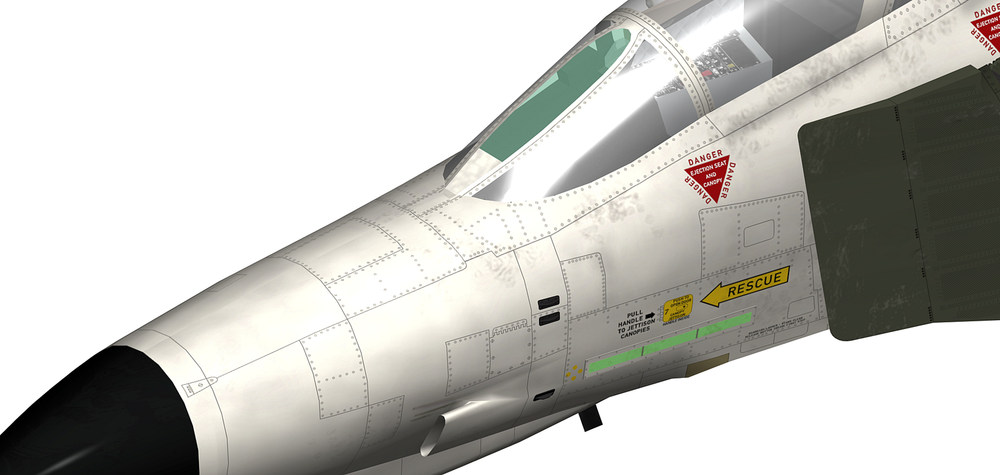
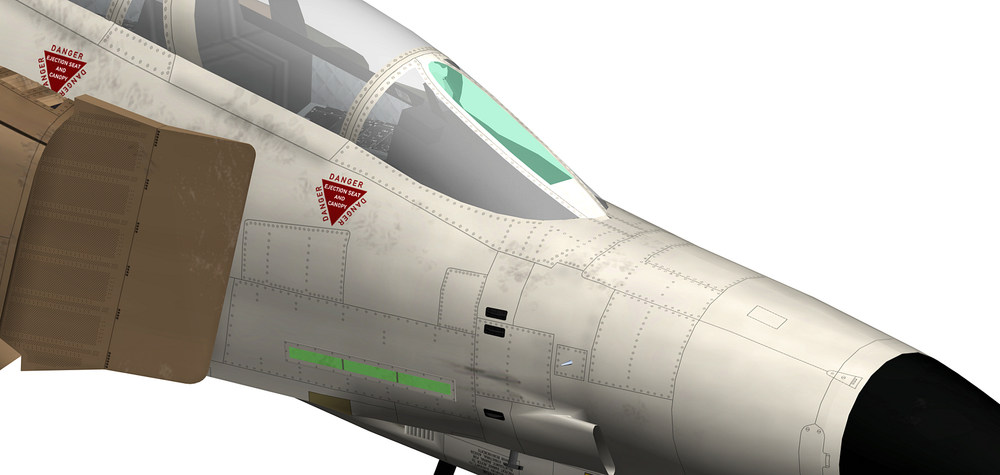
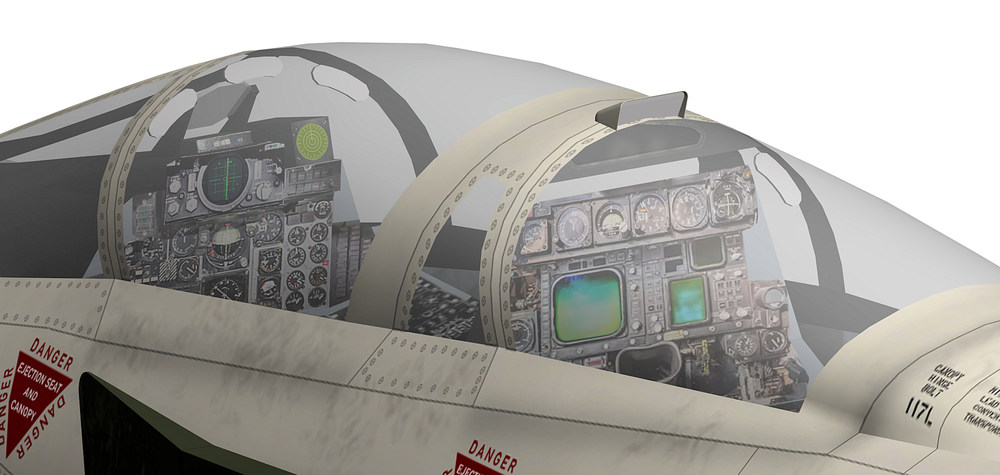
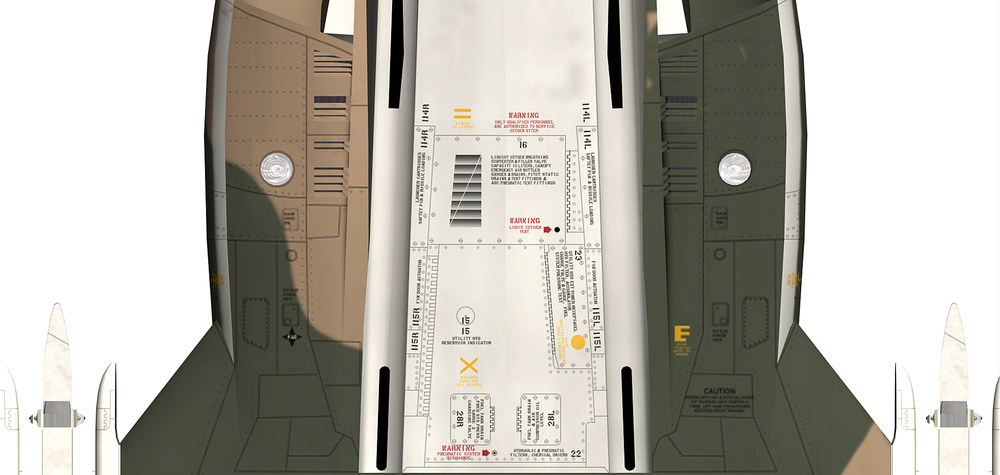
new textures for the AN/ALE-40 chaff / flare dispenser i decided to make the canopy part new , the old one was to edgy and did not look good with the rest of the aircraft old and new the panel lines on the front fuselage are almost done only some minor things are missing but it seams that i have some problem with the mapping , when i started to add the screws to the front fuselage i notice that on some parts of the front fuselage the screws appear larger then on the rest of the front fuselage , the screws on the template have the size of 5 pixels , so to make them smaller is almost impossible , dont know what to do with that mapping problem the new canopy section i mapped now for the 6th time and i´m still not happy maybe i have to let it like it is for the mean time until i find a way to fix this the top rear mirror is new , the mirror has the correct position now and is moving together with the rear canopy the mirror itself is slanted and a bit back in the housing like the original , the cockpit has some new textures as well making this new 4096 x 4096 templates is very time consuming and with each detail i add i get a new surprising result on the aircraft , mostly a very unpleasant surprise that needs a long time to fix and in some cases i even cant find a solution to the problem i just hope that all the work is worth doing one thing i did not expect was that i had to change or remodel so many 3d parts of the aircraft so the overall look is better and i´m scared like hell by just thinking that the wings are next and what surprises they have for me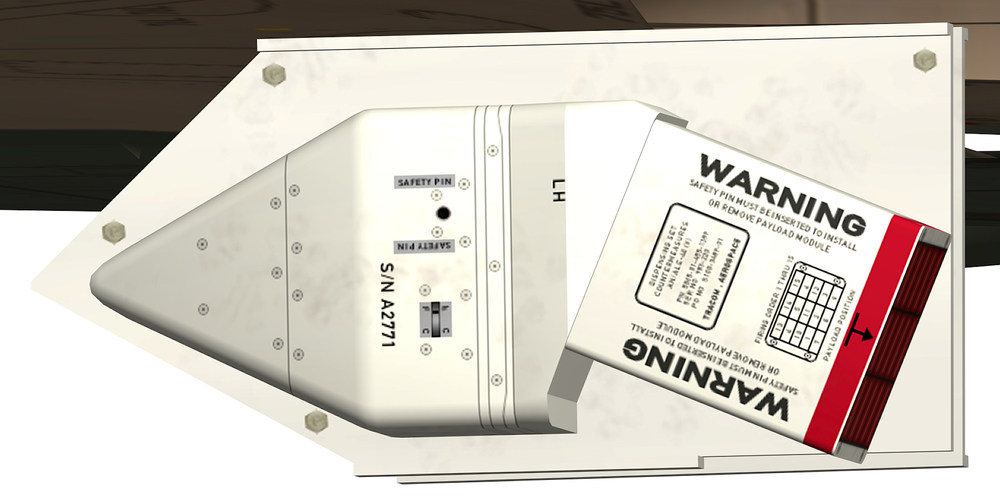
- 60 replies
-
- 12
-

-

-
how to make 4096 x 4096 textures
ravenclaw_007 replied to ravenclaw_007's topic in Mods & Skinning Discussion
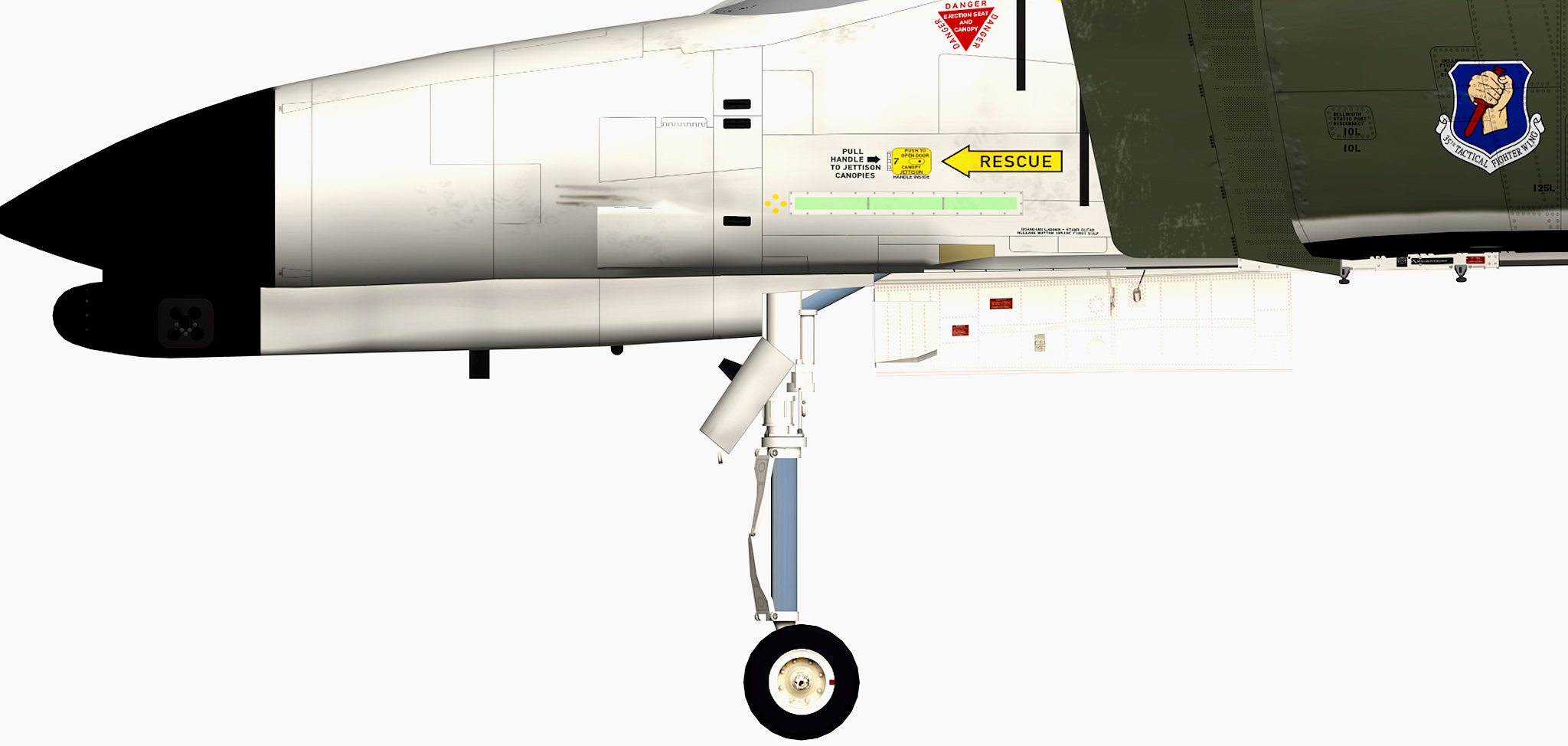
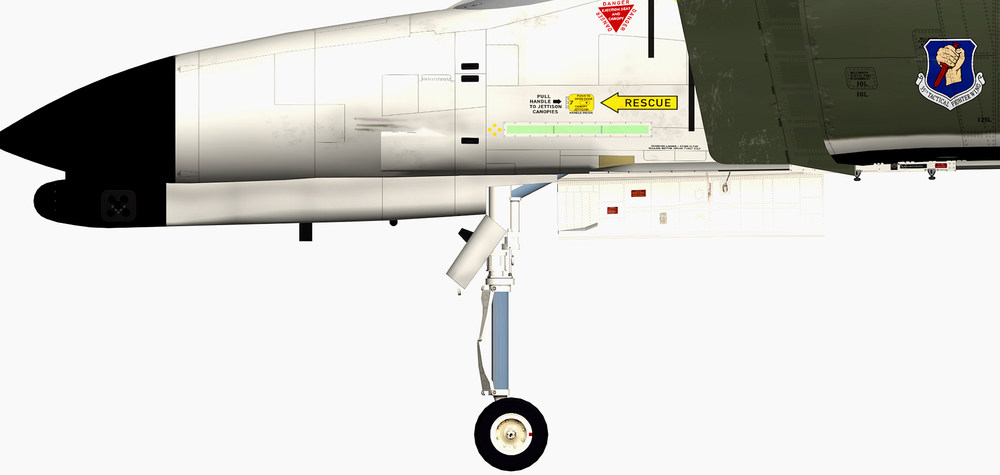
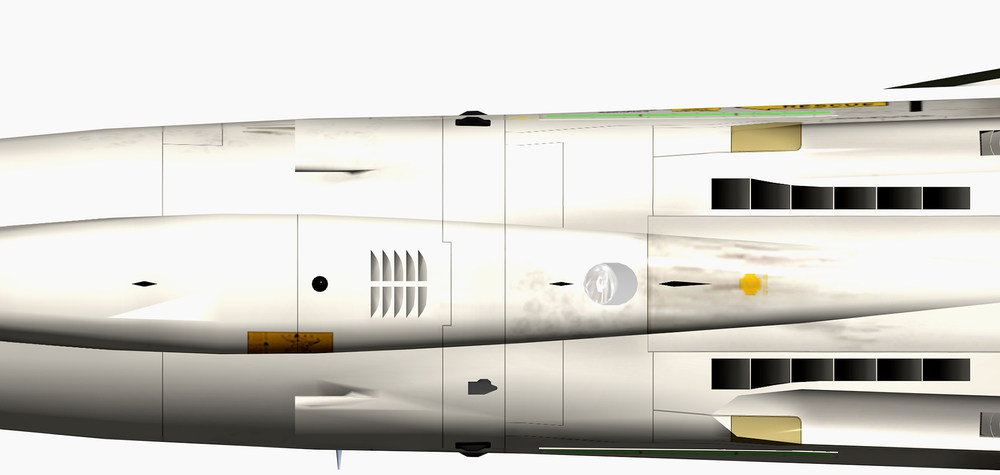
got it done , vents are moved forward front gear door changed and the landing gear has a new position and since i have now more space in the nose gear well i adjusted the the max travel of the damper and changed the animation for it , so now for the first time we have a fully extendet nose gear that was not possible due to the position of the nose gear before i had to change some entrys in the data.ini because the nose gear was hanging in the air but after adjusting the stroke length value everything works fine and the bonus a now fully extendet nose gear and now i´m going to enjoy the rest of the sunday evening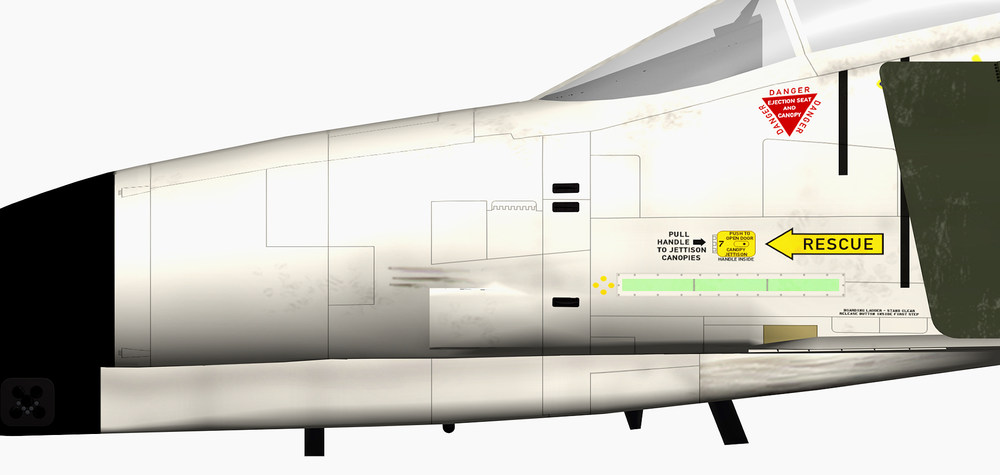
-
how to make 4096 x 4096 textures
ravenclaw_007 replied to ravenclaw_007's topic in Mods & Skinning Discussion
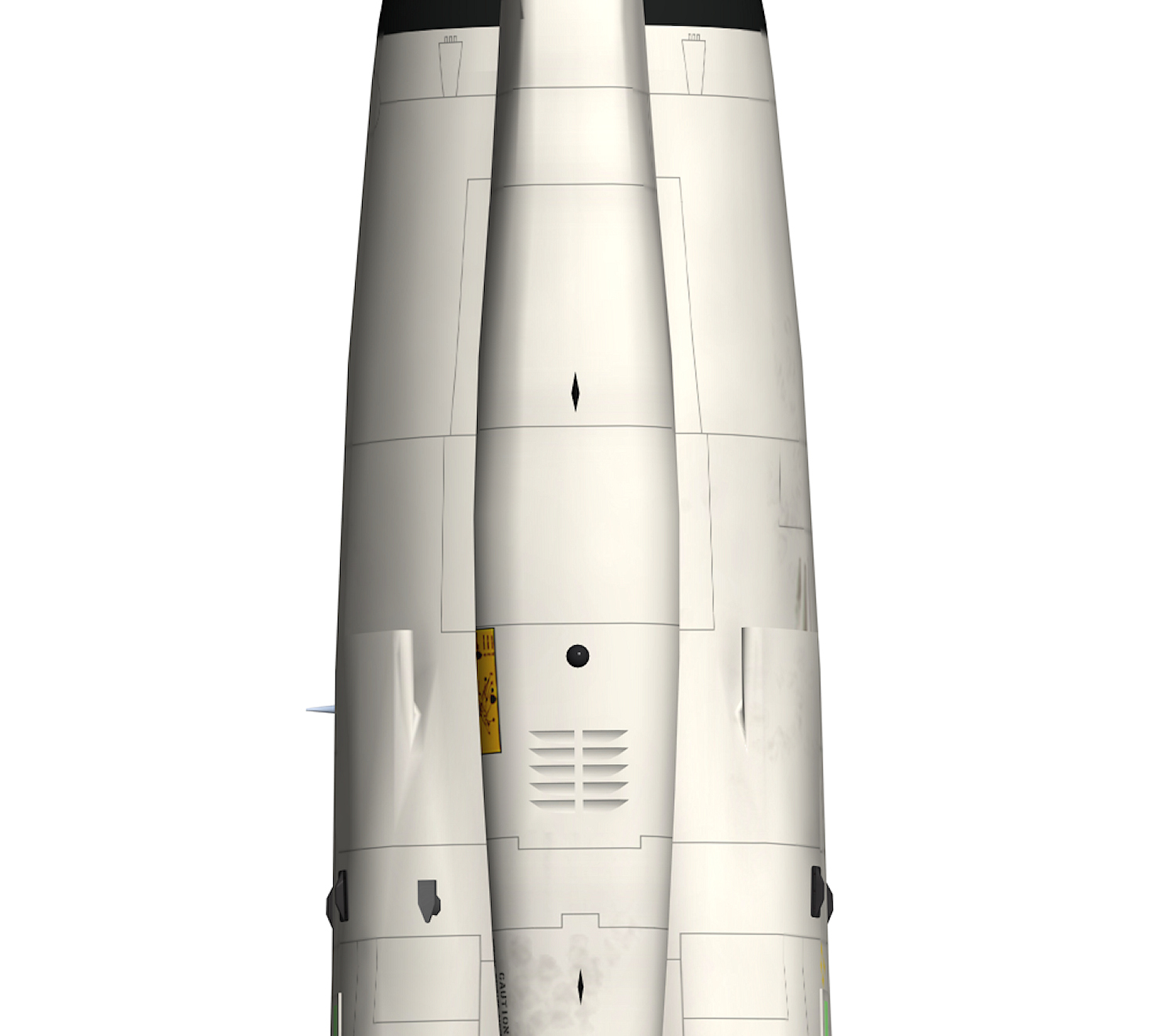
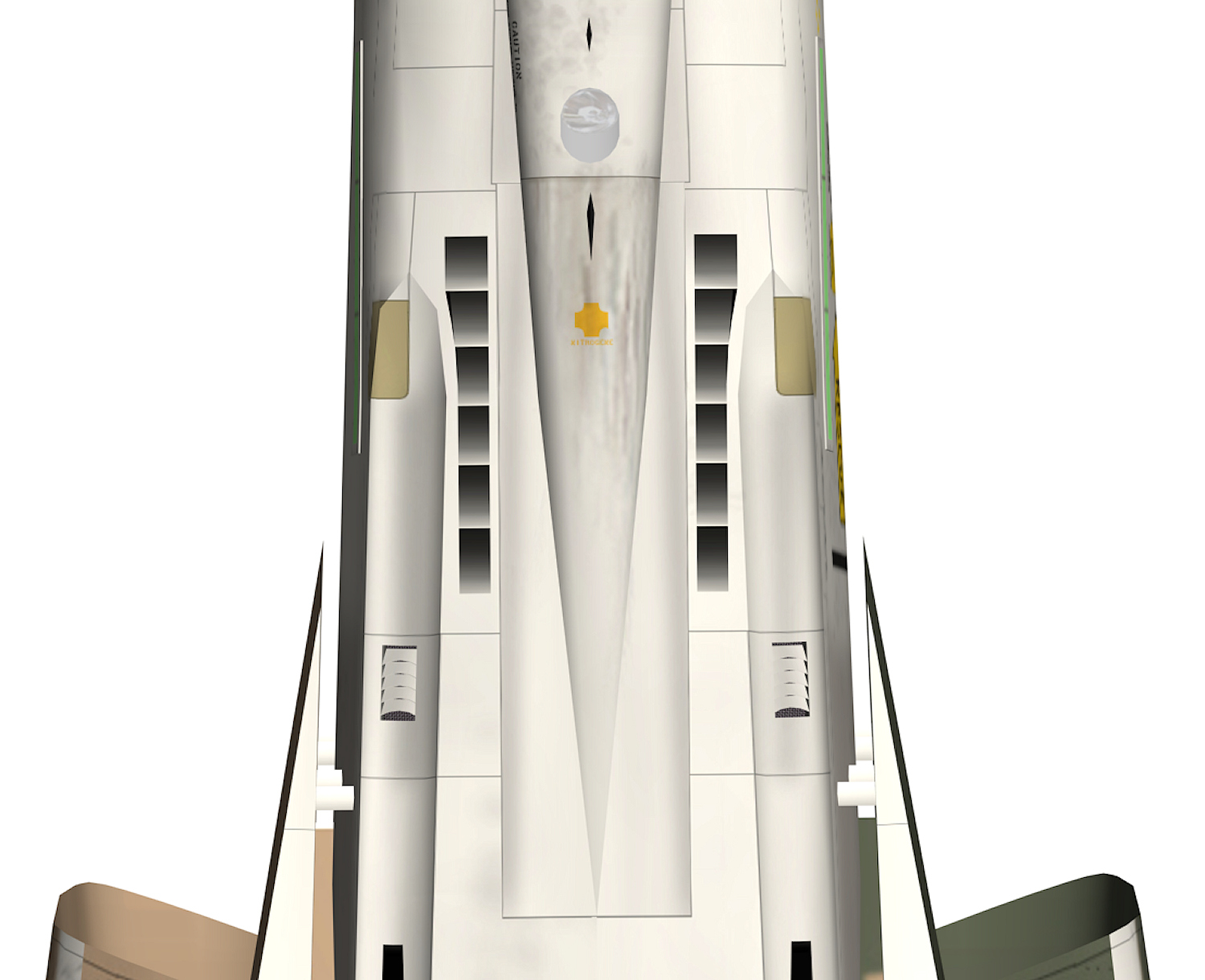
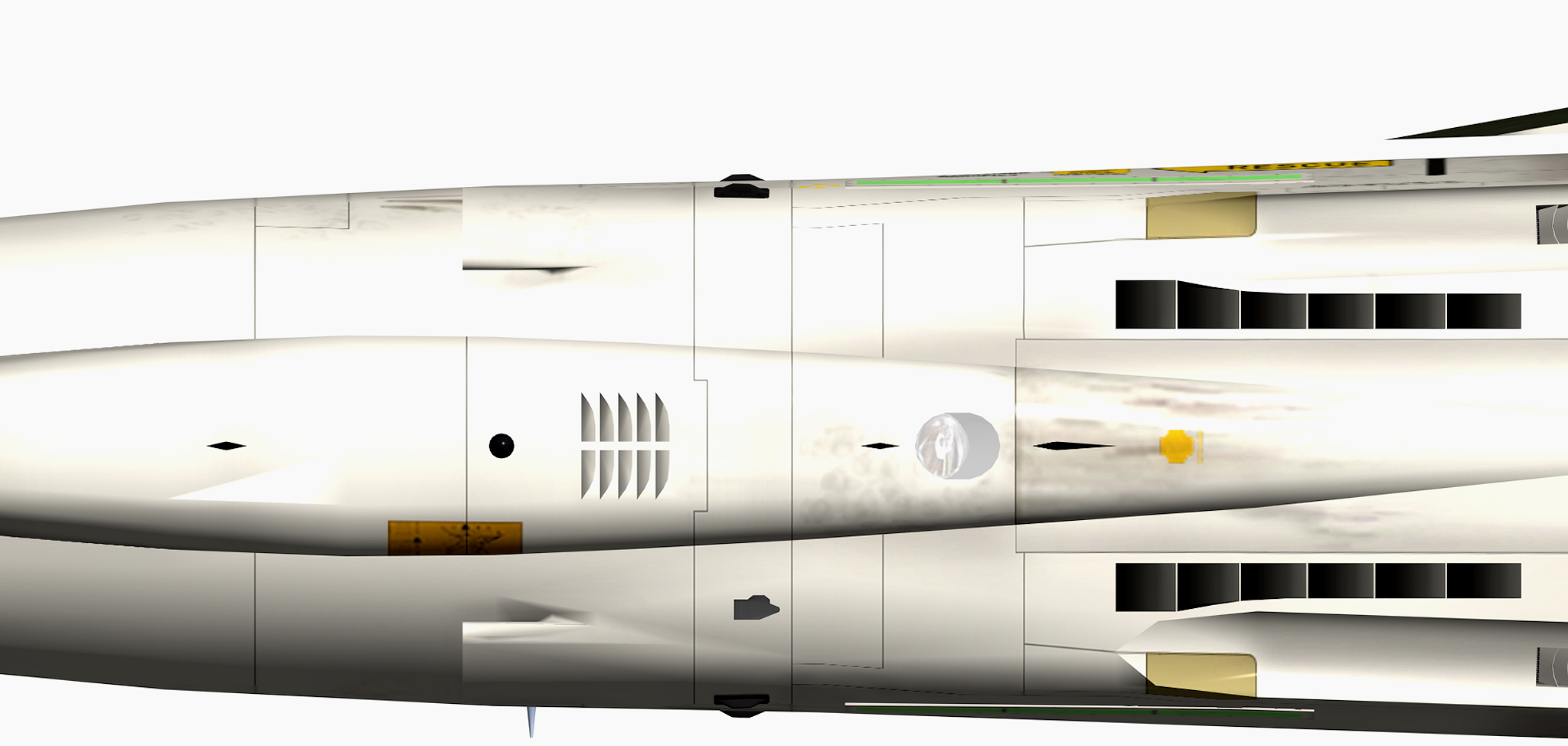
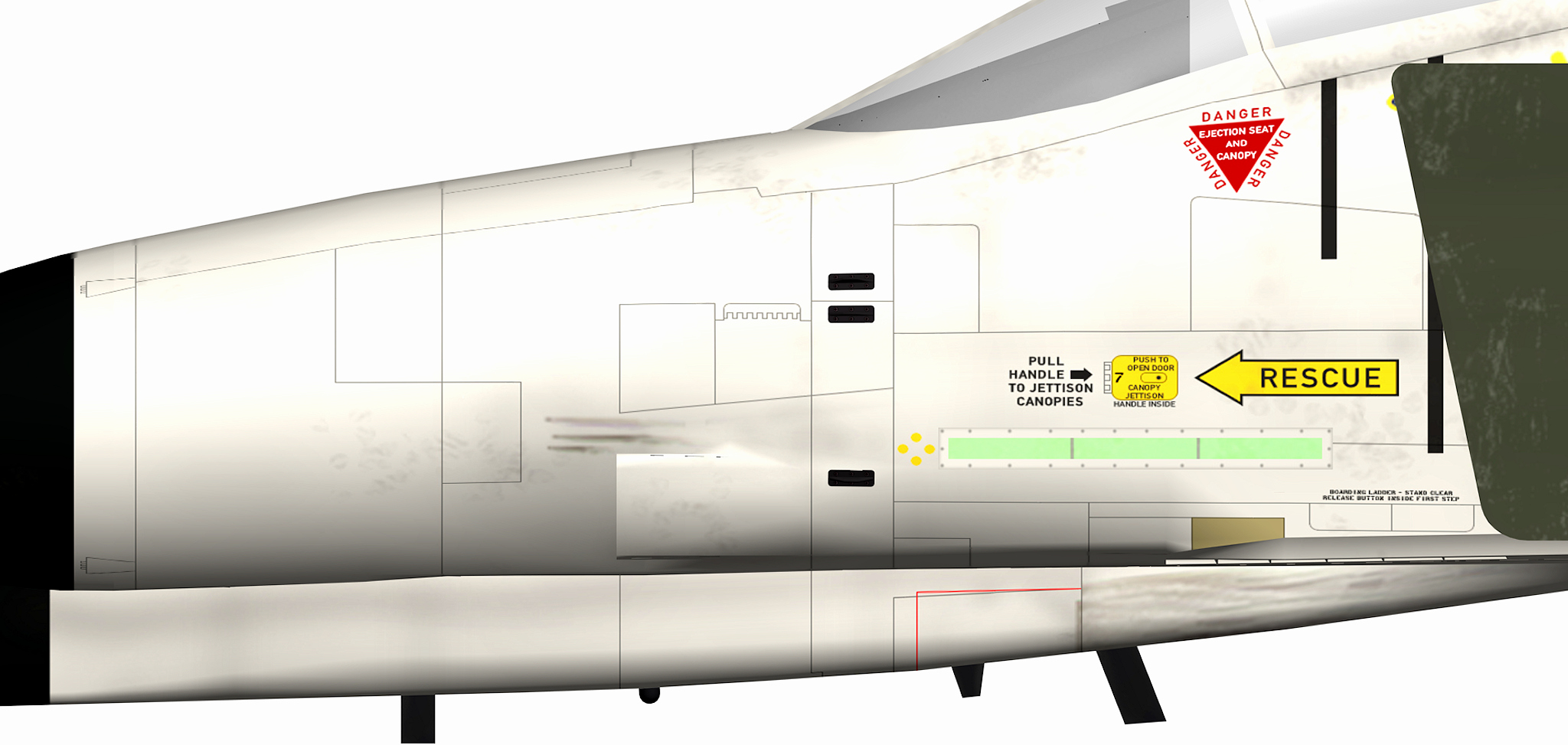
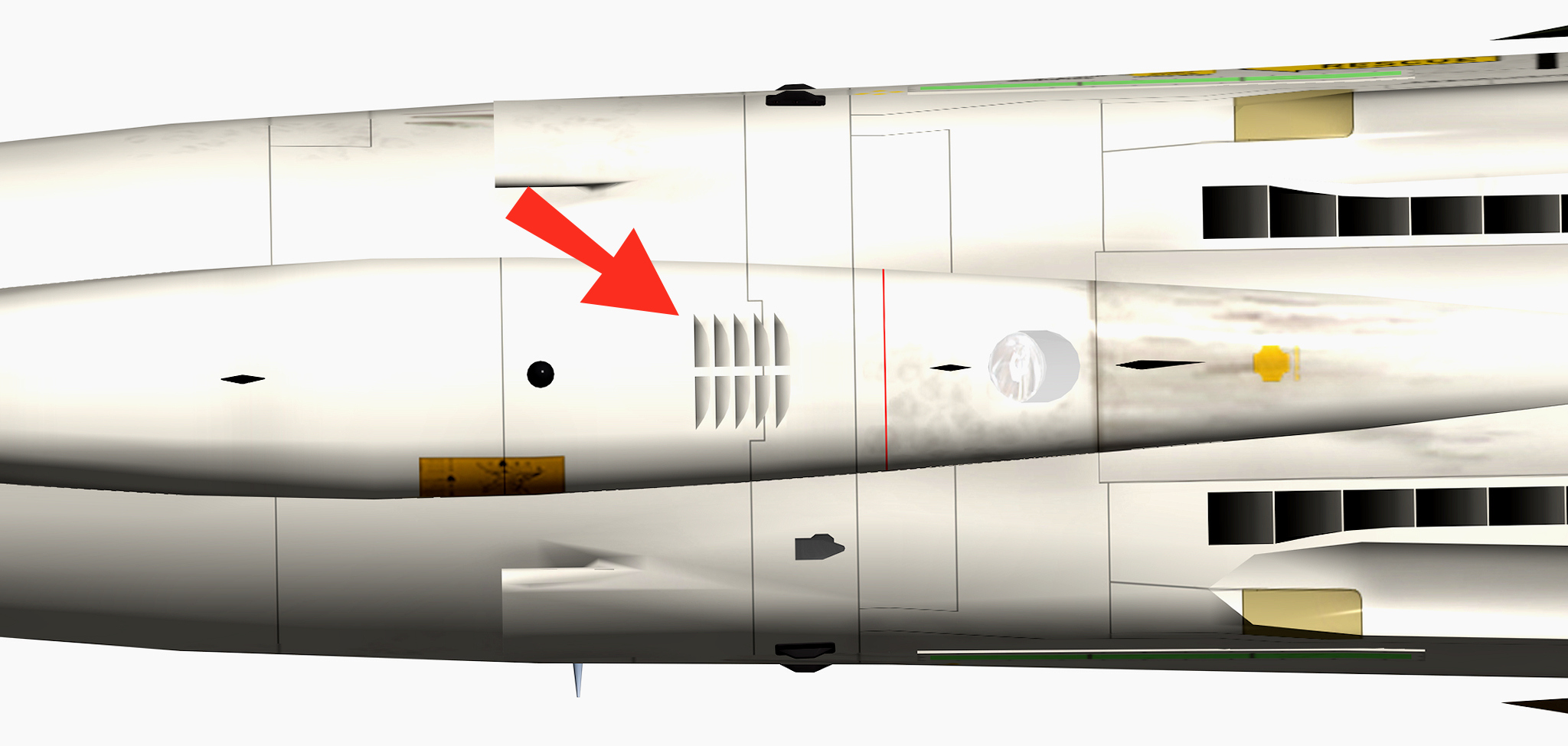
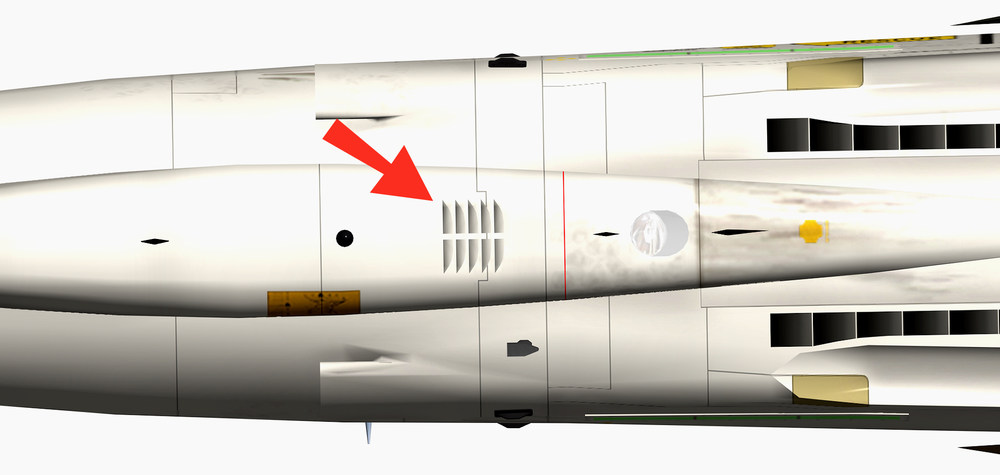
and now something for all who are thinking of making a new more correct high res Template for there aircraft i know that the F-4 model we have from TW is far from perfect and i try to correct it as much as i can but now i have a new problem and i´m not sure if i really want to take it on after i made most of the new panel lines for the front fuselage ( based on detail pictures and drawings ) i notice that the front nose gear door is to short and wrong and that the lower vents i made have to be moved more forward problem with the front nose gear door is if i´m correcting it i have to move the whole nose landing gear a bit more forward to red line is the current door the black lines the door like it should be this vents i made have to move more forward , not that easy to do maybe i have to make new ones so much for giving an old bird some new more correct textures , for all the changes i already made to this aircraft model i could write a book , there is not much left of the original TW F-4E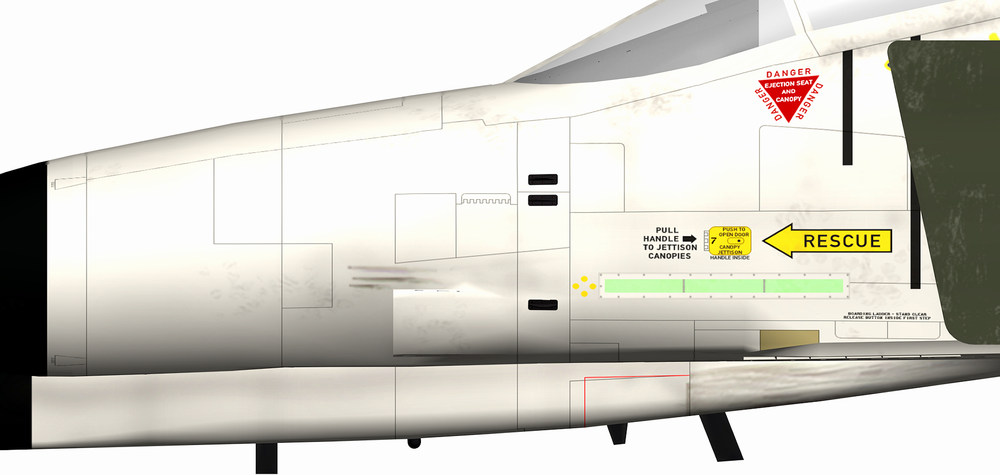
-
i´m afraid the only way would be a 2 pod model
-
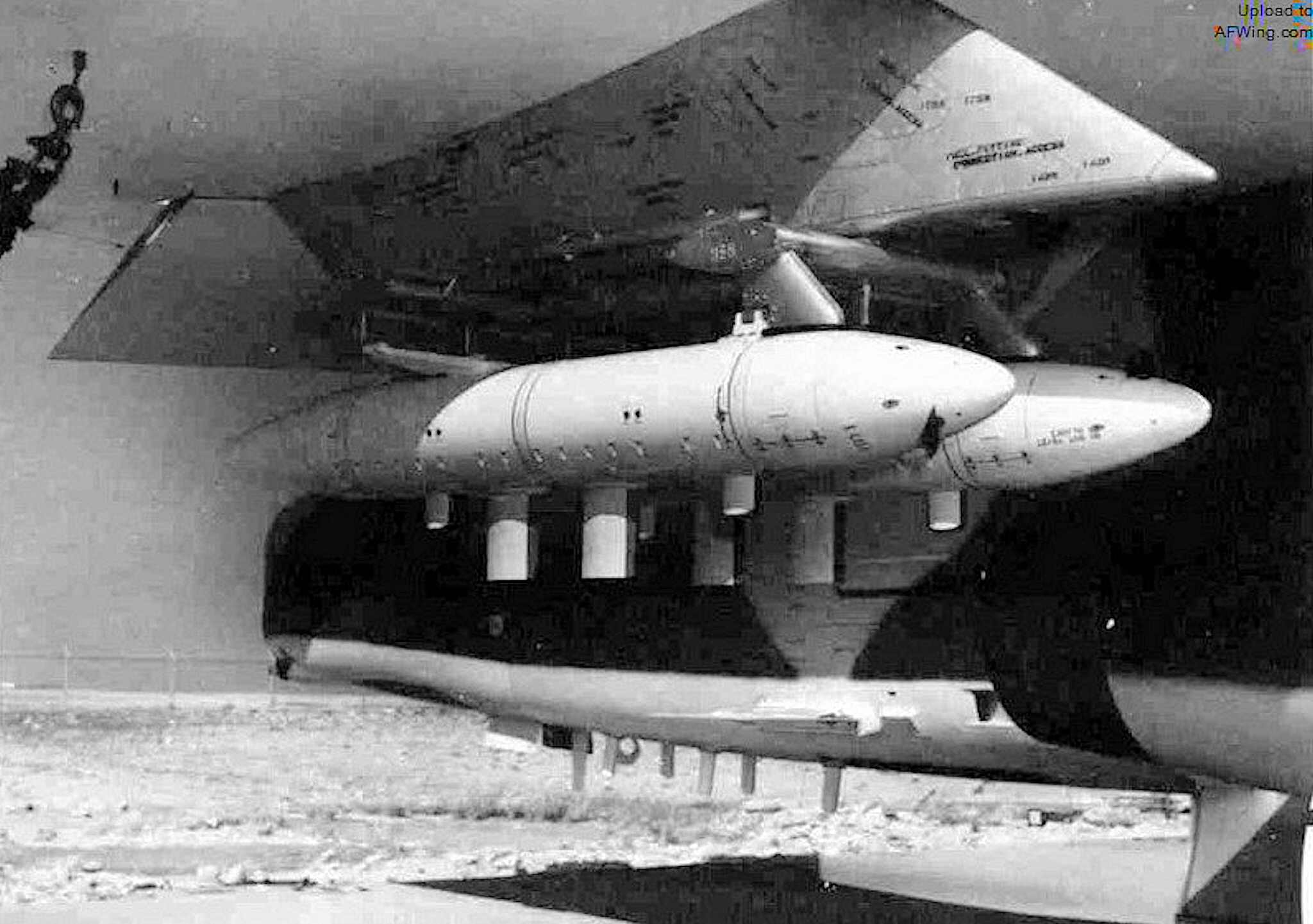
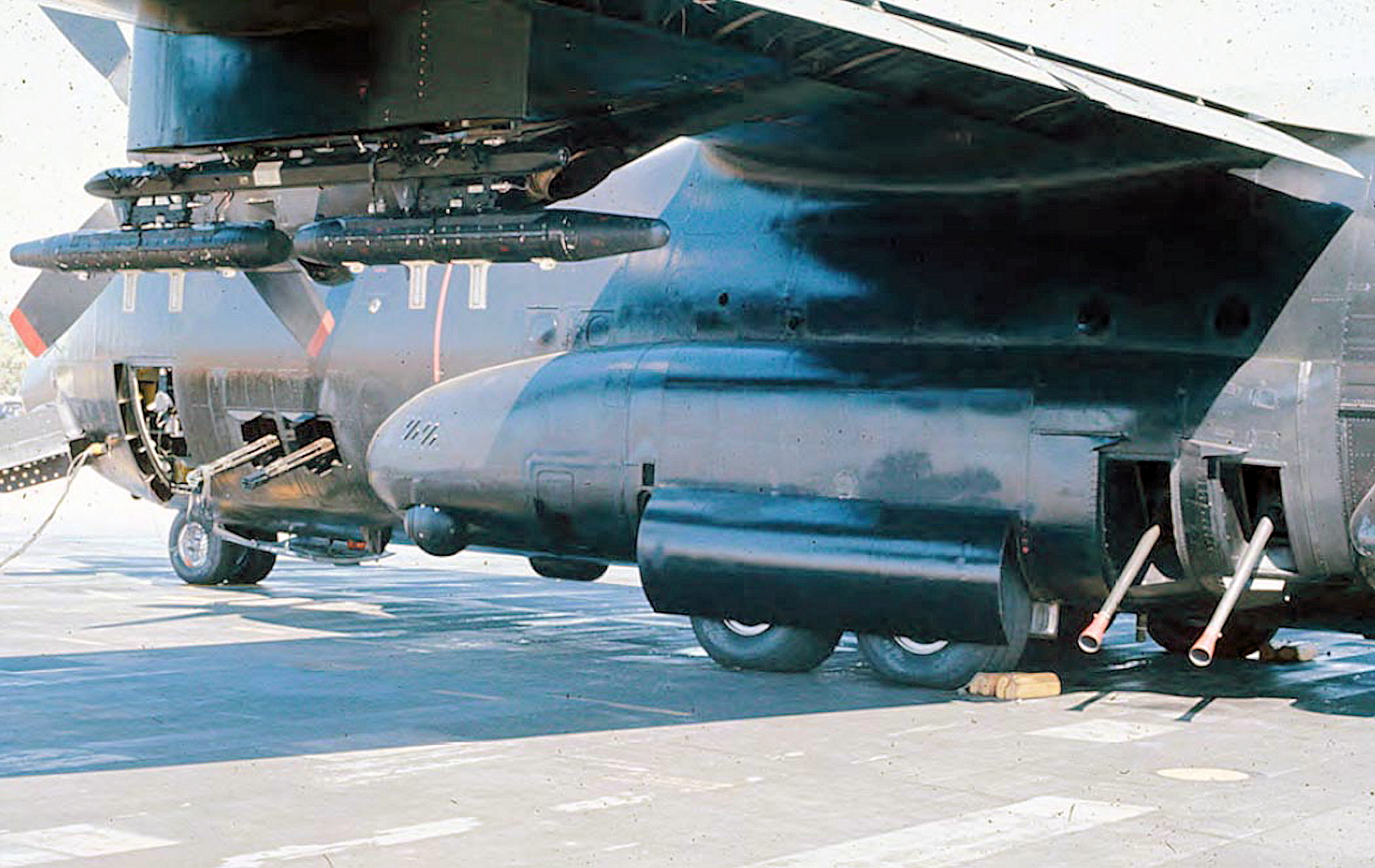
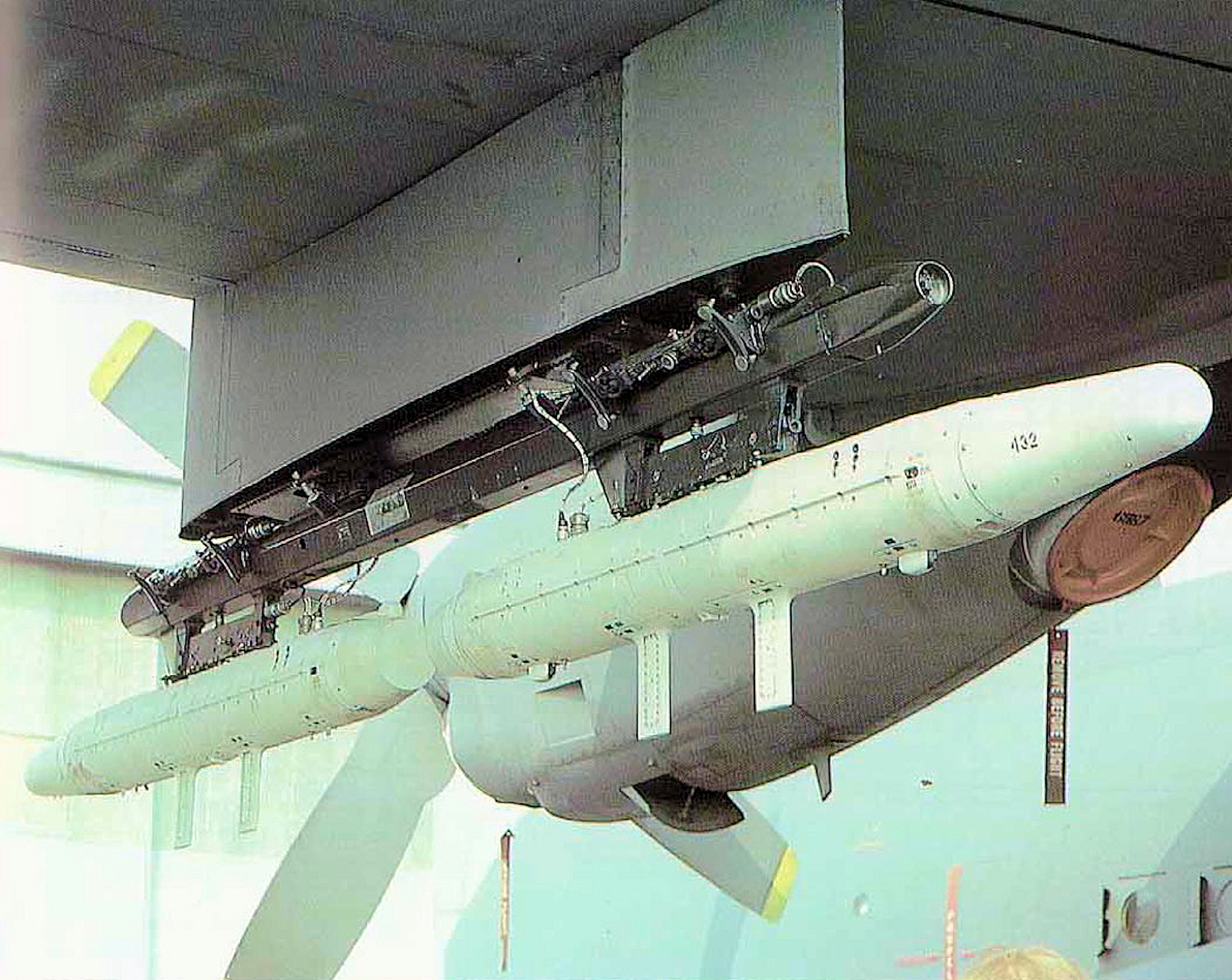
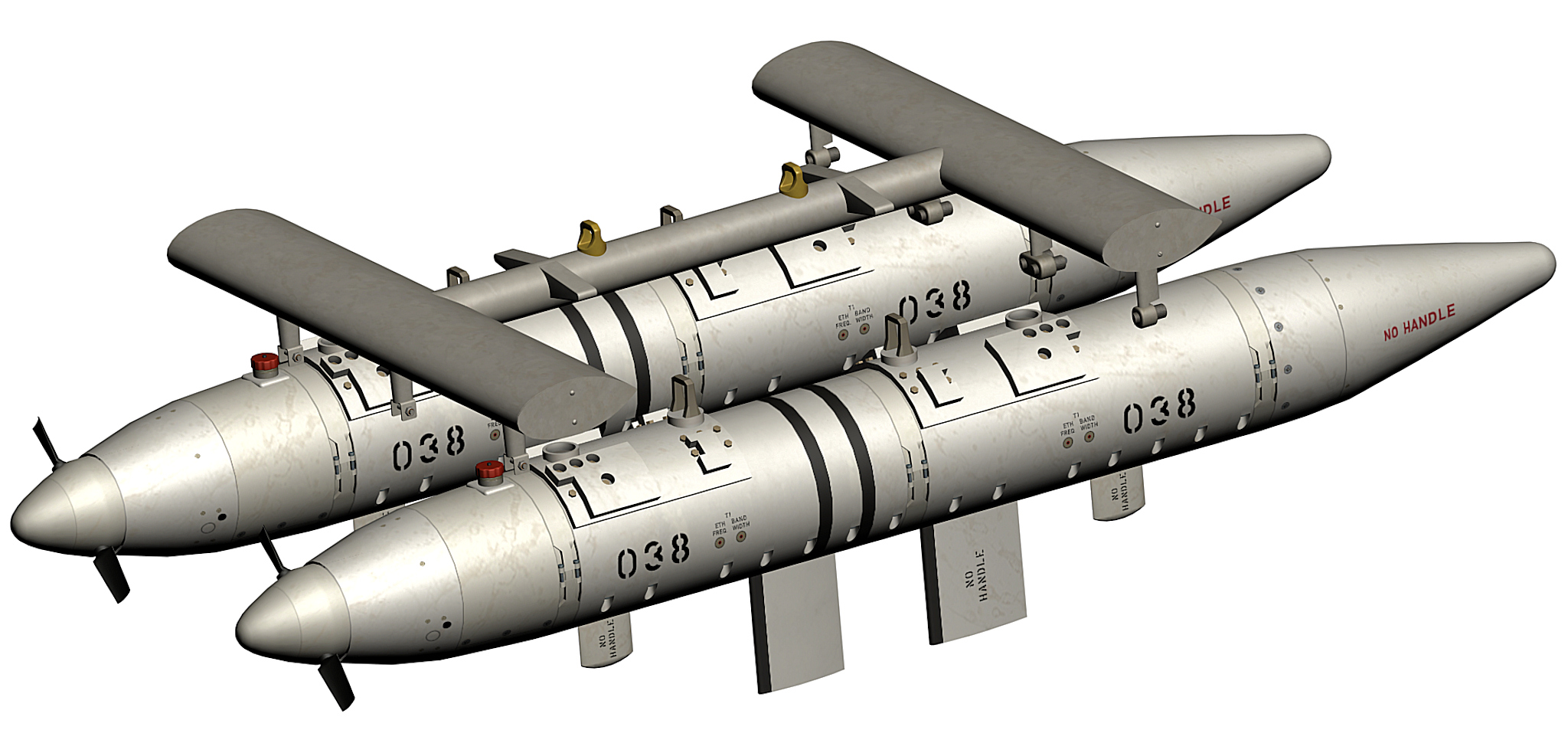
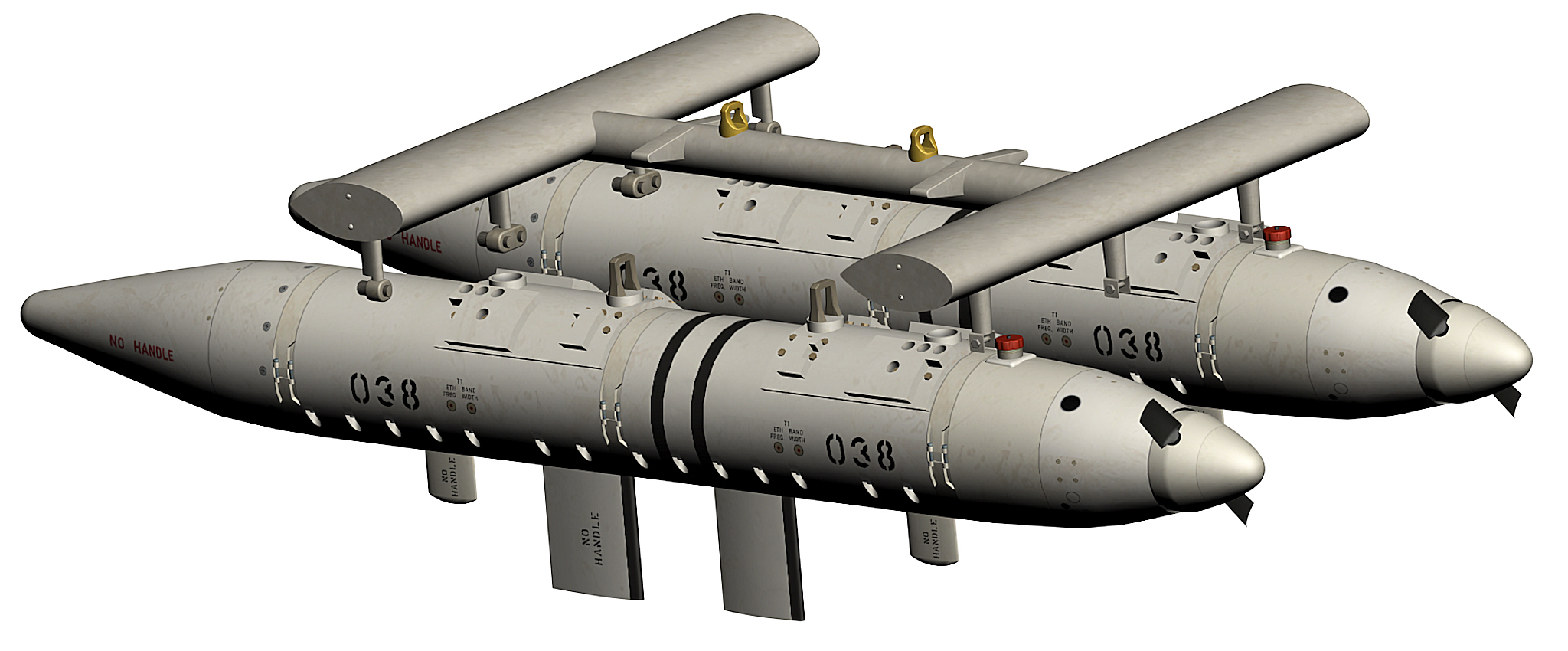
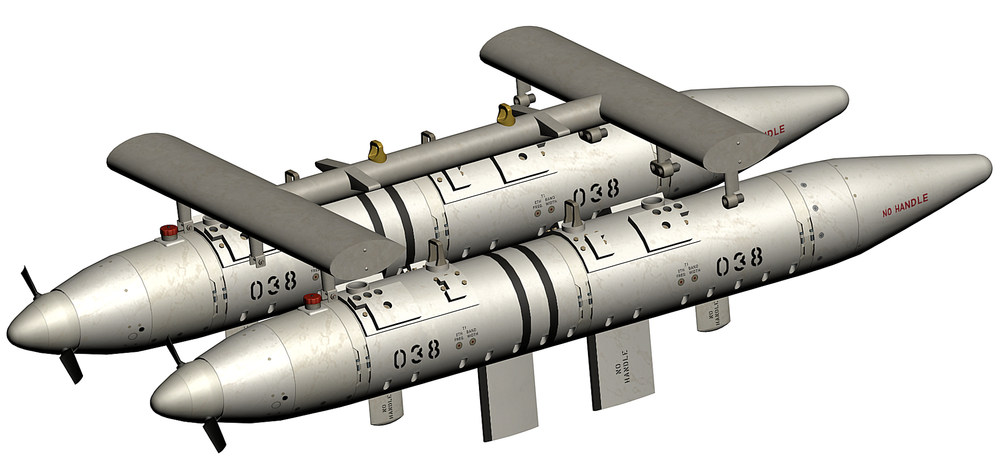
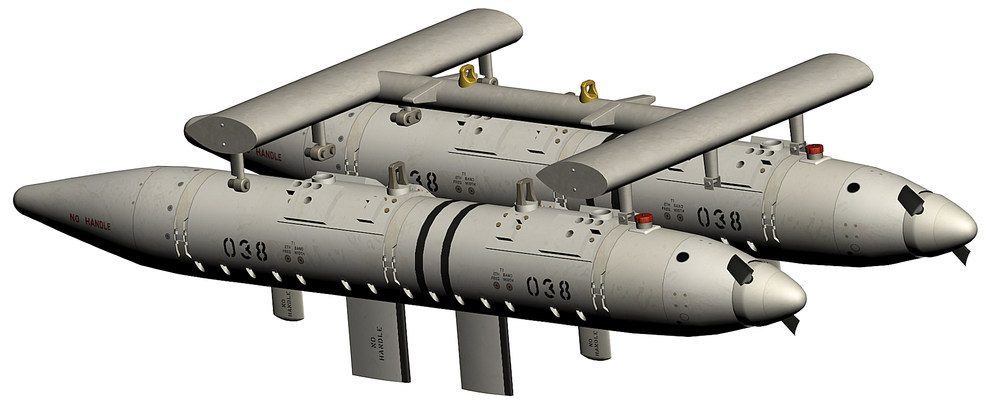
found an other picture of the twin ecm-pod assembly and an other version with 2 AN/ALQ-87 on a MER-rack for the C/AC-130 as soon as i´m done with the AN/ALQ-87 i can will do this 2 twin ecm-pod assembly`s , one reason more to finish this ecm-pod
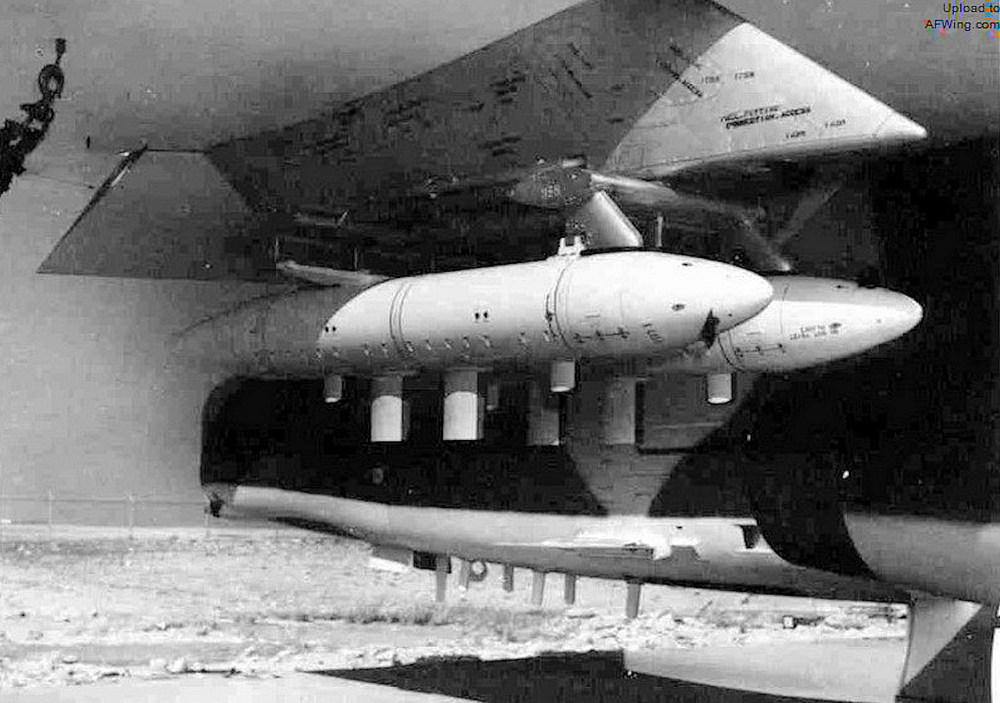
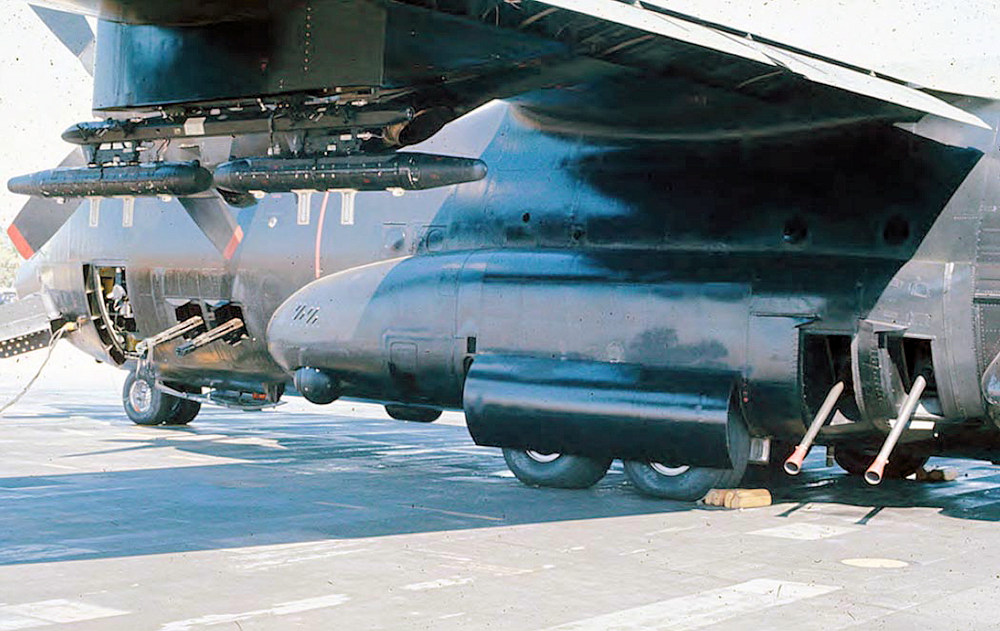
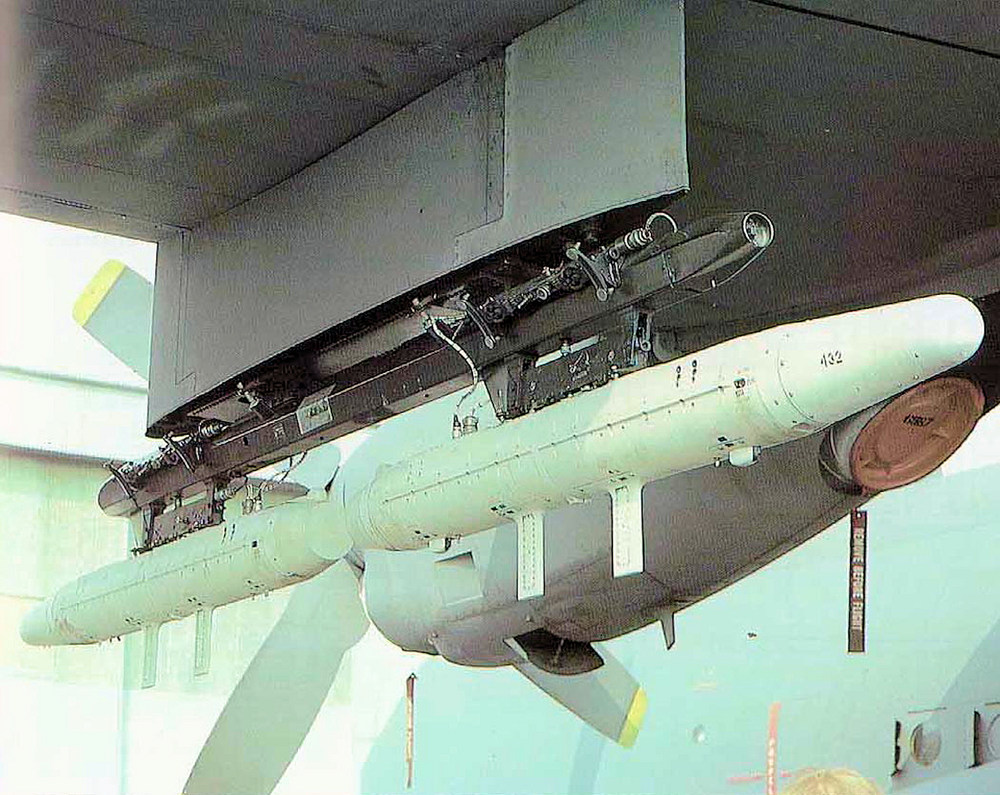
-
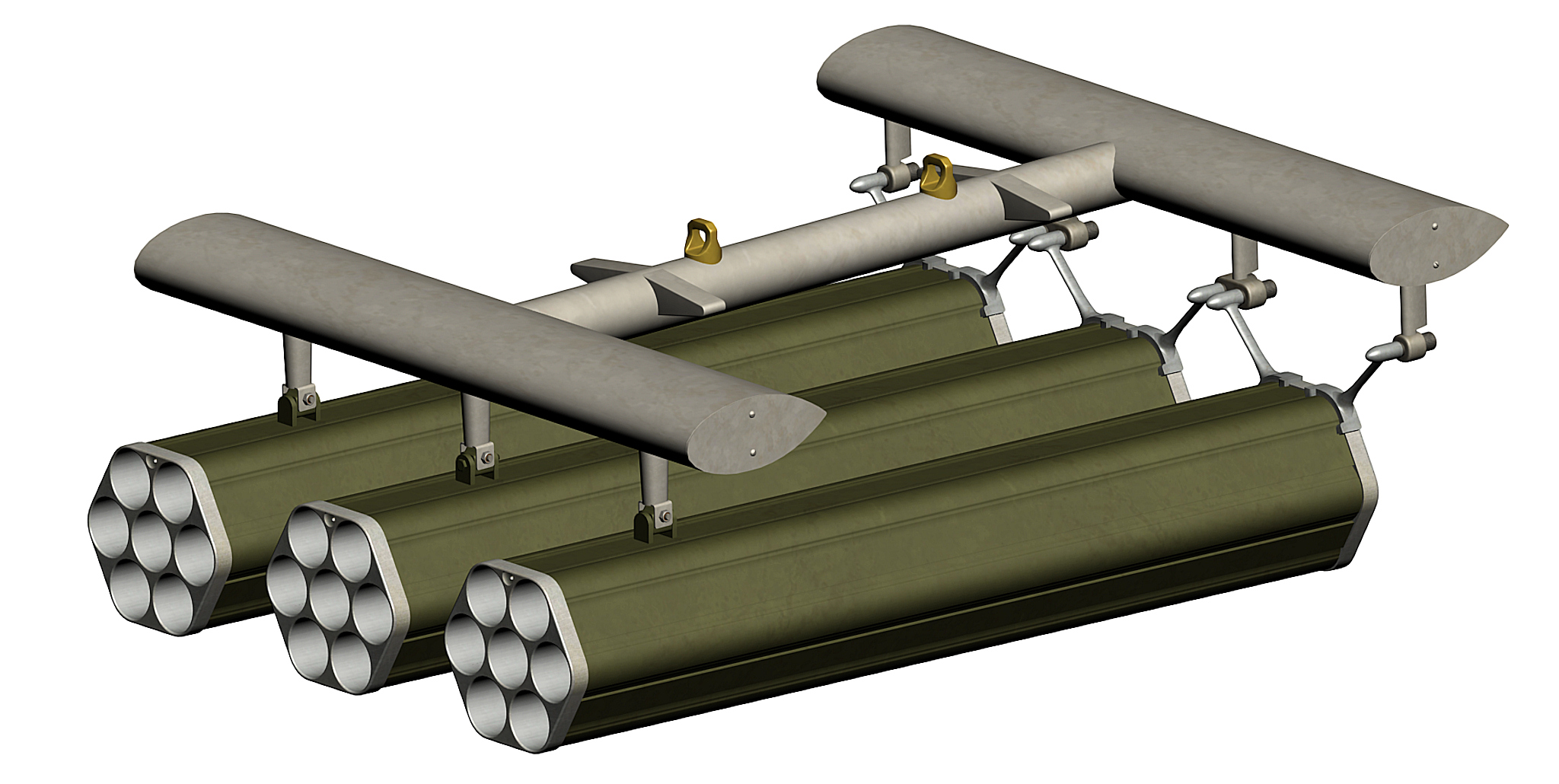
the rack is a triple launcher rack for early FFAR pods , i dont have the AN/ALQ-87 finish yet so i used the AN/ALQ-71 pod instead , i have to check the picture above to find out how the attached the ECM-pods to the rack as soon as i have figured out how they did it i can do this twin ecm-pod rack triple FFAR pod assembly twin AN/ALQ-71 ecm pod assembly
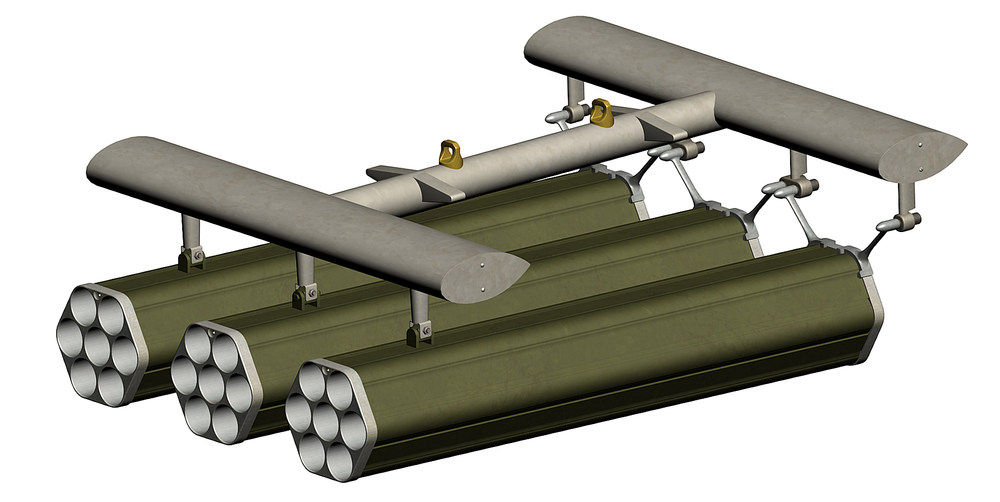
- 11 replies
-
- 10
-
-
-
how to make 4096 x 4096 textures
ravenclaw_007 replied to ravenclaw_007's topic in Mods & Skinning Discussion
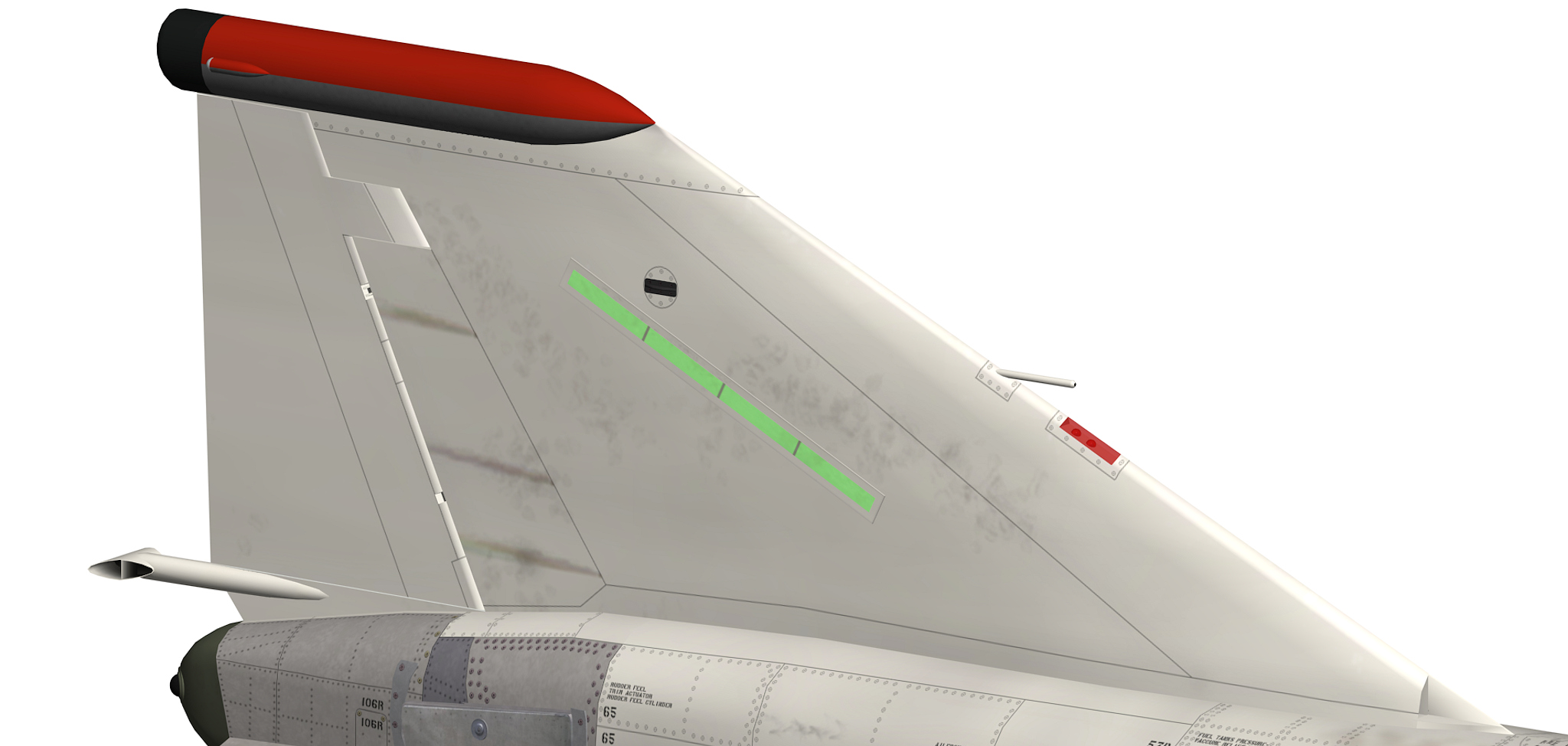
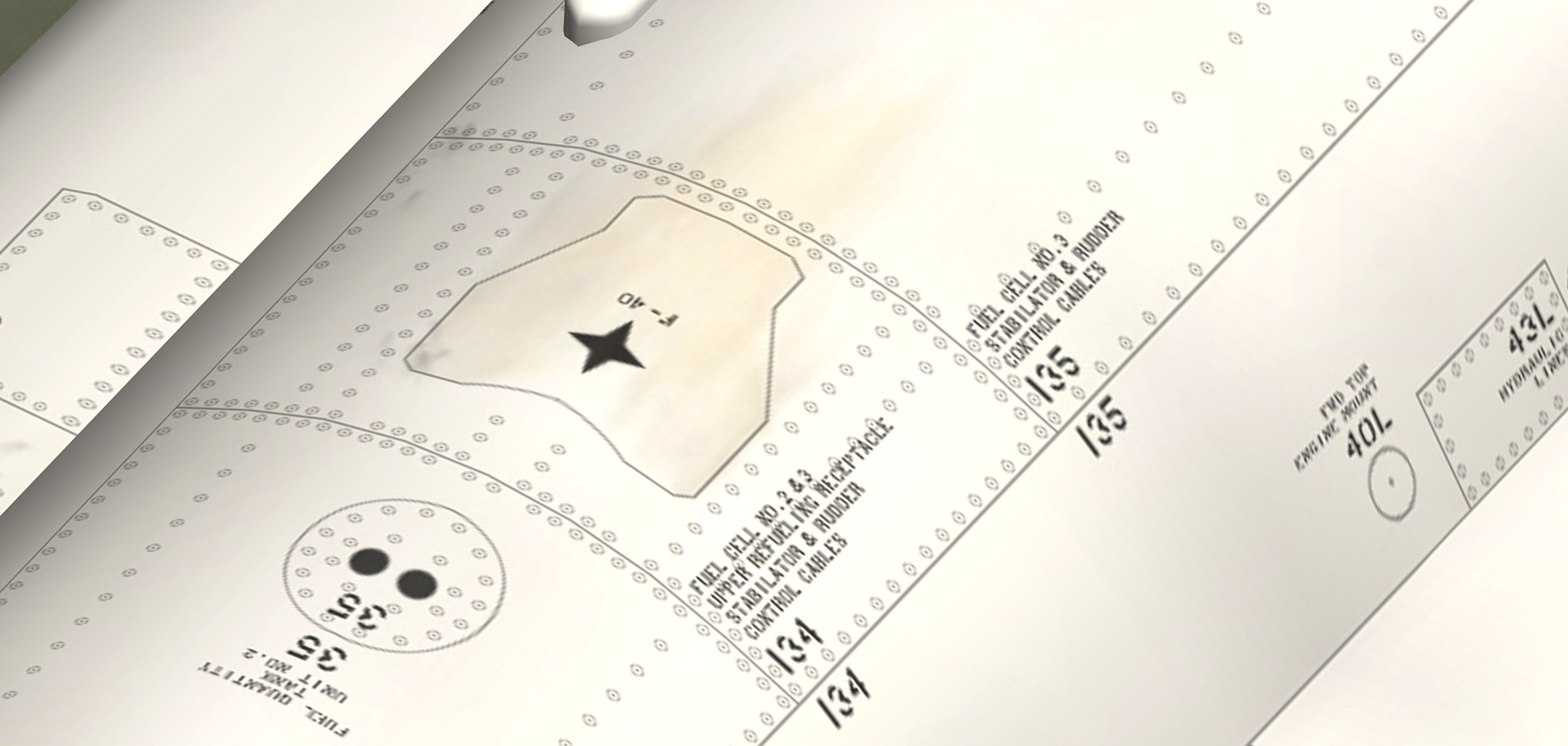
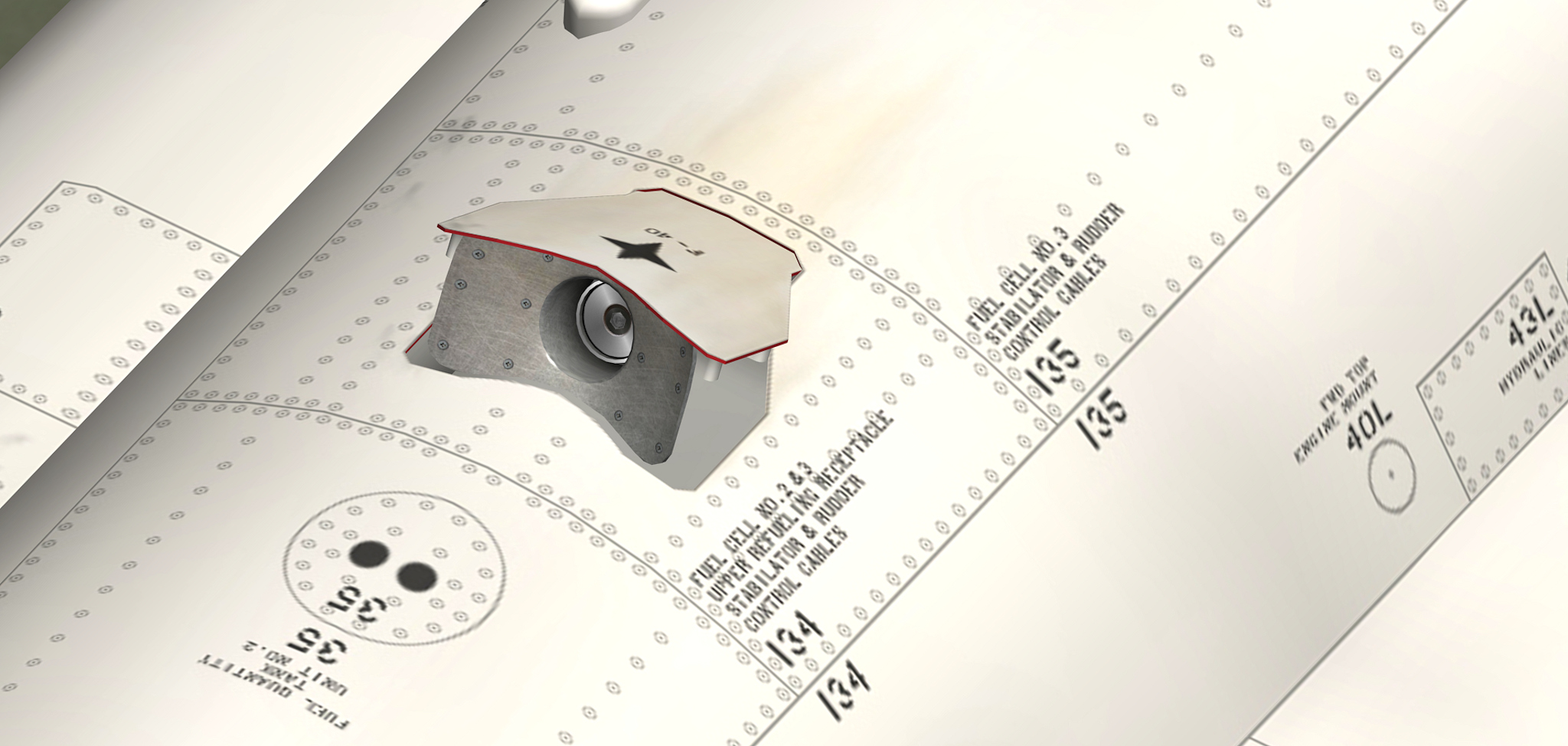
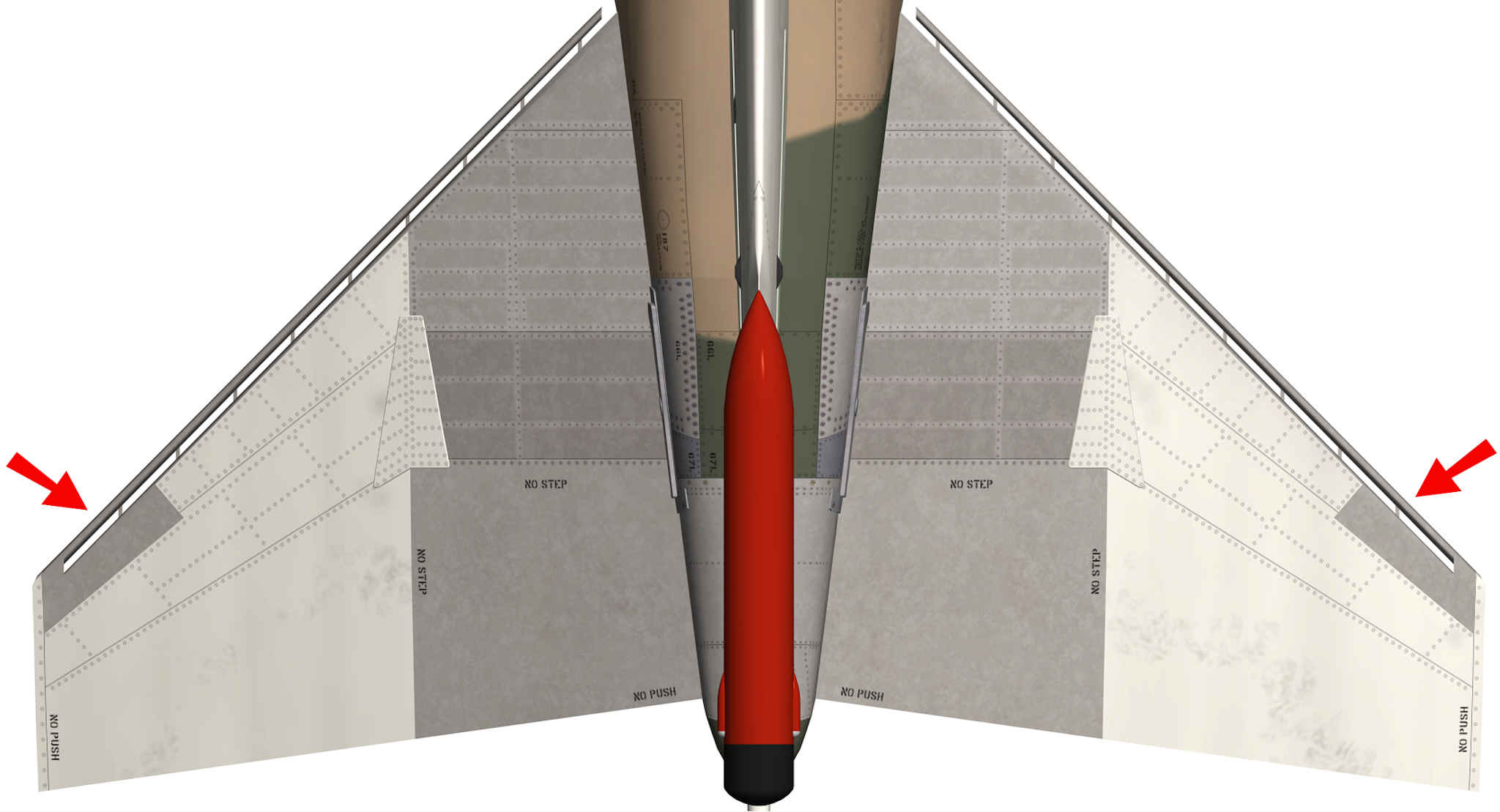
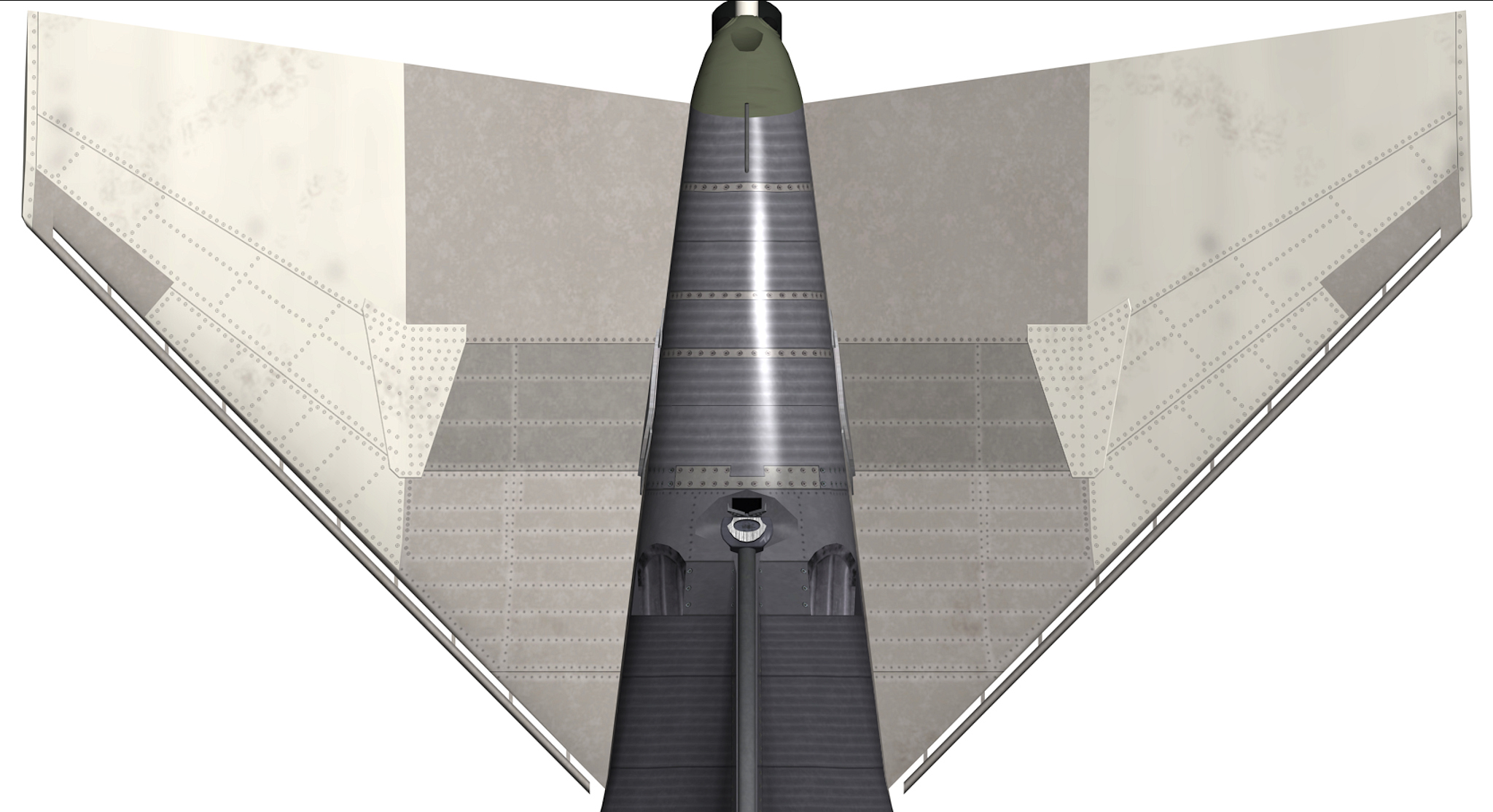
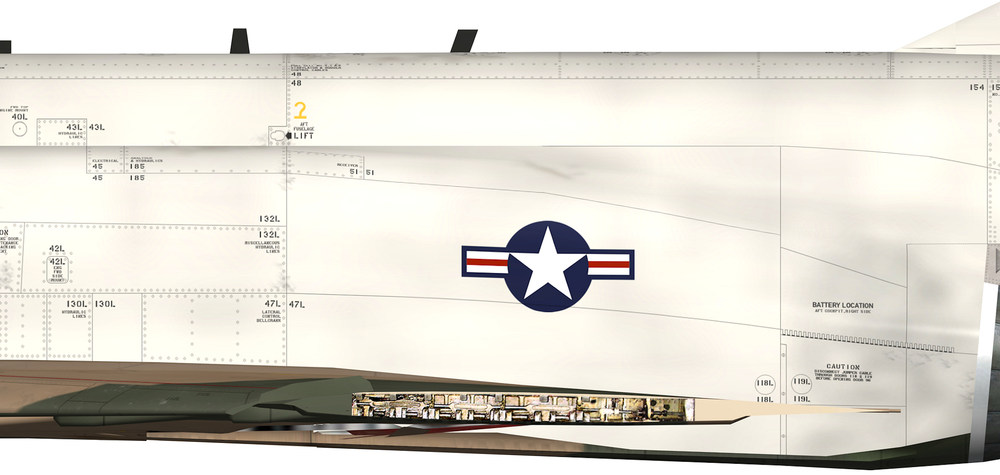
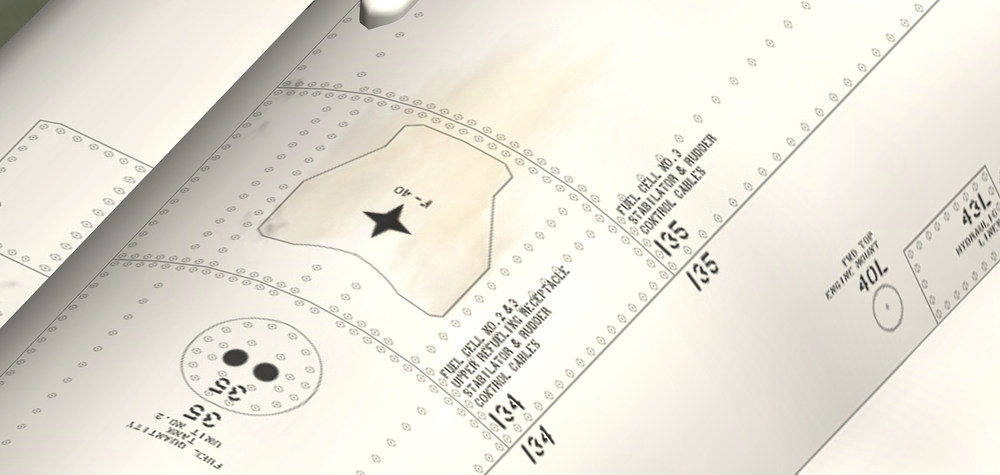
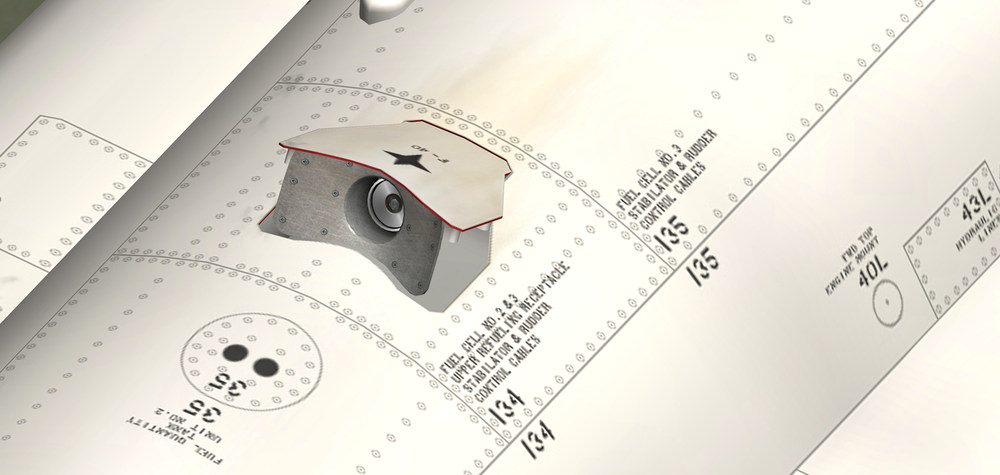
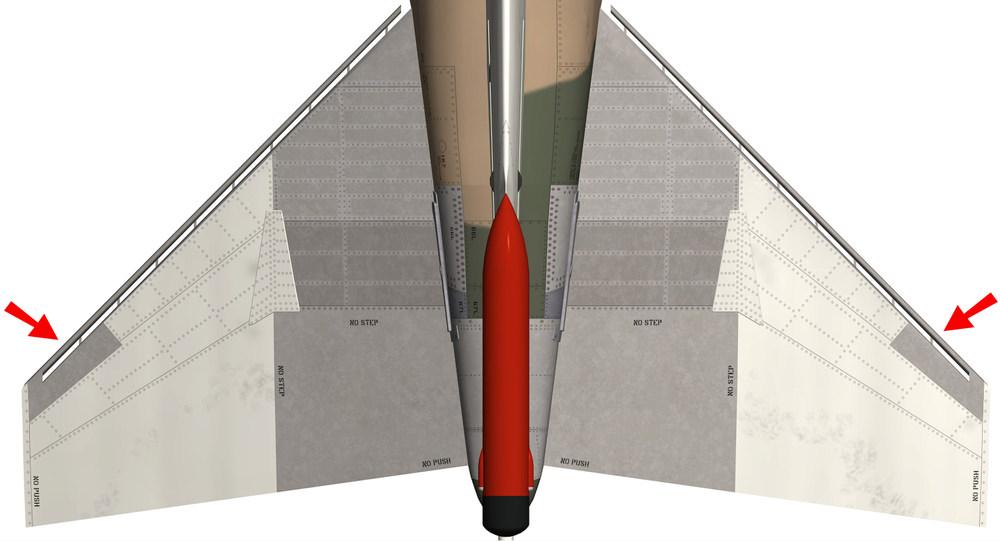
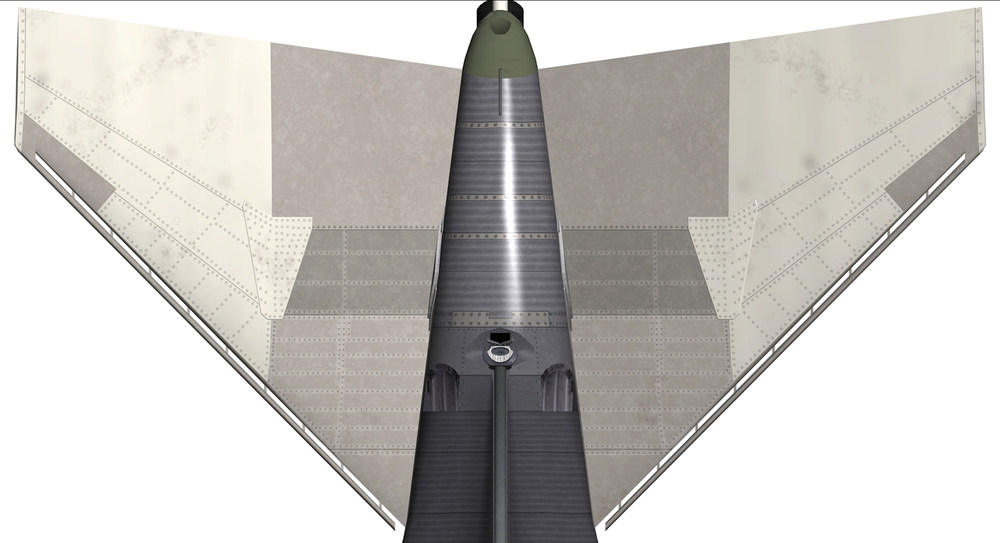
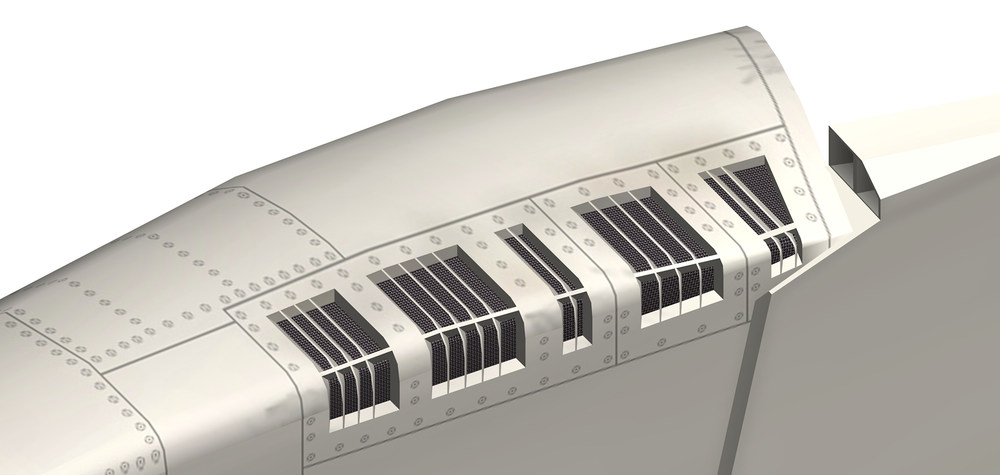
one thing i notice by making this 4096 x 4096 templates you really find out how wrong your 3d model dimensions are , either you adjust to the given dimensions or you have to adjust your 3d model and it does not matter wich way you go it will cost you a lot of time either way changes on the 3d model so far new Rudder reworked Stabilizers , especially the outer front part ( red arrows ) reworked Tail ( mostly the metal parts ) new Air Refuelling Receptacle remapping and of some rear fuselage parts will see how much more i have to change , on some areas the lines , screw or rivets get a bit distorted i try to minimize it as much as possible a new 3d engine nozzle is in work as well , will see if i add it to the model depending if there is a big hit on the FPS this is how the F-4G Fuselage , Tail and Stabilizers look like now , the vertical Stabilizer is not yet finish i still have to place the rivets and screws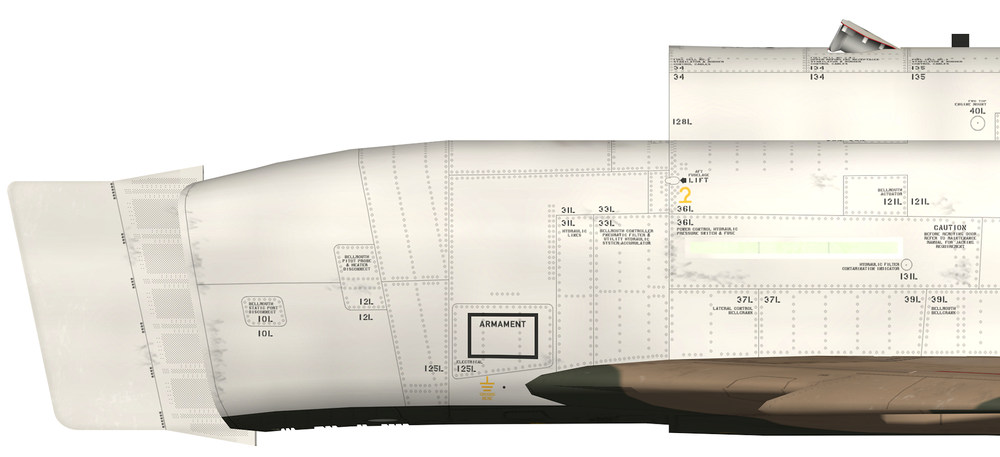
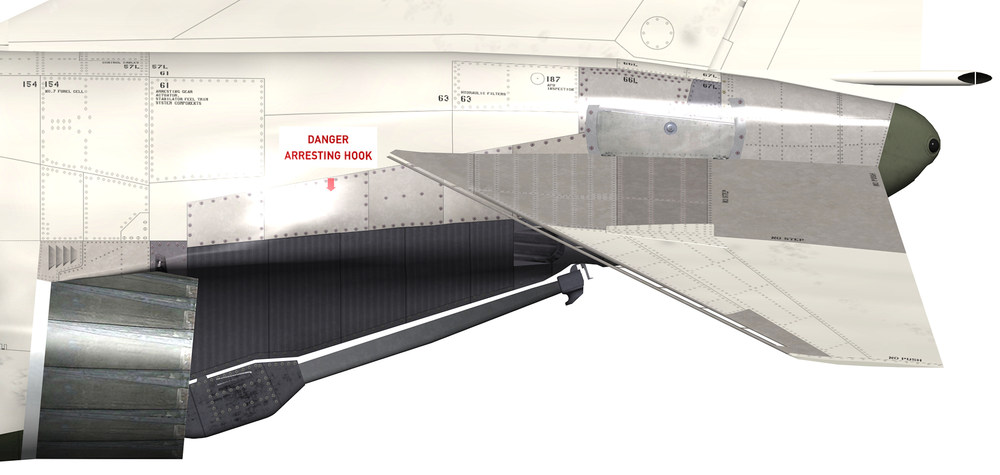
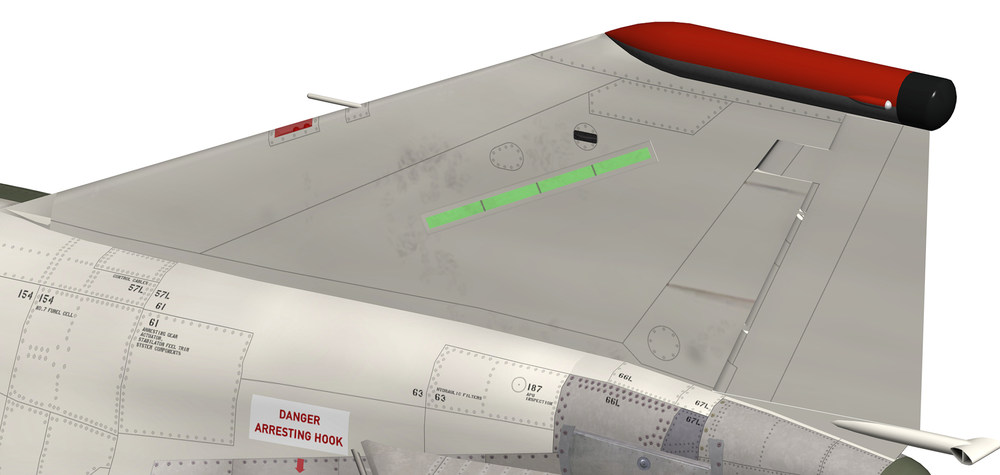
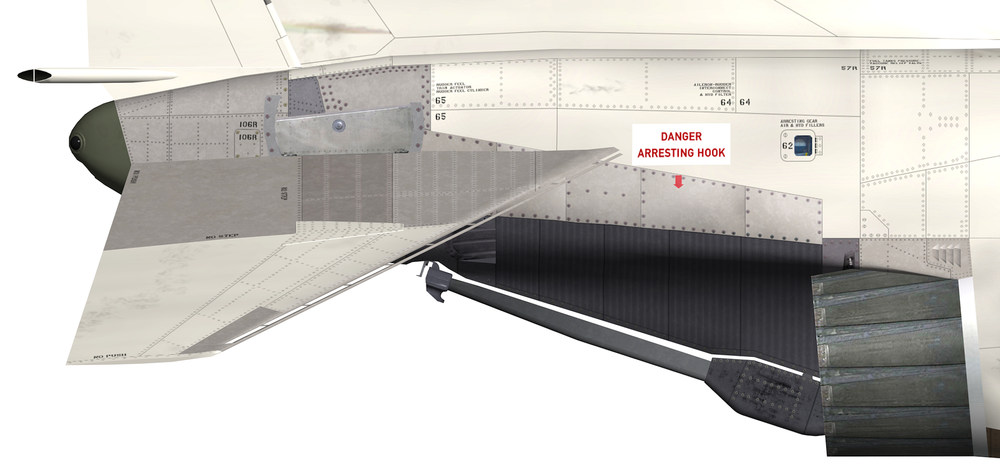
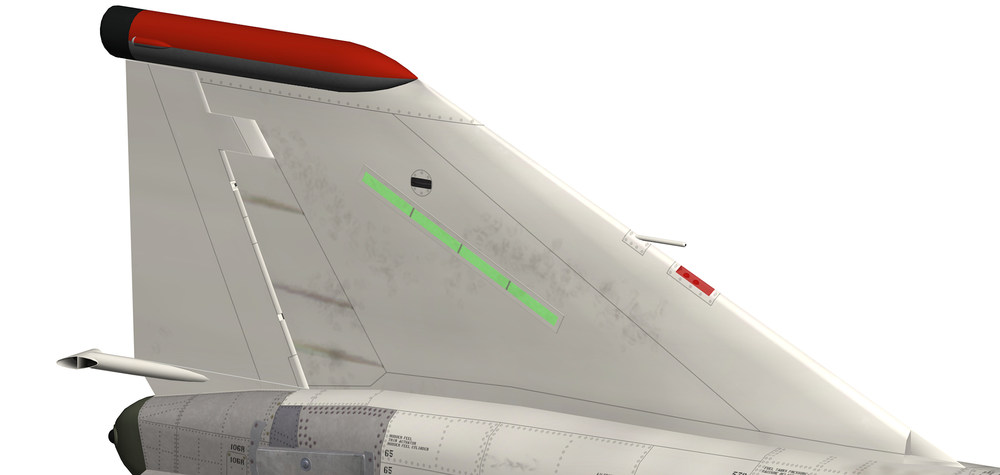
- 60 replies
-
- 12
-
-
Thank You for some reason there where 2 textures assigned to that object resulting in no texture to show up here is the fixed version GPU-2A_Grey.7z
-
here they are , let me know if there is a problem GPU-2A.7z GPU-2A_Green.7z GPU-2A_Grey.7z
- 527 replies
-
- 11
-
-
-
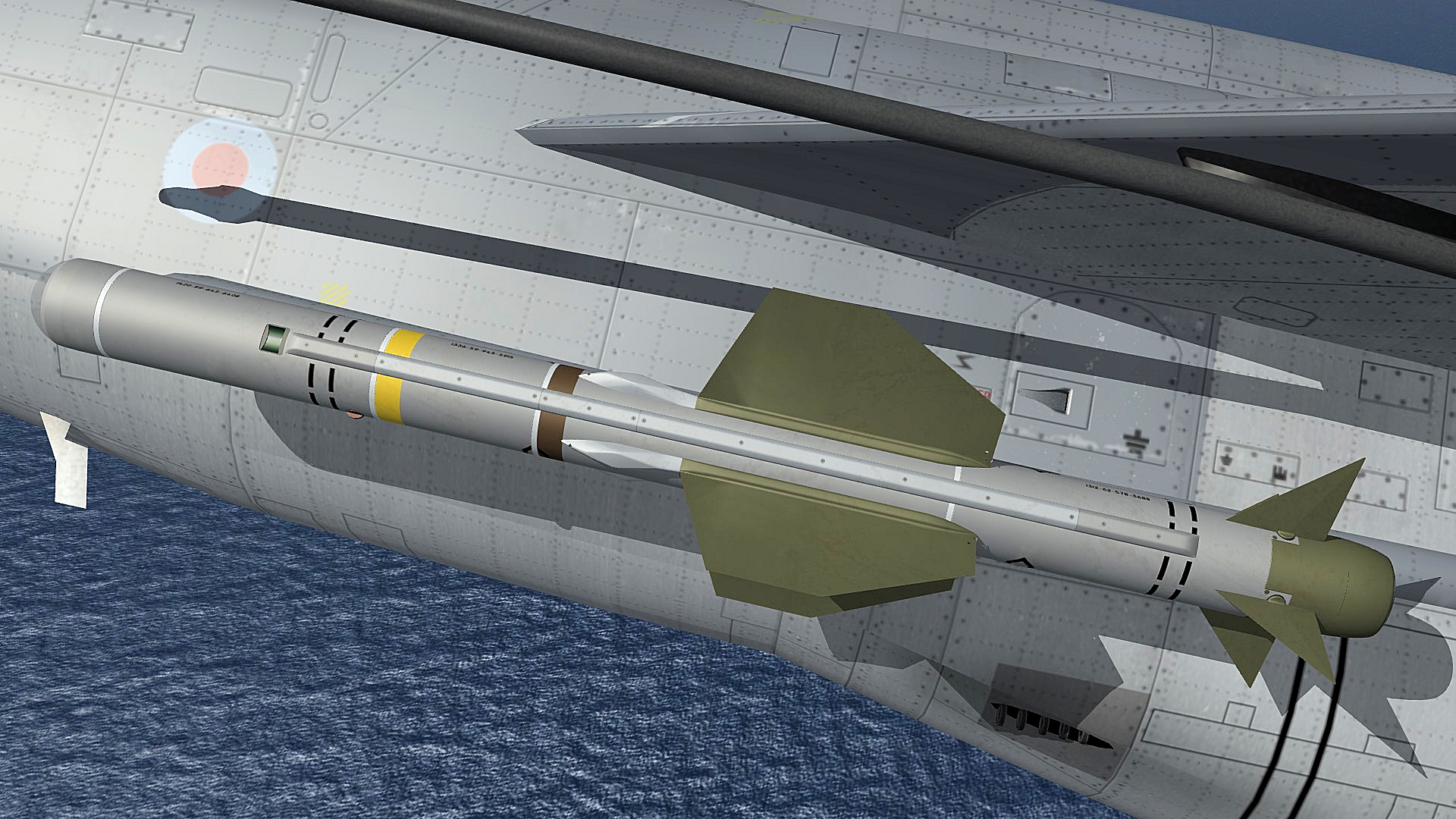
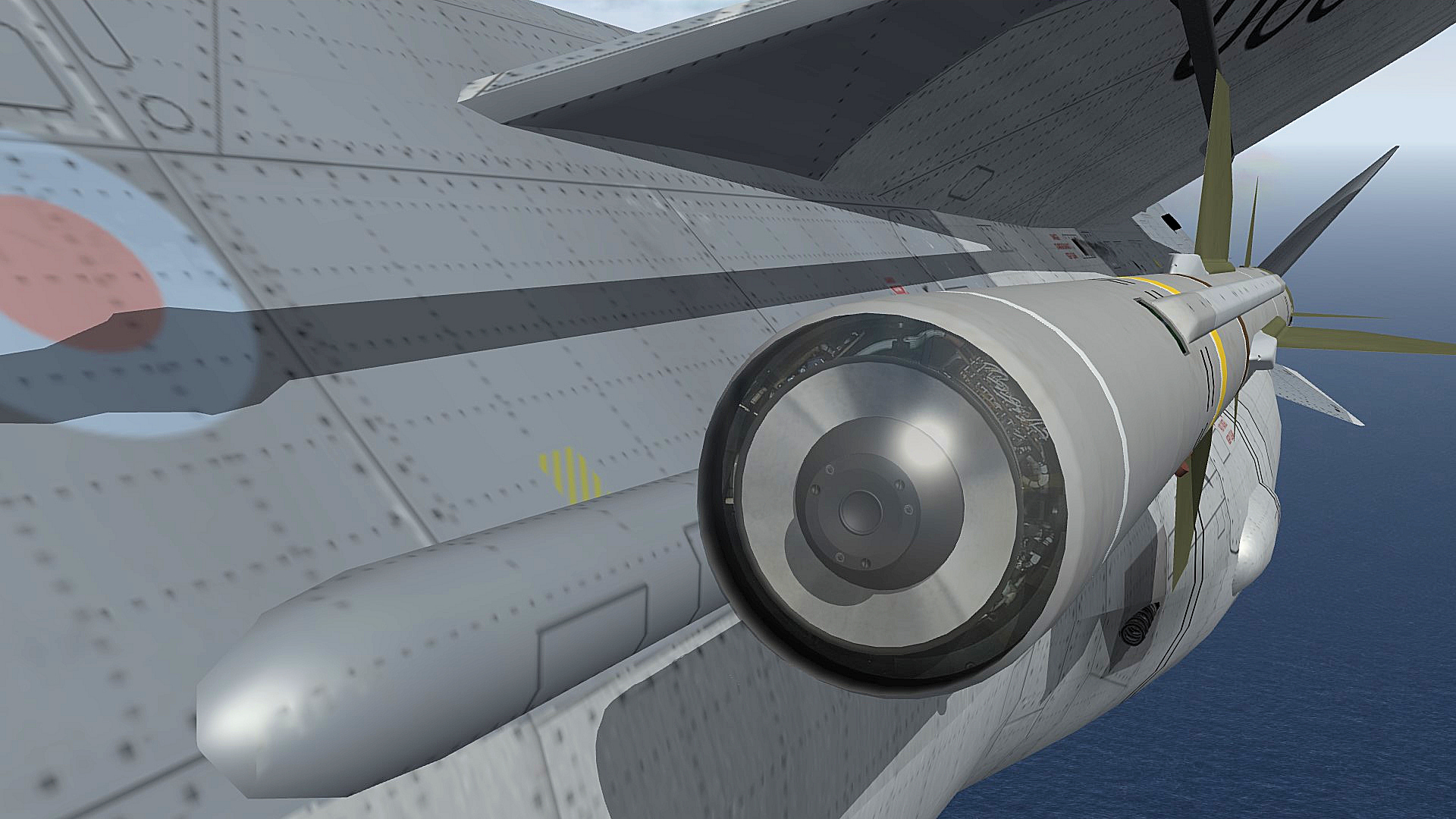
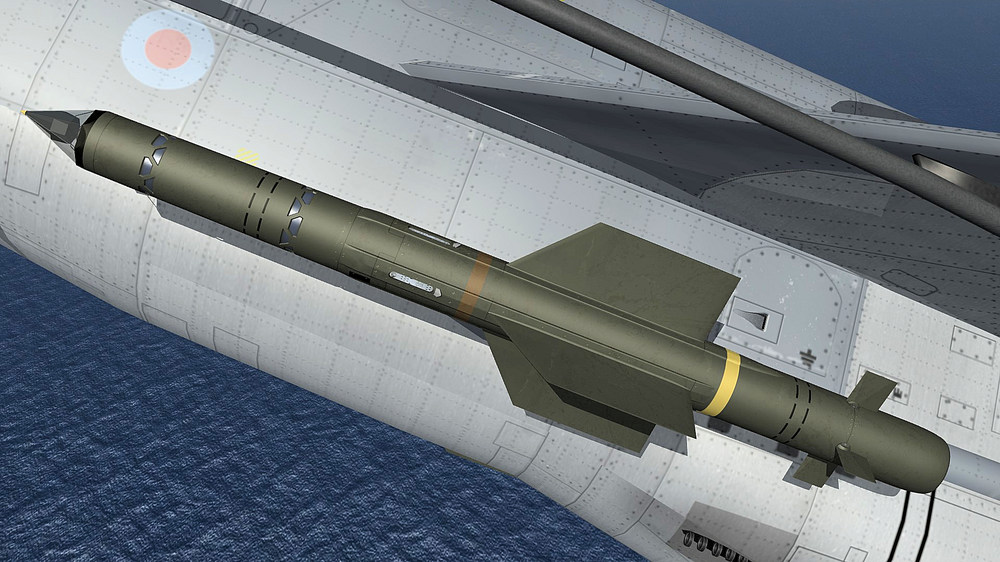
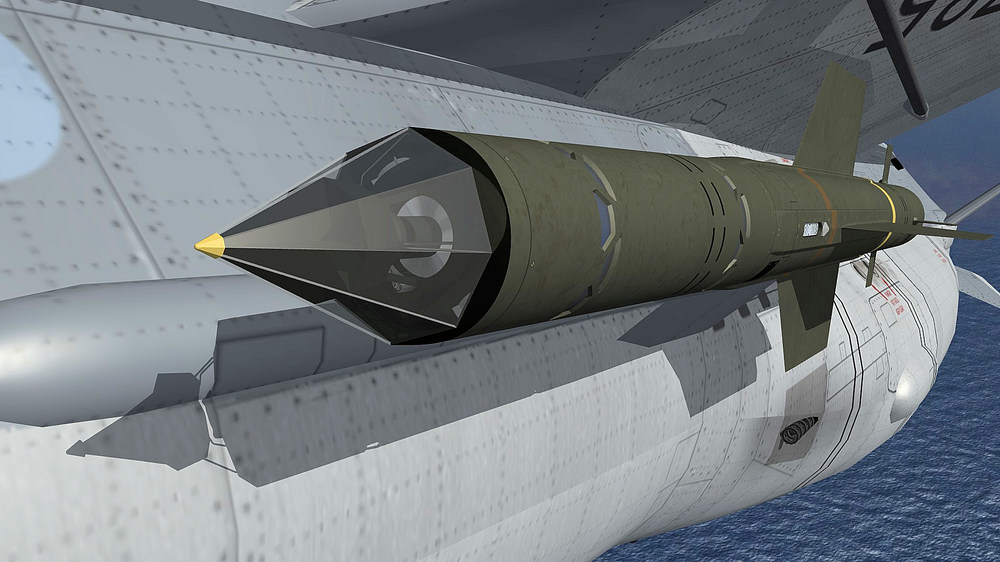
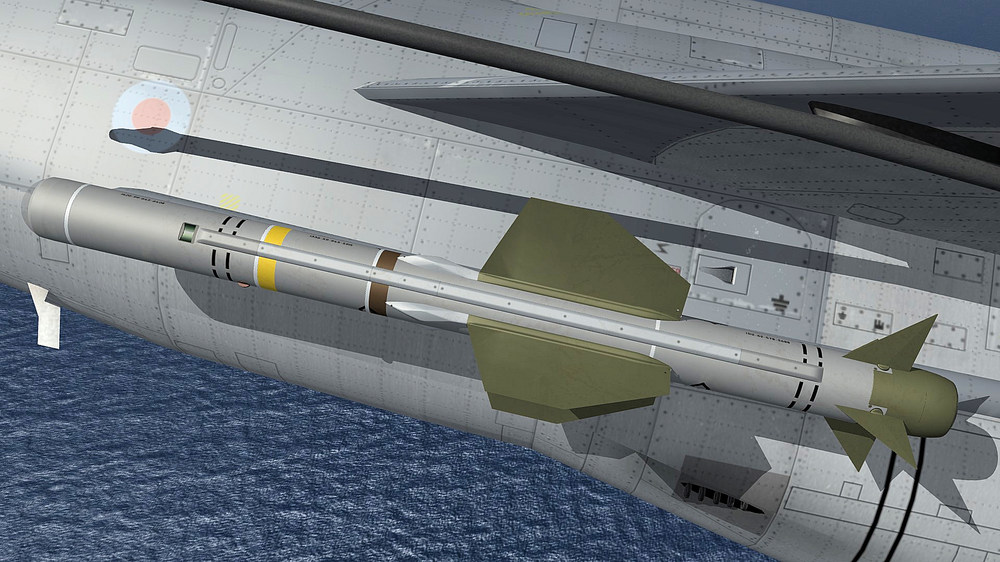
test flight with my new Firestreak and Red Top missiles
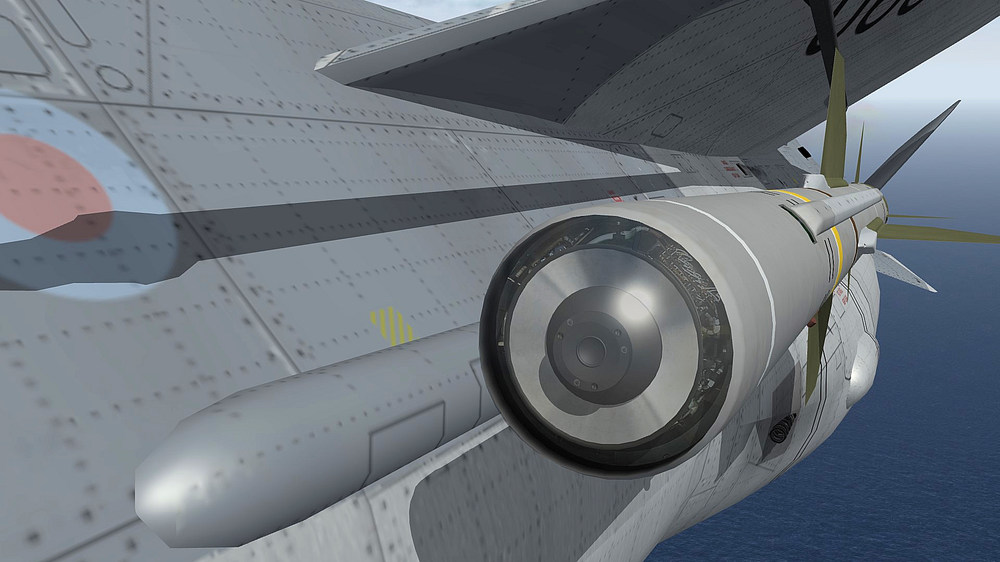
-
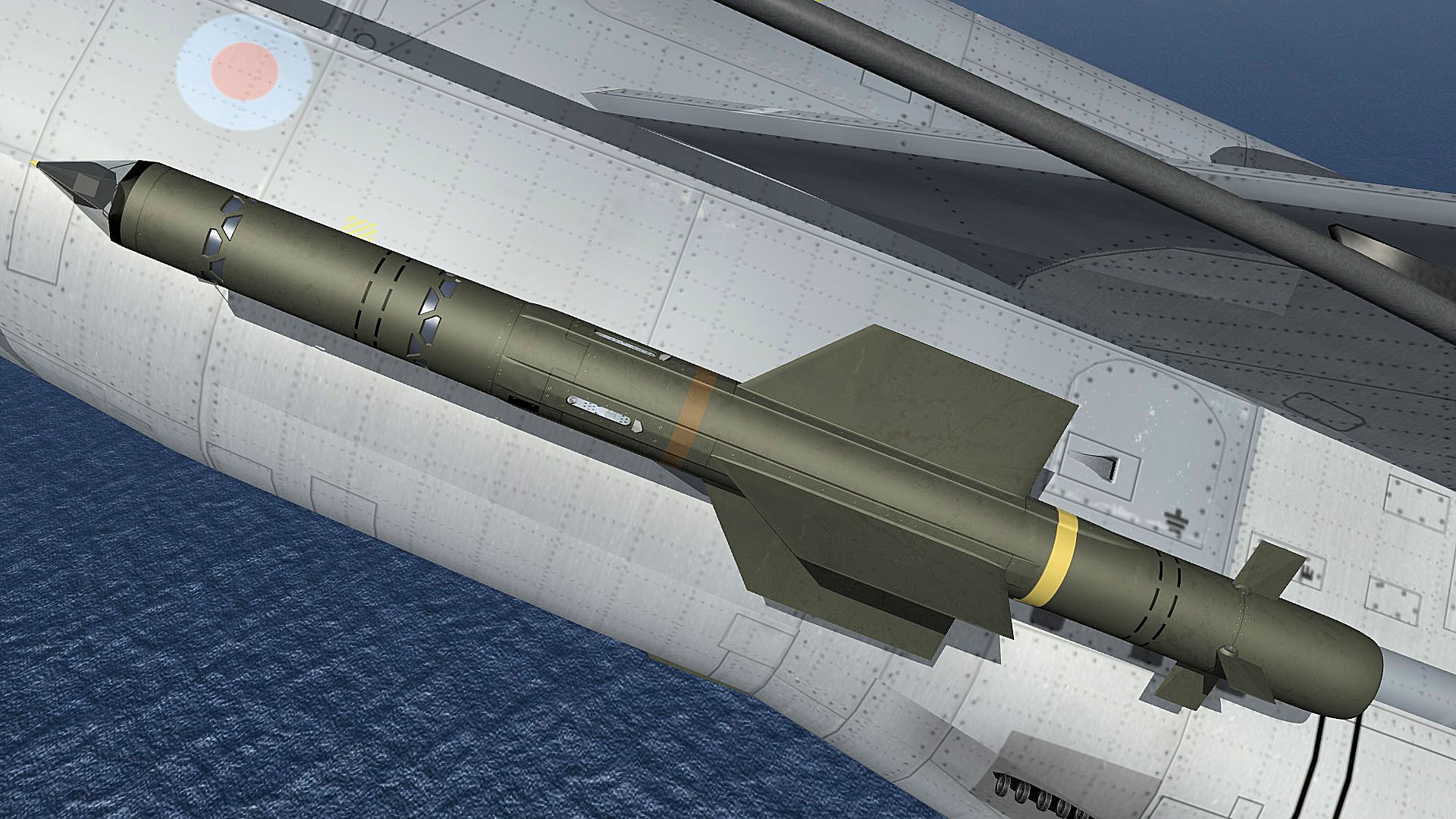
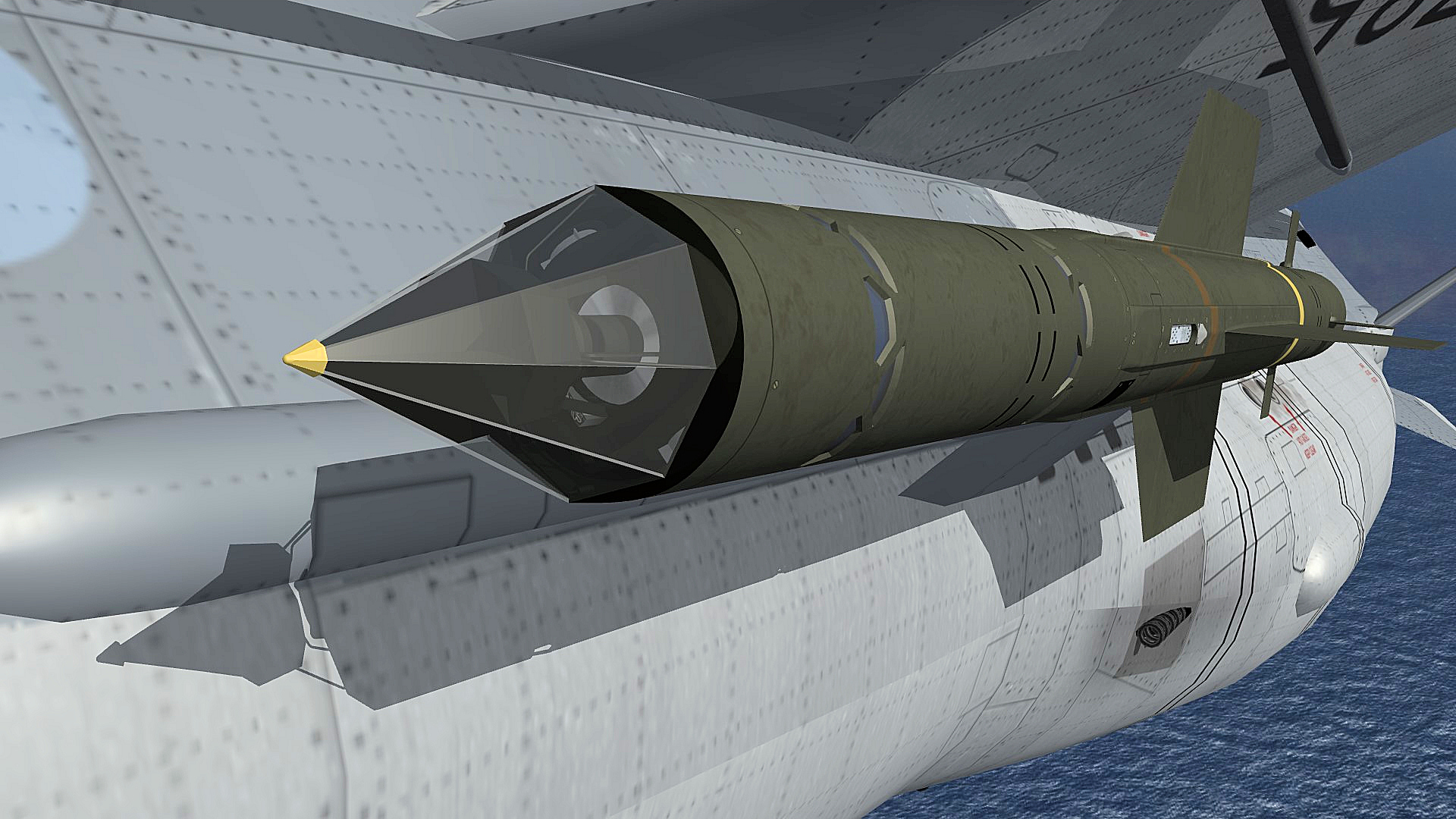
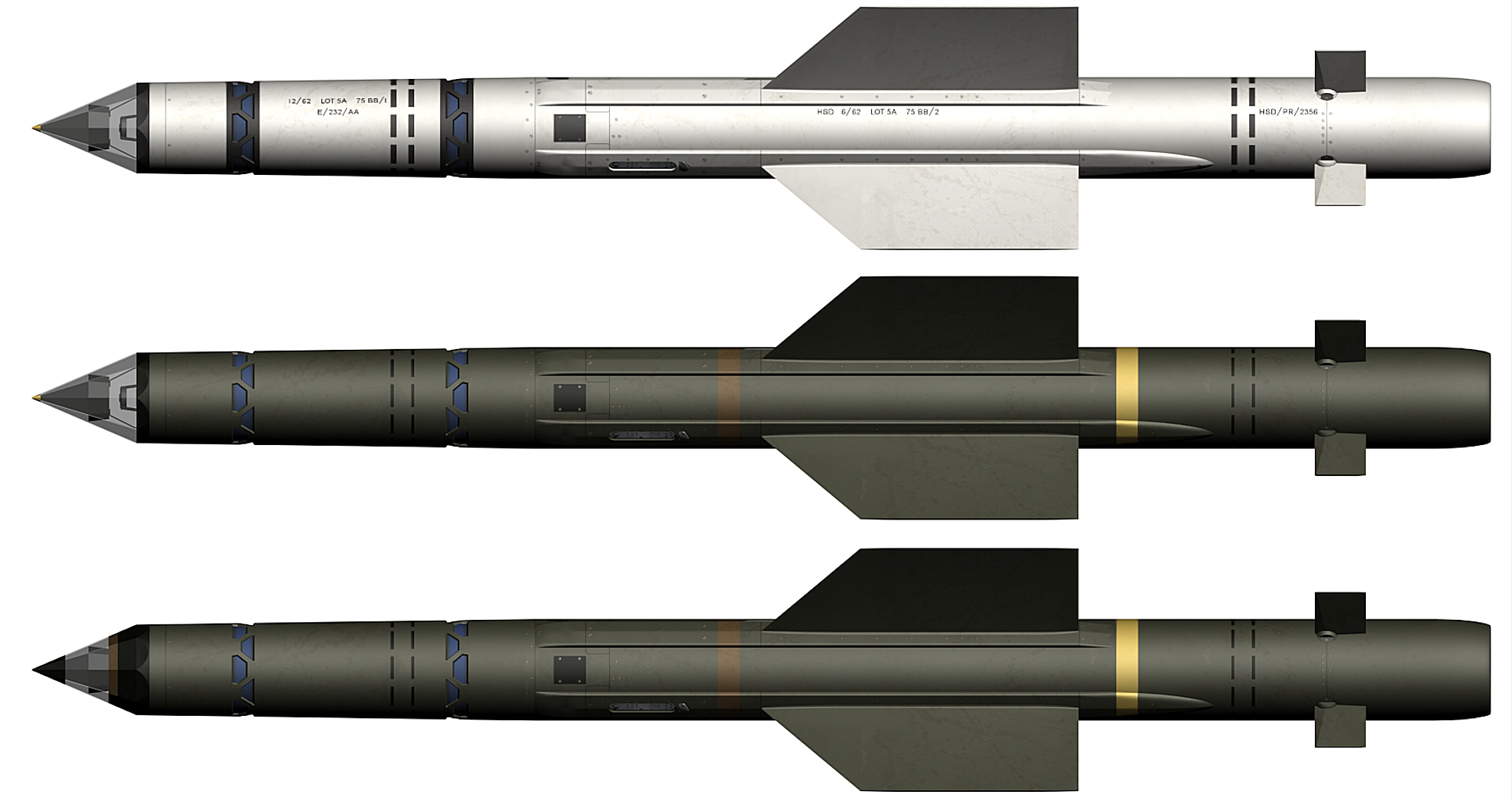
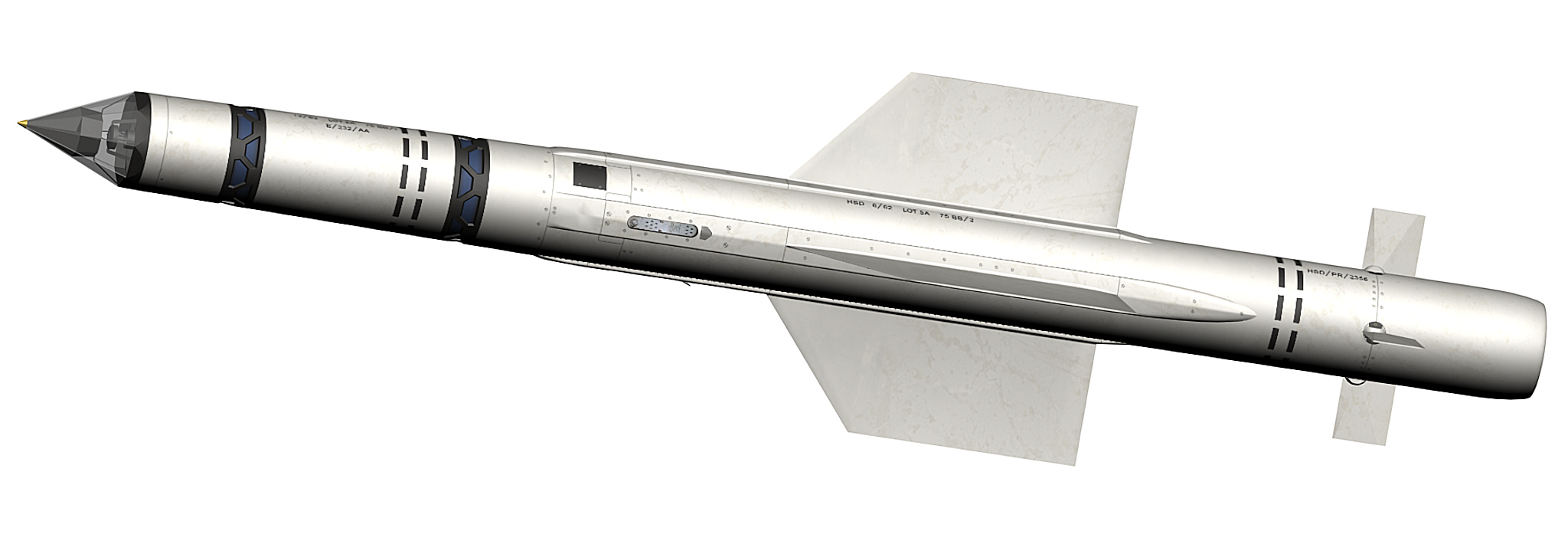
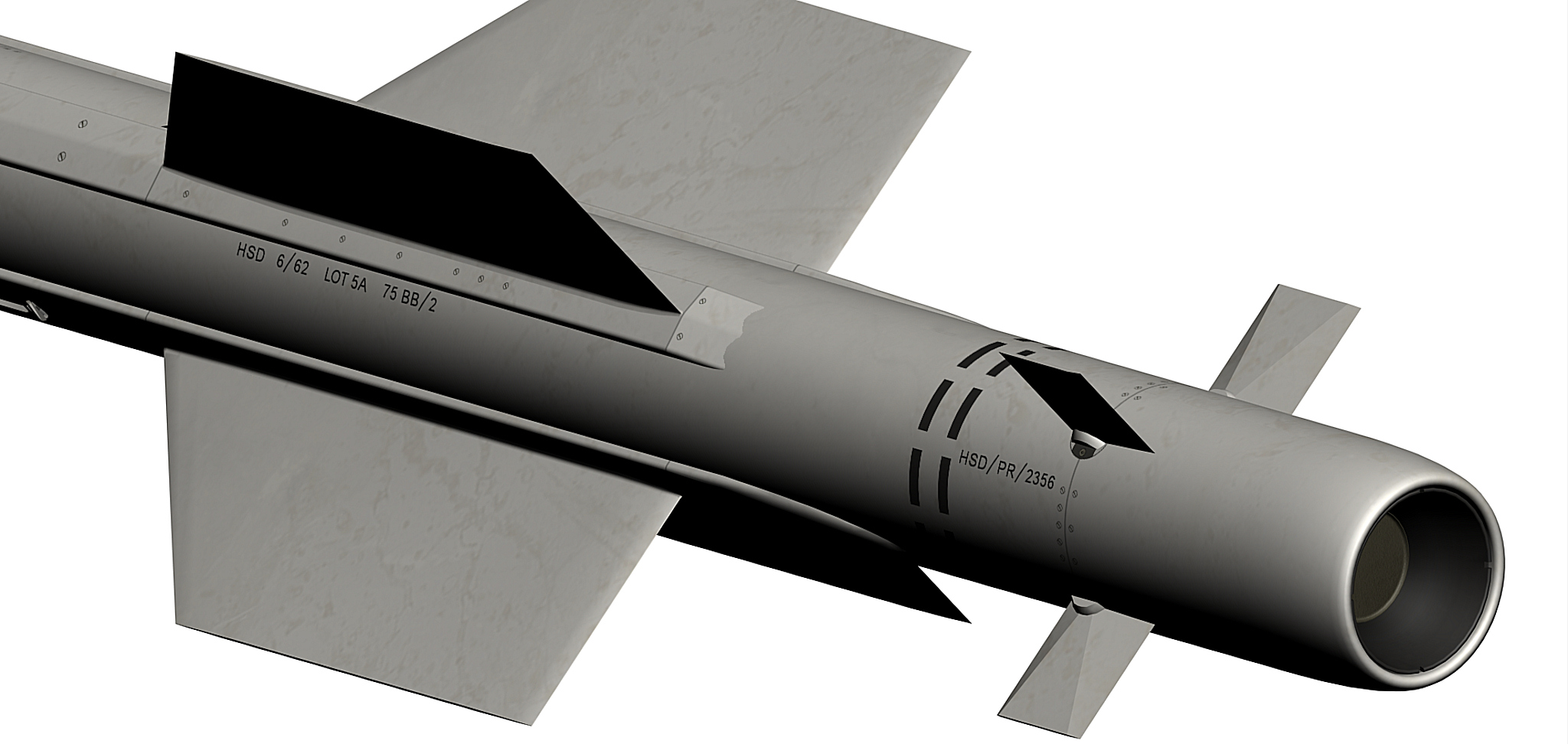
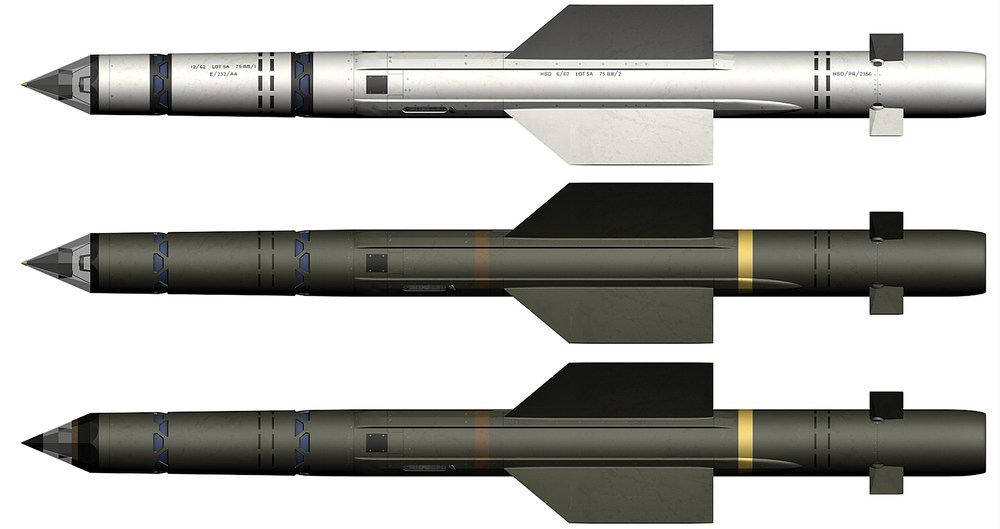
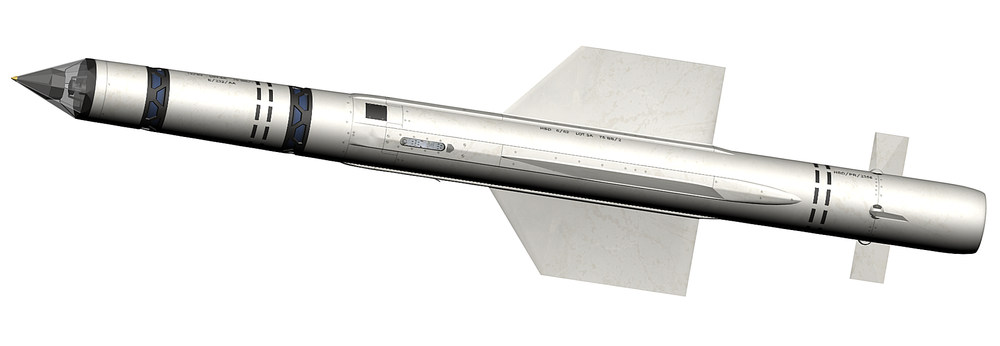
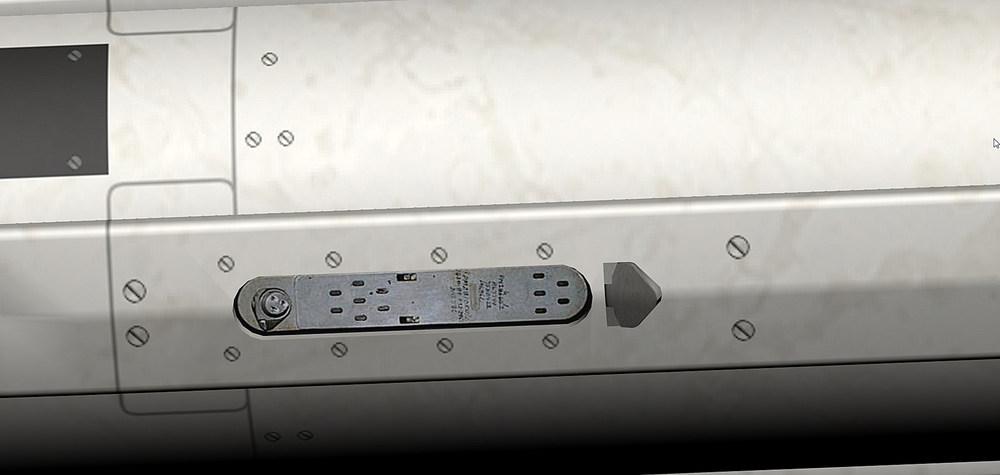
here are the Firestreak and the Red Top missiles Firestreak.7z Firestreak_green.7z Firestreak_green_late.7z RedTop.7z i did not find any pictures from the Firestreak nozzle so i used the Red Top one for it , i will change the nozzle as soon as i get a good picture of a Firestreak nozzle Firestreak , Firestreak with green camo and Firestreak with green camo late version
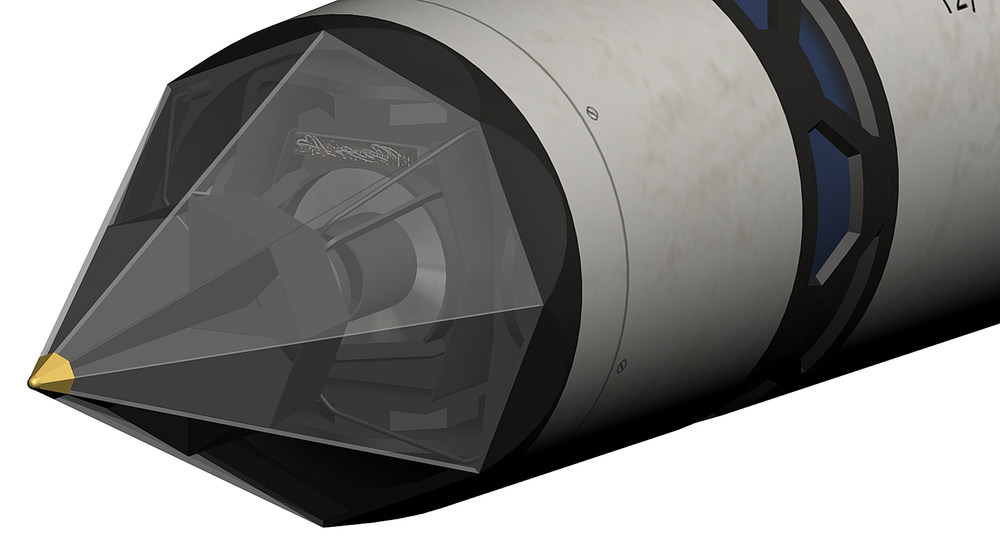
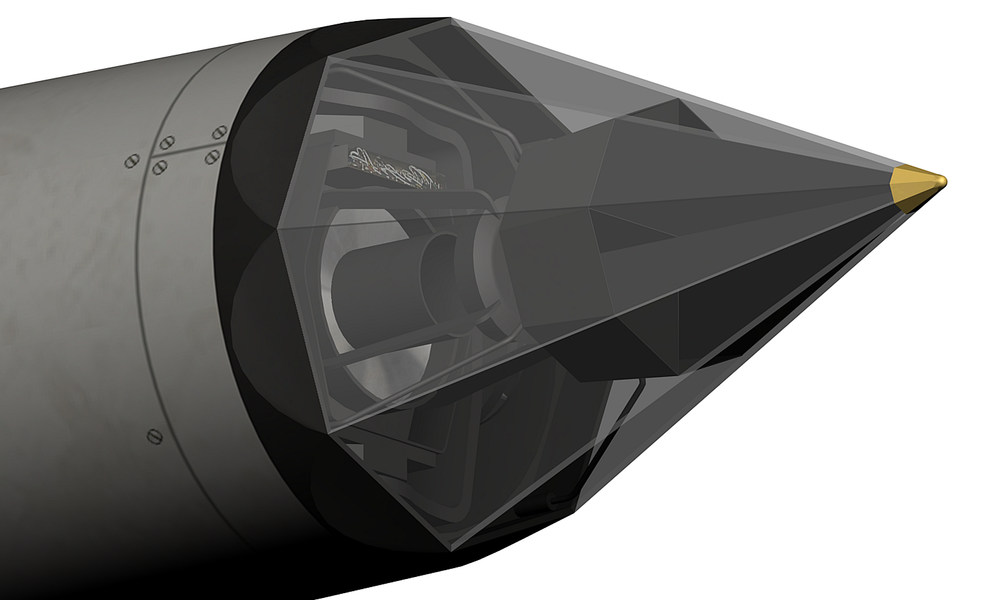
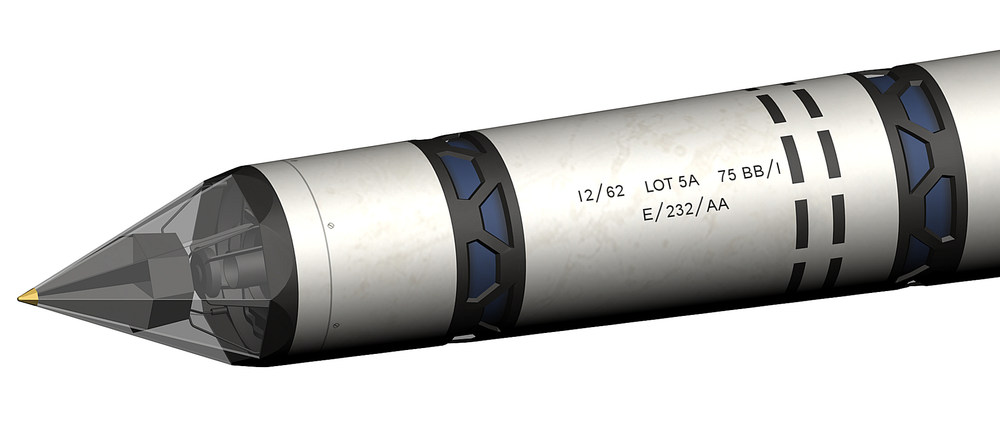
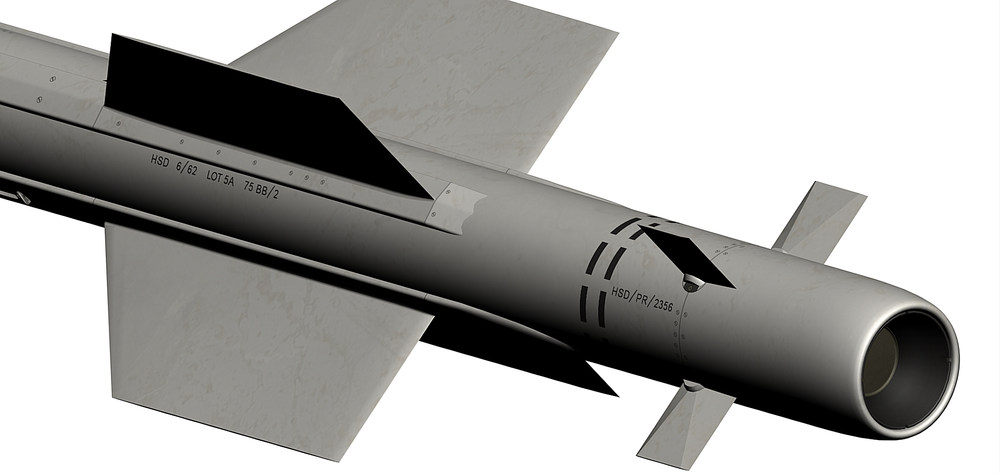
- 527 replies
-
- 16
-
-
-
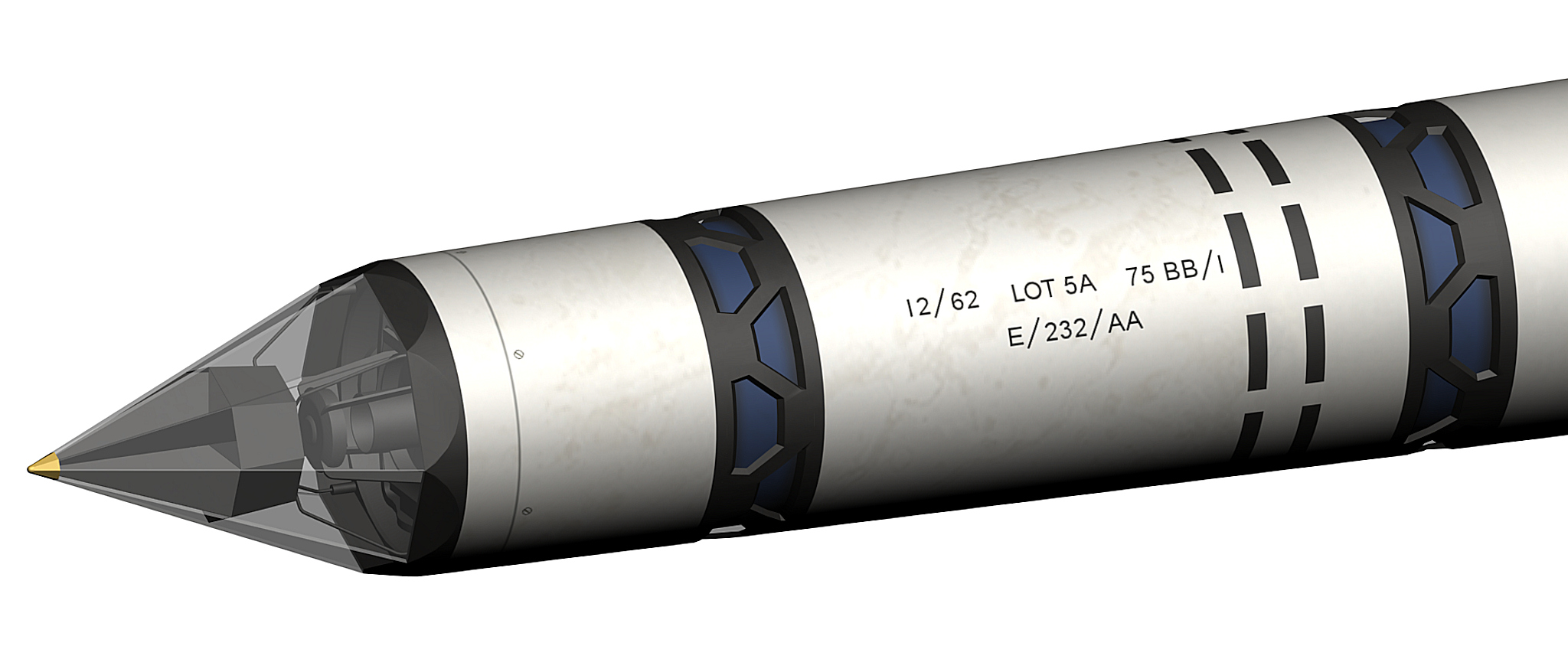
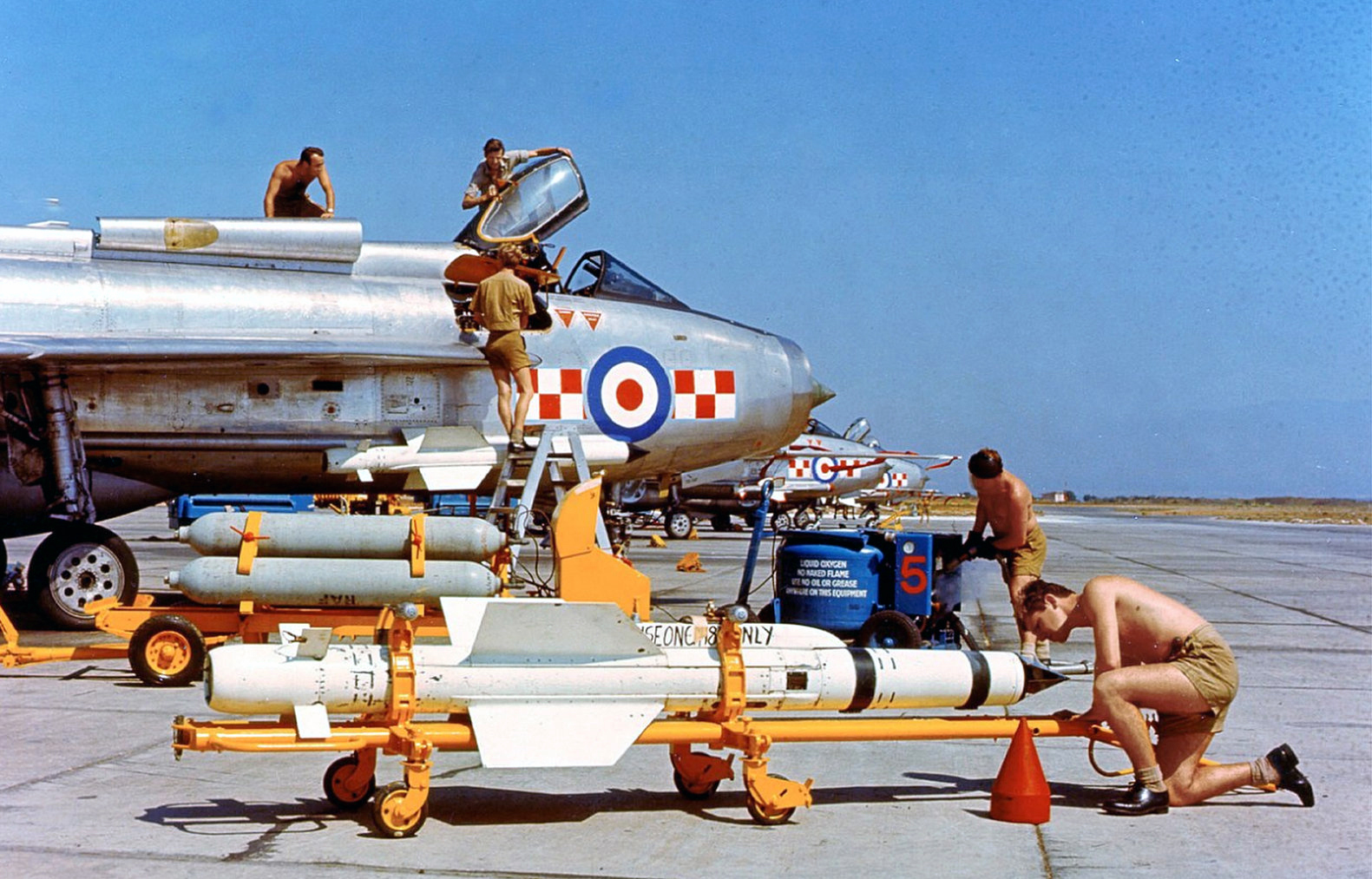
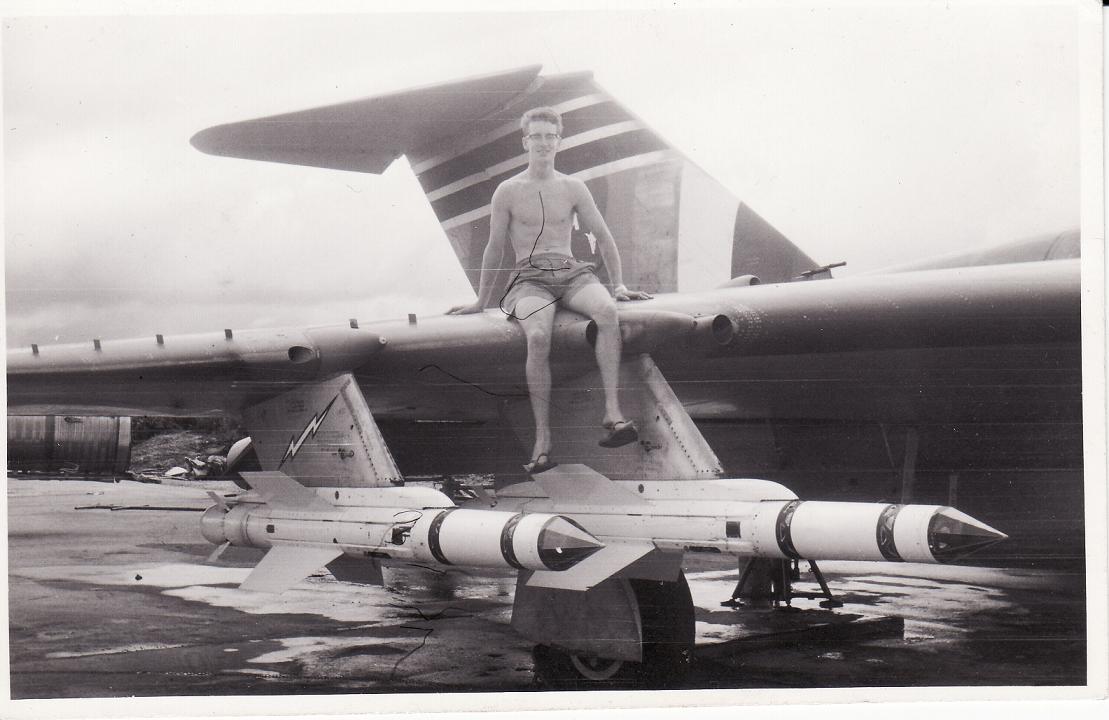
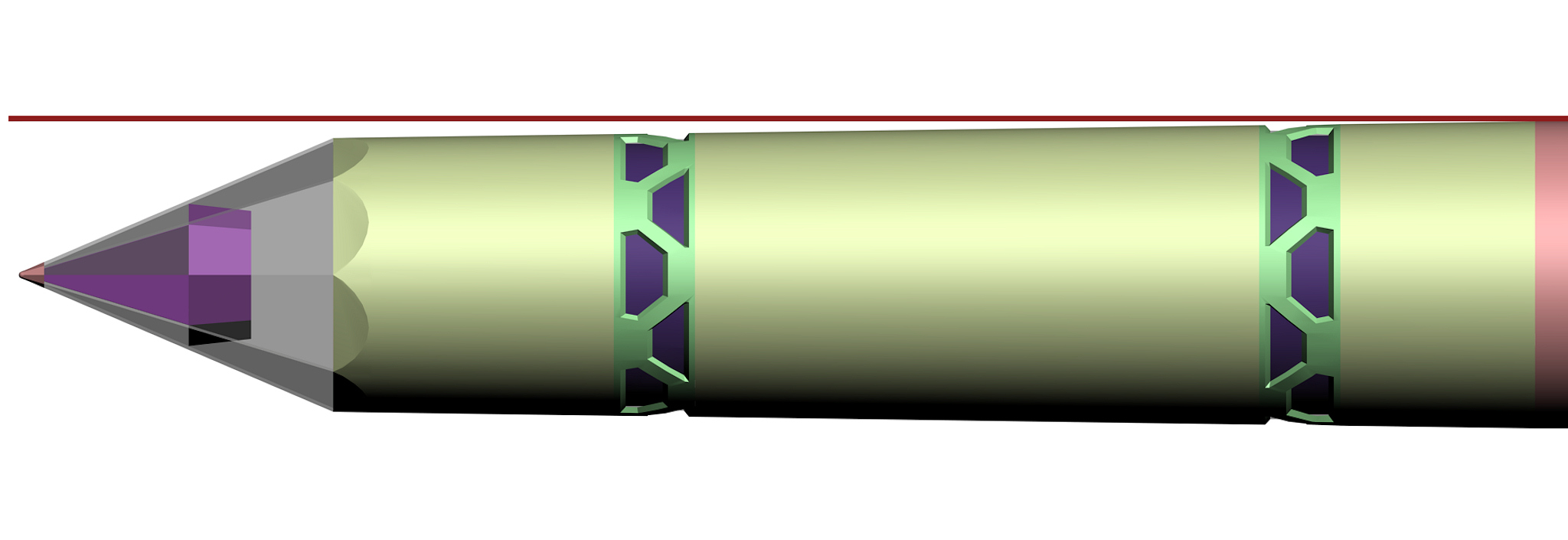
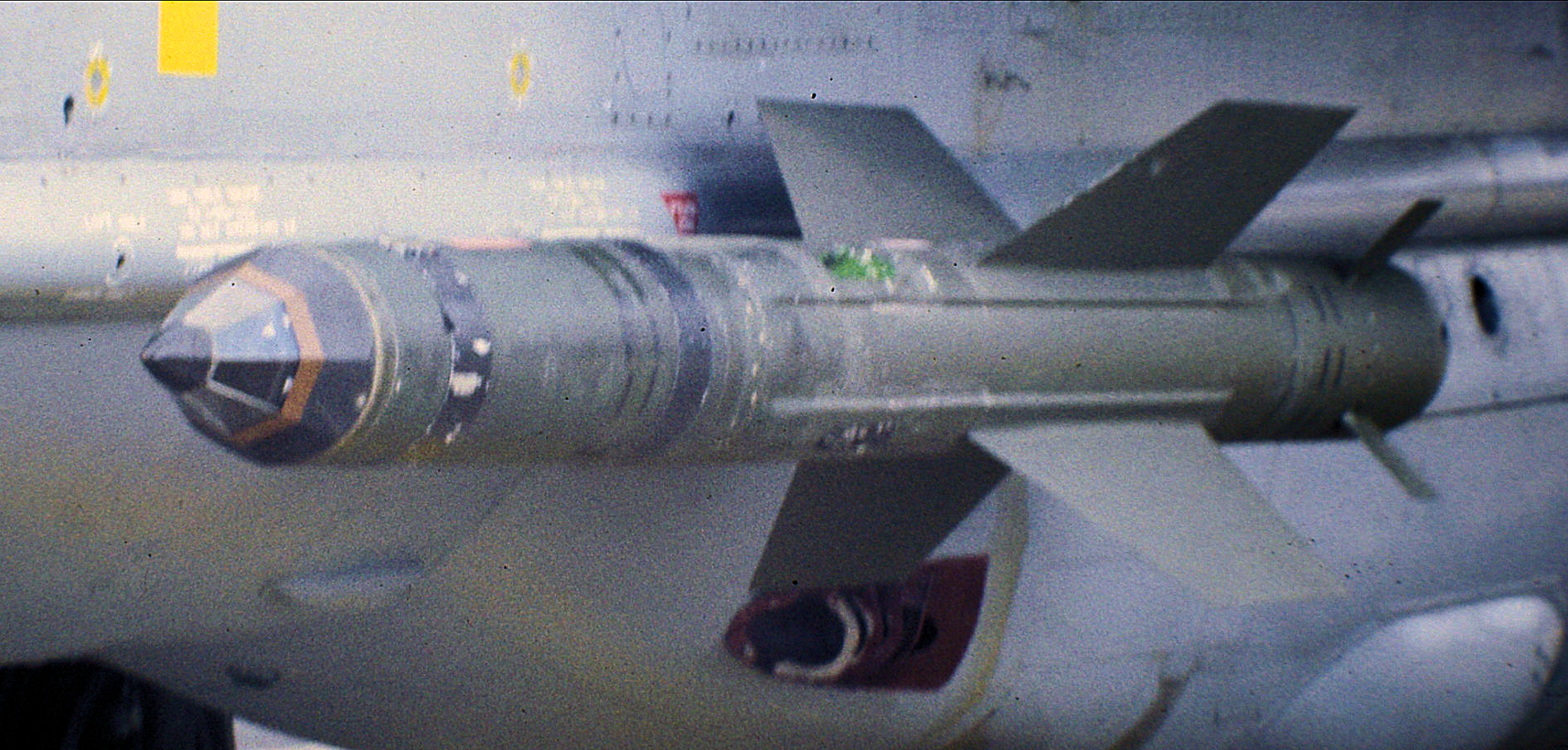
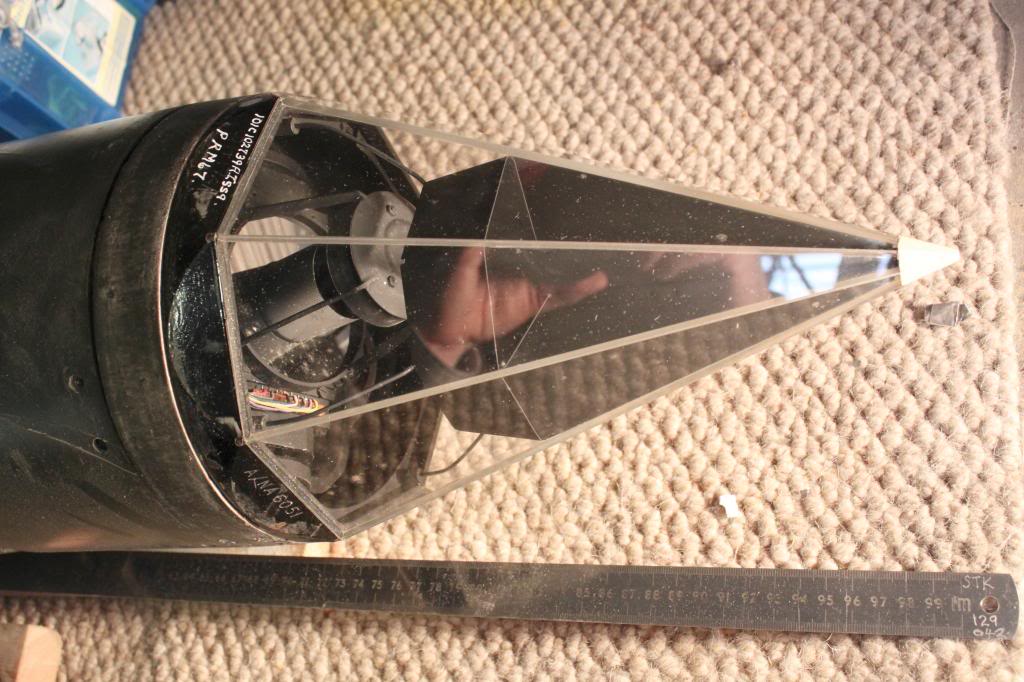
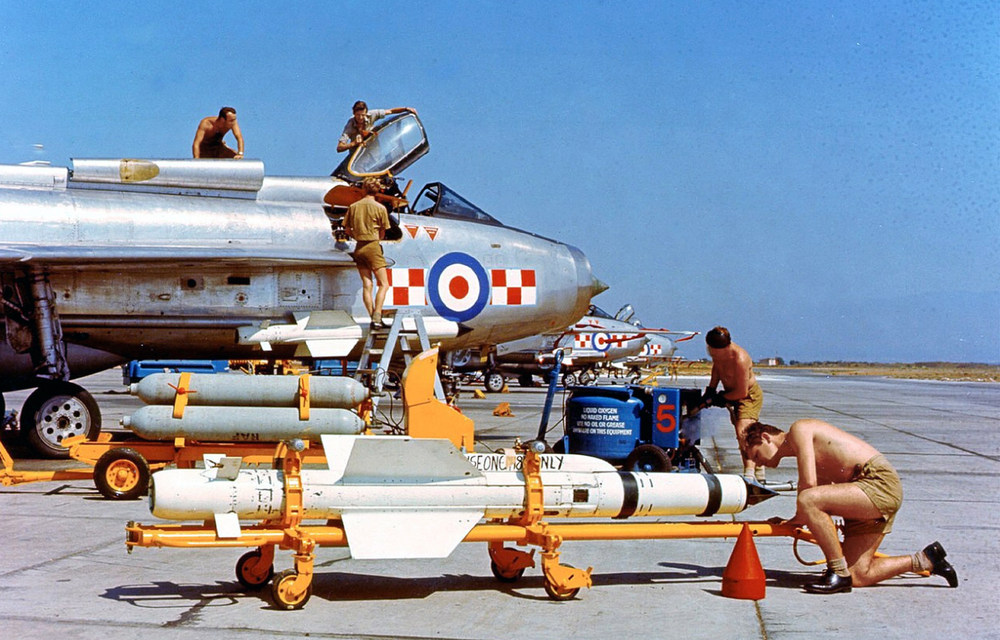
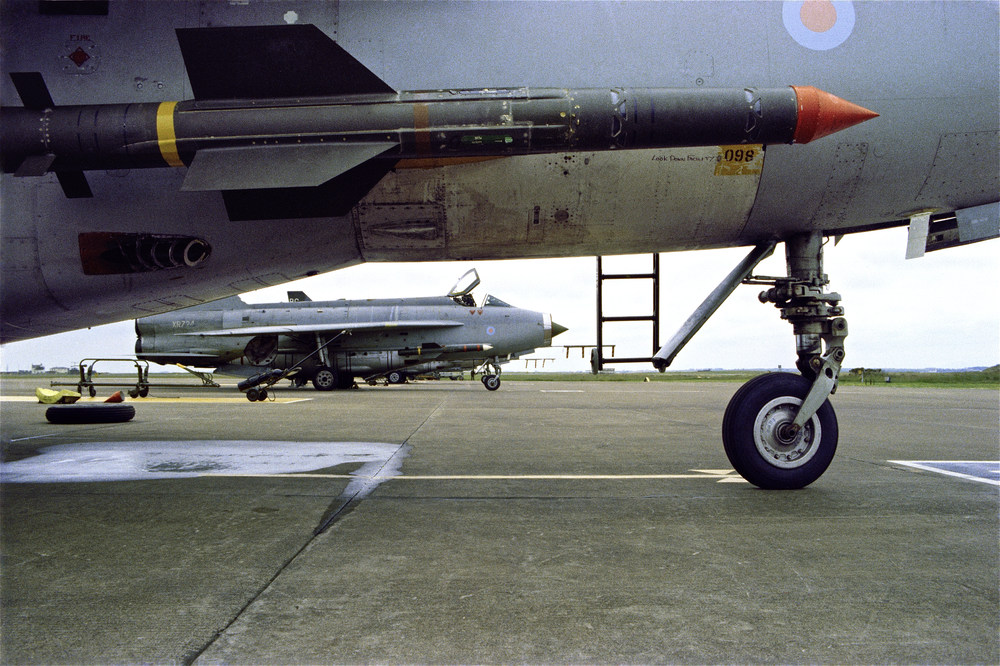
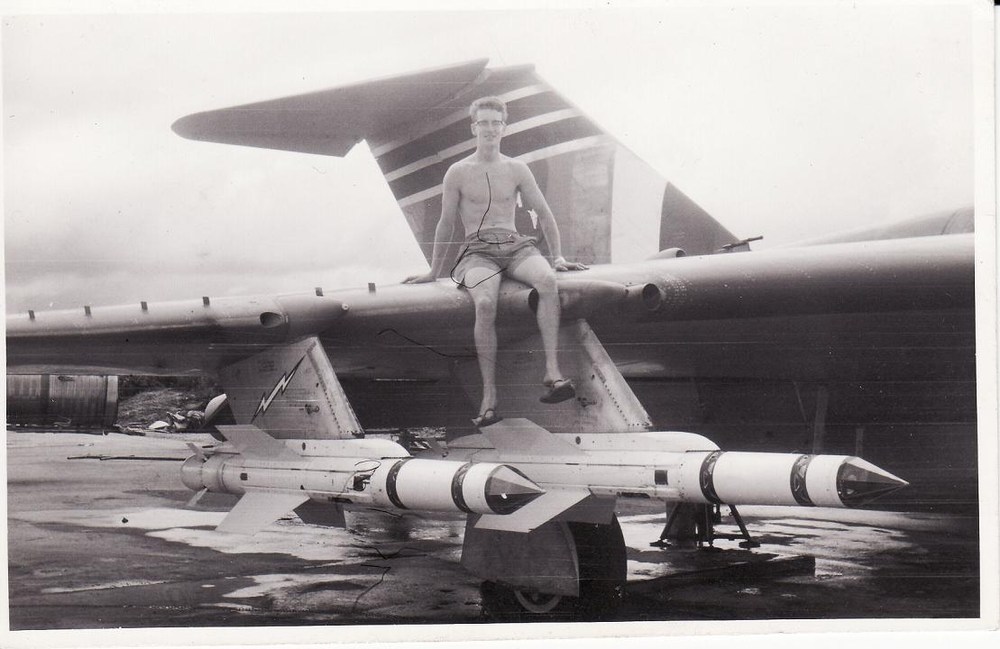
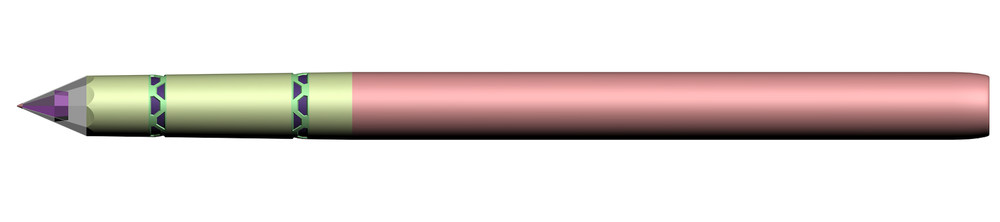
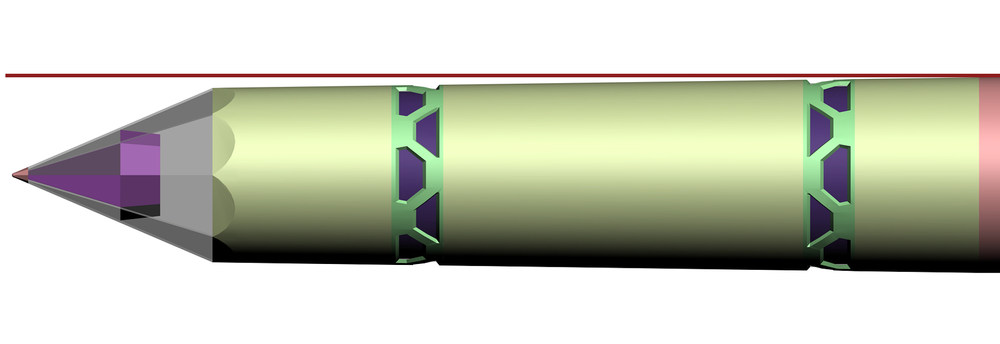
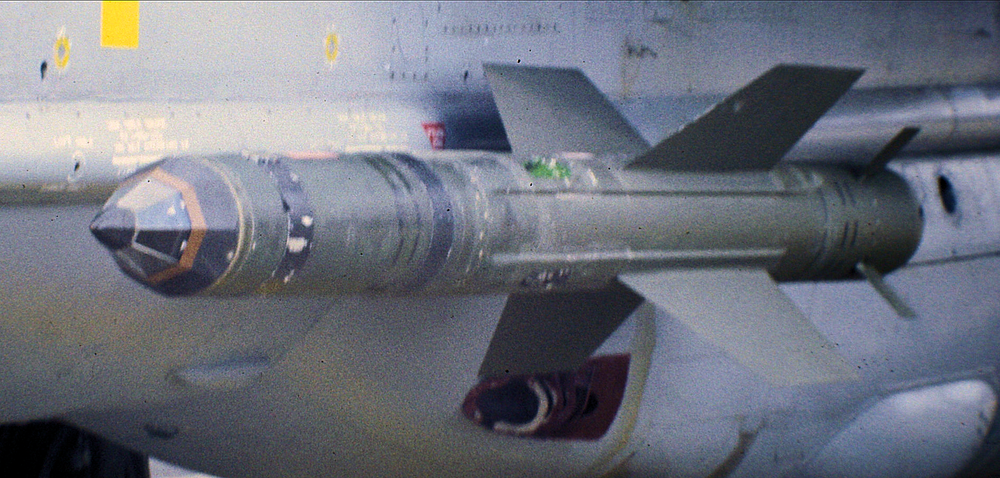
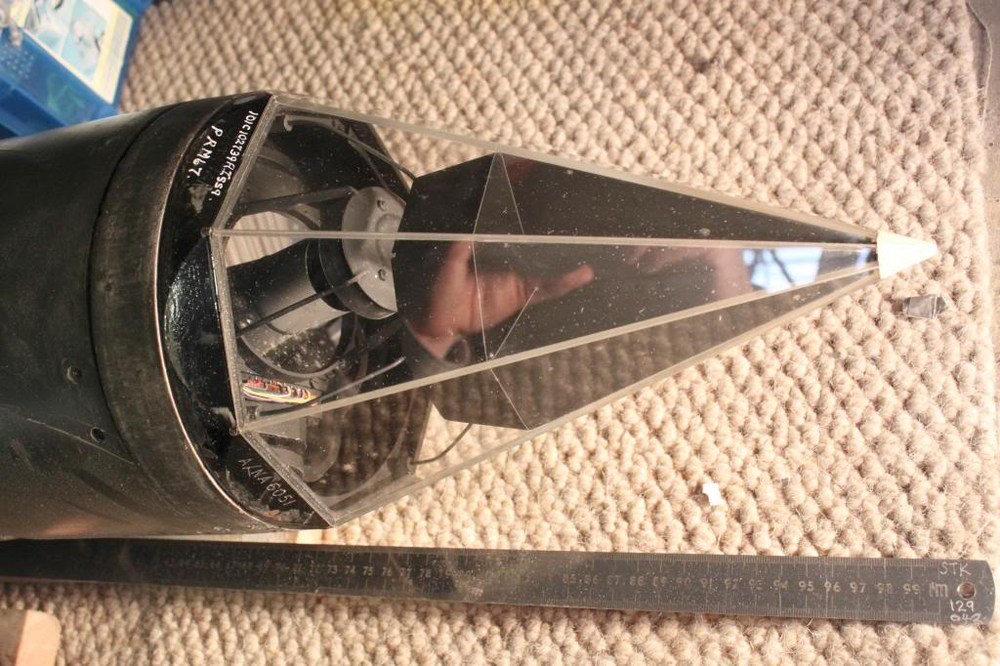
i would like to finish the Firestreak missile but i do have some question about it , are there different versions of them and if yes did they have there own name / type designation ??? the most obvious difference between the early and the late Firestreak is the coloring the early ones are white and the late ones are green but there is more , on the late ones the front glas cover was painted over and only a small portion was left open for the seeker and on the late missile the front part was tapered on some pictures of the early ones this is not so clear to see sometimes it looks like the missile was not tapered on the front part early Firestreak missile late Firestreak missile normal front cover with painted over front cover 3d model , wings are not yet final tapered front part , clearly visible on the late version above if anybody has some info if there where different versions please let me know Thanks
- 1 reply
-
- 6
-
-
-
strange i know i uploaded it somewhere but here it is , i hope i did not forget anything , remember this is only a just for fun project F-4E_Super pack.7z
-
that is an old mod , it should be in the SF2 what if download section , if not give me a mail and i send it to you
-
i just contacted RAFAEL the Israeli manufacturer of this missiles , lets see if i get an answer
-
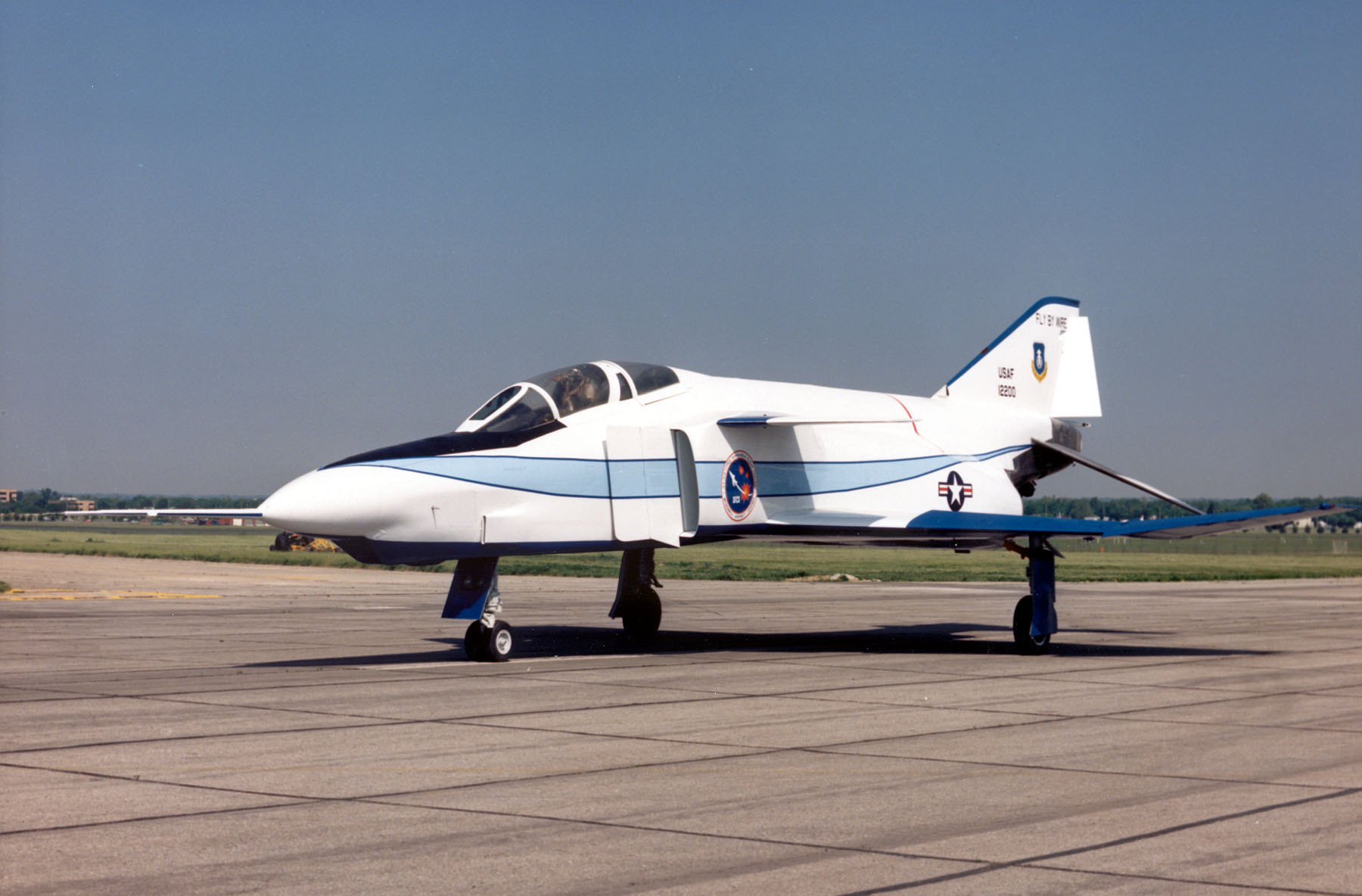
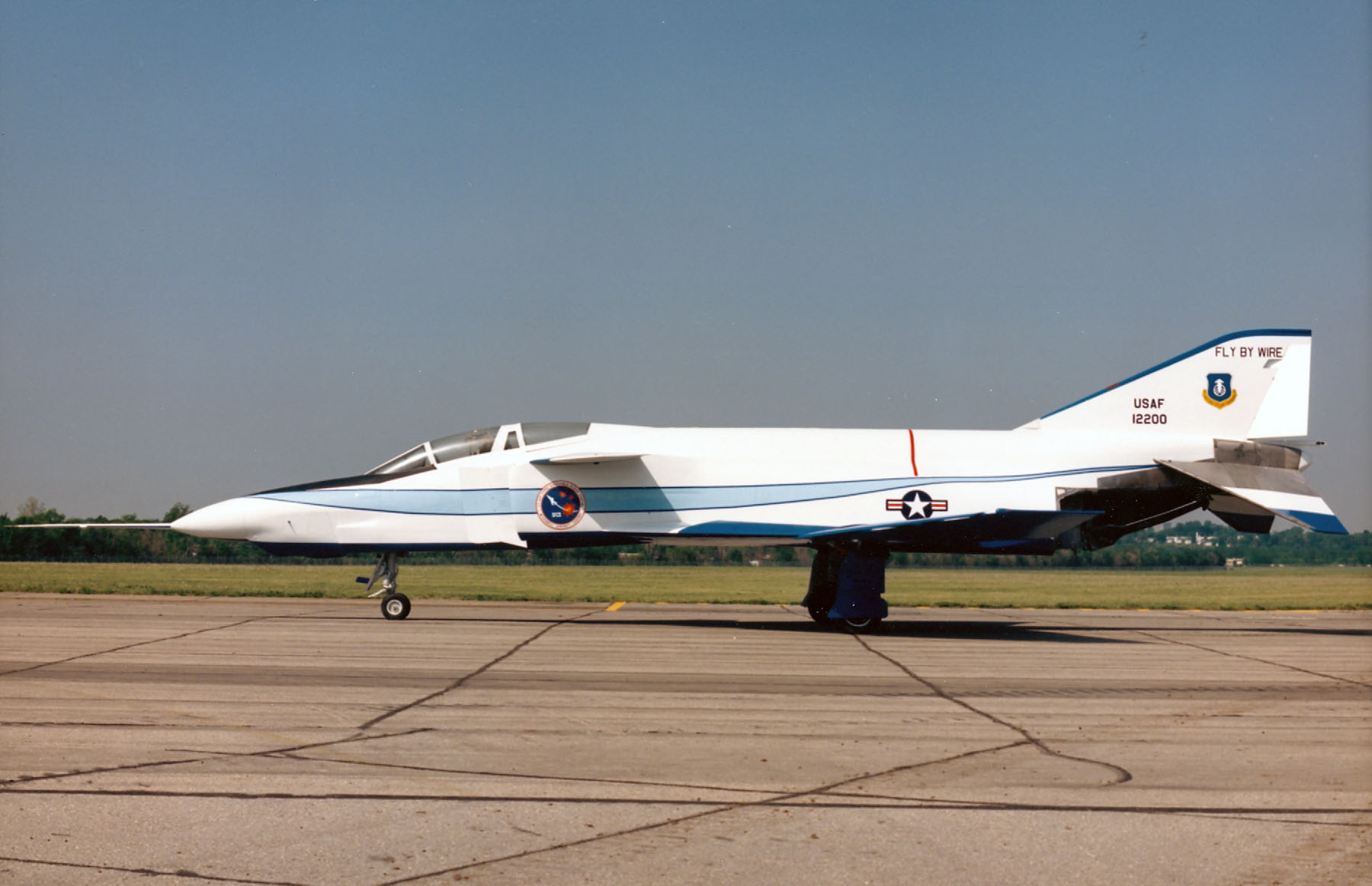
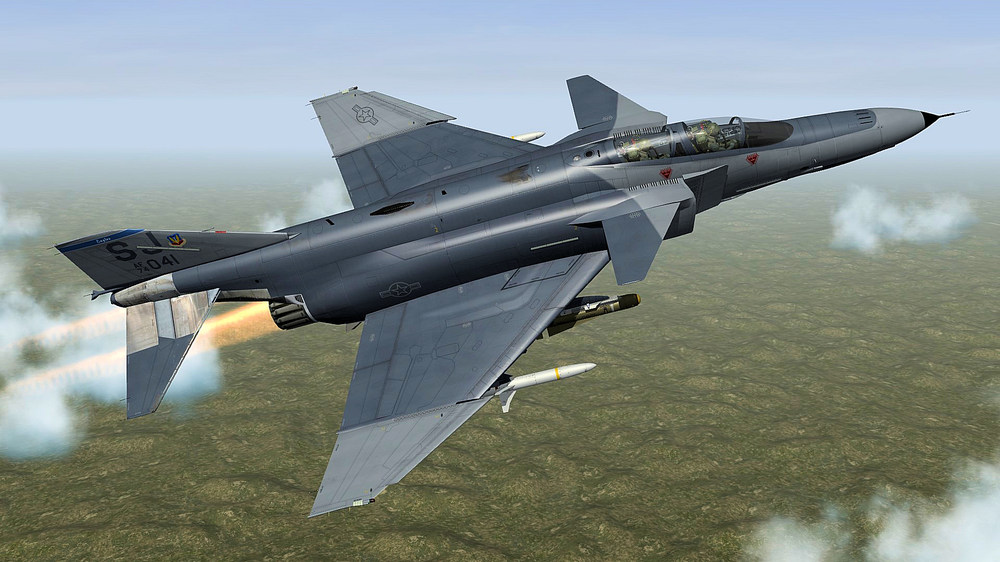
you mean something like this , with fly by wire more powerful engines and a more modern cockpit ??? actually they tested a RF-4C with fly by wire , that is where i got the idea for that Super Phantom above
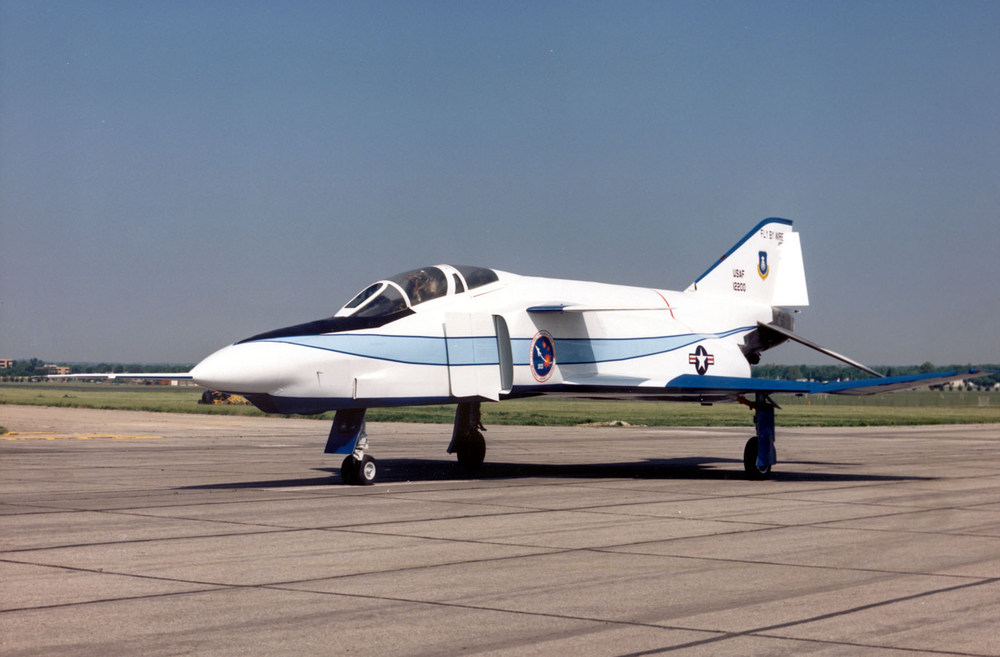
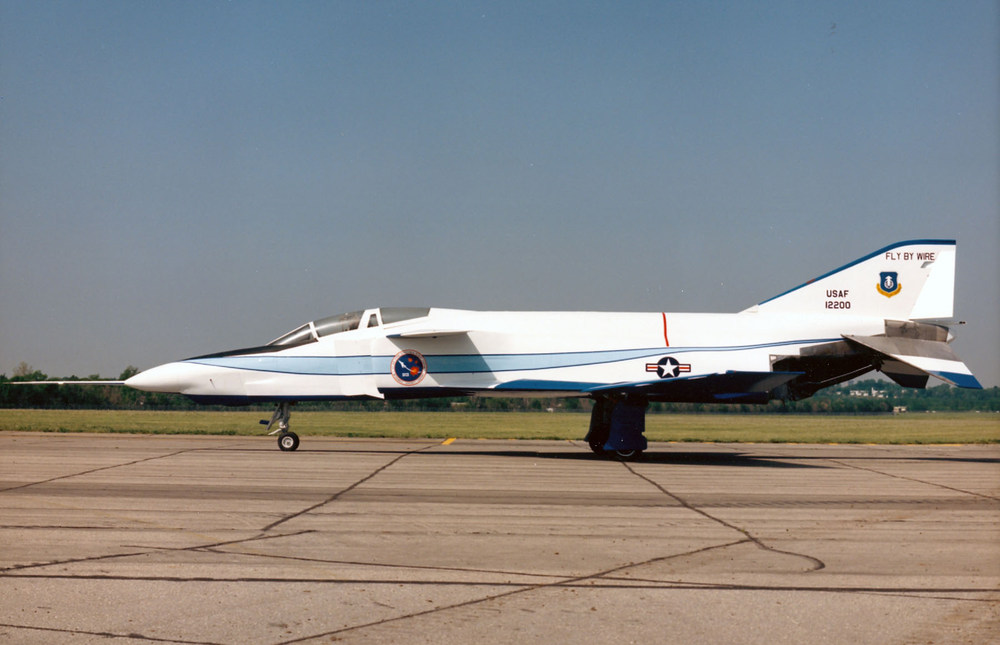
-
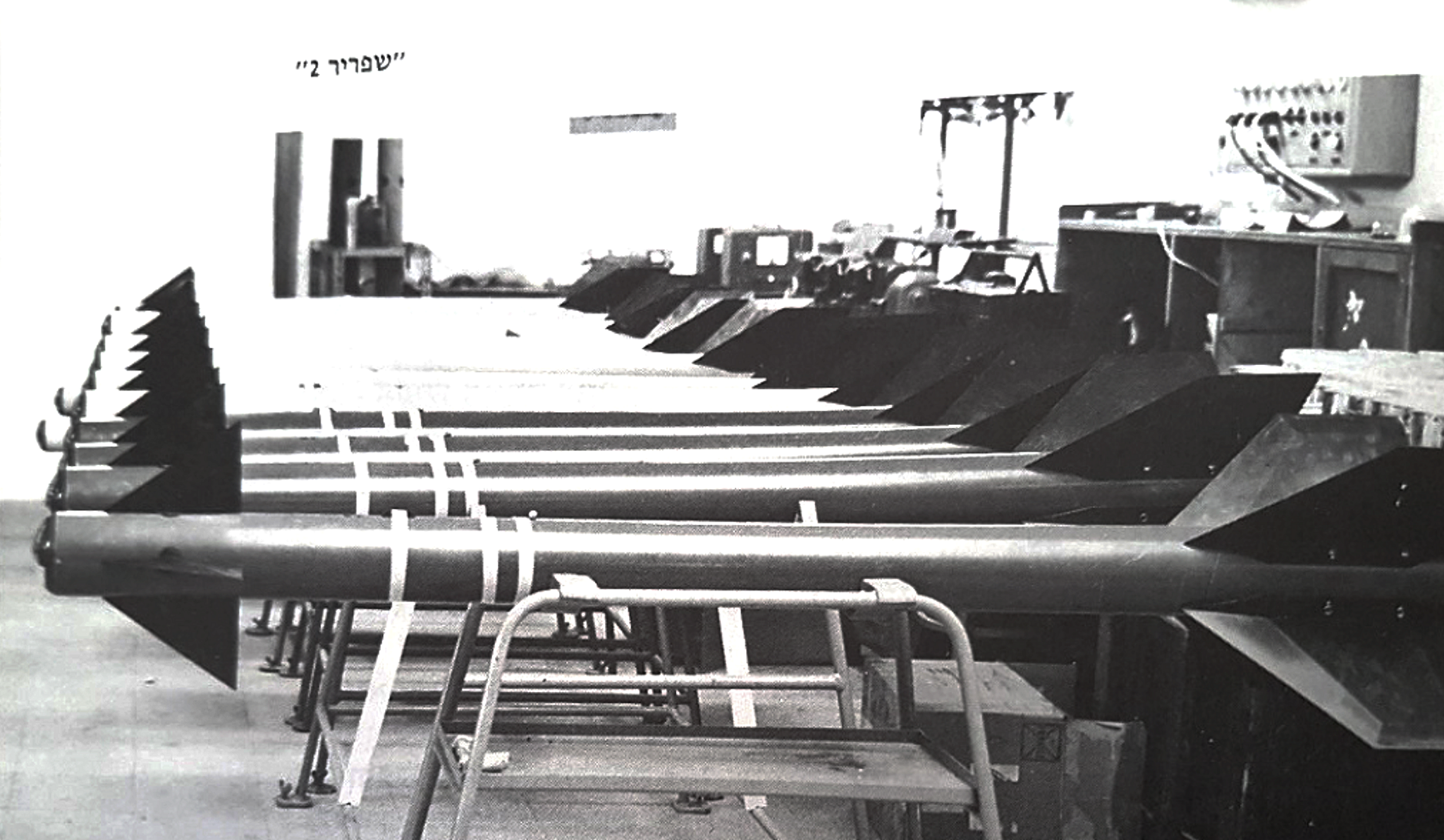
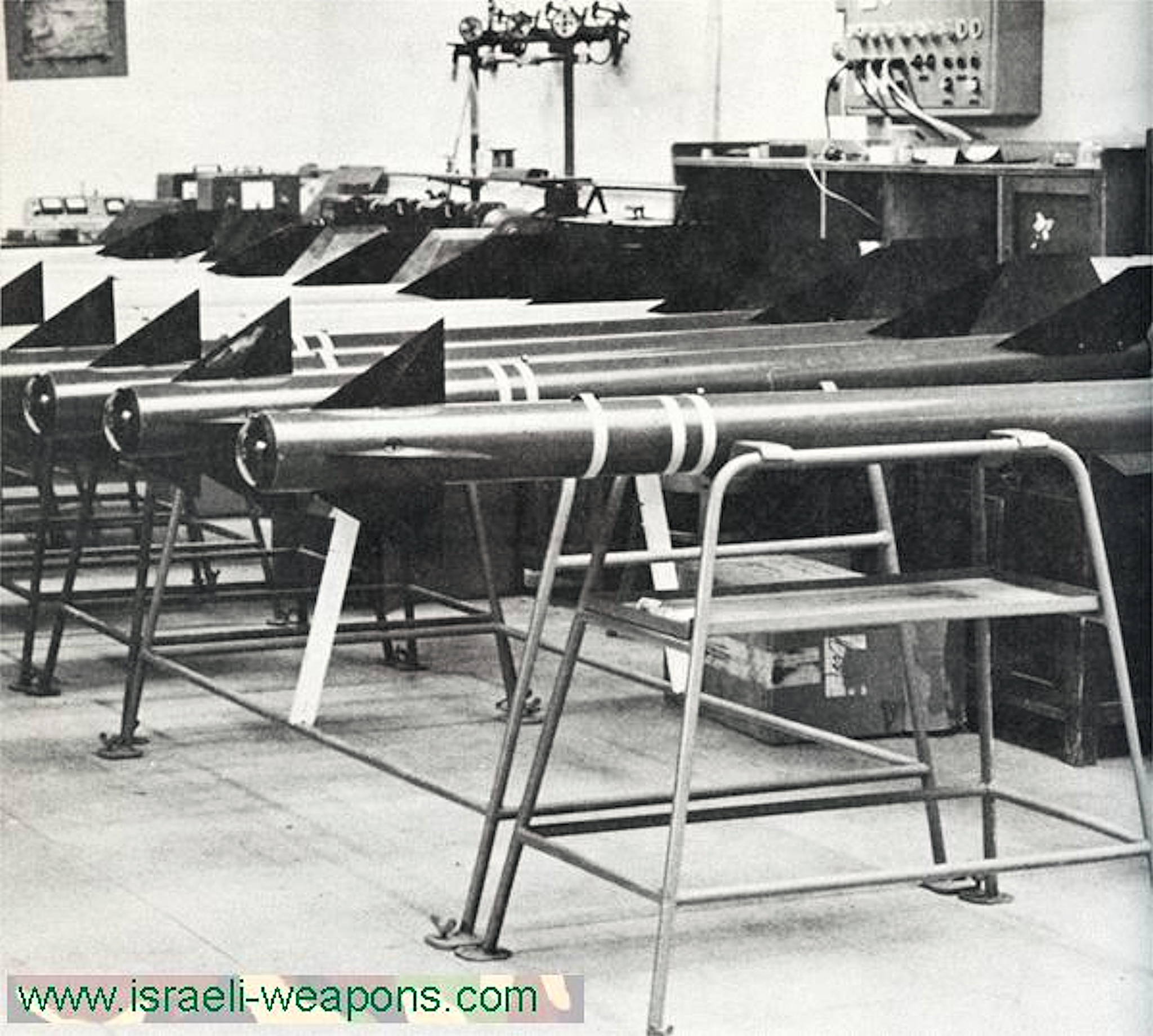
i always welcome constructive criticism , it helps me to make better models , but i this case it just make me doubt if my information´s are right , that is the reason i deleted the 2 missiles and keep on searching for more and better info the Shafrir 1 missile was only for a few years in service and the IDF got only 200 pieces of it ( some say even a lot less than that ) , after all my searching i have not found a single picture of a live missile , i got pictures form early prototype and test versions but none of a missile that enter the service ( after 1964 ) that makes it very difficult to create a correct model some info even saying that the final Shafrir 1 had a target detection sensor with a proximity fuze , i know that the Shfrir 2 have them bud i have no idea how it would look on a Shafrir 1 , the early Shafrir 1 required a direct hit so no my friend i dont take your comment as criticism , bud i will search now even harder to find some more info on that missile i´m curios what info is right and wich is not , maybe one of our Israeli members could help us here
-
this are some early Shafrir 1 missiles , check the rear wings they dont have the rolleron assemblies yet , this rolleron assemblies where added after a live firing test 1962 where all missiles missed the target no info on the dimensions they used for this missiles bud on a quick comparison with my 3d model this one here are definitely shorter
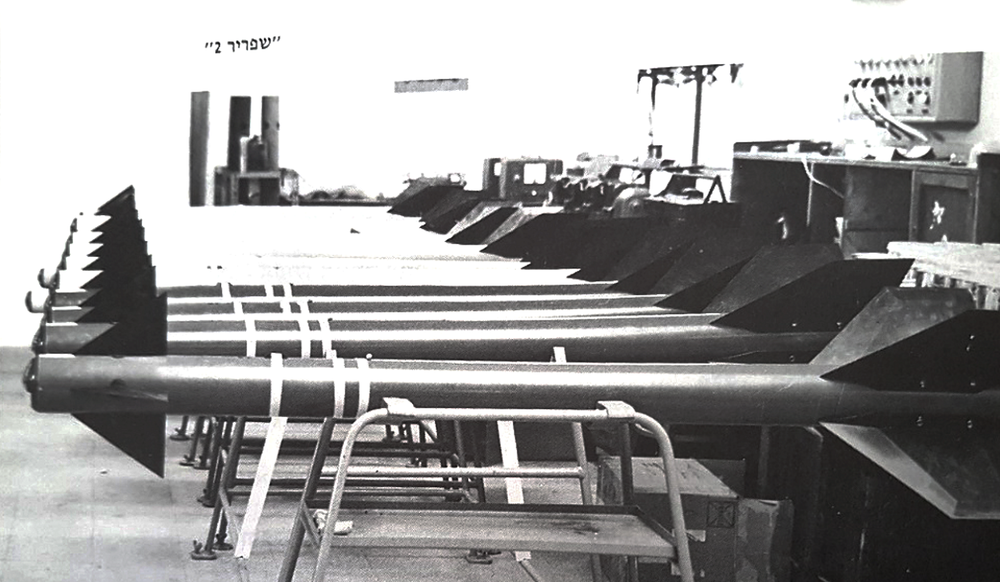
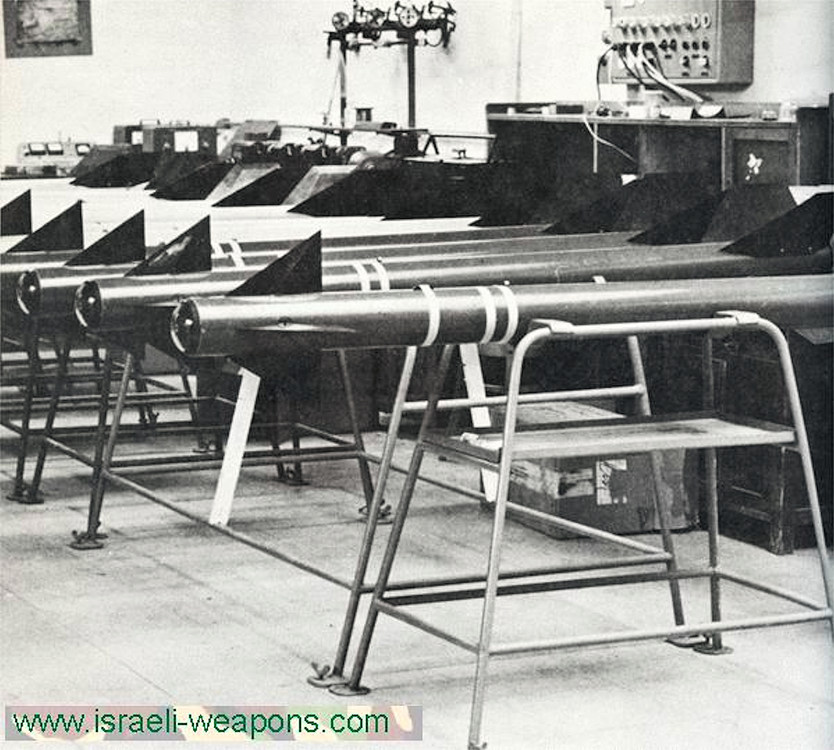
-
i got this dimensions for the Shafrir 1 Length: 2500 mm Wingspan: 550 mm Diameter: 140 mm Weight: 65 kg and this one for the Shafrir 2 Length: 2600 mm Wingspan: 550 mm Diameter: 160 mm Weight: 93 kg i notice that TW is using a much smaller diameter and much shorter length for both missiles , i was searching different sources for the dimensions and got always the same result TW dimensions: ModelName=shafrir-1 Mass=65.000000 Diameter=0.110000 Length=2.000000 TW has the front fins wrong to , the position should be rotated by 45° , check the pictures you posted NOTE : the first prototypes of the Shafrir 1 had a length of 2000 mm and a diameter of 110 mm , this are the dimensions of the TW 3d model , this early Shafrir 1 was unsuccessful and the missile was changed to the dimensions mention above for a larger rocket motor and better performance , that is the info i found by the way the last missile picture with the 101 on the side fits the model i made i only can make the weapons based on the info i find , and i´m searching quite some time before i start making a 3d model , so if my info is wrong than i apologize for a wrong missile model but i got this dimensions from more than 1 source only
-
Yes why not , you just have to carry the ecm pod on a wing station or center line station
-
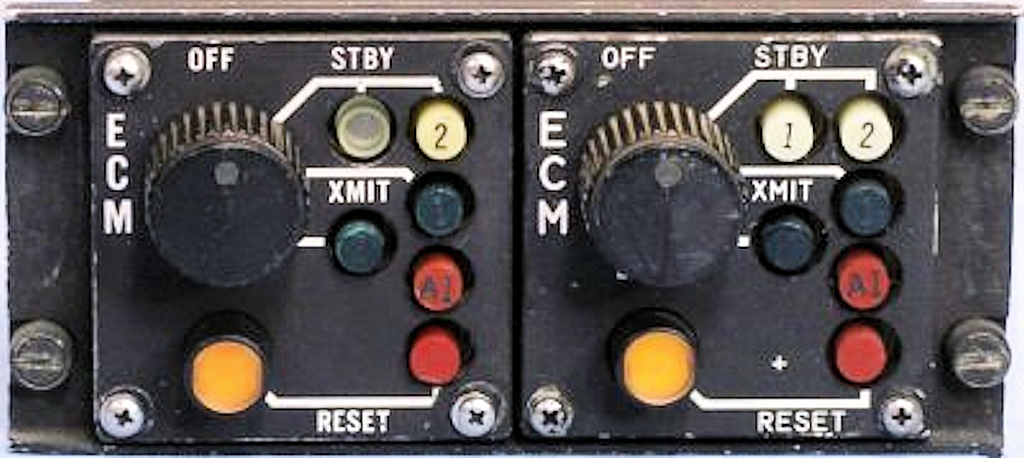
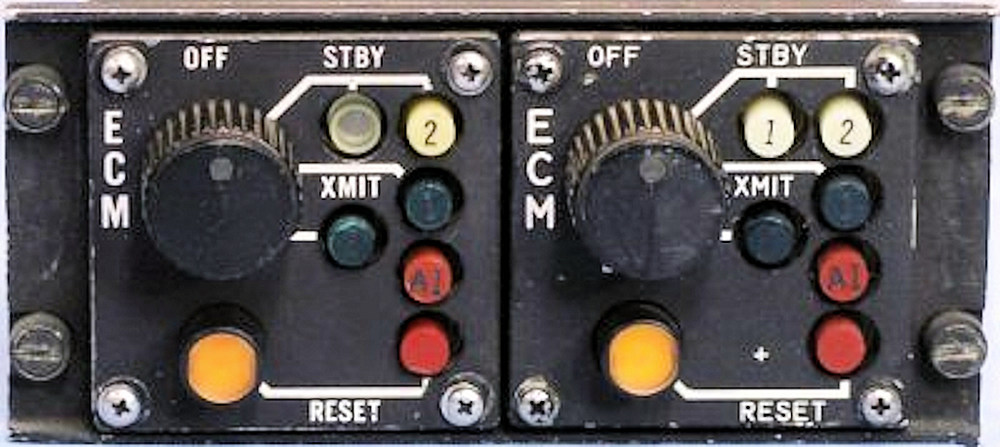
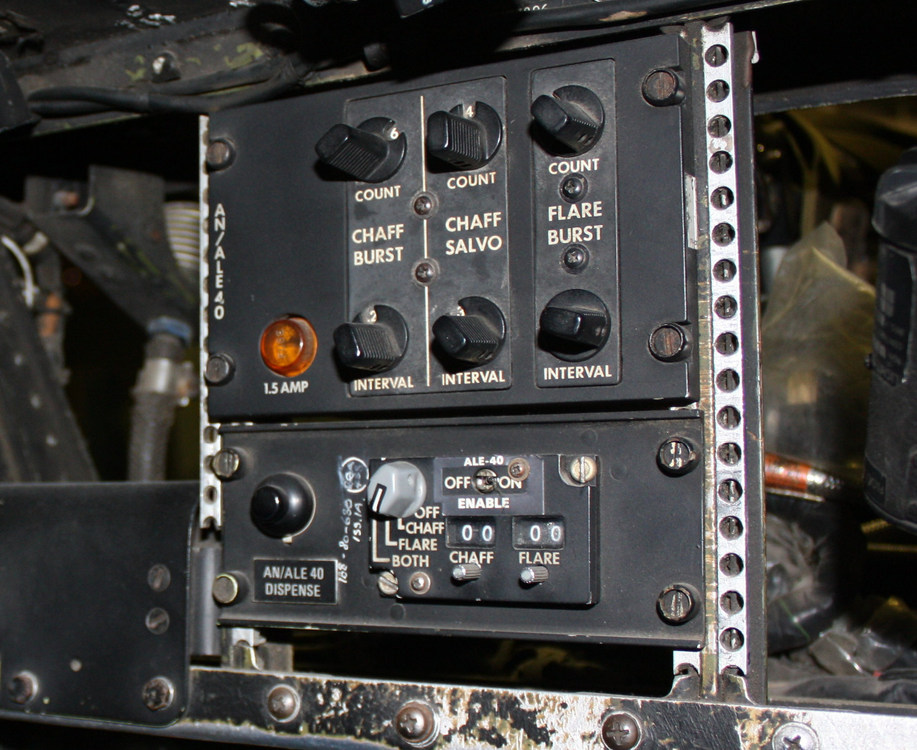
wich control box ??? the F-4E got the chaff flare dispenser (AN/ALE-40) late 1977 to early 1978 so the only way of having chaff or flare was to carry an external pod like AN/ALE-36 , AN/ALE-37 or AN/ALE-38 the only ECM panel was this one in the rear cockpit of the F-4E , no control for chaff or flare this one was added late 1977 to early 1978 it is the AN/ALE-40 control panel for chaff and flare
-
i do have the dimensions of the 1000 lb and the 540 lb as well as from the BL755 bomb , so i think i can use them as reference and come up with something ( i hope )
-
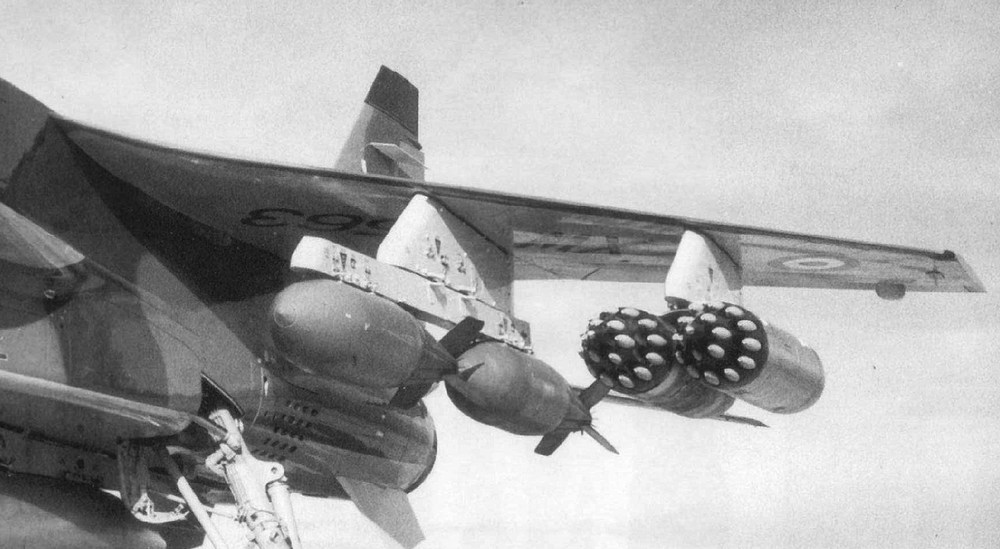
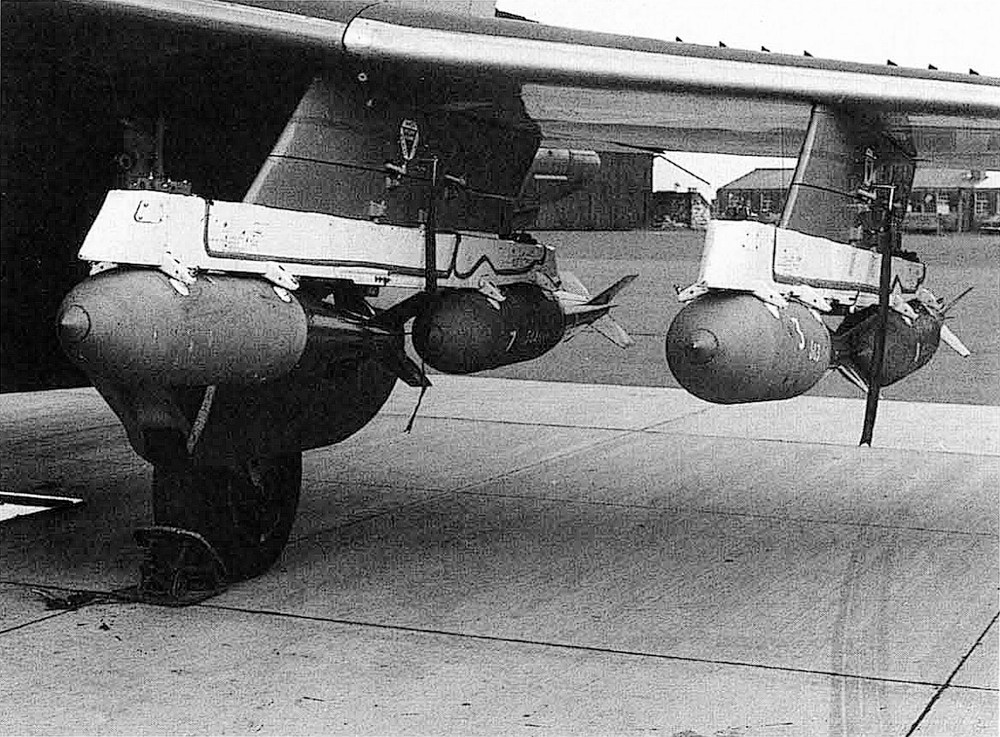
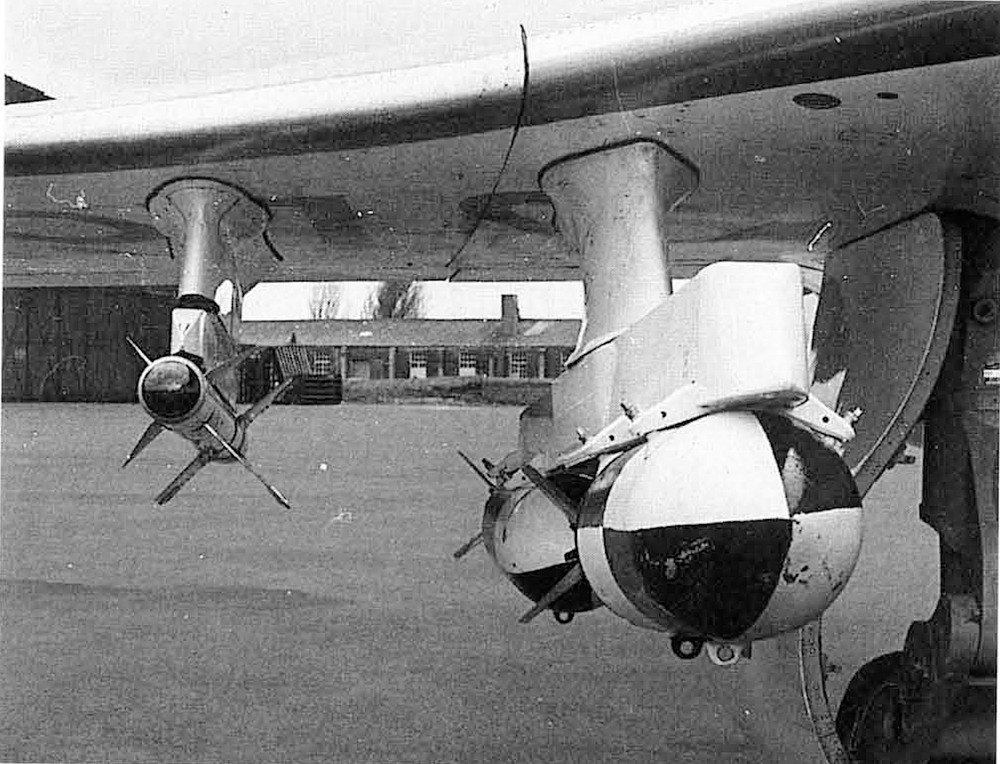
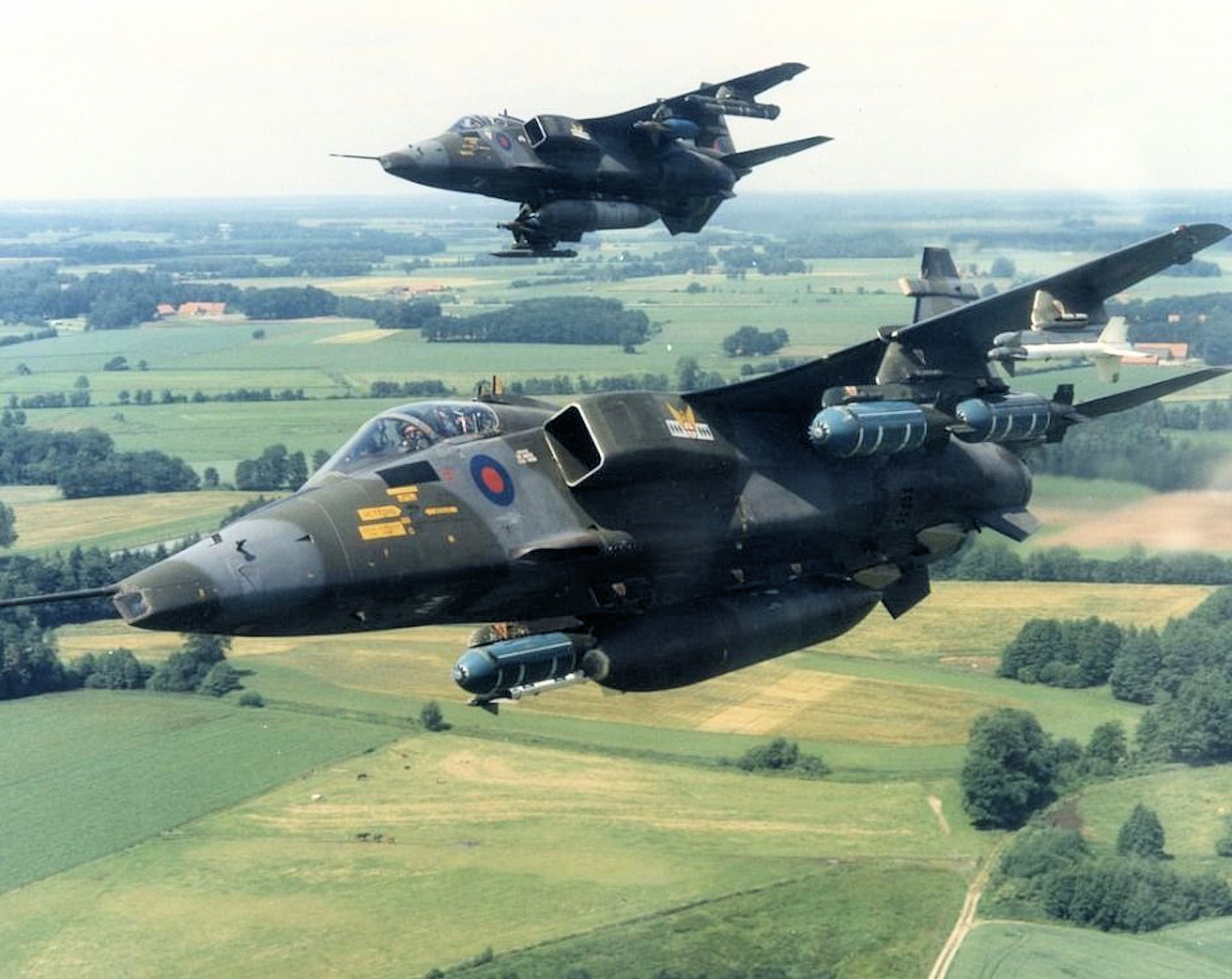
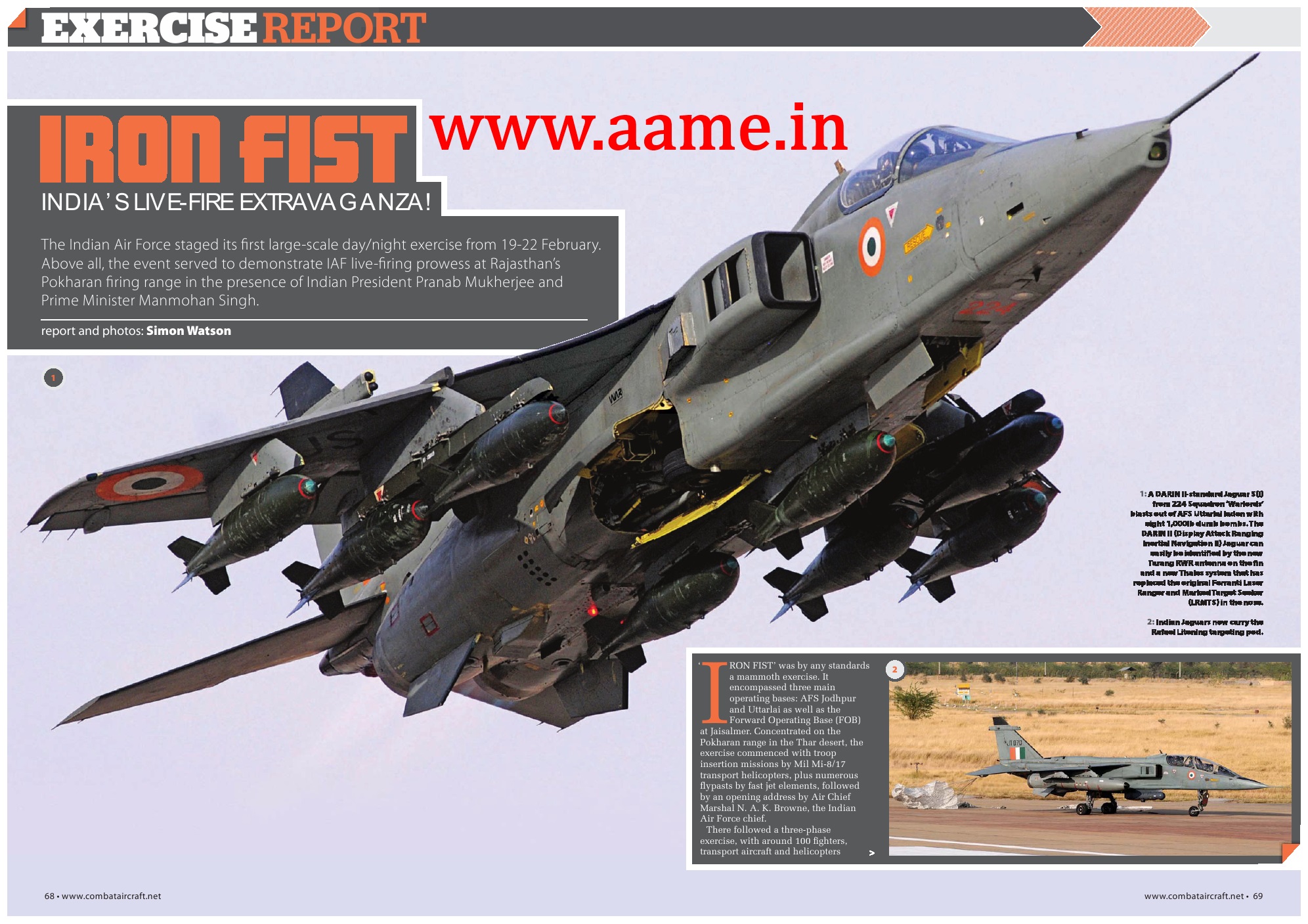
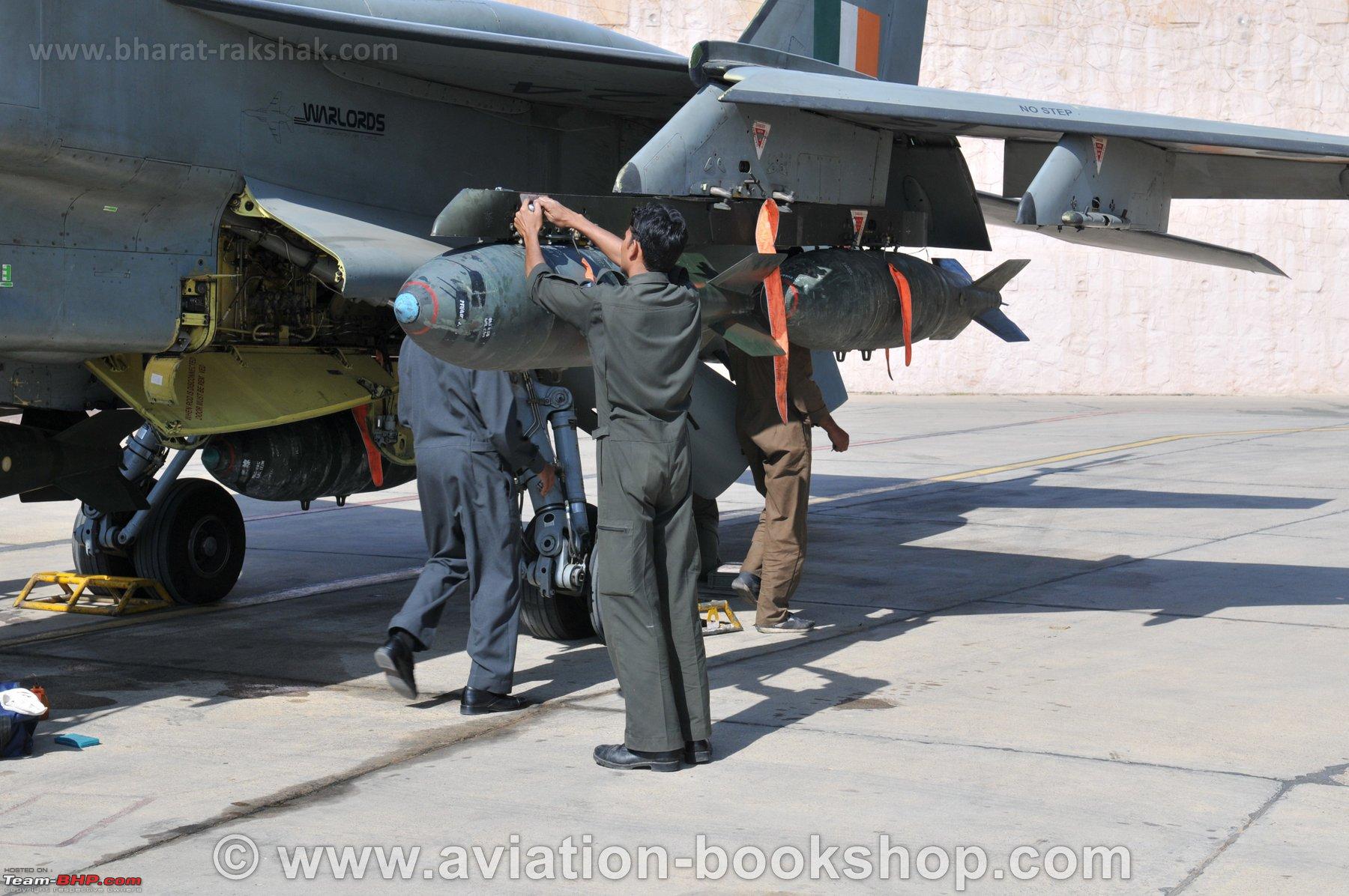
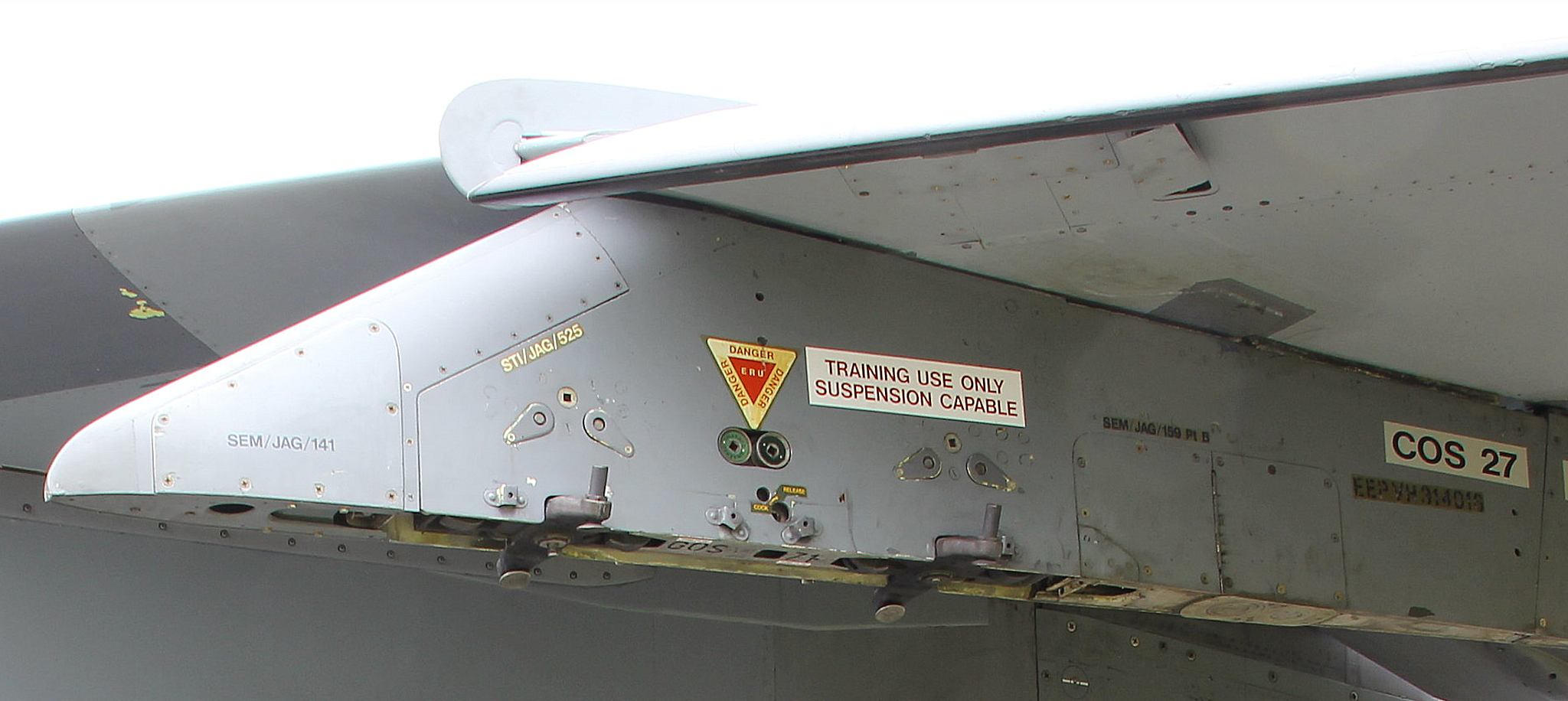
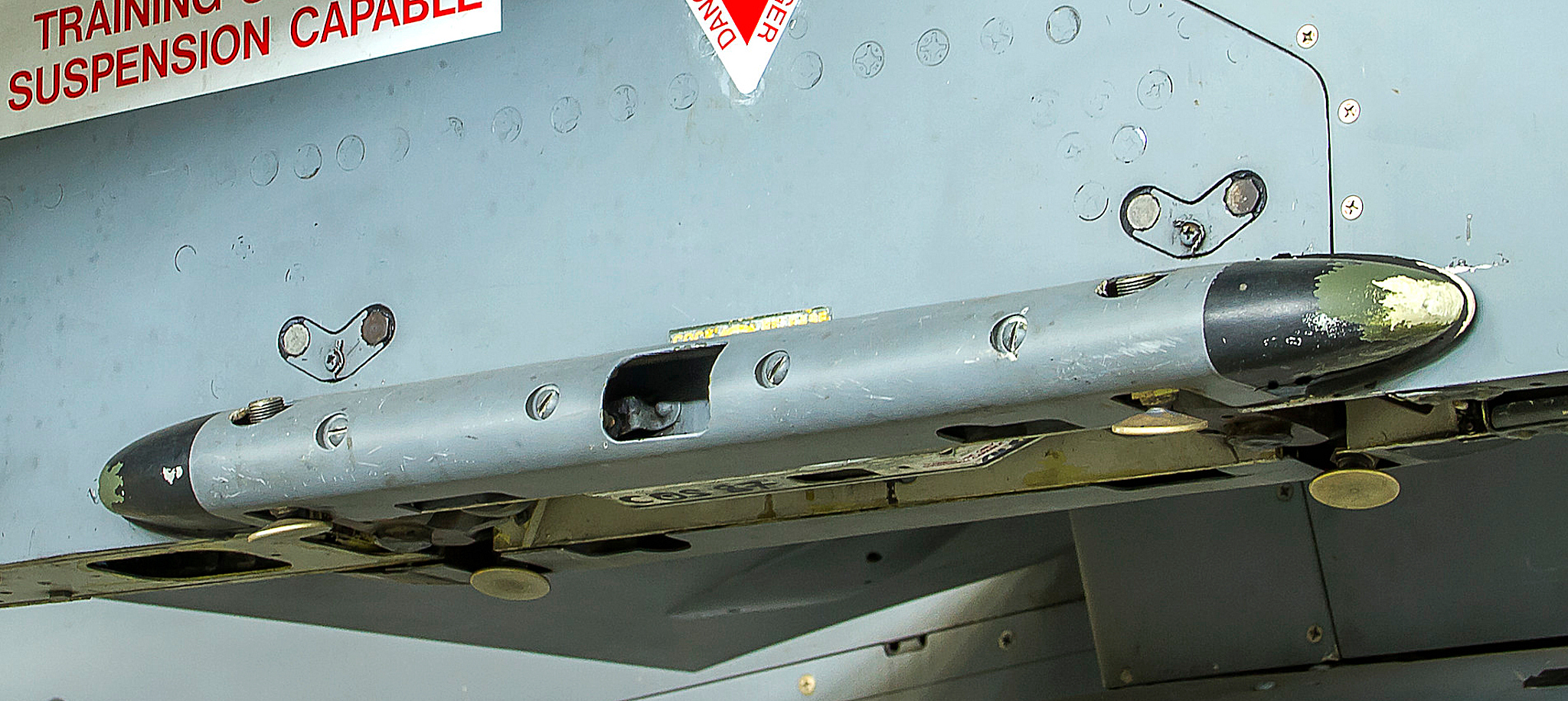
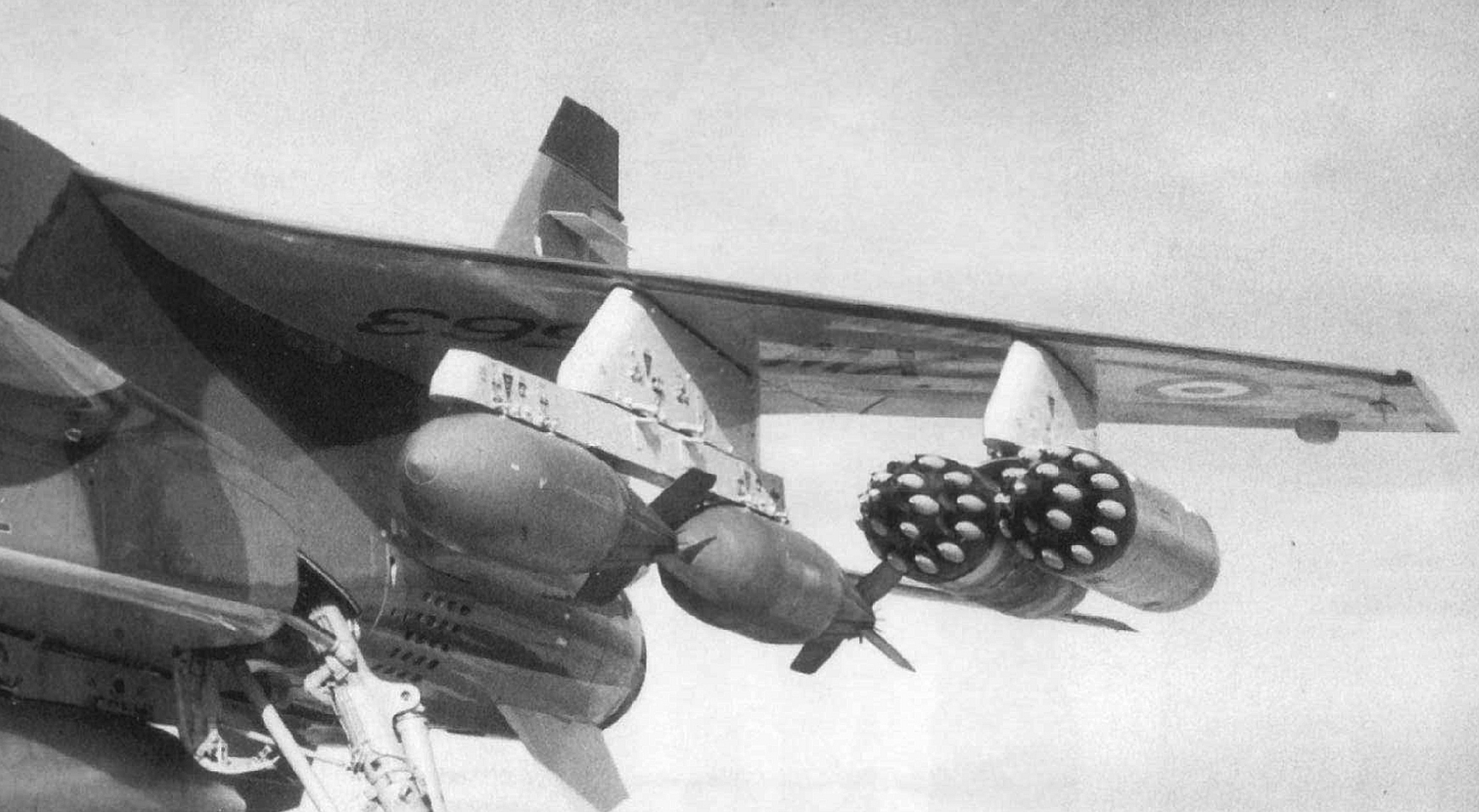
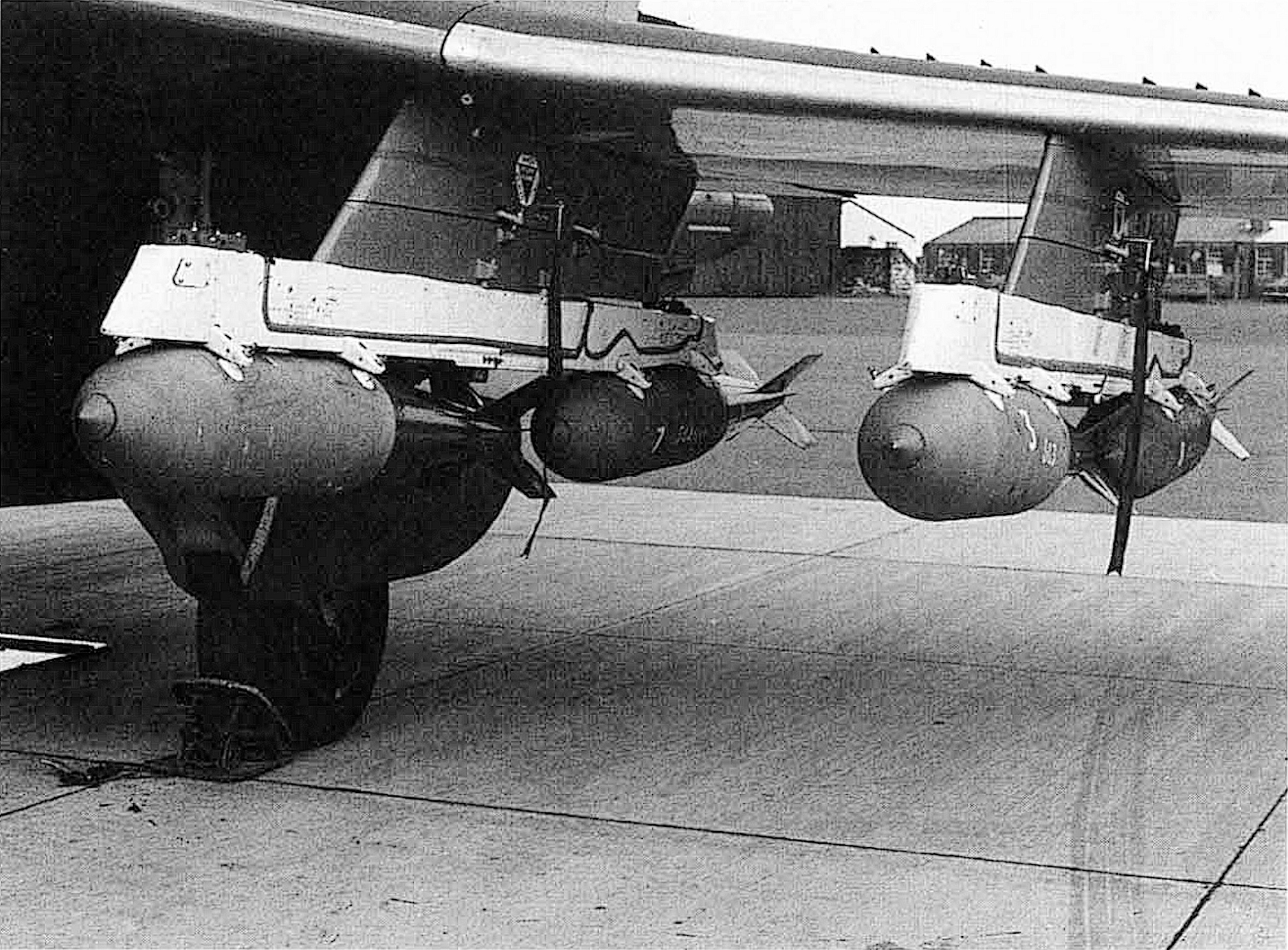
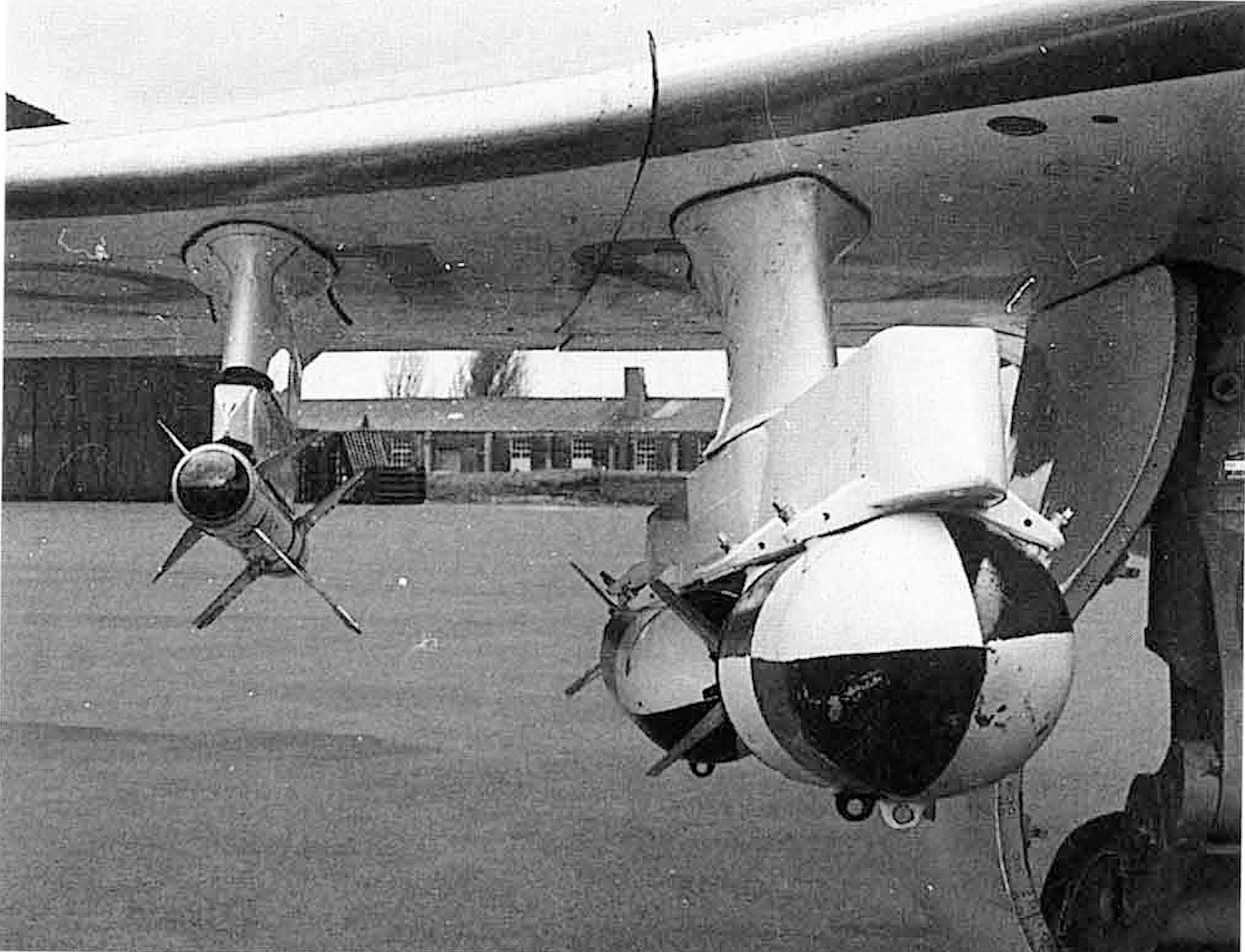
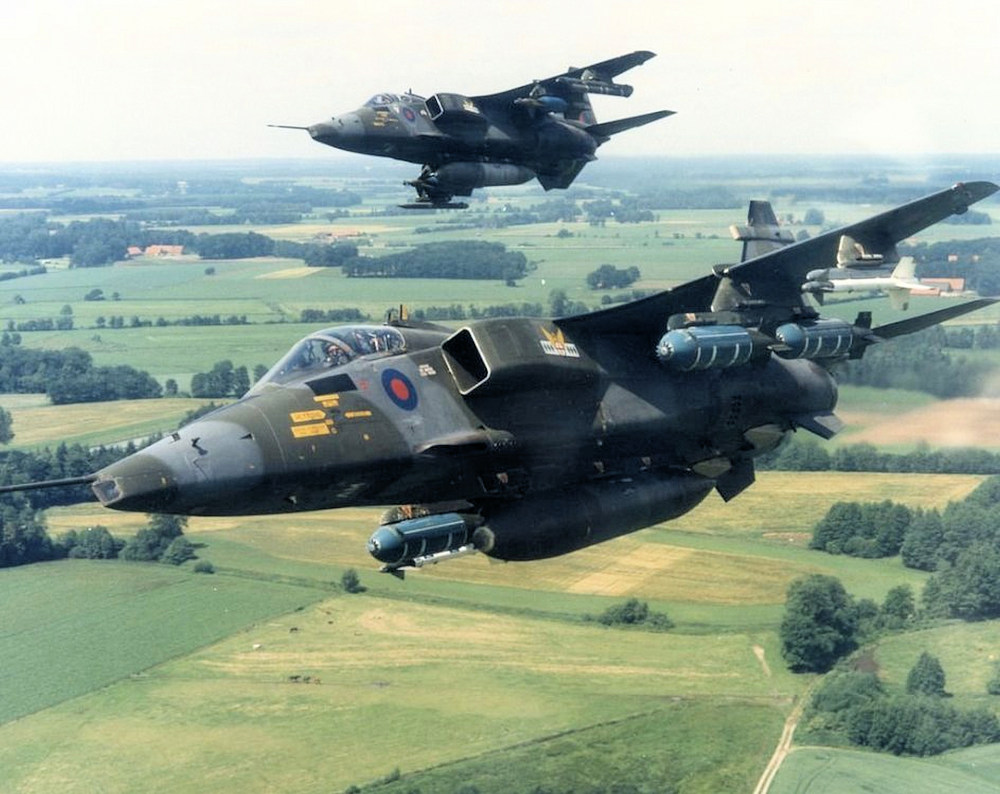
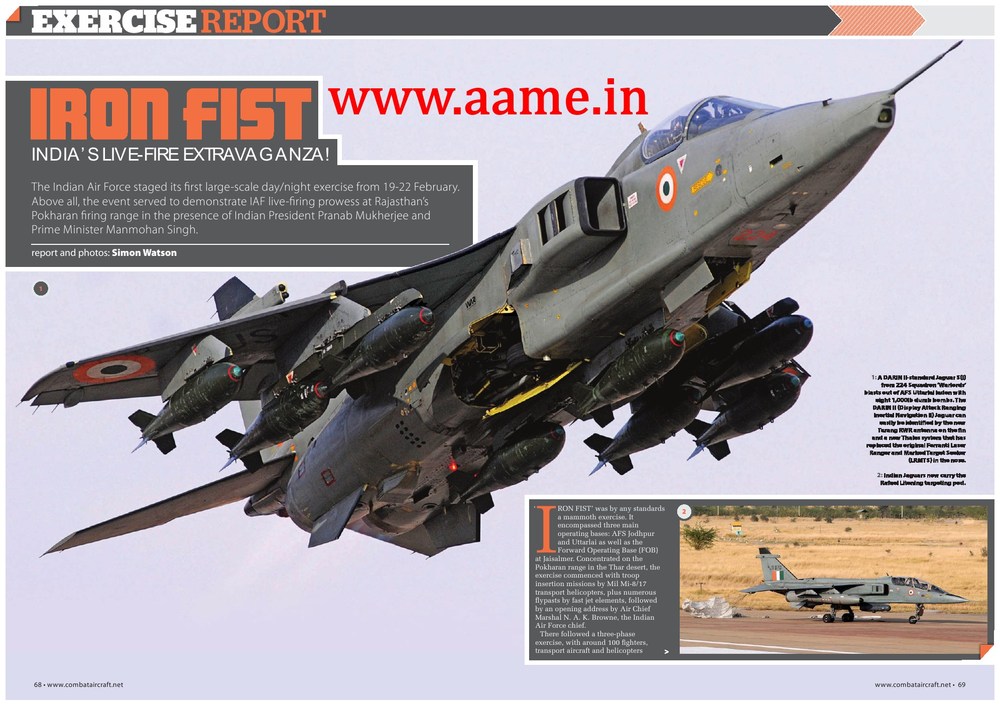
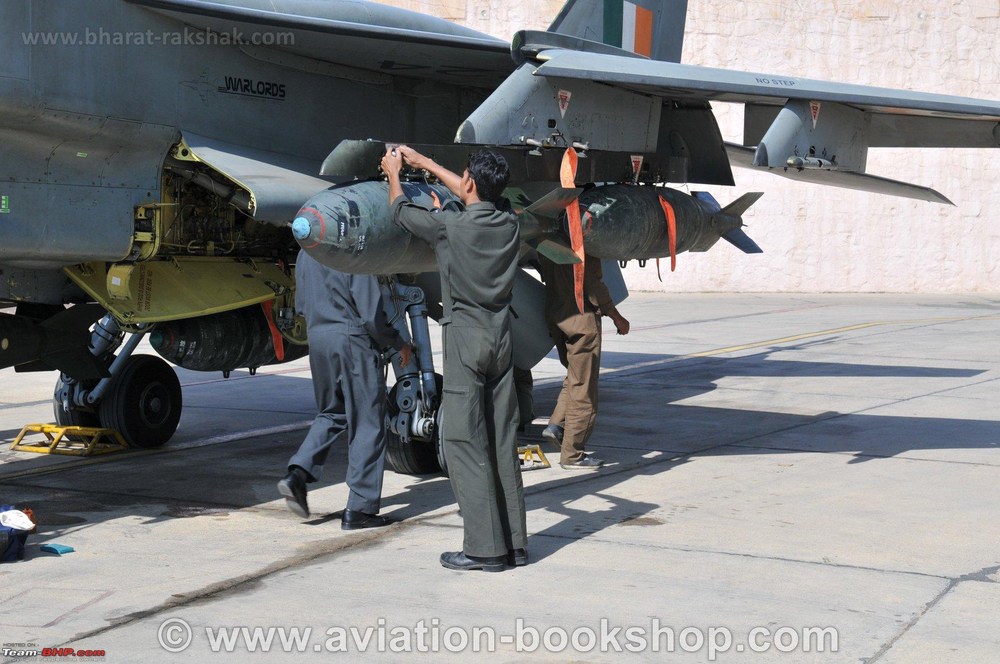
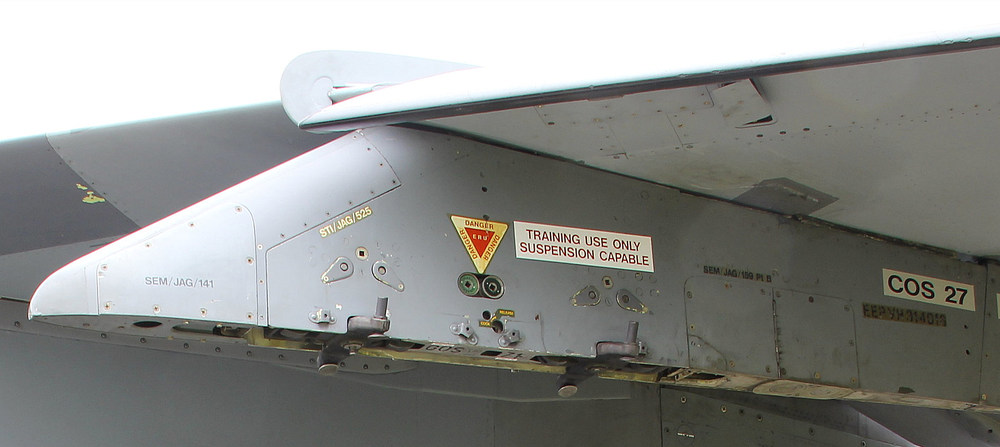
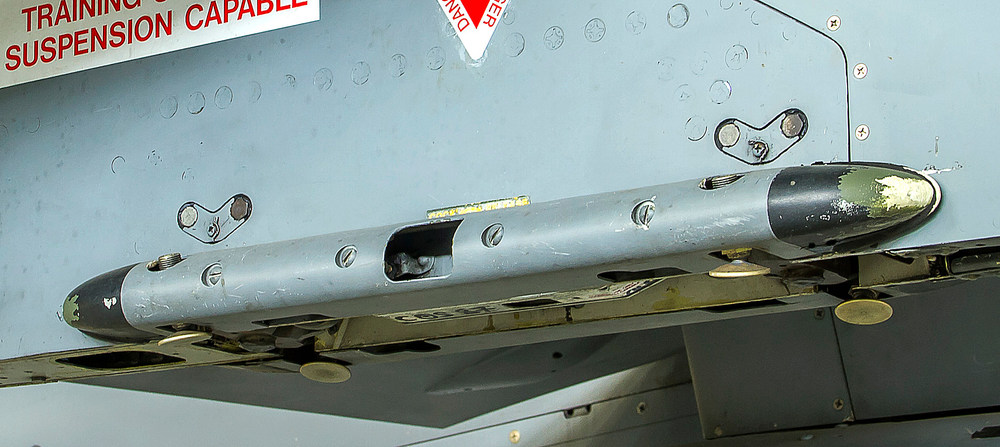
i found some more pictures of it and that the Jaguar could carry 2 x 1000 lb bombs with that bomb rack an other thing i notice is that this sway brace covers where not always present , like on the Jaguar pylon it self , some had it some not , first i thought that this are 2 different types of bomb racks but after i found this close up pictures of the Jaguar pylon and compare it with the pictures i had from the dual bomb rack i´m convinced that they just removed this sway brace cover for what ever reson , this covers where just screwed on by 4 screws with out cover with cover
-
does anybody have some better pictures of this dual bomb rack for the SEPECAT Jaguar ??? i need the dimensions for this dual bomb rack as well , so any info on dimensions are more than welcome , and was that only to carry the 540 lb GP bombs or what other bombs could be carried with them so if you have any info or good pictures please share them with me this is are picture from a similar bomb rack on a Buccaneer , any picture or info on this one are welcome to