
Wilches
-
Posts
2,245 -
Joined
-
Last visited
-
Days Won
12
Content Type
Profiles
Forums
Gallery
Downloads
Store
Everything posted by Wilches
-
The original ATeam's is so old and so bad that your frankenplane looks very decent. Nice move!
-
I will. Thanks a lot Sir!!!!
-
First, I drop the entries that Wrench post. Later I create an invisible "water airstrip", place it on map, raised the collision points of the plane (A6M2N) but the plane always explode when started.
-
I´m lost on this topic. Nothing works. Tried all the tricks.
-
Has anyone here managed to create a functional naval base for seaplanes on Wrench's Solomons map? Cheers!
-
Boss, you got me! I´m feeling like a boy on Xmas. My new "friend" is helping me a lot!
-
The AI solves almost all the terrain issues, at least for me. Drop the files on Google, tell what's wrong and ask for a fix.
-
I strongly recommend to do this trick
-
Needless to say that MinBaseSize=SMALL/MEDIUM/LARGE must have be compatible with the Airfield size type.
-
Airfield_Size_Explanation.pdfUnderstanding_Airfield_Size_Compatibility.pdf
-
Well, I asked to the AI and IT gaves me some tips. Add the entries below on XXXX_Targets.ini [TargetArea023] Name=Torokina Field <------ your base name Position=927000.00,1257000.00 Alignment=FRIENDLY Location=1 <----------------check location on terrain XXXXX_NATIONS.ini AirfieldDataFile=desert_airfield1.ini < -------- use the right one for your base - "1" for SMALL, "2" for MEDIUM and "3" for LARGE ActiveYear=0 < ---- If I understand correctly, is better to leave as 0 (zero) to avoid any mess with other dates. Radius=6000.000 NumSquadrons=4 BaseMoveChance=0 < -------------THIS NEW LINE MUST BE ADDED OpenBases=Torokina Field < -------------- THIS NEW LINE MUST BE ADDED WITH THE SAME BASE NAME Target[001].Type=USMCstripRunway ... and so on Make this changes to ALL USMC bases, in other words, the same NATION of your plane.
-
I'm not on my PC, but it could be a conflict between base sizes, I don't know... I just followed the directions from my AI. Try this - drop the XXXX_DATA.INI/SQUADRONLIST.INI/XXXX_MOVEMENTS.INI on GoogleAI and ask if there's anything wrong. Just like I said.
-
Check the SquadronList.ini.
-
As I said, I have no probs so far.
-
I guess the game does not allowed two squadrons for the same plane and base. Try to drop the BaseUnit003 and test. Just a guess...
-
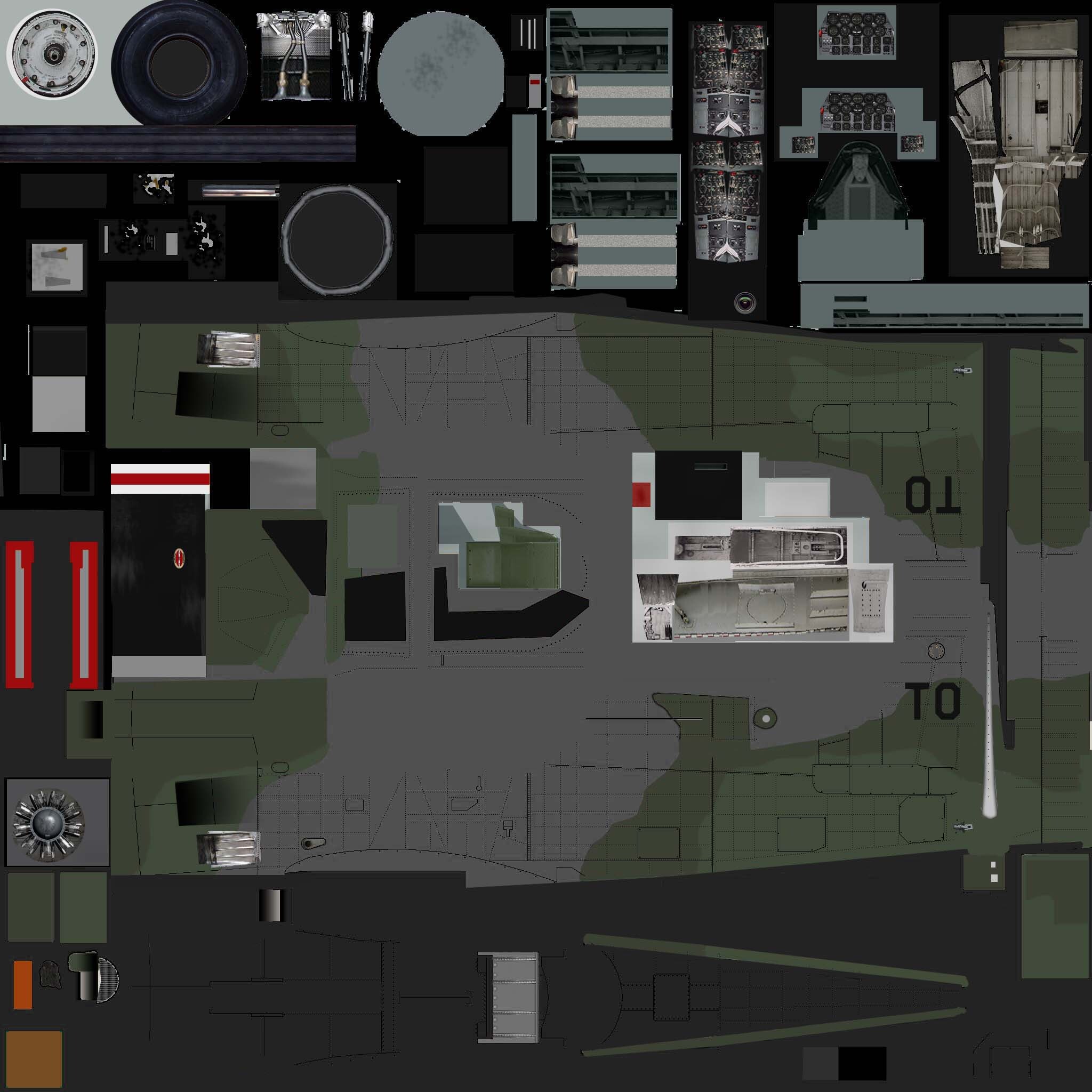
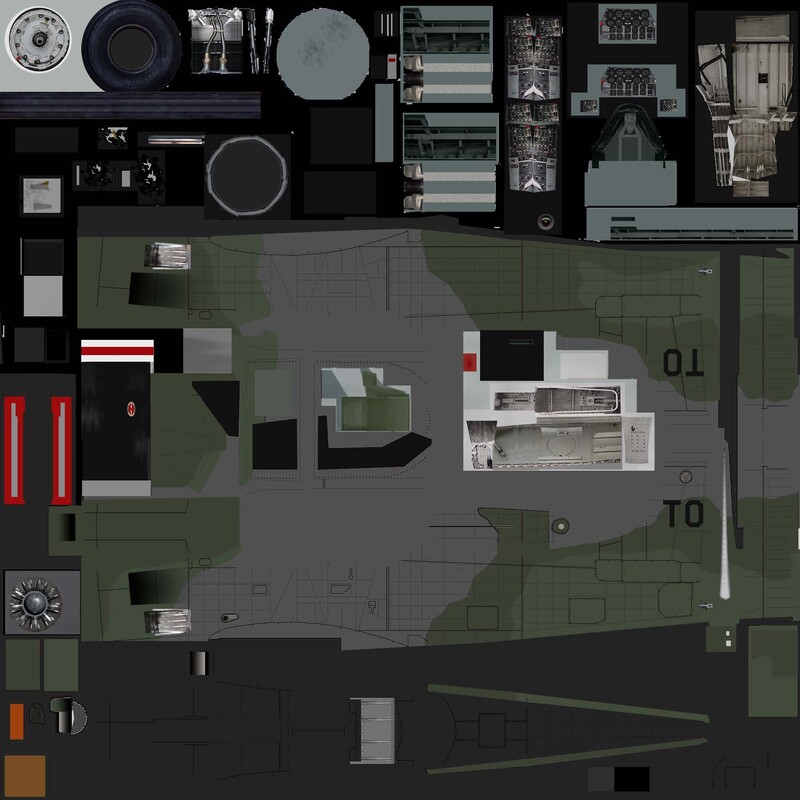
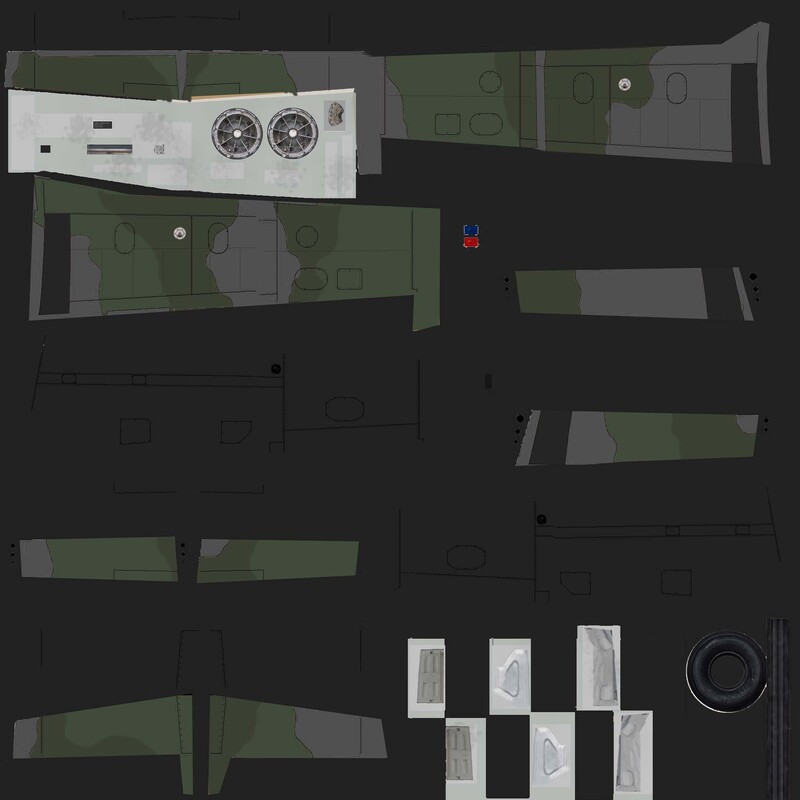
I did this. Not the best, but looks good in game. Download the images and drop inside the skin folder. Rename if necessary.

-
Should be like this [Route014] RouteType=TRUCK StartArea=Vinh EndArea=Thanh Hoa RoutePosition[001]=485308.0,677669.0 RoutePosition[002]=485301.0,680069.0 RoutePosition[003]=486230.0,681811.0 RoutePosition[004]=494696.0,710658.0 RoutePosition[005]=494695.0,714309.0 //------------------------------------------------------------------ [BaseUnit001] BaseName=Chu Lai Air Base <------ The same name on XXX_Targets.ini AircraftType=F-4B <------------ The plane you want Squadron=VMFA334 <---------- Got to be the same squadron listed on F-4B.ini [TextureSet001] ForceID=1 Nation=USAF
-
EUREKA!!!! It works!! Now things are really heating up! We can choose the historically accurate base for each aircraft or unit. No more waiting for the game engine to pick the right base or wasting ages in the Mission Generator! Now, for example, we can use RAF squadrons based in the UK on the Cold War map, or Danish squadrons based in Denmark. Friends, for me, this is revolutionary! I’m a fan and enthusiast of historical missions—or at least ones that are close to reality. Now I’m going to update my installations (77 in total). I’ve got months of work ahead of me. I hope this proves as useful to you as it is to me. Thanks!
-
If I understood correctly, we can assign any aircraft to a specific base. Even in Single Missions! That’s huge!
-
This´s new to me. If it works, will be a milestone! Not tested. Tutorial_Bases_Strike_Fighters_2_EN.pdf
-
When I say "a new era" I really mean it!
-
Well, I suspect that you only have to ask for it on GoogleAI. "He" knows EVERYTHING about the game. Believe me. It makes me chilling...
-
I give an example what AI did to me. I drop a SquadronList.lst on it and asked to add all the squadrons that operated in my scenario and erase those who not and... in some seconds everything is done! In a correct numerical sequence! It saves me some precious time, not only by writing but in researching as well.
-
I asked my AI what it could do in SFP2, and this was the answer... strike_fighters_2_optimization_guide.pdf
-
I´ve been playing with Google AI for a while