
GKABS
-
Posts
4,114 -
Joined
-
Last visited
-
Days Won
266






.thumb.JPG.4bfc92a04751af60324a45e441f0f2f8.JPG)
About GKABS

Recent Profile Visitors
54,912 profile views

GKABS's Achievements






-
Hello everyone, I just wanted to let you know that I haven't forgotten about you all. I'm just trying to get my life sorted out, and things are getting better. I'm thinking positively about life, but I am trying to make the best out of my situation. Take good care, Hopefully, I will be getting back to being active soon.
-
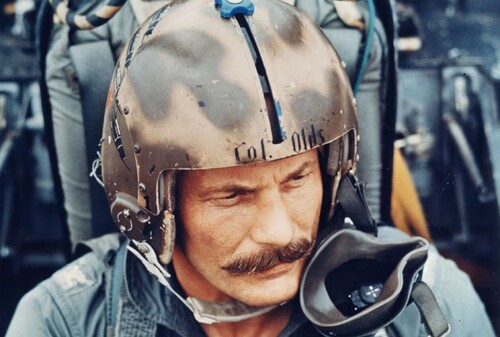
View File Brig. Gen. Robin Olds (The Fighter Ace) Hello, and thank you for downloading my work. https://gkabs.net/ https://gulfknights.net/ What is included? In memory of Brig. Gen. Robin Olds (The Fighter Ace), pilot. work "Robin Olds (born Robert Oldys Jr.; July 14, 1922 – June 14, 2007) was an American fighter pilot and general officer in the United States Air Force (USAF). He was a "triple ace", with a combined total of 16 victories in World War II and the Vietnam War. He retired in 1973 as a brigadier general, after 30 years of service." All my files should include the Strike Fighters 2 Series game file (.LOD) and the required textures (tested and works only for SF2). Installation: Copy files to their proper folders. If you need any further help, please read the Knowledge Base at: [Link to Knowledge Base] https://combatace.com/forums/forum/268-thirdwire-strike-fighters-2-series-knowledge-base/ Virgin 1.0 LICENSE: You are allowed to use this model and everything included with it for personal, non-profit use in Strike Fighters 1 and 2. For use outside of this scope, you need to contact me for permission. A big thank you to Third Wire for making this outstanding game. Finally, let's not forget the wonderful site of https://combatace.com and all the nice members and their dedicated support for this game. If you need any assistance, please contact me. gkabs@gkabs.net gulfknights.net Submitter GKABS Submitted 08/04/2026 Category Pilot Mods
-
- 6
-

-

-
Version 1.0.0
39 downloads
Hello, and thank you for downloading my work. https://gkabs.net/ https://gulfknights.net/ What is included? In memory of Brig. Gen. Robin Olds (The Fighter Ace), pilot. work "Robin Olds (born Robert Oldys Jr.; July 14, 1922 – June 14, 2007) was an American fighter pilot and general officer in the United States Air Force (USAF). He was a "triple ace", with a combined total of 16 victories in World War II and the Vietnam War. He retired in 1973 as a brigadier general, after 30 years of service." All my files should include the Strike Fighters 2 Series game file (.LOD) and the required textures (tested and works only for SF2). Installation: Copy files to their proper folders. If you need any further help, please read the Knowledge Base at: [Link to Knowledge Base] https://combatace.com/forums/forum/268-thirdwire-strike-fighters-2-series-knowledge-base/ Virgin 1.0 LICENSE: You are allowed to use this model and everything included with it for personal, non-profit use in Strike Fighters 1 and 2. For use outside of this scope, you need to contact me for permission. A big thank you to Third Wire for making this outstanding game. Finally, let's not forget the wonderful site of https://combatace.com and all the nice members and their dedicated support for this game. If you need any assistance, please contact me. gkabs@gkabs.net gulfknights.net -
Thank you, my friends. I am doing much better at coping with my problem. This is my first time on my PC since the last post. Hopefully, I will try to get back to the forum soon.
- 28 replies
-
- 12
-
-
Hello everyone, I will not be around for a while due to family matters and it's affecting me mentally, so wish me the best for what I am going through. Take care, Mohamsd
- 28 replies
-
- 17
-
-
-

-
Thank you gentlemen
-
Hello gentlemen, I wanted to ask before I make one, do we have the A-4 Skyhawk external 300-Gallon Tank (Aero 1D)? Thanks,
-
I am happy for you, and I hope things will always be brighter for you.
-
I was thinking i was watching an old photo from the 2000
-
Hello Volker, I am really happy to hear that you are doing better. Don't worry about anything except your health; everything can wait. Just take care of yourself, keep exercising, and keep moving your leg and arm; that is what it takes to get them back to normal.
-
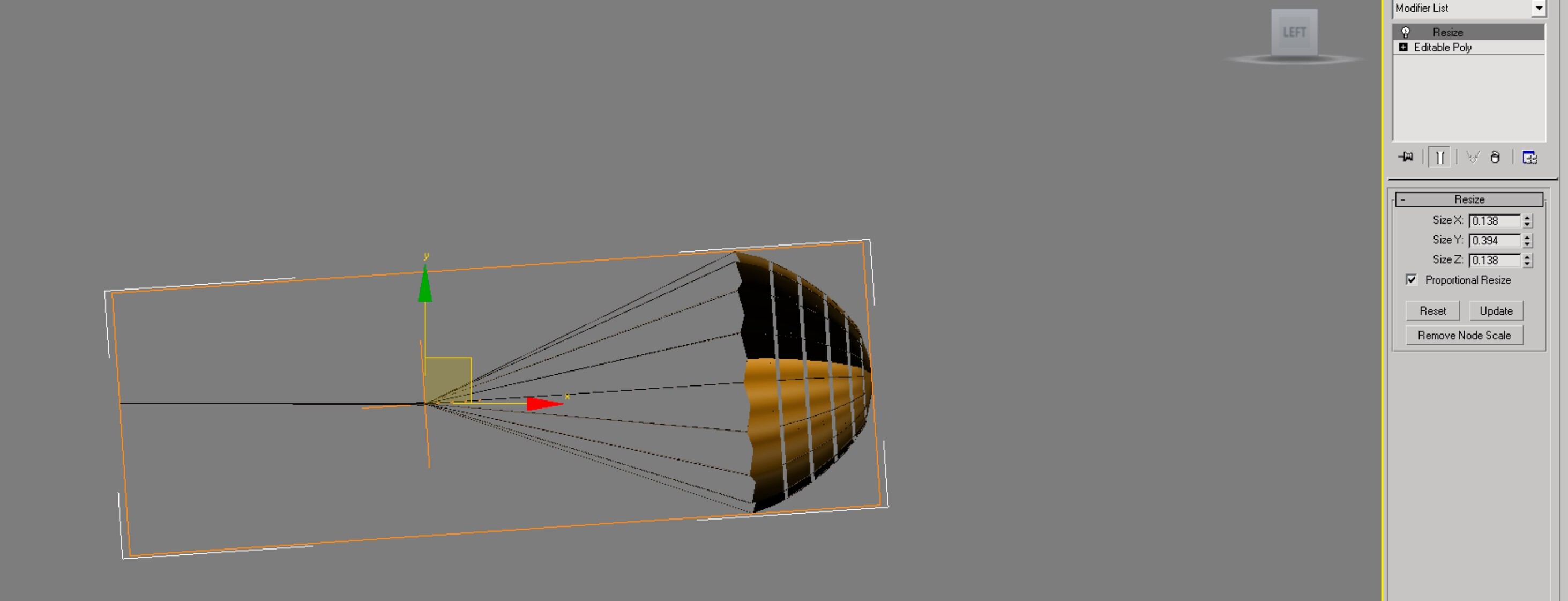
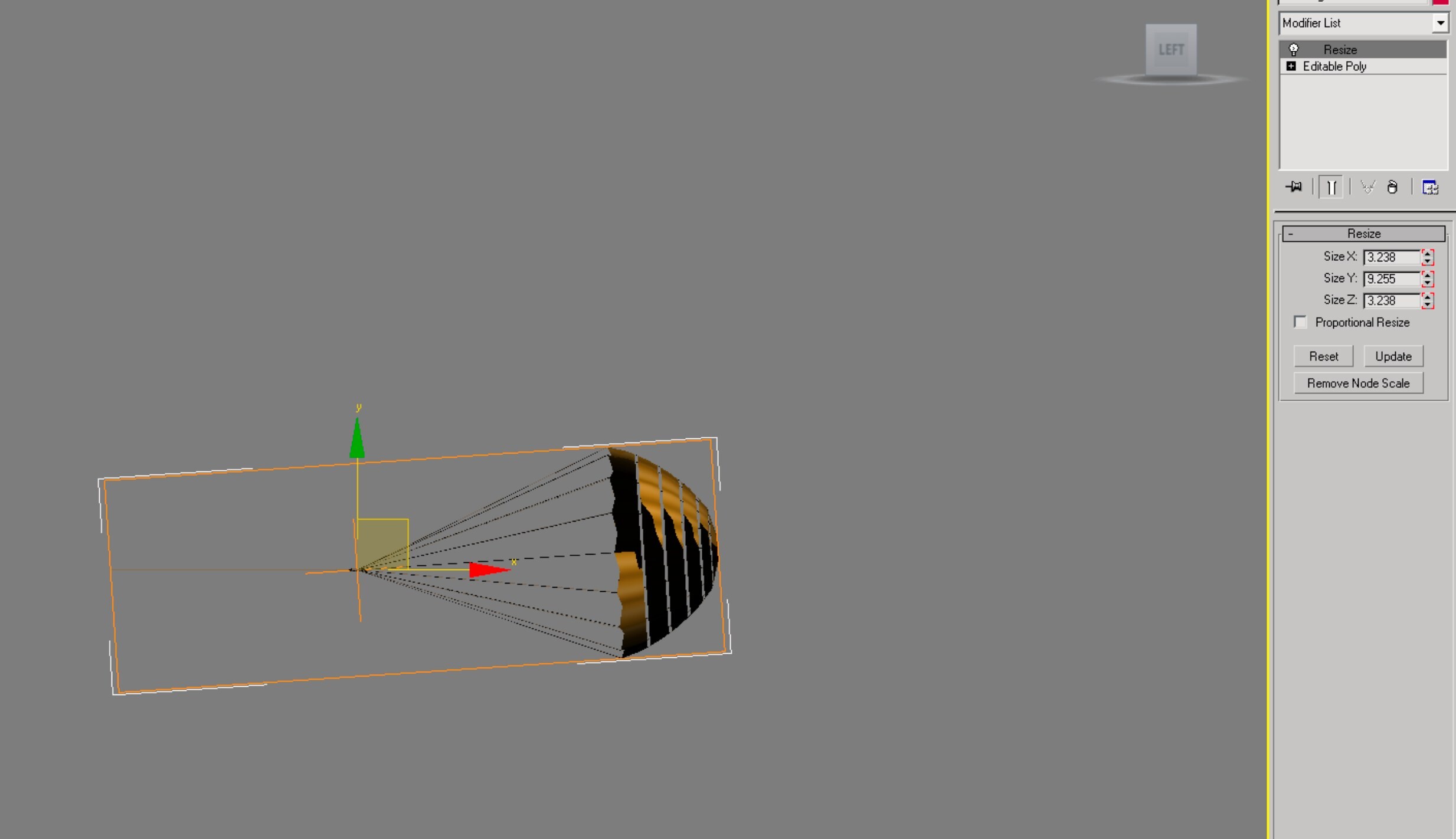
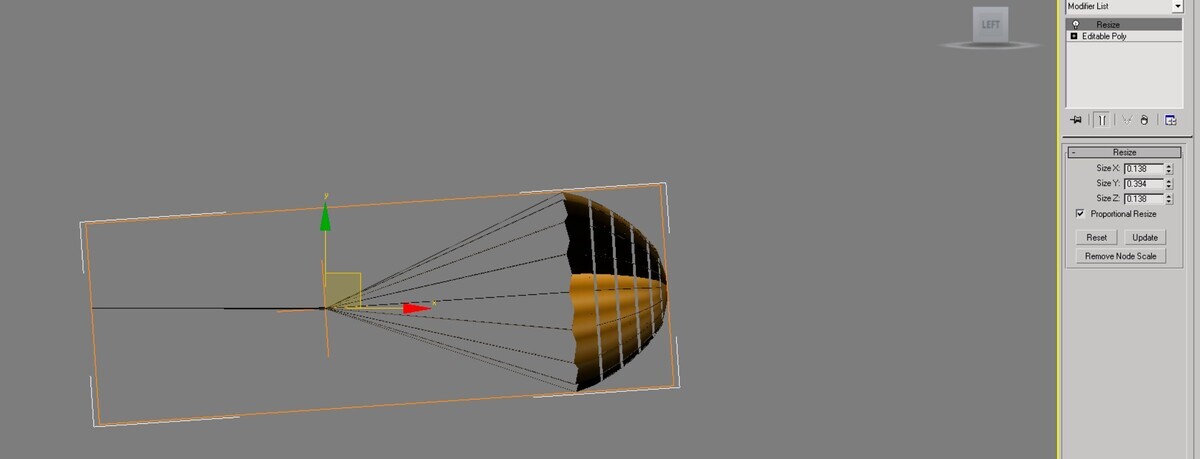
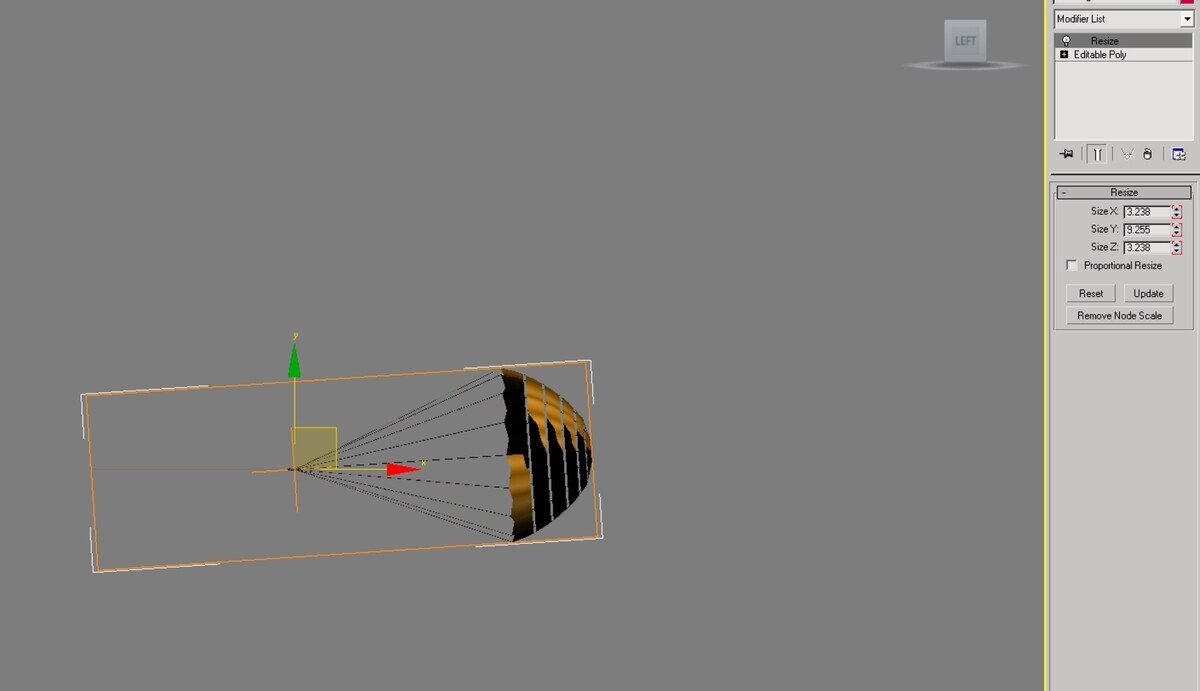
The animation is as listed at the top with the two screenshots. If I want to set it up as an airbrake, what should I add to the data file? If you can send me a link to a model with a chute, that would be great. By the way, the chute in the LOD viewer works well, no problem.
-
I just saved the chute form my Typhoon as 3d max file and changed the animation 90-100 to slot 1-10 Yes i think it should be as airbrake. If any one can give me a like to a model that I can see how it is done that will be great.
-
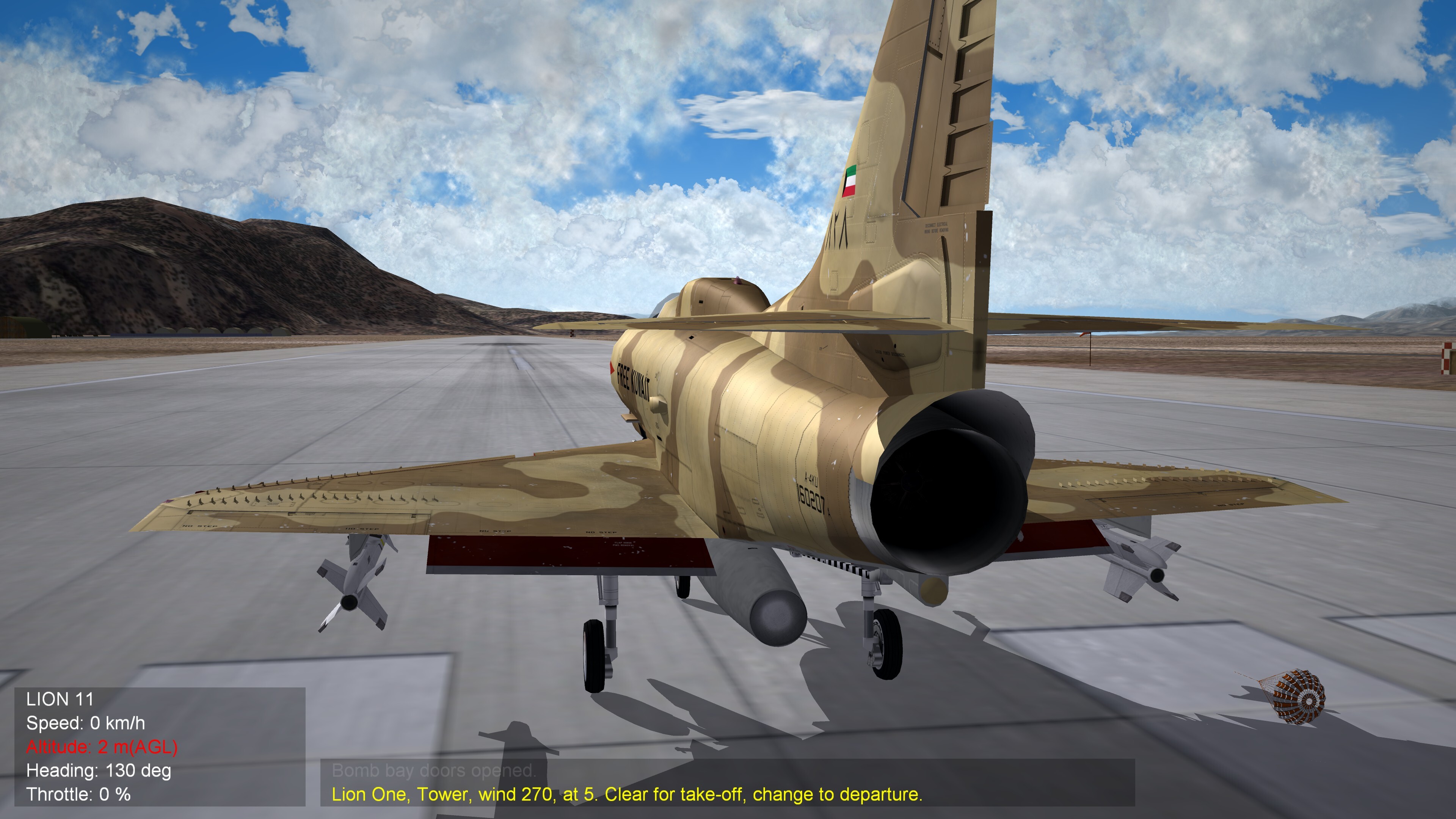
@Coupi did the data file, and it's based on the Stoke model. It works with YAP chute, but not mine. It get deployed by Ctrl +O My chute
-
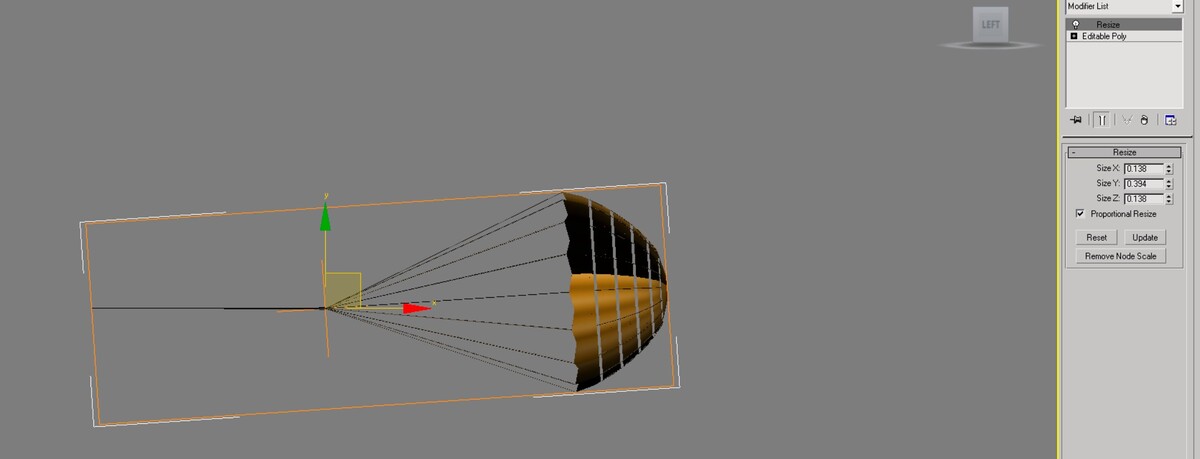
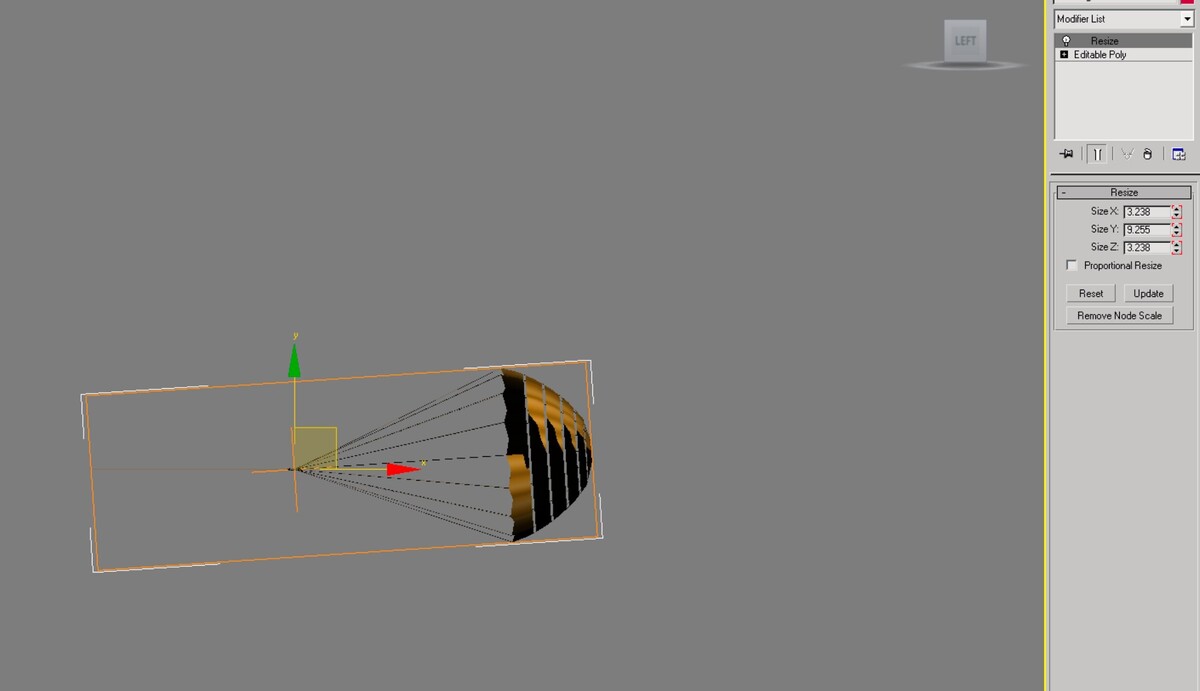
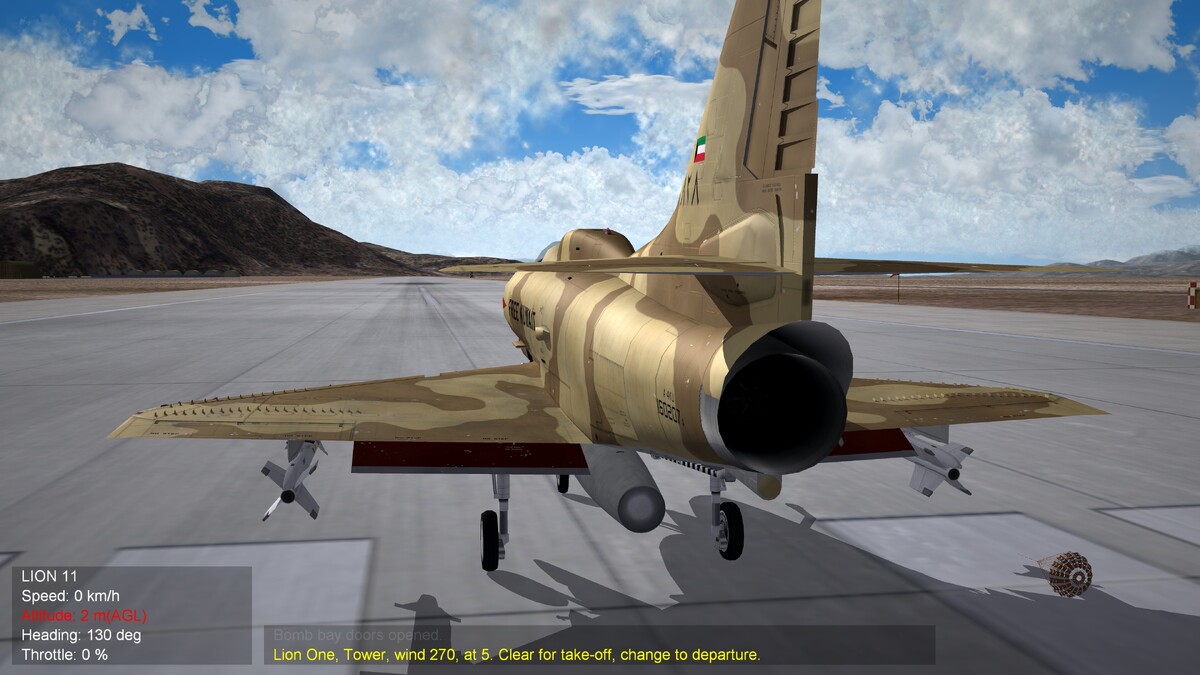
Hello, I have been making a drag chute all the time, and it works fine for me using the resize modifier with all the jet models, and it works perfectly, but I am trying to add it to the A-4 Skyhawk as a weapon station, and it doesn't change size Any idea or suggestion would be really helpful. Thank you, gentlemen.
-
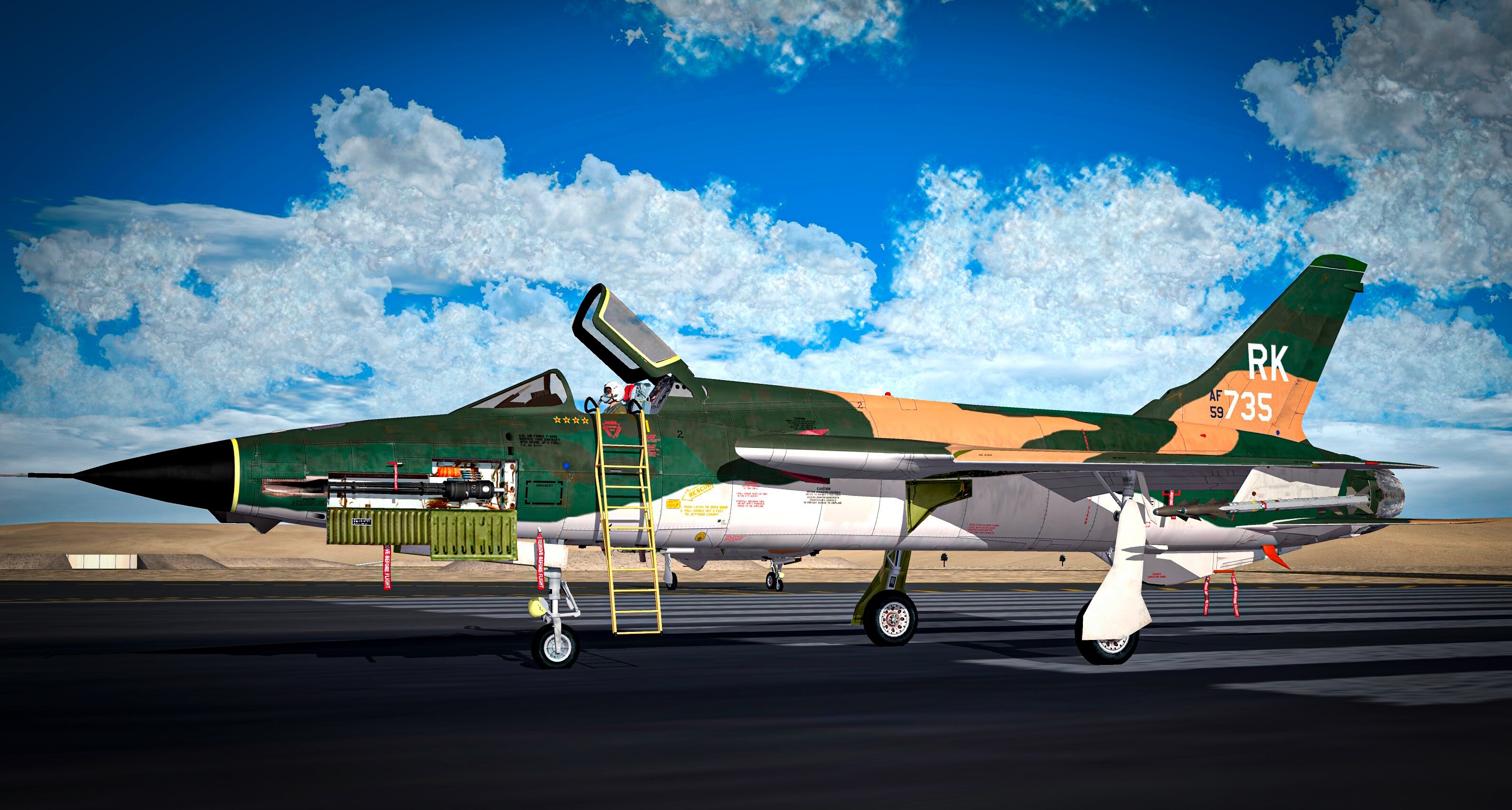
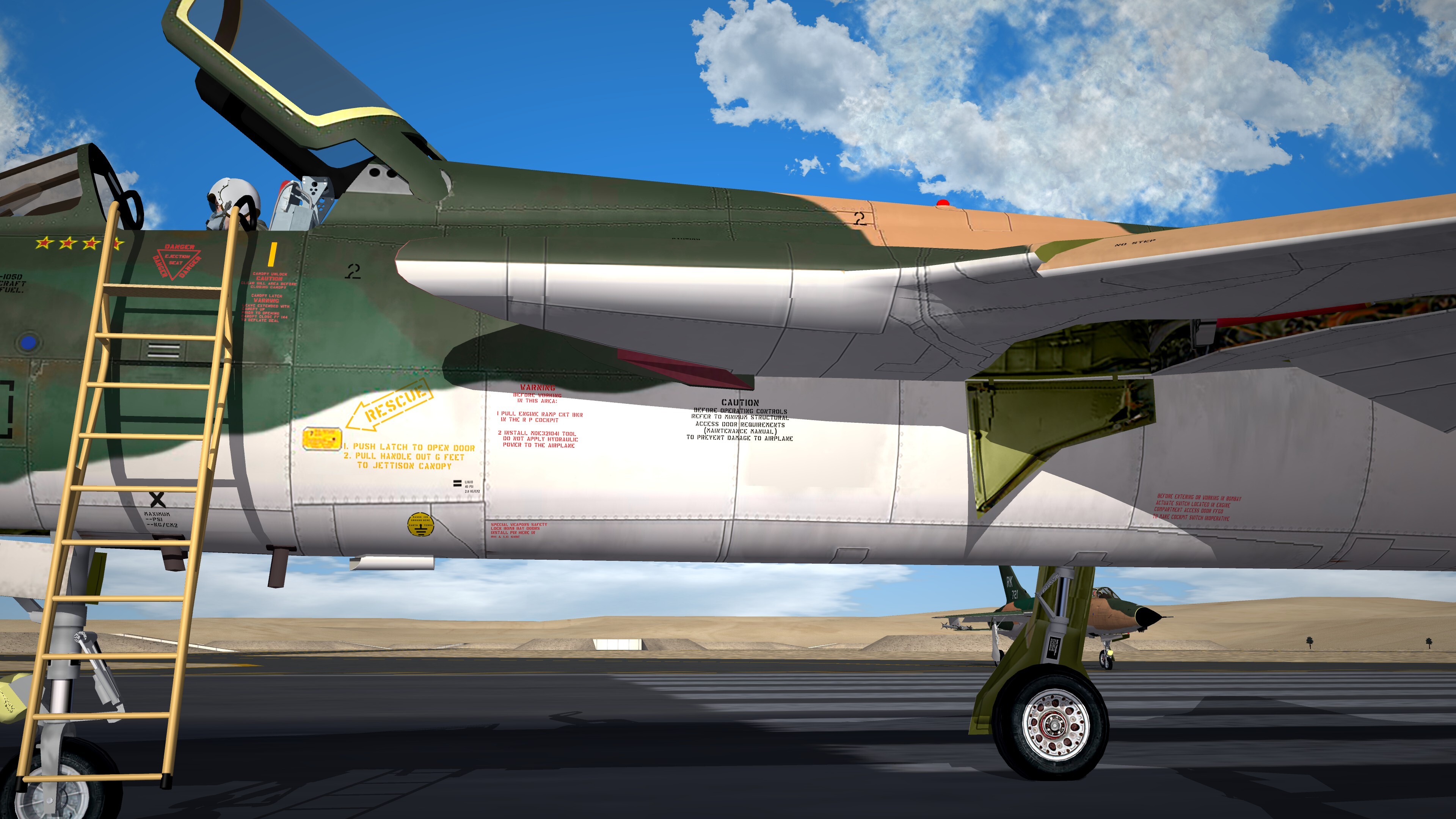
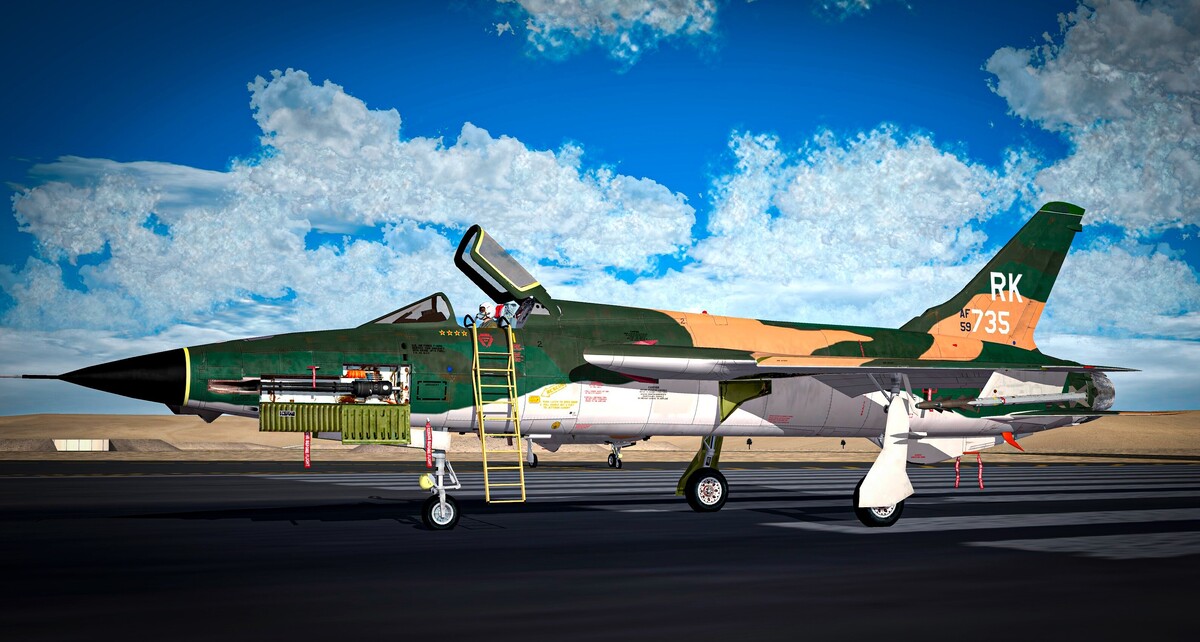
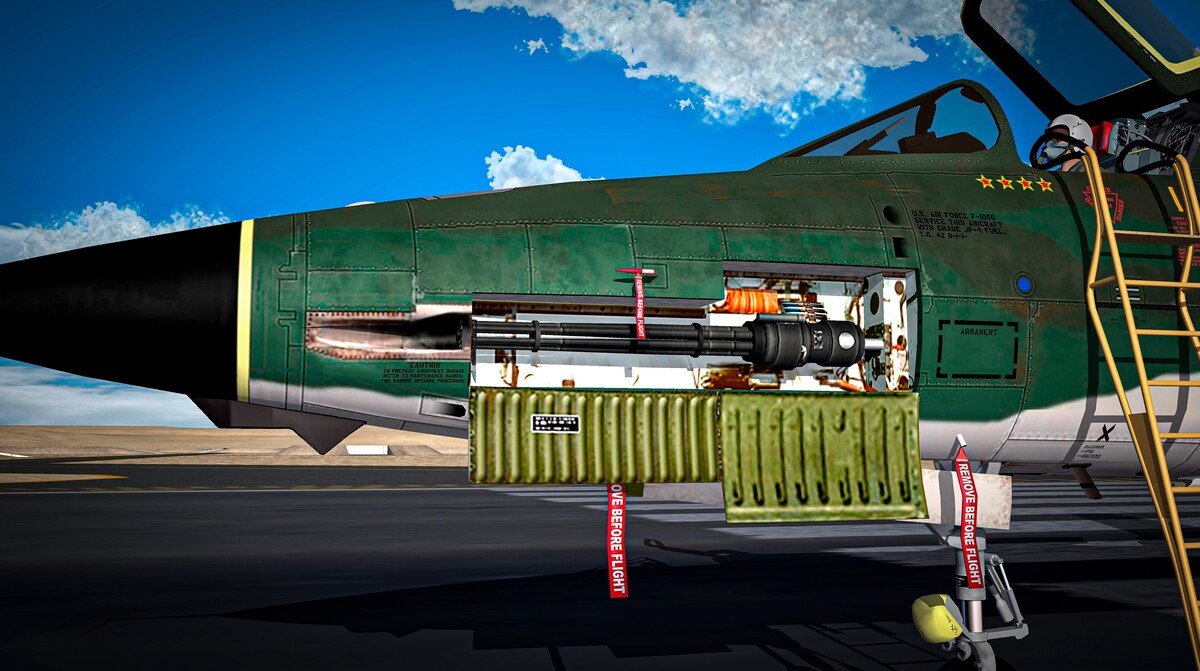
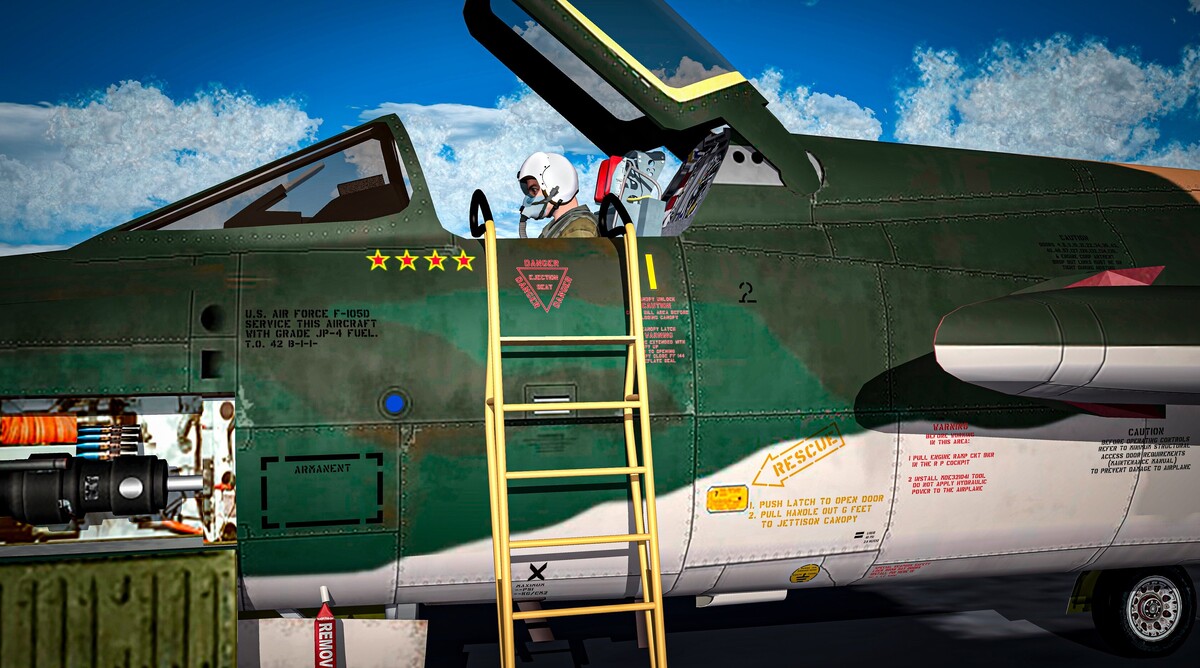
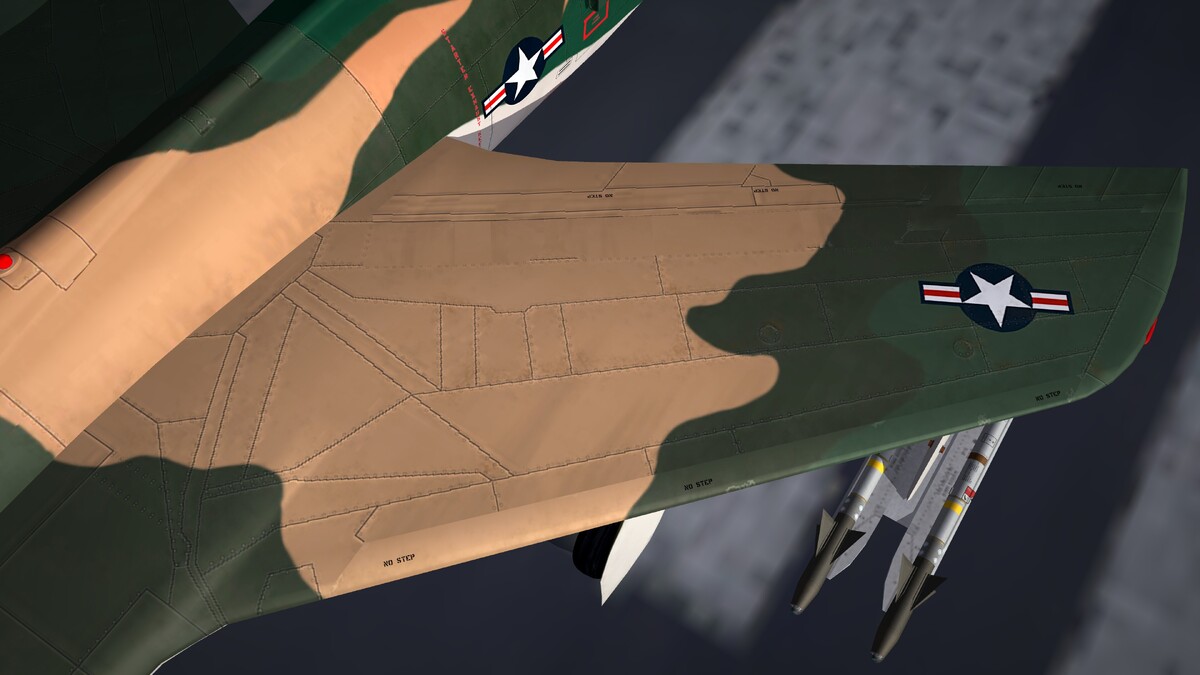
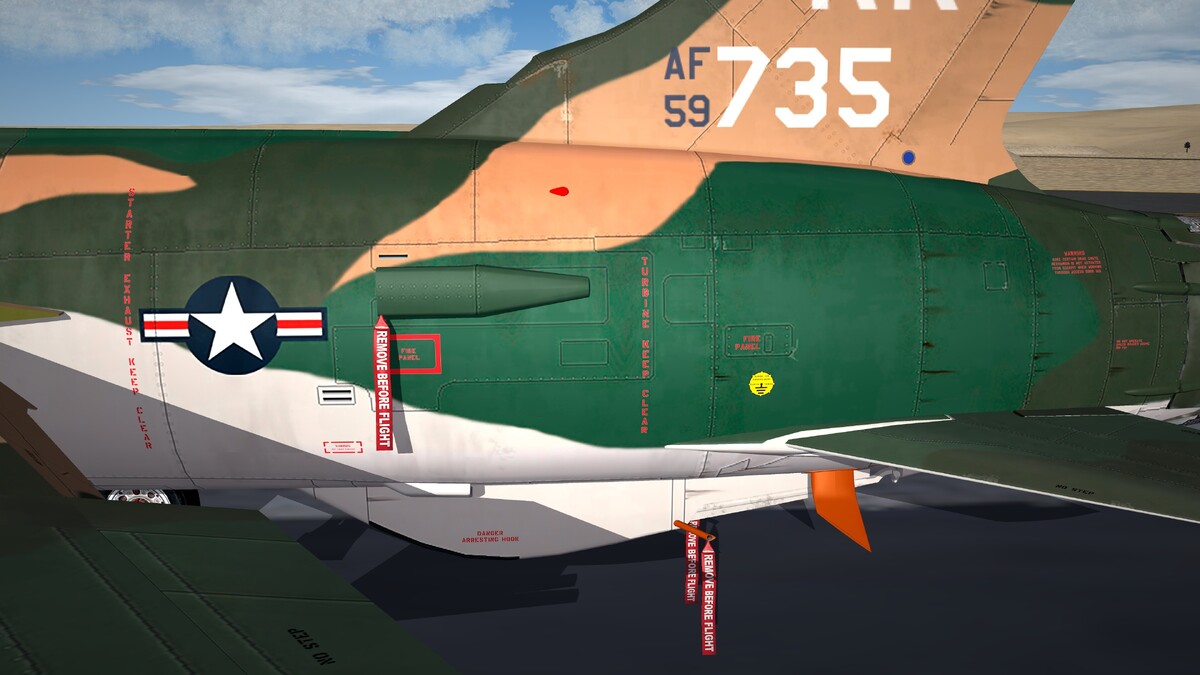
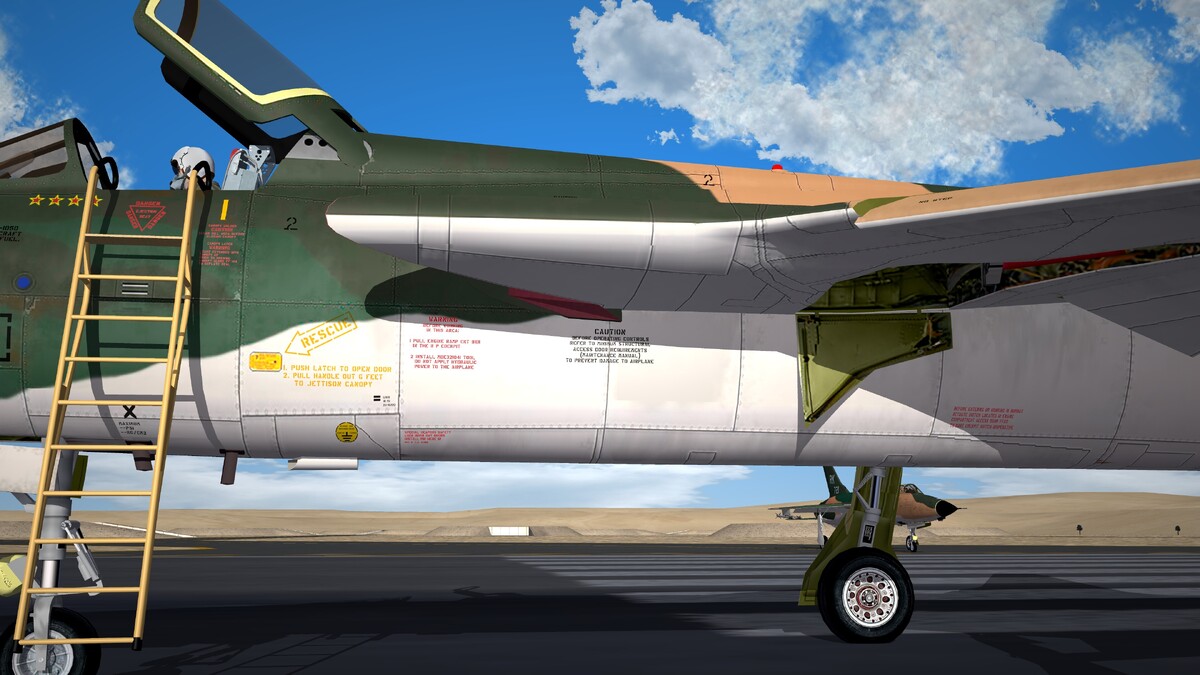
I just added new decals to the textures, and next, I will work on the weathering for the decals.
- 352 replies
-
- 22
-
-