


Dave
-
Posts
23,823 -
Joined
-
Last visited
-
Days Won
99
Content Type
Profiles
Forums
Gallery
Downloads
Store
Everything posted by Dave
-
Ain investigation into the AI behavior of all TW series 1 simulators
Dave replied to Ticket1's topic in General Discussion
Only staff see the IP. Not everyone. -
Bad to da Bone
-
I have the Pro fighter stick, the rudder pedals, the 2 MFP's and the pro throttle. This is the MFP: http://combatace.com/topic/16334-ch-products-multi-function-panel-review/ I wouldn't dream of simming without the MFP's. Now if I could just learn to program as good as 531_Ghost....
-
I will say this though. Now that I am CH guy, I would never go back to a Cougar. The Cougar was great but my entire CH set up is miles ahead of the Cougar.
-
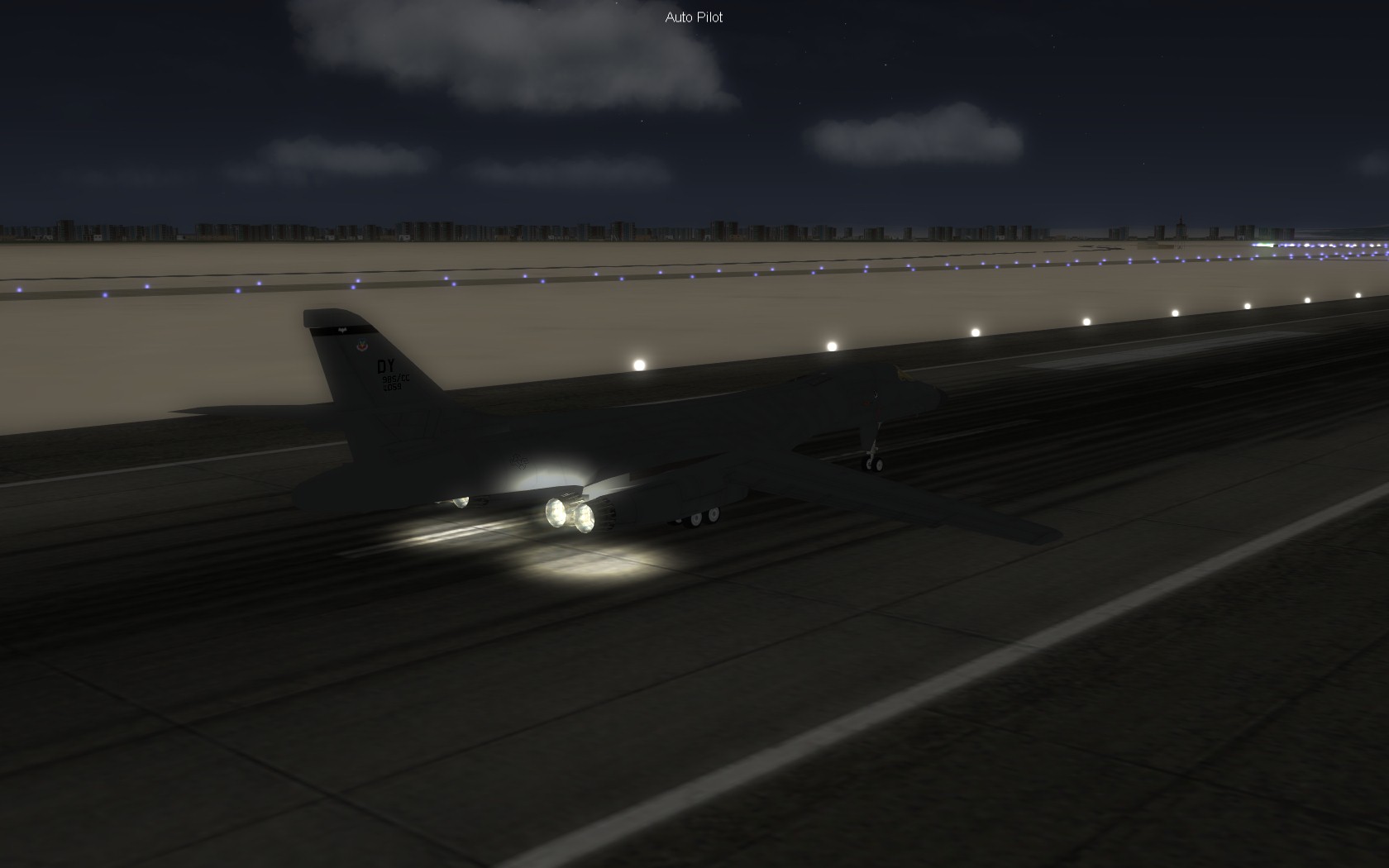
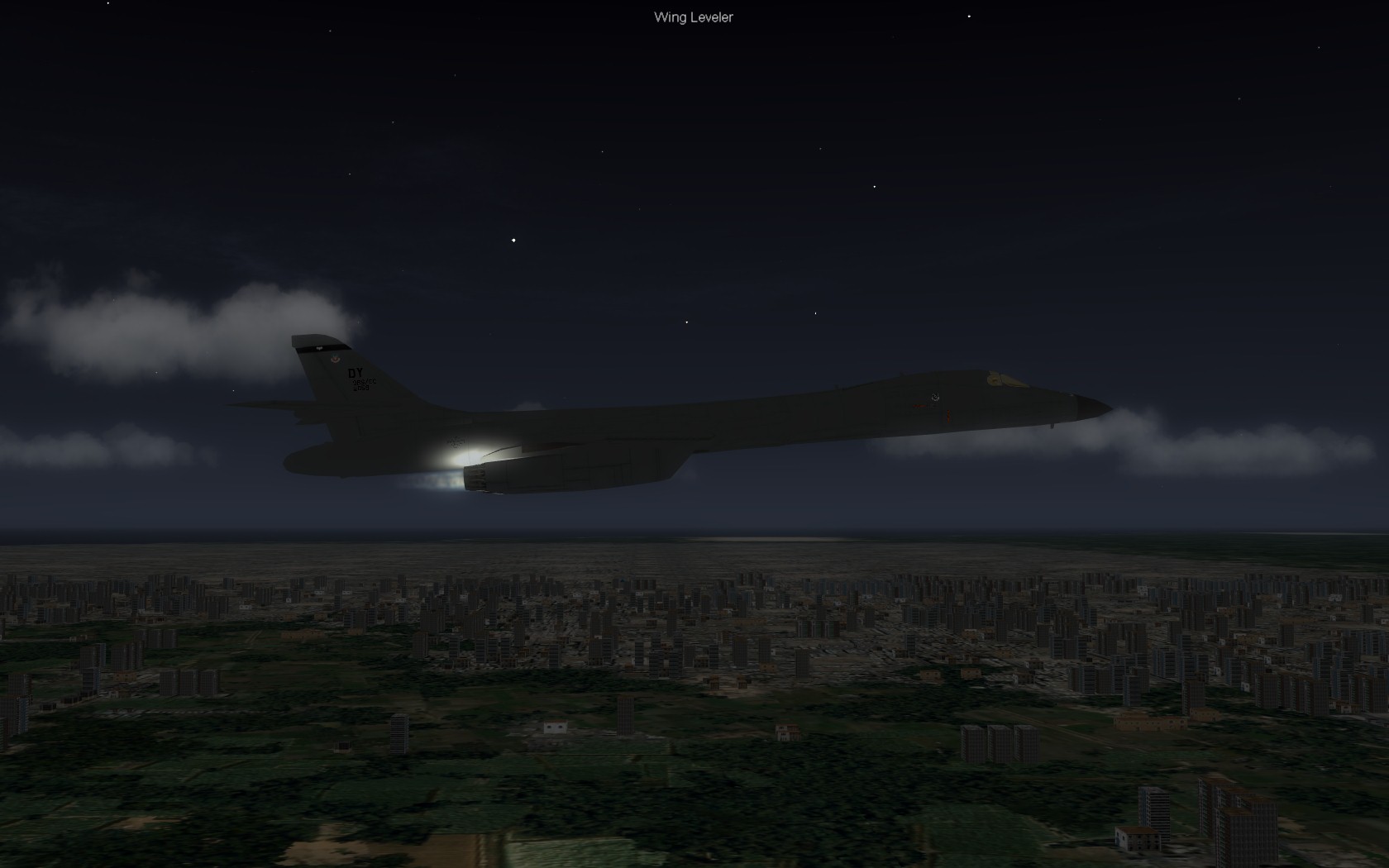
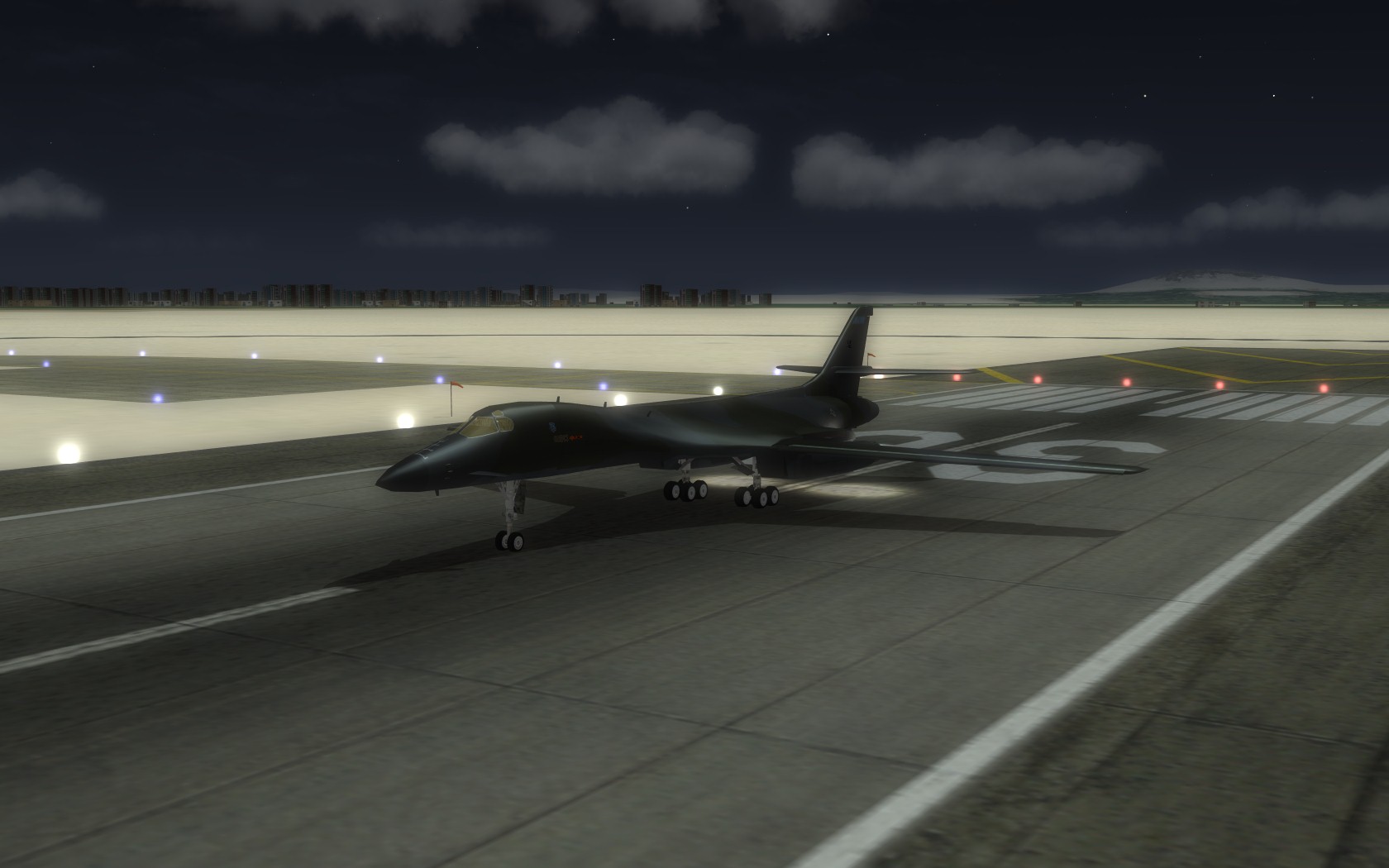
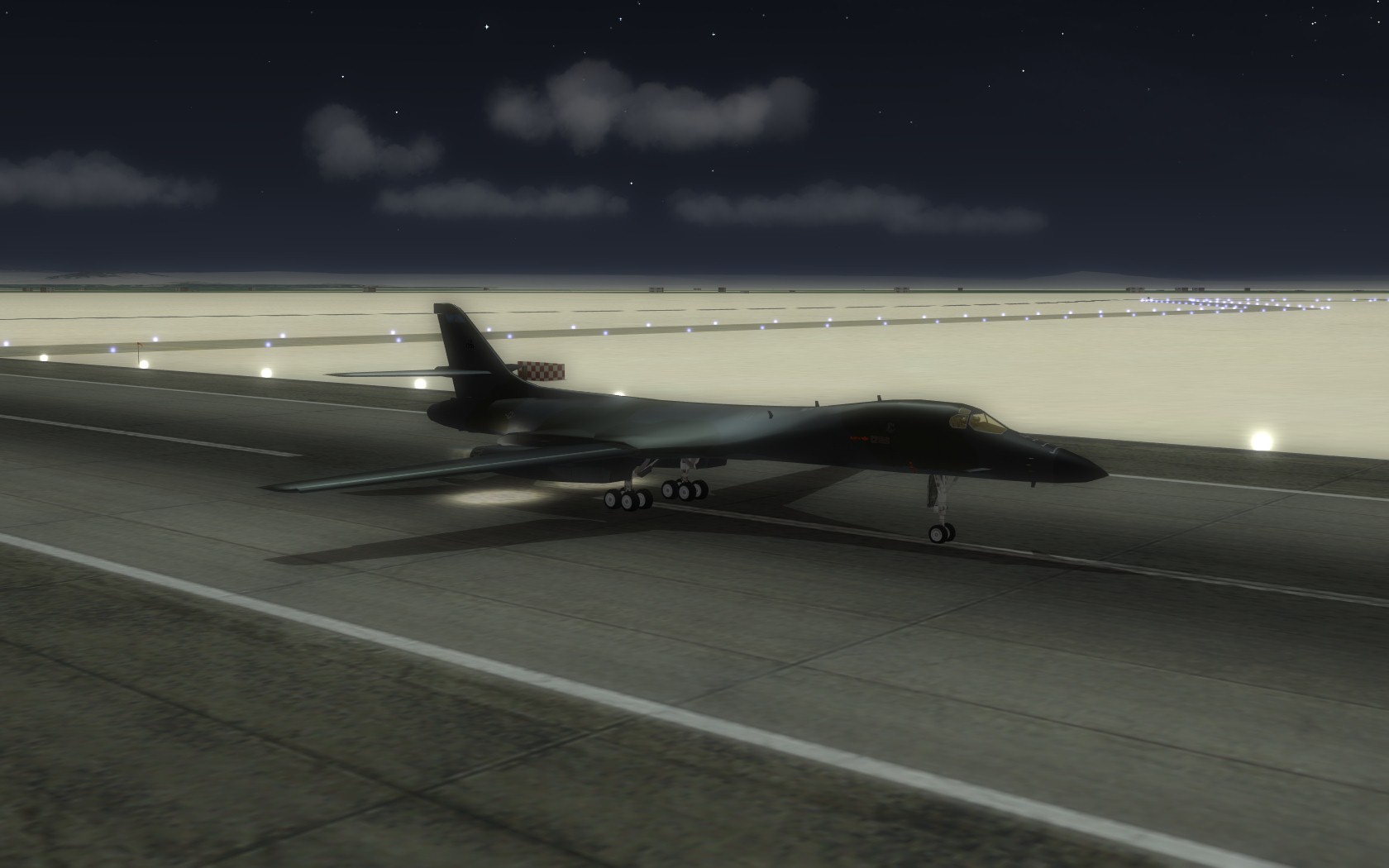
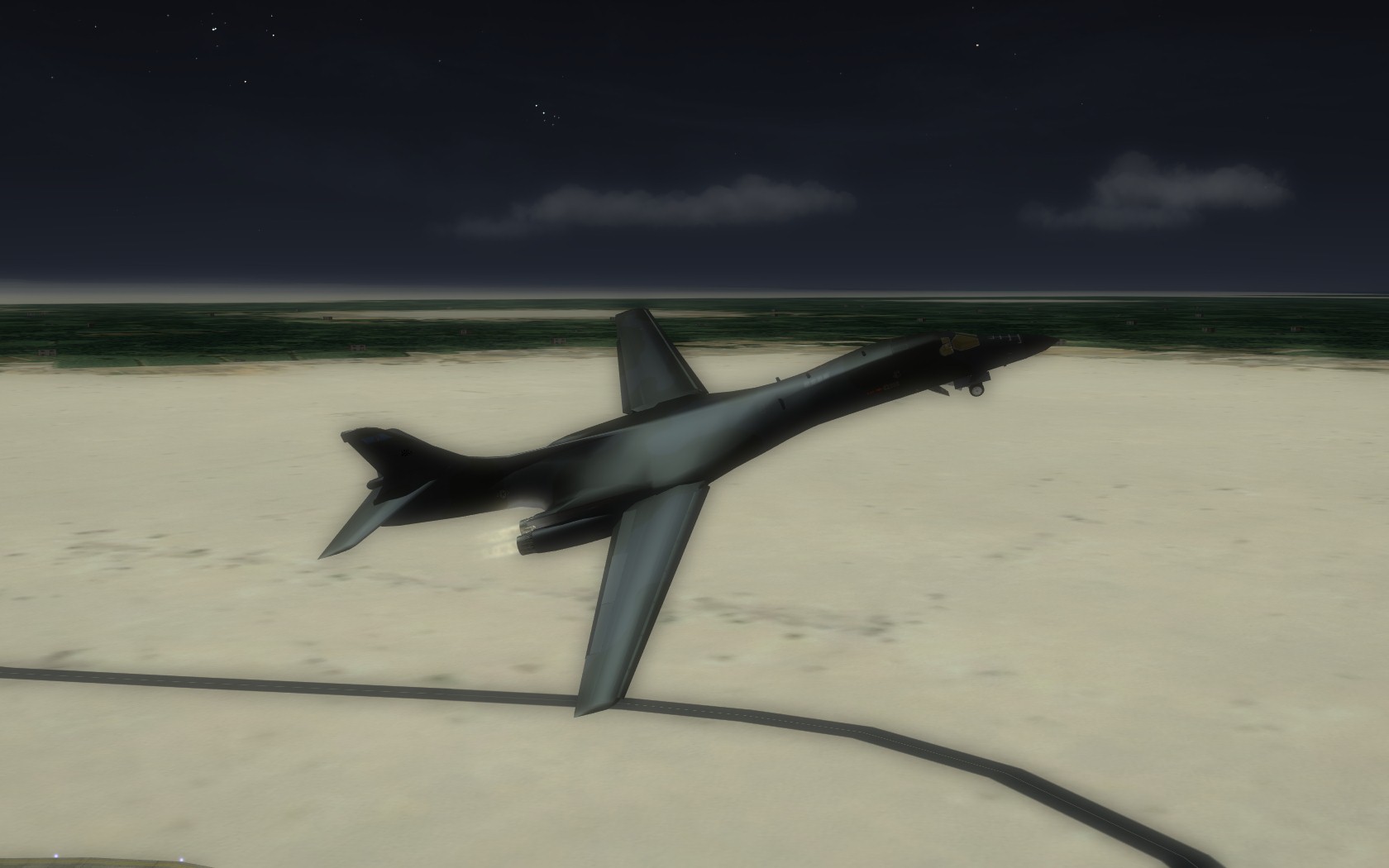
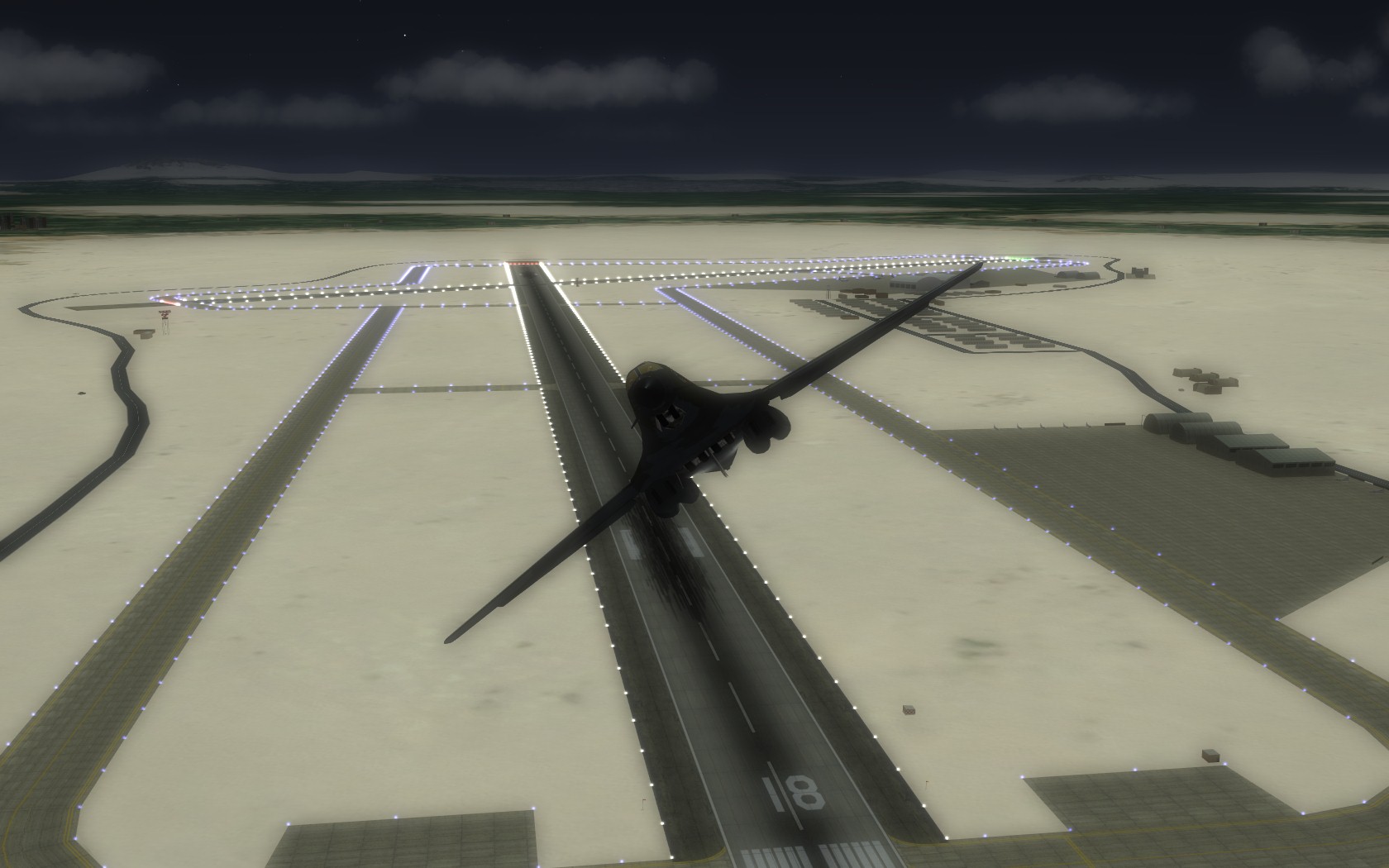
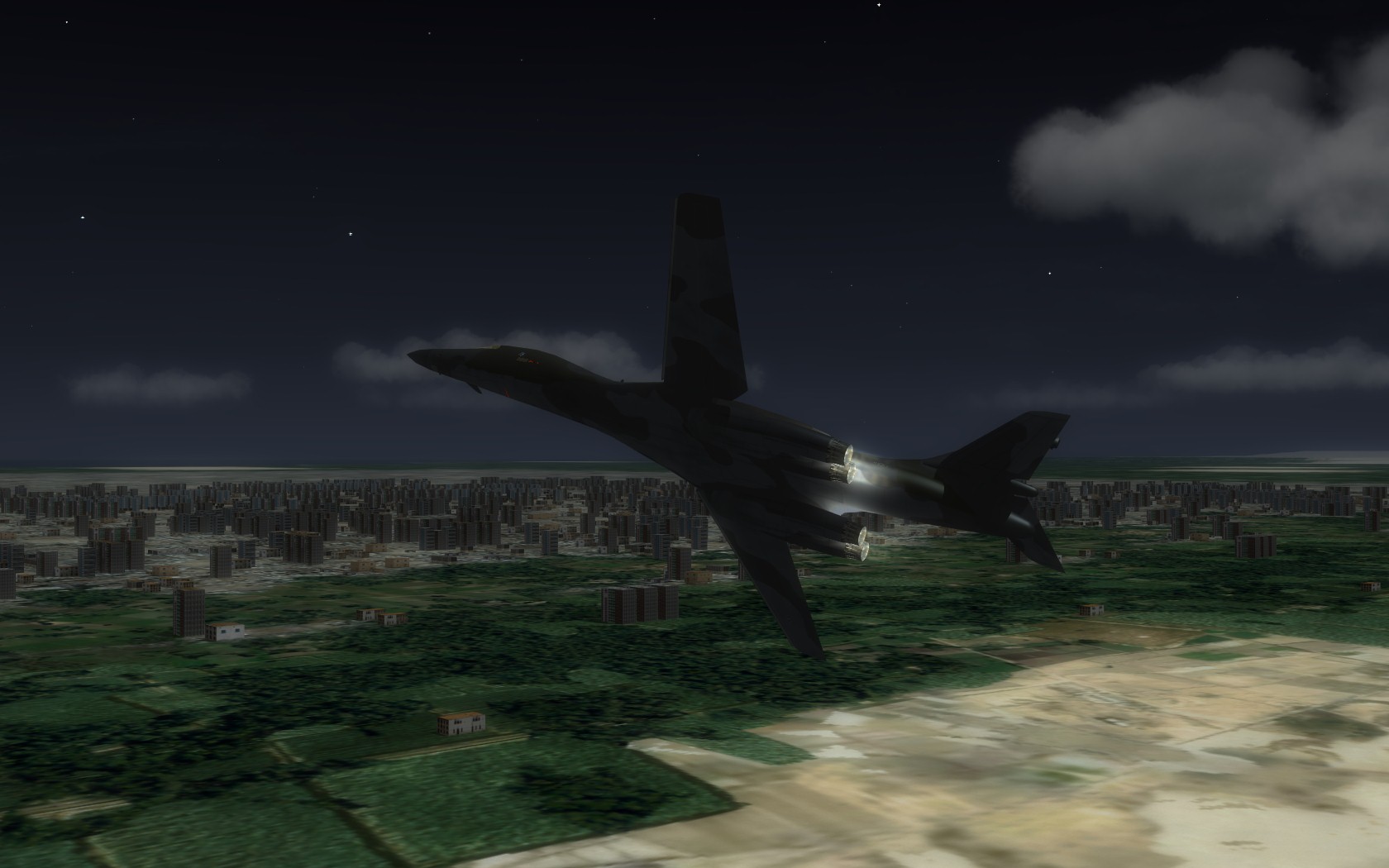
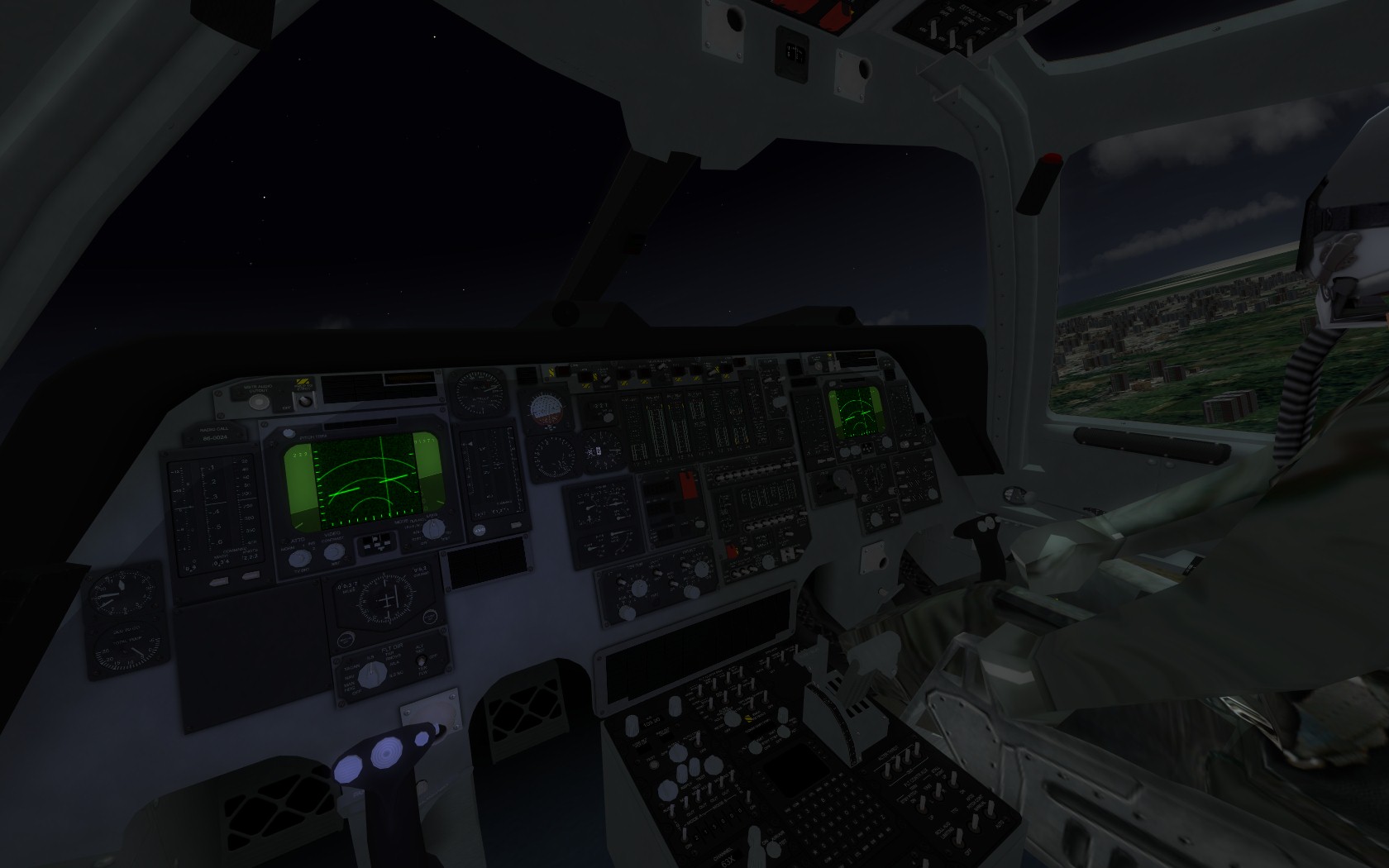
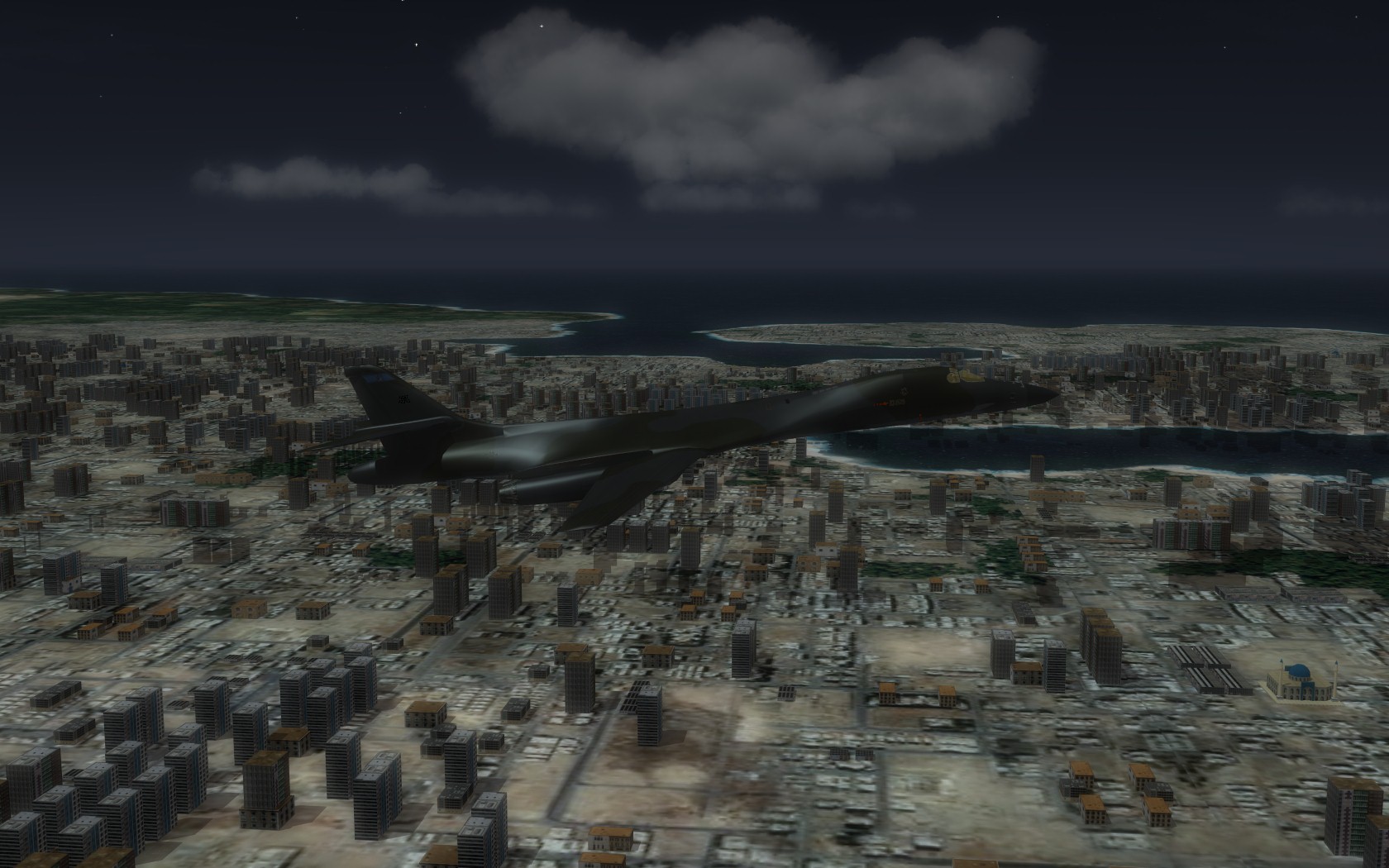
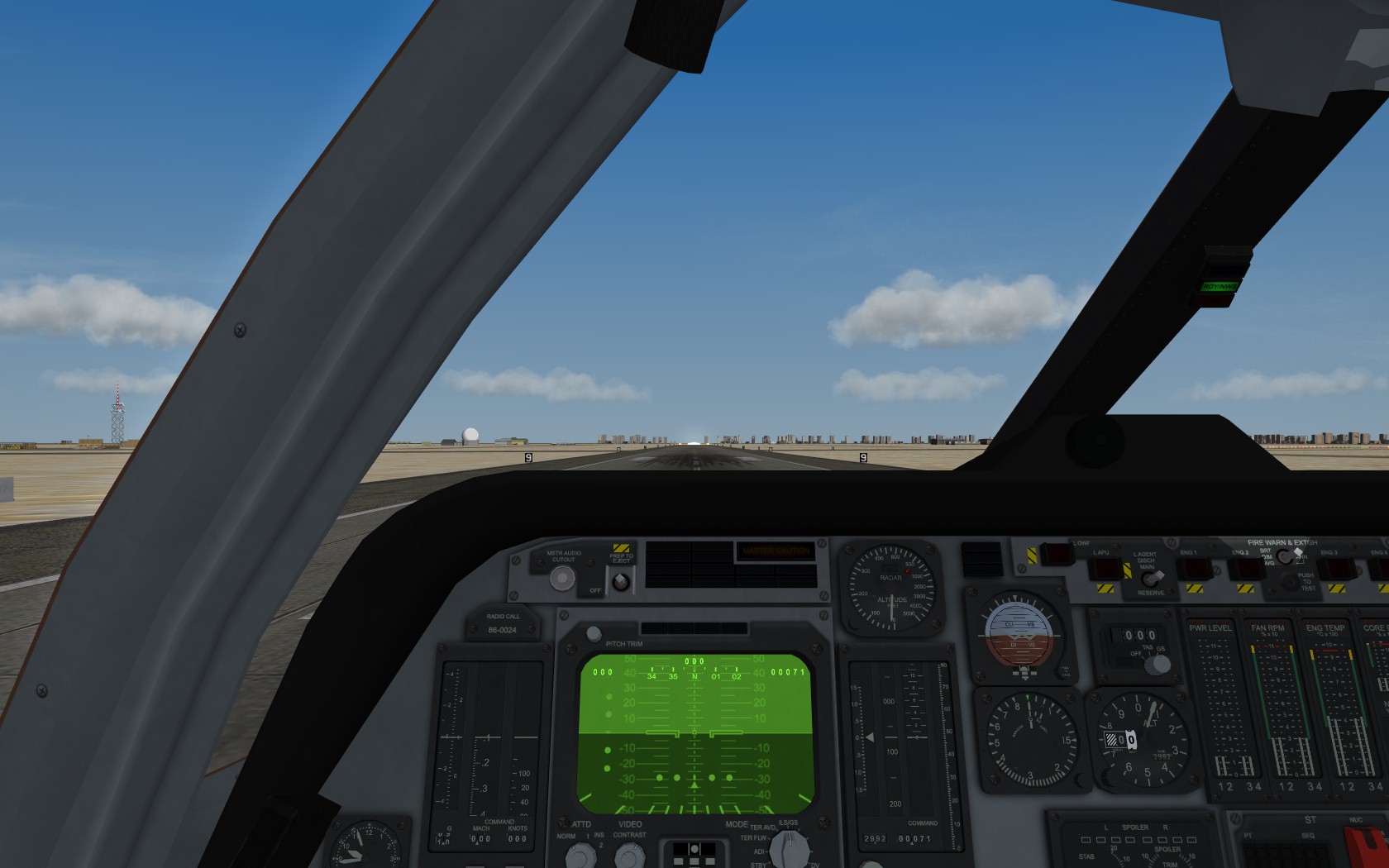
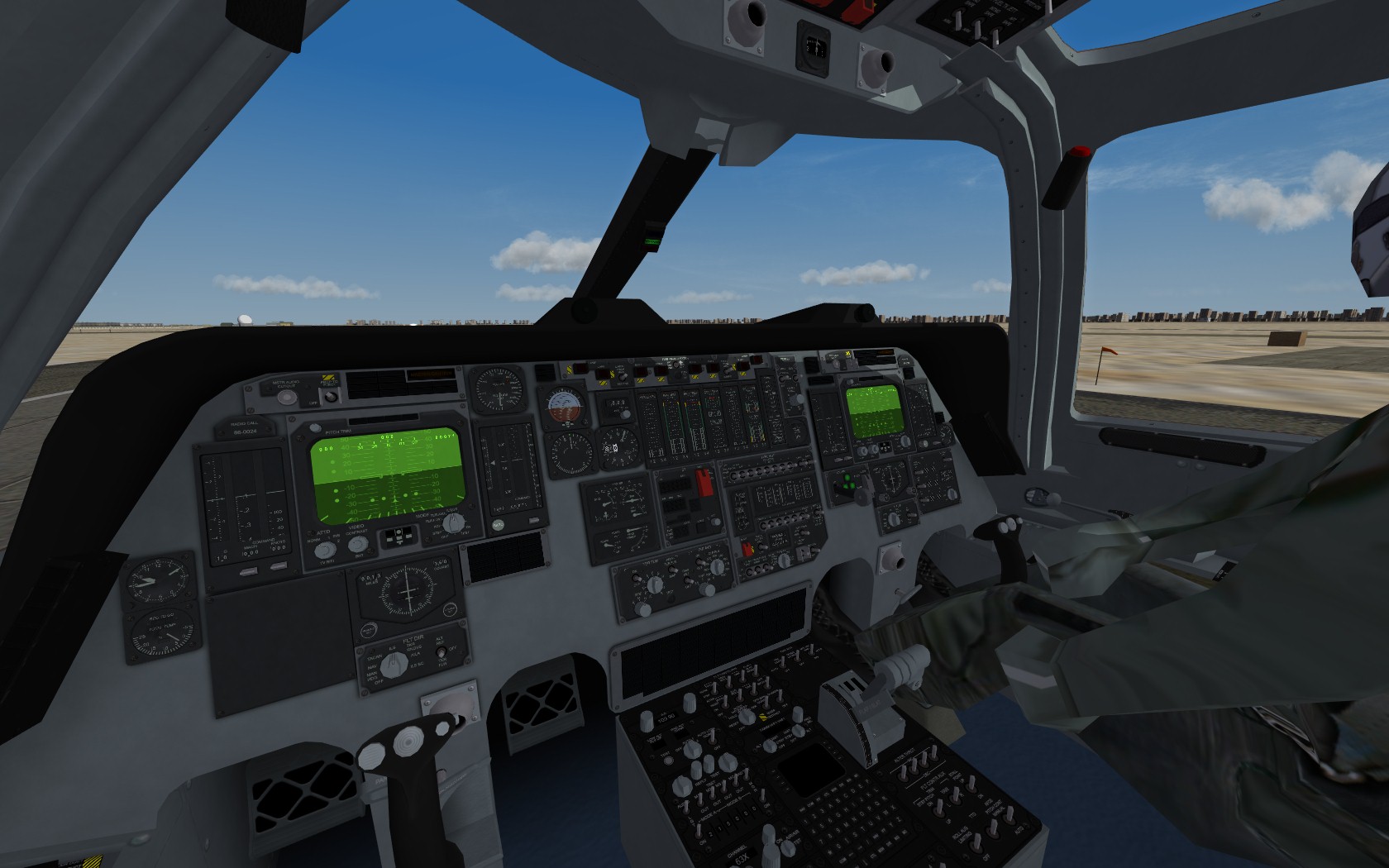
More WIP....I'm redoing the decals for the Dyess bird, and a few minor tweaks. The pit is amazing. There is a seat for it too I just had forgot to add it.
-
-
Ain investigation into the AI behavior of all TW series 1 simulators
Dave replied to Ticket1's topic in General Discussion
Ticket1, Padfoot and Ninetailfox all share the same IP address. I hope someone isn't making more than one account. -
Wrench With just naming the folders to match those of a stand along install, and if you included everything a person needs, it should be a drag and drop affair. Not sure why a "nightmare" readme will be needed. Example: Unzip the package, to a folder on your desktop. Make sure after you have unzipped the folder, to check it to make sure a folder hasn't nested in another folder. If it has then that folder inside the unzipped folder is the one you will need to drag and drop into your install area which looks something like: C:\Users\username\Saved Games\ThirdWire\IndoPak (using IndoPak as the name of a stand alone install) Then do the following... Drag the Sounds folder to the C:\Users\username\Saved Games\ThirdWire\IndoPak Drag the Objects folder to the C:\Users\username\Saved Games\ThirdWire\IndoPak If you keep it that way then it will keep the "nightmare" readme out of the equation. Try to include everything that this mod needs so no one has to hunt for it.
-
Revenge Sending you a PM.
-
Happy Birthday Jim!!!!!!!! Hope you have a good one.
-
X brand cereal mod 2.12........betcha cant bomb just one....
-
No it will not.
-
TK - I will pay you $$ for a game video recorder!
Dave replied to bigbirdk's topic in General Discussion
I disagree, its also awesome for Armed Recon missions when you can see the line of trucks. On CAS missions, you can find the tanks from a greater distanct and adjust your flight profile accordingly. I would like a later radar that can lock up though. That has been on my wish list for ahwile. -
I seen swiss cheese with less holes. Yikes, that is damage modeling.
-
Wow they can pass through solid, matter.
-
Patrolling the Straits
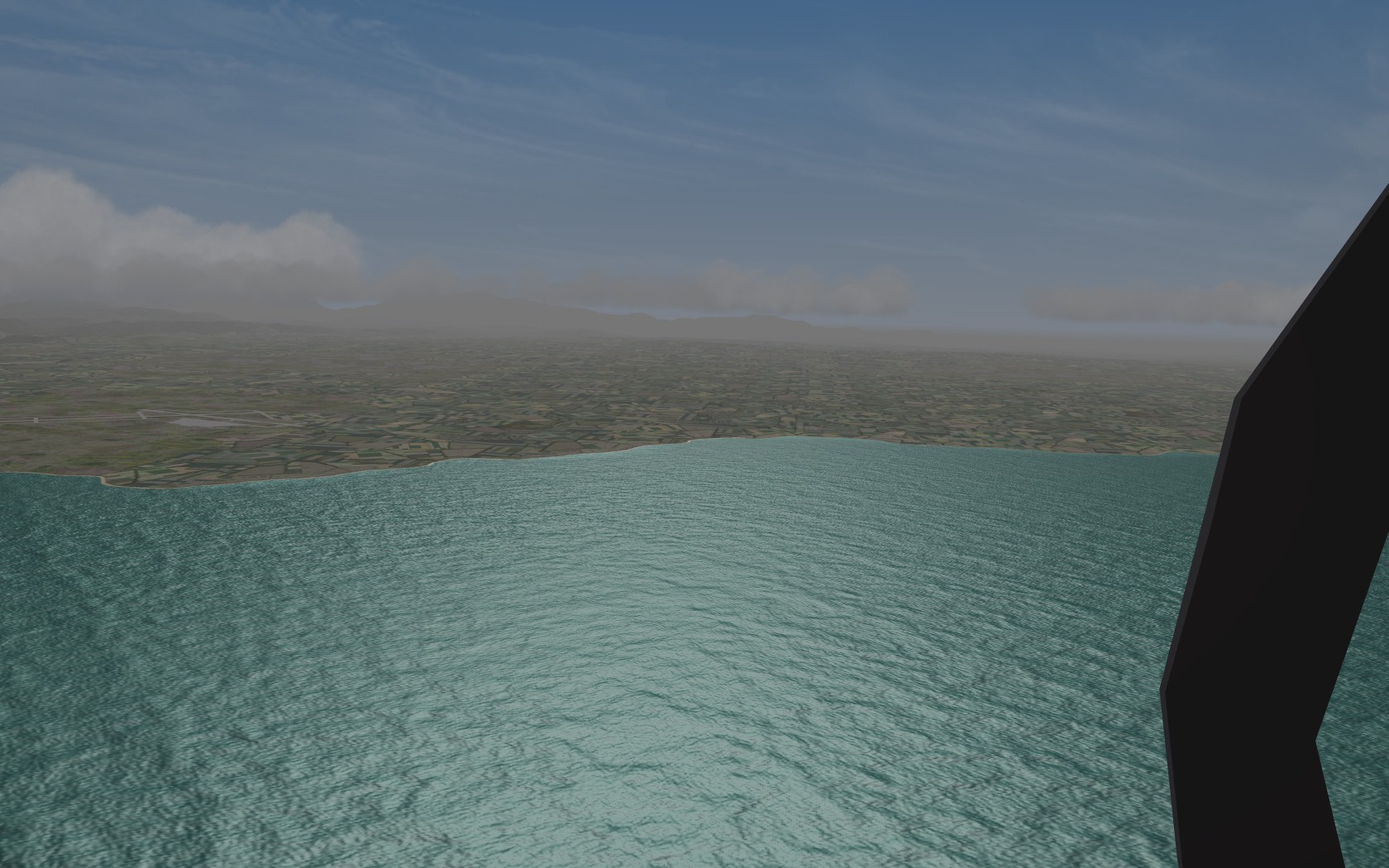
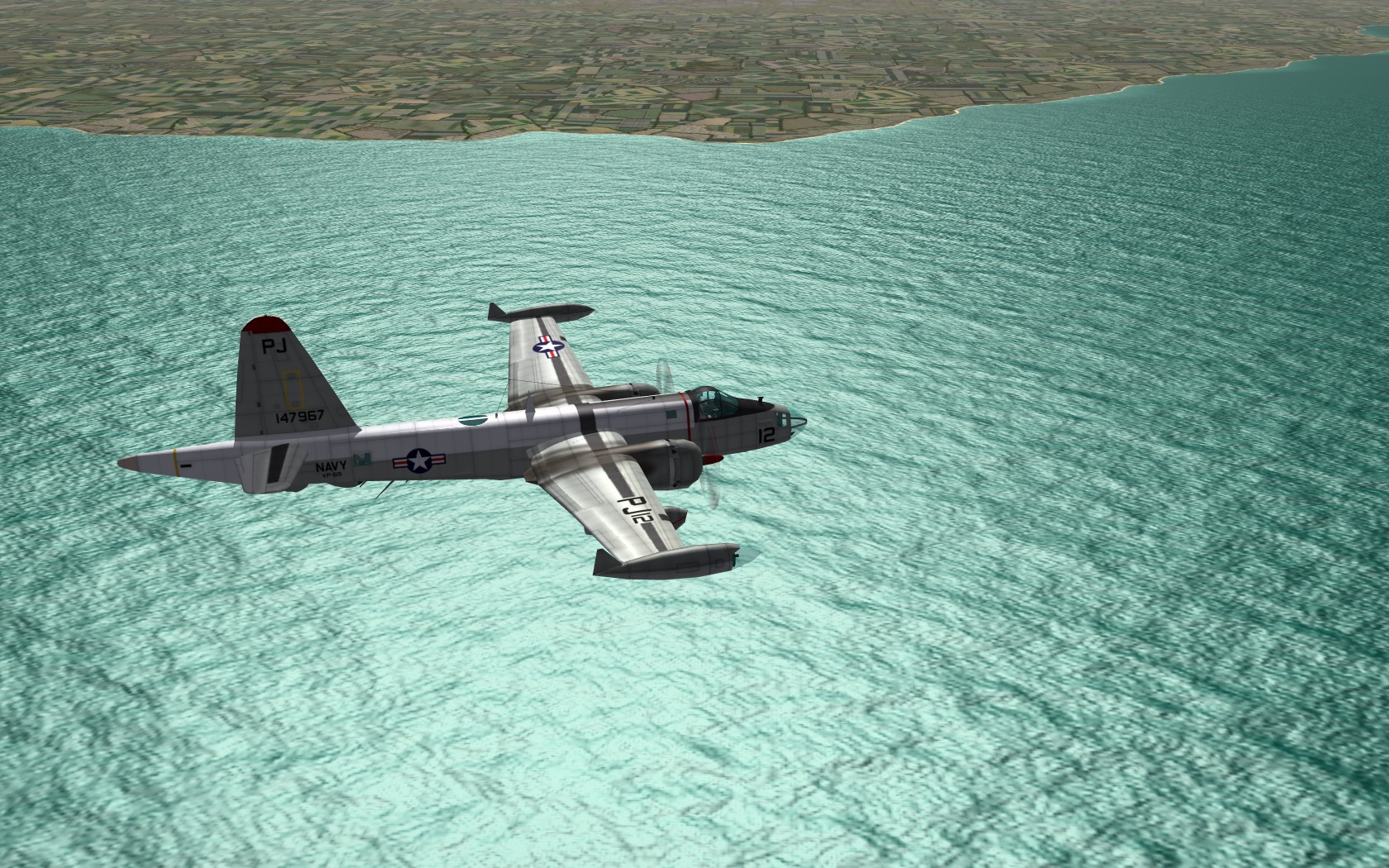
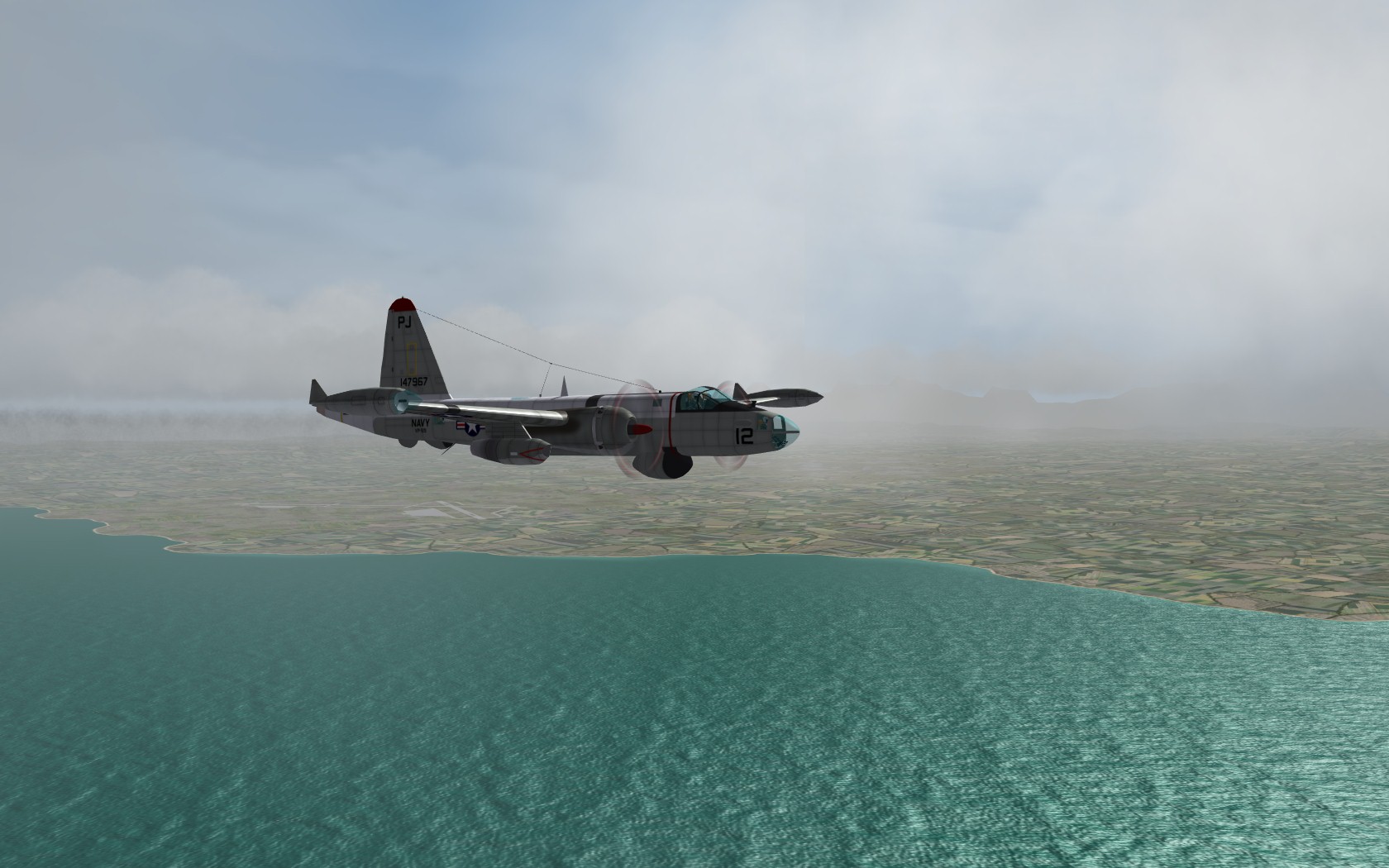
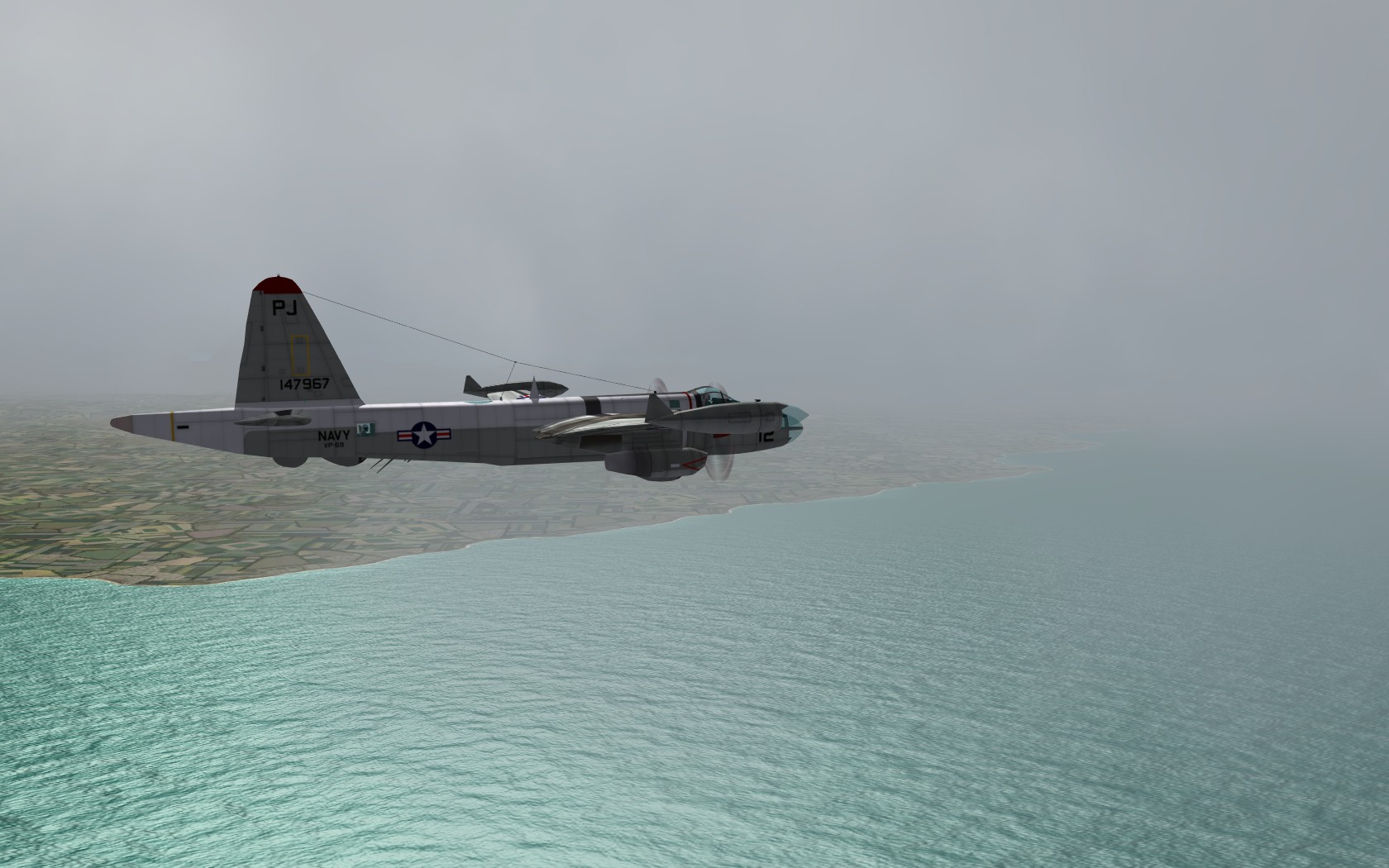
-
If you want to. This was just for my personal stuff.
-
http://www.nytimes.com/2010/09/11/us/11june.html?_r=1
-
They would have to be totally reworked for SF2, as this uses all the LOD's from SF1 to get them to work. Also since the mapping is different on the SF2 F-100's all the skins would have to be redone.
-
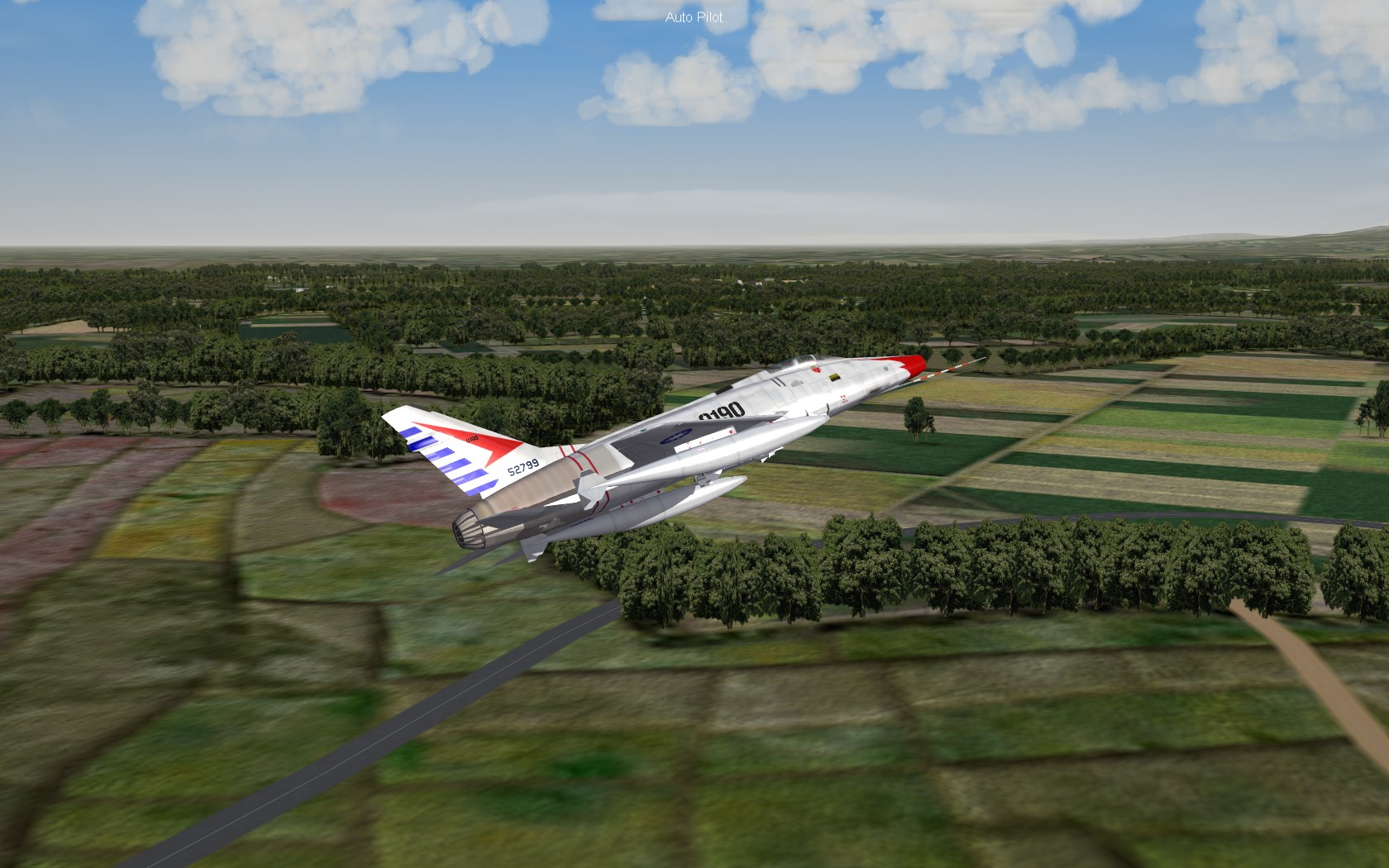
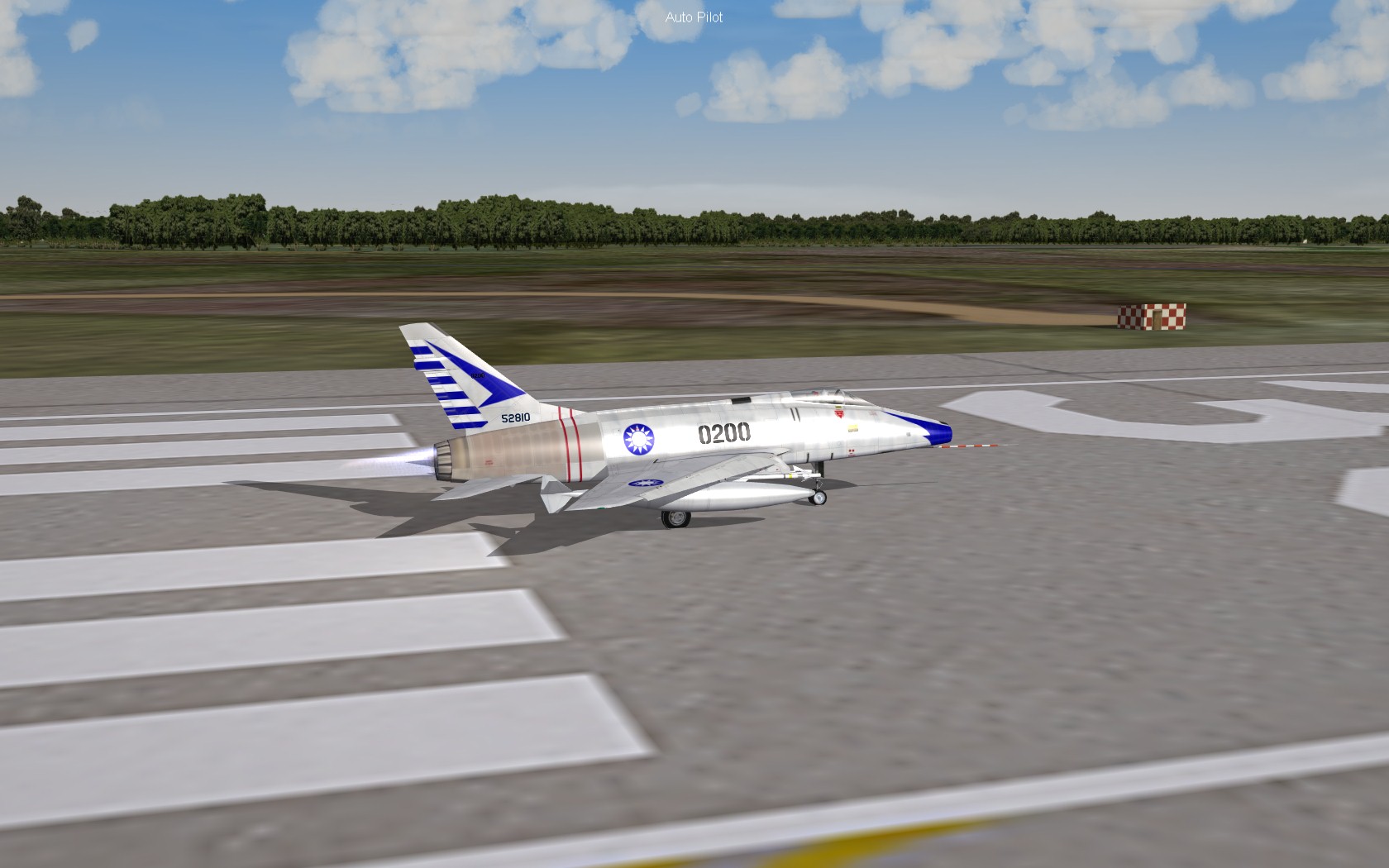
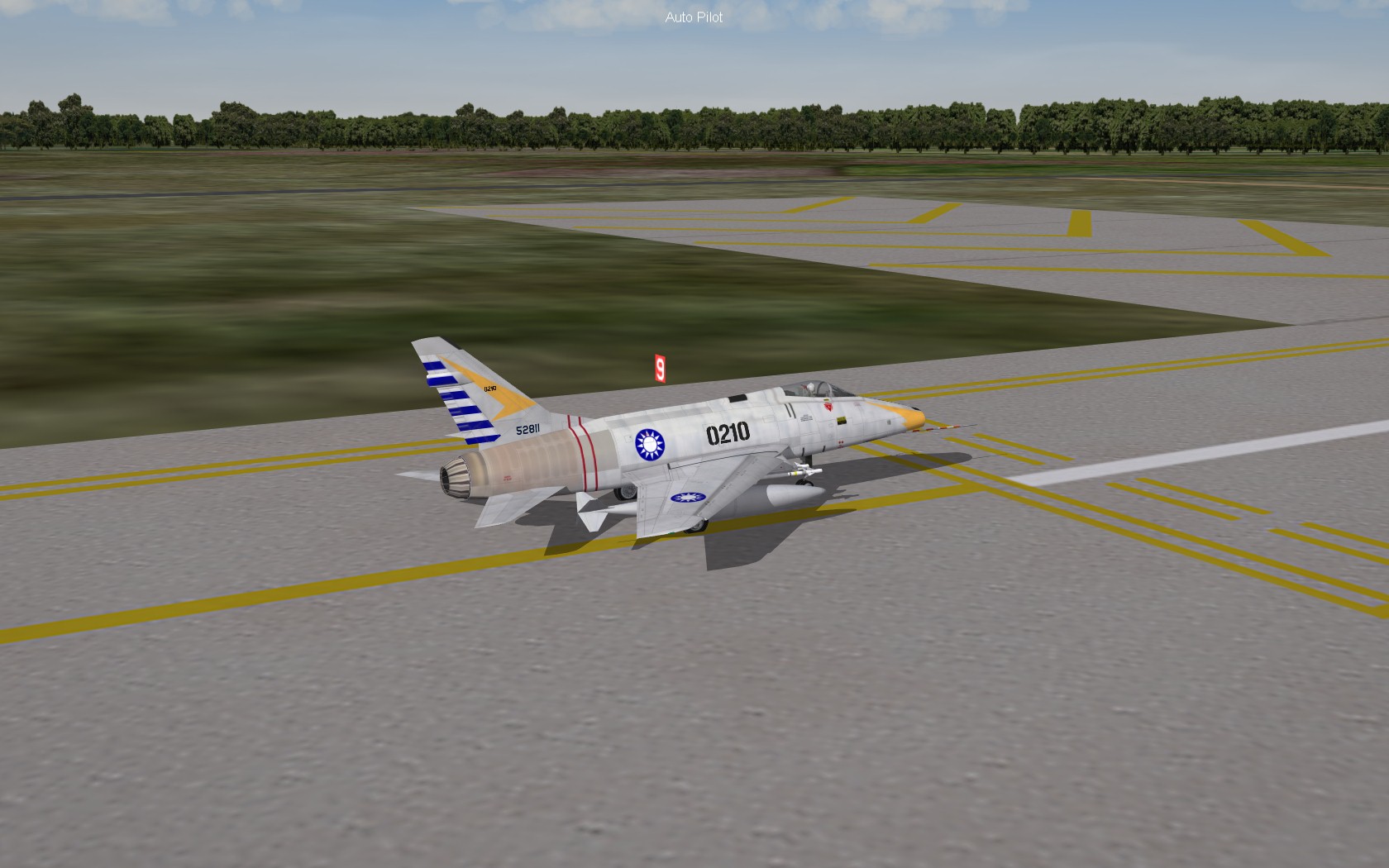
Formosa install almost complete. F-100A Rehab's.
-
I'm going to be repacking the plane as there is some changes to the model and some decal re work.
-
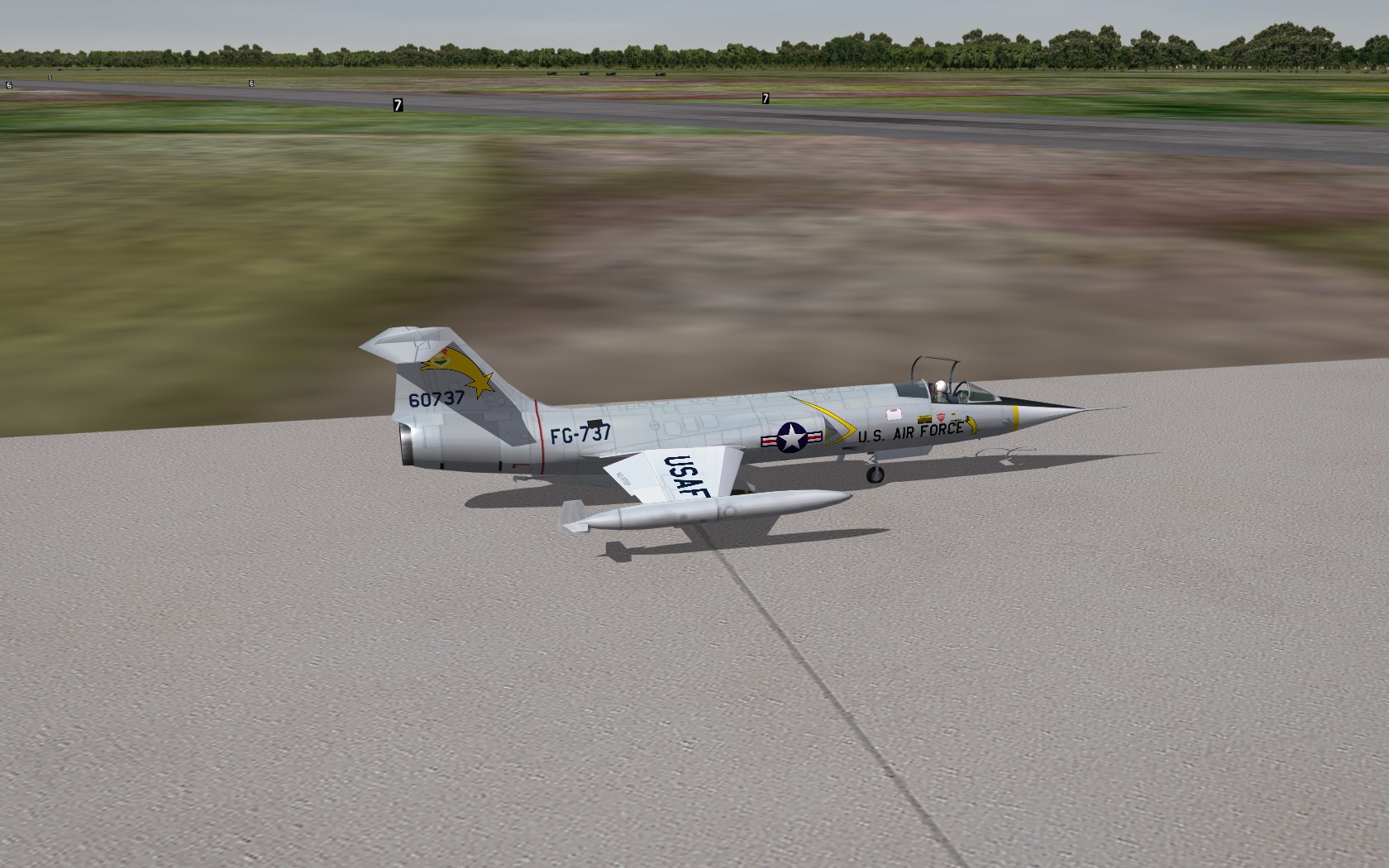
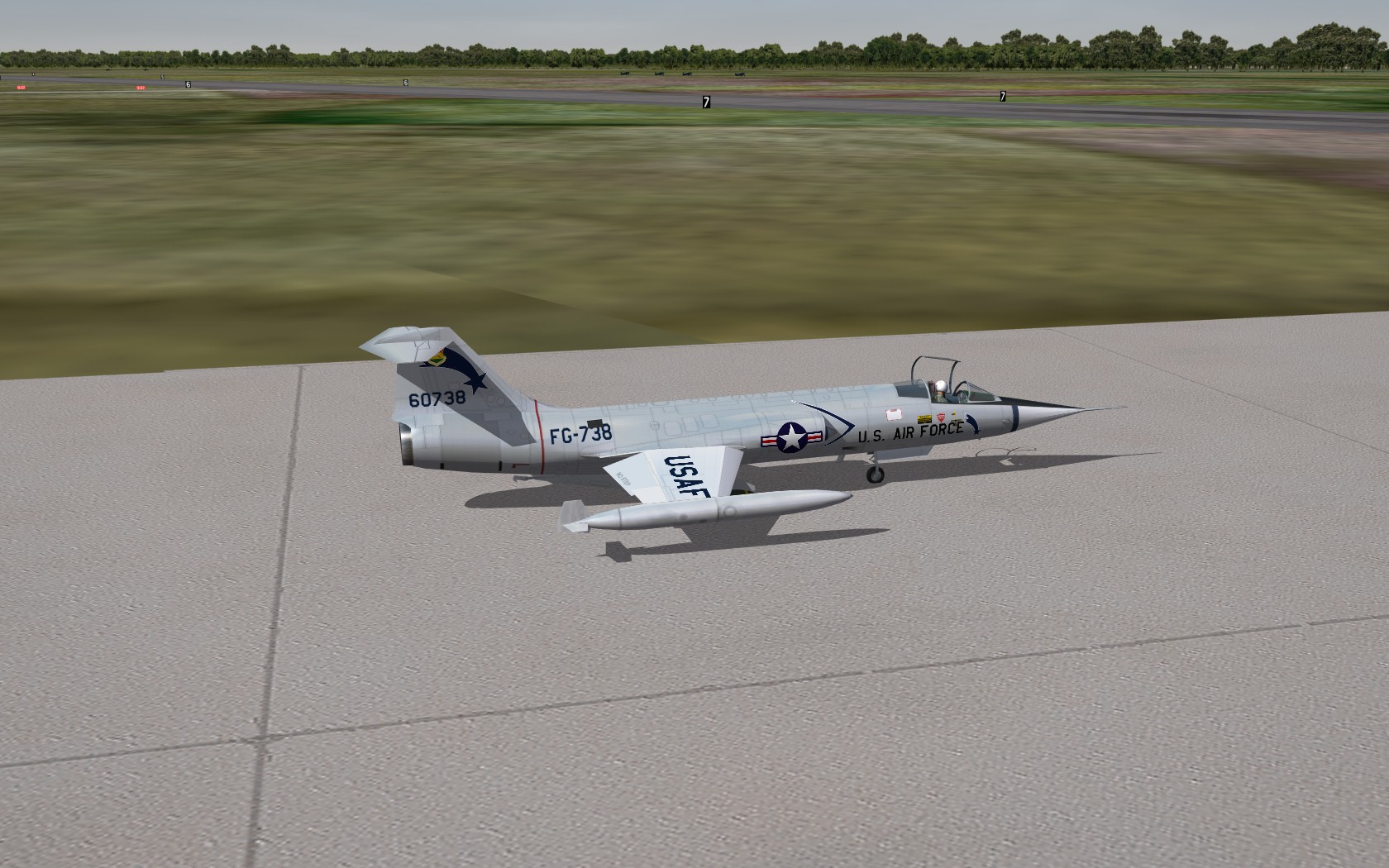
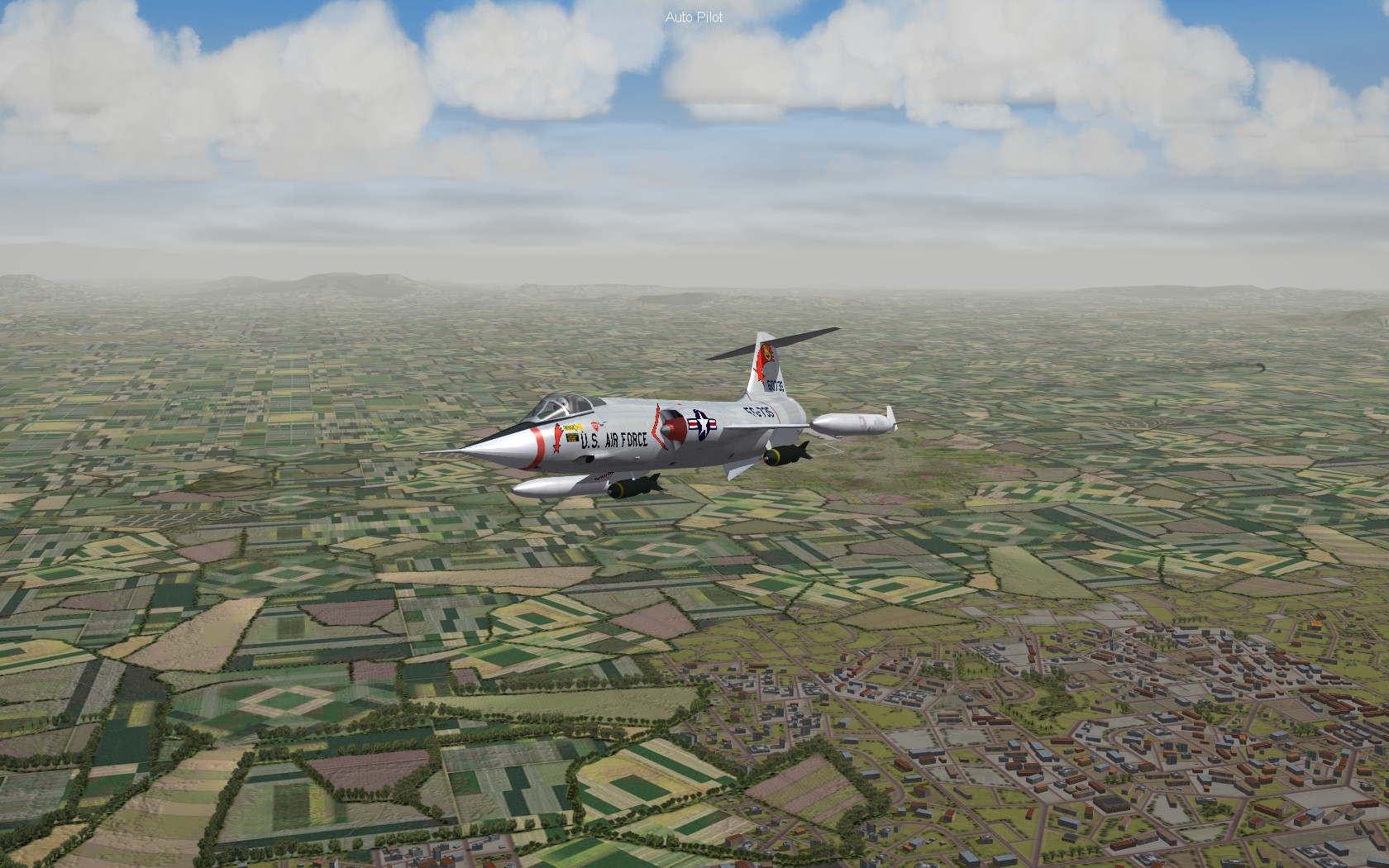
More of Formosa
-
Holy mother of god!!!!
-
Kevin That is a new skin......on the F-86....just your decals..
-
Formosa....
