

PureBlue
-
Posts
1,437 -
Joined
-
Last visited
-
Days Won
5
Content Type
Profiles
Forums
Gallery
Downloads
Store
Everything posted by PureBlue
-
-
Nice models, thanks Ant
-
Thanks Tracker, I might try painting a Greek version.
-
Great mod mate, danke !
-
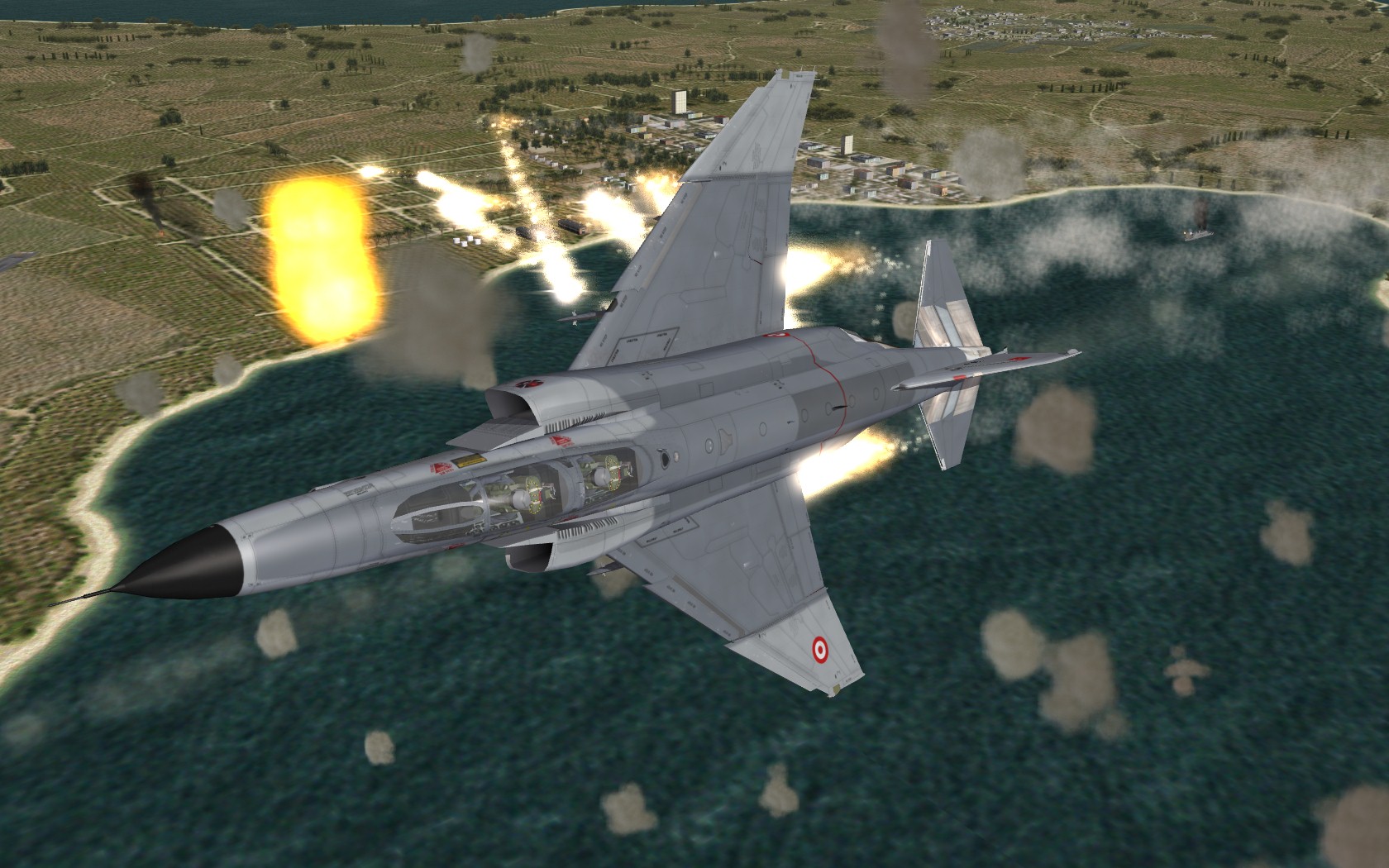
Nice bombing Profi ! mine are from soon to be released Anatolia..
-
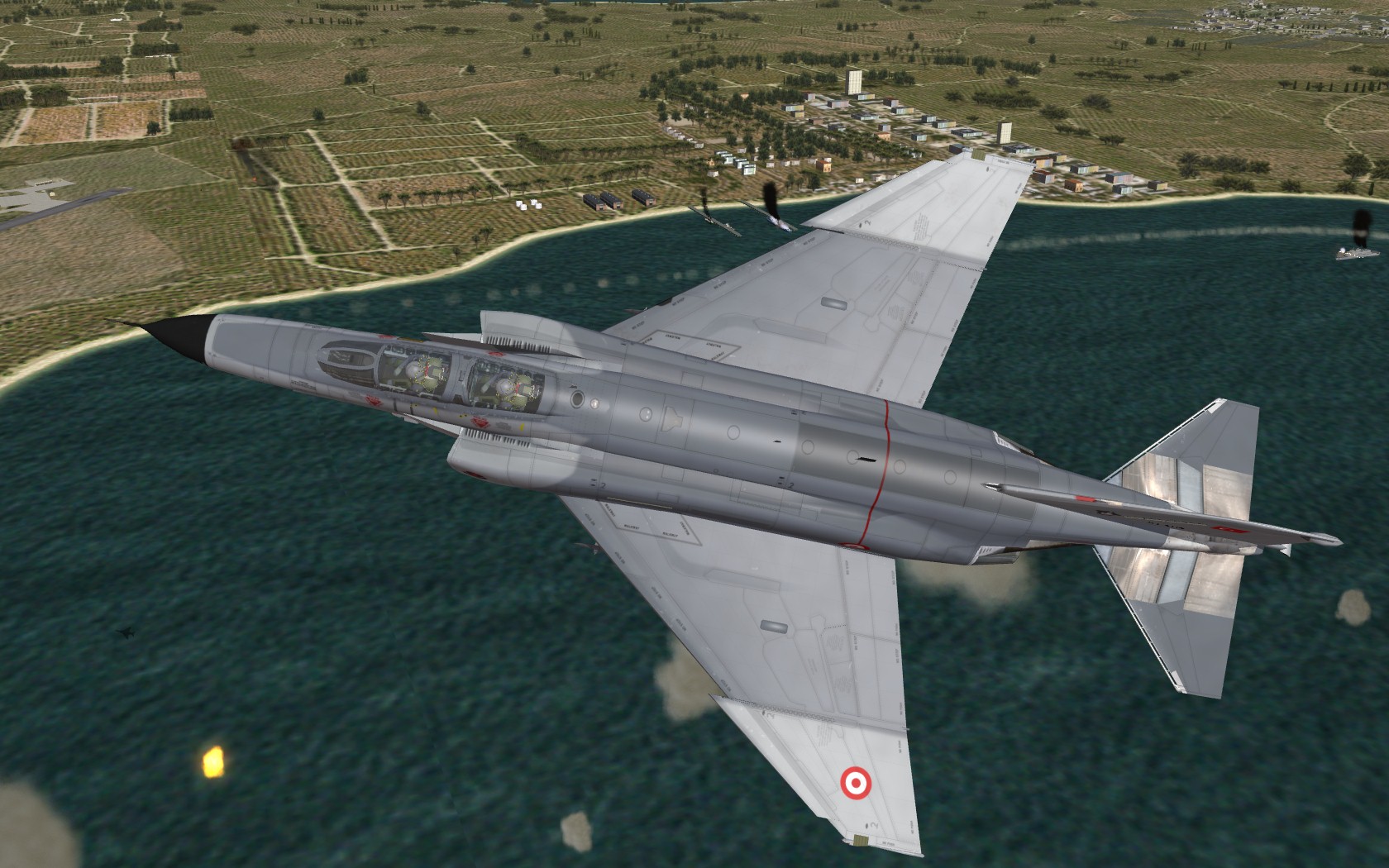
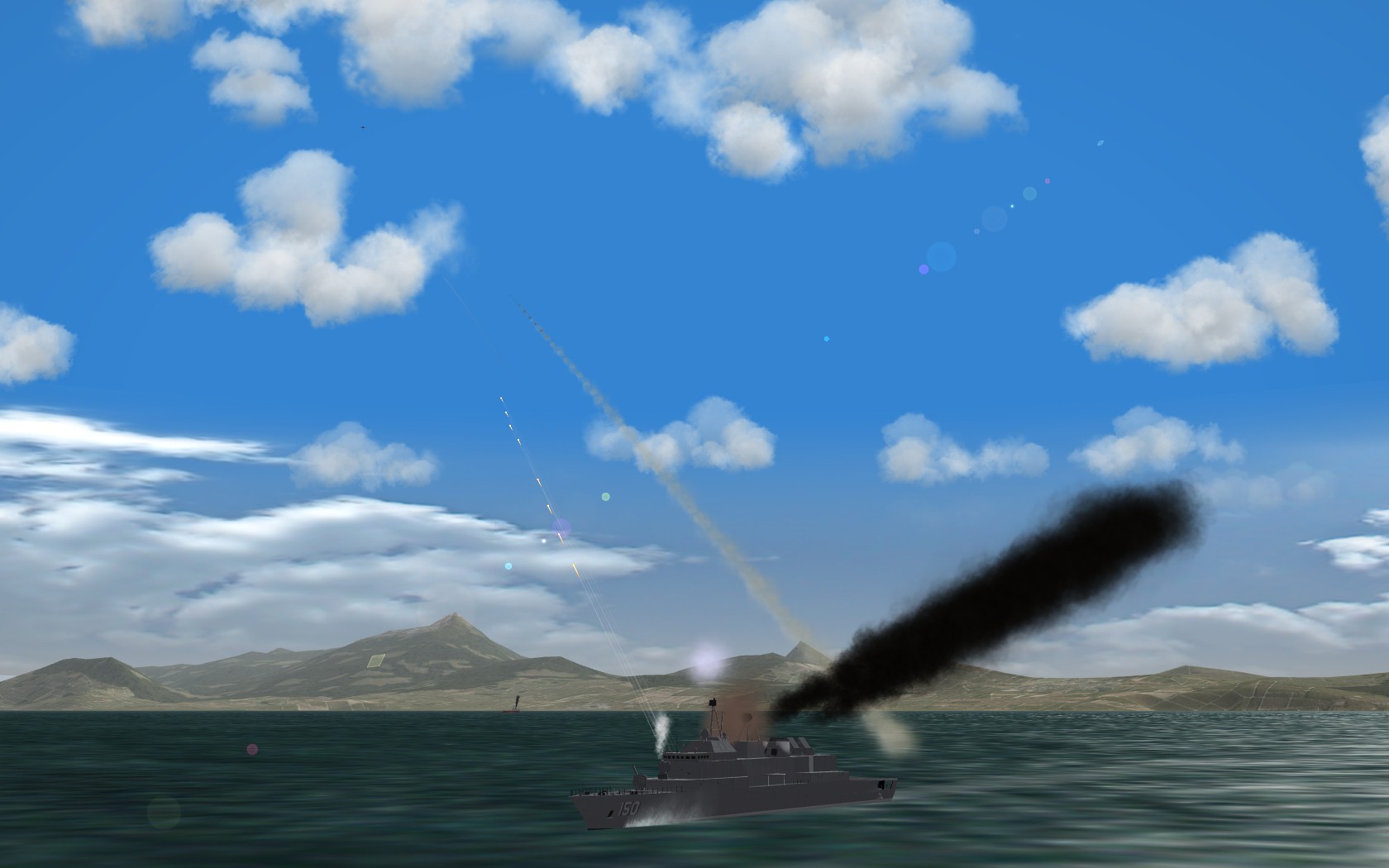
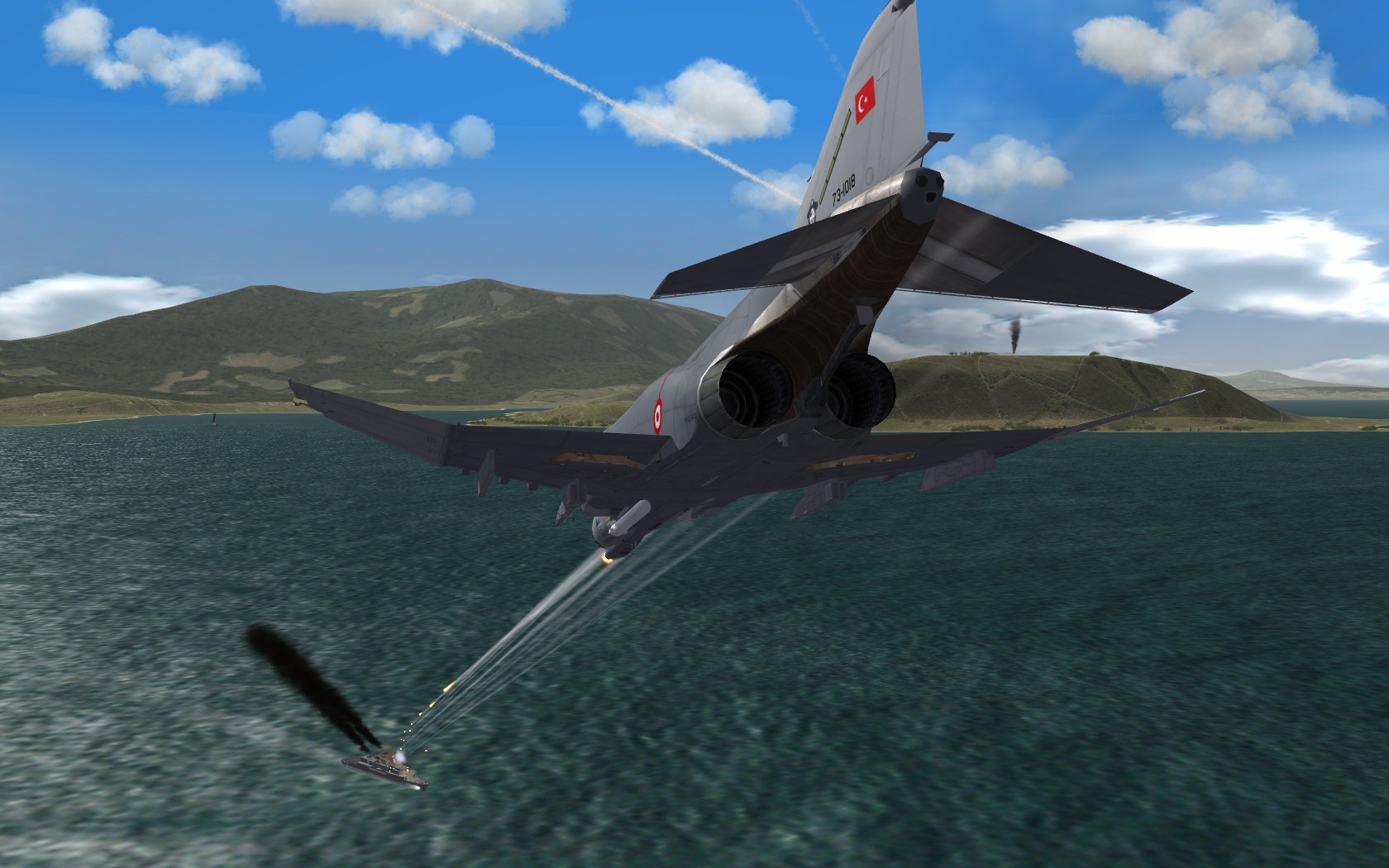
Harbor raid
-
From exporter notes: B. Poly Count There is no fixed limit to the number of polygons an aircraft model can have. However, for performance reasons, it should be limited to a “reasonable” number. For the current models for Project 1, the target poly count for external aircraft object is 5,000, including landing gears, and another 5,000 for the virtual cockpit.
-
Thank you Tracker
-
kicking a** taking names..!. Looks and sounds great, excellent job guys
-
Awesome objects! thanks Ant
-
Wrench I tried tod creation once and quicly figured it was bound to lead to hair pulling.. So I left that alone... Stary's tods are marvelous anyway
-
Very nice! Thank you
-
The one I was mentioning is the S-60G from the Vietnam Air and Ground Expansion Pack. From S-60G_Data.ini [body] ModelNodeName=Base EffectSize=1.0 MaxExtentPosition= 0.86, 0.86, 1.48 MinExtentPosition=-0.86,-0.86, 0.00 HasArmor=FALSE SystemName[001]=GunBarrel1 SystemName[002]=GunBarrel2 DetachNode[001]=Left_Ammo_Box DetachNode[002]=Right_Ammo_Box DetachNode[003]=Seat DetachNode[004]=Elevation_Wheel DetachNode[005]=Swivel_Wheel [GunBarrel1] SystemType=GUN GunTypeName=57MM_S68 MuzzlePosition=0.0,4.53,1.5 MaxAmmo=1000 BurstAmount=5 TracerLoading=1 EjectShells=TRUE [GunBarrel2] SystemType=GUN GunTypeName=57MM_S68T MuzzlePosition=0.0,4.53,1.5 MaxAmmo=1000 BurstAmount=5 TracerLoading=1 EjectShells=TRUE And the guns entry for the tracer: [GunData001] TypeName=57MM_S68T FullName=57mm S-68T Cannon Caliber=57.000000 ROF=120.000000 MuzzleVel=1000.000000 AmmoWt=2.850000 WarheadWt=0.154000 Reliability=93.000000 Accuracy=62.000000 AddLight=FALSE MaxLightRange=1200.000000 FireColor=0.500000,0.450000,0.320000 GunFireEffect= GunFireSound= EffectClassName=HmgEffects EffectTime=0.100000 TracerTexture=Tracer2.tga TracerSize=0.570000 TracerDistFactor=0.002000 TracerLength=0.005000 MaxVisibleDist=6000.000000 MaxStreakVisibleDist=1000.000000 TimeFuzed=FALSE
-
Can't remember which mod it was it., but the S-60 had, both a gun and a tracer, so you'd see the green tracers coming towards you, and the flak starts bursting. Pretty niffty I think. I'll copy/paste the guns_data when i get home
-
I second that, I'd love to see more A2G features..
-
Thanks Wrench. Seems like Photoshop gives better results with Arial then Gimp does..
-
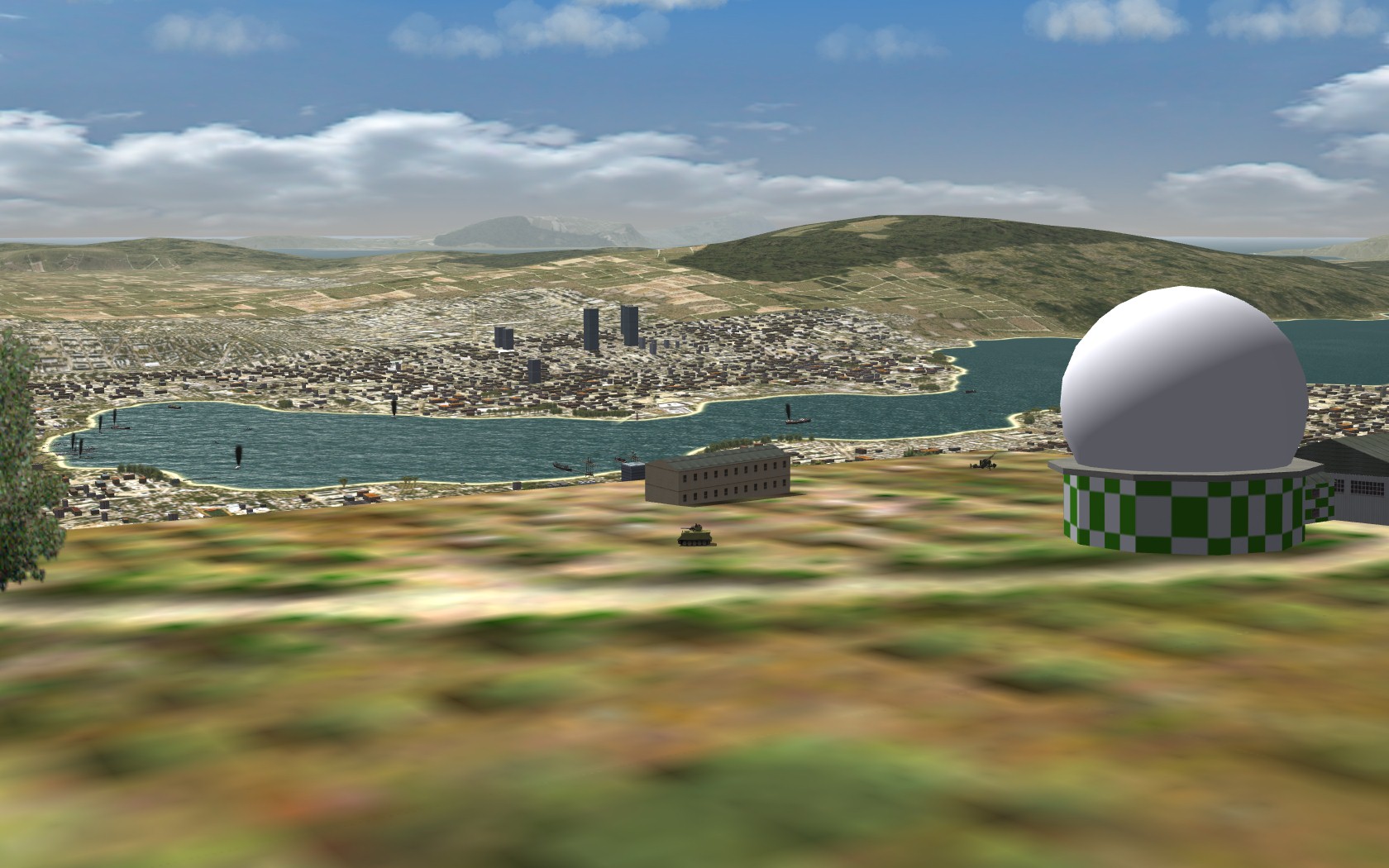
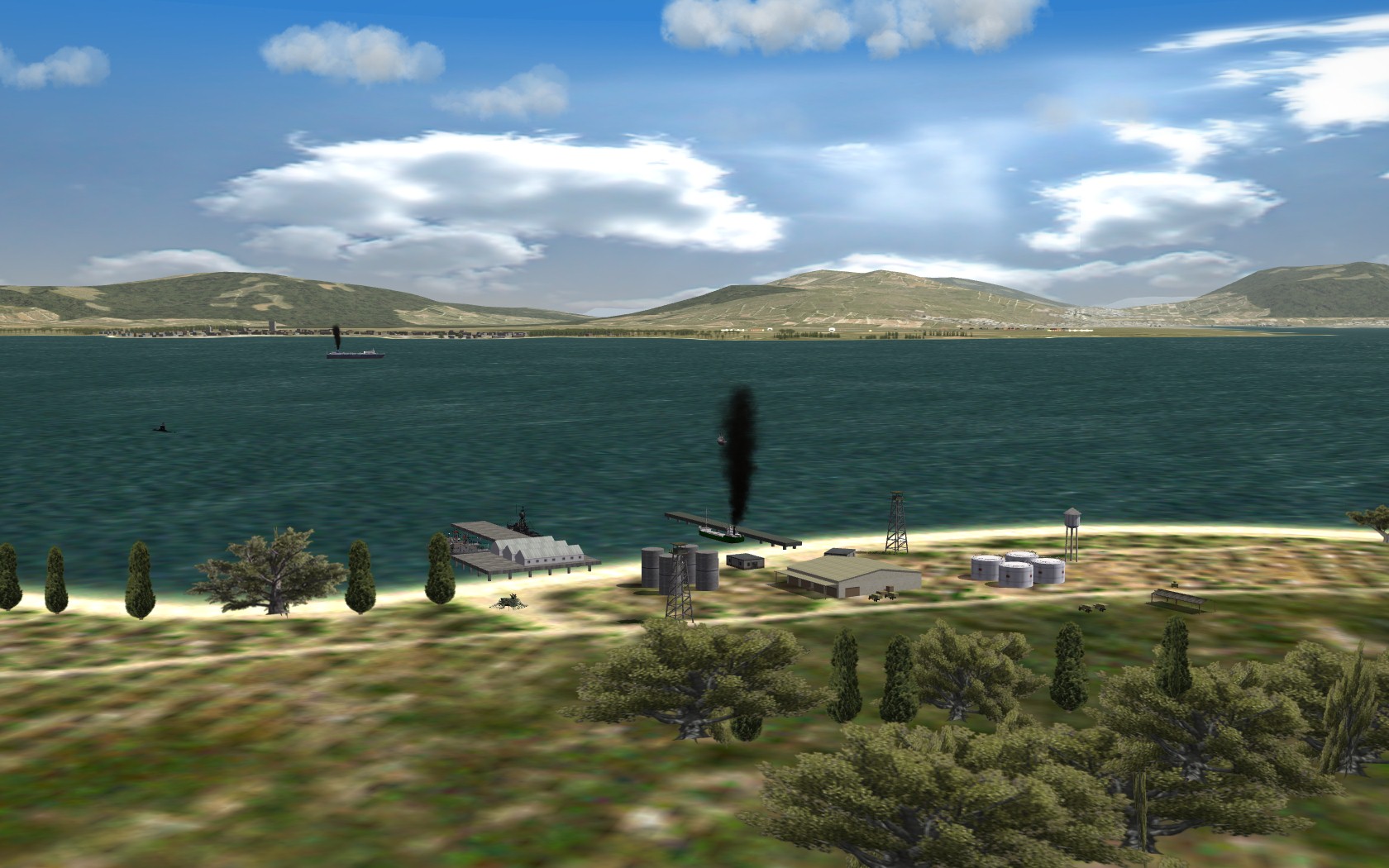
soon i hope view from Nato CC-Air HQ meanwhile at the Radar Station overlooking the harbor Uzunada Naval Base at the entrance to Gulf of Izmir

-
Wrench, what fonts are you using there?
-
Plus, it can't be done reliably, since the game engine will populate the sites with any of the available SAMs.. Of course the game could calculate and display the overlays optionally and dynamically... There are so many possible improvements to the Mission Editor, and the Mission Plan menus... I hope TK with his programming skills will throw in some of these features in the future
-
Frank, the _cities.ini is a file only used by Terrain Editor (TE). The in-game terrain engine doesn't use it (you probably know this!). What it's good for is, you create your cities/airfields in TE, and use the flattenning function.. After creating airfields/cities and target areas in TE, you do a "save all" which will update the _cities.ini.... Then you copy over the target area coordinates to your terrain_targets.ini. I only used it at the beginning of my terrain project. After a year of development, major airfields and cities were put in place, I switched over to manually placing target areas with the HUD DEBUG option (a PITA, but the outcome is, you get much more realistic target areas.. I don't like flatting a hole 4x4km tile space for a city and have it look fake.. The maps are pretty important, and with Wrench's ideas, I spent 2 weeks tweaking the 3 different sized maps.. Now before a mission, you can plan out your approach much better.. I might even add SAM radius stuff, I don't know.. I wish TK had an option to turn on/off overlays in the Mission Menus..
-
SFMap uses the terrain_targets.ini to populate the map. Show Cities works for me :) But it doesnt really mean `the cities`, it merely adds every target area on the map, creating a mess. But it could be very usefull when designing your own map. I learned this trick from Wrench: First generate a map with only "Relief" and grid, no airfield or cities. SAVE. This will be your bare map. Then unclick Relief , include only airfields. And Generate your second map. For third map, use no relief and only cities. Then add these 3 layers in Gimp/Photoshop.. Use each other to make reference points and add the target areas you wish...
-
I do the same, except instead of WOI, I use WOV. Works without problems here. It could be the ANSI/UNICODE format of the data files deal.
-
Wrench, did you get my PM about the river tiles?
-
Effects are great Stary highly recommended !!
-
Solution for tile-specific heightmaps horizontal gap line
PureBlue replied to Stary's topic in General Discussion
Very good fix Stary. Happy to get rid of the white line at the distance..
