
paulopanz
-
Posts
3,707 -
Joined
-
Last visited
-
Days Won
51
Content Type
Profiles
Forums
Gallery
Downloads
Store
Everything posted by paulopanz
-
The ORBAT of Kippur from Arab side are not so good. BTW Lybia never had Mig-17 or 19. Algeria sent her best units so no MiG-17. Maybe and probably Egypt had some. Tk 6Days war isn't accurate too. For example too many Mig-19 & Su-7, some ghost squadrons added as operational .... maybe to balance IDF power. Somewhere I have a '67 camp upgraded and revised. If we have a good arab OOB for Kippur it could be nice to upgrade too.
-
I piloti vanno nella cartella .... pilots dentro la cartella objects. Lì va anche la cartella guns (anche questa nuova rispetto a Sf1) insieme alle classiche weapons decals aircraft e groundobjects. Guns e weapons non hanno più bisogno dell'editor per essere intallati, basta creare la relativa cartella e metterla semplicemente al suo posto. Per capire come funziona la miglior cosa è guardare dentro a quelle già fatte da altri. il file data.ini che ci trovi dentro contiene quanto già contenuto in weapons / gundata.ini di SF1: ganzo no?
-
Uno di noi, Ettore uno di noi .....! ! Ps: ma non restare troppo perché, con tutte queste tasse nuove, non vorrei che alla fine tassassero anche Te .......
-
Per le piste di volo da qualche parte ci sono anche, ma credo sia un lavoro enorme ..... come vedi basta uno dei terreni indicati come alternativo: SF-2: Desert SF-2V Vietnam SF-2EU Germany SF-2I Israel Per gli schermi: SF2 richiede files Jpg, non è che hai usato i vecchi bmp?
-
Se hai solo SF-2 NA penso di si. E' l'unico che ha un terreno diverso dagli altri. IR.INI: [Terrain] TerrainFullName=Iran/Iraq DataFile=IR_data.INI TargetFile=IR_targets.INI TargetTypeFile=IR_types.INI MovementFile=IR_movement.INI NationsFile=IR_NATIONS.INI //EnvironmentFile=IR_ENVIRONMENTSYSTEM.INI //BriefingText=IR_briefing.INI DogfightFile=IR_dogfight.INI NavalMap=TRUE DogfightOnly=FALSE WaterMap=IR_Water.bmp CatFile=..\Desert\Desert.cat <----------------------------------------------- il programma "pesca" qui i files base //CatFile=..\GermanyCE\GermanyCE.cat <------------------------------- percorso alternativo //CatFile=..\VietnamSEA\VietnamSEA.cat<------------------------------ percorso alternativo LimitedNations=TRUE GroundObjectTexture=tan Longitude=44.0 Latitude=33.0 [Map] FilenameFormat=PlanningMap%d.bmp Width=1000000.0 Height=1000000.0 NumZoomLevels=3 [WeatherChance] ScatteredChance=50 BrokenChance=25 OvercastChance=15 InclementChance=10 Questo terreno funziona con: Desert (SF-2 base) Vietnam e Germany (cambiando l'indirizzo nei due ultimi casi) Comunque puoi fare un tentativo: inserisci IcelandNA.CAT al posto di desert.cat. Vediamo cosa esce fuori ....
-
Hi my friends, during these holydays I was wondering about our favorite flight sim future. It seems to me absolutely clear now that Tk definitively left PC for tablets (no comments please ). So no exp. 3 no other DLCs. Am I wrong? If so I think could be convenient for TW too leave us free to develop it further gaining money from their old products sells for free. In a world a Daidalos team like enterprise as for Il-2 serie. Erik could ask Tk about it. What do you think about it?
-
A piece of history! Very nicely done. Make more YAP skins, please! PS: the pilot isn't not mine (maybe old/new Diego?) - I only put it in the pack.
-
+1
-
Non devi toccare l'installazione. Lavora solo sulle cartelle in documenti. Per capire meglio scarica dalla sezione campagne una conversione totale (ODS o NATO fighters che con il solo SF2NA non Ti funzionano) segui le istruzioni e guarda come "montarla" nelle cartelle suddette. A proposito c'è anche NA estesa. Guarda quali moduli SF2 necessita .....
-
Ti assicuro che la santità - purtroppo - non è un mio problema ...... la cartella che cerchi in Win 7 è qui: C:\Users\.......\Saved Games\ThirdWire\StrikeFighters2 NorthAtlantic (i puntolini stanno ovviamente per Luca o come ti sei chiamato come utente) si genera dopo l'avvio dell'eseguibile. Sul filmato introduttivo non credo che SF-2 lo preveda più, ma qui a mia volta chiedo aiuto perché non saprei.
-
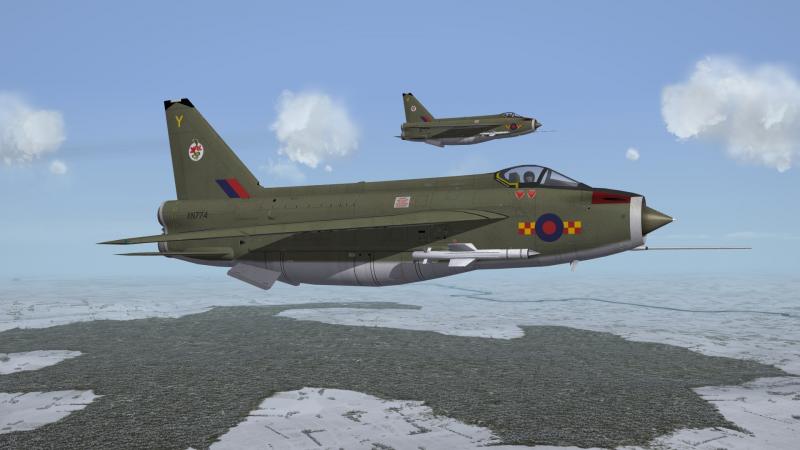
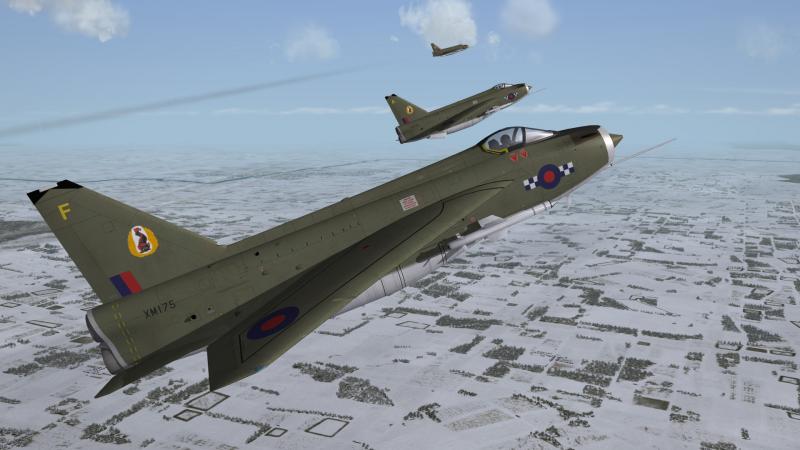
..... and keeper of the peace
-
Il programma sarebbe fatto per essere fuori dalle nostre grinfie, anche per evitare di fare qualche porcheriola e dover reinstallare tutto ... per questo all'avio del gioco viene generata una cartella nei documenti con lo stesso nome dell'eseguibile usato (se hai più SF2 ne hai più di uno e copiandone uno e rinominandolo insieme al relativo file.ini puoi avere tutte le installazioni dedicate che preferisci) che puoi modificare come vuoi, aggiungendo tutto quello che credi ... se per caso esageri basta rimuovere tale cartella (magari rinominandola ed usandone i contenuti come back-up) e ne avrai una nuova. Ma allora i contenuti dove sono? Nei files.cat presenti nell'install principale (quello che non dovresti toccare ...) Per aprirli ci vuole l'estrattore di cui al link al post # 7 qui sopra. Per rispondere anche a Cristiano, che non l'ha ancora usato basta installarlo e lanciarlo. Se non dovesse funzionare: click destro sull'eseguibile e provare le varie compatibilità. In ogni caso alla fine DEVE funzionare. A quel punto si seziona un file CAT negli Objects per esempio o nei DLC (quelli più succulenti) ed il programma elenca il contenuto. Poi si estrae il tutto in una cartella di nostro gusto e finalmente mettiamo le mani sui pezzi che compongono il programma. i files.ini, vecchi files testuali si aprono con un qualsiasi editor di testo e modificando i vari parametri ridefiniscono l'aereo, la nave od il carro armato prescelto. i files.bmp & jpg si aprono e si editano in Photoshop o Gimp , rappresentano le texure e ci consentono di modificare le varie livree. Esistono svariate templates già pronte all'uso in apposite sezioni dei downloads . Io di regola faccio da me con un metodo particolare stile decoupage i files.tga si possono gestire in Photoshop 2.0 oppure utilizzando per versioni successive (da testare) un apposito filtro. Rappresentano i decals ed infatti debbono stare nell'apposita ed omonima cartella degli Objects. Estraendo i Missiondata.cat invece si mettono le mani su campagne e missioni, che possono essere editate, oltre che col l'editor di cui all'exp. 2 o al DLC, anche con l'editor di testo di cui sopra. Buon divertimento!
-
Thank You my friends, Your comments are very much appreciated, too. F.2/2A (the turnig point serie) is in the pipeline now.
-
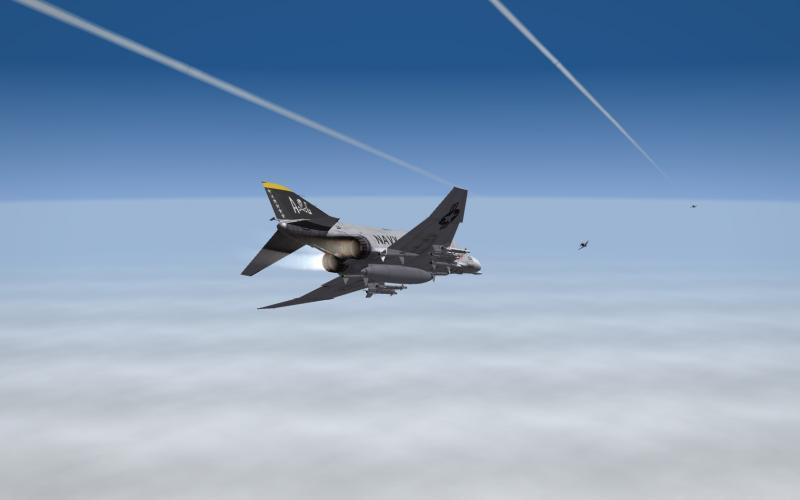
Please share those fantastic skins! :clapping: Mandatory screenshot
-
Thank you!
-
this pack is updated, too.
-
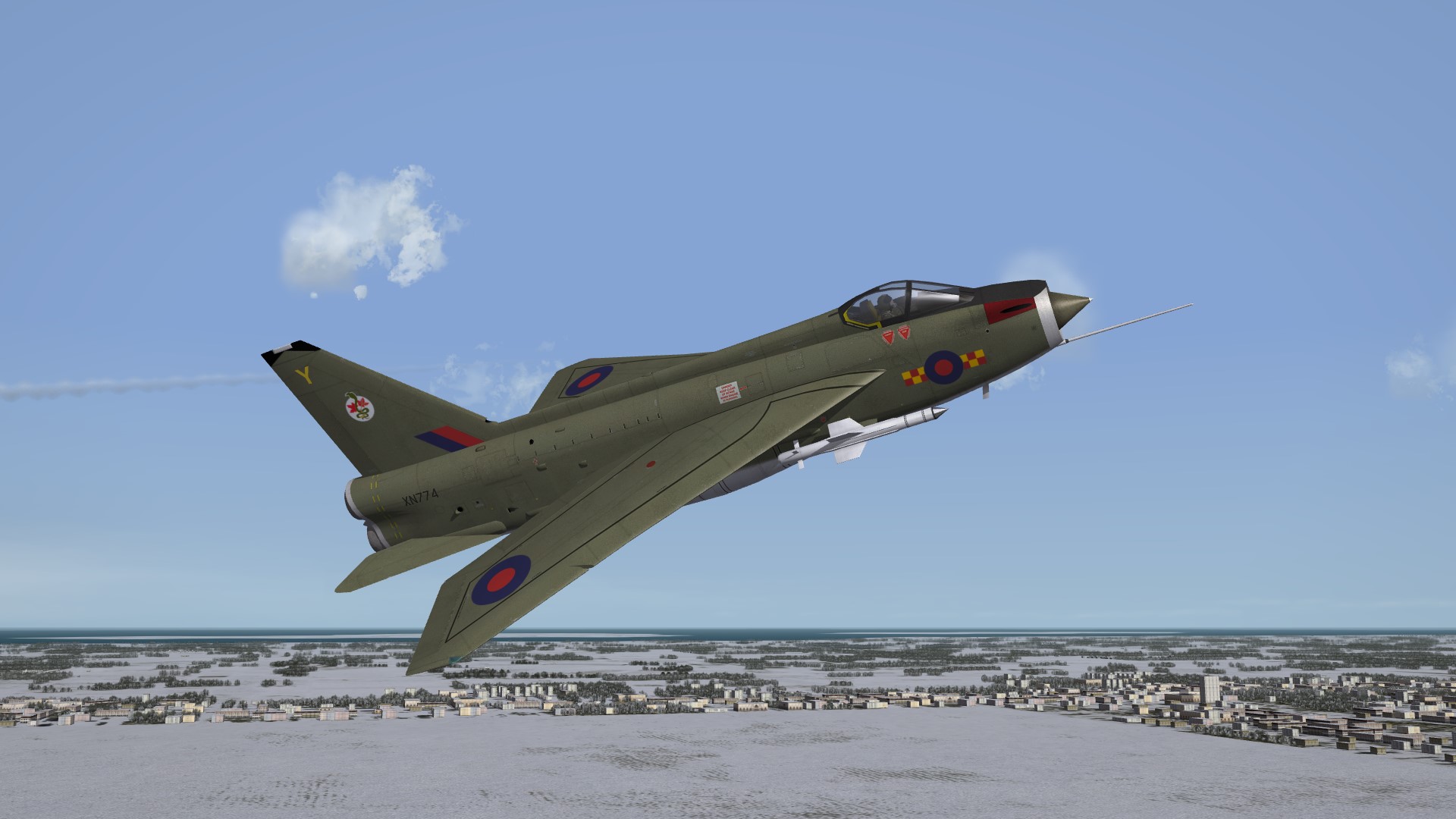
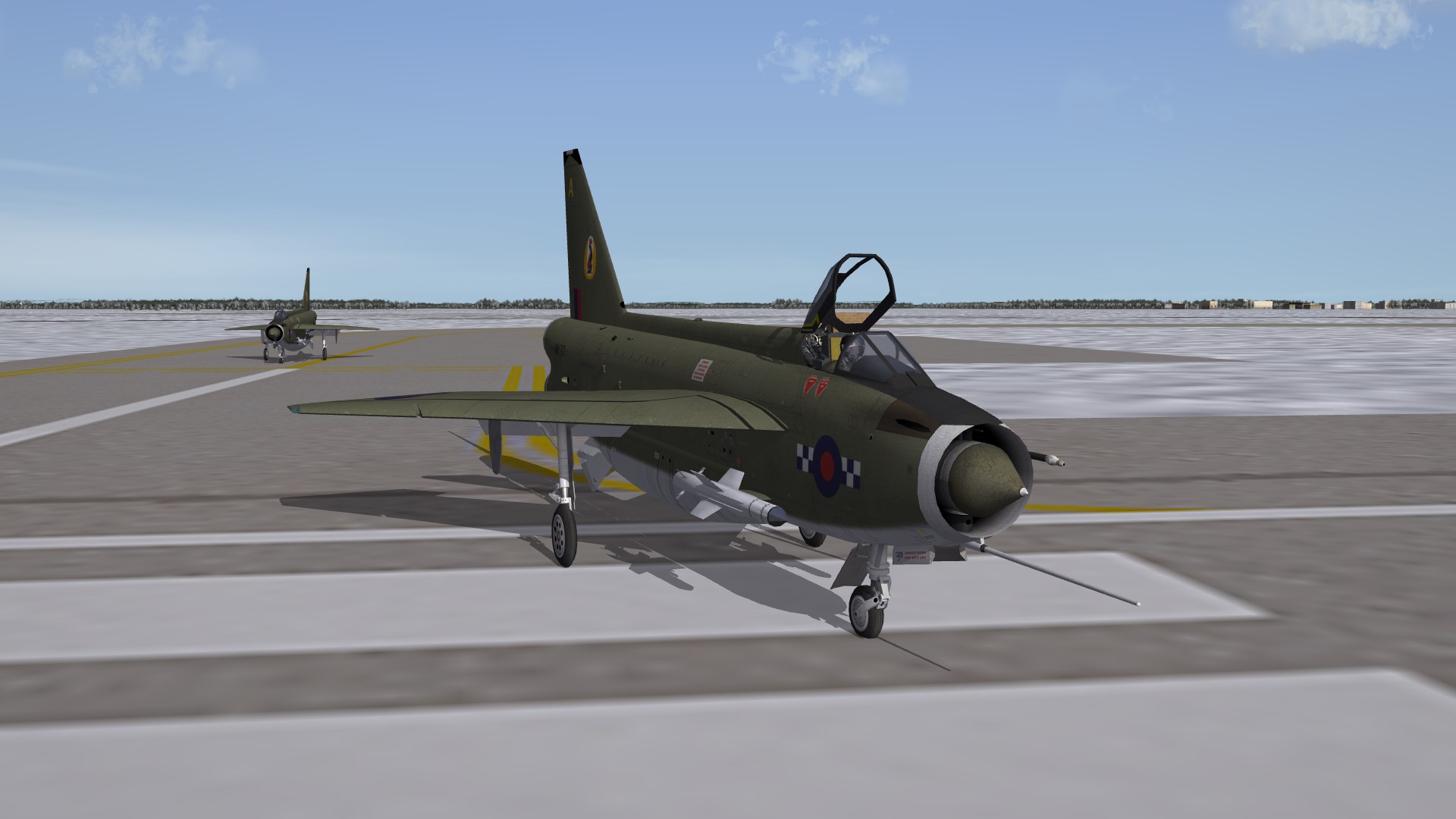
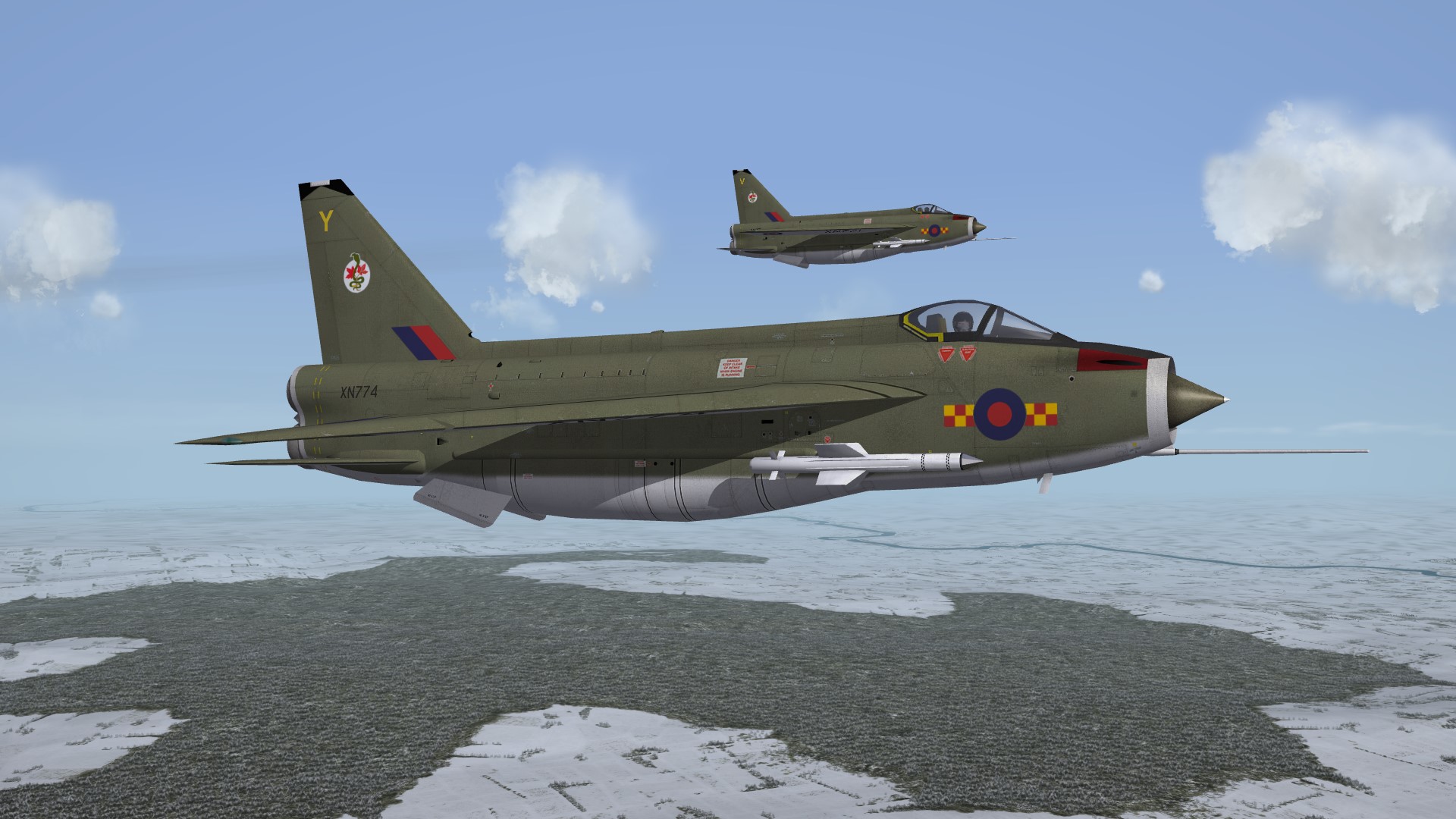
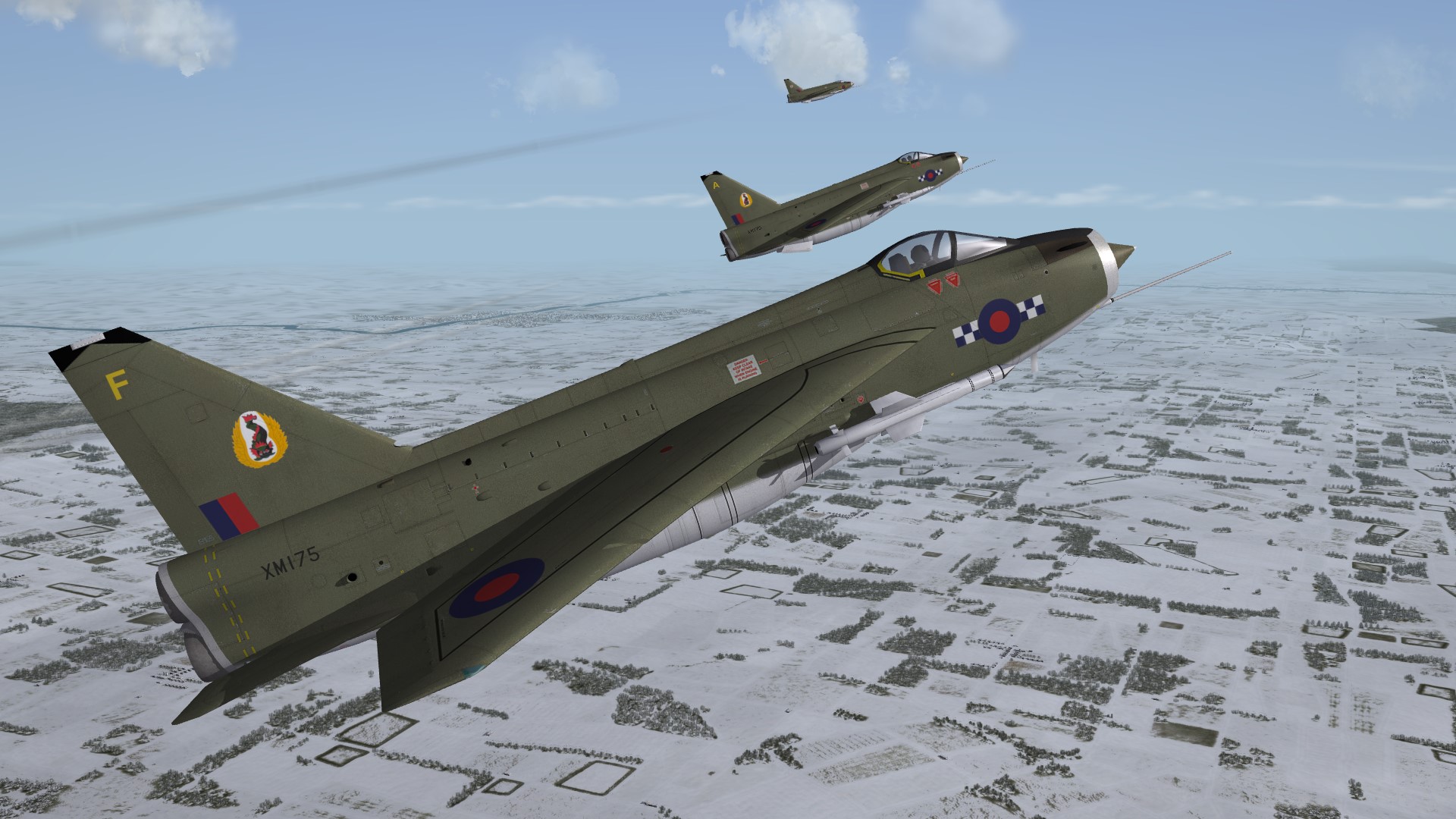
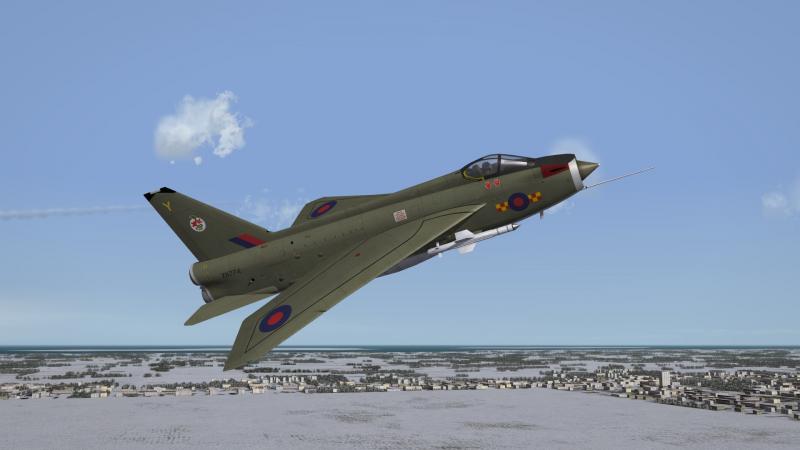
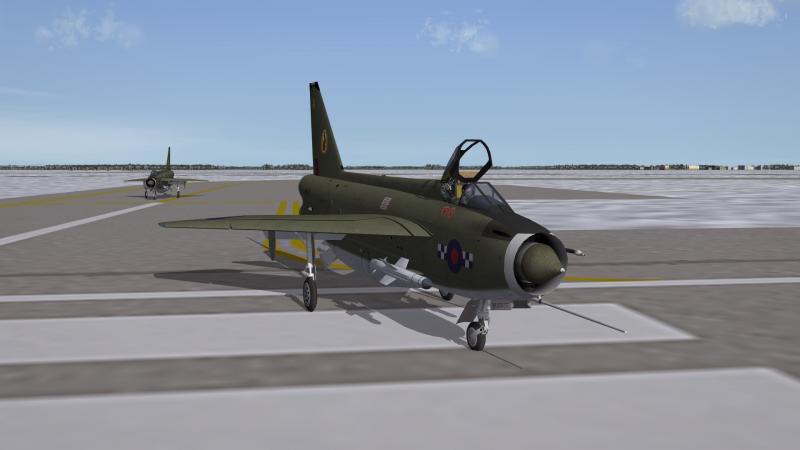
View File E.E. Lightning F.1A Upgrade Skin Pack Lightning F.1A: single-seat fighter, delivered in 1961. Featured Avon 210R engines, an inflight refuelling probe and UHF Radio; a total of 28 built. Service: No. 56, 111 Squadrons and support units. All operational Squadrons/Flight portrayed. WHAT's IN: - 11 new skins made by my homemade© temps; - Specific historical decals by unit - RAF command pennants - openable canopy - sound - pilot - loading screen - data.ini/userlist.ini tweaked CREDITS: - Spillone104 for Sound - ? for pilot OPERATIONS: - open canopy (krey=10) - auto closing at take off INSTALL: - You must have Exp. pack 2 - both sounds and objects folders in main mod instatll and overwrite Yours @Paulopanz P.S. The 56th Squadron Red tail is my favorite dressing ever for this plane. Submitter paulopanz Submitted 12/30/2013 Category Lightning
-
Version 1.0
237 downloads
Lightning F.1A: single-seat fighter, delivered in 1961. Featured Avon 210R engines, an inflight refuelling probe and UHF Radio; a total of 28 built. Service: No. 56, 111 Squadrons and support units. All operational Squadrons/Flight portrayed. WHAT's IN: - 11 new skins made by my homemade© temps; - Specific historical decals by unit - RAF command pennants - openable canopy - sound - pilot - loading screen - data.ini/userlist.ini tweaked CREDITS: - Spillone104 for Sound - ? for pilot OPERATIONS: - open canopy (krey=10) - auto closing at take off INSTALL: - You must have Exp. pack 2 - both sounds and objects folders in main mod install and overwrite Yours @Paulopanz P.S. The 56th Squadron Red tail is my favorite dressing ever for this plane. -
Please, if You have the fix post it .....