citizen67
-
Posts
231 -
Joined
-
Last visited
Content Type
Profiles
Forums
Gallery
Downloads
Store
Everything posted by citizen67
-
I hope your recovery can be complete. I stand by you.
-
Take care of yourself, be strong and patient. We all wish you a total recover.
-
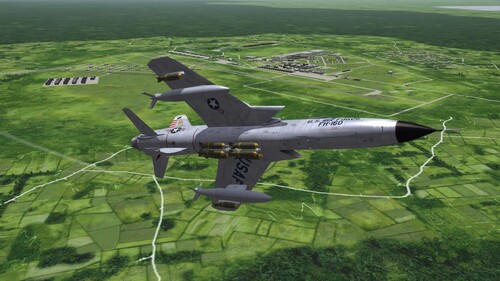 As a SF2:Vietnam fan I can't help but give 5 stars
 -
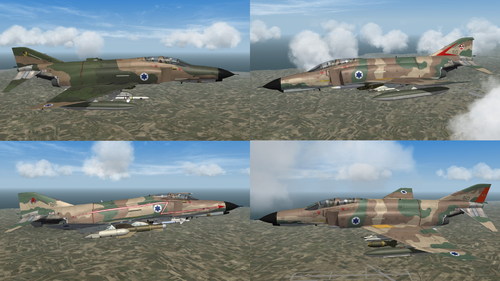 Very accurate job. Thank you
 -
 Beautiful work. You can always count on Jarek.
-
- 1
-

-
- aeronautica militare
- ami
- (and 2 more)
-
I remember that show, I liked it! It was an Happy Days spin-off. They were friends of Fonzie.
-
Especially italians
-
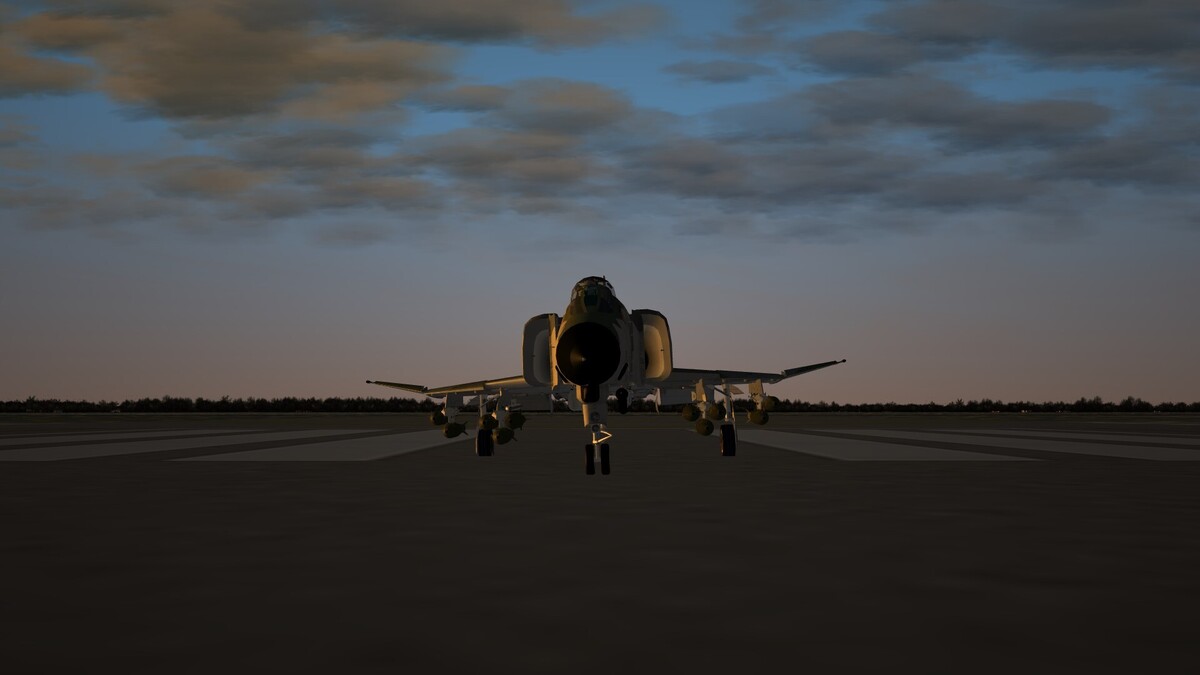
Hi Ravenclaw, this is a screenshot of the aicraft on runway: No other aircraft behaves like this, neither your other F-4Fs nor any other. Replacing with the original _data.ini file the issue seems solved.
-
Hi @ravenclaw_007, I noticed that your F-4F_80 with the new 1.0.1 cockpit tends to roll to the right. Even on takeoff while still on the ground, it tilts to the right. Could this be a problem with the _data.ini file?
-
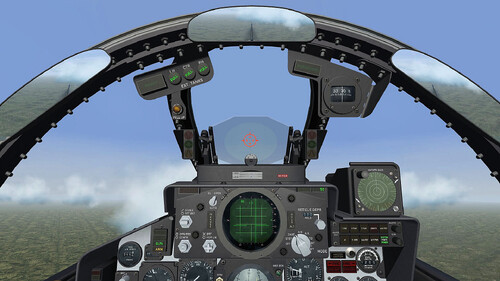 Outstanding work
 -
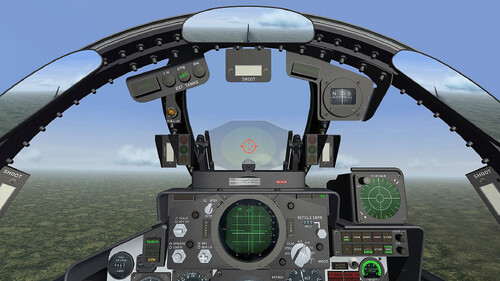 Downloading a Ravenclaw file is like unwrapping a Christmas present when you were a kid
-
- 1
-
-

Disable the right-click for the quad menu
citizen67 replied to GKABS's topic in Mods & Skinning Discussion
I use an iMac at work and sometimes, something similar happens with InDesign. In my case, it's a GPU-related issue. -
Hi everyone, what's the difference between “OpenCockpit=False” and “OpenCockpit=True”? I’m using both ZBuffer Offset Shaders and Extended Fading Distance Shaders in my Terrains, but I still get objects flickering or popping up at the very last moment, when I’m very close (especially in Rend's Germany and in Vietnam Green Hell 3.5). This is very annoying and I can't get rid of it. I’ve noticed that setting OpenCockpit=False in the aircraft’s _cockpit.ini file slightly improves the situation, but I don’t know whether this setting might cause other issues. Thanks
-
Long live the Tomcats
-
41, according to 2026 World Air Forces Directory: https://www.flightglobal.com/defence/2026-world-air-forces-directory/165267.article
-
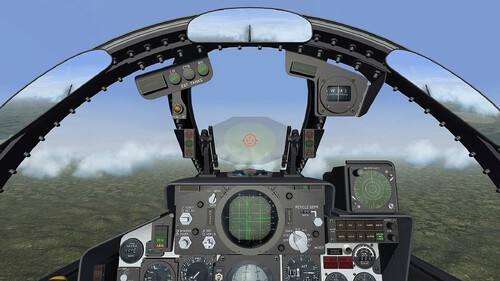 The Ravenclaw cockpits are truly awesome. They radically change the gameplay experience, it doesn't seems no longer SF2.
-
- 1
-
-
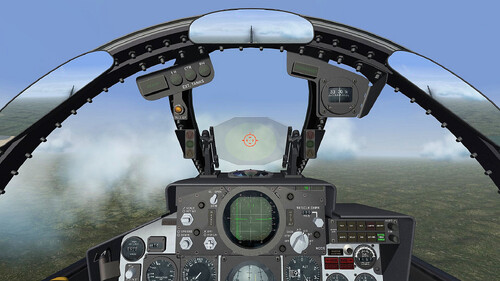 Wonderful, as expected from Ravenclaw.
-
- 1
-
-
I just want to change "SpeechFile=USAFSpeech.cat" with the specific languages provided by Menrva. Thanks Yakarov
-
Hi guys, is the nations.ini file the same for every installation, or is it somehow different? I want to use Menrva's Speech Enhancement and edit the nations.ini file with the correct languages. Can I do this once and then copy it to every installation? Thanks
-
I'd be happy to do that, but I have very little time. I can try though
-
Man, you deserve a statue!
-
Great news. Are you planning a new cockpit, too?
-
View File Ingame HUD Modification In my research for realism, I made this little mod to change the ingame HUD mantaining only the speech subtitles and the hint about weapons selection, chaff/flare release, radar lock, etc. in the left bottom side. I've removed info about speed, heading, callsign, altitude, enemy aircraft, target red squares and waypoint triangle. There's also an option to change the menu screens font, if you agree. It's an edit of another mod I saw somewhere here on CA time ago, but I don't remember the author. All credits to him. Installation - Just drag&drop or copy/paste into your Menu and Flight folders in the installation of your choice (C:\Users\<YOU>\Saved Games\ThirdWire\StrikeFighters2 <WHATEVER>.../) - If you like it you can put the included font in C:Windows/Fonts and replace the default one in the main menu - In the game Options/Gameplay you must set all on Hard except HUD on Normal Hope you like it Thanks Submitter citizen67 Submitted 01/11/2026 Category Other
-

Version 1.0.0
26 downloads
In my research for realism, I made this little mod to change the ingame HUD mantaining only the speech subtitles and the hint about weapons selection, chaff/flare release, radar lock, etc. in the left bottom side. I've removed info about speed, heading, callsign, altitude, enemy aircraft, target red squares and waypoint triangle. There's also an option to change the menu screens font, if you agree. It's an edit of another mod I saw somewhere here on CA time ago, but I don't remember the author. All credits to him. Installation - Just drag&drop or copy/paste into your Menu and Flight folders in the installation of your choice (C:\Users\<YOU>\Saved Games\ThirdWire\StrikeFighters2 <WHATEVER>.../) - If you like it you can put the included font in C:Windows/Fonts and replace the default one in the main menu - In the game Options/Gameplay you must set all on Hard except HUD on Normal Hope you like it Thanks