Eagle114th
-
Posts
1,074 -
Joined
-
Last visited
-
Days Won
23
Content Type
Profiles
Forums
Gallery
Downloads
Store
Everything posted by Eagle114th
-

SF2 Avionics Community Pack - - Beta release v0.5
Eagle114th replied to Eagle114th's topic in Mods & Skinning Discussion
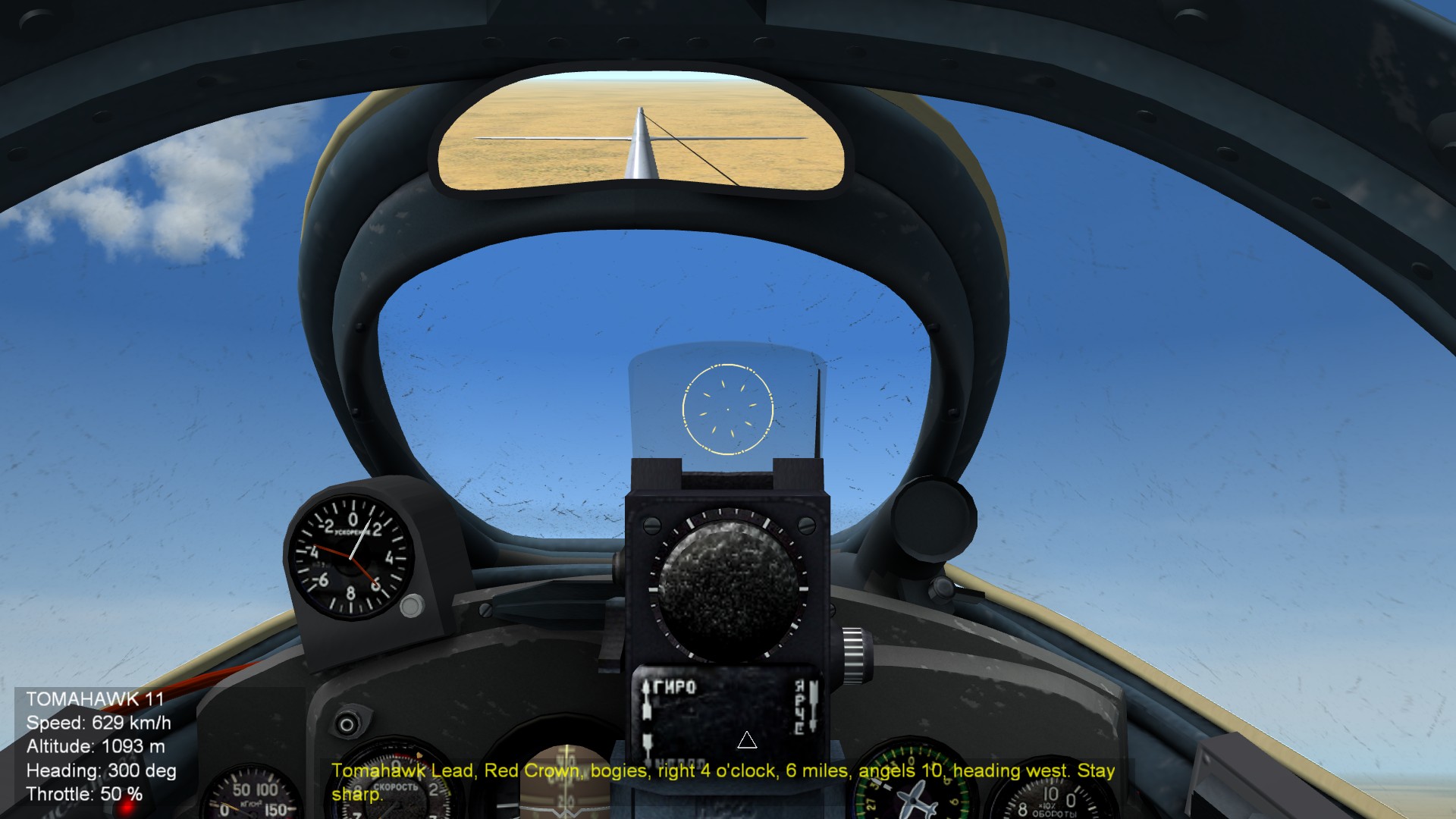
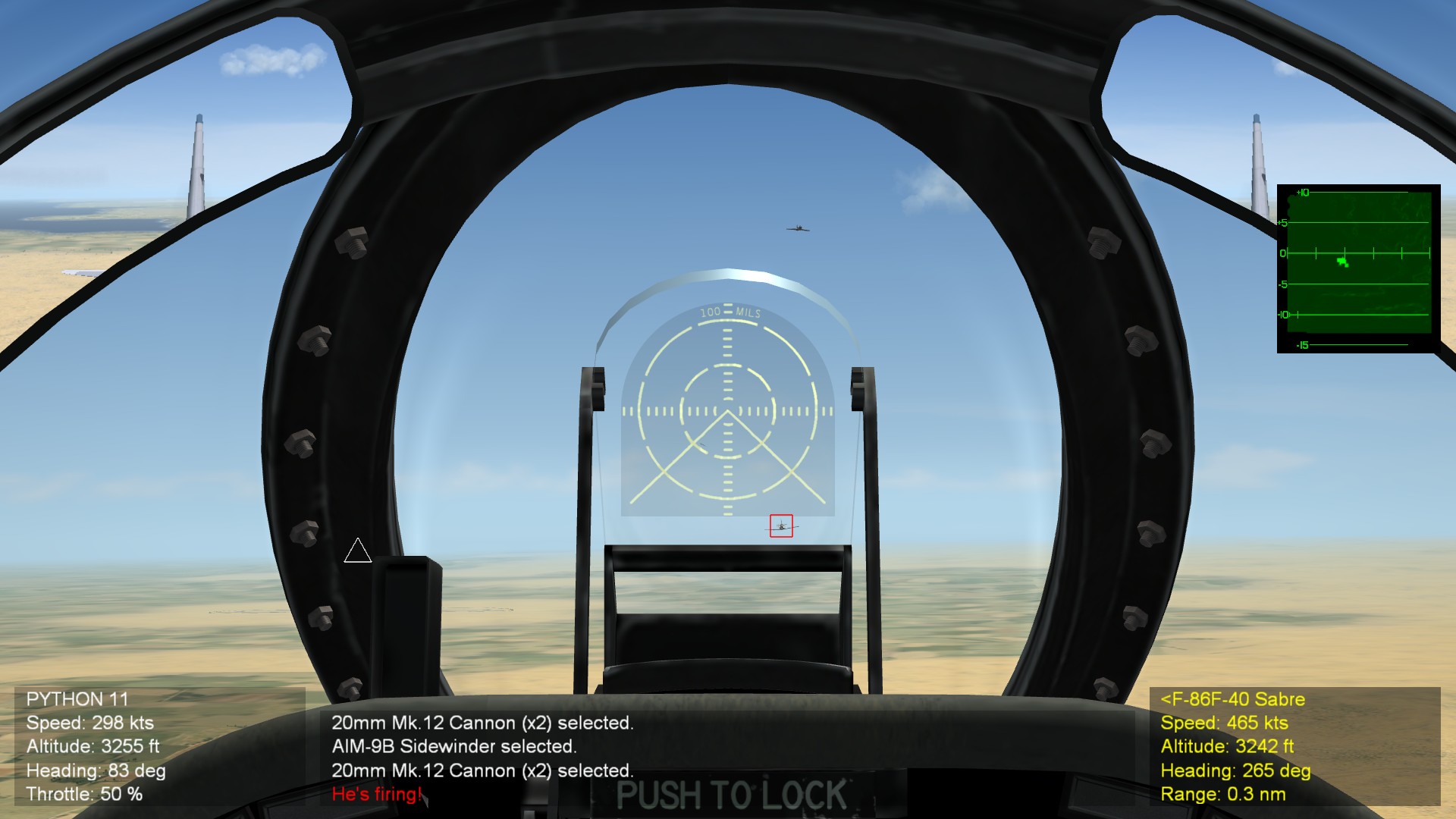
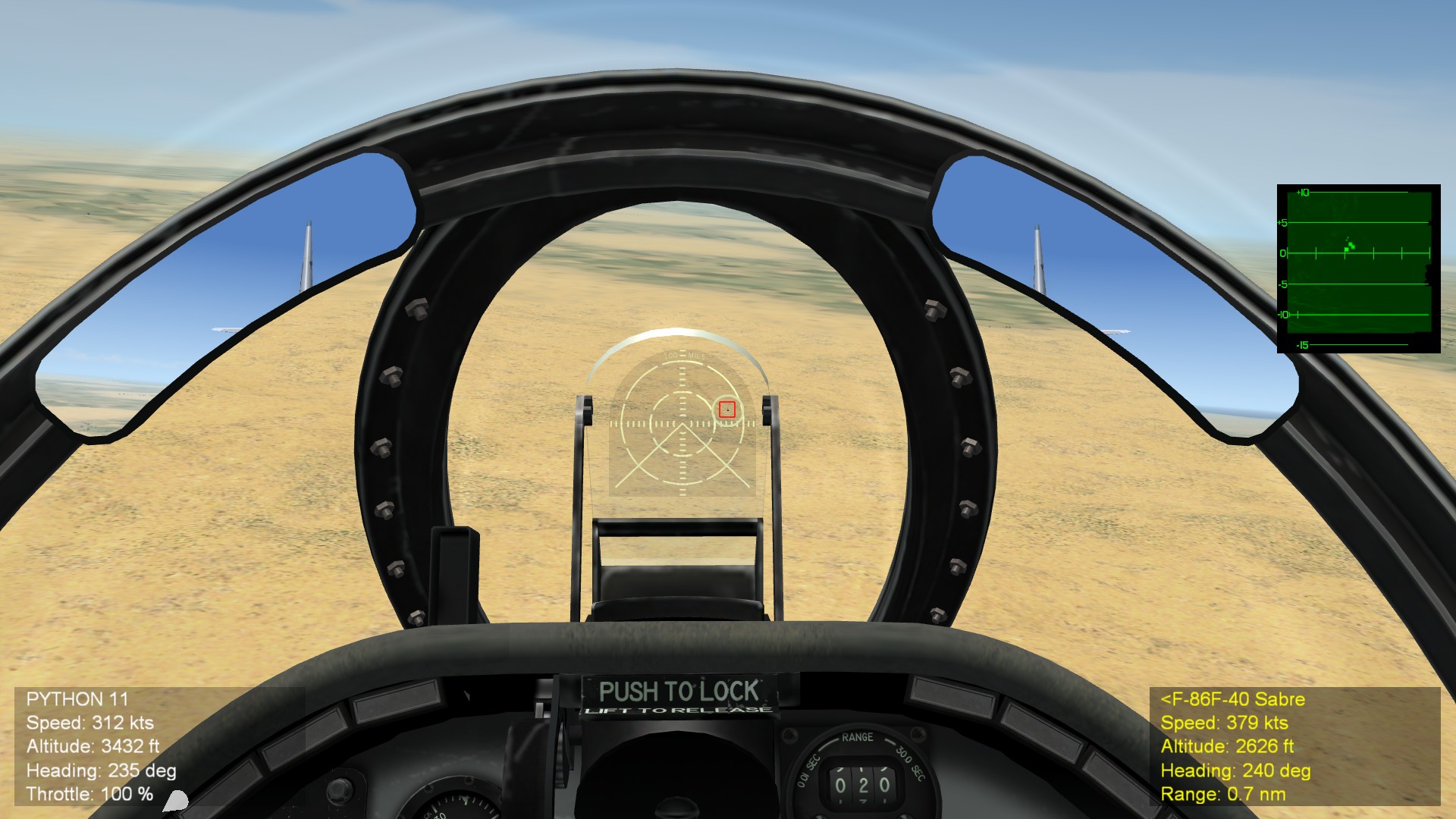
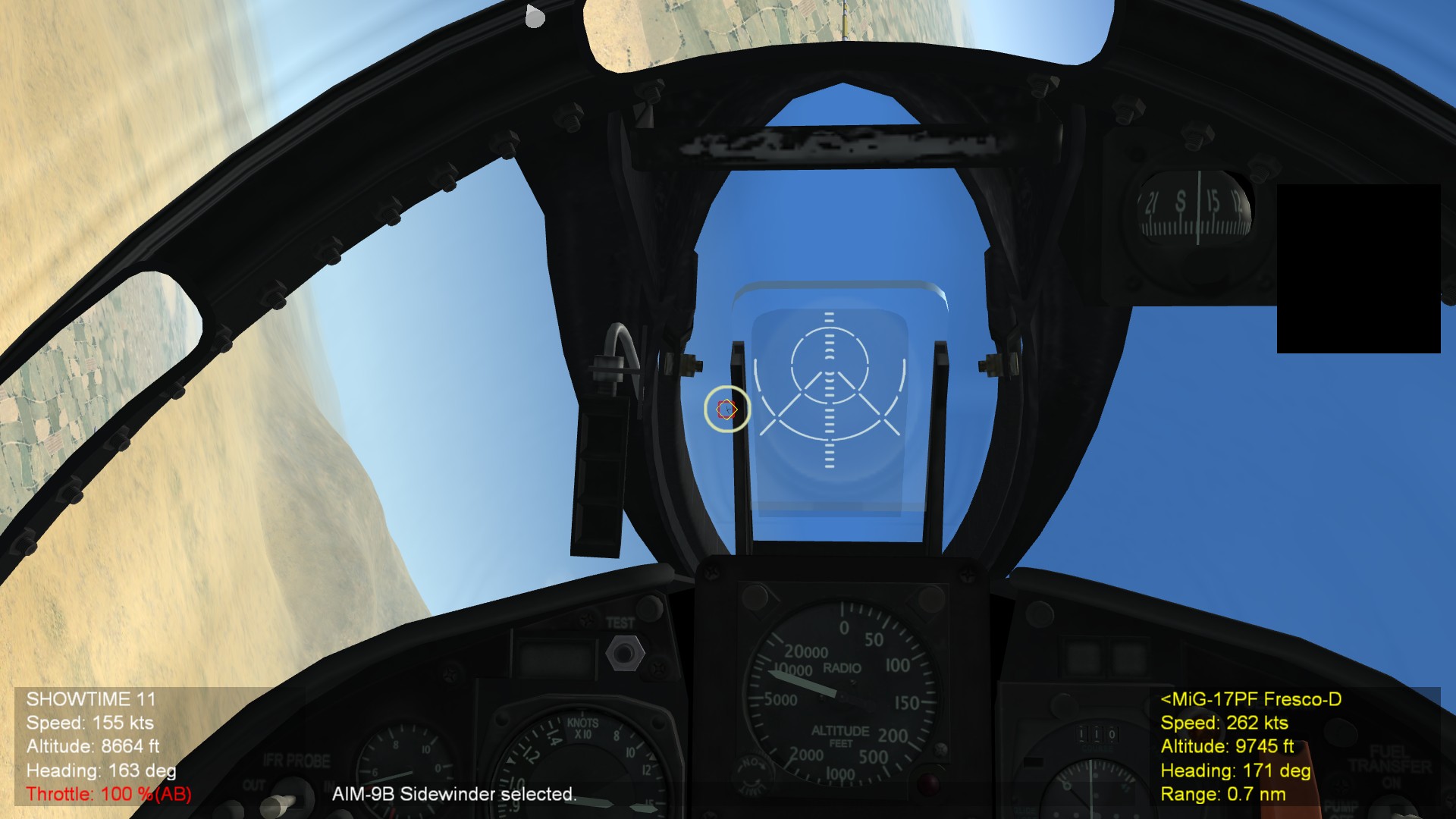
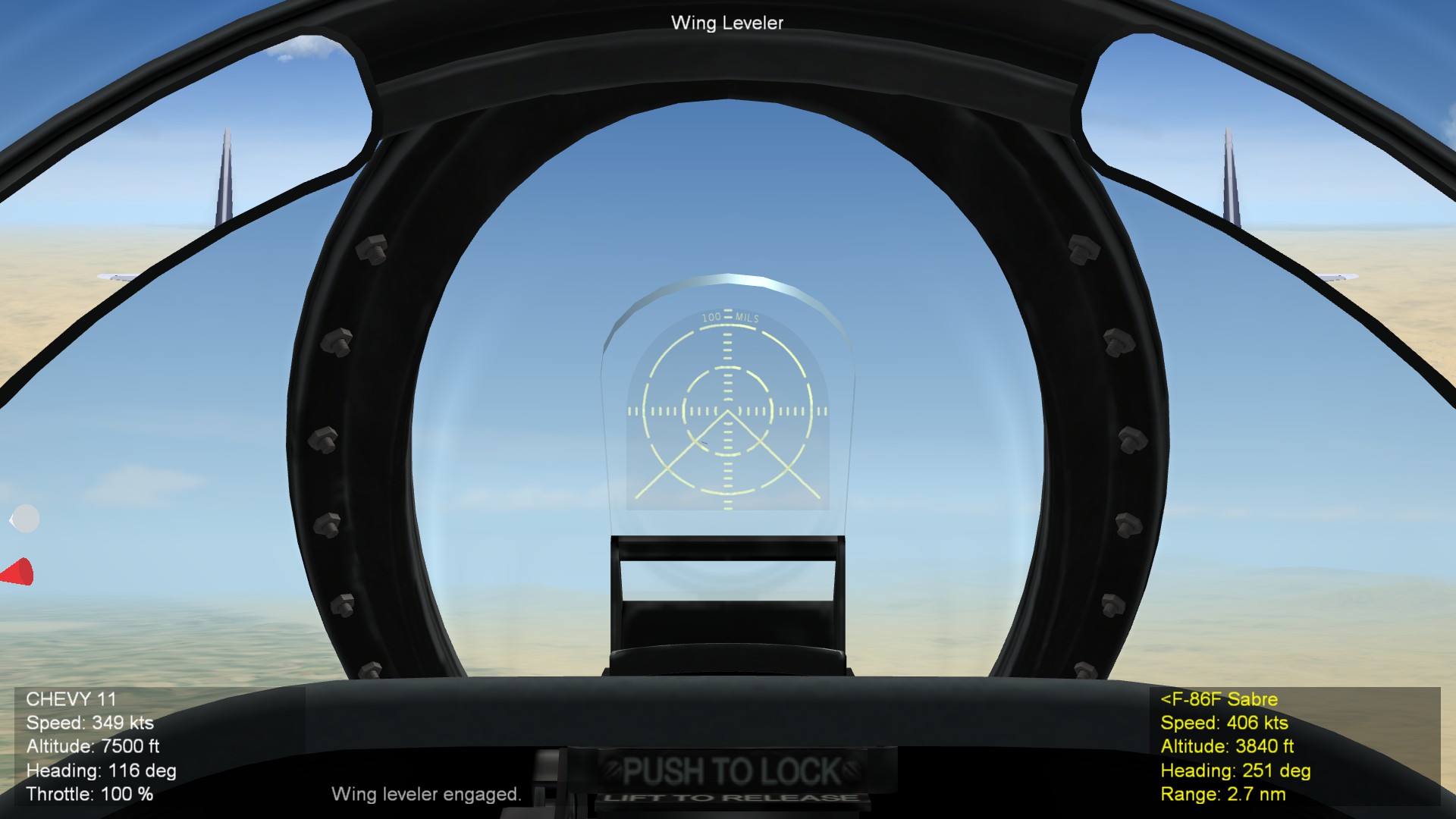
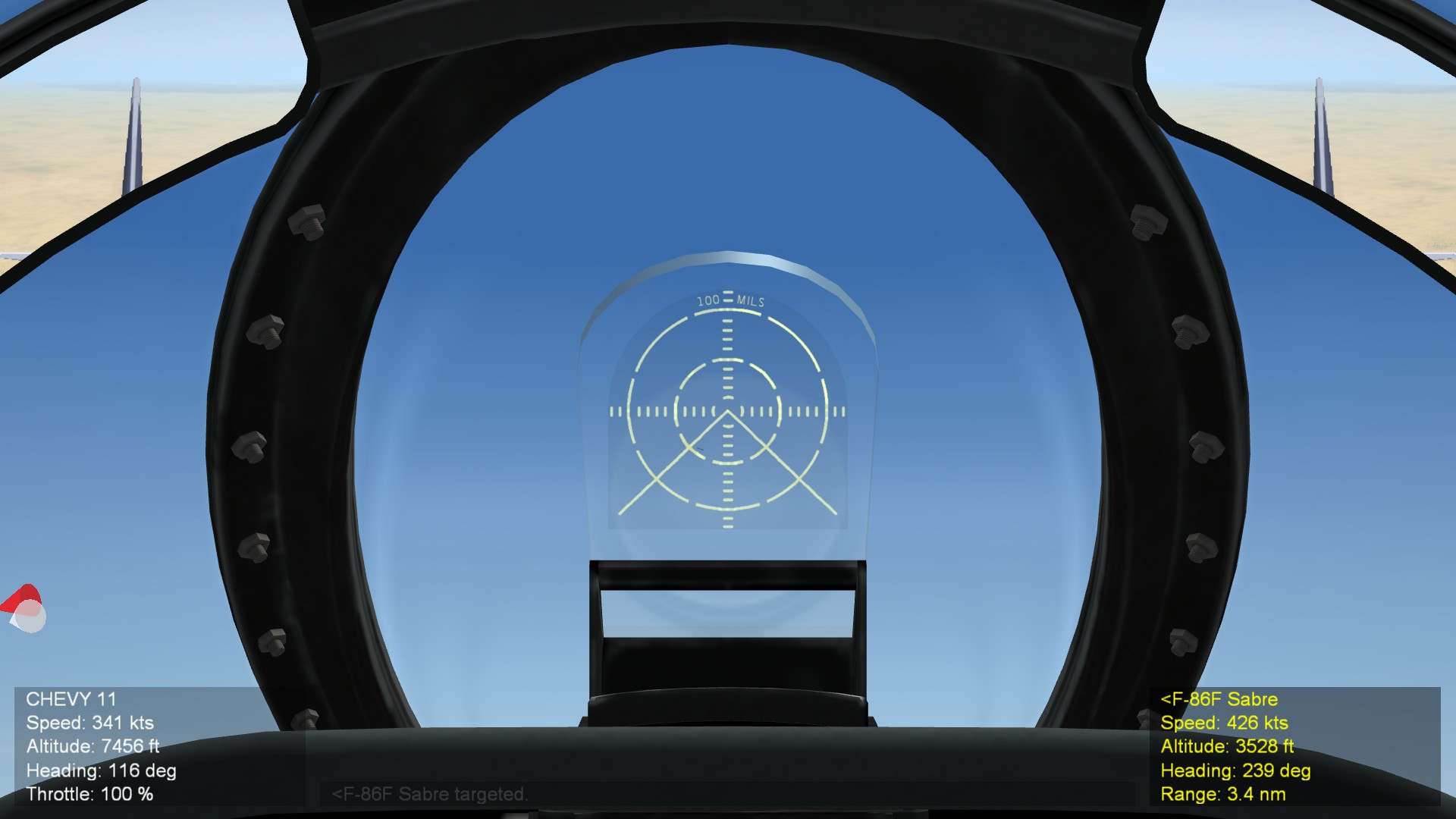
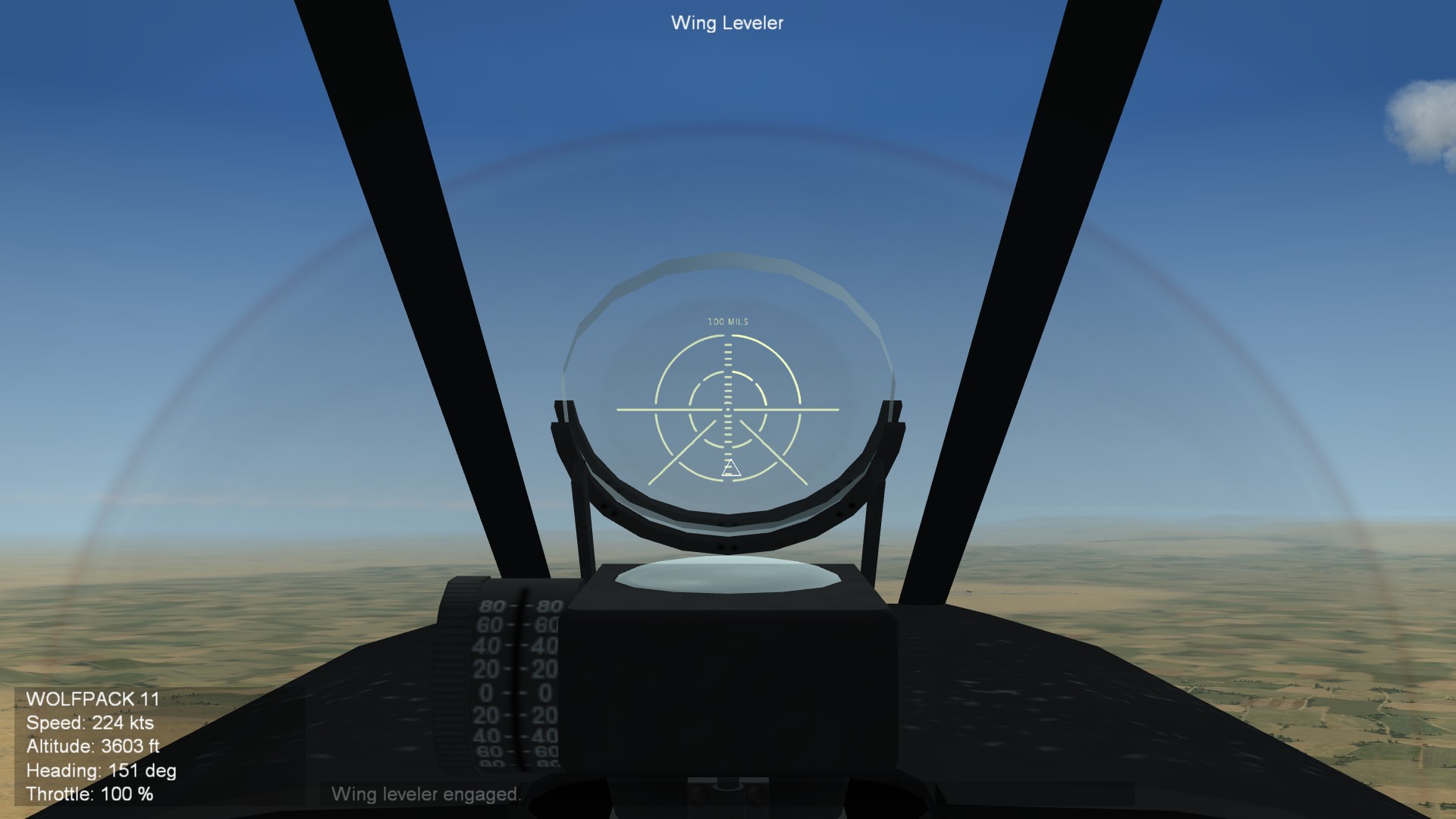
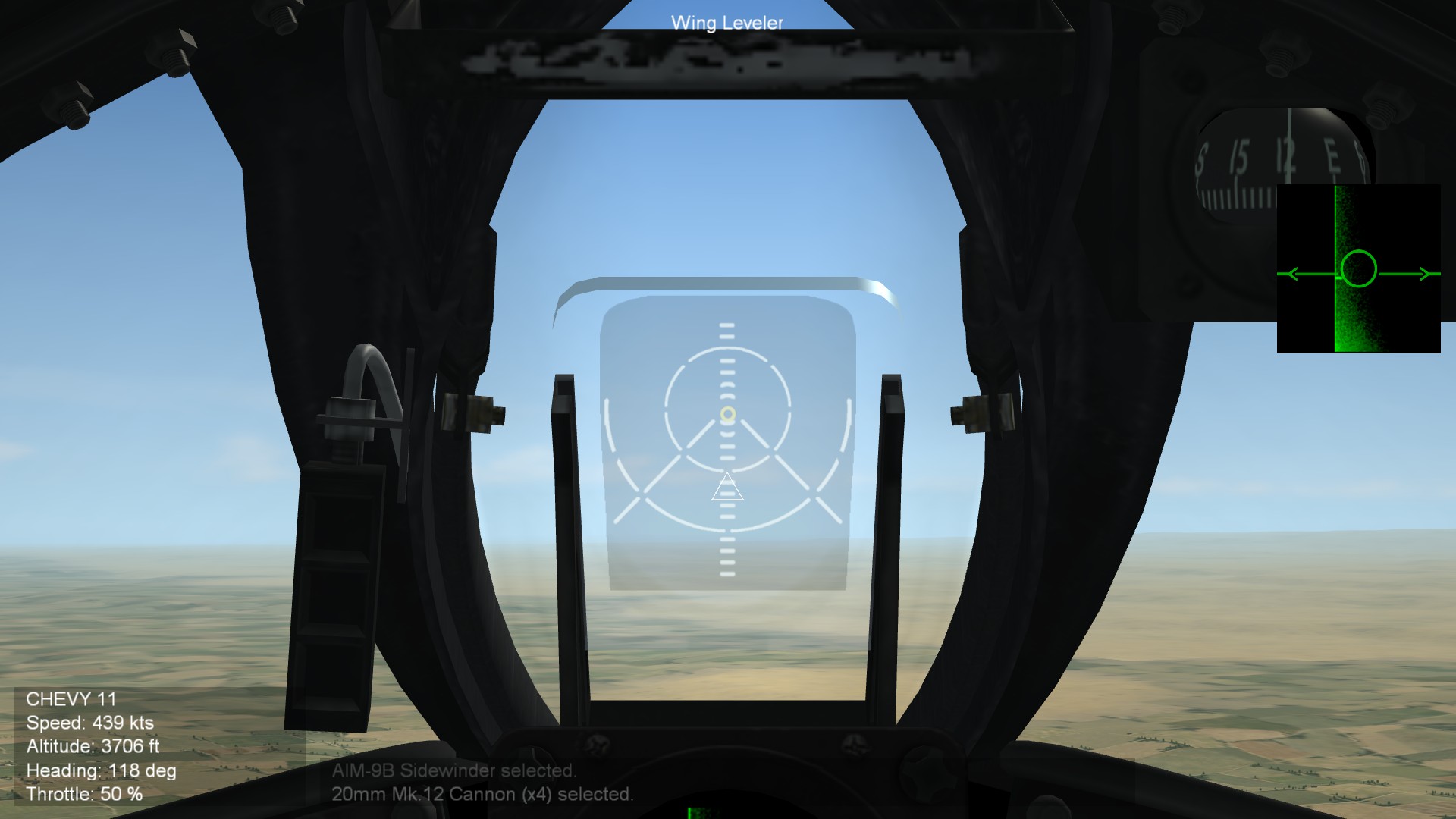
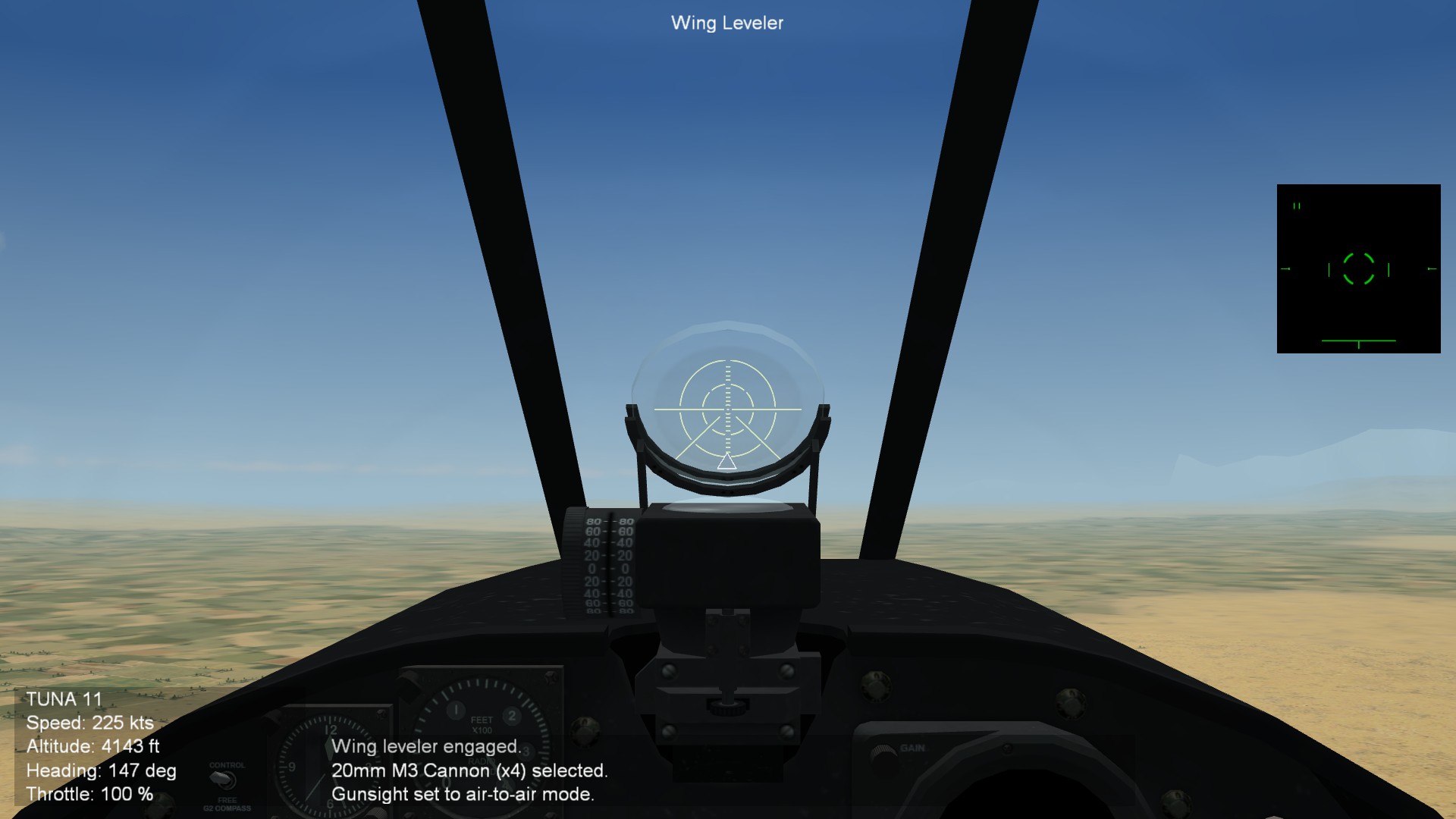
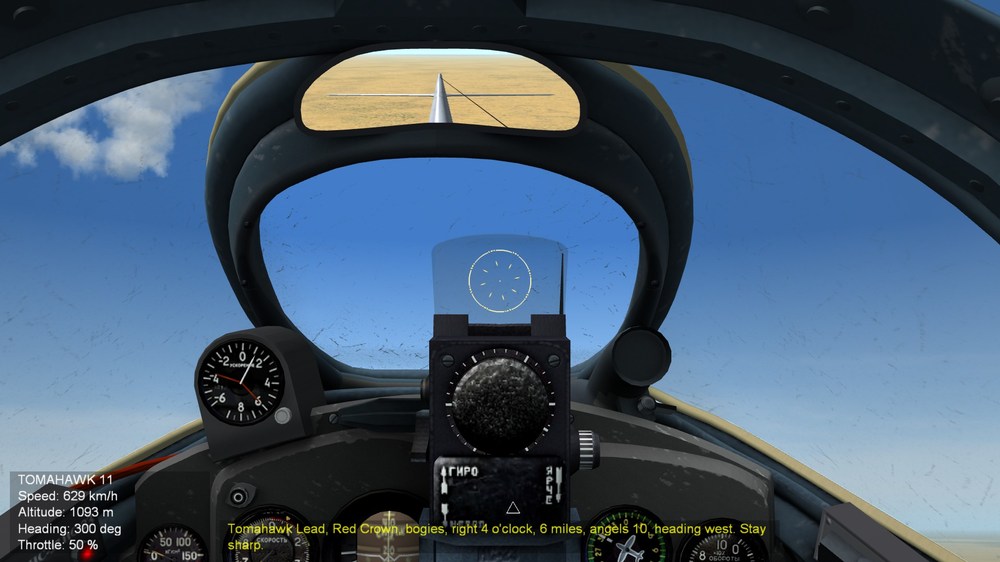
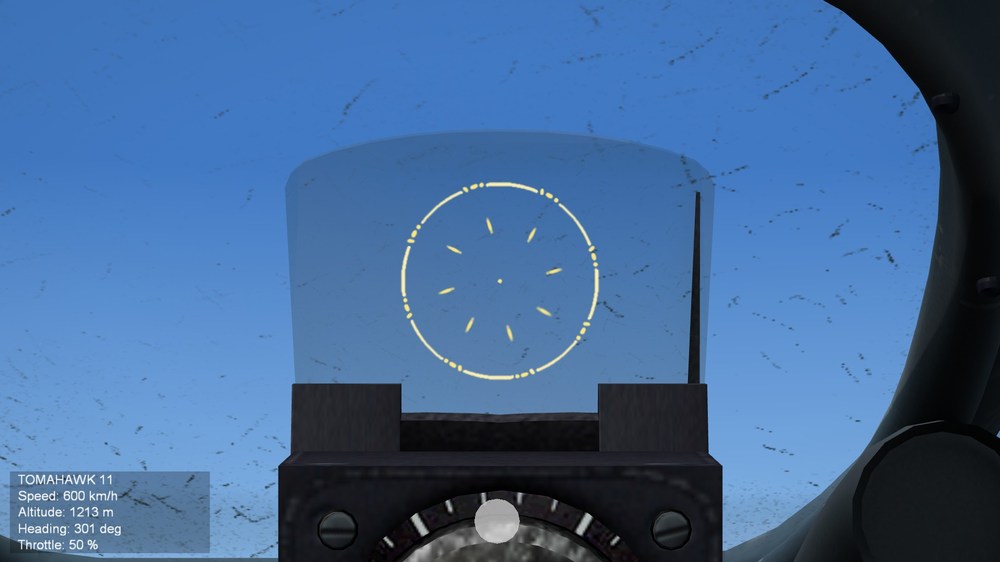
Hello everyone! Great news, after months of work, I am finaly wrapping everything up and is working on uploading the next version of SF2 Community Avionic Project (SF2-CAP v0.3) v0.3. In meanwhile, I want to share what I recenlty did, as I have learned how the gunsight are designed along with growing skills of crafting the gunsights. The ASP-3N gunsight (MiG-15s / MiG-17s) are re-worked with more detailed gunnsights. I aim to be accurate witha ny gunsightsh as possible. And this timee, by using accurate size of gunsight in MILs, I am re-adjuting the cockpit offset view seats so it fits the reflector galss properly. Eagle114th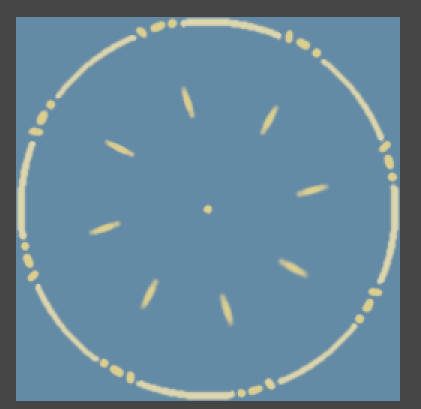
-
DTMDragon, Thank you for the help! The reason whhy I want HUD methods; it is for accessibliyt version of aircraft that uses rockets, bombms, and IRM at the same time. I use HUD for accessiblity for visual firing cues for IRM for people whoa re deaf / hard of hearing that can't hear growling sounds. This thread just gave me an idea for accessiblity version; Create a new gunsight with rocket and bomb depression mark for HUDModeAG. However, for default version (Non accessiblity), I can use this. Cheers!
-
Hello everyone, I am stuck on thihs situation; How to enable theh gun depresssion for rockets and bombs set in COCKPIT.ini into AVIONIC.ini, in [HUD]: Here is what I have in COCKPIT.INI: And in AVIONICS.ini As you can see, HUD_LCOS is used for HUDModeAG, but the gunsight does not show up when switcing to rockets. What should I do to enable the gunsighth for air to ground mode, especaily with the depression mode ffor rockets and bombs? Thank you Eagle114th
-
Experimenting with TV shaders and interesting results
Eagle114th replied to Eagle114th's topic in Mods & Skinning Discussion
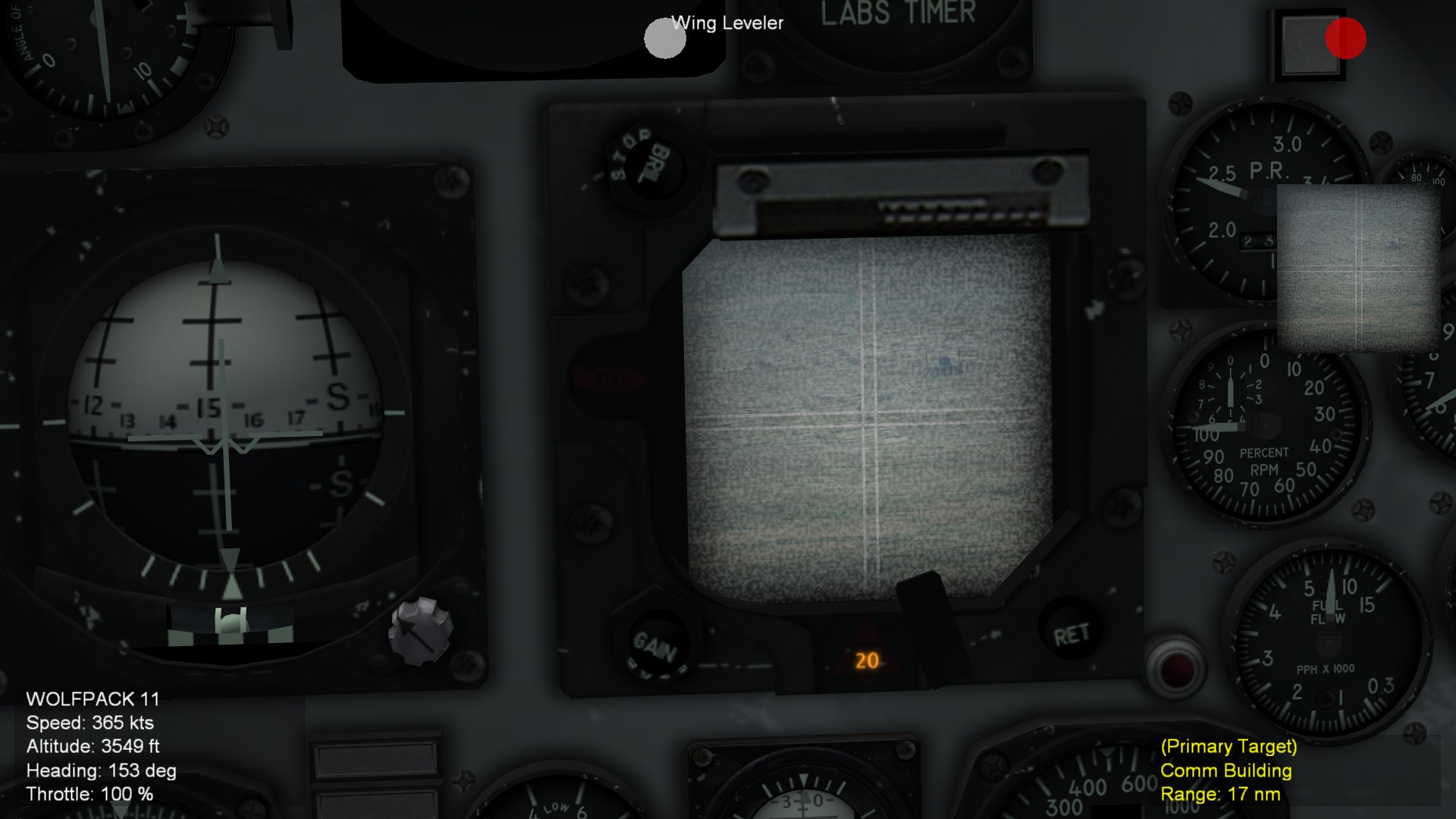
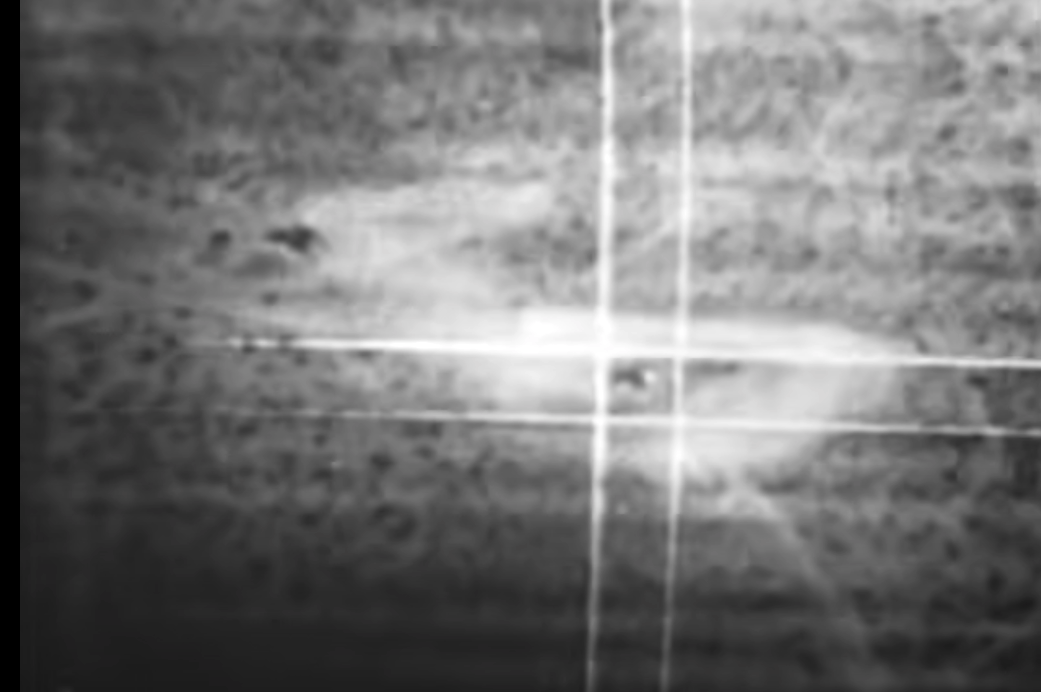
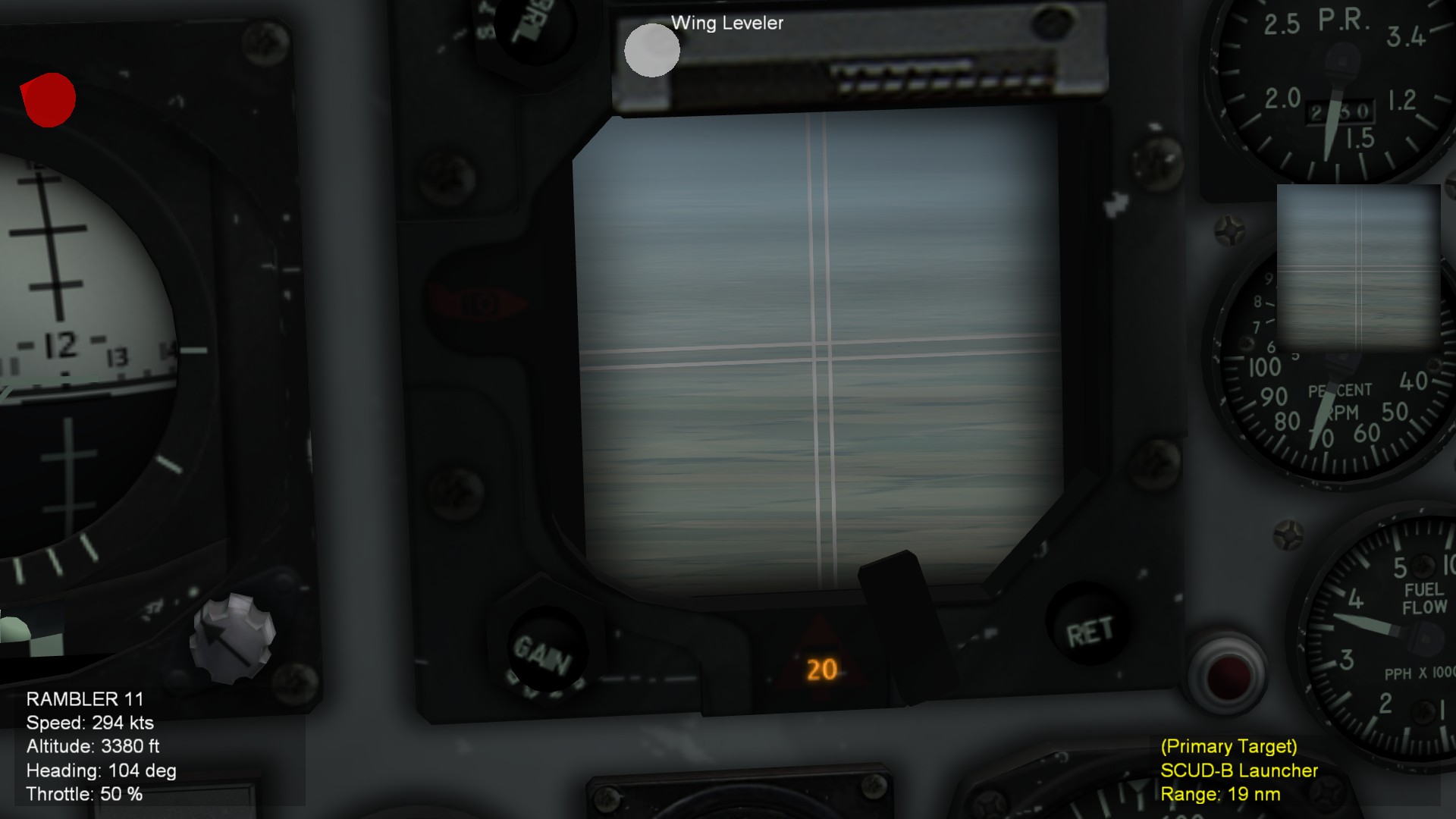
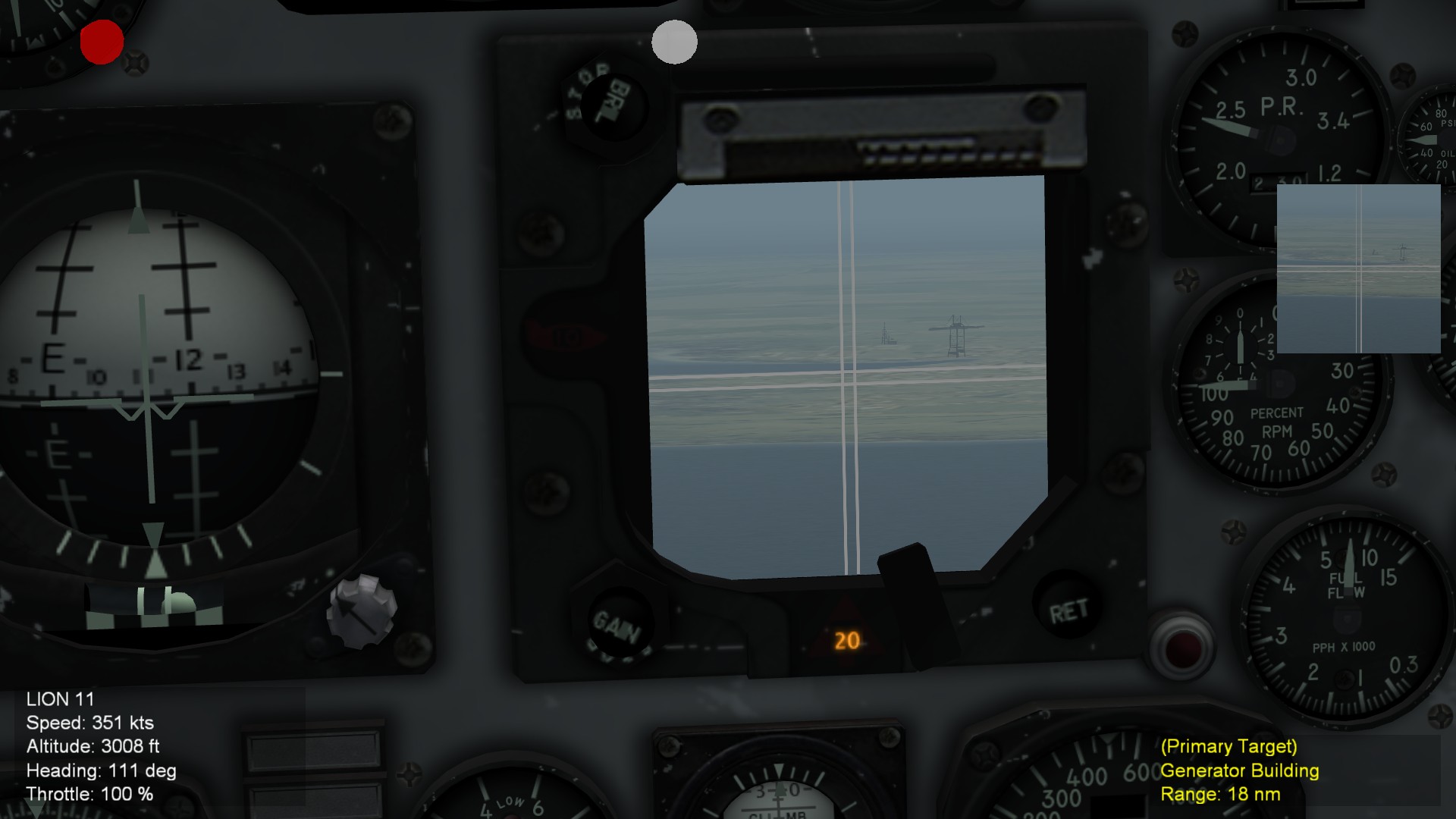
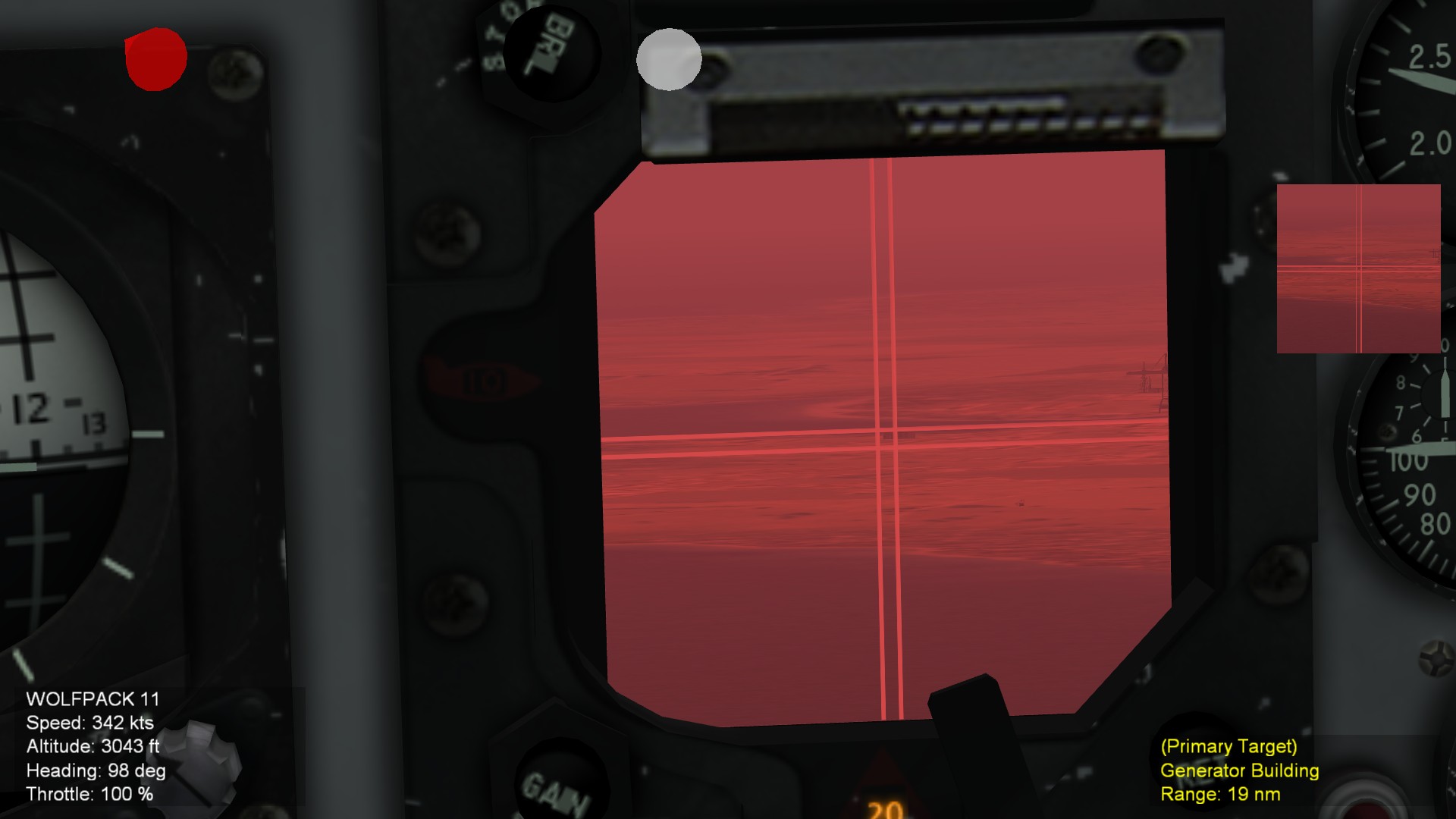
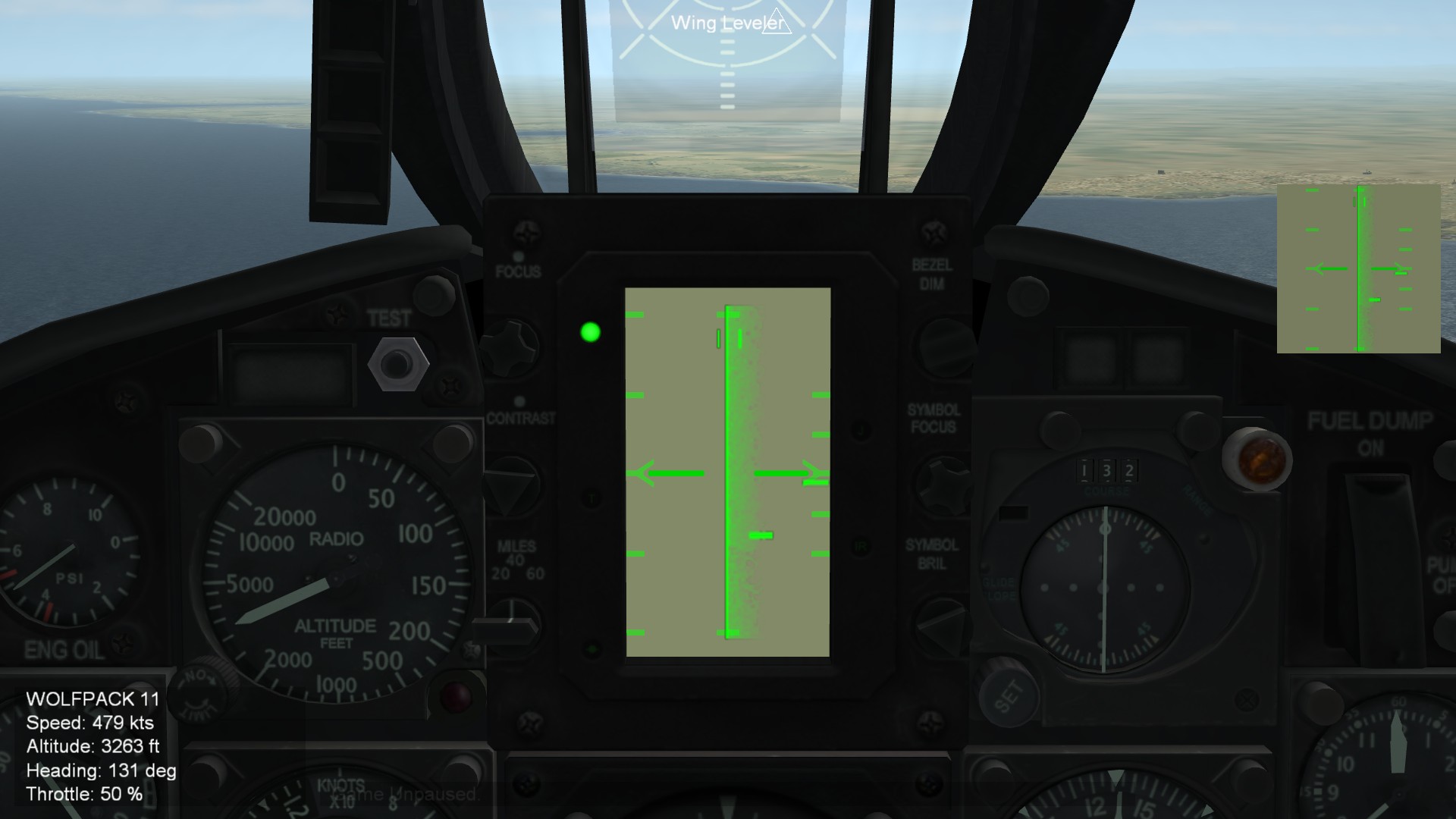
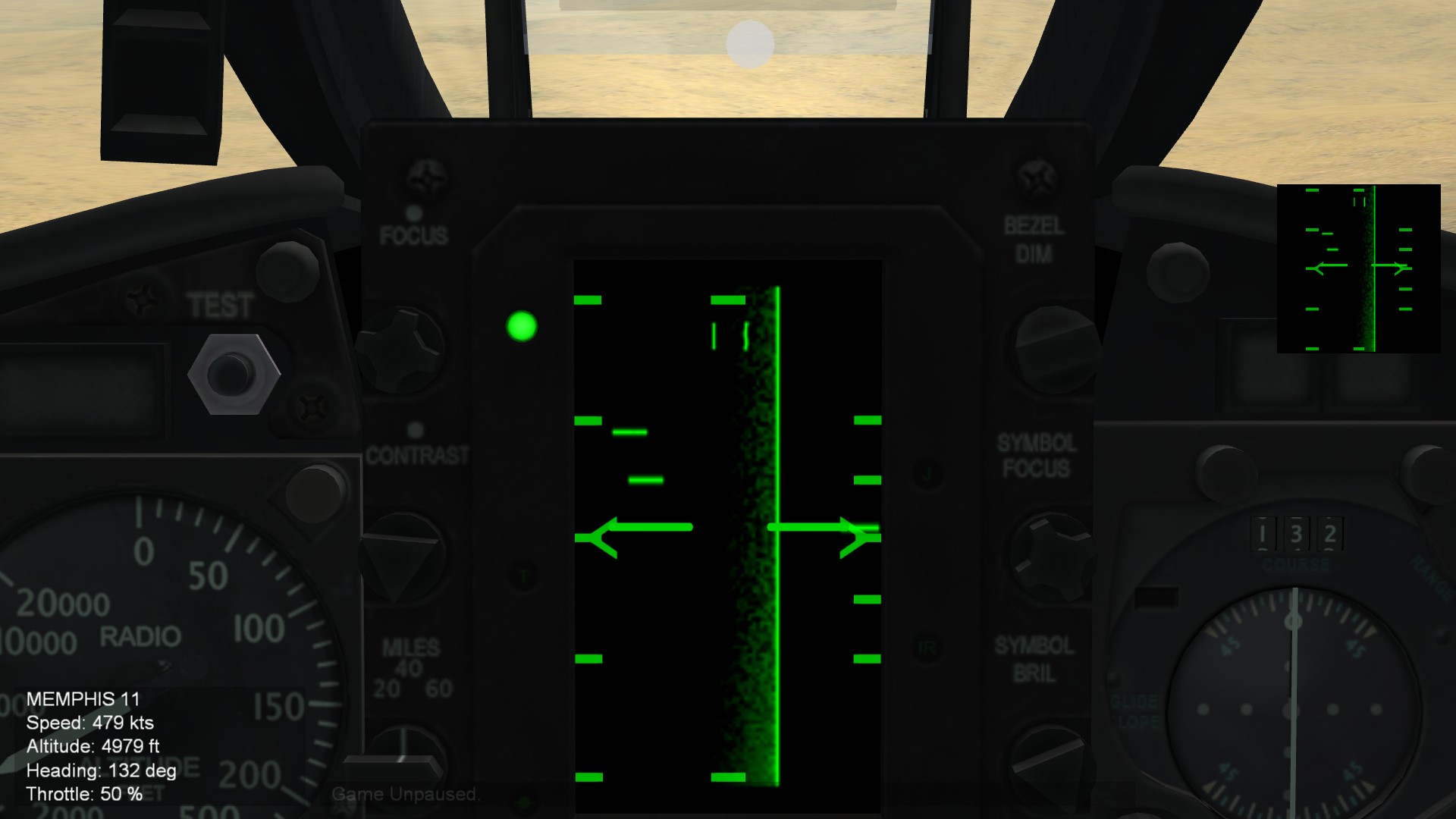
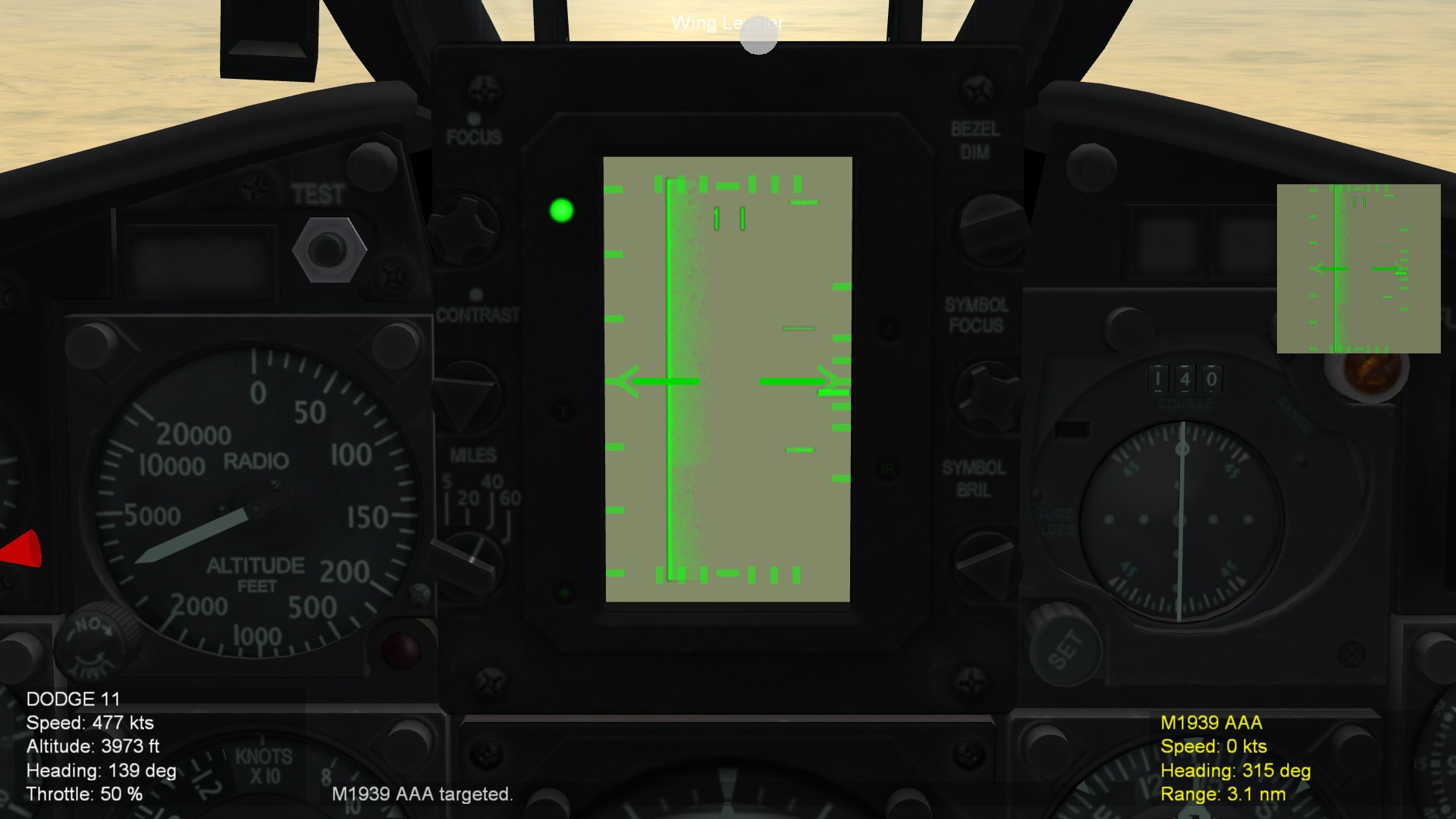
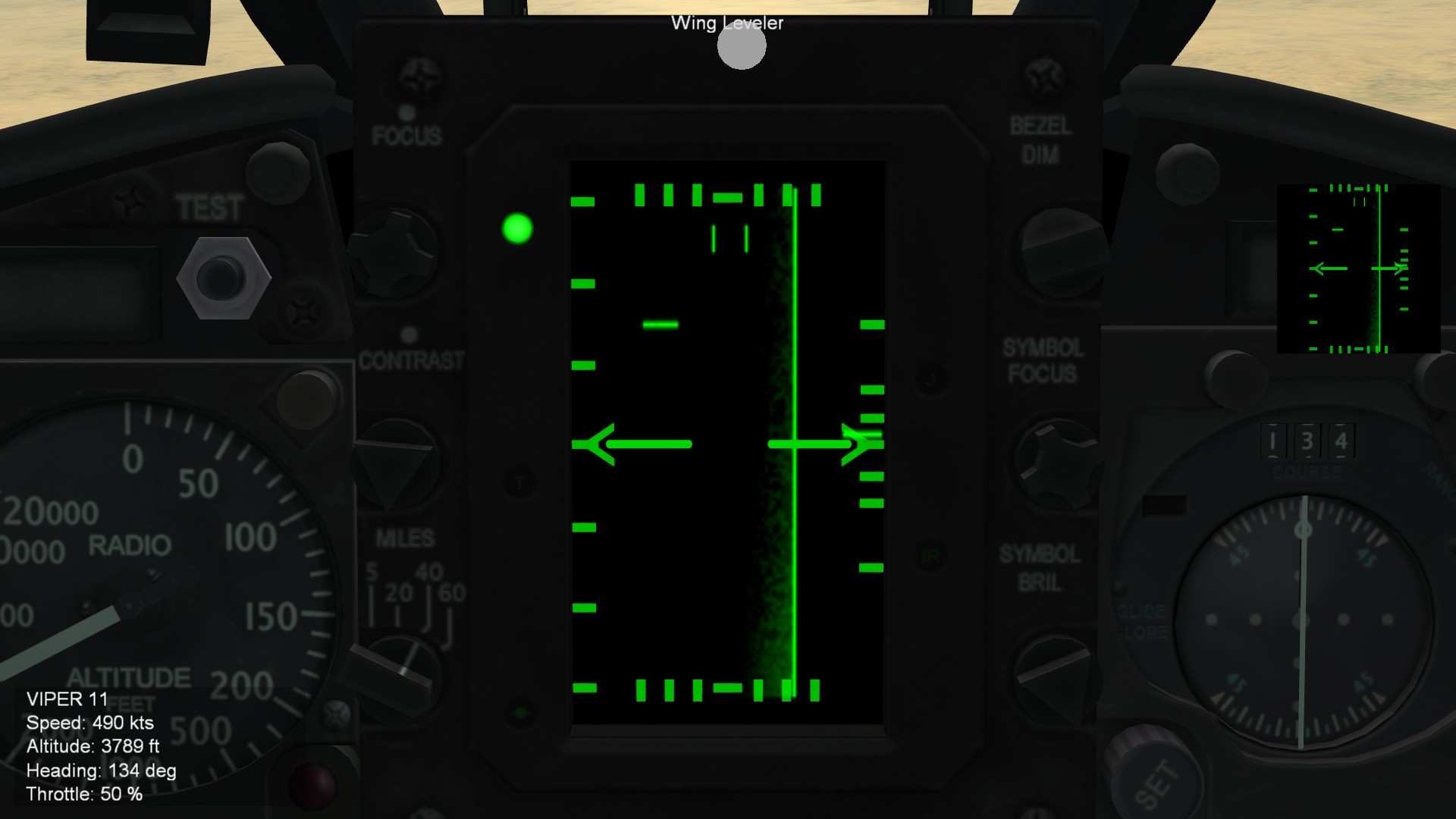
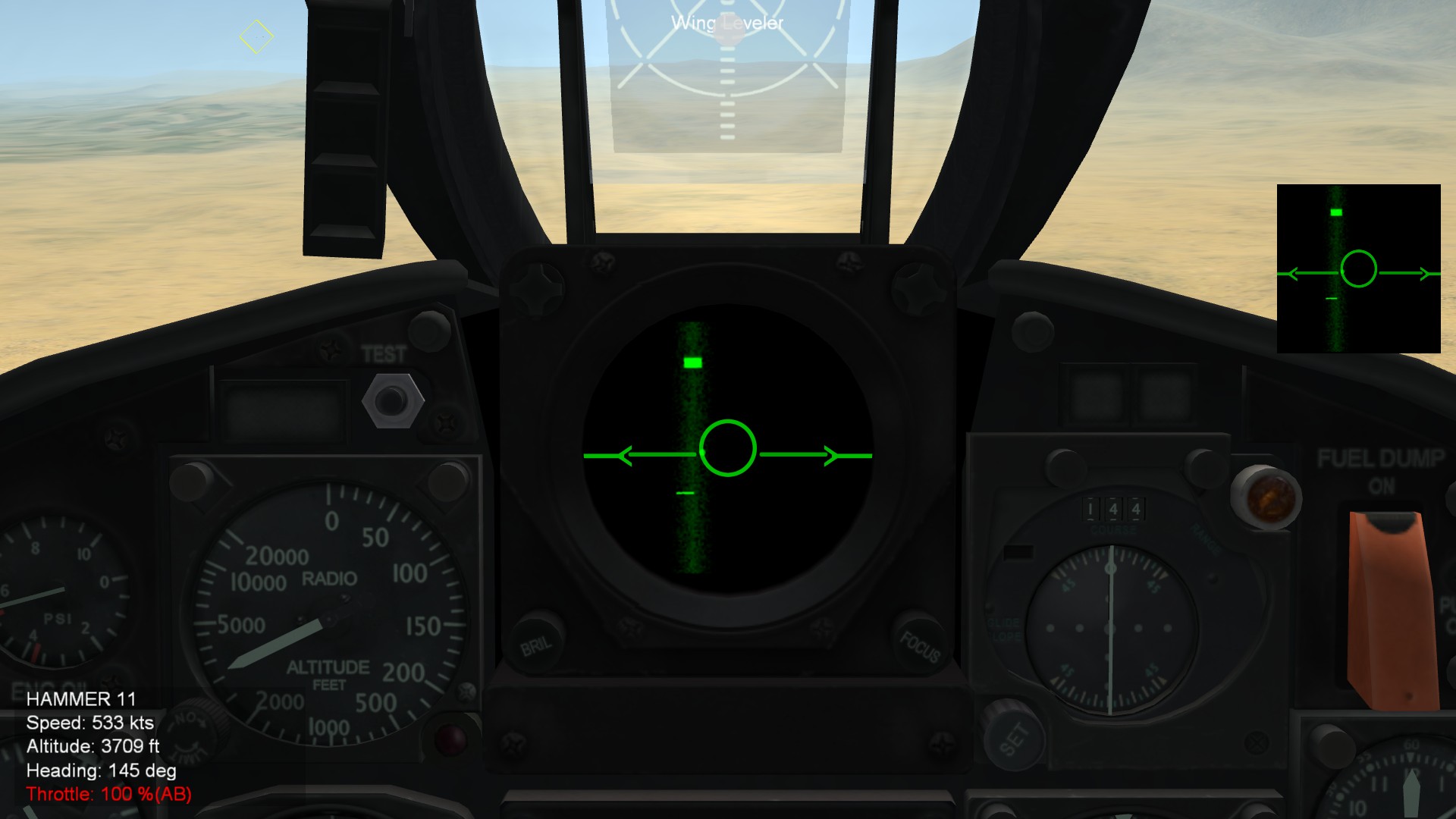
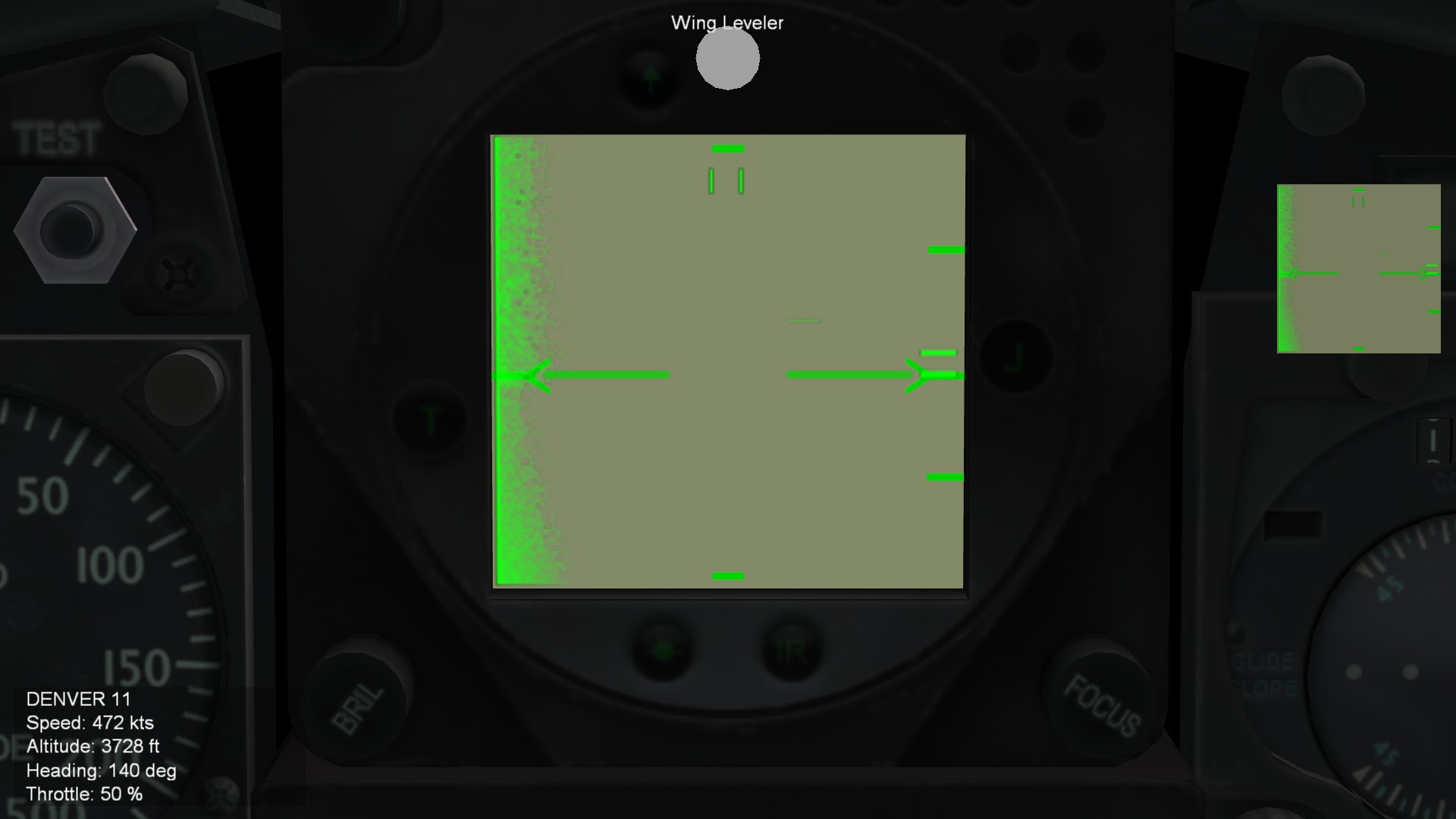
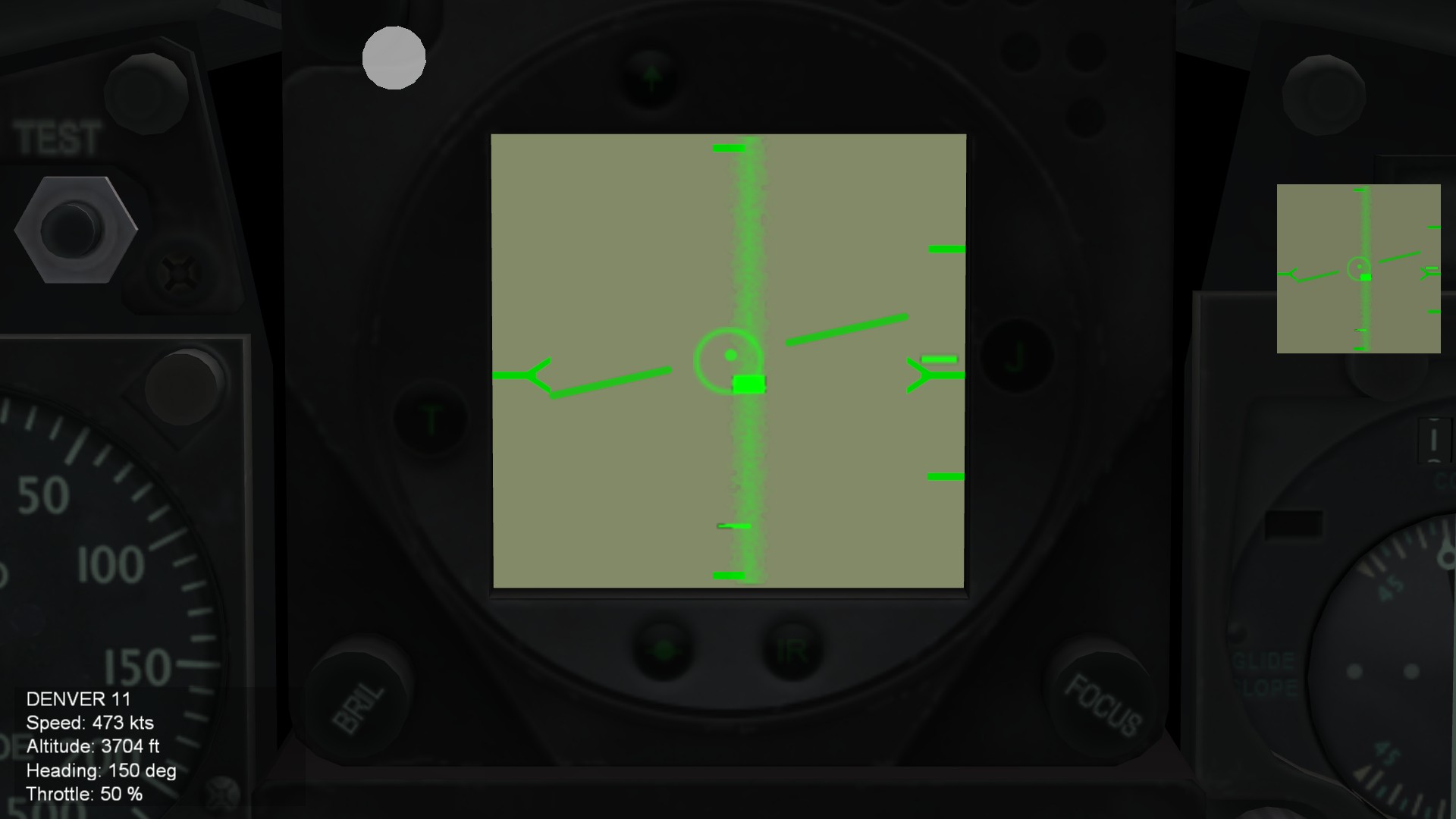
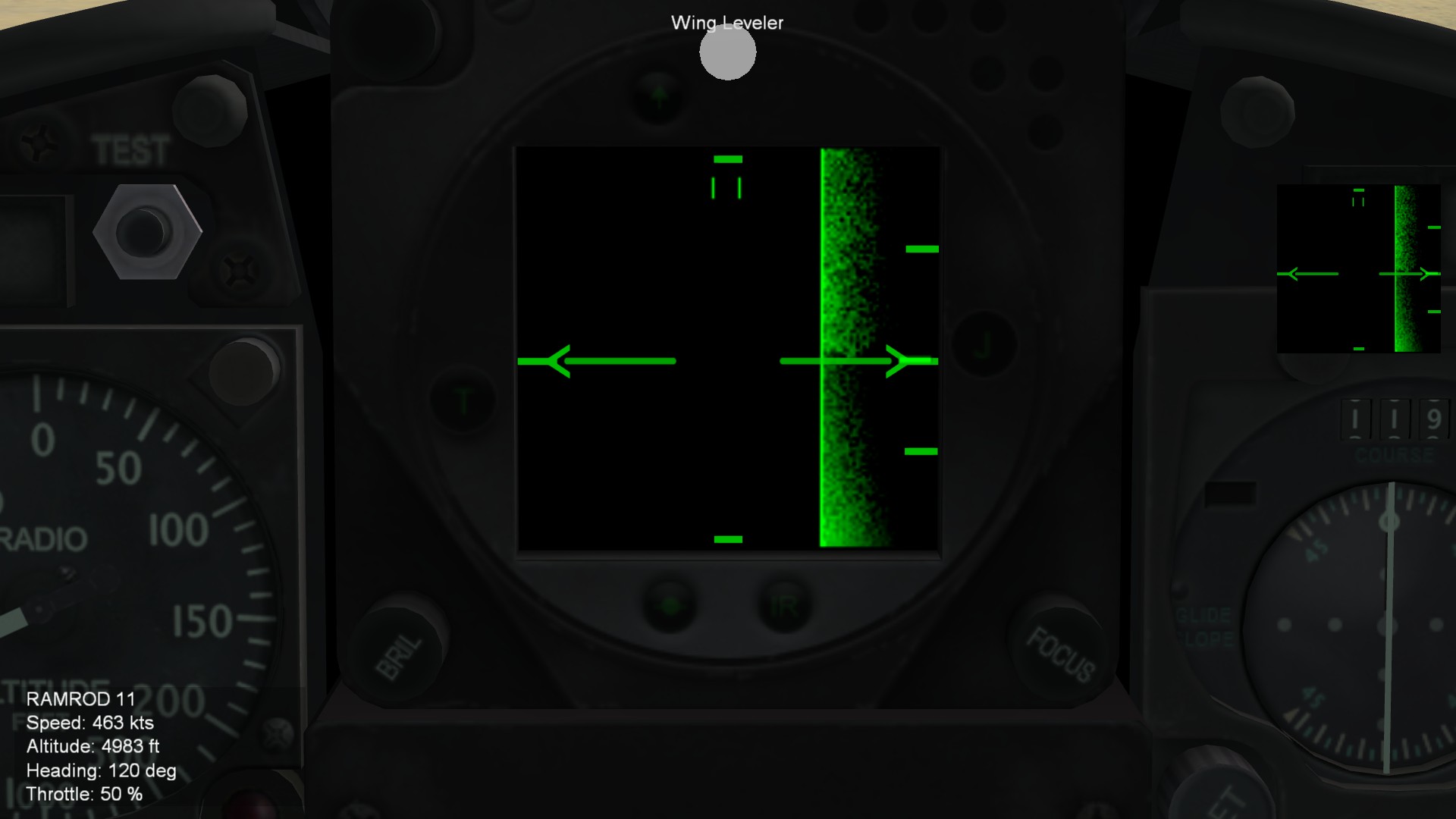
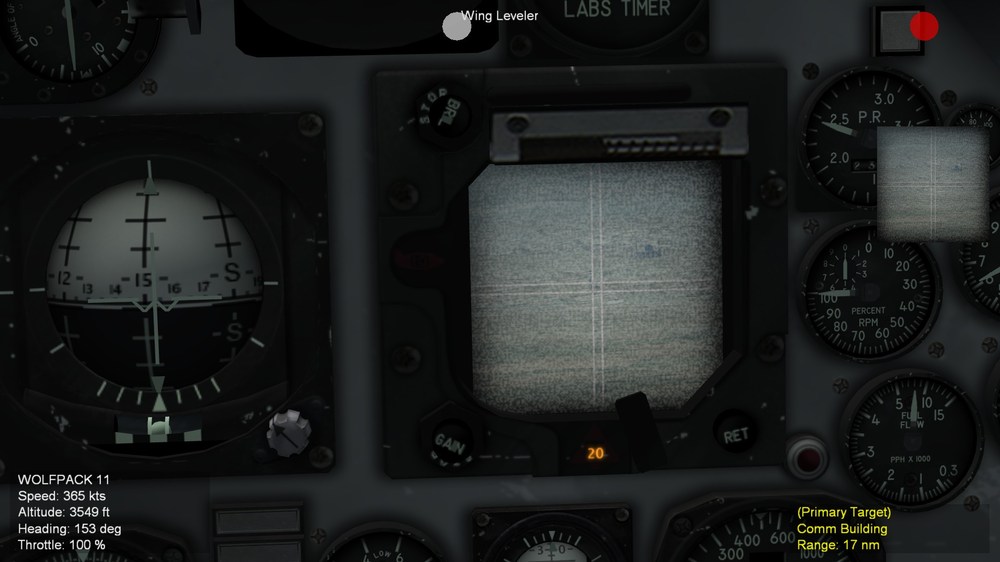
Hello everyone After testing with various texture as color filter for TV, this is the best I can do that would make it seem like you are using old CRT TV: UPDATE: WIth excellent ideas from Menrva, added the noises' to CRT effect layer, here is latest screenshot: Created four textues for testing color filters This one is the best, not too transparent (clear) nor too dark Along with top layer (TGA) containing CRT style texture: Eagle114th

- 5 replies
-
- 8
-

-

-
- colorfilter
- radar texture
- (and 2 more)
-
Experimenting with TV shaders and interesting results
Eagle114th replied to Eagle114th's topic in Mods & Skinning Discussion
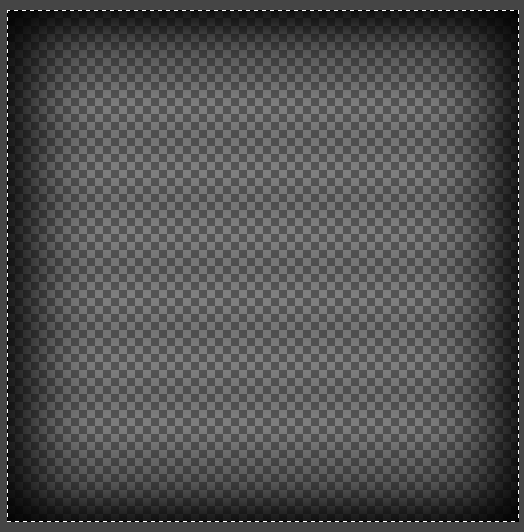
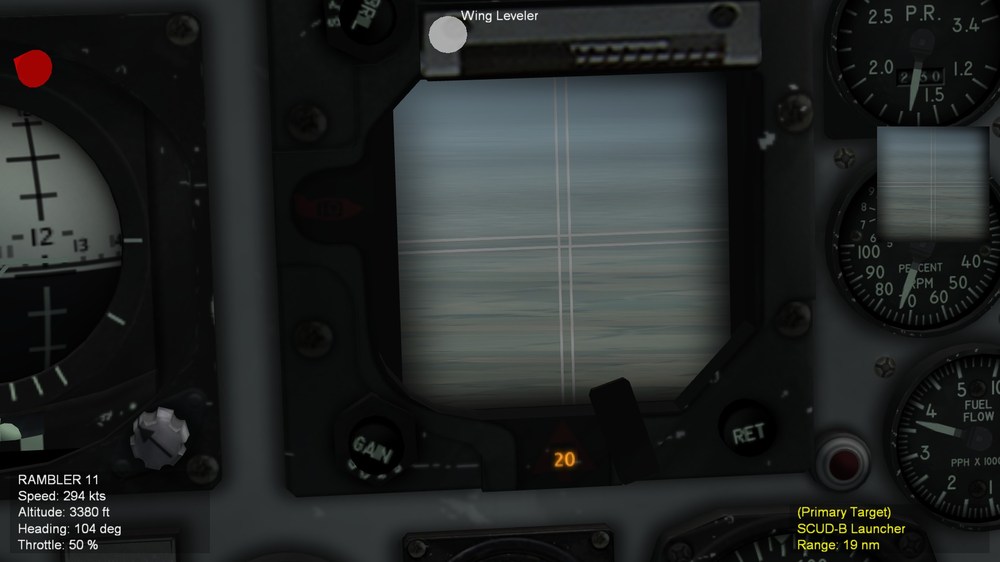
For now, by color sampling methods, I am doing my best to give it a 'feeling' of old 1960s CRT and grayscale sorta of. Based on this: Here is top layer (1960s CRT effects) PLEASE NOTE, I am not trying to make TV actauly being grayscale because it is not possible right now. Rather, by arts and styles, I am making it feel like you ahve ojld CRT TV from 1960s, by adding the gray hue / tilt on top of TV with old CRT style on top of it. This is the result: However I am still exploring to see what more I can do to further improve the sense of 'grayscale'. Eagle114th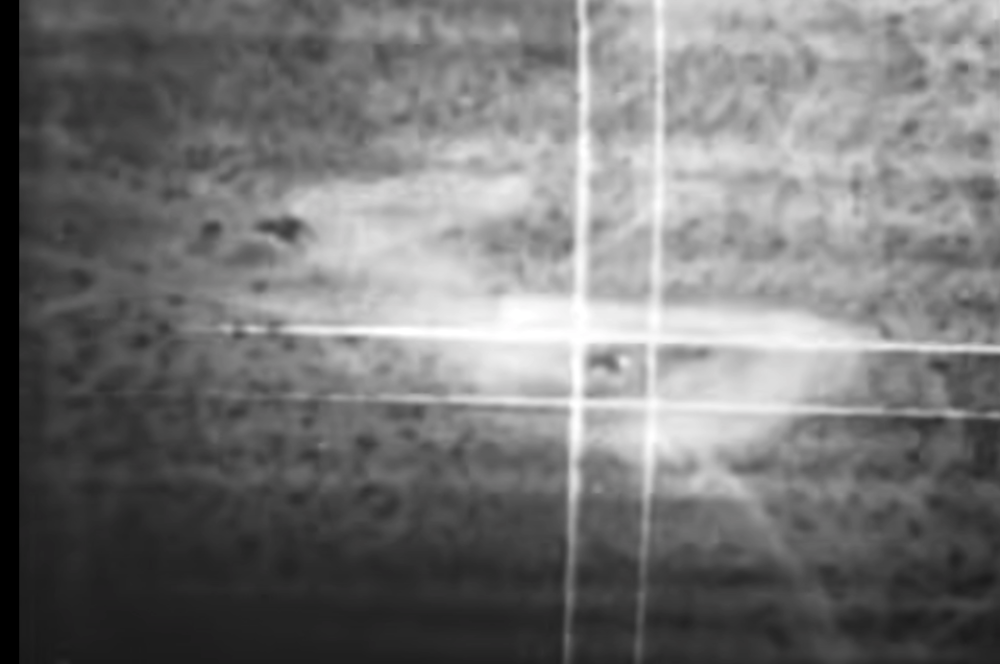
- 5 replies
-
- 4
-
-
-
- colorfilter
- radar texture
- (and 2 more)
-
Experimenting with TV shaders and interesting results
Eagle114th replied to Eagle114th's topic in Mods & Skinning Discussion
I would love to have that too! However, after days of experimenting and trying countless testings; It only ended ujp giving me black screen on TV screen. It turns out that, the most pracical thing to do is to use multi layers of textures: Main texture (gray) to 'simulate' gray scale sorta next layer CRT lines and other graphic on top of it, with transparent background (alpha) then final, the darkness adjustment, darker around corner, less dark (more transprent) toward center That is what I am doing now. However, ti does not mean I have given up finding the way to have 'true grayscale" I hope someday it can be figured out. Eagle14th- 5 replies
-
- 1
-
-
- colorfilter
- radar texture
- (and 2 more)
-
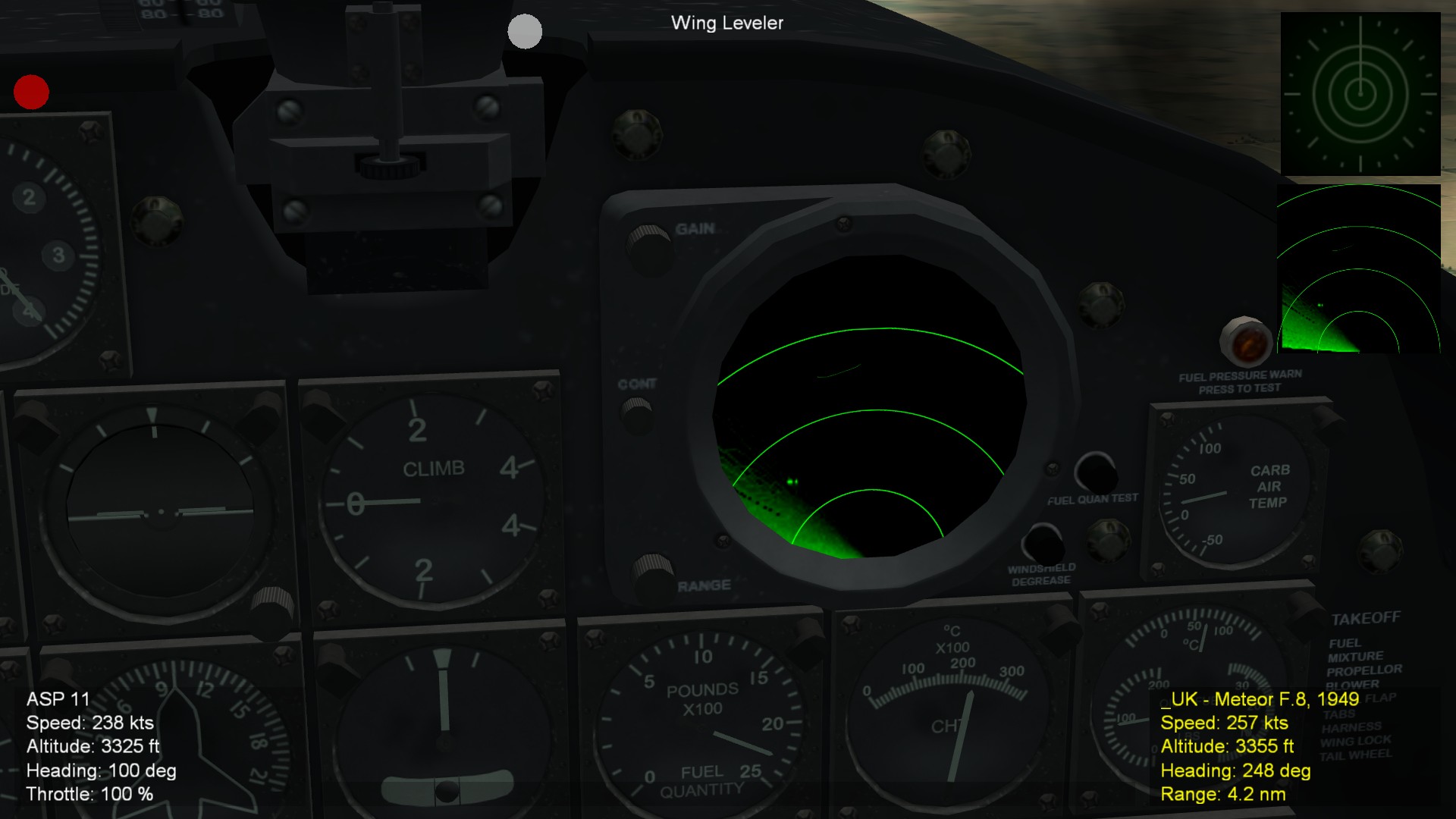
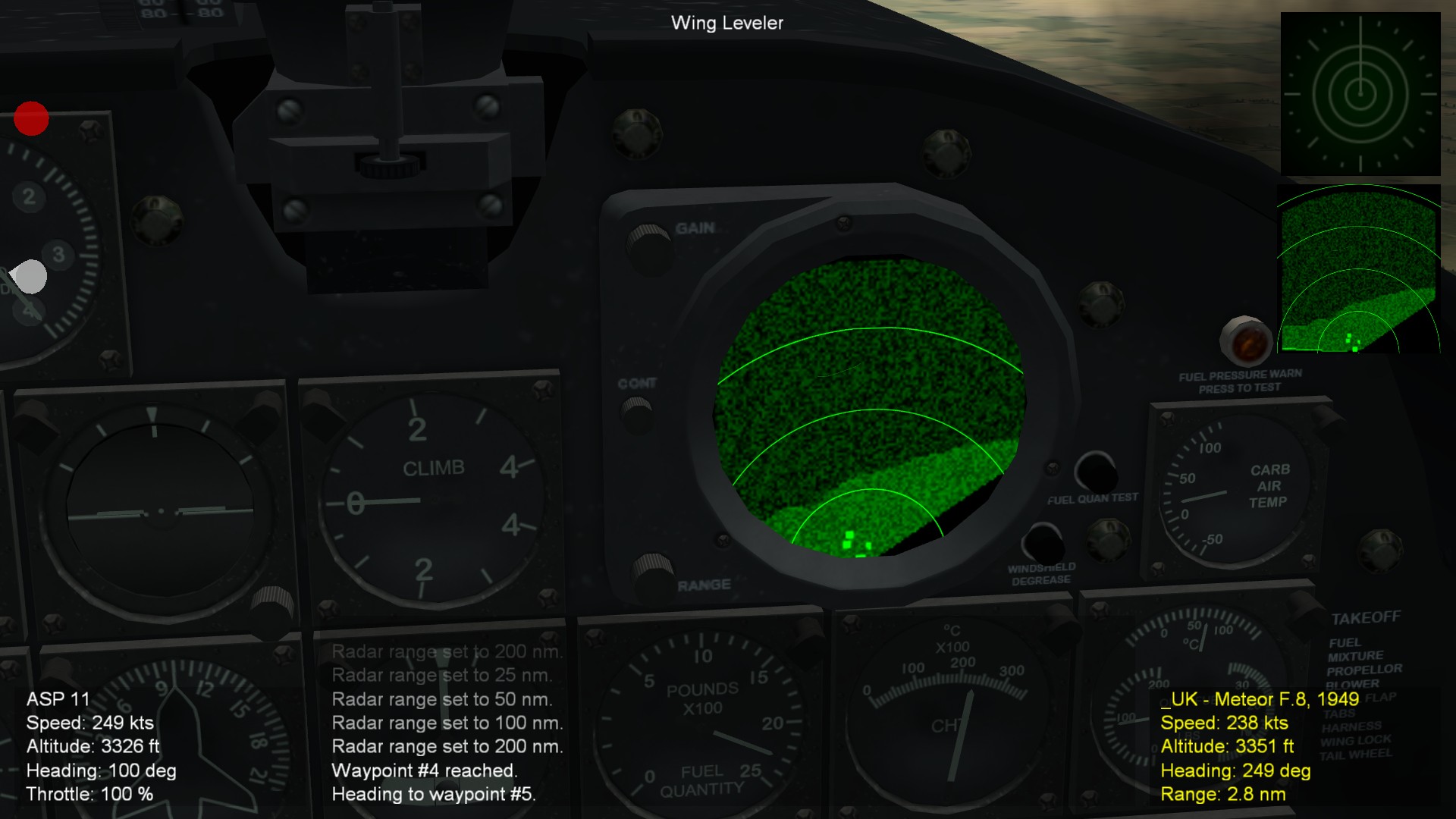
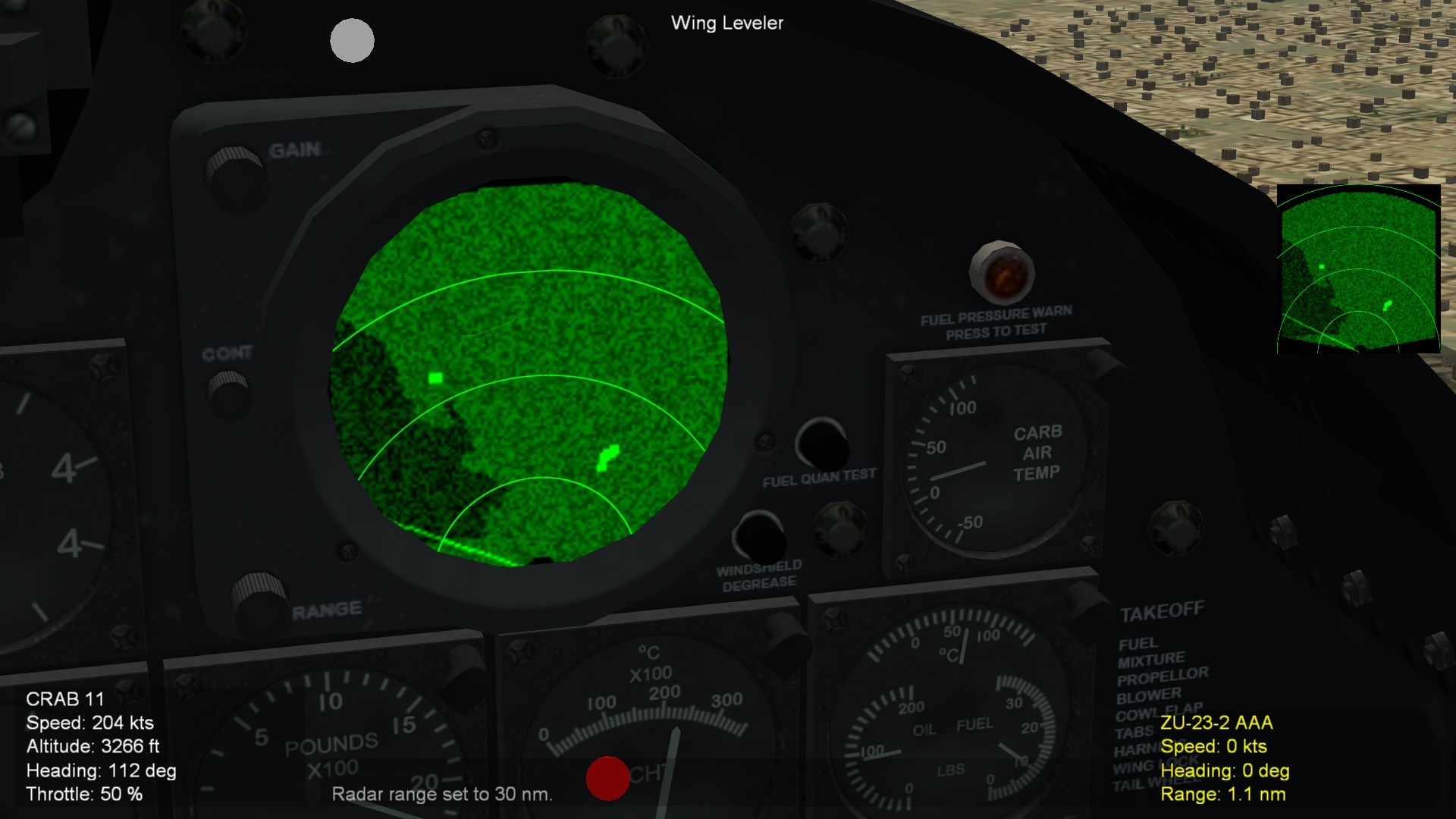
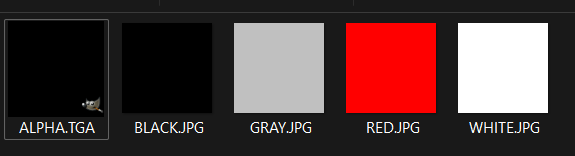
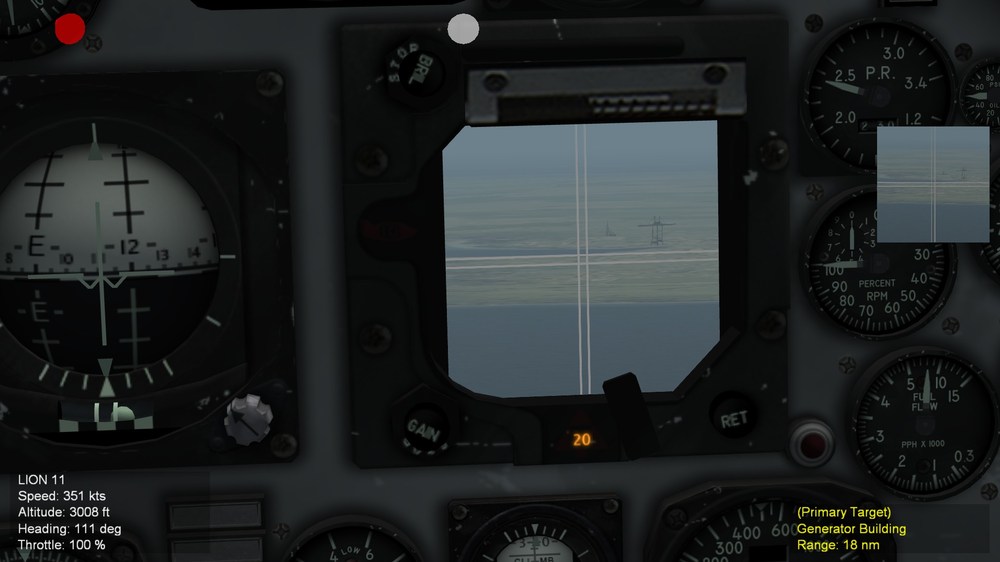
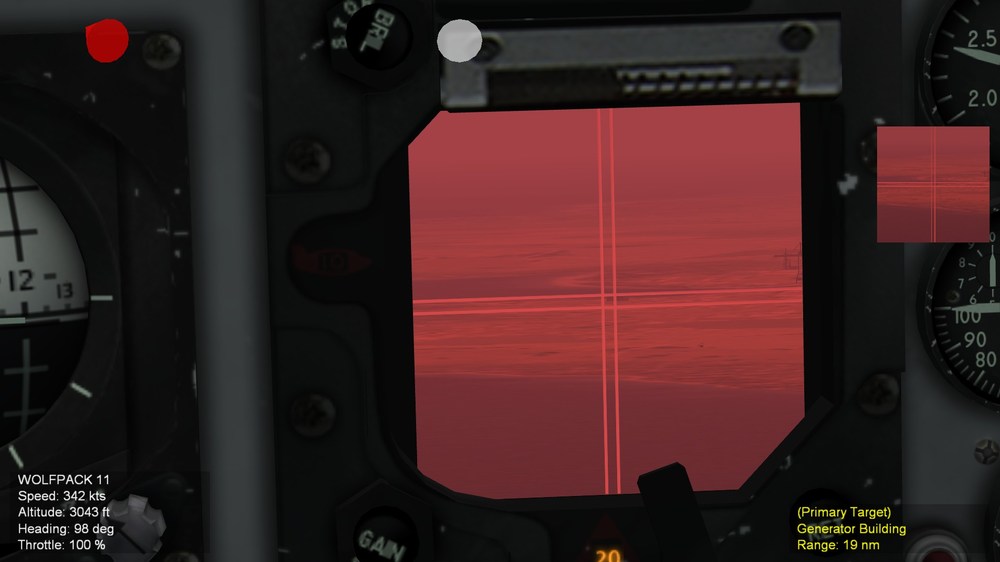
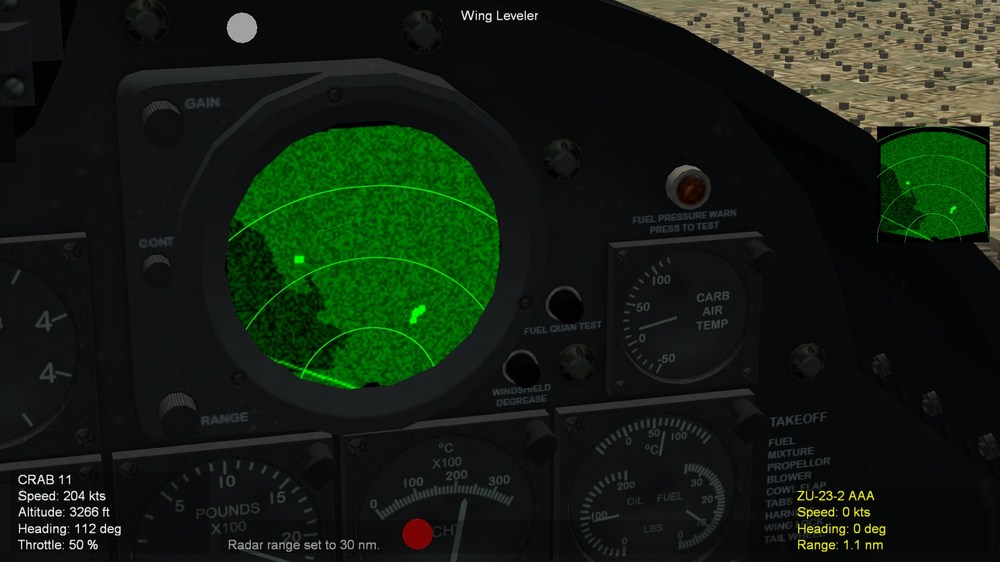
Hello everyone! This week have been very interesting with tons of researching, experimenting and testing the TV filters and FX (Shader) files. What I have learned so far with this theory from observation and countless testing; SF2 Engine does not allow us to direclty mix the shaders with 3D world for TV screen via radar texture methods. (UseRadarTexture=TRUE), BUT it does allow us to use sampling to add the 'tilted / hue colors' to the TV. After testing various .FX, including FLTDTVFILTER.FX, turns out that TWCOLOR1.FX and TWCOLOR2.FX works because it uses sampling methods. However, after testing TWCOLOR2.FX, what I learend is that only one of colro can be used with taht FX due to Alpha being 1.0 by default, which mean, the last texture laoded will overwrite the first one. Fortuantely, it got fixed, by setting Alpha to 0.5, which allows me to combine any two colors that would give me various colors. For example I have various color texture (mostly JPG, except for Alpha one that have invisible color) When testing with two colors with updated TWCOLOR2.FX, used this folowing codes in .INI FILE: The result in-game (A-4E '65) I was even more curious, what happens if I add third color? The resault: I have many files to share here, so anyone can have resources, information, and files to experiment with, not only TV, also any thing else in SF2. IN the files "TW SHADER FILES.zip" it is extracted files using SF2 Extractor and the file names inside each file's header are corrected to avoid the confusion. TW SHADER FILES.zip And in the file "TW SHADER FILES - NEW", there are updated TWOCOLOR2.FX, along with new TWCOLOR3.FX and TWCOLOR4.FX, you can experiment with various texture files. TW SHADER FILES - NEW.zip In the file "TW FX FILES INFORMATION.txt", it contains summary of each shaderas. It seems too bvious for us who already are familiar with it, but it does not hurt to at least have it. I used SearchGPT to assist with me. WIthout it, it would have taken me too long time. TW FX FILES INFORMATION.txt Finally, the file "FX FILES CONTENTS.txt" have long list of Shader's codes, consdier it as 'hand book" for quick references to any shader codes. FX FILES CONTENTS.txt RIght now I am continuing to experiment with many thories I have about sampling techniques to turn TV into grayscale for early CRT TV in early cold war aircraft. Eagle114th TW FX FILES INFORMATION.txt
- 5 replies
-
- 5
-
-
- colorfilter
- radar texture
- (and 2 more)
-
SF2 Avionics Community Pack - - Beta release v0.5
Eagle114th replied to Eagle114th's topic in Mods & Skinning Discussion
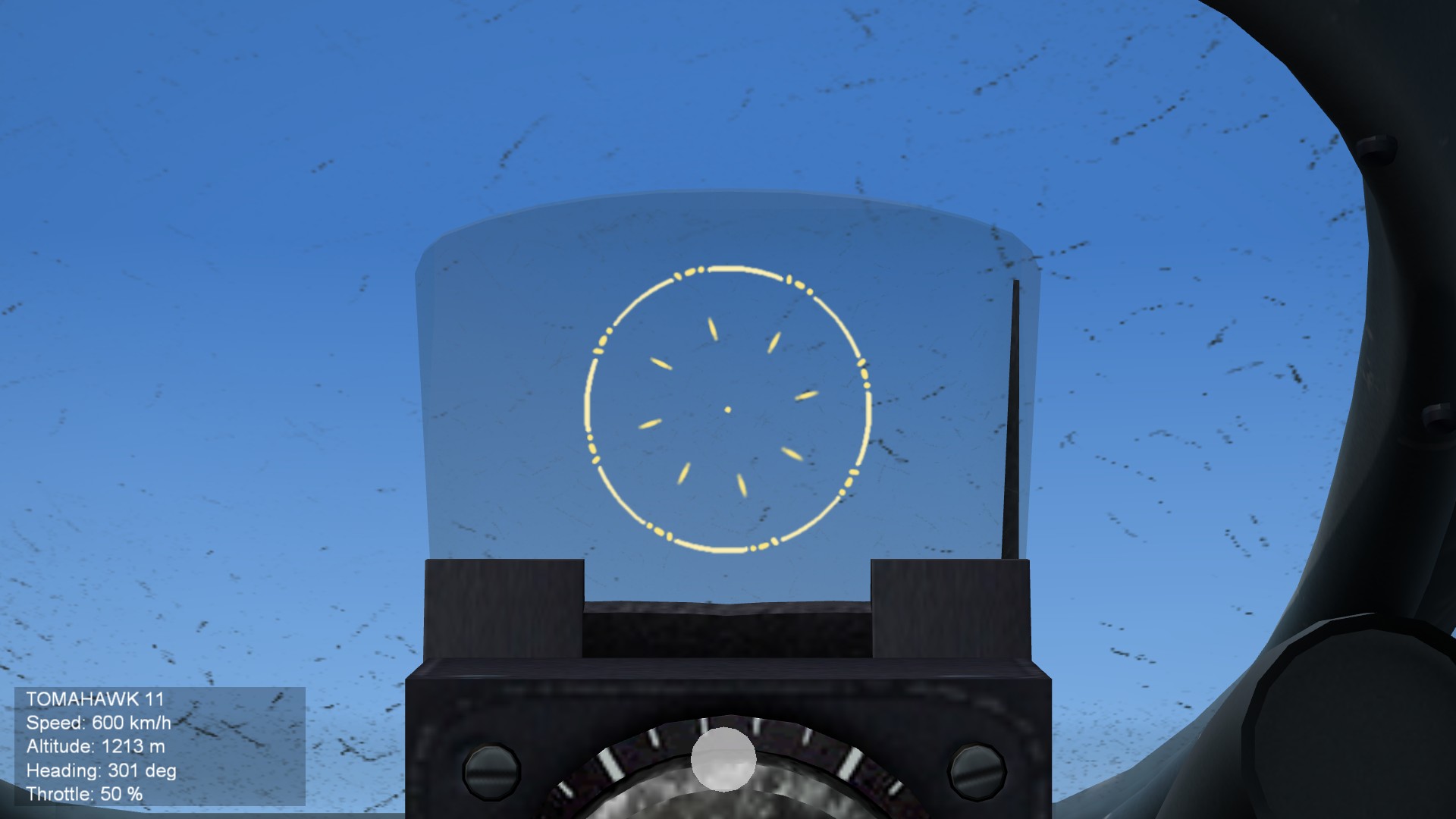
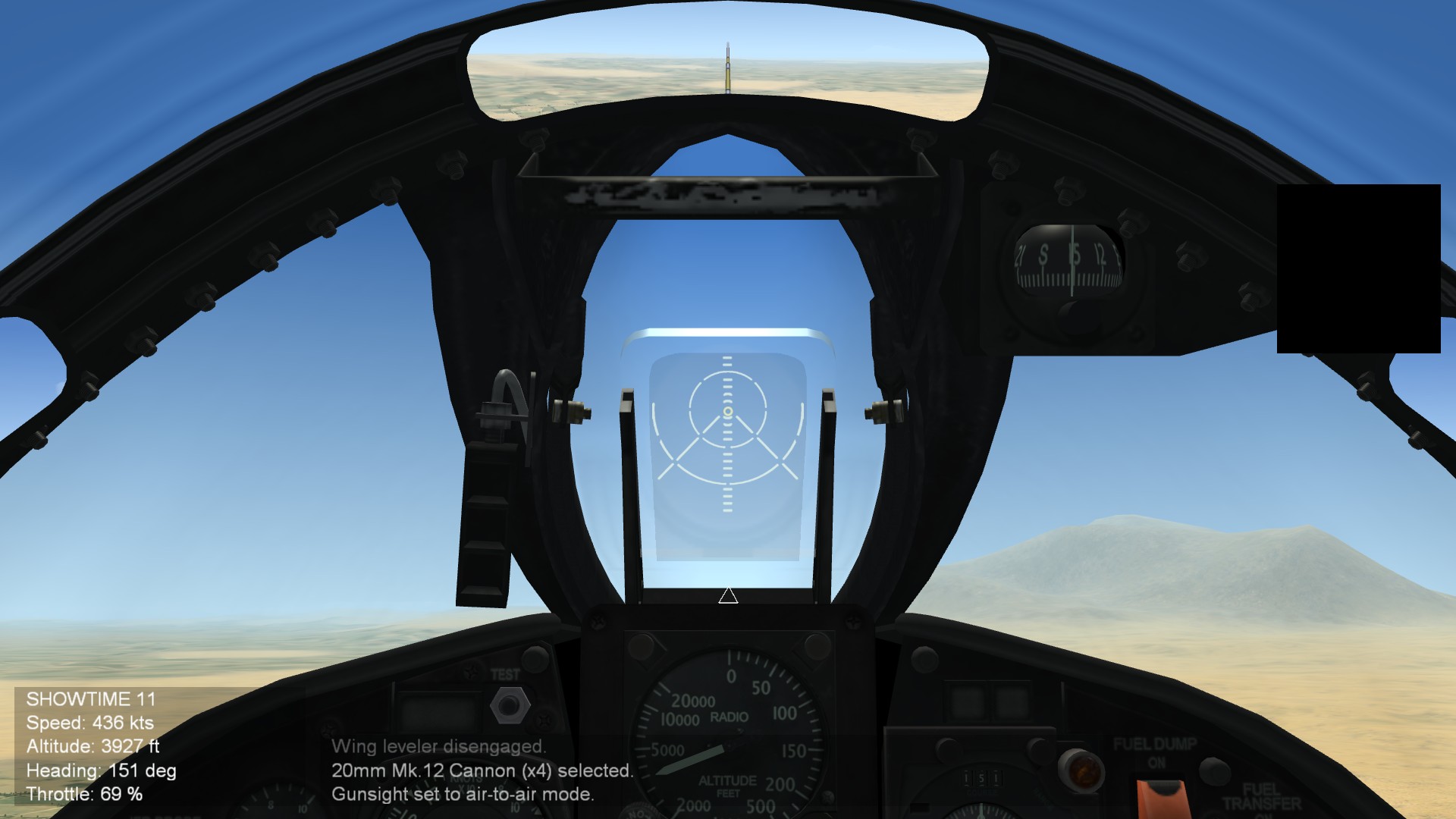
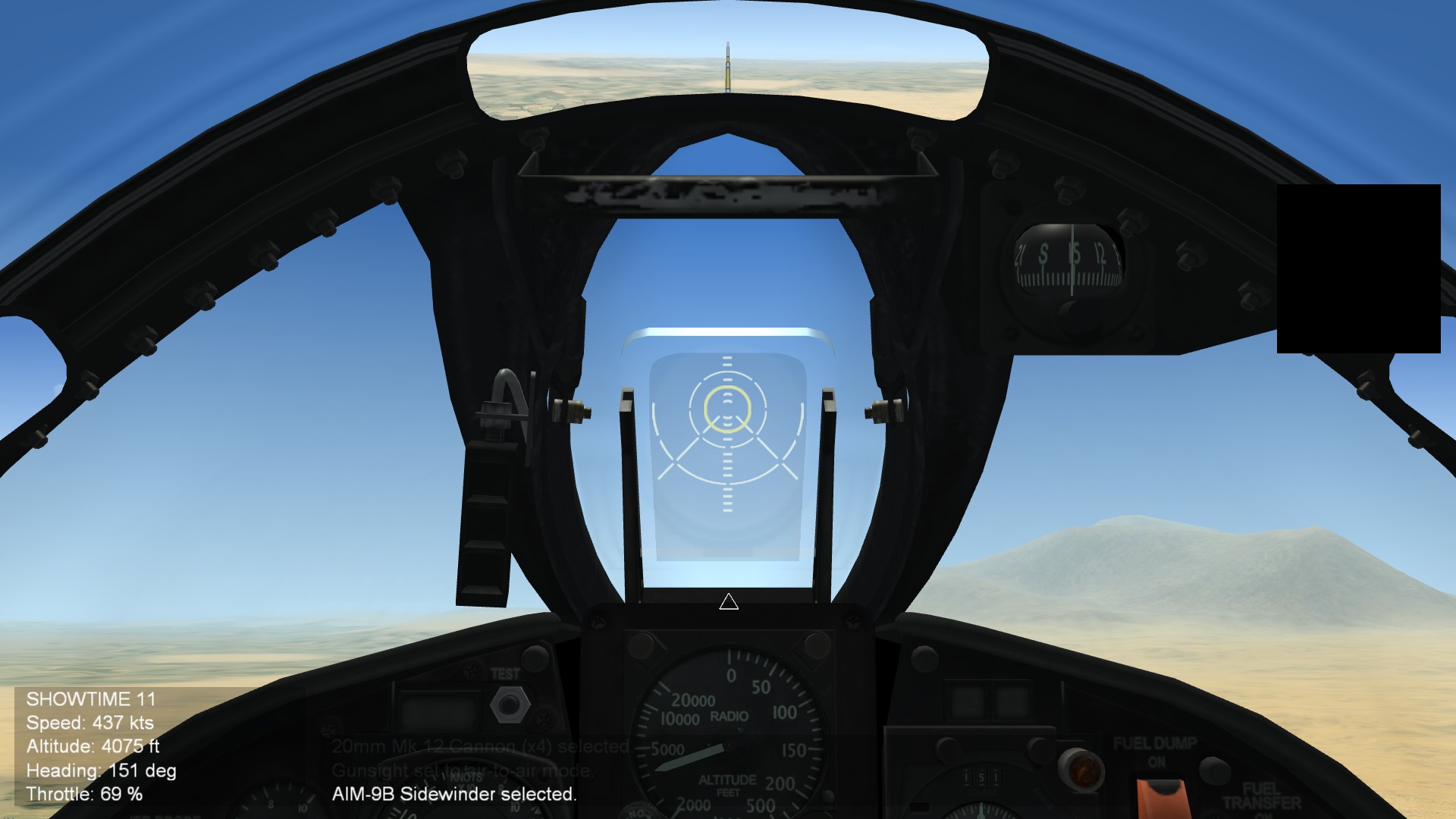
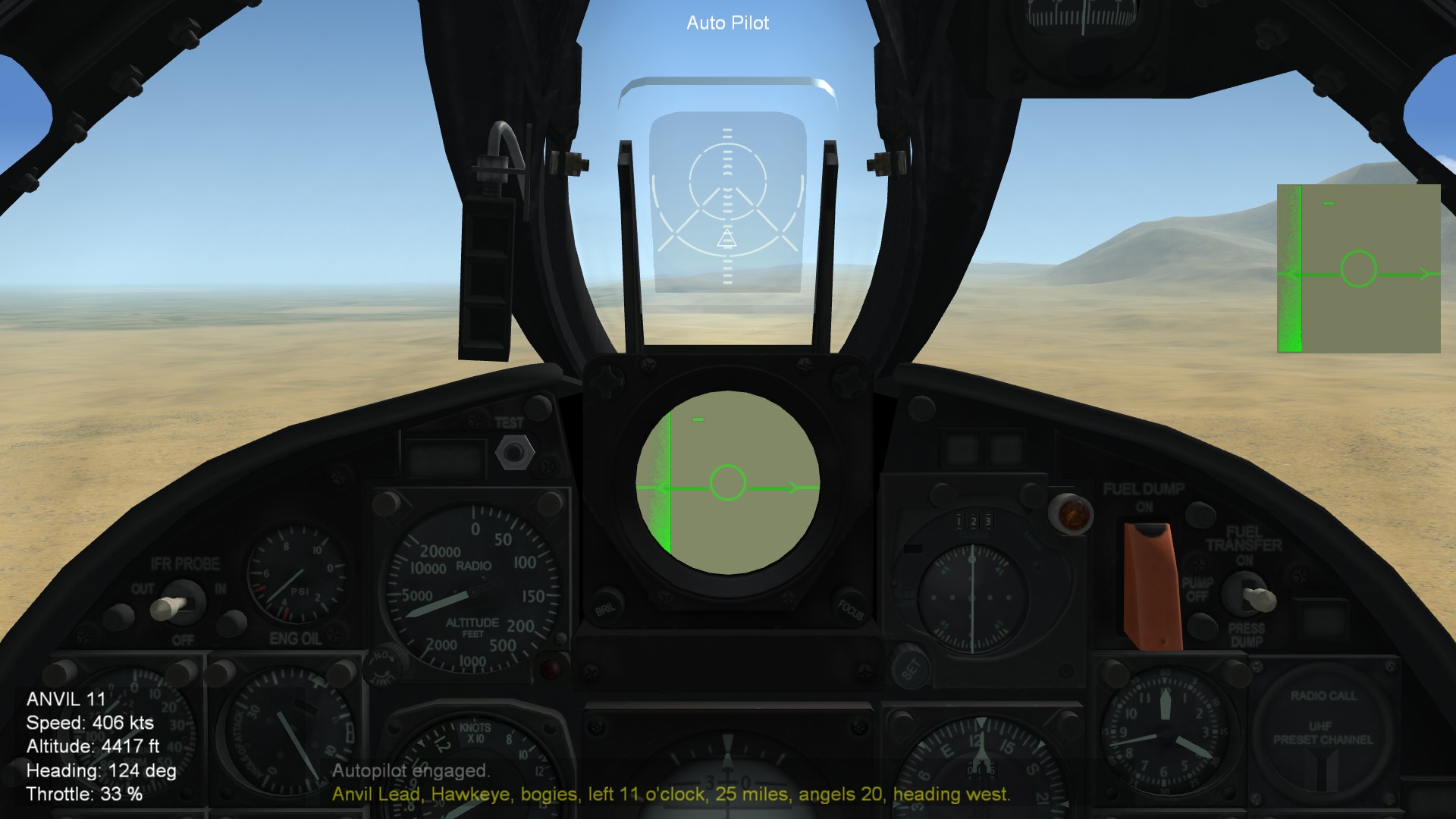
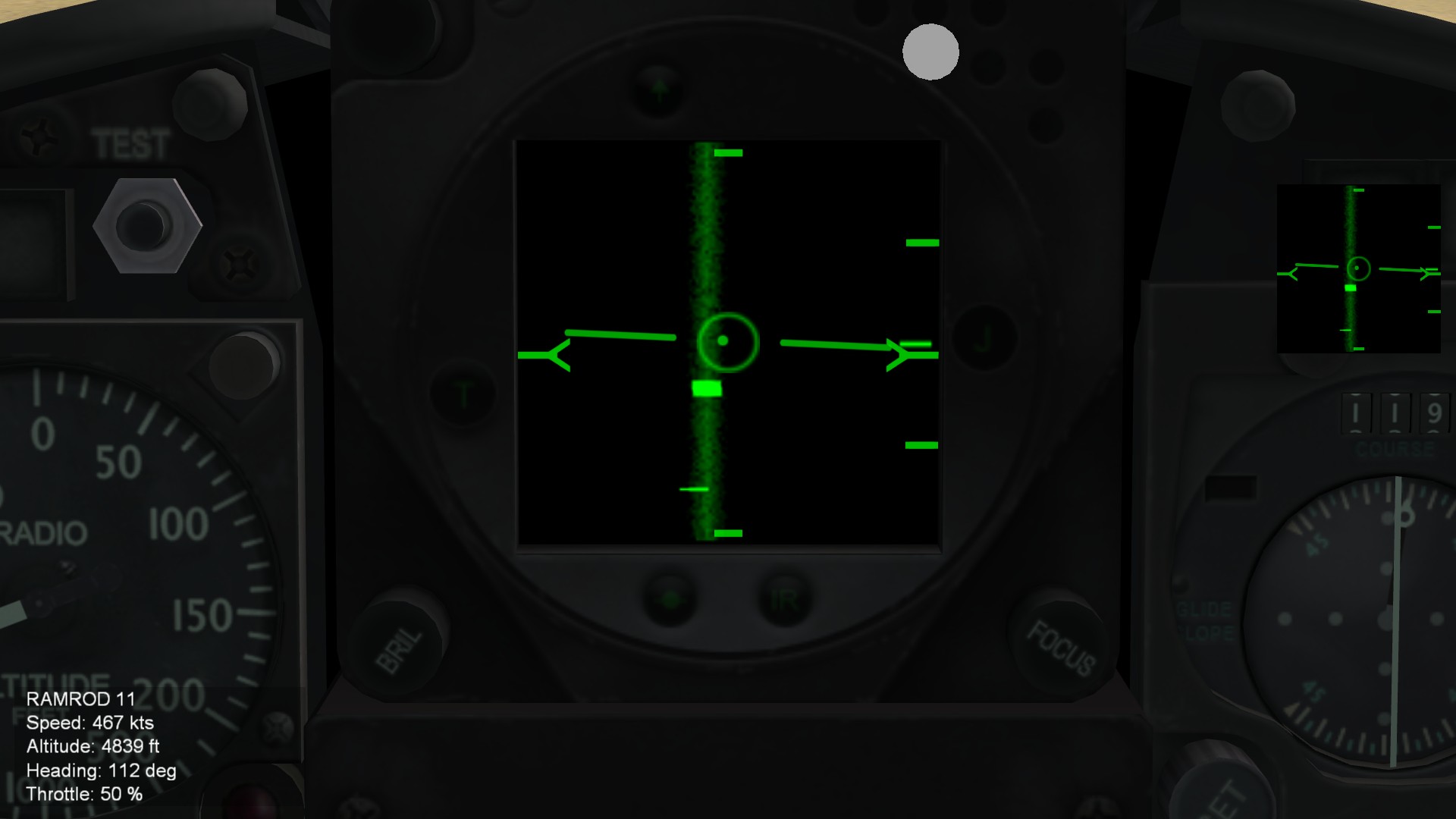
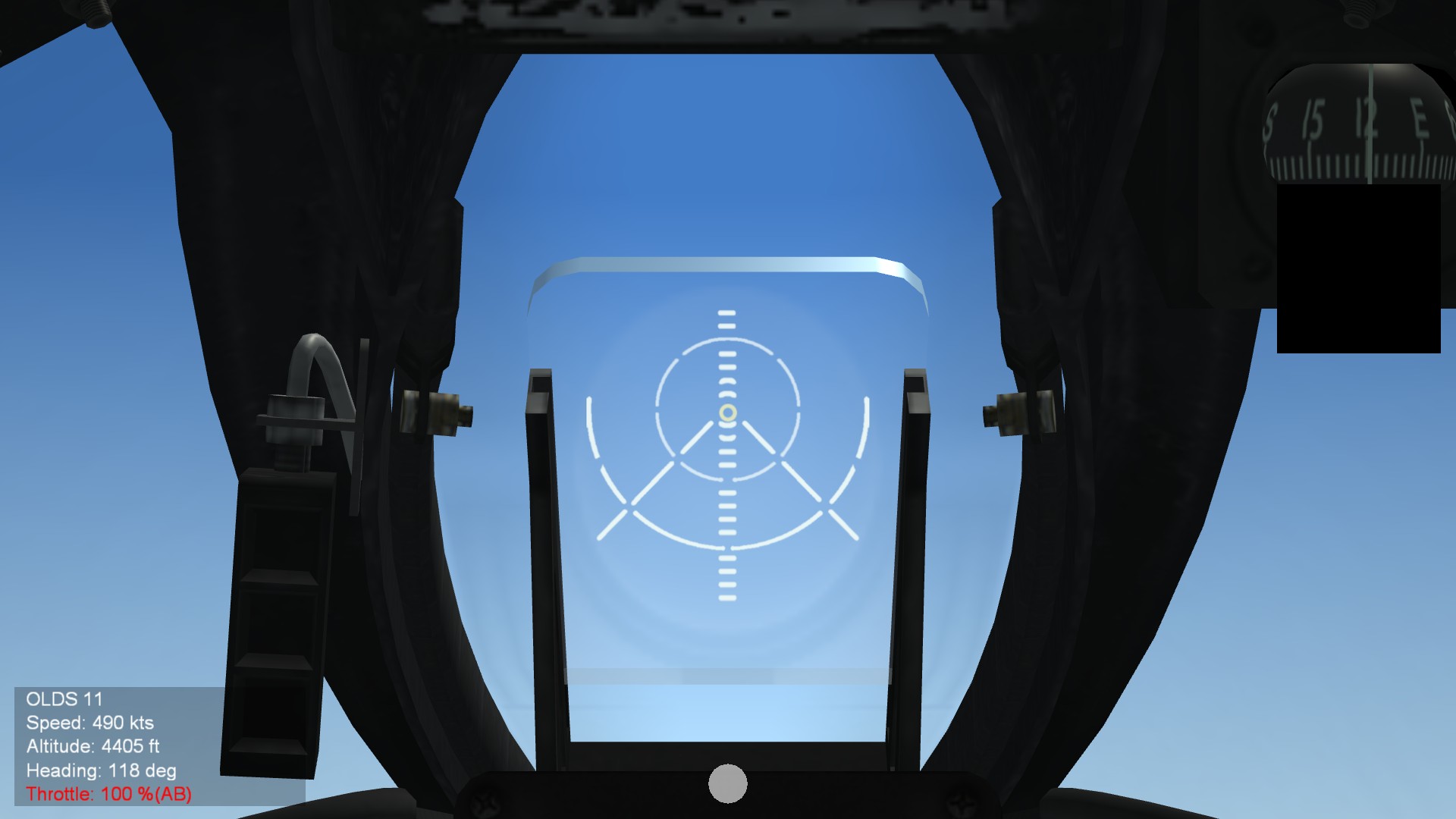
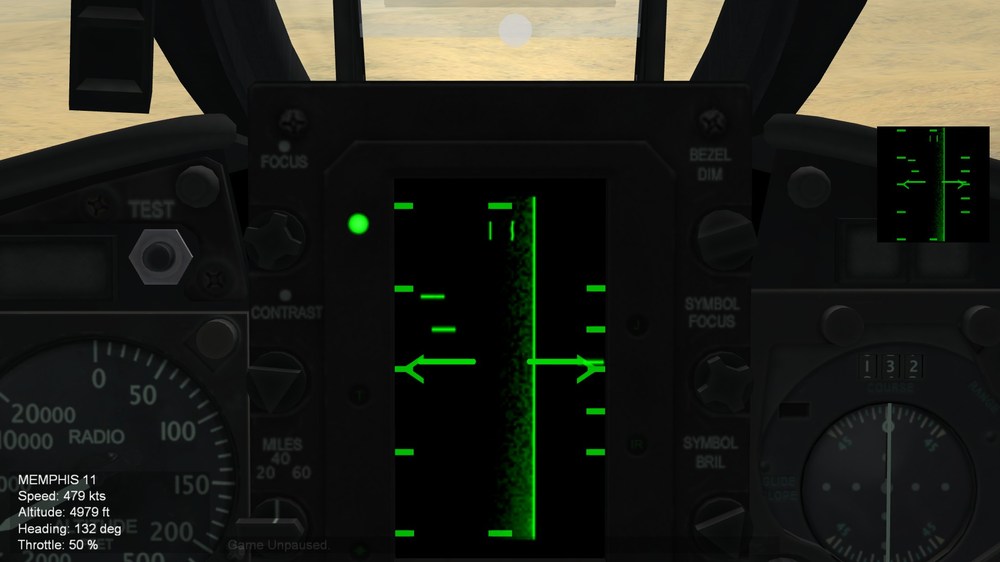
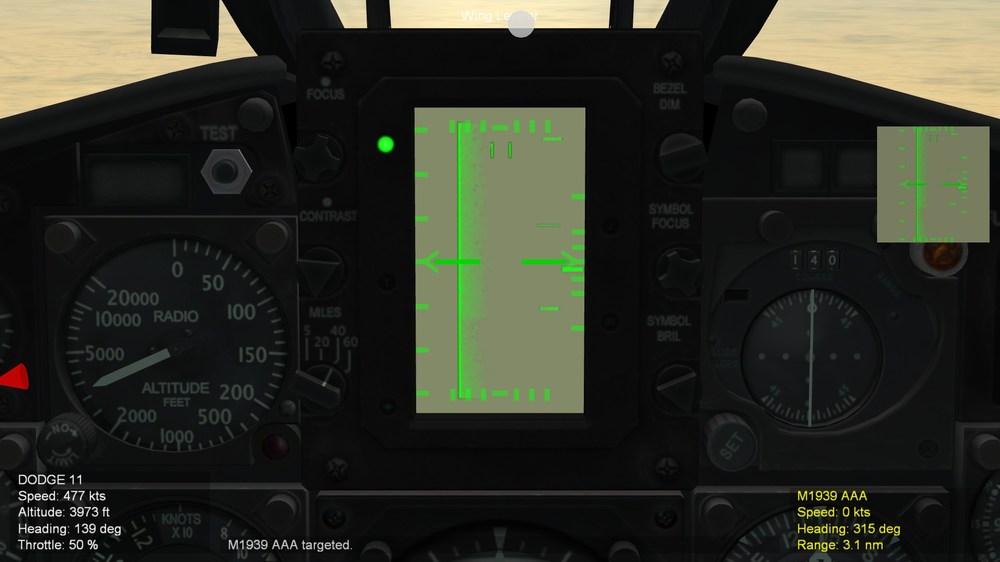
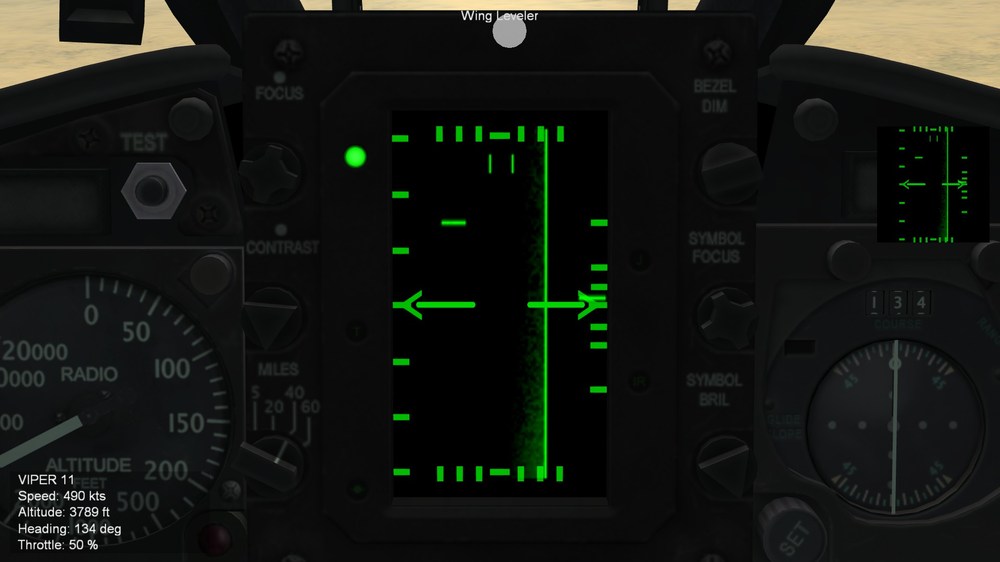
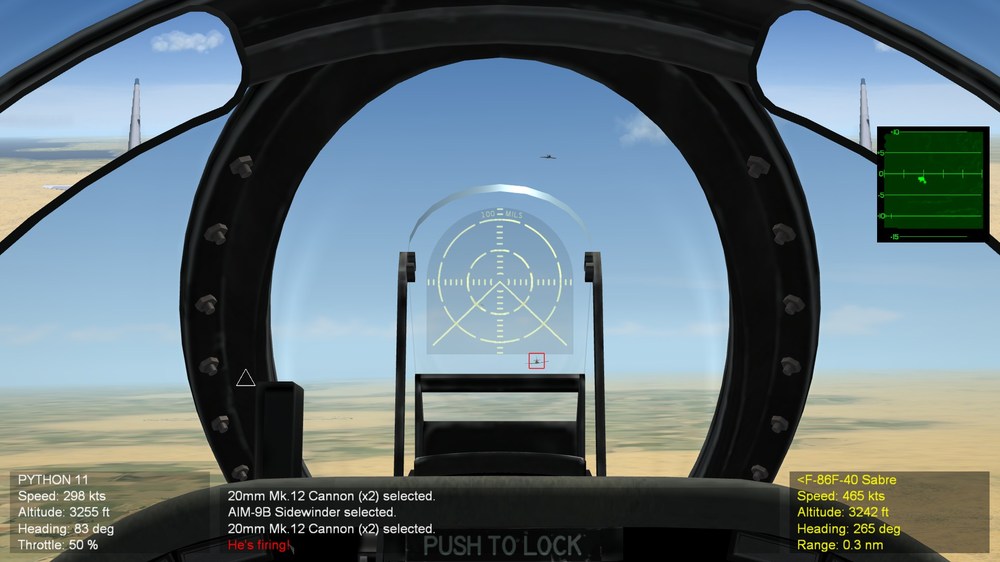
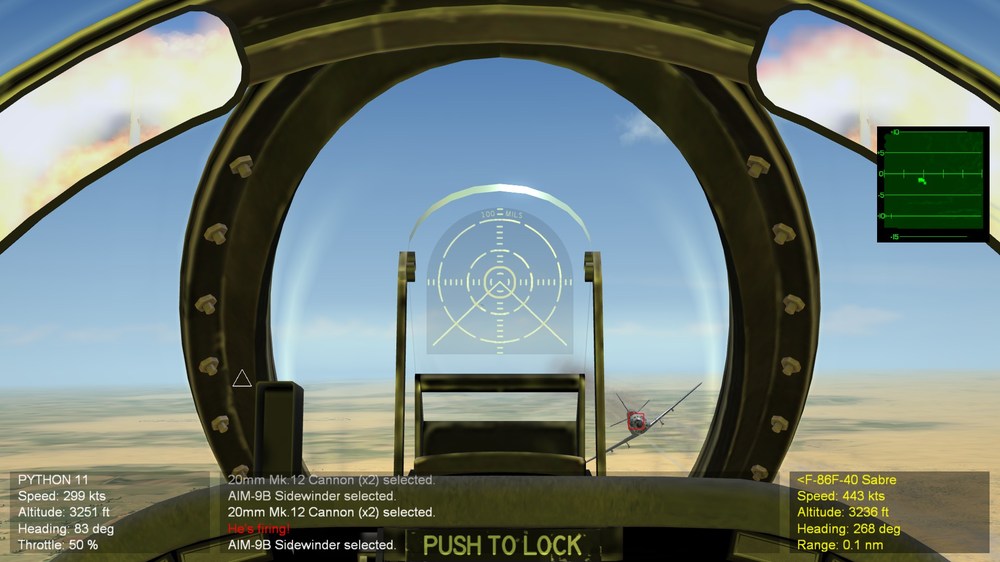
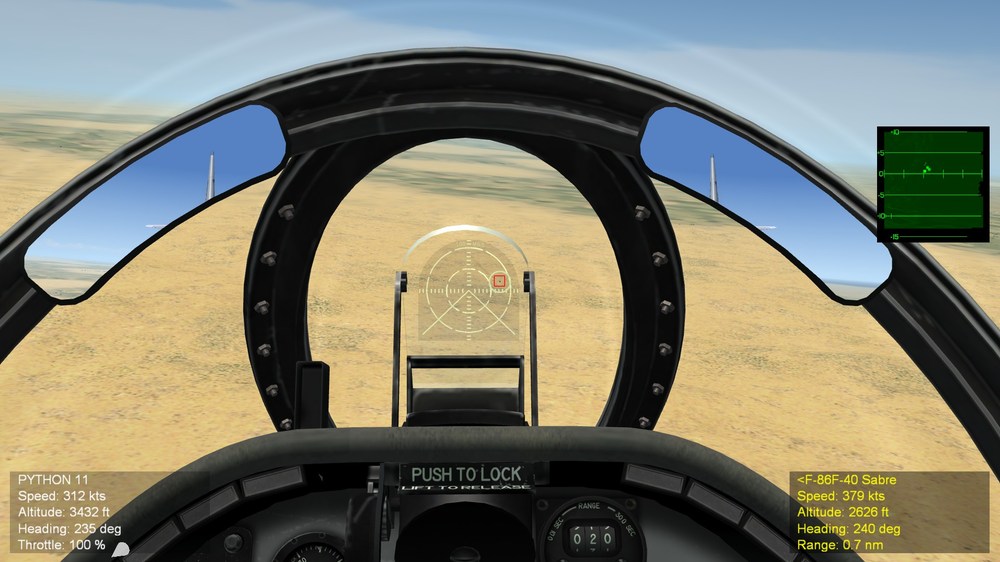
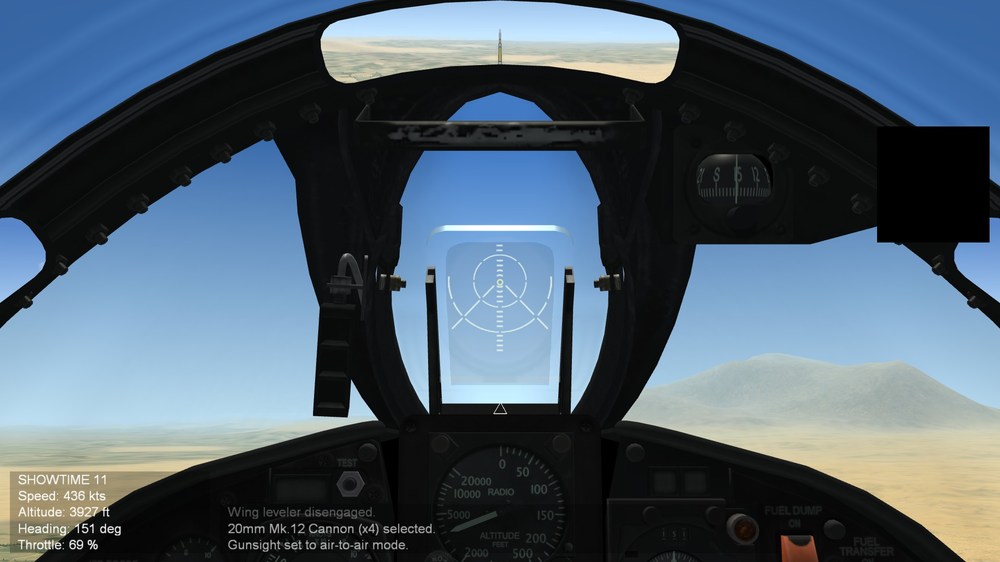
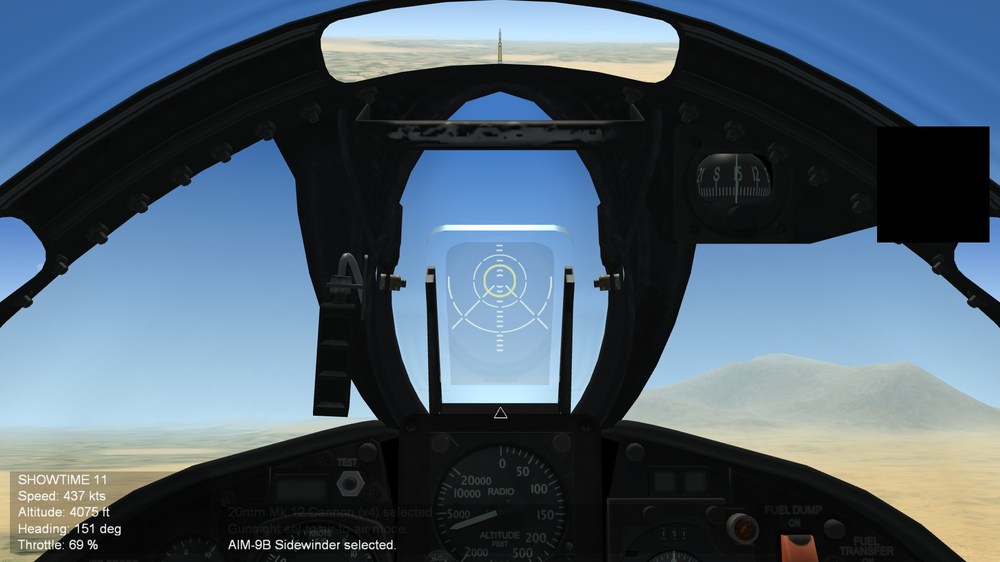
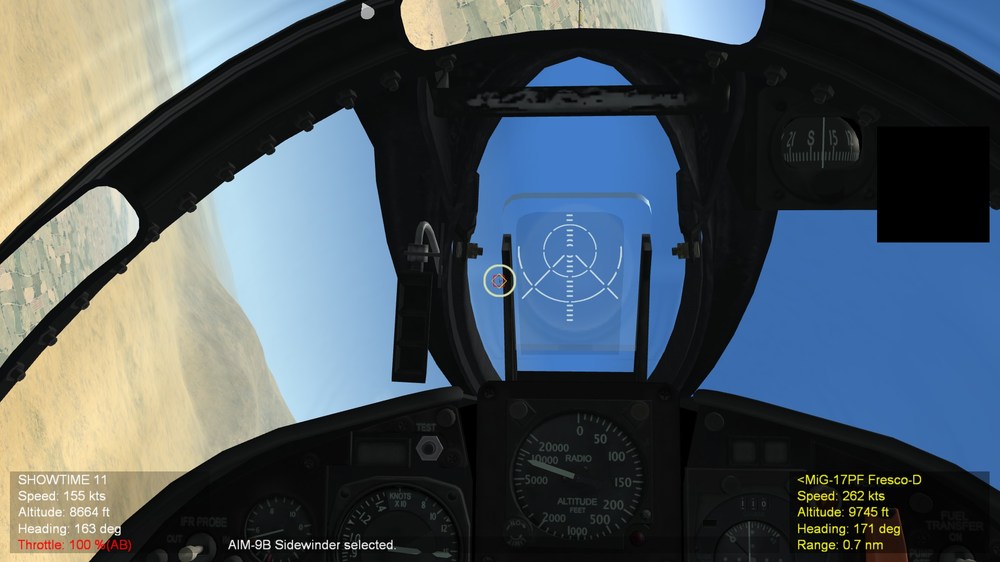
Hello everyone Today I got a chacne to spend hours finishing workinog on F8Us / F-8s series with updated HD texture and gunsights. There are many screenshots, so I'll pick a few; F-8H early (AN/APQ-83 radar) F-8H (1966) with AN/APQ-149 radar Let's talka bout accessiblity version with IRM firing clues, I have forgotten one things; nighth mission So it mean the dark red does not show up well in dark sky, so I had to gob ack to drawing board. I did not want to use green color HUD because it woudl break the immersive experience if using modern HUD color on early cold war aircraft. however, thish time, an extra circle is added and it finallyh looks just right for day and night mission. And the same systems is applied to F8Us / F-8s, especially the early and late version of gunsights (Mark 11 Mod 1 and Mod 2) Here is F-8A (Mark 11 Mod 1 gunsight) Before i release thhe new version of alpha, I am attempting to see if I could improve the TV system for AGM-62s Walleye. If it is successful, then I can use it for anotehr aircraft too. Eagle114th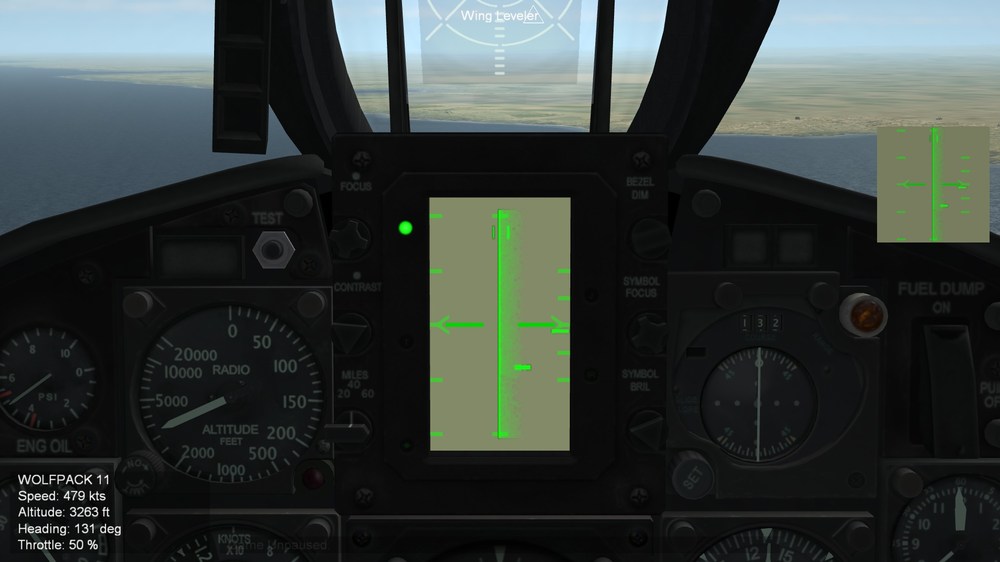
-
SF2 Avionics Community Pack - - Beta release v0.5
Eagle114th replied to Eagle114th's topic in Mods & Skinning Discussion
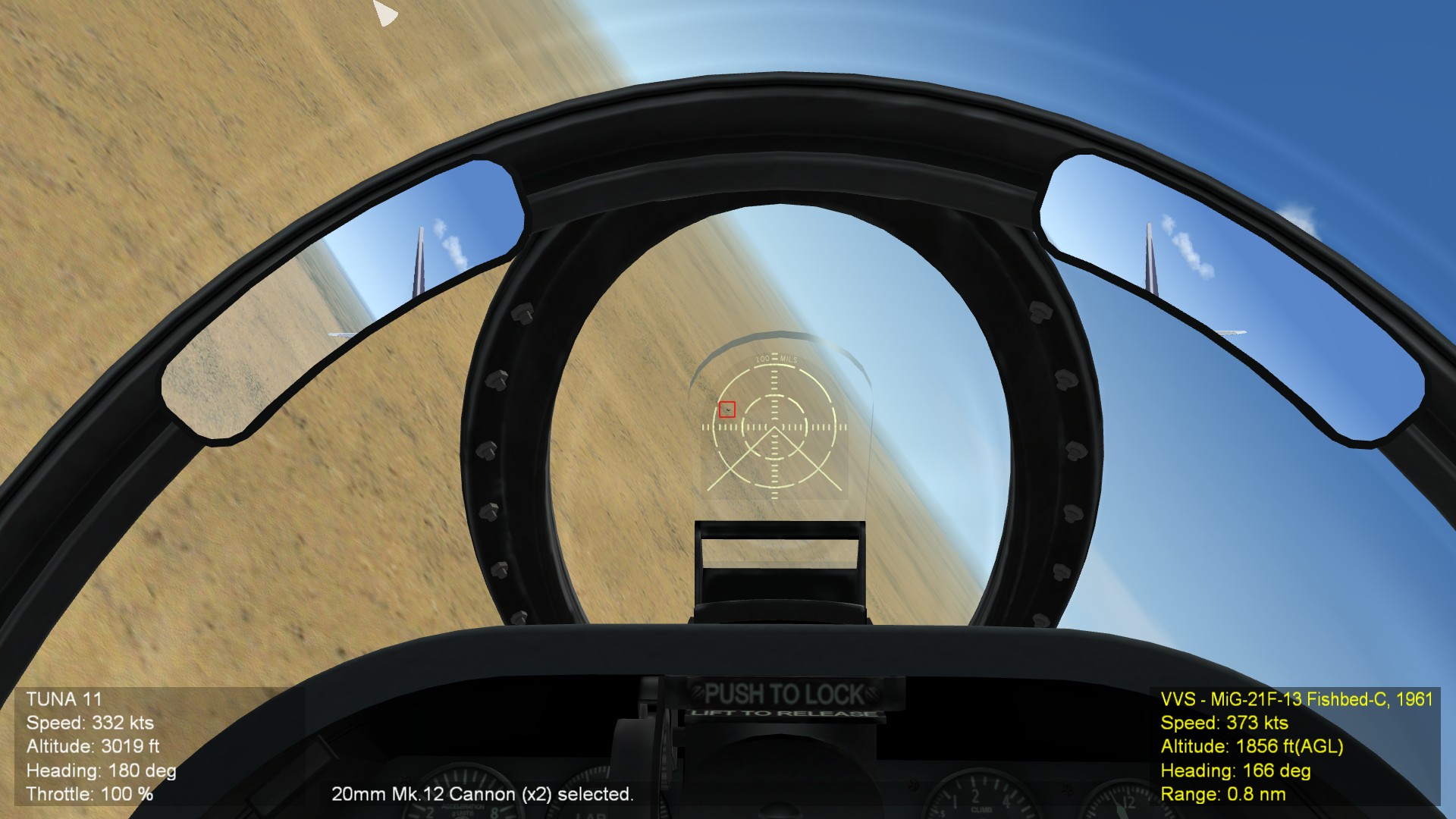
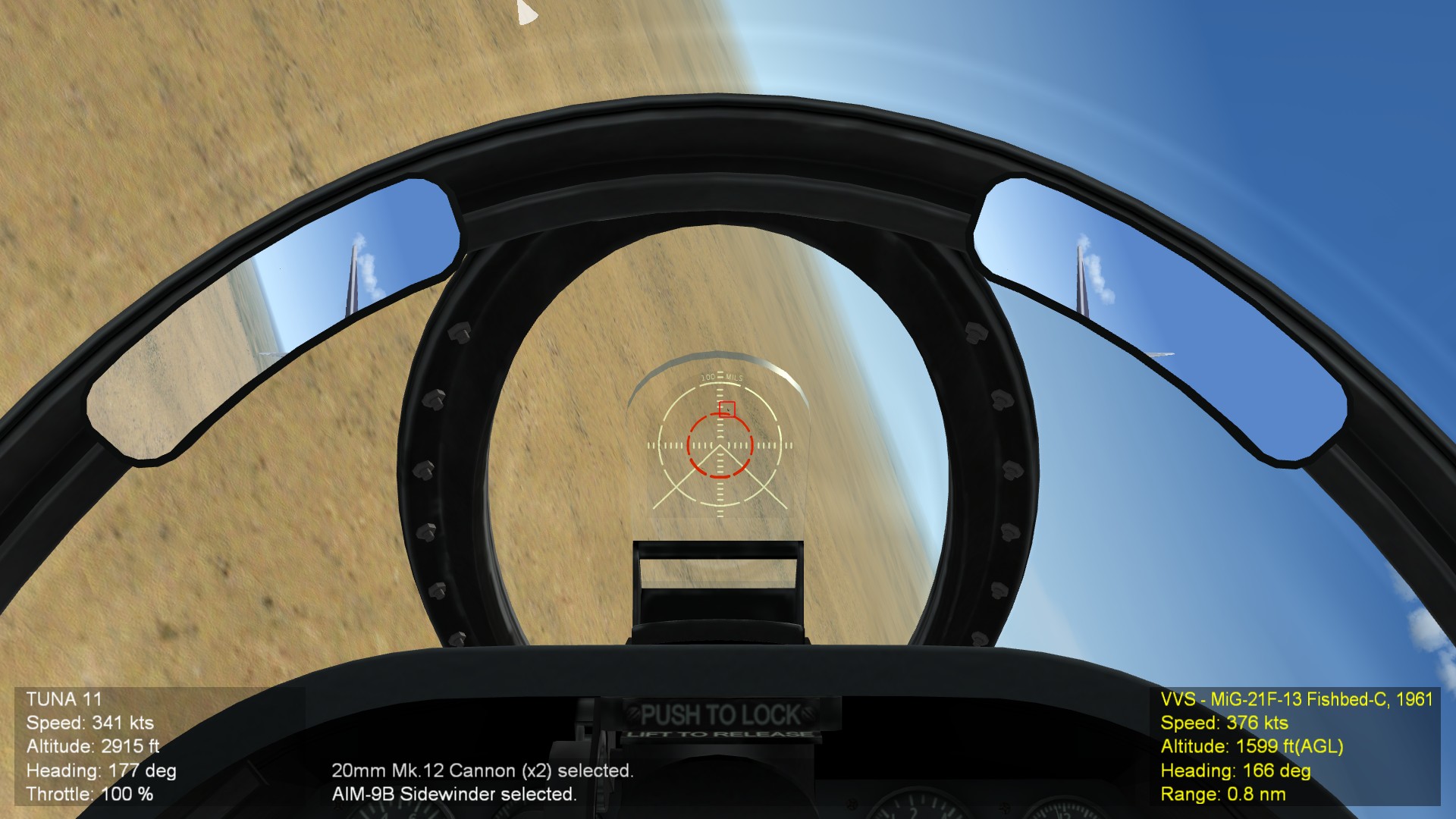
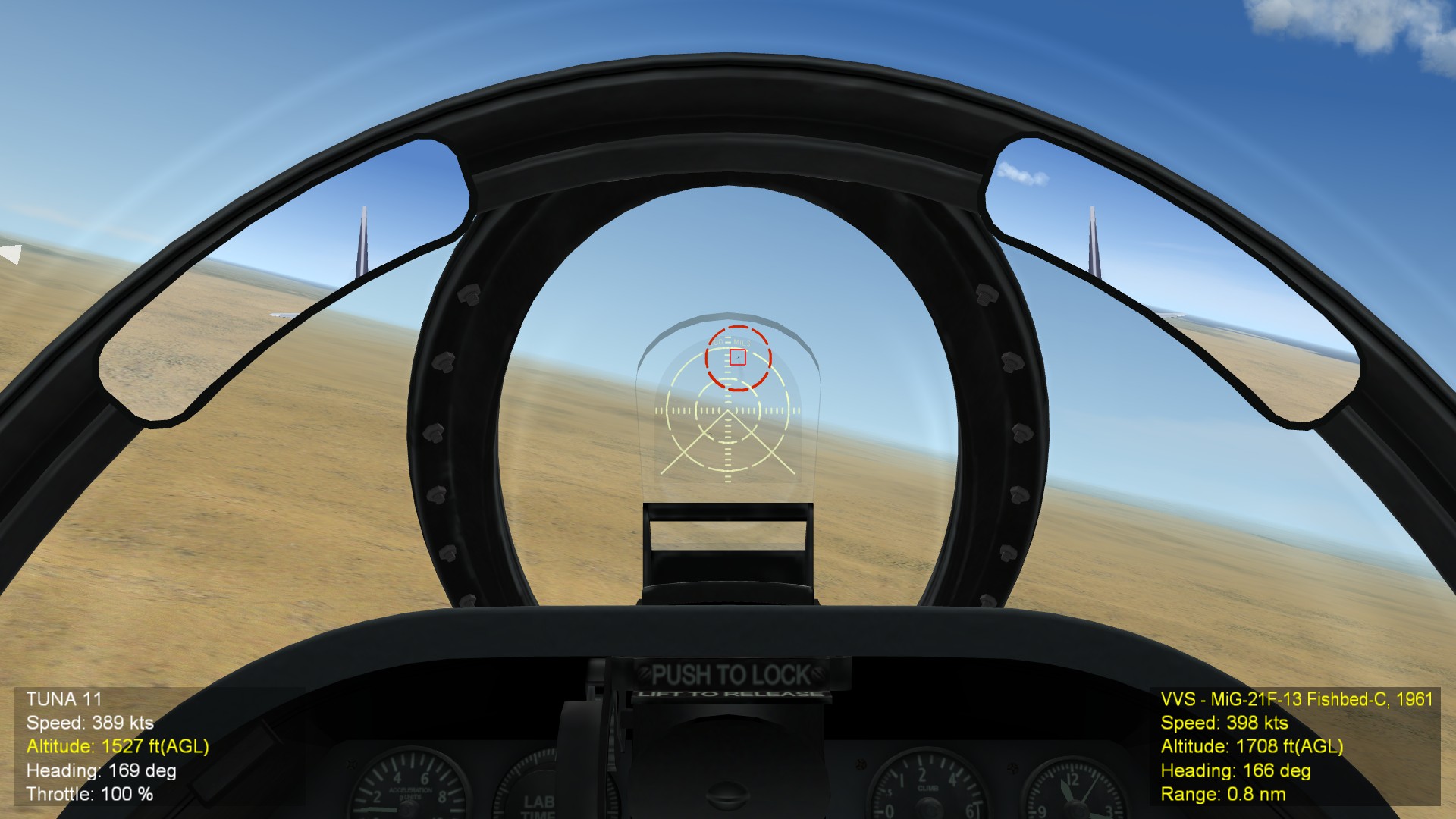
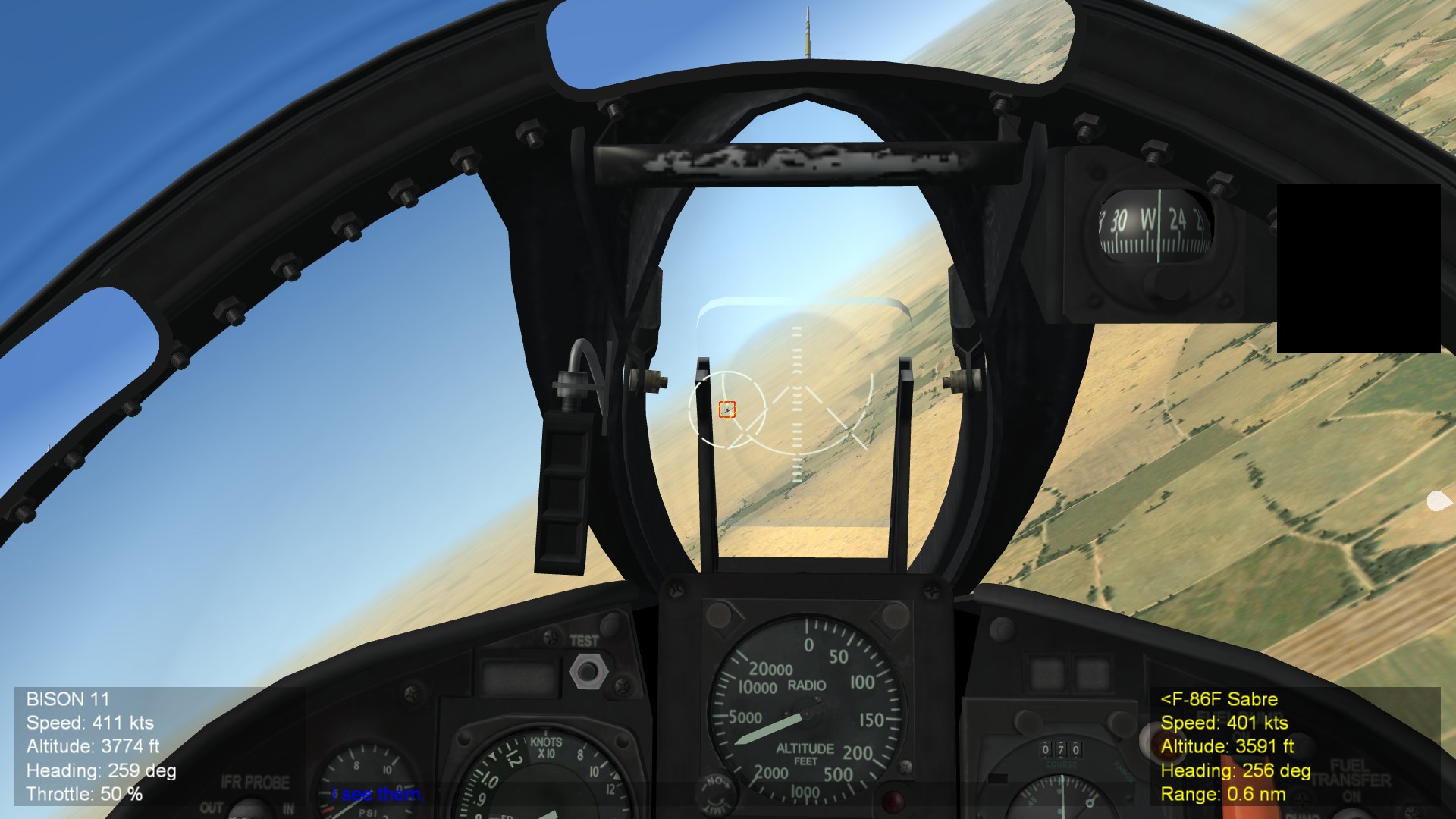
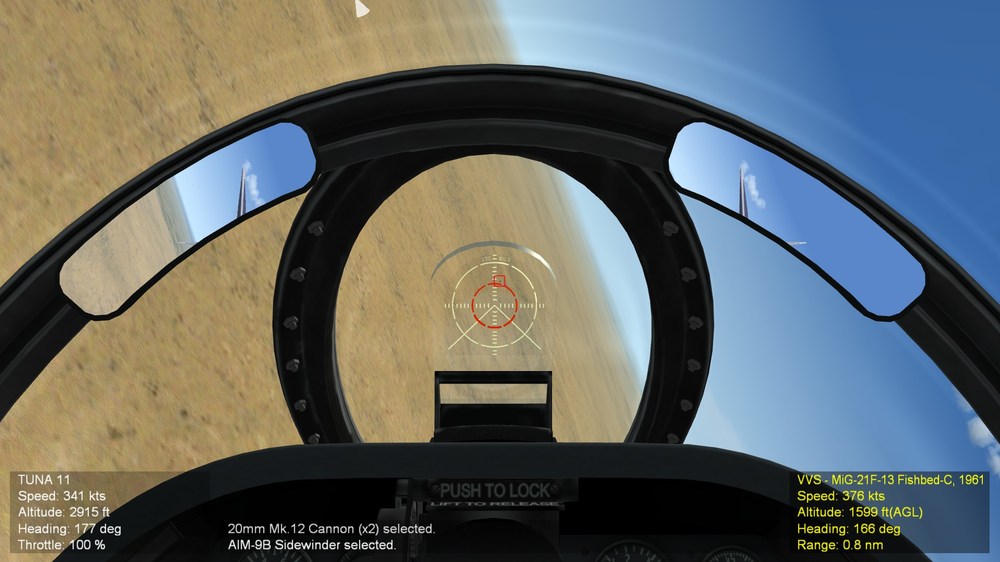
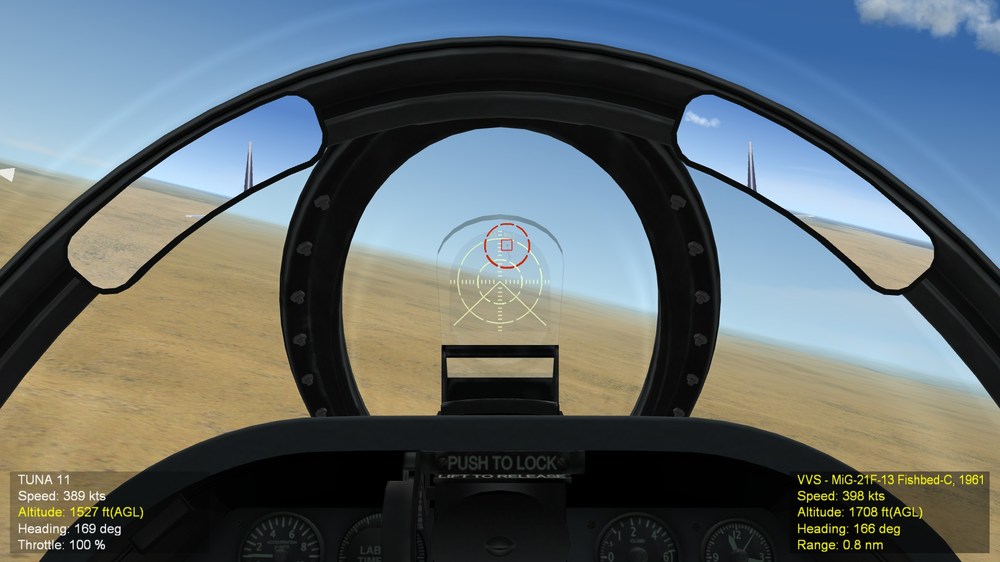
Hello everyone, It have been a great new year day and eventualy got a chance to work on mods today; This time I am re-working on the optional accessiblity system to make more noticable and can be noticed easily. When switching to IRM, the inner circle will appear as red. And when lock is achieved, it will move to enemy aircraft telling that IRM is ready. Any thoughts on the new system? I am applying it on the rest of aircraft for next alpha version of mod. Eagle114th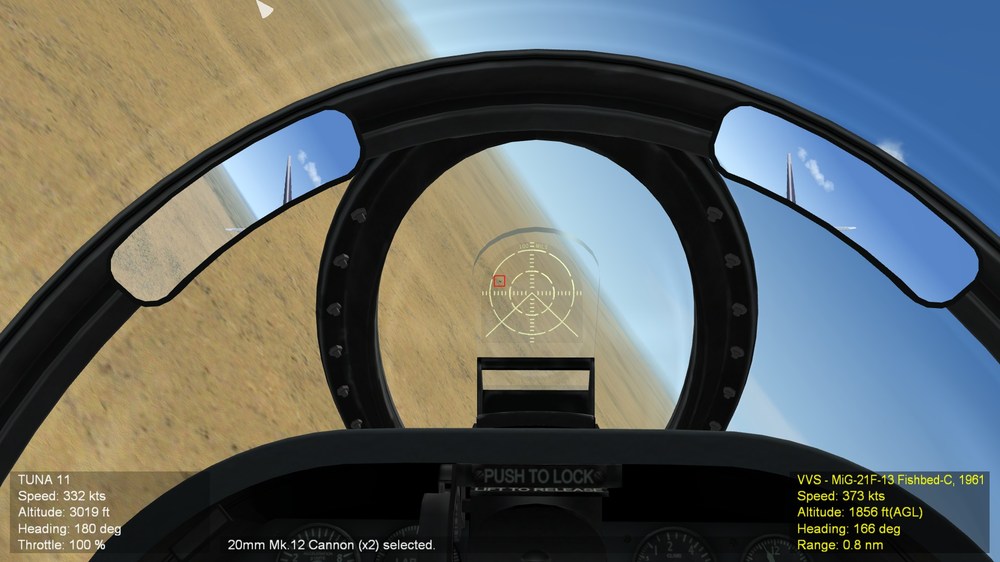
-
SF2 Avionics Community Pack - - Beta release v0.5
Eagle114th replied to Eagle114th's topic in Mods & Skinning Discussion
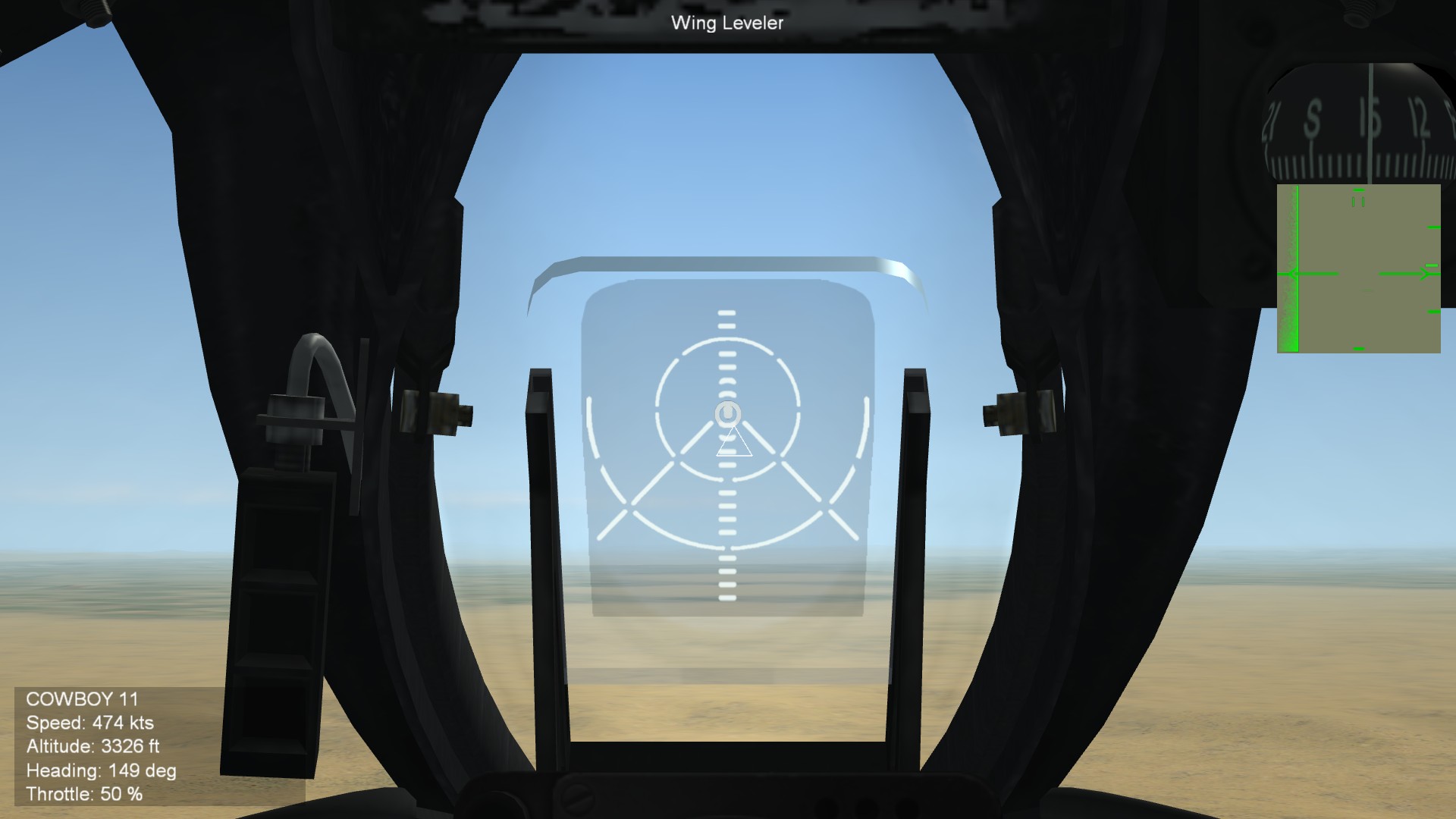
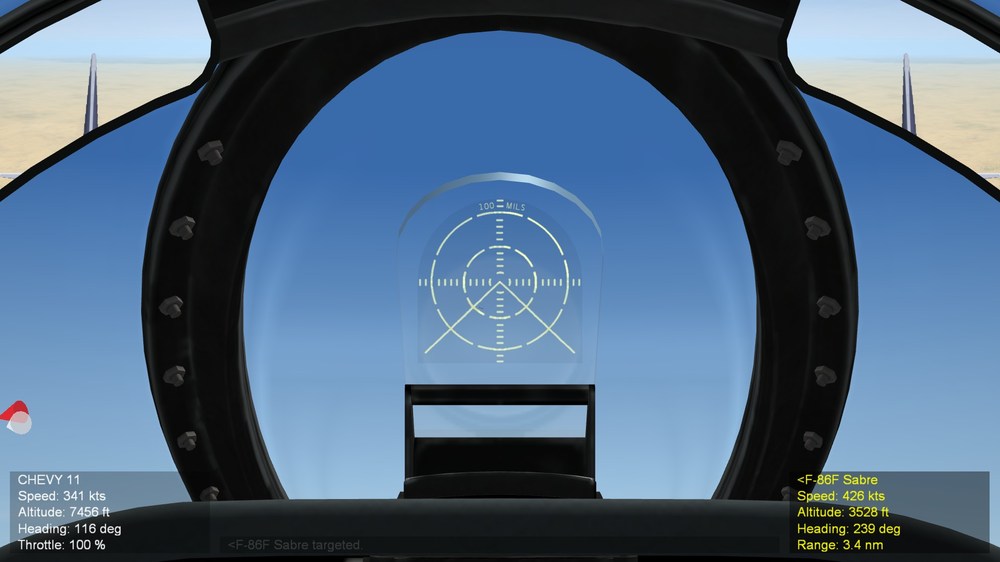
Hello everyone HAPY NEW YEARS!!! Let's do our best for the year of 2025! By the way, I am continuing to researching and searcihng for the name of gunsight / optical sight that A4Ds / A-4s variants ues. It is quite challenging to find. If anyoen know the name of gunsight shown in screenshot, please let me know! Based on excelelnt work of Crusader's A-4 gunsighht and DCS A-4E I have seen, here is new gunsight: NOTE: The tilted galss behidn gunsight is also added to give best visiblity during brightest part of the day. Eagle114th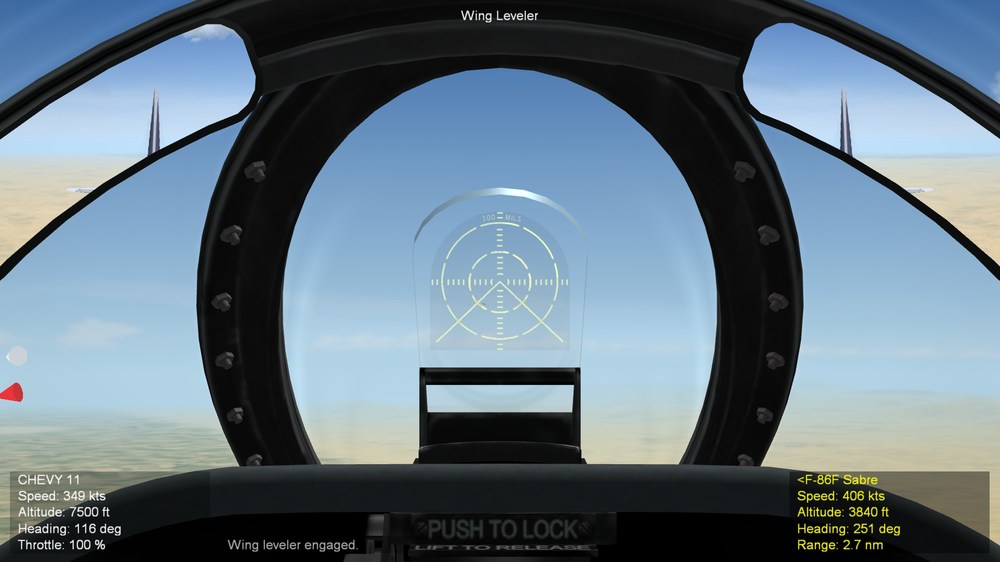
-
SF2 Avionics Community Pack - - Beta release v0.5
Eagle114th replied to Eagle114th's topic in Mods & Skinning Discussion
Hello everyone! Merry belated Christmas! It have been quite hectic monthh fo rme, therefore it is just today I began working on mods again. While wokring on F8U/F-8s series, afer having leraend how to work with avoinics more, went back to make some tweaks to gunsight and cockpit offsets, and this time, gunsight is now at correct size. I also realized I forgot to add '100 MILS" to top of gunsight. This is the deafult offset thaht fits the gunsight on the refelctor glass. Y ou can use button to widen FOV to zoom back a bit. I am doing some updats to A4D / A-4s sereis aafter realizing the new methods of making gunsight works better without 'double gunsight 'over lapping each other. I dsicovered a new method while working on F8U / F-8 series. I plan on adding 'filted' glass area for gunsight too. Eagle114thh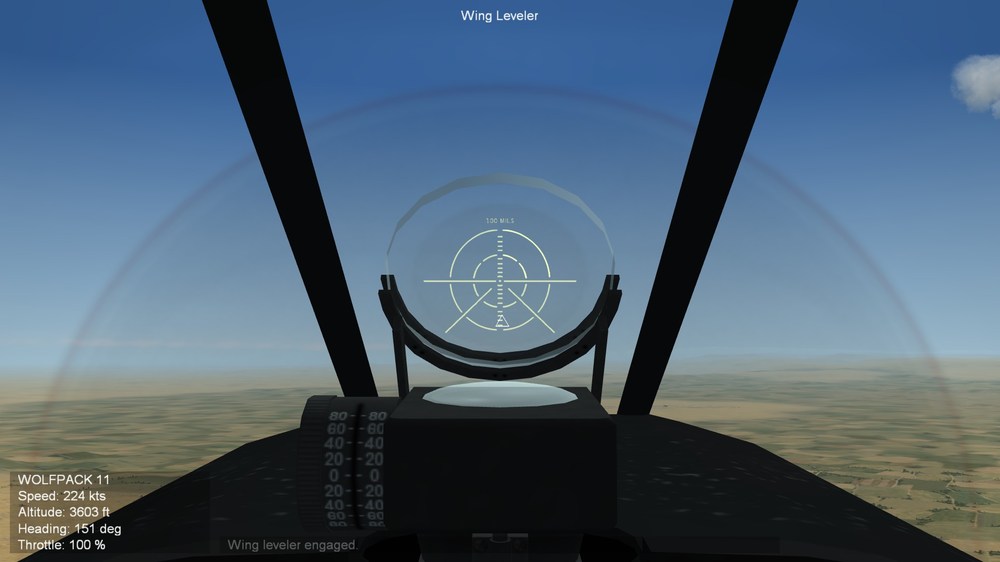
-
SF2 Avionics Community Pack - - Beta release v0.5
Eagle114th replied to Eagle114th's topic in Mods & Skinning Discussion
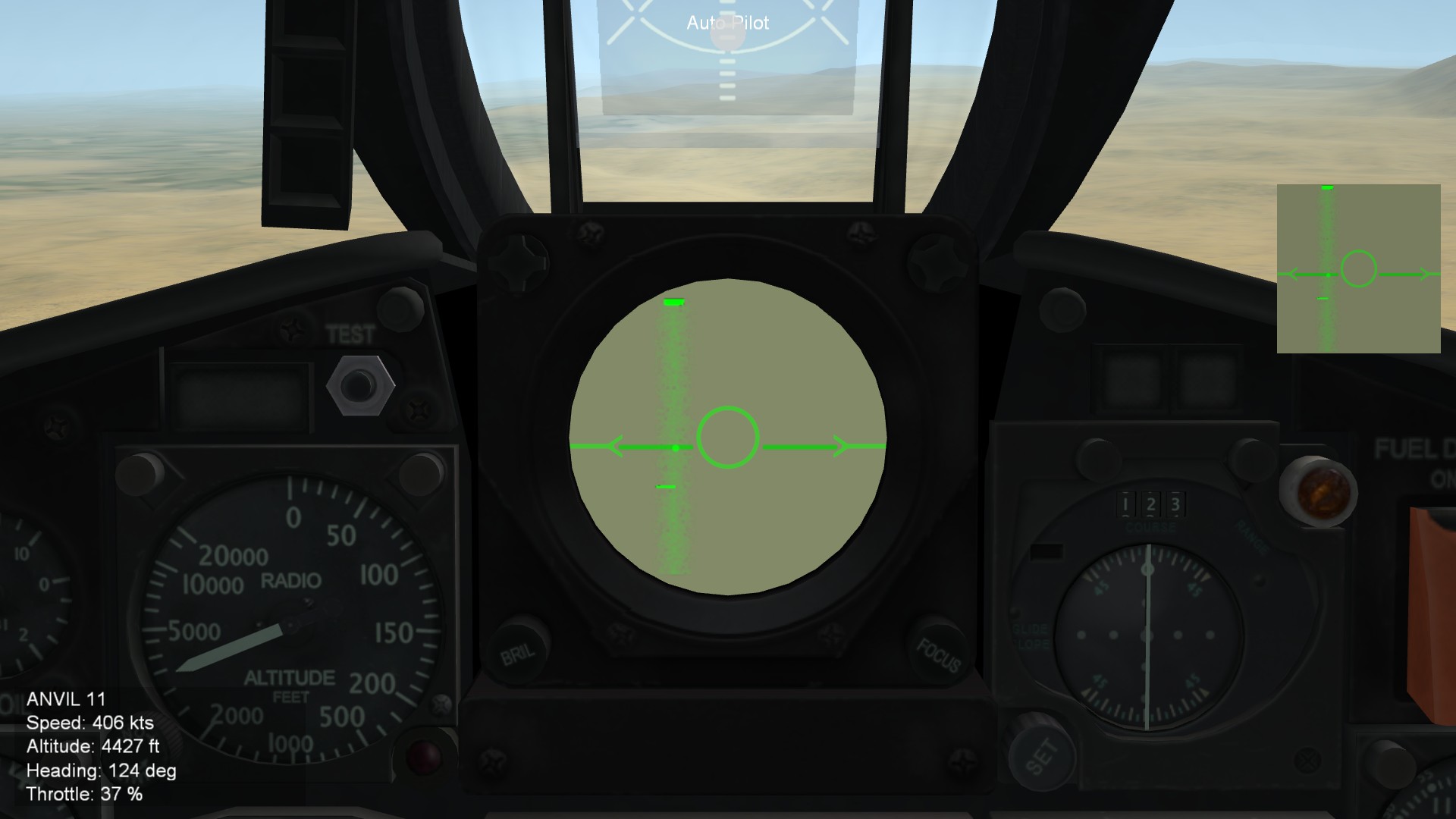
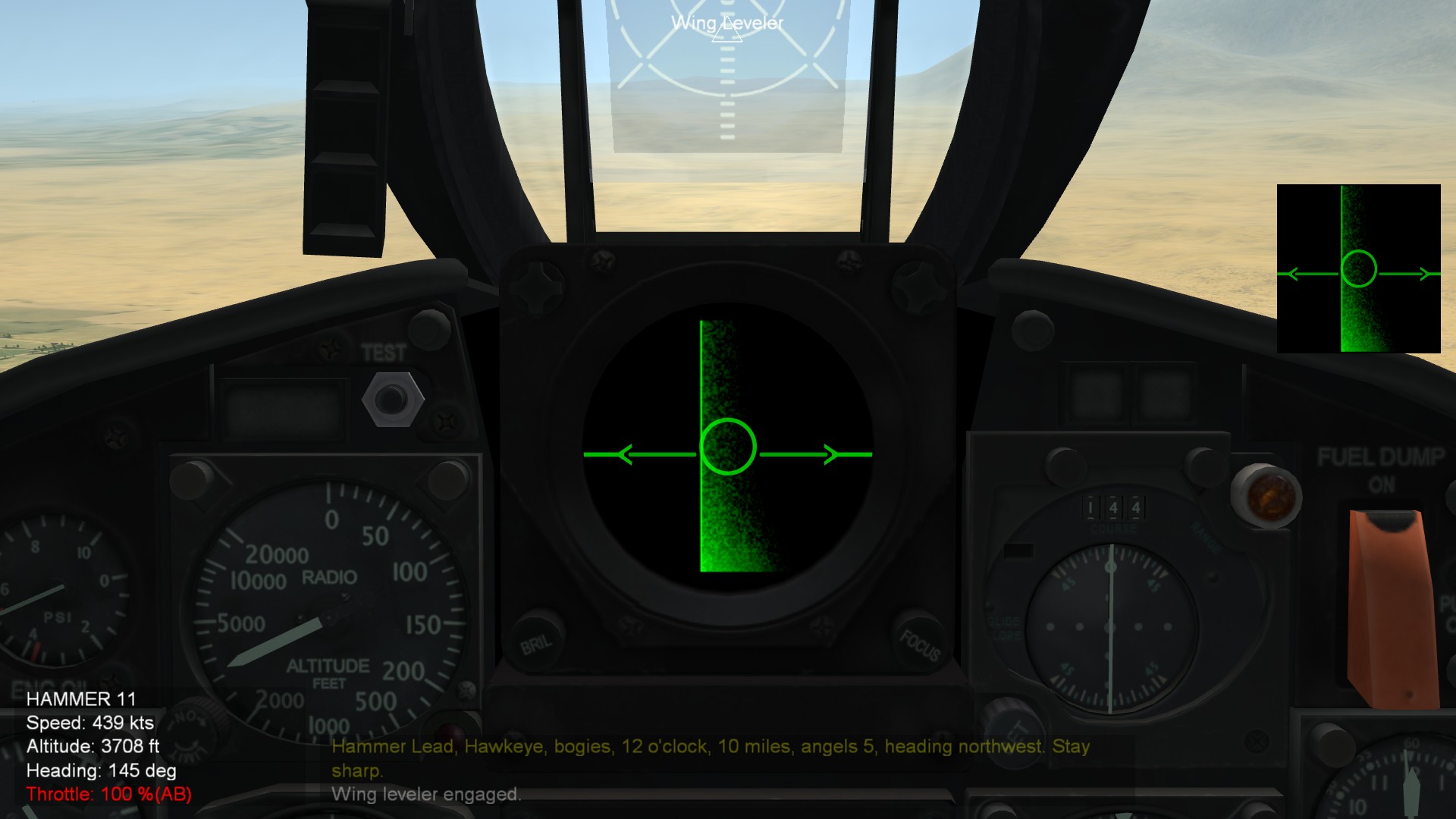
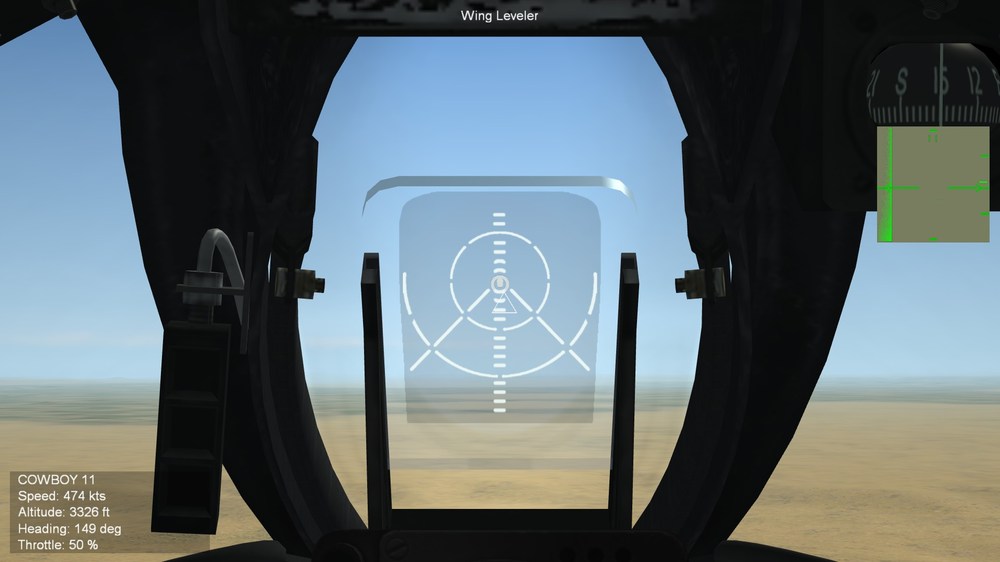
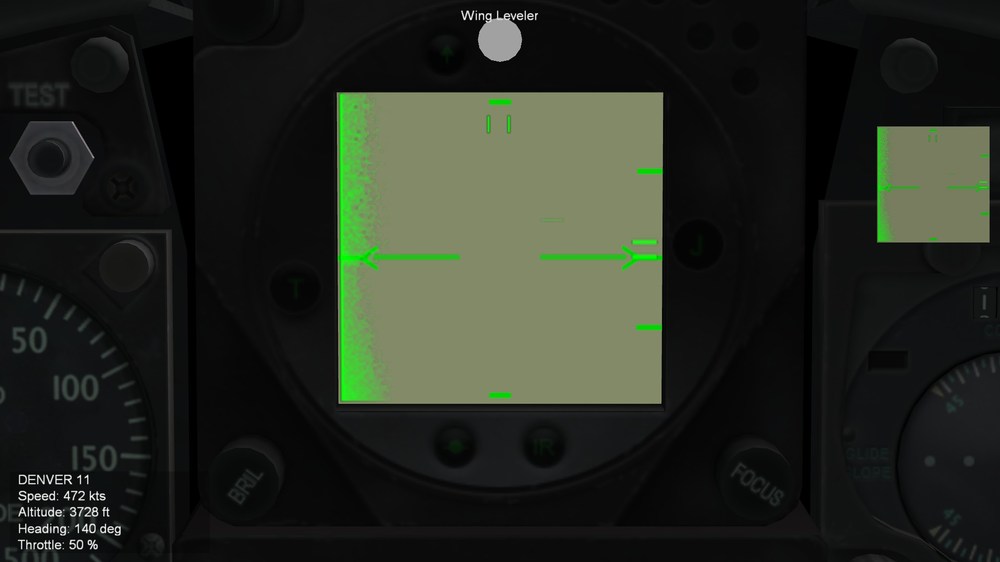
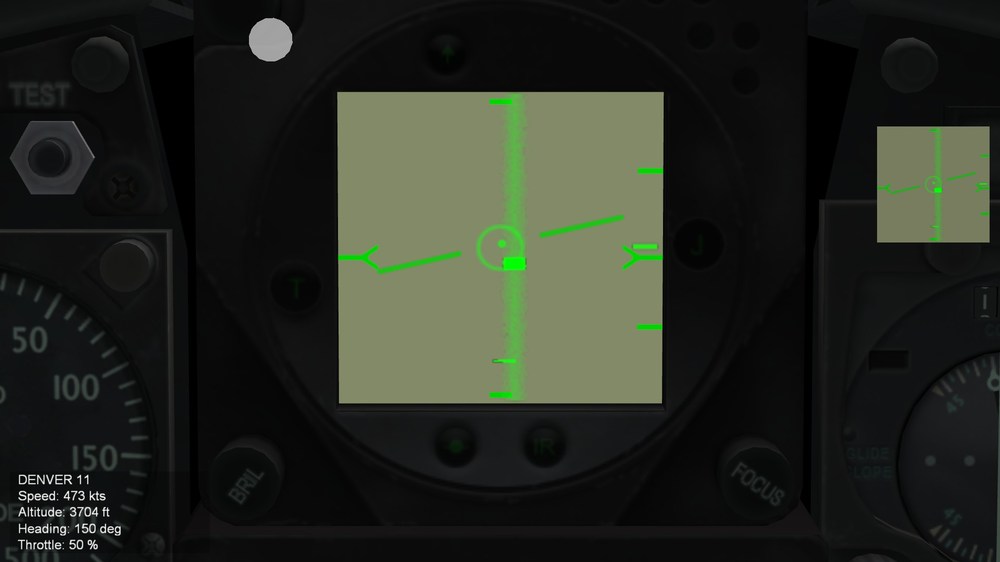
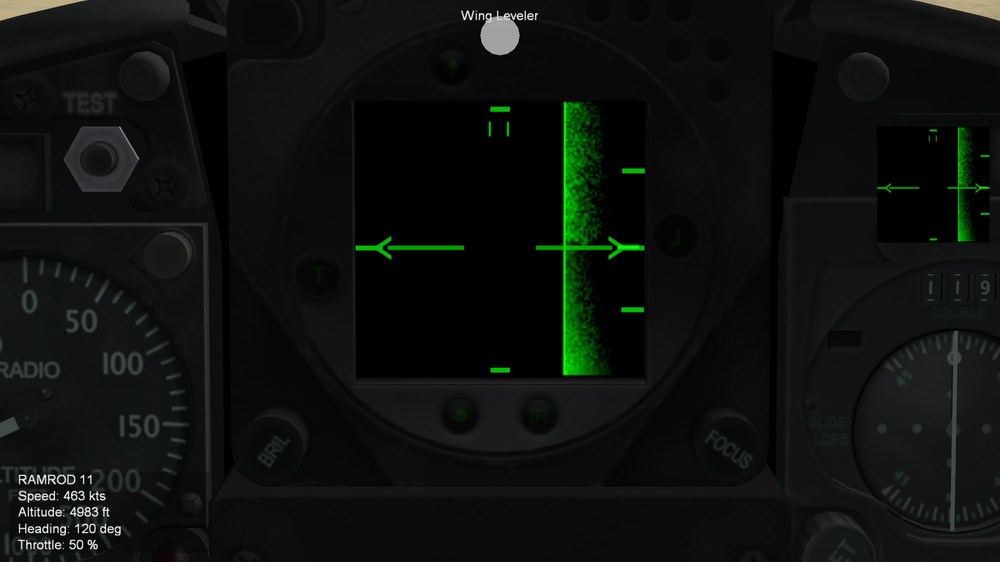
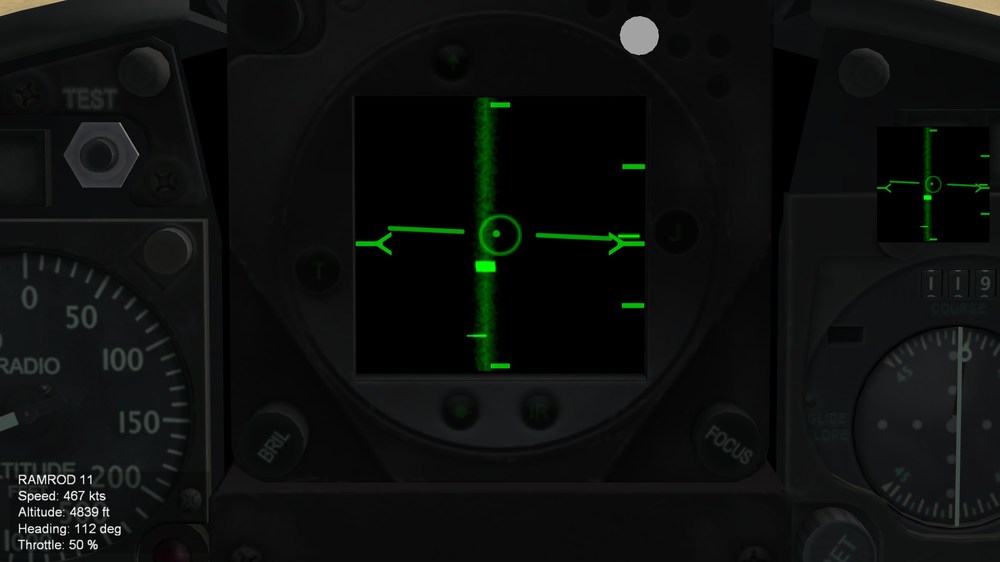
Hello everyone, I have reports to share about the progress with F8Us / F-8s avionics overhaul. Firstly, I want to exprress thanks to Dtmdragon for his excelelnt work with F8Us / F-8s avioincs overhaul, I am using his updated cockpits and avioics as base to enchant his works. With the new improved gunsight and further enchant the visual part of radar scope and contents init. First, I want to talk about tilted glasses, in my opinion, it is most important features. It make the big world of difference with visiblity, and this is why I love working with new cockpits amde by mods, because they usually provide texture to tweak the reflector or HUD glasses. However, TK's version of cockpits, in other ahnd, does not have texture nor 'polygon' in front of reflectors. Because of that, I am unable to adjust the tilt of glass. However, I thought of one interesting, workable solution to this; By adding 'area of tilt' in front of gunsight while ensuring there are gap between tilt area and border of refelctor / HUD glass. Becasue when you tilt the camera / pan around, the elements of 'HUD', always move around with your camera (gyro effects). However, to show you the difference; Gunsight without tilted area: Now with tilted area in front of gunsight: (NOTE: The instruction on how to remove the 'tilted' area and restore the gunsight system back to COCKPIT.ini based method will be provided., in case if anyone does not like the tilt area in reflector. The issues with this method is that, when you shift the view angle away from refelctor, sometime it will show the 'double gunsight' effect becasue there are two gunsight overlapping each other. I am stuck with this issues due to SF2 mmodding limitation, however If anyone know the solution to this, please let me know.) (Mark 11 Mod 1) (Mark 11 Mod 7) now next is updated radar in 1024 (tehre is also 512 version) and noe that 'Y" symbols now aligns with the horizontal bar when plane is level: AN/APS-67 (F8U-1E / F-8B and F8U-2 / F-8C) TW style version Next, AN/APG--83 (F8U-NE / F-8D) TW STYLE VERSION The next series of F8Us / F-8s are being worked on. Eagle114th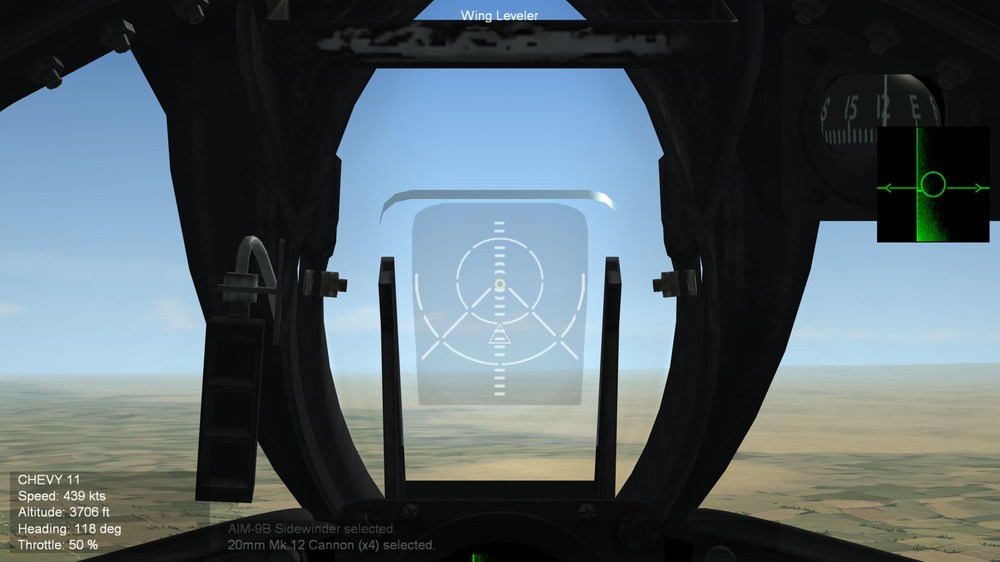
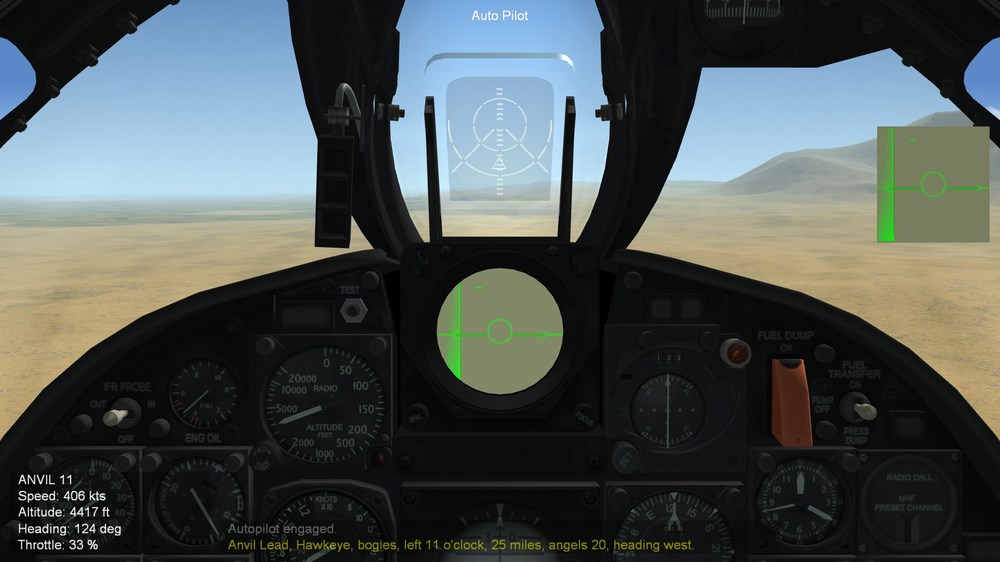
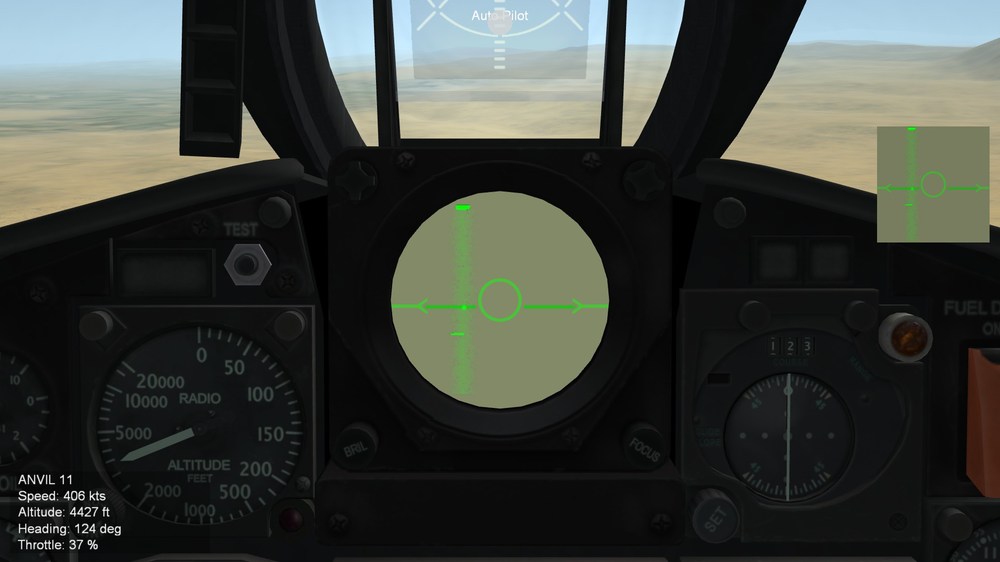
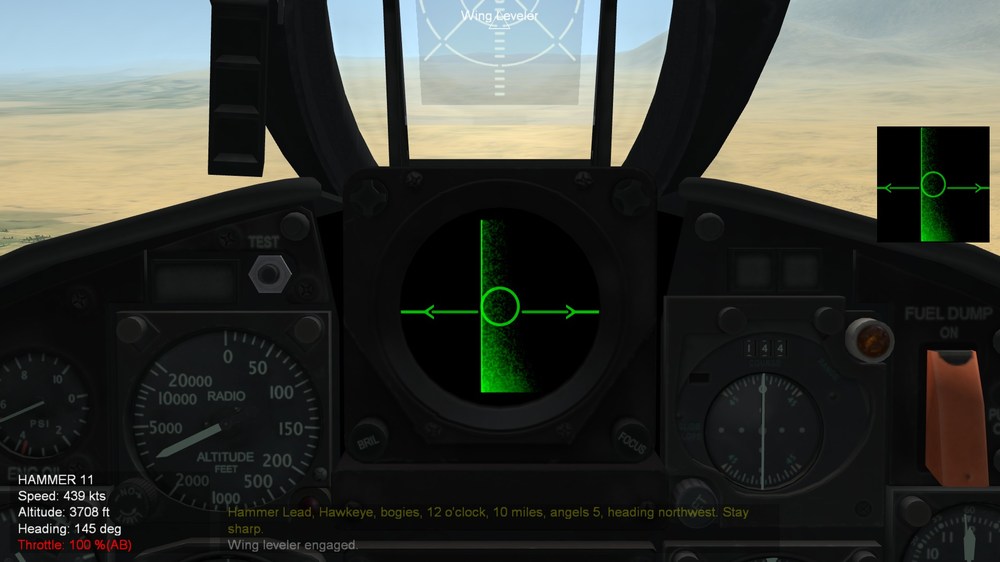
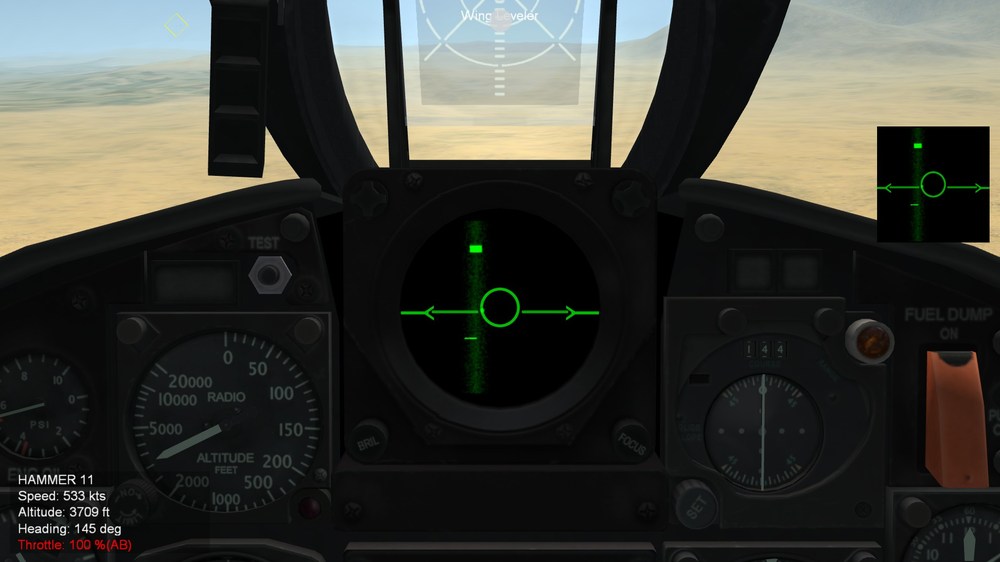
-
SF2 Avionics Community Pack - - Beta release v0.5
Eagle114th replied to Eagle114th's topic in Mods & Skinning Discussion
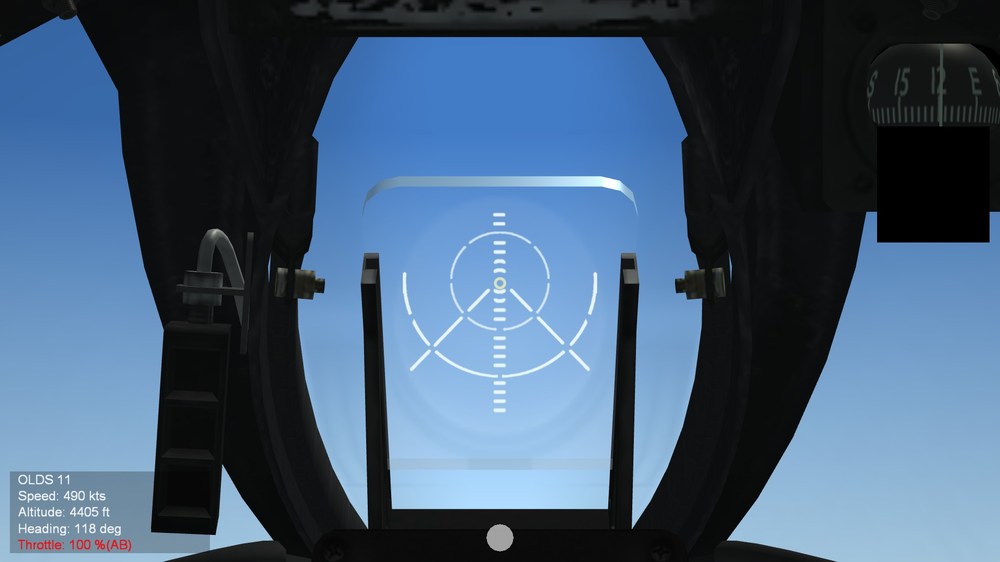
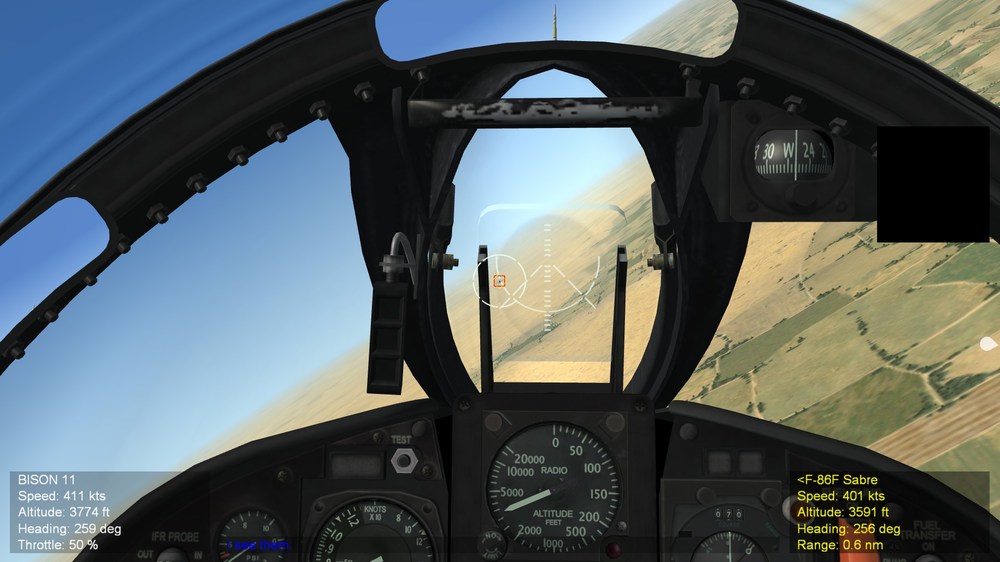
Hello everyone, After going through trial and errors, I learned that the gunsight texture must be same width and height. So therefore I had to add 'gaps' between border of image and both side of gunsight. BUT to make it accurate size, I did some math and it came out perfect in-game. I want to share withanyone in case if anyone struggle getting gunsight size showing up correctly in -game. So here is gunsight in 512 x 512 texture (TGA): What I do is measure the width of the gunsight from furthest left to right side and the image width in pixels. And like i said, width and height of image must be the same size. So here what I have: 512 x 512 image, therefore 512 width The width of gunsight is 367 pixel. Math: 512 / 367 = 1.39509536784741 And 100 mil, 100 x 1.39509536784741 = 139.5 -> 140 (rounded up) in Cockpit.ini: GunsightMilSize=140 (instead of 100) And for avioincs, originally I had ImageSize=0.135 for 100 mil 0.135 x 1.39509536784741 = 0.188 rounded up therefore, ImageSize=0.18 Like i said, the gunsight shows up just correctly in-game as 100 mil for outer circle. (This is F87-1 or F-8A with Mark 11 Mod 1 gunsight) And of course, can't forget the optional accessiblity feature too! Here is al alternative version with working firing cues: Eagle114th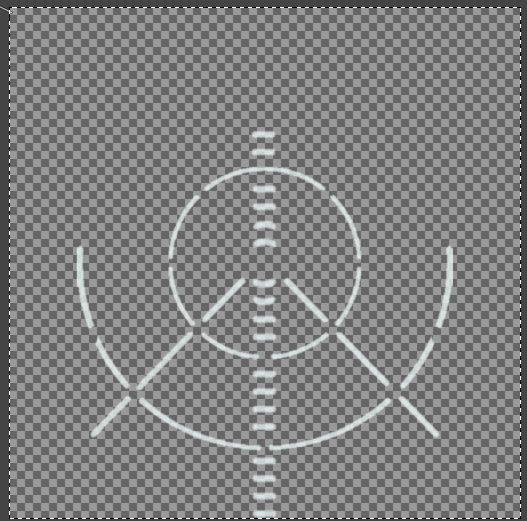
-
SF2 Avionics Community Pack - - Beta release v0.5
Eagle114th replied to Eagle114th's topic in Mods & Skinning Discussion
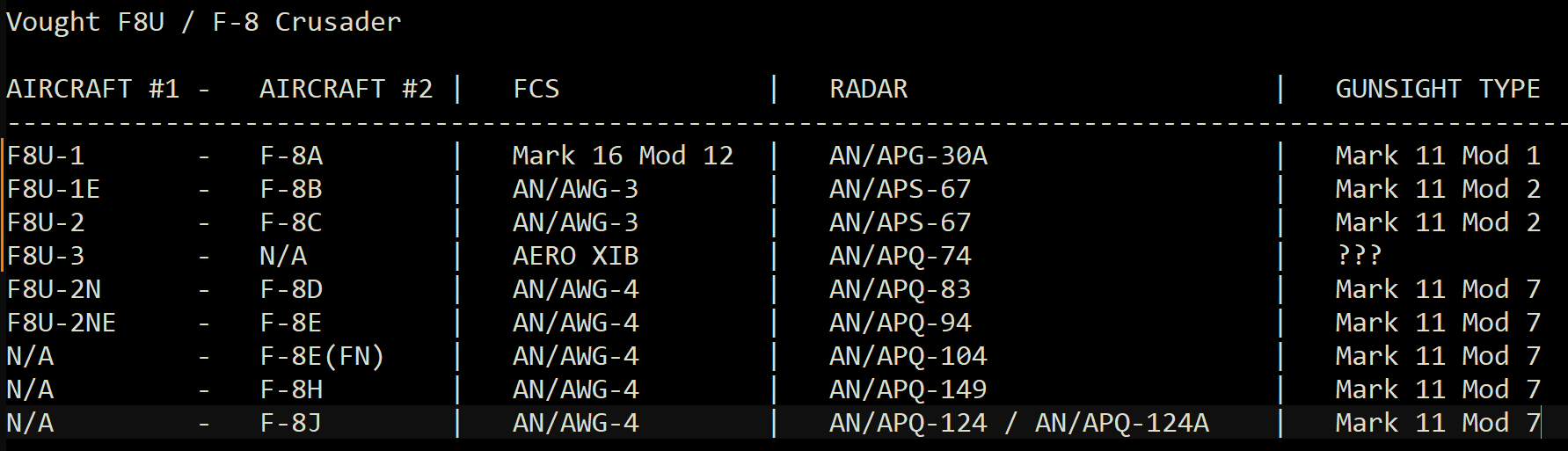
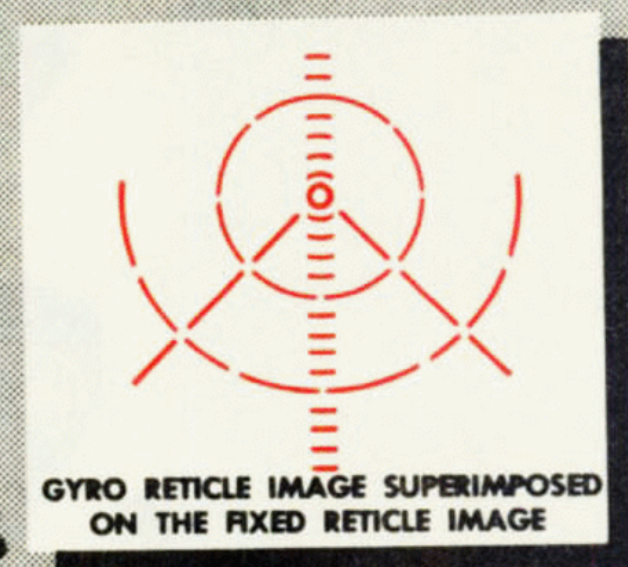
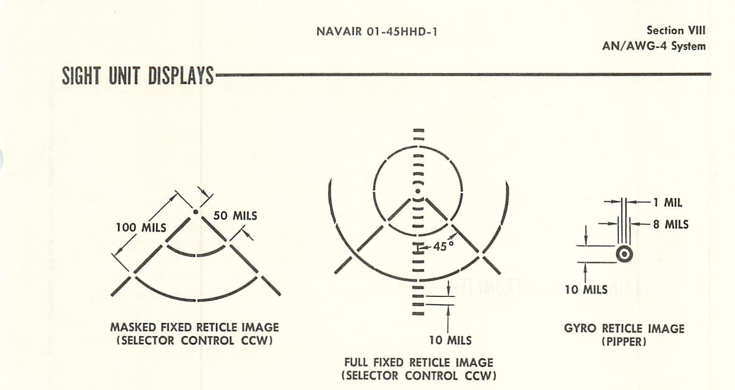
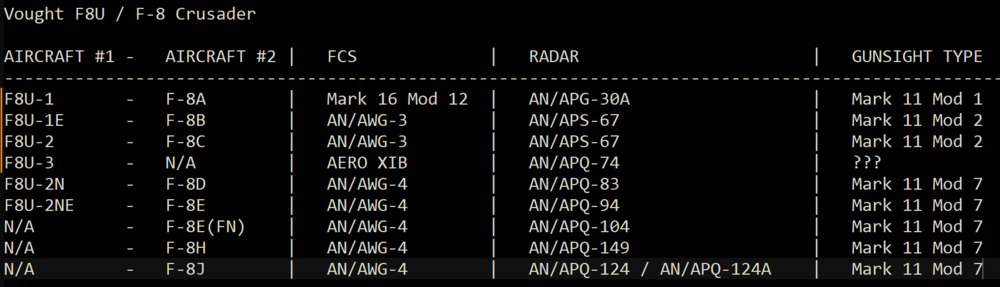
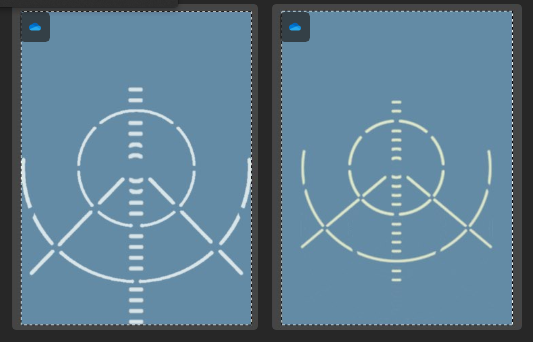
Hello everyone I workin gon creating a completely new gunsight based on the fligh tmanual and information. What I learned is that F-8s had different gunsights through the variants and upgrades. I do not have exact information yet, but it makes sense. According to information I found, F-8s uses Mark Mod 1 / 2 / 7. Same Mark but different mod number. What I think is that F8U-1 (F-8A) uses Mark 11 Mod 1 while F8U-1E (F-8B) and F8U-2 (F-8C) uses Mark 11 Mod 2. From the recent maual recently found, the docunment stated that F8U-2N (F-8D) and F8U-2NE (F-8E) uses Mark 11 Mod 7 gunsight. I assume that F-8H and J uses Mark 11 mod 7 too, but i am still researching to double check first. Here is picture of Mark 11 Mod 1 from flight manual: And here is Mark 11 Mod 7: NOTE: I am still looking for the picture / diagram of Mark 11 Mod 2 rectile. If anyone have information no it, please share with me. So I can accurately create gunsight for Mark 11 Mod 2. What c onvienced me that F-8A may be using Mark 11 Mod 1 is from this website: http://gunsight.jp/b/english/data/sight-e-am.htm What I realized is that the TK's version of gunisght does not have exact same layout as shown in manual, so here is an example: LEFT (NEW GUNSIGHT) RIGHT (SF2 DEFAULT GUNSIGHT) NOTE: These are main stationary gunsight without secondary gyro gunsight. The difference seem a little, but the difference is stil difference. I rather to have precise historically accurate gunsight. If there is just a fe dots or lines difference, I am still including that. And notice that the very edge of gunsight touches the border of image border, I do that on purpose, so that way it will be accuate with the size in-game. SF2 uses mil numbers when displaying gunsight. if there is gap between image border and the gunsight, then the size wil be off. in cockpit, youc an see the codes: See the code: GunsightMilSize= At the same itme, the radar scope is being worked on in higher resolution (1024 and 512) and I want to share the video recenlty found, it is one of holy grail: (At 13:25, you will see how radar work and what it looks like) I wish there are more videos like this. Finally, here is table with data I have found so far related to F8Us / F-8s Eagle114th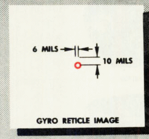

-
SF2 Avionics Community Pack - - Beta release v0.5
Eagle114th replied to Eagle114th's topic in Mods & Skinning Discussion
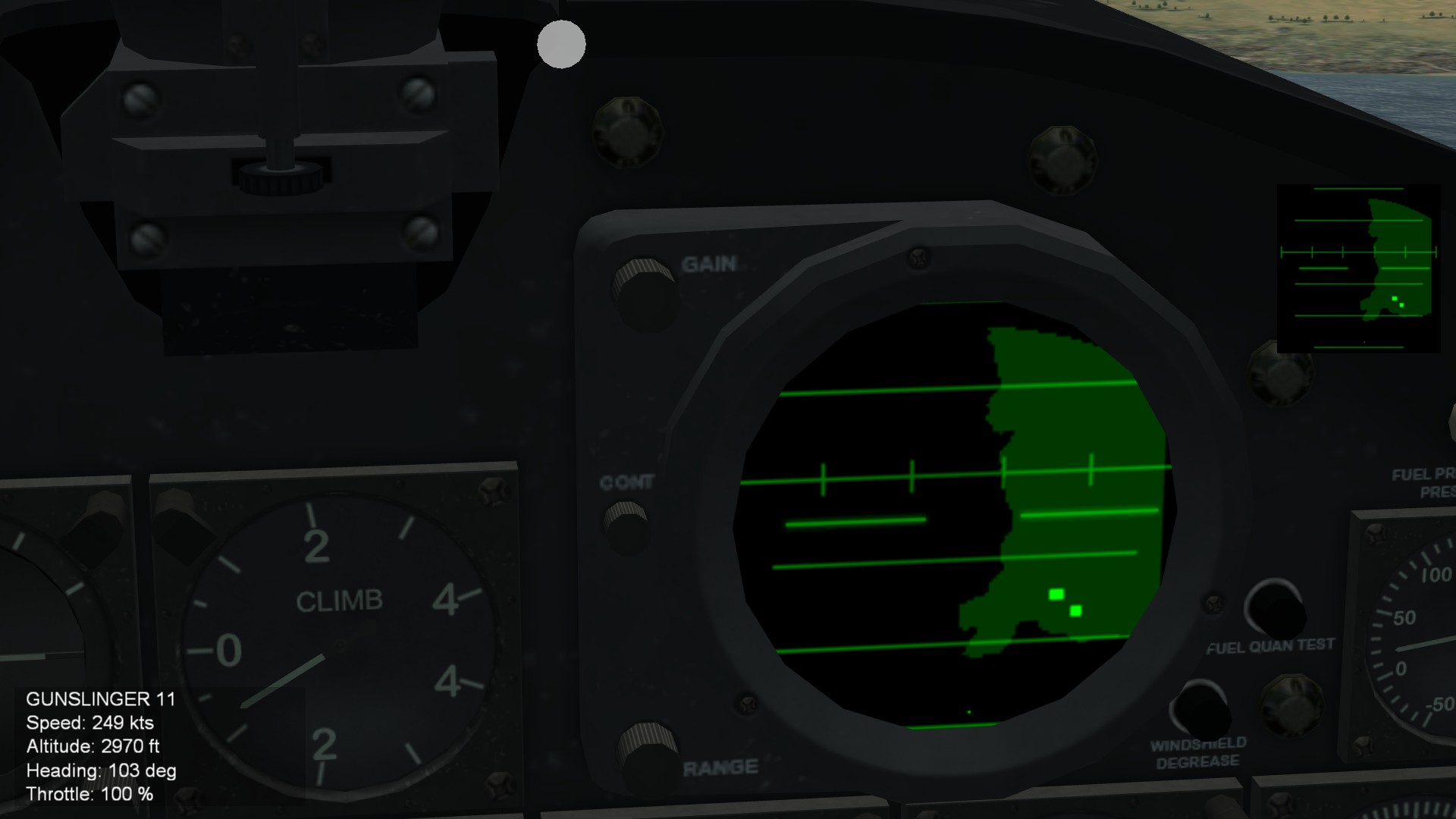
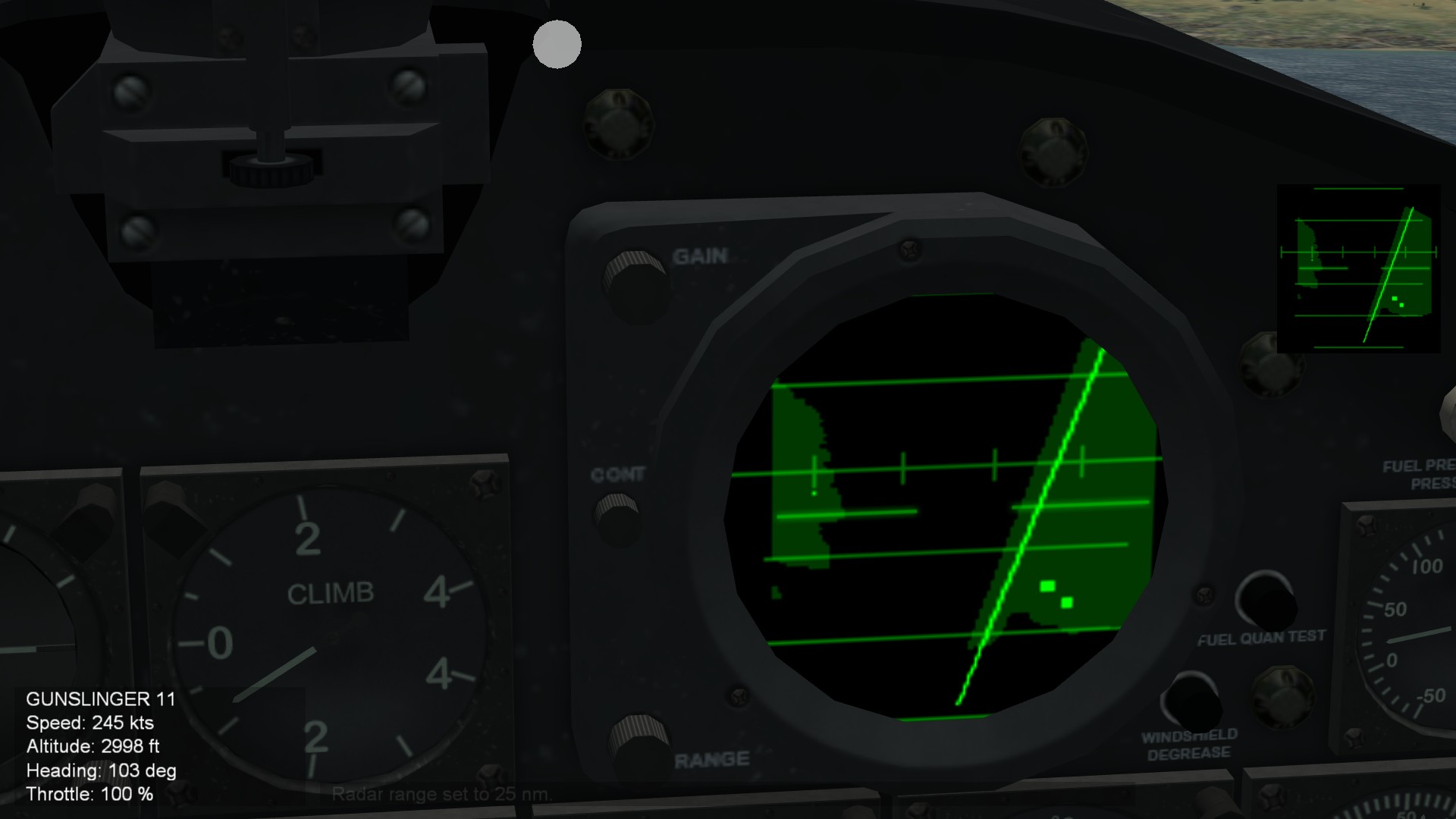
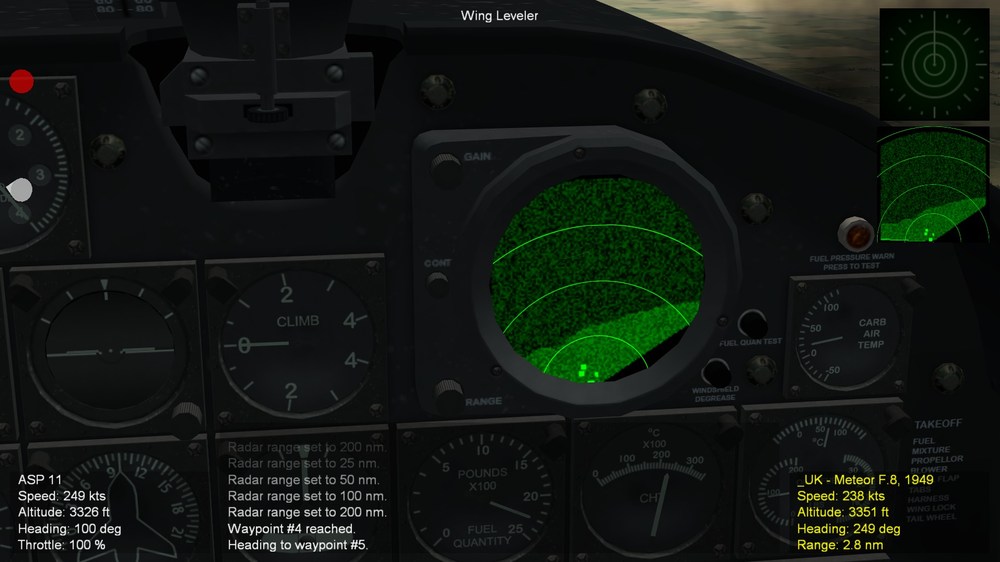
Hello everyone The work on AN/APS-20 is now completed, and just like AN/APS-31, it ues half of upper circle for radar. It uses full 180 radar scope for both air and air to ground radar. I am now working on F8U / F=8 Crusader series before releasing the next version of alpha. What I am going to do is to upscale and create 1024 and 512 version of radar scope. Eagle114th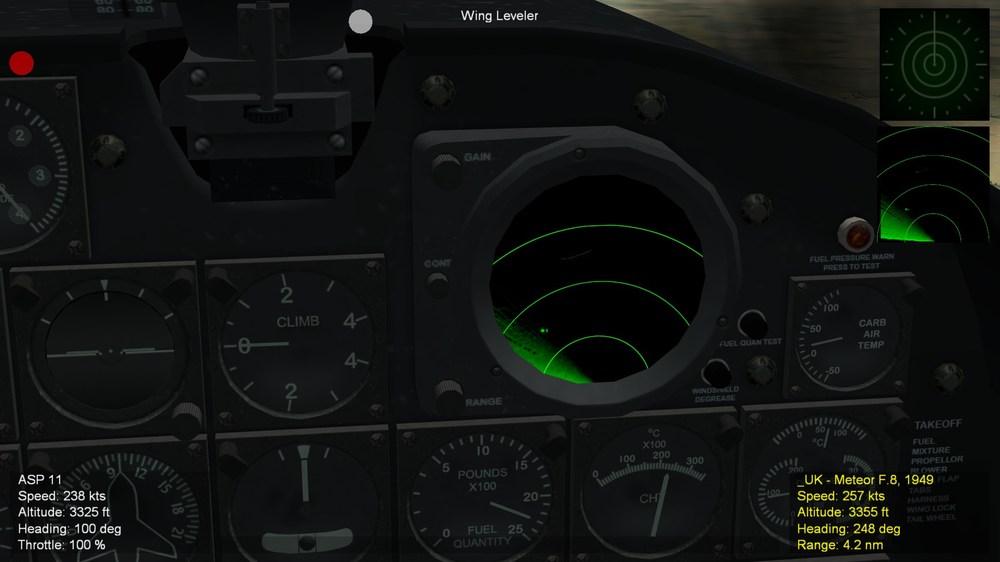
-
SF2 Avionics Community Pack - - Beta release v0.5
Eagle114th replied to Eagle114th's topic in Mods & Skinning Discussion
Hello everyone, it turns otu I made a big mistake with AN/APS-4 / 6/ and 19, and now I understand the different and the evolution from APS-4 to 6 to 19. I am glad I di dnot release the mod yet, I am fixing the my misunderstanding. For AN/APS-6, it will be used by F4u-5N while ADs will have proper radar for variants of ADs / A-1s. Avioincs is quite complicated topics and I am learning a lot from it in steps by steps. Ther are many different types of radar for difffernet roles, especialy having many tree lines of changes and upgrades. @Wrench After doing further research, I am quite suprised by different radars used by various ADs / A-1s. I created the table based on the docunments: (NOTE: for A-1H and J, i use 'N/A" because, even though they very rarely mount the radar pod, commonly they don not use radarright? Eagle114th -
SF2 Avionics Community Pack - - Beta release v0.5
Eagle114th replied to Eagle114th's topic in Mods & Skinning Discussion
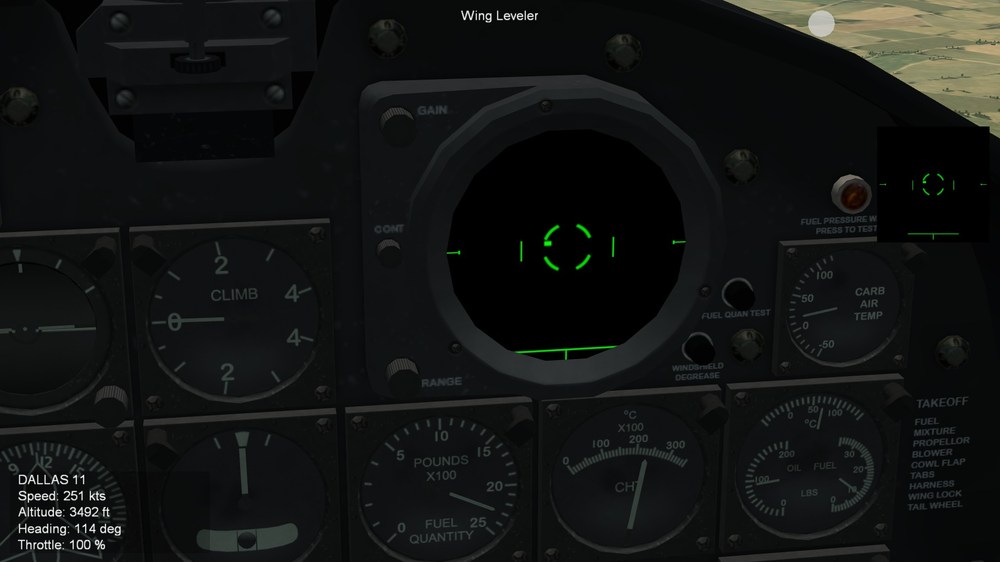
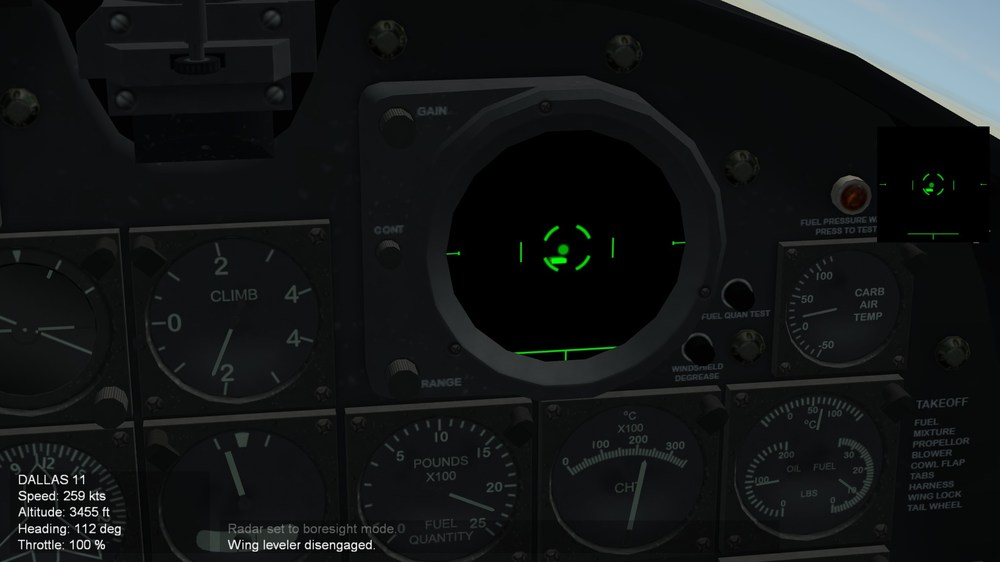
Hello everyone, AN/APG-6 and AN/APG-19 works in SF2 have been changed how it work to reflect the more realistic way they work. I realizedf that the primtive radar does not feature the acqistion then track, therfore it got me thinking how it woudl work. Therefore, using SEARCH: then BORESIGHT is closer to how it work. Becasue when using AN/APG-6 and 19, you use search mode to find target and align your plane heading toward target. Therefore using SEARCH to steer plane: sheading toward it horizontally, then switch to boresight to further adjut the pitch and heading more precisely. I am very happy how it works now. F4U-5N will have this as well. AD series have been great learning lessons for me when workong on WWII and post war avionics! Eagle114th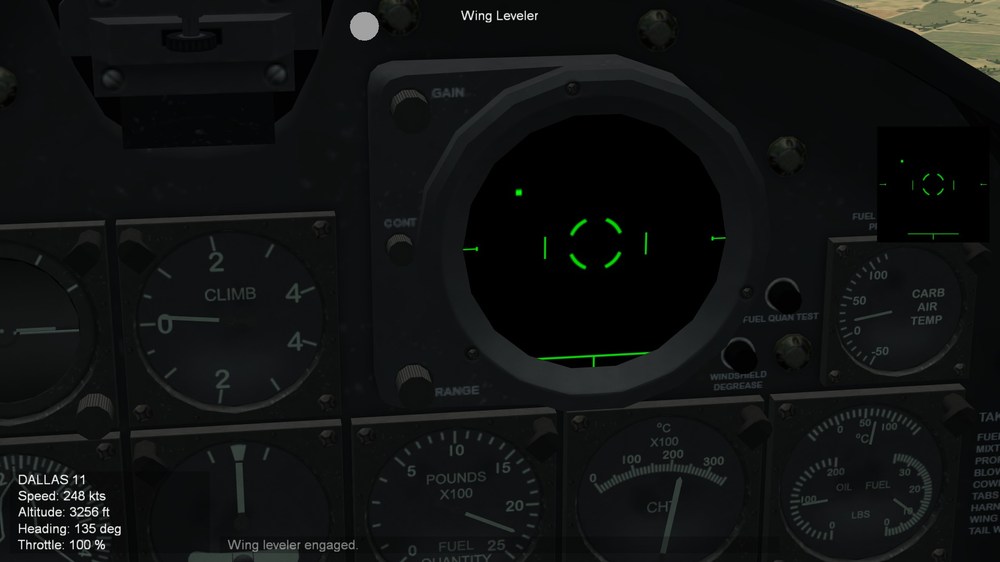
-
Questions about avionics ini: Boresight
Eagle114th replied to Eagle114th's topic in Mods & Skinning Discussion
@OlWilly THANK YOU, i got it now. I think I understrand now. To clarify what you explained: BoresightElevation and BoresightAzimuth are hte offset for boresight to 'aim" by deafult. And that BoresightBeamAngle is 'core angle' like ice cream cone,s tart at one point, as it spread out toward 'searching' area. According to the radar set for AN/APG-6 I used the smallest angle, which is 40 from elevation of +20 and -20. Since I can:t define the angle of evelator / azimuth for boresight, so it:s best for me to use smalelst one. However, in-game, tested it, works perfectly! I set it to sesarch for target, then steered toward that, then switched to boresight, there it is , target with 'AIM DOT" to further ajust the path toward the target in AD-4 with radar. Works perfectly, which :simulate: AN/APG-6 peerfectly! Cheers! Eagle114th -
Helo everyone, I have questionsa bout the contents under [AvionicsData]: But first, I have already defined the sweeping angles for radar And my questions is this: I am re-workin gon AN/APS-6 radar, I want to make it use boresight as second steps when using radar to detect fighter (SEARCH then BORESIGHT) to "simulate" primitive radr system wehre you wouldd use radar to search then align with target for night mission. However, what I do not yet understand is the last 3 codes of boresight. Does BoresightElevation and BoresightAzimuth add to an alreacy existing radar sweep angle defined in above codes? Or does it mean it have their own angle limitation? Next question; Can anyone explain more about BoresightBeamAngle? is it the limitation beam angle when beaming at target? If yes, it mean it have limitatino of 3.7 angle? It is my goal to have boresight having the same angle as search radar. Thank you Eagle114th
-
SF2 Avionics Community Pack - - Beta release v0.5
Eagle114th replied to Eagle114th's topic in Mods & Skinning Discussion
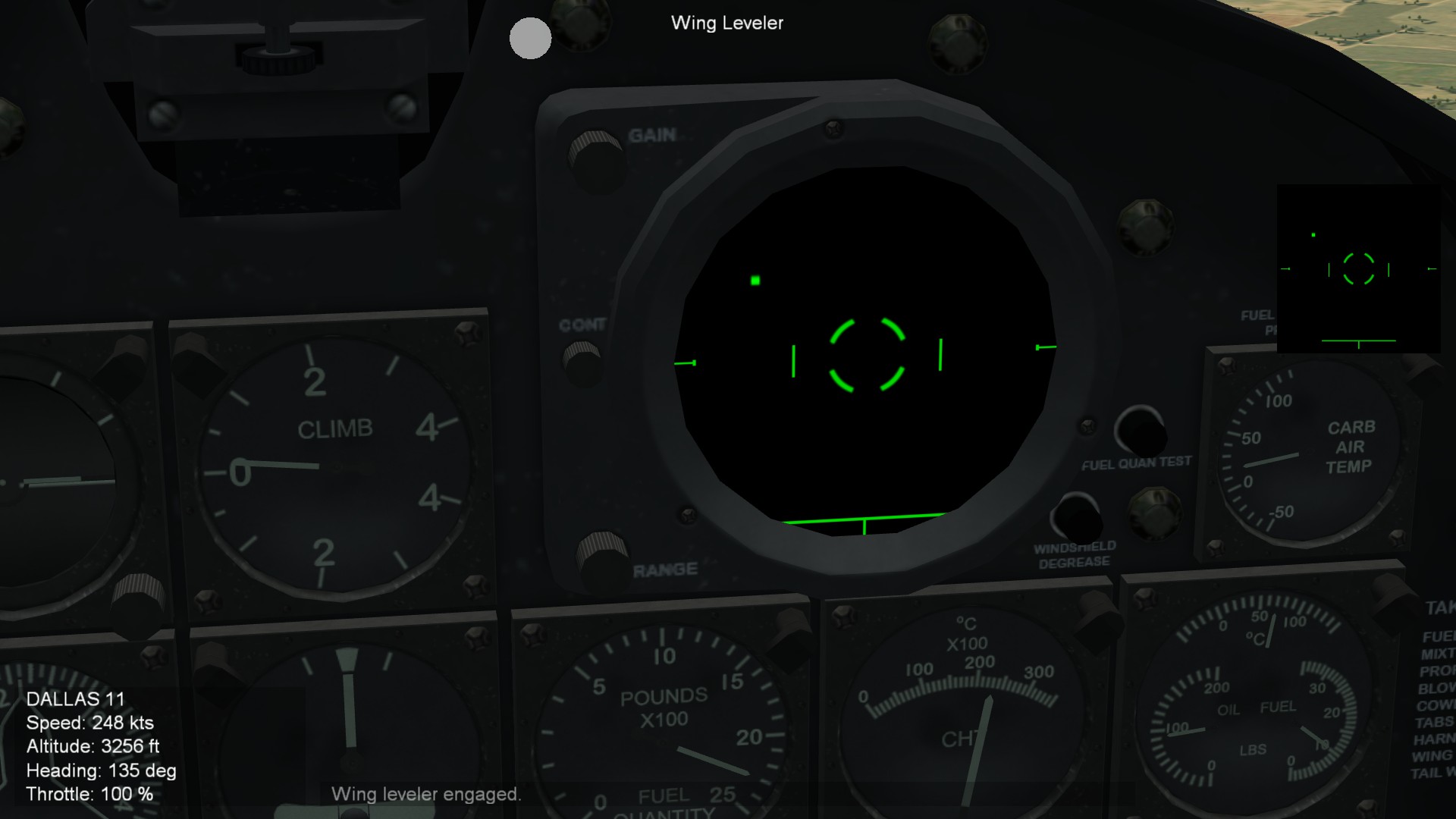
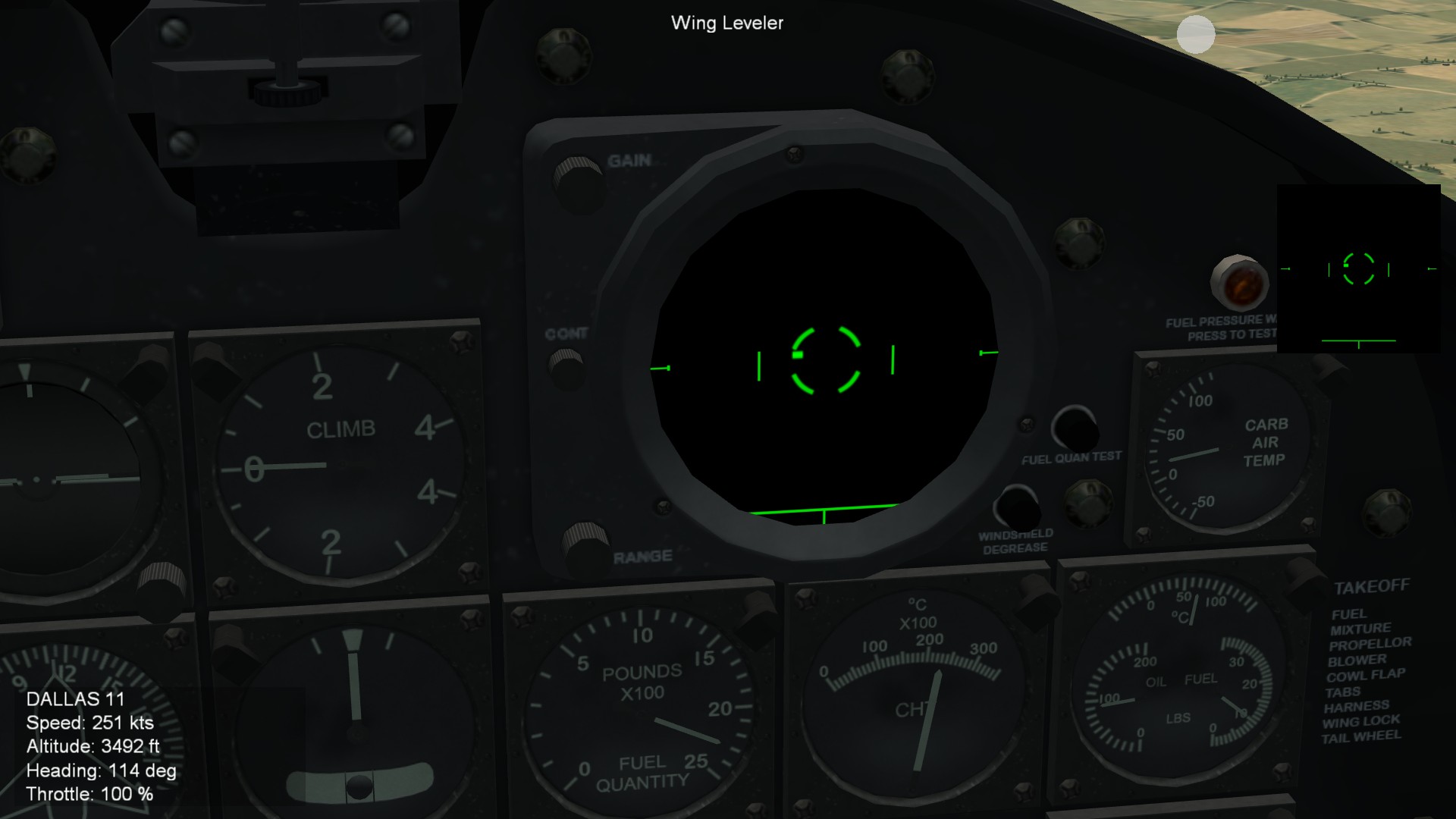
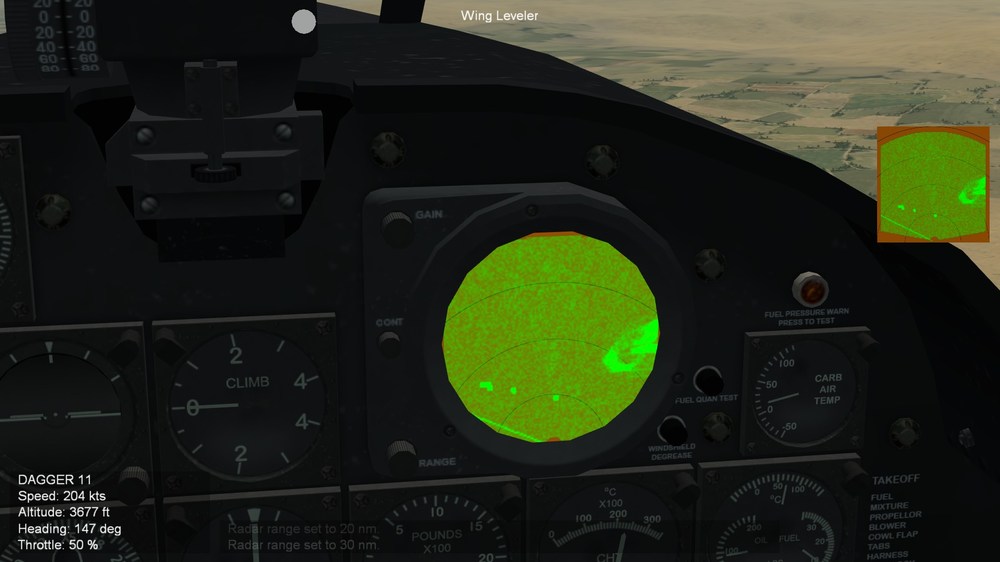
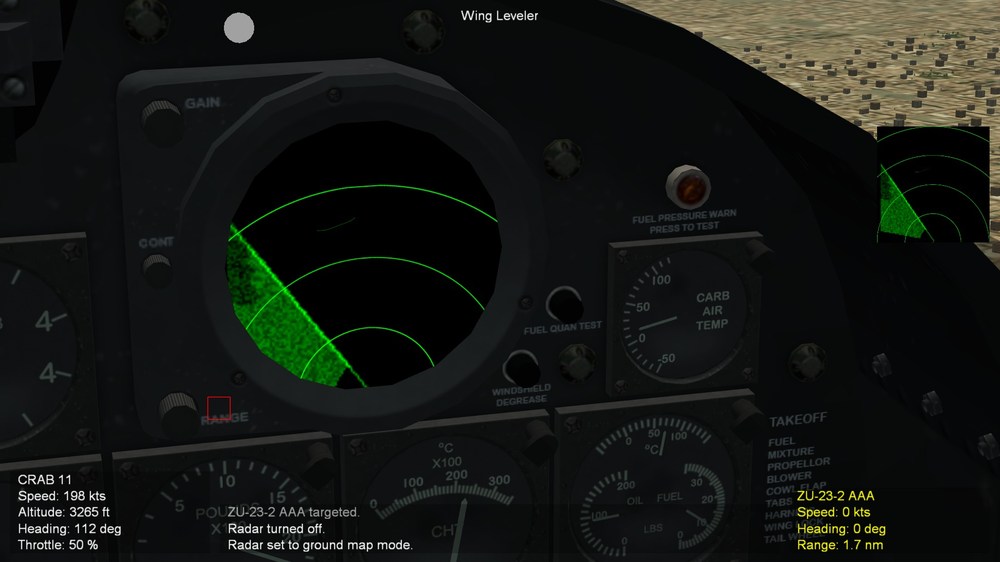
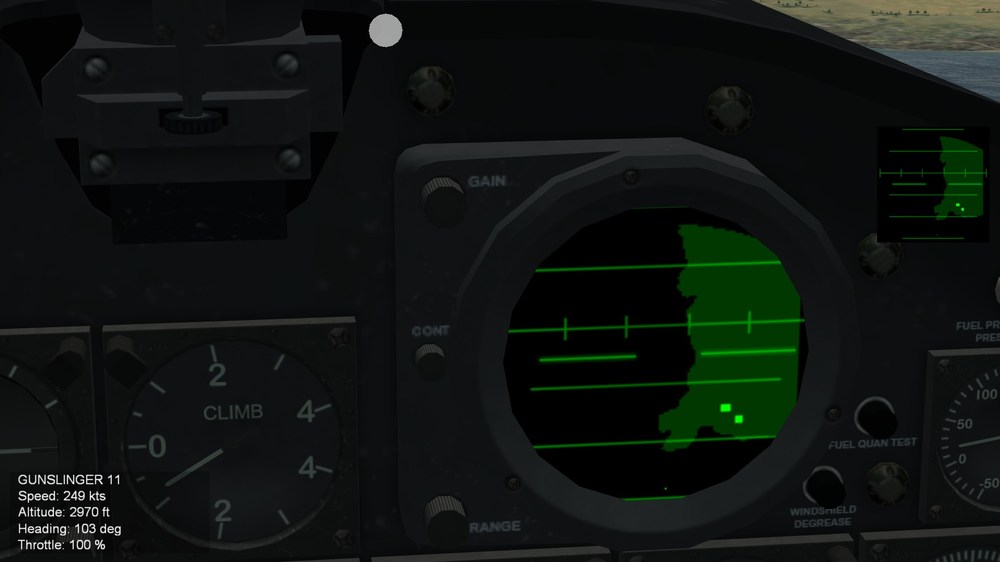
Hello everyone! The new texture for AN/APS-31 for A-4N / 4NL / 5N / 5NL are now completed. With the tweaks of avionics.ini, since I do not yet understtand how to turn radar into circular 360 radar scope like AWAC aircraft. But good news, fortunately, AN/APS-31 uses 160 degree scope (forward), therefore I am able to use +80/-80 degree scanning on radar scope. Here is information about AN/APS-31 from various sources: Therefore I can do this on regular radar scope (forward only) instead of 360 degree radar scope (which I Hoped for). Here is screenshot: TW STYLE VERSION Eagle114th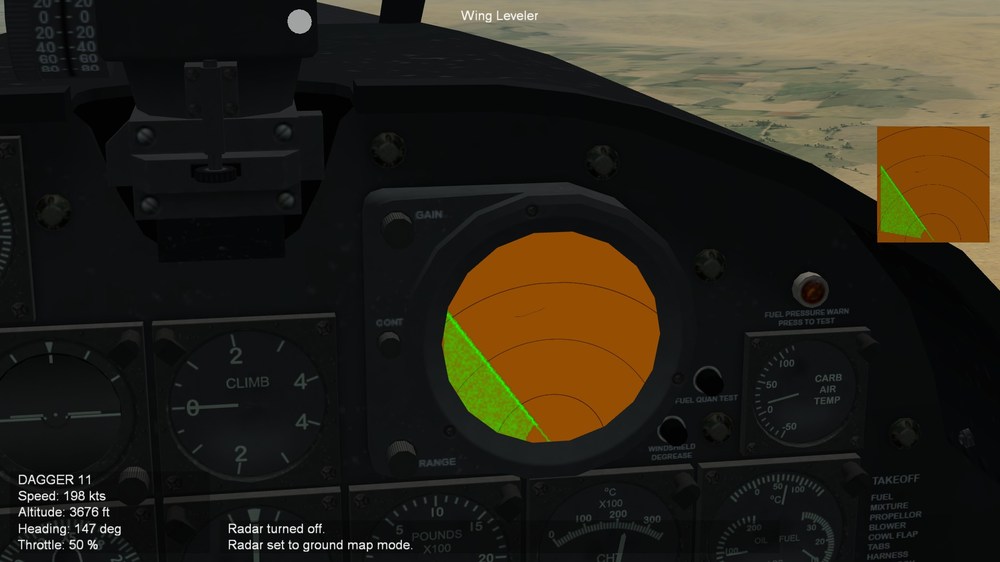
-
SF2 Avionics Community Pack - - Beta release v0.5
Eagle114th replied to Eagle114th's topic in Mods & Skinning Discussion
@Wrench Thank you for the manual! I am sharing the docunment here too! THis is what I have found from deep hunting and searching through internet; https://www.mediafire.com/file/kxkt6n9dhgg6240/A-1+Skyraider.7z/file Besides flight manual, if you look through pdf of flight characterists for each variatns of AD / A-1s, they have data on equipment they carried. Look for "Electric equipment" or something like that and then look for "RADAR. Eagled114th -
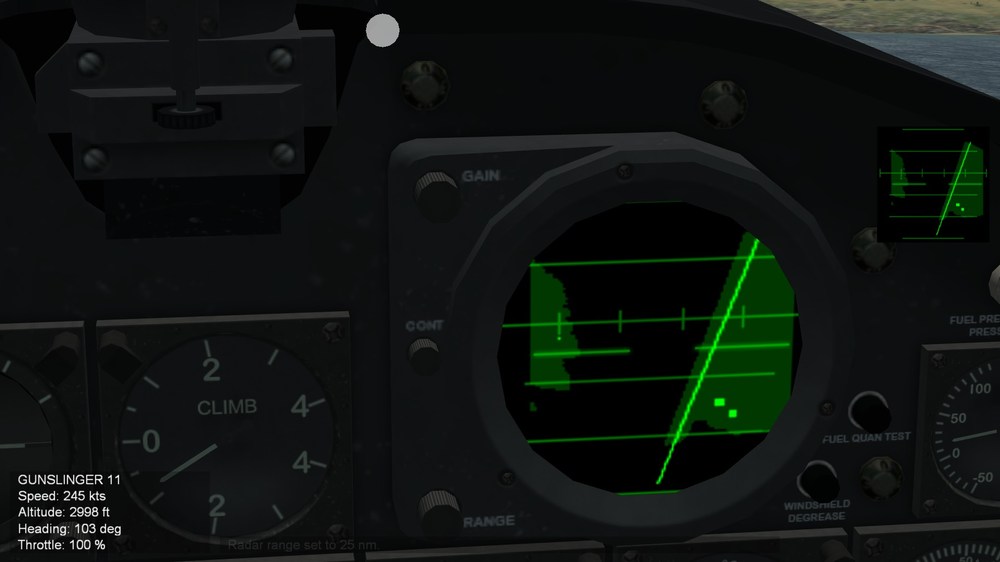
Hello everyone! I am working on AN/APS-31, and here is a brief information: What I am trying to achieve is to turn A-4 radar into this kind of radar with 160 degree sweeping I am current stuck on trying to turn radar into this style. I am using avionics.60.dll and here is codes NOTE: I am using A-4E avioincs as base to start with, so I am modifying the codes to turn them into PPI and 160 degree scanning. The result is that the radar sweep stays at bottom of the radar scope, instead of moving to the middle, therefore I get mixed of upper and lower scanning on one screen: (Notice that the PPI sweep disappear due to going beyond the botom of radar scope) What else should I do to enable 'true' 160 degree radar scope? Thank you Eagle114th
-
SF2 Avionics Community Pack - - Beta release v0.5
Eagle114th replied to Eagle114th's topic in Mods & Skinning Discussion
Thank you for the information. It makes sense that AD-6 and AD-7 (later knwn as A-1H and J) does not have the radar. By the way, I want to ask you questionsa bout AD-4 and AD-5 to be specific; It is true that tearly AD commonly use AN/APS-6, and there is also docunment I recenlty read that statets AD-4 and 5 carrying AN/APS-19s which is basically more advanced version of AN/APS-6. So it mean there are mixture of AD-4ss and 5s with both AN/APS-6 and 19? Noteed about AD-4N and NL, it is like AD-5N that specificaly carries AN/APS-31 radar. Eagle114th -
SF2 Avionics Community Pack - - Beta release v0.5
Eagle114th replied to Eagle114th's topic in Mods & Skinning Discussion
BINGO!!! I didn:t realize that if I stay true to the size of gunsight and adjust the offset of view inside cockpit, I am able to re-fit the gunsight in the reflector glass. From now on, with any gunsight, will stay true to the size of gunsight and tweak the offset. this time, the gunsight and cockpit seem mor natural. Eagle114th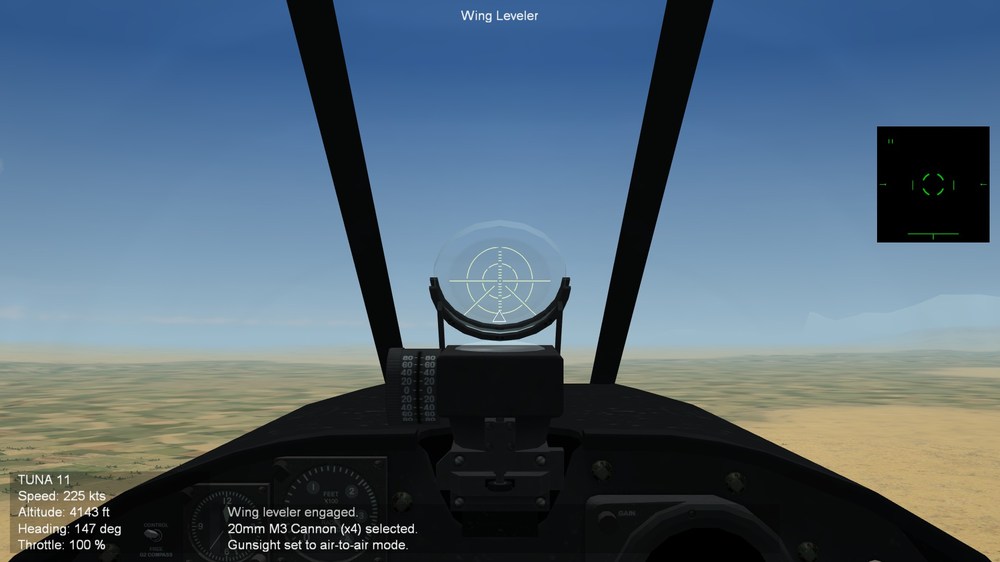
-
SF2 Avionics Community Pack - - Beta release v0.5
Eagle114th replied to Eagle114th's topic in Mods & Skinning Discussion
Thank you and you rocks too! I aim to keep doing my best with the avinoics projects everyday! Cheers! Eagle114th