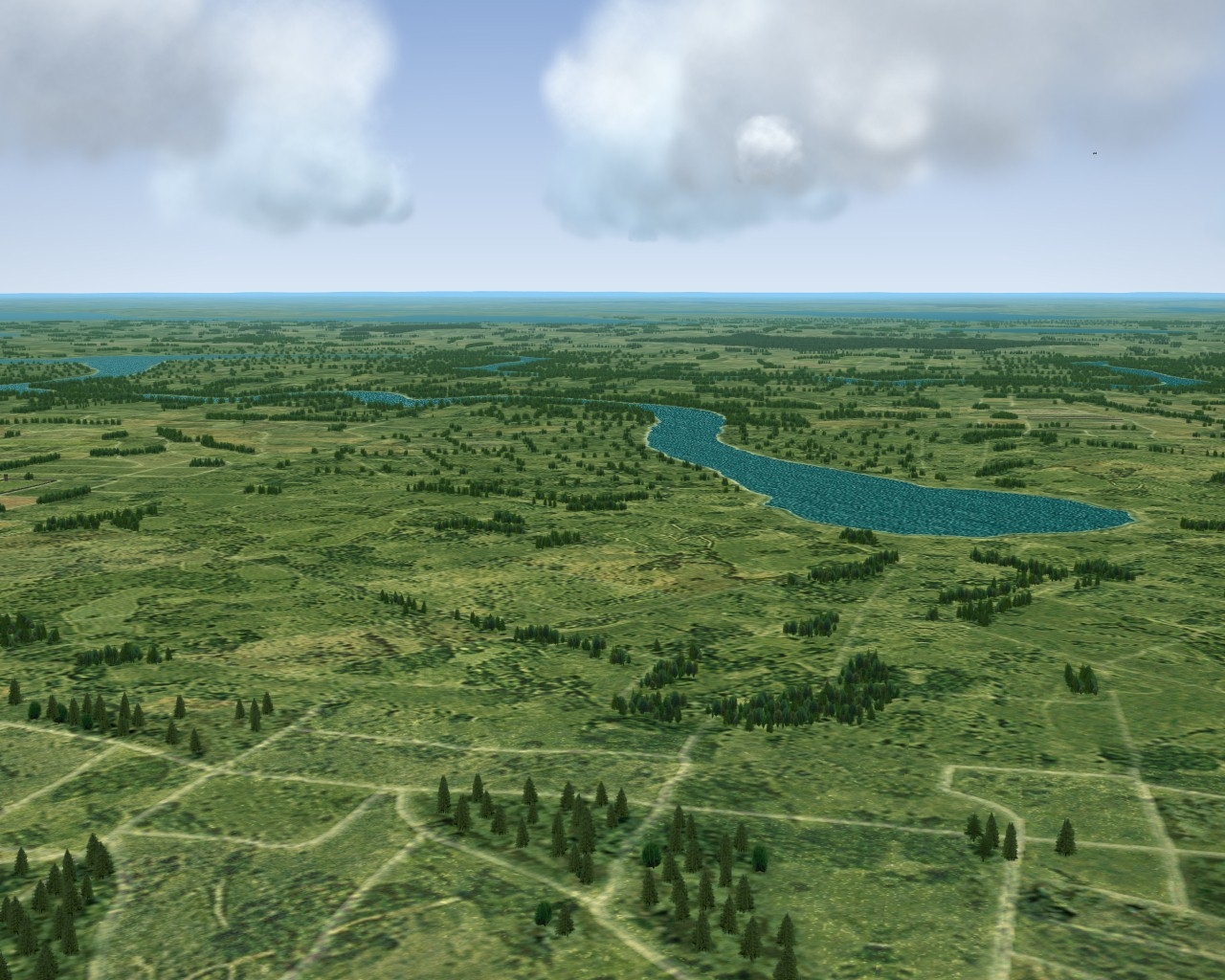
Stary
-
Posts
8,500 -
Joined
-
Last visited
-
Days Won
100
Content Type
Profiles
Forums
Gallery
Downloads
Store
Everything posted by Stary
-
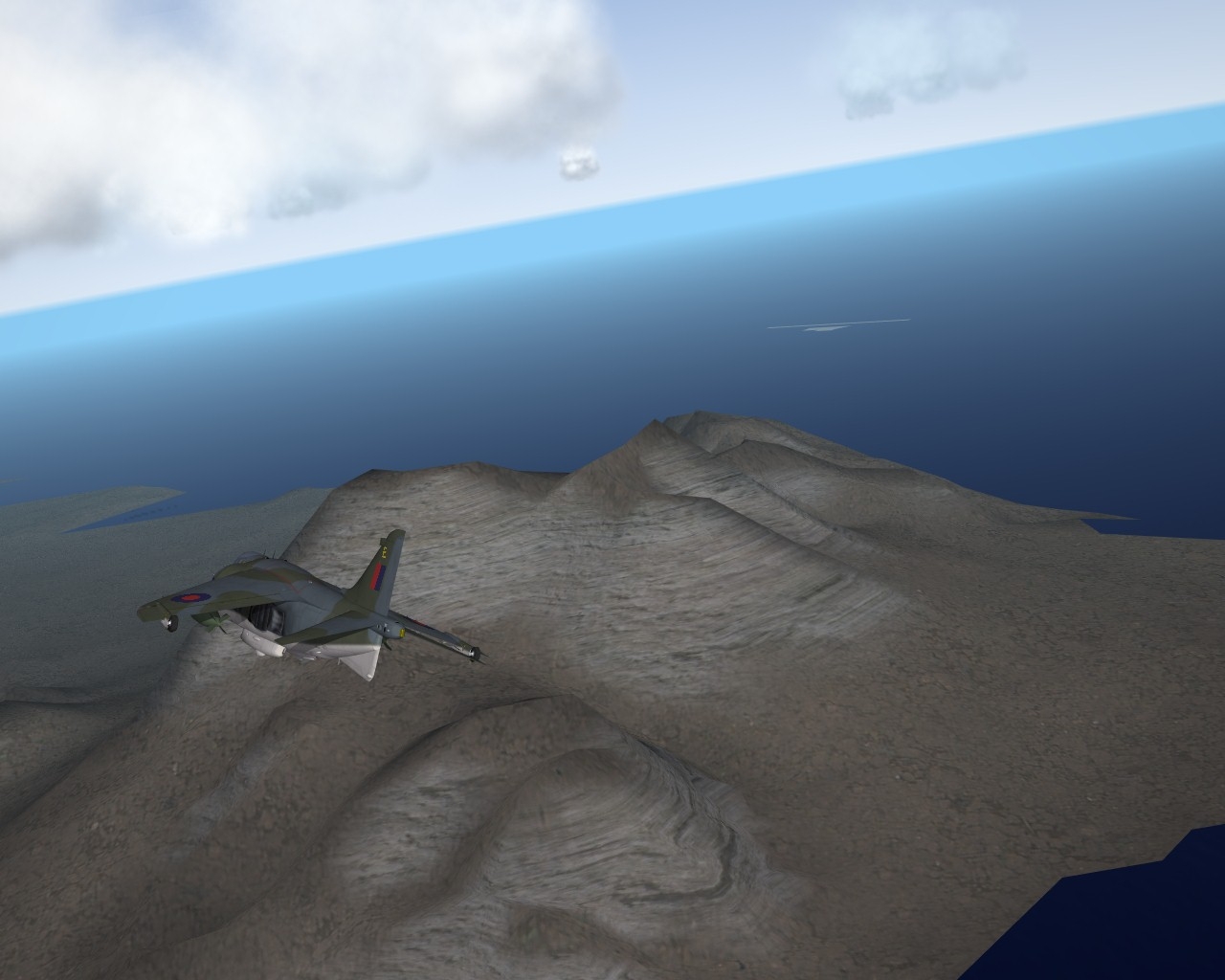
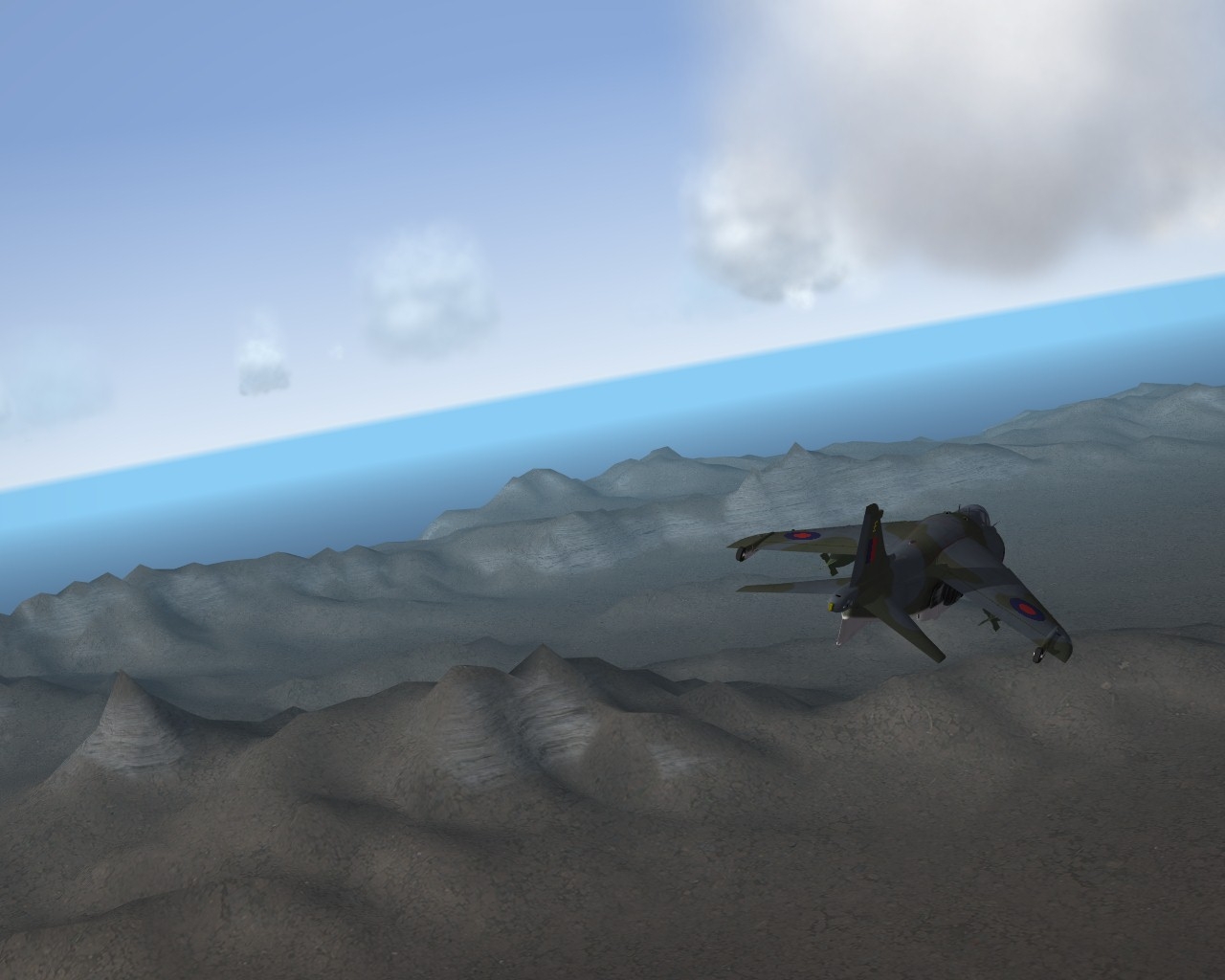
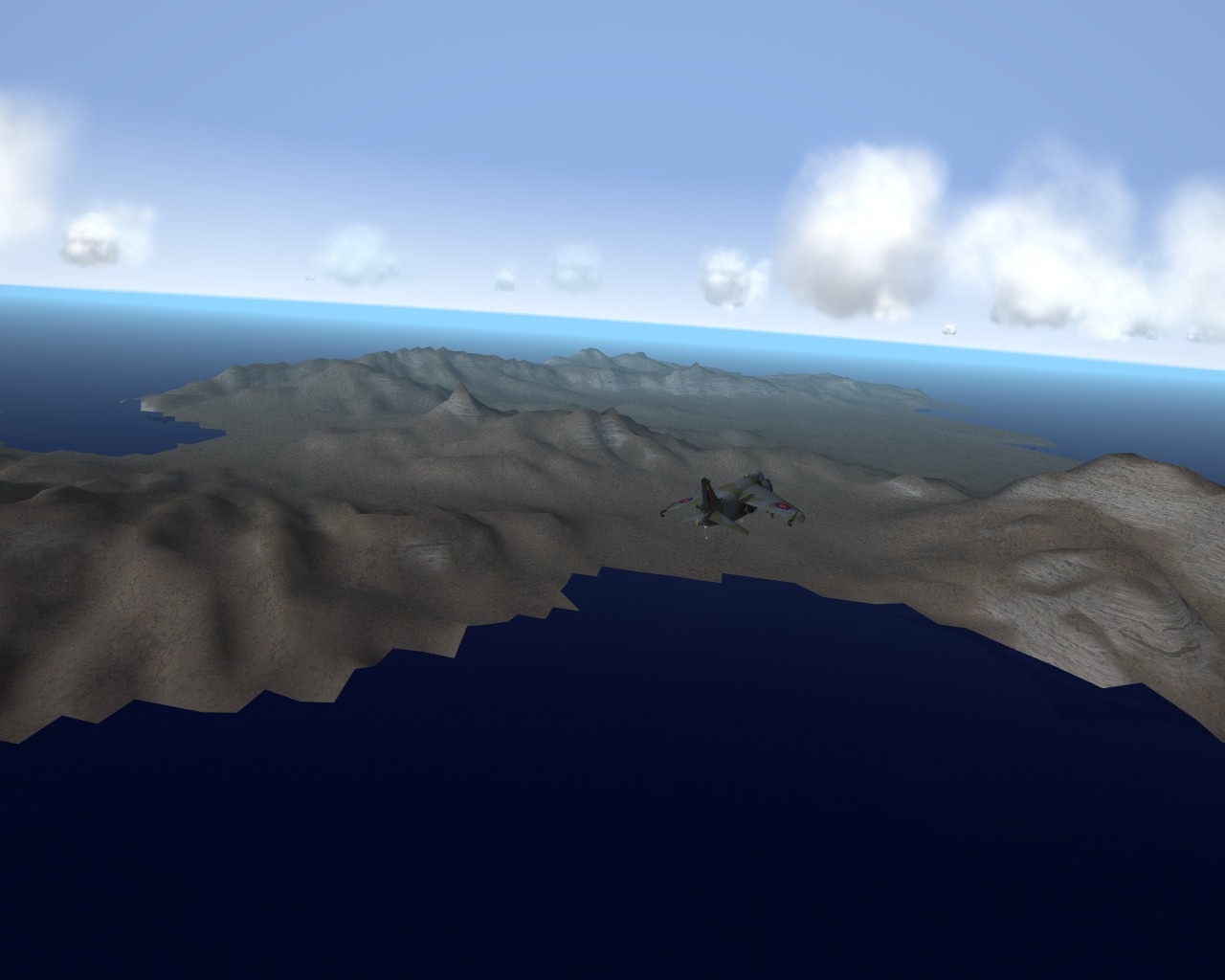
dunno, I put simple green and orange texture from heightmap onto it, to my suprise ingame mesh looks like you see on screens above, notice those rocky surfaces on steep slopes. edit: seems there is no collisionmesh so far... will digg
-
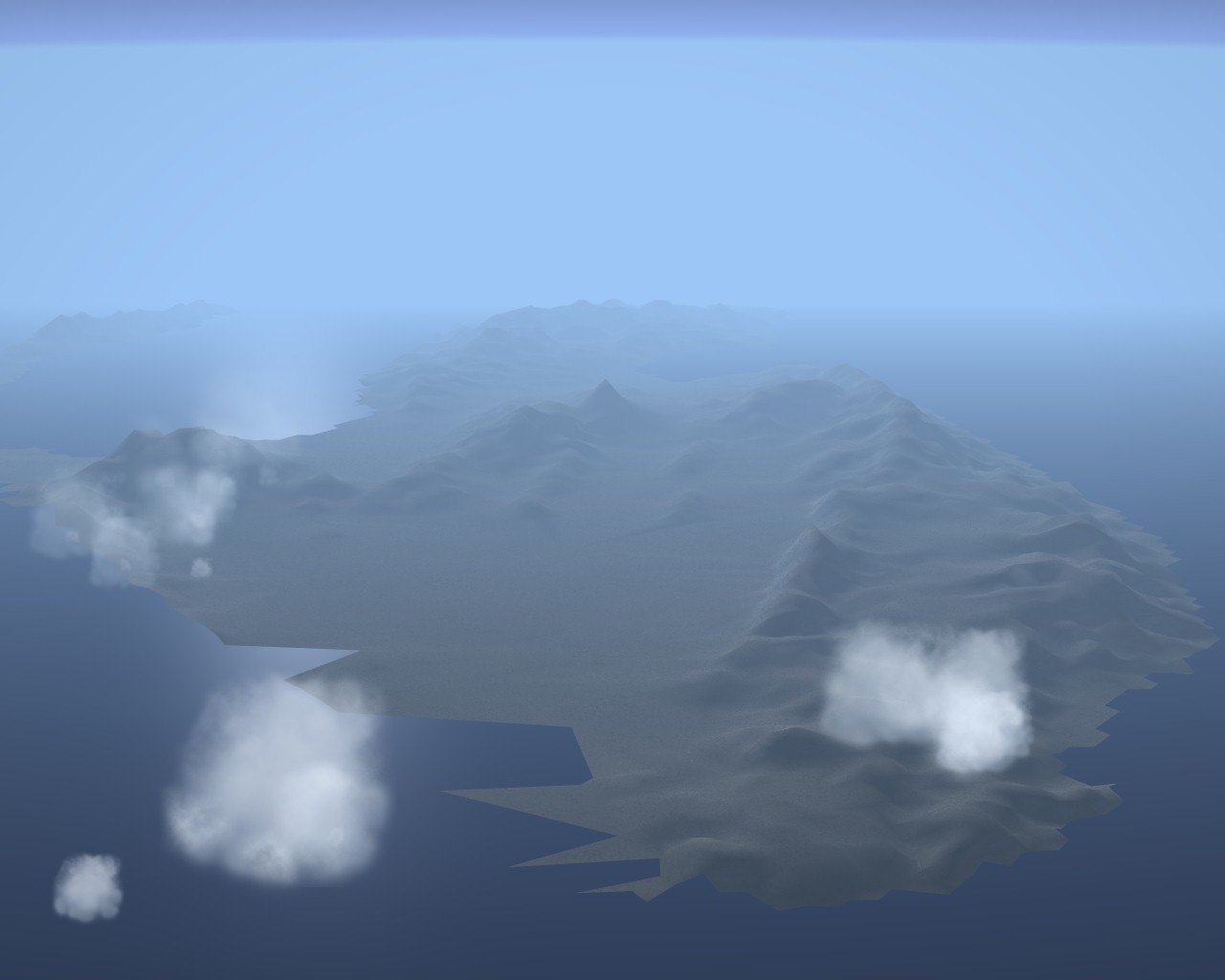
seems there is poly limit per terrain mesh, that's why it looks cut (3D is complete "island") there's something like auto-texturing, seems shader-based, dependant on slopes, height etc do I have a cookie?
-
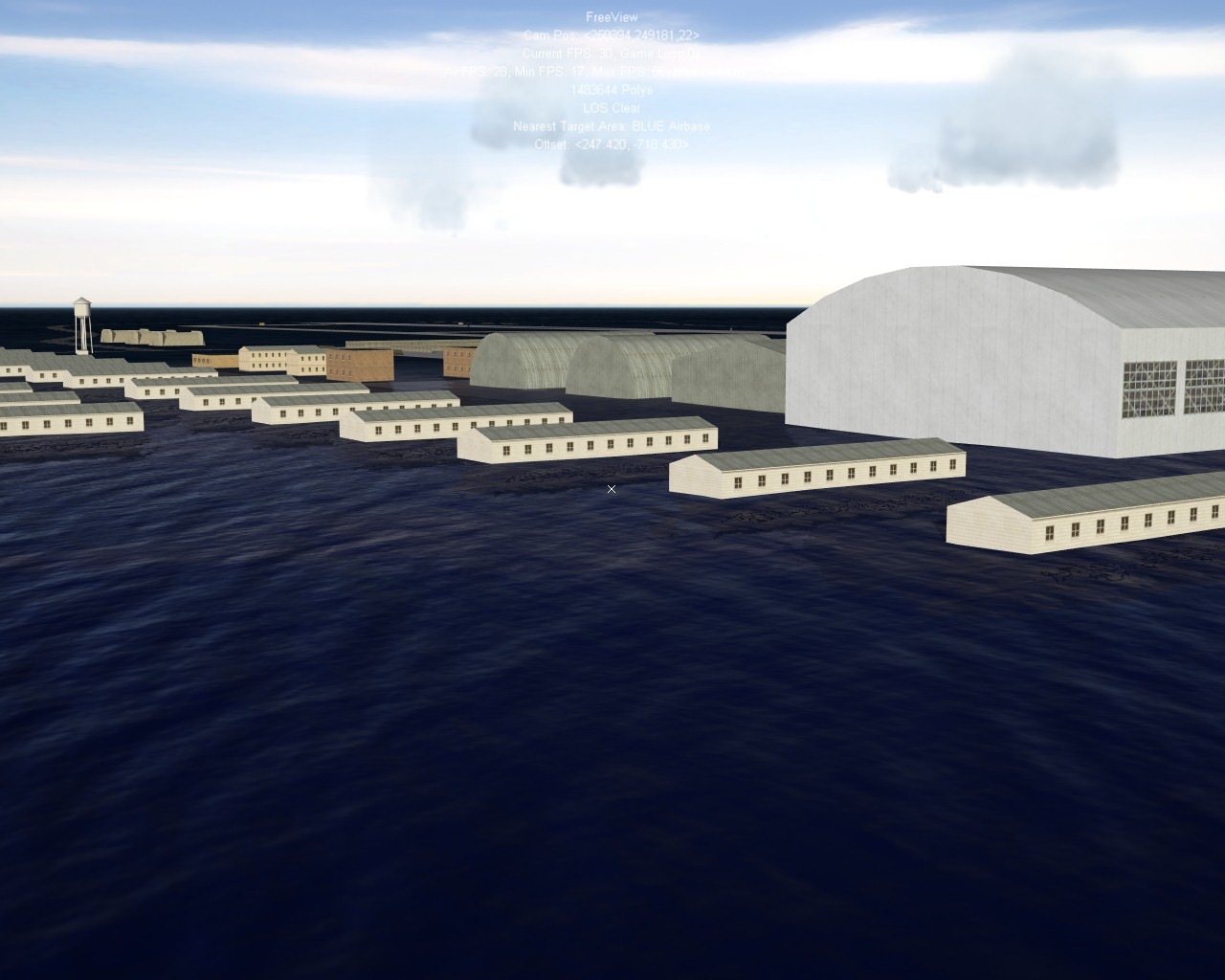
first in SF2NA custom map is here: of course land mesh doesn't show somehow yet
-
or the other way around
-
then why this locking?
-
asked the man about some terrain creation tooltips/info, I guess I won't ever have an answer
-
seems we can kiss our sorry terrain modding a**es goodbye babe!
-
just now noticed... locked locked locked...
-
anyone found where .FX shaders are..? used to be in FlightData.Cat, I hope TK haven't locked them too I'm doing some experiments in max, with 1000x1000 km mesh for water, and independent one for test island
-
good call on blending, chunks are 266 as per list in data.ini I'm getting something in max... water is independent mesh, so is land
-
as a whole, yes 1000x1000 km
-
From Iceland_data.ini: [Mesh001] Filename=i012_032.LOD Position=240000.0000,624000.0000 [Mesh002] Filename=i013_029.LOD Position=259200.0000,566400.0000 [Mesh003] Filename=i013_032.LOD Position=259200.0000,624000.0000 [Mesh004] Filename=i013_033.LOD Position=259200.0000,643200.0000 [Mesh005] Filename=i013_034.LOD Position=259200.0000,662400.0000 [Mesh006] Filename=i014_028.LOD Position=278400.0000,547200.0000 [Mesh007] Filename=i014_029.LOD Position=278400.0000,566400.0000 .... This means mainland mesh is made of many individual meshes (size unknown) and these are referenced in the terrain data.ini I guess the names of LOD files are same as map grid, which would point to them being chunks 10x10 or 100x100 kilometers in size
-
DO NOT try adding to your favourite terrain.ini TerrainType=LOD_BASED ...or go ahead, add that NavalMap=TRUE works on Formosa, but I don't know exactly what it does
-
[TargetArea055] Name=Soltsy-2 Air Base Position=1836338.8,778392.3 ActiveDate=0 Location=2 Alignment=ENEMY OffMapAirBase=TRUE
-
Iceland data... [TerrainData] MapWidth=1000000.0 MapHeight=1000000.0 MeshSize=19200.0 [shader001] NodePrefix=w Shader=iceland_WaterEffect.fx Specular=0.8 Glossiness=0.40 ReflectionStage=1 [shader002] NodePrefix=l Shader=iceland_TerrainEffect.fx Specular=0.1 Glossiness=0.20 [shader003] NodePrefix=t Shader=iceland_TargetAreaEffect.fx Specular=0.1 Glossiness=0.20 [WaveMesh] Filename=iceland_waves.LOD Shader=iceland_Waves.fx VertexSpacing=20.0 MaxVisibleHeight=800.0 [TreeMesh] Filename=iceland_trees.LOD Shader=iceland_Trees.fx MeshSize=4000.0 MeshCount=2 MaxVisibleHeight=10000.0 [FoilageMesh] Filename=iceland_foilage.LOD Shader=iceland_Foilage.fx MeshSize=500.0 MeshCount=1 MaxVisibleHeight=1000.0 [DefaultMesh] Filename=iceland_water.LOD [Mesh001] Filename=i012_032.LOD Position=240000.0000,624000.0000 [Mesh002] Filename=i013_029.LOD Position=259200.0000,566400.0000 [Mesh003] Filename=i013_032.LOD Position=259200.0000,624000.0000 [Mesh004] Filename=i013_033.LOD Position=259200.0000,643200.0000 [Mesh005] Filename=i013_034.LOD Position=259200.0000,662400.0000 [Mesh006] Filename=i014_028.LOD Position=278400.0000,547200.0000 [Mesh007] Filename=i014_029.LOD Position=278400.0000,566400.0000 [Mesh008] Filename=i014_032.LOD Position=278400.0000,624000.0000 [Mesh009] Filename=i014_033.LOD Position=278400.0000,643200.0000 [Mesh010] Filename=i014_034.LOD Position=278400.0000,662400.0000 [Mesh011] Filename=i014_035.LOD Position=278400.0000,681600.0000 [Mesh012] Filename=i015_028.LOD Position=297600.0000,547200.0000 [Mesh013] Filename=i015_029.LOD Position=297600.0000,566400.0000 [Mesh014] Filename=i015_030.LOD Position=297600.0000,585600.0000 [Mesh015] Filename=i015_031.LOD Position=297600.0000,604800.0000 [Mesh016] Filename=i015_032.LOD Position=297600.0000,624000.0000 [Mesh017] Filename=i015_033.LOD Position=297600.0000,643200.0000 [Mesh018] Filename=i015_034.LOD Position=297600.0000,662400.0000 [Mesh019] Filename=i015_035.LOD Position=297600.0000,681600.0000 etc
-
You haven't seen how ARMY looks then j/k
-
From IcelandNA.ini: MagneticVariation=-20 NavalMap=TRUE TerrainType=LOD_BASED
-
-Houston, we have a problem... Iceland isn't there -Say again? -Iceland isn't there -What do you mean isn't there? -I mean, Sir, it was there but now it's gone -Damn, must be those locked away LODs again. Continue your search.
-
got them! off to extract
-
when?
-
3D clouds can be added right now to pre-NA terrains as "ground" objects I think, I can't imagine targetizing the map with them though
-

Swedish Campaign (The Scandinavian Front)
Stary replied to JonathanRL's topic in Mission & Campaign Building Discussion
Tried 24 kilometers... ONE time TK really should let us use fading trees but with user-defined fade distance -
TGA has nothing to in-game performance, it's the emitters spawn ratio that has FPS hits on most occasions. TGAs as used by terrain textures has only video memory impact just for clarification
-
Swedish Campaign (The Scandinavian Front)
Stary replied to JonathanRL's topic in Mission & Campaign Building Discussion
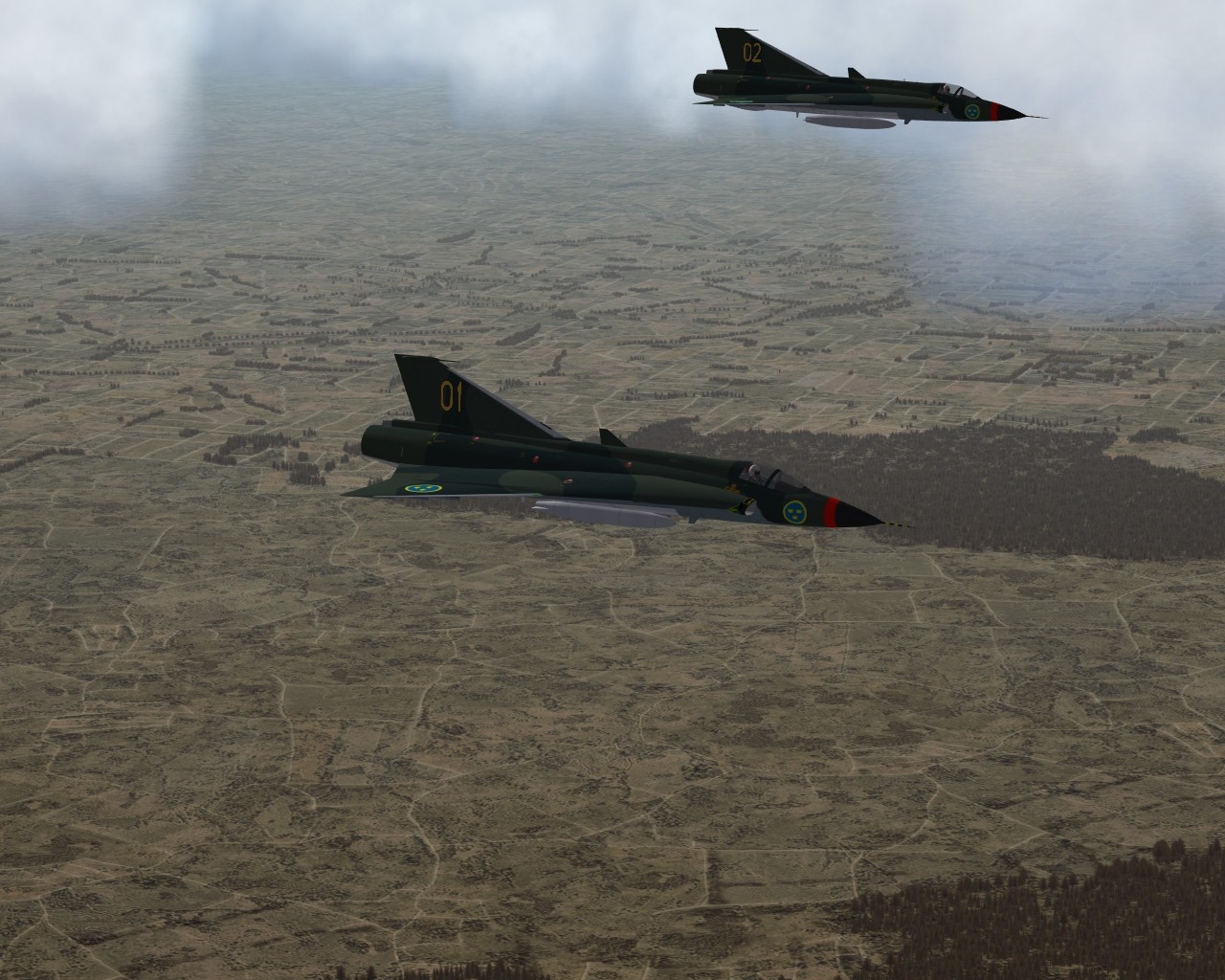
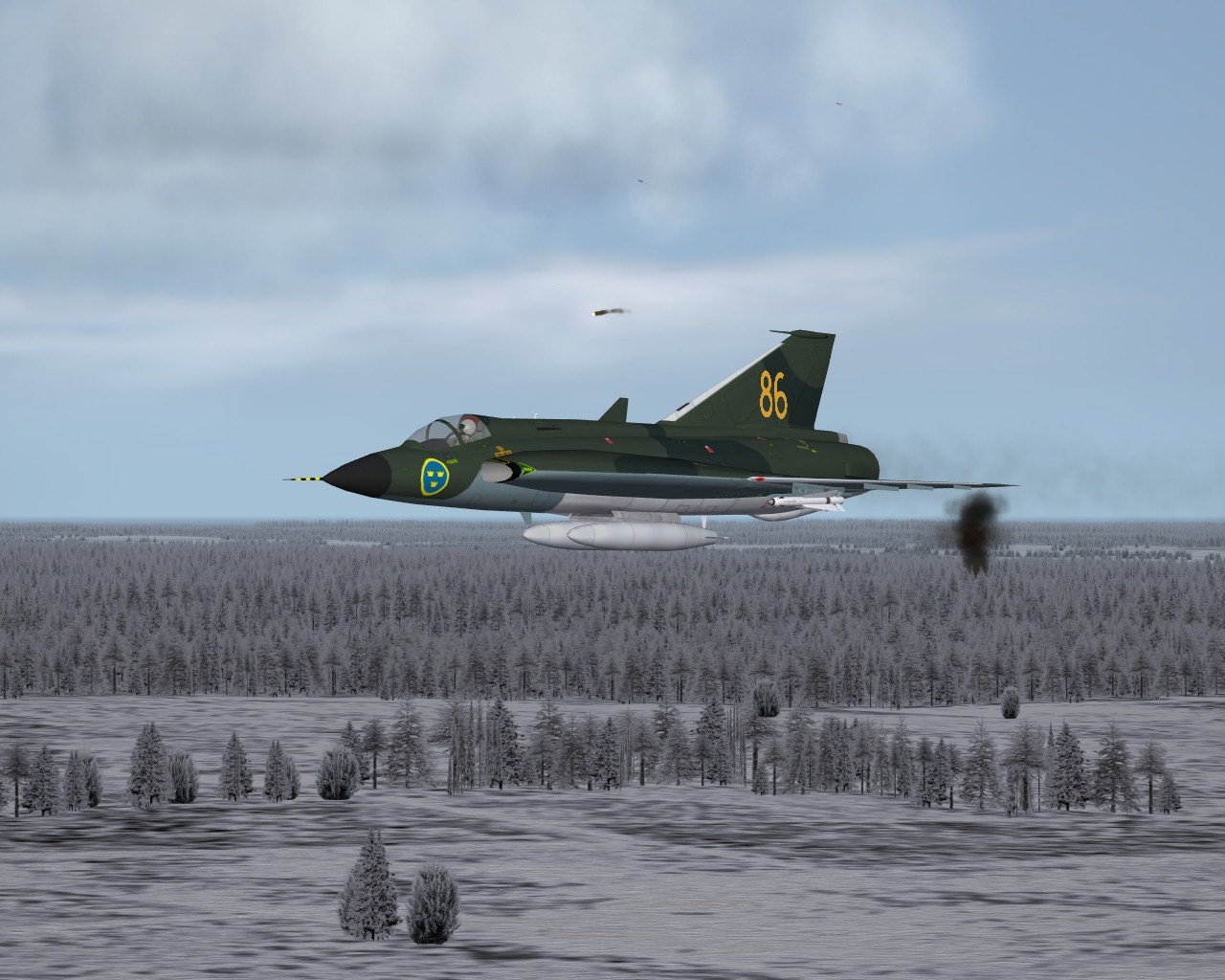
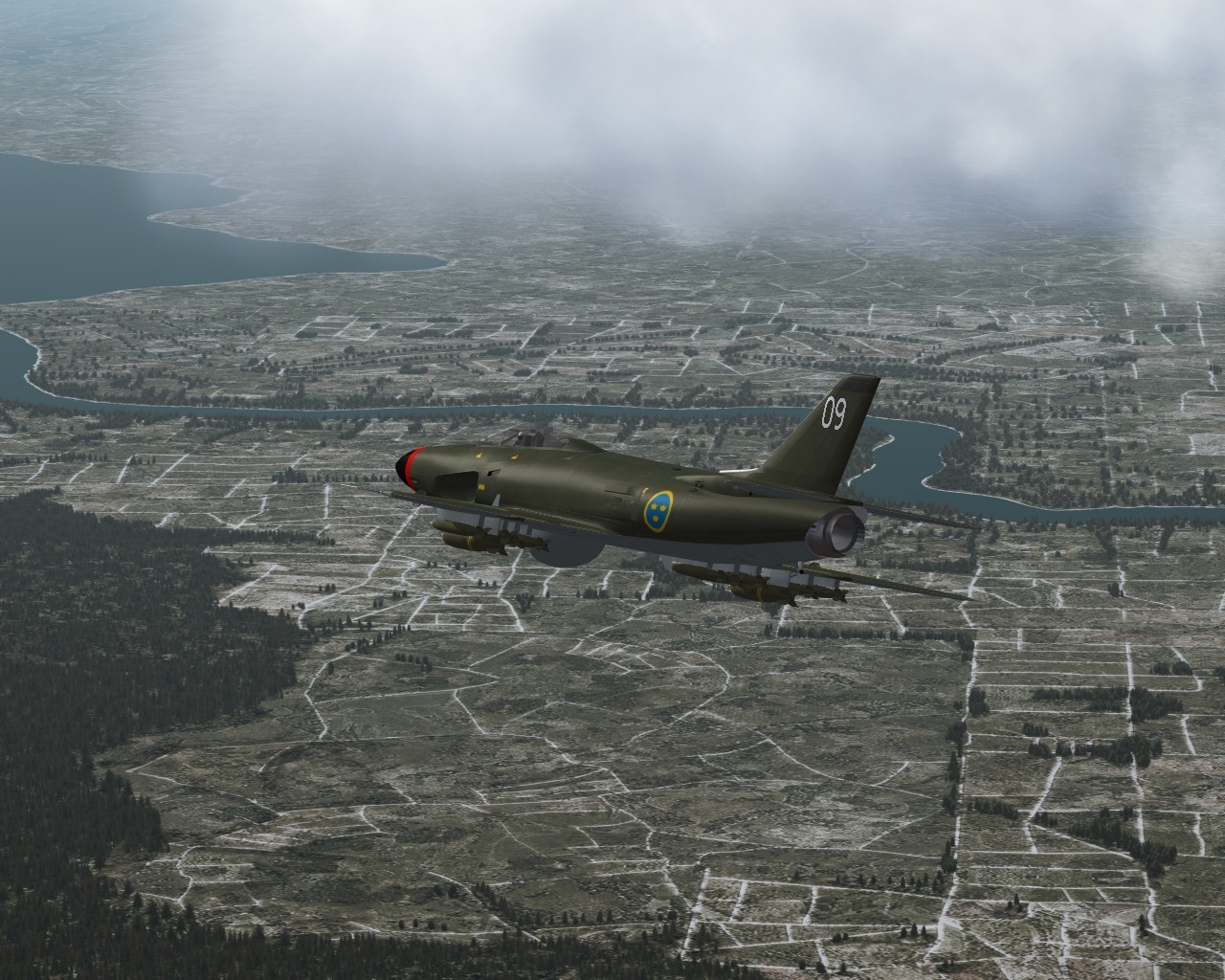
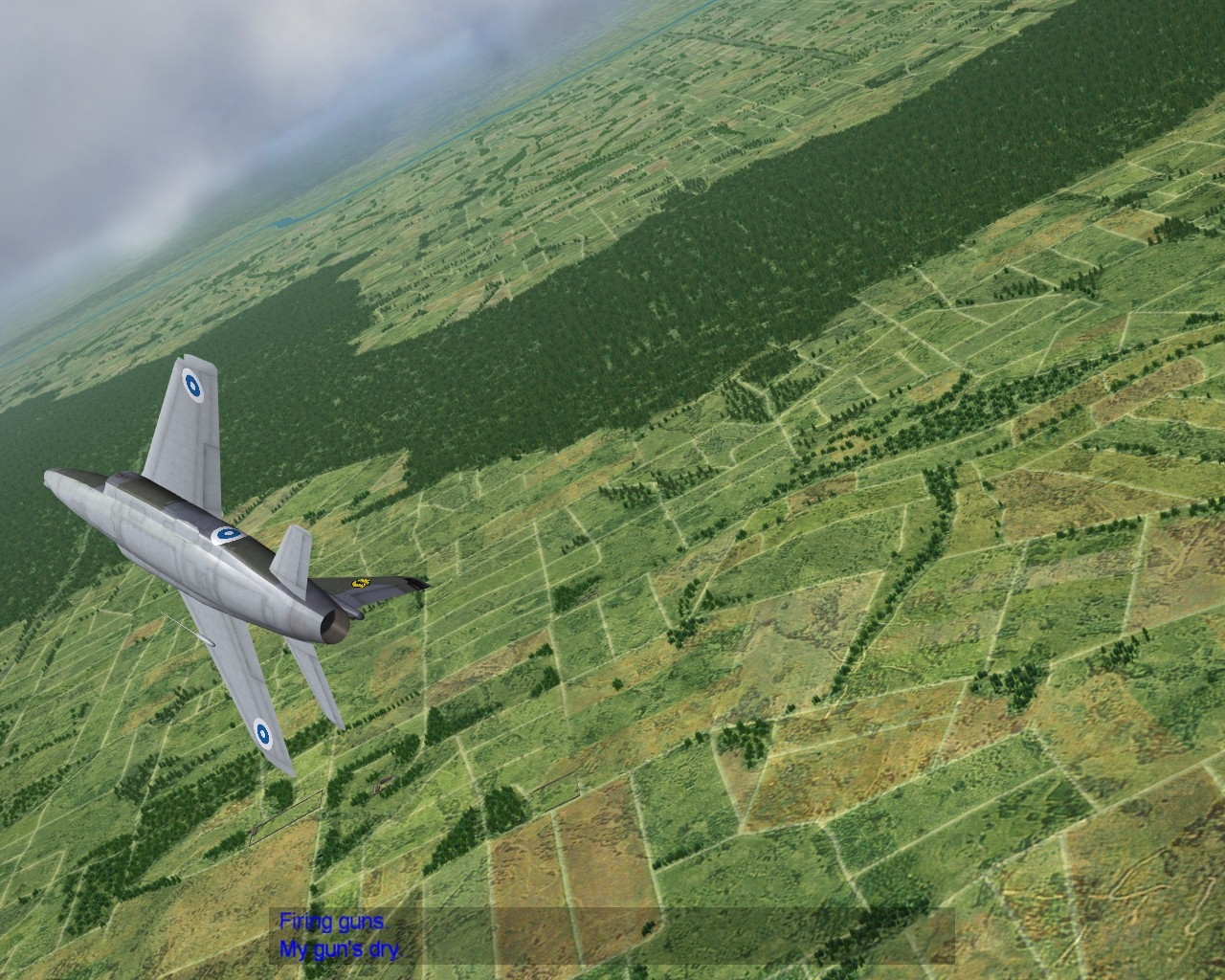
Kevin I never liked my european tiles to be honest, so I gave it a shot by a\simply adding dirt image ontop, suprisingly works BTW the cookoo I am I use detailmeshsize set at 12 or 10, I'm one of those who prefer nicer looks over smoother flying... clearly I must switch into flying FSX -
Swedish Campaign (The Scandinavian Front)
Stary replied to JonathanRL's topic in Mission & Campaign Building Discussion
For those interested, I'm reworking my 2009 HR tileset for usage in the Scandinavian Front Sweden map it's similar to included tileset, but with some overlay satellite-based maps added to make it less artificial and less "nice" in appeal. Also the mod-included TODs and graphics are total mess, being collection from my various european version released through past years, so I fixed that too, with the necessary Sweden_data.ini tile and TOD texture references which were way offto me, modified, more fitting trees graphics etc still WIP of course, the tiles are 1024x1204...