About This File
********************************************************
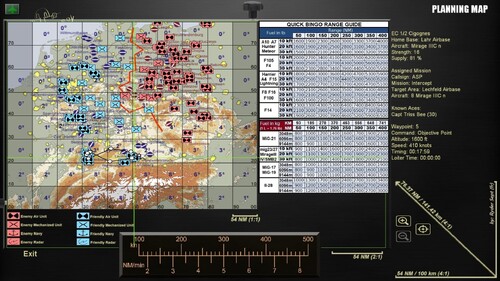
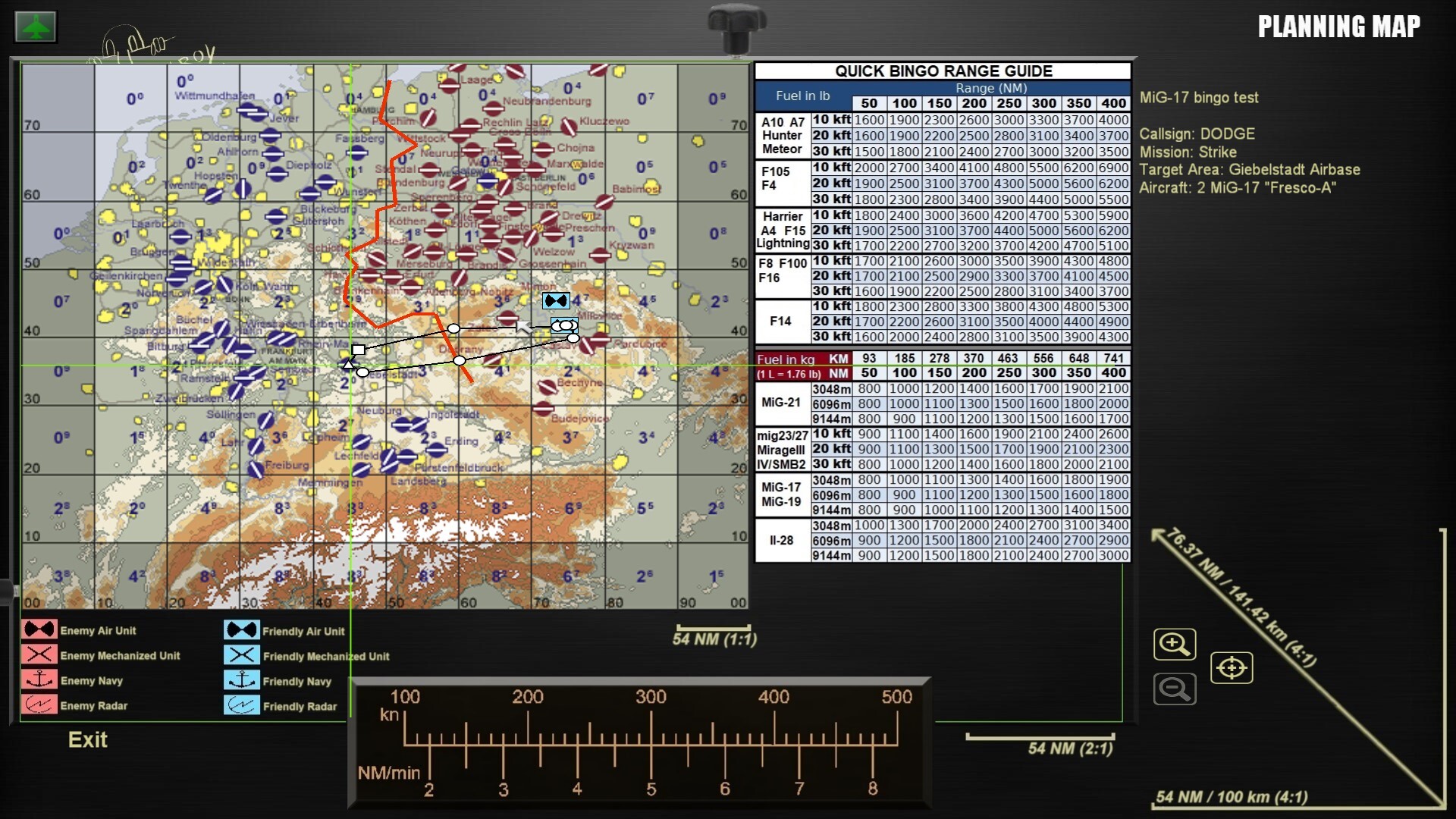
PLANNING MAP MOD v1 for SF2 series
********************************************************
(Install to the main folder of whatever SF2 version you want. Backup own files first!)
What it does:
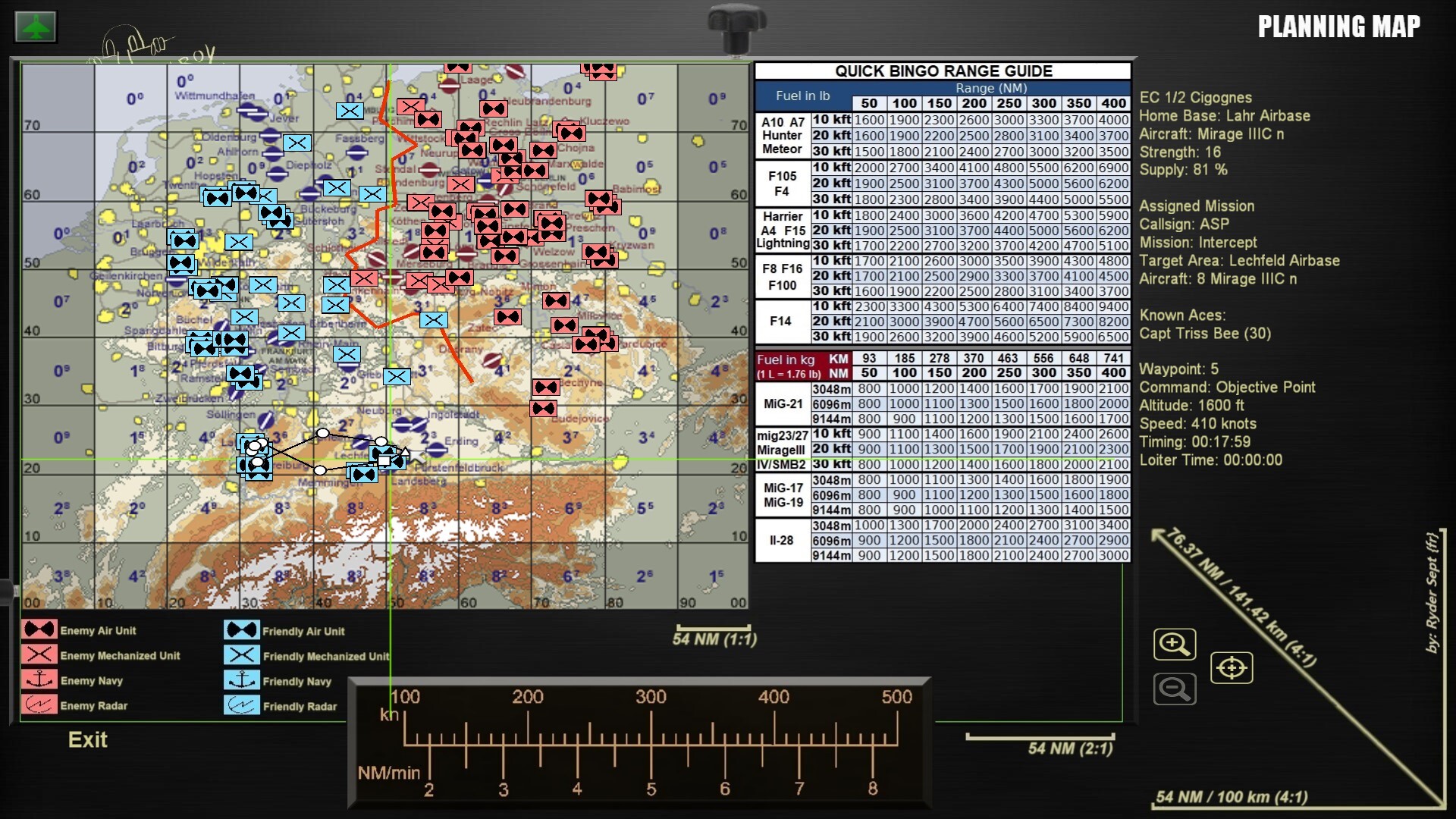
-16/9 ratio for all vanilla maps (no more rectangular maps!)*
-every POI, navpoints and so on placed accordingly
-Simplified bingo sheets for most vanilla planes
-ruler to convert speed to distance
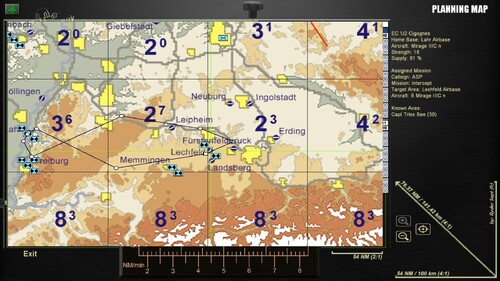
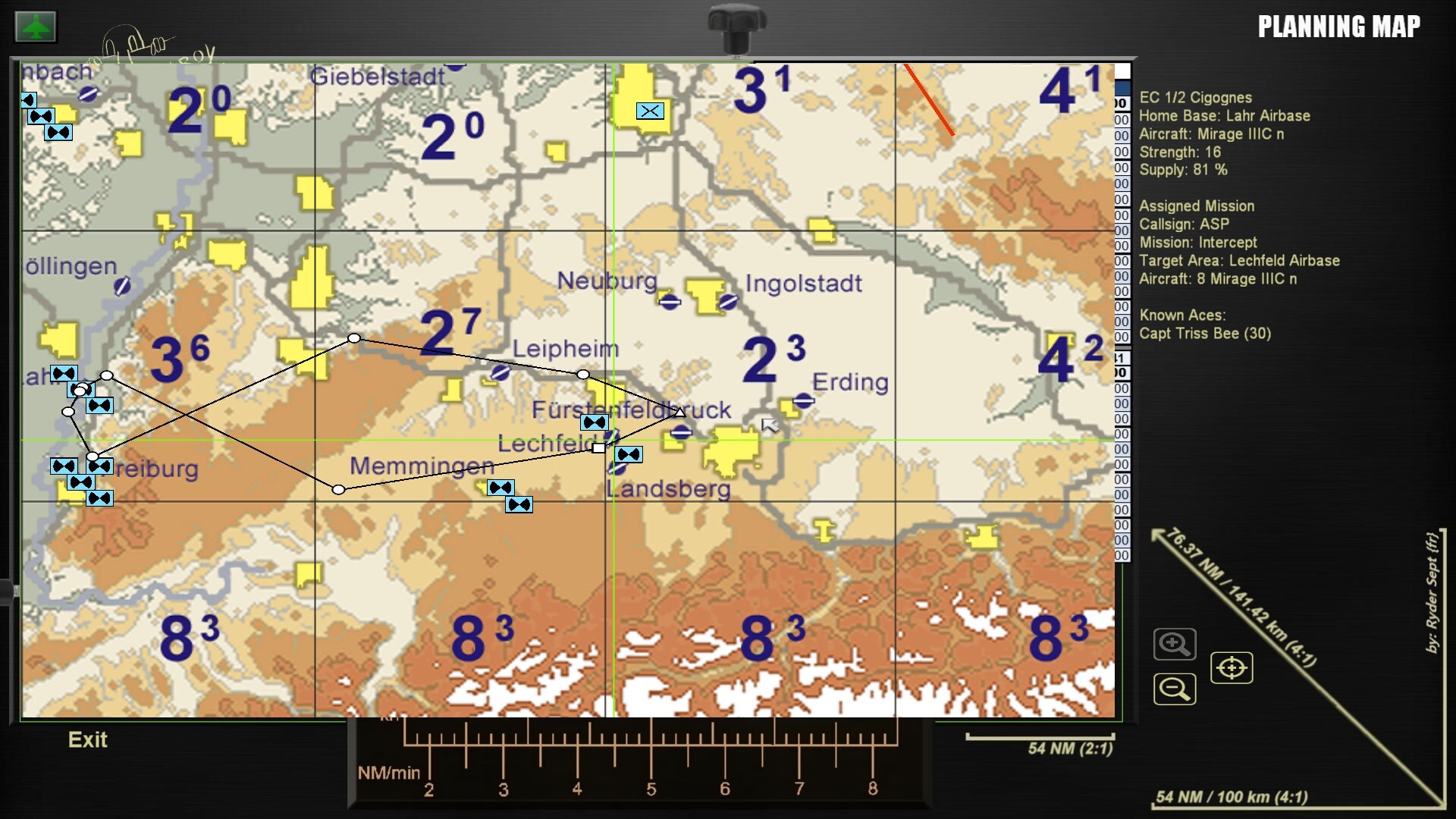
-distance scales on each zoom level
-actual military map icons for units
How to use:
I. KNOW THE DISTANCE
1. After you chose your plane, well, go to planning map screen.
2. Point the TARGET waypoint with your mouse to see how many minutes is the full ingress leg from homeplate.
3. Do the same to your ingress route waypoints so you know the average cruise speed. (Note the altitude, too)
4. Now on the bottom ruler, see how many Nautical Miles per minutes corresponds to said speed above.
5. Multiply this value to the nuber of minutes to TARGET.
6. The result is the estimated range in NM from homeplate to target.
II. QUICK BINGO ESTIMATION
1. Look the board and simply find the estimated range (and altitude) in last steps for your aircraft.
2. Be advised, some planes are given their bingo values in METRIC (liters) value
3. WATCH your gauges while you're engaged around the target area since there is no Joker/Bingo alarm in your pit.
4. Given values should provide you enough** for egress route in normal conditions as planned in the briefing, plus a safety margin
amount to simulate the need for a divert,a go around, or a missed approach.
4a. Still you may add a "Joker" value at your discretion, according the the mission type.
4b. You can also use these values as a way to roughtly estimate the total fuel you need for the mission. Most of the
time, SF2 will push your plane to the max limit range, but sometimes for shorter legs, it will still by default uses
the loadout.ini file, so you'd be equiped with 100% internal fuels plus all the drop tanks whereas you don't always need
this amount. So the aim here is to determine roughtly the playtime you need plus twice the bingo (as a starting point).
///////////////////////////////////////////////////////////////////////DETAILS//////////////////////////////////////////////////////////////////////////////////////////////////
*To add custom maps, find their 3planning map picture files and stretch them 3 respectively with a picture editor (MSPaint does it well) to:
512x640; 1024x1280; 2048x2560. Or else not only they will be stretched but every POI would be displayed offset!
**Each provided values corresponds to measurements made at 3 conditions: 420TAS @10kft, .8 Mach @20kft, .8 Mach @30kft
-I chose this method since this is the one used by Rocket Mission Work's Fuel Planning Guide for DCS,
so I could easily convert the Strike Fighters 2 rates I 've timed with a sample mission, ideal conditions, no loadouts, for each planes.
I took the values from Debug mode fuel quantity and made several per minute timings while at said cruise speed.
-Did 66 flights for measures in total,3 per 22 planes, not counting the duds I had to do again...
-Then for each one I did Strike/recon missions with maximum loadout to see if these values are safe. Most of them allows for
a safe return with 8 to 20% margin even with the bare Bingo without additional Joker or buffer, even without dropping ordnance,
and while remaining at low altitudes where the plane has a poor fuel efficiency.
So provided you don't have too much emergencies such as evading manoeuvers full AB while egressing, and/or interceptors on your tail.
(And If you are new to flight sims, try to be consistent with your speed/throotle to manage your fuel efficiently,
and your timings too, such as RDVs with packages, strike time and so on!:)
a) Rocket's tables add a coefficient for planes with a loadout, for downgraded performances because of drag/weight increase.
b) To simplify for Strike Fighters 2, I used 50NM as a generic value for a divert airbase,
and lowered the fuel required for taxi since we can't start at the parking in this game.
Values are what they are, somewhat realistic or not per planes, but the important
part here is that we have a consistency with the values IN GAME not IRL so we still can manage the fuel for gameplay sake and a bit of immersion.
Well this took me some time to do, but it was great fun to be back to SF2 like the good ol' days.
Hope you find this little mod useful and that I did the maths correct lol
Fly safe and happy huntings @all!
--
Ryder Sept (fr)
PS: thanks to Rocketman for his tool, here is the link for this:
https://www.digitalcombatsimulator.com/en/files/3333906/
And their YT channel:
https://www.youtube.com/@RocketMissionWorks
Unfortunately I wasn't able to join him, so I won't provide SF2 modified sheets without his permission,
but here's the link above to the original so you can try and mess around with your own/modded planes and all.
Edited by Ryder7
typo