Ryder7
-
Posts
19 -
Joined
-
Last visited
1 Follower

About Ryder7

Ryder7's Achievements





-
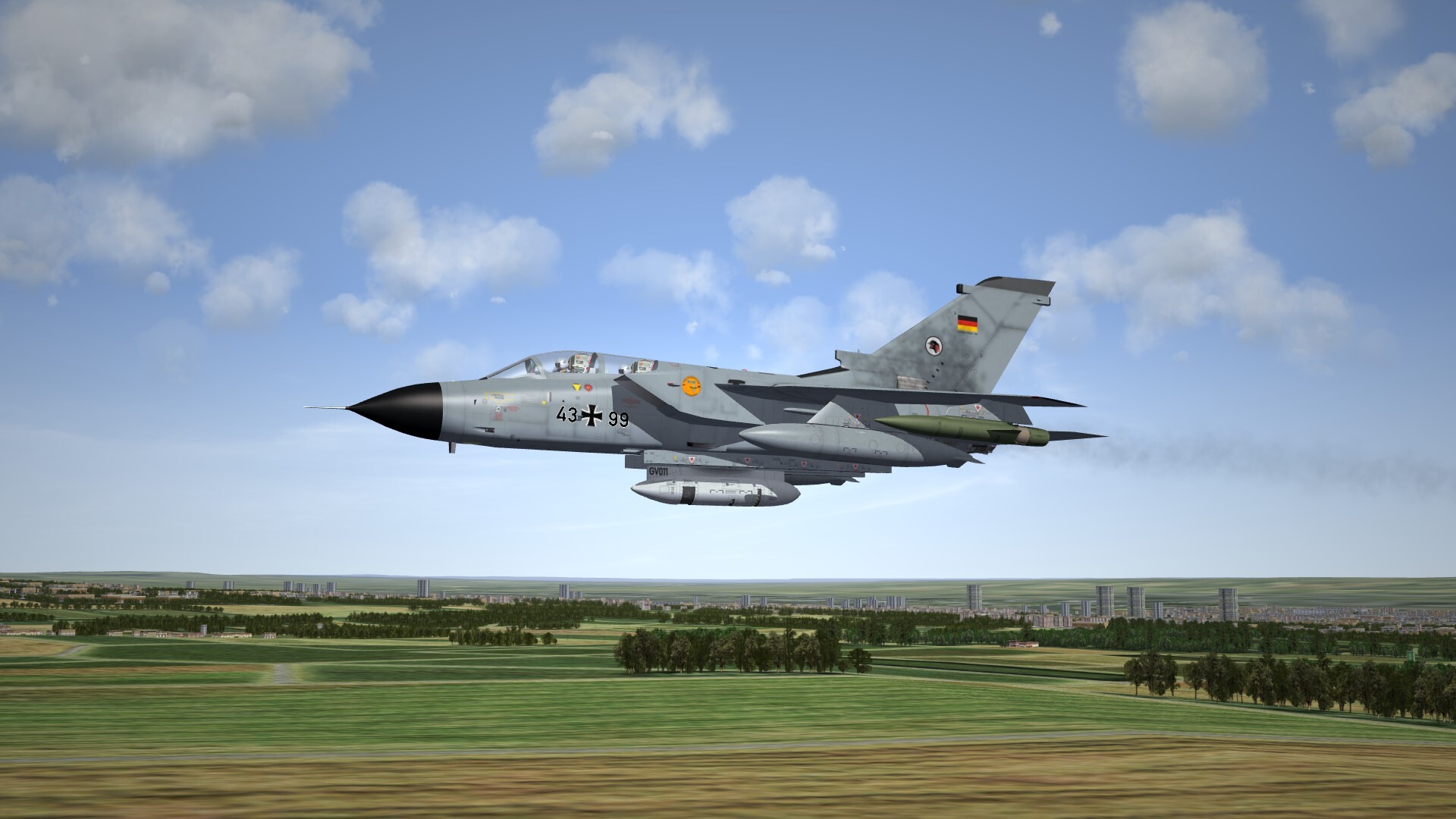
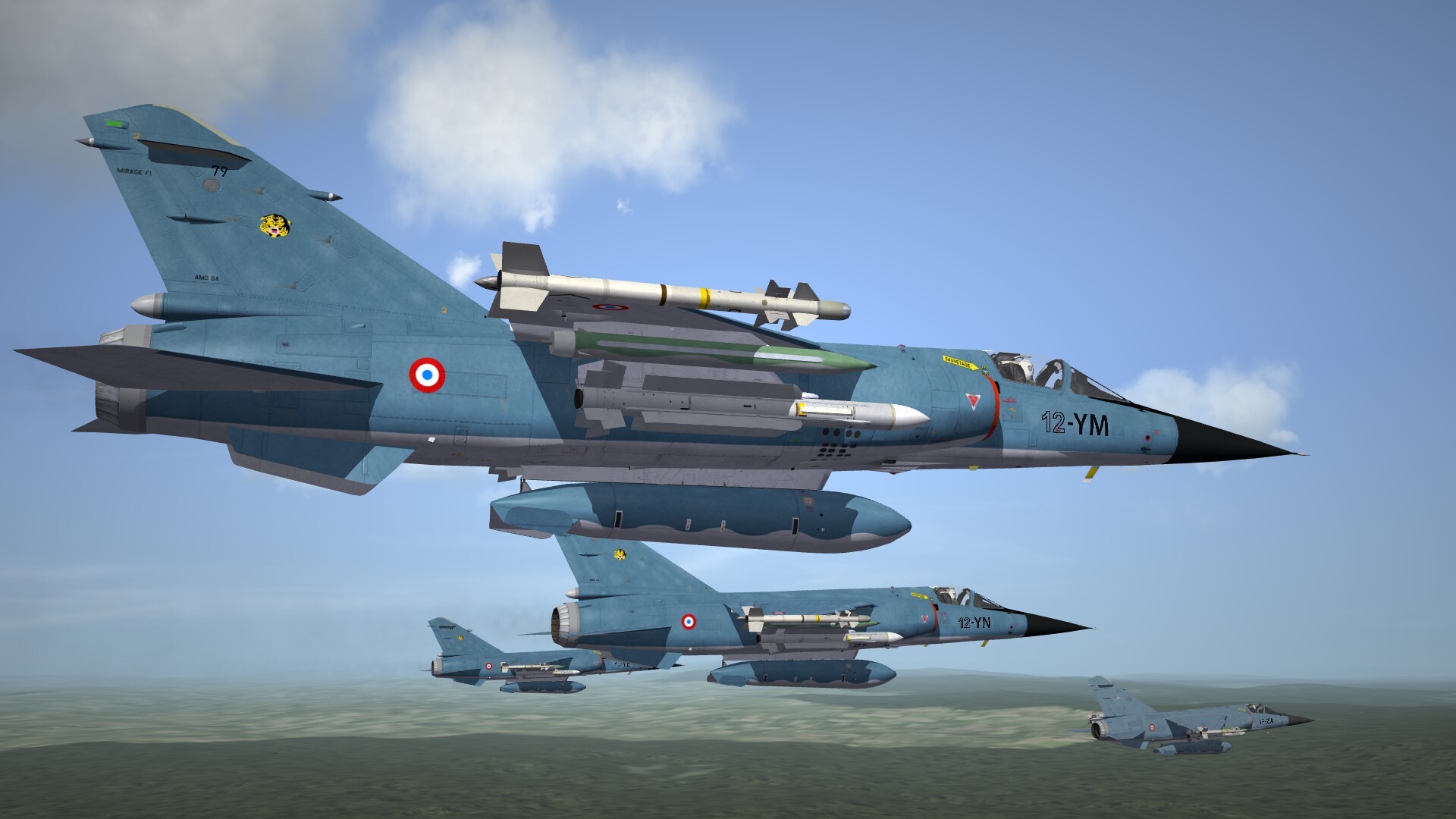
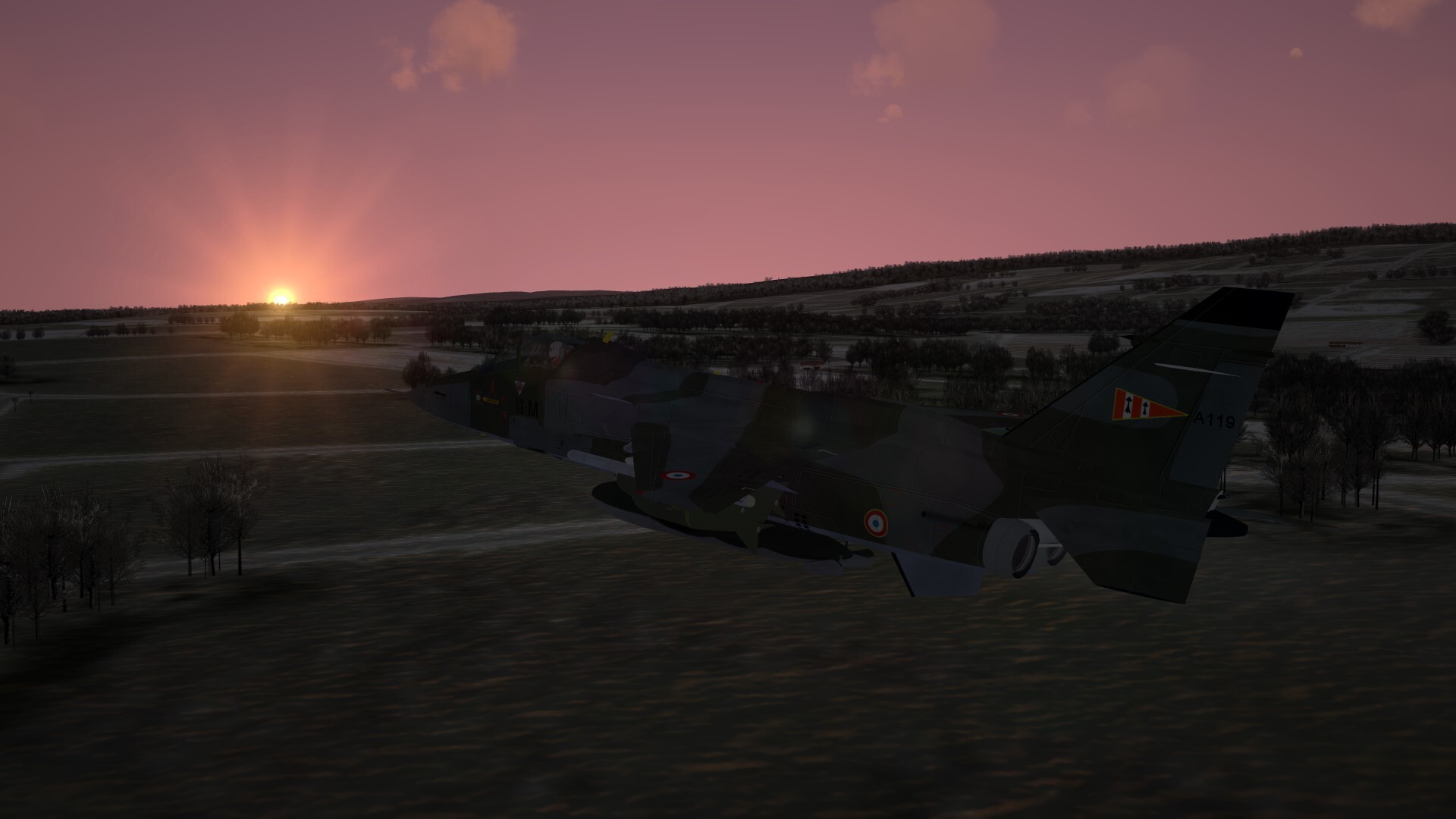
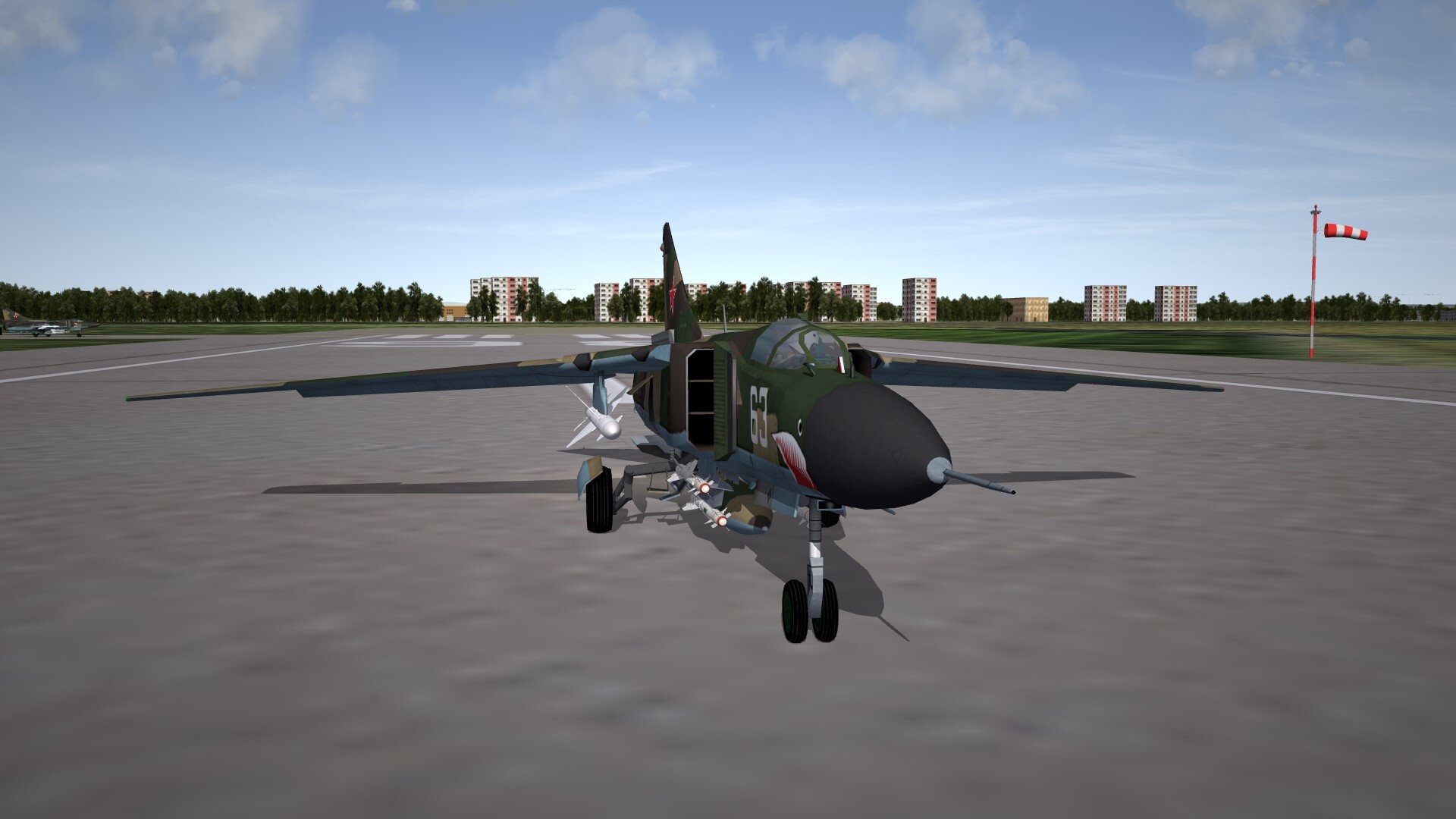
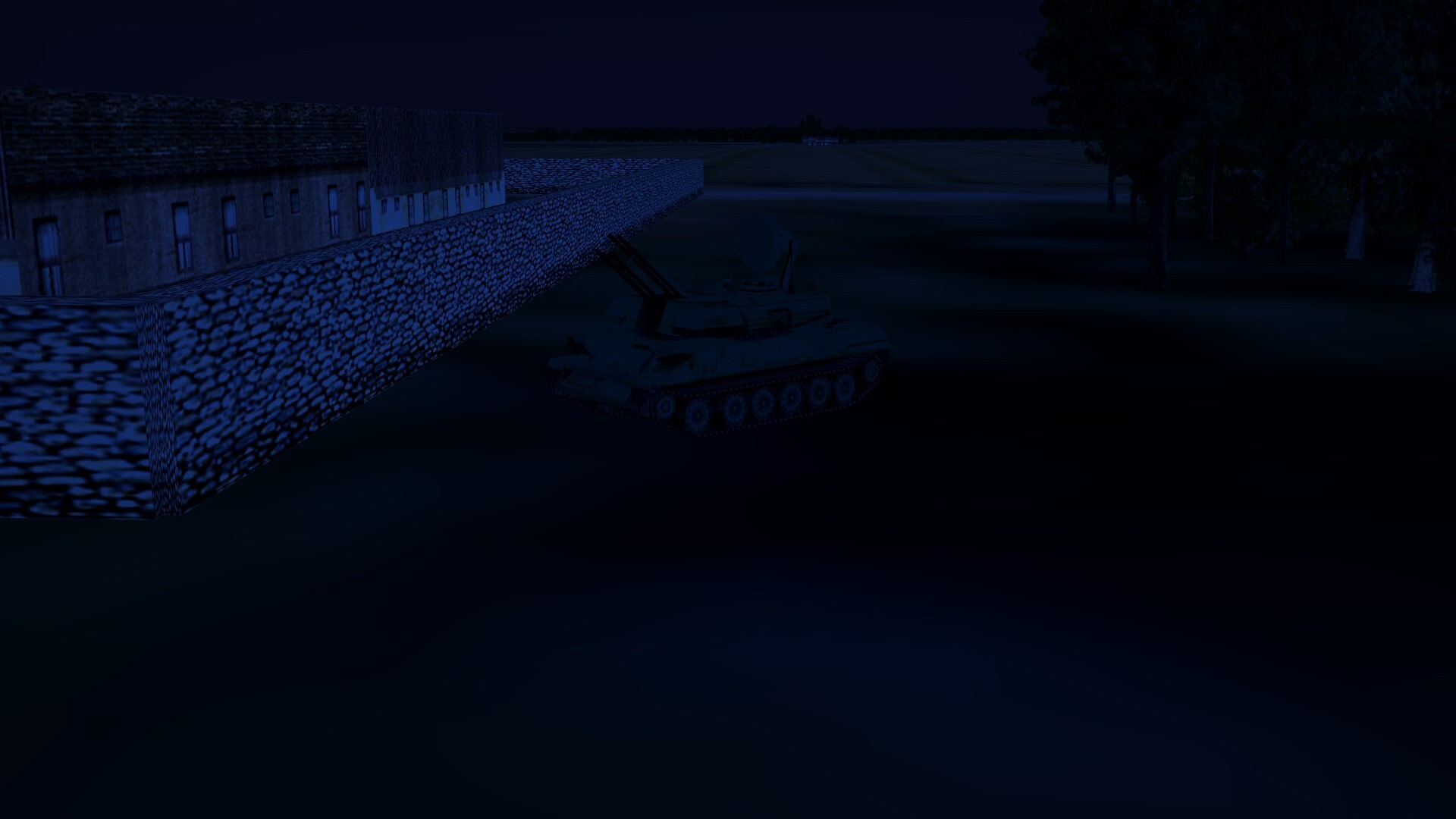
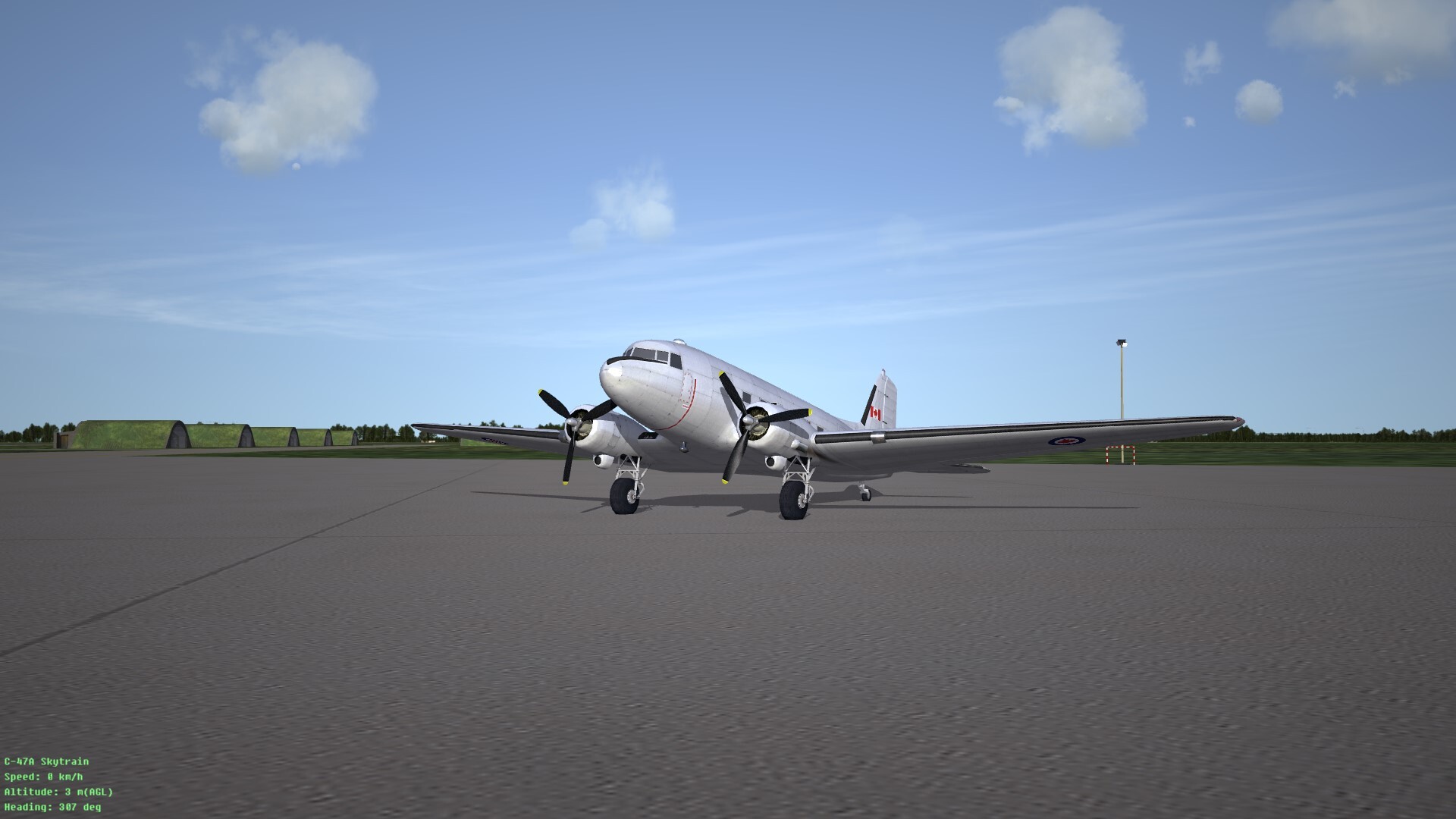
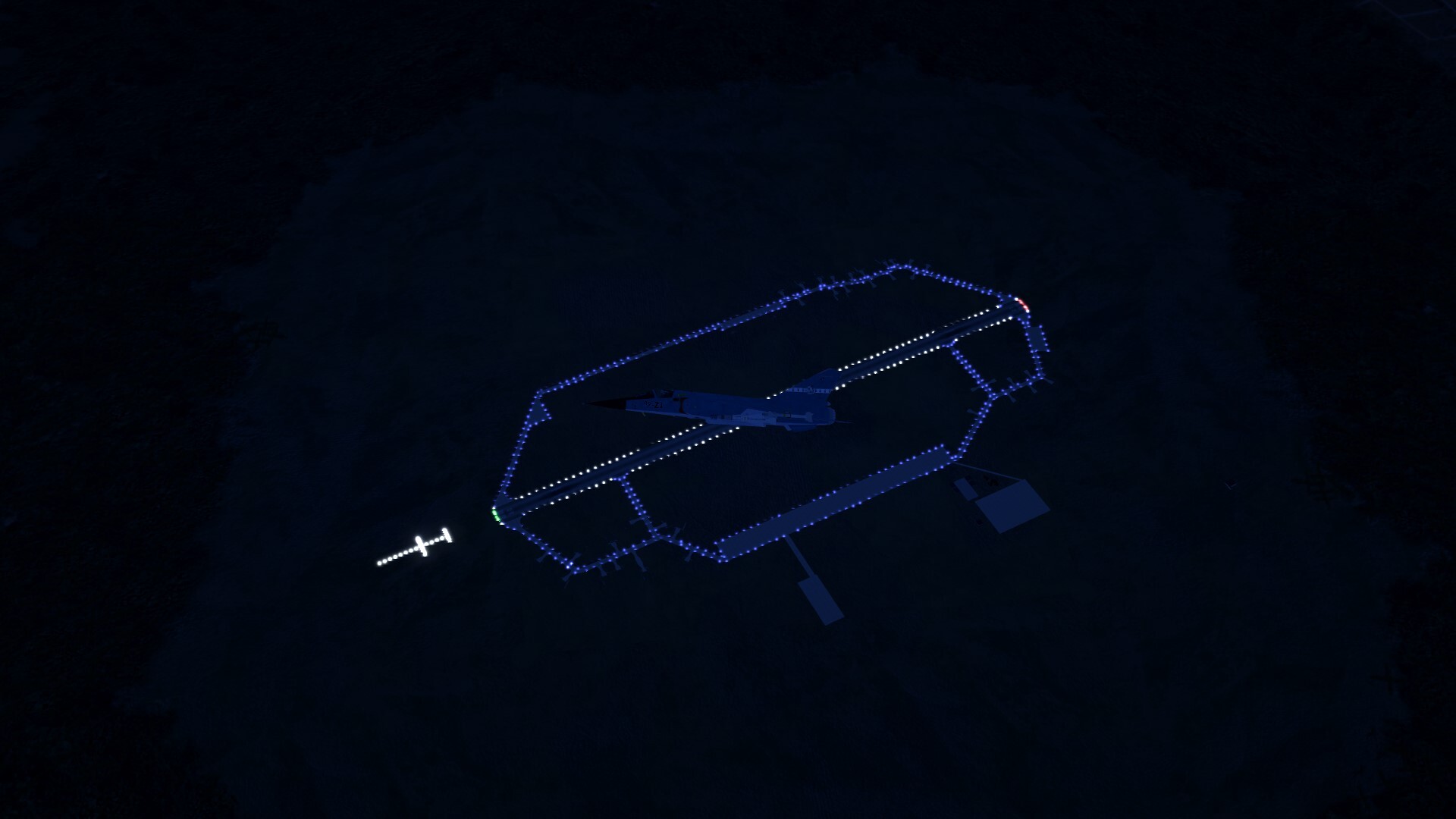
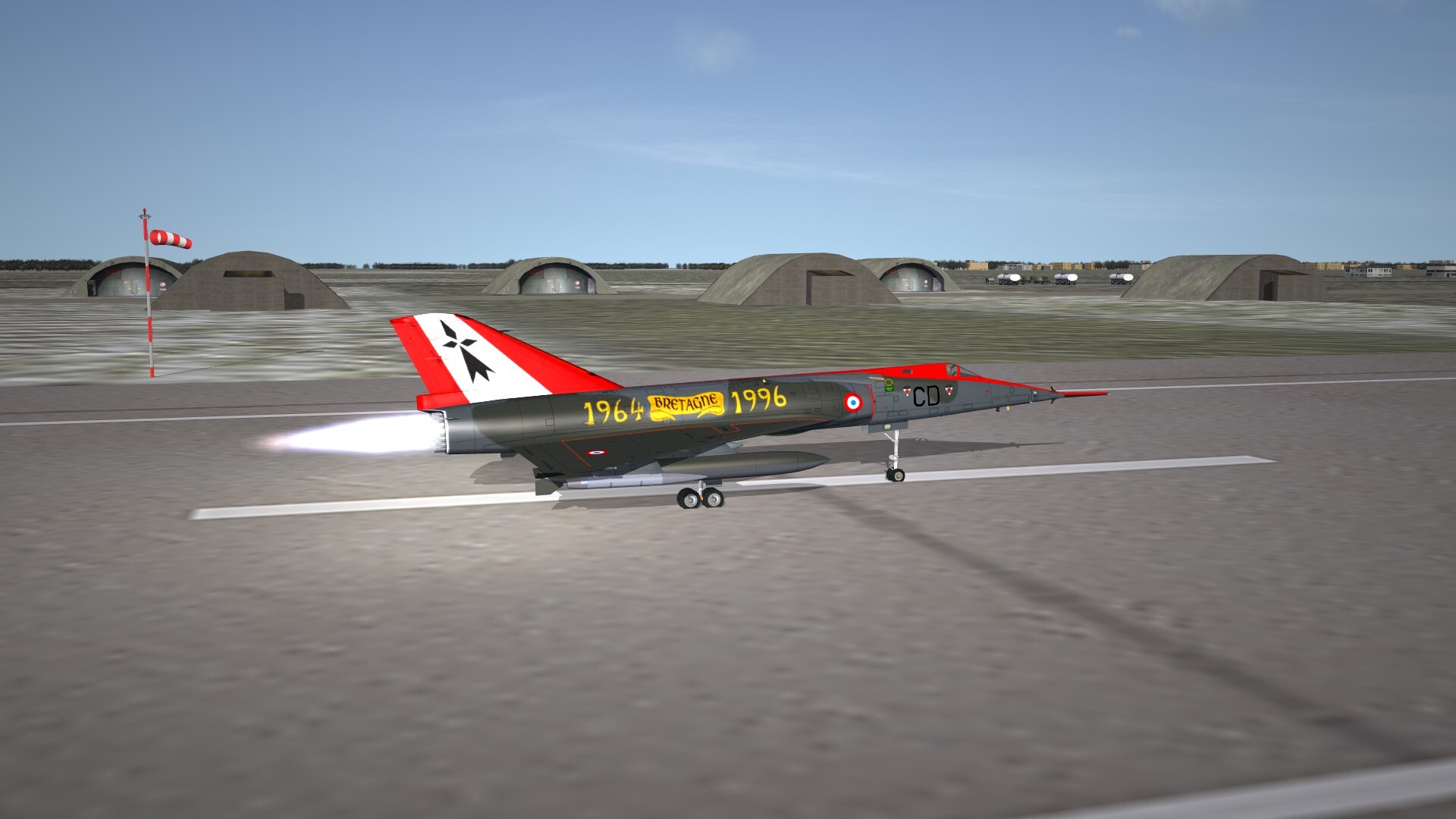
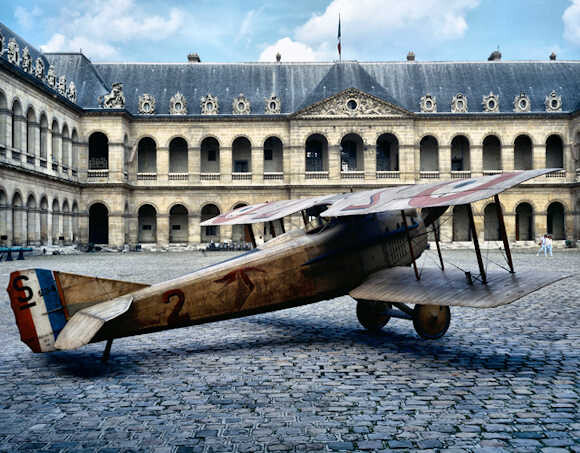
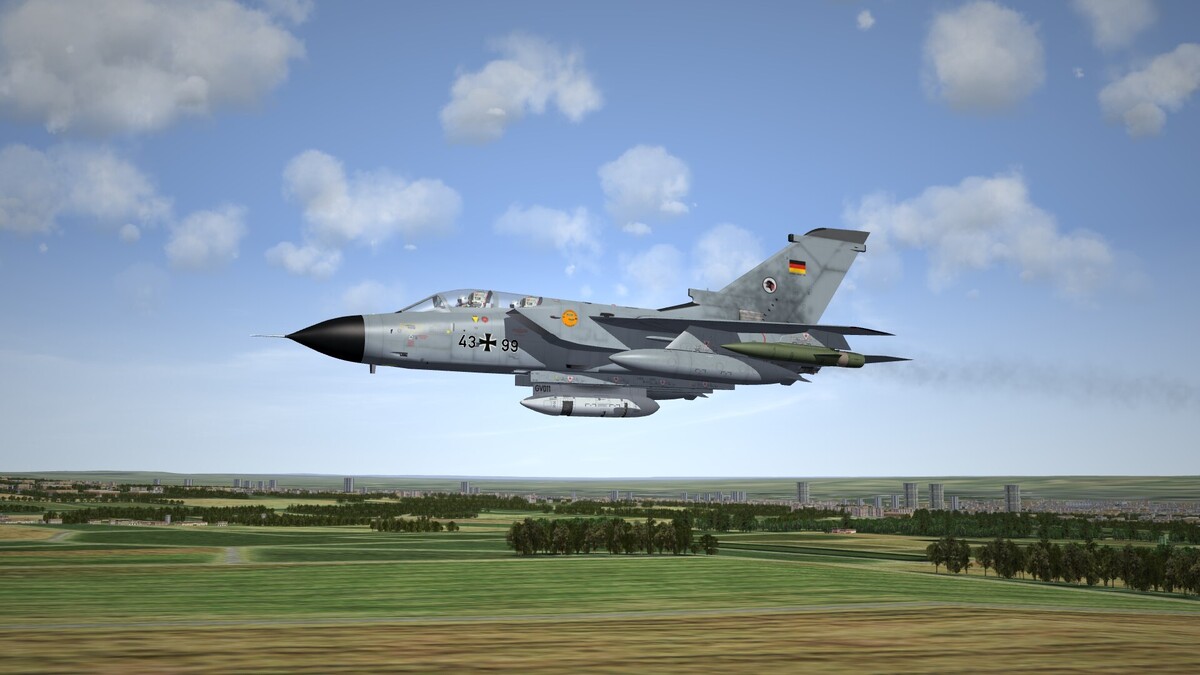
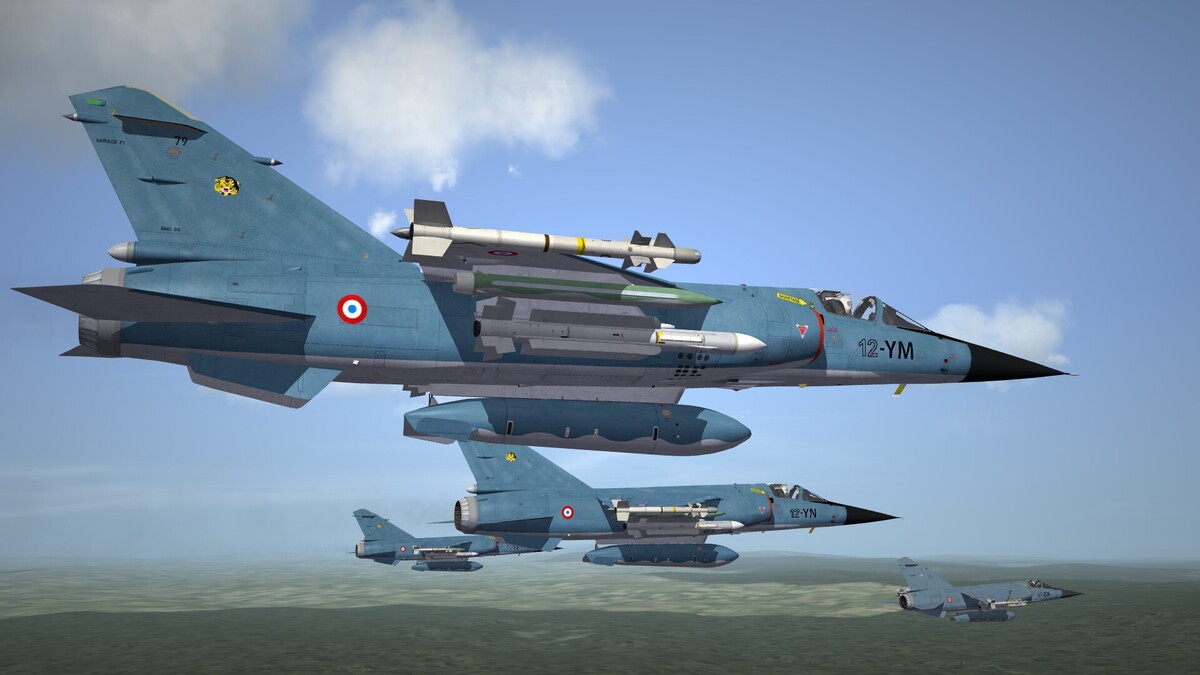
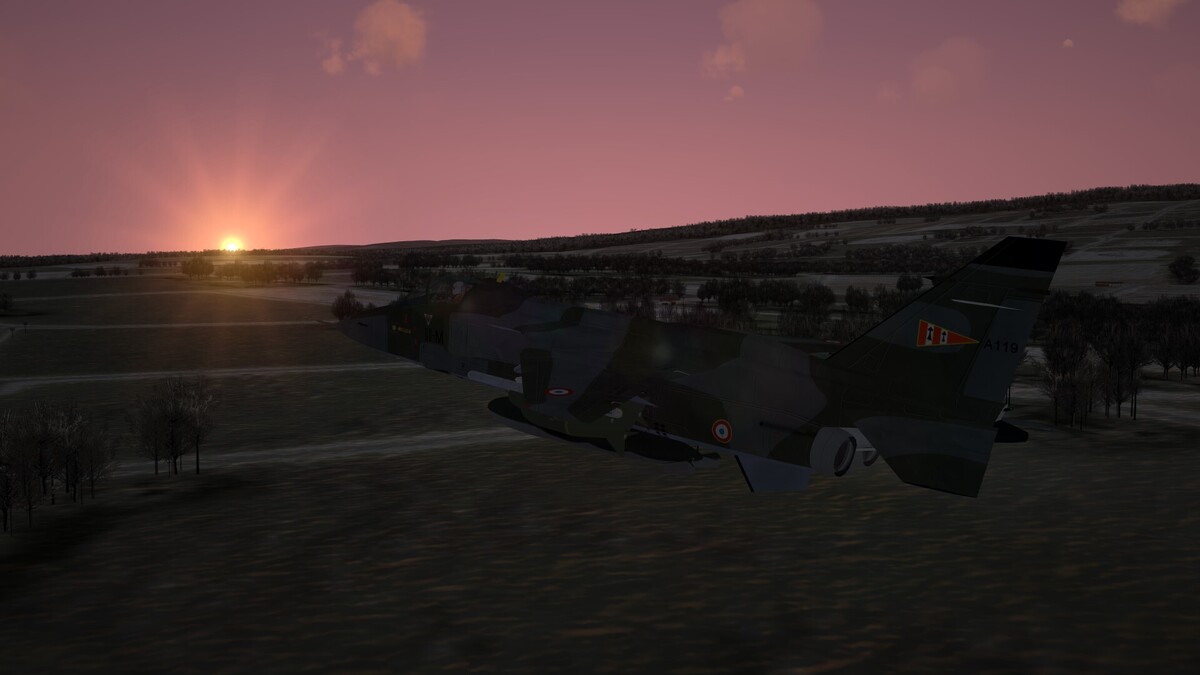
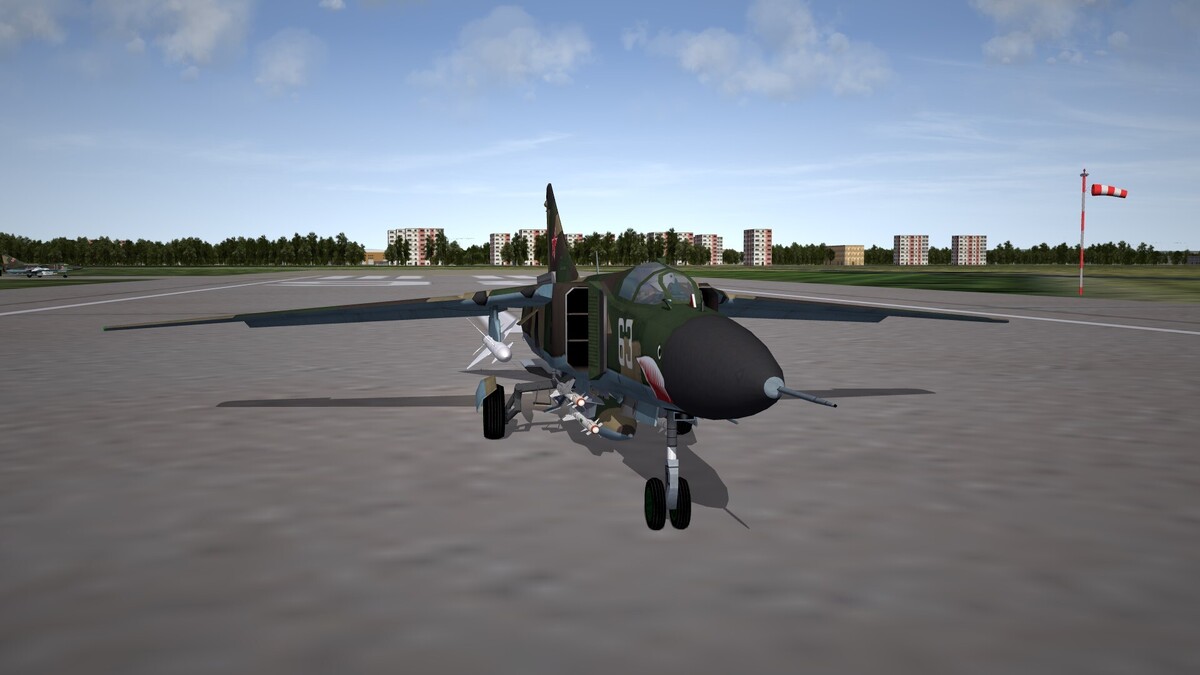
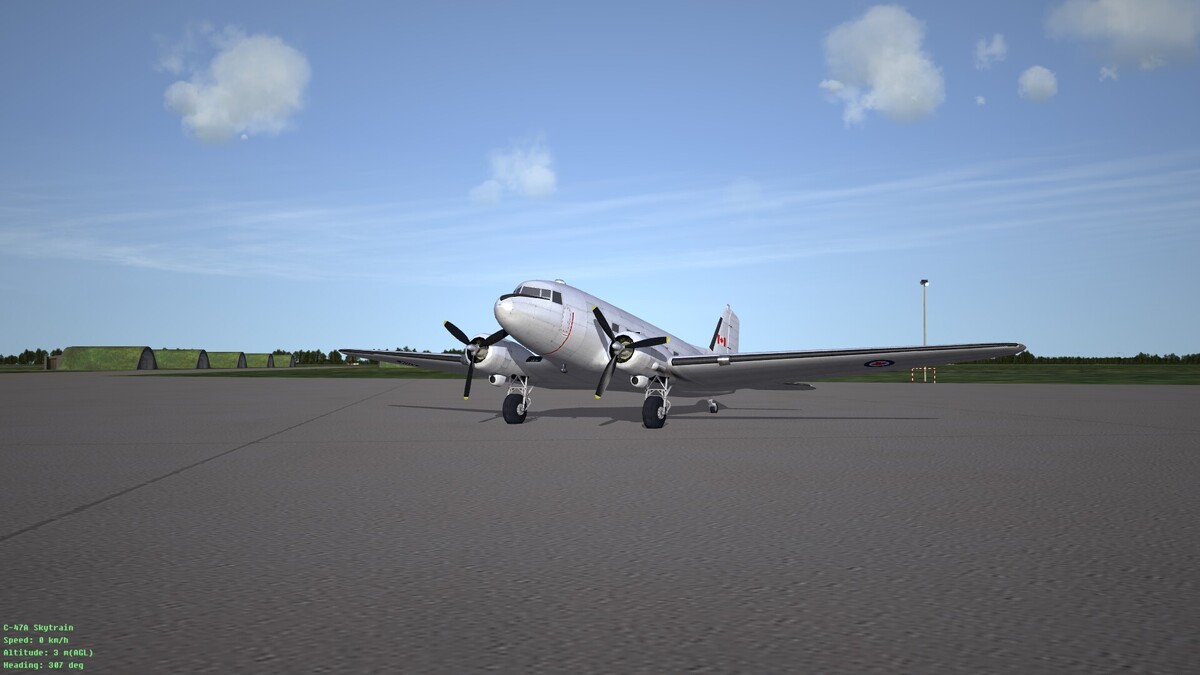
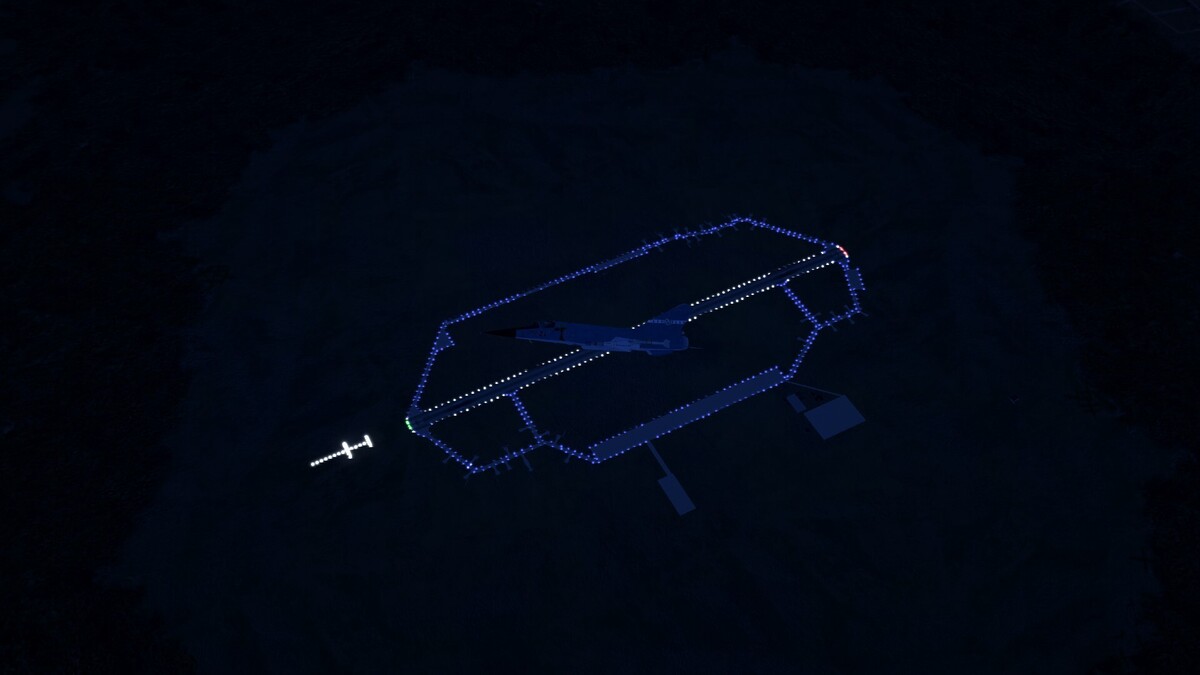
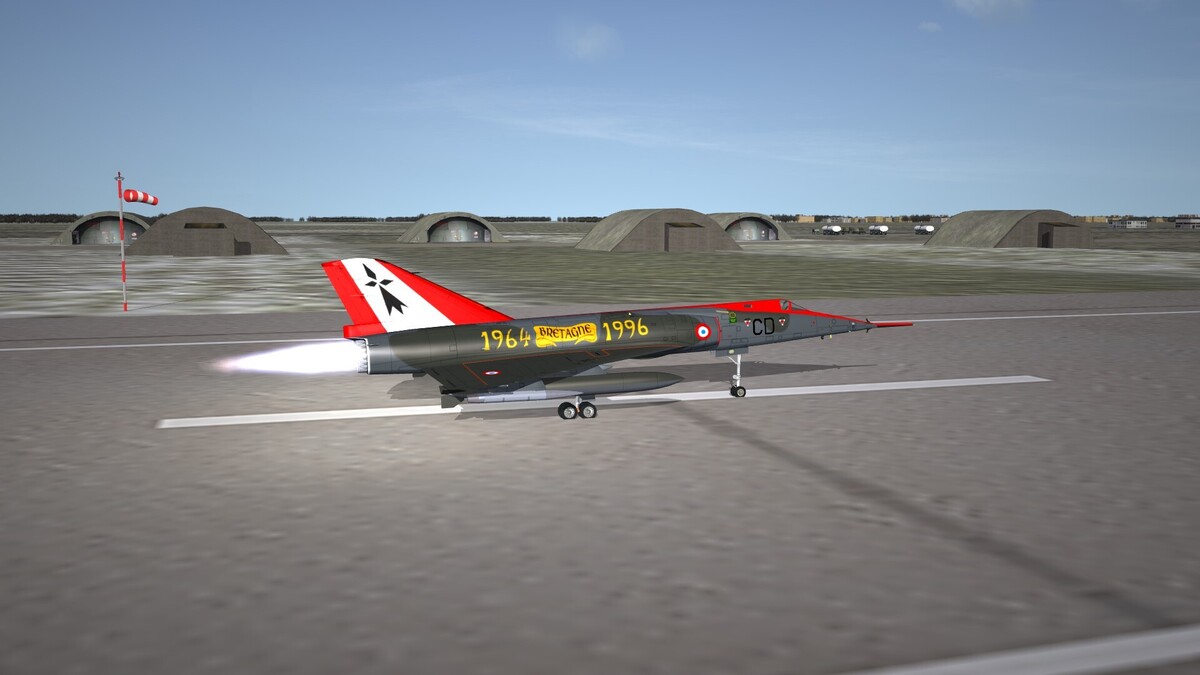
Hi everyone, Recently reinstalled SF2, and put some work on the Europe module as a tribute to my first entry in this series that was WOE back in 2011. I wanted to share a few screenshots and say thanks to all modders here, because SF2 is looking so beautiful now! Now THIS is Germany! Love flying the F1 Jaguar blending into the landscape MiG-23s and a great scenery This screenshot could have been taken from Operation: Flashpoint, like it's 1985 and SF Gastovski is about to blow out Guba's Shilka once again... but it's SF2 This old crow won't retire! F-1 at night Mirage IV wearing the colors of Brittany where I come from. Having her on a live mission is not a good sign, though Cheers, -- Ryder
-
 Very nice addition to naval ops
 -
Hi Orsin, for some reason I couldn't make this work. Followed the instructions but still no joy...
-
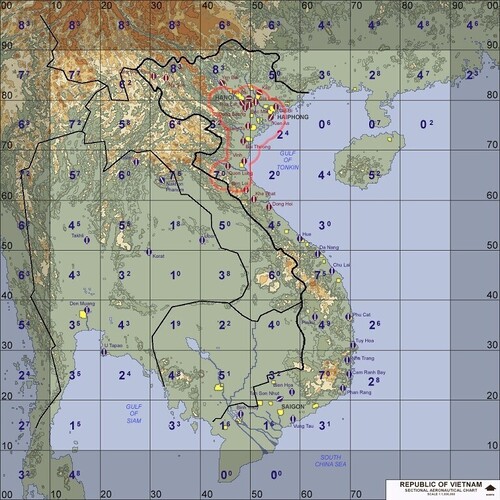
View File Borders&SAMs for vanilla maps /!\ IMPORTANT: You'll need my Planning Map Menu mod for this to work properly or your maps will be stretched! /!\ This is my attempt to add borders on main vanilla maps, plus a preview of most probable SAM radars locations and ranges, so that planning maps actually show some airspaces and radar covers, instead of AoE Gaia maps!!! NOT every AA system is covered so it is not "instant 100% reliable fresh intel" cheat. But it's not like no one cares about recon either anymore! A compromise of some sort, so you can plan ingress/egress points and altitudes according to expected radar covers. But be advised: AAA will be waiting for you at low altitudes, and you never know exactly where they may hide. (SPOLIER: that's how most offensive aircrafts were lost during Cold War conflicts, SAM threats pushed them lower onto AAA engagement range. Now deal with it! ;; DISCLAMERS: -These frontiers are extrapolated the best I could according to TW map deformations and scales and are not intended to reflect 100% reality of actual borders around these places: -ClaudeAI helped me put the engagement circles on each map,he proved useful for GermanyCE borders too, but for IsraelME and VietnamSEA, he was helpless lol. So I did my own interpretation of these borders, using Wikipedia to make sure airbases are in the correct country. (Let me know if I screwed some). -Detection/engagement circles are not pinpoint accurate, but that's on purpose since I don't want to "cheat" or "spoil" the game, but more of a rough estimation. So don't Ingress/Egress right near these circles, you'd probably already be seen by radars a few miles before. Also, for the sake of complexity, I didn't/couldn't separate expected radar covers per time periods, but to keep it more generic. Hope you'ill find this fun and helpful, cheers and happy huntings @all! -- Ryder Sept{fr} /!\ IMPORTANT: You'll need my Planning Map Menu mod for this to work properly or your maps will be stretched! /!\ Submitter Ryder7 Submitted 05/29/2026 Category Planning Maps
-
- 1
-

-
Version 1.0.0
30 downloads
/!\ IMPORTANT: You'll need my Planning Map Menu mod for this to work properly or your maps will be stretched! /!\ This is my attempt to add borders on main vanilla maps, plus a preview of most probable SAM radars locations and ranges, so that planning maps actually show some airspaces and radar covers, instead of AoE Gaia maps!!! NOT every AA system is covered so it is not "instant 100% reliable fresh intel" cheat. But it's not like no one cares about recon either anymore! A compromise of some sort, so you can plan ingress/egress points and altitudes according to expected radar covers. But be advised: AAA will be waiting for you at low altitudes, and you never know exactly where they may hide. (SPOLIER: that's how most offensive aircrafts were lost during Cold War conflicts, SAM threats pushed them lower onto AAA engagement range. Now deal with it! ;; DISCLAMERS: -These frontiers are extrapolated the best I could according to TW map deformations and scales and are not intended to reflect 100% reality of actual borders around these places: -ClaudeAI helped me put the engagement circles on each map,he proved useful for GermanyCE borders too, but for IsraelME and VietnamSEA, he was helpless lol. So I did my own interpretation of these borders, using Wikipedia to make sure airbases are in the correct country. (Let me know if I screwed some). -Detection/engagement circles are not pinpoint accurate, but that's on purpose since I don't want to "cheat" or "spoil" the game, but more of a rough estimation. So don't Ingress/Egress right near these circles, you'd probably already be seen by radars a few miles before. Also, for the sake of complexity, I didn't/couldn't separate expected radar covers per time periods, but to keep it more generic. Hope you'ill find this fun and helpful, cheers and happy huntings @all! -- Ryder Sept{fr} /!\ IMPORTANT: You'll need my Planning Map Menu mod for this to work properly or your maps will be stretched! /!\ -
 Ryder7 changed their profile photo
 -
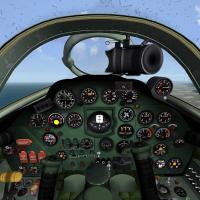 Very fun non flyable plane, love your pits in general, thank you !
 -
Yak-38 Series Cockpit by Stary & Fubar visual tweak.
Ryder7 reviewed michaelk's file in Jet Cockpits
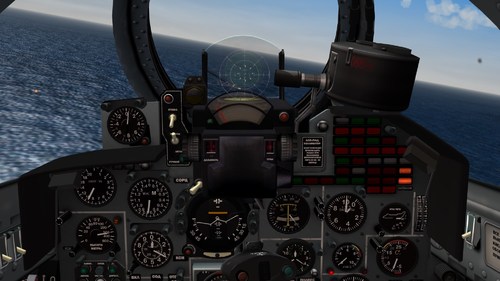 That pit is stunning and an exotic plane to fly for a change, details you made for it deserve stars too!
 -
 Beautiful pit for this old bird from my homeland, thank you so much!
 -
MiG-25 cockpit fixes (actual MiG-25 cockpit by Centurion-1)
Ryder7 reviewed OlWilly's file in Jet Cockpits
 Good job on that!
 -
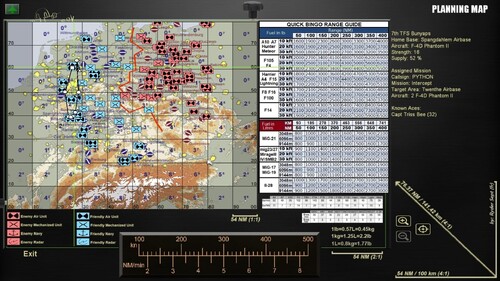
View File 16:9 Menu maps and Bingo charts for SF2 series ******************************************************** PLANNING MAP MOD v2.2 for SF2 series ******************************************************** (Install to the main folder of whatever SF2 version you want. Backup own files first!) What it does: -16/9 ratio for all vanilla maps (no more rectangular maps!)* with a better contrast -every POI, navpoints and so on placed accordingly, with smaller recolored icons so you see exactly where to strike (pretty accurate for static targets like oil, fuel, hangars, com, generators...) -Simplified bingo sheets for most vanilla planes (SEE Usage and "Concrete example" in sections below) -ruler to convert speed to distance -distance scales on each zoom level -actual military map icons for units, smaller for ease to read their positions You can scroll the less zoomed map (1:1) up or down with your mouse to show/hide some details. While the display area of 2:1 and 4:1 maps are wider, you can only drag/interact on the same area as previously. That "interactive"zone is figured by the two fake "setting wheels" on the picture so you can visualize it (as a square shaped area How to use: I. KNOW THE DISTANCE 1. After you chose your plane, well, go to planning map screen. 2. Point the TARGET waypoint with your mouse to see how many minutes is the full ingress leg from homeplate. 3. Do the same to your ingress route waypoints so you know the average cruise speed. (Note the altitude, too) 4. Now on the bottom ruler, see how many Nautical Miles per minutes corresponds to said speed above. 5. Multiply this value to the number of minutes to TARGET. 6. The result is the estimated range in NM from homeplate to target. II. QUICK BINGO ESTIMATION 1. Look the board and simply find the estimated range (ONE leg, egress or ingress) and altitude in last steps for your aircraft. 2. Be advised, some planes are given their bingo values in METRIC values (liters, but in case your addon pit is in Kg a conversion table is included) 3. WATCH your gauges while you're engaged around the target area since there is no Joker/Bingo alarm in your pit. 4. Given values should provide you enough** for egress route in normal conditions as planned in the briefing, plus a safety margin amount to simulate the need for a divert,a go around, or a missed approach. III. TOTAL MISSION FUEL ESTIMATION -v2 is now including raw rates per min / per NM on each aircraft. Took the highest values only to have rounded up values, but keep in mind these are measurements on aircrafts with no external loadout. Also, takeoffs are fuel hungry. A good figure to estimate the TOTAL mission fuel would be to multiply rates by 1.3 (to estimate additional drag factors) by one leg distance in NM plus the Bingo value , the exception being the F-14s: their consumption rates already reflects a heavy AA loadout with a high cruise speed. Did that because this very plane gave me troubles with the bingo calculation method employed (see below for details), but here is a: IV. CONCRETE EXAMPLE - Say we have a pair of F-100As, tasked for a strike near Haiphong, Vietnam. Homeplate is Chu Lai. TOT is 34min after TO. Planned cruise is 360knots. - On the ruler, 360knots is 6 NM/min; 6x34min = 204 NM (distance from homeplate to target) - according to the tables, our bingo for a F-100 would be 3000 lbs for a 200NM leg at low altitudes, push it to 3100 for the few nautical miles above. (In case of doubt, always take the HIGHEST value) - Our proposed loadout includes 4880 lbs of internal fuel, plus 3990 lbs with drop tanks. We will consider, based on weapondata.ini, that for most FTs about 90% of their weight is actual fuel. - So our estimed max fuel loadout would be: 4880+ (0.9 x 3990)=8471 lbs - First empiric method: take that total, minus 2x bingo: 8471 - 6200 = 2271 lbs estimated fuel for playtime, at a rate of 59 lbs/min(x1.3): that would be about 29.5 minutes. You don't need that much time for a strike. Say, 10 minutes with a margin, since we only want to do a single pass, thats 2271/3=757, make it 800 lbs. So with this method 7000 lbs should be more than enough. Let's say 75% of internal fuel, plus the DTs: 3660+ (0.9x3990)= 7251 lbs. That gives us a Joker of: (Bingo+ (7251-7000)): 3100+251=3351 lbs. So Joker here is 3351 lbs and Bingo is 3100 - Second method: rate per NM x 1.3(drag factor) x one leg distance: 8x1.3x204 = 2122 lbs a leg. Add Bingo: 5222 lbs, plus our playtime: 10min x rate per min x 1.3 = 10x59x1.3 = 767 lbs, plus a full AB full loaded take off of 1000 lbs (generic value, some planes take more, some less, but let's round up). Thats 5222+767+1000 = 6989 lbs estimated total mission fuel, including 3100 bingo. Both methods have pretty much same values. In both cases, I would take 7251 lbs of fuel loadout with me since we can vary the internal payload by 25% increments. That would improve slightly the performance of my F-100 with less total weight (28410 lbs instead of 29600lbs), but more importantly, whatever happens there around the target area, I know I for sure that I must leave it as soon as I'm reading near 3100 lbs remaining fuel on my gauge since it's Bingo. Better do that with the Joker value though, that would give us a bit of room if we need to perform a few evasive actions against SAMs or MiGs... You got the picture now! IN GAME TEST: Following the planned cruise and altitude, i'm on time on target with 3825 lbs remaining the moment my wingman and I drop the bombs. Target hit, we have no reasons to stay there any longer. We leave the area, only dodging a few AAAs but no SAMs nor MiGs (we caught them their pants down it seems!). We are RTB with no more troubles, Zebra 1-2 landing with 1454 lbs remaining in their plane, and as for myself, 1406 lbs still aboard. If we would have left with Bingo instead of 3825, that would have been 1406-725 lbs: 681 lbs, aka 8-9 minutes of room if I had to do an other approach. But with that buffer I actually have, that's an other 10 minutes or so, or seconds with full afterburner in case of emergency. So we have quite the margin, despite not cruising at higher altitudes after our egress point. Also maybe next time I won't forget to jettison my empty tanks instead of dragging them all the way back home for glory. So yeah, human factor is to be considered, too, as an additional safety margin lol. But we can see here that the method proved itself pretty well with AI too, provided I had to send him RTB before he starts to think about running guns at each and every AAA piece around the place. As a side note, we can measure the real fuel taken for our return leg: 3825-1406=2419 lbs, chosen bingo being 3100, so our calculations weren't that bad. While Bingo is ok, we notice that our range consumption estimation of 2122 lbs is short of nearly 300 lbs from what our plane actually eat for that leg. That's the sum of all them small inaccuracies and estimations in our calculations, weather changes, pilot's clumsiness... but that's why we round up above and take margins. /!\ Both take off fuel, and drag coefficient are to be changed according to your results: I suggest you to measure your take off consumption from ready for departure to your planned altitude and cruise speed. Also if you find your estimations a bit short, try a drag factor up to 1.45 and see how it plays for you. Also, we are not looking for pinpoint accuracy; but for a safe and quick way to measure a practical "bingo". As for myself, I have a small whiteboard with a pair of Veledas where I write down important details like TOT, RDV with package, said bingo, scheduled... A simplified flight plan of some sort that fits SF well enough, and that I can erase and repeat easily on each mission without the need to print or to use an app. I'm using this for Silent hunter games, too, and my smartphone calculator. Cheap logistics for my aging lazy brain that works fine... ///////////////////////////////////////////////////////////////////////DETAILS////////////////////////////////////////////////////////////////////////////////////////////////// *To add custom maps, find their 3planning map picture files and stretch them 3 respectively with a picture editor (MSPaint does it well) to: 512x640; 1024x1280; 2048x2560. Or else not only they will be stretched but every POI would be displayed offset! **Each provided values corresponds to measurements made at 3 conditions: 420TAS @10kft, .8 Mach @20kft, .8 Mach @30kft (except for slower lanes like A10 or Meteor: same altitudes but 300TAS) -I chose this method since this is the one used by Rocket Mission Work's Fuel Planning Guide for DCS, so I could easily convert the Strike Fighters 2 rates I 've timed with a sample mission, ideal conditions, no loadouts, for each planes. I took the values from Debug mode fuel quantity and made several per minute timings while at said cruise speed. -Did 66 flights for measures in total,3 per 22 planes, not counting the duds I had to do again... -Then for each one I did Strike/recon missions with maximum loadout to see if these values are safe. Most of them allows for a safe return with 8 to 20% margin even with the bare Bingo without additional Joker or buffer, even without dropping ordnance, and while remaining at low altitudes where the plane has a poor fuel efficiency. So provided you don't have too much emergencies such as evading manoeuvers full AB while egressing, and/or interceptors on your tail. (And If you are new to flight sims, try to be consistent with your speed/throotle to manage your fuel efficiently, and your timings too, such as RDVs with packages, strike time and so on!:) a) Rocket's tables add a coefficient for planes with a loadout, for downgraded performances because of drag/weight increase. b) To simplify for Strike Fighters 2, I used 50NM as a generic value for a divert airbase, and lowered the fuel required for taxi since we can't start at the parking in this game. Values are what they are, somewhat realistic or not per planes, but the important part here is that we have a consistency with the values IN GAME not IRL so we still can manage the fuel for gameplay sake and a bit of immersion. Well this took me some time to do, but it was great fun to be back to SF2 like the good ol' days. Hope you find this little mod useful and that I did the maths correct lol Fly safe and happy huntings @all! -- Ryder Sept (fr) PS: thanks to Rocketman for his tool, here is the link for this: https://www.digitalcombatsimulator.com/en/files/3333906/ And their YT channel: https://www.youtube.com/@RocketMissionWorks Unfortunately I wasn't able to join him, so I won't provide SF2 modified sheets without his permission, but here's the link above to the original so you can try and mess around with your own/modded planes and all. Submitter Ryder7 Submitted 05/23/2026 Category Utilities / Editors
-
Version 2.2.2
42 downloads
******************************************************** PLANNING MAP MOD v2.2 for SF2 series ******************************************************** (Install to the main folder of whatever SF2 version you want. Backup own files first!) What it does: -16/9 ratio for all vanilla maps (no more rectangular maps!)* with a better contrast -every POI, navpoints and so on placed accordingly, with smaller recolored icons so you see exactly where to strike (pretty accurate for static targets like oil, fuel, hangars, com, generators...) -Simplified bingo sheets for most vanilla planes (SEE Usage and "Concrete example" in sections below) -ruler to convert speed to distance -distance scales on each zoom level -actual military map icons for units, smaller for ease to read their positions You can scroll the less zoomed map (1:1) up or down with your mouse to show/hide some details. While the display area of 2:1 and 4:1 maps are wider, you can only drag/interact on the same area as previously. That "interactive"zone is figured by the two fake "setting wheels" on the picture so you can visualize it (as a square shaped area How to use: I. KNOW THE DISTANCE 1. After you chose your plane, well, go to planning map screen. 2. Point the TARGET waypoint with your mouse to see how many minutes is the full ingress leg from homeplate. 3. Do the same to your ingress route waypoints so you know the average cruise speed. (Note the altitude, too) 4. Now on the bottom ruler, see how many Nautical Miles per minutes corresponds to said speed above. 5. Multiply this value to the number of minutes to TARGET. 6. The result is the estimated range in NM from homeplate to target. II. QUICK BINGO ESTIMATION 1. Look the board and simply find the estimated range (ONE leg, egress or ingress) and altitude in last steps for your aircraft. 2. Be advised, some planes are given their bingo values in METRIC values (liters, but in case your addon pit is in Kg a conversion table is included) 3. WATCH your gauges while you're engaged around the target area since there is no Joker/Bingo alarm in your pit. 4. Given values should provide you enough** for egress route in normal conditions as planned in the briefing, plus a safety margin amount to simulate the need for a divert,a go around, or a missed approach. III. TOTAL MISSION FUEL ESTIMATION -v2 is now including raw rates per min / per NM on each aircraft. Took the highest values only to have rounded up values, but keep in mind these are measurements on aircrafts with no external loadout. Also, takeoffs are fuel hungry. A good figure to estimate the TOTAL mission fuel would be to multiply rates by 1.3 (to estimate additional drag factors) by one leg distance in NM plus the Bingo value , the exception being the F-14s: their consumption rates already reflects a heavy AA loadout with a high cruise speed. Did that because this very plane gave me troubles with the bingo calculation method employed (see below for details), but here is a: IV. CONCRETE EXAMPLE - Say we have a pair of F-100As, tasked for a strike near Haiphong, Vietnam. Homeplate is Chu Lai. TOT is 34min after TO. Planned cruise is 360knots. - On the ruler, 360knots is 6 NM/min; 6x34min = 204 NM (distance from homeplate to target) - according to the tables, our bingo for a F-100 would be 3000 lbs for a 200NM leg at low altitudes, push it to 3100 for the few nautical miles above. (In case of doubt, always take the HIGHEST value) - Our proposed loadout includes 4880 lbs of internal fuel, plus 3990 lbs with drop tanks. We will consider, based on weapondata.ini, that for most FTs about 90% of their weight is actual fuel. - So our estimed max fuel loadout would be: 4880+ (0.9 x 3990)=8471 lbs - First empiric method: take that total, minus 2x bingo: 8471 - 6200 = 2271 lbs estimated fuel for playtime, at a rate of 59 lbs/min(x1.3): that would be about 29.5 minutes. You don't need that much time for a strike. Say, 10 minutes with a margin, since we only want to do a single pass, thats 2271/3=757, make it 800 lbs. So with this method 7000 lbs should be more than enough. Let's say 75% of internal fuel, plus the DTs: 3660+ (0.9x3990)= 7251 lbs. That gives us a Joker of: (Bingo+ (7251-7000)): 3100+251=3351 lbs. So Joker here is 3351 lbs and Bingo is 3100 - Second method: rate per NM x 1.3(drag factor) x one leg distance: 8x1.3x204 = 2122 lbs a leg. Add Bingo: 5222 lbs, plus our playtime: 10min x rate per min x 1.3 = 10x59x1.3 = 767 lbs, plus a full AB full loaded take off of 1000 lbs (generic value, some planes take more, some less, but let's round up). Thats 5222+767+1000 = 6989 lbs estimated total mission fuel, including 3100 bingo. Both methods have pretty much same values. In both cases, I would take 7251 lbs of fuel loadout with me since we can vary the internal payload by 25% increments. That would improve slightly the performance of my F-100 with less total weight (28410 lbs instead of 29600lbs), but more importantly, whatever happens there around the target area, I know I for sure that I must leave it as soon as I'm reading near 3100 lbs remaining fuel on my gauge since it's Bingo. Better do that with the Joker value though, that would give us a bit of room if we need to perform a few evasive actions against SAMs or MiGs... You got the picture now! IN GAME TEST: Following the planned cruise and altitude, i'm on time on target with 3825 lbs remaining the moment my wingman and I drop the bombs. Target hit, we have no reasons to stay there any longer. We leave the area, only dodging a few AAAs but no SAMs nor MiGs (we caught them their pants down it seems!). We are RTB with no more troubles, Zebra 1-2 landing with 1454 lbs remaining in their plane, and as for myself, 1406 lbs still aboard. If we would have left with Bingo instead of 3825, that would have been 1406-725 lbs: 681 lbs, aka 8-9 minutes of room if I had to do an other approach. But with that buffer I actually have, that's an other 10 minutes or so, or seconds with full afterburner in case of emergency. So we have quite the margin, despite not cruising at higher altitudes after our egress point. Also maybe next time I won't forget to jettison my empty tanks instead of dragging them all the way back home for glory. So yeah, human factor is to be considered, too, as an additional safety margin lol. But we can see here that the method proved itself pretty well with AI too, provided I had to send him RTB before he starts to think about running guns at each and every AAA piece around the place. As a side note, we can measure the real fuel taken for our return leg: 3825-1406=2419 lbs, chosen bingo being 3100, so our calculations weren't that bad. While Bingo is ok, we notice that our range consumption estimation of 2122 lbs is short of nearly 300 lbs from what our plane actually eat for that leg. That's the sum of all them small inaccuracies and estimations in our calculations, weather changes, pilot's clumsiness... but that's why we round up above and take margins. /!\ Both take off fuel, and drag coefficient are to be changed according to your results: I suggest you to measure your take off consumption from ready for departure to your planned altitude and cruise speed. Also if you find your estimations a bit short, try a drag factor up to 1.45 and see how it plays for you. Also, we are not looking for pinpoint accuracy; but for a safe and quick way to measure a practical "bingo". As for myself, I have a small whiteboard with a pair of Veledas where I write down important details like TOT, RDV with package, said bingo, scheduled... A simplified flight plan of some sort that fits SF well enough, and that I can erase and repeat easily on each mission without the need to print or to use an app. I'm using this for Silent hunter games, too, and my smartphone calculator. Cheap logistics for my aging lazy brain that works fine... ///////////////////////////////////////////////////////////////////////DETAILS////////////////////////////////////////////////////////////////////////////////////////////////// *To add custom maps, find their 3planning map picture files and stretch them 3 respectively with a picture editor (MSPaint does it well) to: 512x640; 1024x1280; 2048x2560. Or else not only they will be stretched but every POI would be displayed offset! **Each provided values corresponds to measurements made at 3 conditions: 420TAS @10kft, .8 Mach @20kft, .8 Mach @30kft (except for slower lanes like A10 or Meteor: same altitudes but 300TAS) -I chose this method since this is the one used by Rocket Mission Work's Fuel Planning Guide for DCS, so I could easily convert the Strike Fighters 2 rates I 've timed with a sample mission, ideal conditions, no loadouts, for each planes. I took the values from Debug mode fuel quantity and made several per minute timings while at said cruise speed. -Did 66 flights for measures in total,3 per 22 planes, not counting the duds I had to do again... -Then for each one I did Strike/recon missions with maximum loadout to see if these values are safe. Most of them allows for a safe return with 8 to 20% margin even with the bare Bingo without additional Joker or buffer, even without dropping ordnance, and while remaining at low altitudes where the plane has a poor fuel efficiency. So provided you don't have too much emergencies such as evading manoeuvers full AB while egressing, and/or interceptors on your tail. (And If you are new to flight sims, try to be consistent with your speed/throotle to manage your fuel efficiently, and your timings too, such as RDVs with packages, strike time and so on!:) a) Rocket's tables add a coefficient for planes with a loadout, for downgraded performances because of drag/weight increase. b) To simplify for Strike Fighters 2, I used 50NM as a generic value for a divert airbase, and lowered the fuel required for taxi since we can't start at the parking in this game. Values are what they are, somewhat realistic or not per planes, but the important part here is that we have a consistency with the values IN GAME not IRL so we still can manage the fuel for gameplay sake and a bit of immersion. Well this took me some time to do, but it was great fun to be back to SF2 like the good ol' days. Hope you find this little mod useful and that I did the maths correct lol Fly safe and happy huntings @all! -- Ryder Sept (fr) PS: thanks to Rocketman for his tool, here is the link for this: https://www.digitalcombatsimulator.com/en/files/3333906/ And their YT channel: https://www.youtube.com/@RocketMissionWorks Unfortunately I wasn't able to join him, so I won't provide SF2 modified sheets without his permission, but here's the link above to the original so you can try and mess around with your own/modded planes and all.- 1 review
-
- 9
-
-

-
A few years ago, I used to play il1946 on it. Sweet memories of joining random squads around the world, and ww2 dogfights were great fun... RIP Hyperlobby and salute to all involved
-
 To be honest I don't know at all since I don't have these 2nd gen game variants. If somebody can compare the same .ini airfield files, we may know then if there are some extra features in the newest ones that you may loose by replacing them with this mod. But I think that by editing and copying the "lights" portion I added may give a good conversion for SFp2 if there are differences. If you give this a try in SFp2, please give your feedback so I can update the description. cheers!
 -
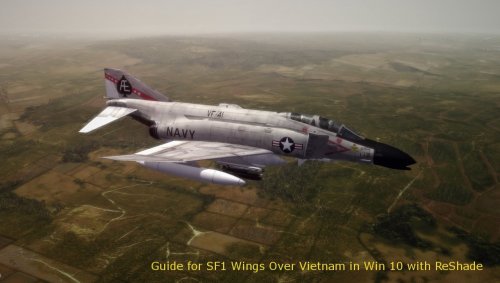 Tried various d3d9.dll + enbseries.ini variants all leading to smooth flying but flickering menus and constant CTD's on mission exit. (Win 10) The add of DDraw.dll as provided in your guide solved every issue I had with my WOE and WOV CD oct 08 installs. Thank you very much Norrin! Also, I advertised your great guide on Checksix french forums.
 -
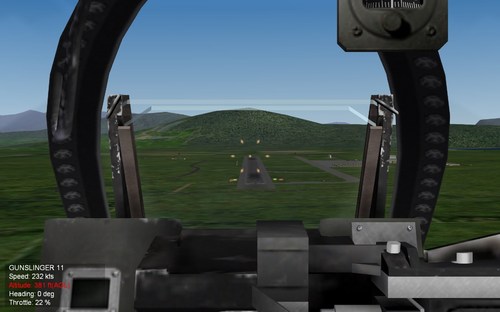
View File Rudimentary VASI for WOV Rudimentary "Visual Approach Slope Indicator" mod by Ryder7 for WoV sfp1. beta version. This mod adds a somewhat "VASI" light system to all WOV runways. I wish I could rotate the lights verticaly so I might have been able to duplicate a proper VASI and/or PAPI light systems, meaning that some lights would only show up above glide slope whereas others would only show up below glide slope, but since I could only rotate lights horizontally, I had to try something less realistic, but somewhat working and very simple in fact: In my system, you have two sets of lights, yellow ones are close to your estimated landing point, whereas red ones are located 400 meters before and 20.96 metres higher, so they look perfectly on line when you look at them from a 3 degres slope angle... Well, if my trigonometry is not wrong, school was a long time ago I'm affraid. ///////////////////////////////////////////////////////////////////////////////// Plane * Red light o Yellow light Runway _____________________________________________ ///////////////////////////////////////////////////////////////////////////////// If above glide slope, you 'll see yellow lights above red ones: °° °° ** ** If below glide slope, you 'll see yellow lights below red ones: ** ** °° °° If ON a 3degres glide slope, you 'll see the lights on line : **° °** ///////////////////////////////////////////////////////////////////////////////// Additionally, I put two sets of each lights, one left, one right on both runway headings, which provides you both alignment and glide slope visuals for low visibility situations, making it some sort of rudimentary not super accurate but better than nothing alternative for no ILS system in those games. // Limitations: -On night landing, those lights may look blurry and somewhat mixed with already existing runway lights at certain distances. -The closer you come to the runway, the less accurate this system becomes so you'll have to rely on your training for those last feet/meters before touchdown. This actually looks a bit like a real ILS antenna thing BTW. -On some cockpits and/or some aircrafts it may be difficult to see the lights while maintaining proper AOA/attitude/descent rate. (internal views only) -Also, depending on your display settigns, you may want to zoom the cockpit POV at its max level (F3 or F4 keys) in order to see those lights, but this makes it more difficult to watch your instruments in the same time. Well, this is not perfect, but I hope you'll give this mod a try and have as much fun landing with it than I got from making and testing it. I wish again it was possible to rotate vertically those runway lights, and also I wasn't able to add light to the carrier, it would have been fun to add some sort of "meatball-OLS" for carrier ops. Hopefully, more talented modders than I may come with solutions. Personal notes and thanks: This was my first mod ever published for those games whereas i spent so much time playing and messing with mods years ago. I moved for Falcon BMS that is incredible, but having less spare time for flight sims and homepits, I found back my WOV copy for quick and dirty gameplay with the cheapest joystick, and found myself having just as much fun with it as I did before. I just love those Thirdwire early jets and cold war era atmosphere, and one can learn basics, or come back to these games and try to play with more "realistic" procedures. Well, thanks to thirdwire, CombatAce, and the whole community for years of fun, hope my humble contribution will add to the pack. Cheers, Ryder7 from France. P.S.: Feel free to upgrade this mod at will, just give credits and no commercial use please. :) Edit: Forgot to add proper installation instructions: 1.backup your Airfields.ini. 2.Drop the content of the zip onto your ...Wings Over Vietnam/ game directory. 3. That's it. To uninstall, just remove those files and you'll be back with vanilla packed .inis, or replace with your backup ones if already modded. Submitter Ryder7 Submitted 08/11/2022 Category Ini Edits