ace888
-
Posts
1,383 -
Joined
-
Last visited
-
Days Won
13
Content Type
Profiles
Forums
Gallery
Downloads
Store
Everything posted by ace888
-
For me... LODViewer - Extras - Setting - ("check mark" Use CAT Files) - Browse - (C:) - Program Files (x86) - Thirdwire - Strike Fighters 2 - Objects = "BLANKS" As I have stated... no CAT files or anything, just blank.
-
Hello Mue, Just looked through this thread. Thank you very much for your excellent software program. I just use it as a test on the EF-2000, works great on the 3rd party items. I wanted to "reiterate" the comments by Logan4 and FC. I do also agreed that the DLC and the Expansion Pack will cause the user not being able to see the locked .LODS on the Third Wire planes, or post 2010 patch (maybe 2012 as indicated by Wrench?). I am unable to see any stock .LODS, currently patched up to July 2012 fully merged SF2V,I,E,NA and 2 DLC aircraft; zero expansion pack installed. I just see a complete blank on your LODviewer on stock aircraft .LOD. But my assumption could be wrong and possibly just user error? As you indicated, you are working on the Expansion Pack and SF2NA, please add DLC to your list if possible. Again, thank you very much for your work.
-
Thanks Carlo, I do have this website bookmark, but I have not seen this section of the website? If you look at the previous screen shots, I do have the decals and stencils done already. I will look to see if I can make the changes for the better.
-
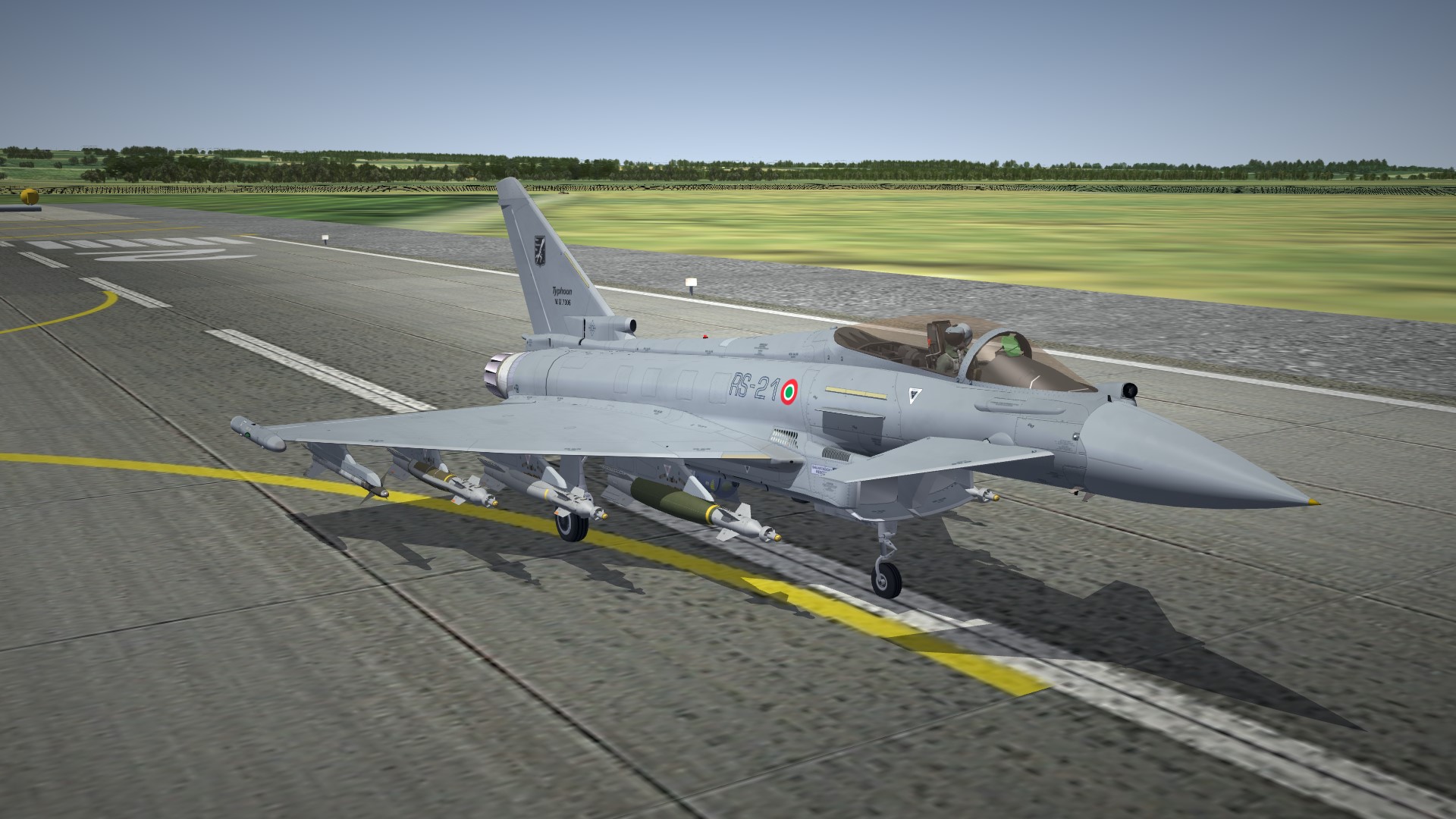
Trying to do a good job on the project. Slow project is usually due to work and family... You have to just keep a balance between what is "important and a priority" and your own hubbies. Only have the Luftwaffe to "rework" You are correct Dave, two weeks
-
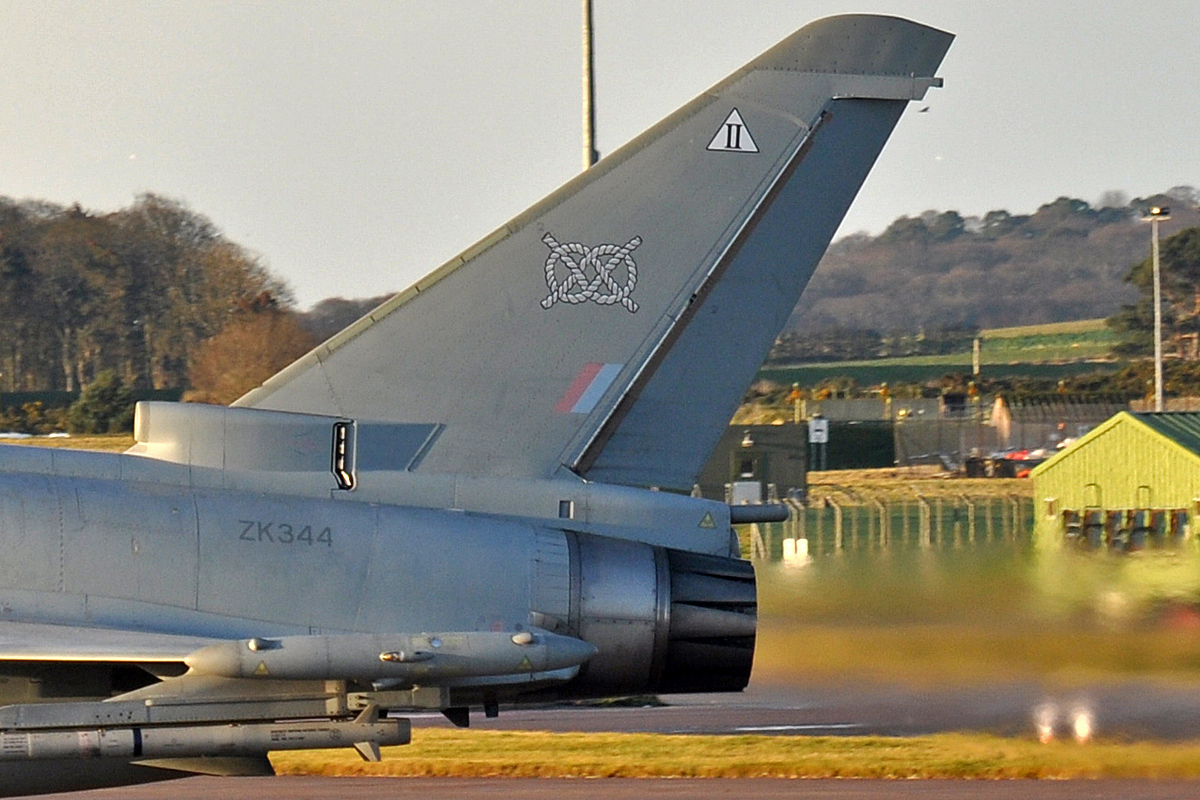
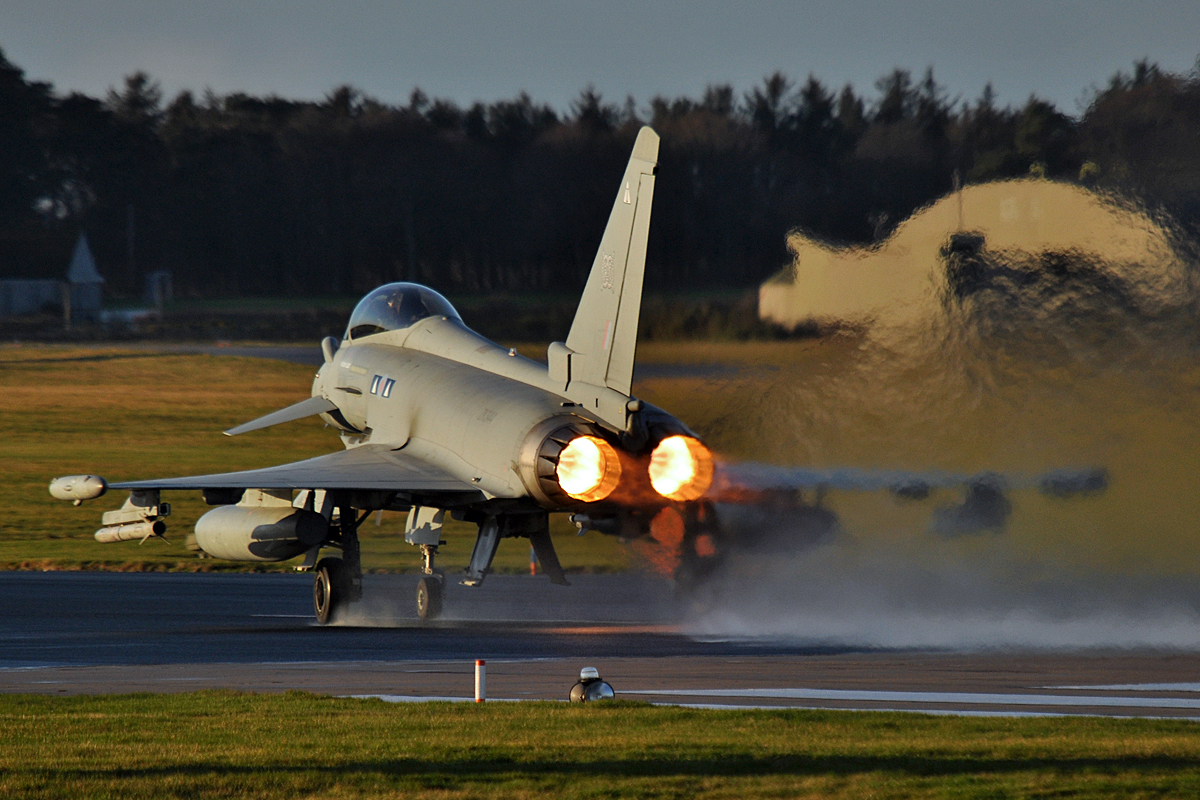
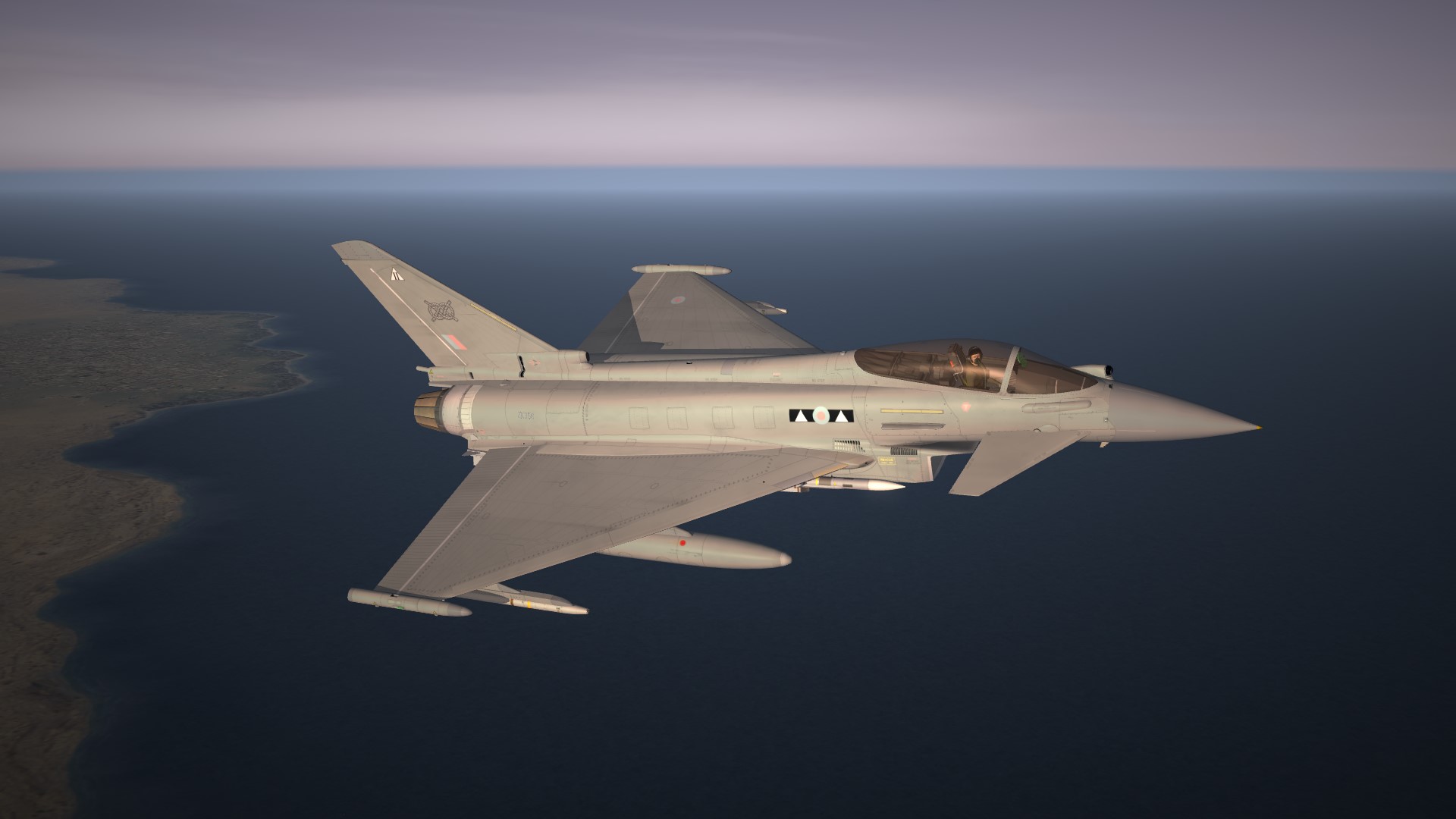
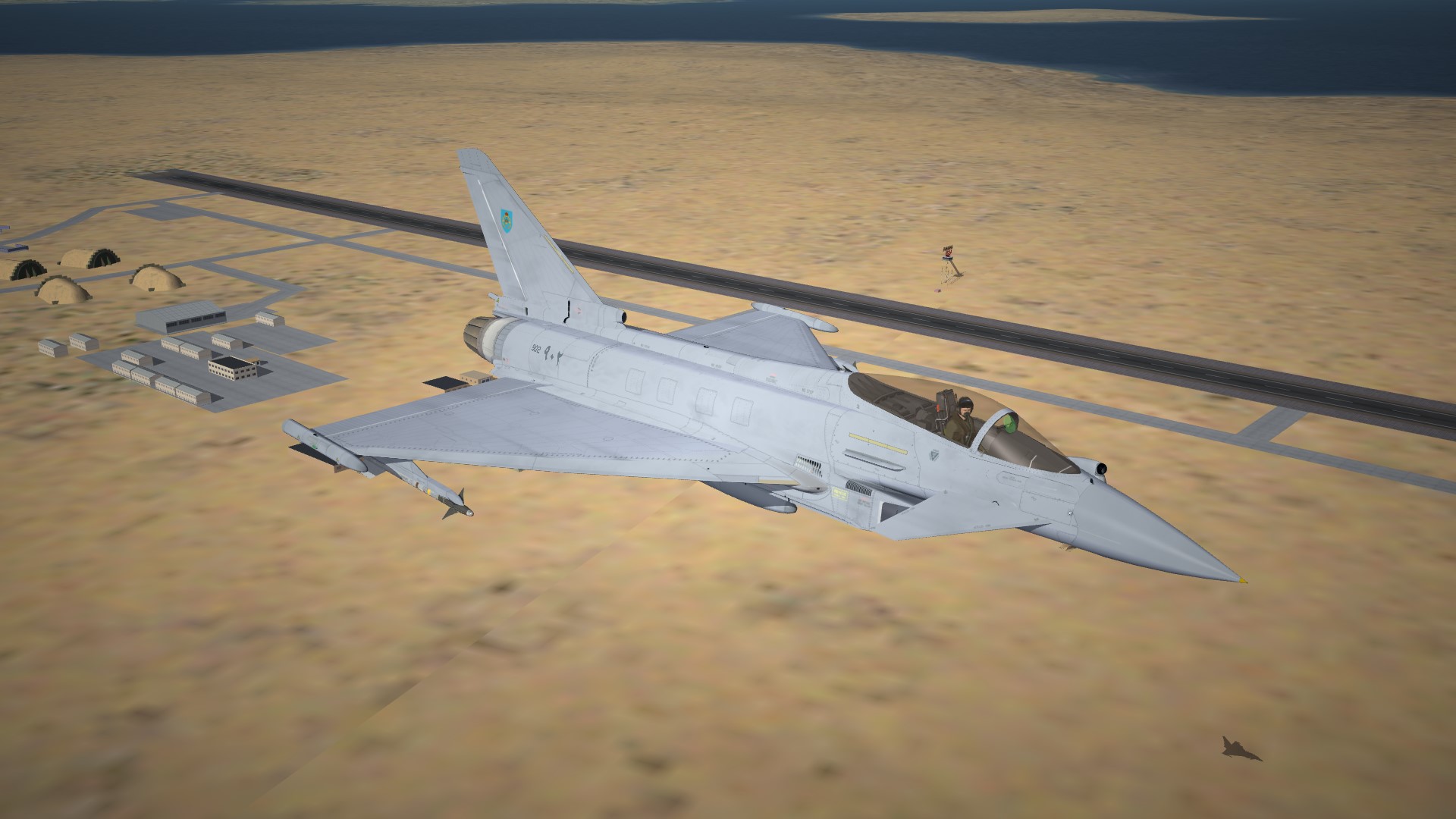
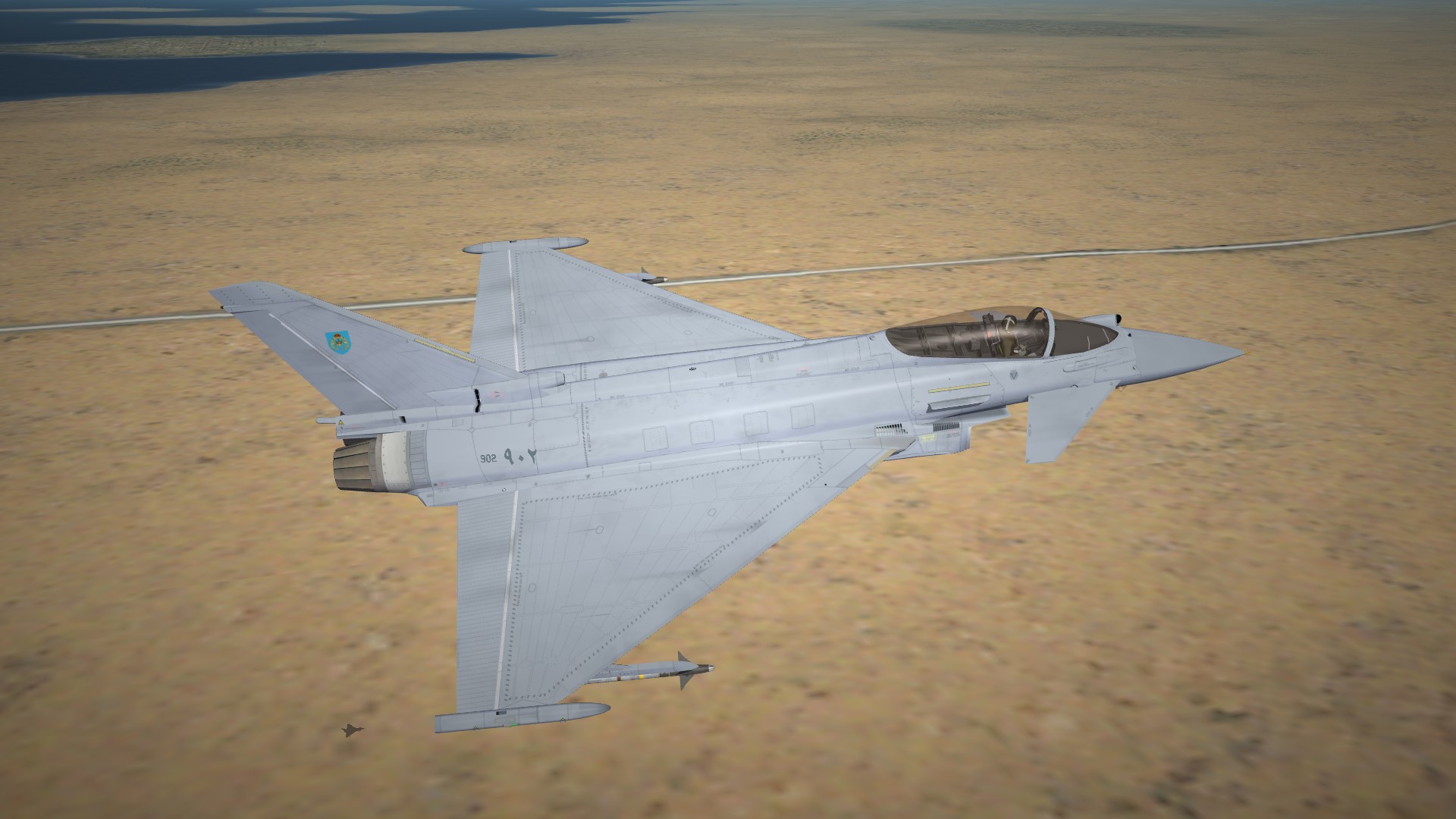
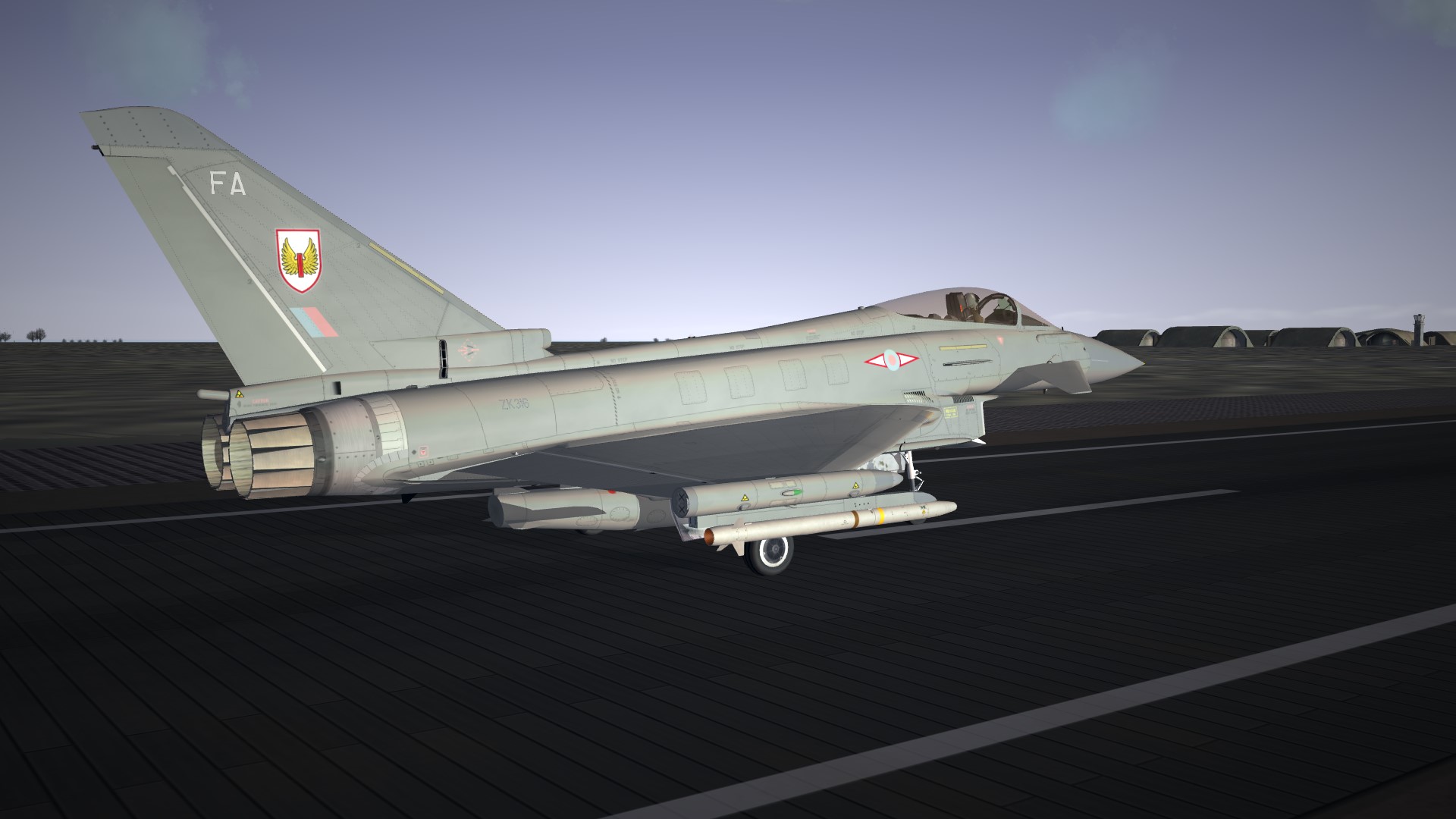
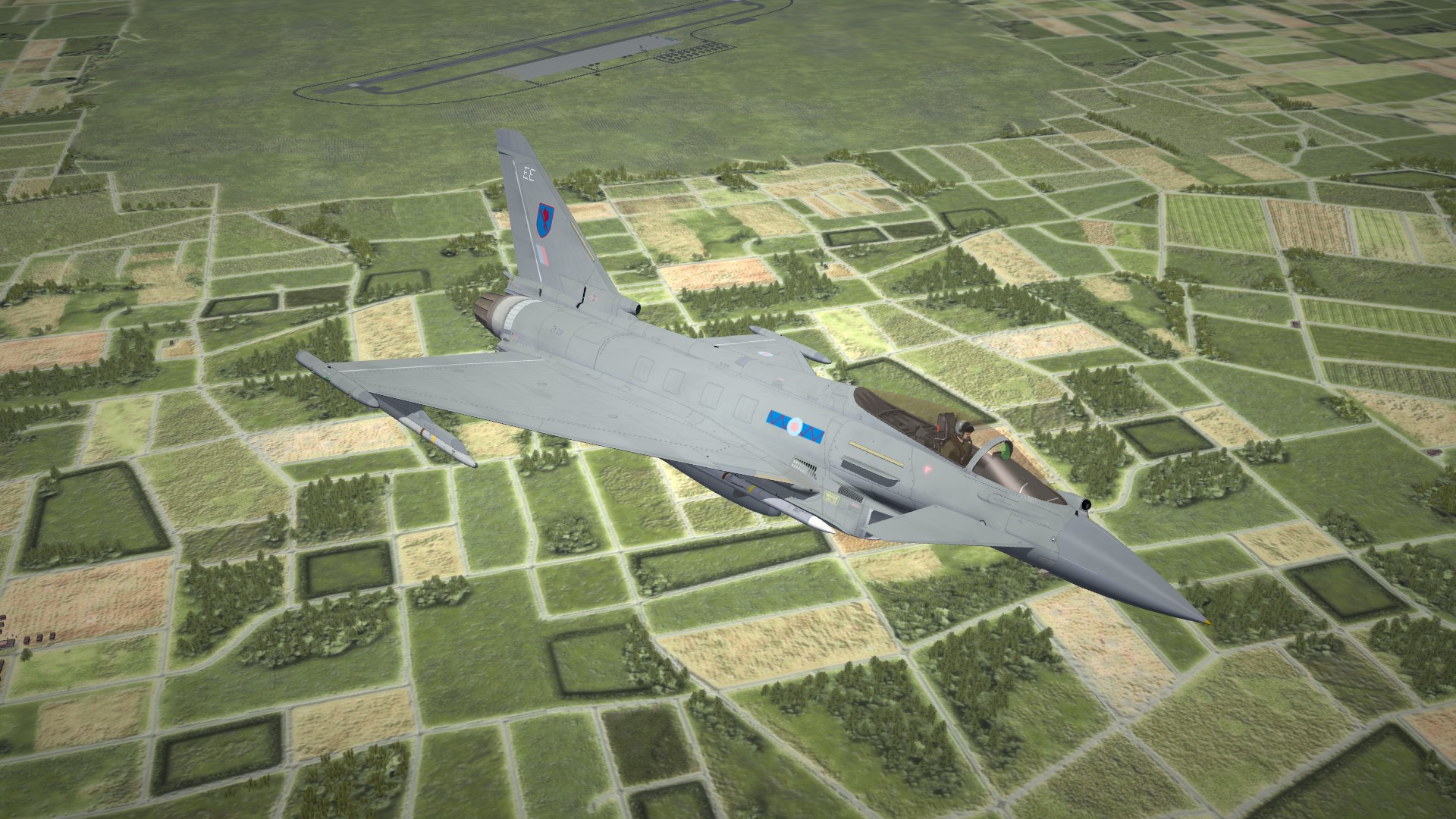
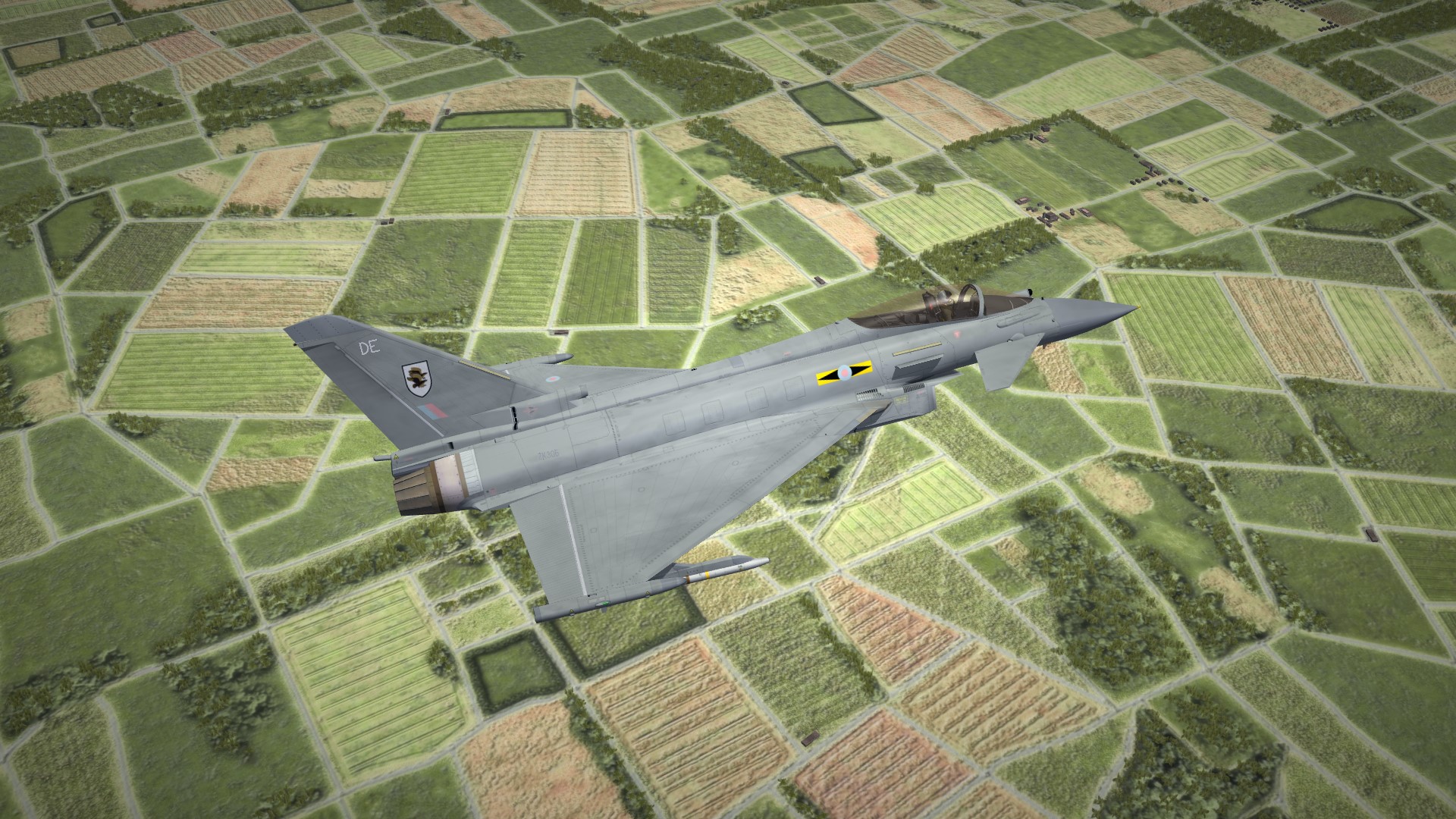
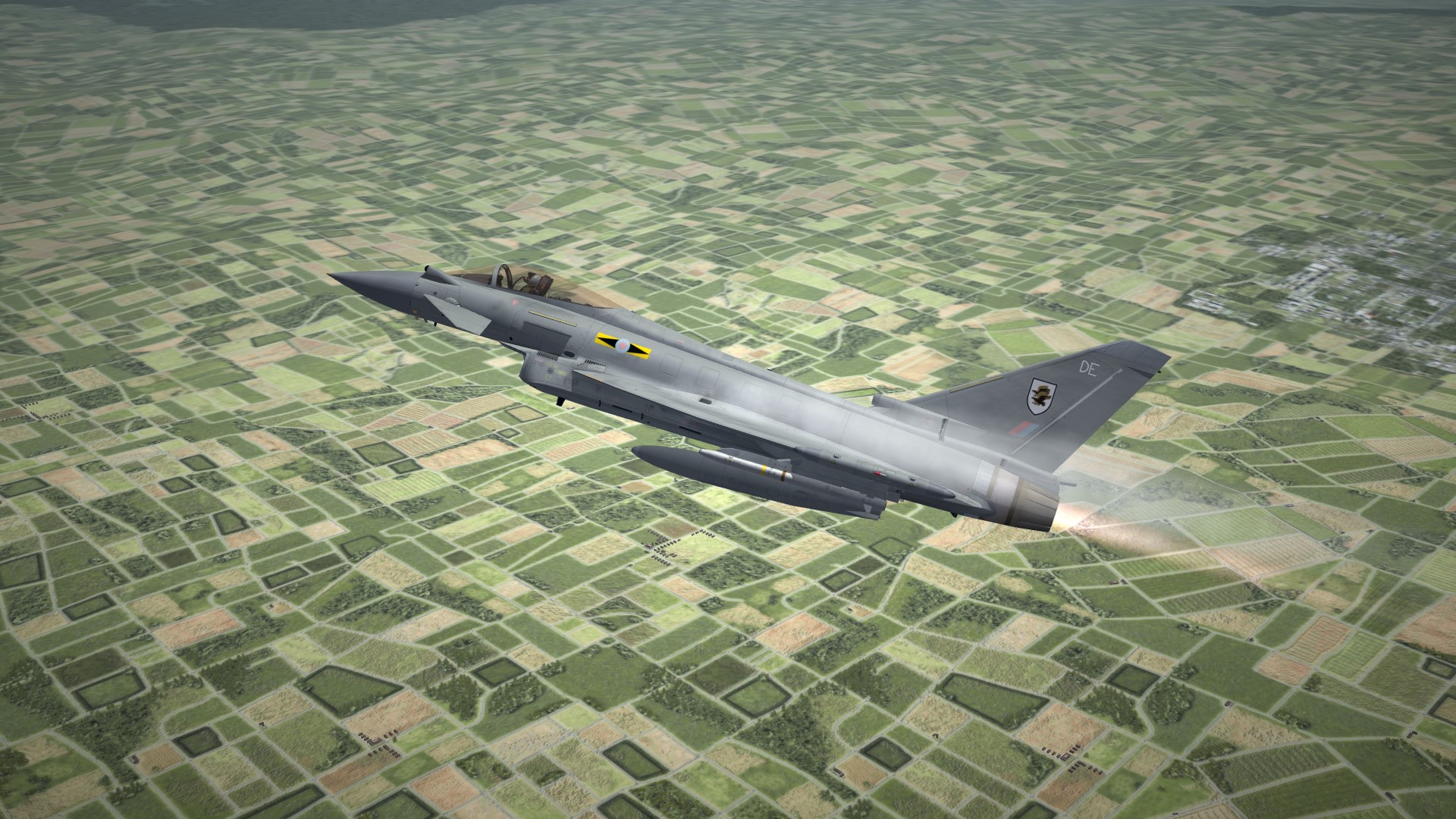
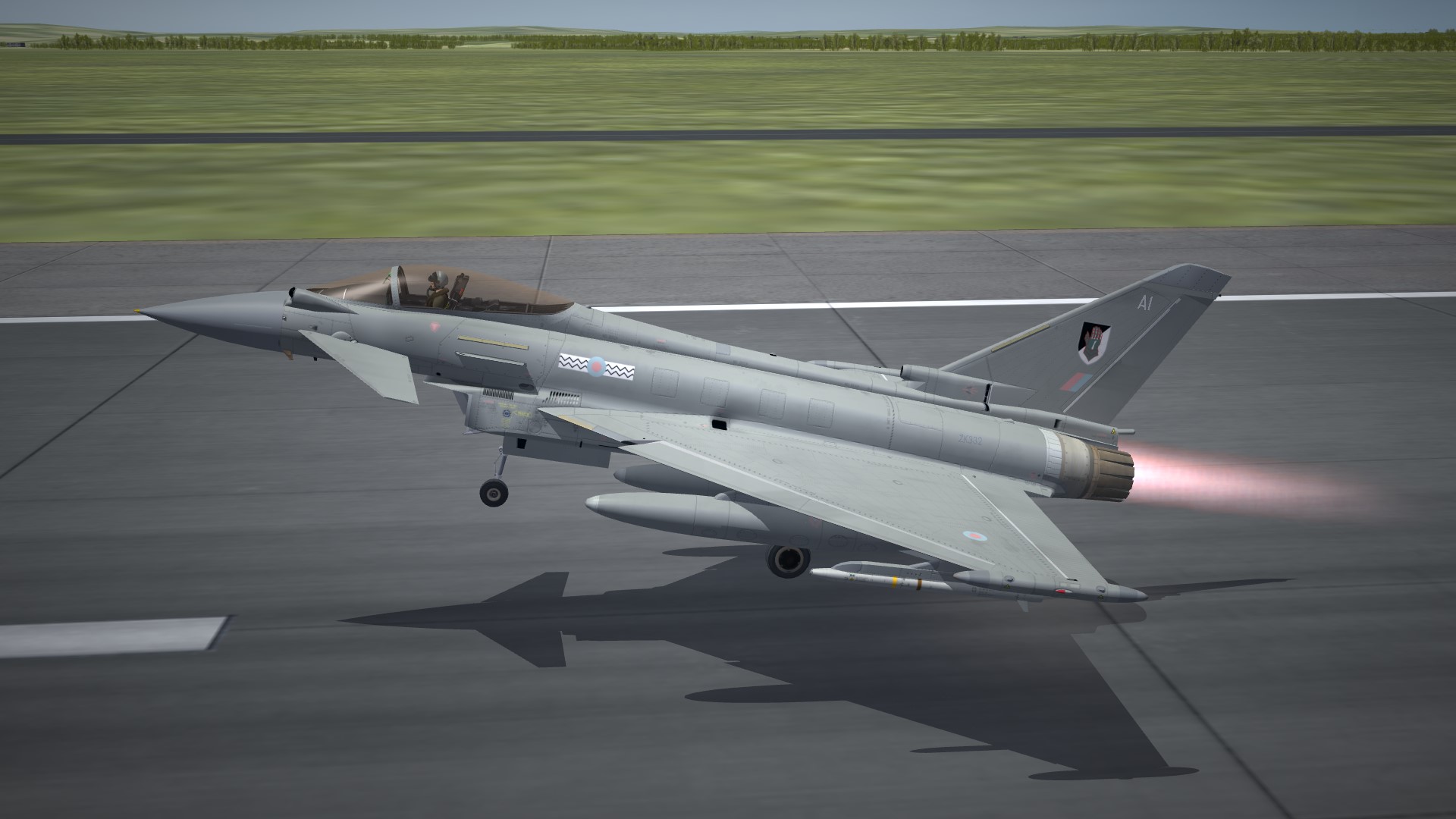
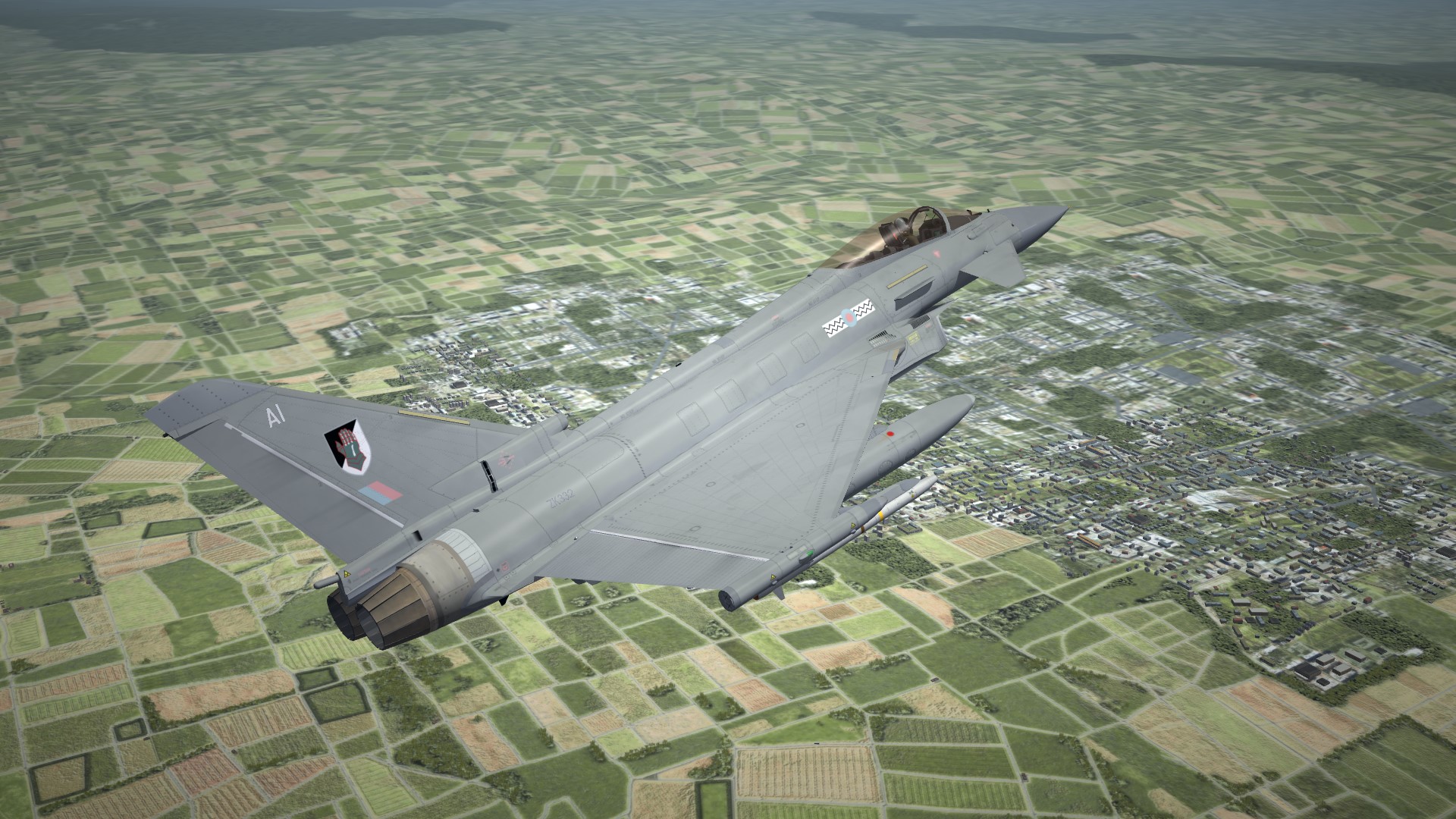
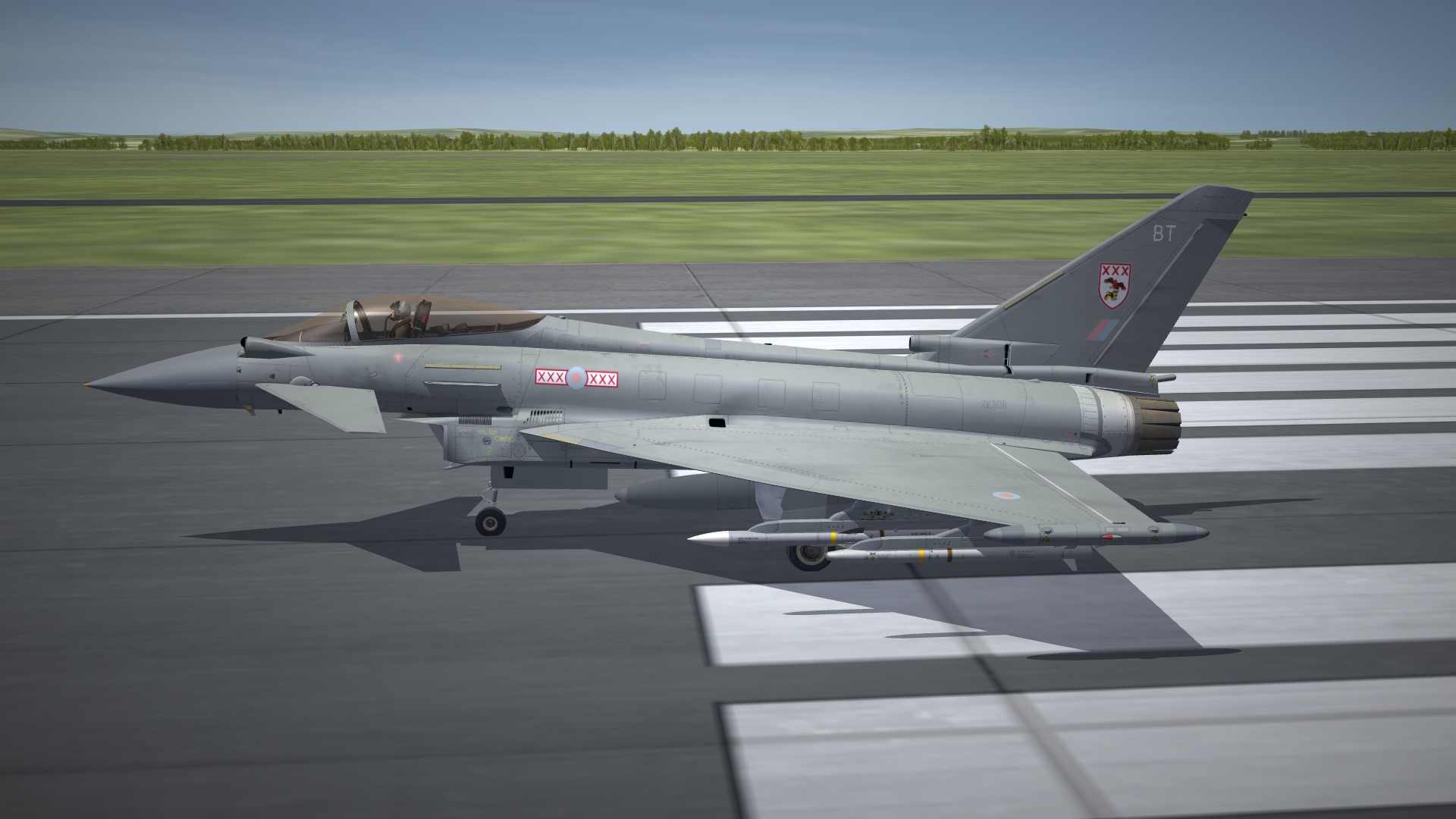
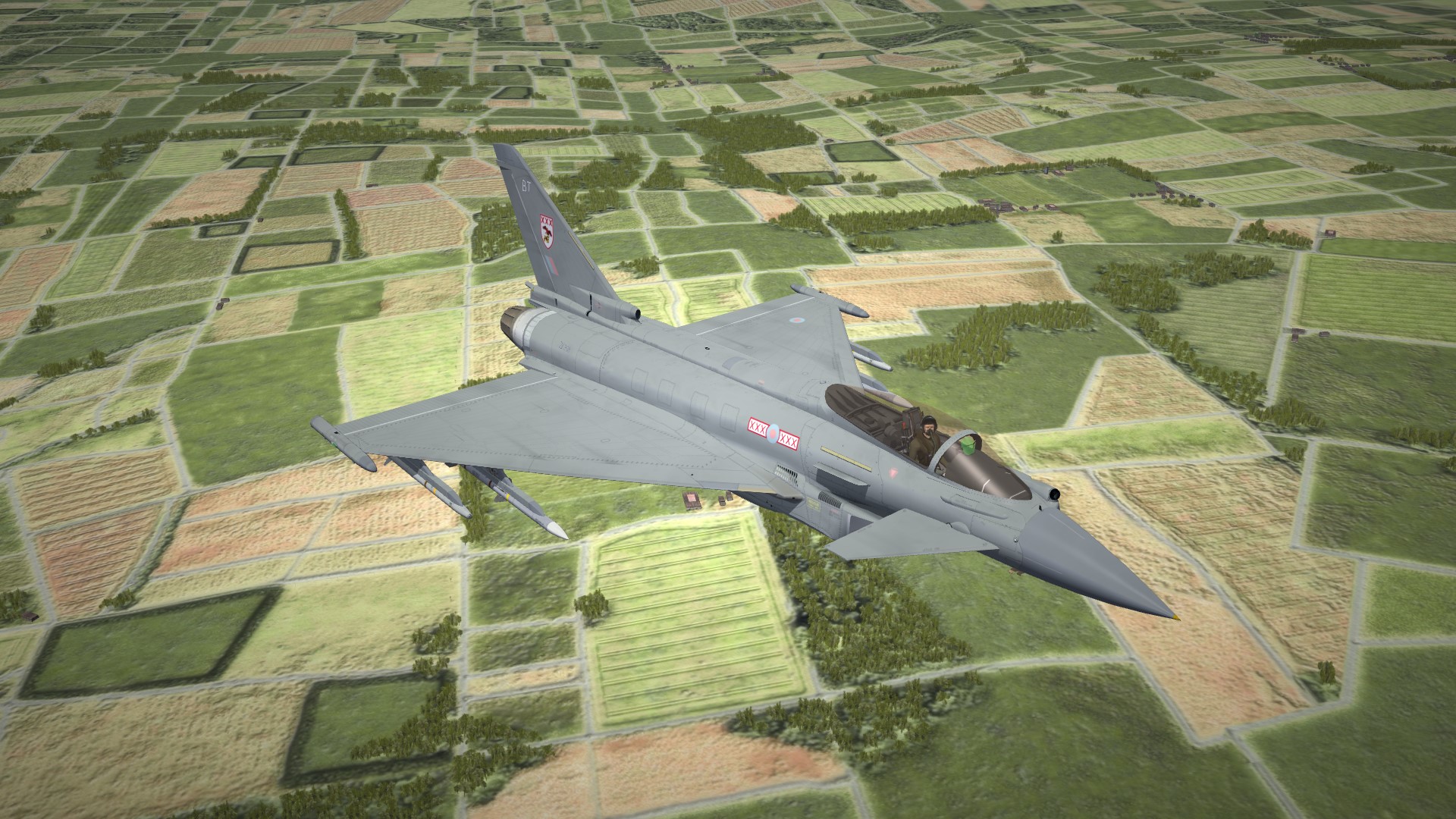
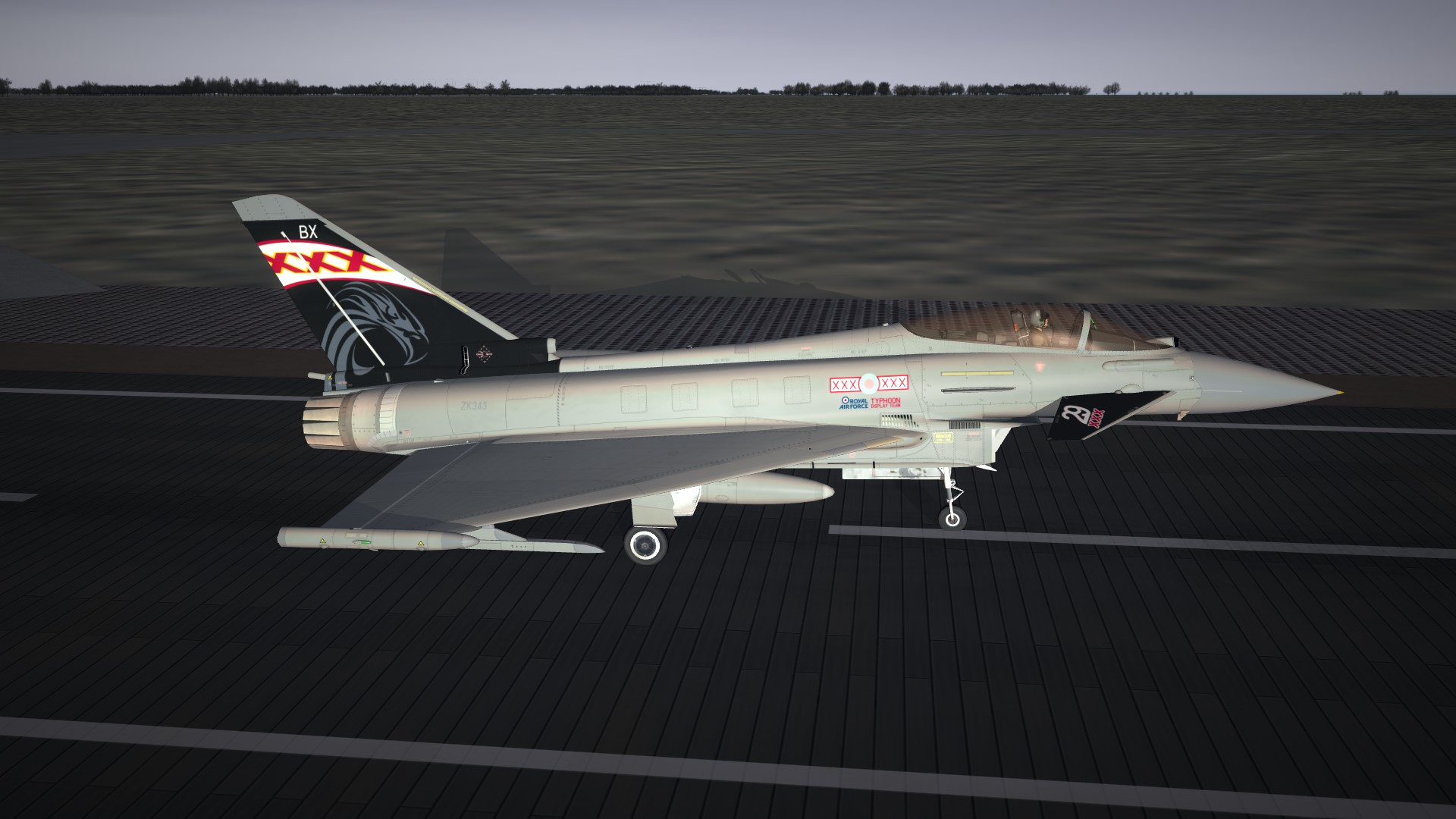
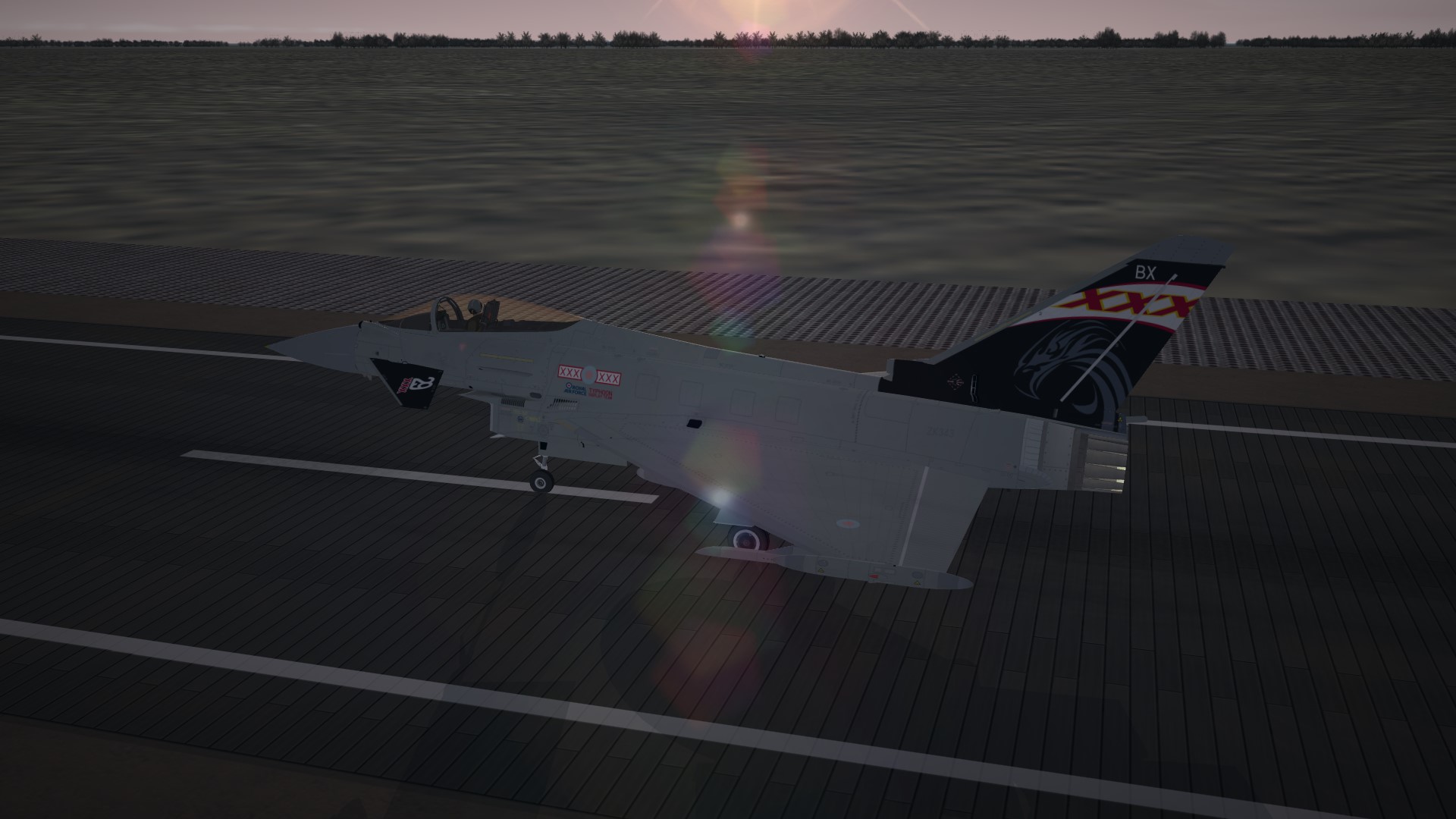
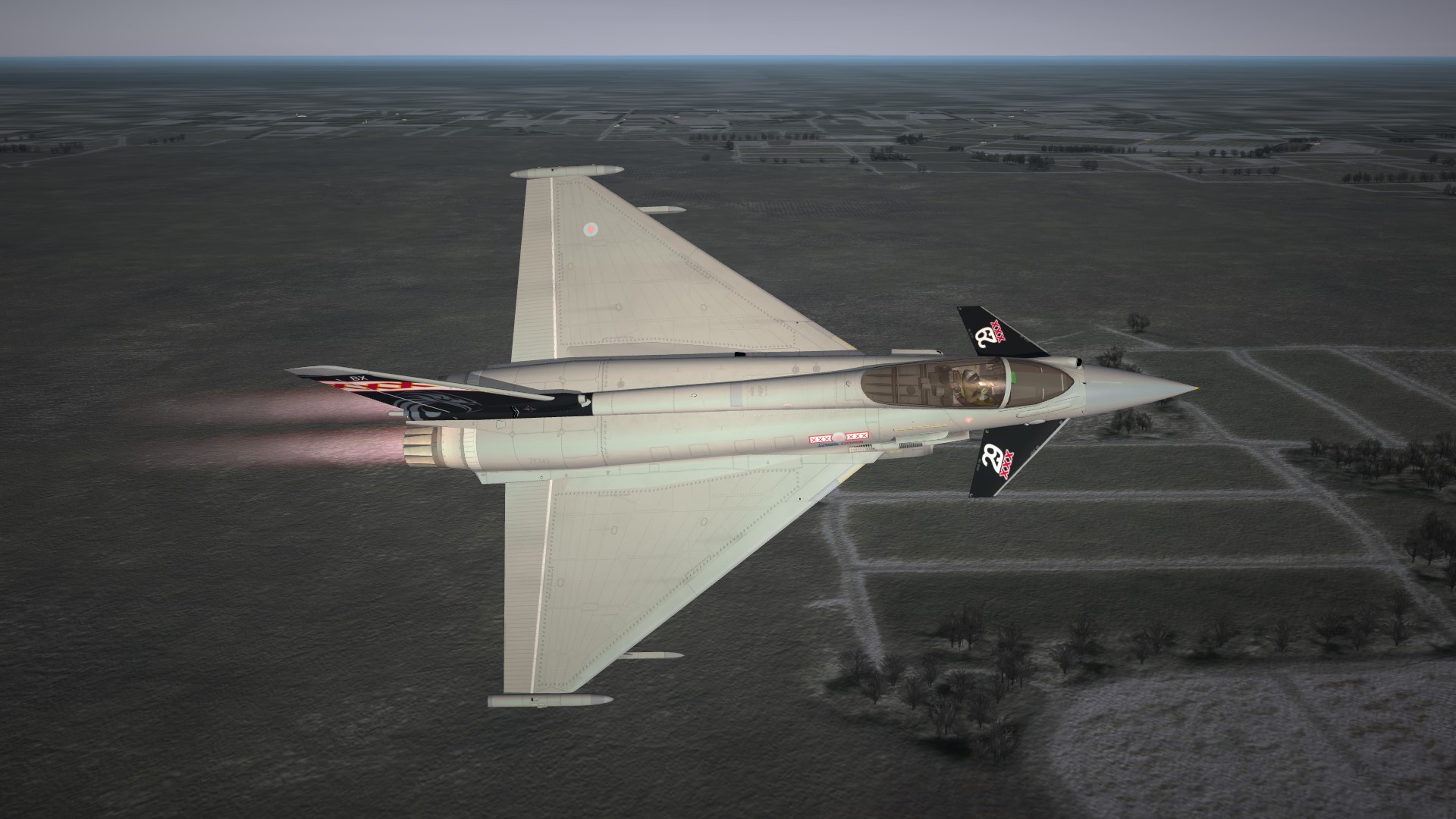
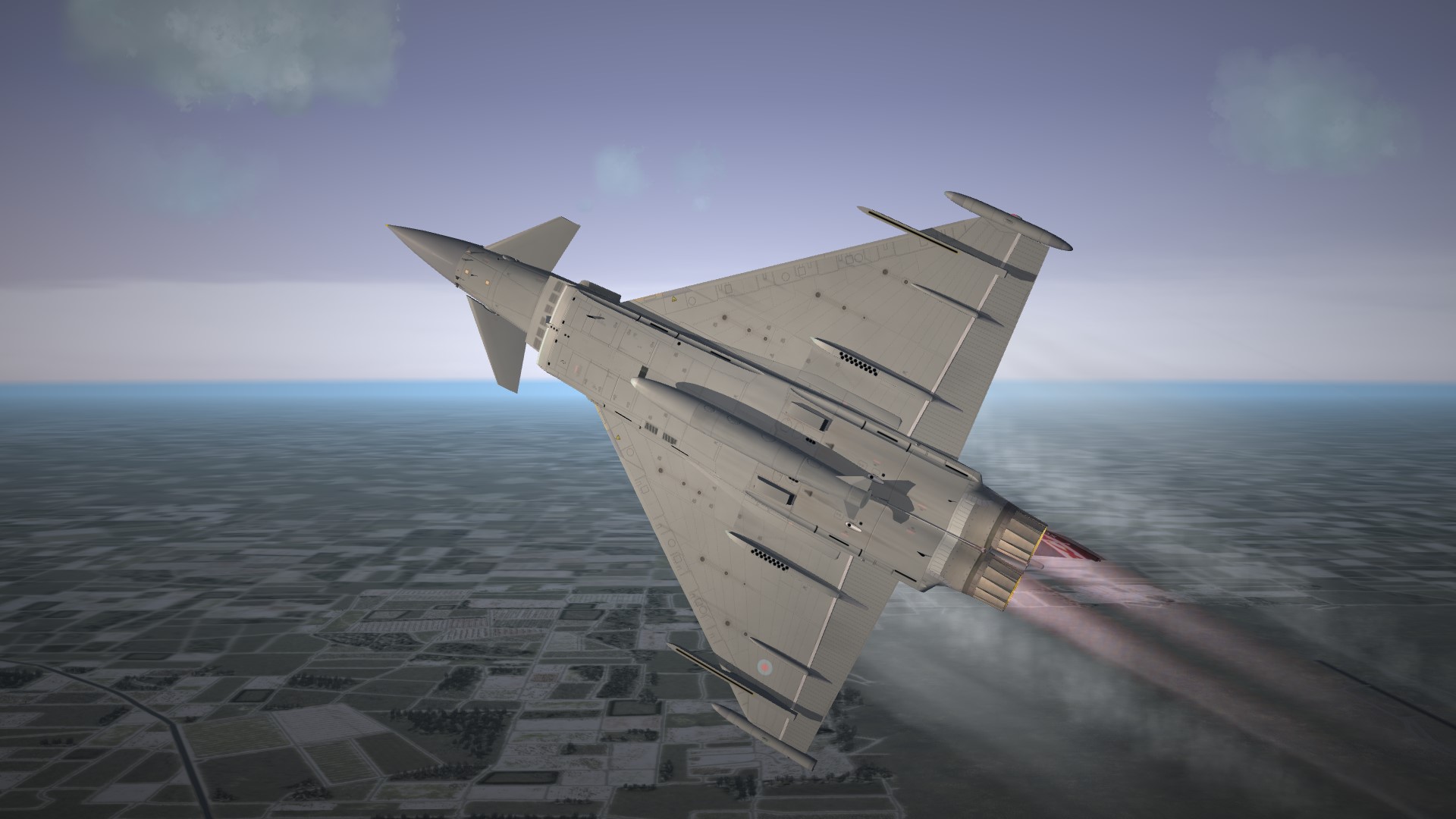
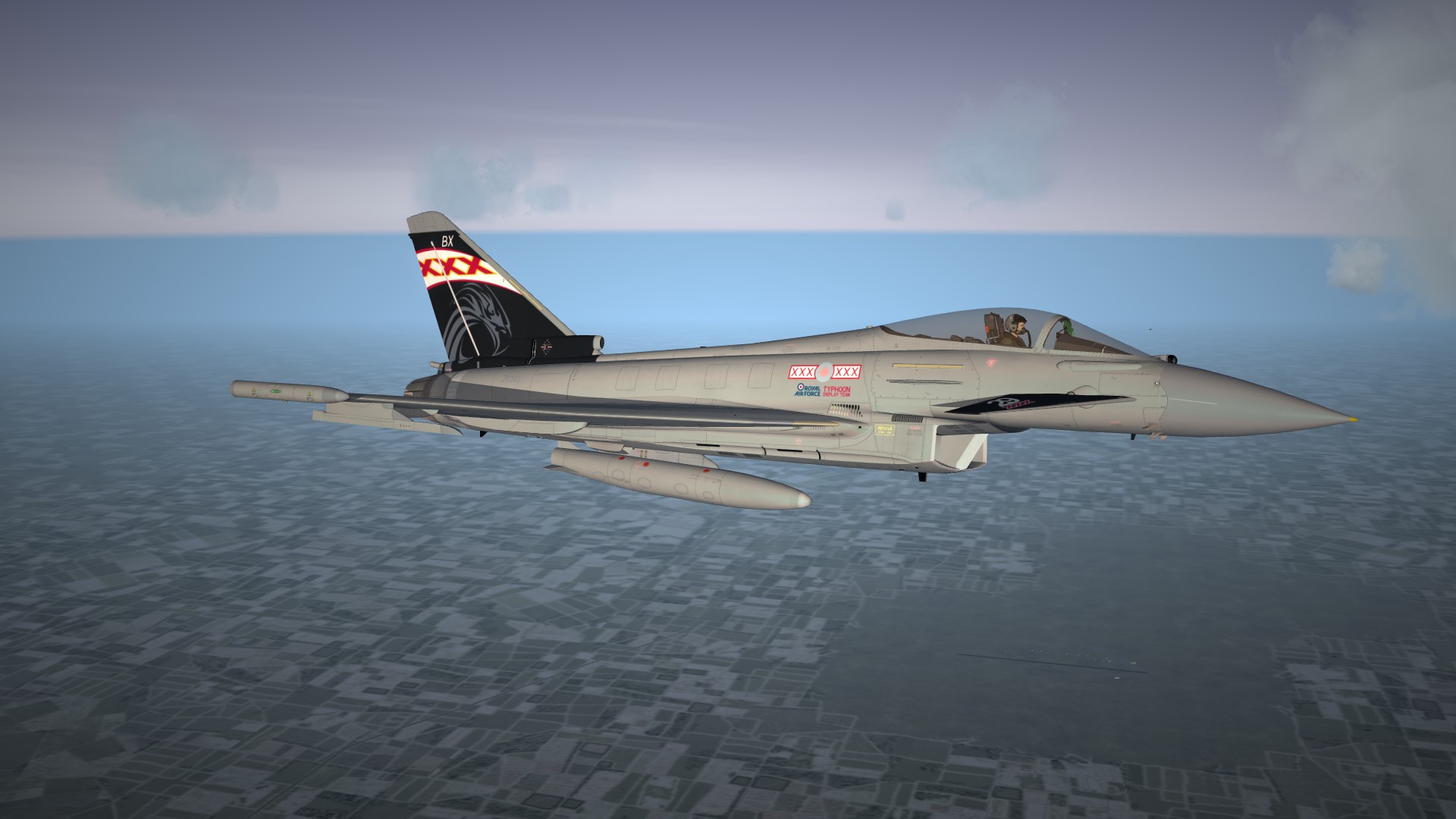
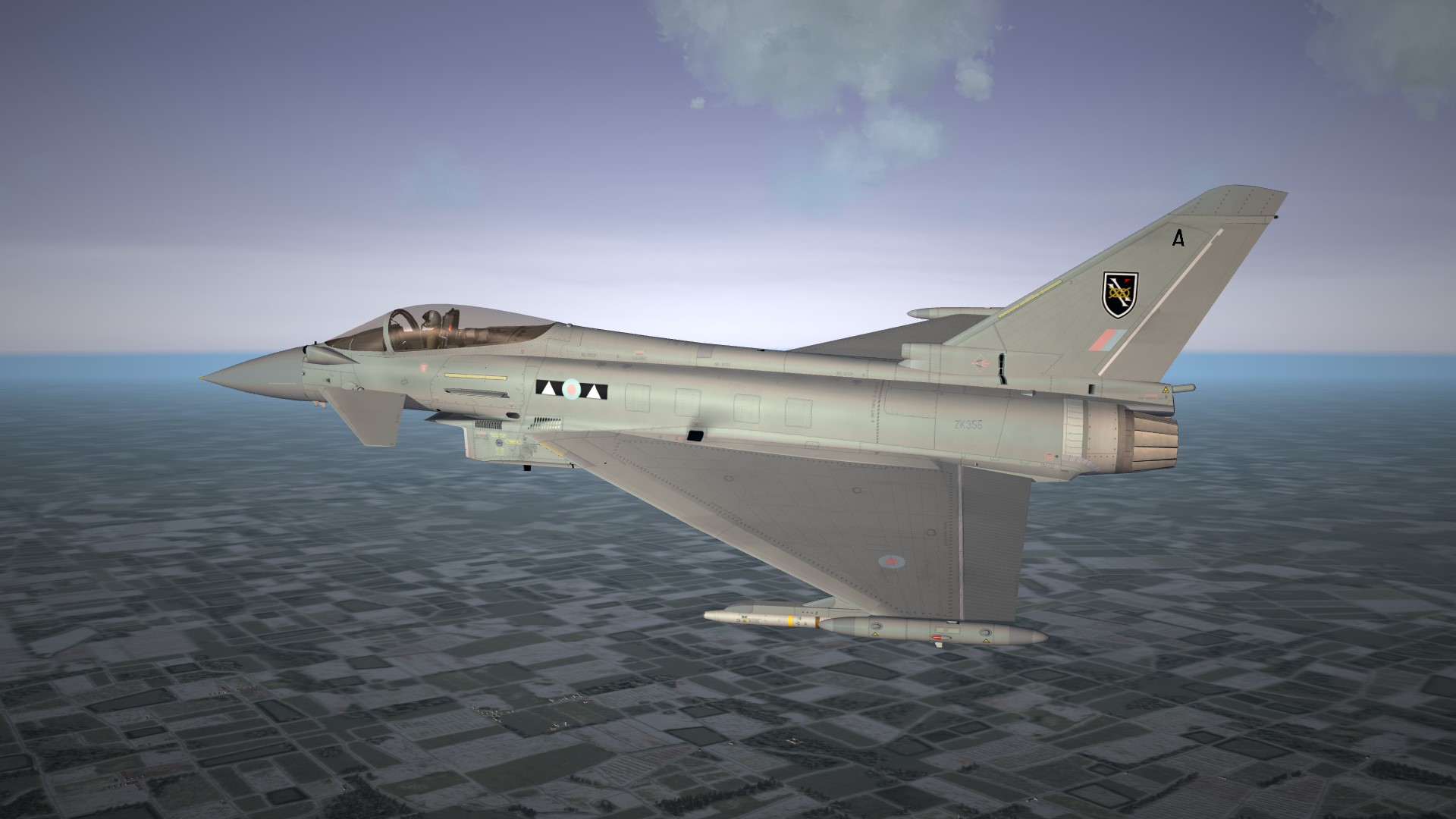
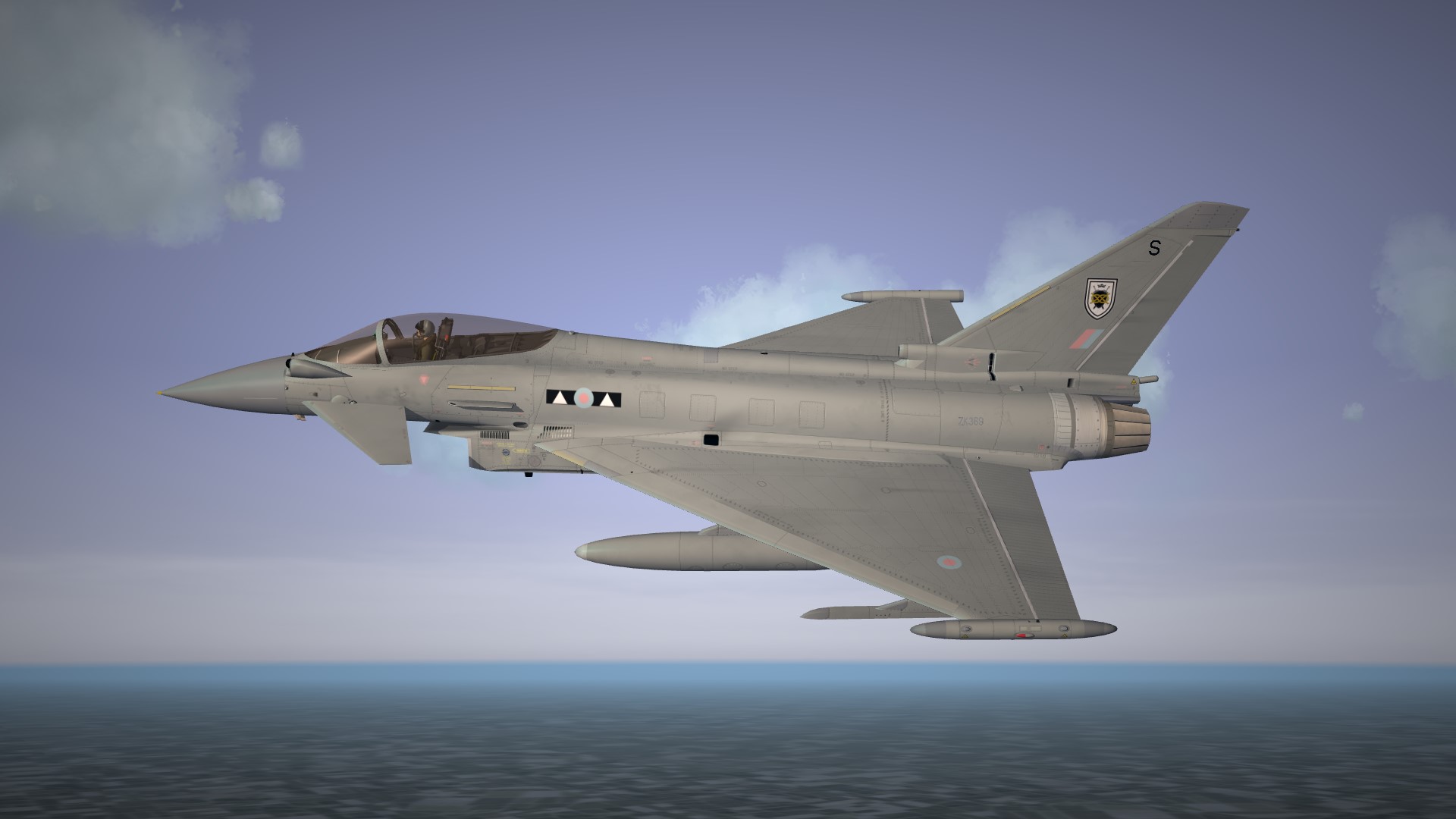
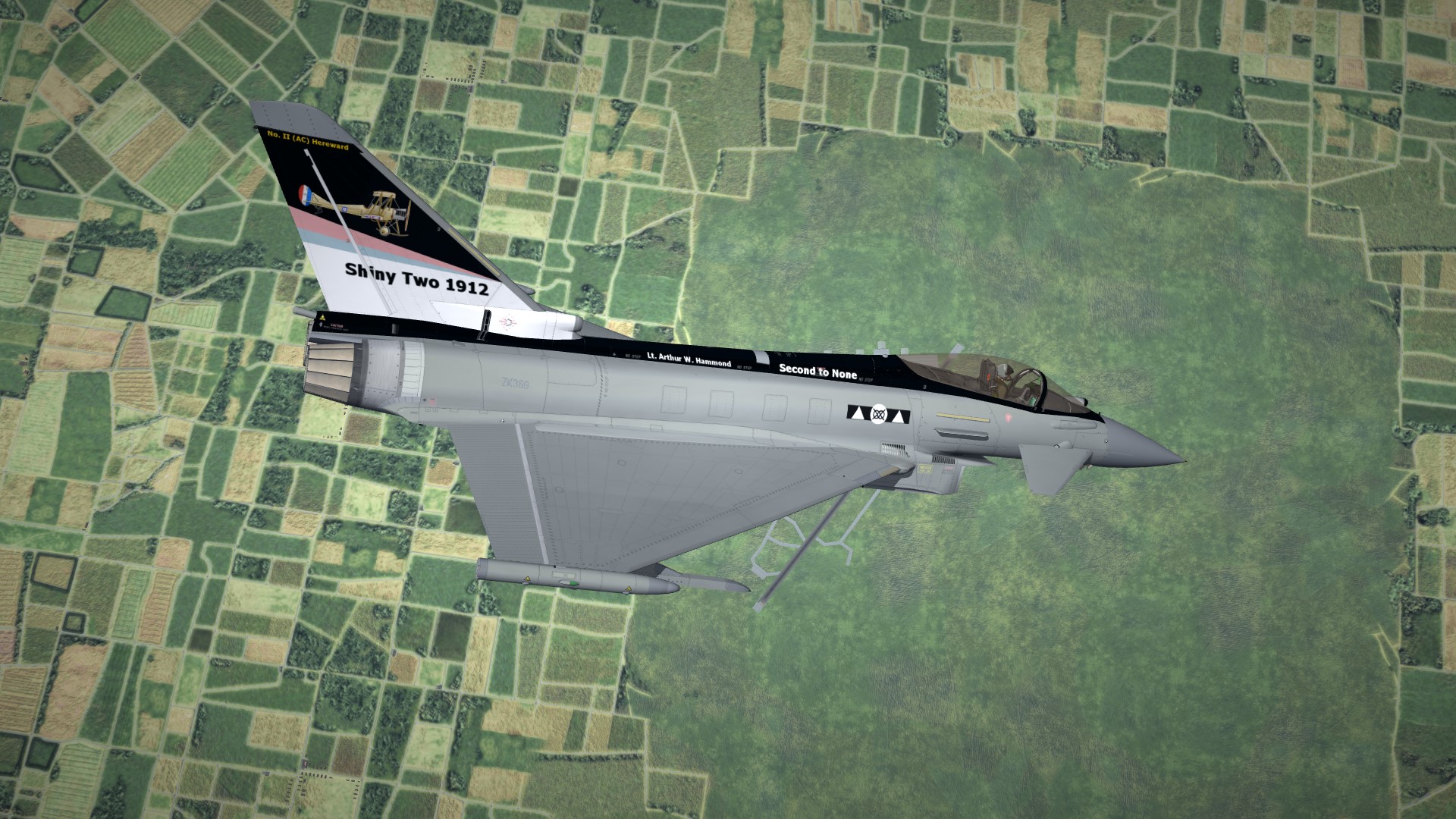
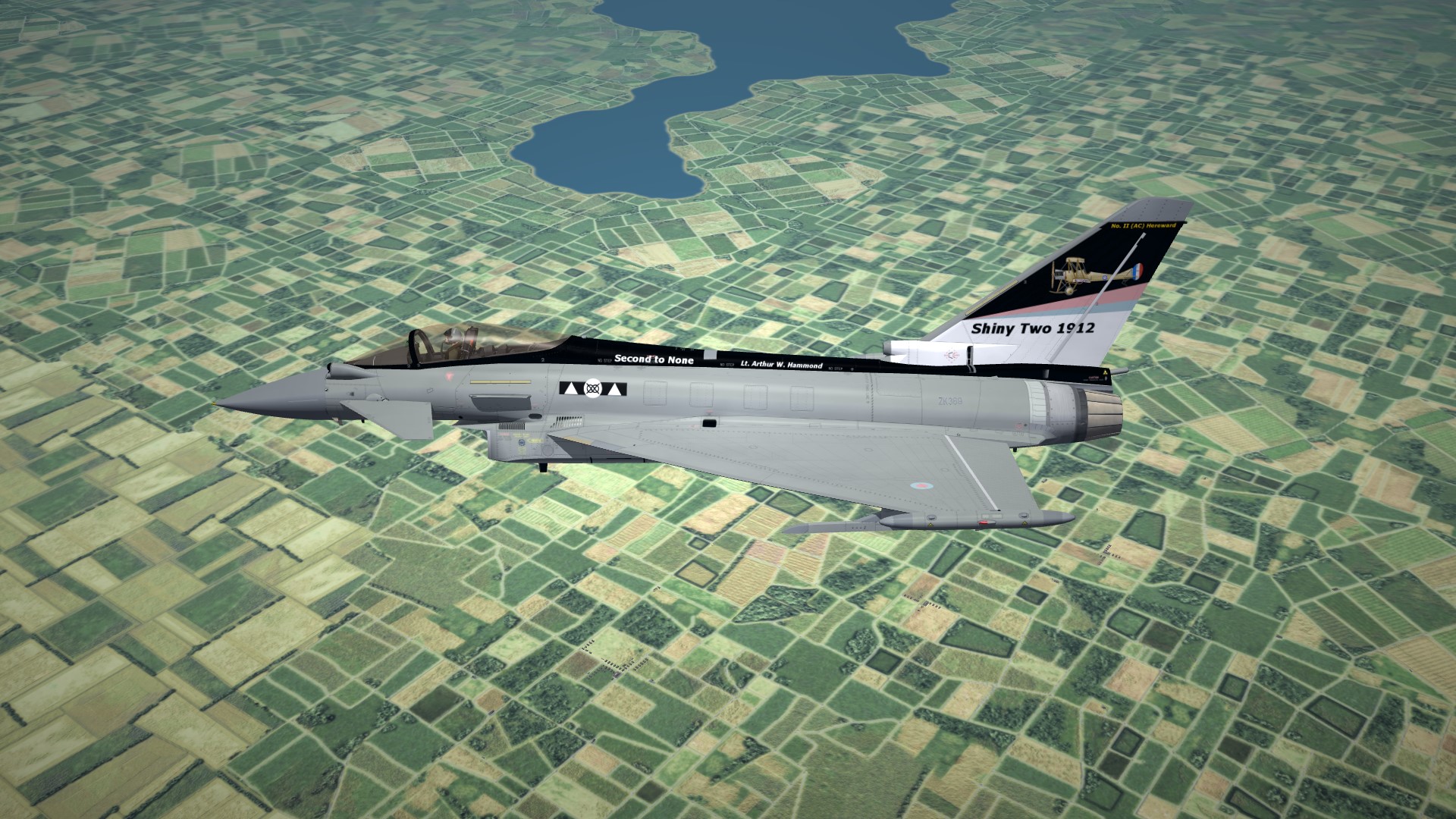
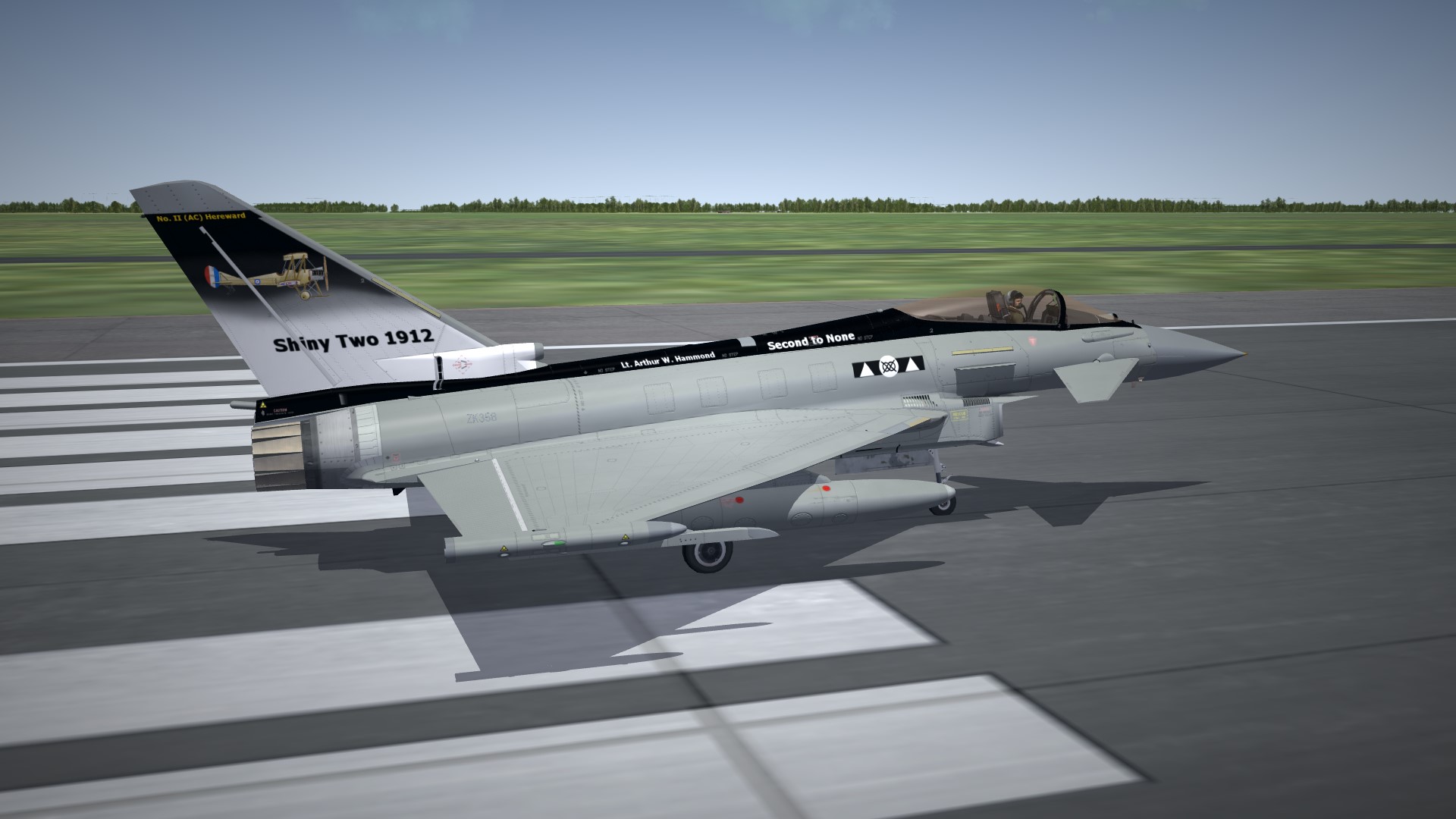
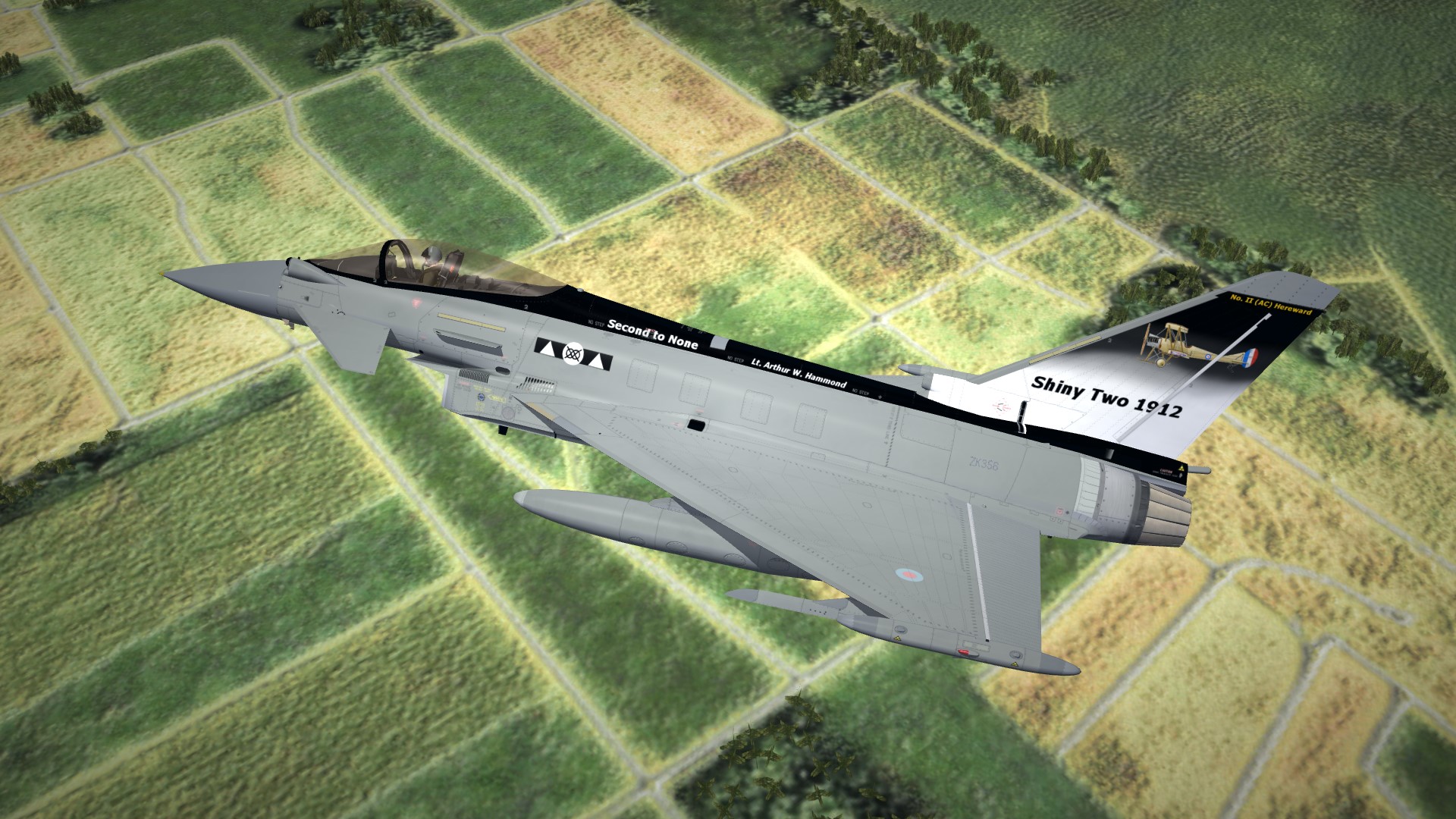
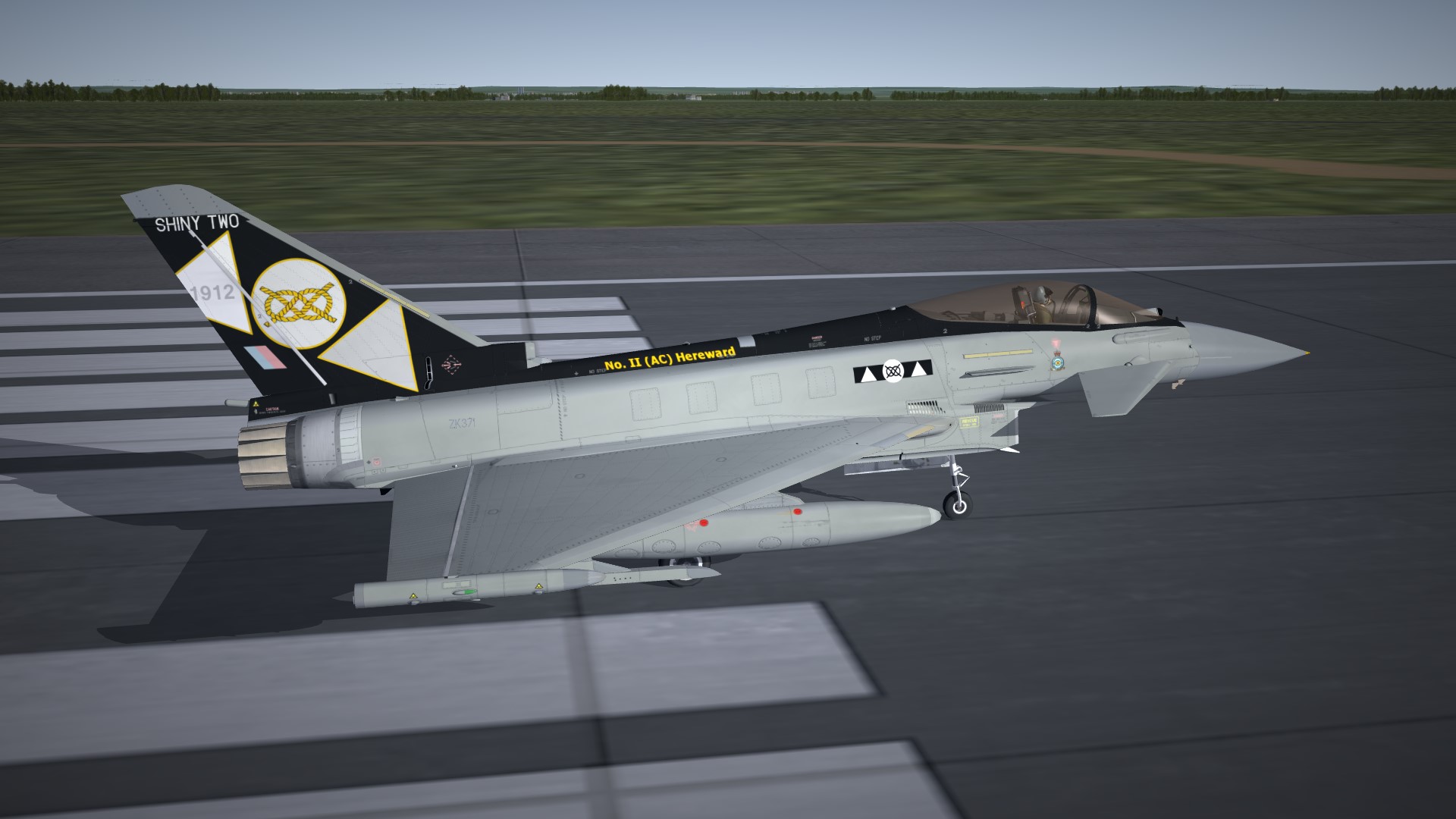
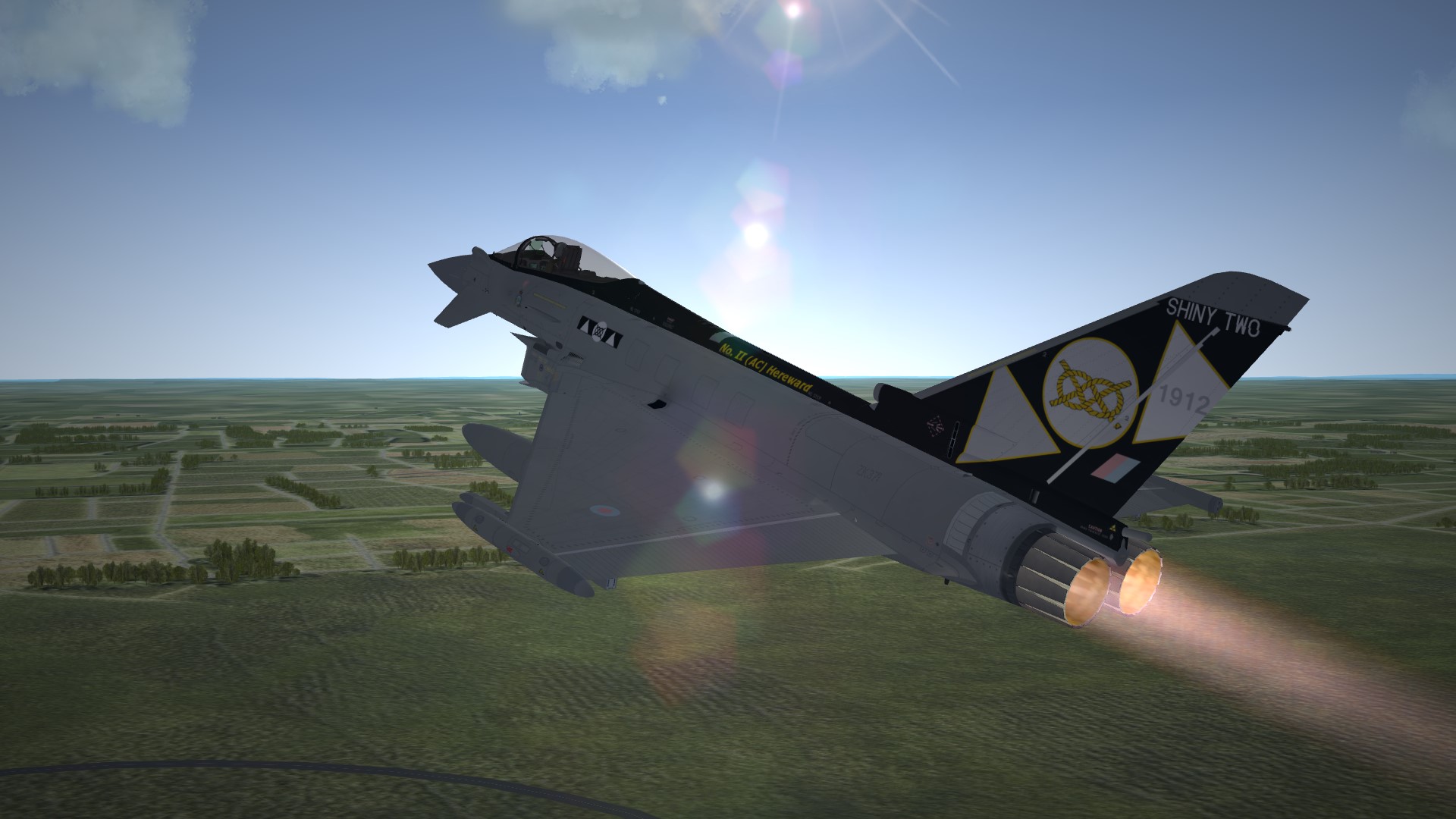
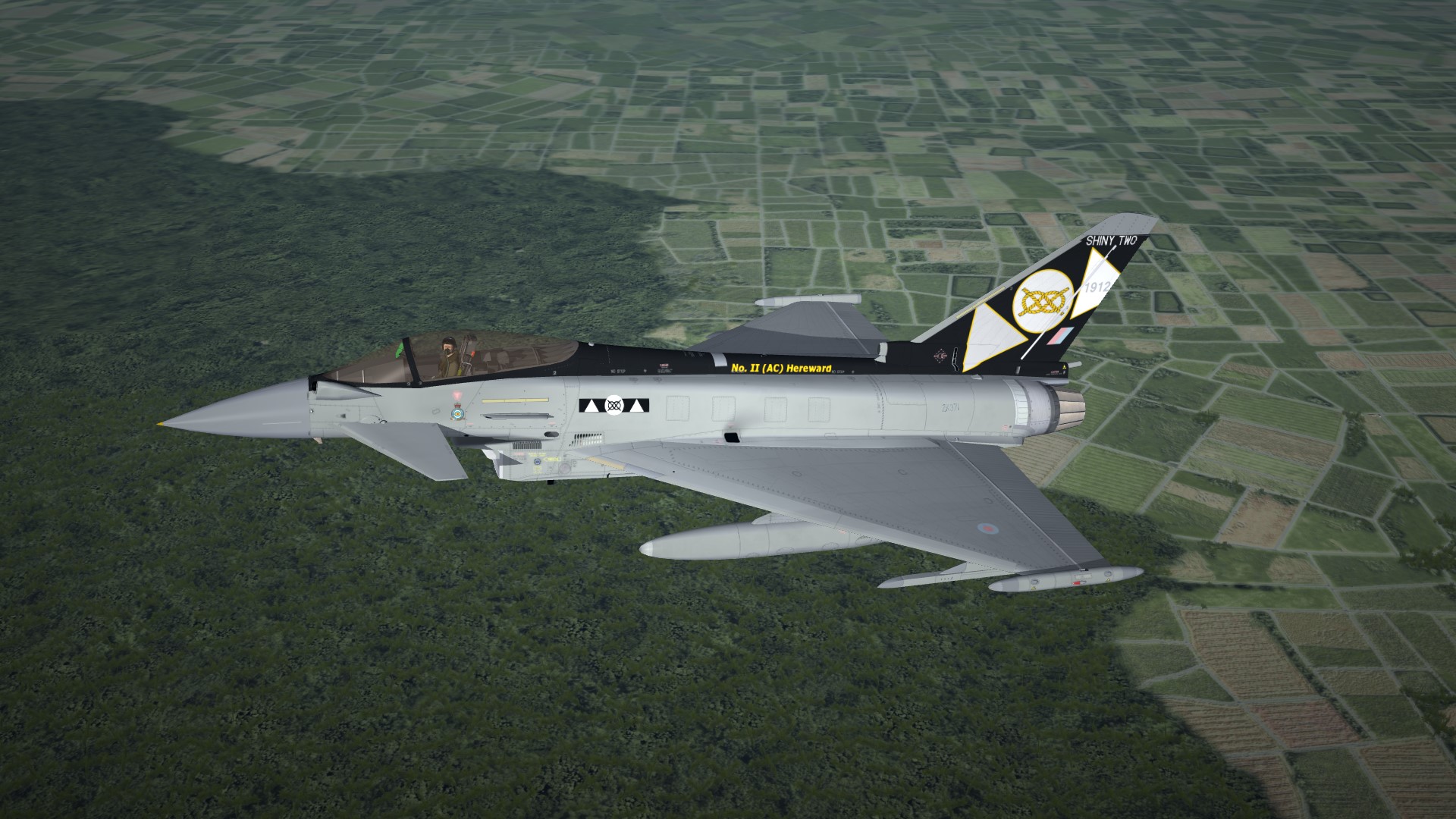
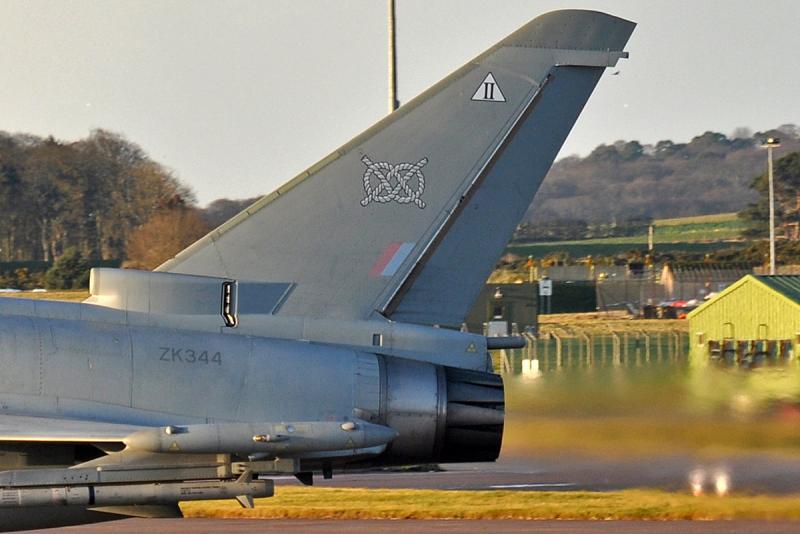
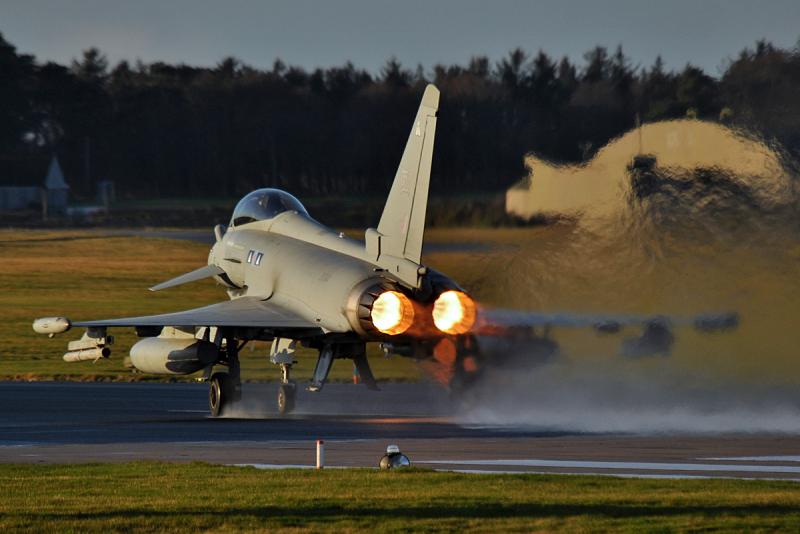
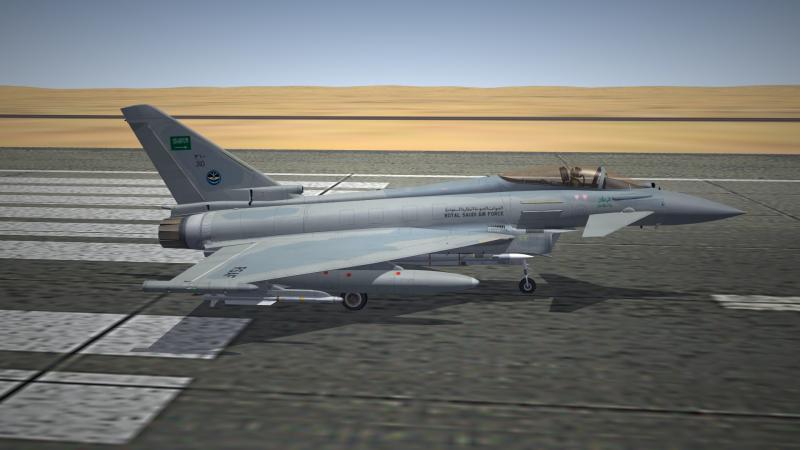
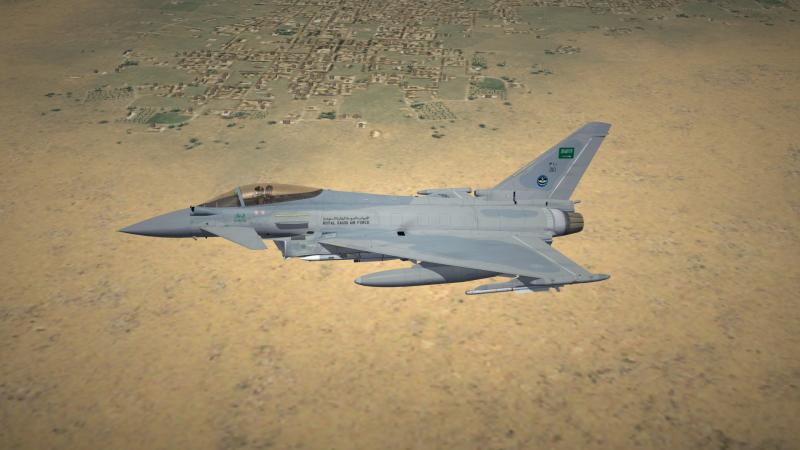
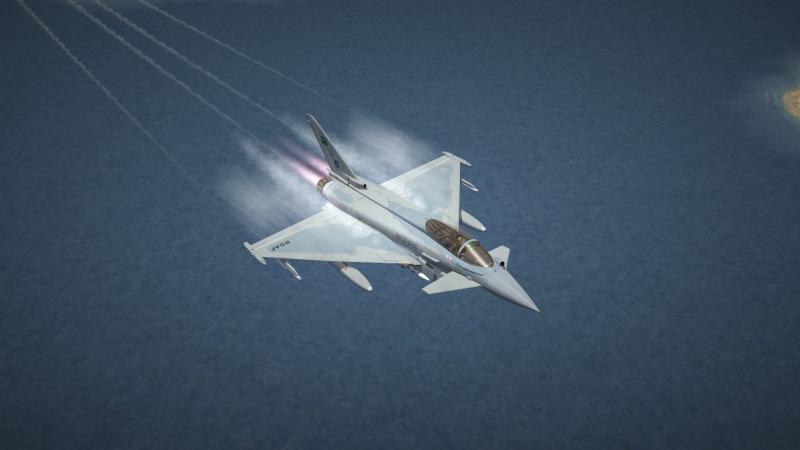
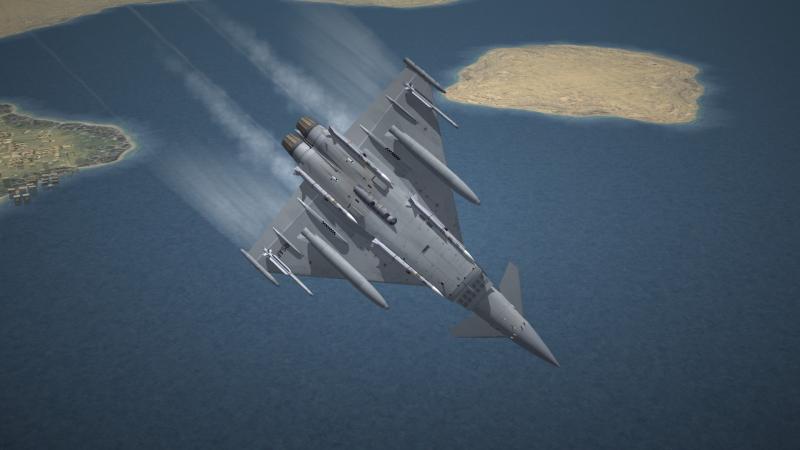
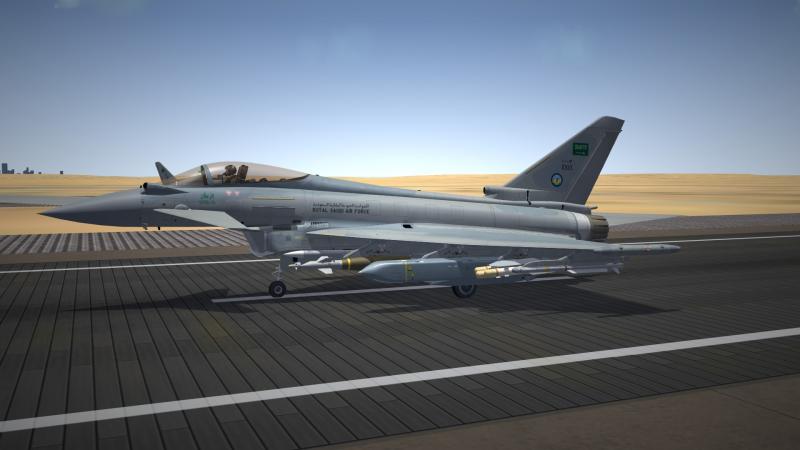
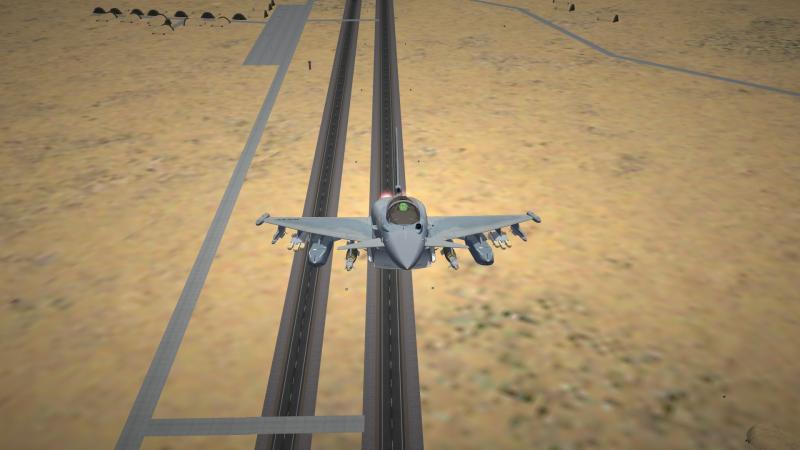
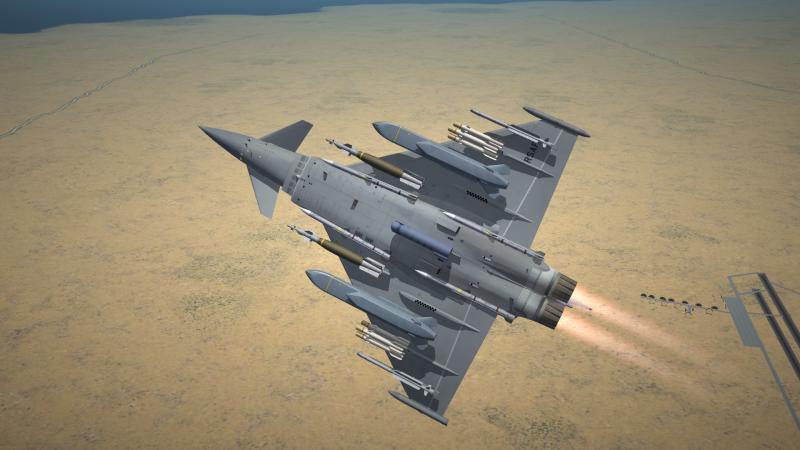
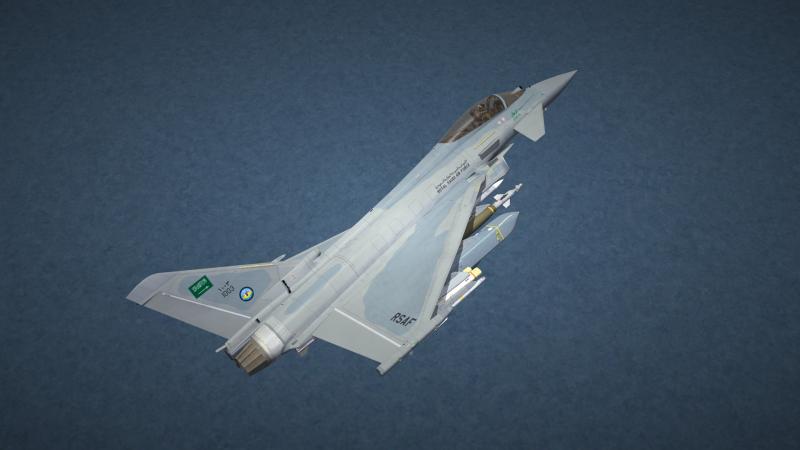
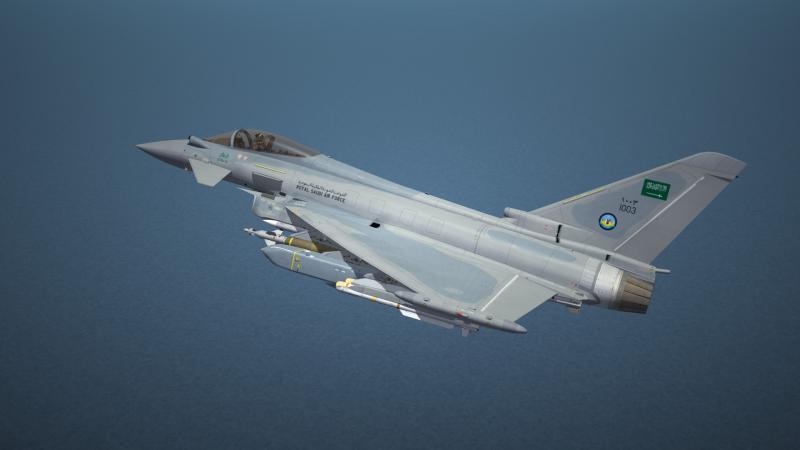
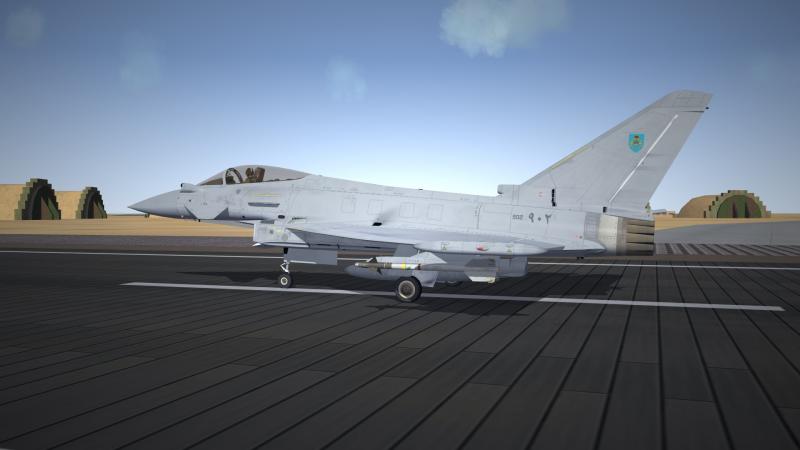
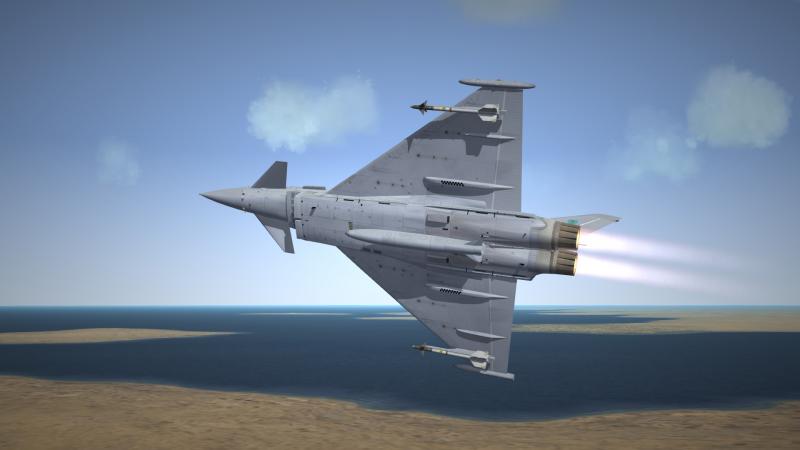
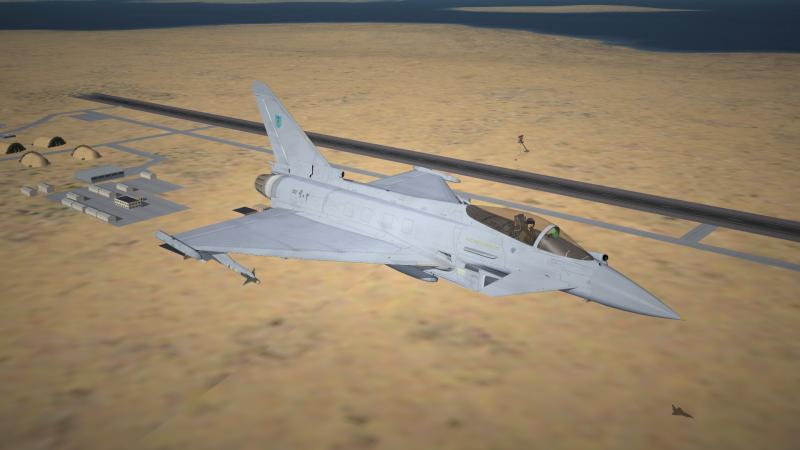
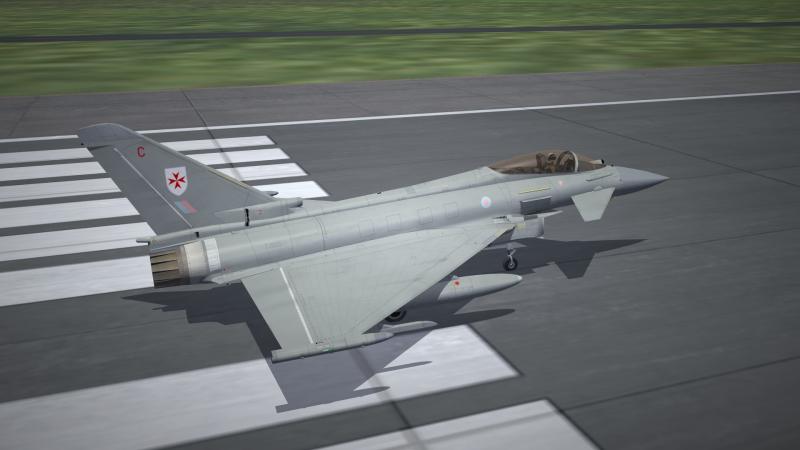
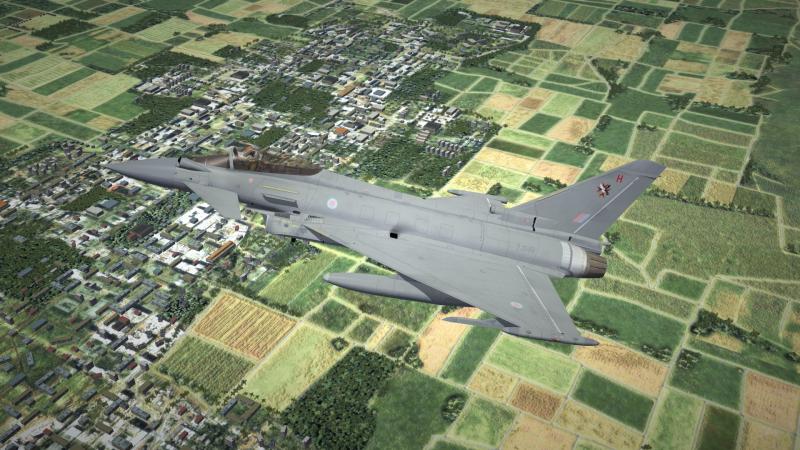
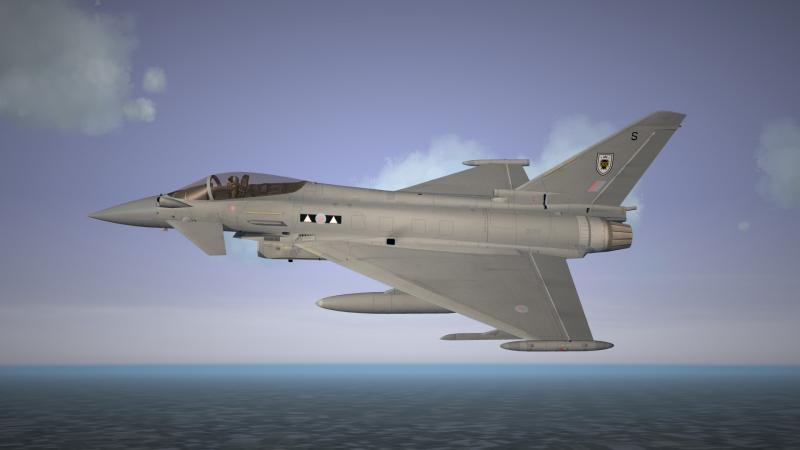
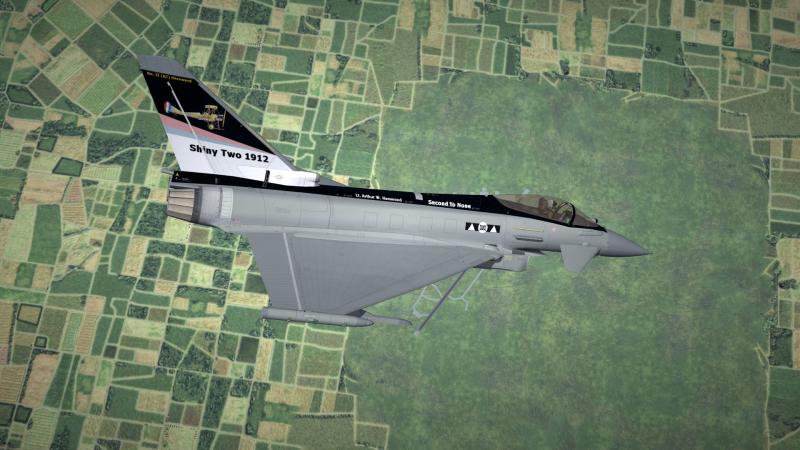
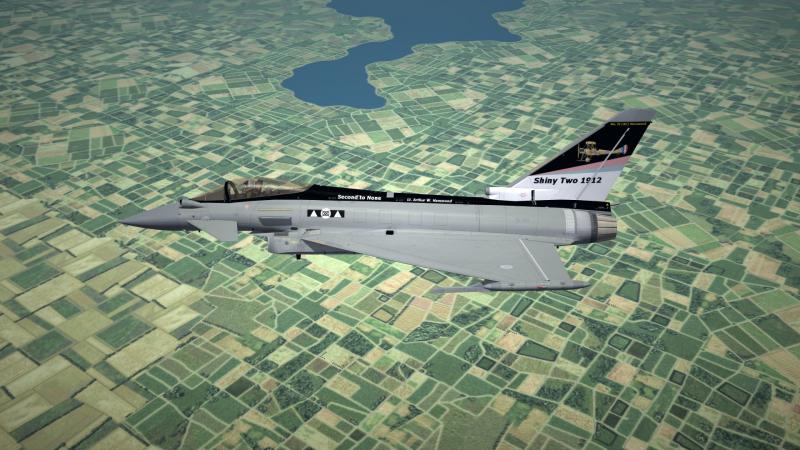
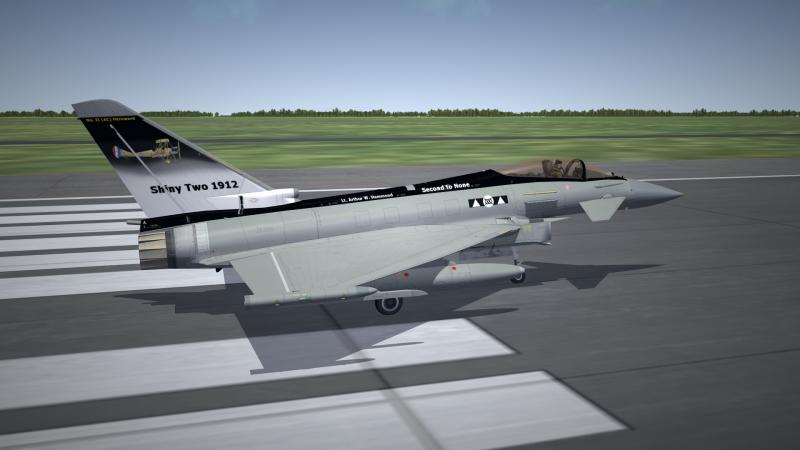
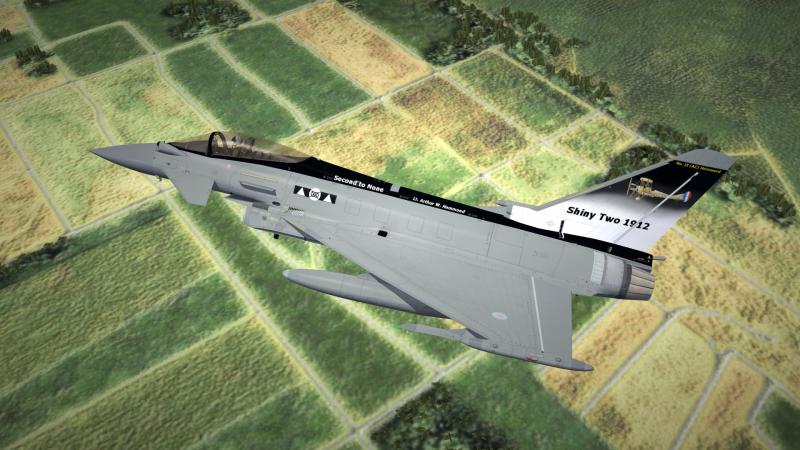
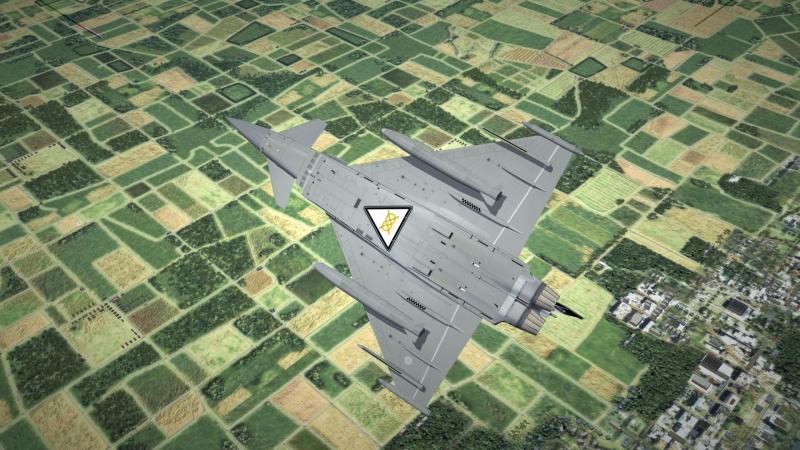
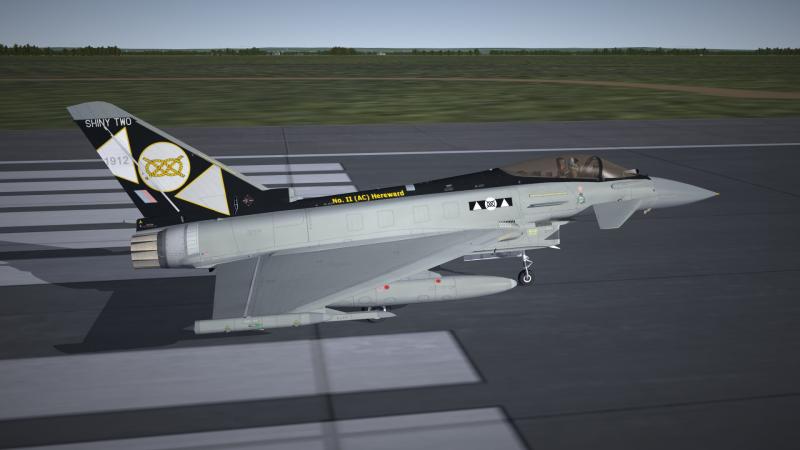
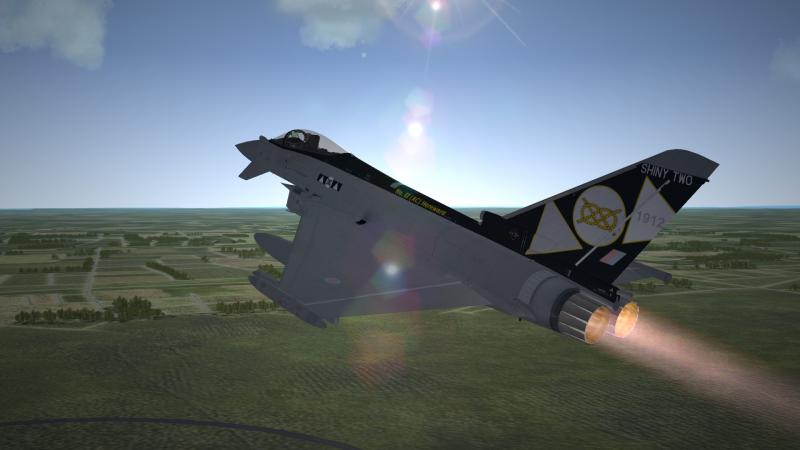
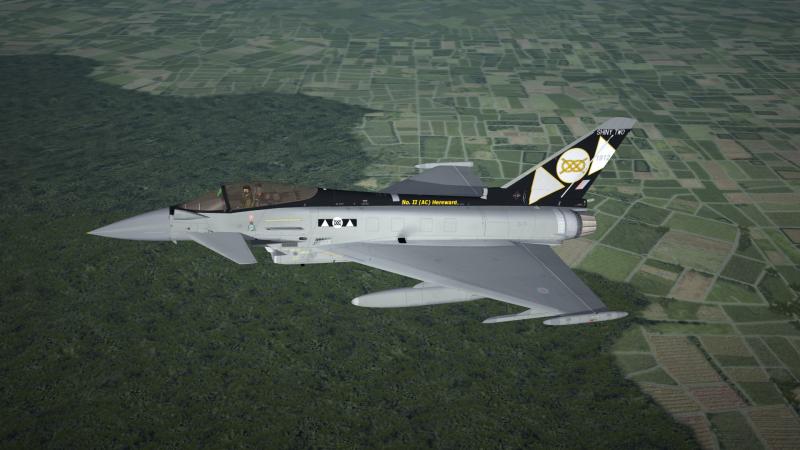
A very special event occurred on January 9, 2015. On that day RAF 2(AC) Squadron officially convert to the EF-2000 Typhoon, and its former Tornado GR4 will "reform" RAF 12(B) Squadron (which was decommissioned in 2014). So, RAF 43rd Squadron will not convert to the EF-2000. The Royal Saudi Air Force and the Royal Air Force of Oman...
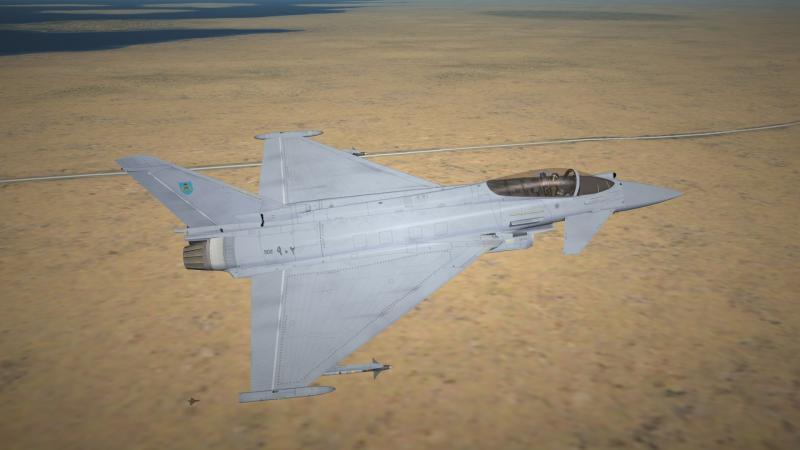
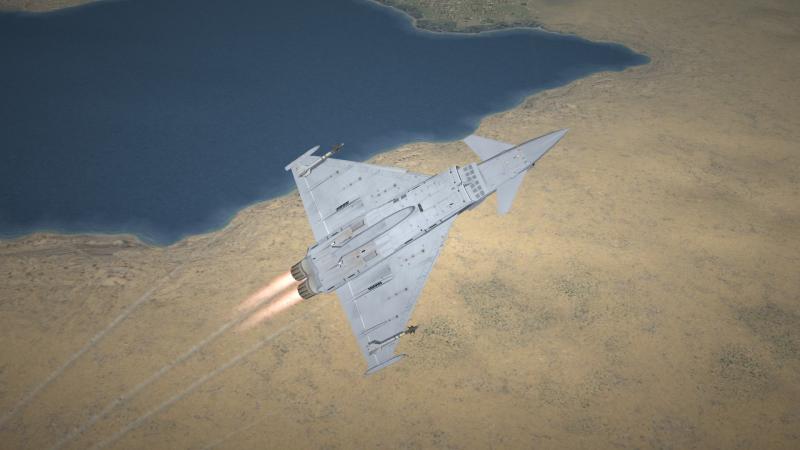
-
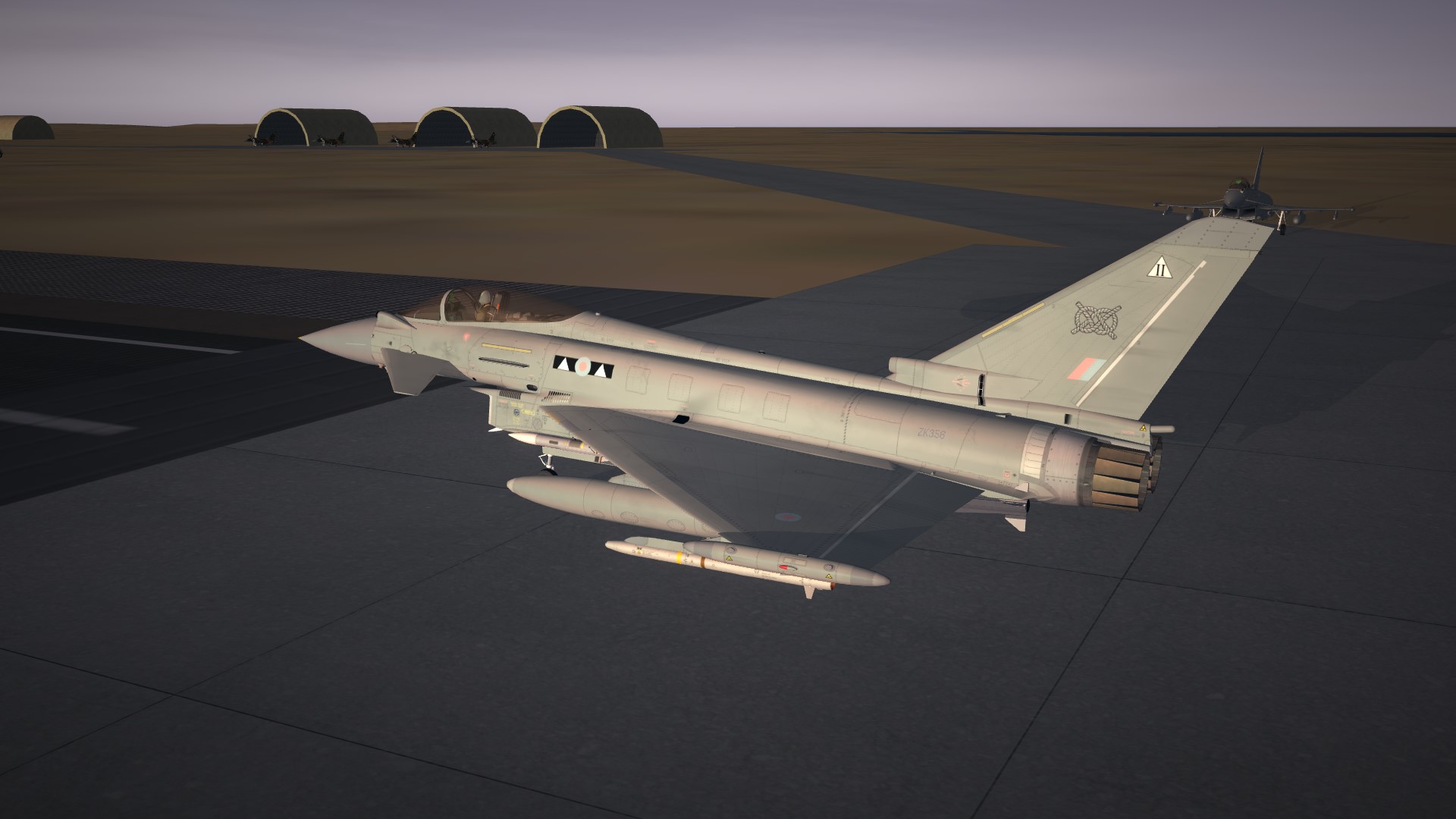
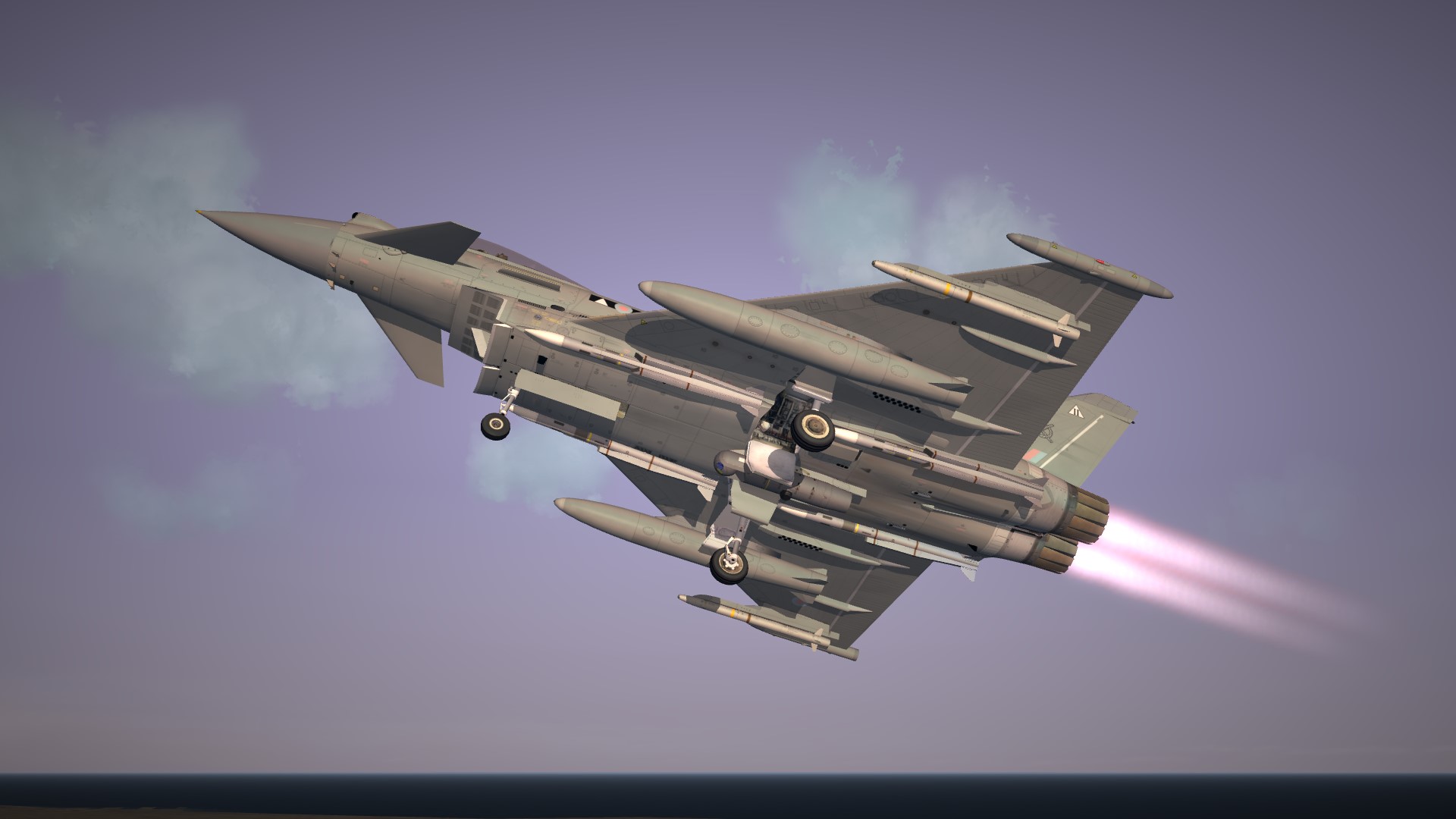
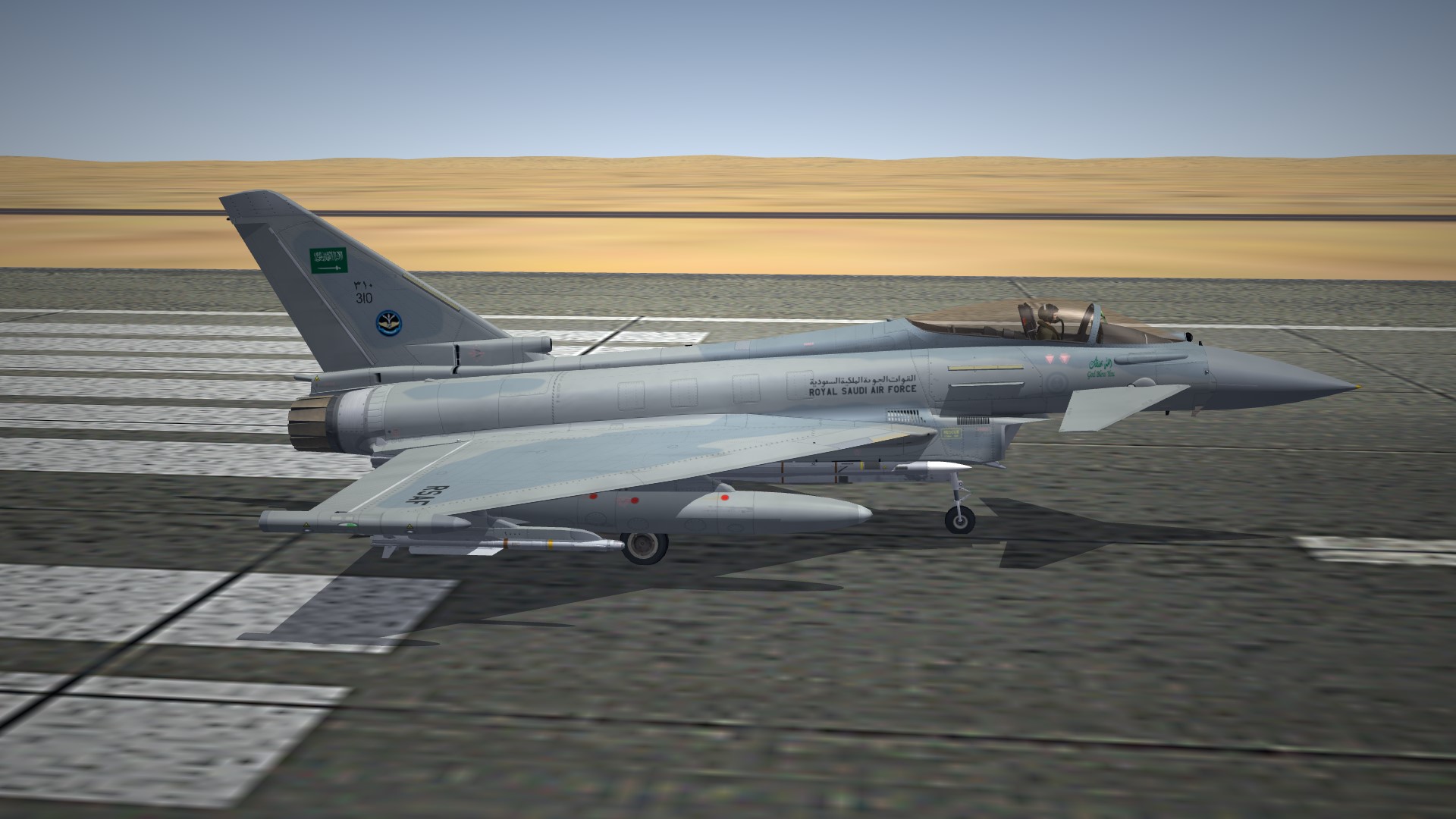
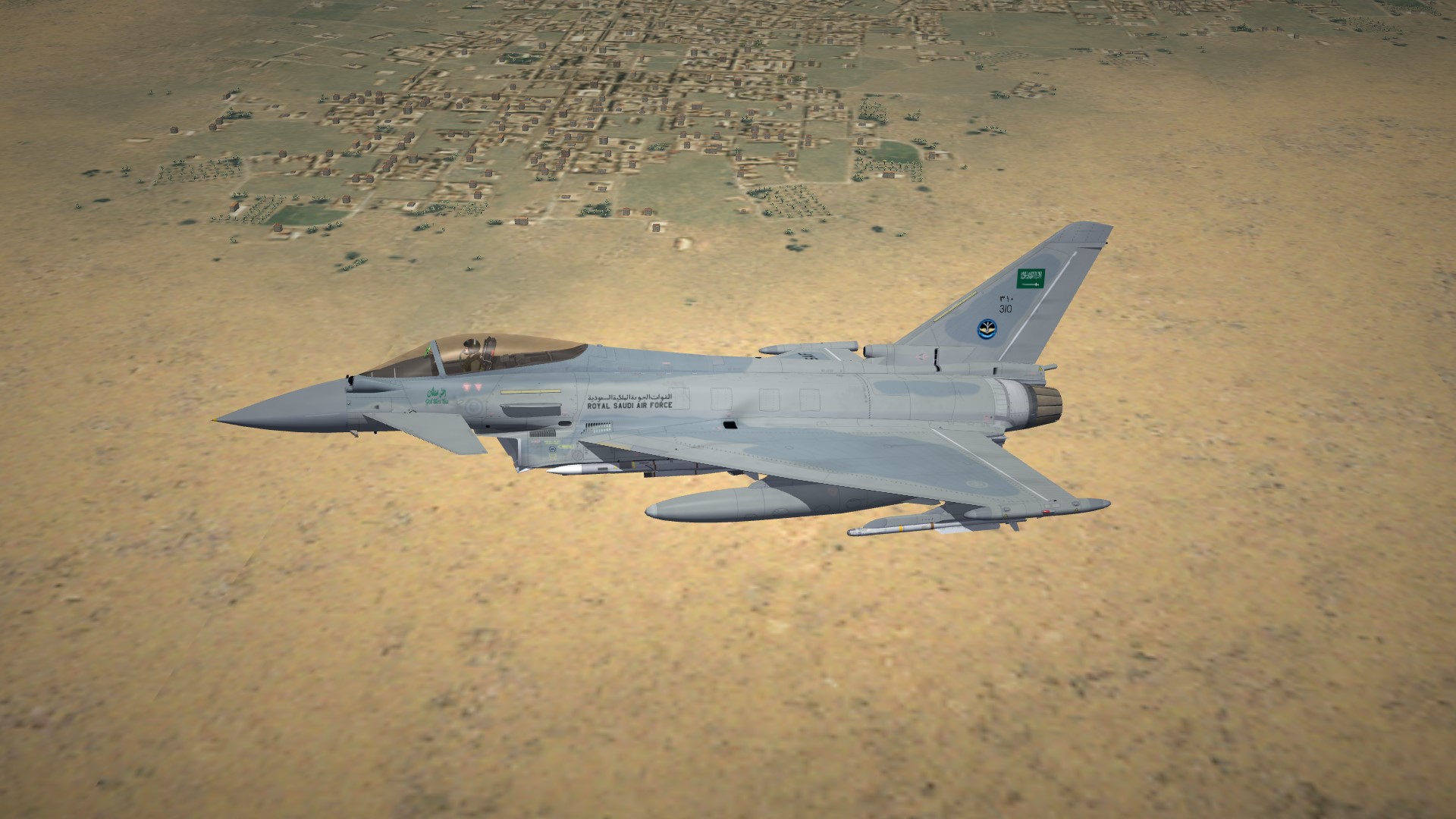
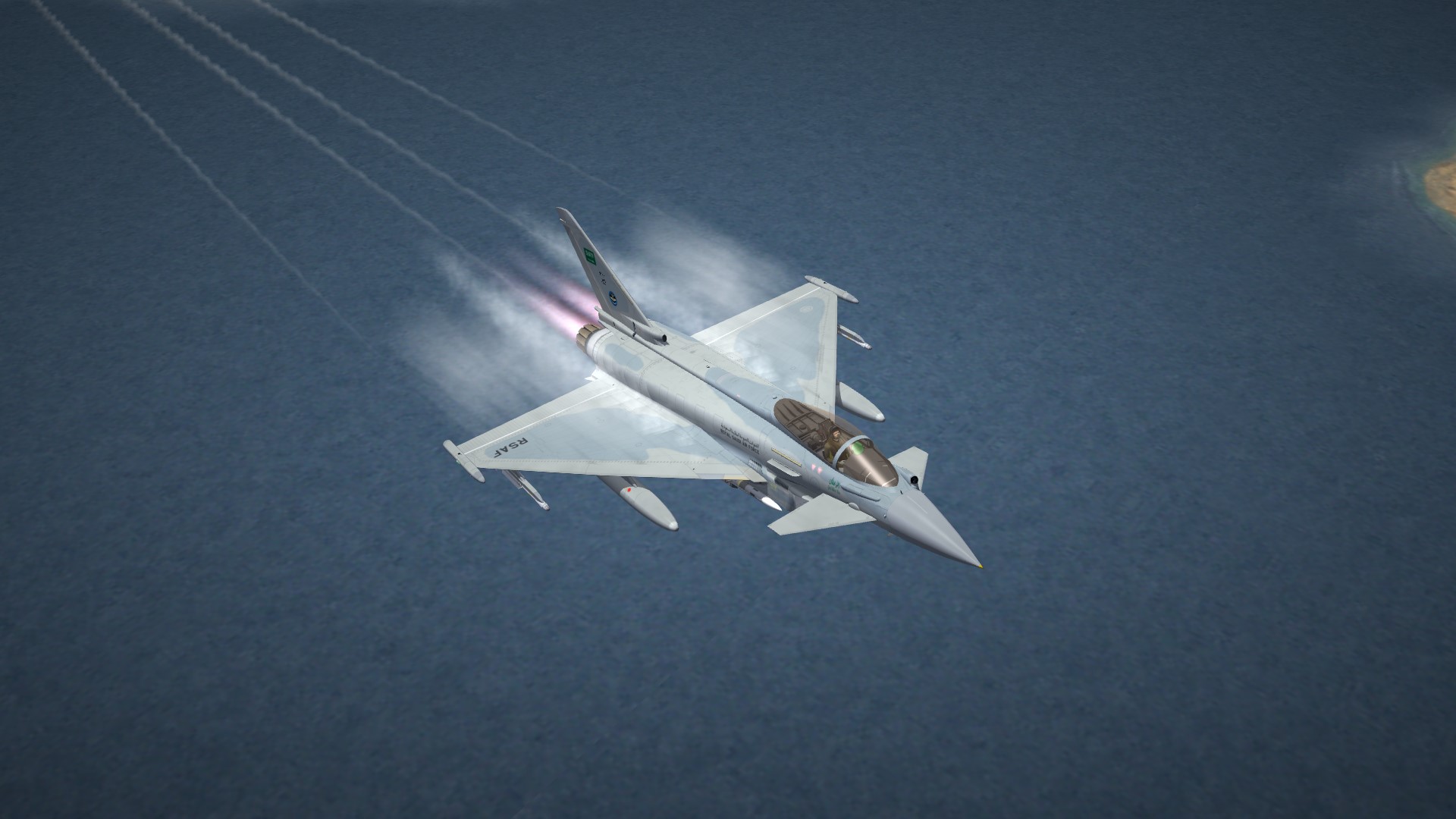
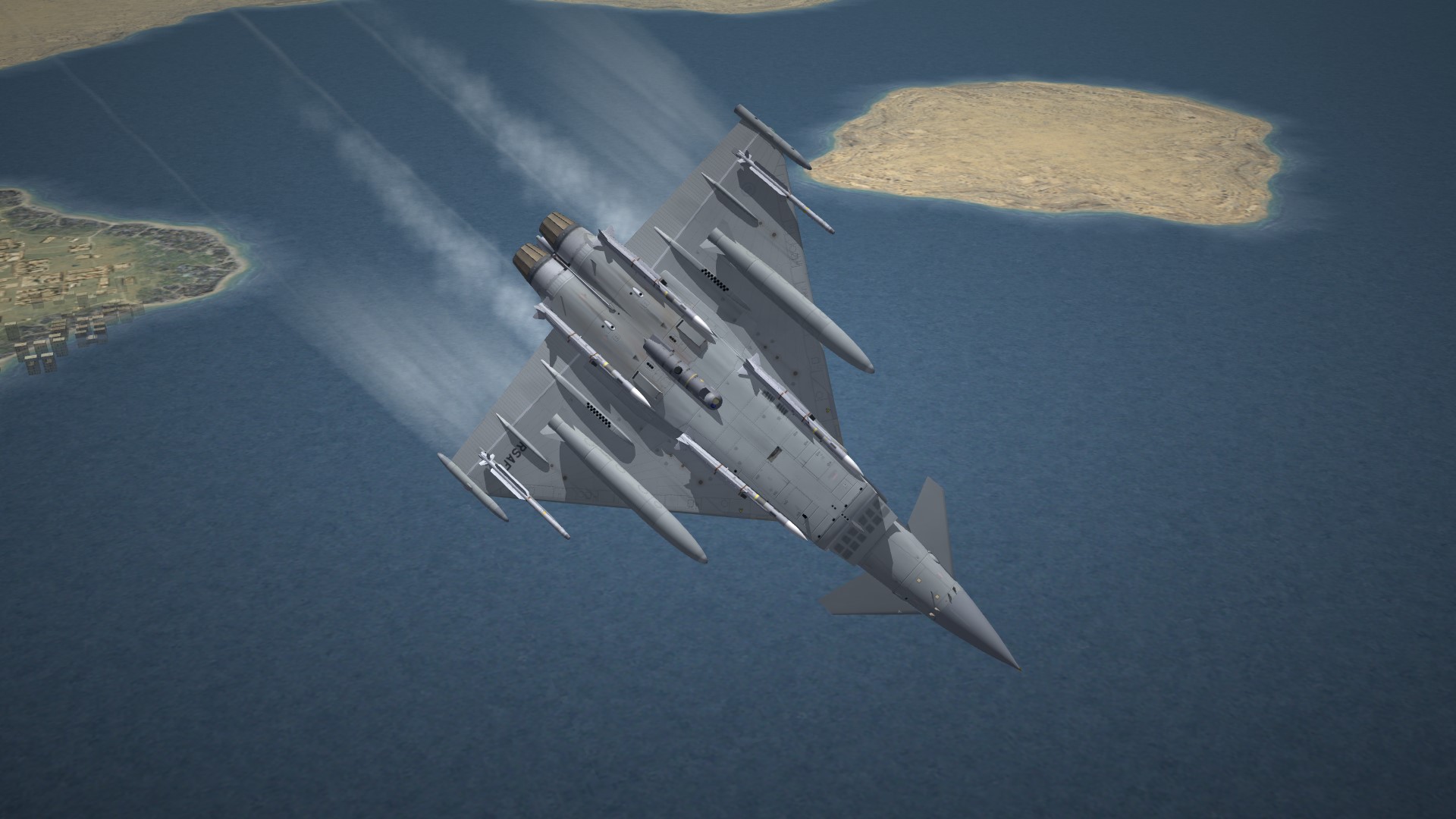
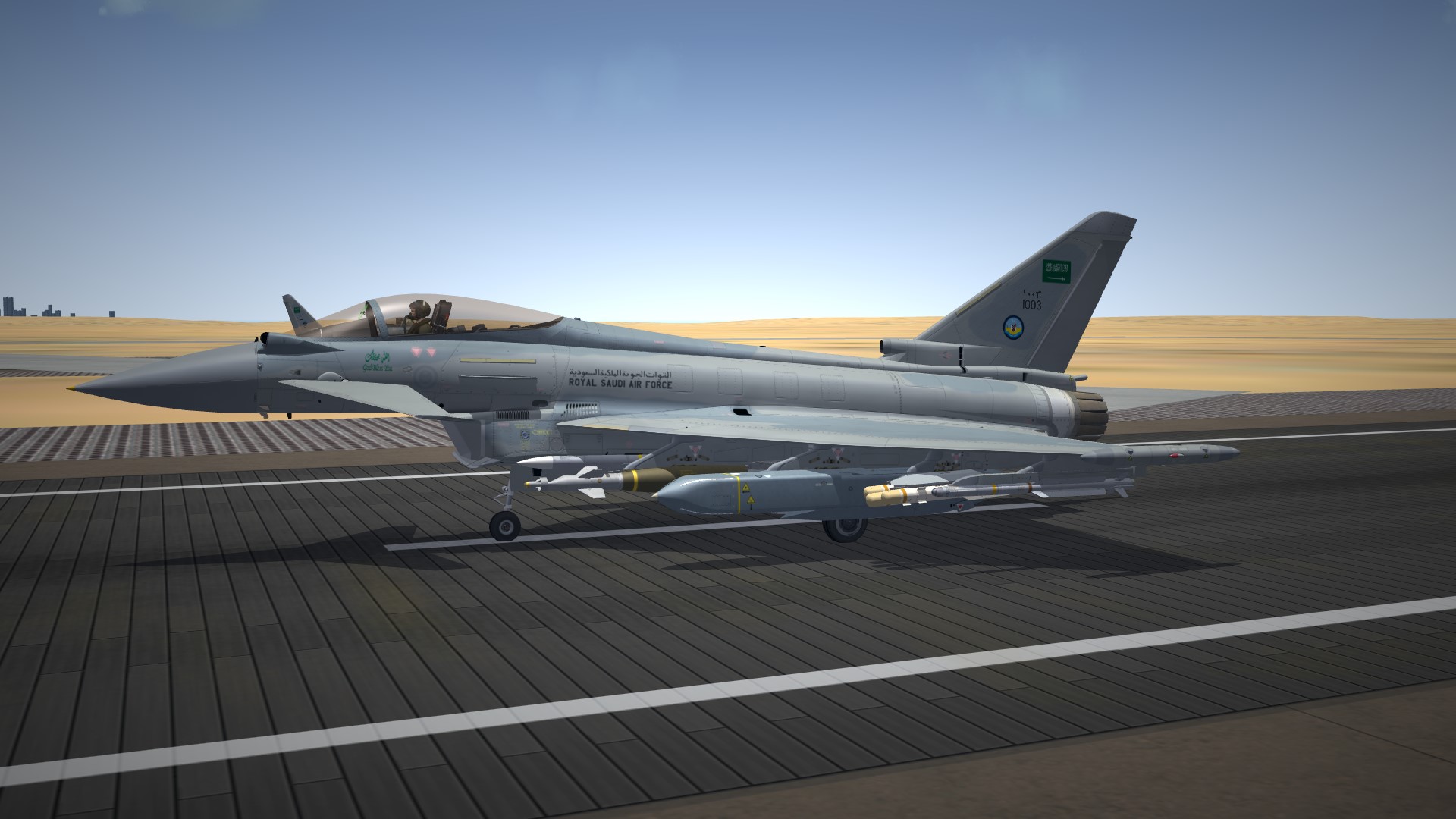
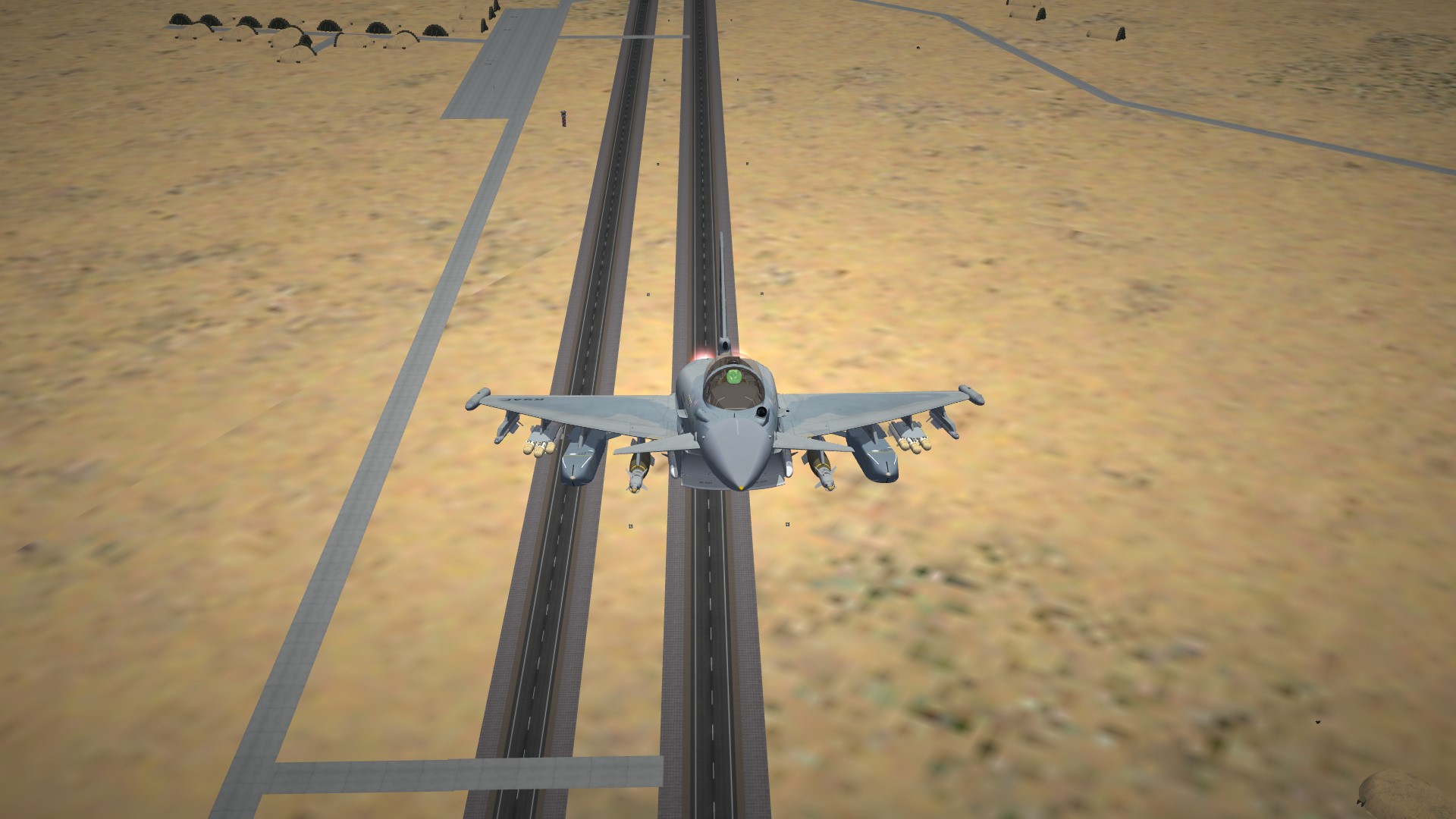
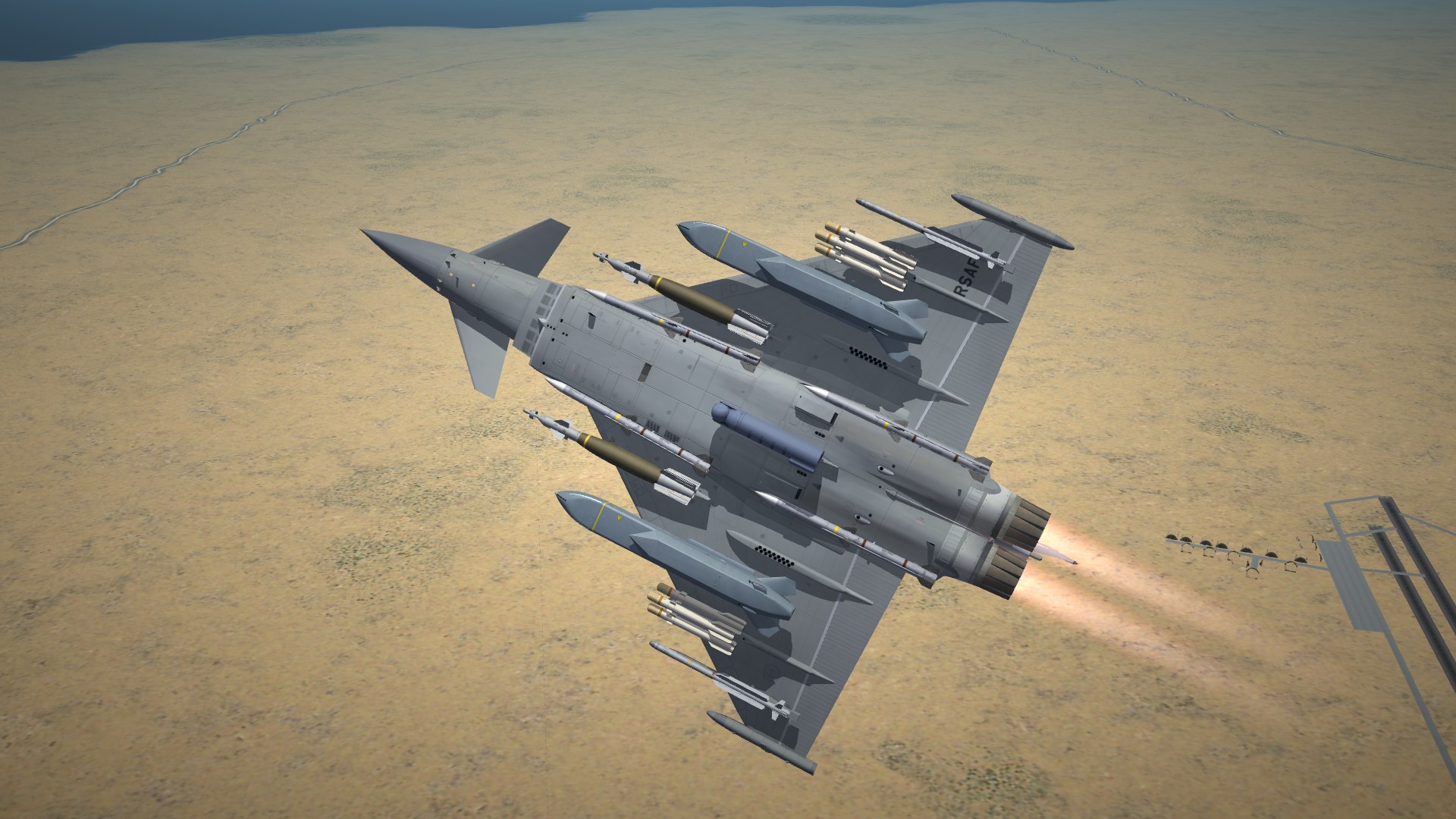
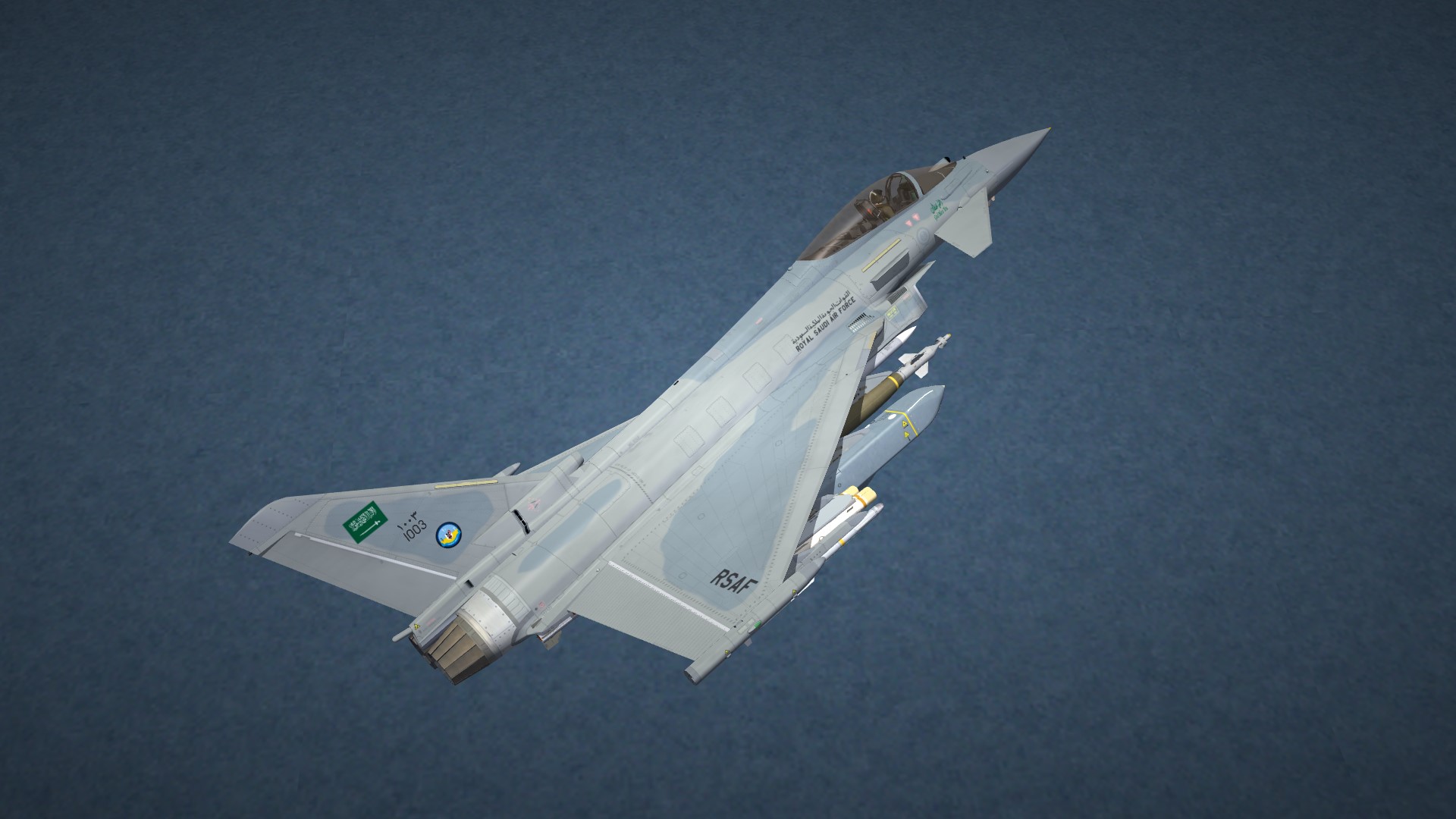
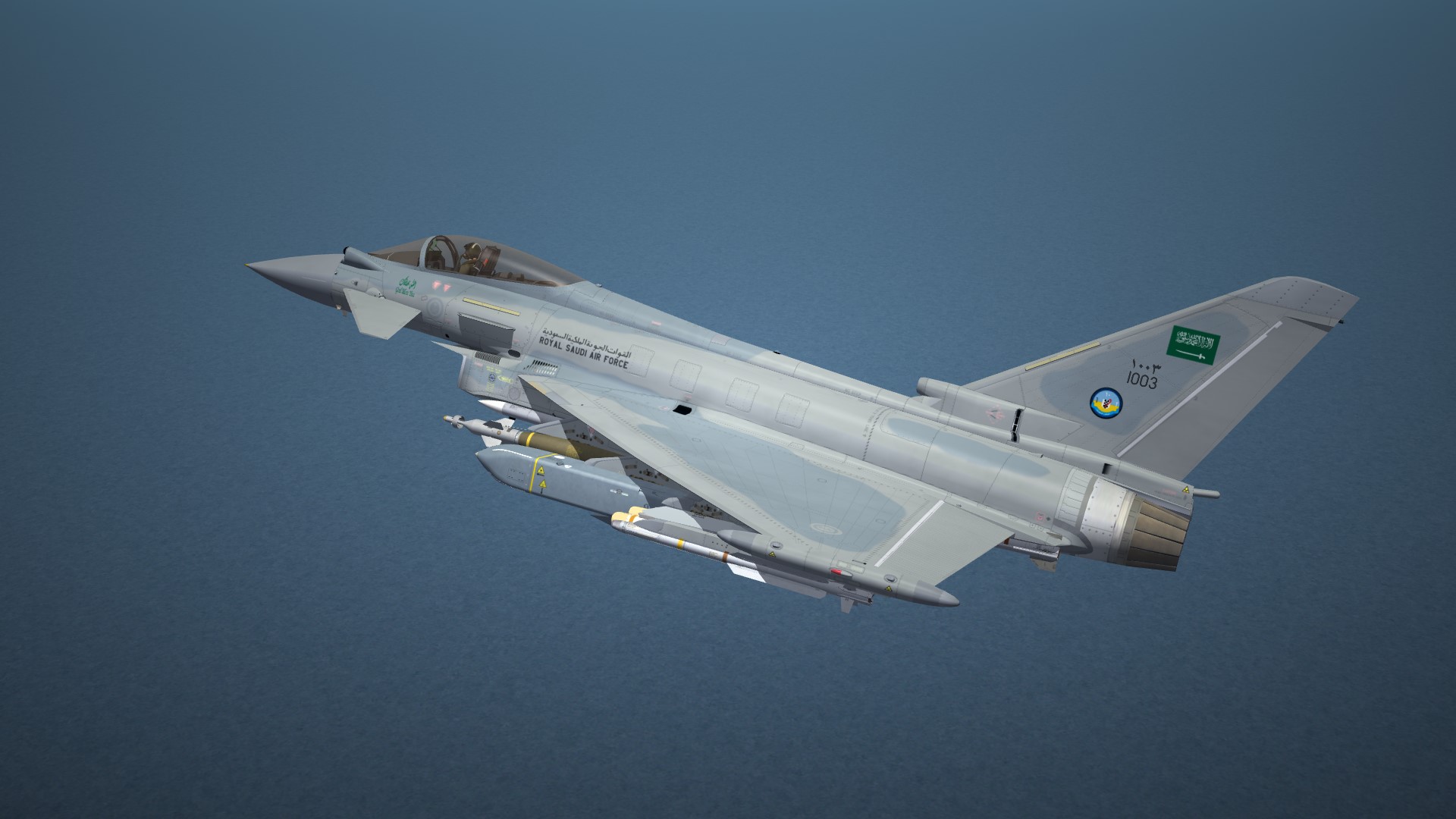
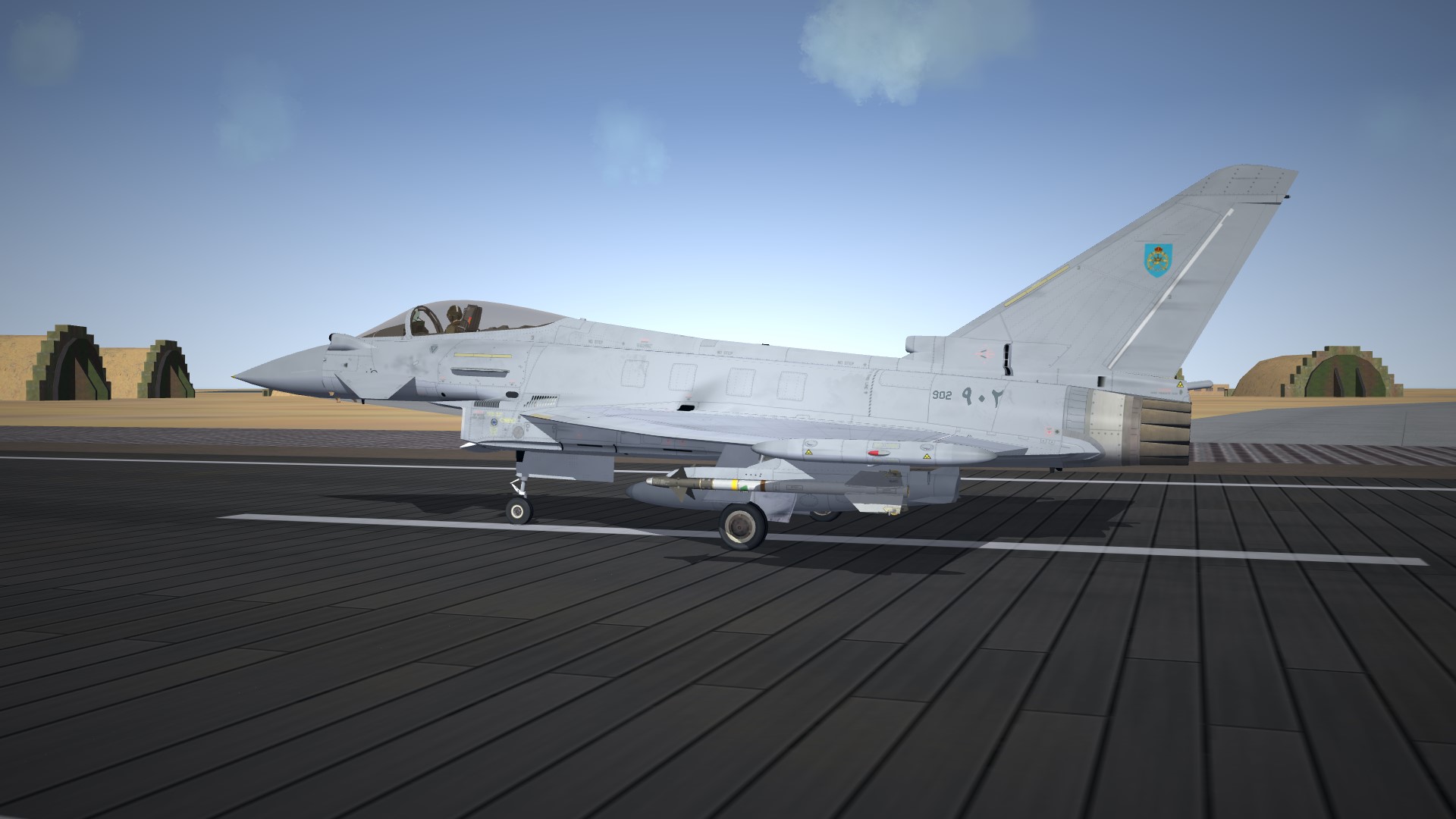
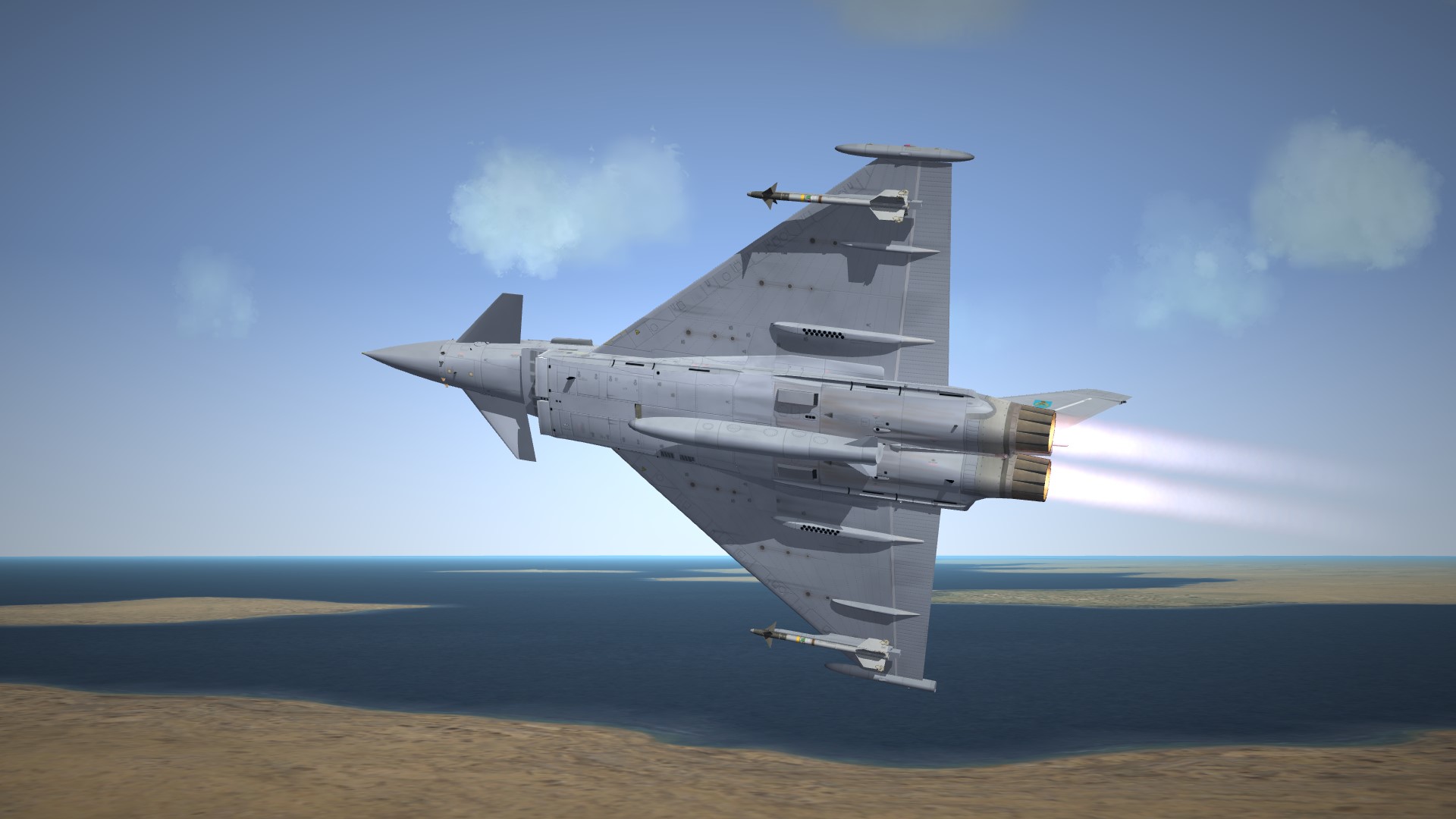
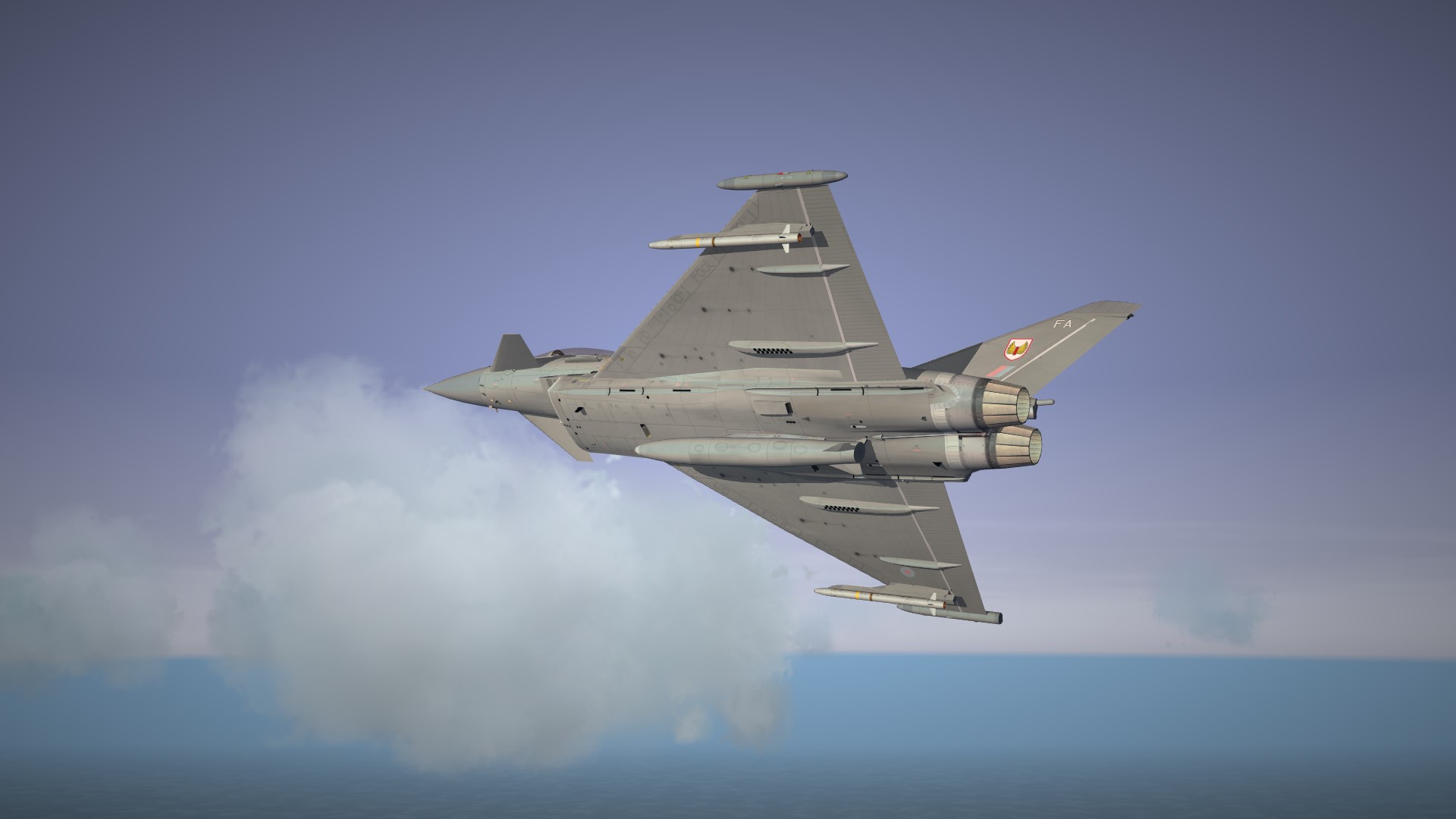
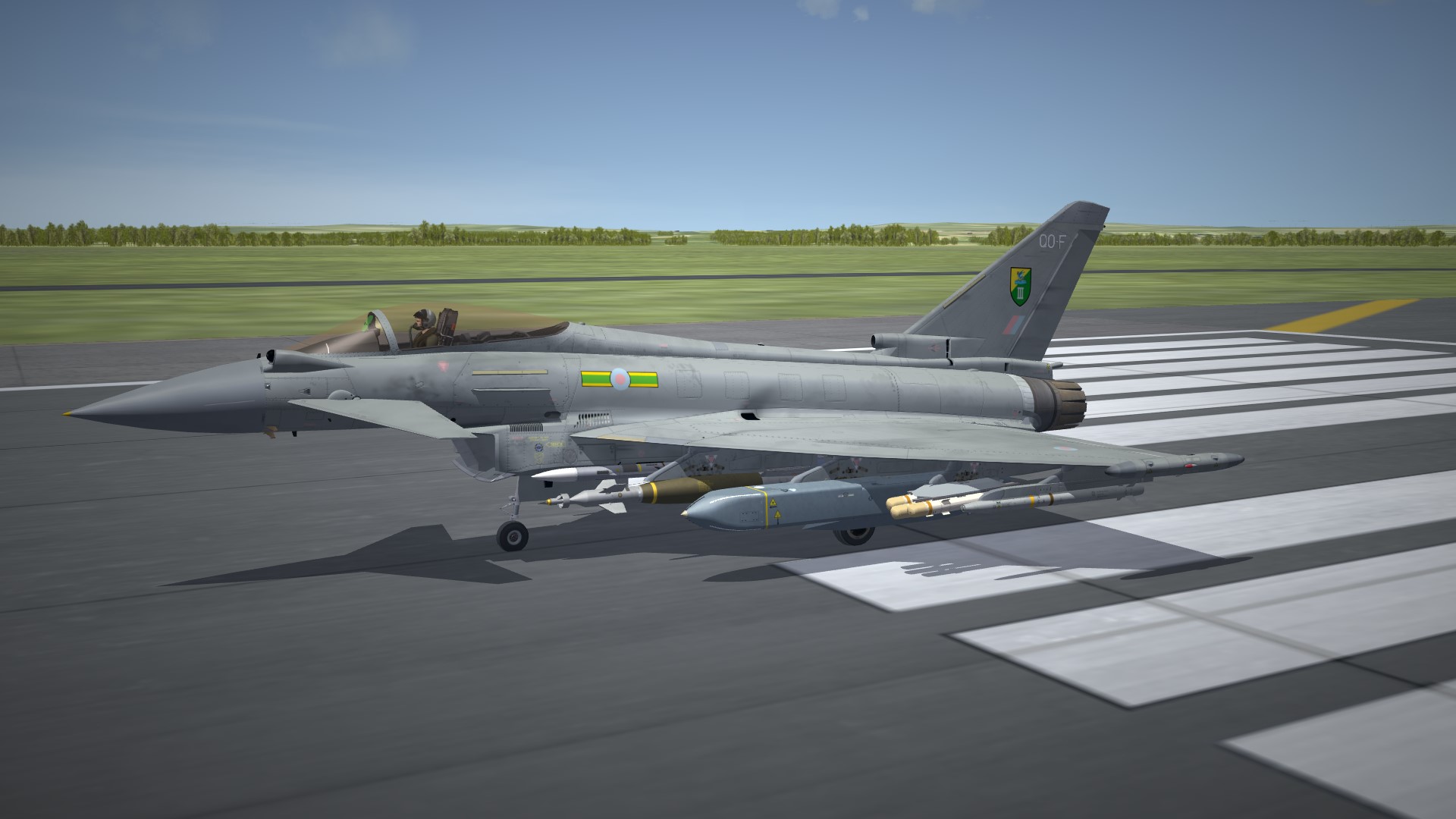
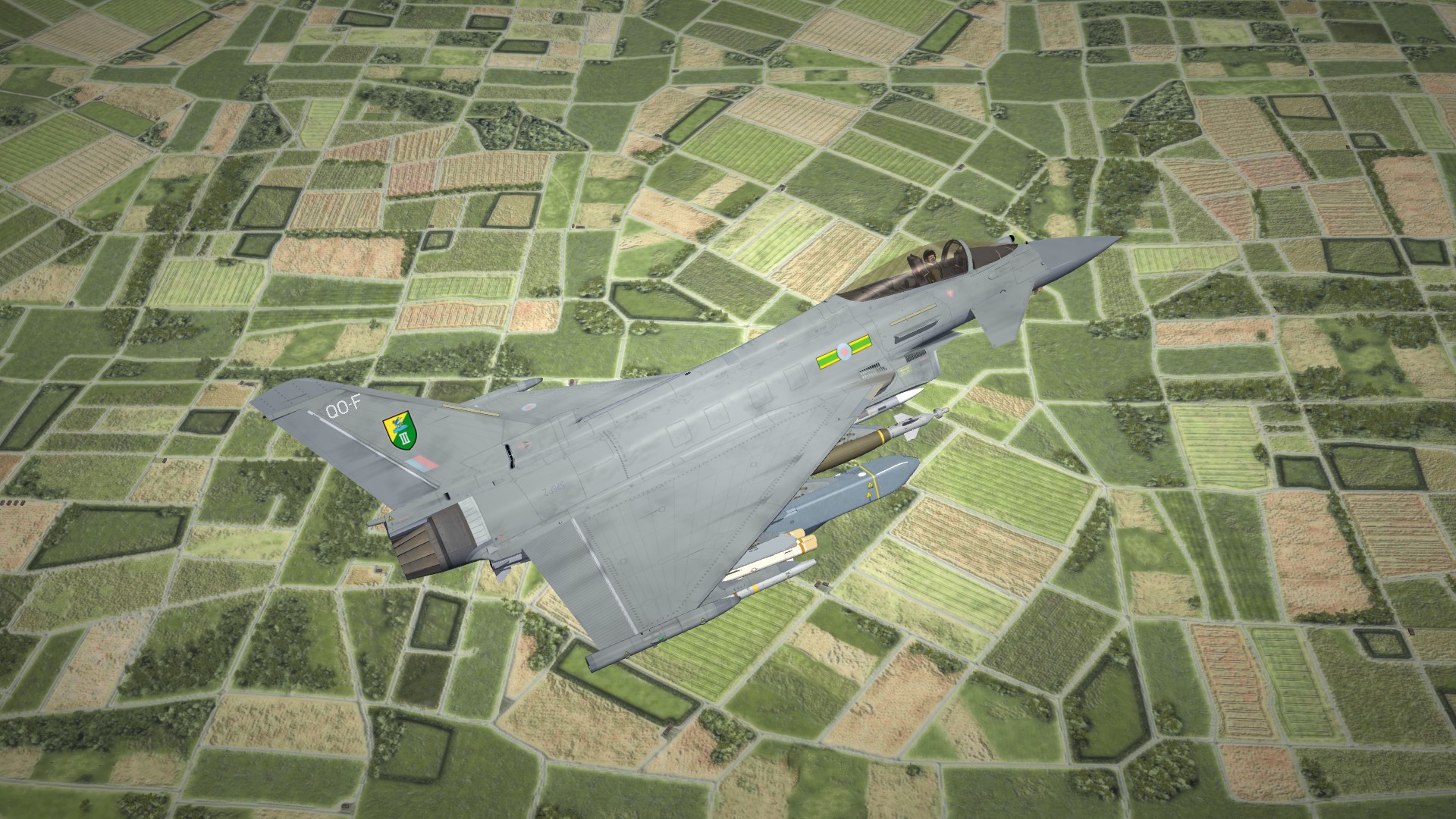
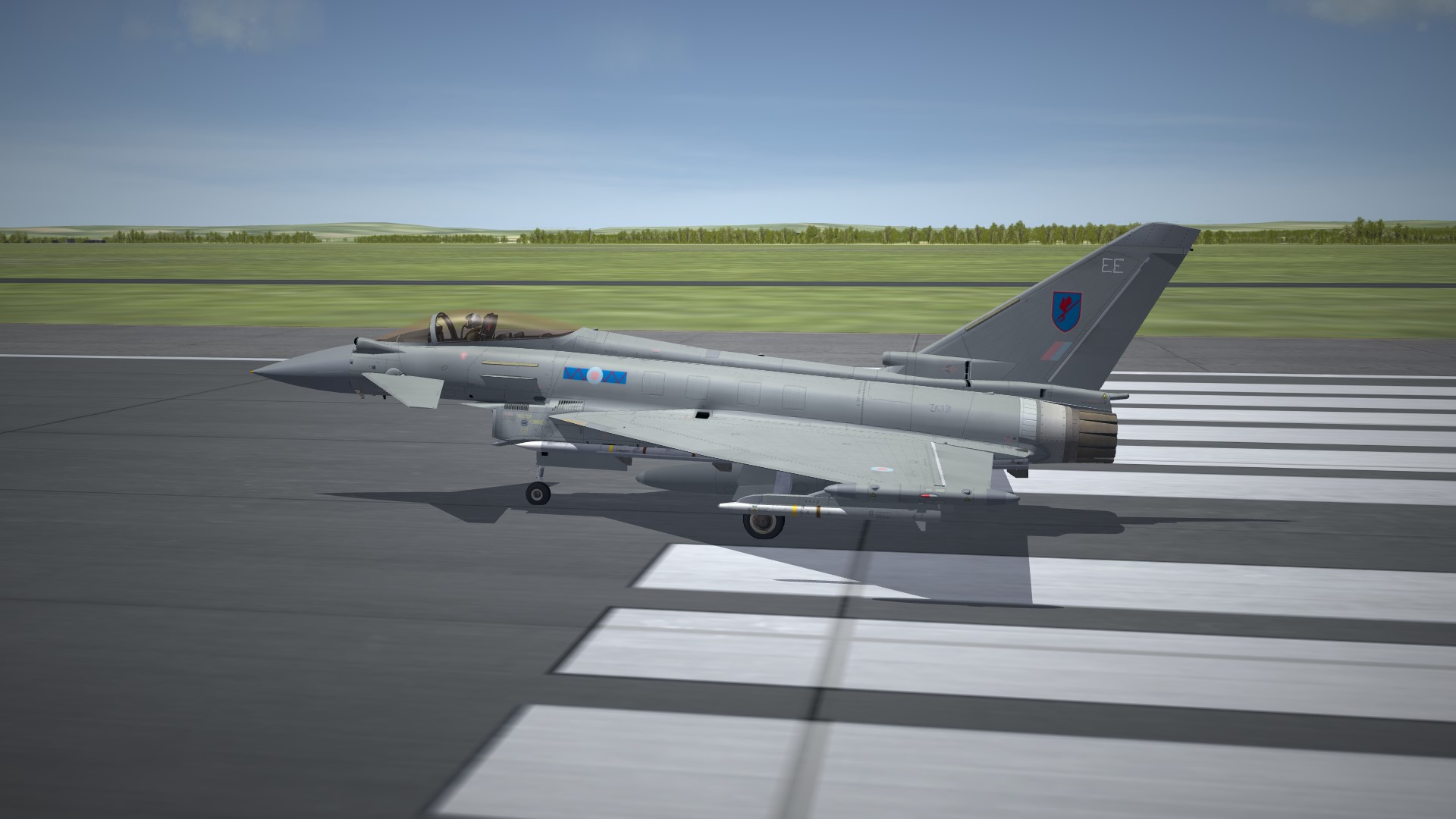
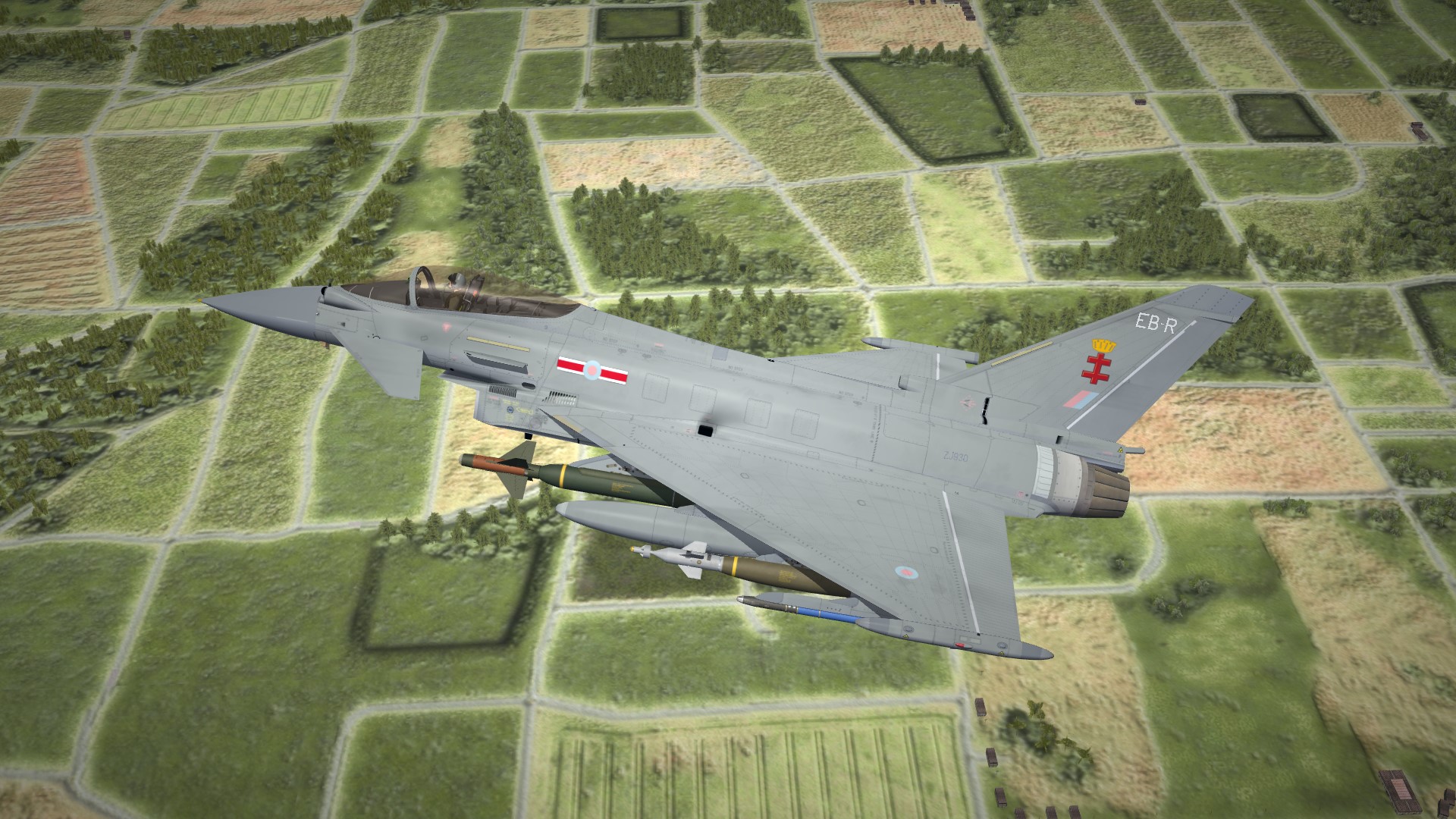
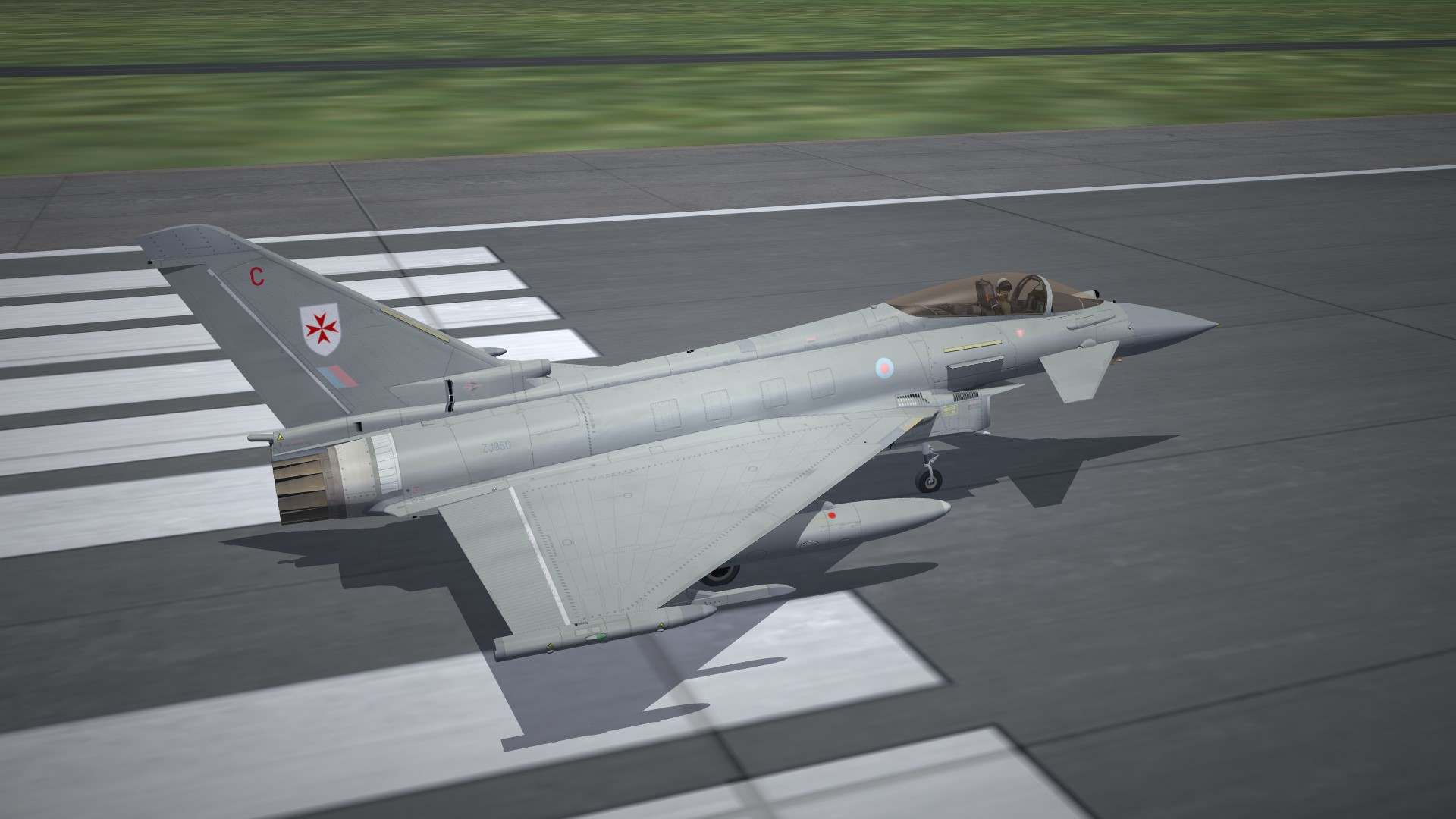
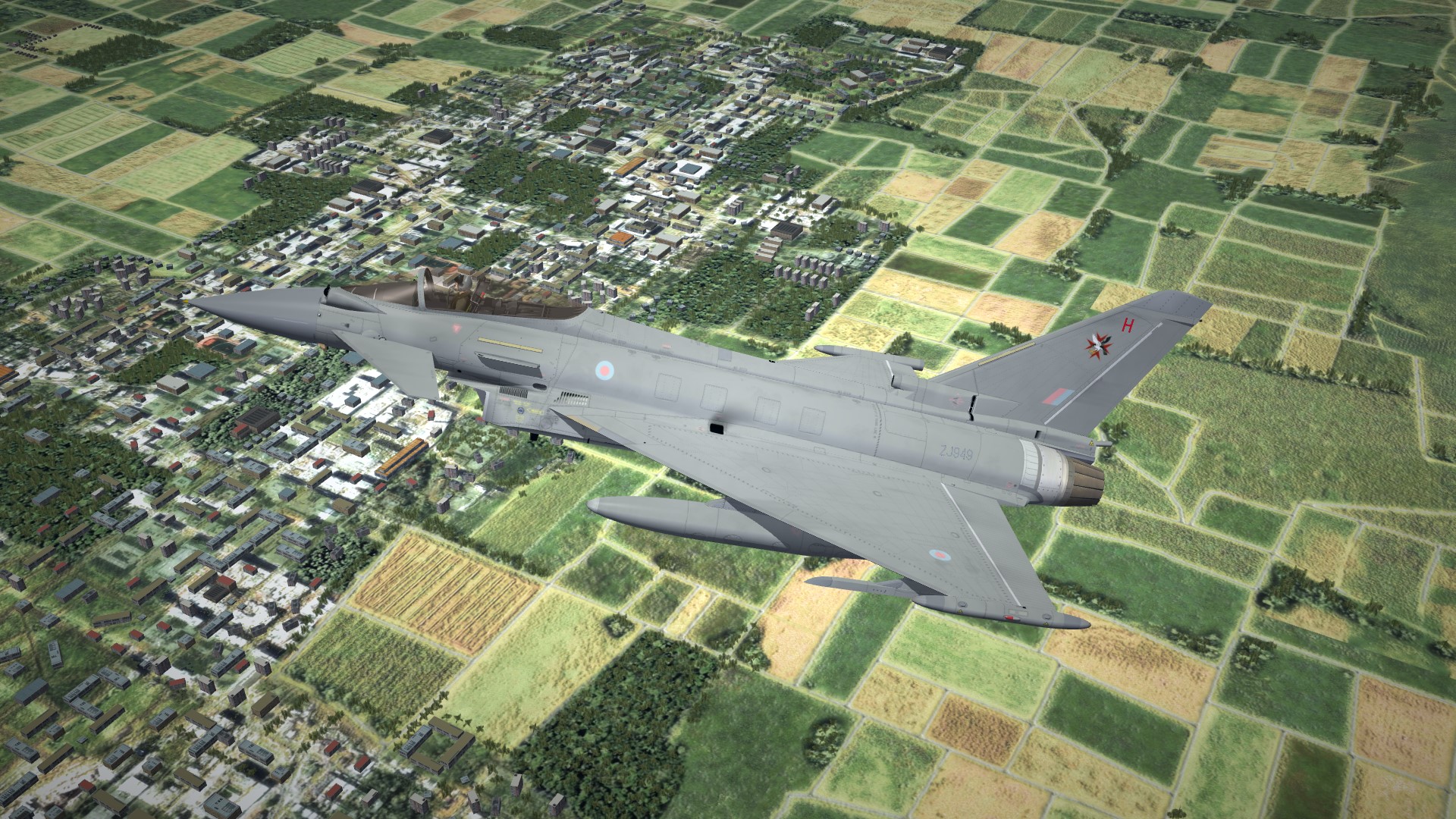
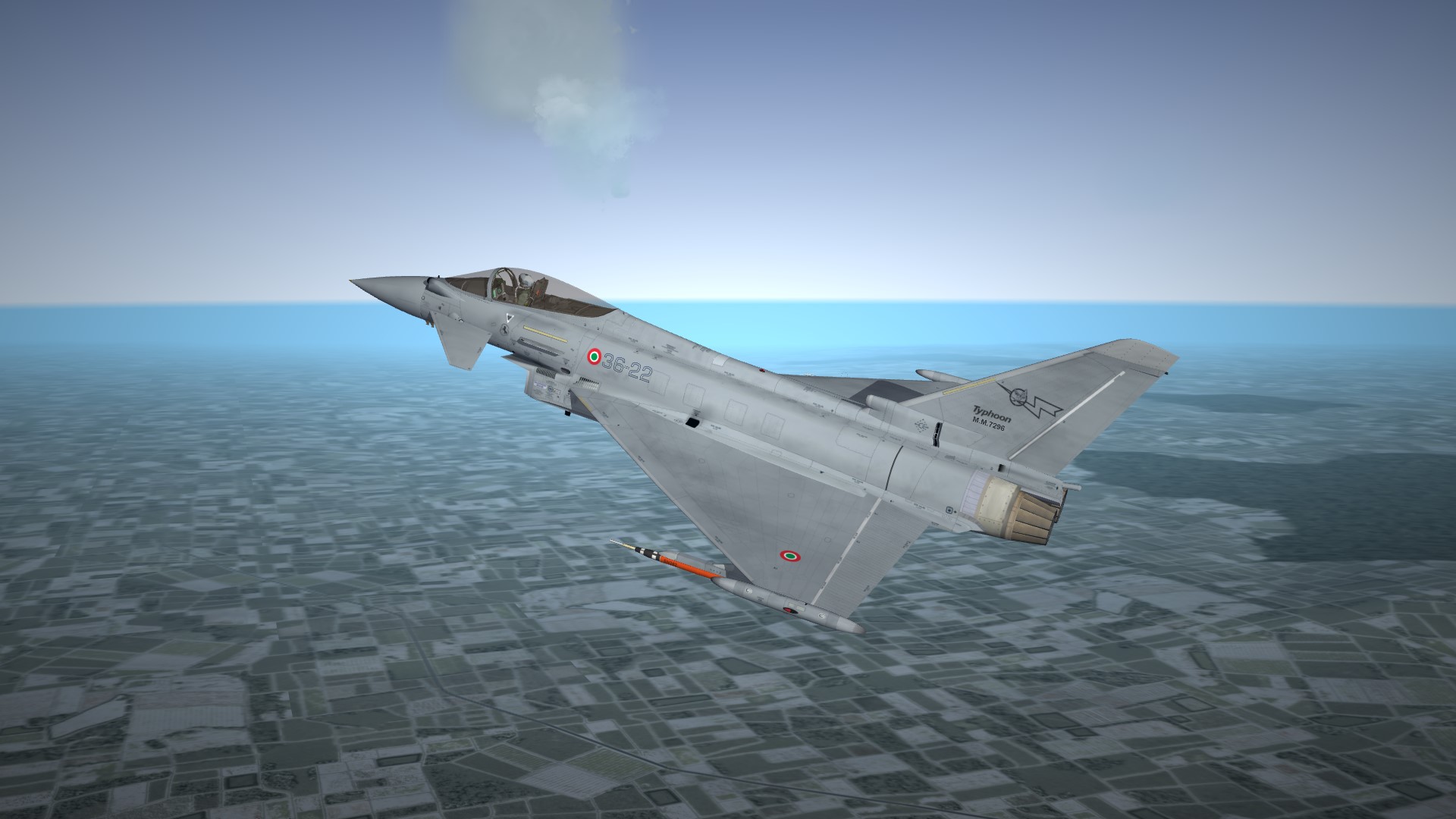
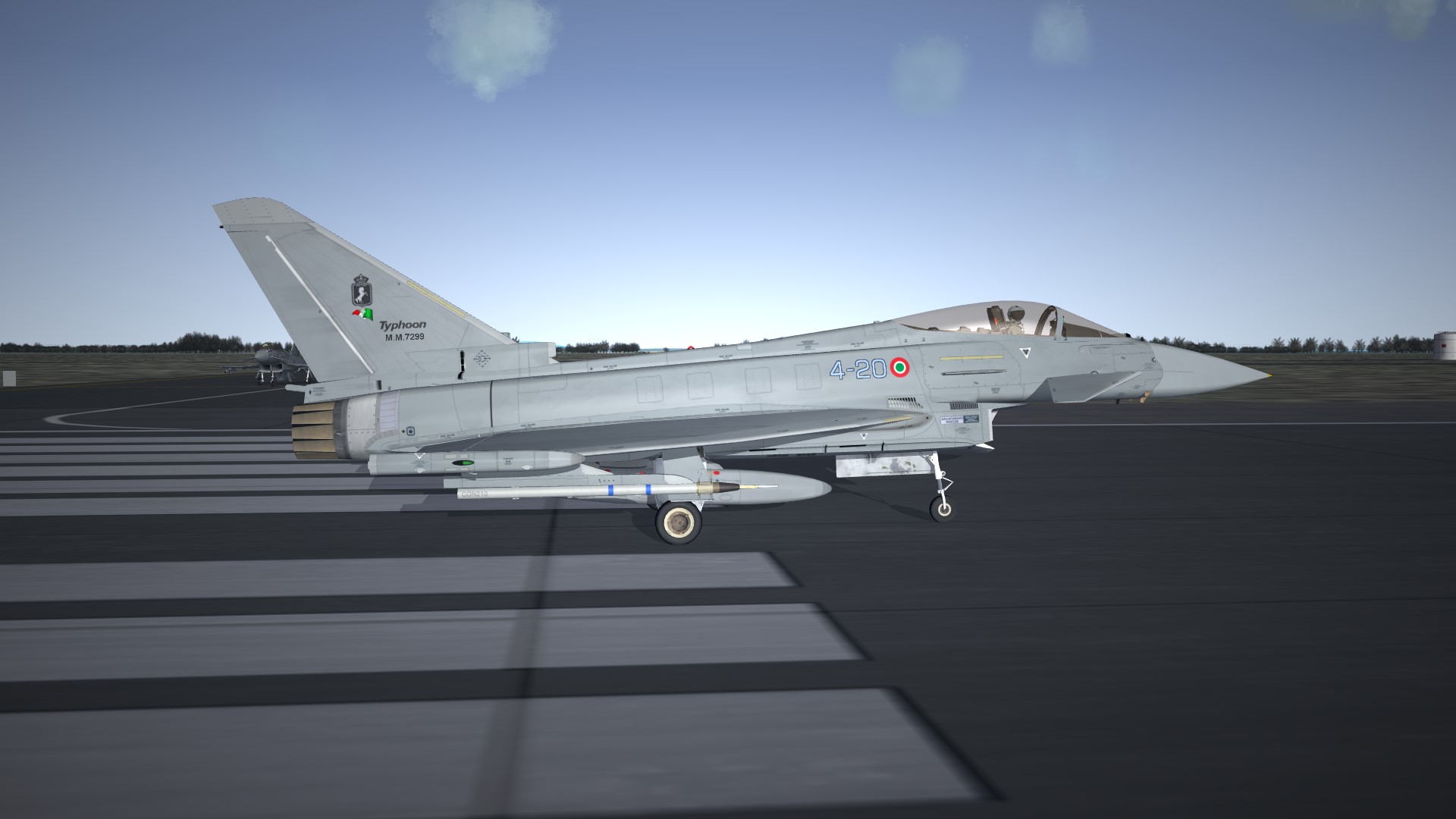
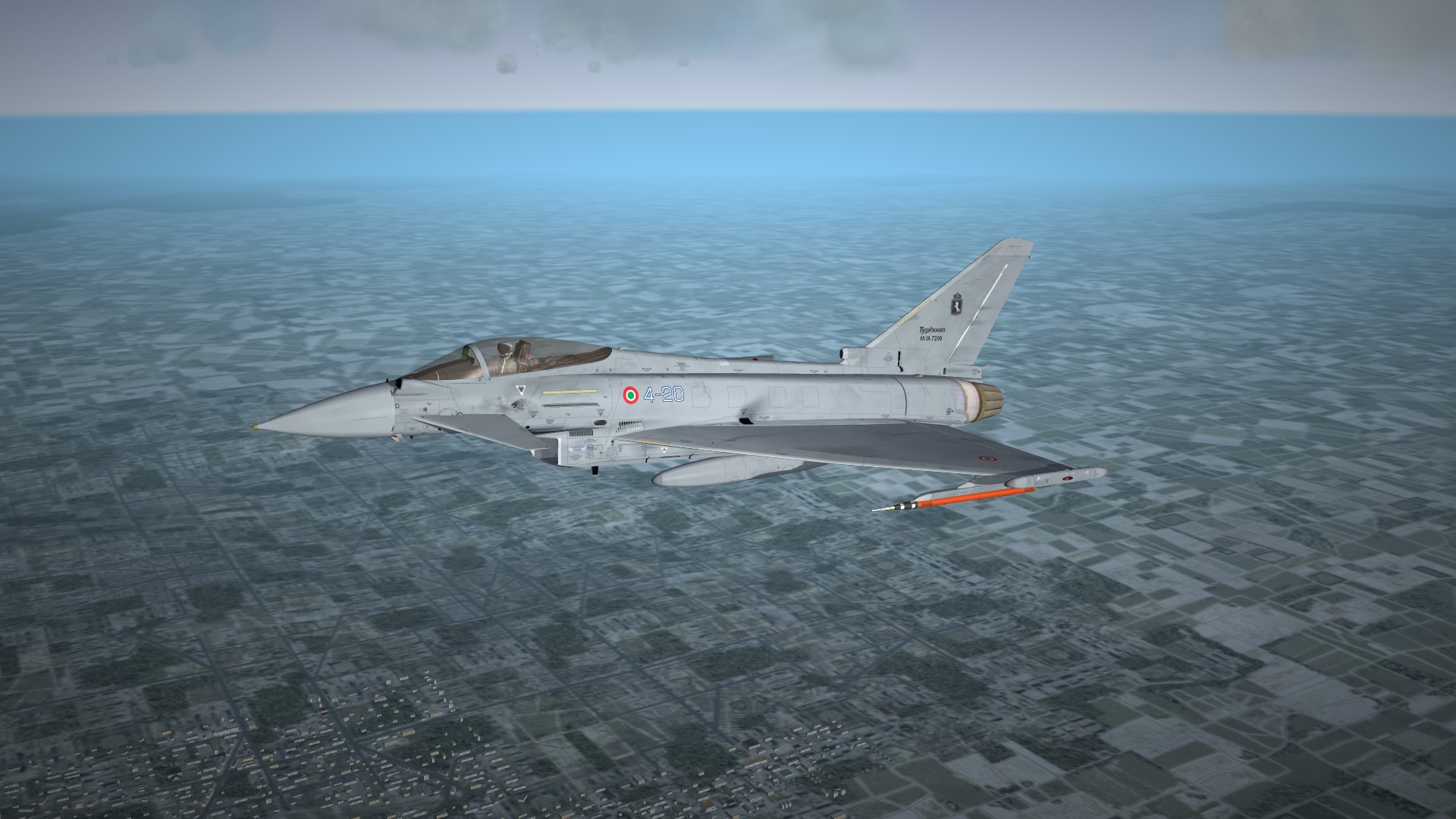
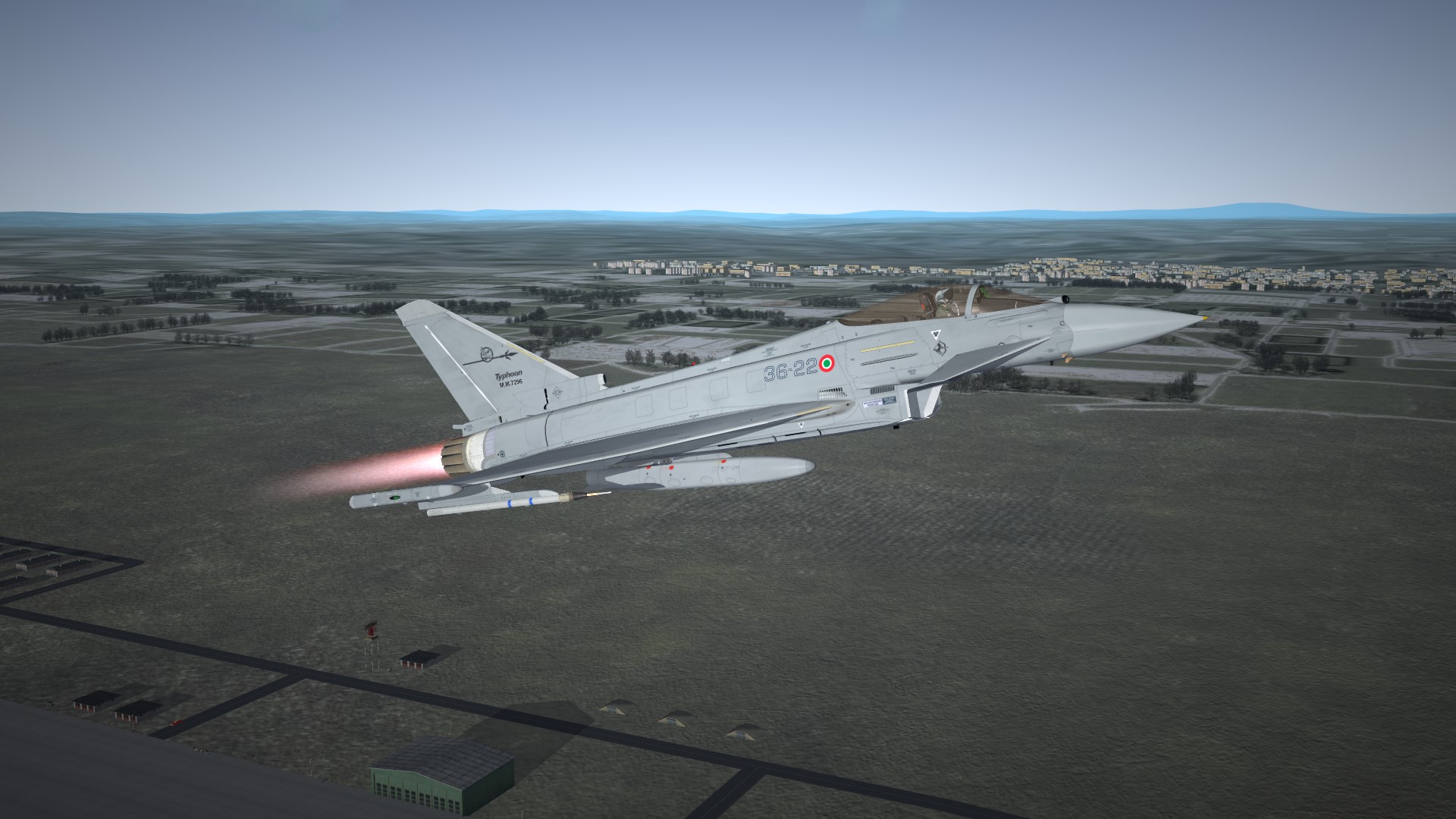
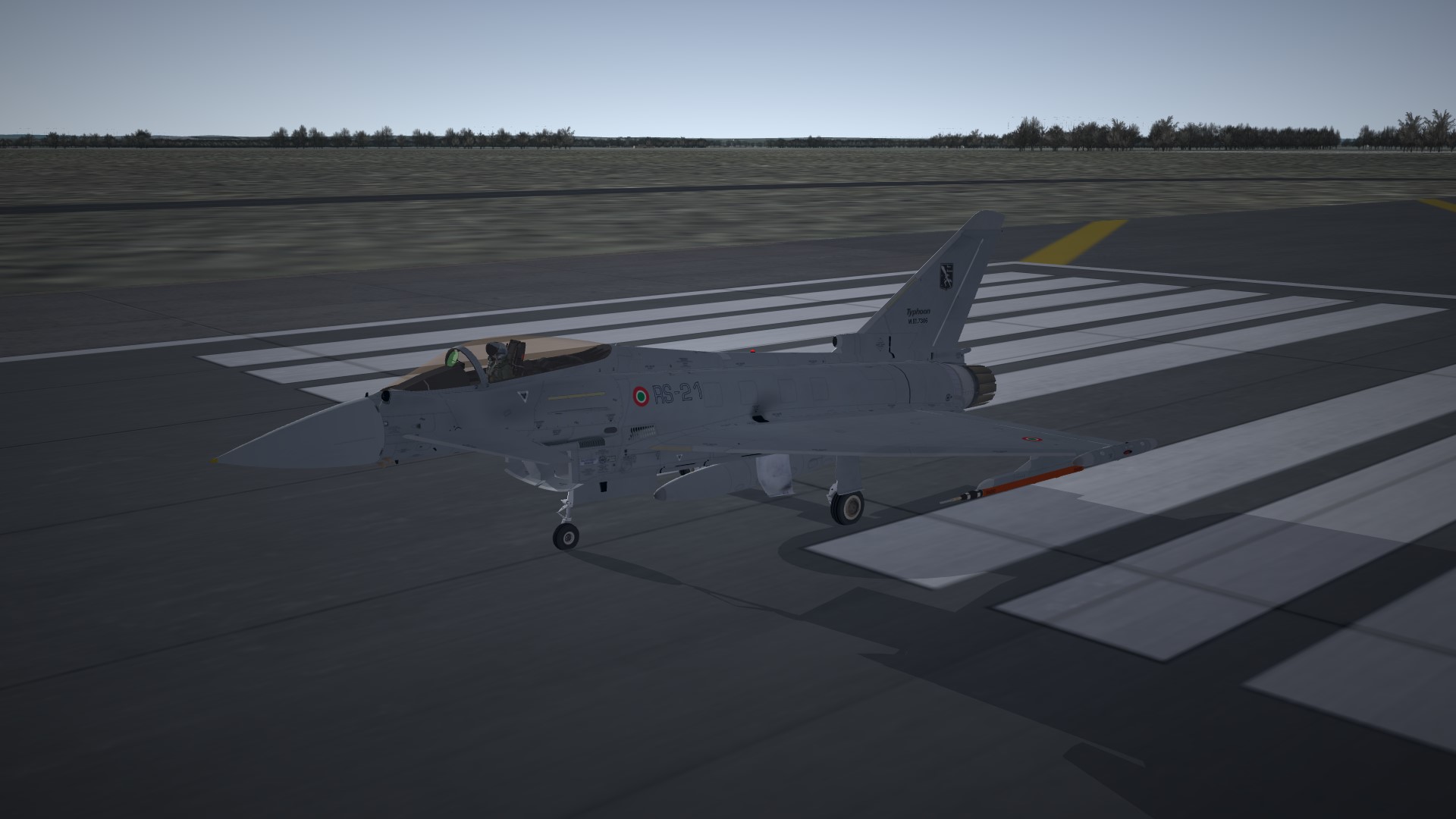
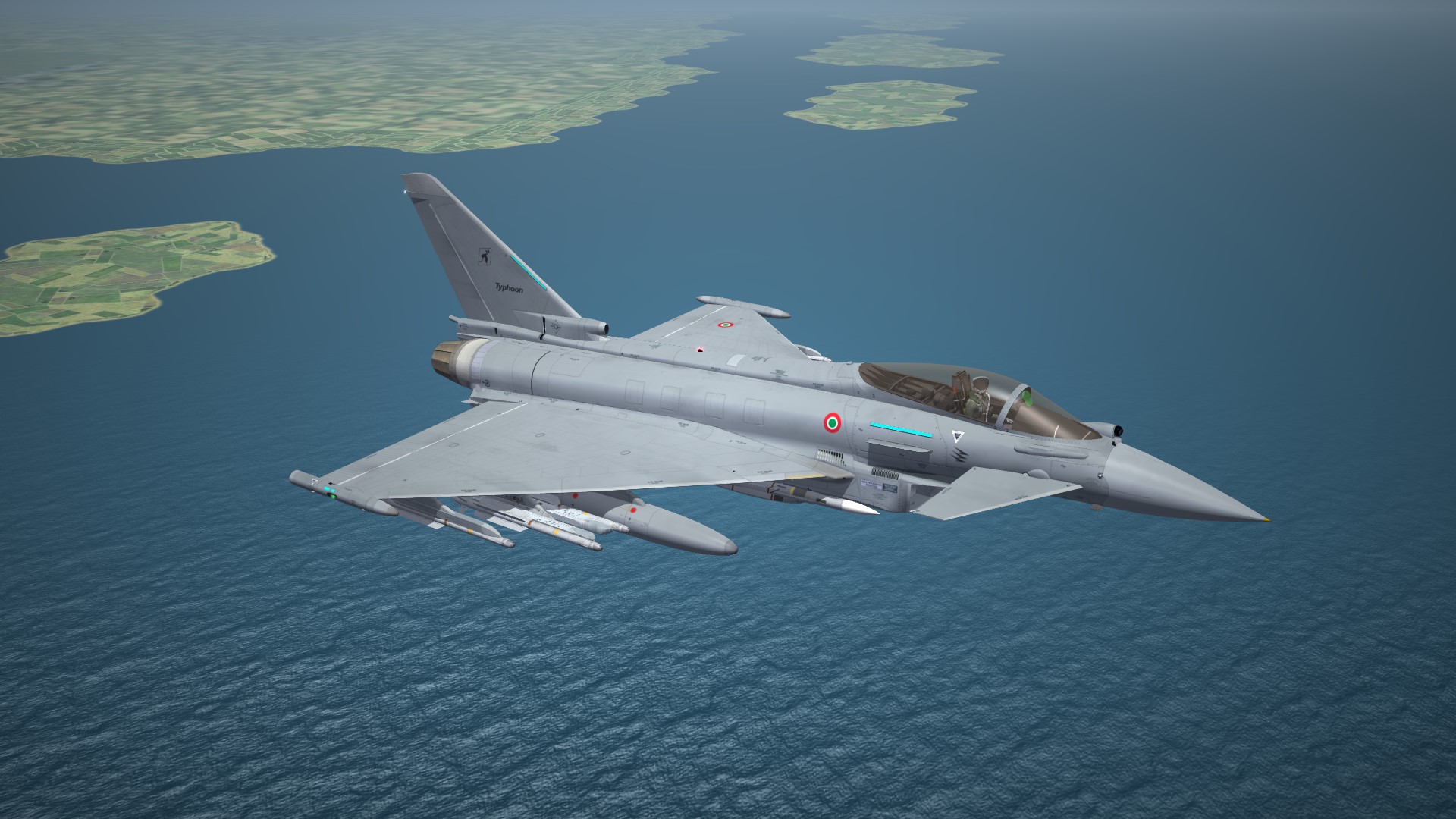
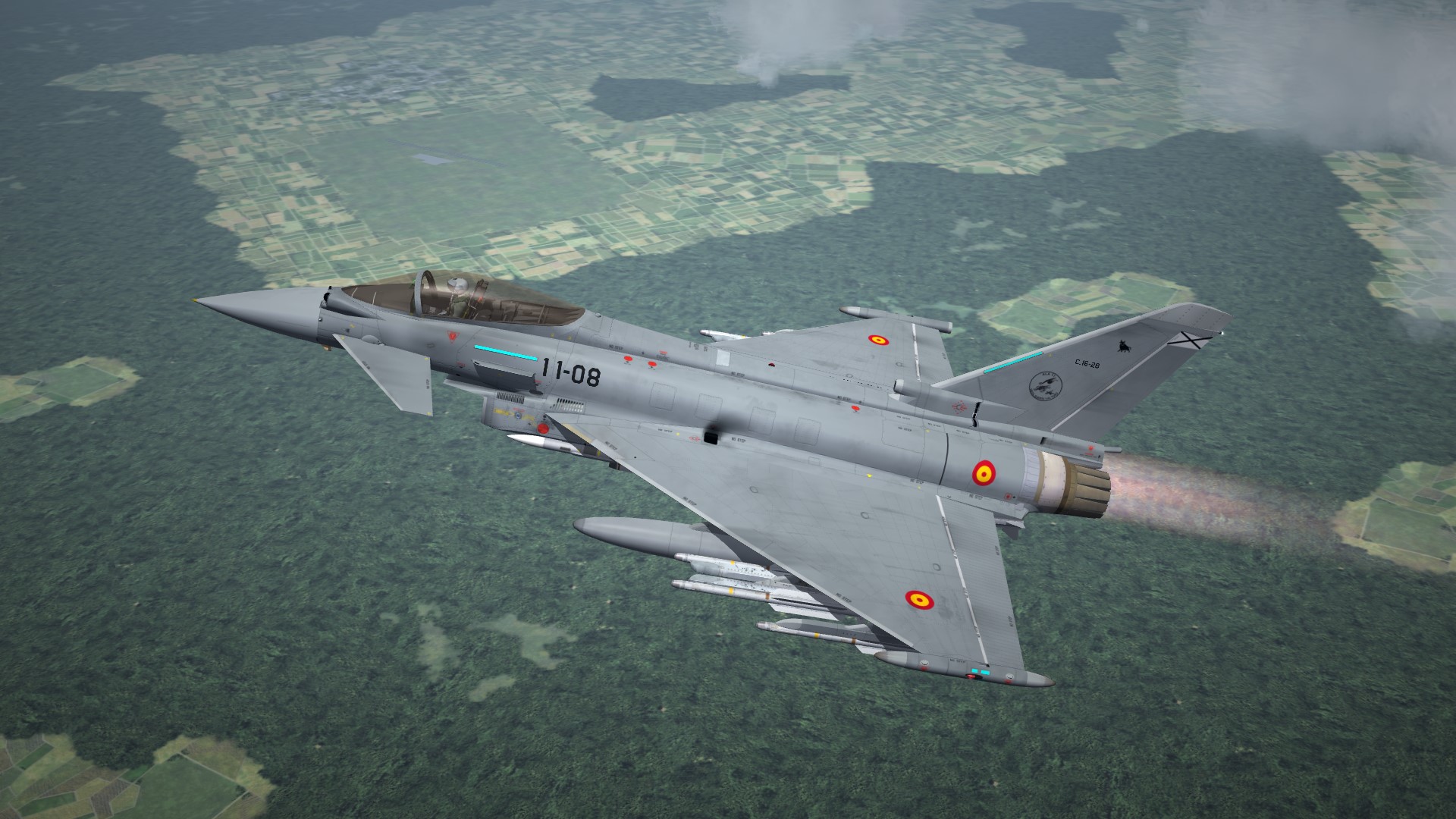
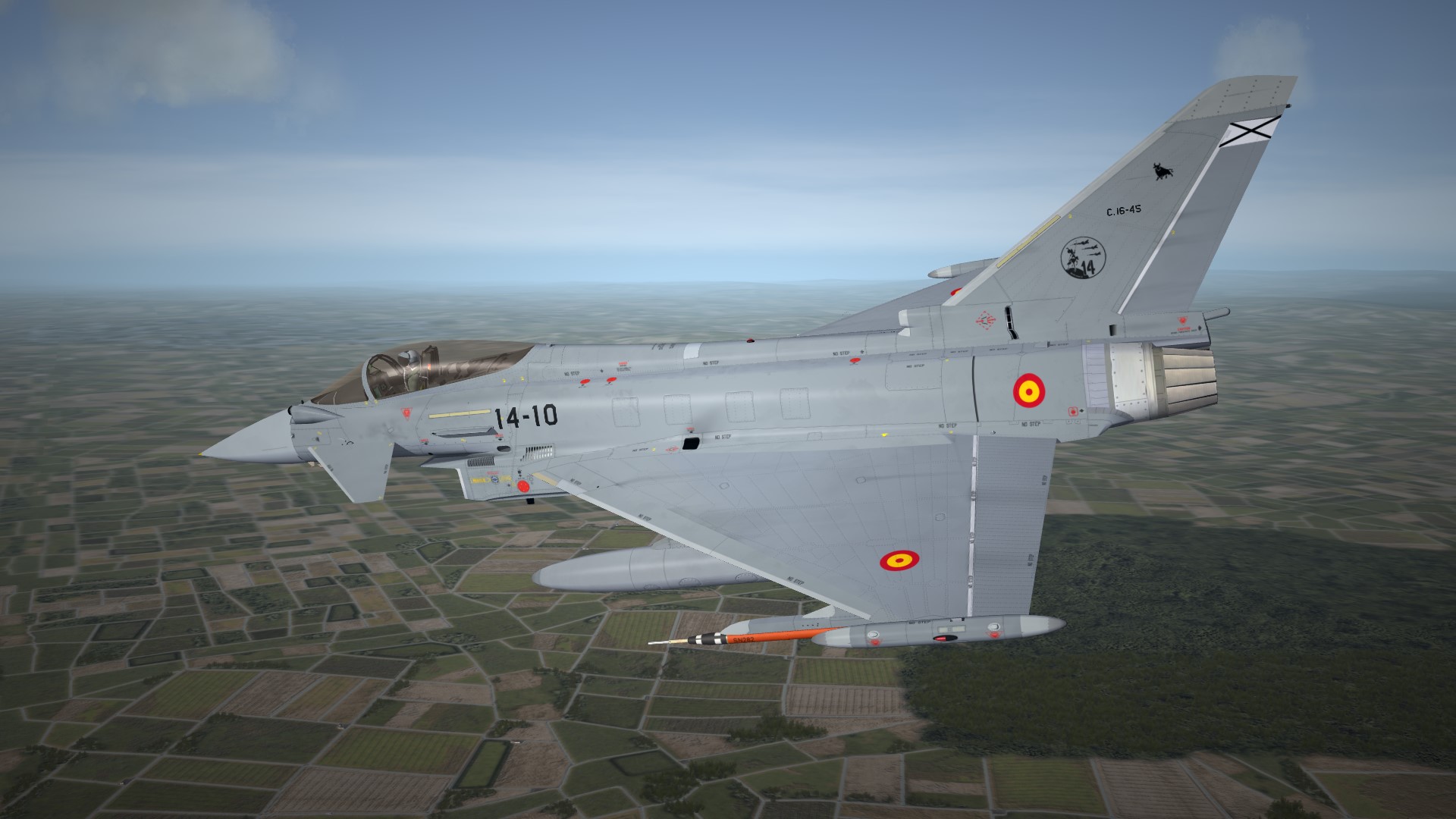
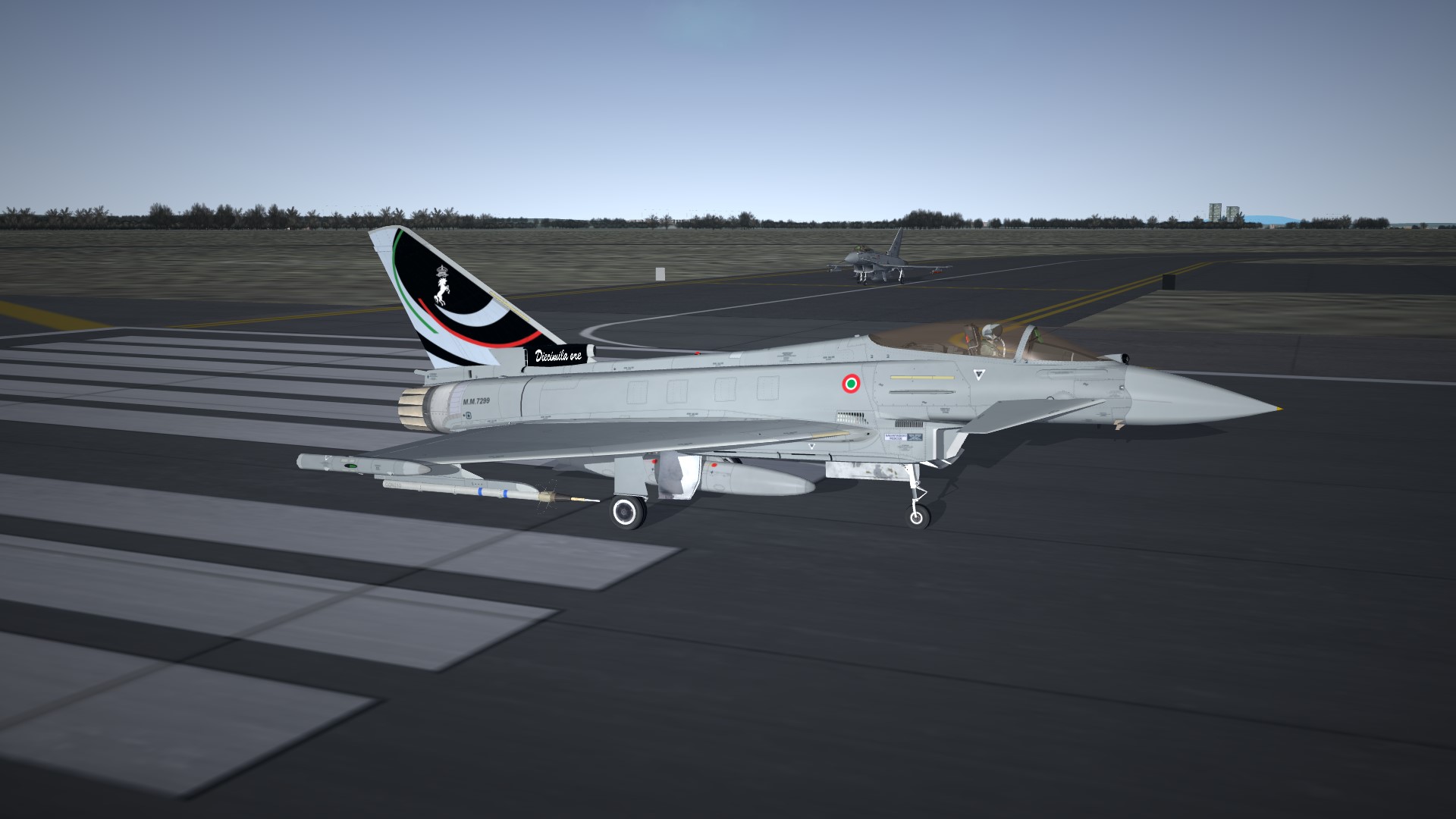
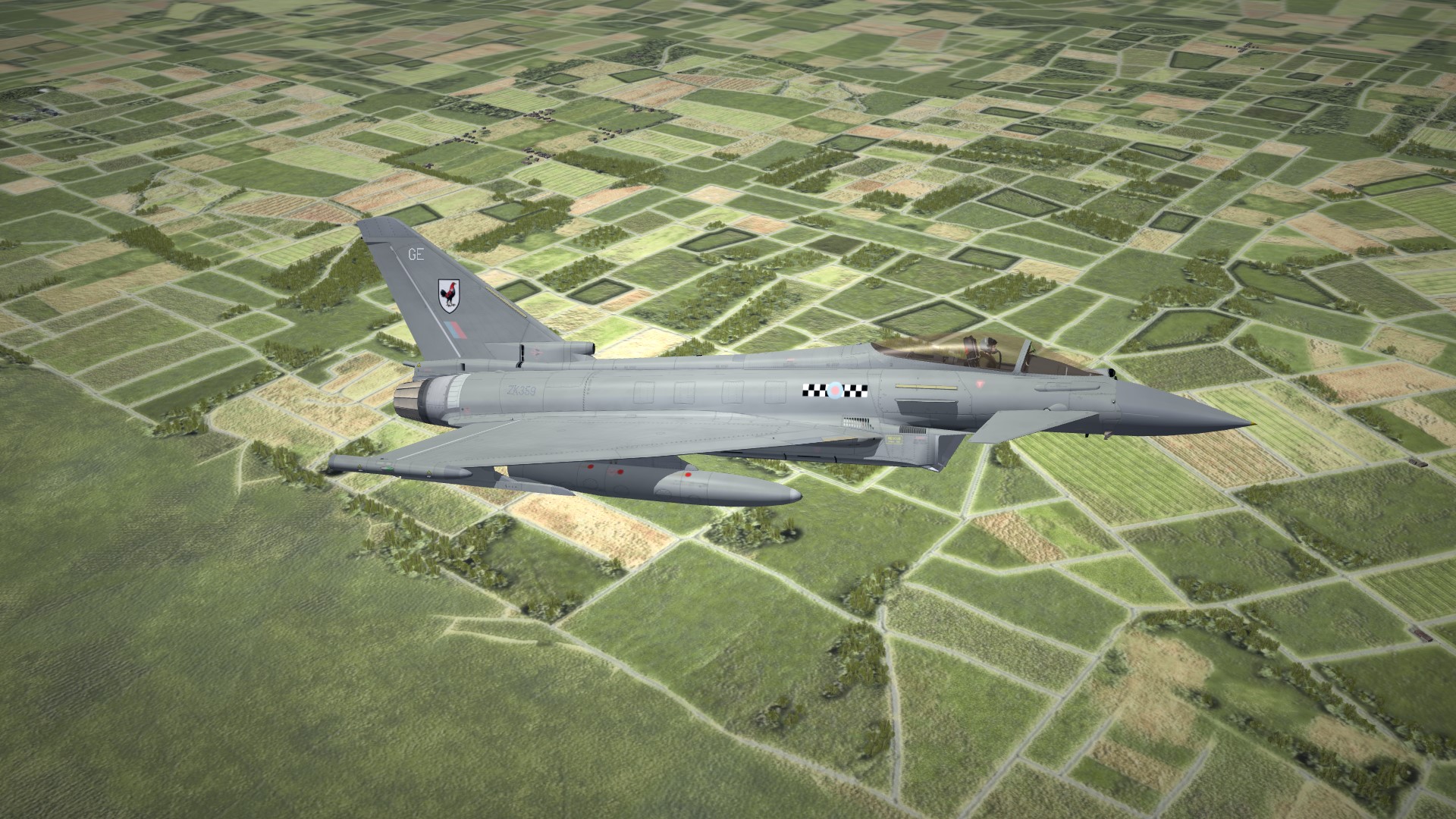
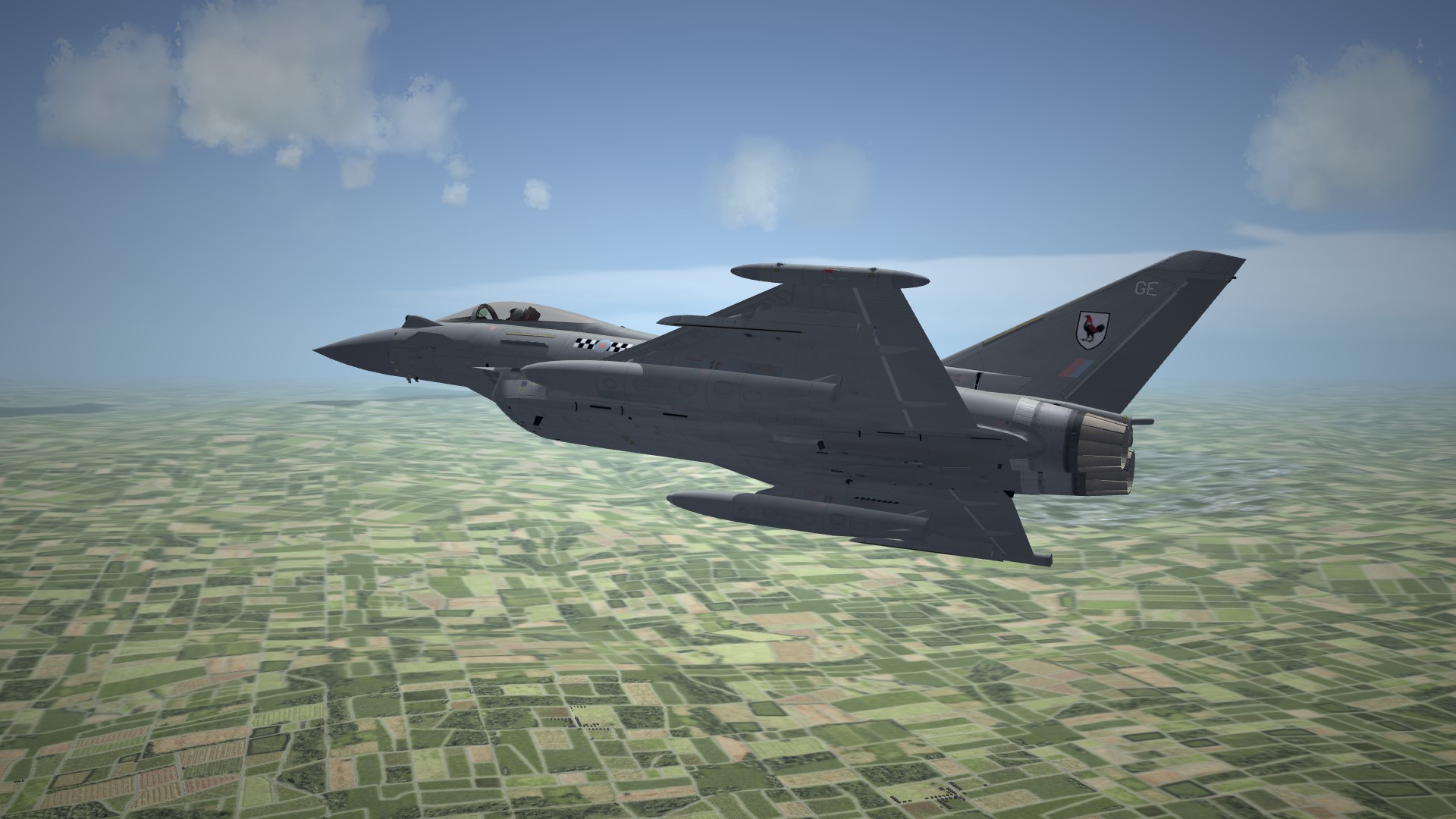
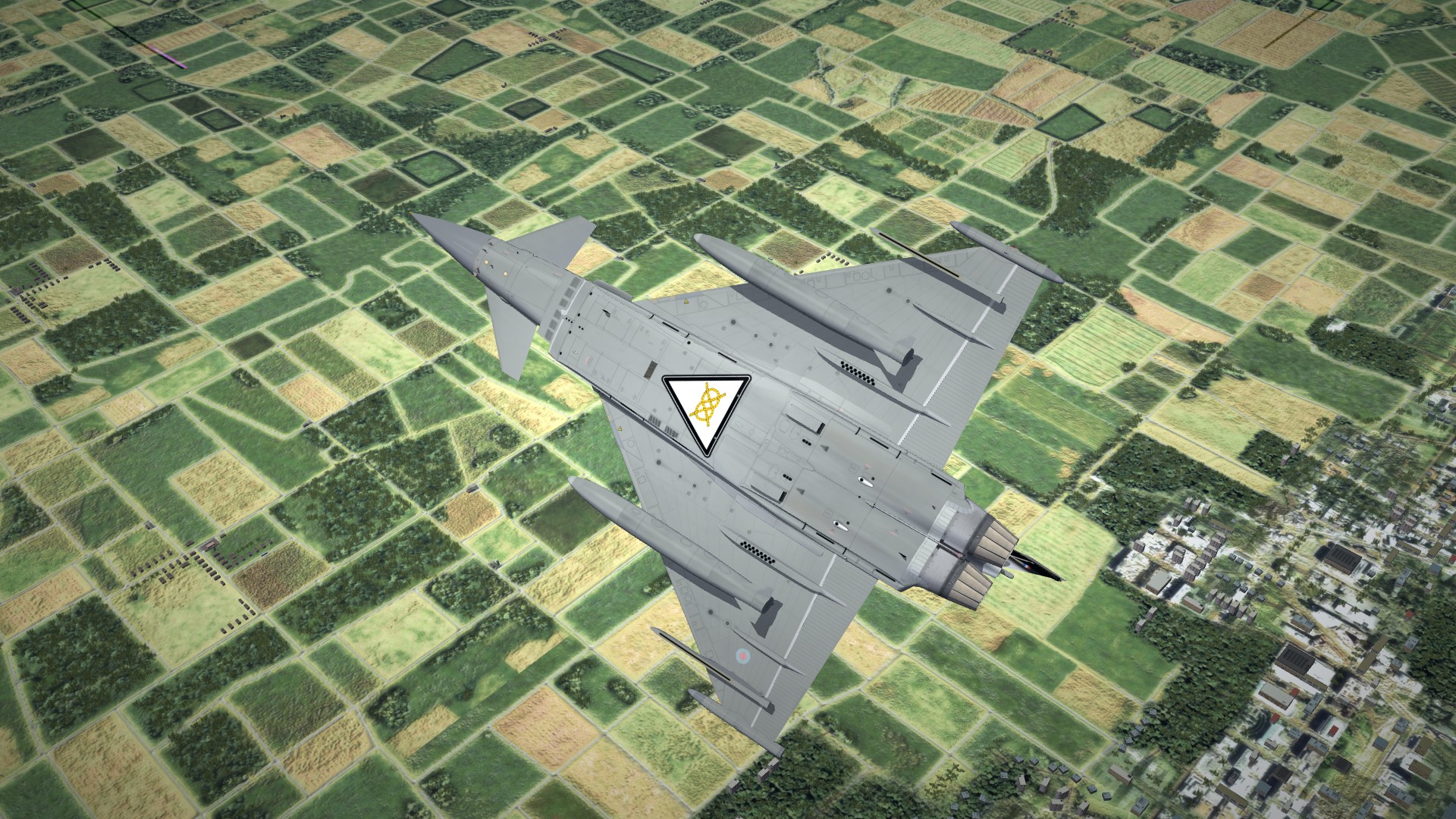
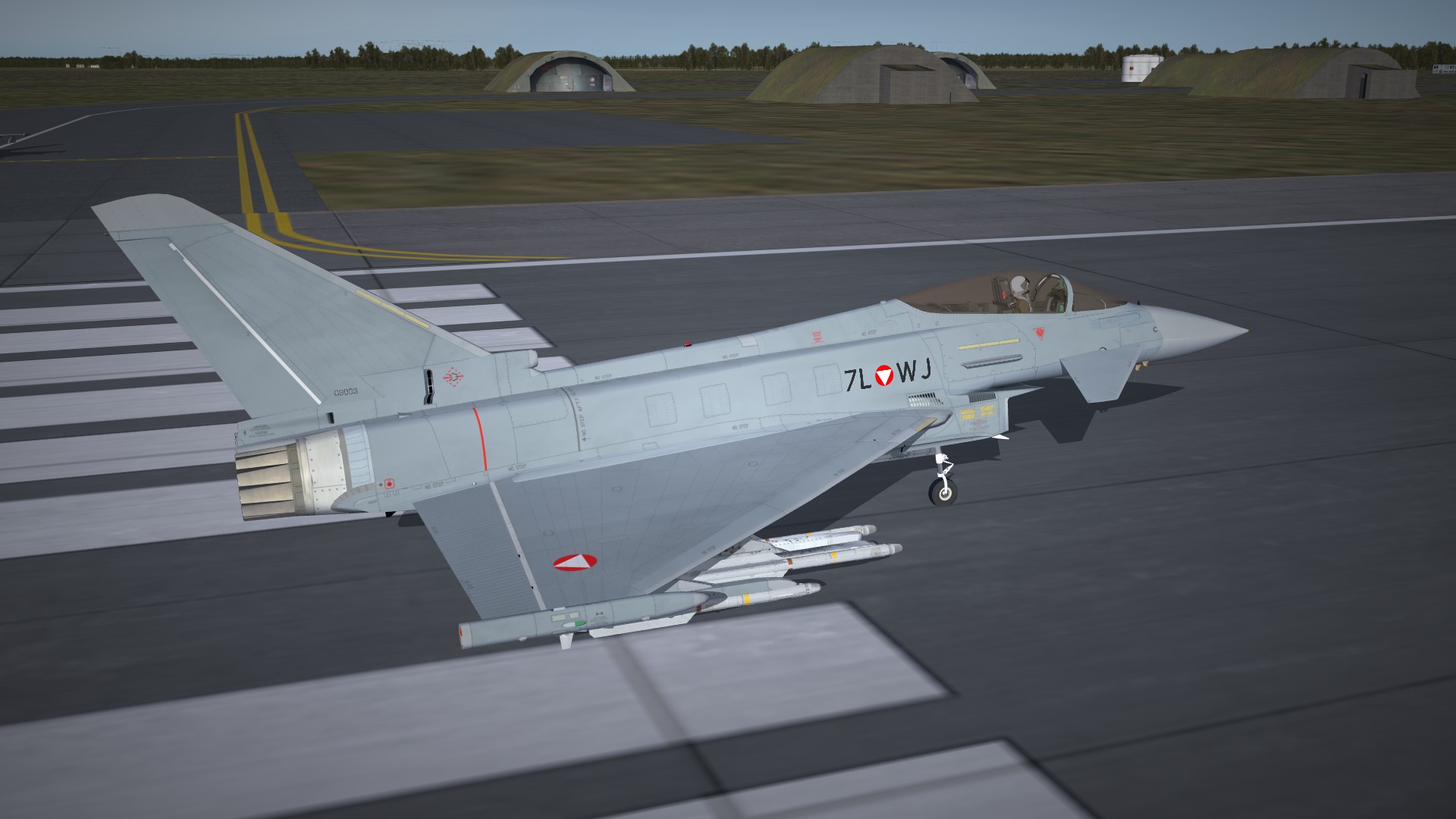
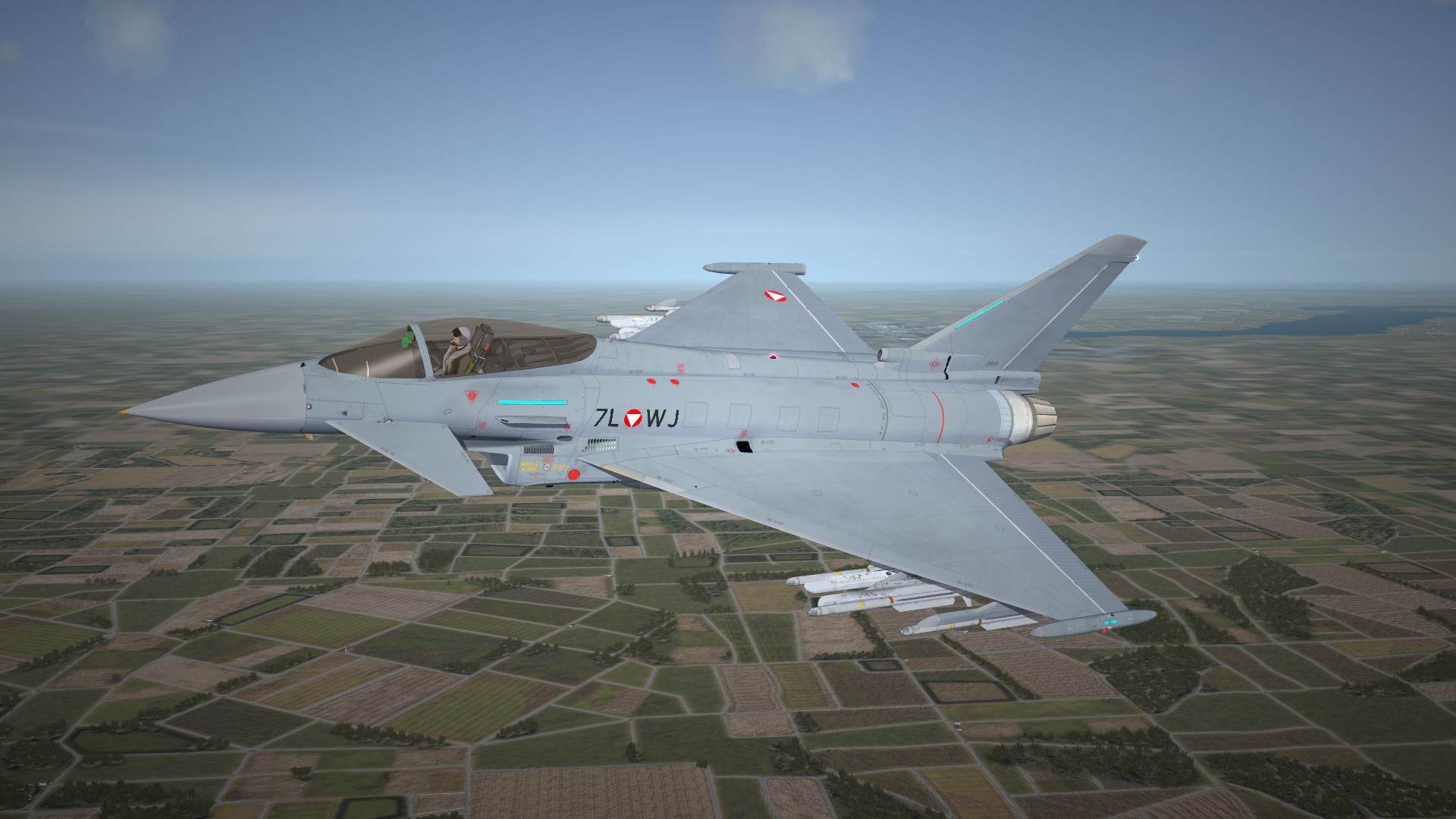
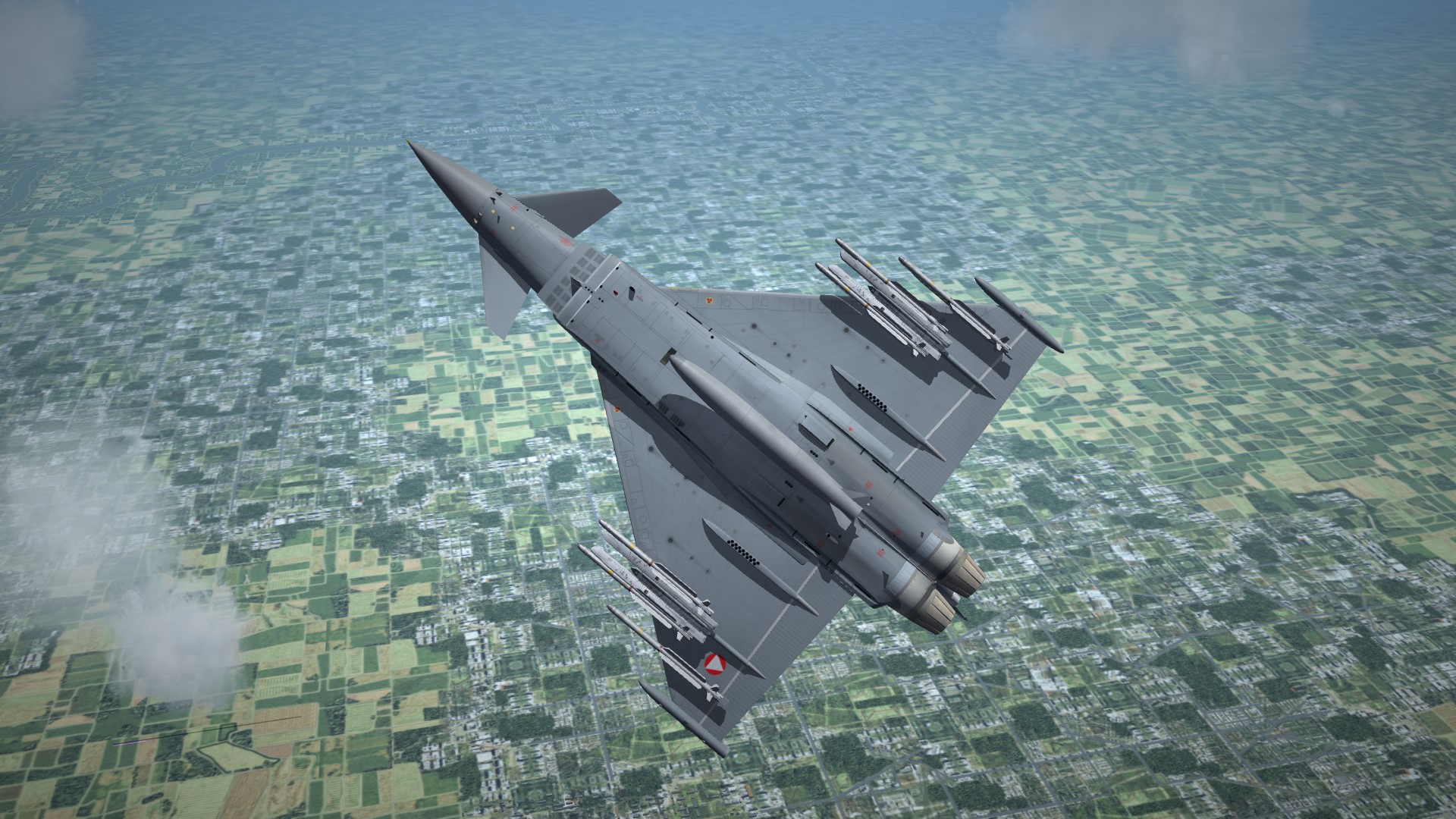
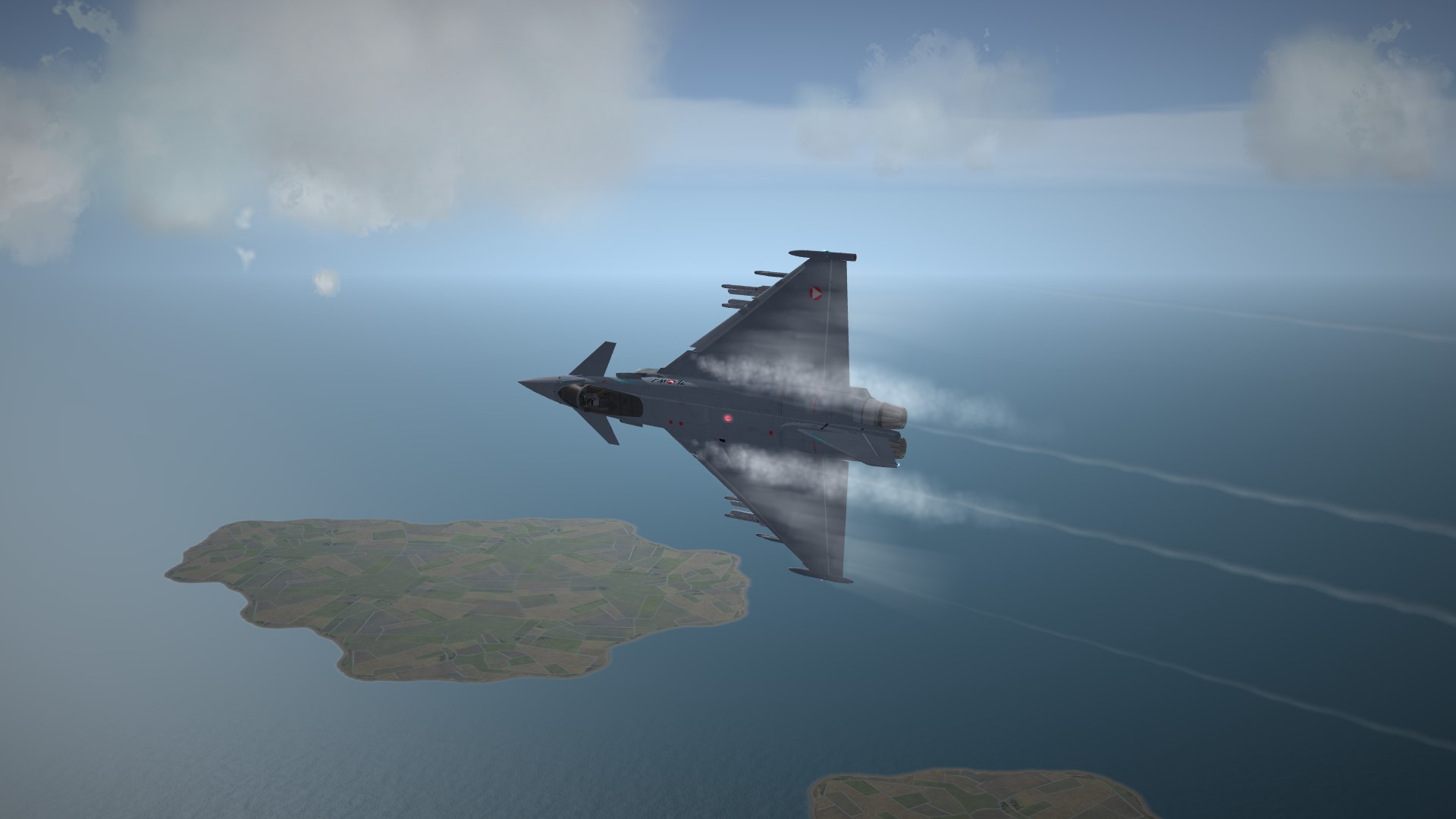
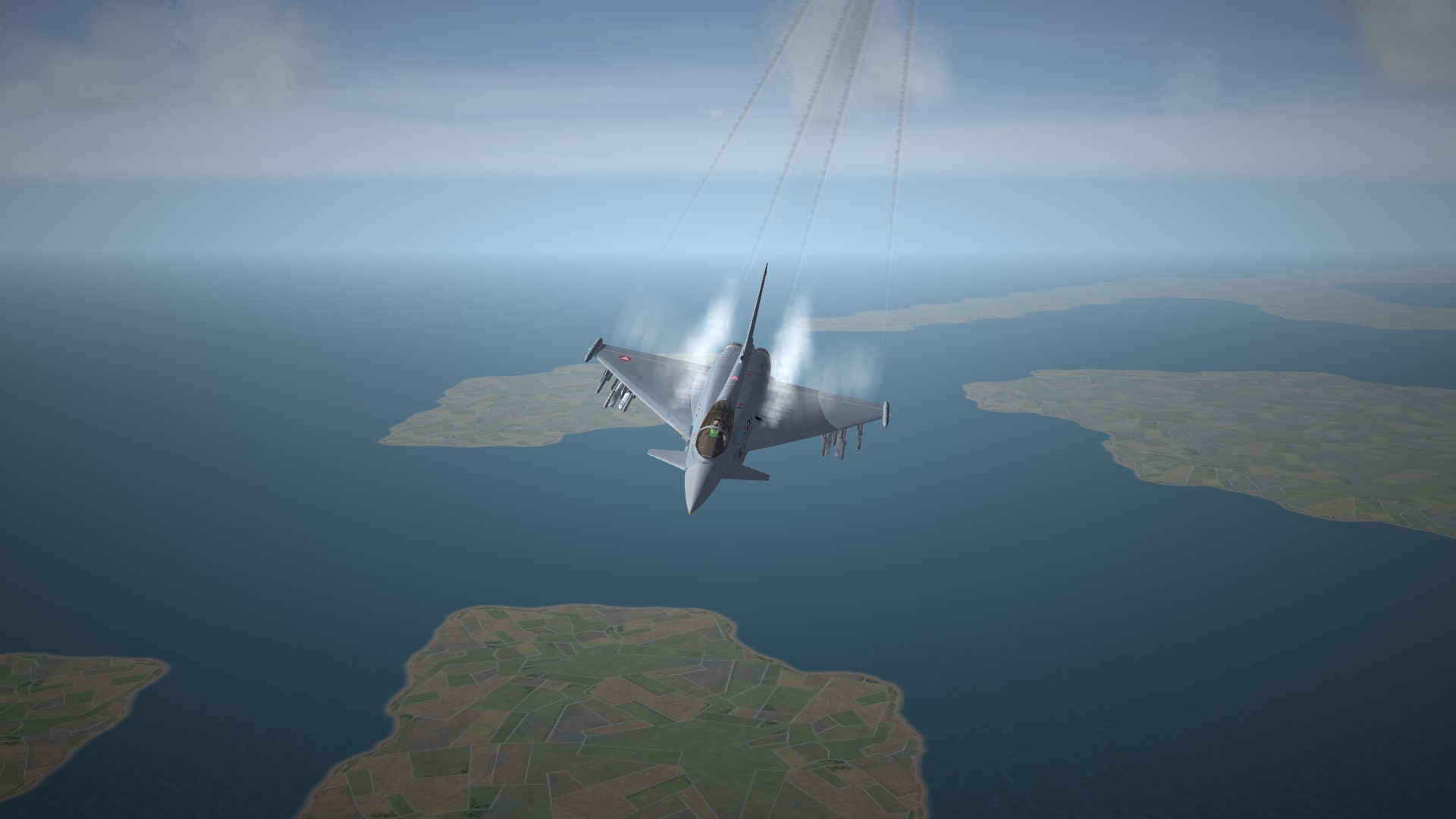
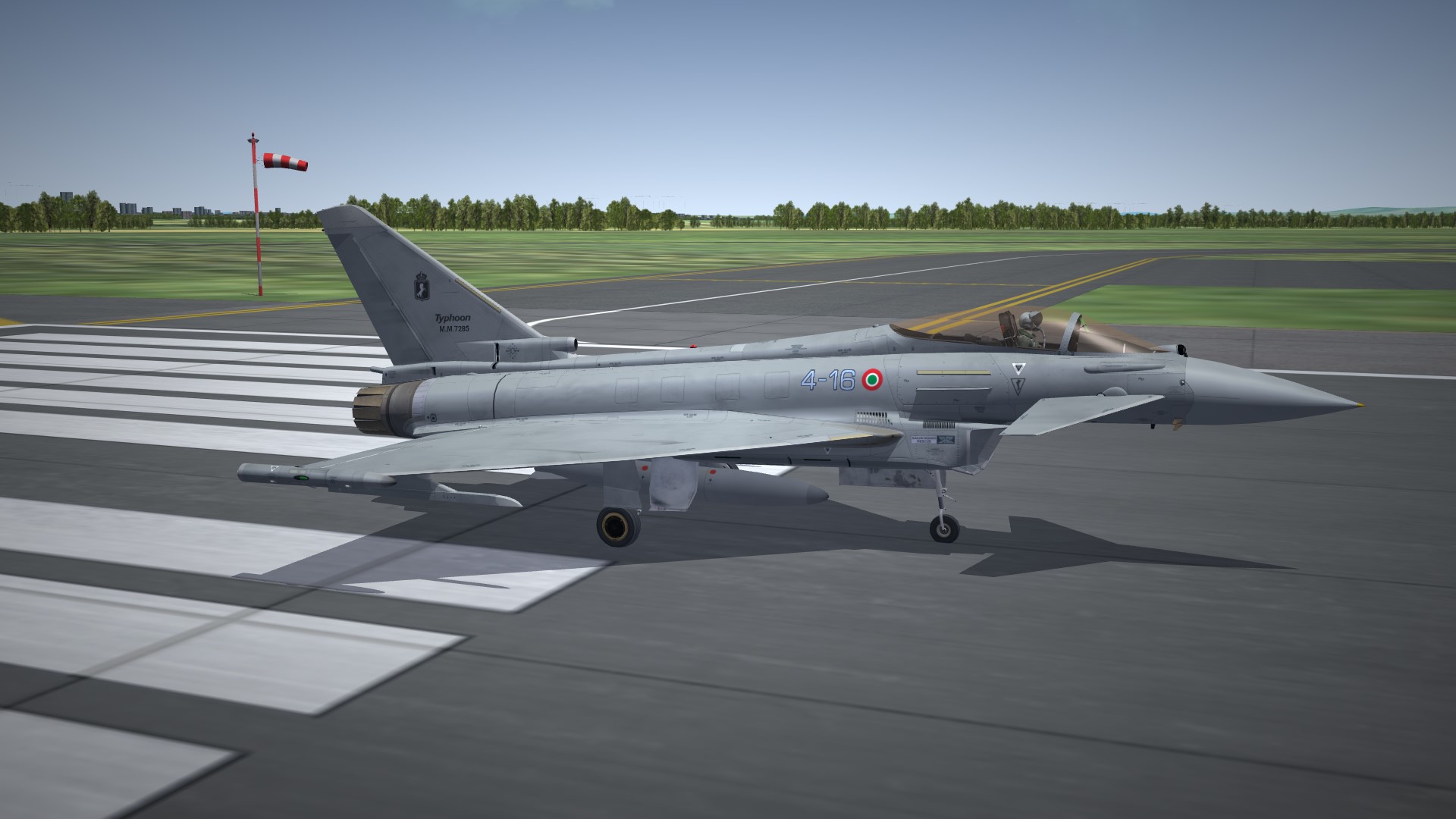
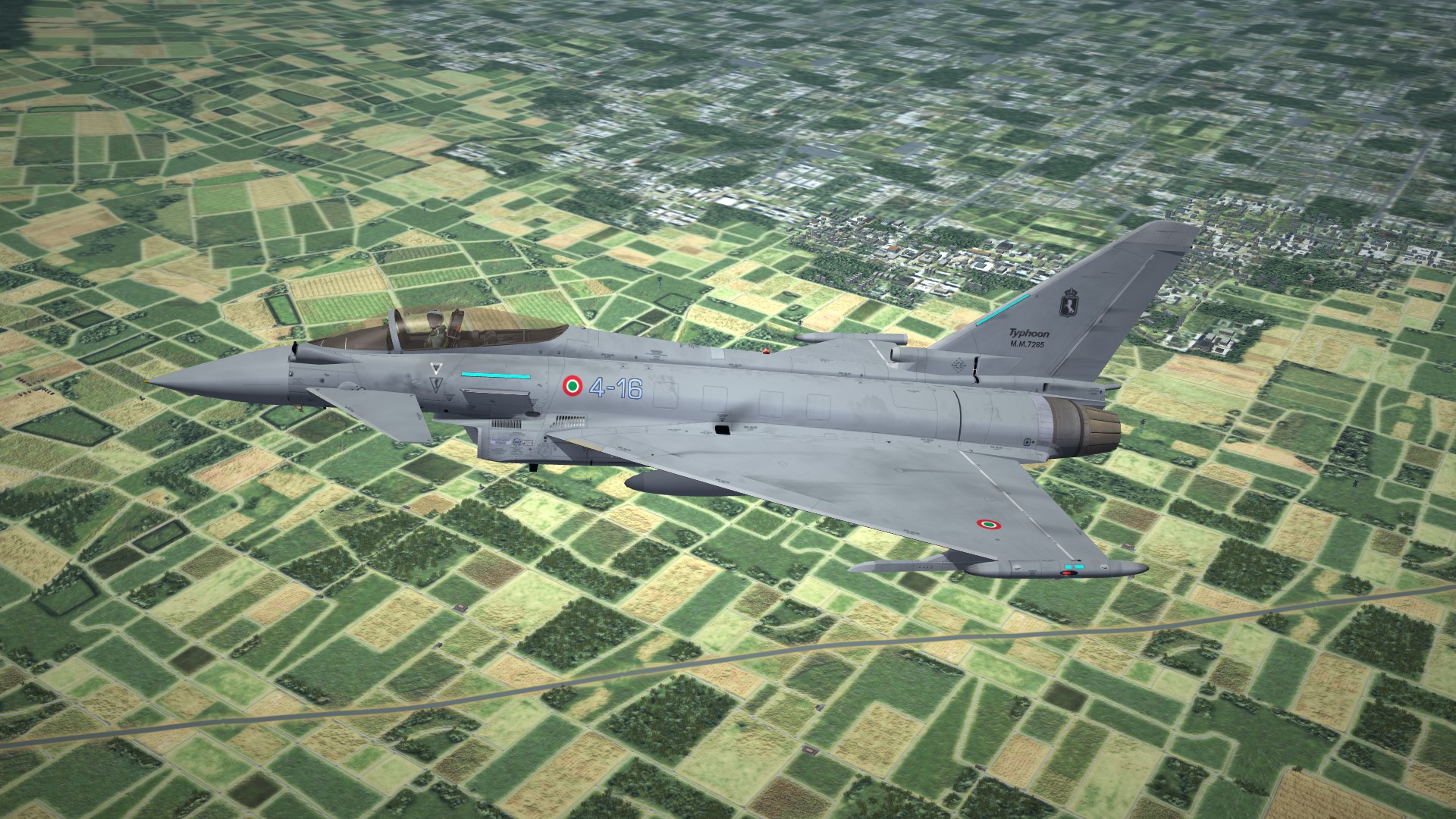
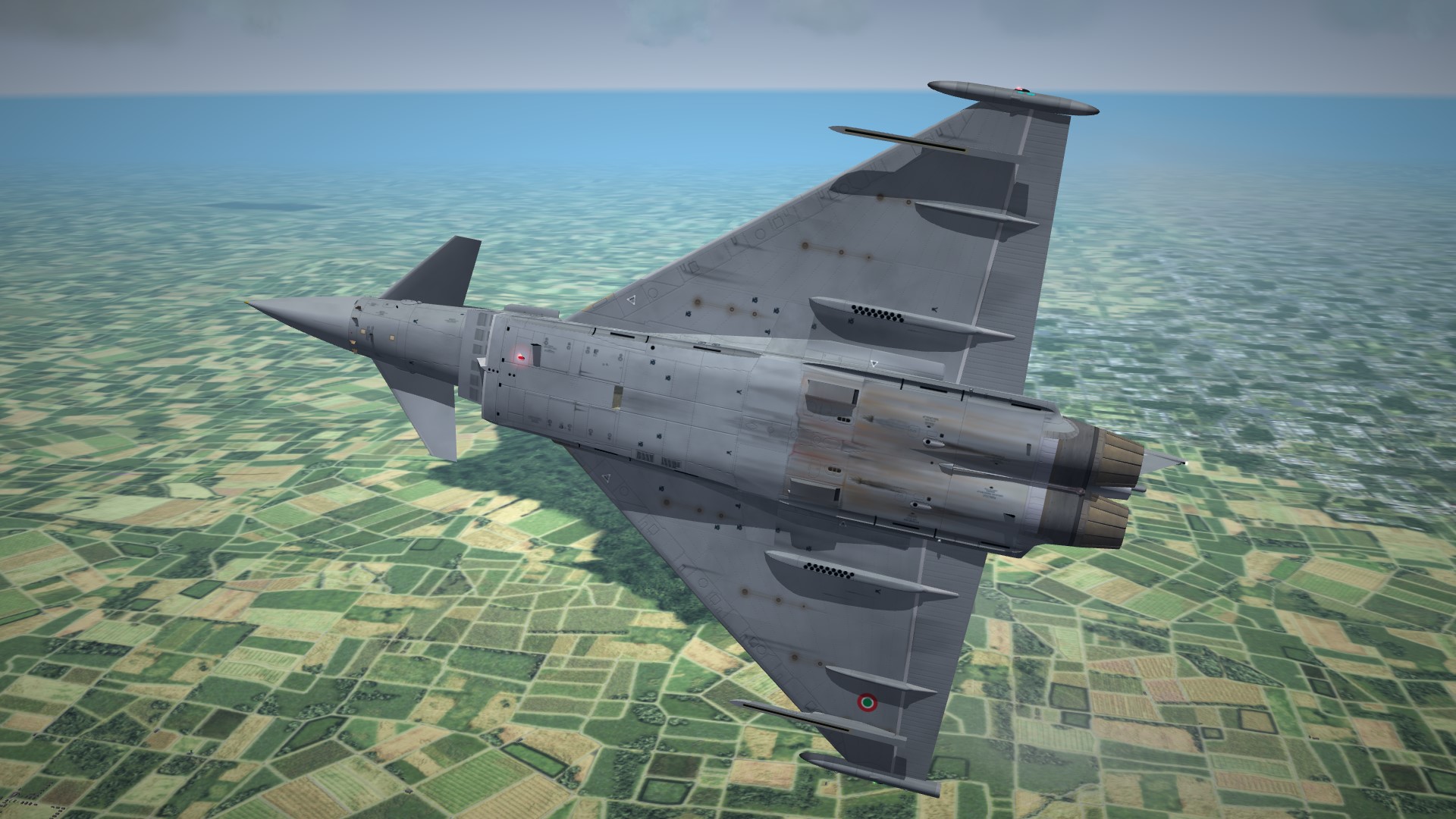
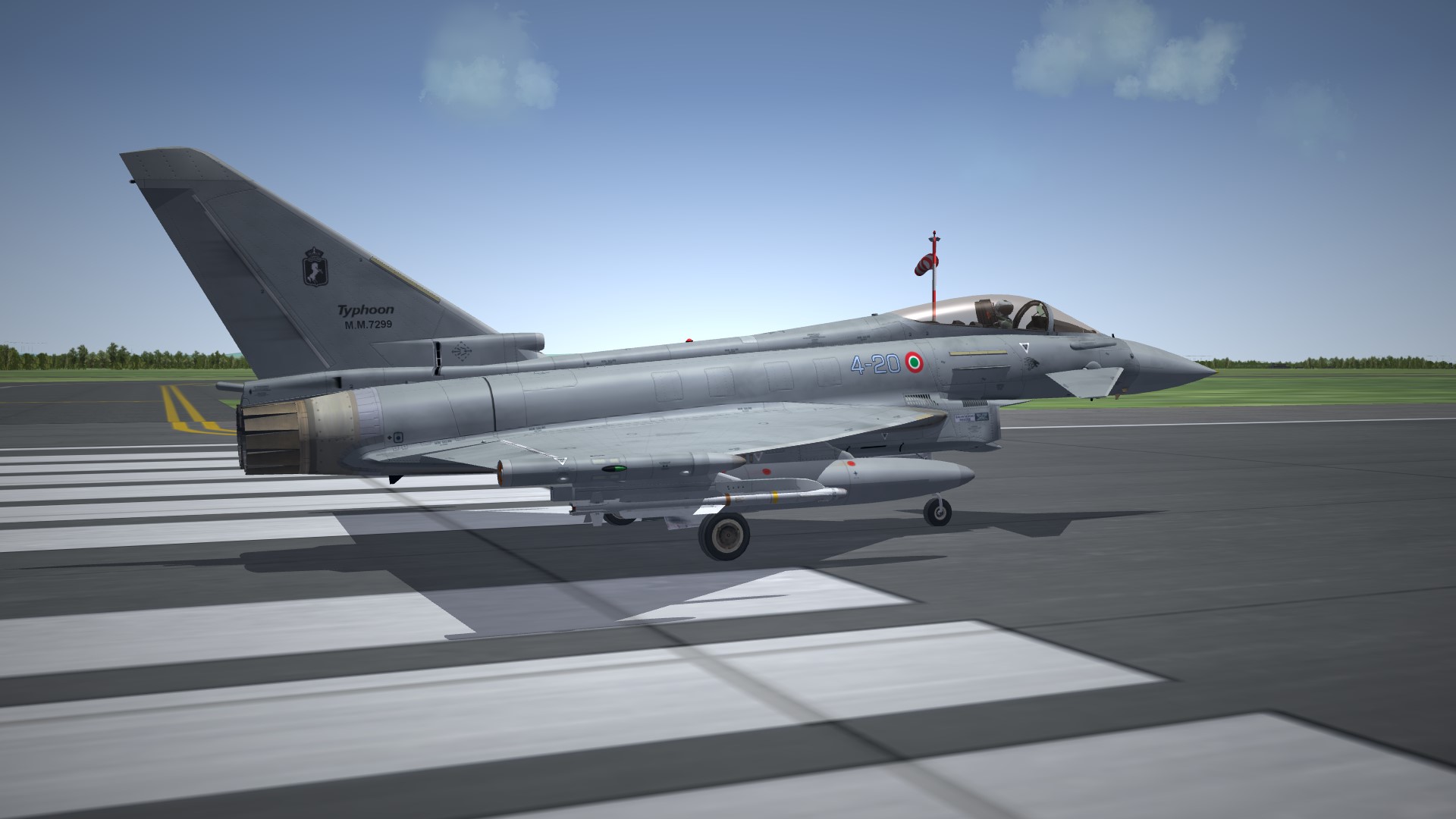
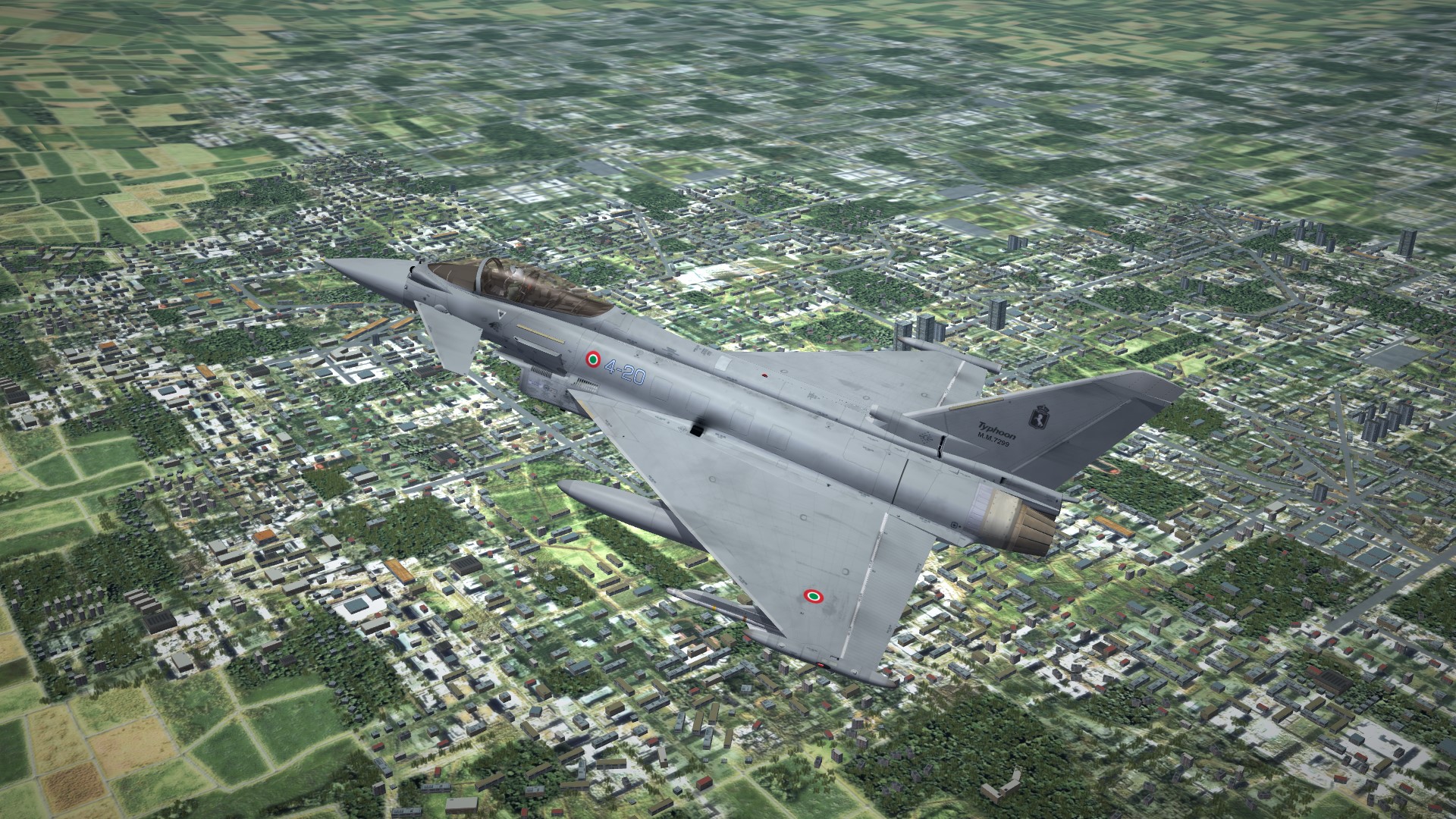
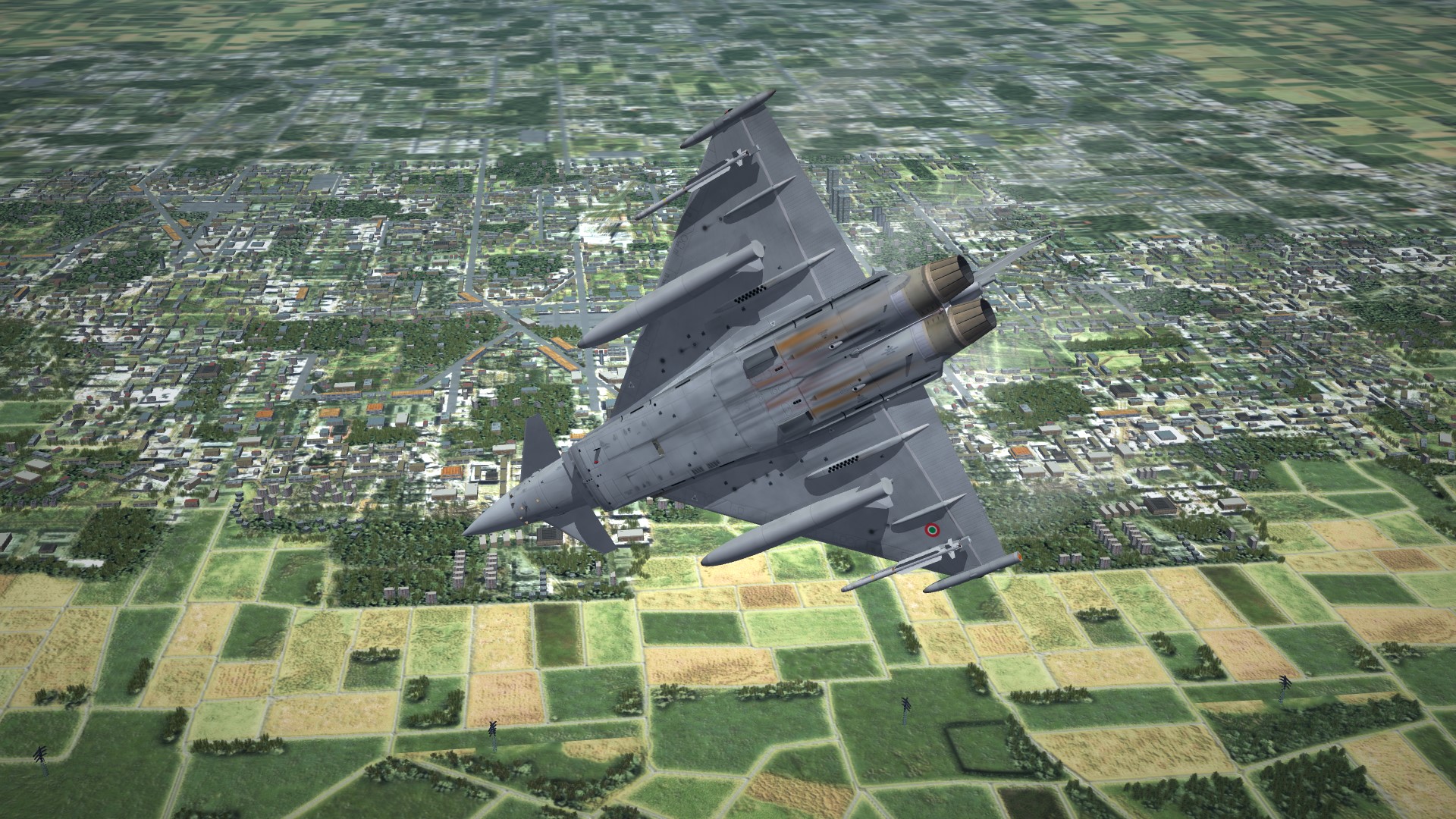
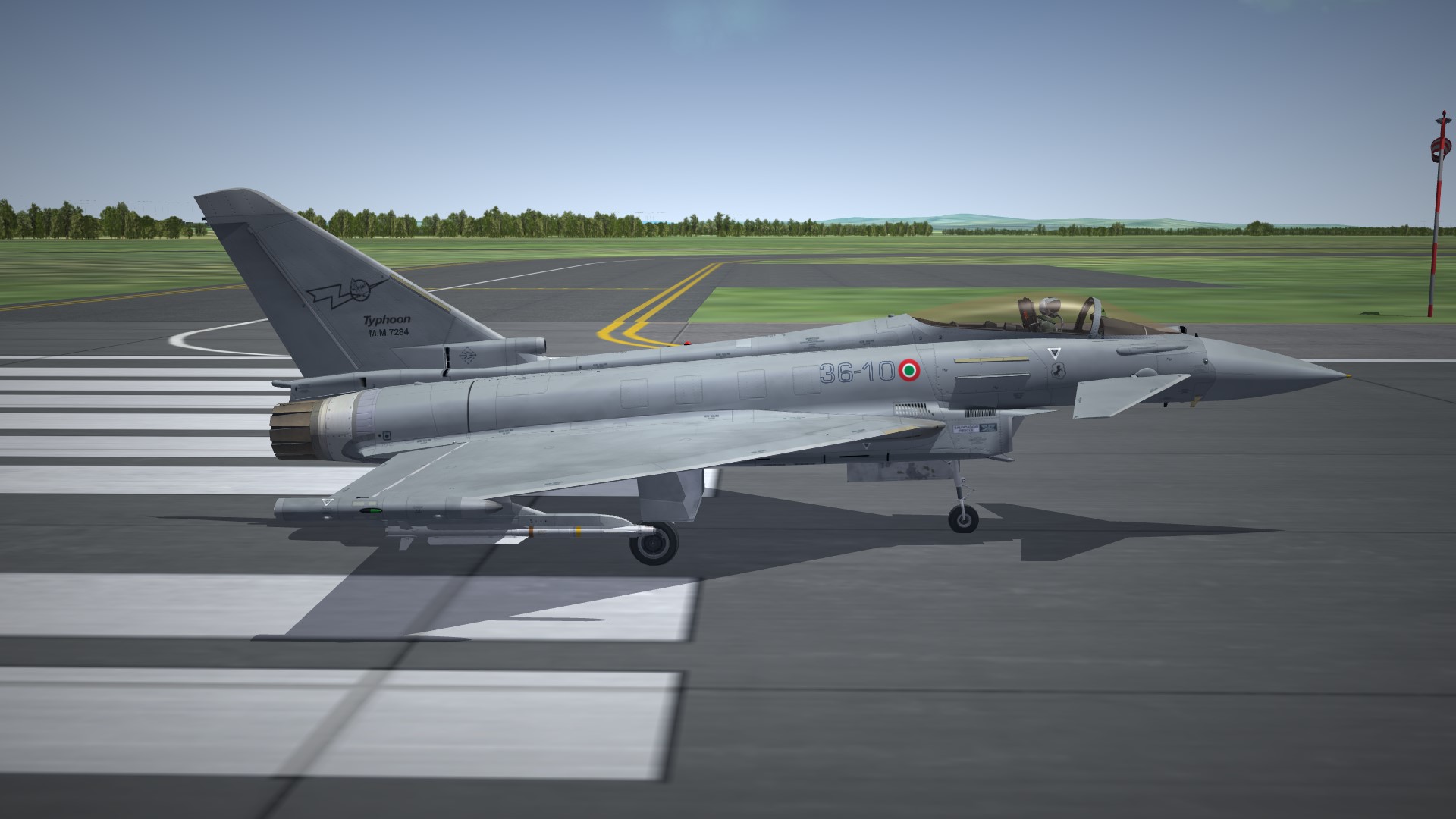
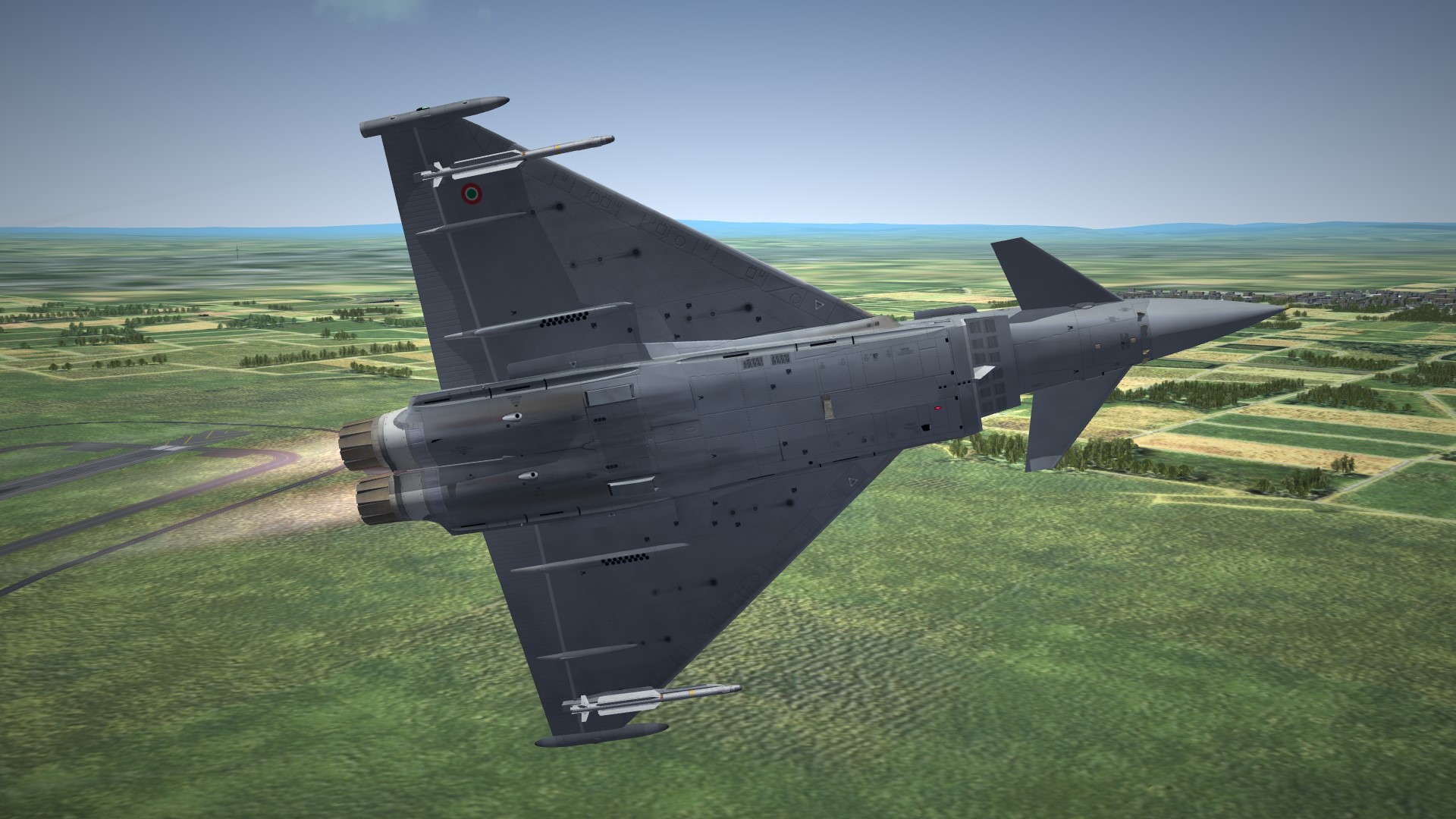
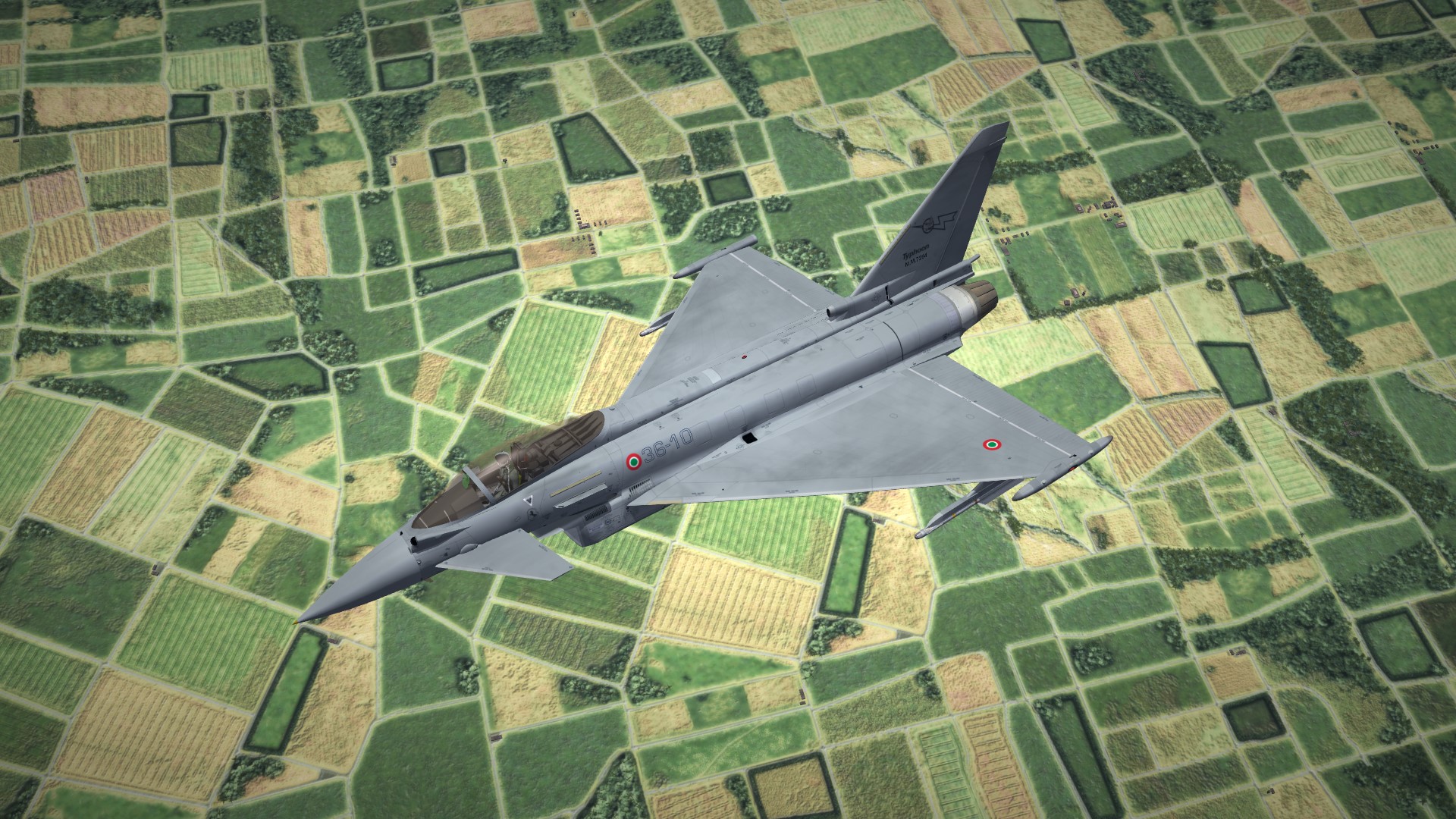
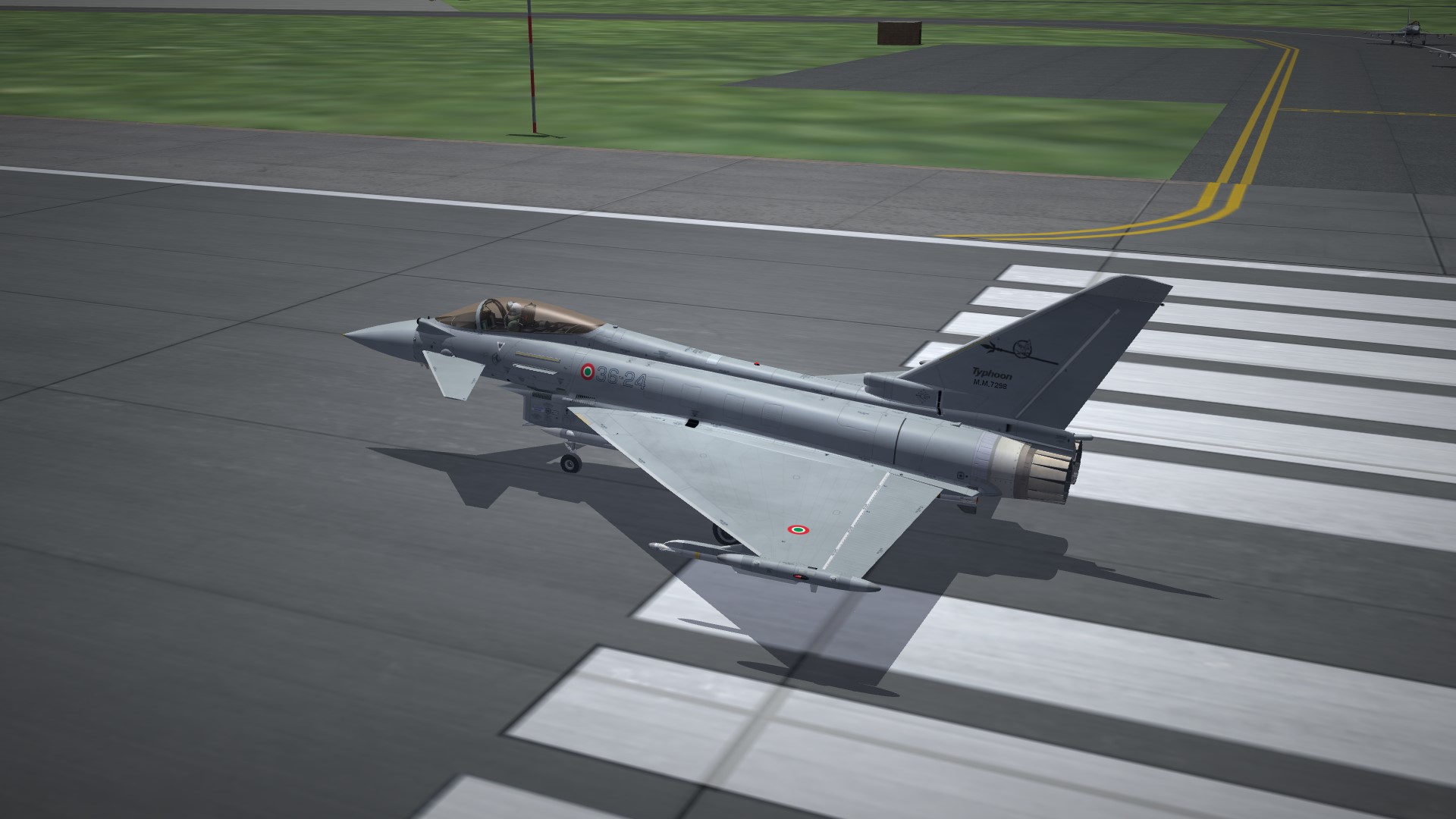
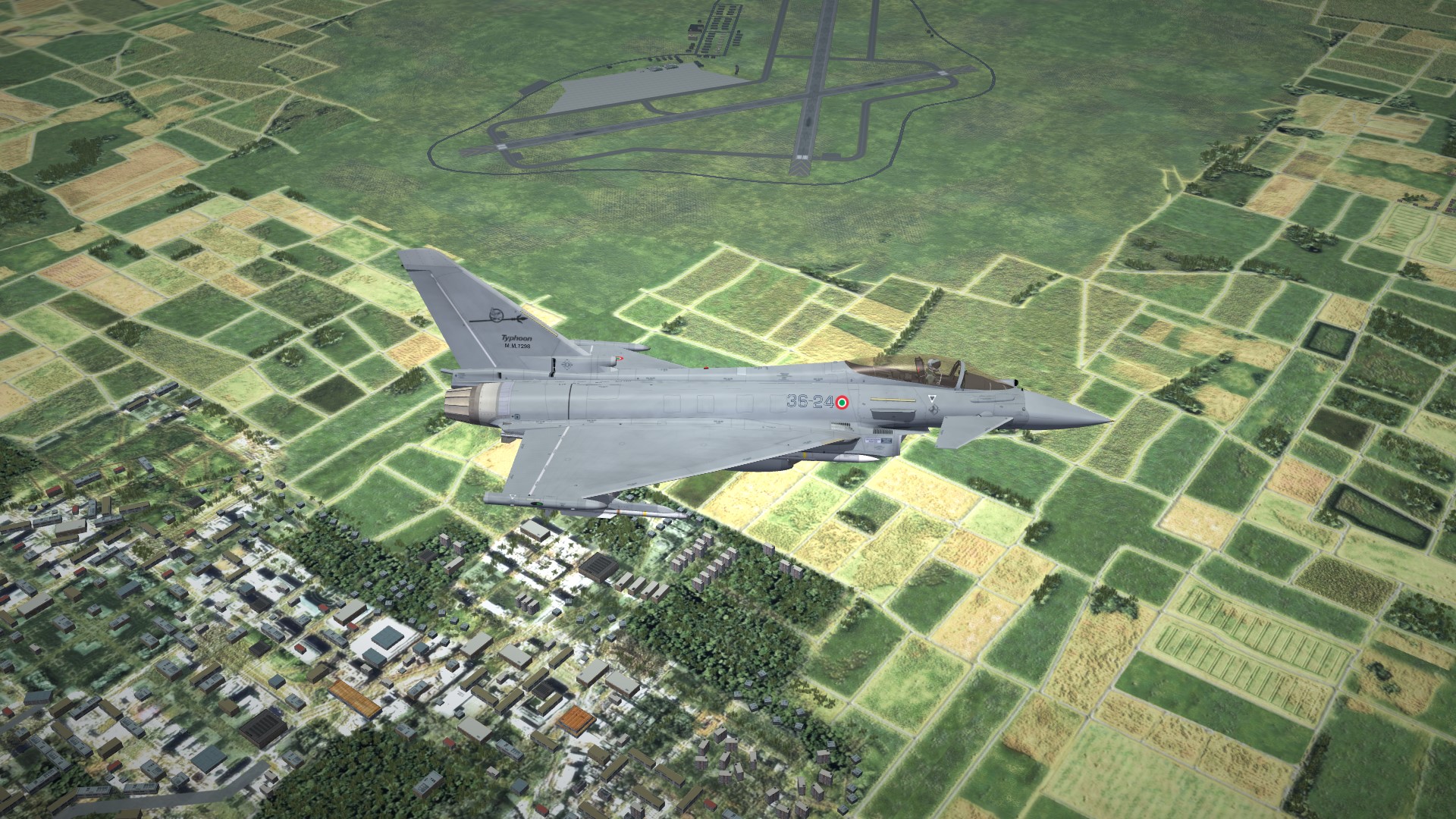
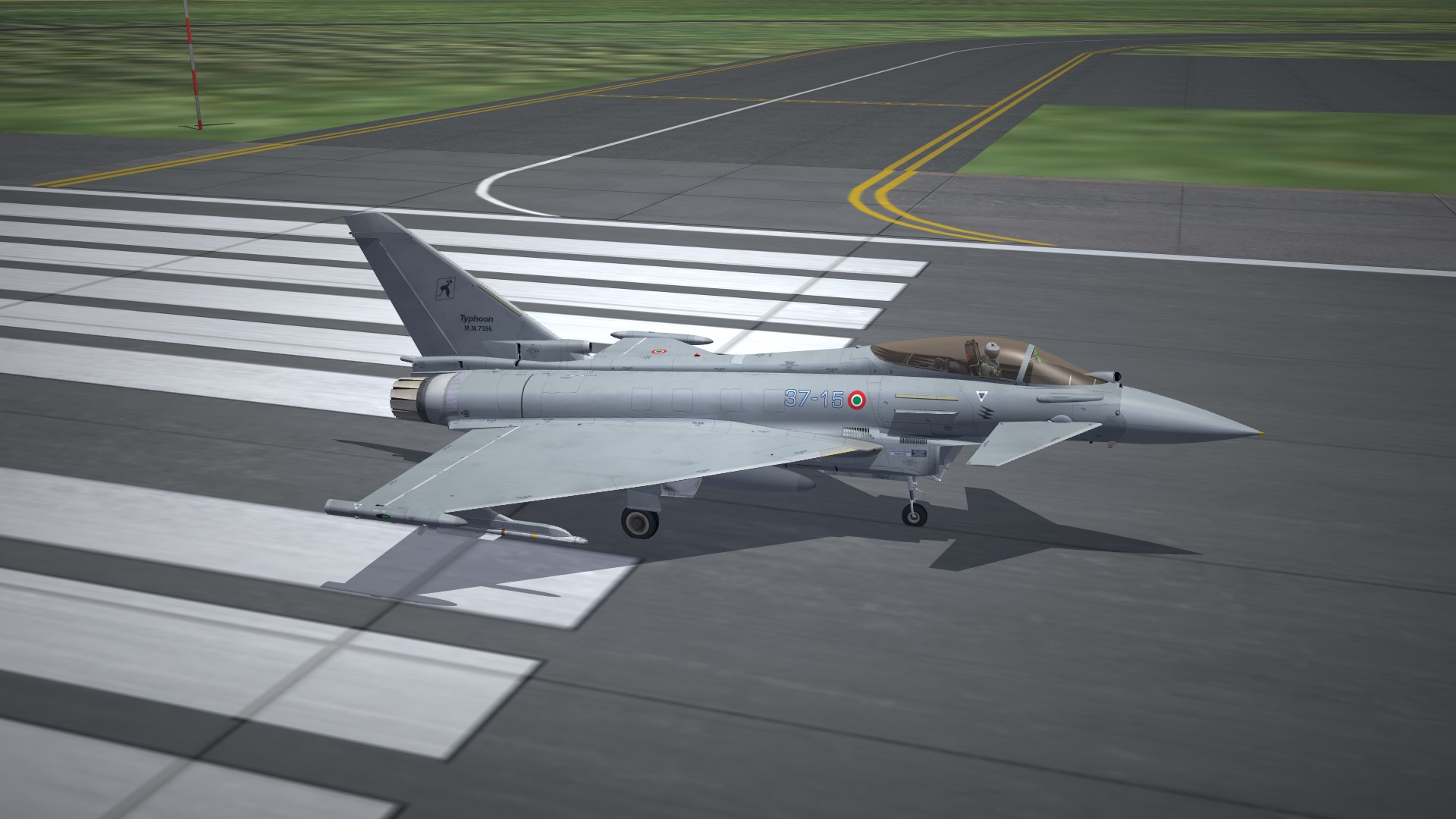
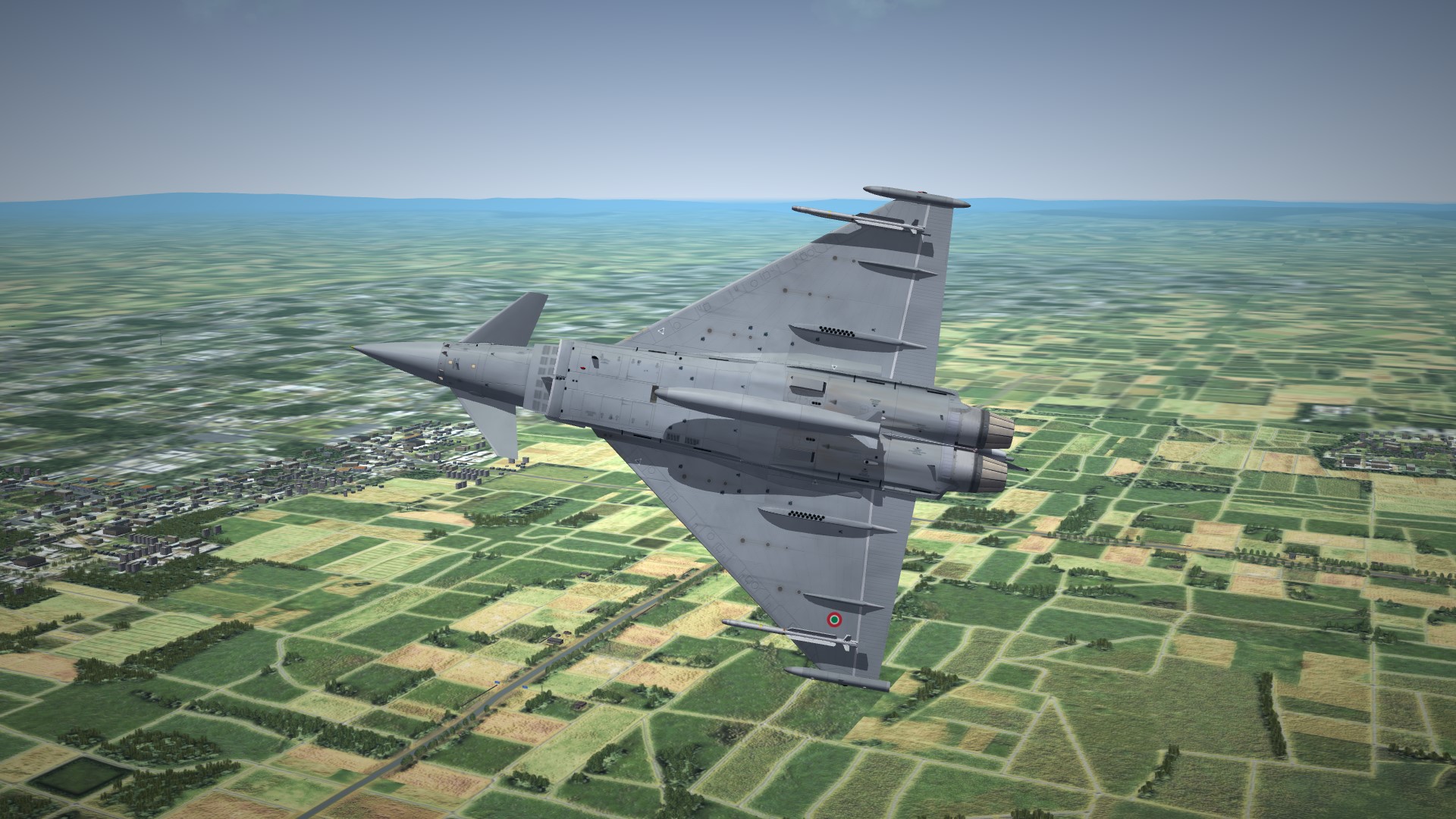
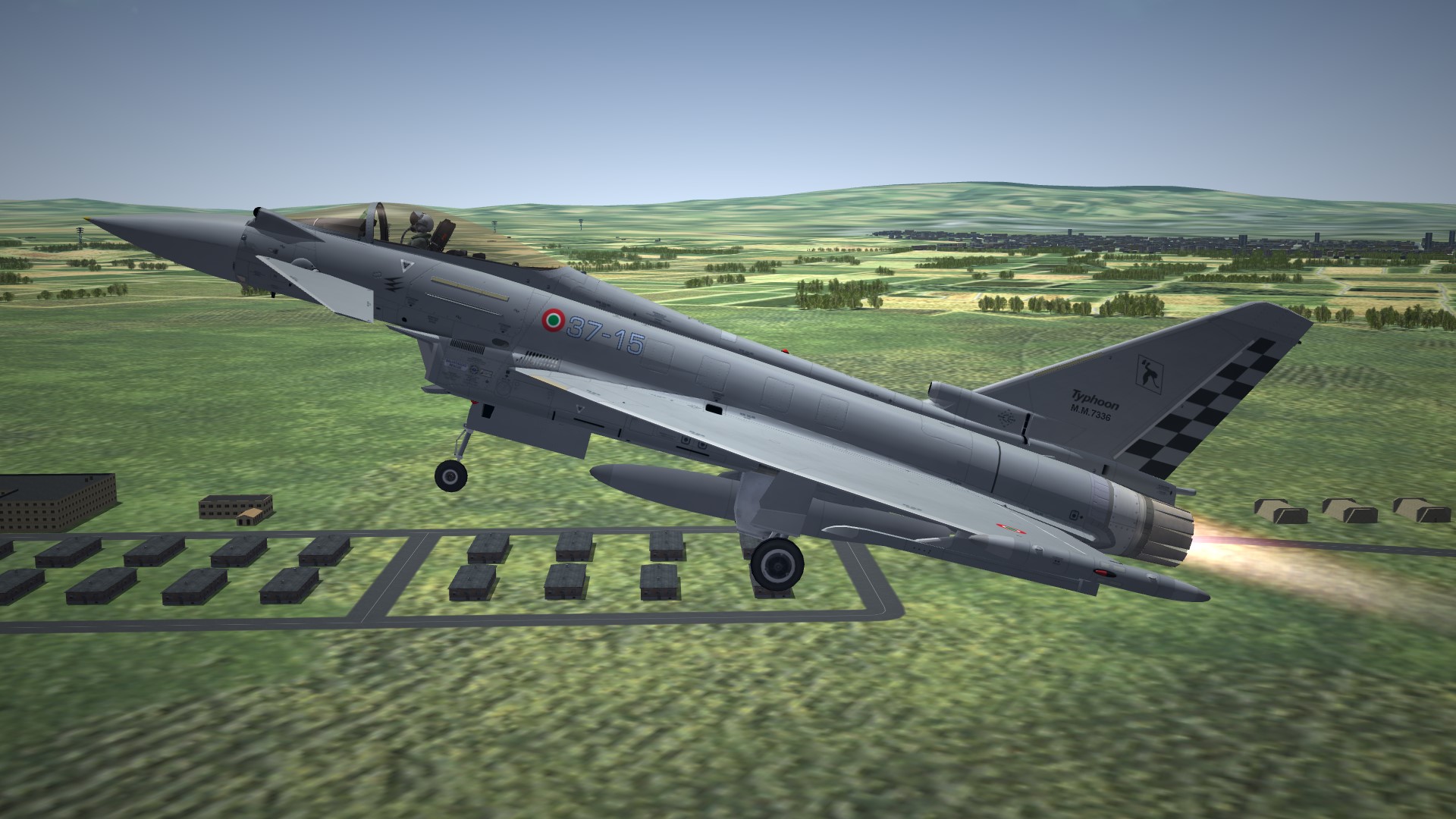
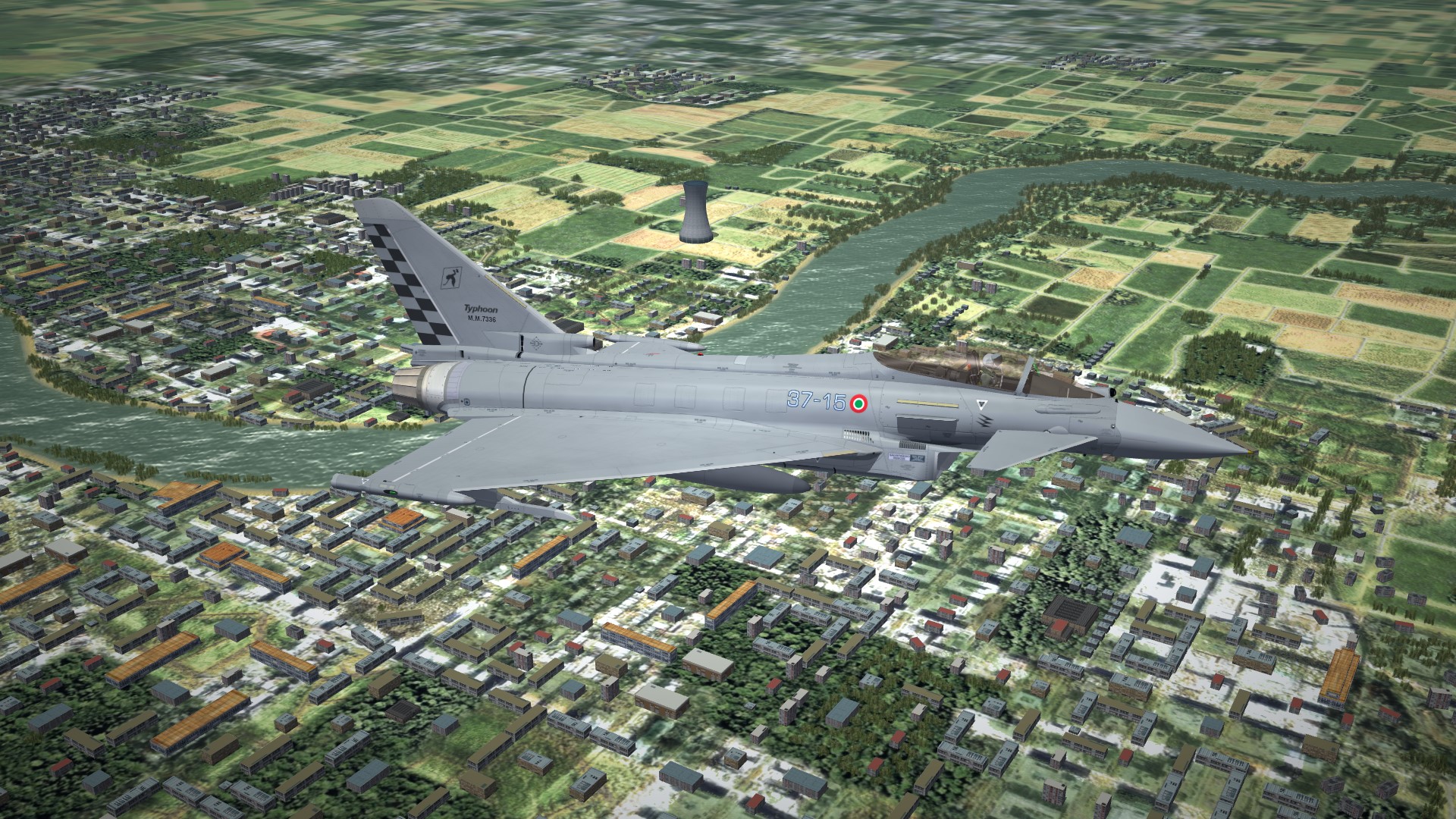
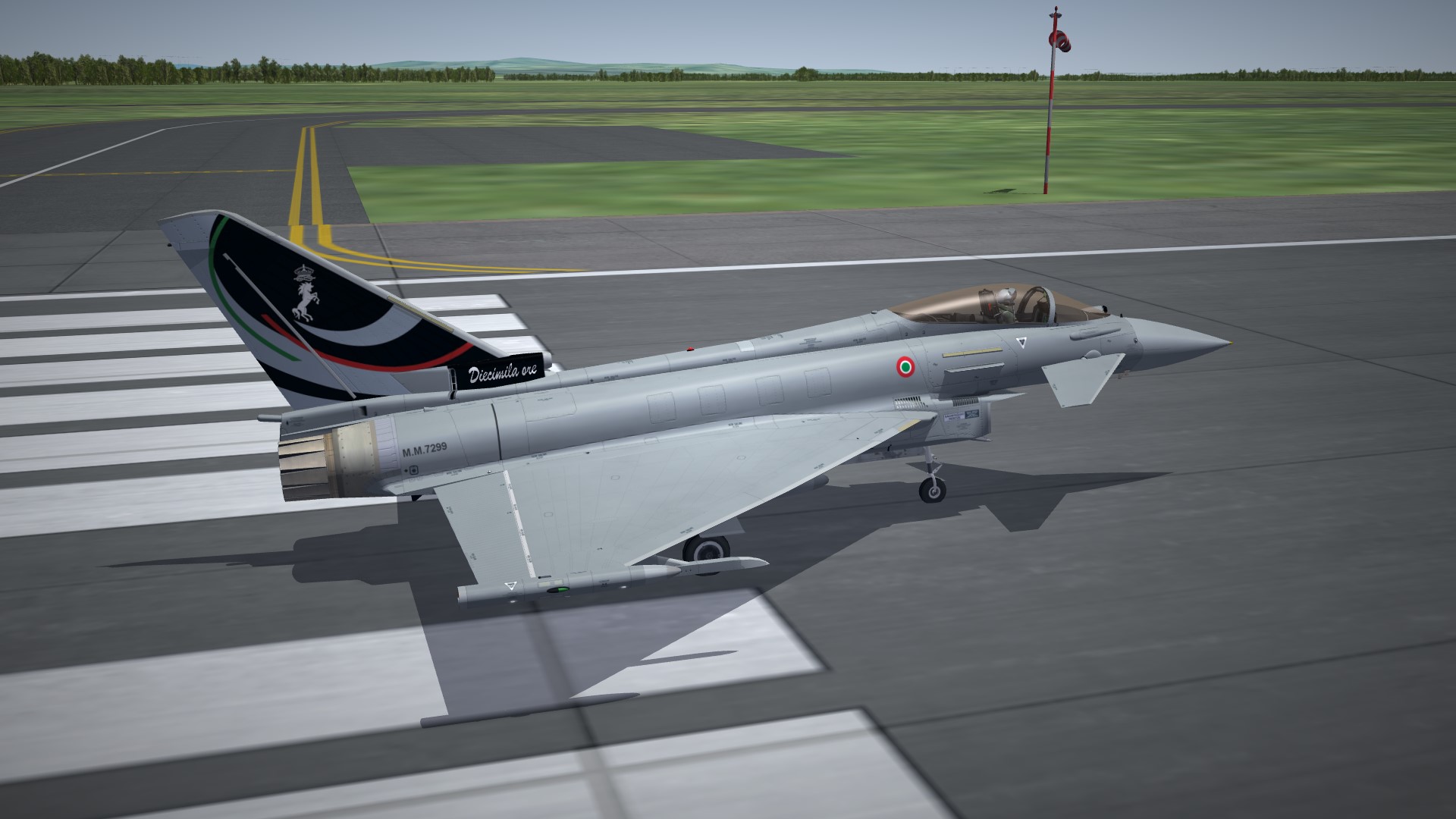
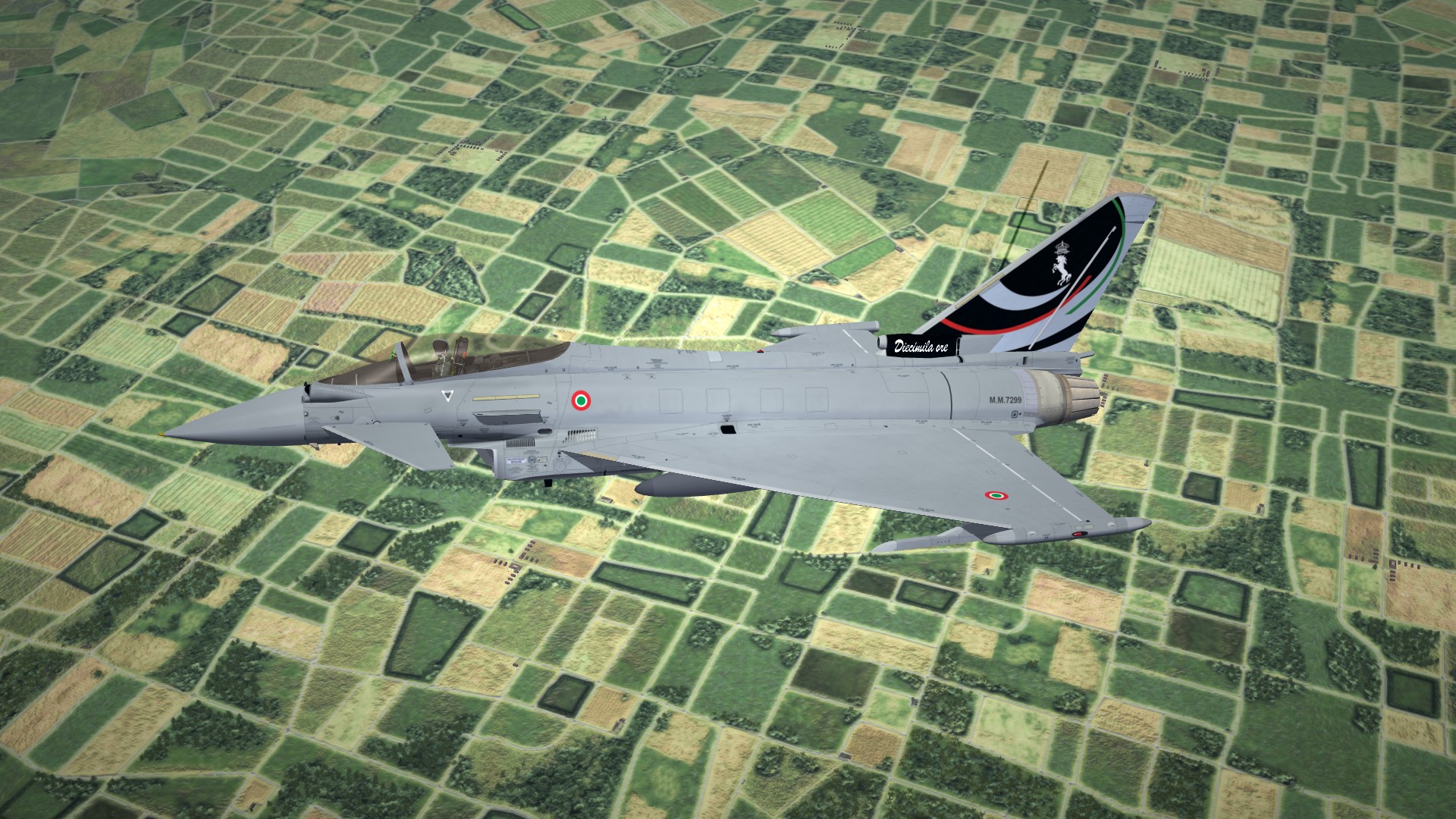
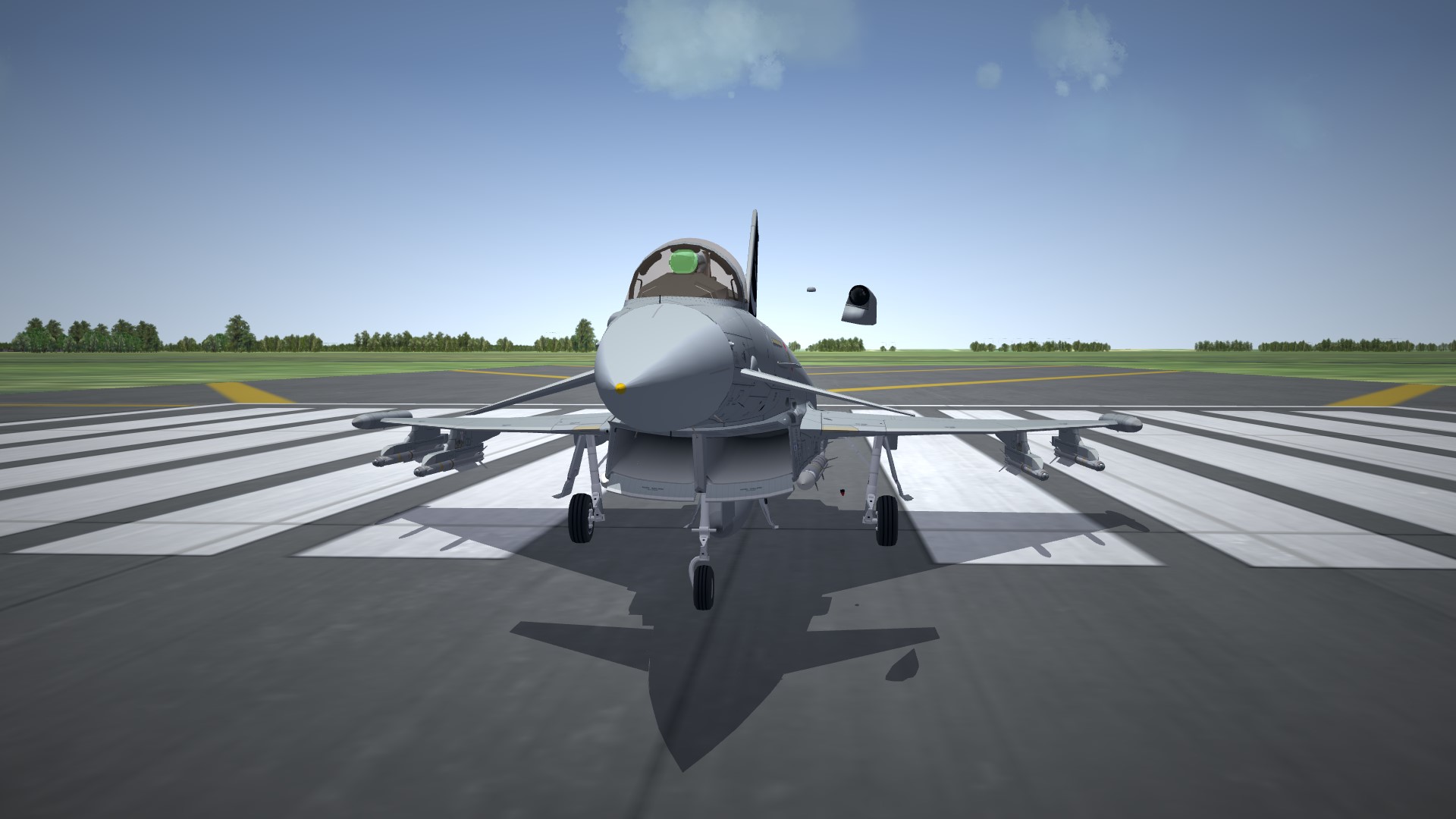
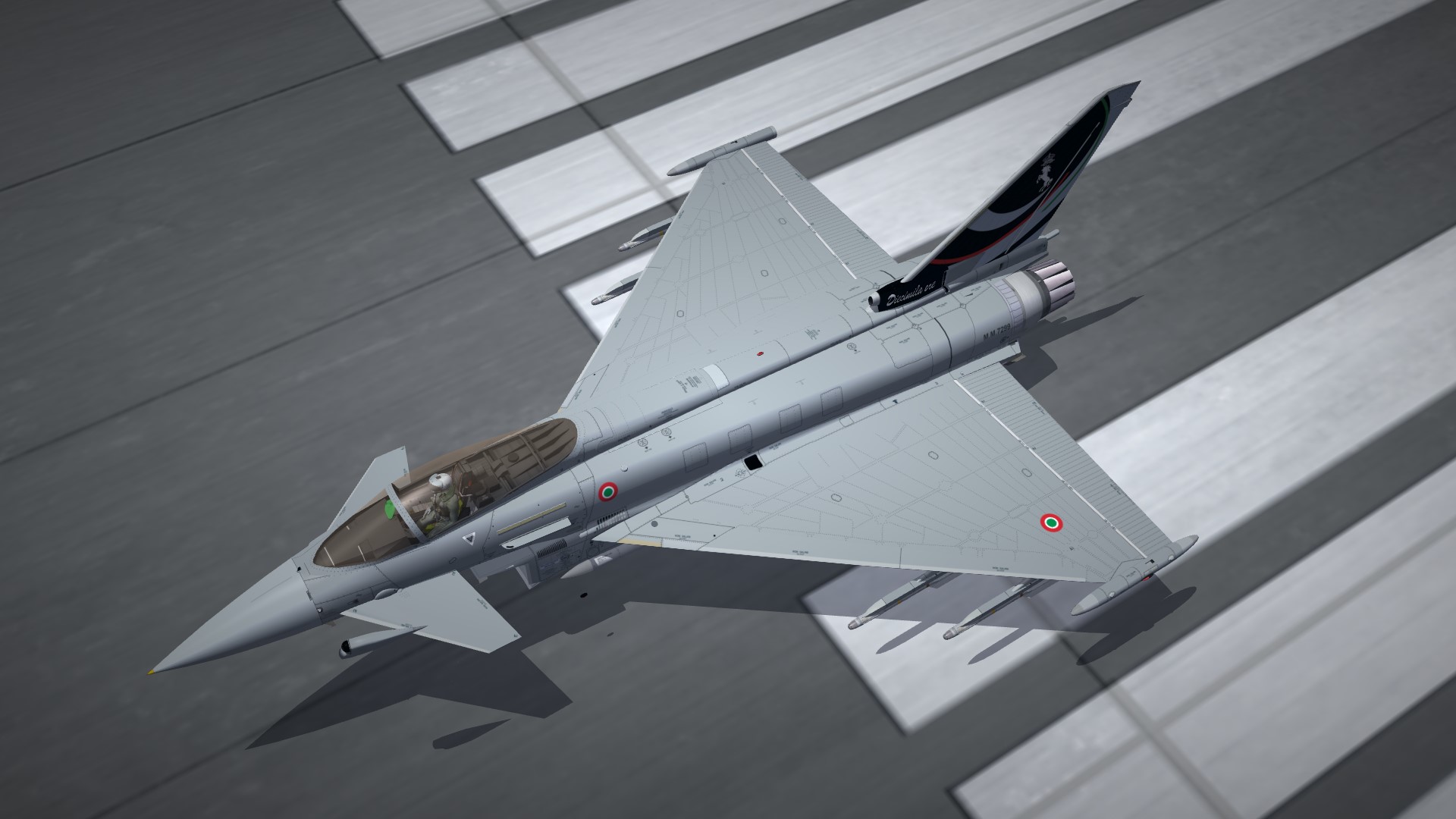
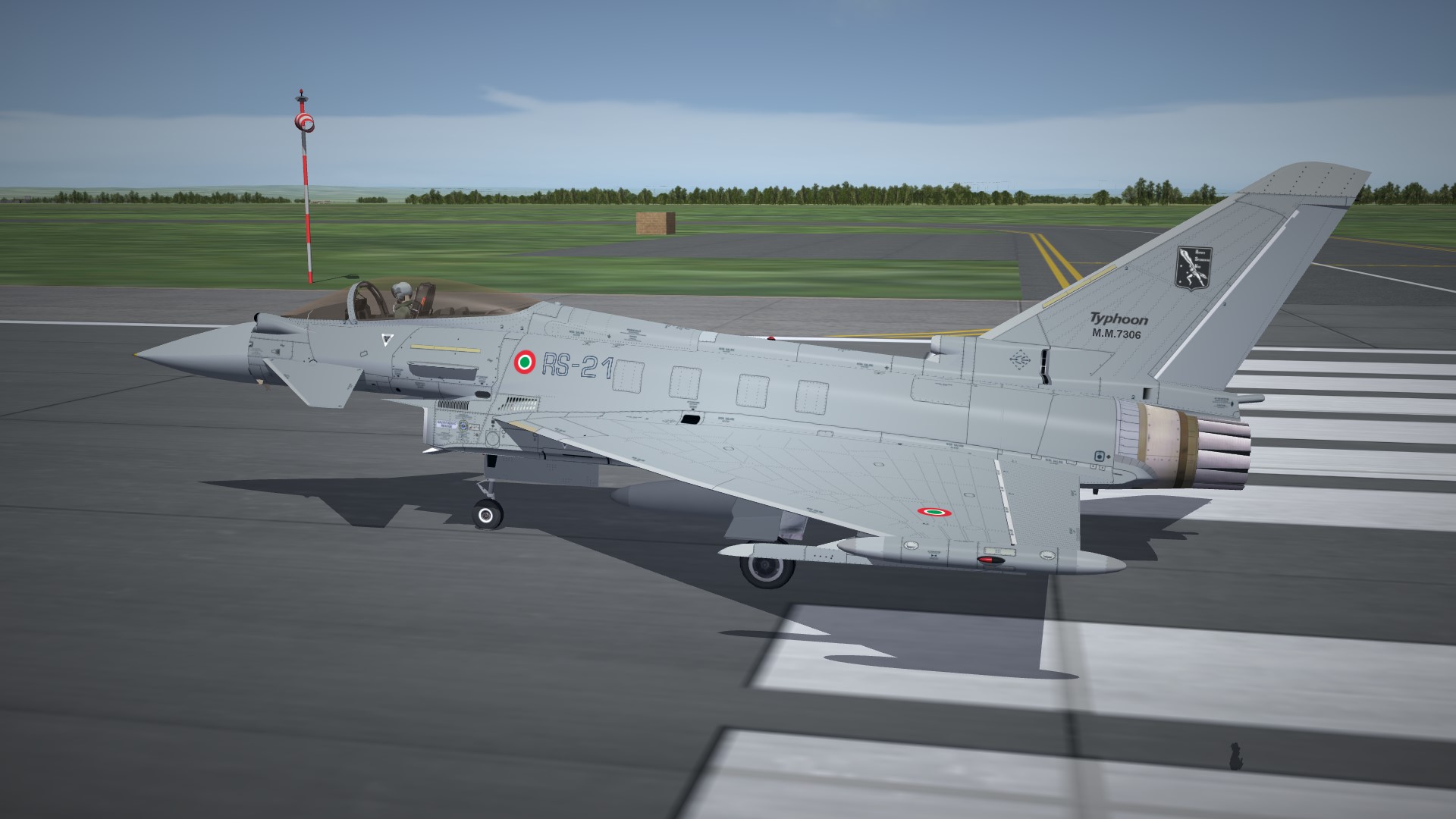
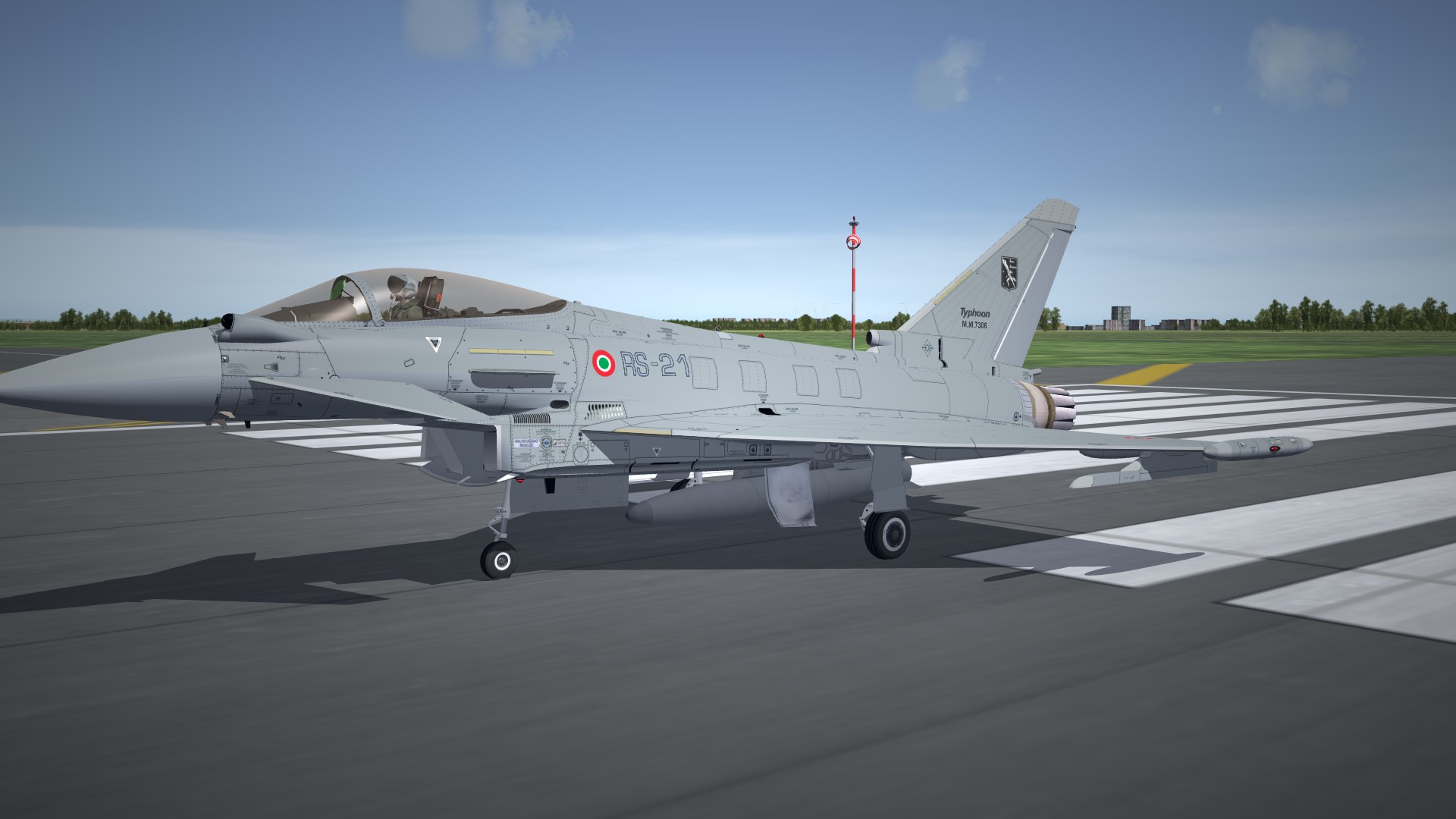
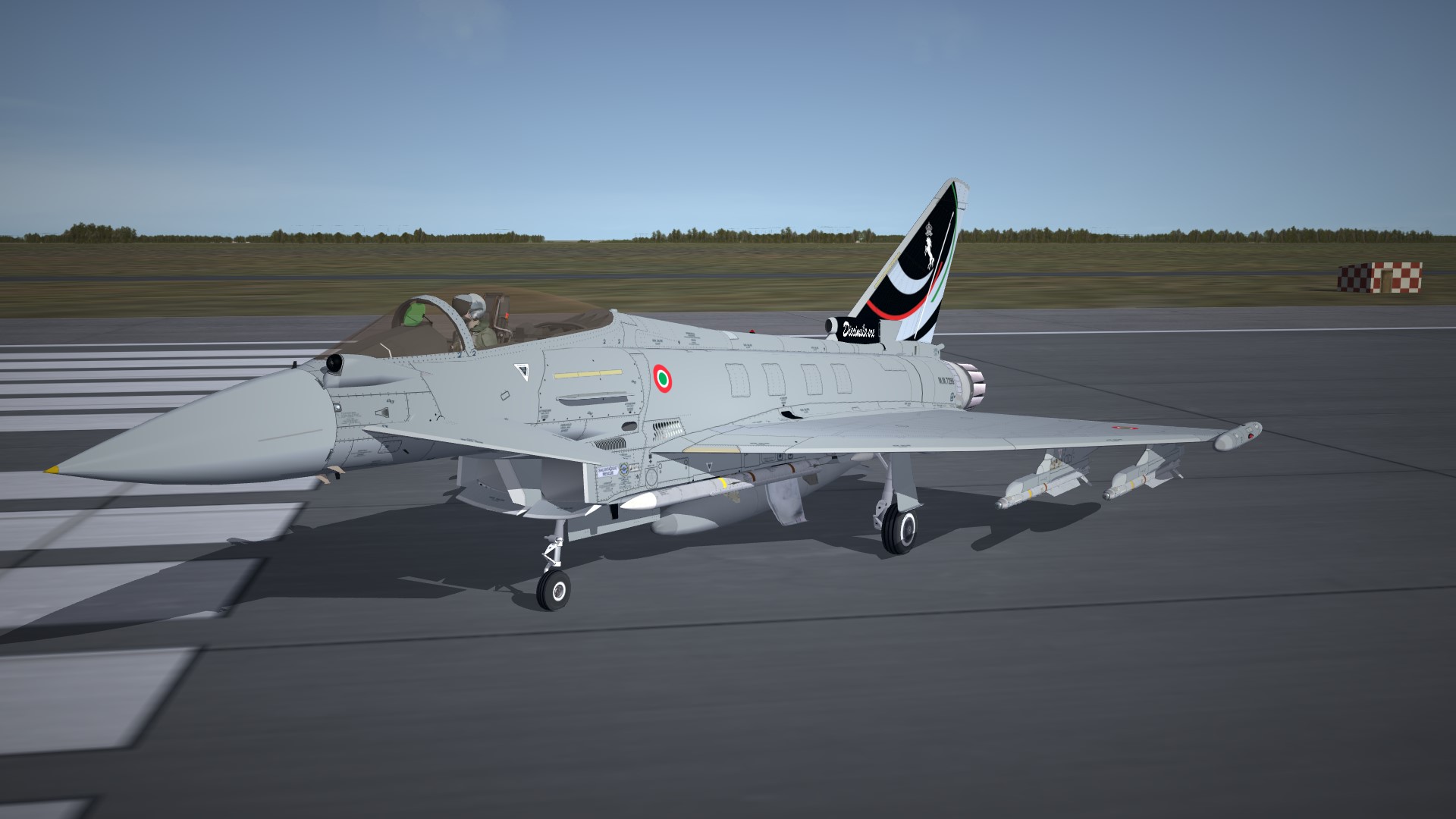
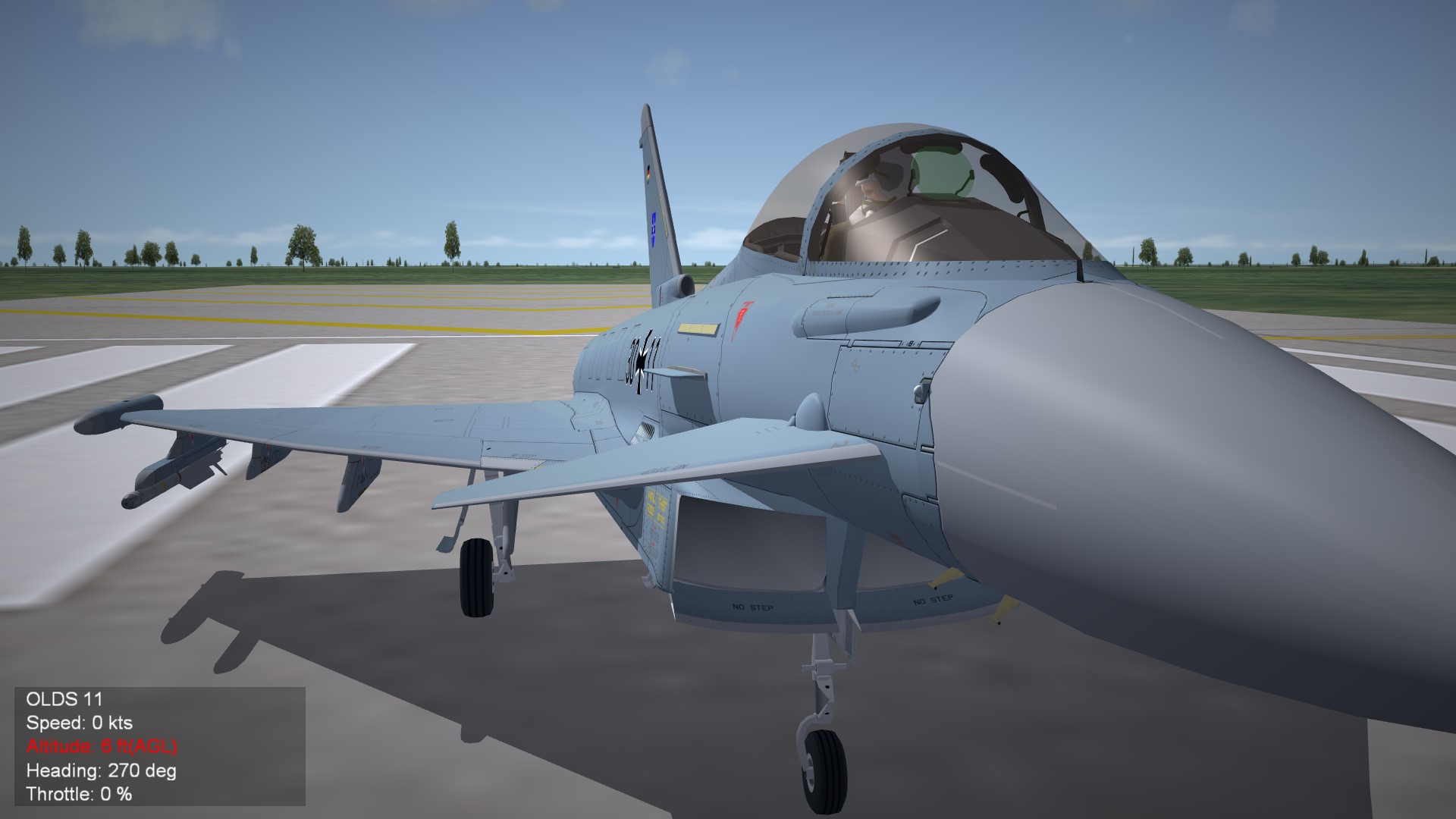
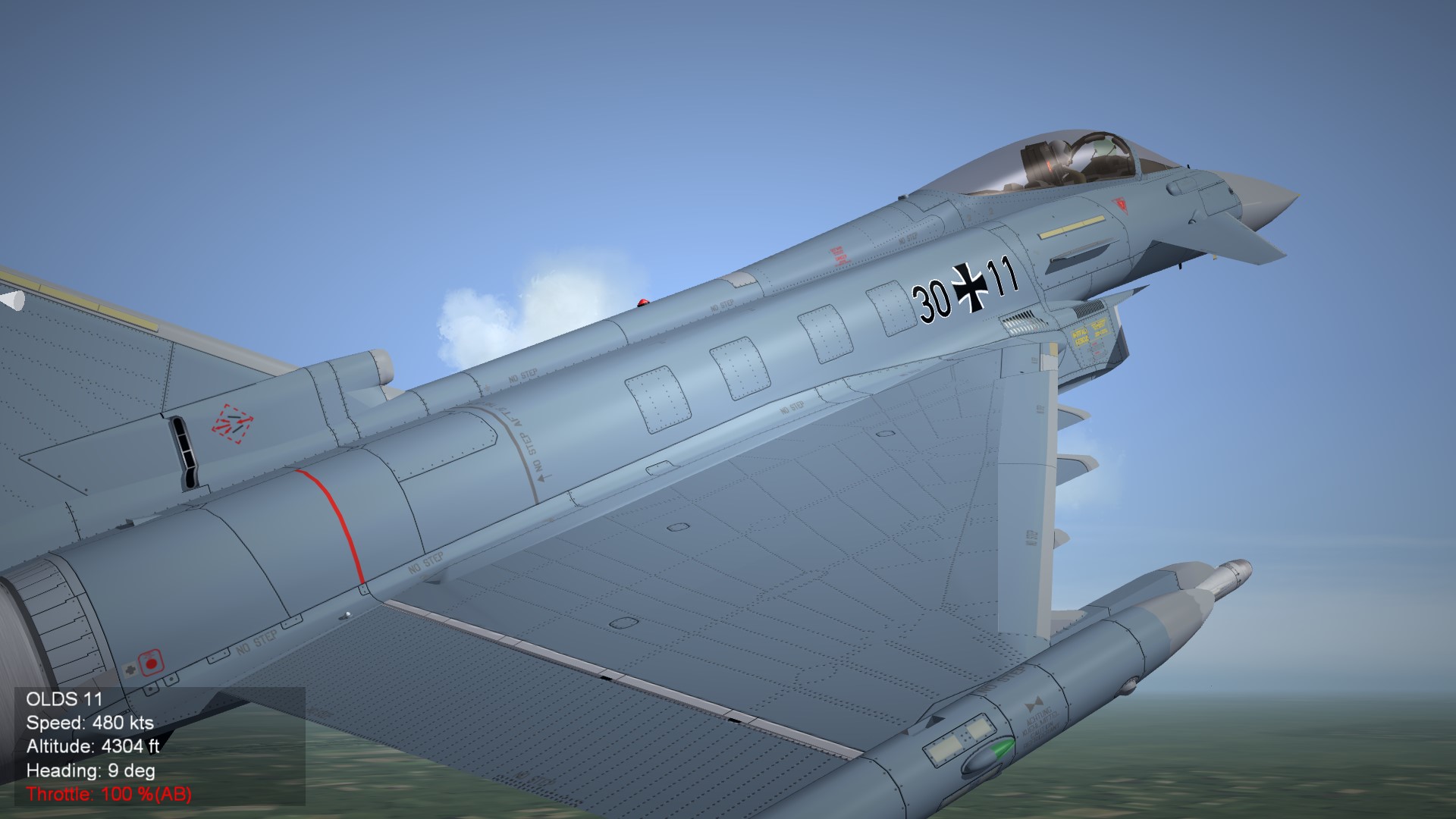
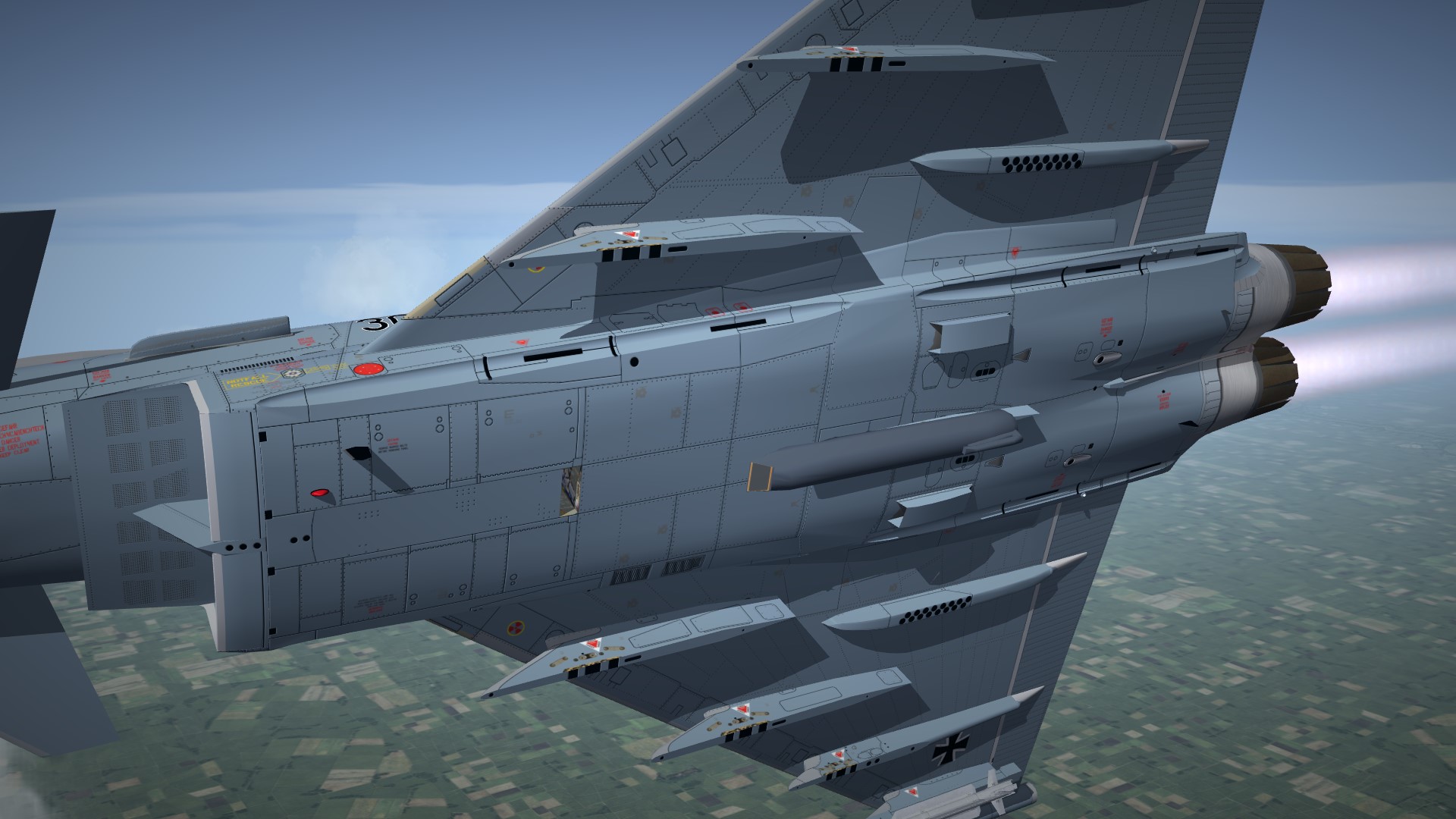
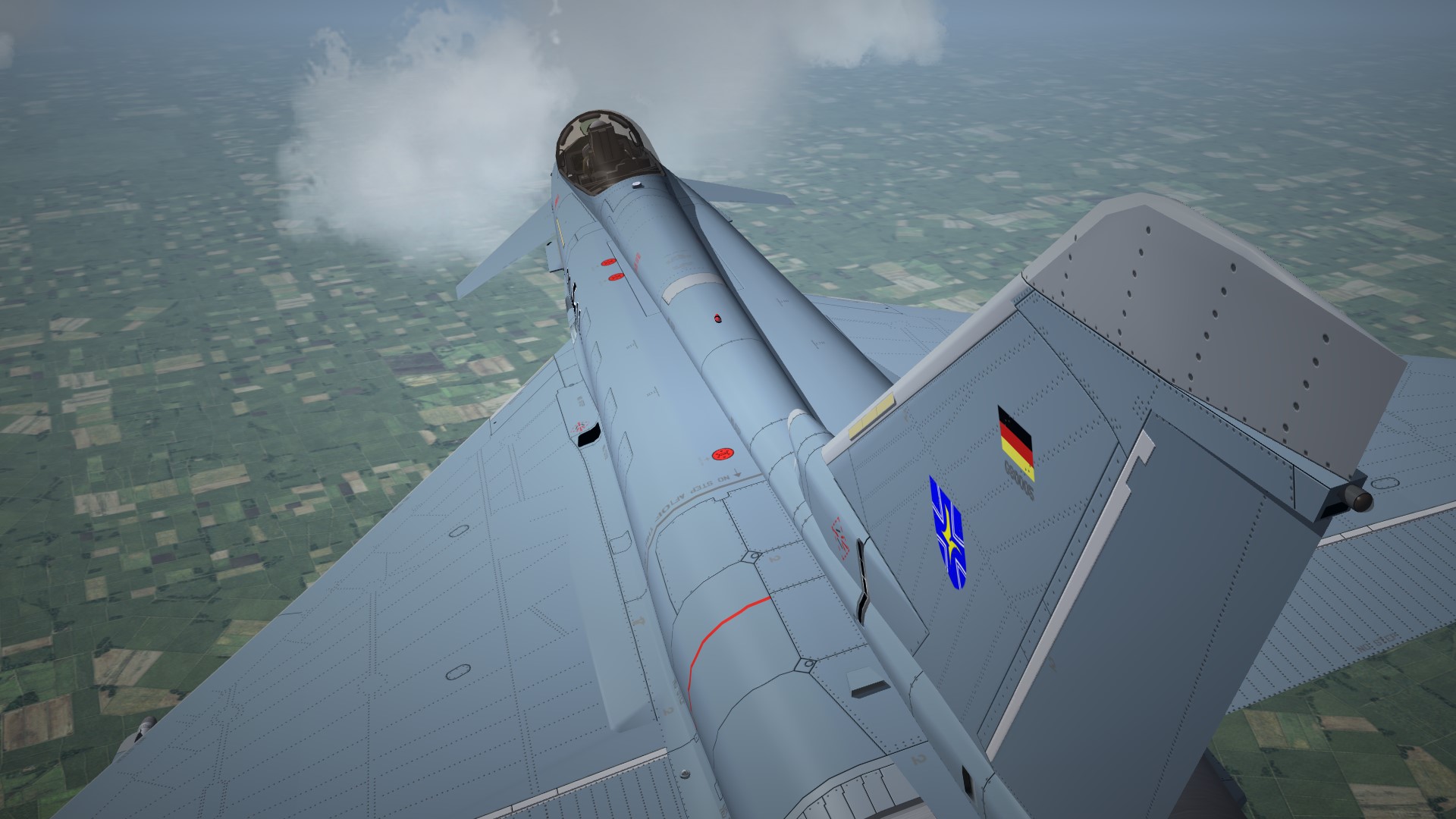
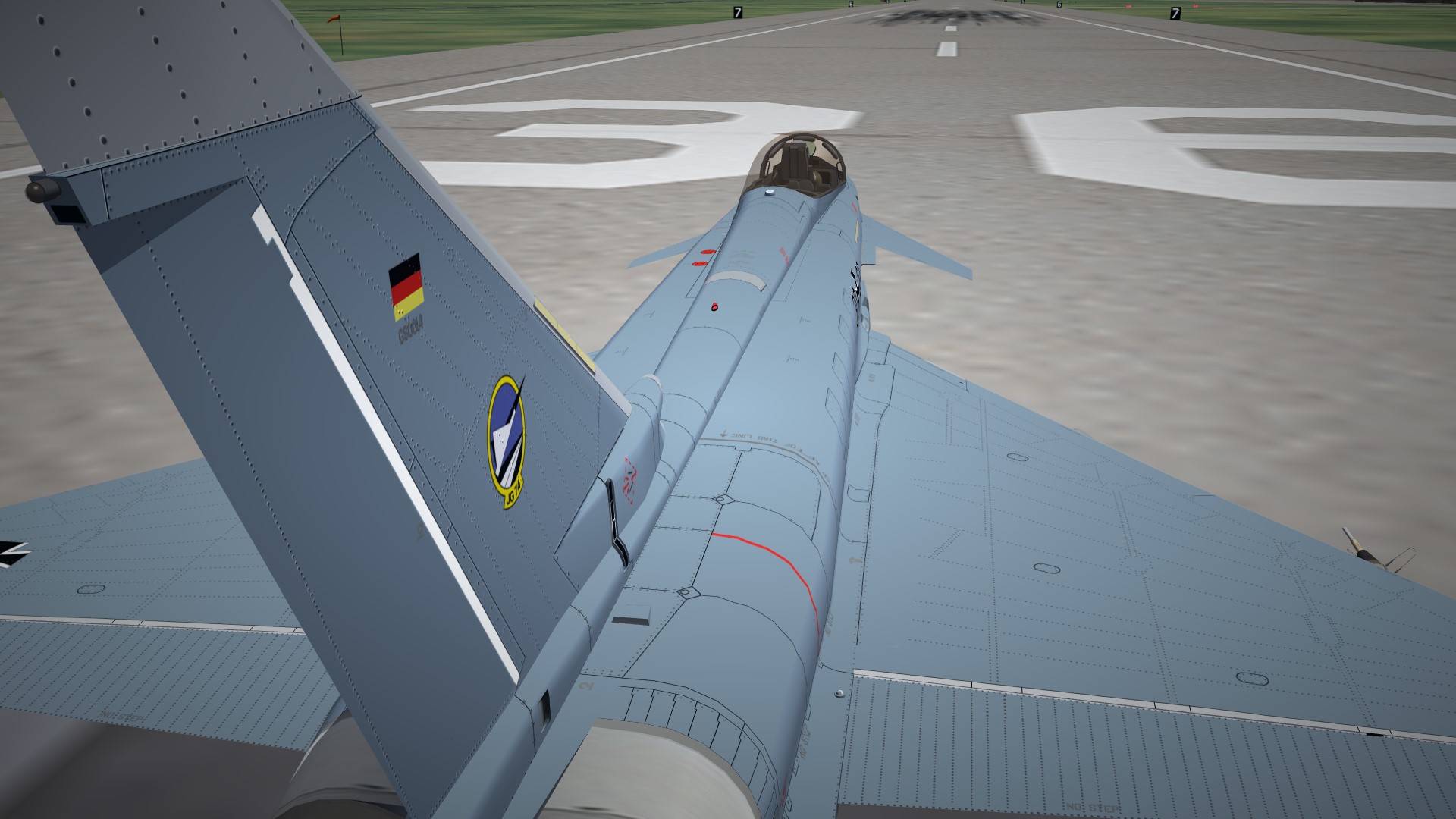
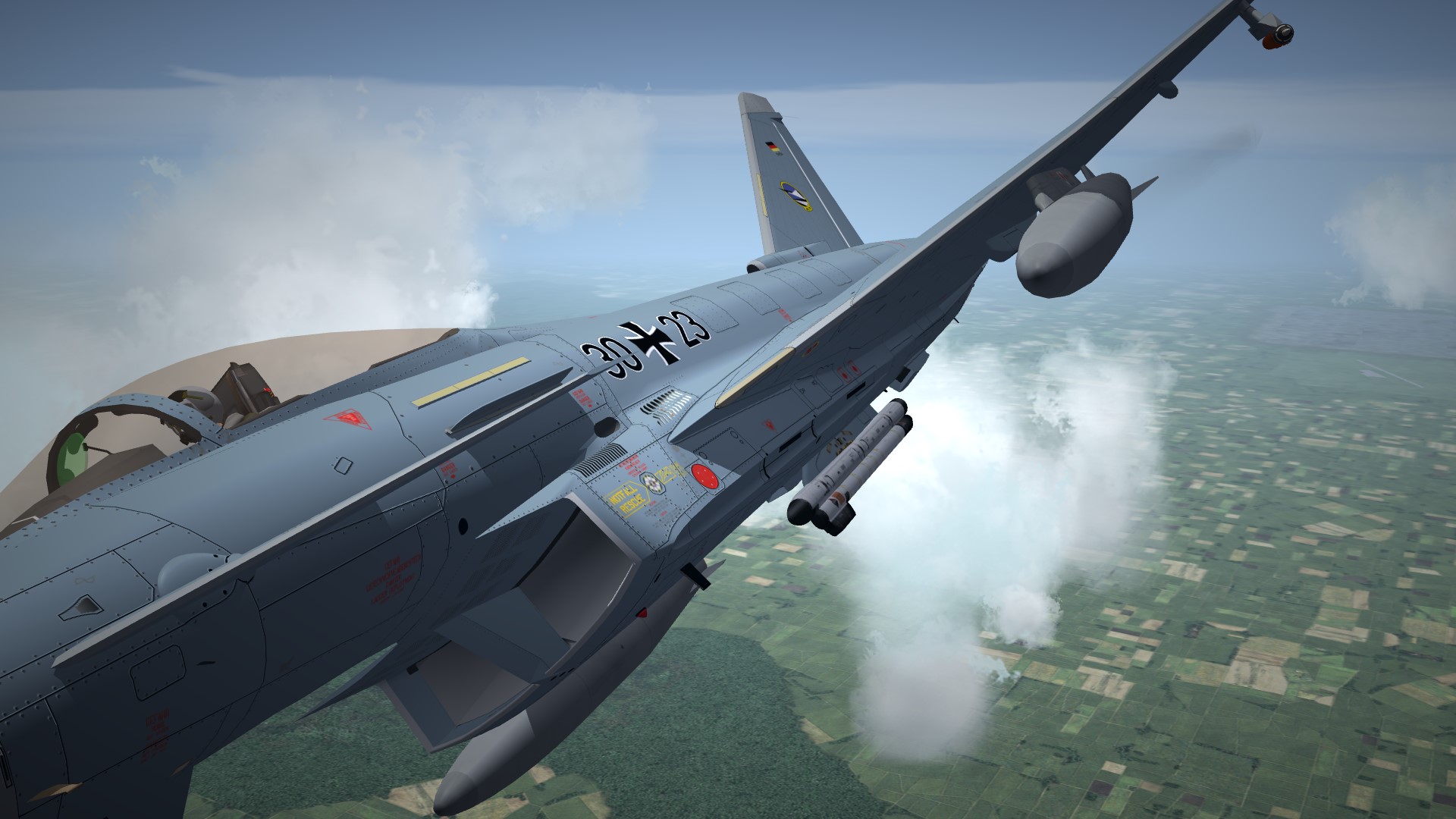
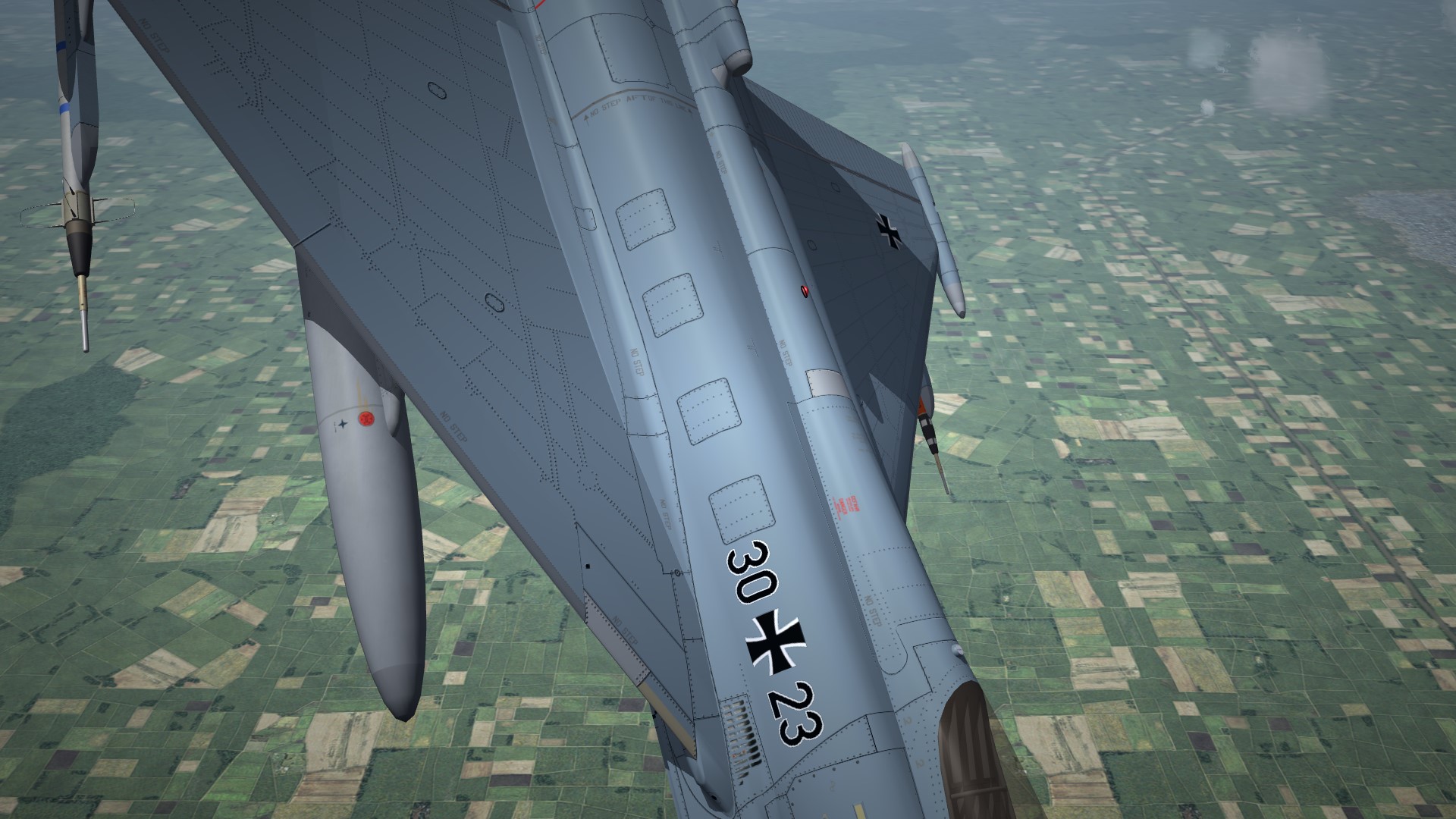
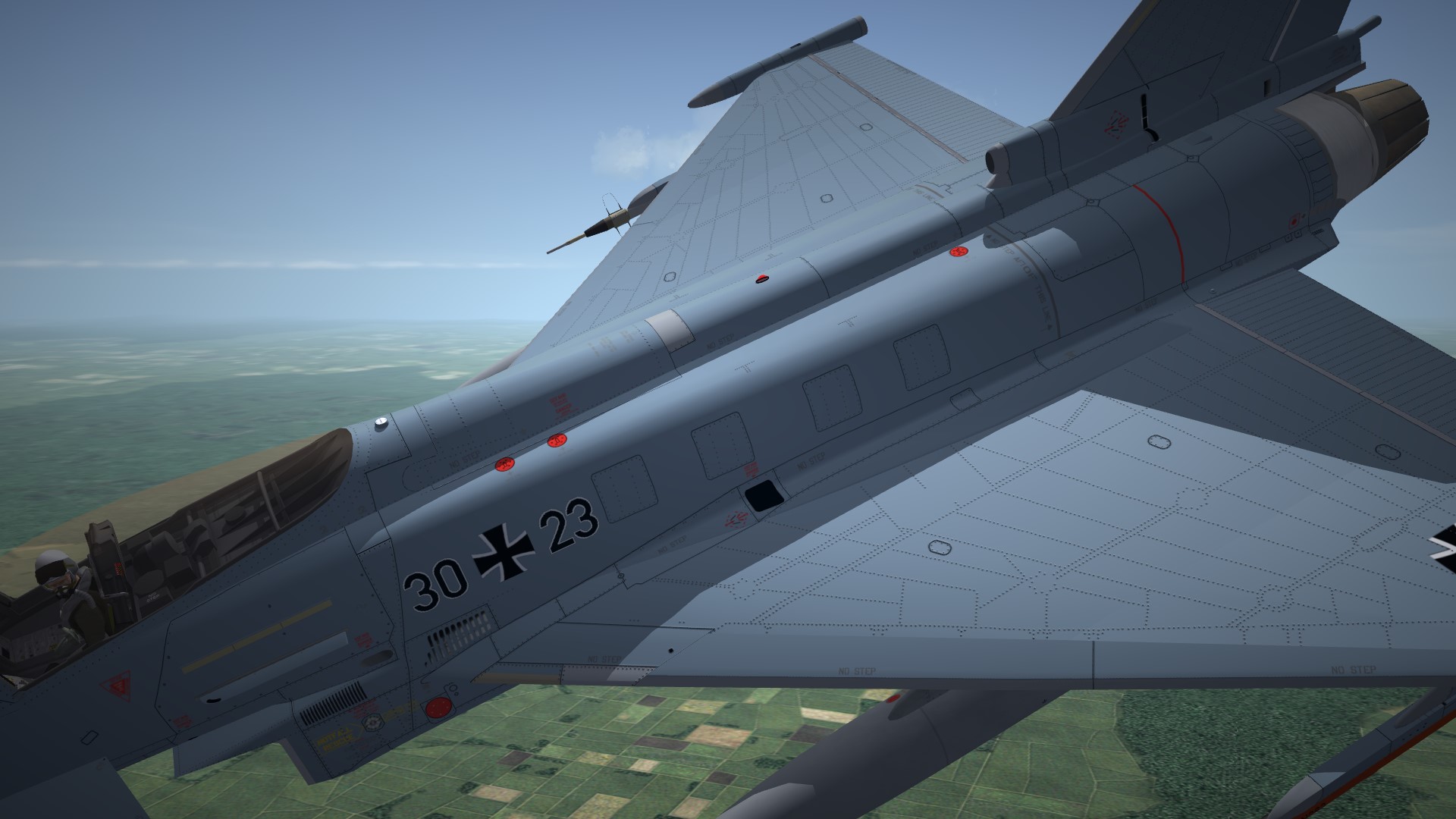
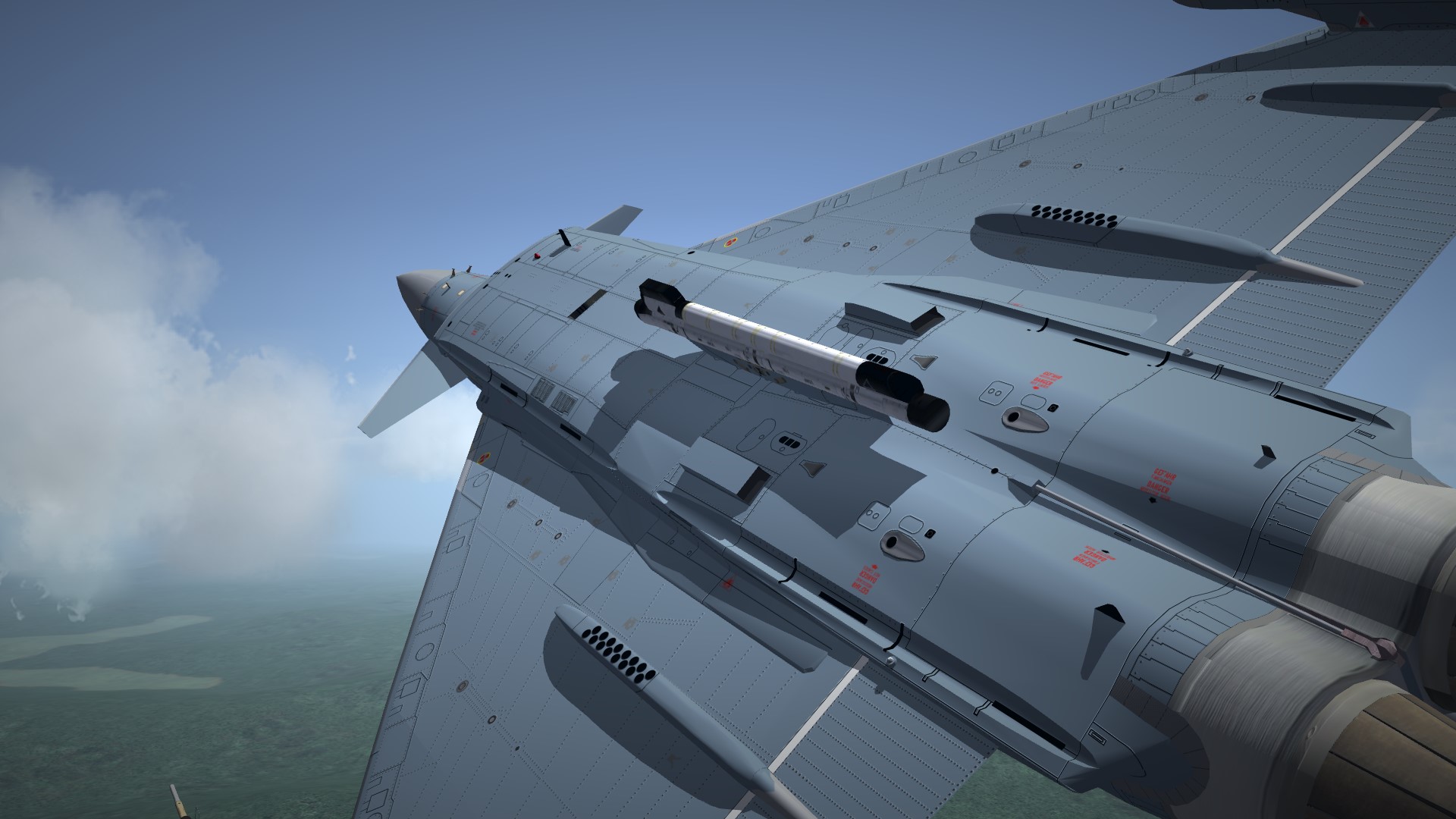
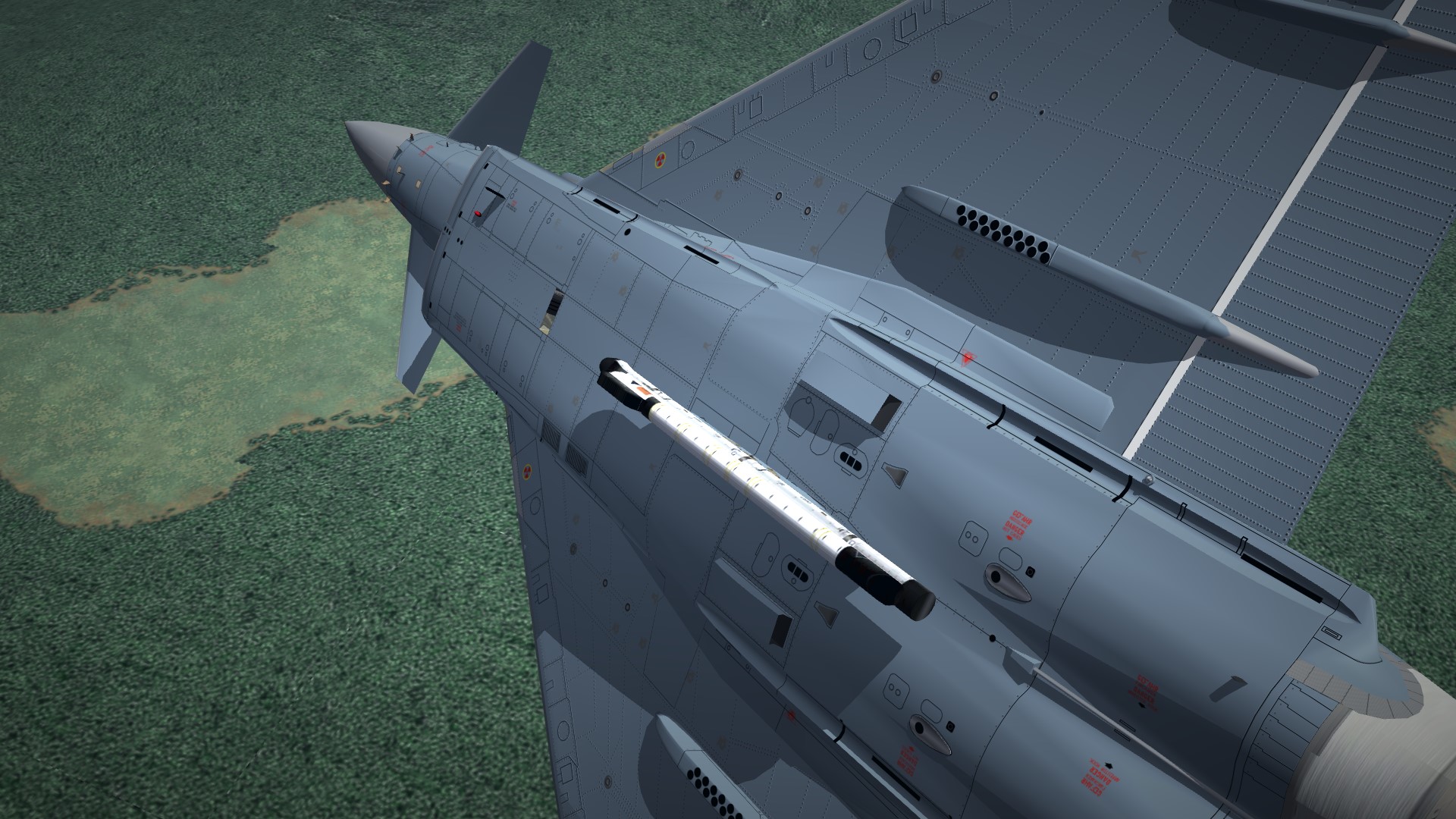
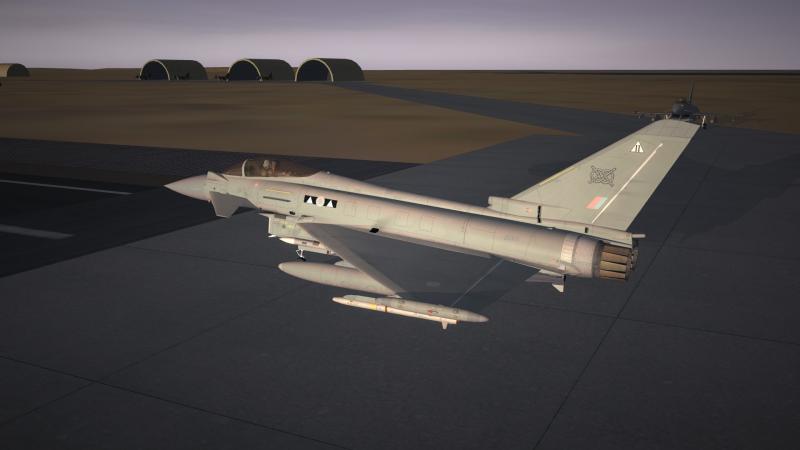
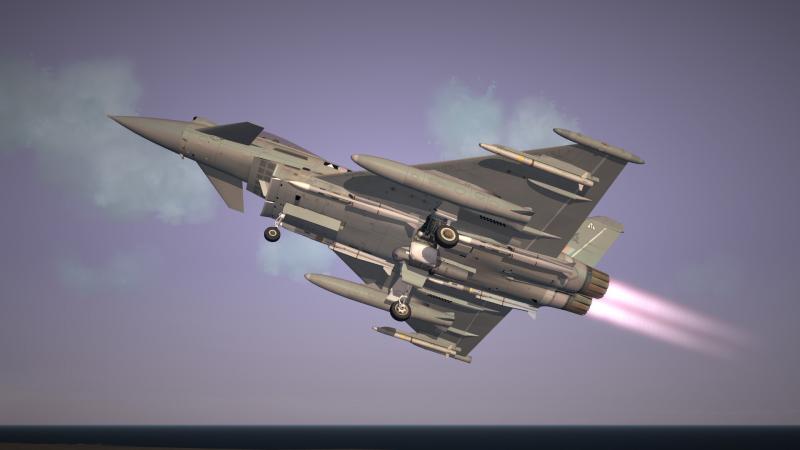
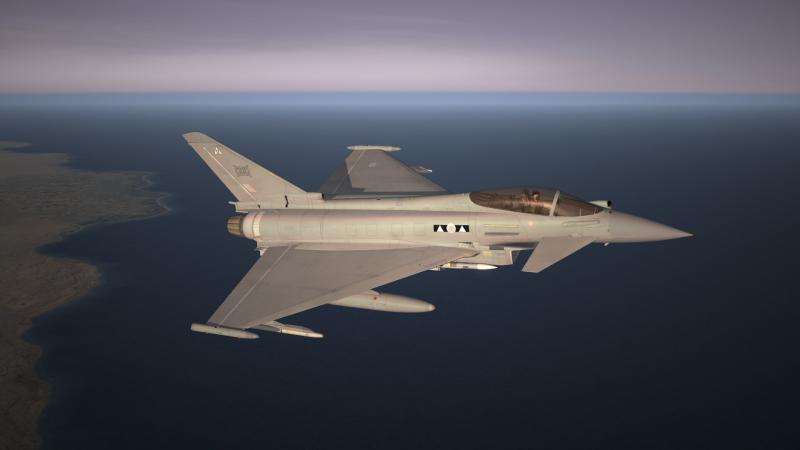
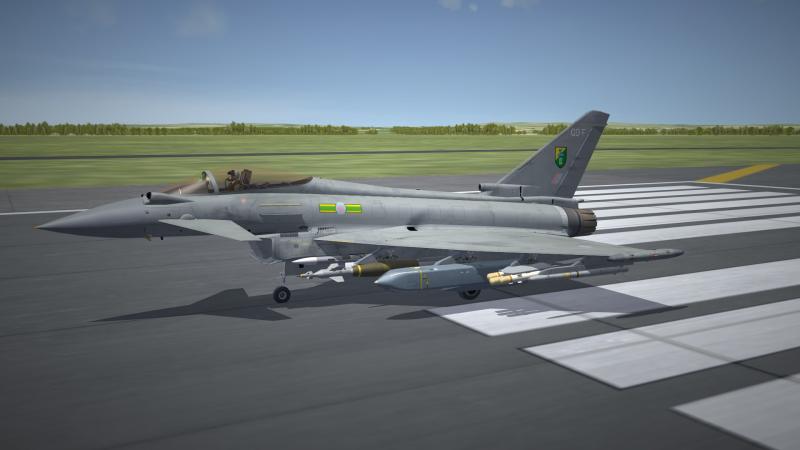
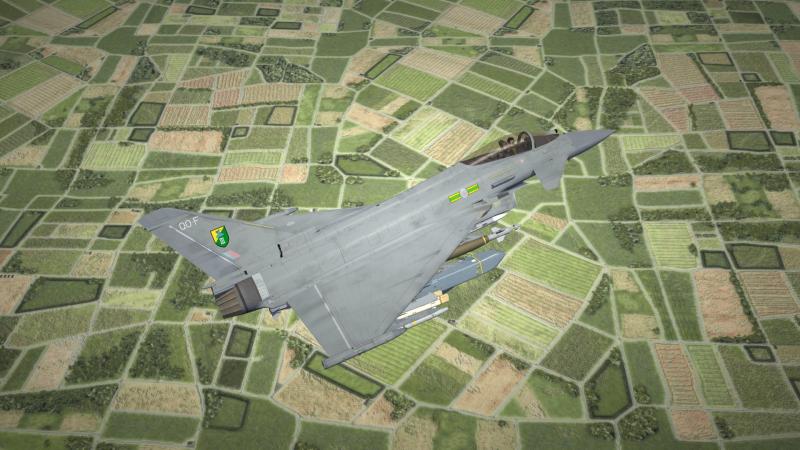
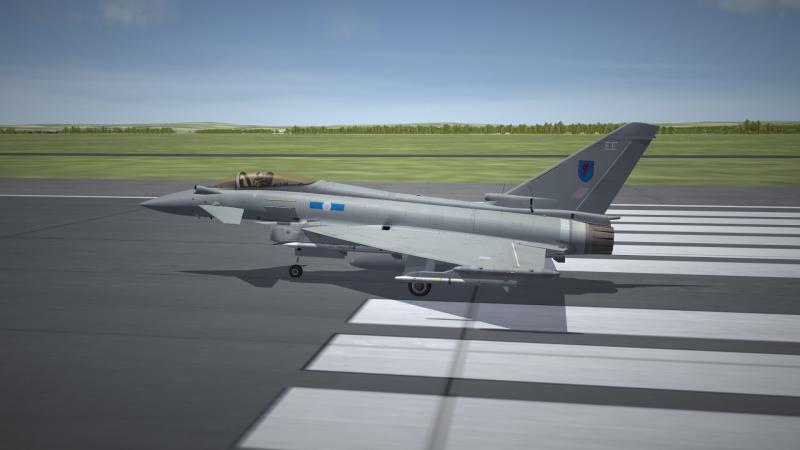
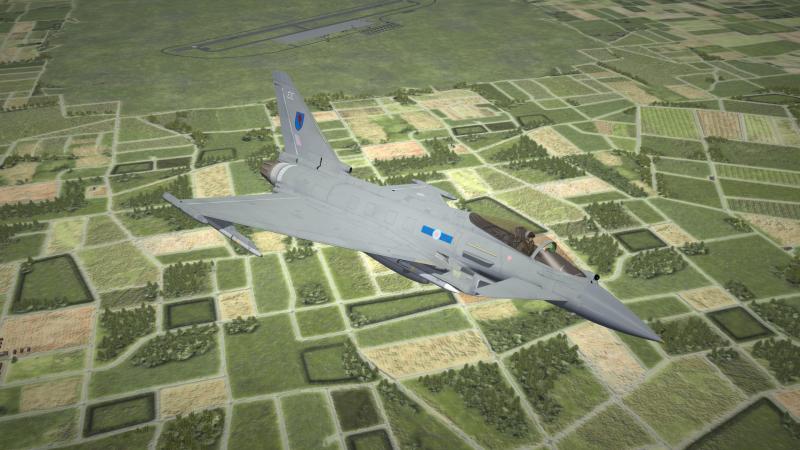
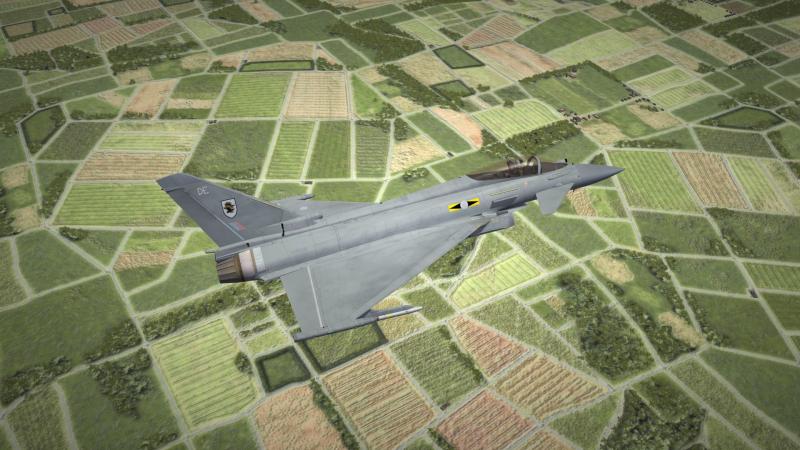
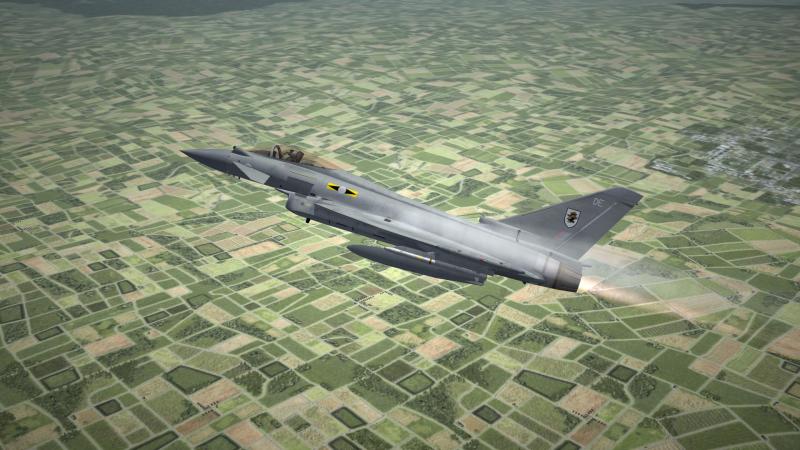
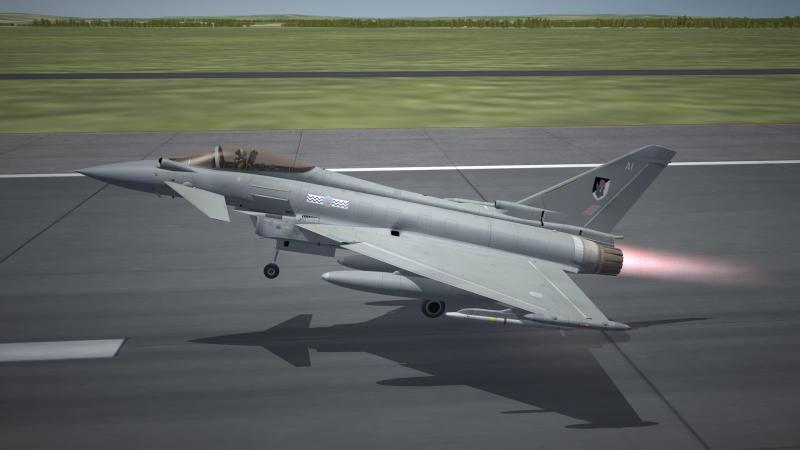
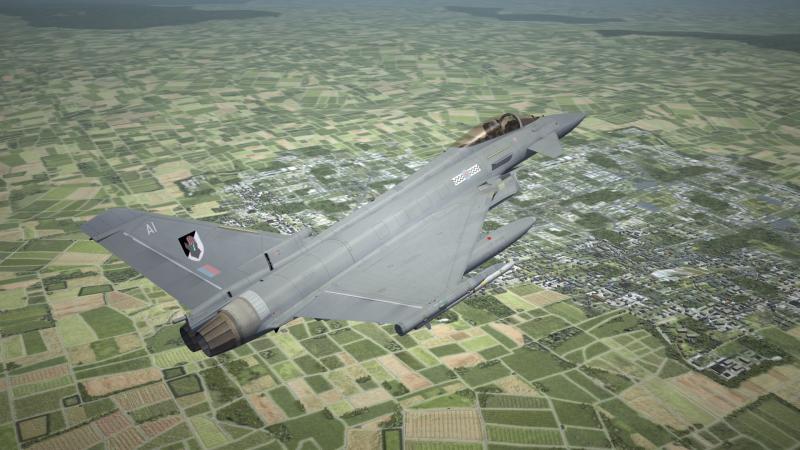
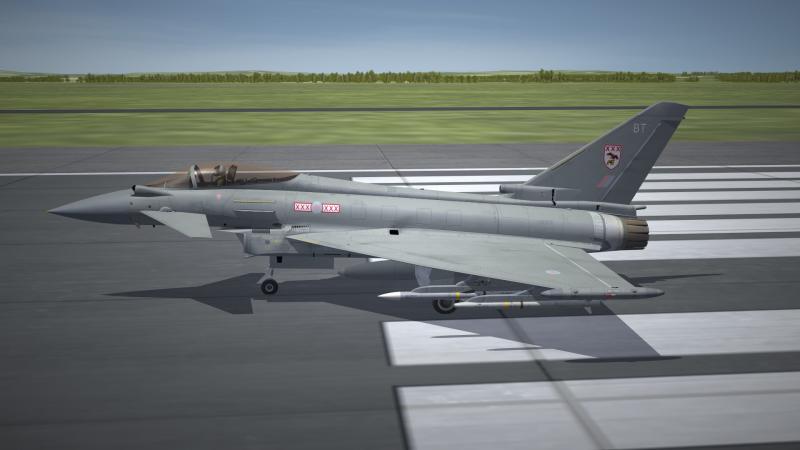
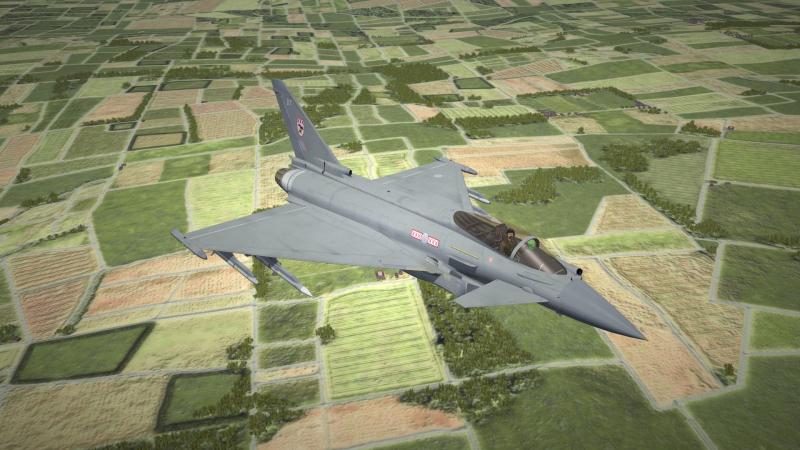
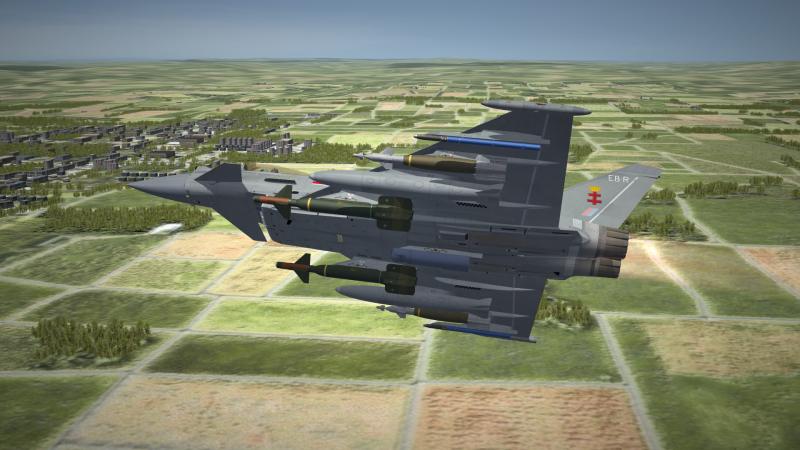
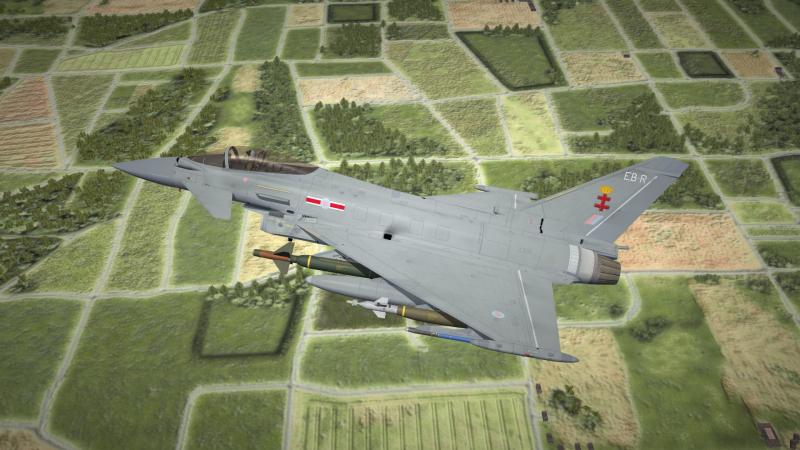
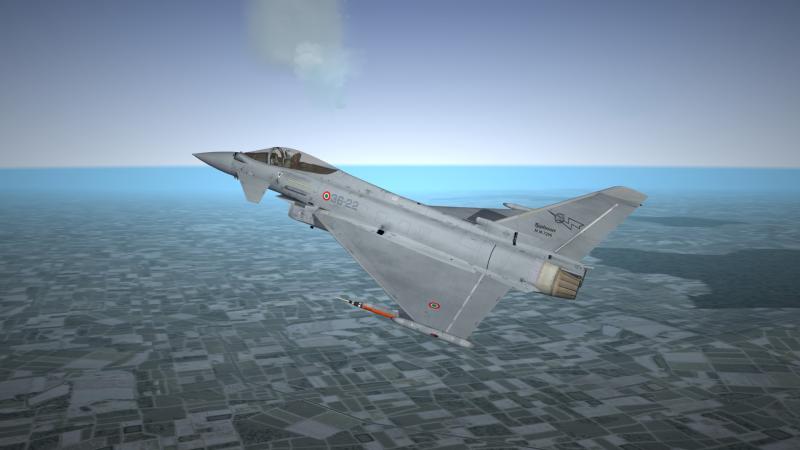
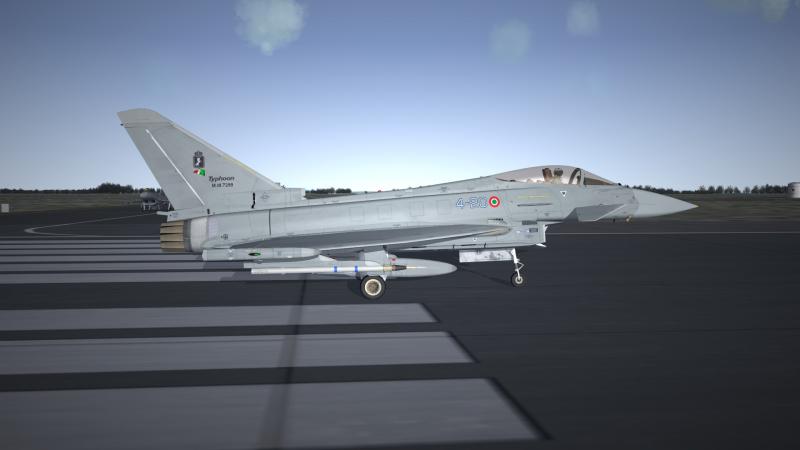
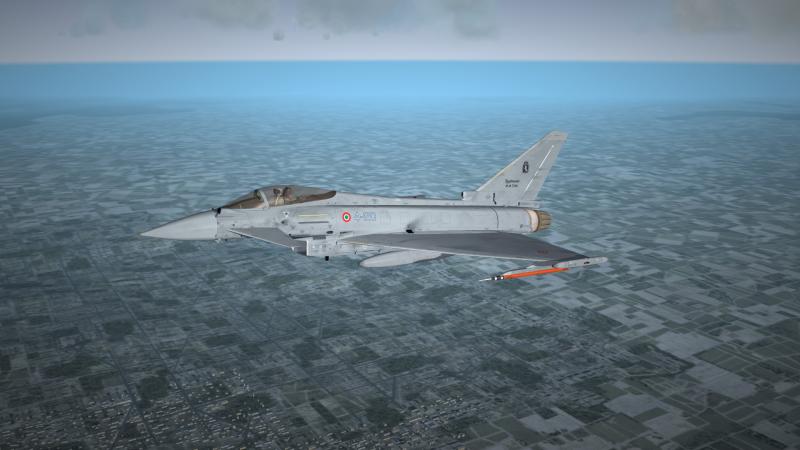
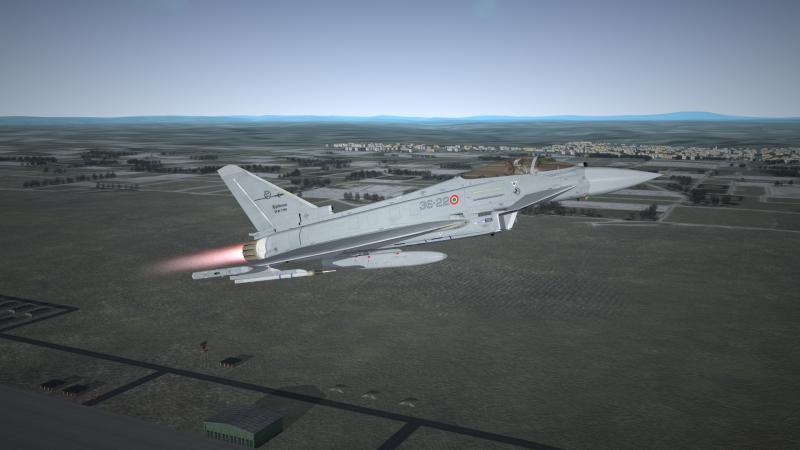
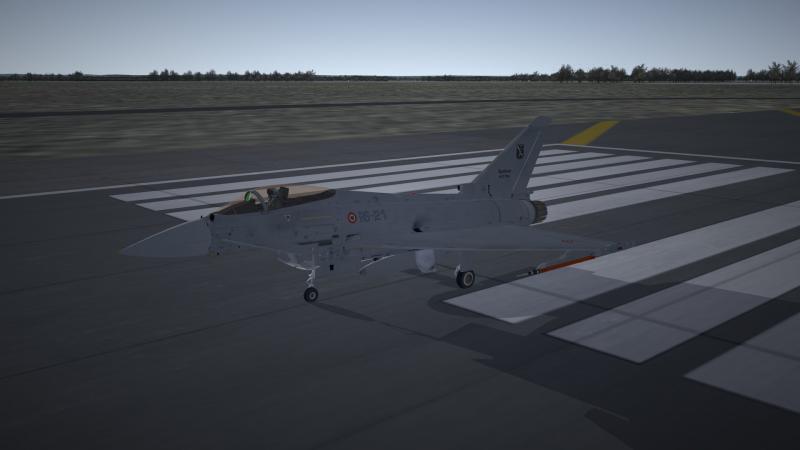
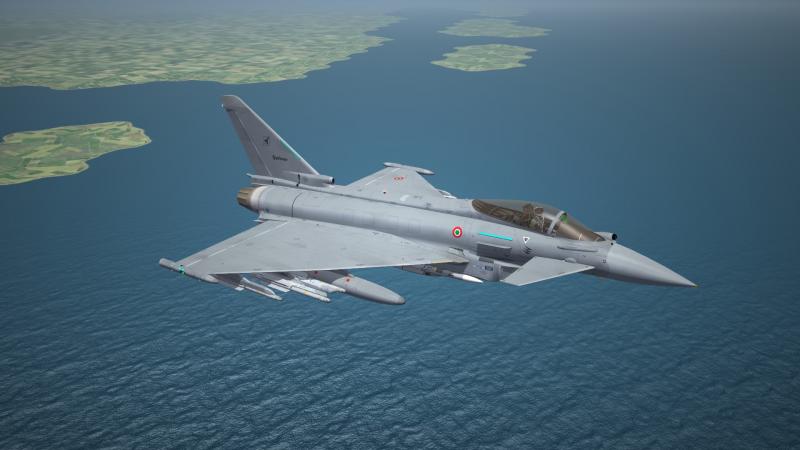
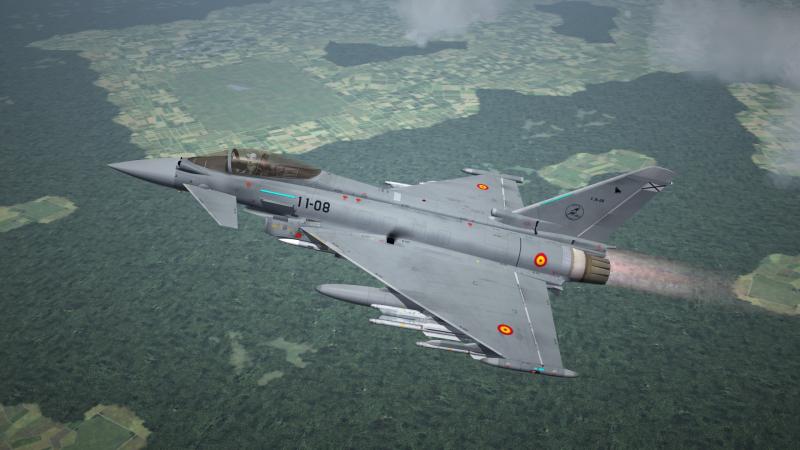
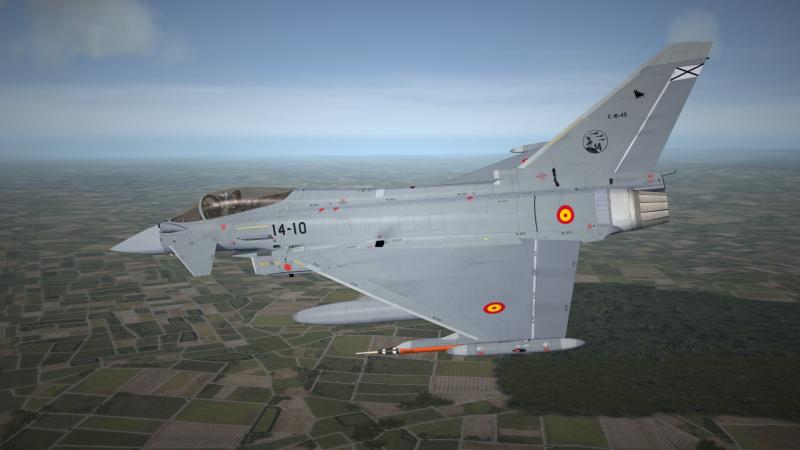
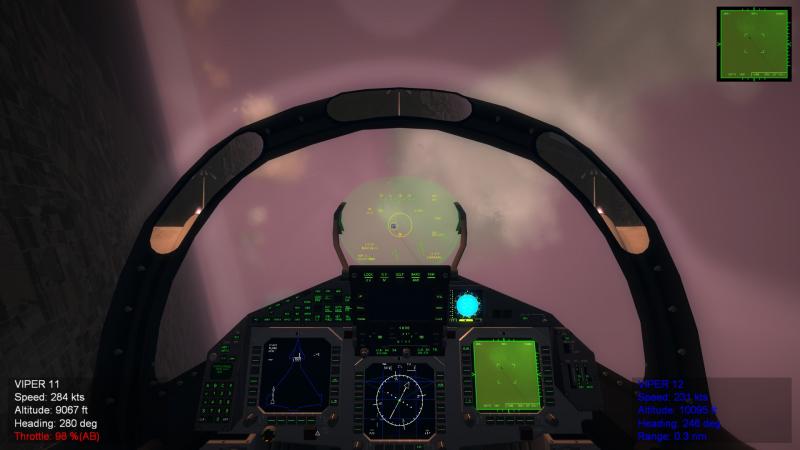
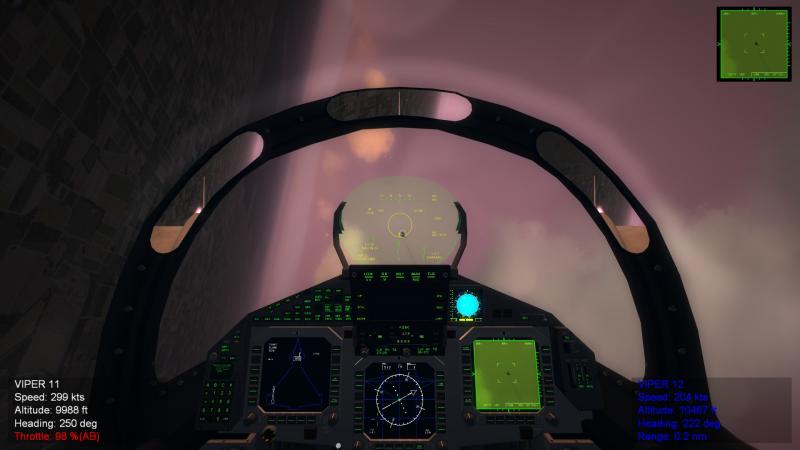
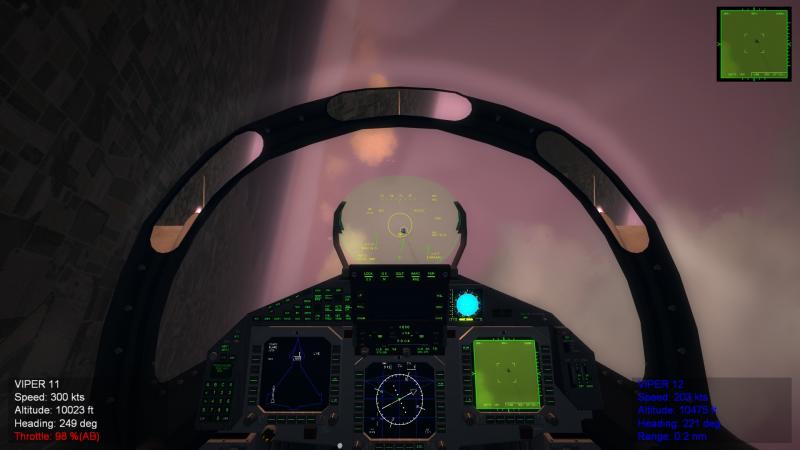
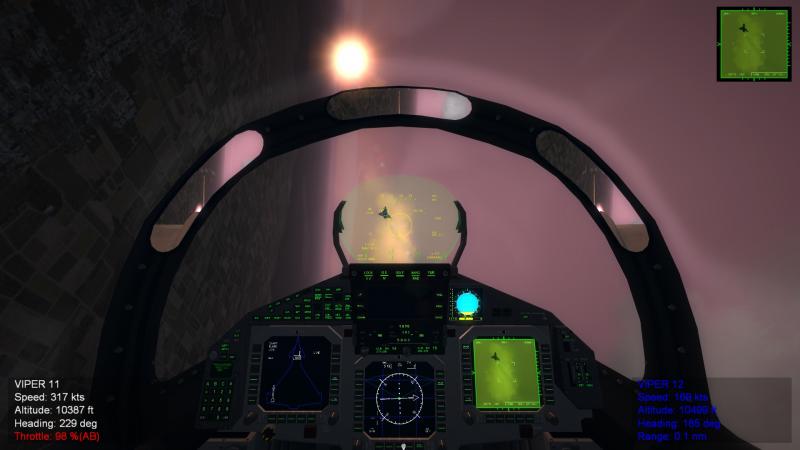
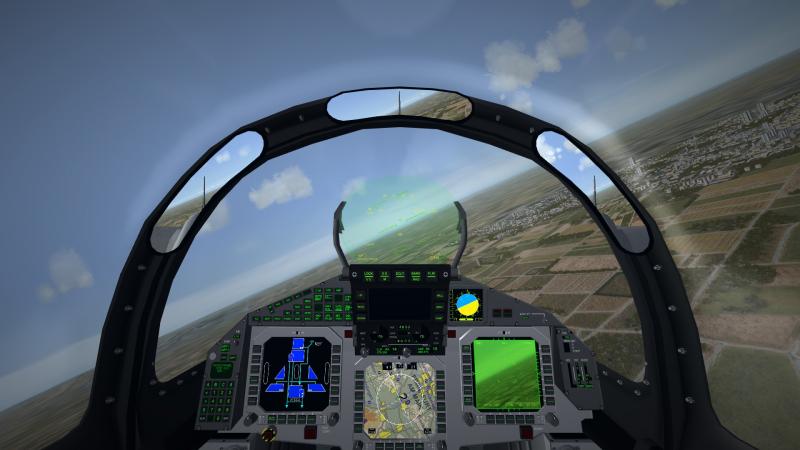
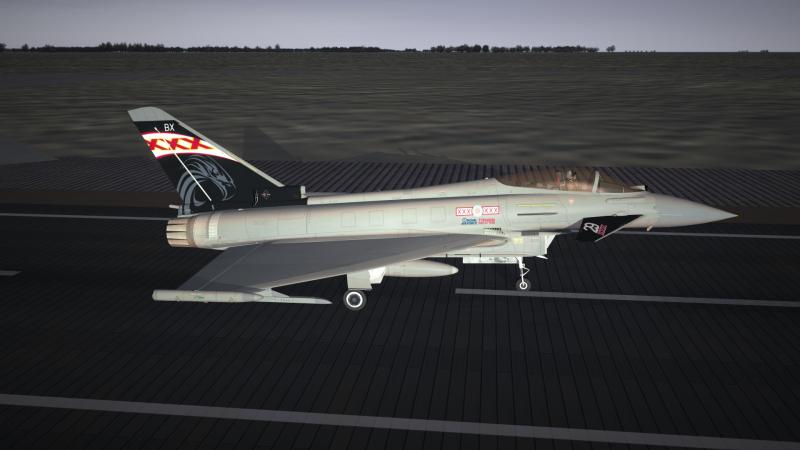
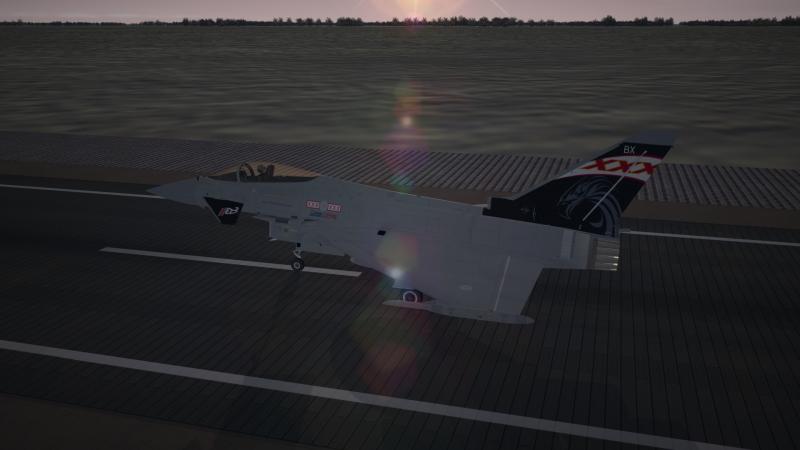
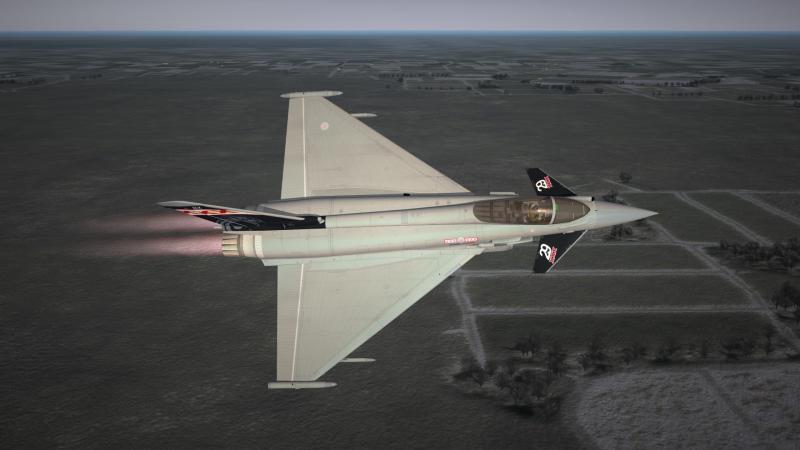
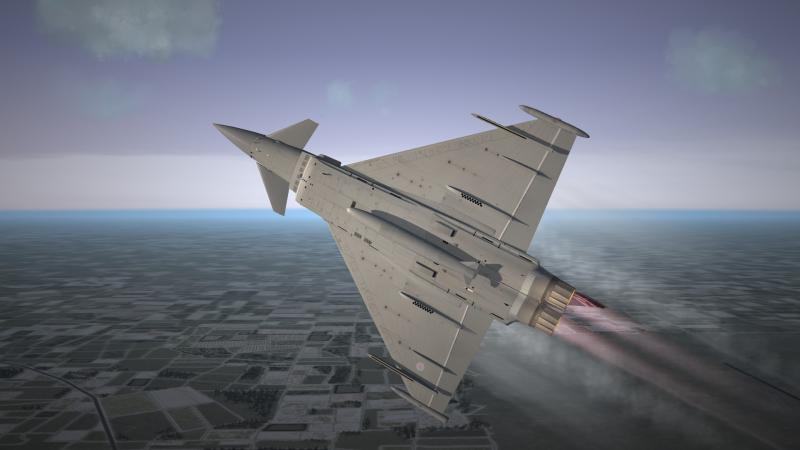
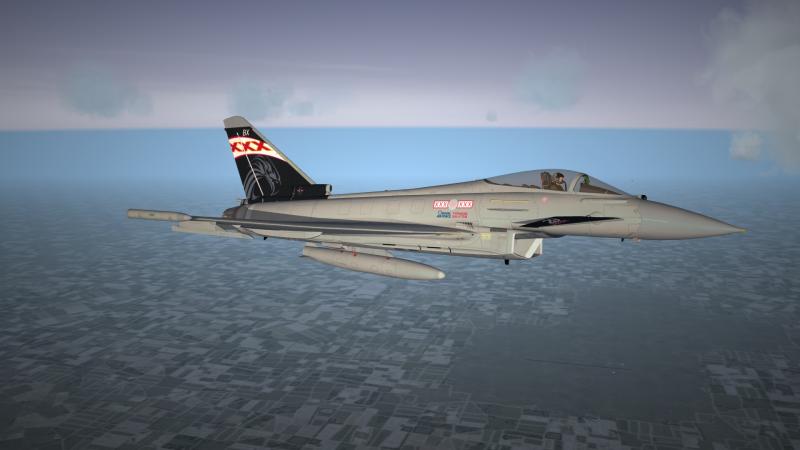
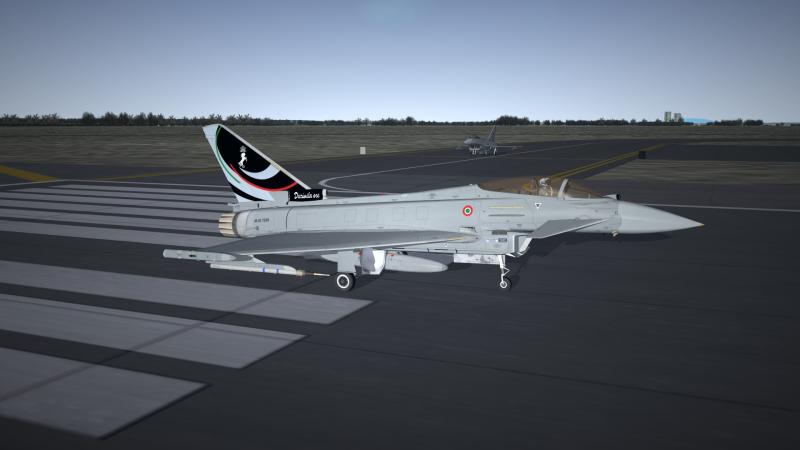
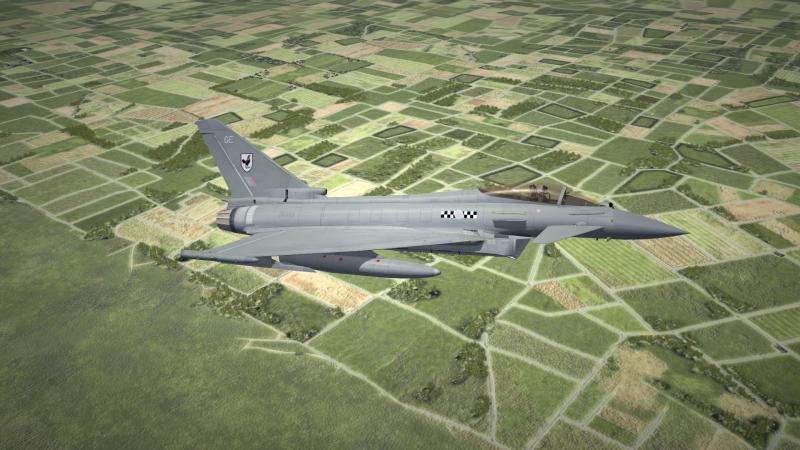
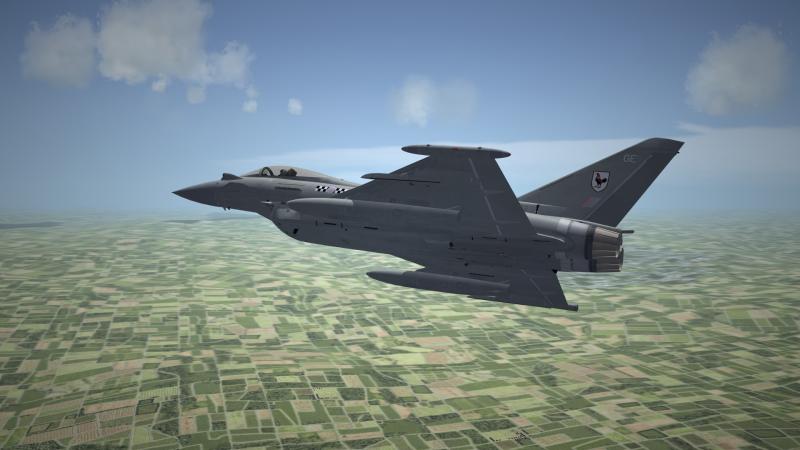
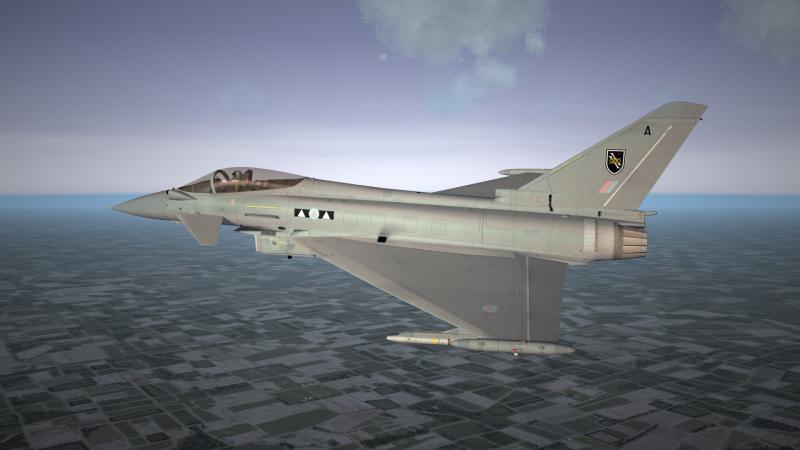
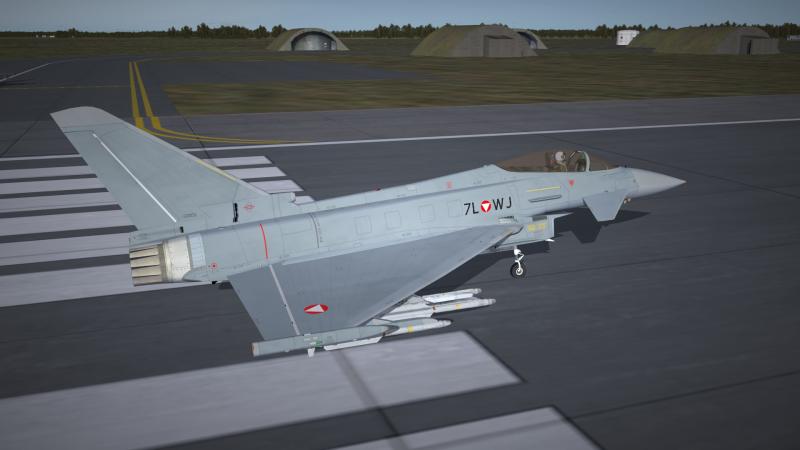
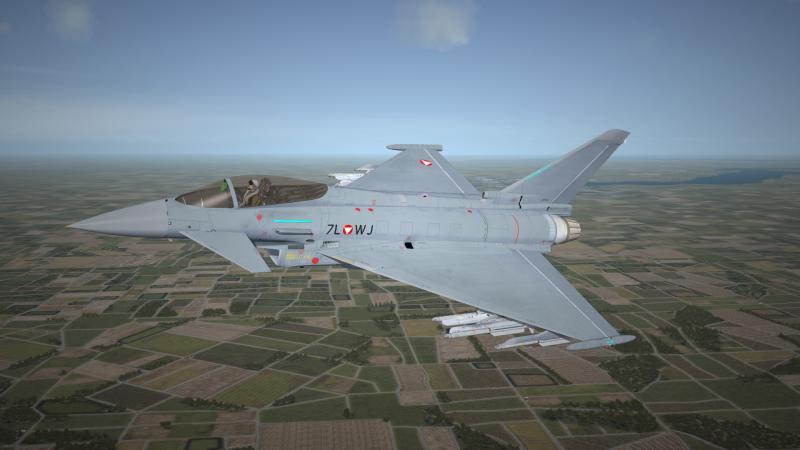
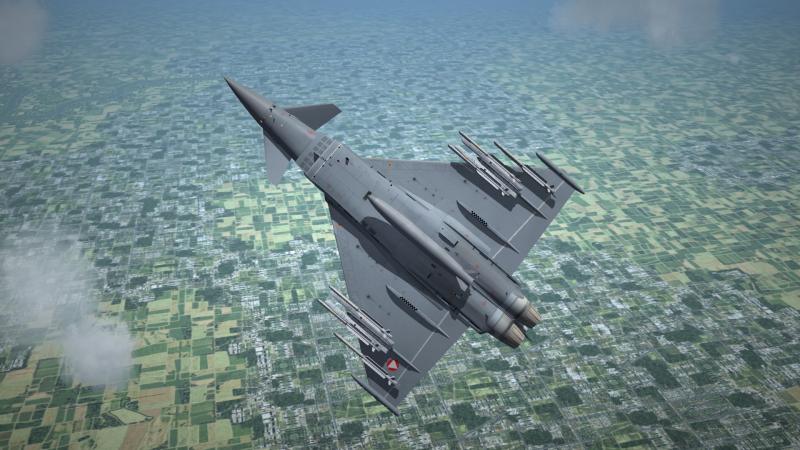
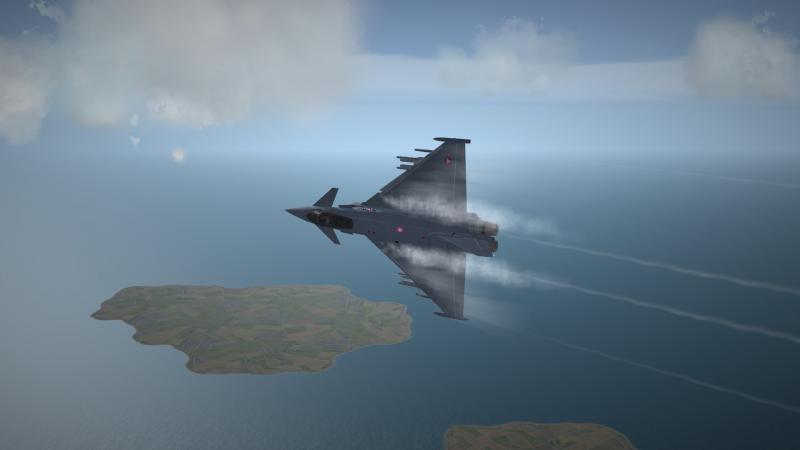
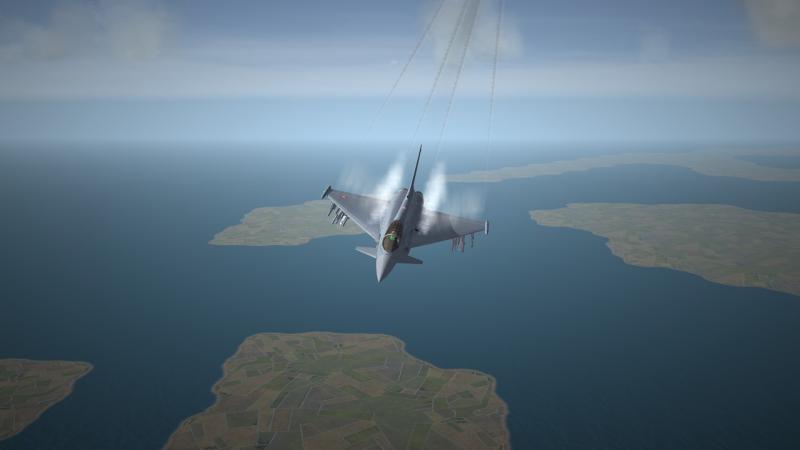
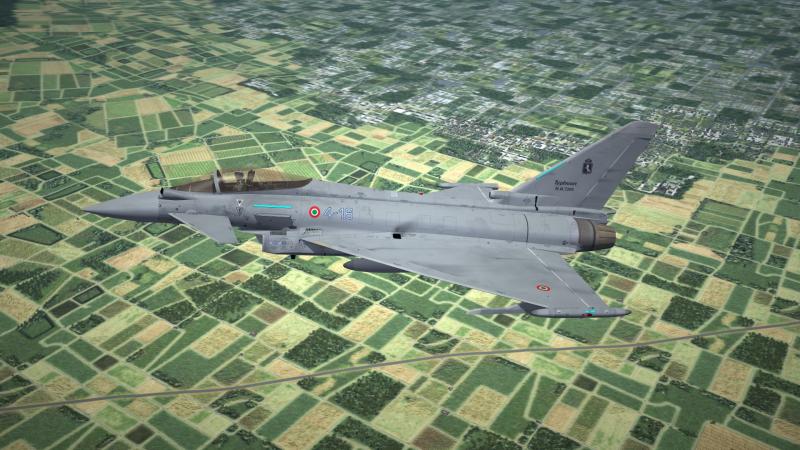
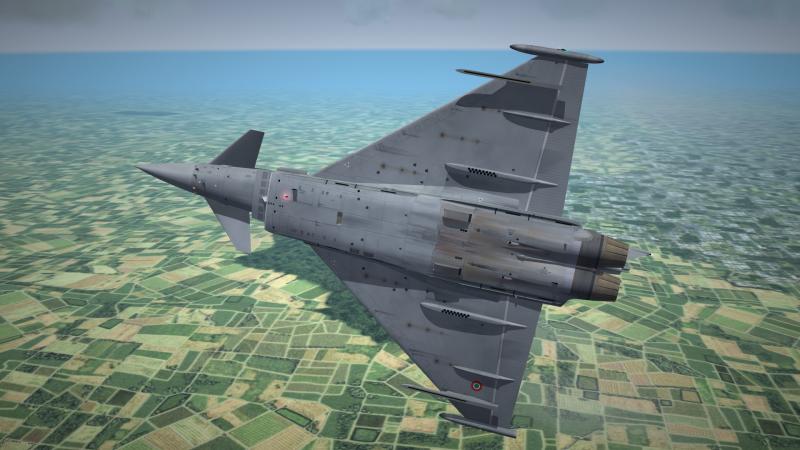
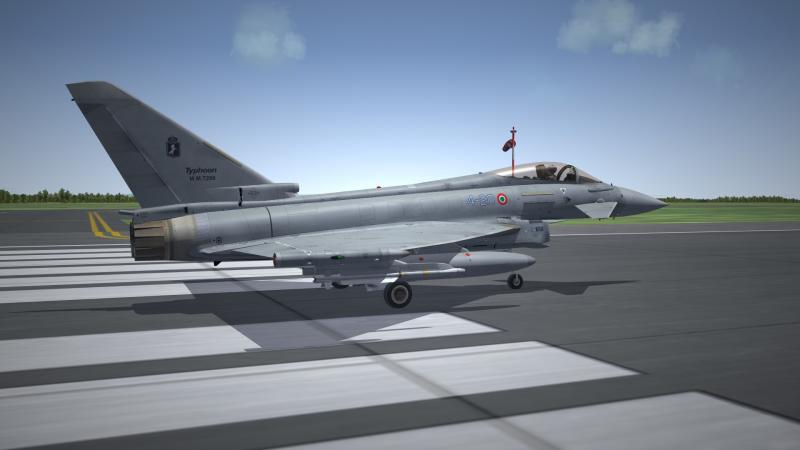
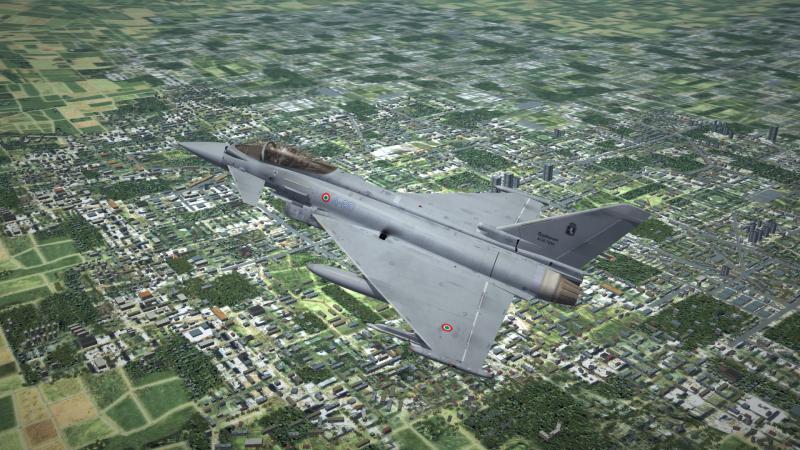
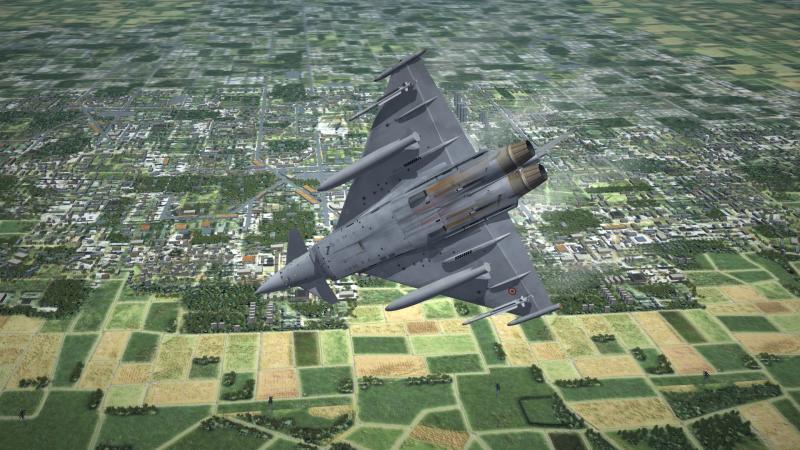
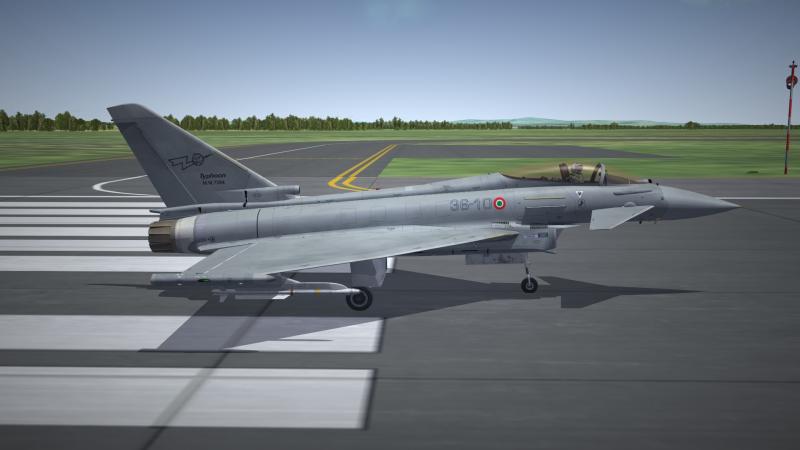
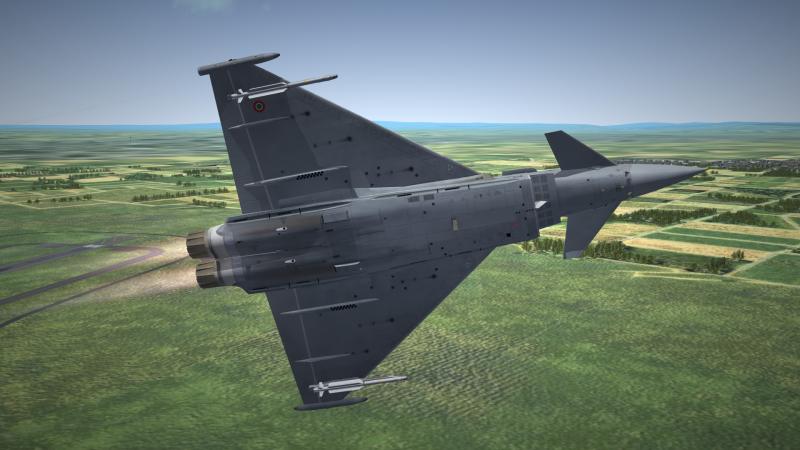
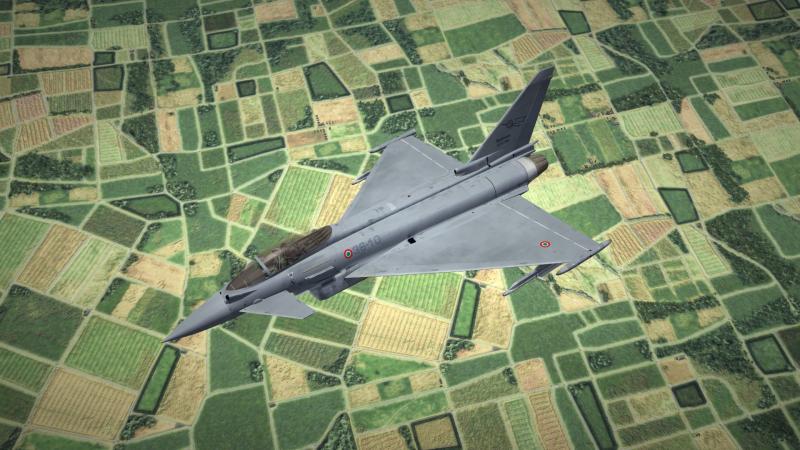
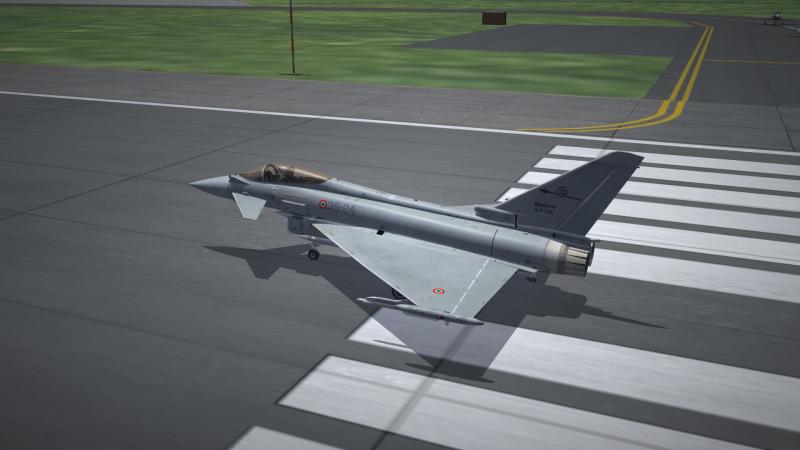
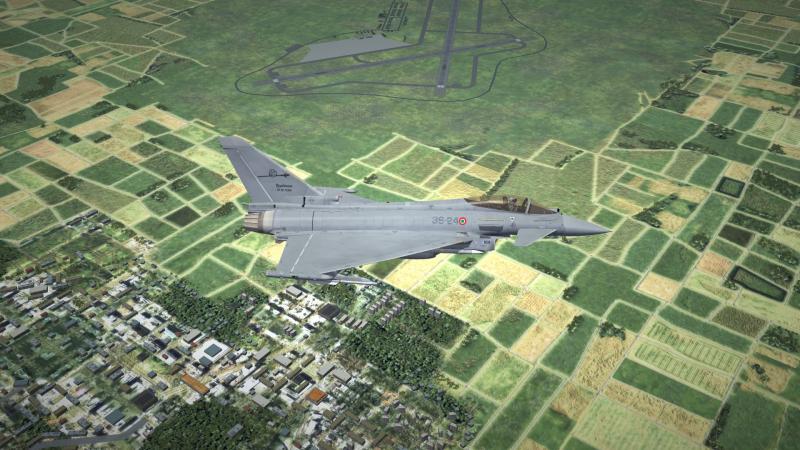
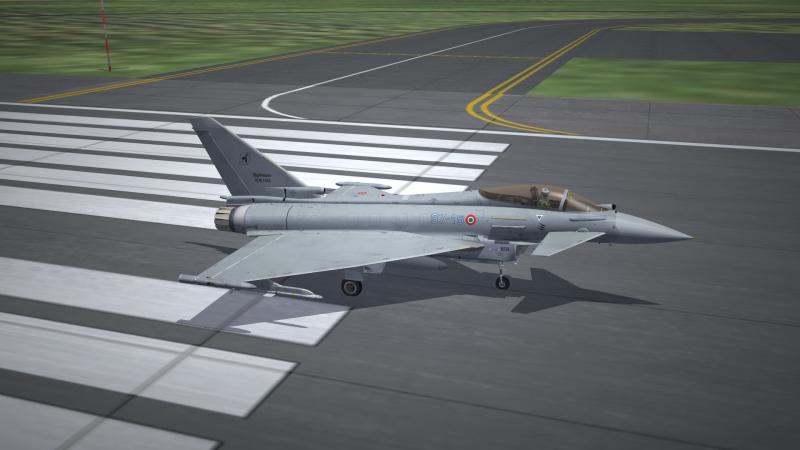
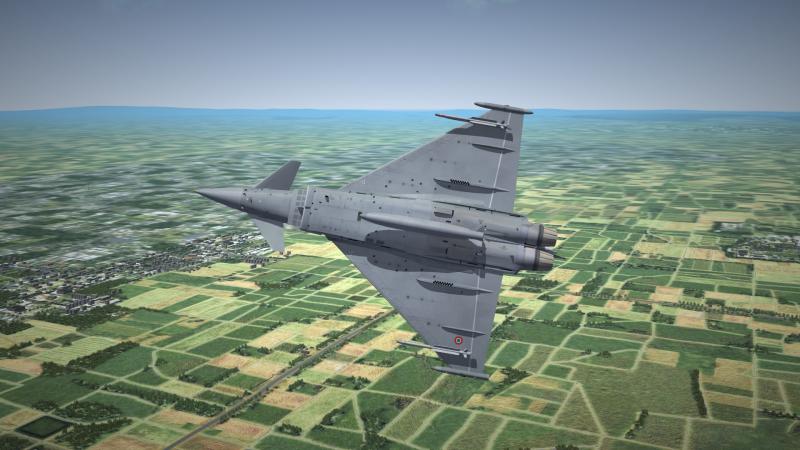
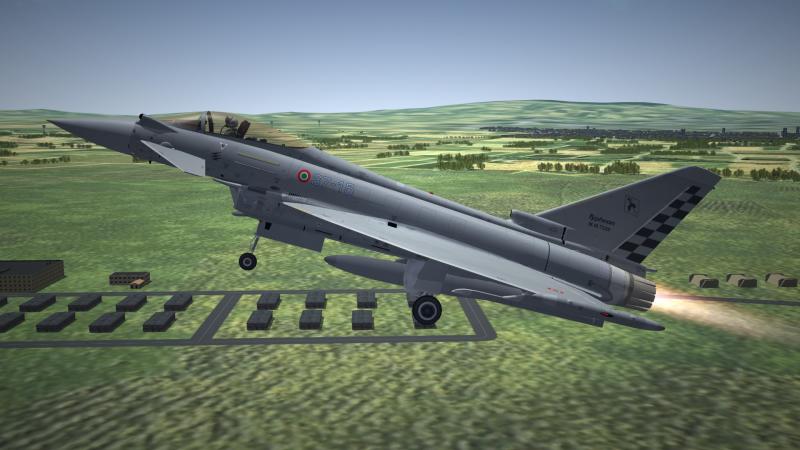
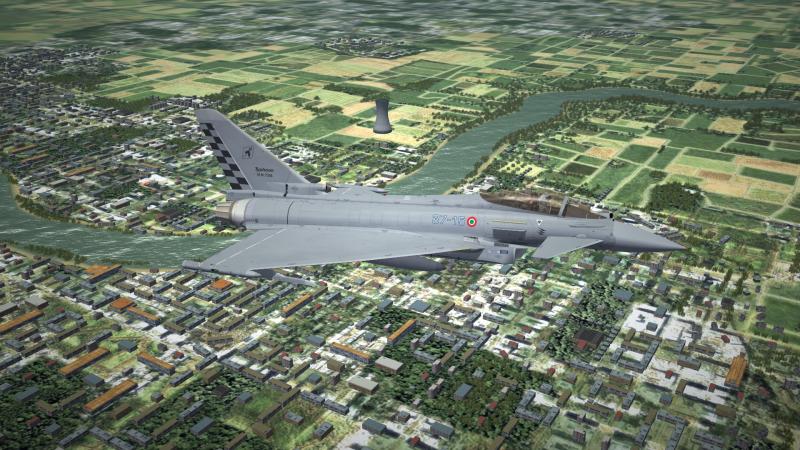
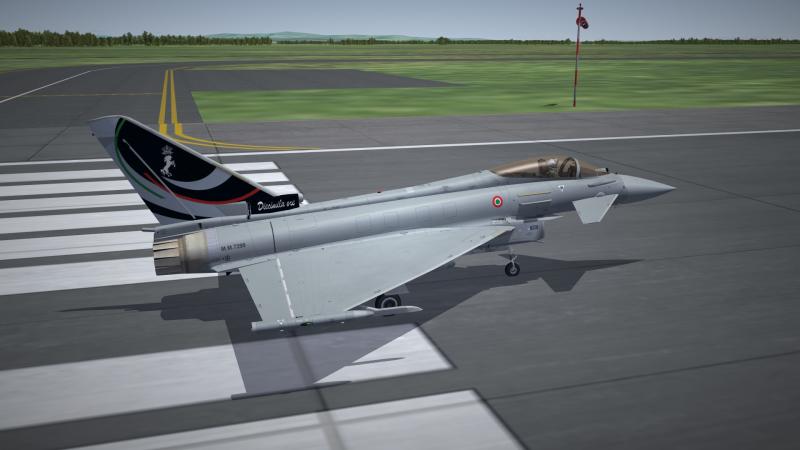
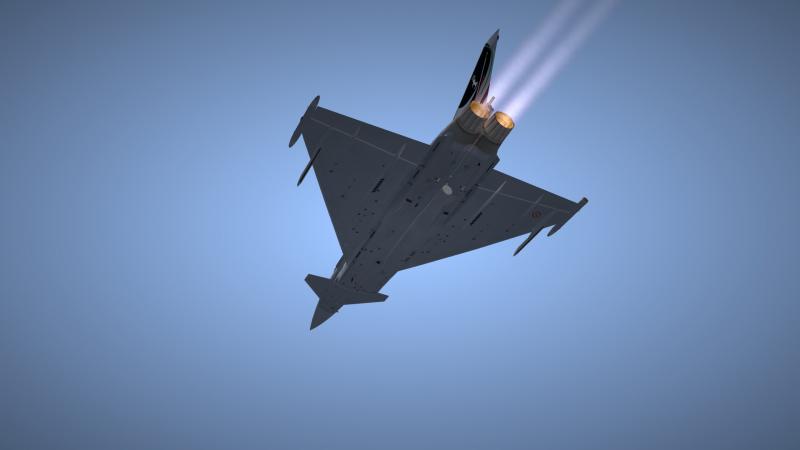
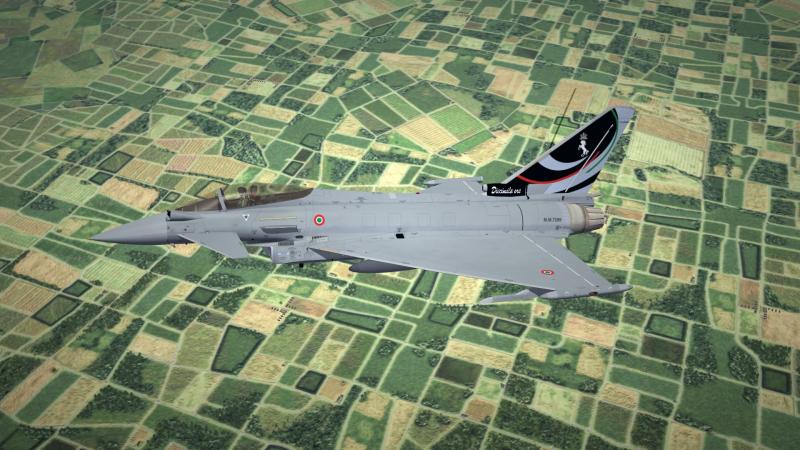
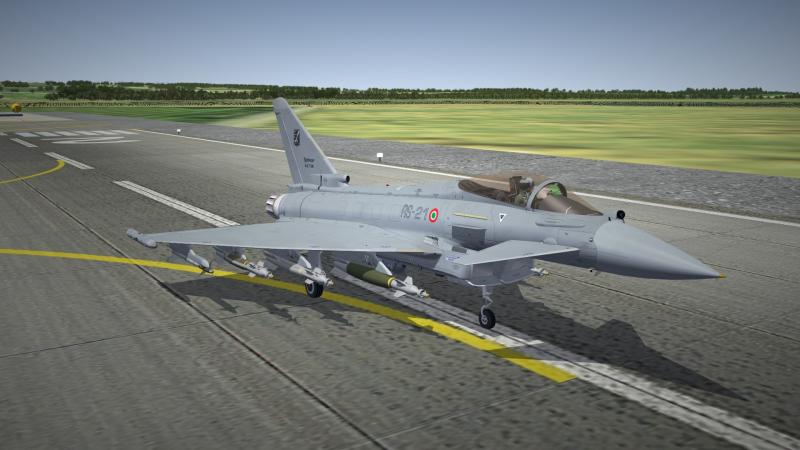
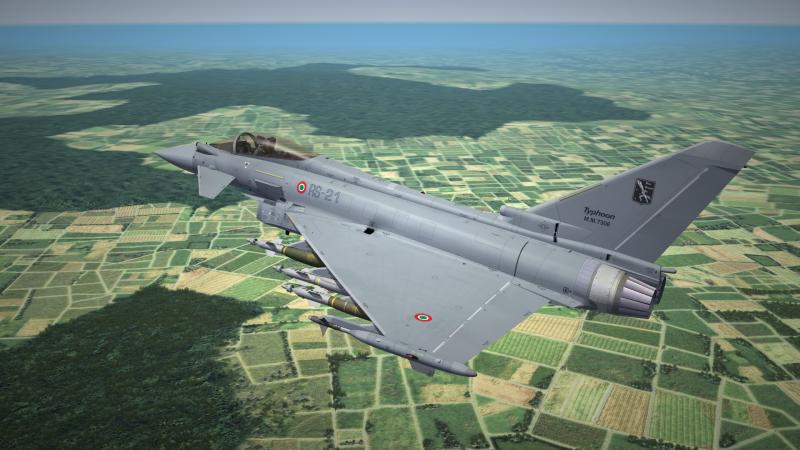
#1 section: Spoke too soon about finishing the project. A lot of rework was still needed. I think the Austrian Air Force (earlier post), the RAF, AMI, and Eda is at the final level of acceptable work for the Pack. Will be reworking on the GAF and the Saudi fleet in the coming weeks. #2 section: Say cheese!!! PIRATE system at work... #3 section: The RAF and the reworked AMI "Special" No. II (AC) was suppose to have been form on April of 2015. Now, No. 43 Sq will form on April of 2015 (which was to be the next Typhoon squadron before 2(AC) was choosing two years ago), and the 2(AC) will be form in 2016 due to the extension of their mission in the ME for another year. The following is 43 SQ and the "conceptional" skin for No. II (AC), plus the "special" scheme...
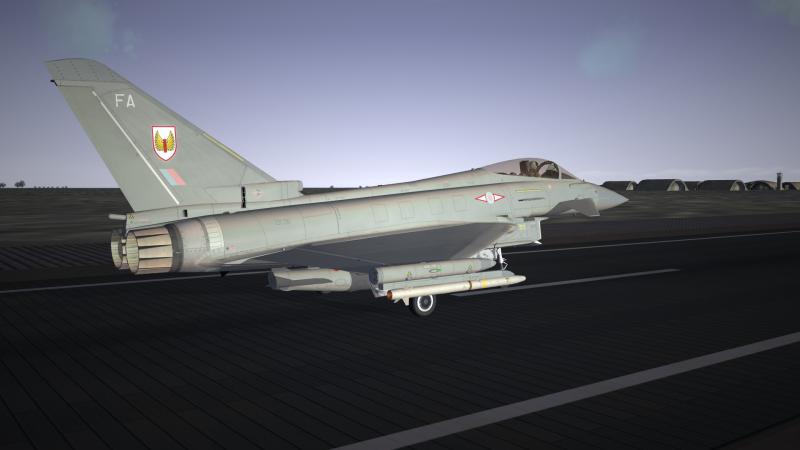
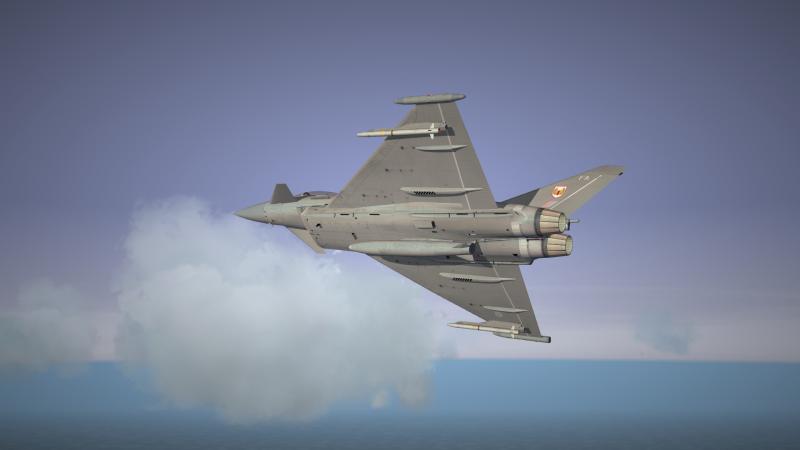
-
-
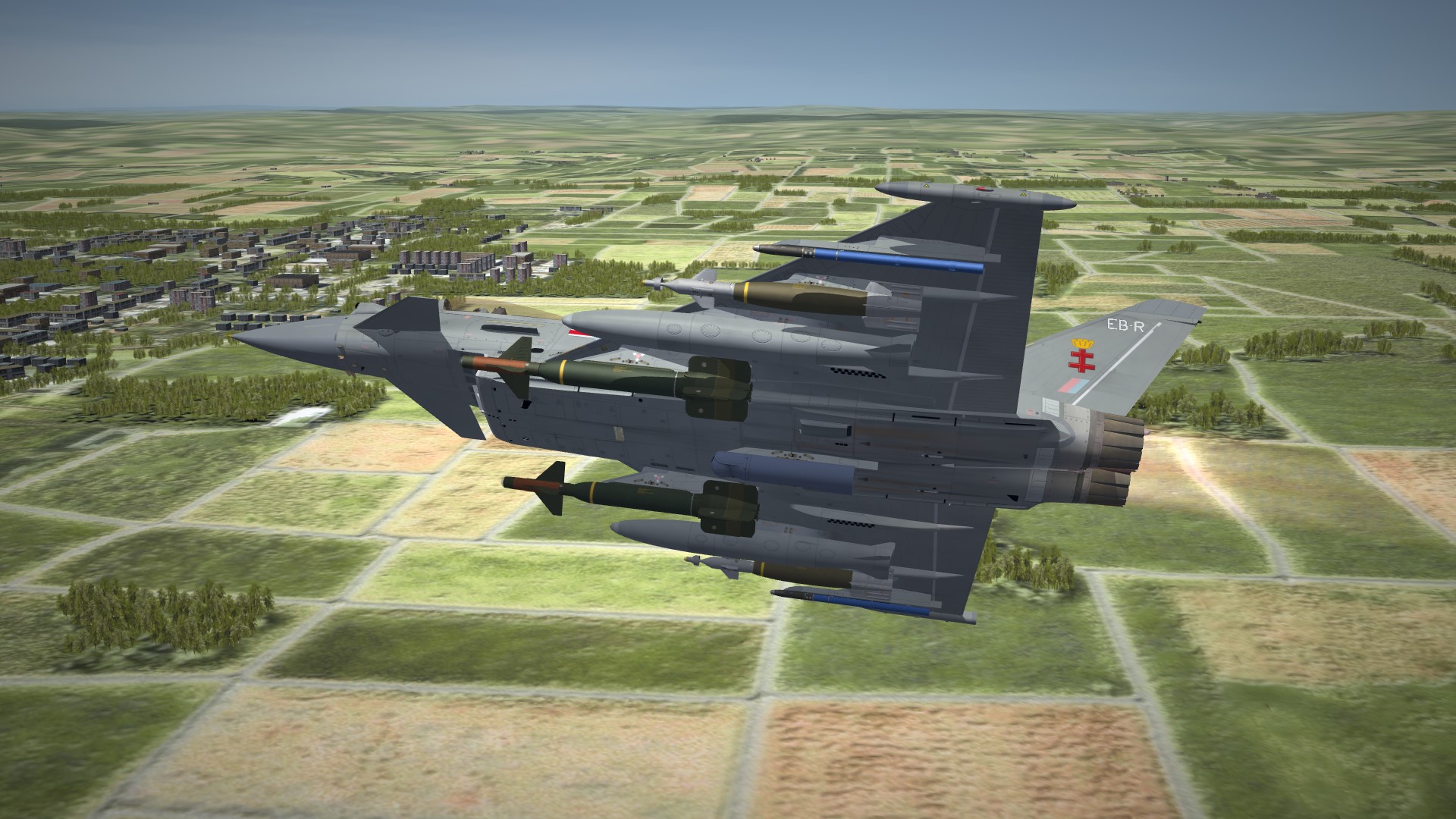
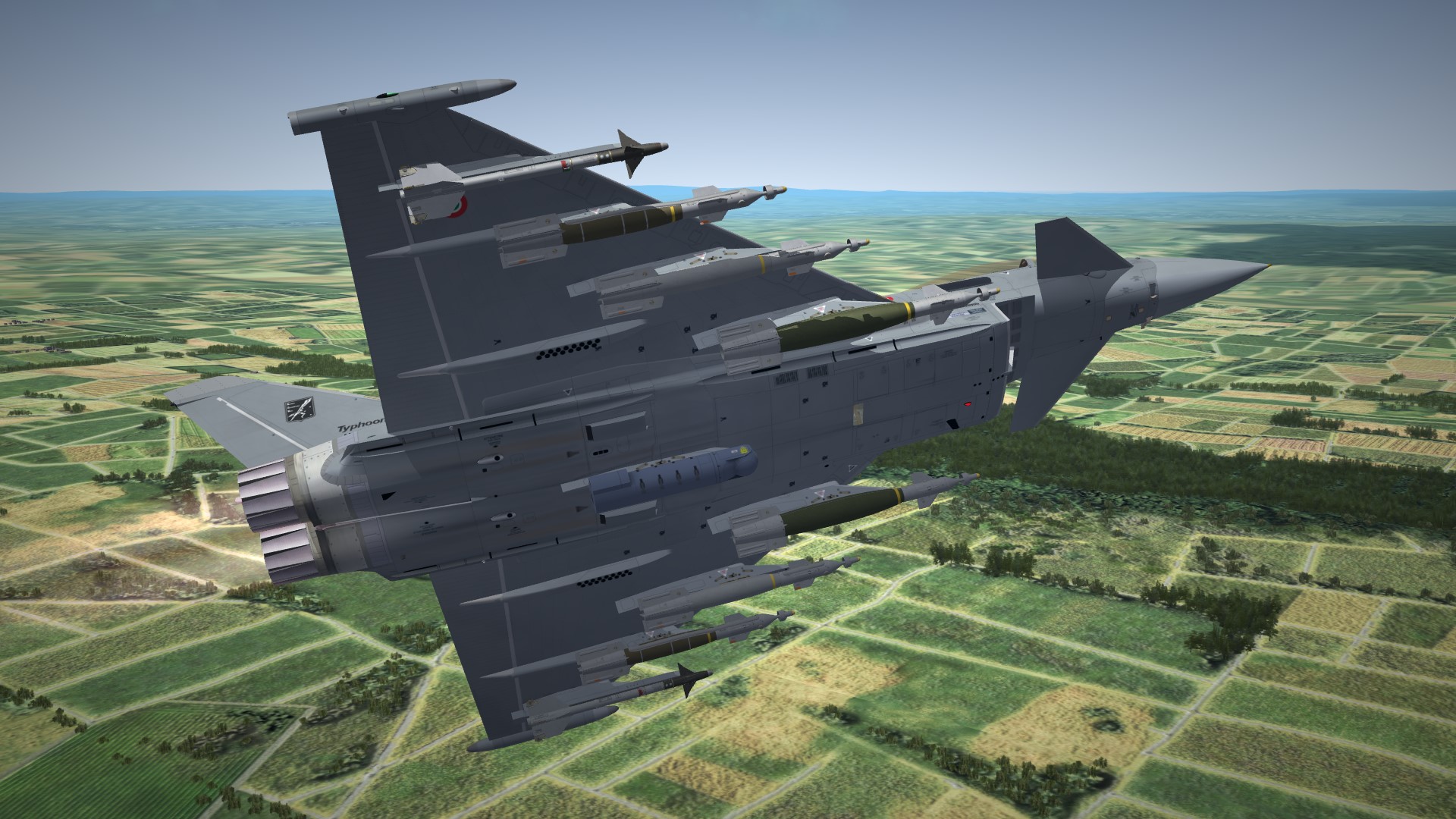
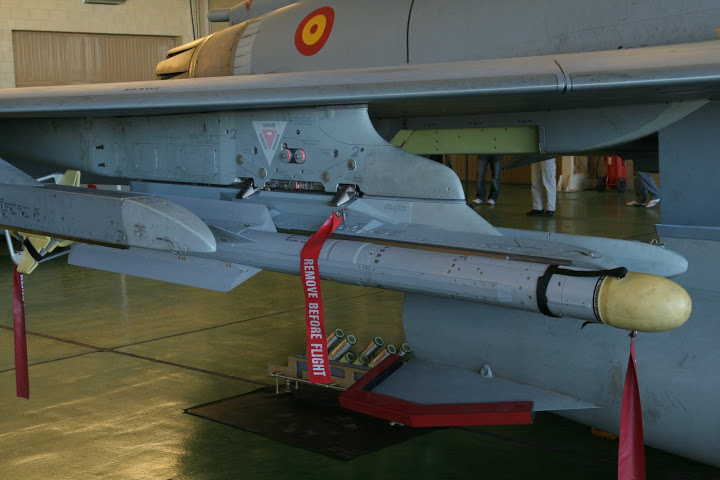
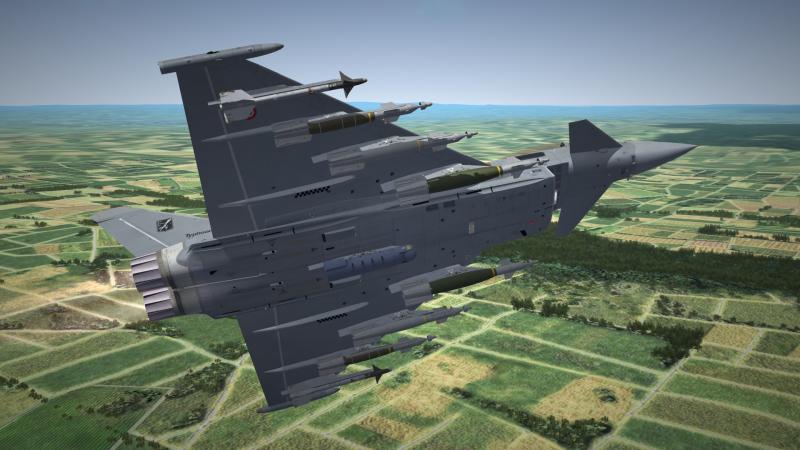
Testing the dual rail air-to-air launcher...
-
Unable to see the video? Is it just me?
-
The detail and the quality is top notch! Exceptional workmanship by all involved...
-
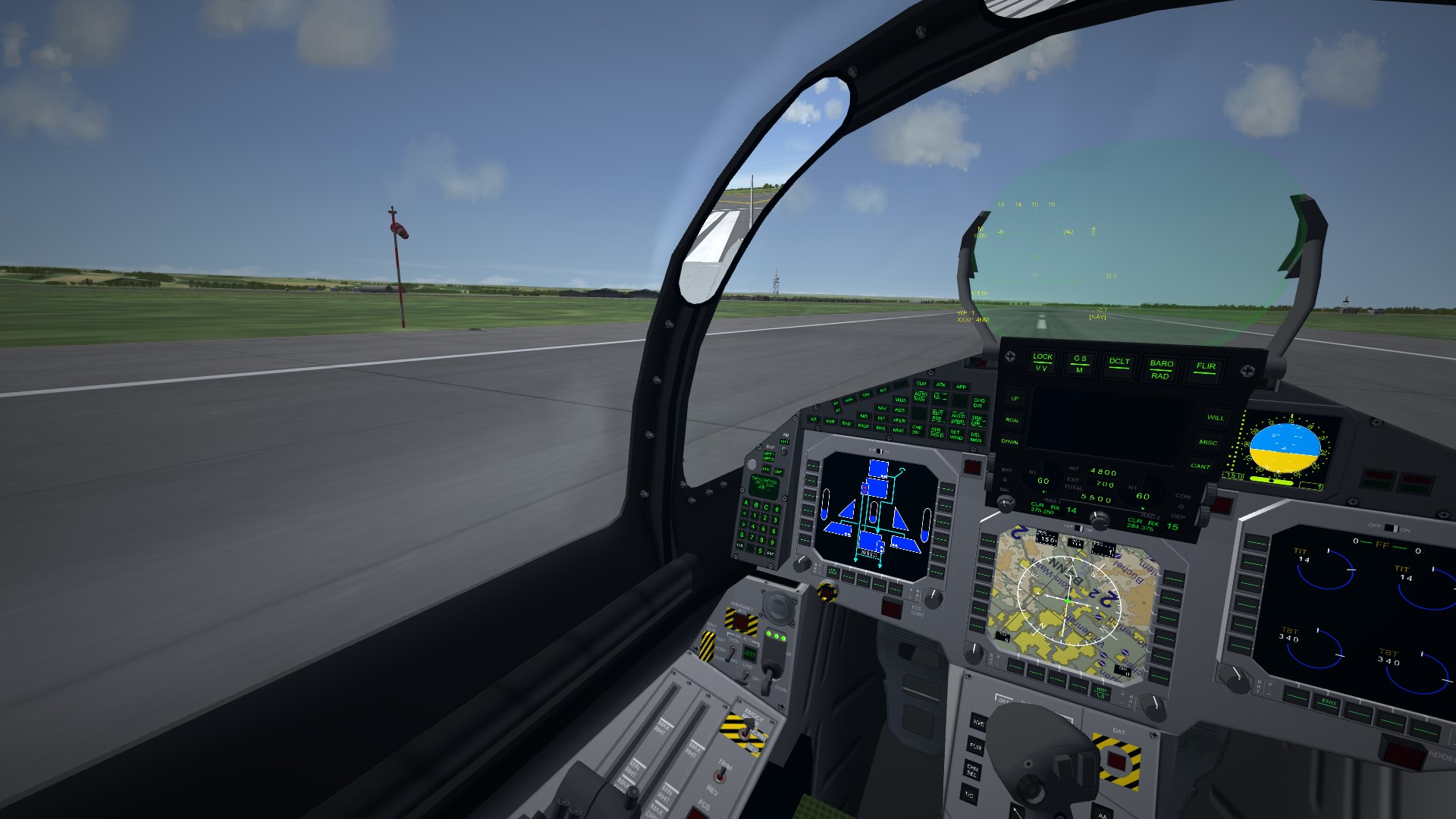
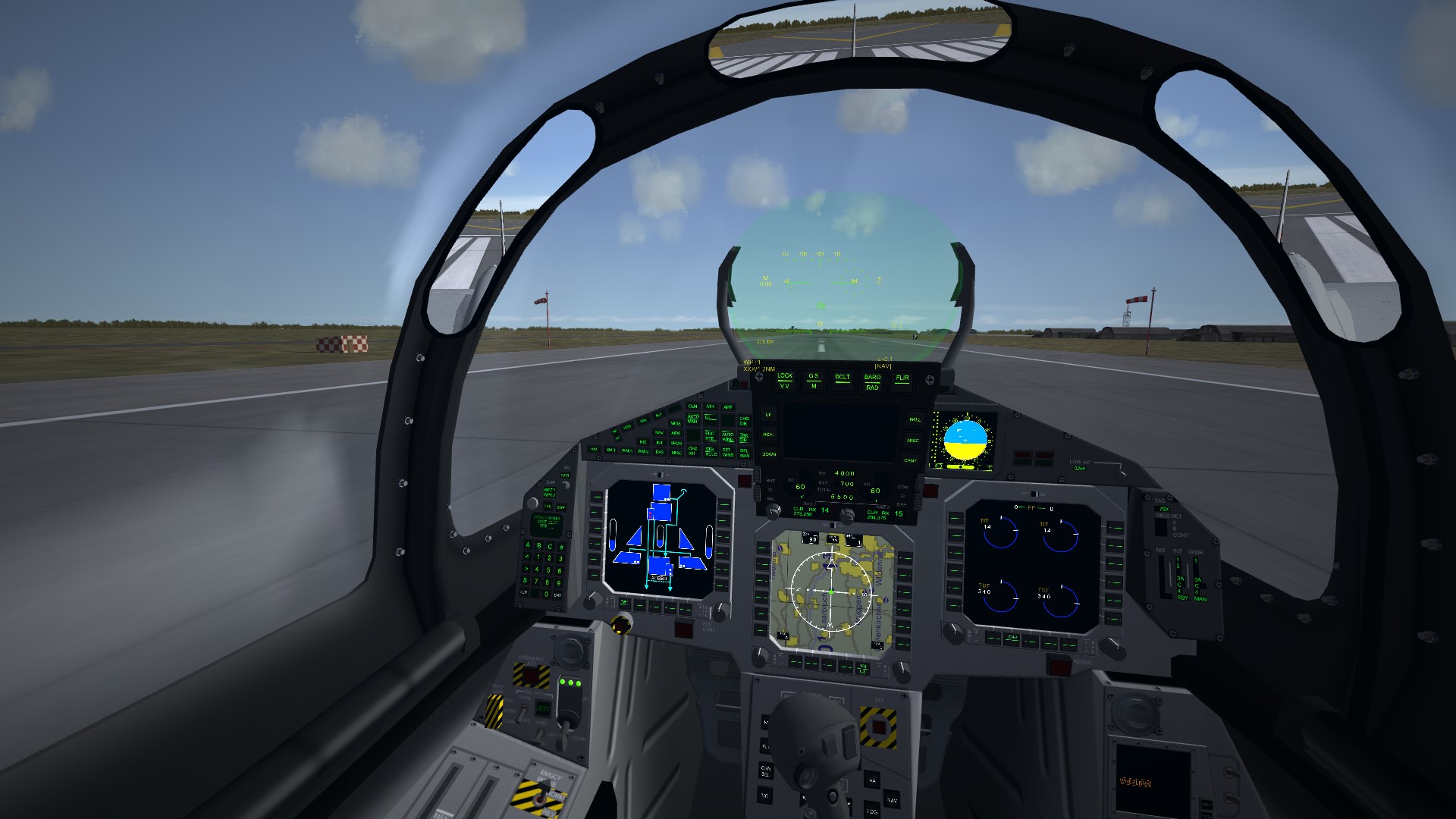
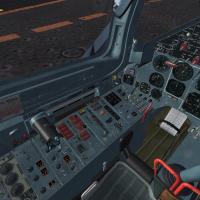
Craig did the cockpit already, it is base on the Beta aircraft with some tweaks if possible.
-
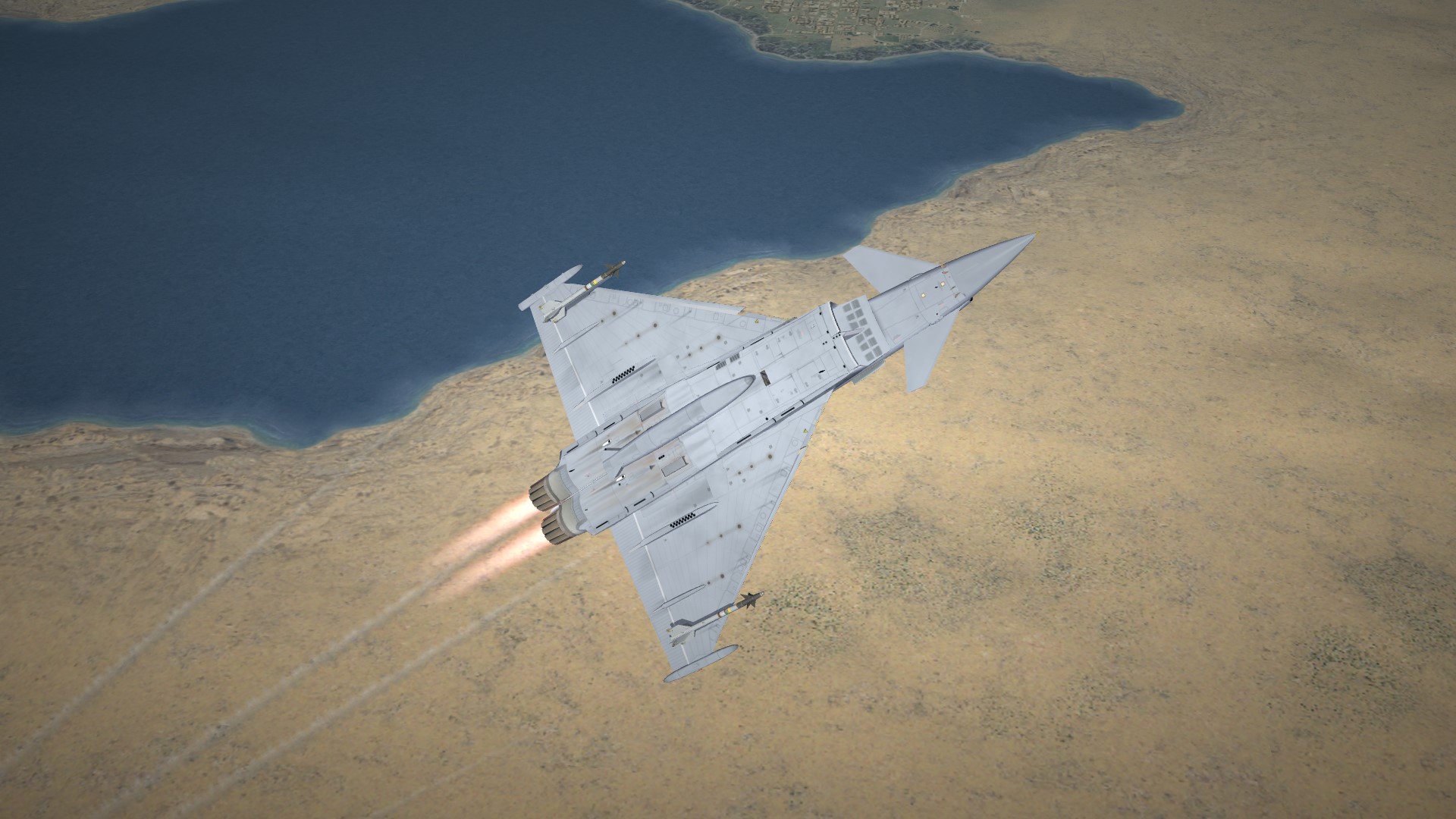
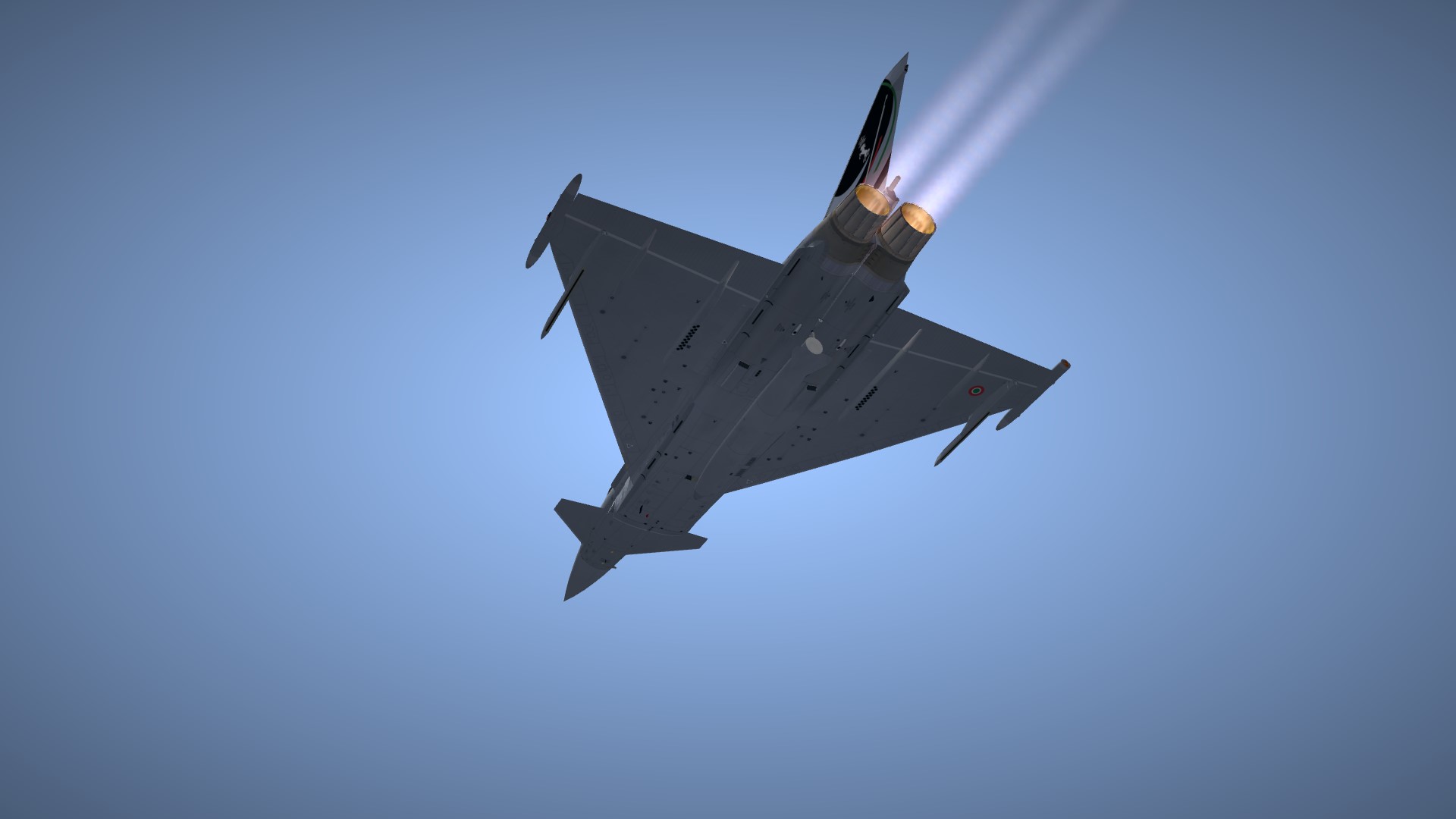
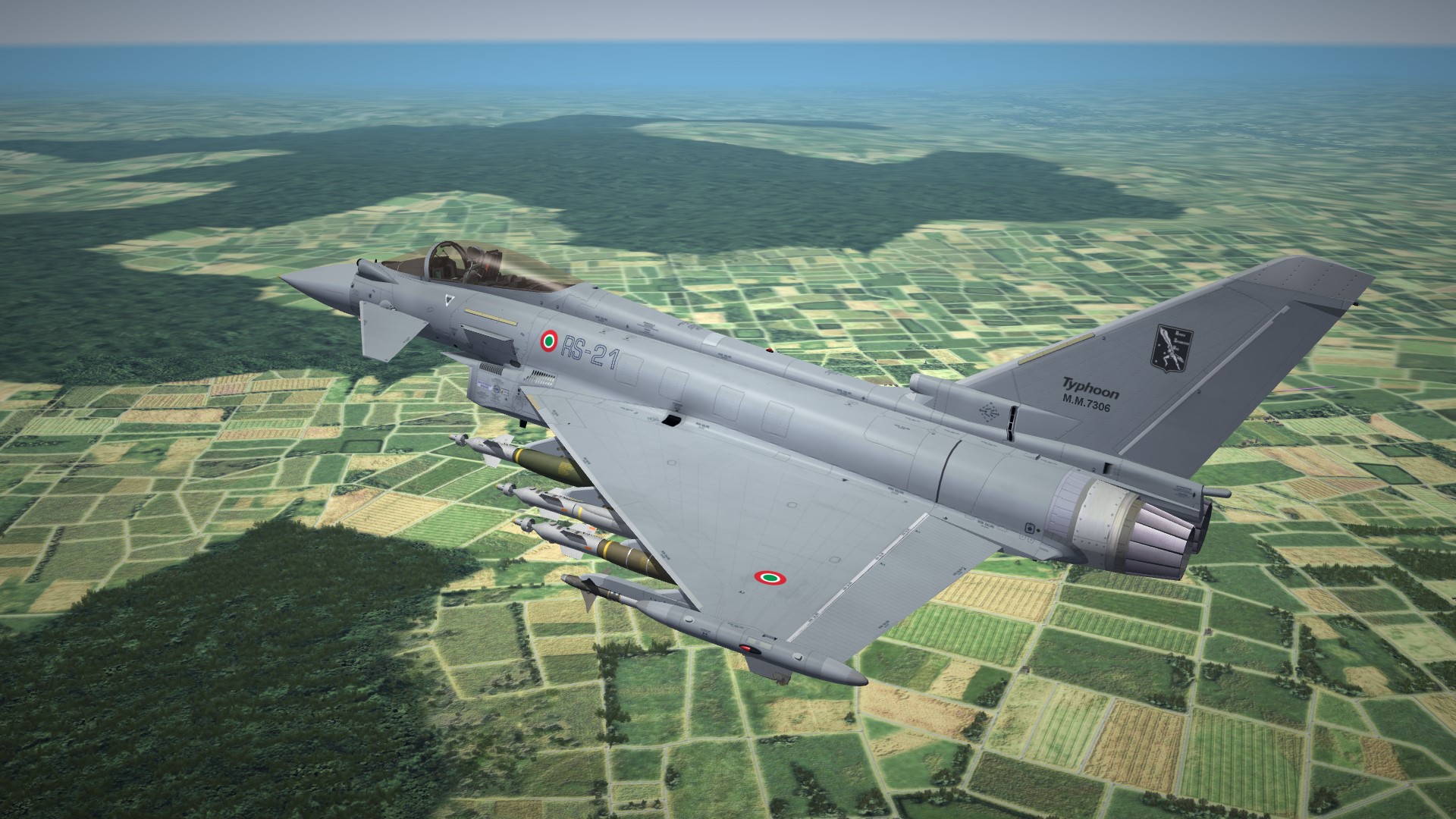
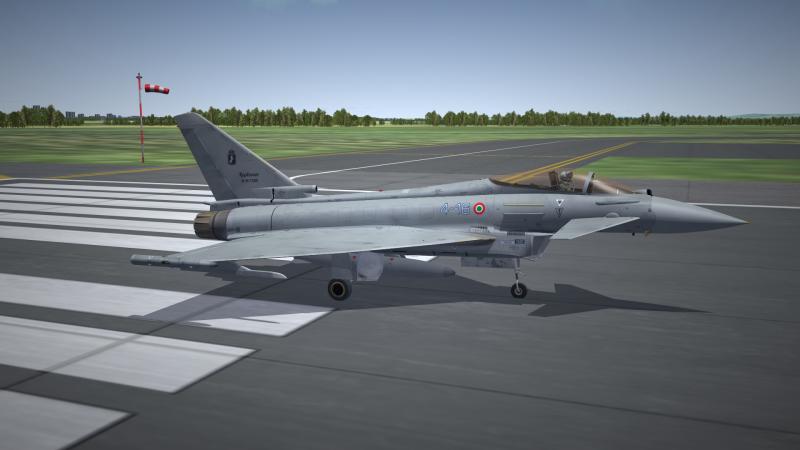
Getting closer... I am hoping for an upload before the year is over. The AMI fleet is pretty much in its completed form. As stated the fleet will be all nations: RAF, AMI, GAF, Eda, Austria, Saudia, and Oman
- 23 replies
-
- 13
-

-

Unable to view "fakepilot" made objects from cockpit?
ace888 replied to ace888's topic in General Discussion
Ok Logan, I will give it a try and see if it will work. -
Unable to view "fakepilot" made objects from cockpit?
ace888 replied to ace888's topic in General Discussion
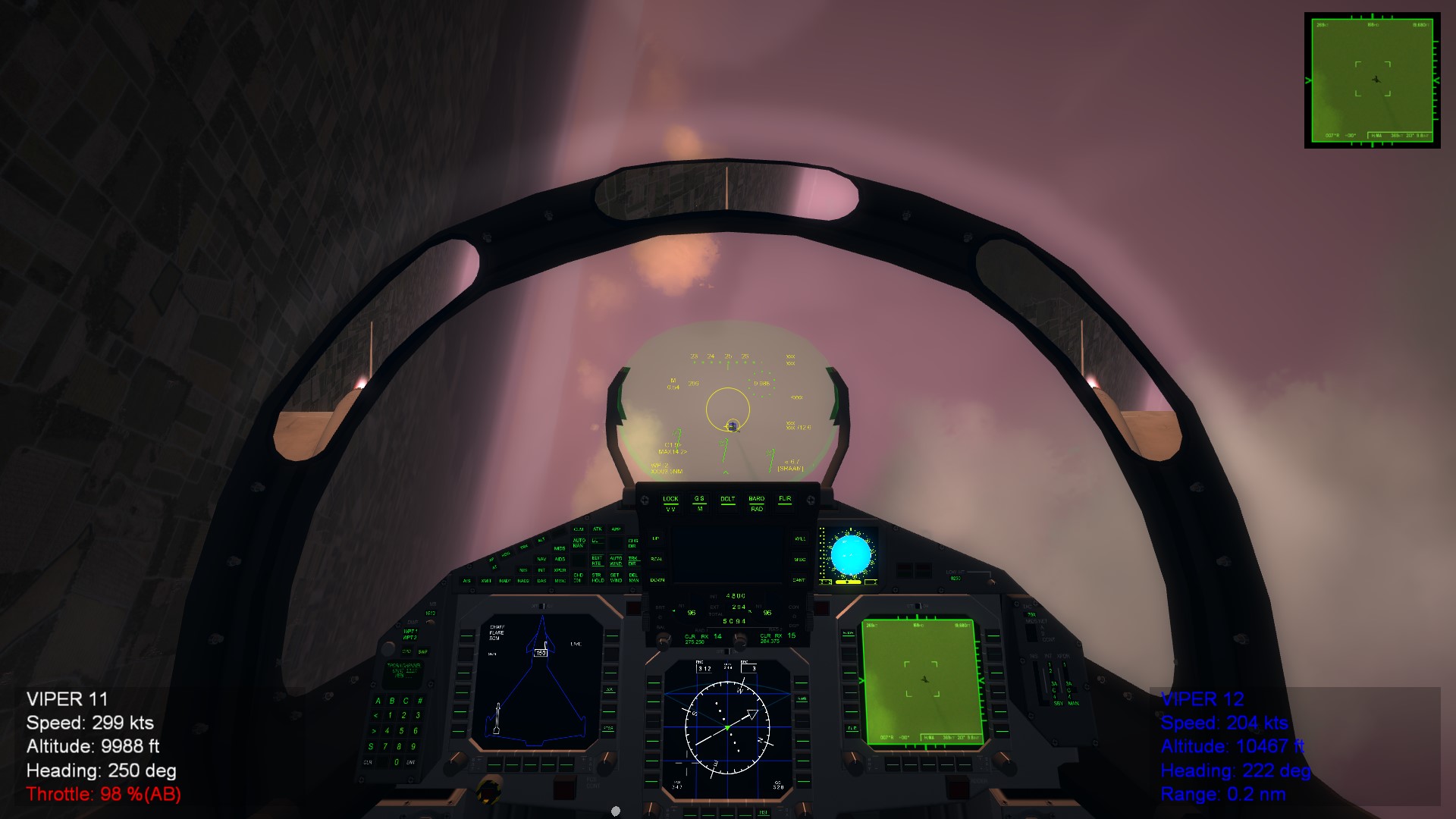
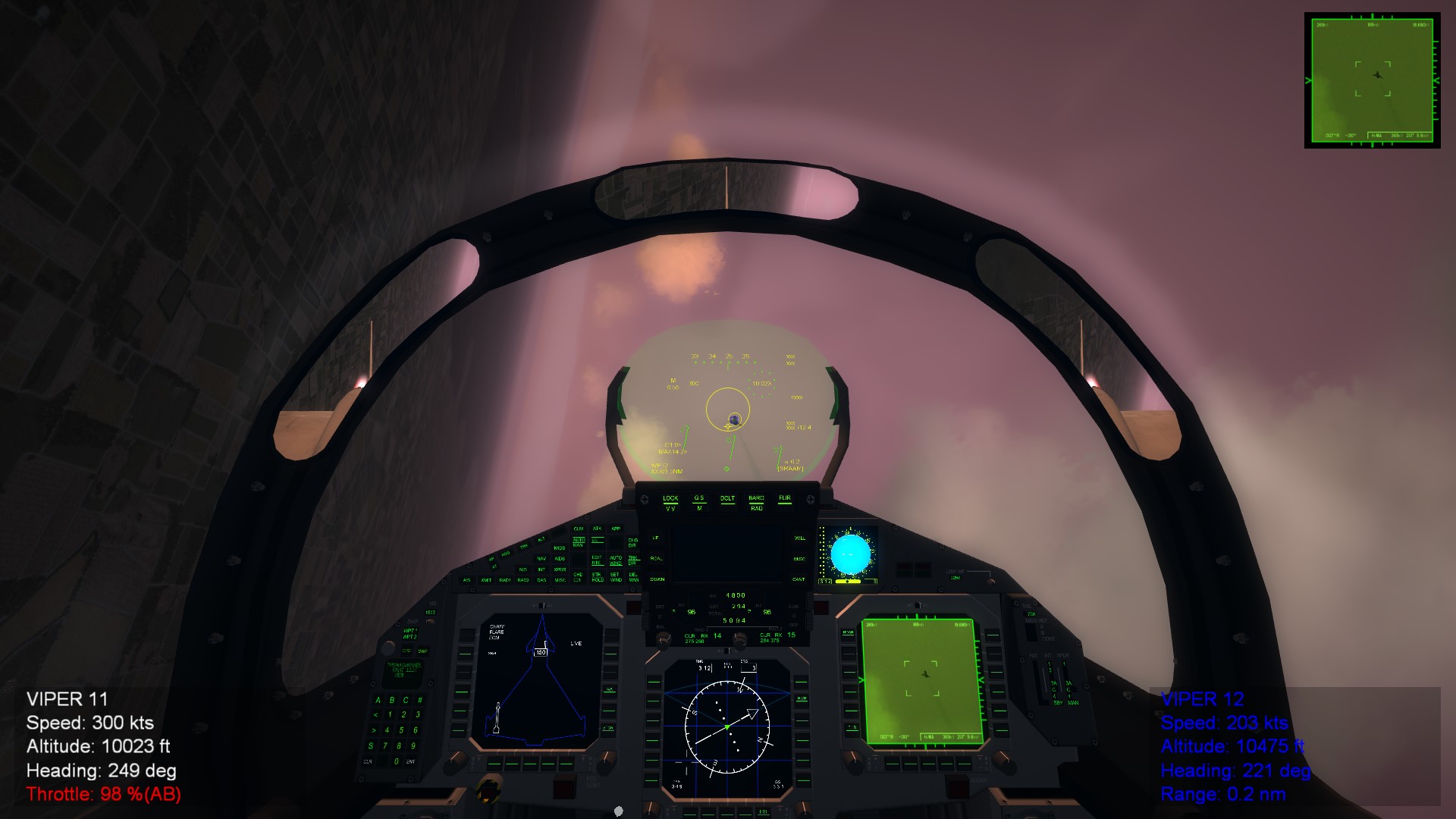
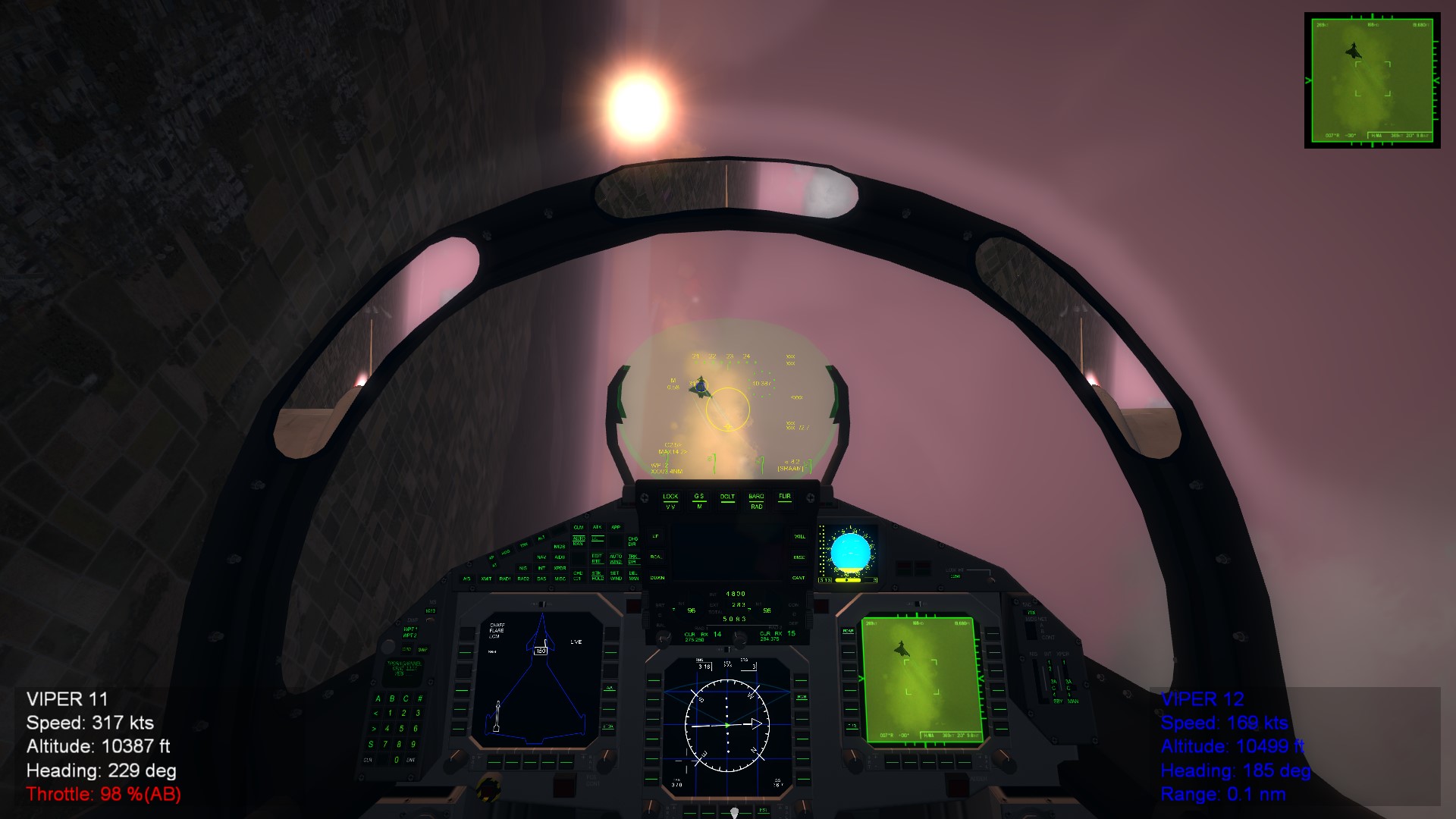
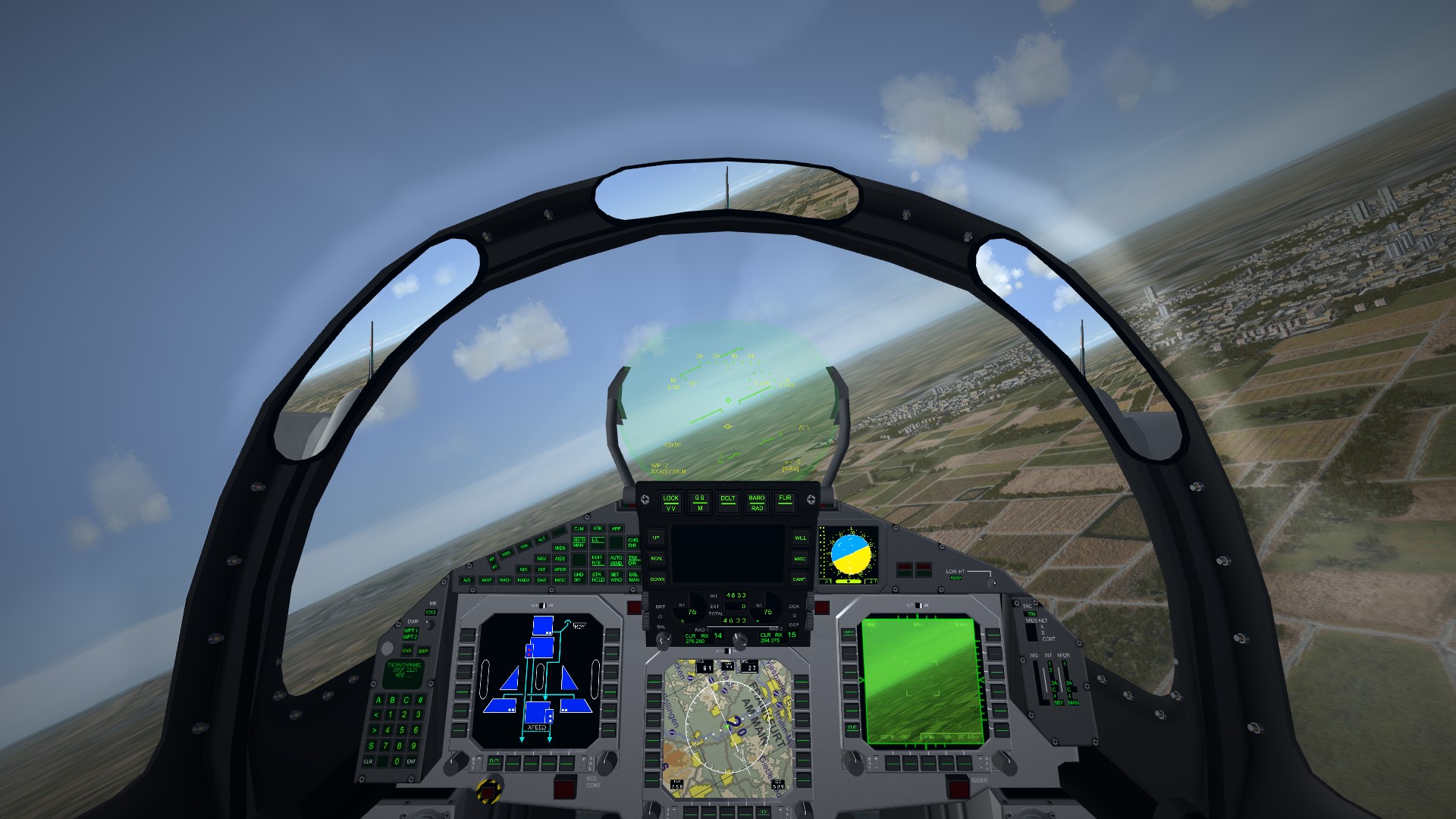
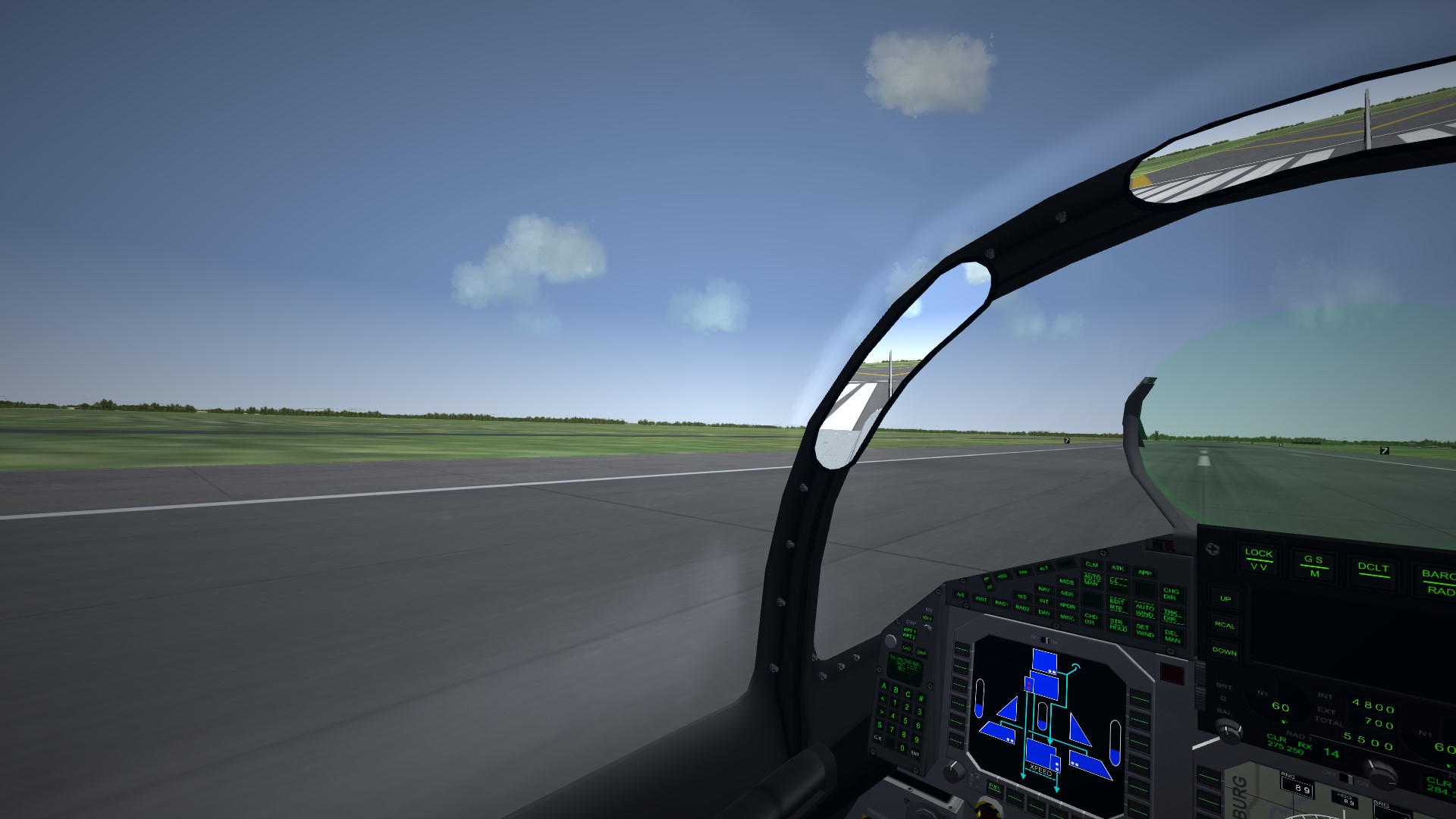
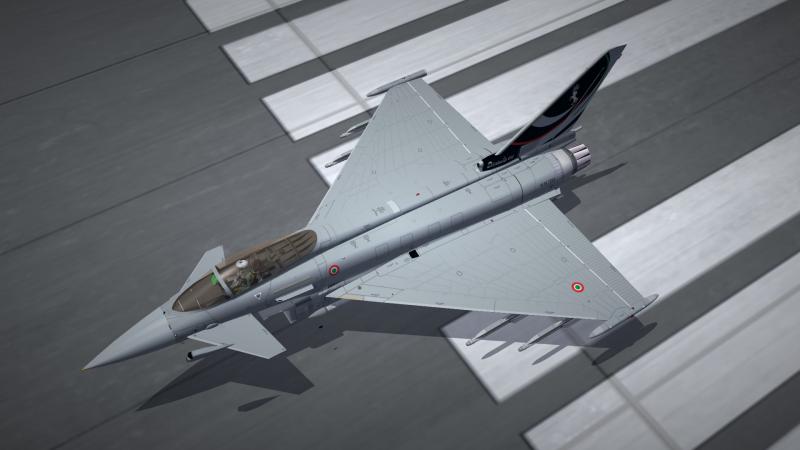
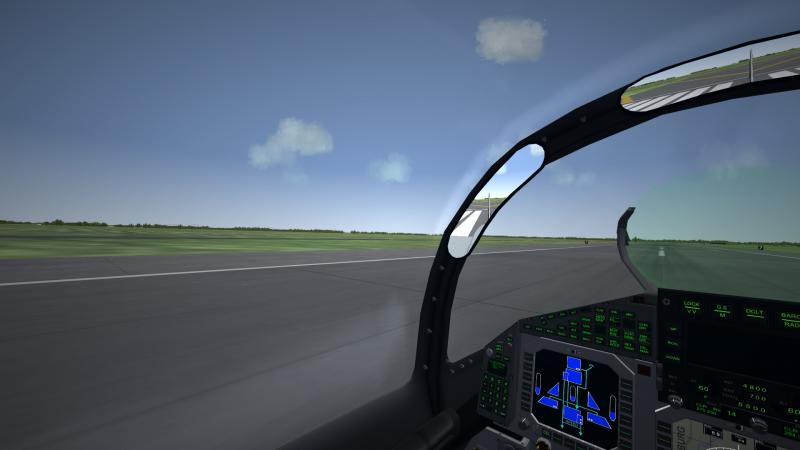
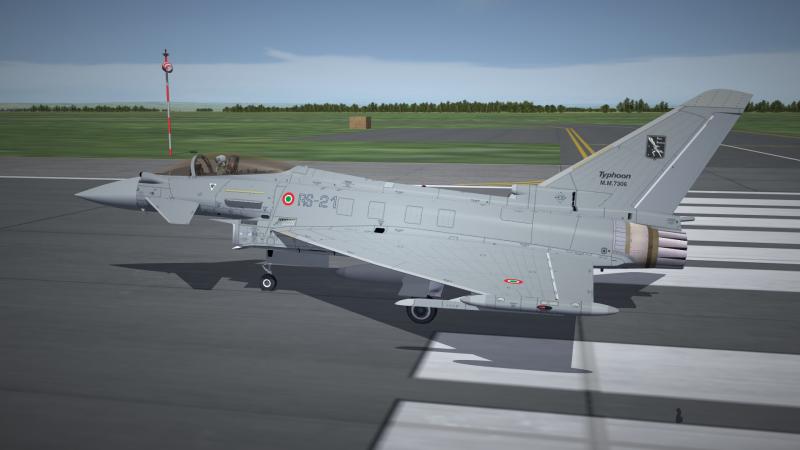
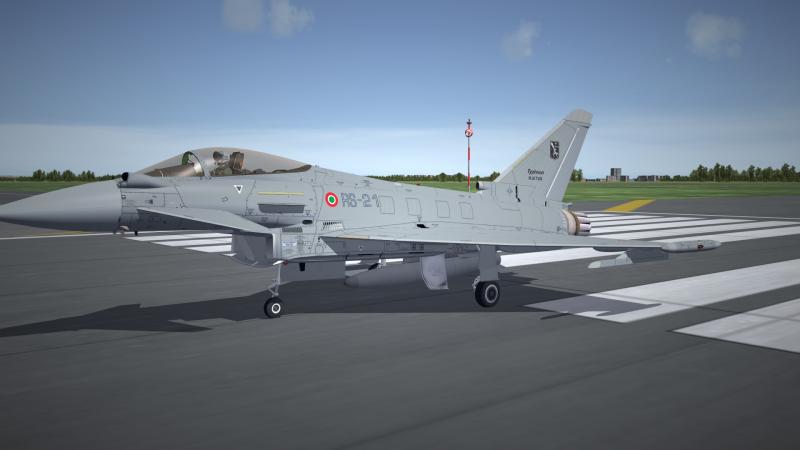
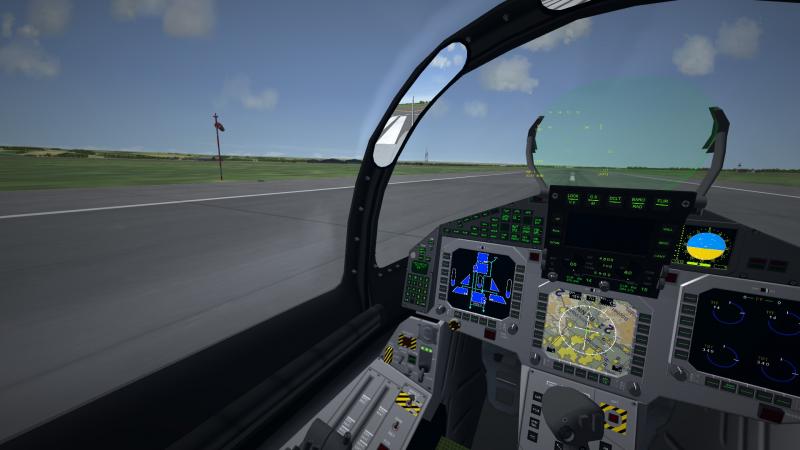
Not going to work... The first 3 photos is what happens when i tweak the movement to the left. As you can see, all three objects (Pirate, GPS, lower beacon) moved but still cannot be visible from the cockpit screen. The last 3 photos is the return to the current position. I should've make sure that the numbers where 0.0,0.0,0.0 when I made the objects and place them base on the actual position. Now the 0.0,0.0,0.99 is the only position it can have without misplacing it. Yup, not going to see the Pirate from the cockpit. Minor detail... now back to the key items. Thanks again guys.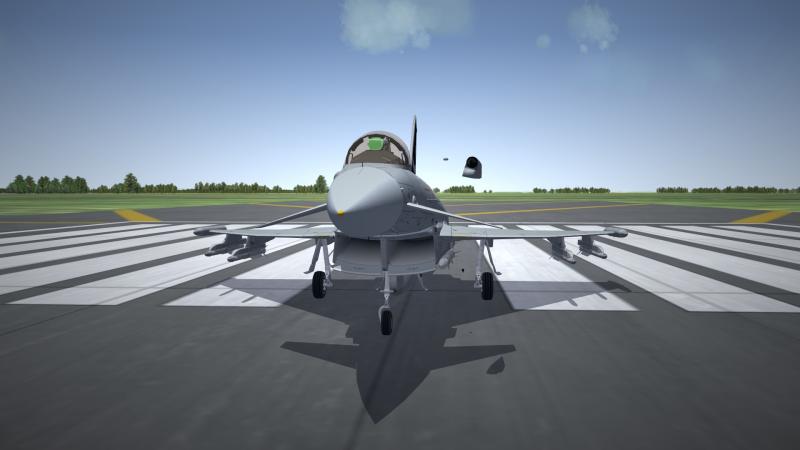
-
Unable to view "fakepilot" made objects from cockpit?
ace888 replied to ace888's topic in General Discussion
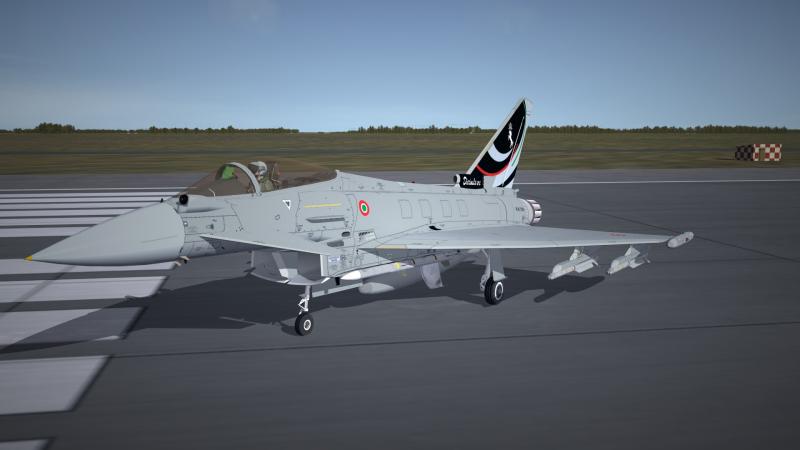
Logan and Kevin... OK, guys bare with me... It is most likely that I need to make the changes to the "position" and "seatposition" numbers, but there is this situation. I made the PIRATE off-center of the fuselage and on the direct position on the aircraft where the pirate need to be. I figure that since i made it this way relative to the actual aircraft model that the position numbers would not matter? But, like I have said, I will tweak the numbers and see if it show up. Would it be better just to tweak the position and delete the "seatposition"? Thank you guys for the information. I will post again for the continuing issue or the success of the situation. Thanks again Fubar, Logan, and Kevin. Current situation...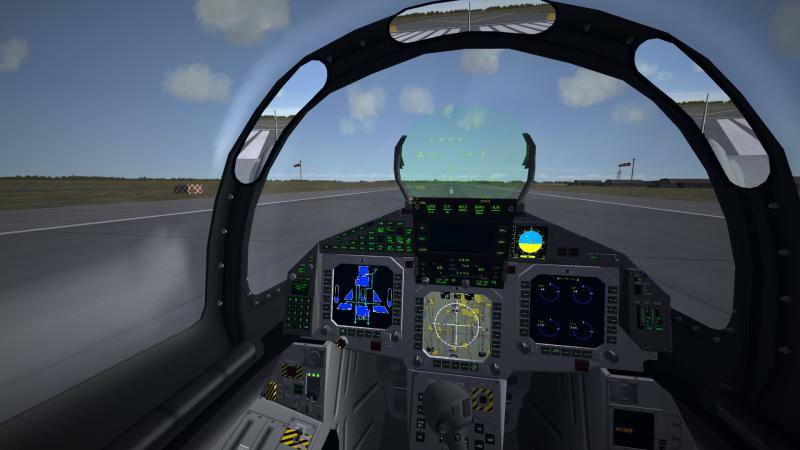
-
Unable to view "fakepilot" made objects from cockpit?
ace888 replied to ace888's topic in General Discussion
Fubar, this is what I already have... No view still? My game patch is only up to July 2012, I do not think game patch will affect anything, but...? [Fuselage] ModelNodeName=fuselage ShowFromCockpit=TRUE HasAeroCoefficients=TRUE CLa=0.0822 CD0=0.0070 Cm0=0.0018 Cmq=-0.0186 Cmad=0.0049 Cyb=-0.0822 Cnb=-0.0998 CD0MachTableNumData=24 CD0MachTableDeltaX=0.10 CD0MachTableStartX=0.00 CD0MachTableData=1.146,0.988,0.988,0.993,1.000,1.008,1.016,1.024,1.035,1.047,1.051,1.760,1.718,1.674,1.654,1.615,1.574,1.535,1.500,1.471,1.444,1.414,1.385,1.357 CDLAlphaTableNumData=15 CDLAlphaTableDeltaX=4.00 CDLAlphaTableStartX=-28.00 CDLAlphaTableData=105.237,66.272,38.352,19.636,8.284,2.455,0.307,0.000,0.307,2.455,8.284,19.636,38.352,66.272,105.237 Cm0MachTableNumData=24 Cm0MachTableDeltaX=0.10 Cm0MachTableStartX=0.00 Cm0MachTableData=1.191,1.201,1.201,1.201,1.000,-0.326,-0.506,-0.615,-0.681,-0.722,-0.743,-0.763,-0.776,-0.790,-0.802,-0.811,-0.816,-0.821,-0.824,-0.826,-0.828,-0.829,-0.830,-0.830 CnbAlphaTableNumData=37 CnbAlphaTableDeltaX=10.00 CnbAlphaTableStartX=-180.00 CnbAlphaTableData=-0.632,-0.620,-0.583,-0.523,-0.441,-0.341,-0.224,-0.095,0.042,0.184,-1.286,-1.147,-1.000,-0.856,-0.500,0.000,0.500,0.866,1.000,0.625,0.500,1.083,2.375,-1.067,-4.667,-1.533,-1.379,0.184,0.042,-0.095,-0.224,-0.341,-0.441,-0.523,-0.583,-0.620,-0.632 MinExtentPosition=-1.464,-6.846,-0.765 MaxExtentPosition=1.464,5.539,0.855 CollisionPoint[001]=0.0,2.0,-0.5 CollisionPoint[002]=0.0,-6.2.0,-0.5 DamageRating=DESTROYED SystemName[001]=Engine1 SystemName[002]=Engine2 SystemName[003]=Airbrake SystemName[004]=NoseGear SystemName[005]=InternalGun SystemName[006]=TopRedLight SystemName[007]=BottomRedLight SystemName[008]= SystemName[009]=CentrelineStation SystemName[010]=AMRAMStation1 SystemName[011]=AMRAMStation2 SystemName[012]=AMRAMStation3 SystemName[013]=AMRAMStation4 SystemName[014]=LeftIntakeFlap SystemName[015]=RightIntakeFlap SystemName[016]=Station9 SystemName[017]=Tailhook SystemName[018]=FuselageFuelCell1 SystemName[019]=FuselageFuelCell2 SystemName[020]=Center fuel station SystemName[021]=PIRATE_AMI // Pirate_AMI--------------------------------------- [PIRATE_AMI] SystemType=PILOT_COCKPIT PilotModelName=fakepilot PilotHeadNodeName= Position=0.0,0.0,0.0 SeatModelName=PIRATE_AMI SeatPosition=0.0,0.0,0.99 -
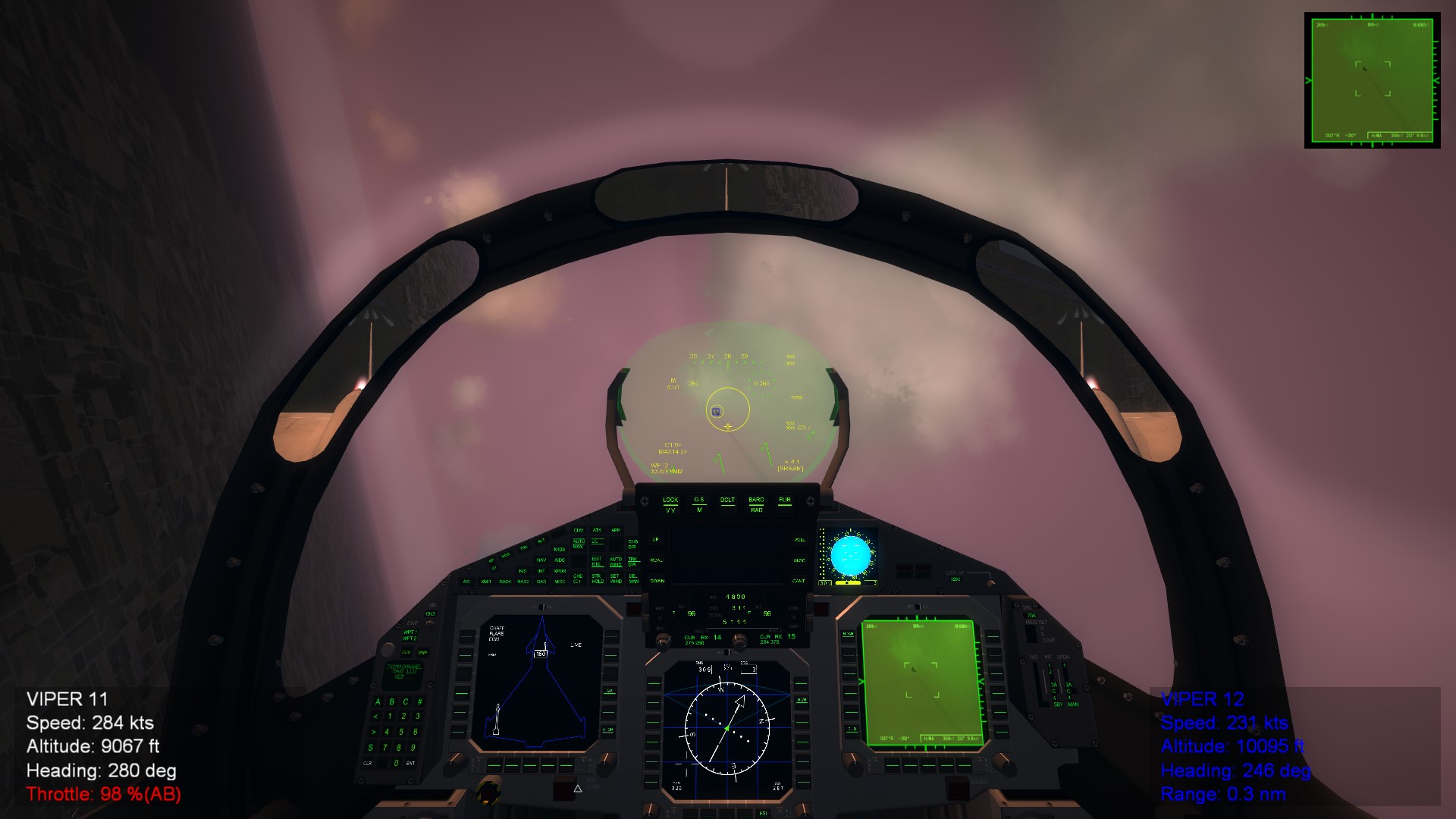
Hello All, For the life of me...? I was able to get back to doing my projects this week. I have being working on multiple stuff on the EF2000 project. One of the area that I cannot figure it out is why I am unable to see the "fakepilot" object from the cockpit view? I am unable to see the "Pirate" system for the EF2000 from the cockpit? I have recalled from my other projects in the past that I can view items made from the fakepilot method from the cockpit view. So, now after trying everything and looking through the forum for some answers, nothing? Is it just me, my computer, etc...; what could be the reason that I cannot view a made fakepilot object from the cockpit if the object is within viewing from the cockpit? Any help will be appreciated. Cheers
-
 Thumbs UP!!!
 -
Bravo Dels !!!
-
Hee hee hee.... Expecting a lot of small details my friend and multiple versions. 2048x2048 or 4069x4069?
-
Awesome Russouk!!! In addition to what you have... Any chance of modifying the model to the following: 1. A Twin Engine with thrust vectors? 2.. A more soviet T-50 nose section and forward fuselage shape? 3. How about a F-16E vertical tail base type section? 4. A DVI intake style? 5. Keep the twin nose wheel? 6. A revise canopy without the extended back-end shape, a more F-22 type of canopy? Cheers!
-
Creating a Skin step by step with Gimp
ace888 replied to Peugeot205's topic in Creating Decals and Skins
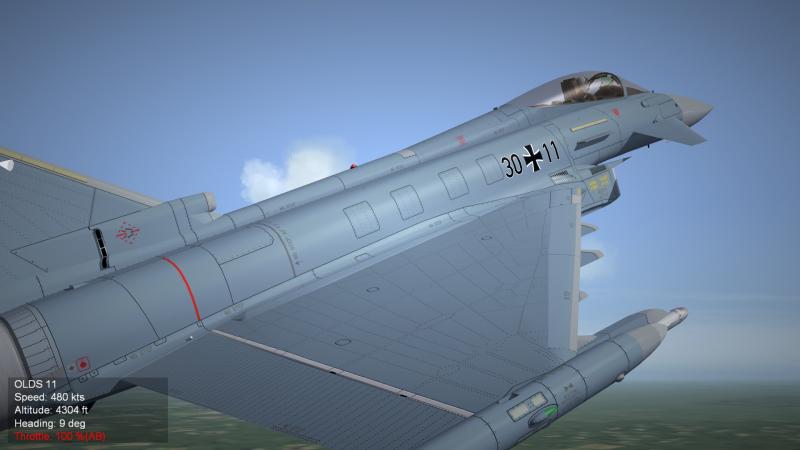
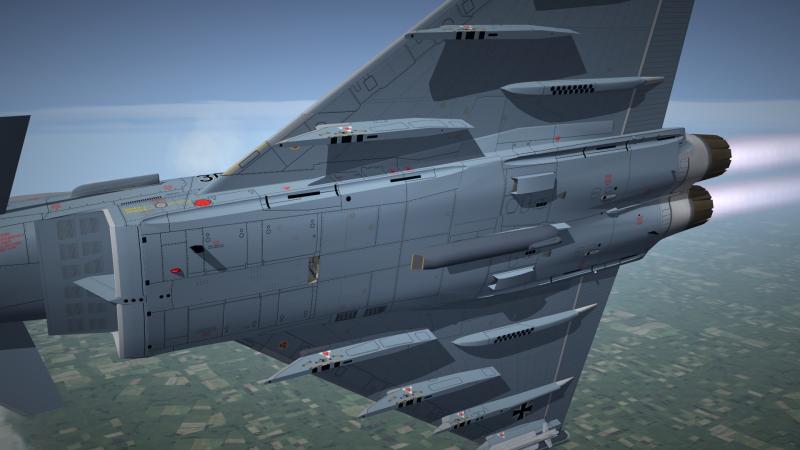
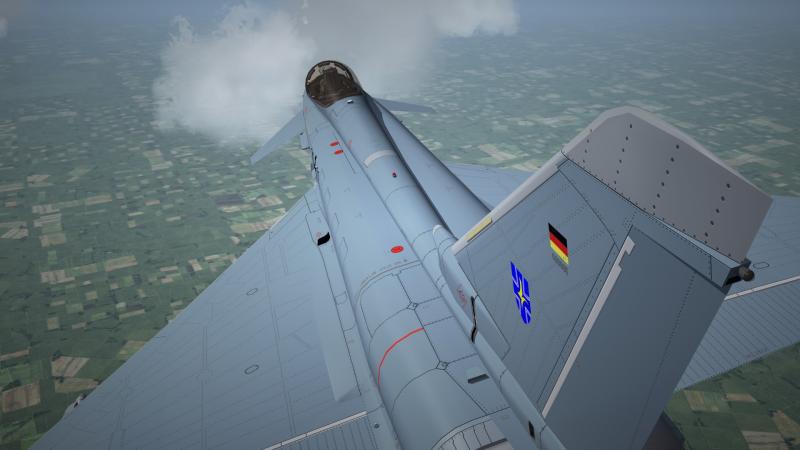
https://code.google.com/p/gimp-normalmap/ https://www.youtube.com/watch?v=8Jdo3ZmtPWk After re-read Russouk's description... "PLUGIN" I was missing the plugin!!! I have uploaded the place to get the plugin and the youtube video showing how and the various basics. This is for GIMP 2.8... MAKE SURE YOU READ THE "README" FILE ON THE SETUP!!! Try to upload the normal bump map, the file is too big. But as you can see on the screenshots, SUCCESS! I just have to work on the depth and other things. Cheers!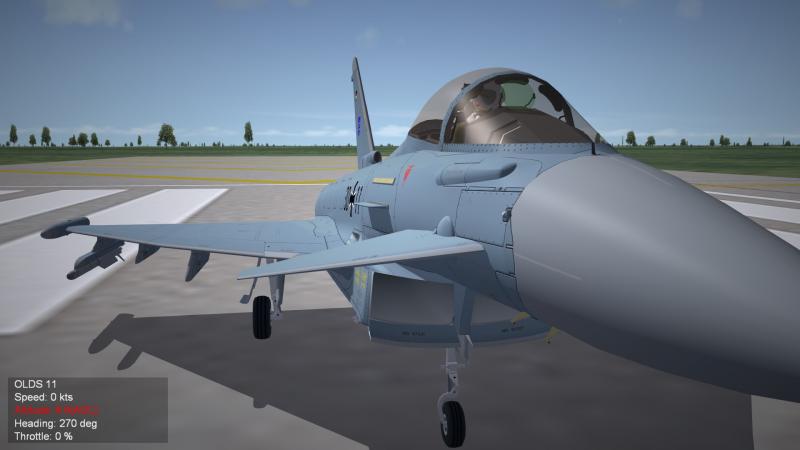
-
Creating a Skin step by step with Gimp
ace888 replied to Peugeot205's topic in Creating Decals and Skins
Russouk, I am using GIMP. Not using Nvidia Plugin... How do you get the bluish color? I am having problem of getting depth? -
Creating a Skin step by step with Gimp
ace888 replied to Peugeot205's topic in Creating Decals and Skins
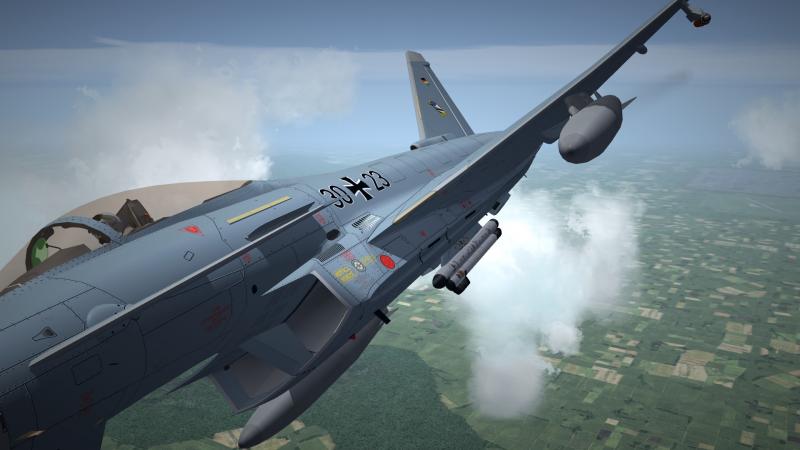
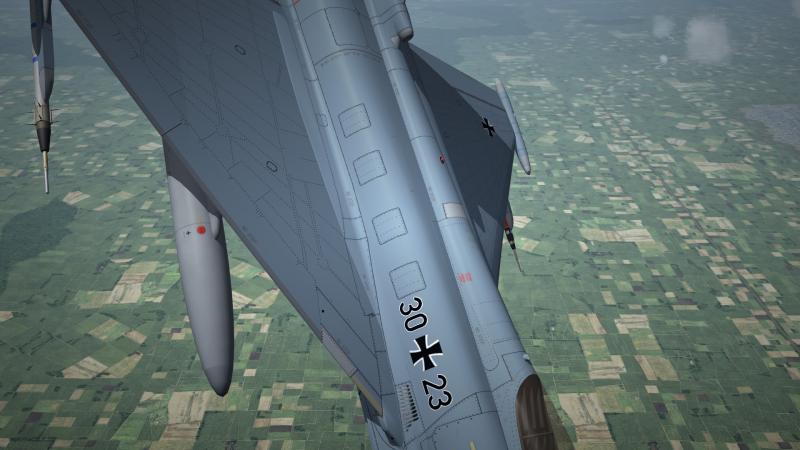
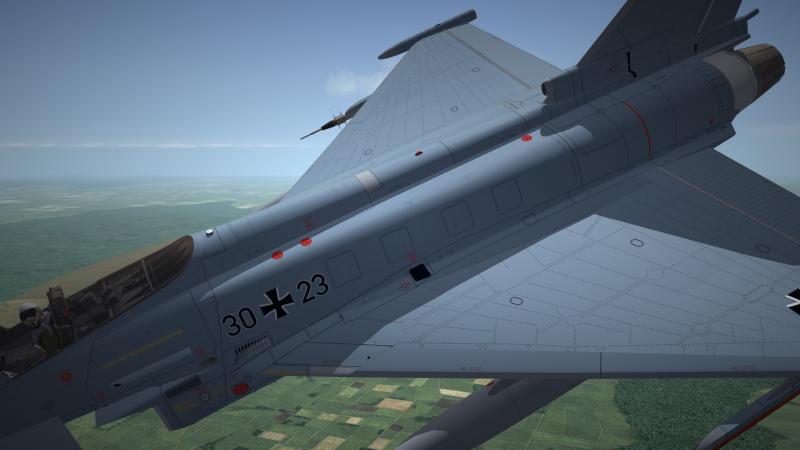
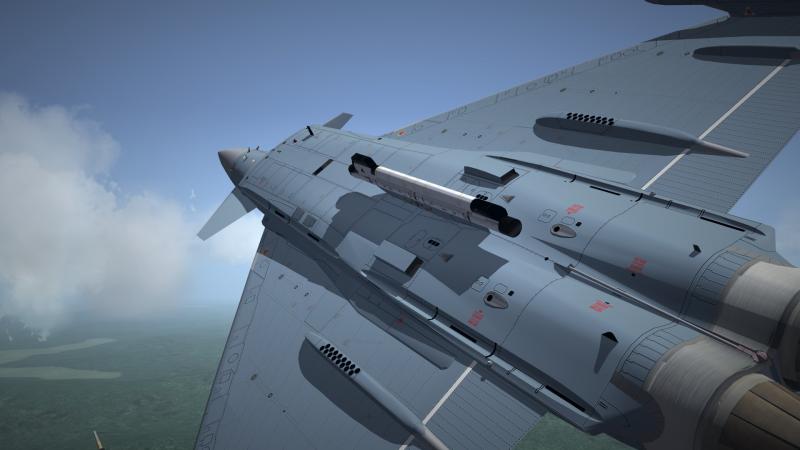
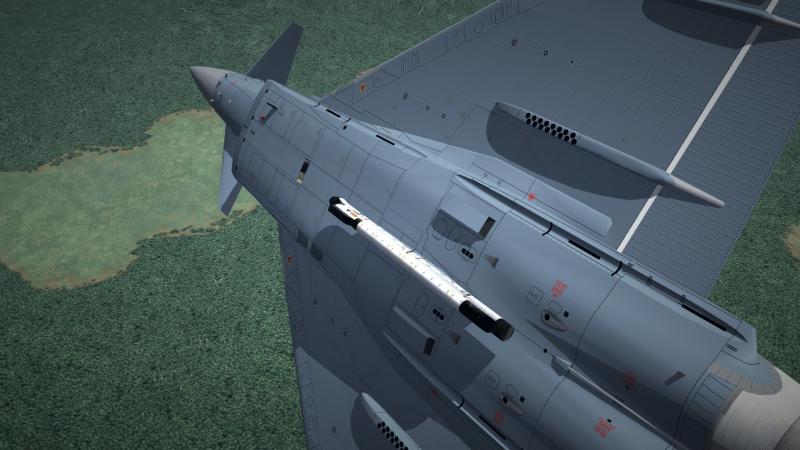
I try to see if I can do the bumpmap? I gave up, not getting the result I wanted. I still need to learn the correct technique. I had to zoom-in on the photos to see bumps...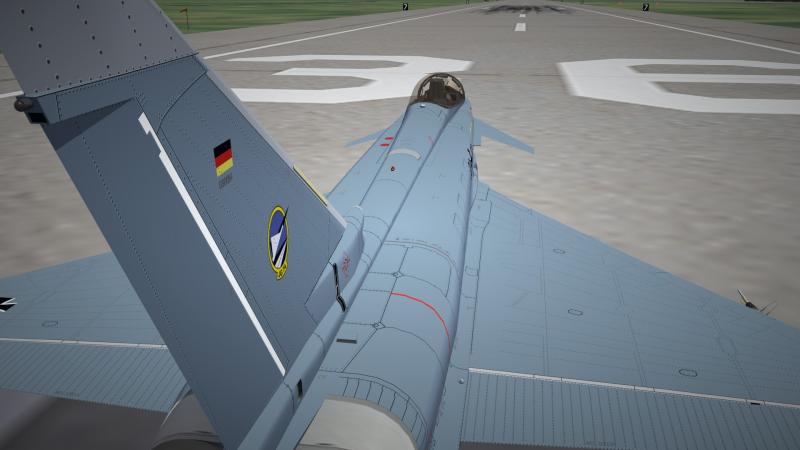
-
We are all pulling and praying for you Volker. Take all the time you need to be healthy. You will return stronger and better my friend!