Spectre8750
-
Posts
909 -
Joined
-
Last visited
-
Days Won
1
Content Type
Profiles
Forums
Gallery
Downloads
Store
Everything posted by Spectre8750
-
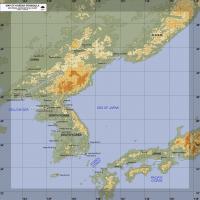
View File Alternate KAW Terrain V3 Planning Map Set Semi Stock style Korean Terrain Version (V3) Alternate Planning Map Set by Wrench Spectre8750. No ReadMe included. Installation: Just drop the Map Files into the KAW Terrain (V3) Folder supplied by Wrench and the KAW Team. Example: \Korea3\ Submitter Spectre8750 Submitted 10/08/2012 Category Planning Maps
-
Version 1.1
552 downloads
Semi Stock style Korean Terrain Version (V3) Alternate Planning Map Set by Wrench Spectre8750. No ReadMe included. Installation: Just drop the Map Files into the KAW Terrain (V3) Folder supplied by Wrench and the KAW Team. Example: \Korea3\ -
Battle Of Britain? I think the British and Germans did have Radar installations. which if setup correctly should be the only Radar Icons that show for. They should show up if they are listed in the Terrain's targets.ini and maybe the Types.ini.
-
Version 1.20 is posted
-
Carlos no problem.
-
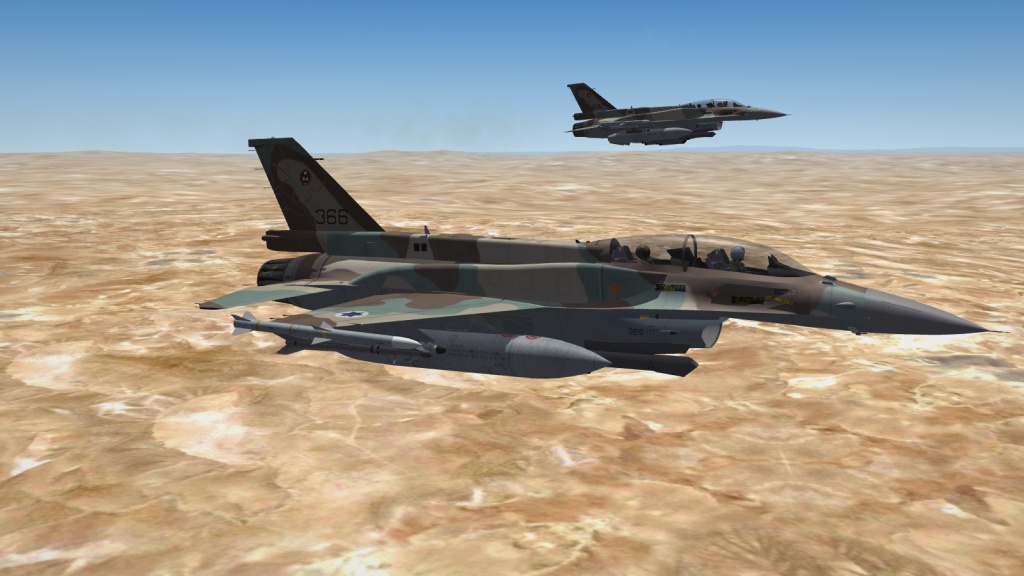
Great, now i can update the War For Israel F-16's Lod's! Thanks Guys!
-
I've have it working but the Sky Hawk Trial ended with the Missile and the AWG-9 not working together very well. anyway they abandoned the project. what i've heard is that the Iranians or someone may be now manufacturing AIM-54's.All the pics you guys have floating around are old. The Iranians haven't worked on that project since around 1990. The have about 25 Aircraft flyable with about 25 in storage for parts and i've heard they've been using parts to copy and keep them flying.
-

SF modders only... Corsair Vengeance DDR3 ram...
Spectre8750 replied to Major Lee's topic in Mods & Skinning Discussion
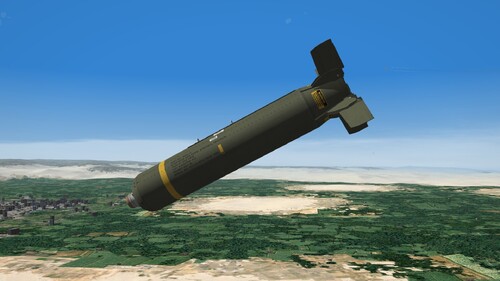
Hydra Redux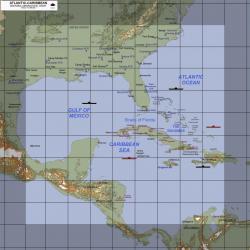
-
SF modders only... Corsair Vengeance DDR3 ram...
Spectre8750 replied to Major Lee's topic in Mods & Skinning Discussion
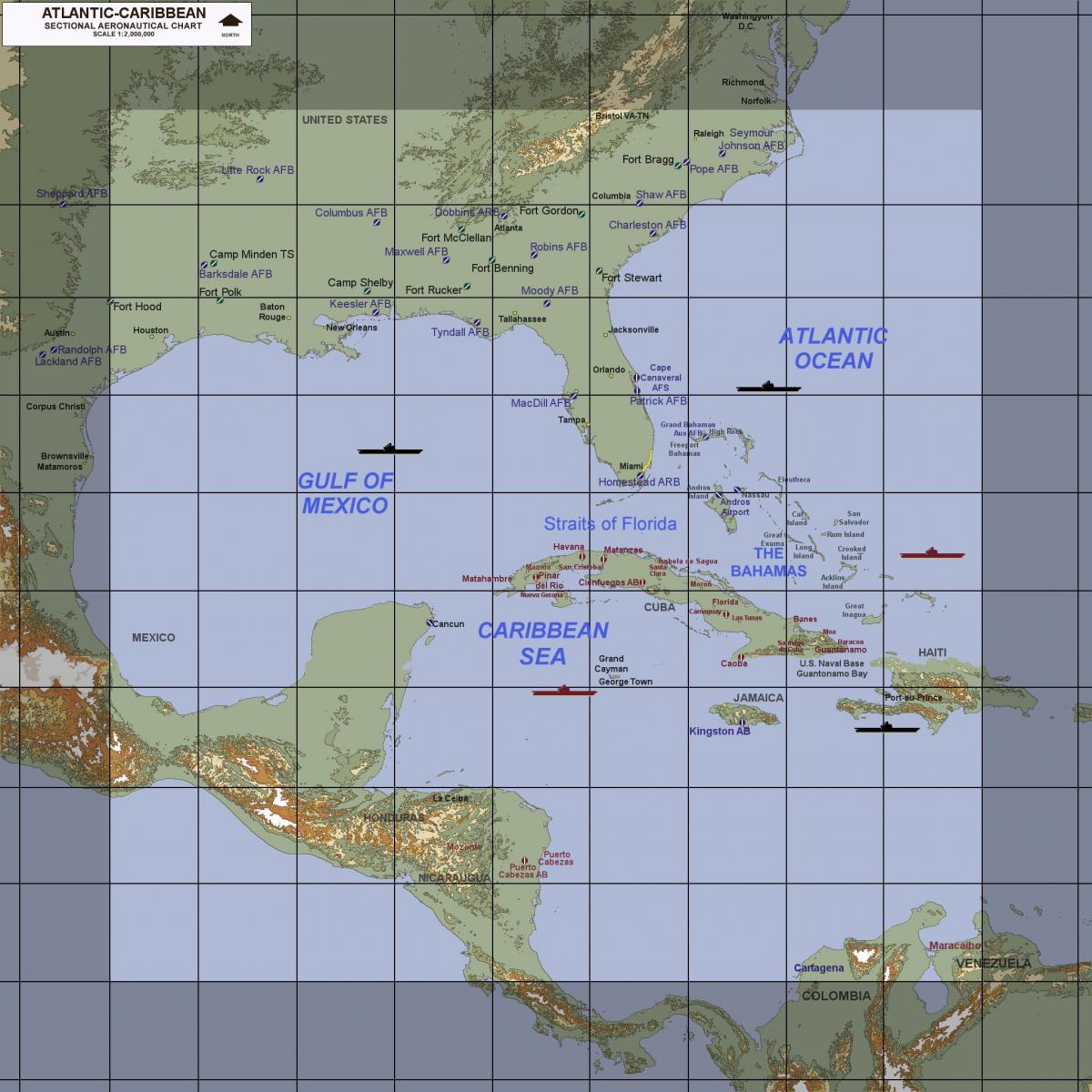
I could use them in my son's puter Major Lee. i'm in Virginia. My project now besides updating the Modern Warfare Campaigns is Operation Hydra Redux with a bigger map area of the Caribbean and Bahama's. if you don't send them to me, no biggy, no problem. -
that's how i originally had it. time to back track. I still think TK should setup AI to use external ECM.
-
Thank you Sundowner!
-
Thanks Kevin!
-
 Thanks Dave! These are GREAT!!!
 -
Strike Fighters 2: War For Israel V2.1 Part 1
Spectre8750 replied to Spectre8750's topic in File Announcements
Do you have SF2:Israel babur and what version patch? Did you DL both files and extract "SF2WFI_Mod InstallerV2.1.exe" and "SF2WFI_Mod InstallerV2.1.D01" fallowed the make a copy of the exe and ini part rename and put back in SF2 program files folder run to create the new game directory in the "Saved Game Mod folder" and delete the aircraft and ground objects? then run the installer and point it to the new "Saved Game Mod folder"? make sure the "SF2WFI_Mod InstallerV2.1.exe" and "SF2WFI_Mod InstallerV2.1.D01" are together when you run the installer SF2WFI_Mod InstallerV2.1.exe. and if so what is happening with the F-18's? what do you mean not working? -
 Thanks Murtaza!
 -
Thanks Stary!!!
-
Thanks Kevin!
-
Strike Fighters 2: War For Israel V2.1 Part 1
Spectre8750 replied to Spectre8750's topic in File Announcements
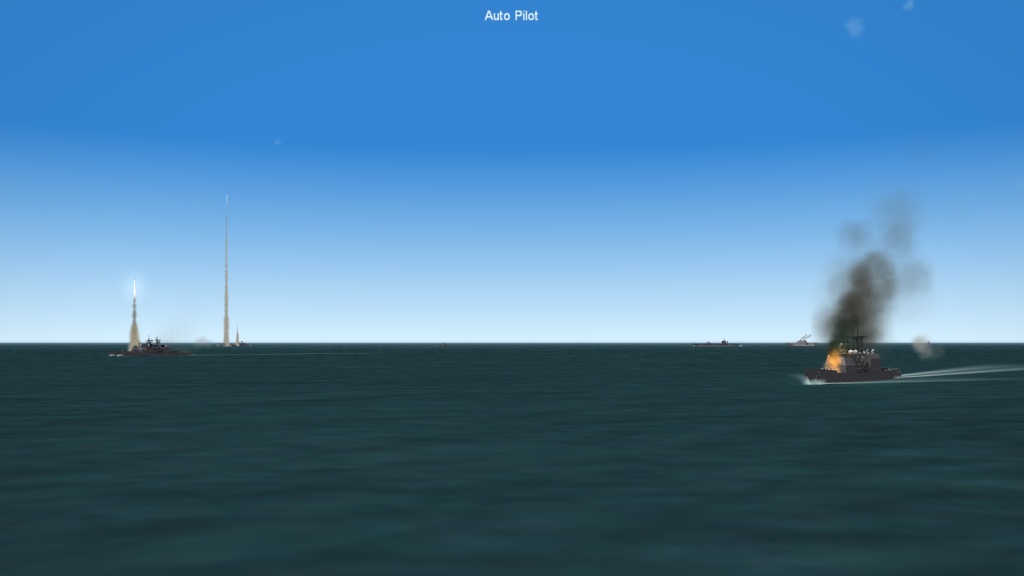
New Version coming soon now. Finally have the Naval and Battle Carrier Groups working. will have LHA-5 with F-35B's. also the Single Missions starts Naval Aircraft from Carrier Groups. May add F-14's in a new Mediterranean Campaign. Aircraft have been updated like the Sufa. Cockpits updated. and More.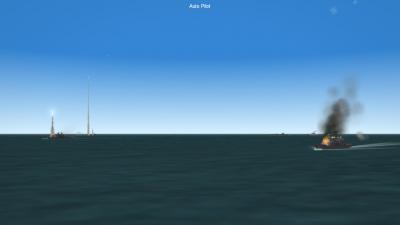
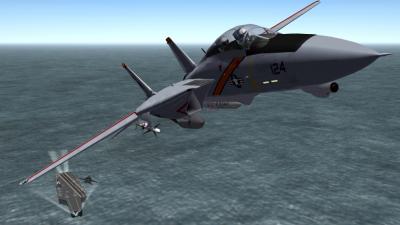
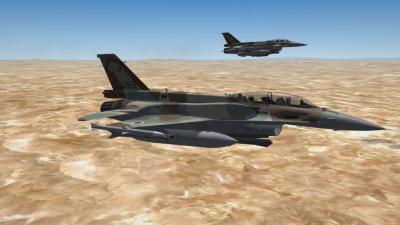
-
BTW HomeFries, i'll put you in the next ReadMe for the NATOPS Manual Textures. I forgot to add you this time. Thanks for the Pic! Looks much better than the old one.
-
Version 1.19c is up.
-
SF2: Modern Warfare Taiwan V1.01 Part 1
Spectre8750 replied to Spectre8750's topic in File Announcements
Thanks SupGen! :) -
HomeFries I'm not sure at the moment, but that might be a possibility. A better solution may be to use "The Mirage Factory" ones in place of the TW F-14A models. And the Campaigns can have the TW ones replaced for Campaign play by editing the Campaign.ini's or by using the Campaign editor.
-
SF2: Modern Warfare Taiwan V1.01 Part 1
Spectre8750 replied to Spectre8750's topic in File Announcements
Sounds like you might need to check your Options.ini. could be a DirectX issue., check the DirectX line in that file under [GraphicsOptions]. The only thing i can think of is maybe going from XP to Win7 might have the Options messed up. Also the Campaign saved files (if it's a saved game from the XP days) may not work with the new july patch. You may need to reinstall the Mod from scratch. If so, make sure you delete the old Mod Options.ini and saved games. -
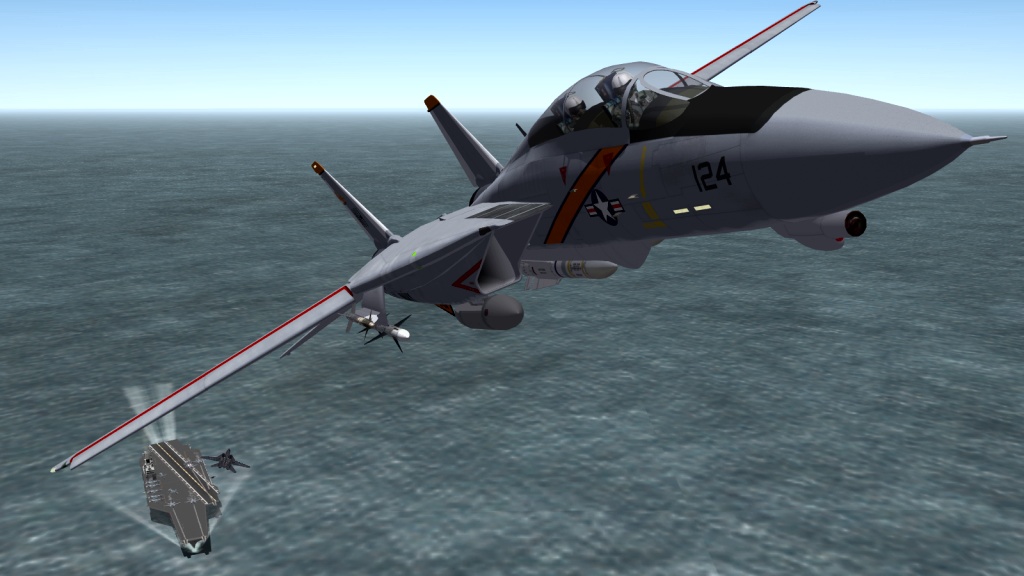
View File SF2 F-14 Super Pack VF-41 Black Aces Skin Pack F-14A VF-41 "Black Aces" Skins Mid-Late 70's, 80's and 90's by Spectre[8750] For use with TMF F-14A_74, F-14A_82 and F-14A_96 skin sets for SF2. Templates and base skins by Column5 and EricJ. ============== The F-14A_74\VF41AJ76 skin will be over written with an updated time period skin. Dave's VF41AJ76 skin is already in the F-14 Super Pack under F-14A_82\VF41AJ76 and the Texture.ini should have a StartDefaultDate=1982. however the F-14A_96\VF41AJ76 skin no longer needs to be there since the skins have been included and replace it with up to date skins. I've included the F-14A_96\VF14AJ00 "F-14A-005.BMP" file which will over write the the existing incorrect file missing the new landing gear textures. ============== To install: Drop the "Objects" folder into any SF2 install with TMF F-14 Super Pack.: X:\Users\yourname\Saved Games\ThirdWire\StrikeFighters2???\ Let it overwrite if asked. Delete the F-14A_96\VF41AJ76 skin no longer needed and would interfere with the replacement skin dates. Then go inflict some damage. Hope you Enjoy Spectre[8750] Submitter Spectre8750 Submitted 08/04/2012 Category F-14