alfa2
-
Posts
75 -
Joined
-
Last visited
-
Days Won
5
Content Type
Profiles
Forums
Gallery
Downloads
Store
Everything posted by alfa2
-
Hey Starfighter, you need to wipe your meal plates to become like a Corsair Bombtruck FL2H- Fly Low Hit Hard
-
You're good indeed in describing what you're looking for. I'm on it, but the Starfighter is one of the most difficult jets to model its flight behaviour in a plausible way, so it takes a bit of time. In the meantime use yakarov79 released sets which provide a different experience than the ones you've mentioned in the starting post. Also don't forget to keep airspeed above 400 KIAS during dogfights and trust me, the F-104 is very capable in this speed regime.
-
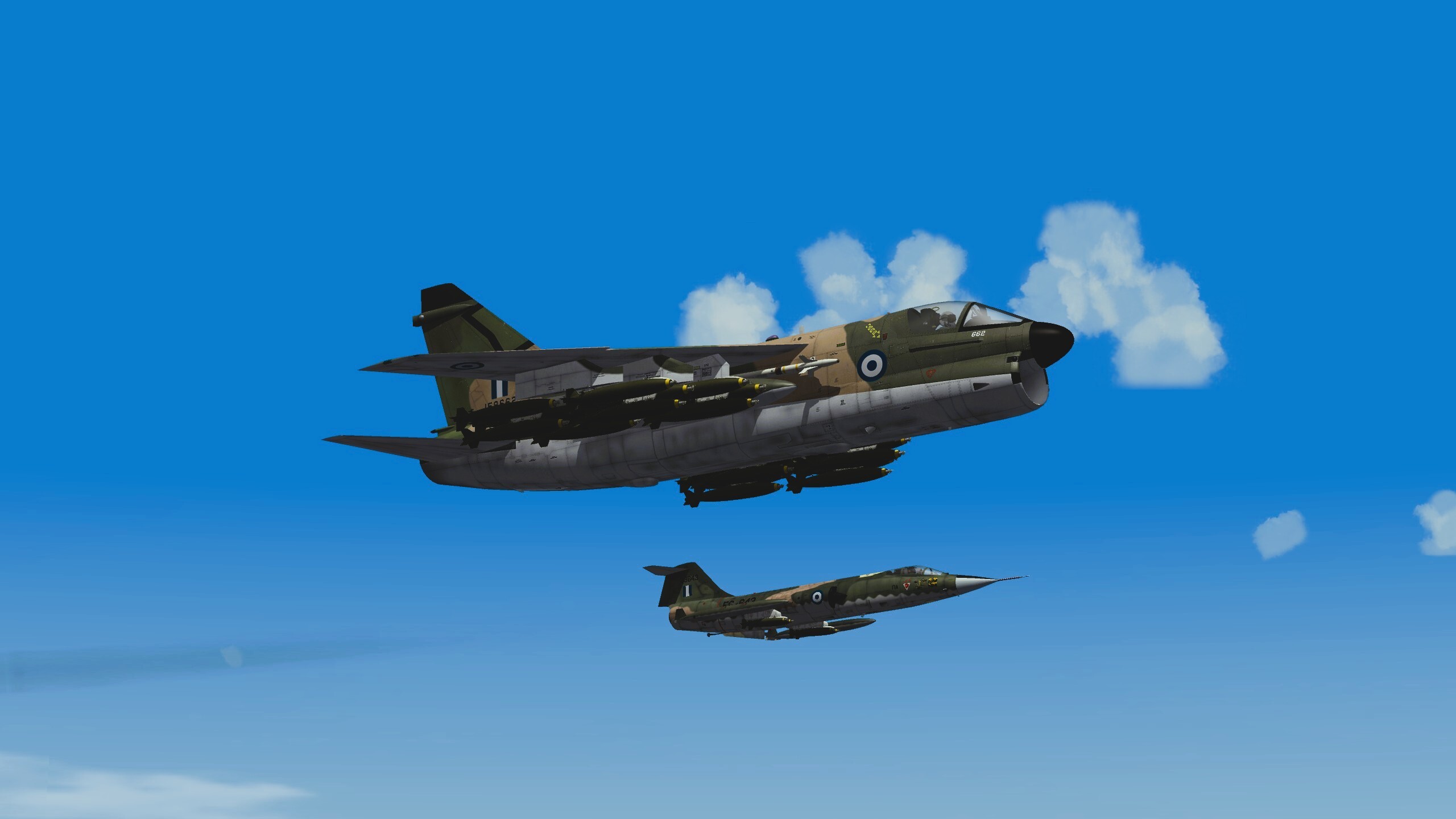
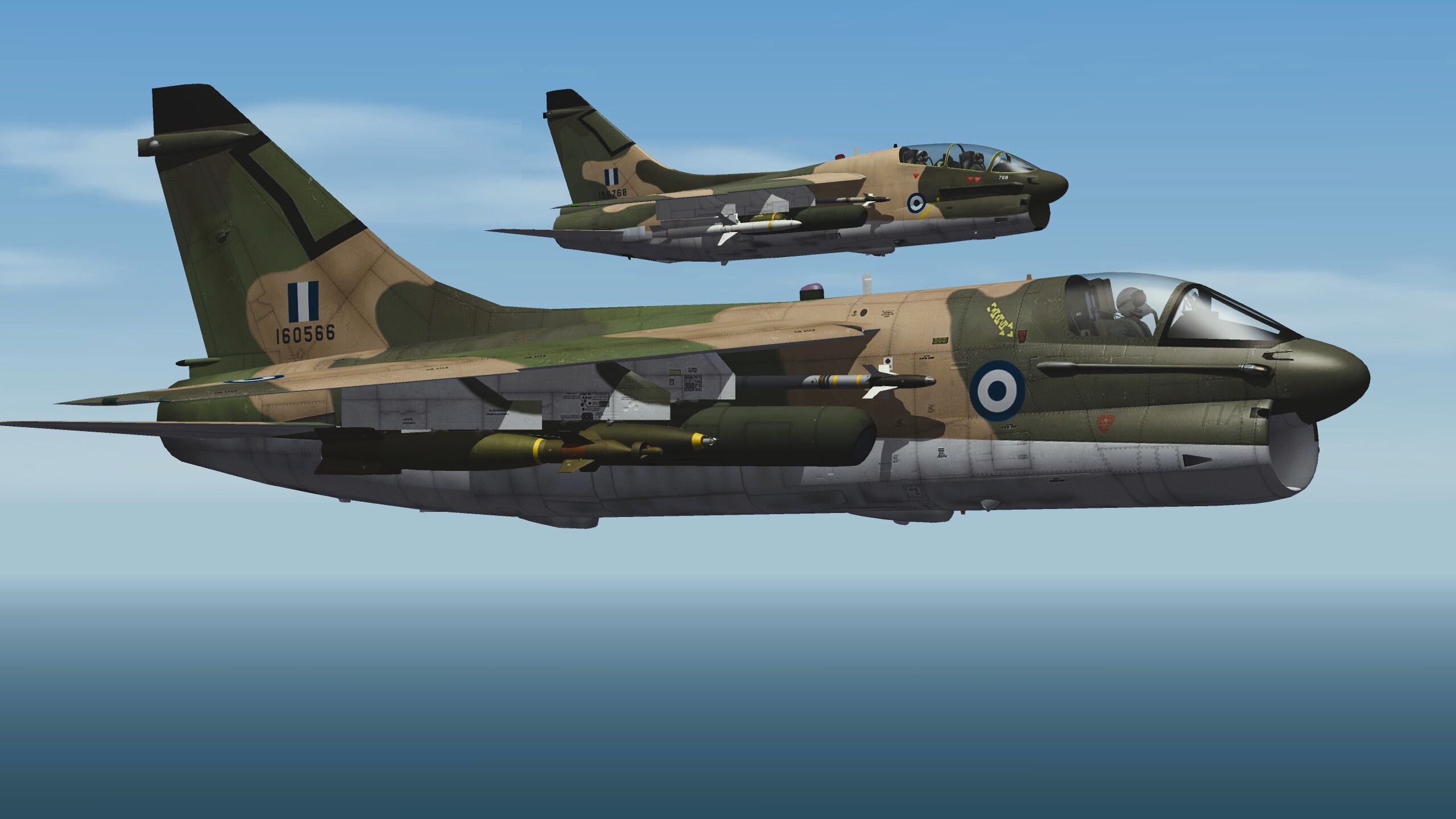
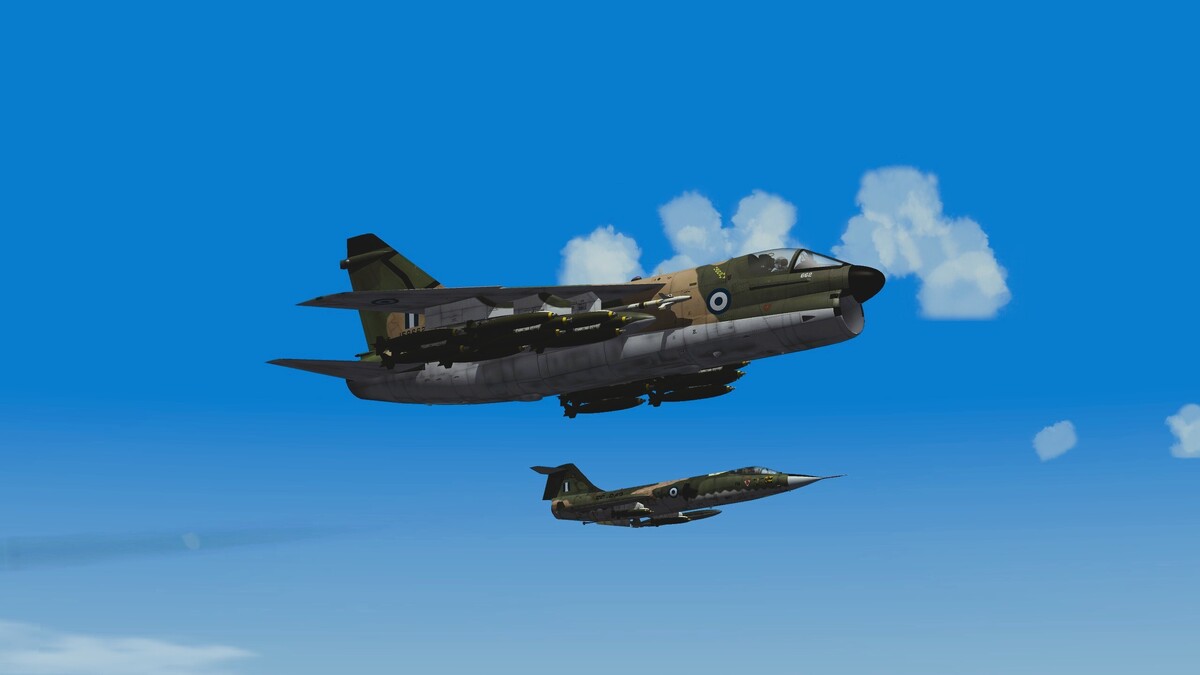
The image above and its logic is so true.... Now then, by counting only our (Sophocles + Alfa2) delayed WIP releases we're already at 5656. There is a HAF A-7 package and a HAF F-104 package in work (both using stock TW Models) and a high quality surprise Cold War jet with a marvelous model in an advanced development stage. So the list will grow and who knows, maybe reach five digits in the future. What is promising is the fact all of us here enjoy what we do and don't give up.
-
Dear CombatAce Family, It is with profound sadness and heavy hearts that we acknowledge the tragic loss that occurred this past Saturday at Athens Flying Week (AFW). A Hellenic Air Force F-4 Phantom went down during its display at Tanagra Air Base, taking the lives of Squadron Leader Ioannis Blesias, 40, and Flight Lieutenant Dimitrios Petrou, 37. In times like these, the aviation community feels the weight of every lost wingman. As we mourn, we also stand firm against any doubt regarding the elite skill of the crew or the airworthiness of their machine. Just the day prior, their rehearsal demo was completed 100% successfully, showcasing absolute precision, mastery, and flawless execution. They did exactly what they were highly trained to do, proving their immense capability before tragedy struck. We extend our deepest condolences to their families, friends, and brothers-in-arms. They have slipped the surly bonds of Earth to touch the face of God. Rest in peace, aviators. You will not be forgotten.
-
Hello, there haven't been any real life PW-232 uses in any F-16 so far to see if its fitment would have actually needed any inlet geometry change. However, due to the fact that F-100 operation is not so much reliant to inlet dimensions (such as the F-110), you may mod the Blk 72's. I only imagine it as a static thrust change so the relevant altitude and Mach No tables will be unaffected.
- 20 replies
-
- 1
-

-
- f-16c block 70
- f-16c block 72
- (and 3 more)
-
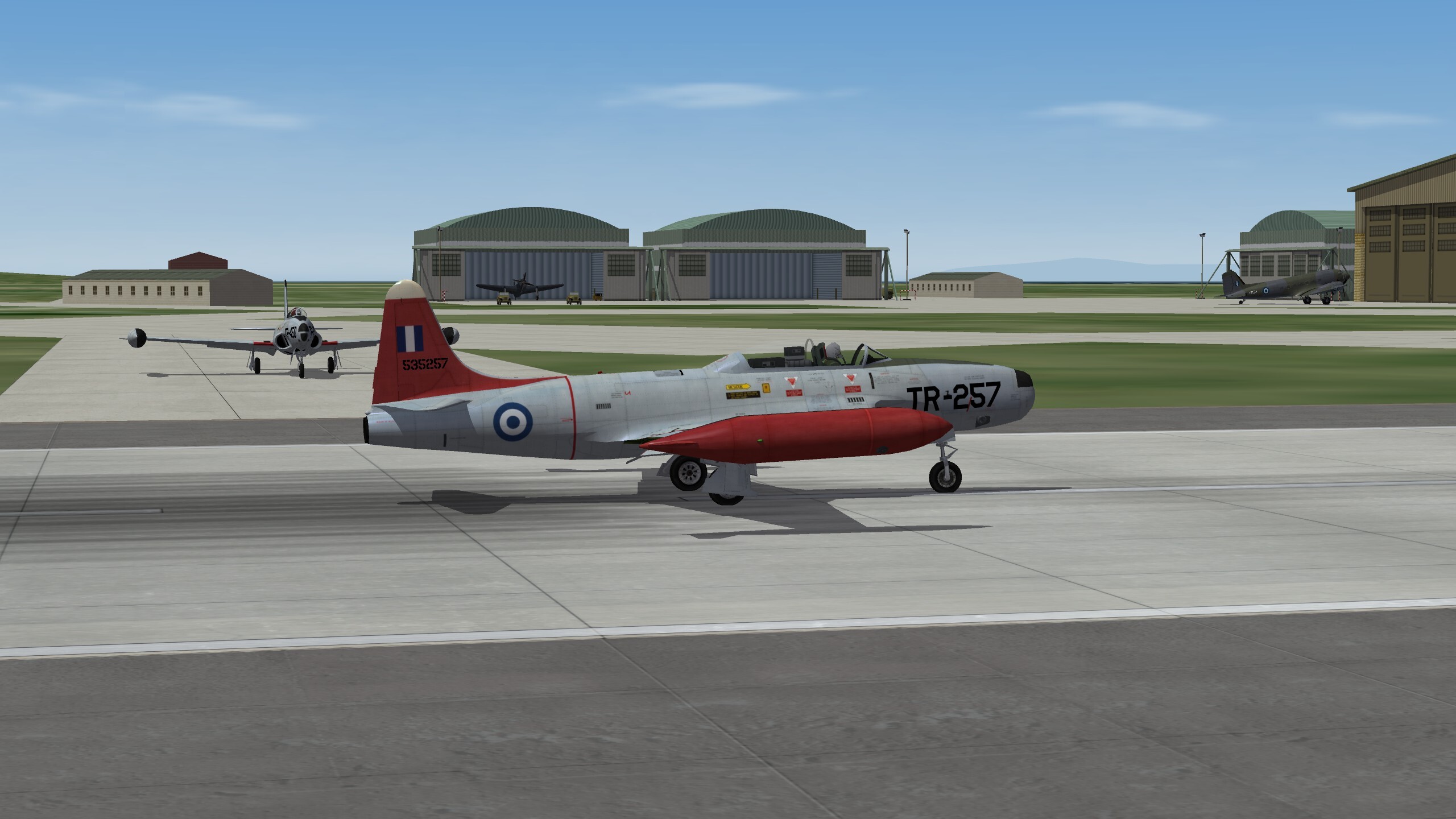
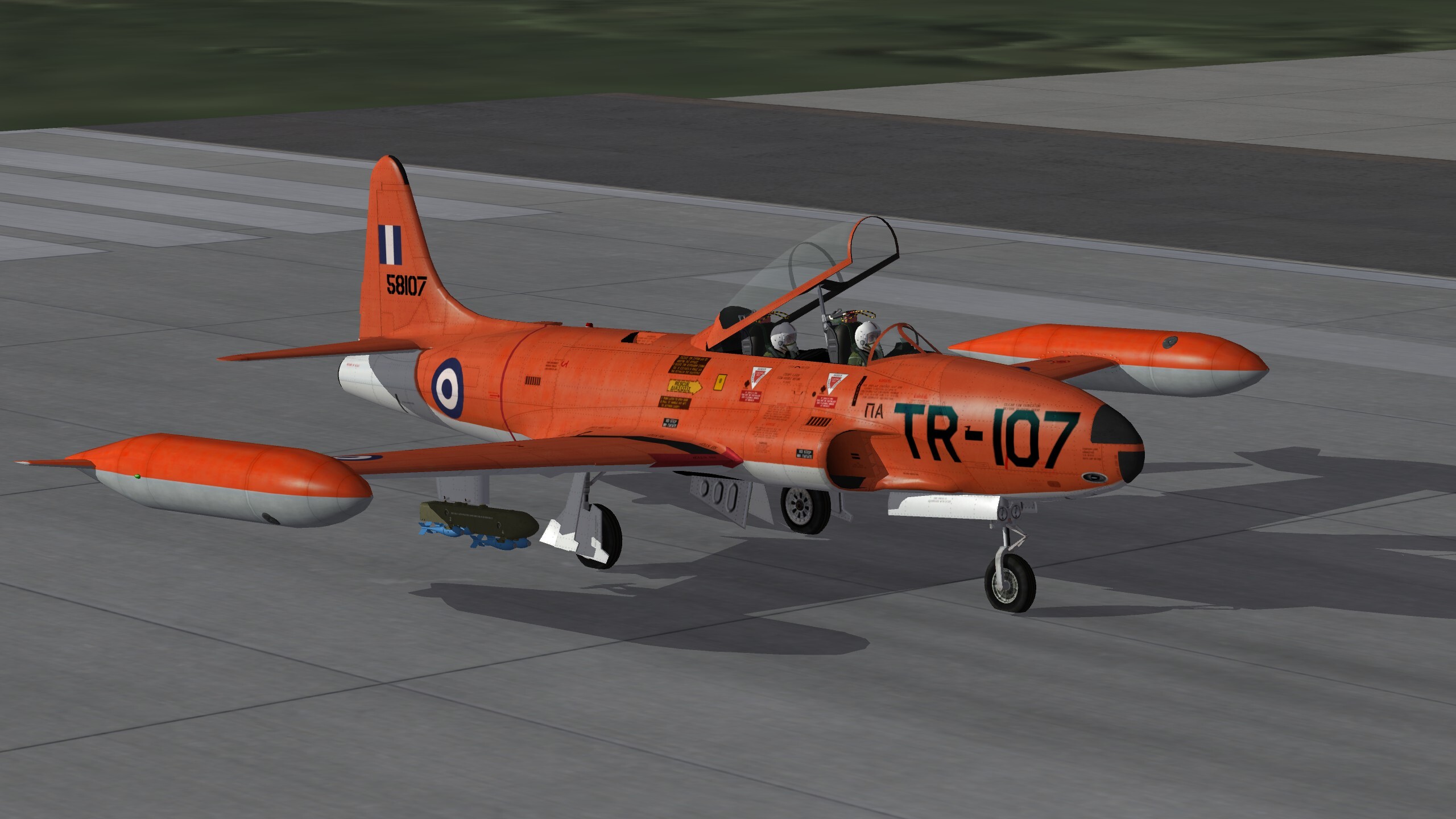
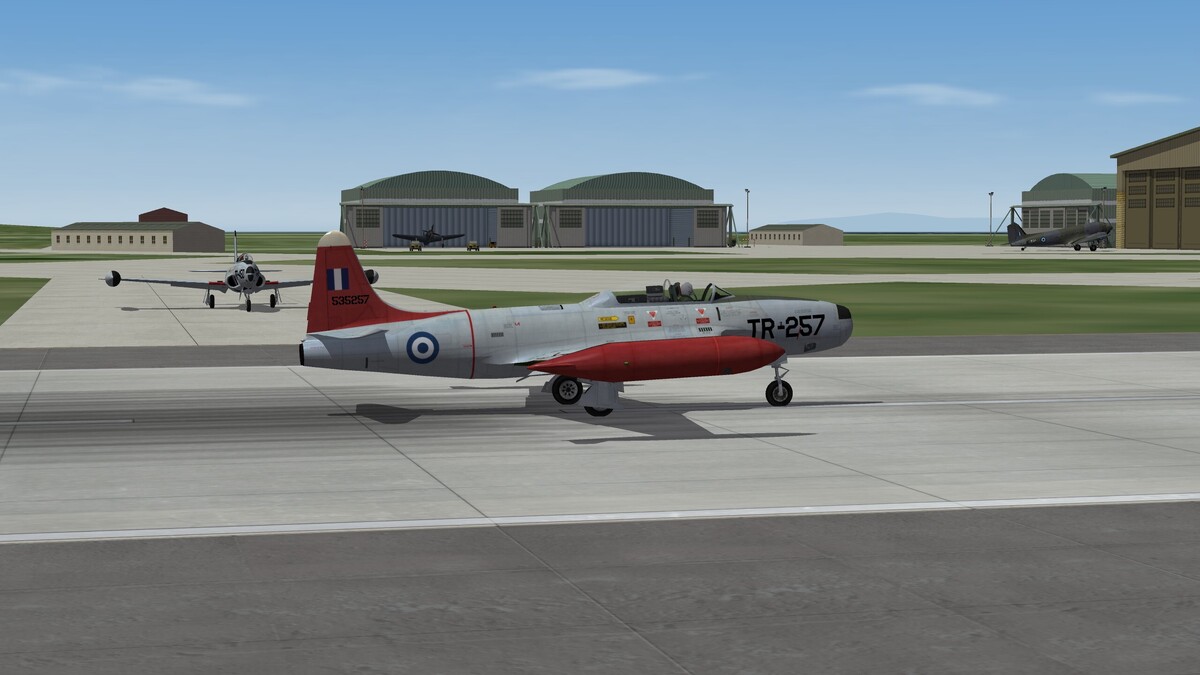
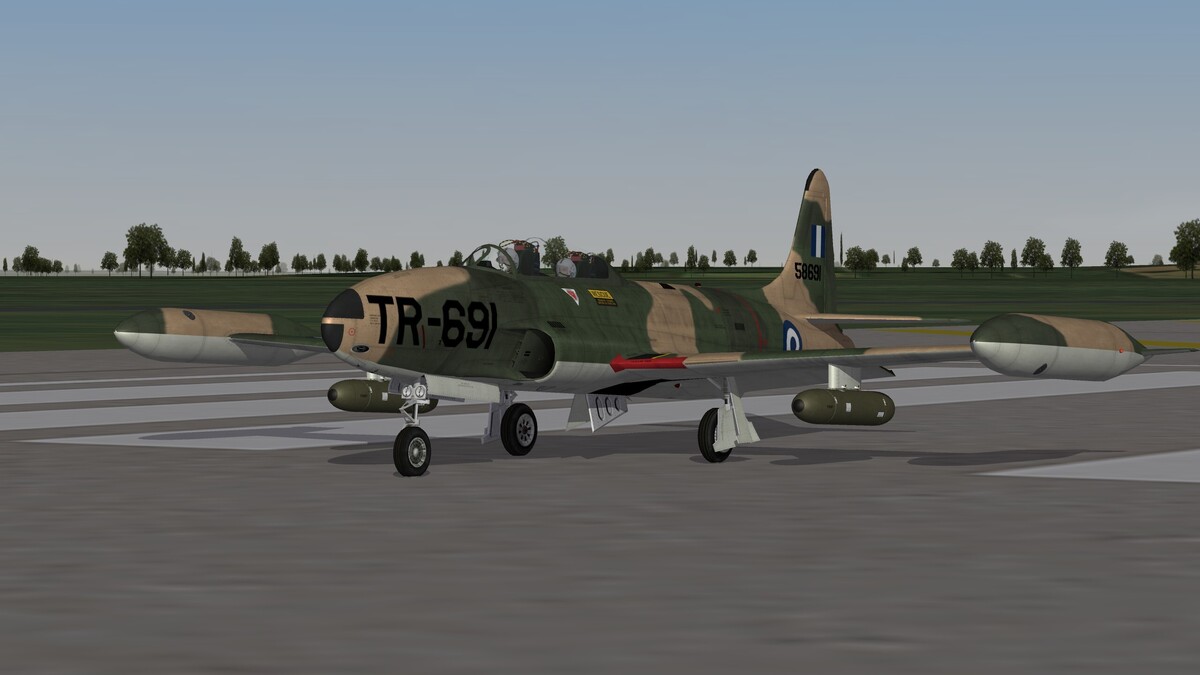
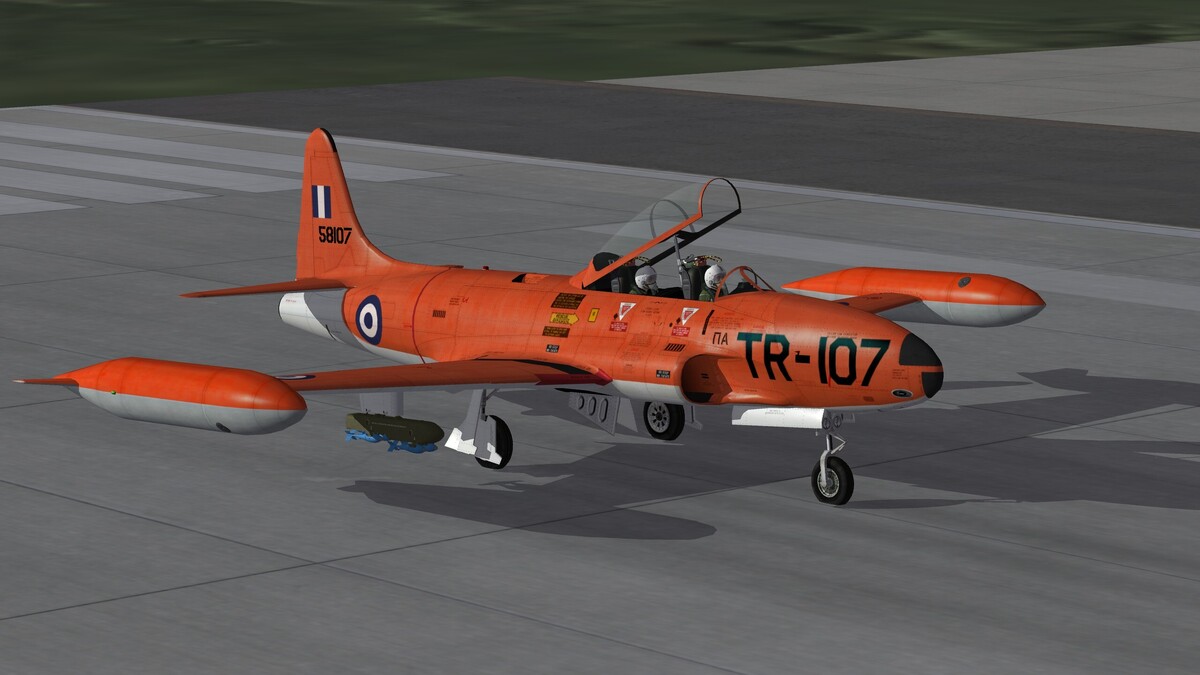
The Jets have arrived, RT-33A and T-33A initial operations Elefsis AB 1953
-
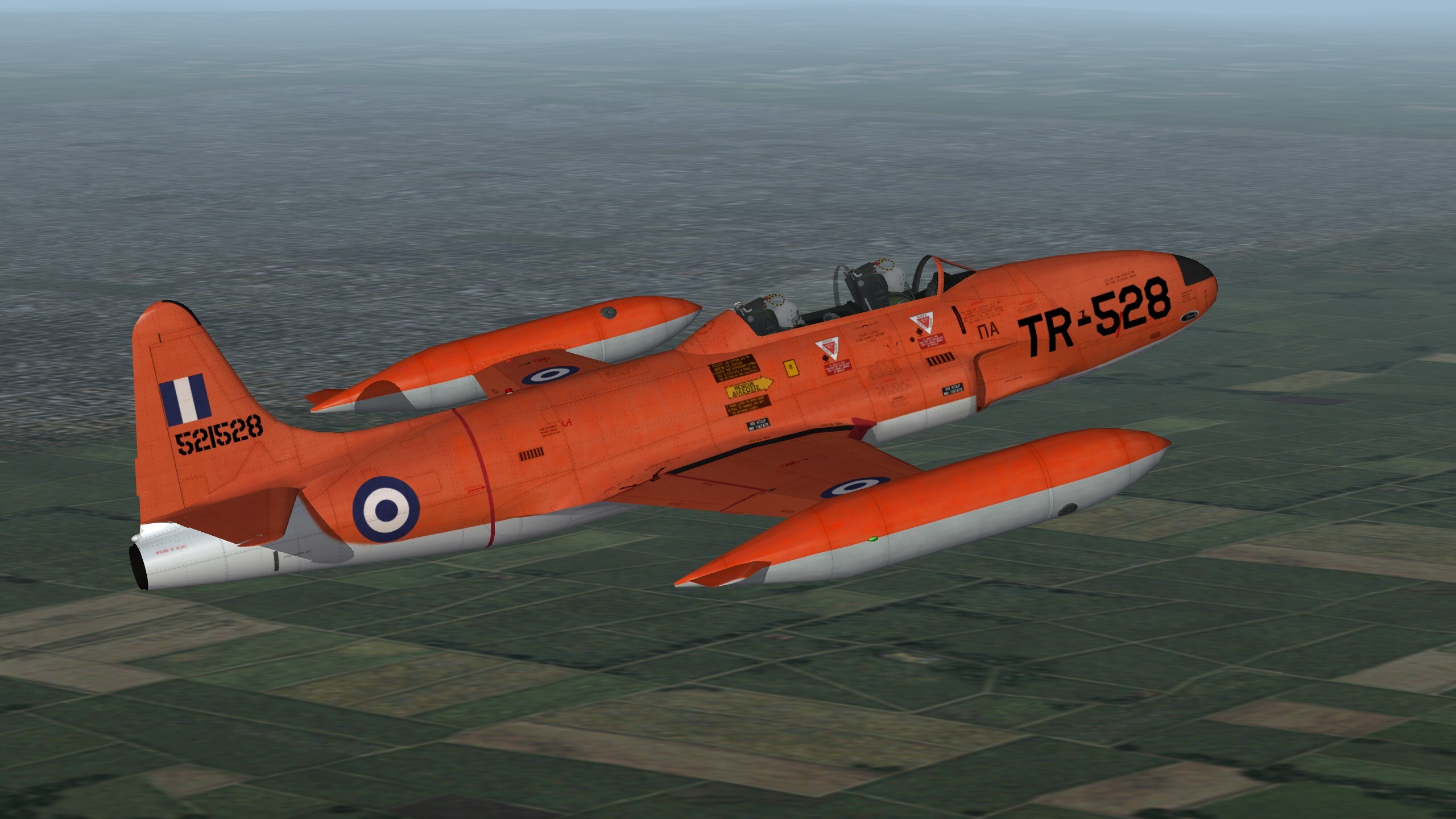
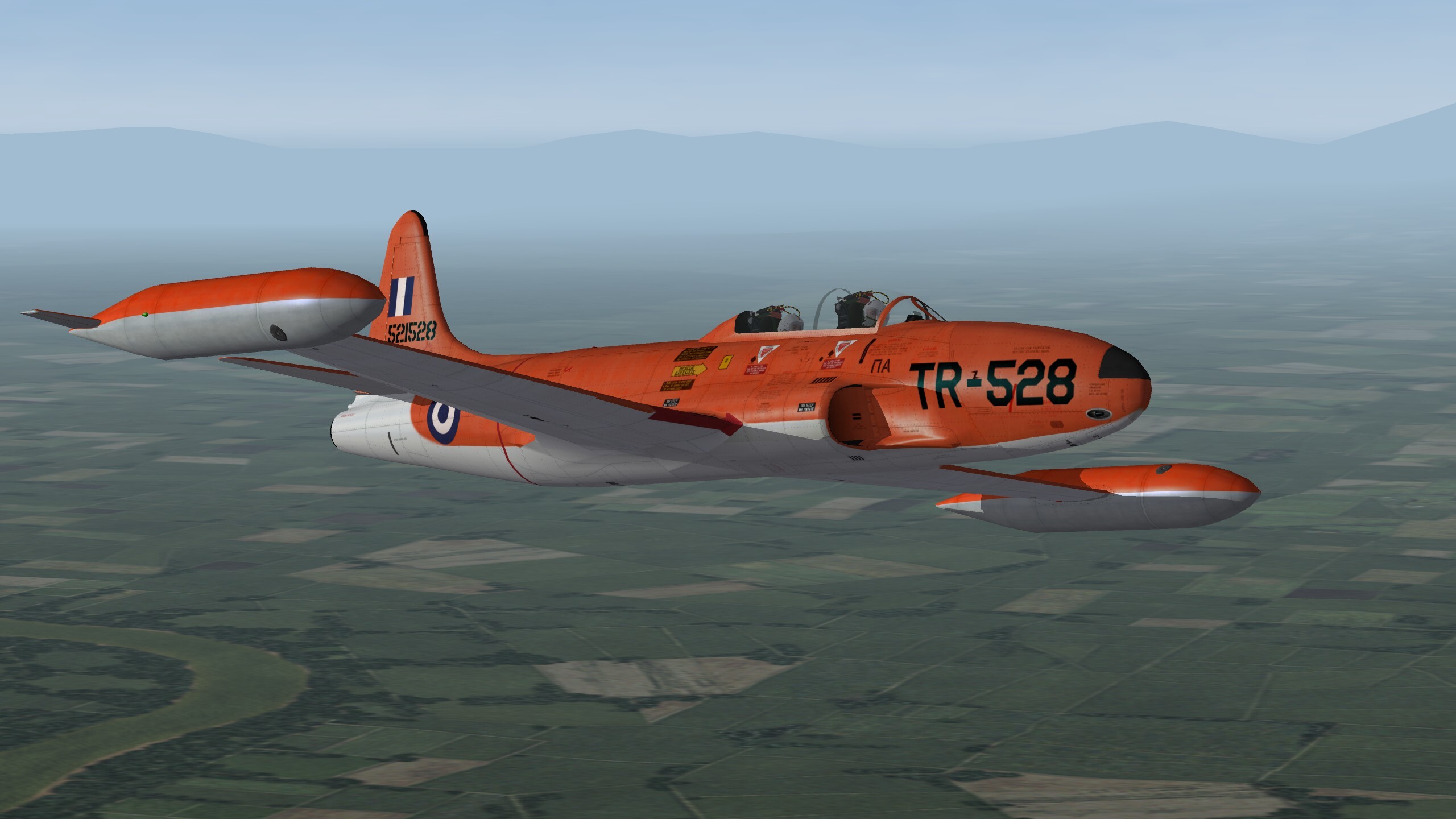
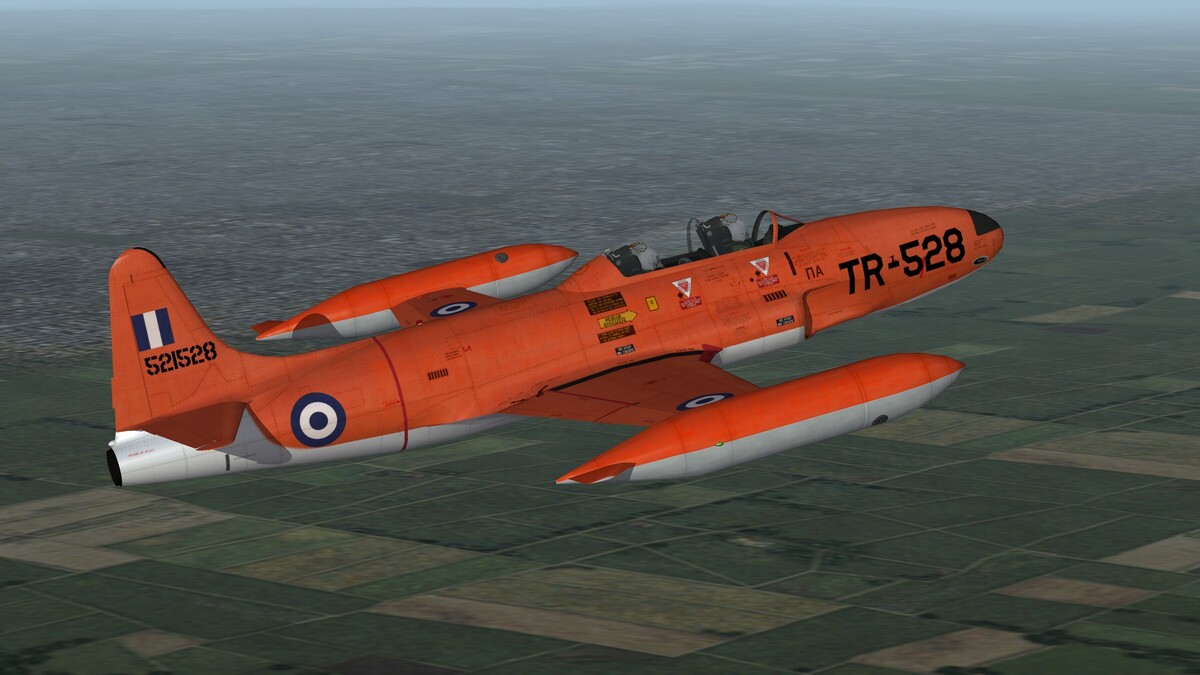
A NAMFI (NAto Missile Firing Installation) Support Canadair T-33 Mk3 (HAF Designation) with Buzz No TR-528. This was a former RCAF CT-133 Silver Star 3 AT aircraft, which had changed its name and serials according to the USAF numbering system. These planes were operated alongside Lockheed build T-33A's using the same paint. They had the weaker RR Nene 10 turbojet engine, whereas the T-33A's had the P&W J-33-A-35 with a water- alcohol injection boost. However the MK 3's had a more complex and capable gunsight than the T-33A's which carried a simple reflector sight. These planes were originally carrying the stock T-33 ejection seat which was replaced by Martin Baker Mk5's during the mid-Seventies. The ejection seat change involved all T-33 planes regardless of their origin.

-
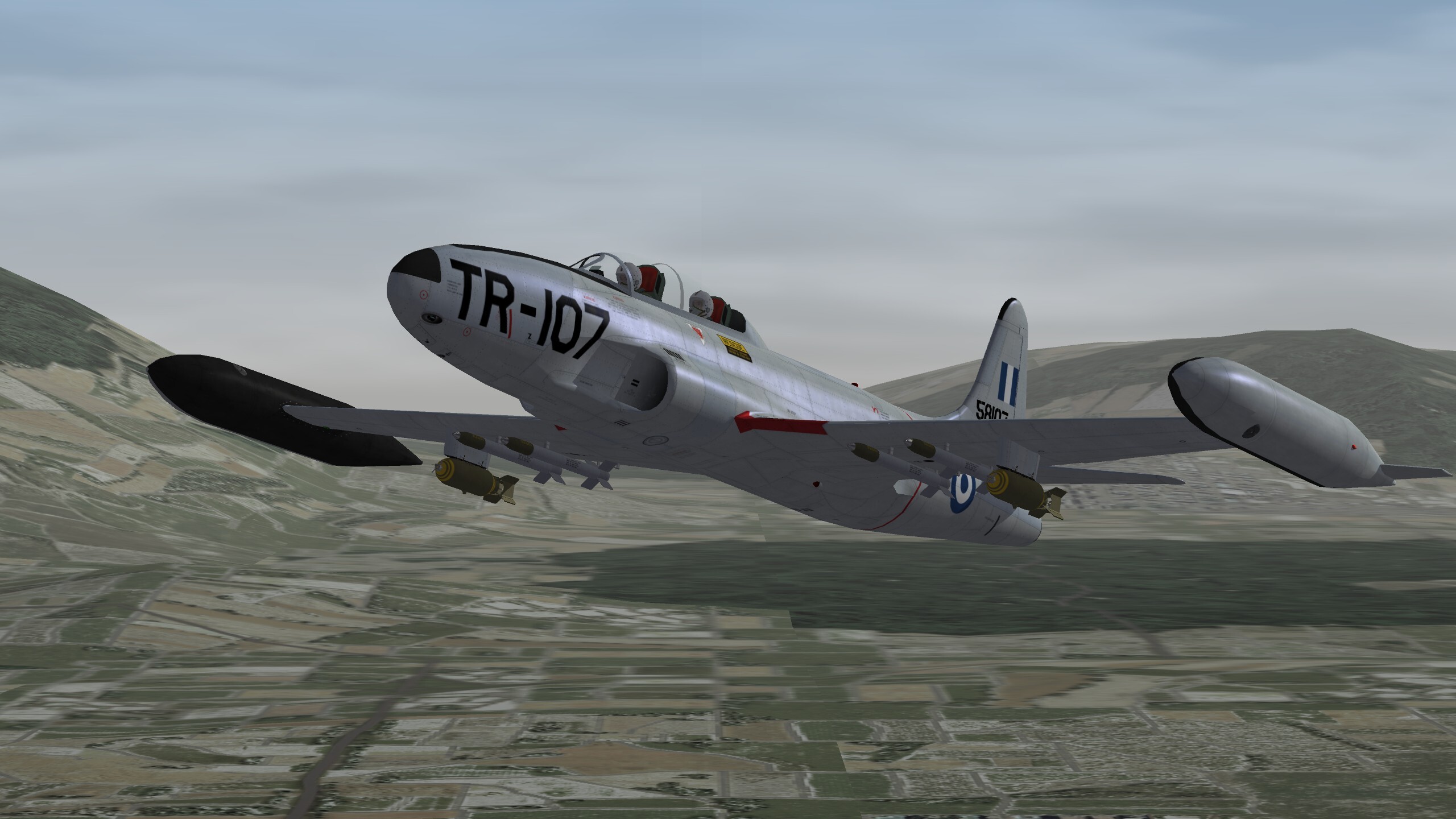
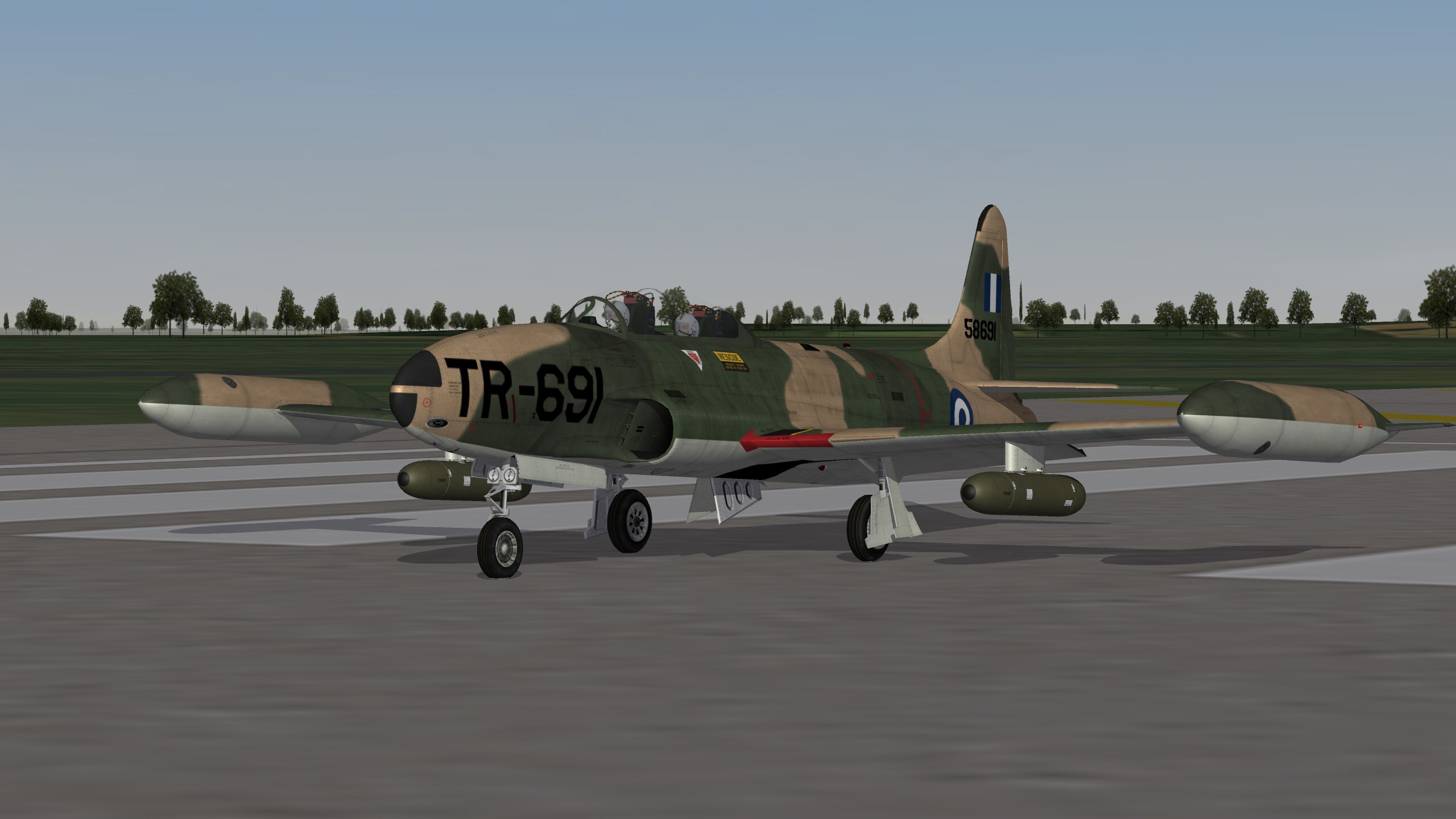
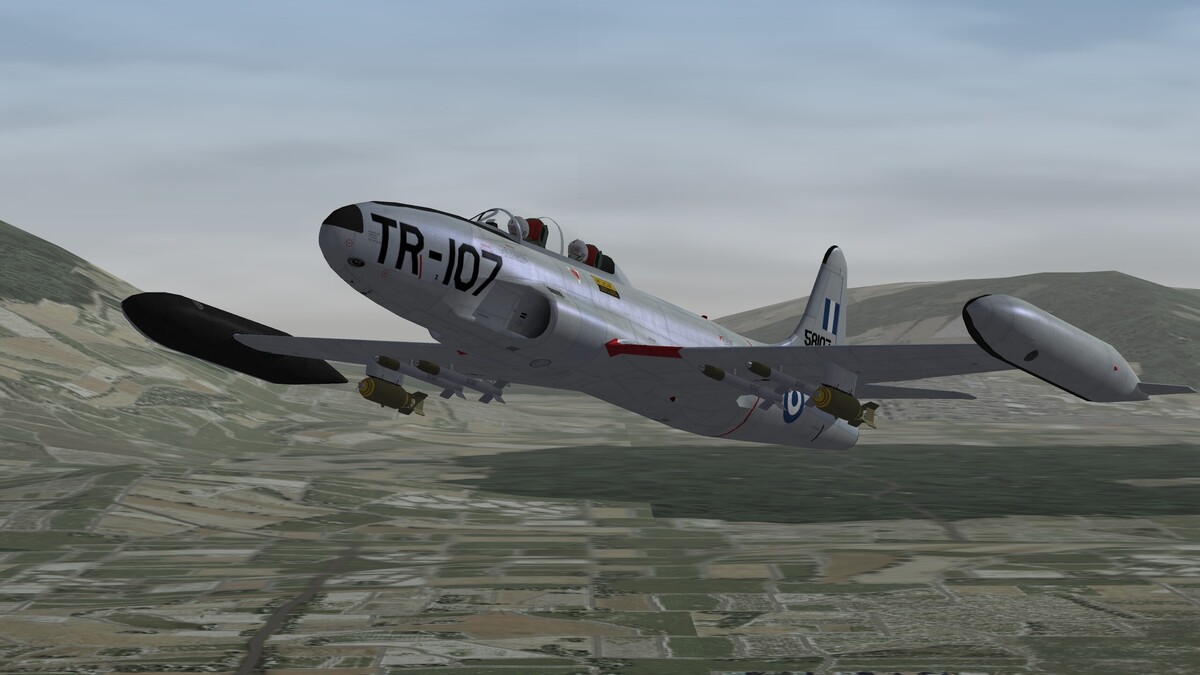
T-33's flown by the Hellenic Air Force for almost 50 years (WIP)
- 55 replies
-
- 18
-
-

-
As Wrench said AIM-9's had always a much higher Pk and especially in the days of the F-4's you couldn't think being left without them. The Sparrows, especially the early days Echo versions weren't so much longer range capable compared to the Sidewinders of the second generation (-9J' and on) and were more restrictive in their employment. To clarify, since you were obliged to guide the Sparrow till its impact we were getting into the kill zone of the enemy's short range missiles or the launch range of your fire and forget AIM-9's. The Sparrow's advantage was its "all weather" useability and the head-on employment capability. Once the L's and P-4's came into play, the Sparrows have lost the second advantage.
-
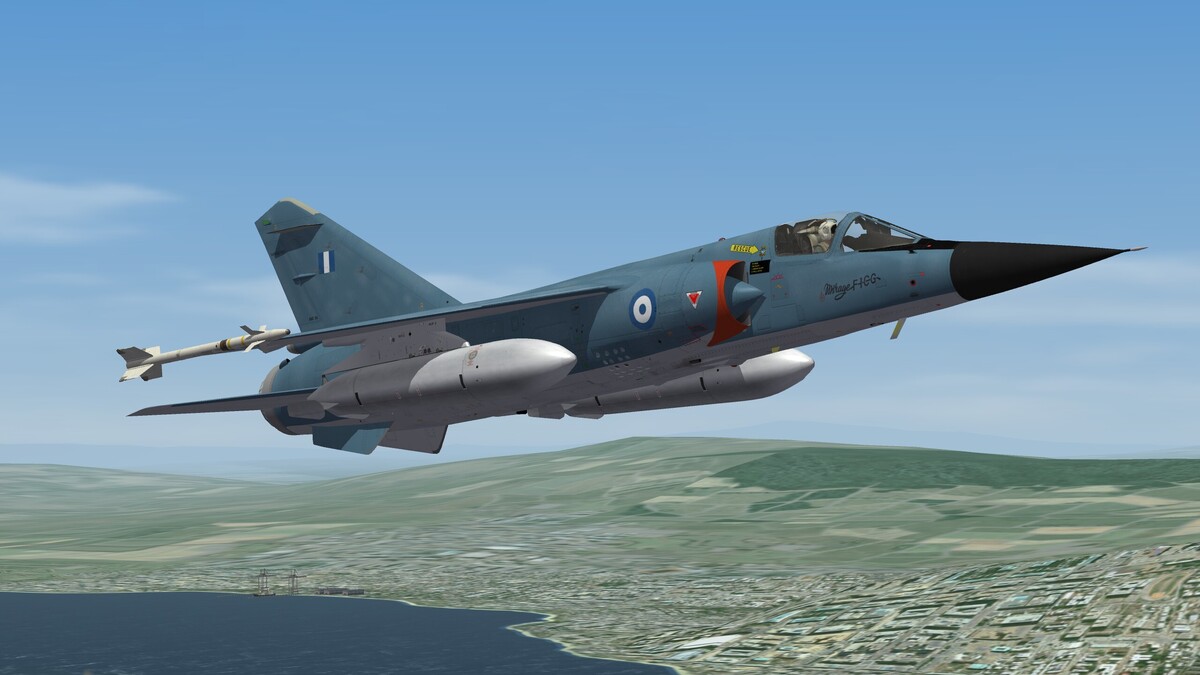
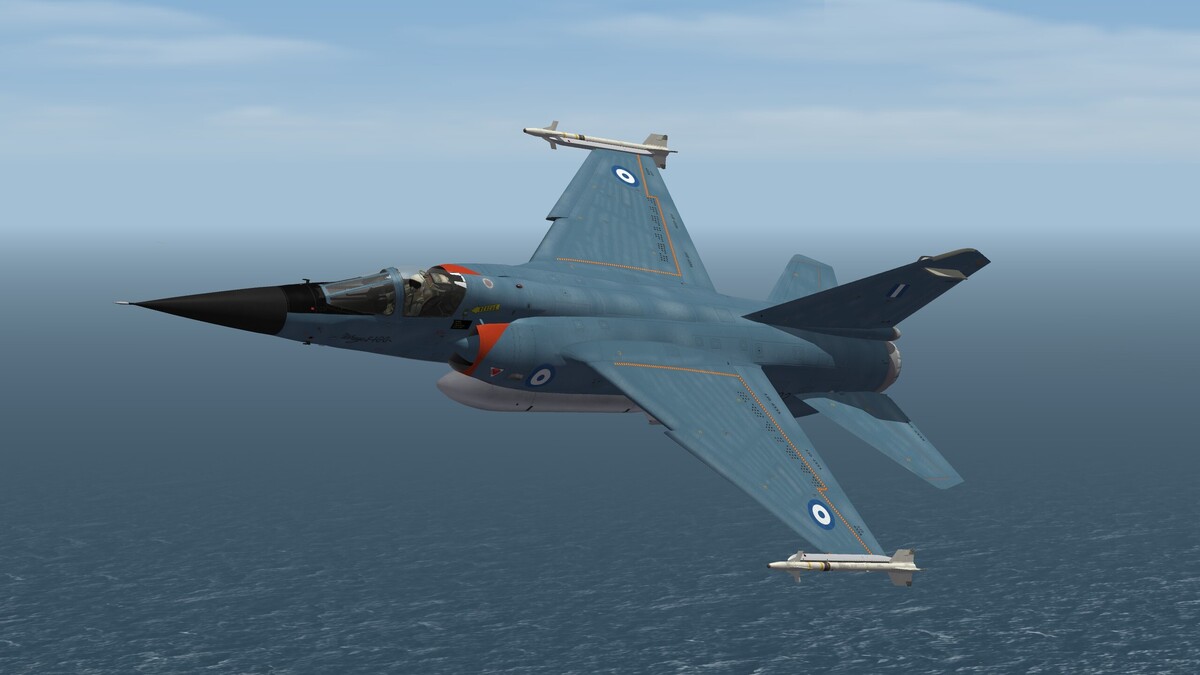
One marvelous model by the hands of @denissoliveira and @ludo.m54
-
A chronic "stock" Flight Model glitch which appears seemingly proper
alfa2 replied to alfa2's topic in General Discussion
If the drag/thrust fidelity is correct in principle, the Cold War and older player planes will never be able to supercruise. Many 4thGen + planes will most probably supercruise as AI's and possibly as player planes depending on their drag profiles. However to do and enjoy proper ACM/BFM you need to have a full thrust range otherwise you're stuck to AB only flight, which is not only wrong but a strong reason to loose many dogfights. -
A chronic "stock" Flight Model glitch which appears seemingly proper
alfa2 replied to alfa2's topic in General Discussion
It isn't something difficult. However it is easier to do it for a friend than explaining how to do it ... So hopefully that I'm not making any mistake, the instructions to do the OP simple edits are the following: Step 1. Download the default TW "cat" files decompressing utility from here : http://download.thirdwire.net/files/dl/SF2_Extractor_setup_Mar2012.exe or this utility "Mues Toolbox - Utilities / Editors - CombatACE" from combatace. Step 2 Install the SF2_Exctractor or the Mues Toolbox utility. In my case I'm using Mues Toolbox so the instructions below refer to this application. In any case use of the default extractor is very similar. Step 3. Read the attached readme file regarding the set up of the Mues Toolbox extractor. Step 4. Follow all readme set up instructions to enable the utility find the folders of your default TW SF2 installation and also define where it will extract the compressed file folders' content. Step 5. Run the Mues Toolbox CATExtractor.exe Step 6. When you use the extractor you'll see the the interface attached. The upper window contains the directory of the compressed "cat" files and the lower window depicts the contents of this particular compressed file. Step 7. You have to browse through all objectdata0xx.cat or DLCdata00x.cat files by "ticking" each one to see its content in the lower window. Once you find the plane you're interested to modify do the following: Extract the (aircraft filename) ini file. It is needed and it is helpful because it will contain all other files you'll need to extract. Open the (aircraft filename) ini file and note the filenames of the files mentioned in the [AircraftData] section. Locate the needed files and extract them one by one in your designated extraction folder (step 4 above) in a specific subfolder and give it the name you like. This name will be temporary and will be changed in step 8 below. Open the (aircraft filename) _data.ini file. Go to the [FlightControl] section and align the MachLimit= and MachLimitDry= values as described in the original post. Save the data file Step 8 Assign a new permanent subfolder name to your extraction subfolder of step7 3rd bullet above. the folder name has to be the same with the aircraft filename. Step 9 Move the subfolder you have created to your mods director under the folders Objects/aircraft. Your'e done. If you have a problem raise a call for help. catextractor_readme.txt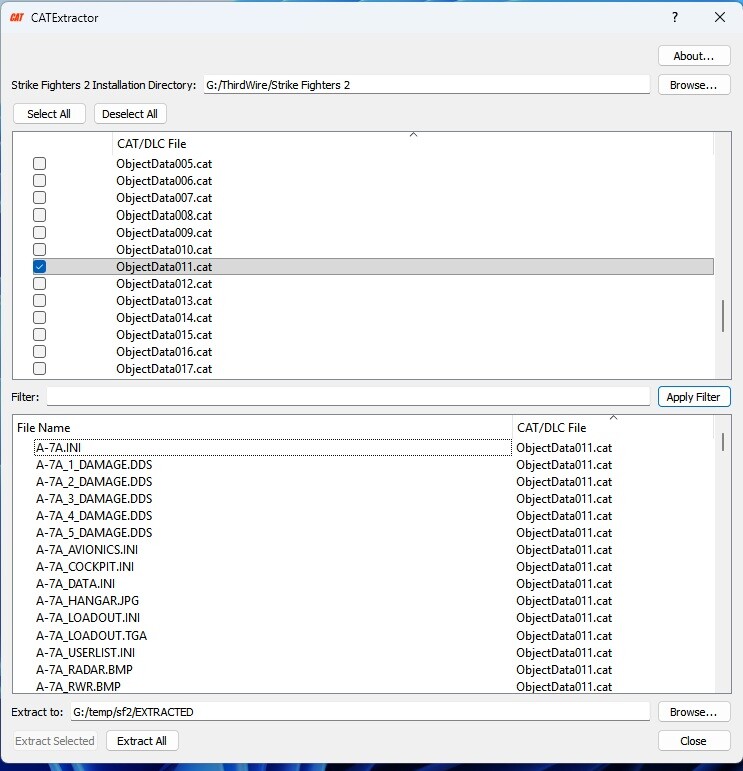
-
A chronic "stock" Flight Model glitch which appears seemingly proper
alfa2 replied to alfa2's topic in General Discussion
Ok Wrench, OP edited with the instructions you suggested. However the stock planes' fix is a bit more convoluted , so if anyone is interested I can help him do the job. -
A chronic "stock" Flight Model glitch which appears seemingly proper
alfa2 replied to alfa2's topic in General Discussion
FYI We'll post replacement aircraft data .ini files for our recent uploads with Sophocles. Until then please just do the simple edit I've described above to the respective files. (Correct the MachLimitDry= value to be equal to the value of the MachLimit=) -
I'm very late in discovering this chronic glitch, however i think anybody should be aware of it. In the [FlightControl] section of any jet fighter with an afterburner there is an entry stating "MachLimitDry=XX" where "XX" is a value usually less than unity. It's purpose is obvious, to limit AB equipped AI jets, or actually any AI jet to break the sound barrier with its "dry" non augmented thrust. As happens usually this [FlightControl] setting also affects the player controlled planes, regardless of their drag & thrust modelling fidelity. However, this setting is seemingly proper but in fact it is a nuisance, since it introduces a significant FM glitch. It results to zero engine dry thrust above the "XX" value limit, while in the cockpit you can't observe it since all indications remain proper (rpm's, fuel flow, EGT's etc). It is only the dry thrust being suppressed which in fact is a big mistake. The turbojet and turbofan jet engines always produce a core "dry" thrust by the hot exhaust stream of the core combustion phase in every speed band (subsonic/transonic/supersonic). Their "wet" thrust is a result of injecting fuel directly into the said hot exhaust stream behind the engine's turbine, using leftover oxygen to trigger a second combustion phase. This second combustion rapidly heats and expands the exhaust gases, forcing them out of a variable-geometry nozzle at a much higher velocity and therefore producing a much higher "wet thrust". From my experiments with it, If you totally omit this setting it will be imposed by default (it is hard coded) and therefore one solution remains. To replace it with "MachLimitDry=ZZ" where "ZZ" is the value of the "MachLimit=ZZ"entry which also found in the [FlightControl] section. After this change the jet engine operation is normally restored and thrust modelling is then proper. Instructions on how to correct the problem: 1. If the plane you're interested to fix is a download product, either created from scratch or a modded product, find the aircraft's "XYZ_Data.ini" file (Where XYZ is the aircaft's file name) and scroll down to the [FlightControl] section. There you'll find two statements "MachLimitDry=" and "MachLimit=". All you have to do is change the value of the MachLimitDry= and assign to it the value of MachLimit=. 2. If the plane is a stock TW product you actually need to essentially compose a new plane using the files contained in the cat files of the stock TW files. In this new plane you're going to do the edit described in instruction #1 above. This isn't difficult at all but it needs to follow a few steps. If you'are interested in such a case PM me and I'll do my best to help you out.
- 8 replies
-
- 14
-
-
-
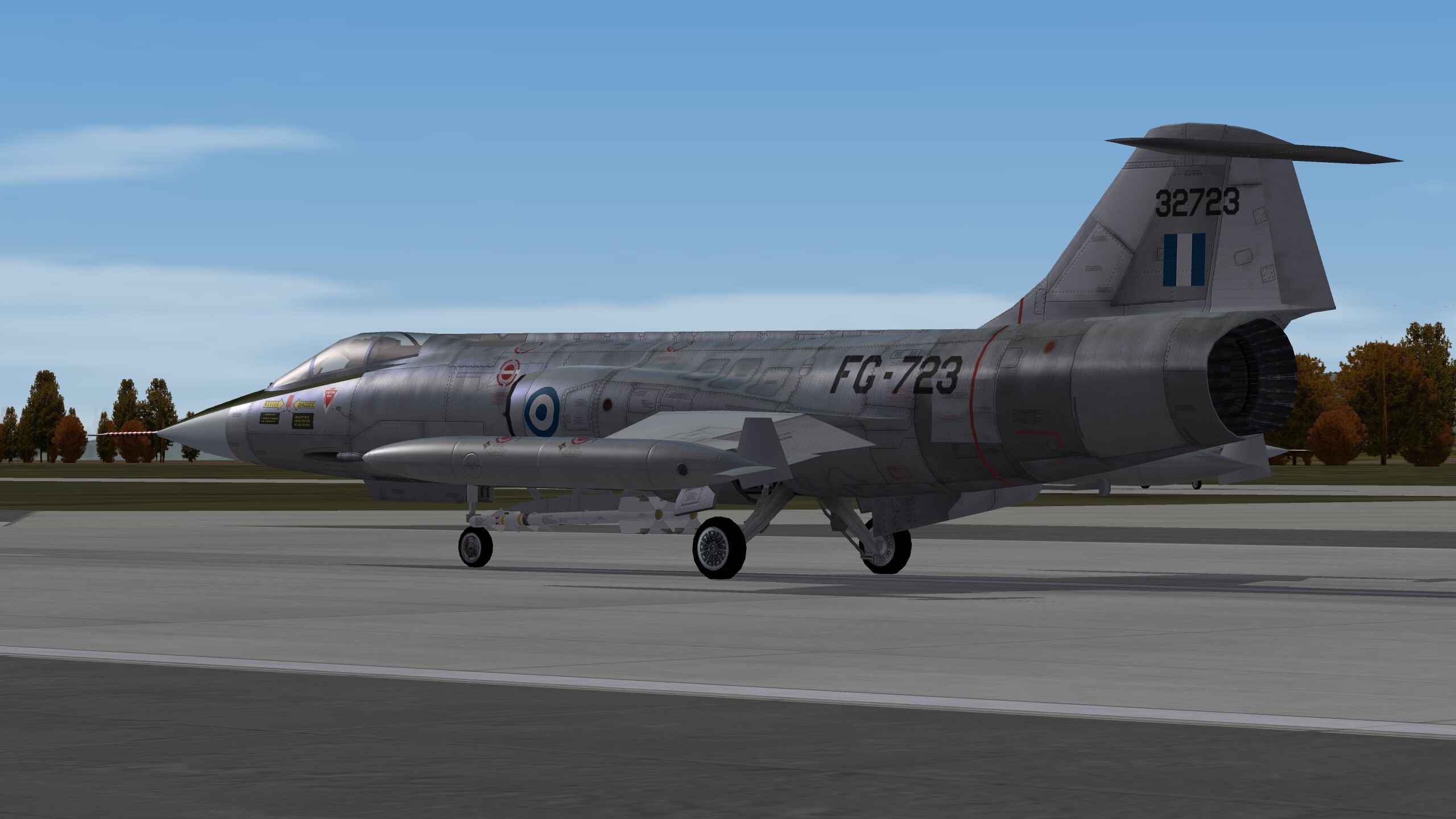
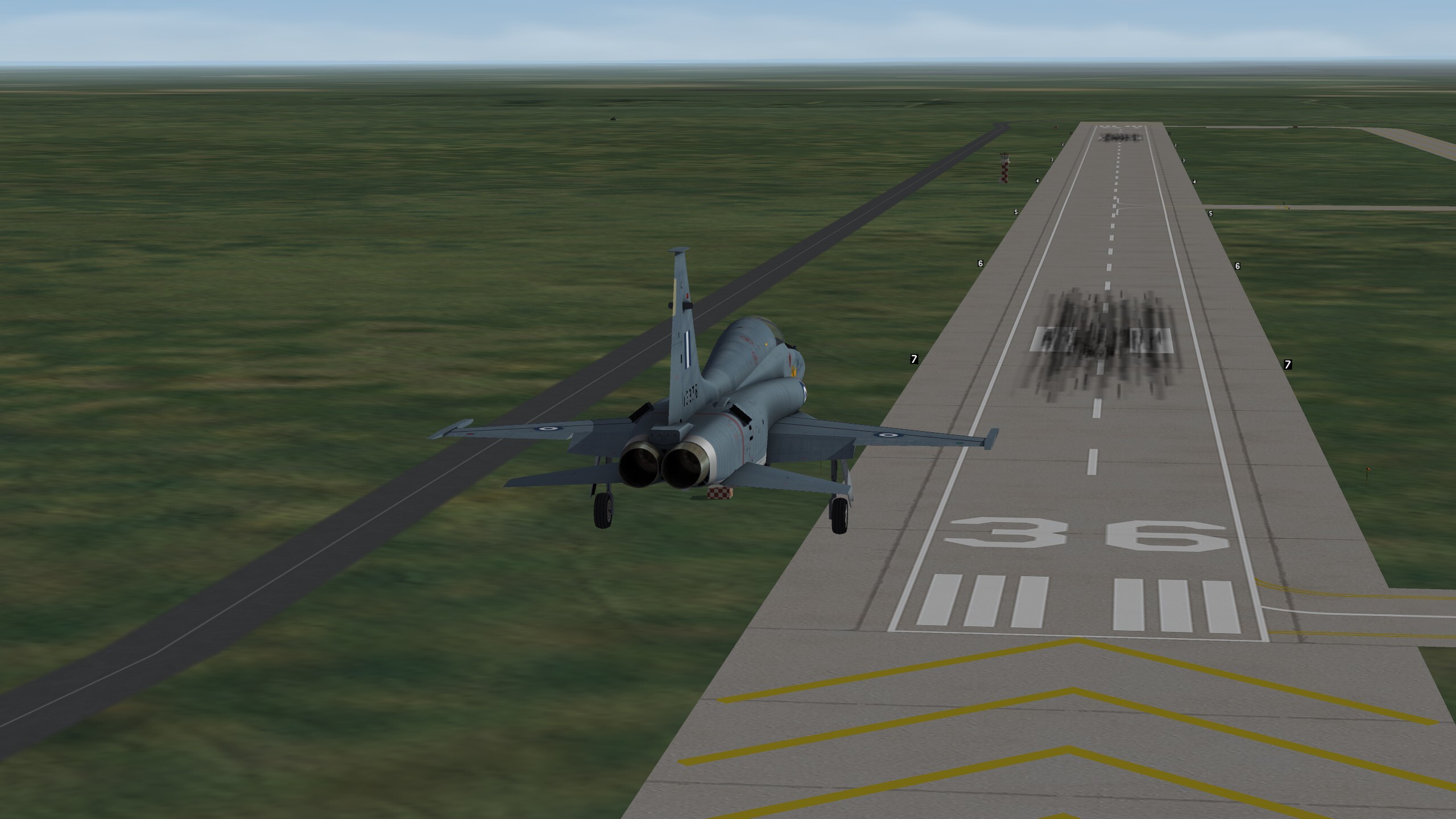
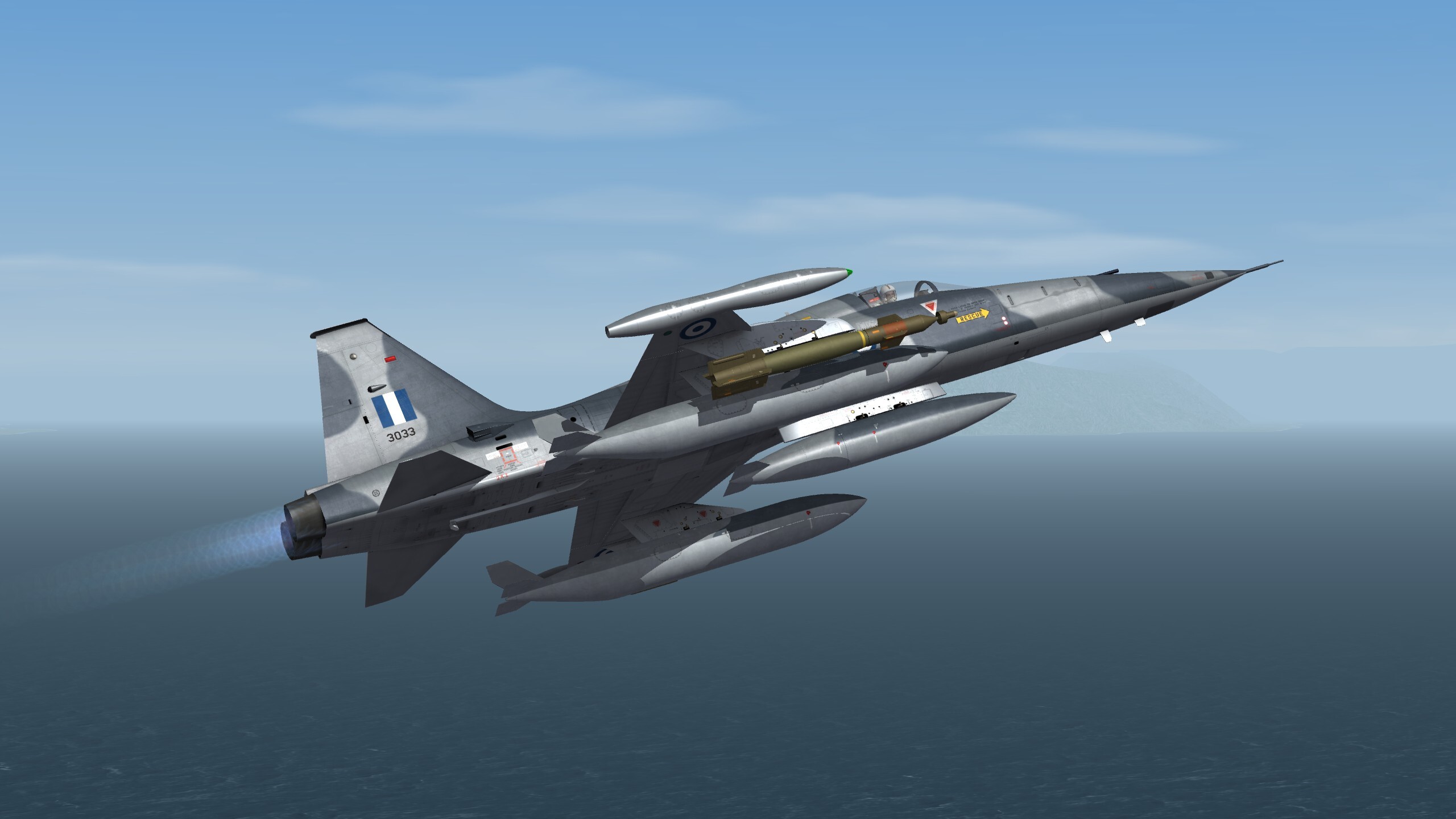
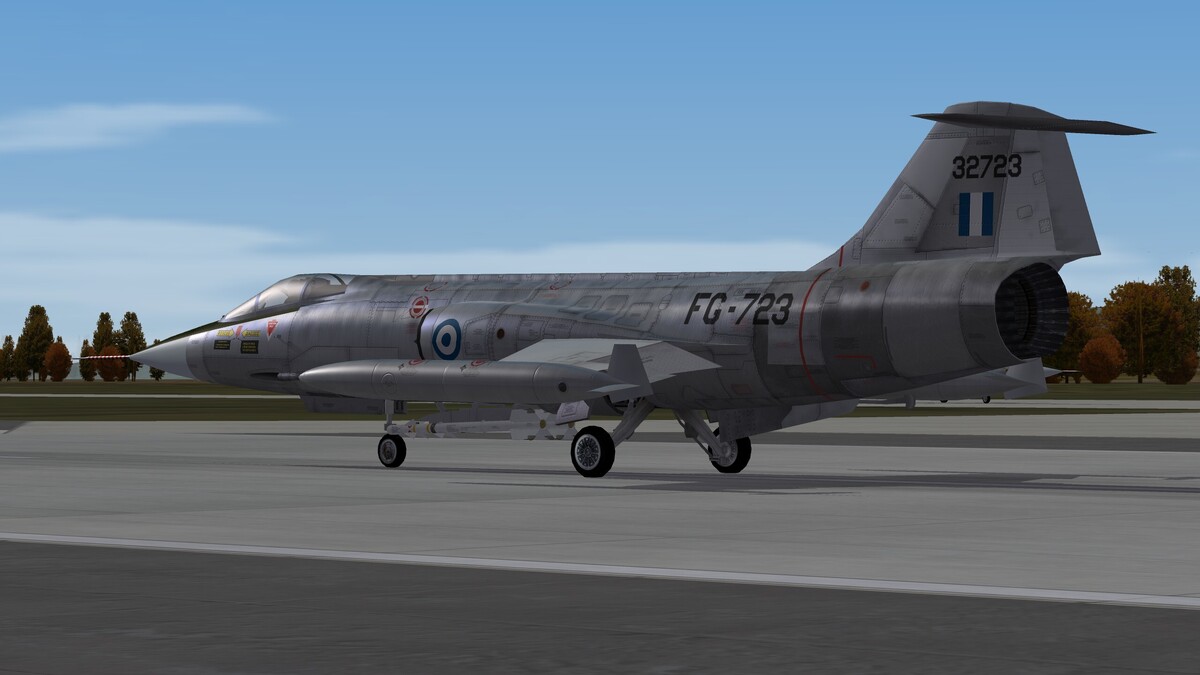
F-104G S/N 723 (MAP) Tanagra AB 1966 (HAF F-104G pack Wip)
- 55 replies
-
- 14
-
-
-
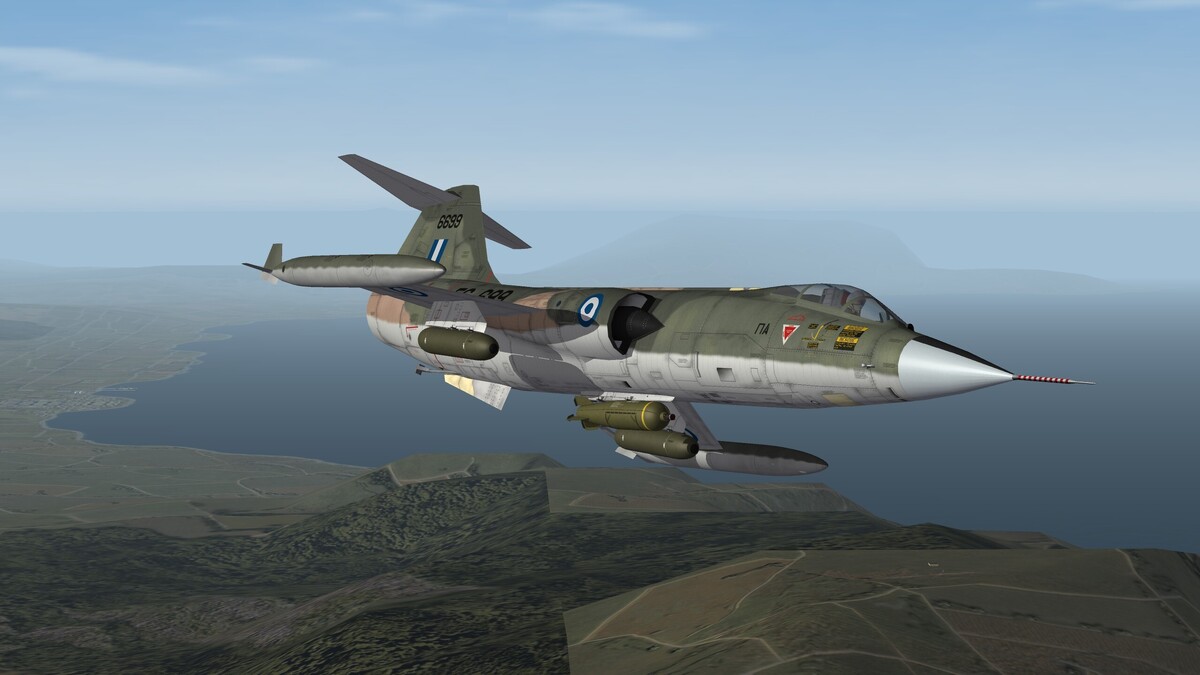
F-104G S/N 6699 (former RNLAF) of 336 FB Squadron Araxos AB 1987 (HAF F-104G pack WIP)
-
An old question needs an old answer...
alfa2 replied to Wilches's topic in Mods & Skinning Discussion
This crash is a result of terrains with many objects in it : planes, SAM, AAA, armed ships & vehicles . As a general rule, I first load a default terrain mission and after I finish it, I never experience a crash again. -
-
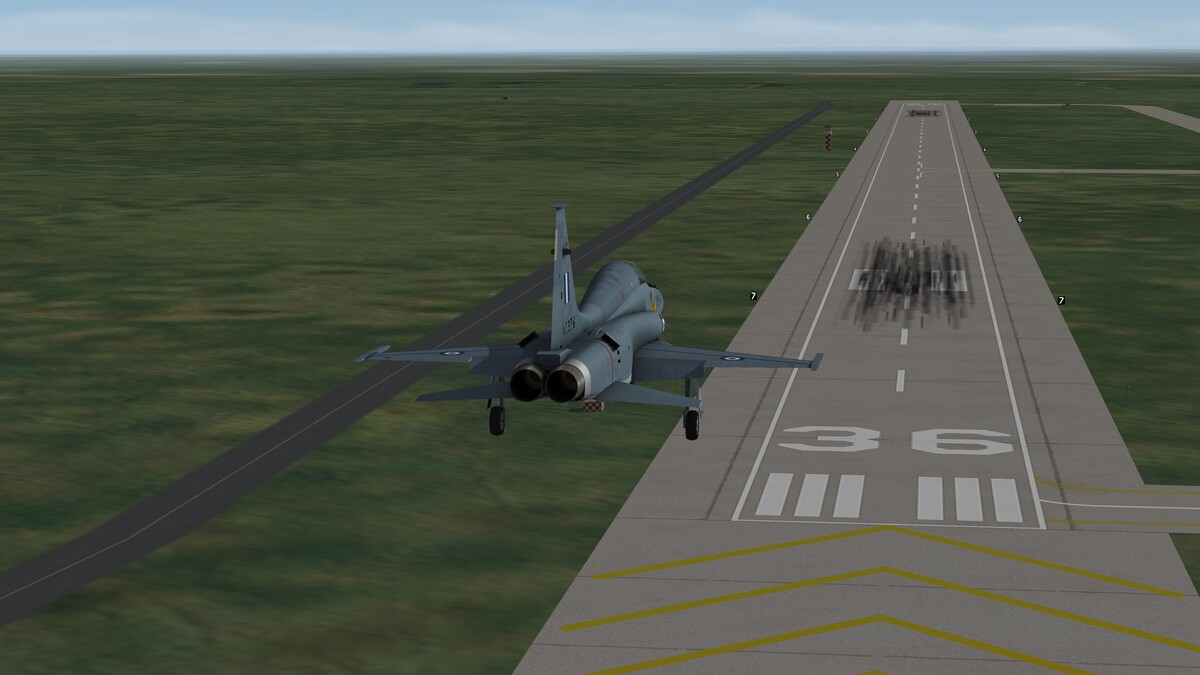
It was just a matter of one turn, no more needed..
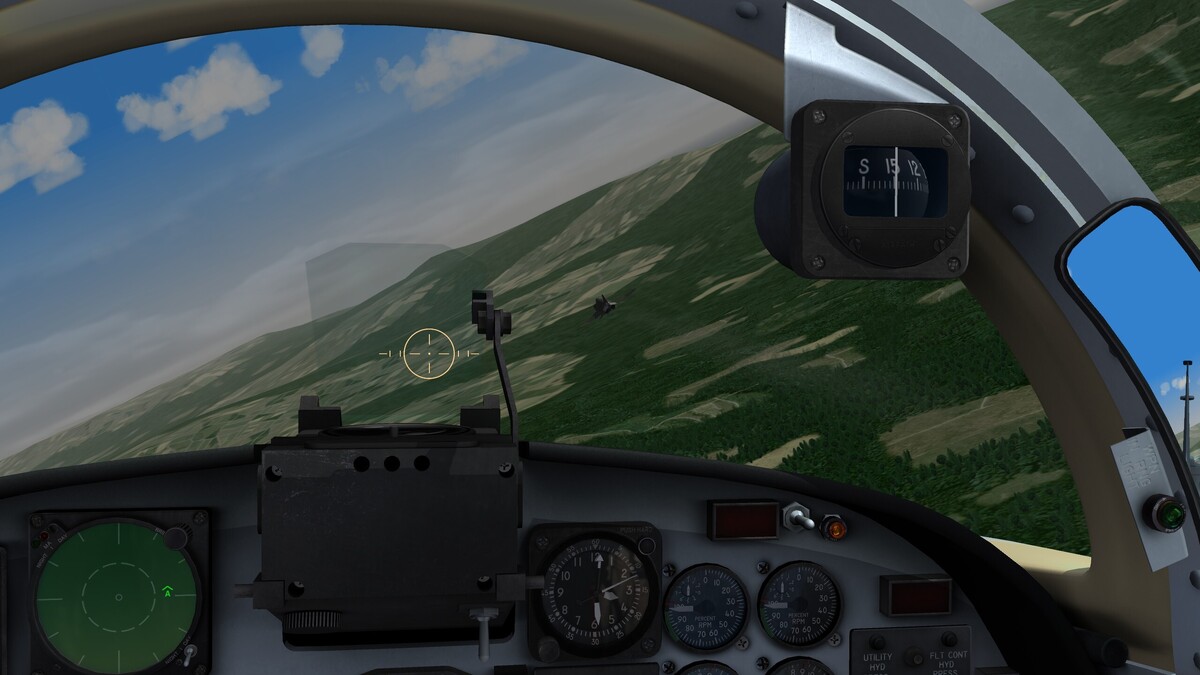
- 55 replies
-
- 13
-
-
Ferry Flight to Combatace Downloads Area...
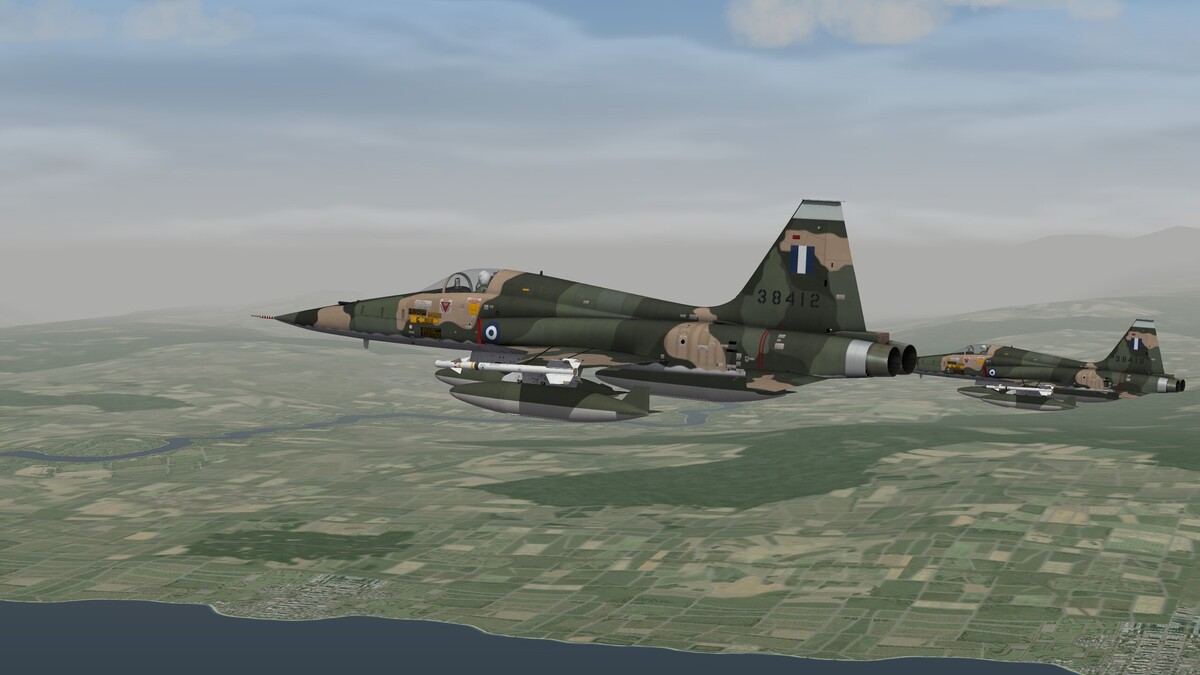
-
I think that your problem is one of the following: Threat library name mismatch. Check the name of the plane's Threat library found in the relevant entry in the avionics.ini file, and see if it matches with the *.lst file you have in the particular aircrafts folder.Also check where the Threat library is contained and if the exact file path is the same with the one mentioned in the avionics.ini file. Threat library contents mismatch with the threats tga's contained in the "Flight" folder.See if the missing threats are also not present in the said folder.
-
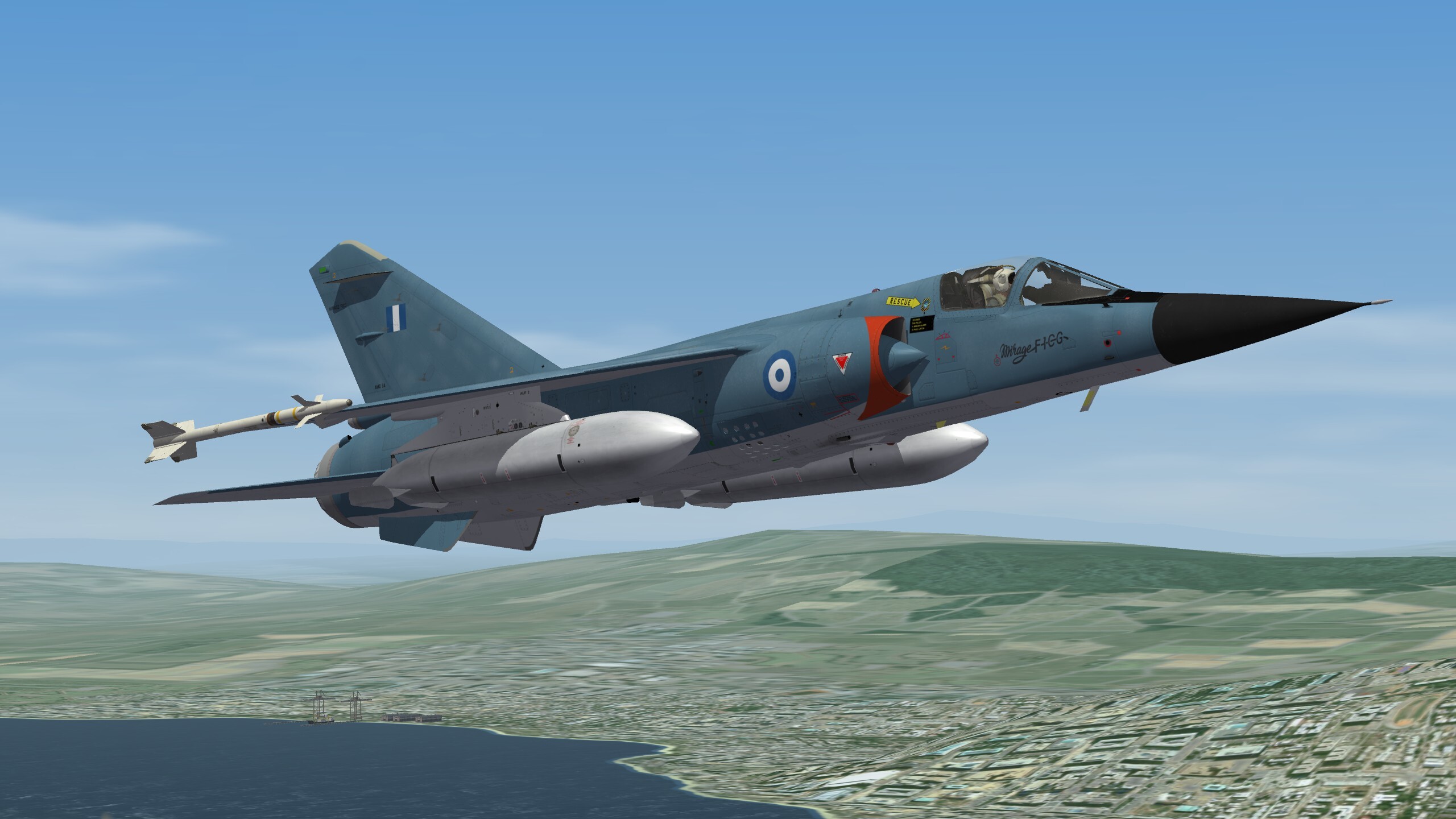
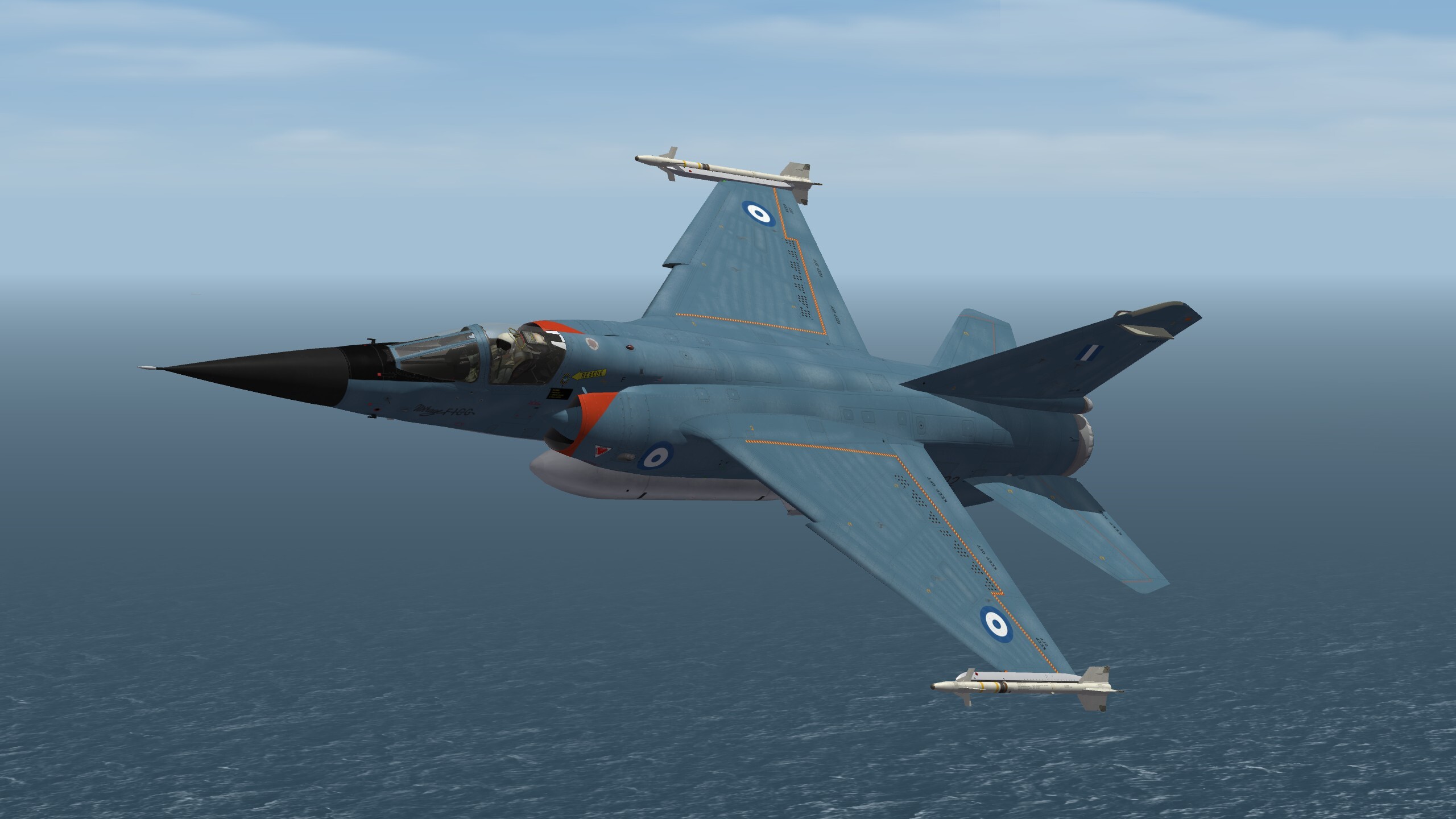
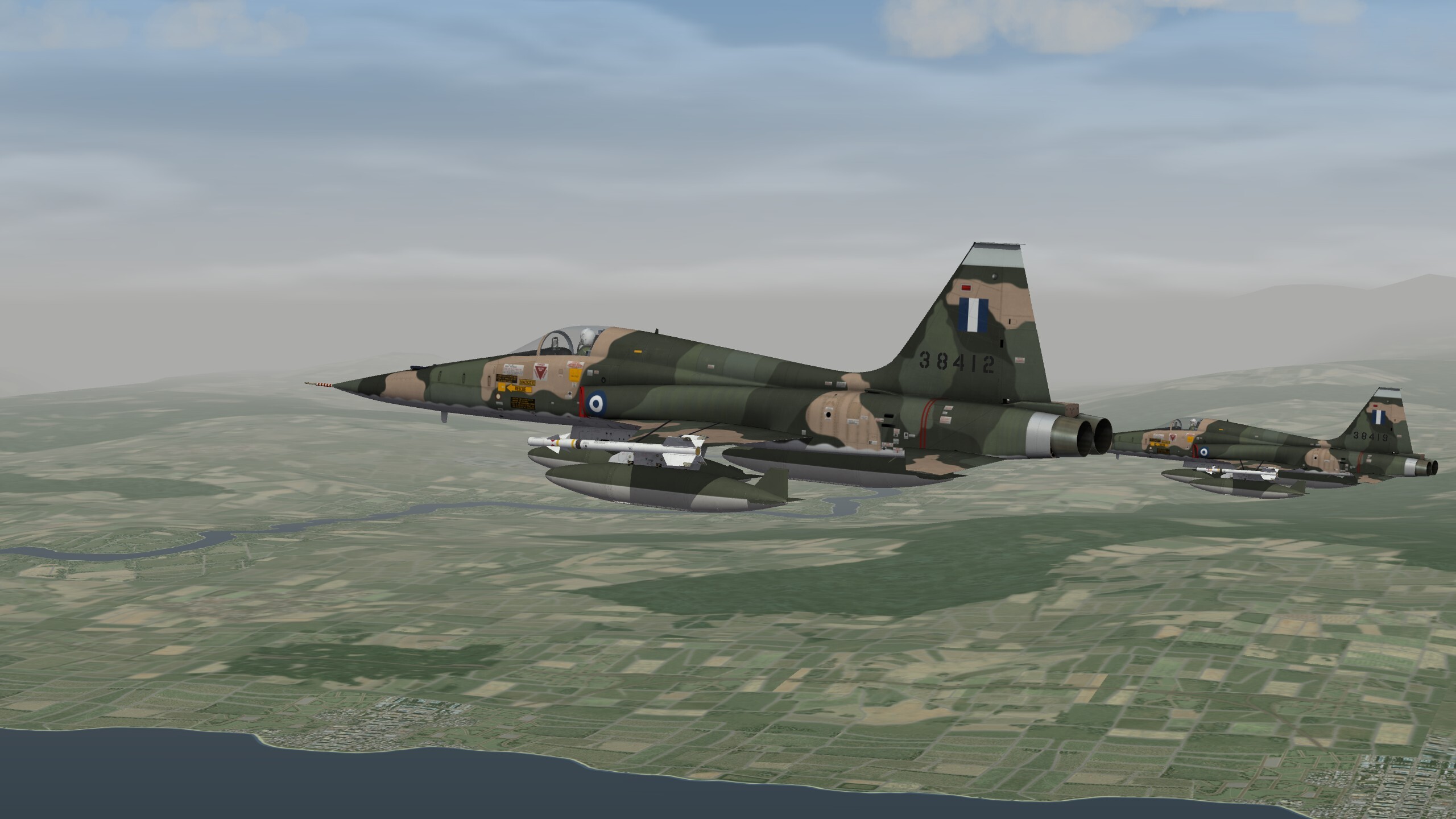
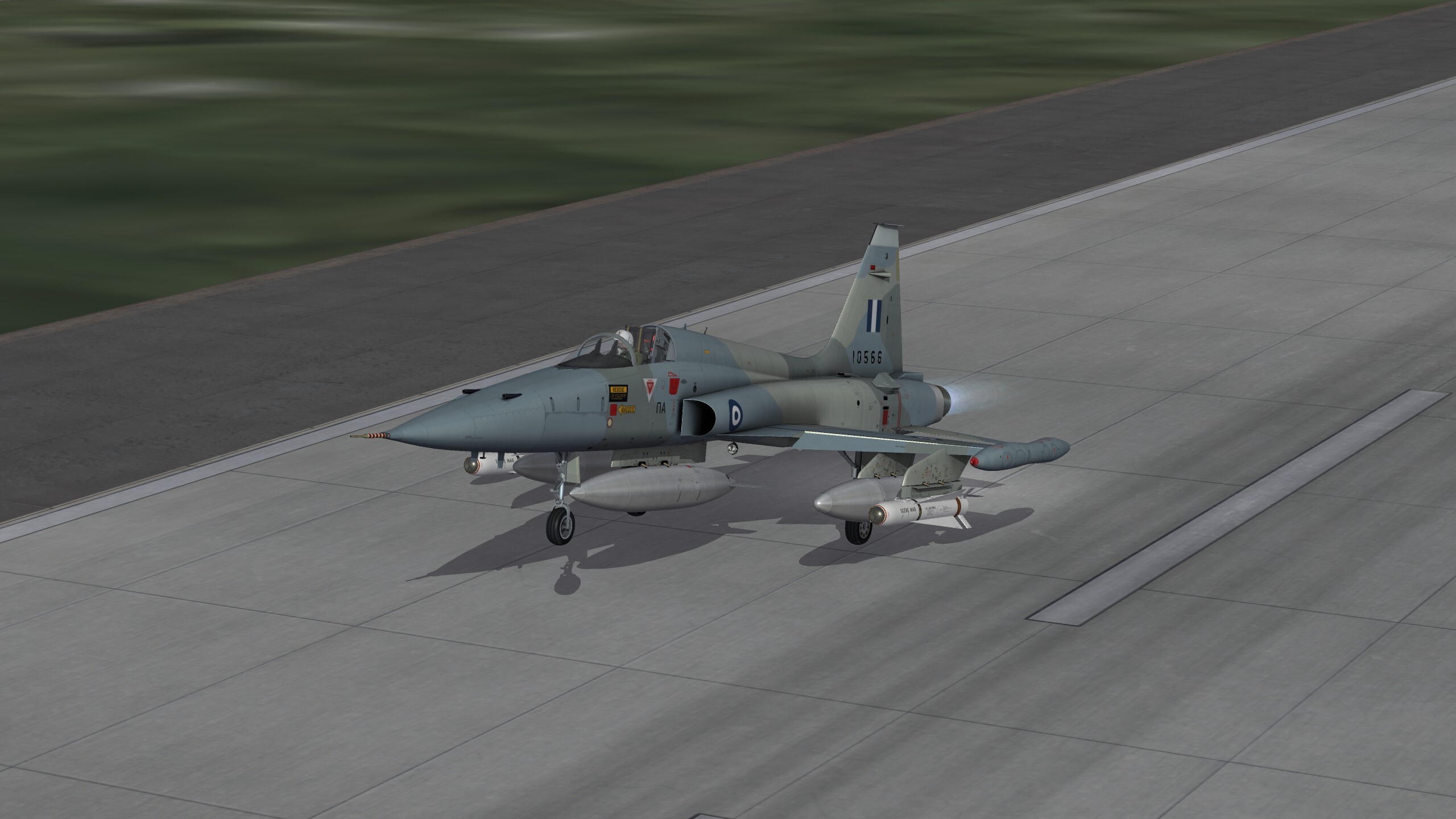
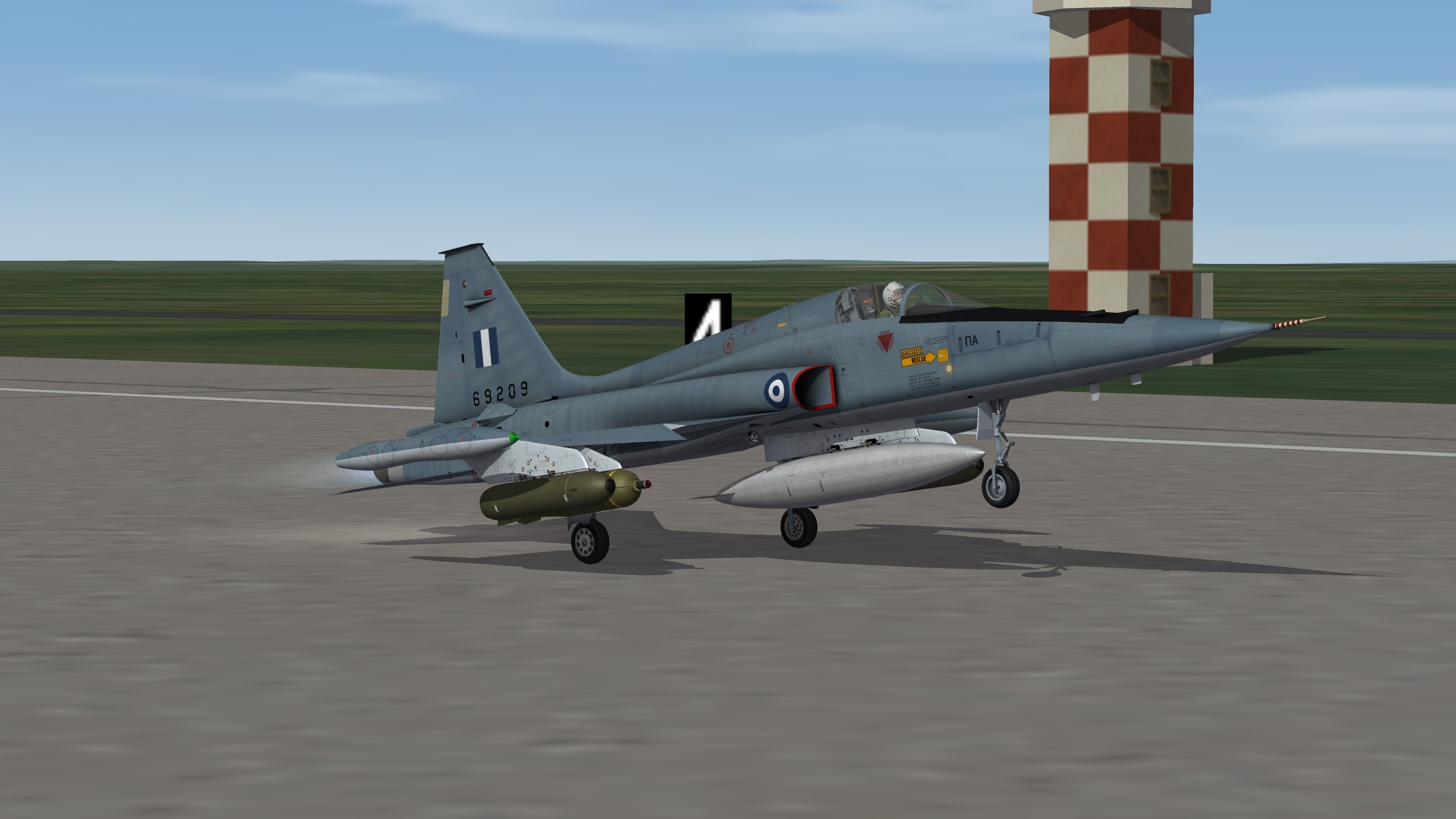
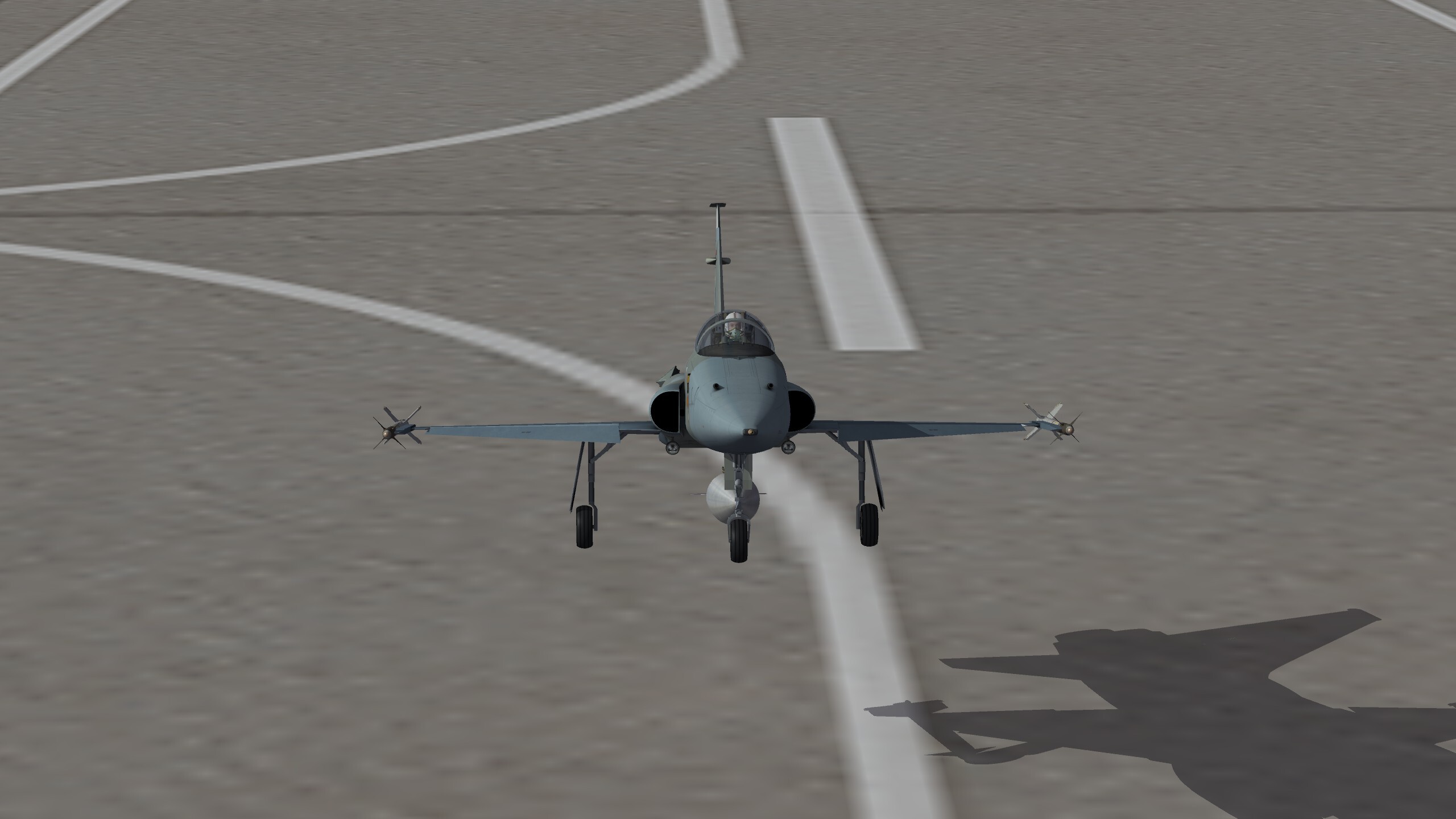
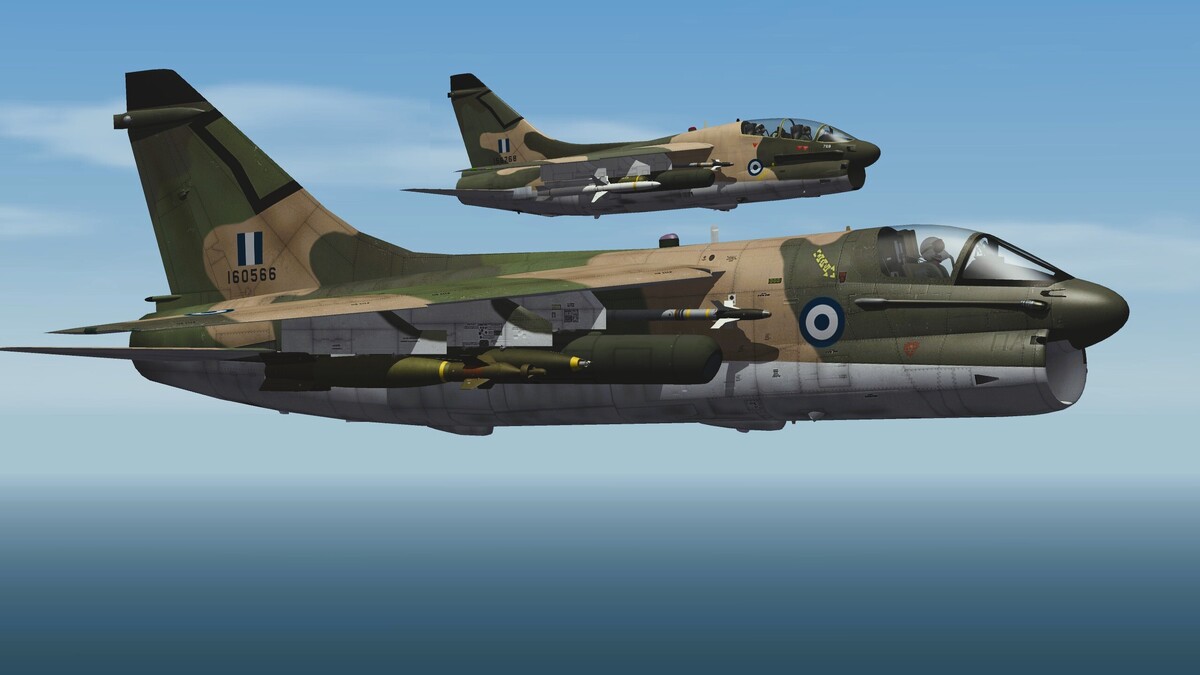
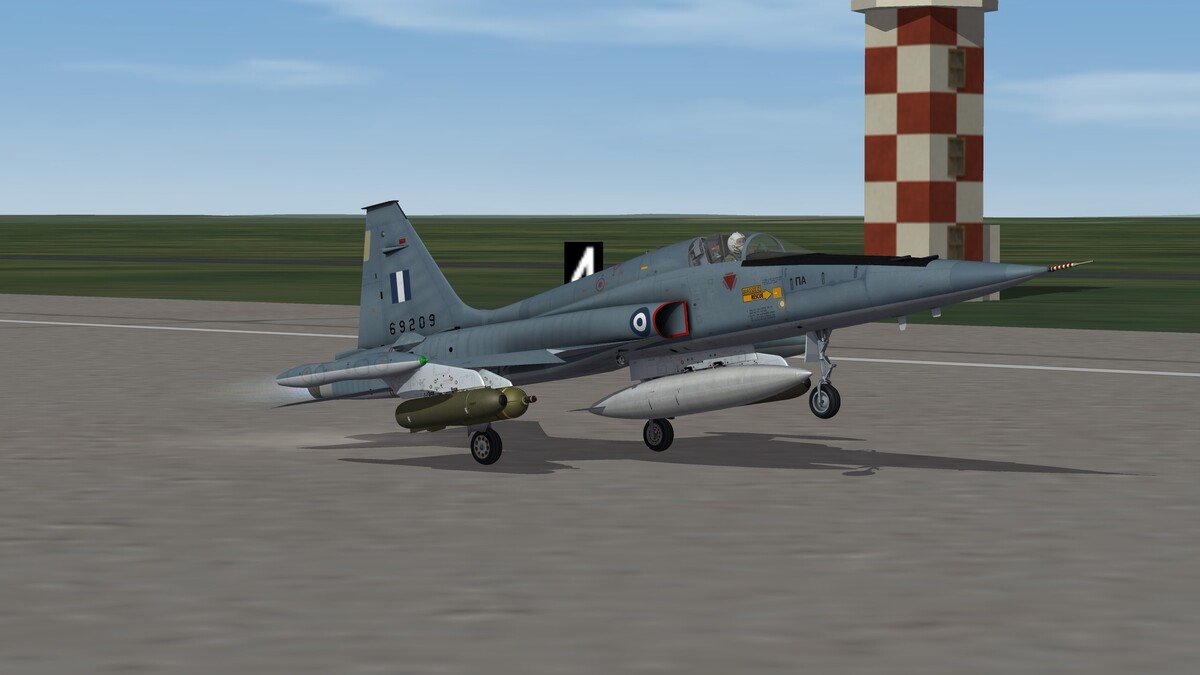
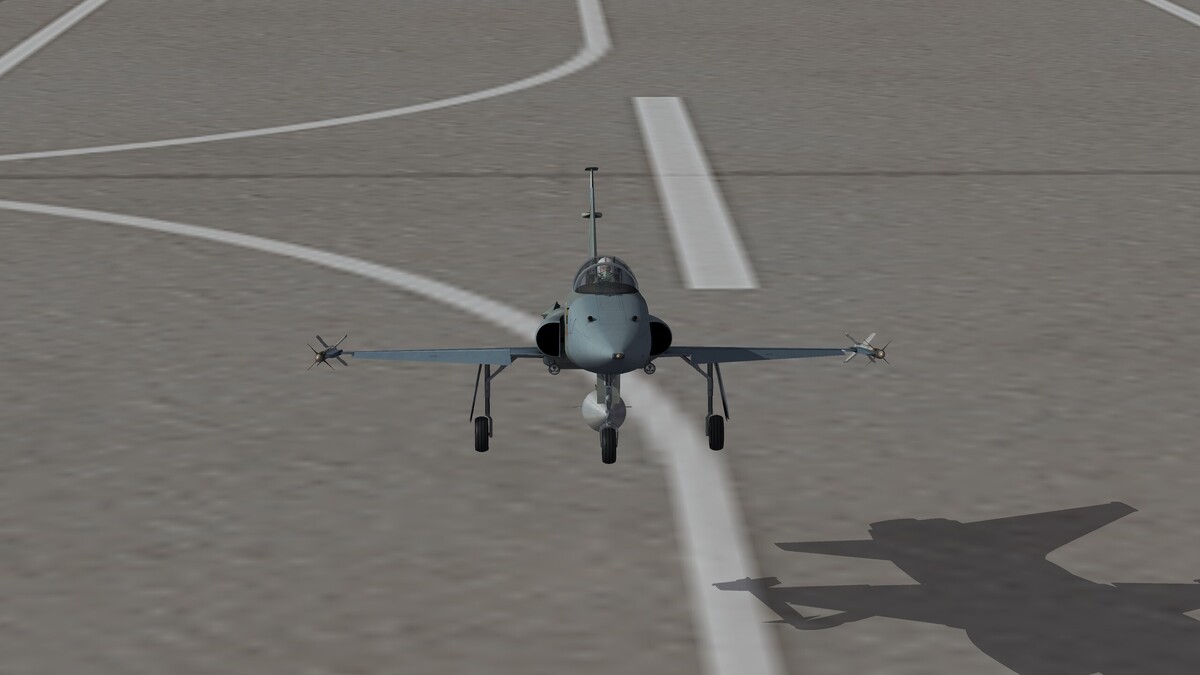
Incoming, agile and historical, all of the real ones plus a hypothetical variant.
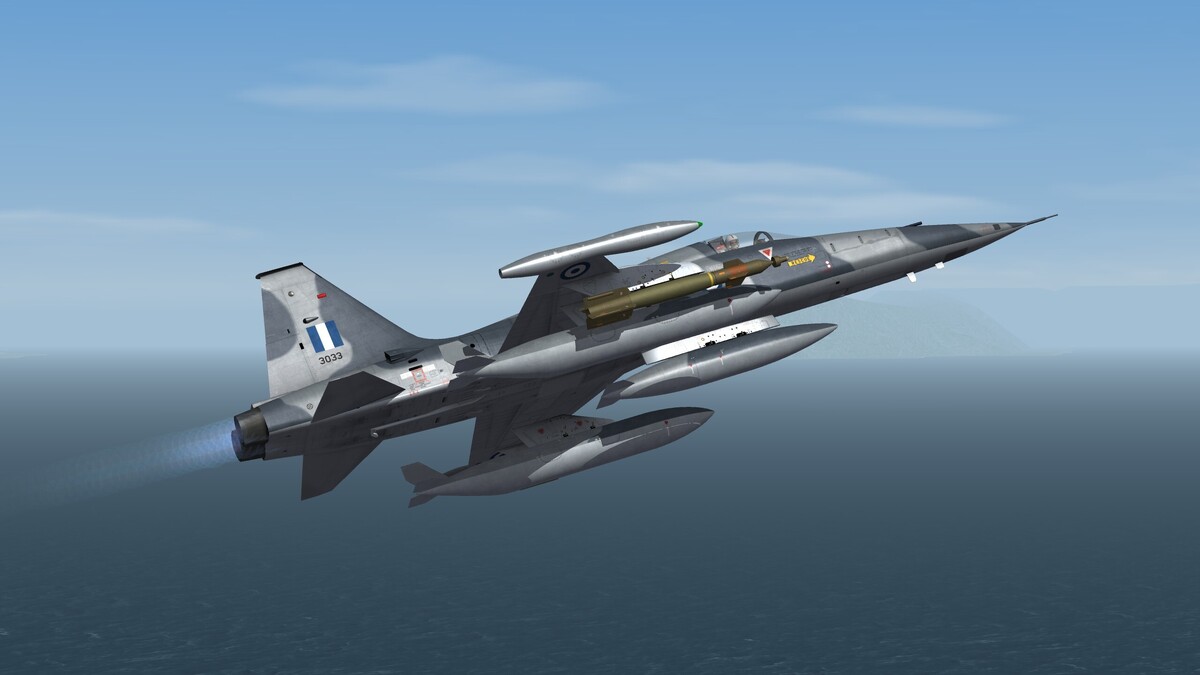
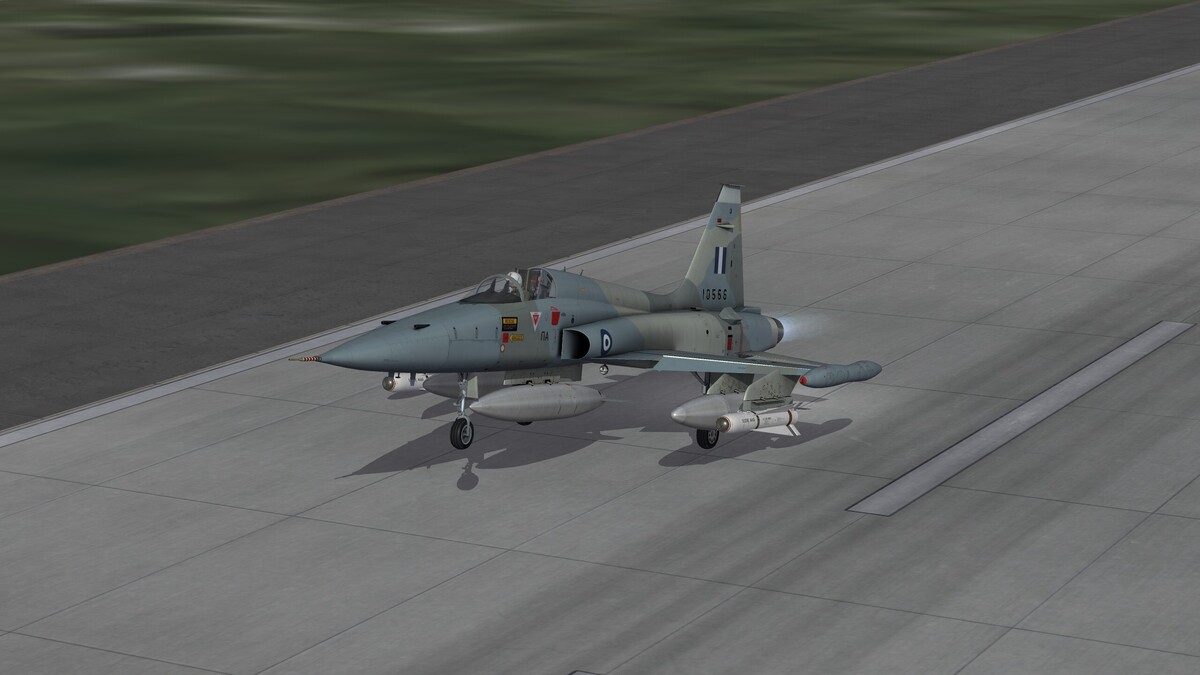
- 55 replies
-
- 16
-
-
Dear CA friends, Sophocles has send me a message yesterday that when using the AI he got a response about my nickname here. So I was myself curious and I've looked up what Gemini would tell about me and this is what I discovered: "In the actual SF2 modding scene, alfa2 is widely recognized as a core developer behind highly complex community aircraft packages. Key Contributions & Specializations Project "Godfather" Leader: alfa2 is the lead engineer behind Project "Godfather", a series of massive, highly praised aircraft overhauls on CombatACE. [1, 2]"