Silberpfeil
-
Posts
665 -
Joined
-
Last visited
-
Days Won
2
About Silberpfeil

Recent Profile Visitors
7,279 profile views




Silberpfeil's Achievements






-
Going back to the Burke Lakefront alignment issue, simply put a large white X at the end of each runway, and then establish your dates during the one-week timeframe when Cleveland would close down the airport to run auto races. Saw some good ones there during the '80's and '90's and I think they ran the last one about twenty years ago...
-
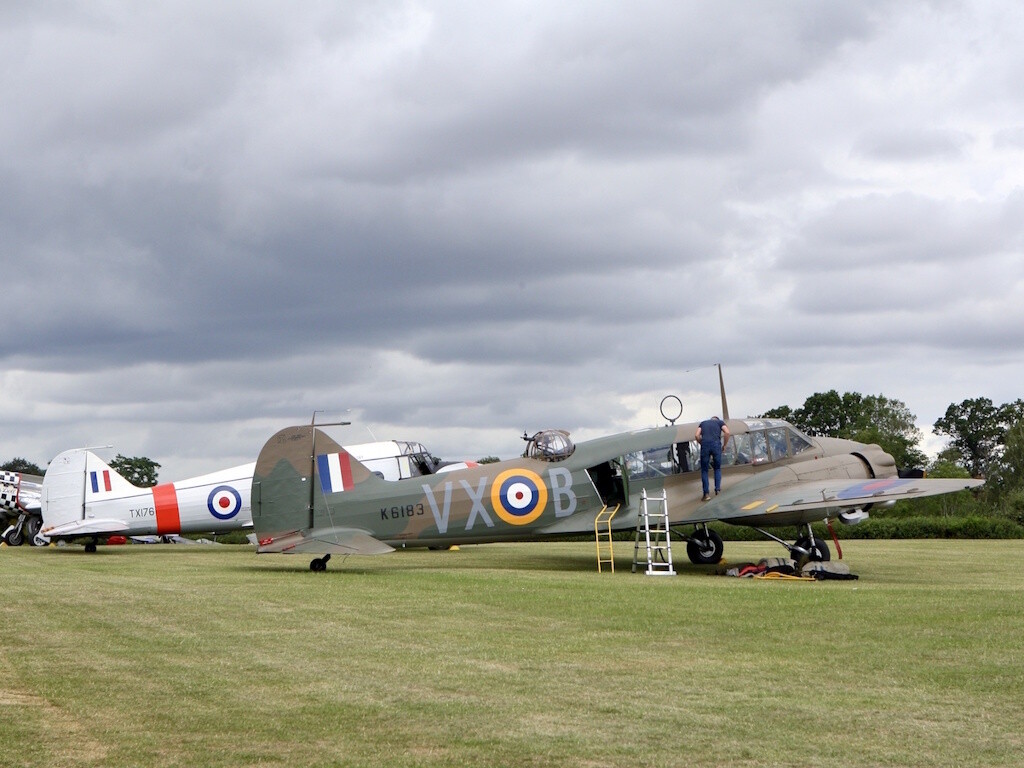
They're both Avro Ansons. K6183 is a 1943 RAAF Mk.1 (also known as a 652A), and TX176 is a 1946 RAF C.19. Both are airworthy, but I don't have any pix of them flying.
-
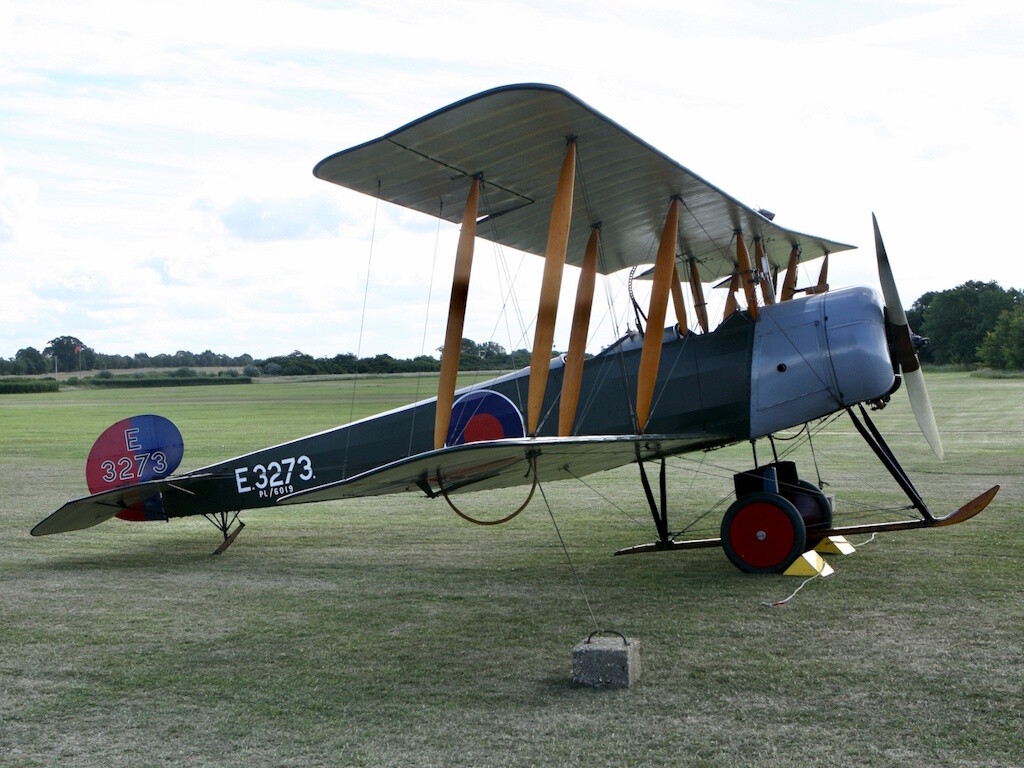
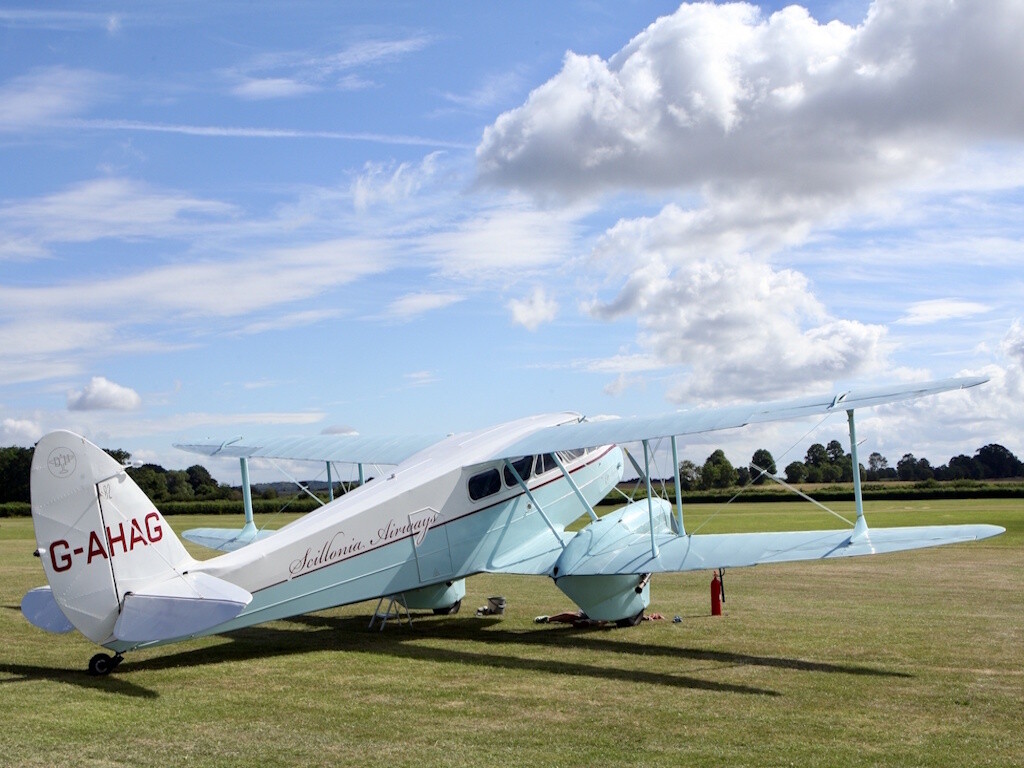
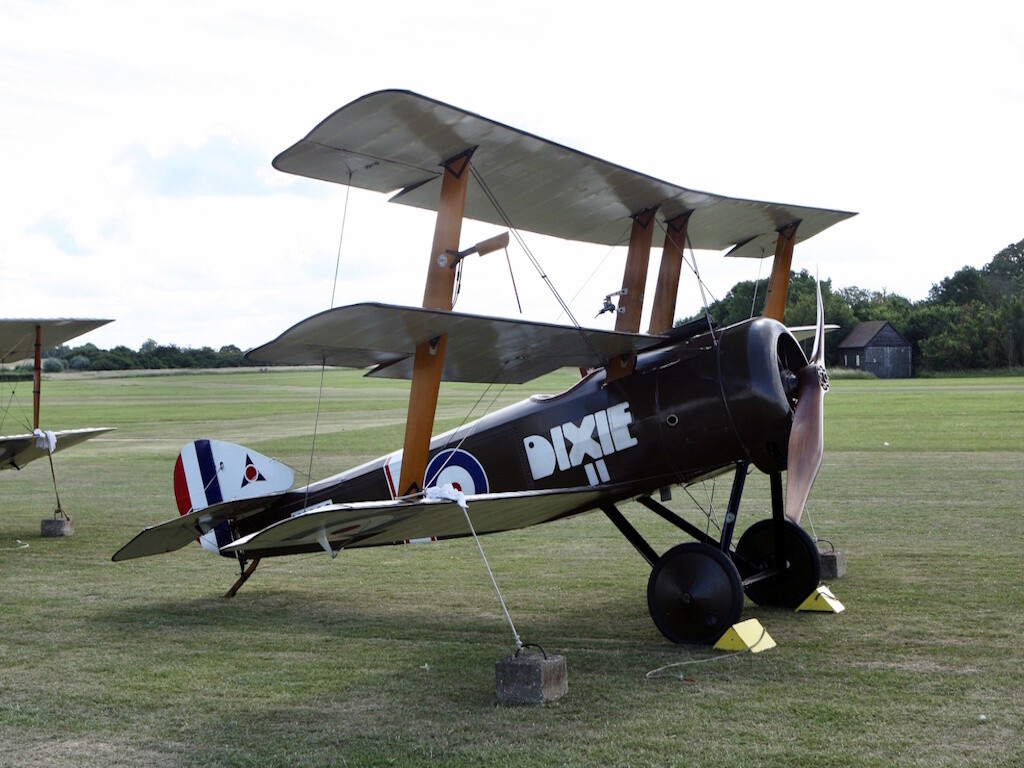
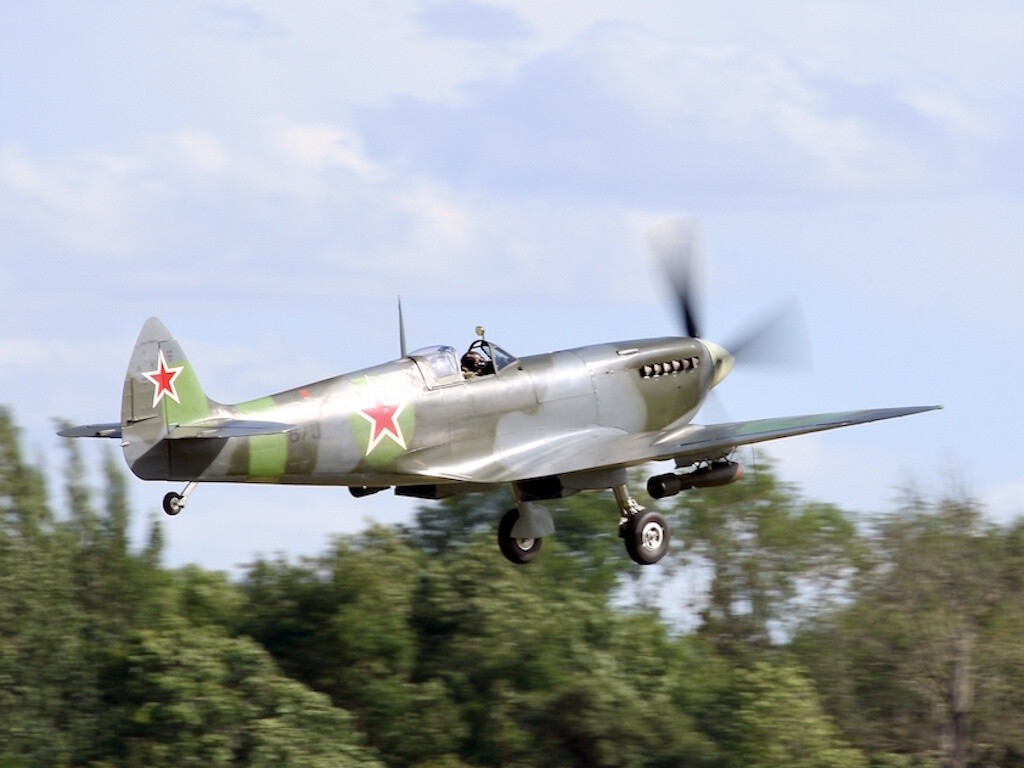
Miscellaneous pix from end of June...
.jpg.7e8a8978743d3b8b547eedc2ddf096ee.jpg)
.jpg.da17c293948cb901693946b1e3eb566d.jpg)
.jpg.86145a9c94d2071791d2daed997de462.jpg)
.jpg.e04e1808eba1617ef1ce4bcfe10c76a4.jpg)
.jpg.e25f44acc053329273f4db87eb0e72c3.jpg)
.jpg.6c2173a94ca7e895bcc93878736f053c.jpg)

.jpg.36781639c87d9173f019bbbcbec0a3c2.jpg)
.jpg.842e52a580ba476f048dfe76996745bb.jpg)
-
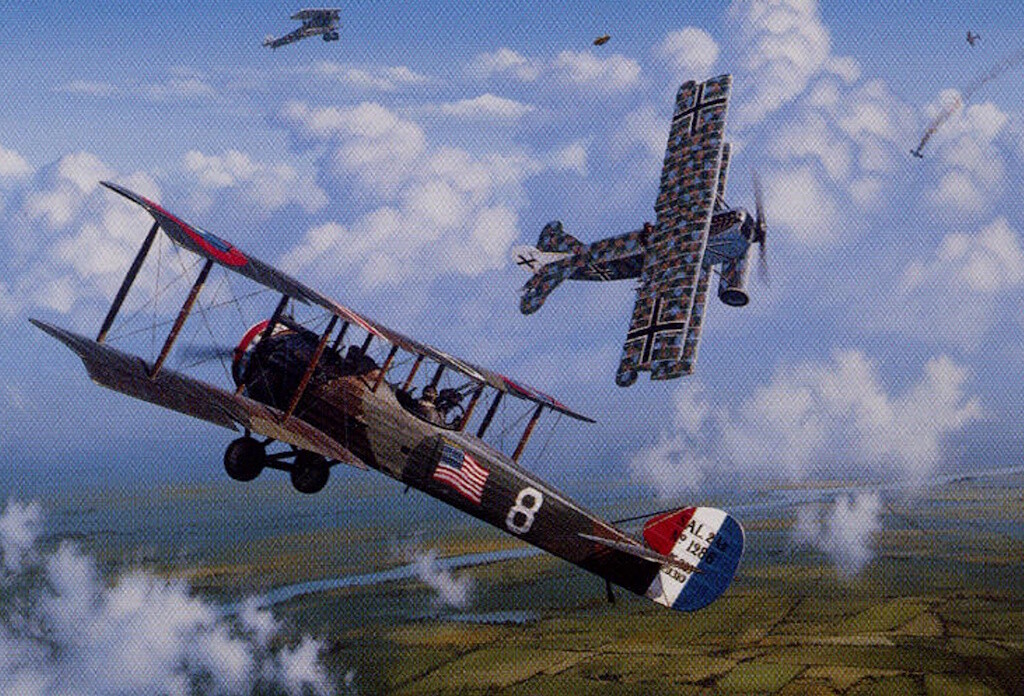
Whenever I'm in the mood to just go and bomb something, my choice is 1st Aero Squadron's Salmson 2 A.2 - it can't carry too many extra items that go "BOOM", so you have to be good at what you're doing to complete the mission successfully...
-
Interesting and informative commentary on why...
-
Interesting and informative video paying tribute to forty years of USMC AV-8B service following last month's official retirement of the aircraft.
-
Something for the FE/FE2 aficionados (and anyone else interested in antique aircraft restoration and flying). A little lengthy but very entertaining summary of Cole Palen's collection and enterprise.
-
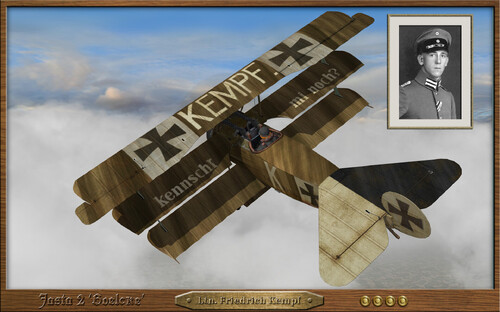 Thank you - I will be sure your name is mentioned in future dispatches to the Rittmeister!
-
- 1
-

-
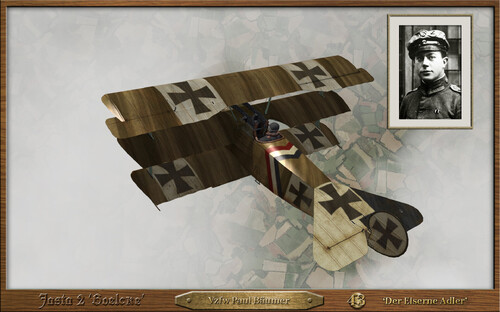 Nicely done JulioJunqueira! Somewhere in your busy schedule you should think about putting together a clinic on tips and tricks for painting and weathering WW1 aircraft skins!
-
- 1
-
-
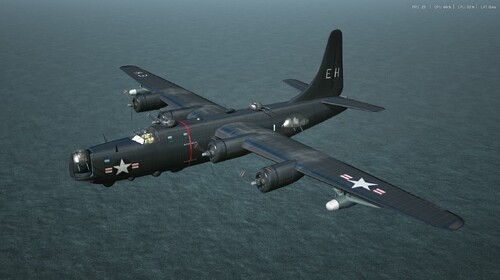 Kinda looks like I'll have to get out my wire brush and paint kit again...
 -
If you've got some extra yellow, you might try one of these. This is a 1960 Sikorsky S-58 - U.S.C.G. first named them HUS-1G and then later changed to HH-34F designation. Interesting to note the auxiliary/drop fuel tank located lower mid-port. The helo didn't have a very good safety record, and this was the last C.G. rotary wing model before the turbines took over.

-
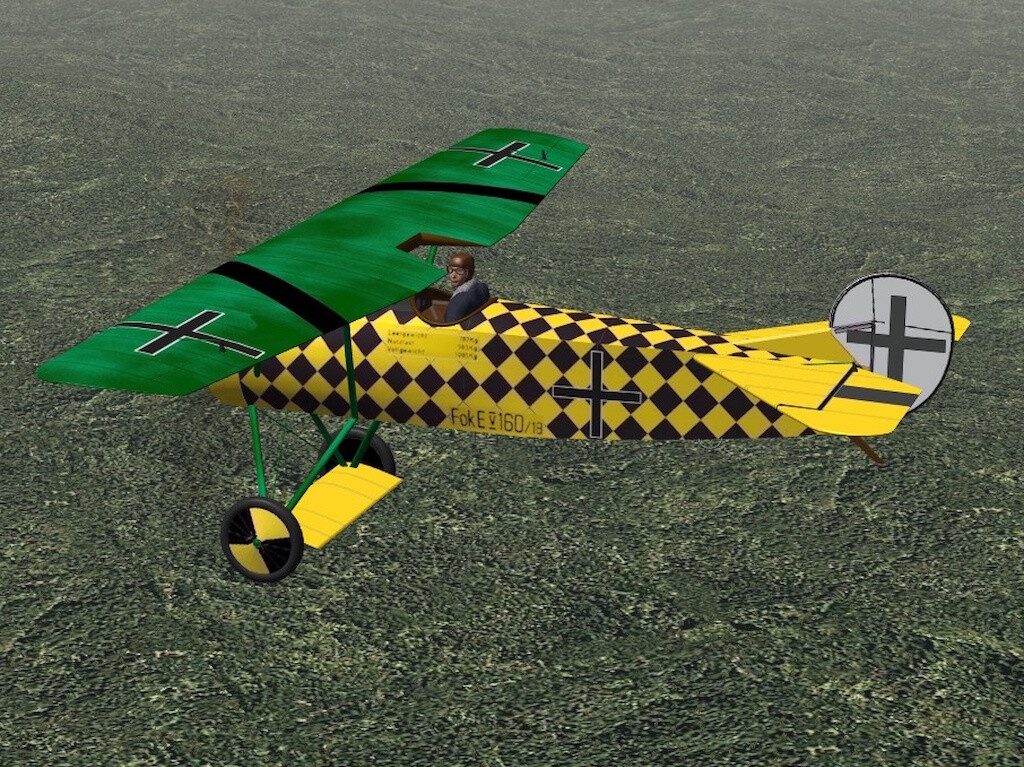
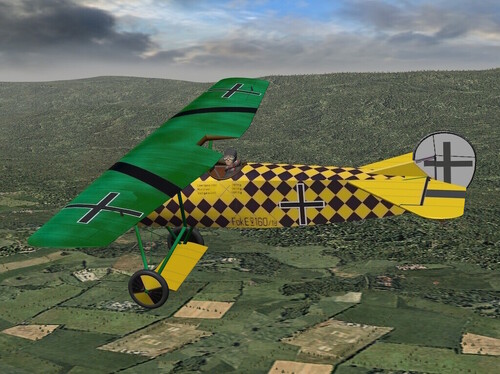
View File Sachsenberg Fokker E.V 160/18 Ltn.z.S. Gotthard Sachsenberg's E.V 160/18 has been uploaded as a supplemental skin for Stephen1918's Fokker D.VIII 1.0.0 model. You are downloading and installing this skin package and its included files at your own risk - they have been tested on FE2 with the base model only. Unzip the FokkerEV folder after downloading and refer to the ReadMe file for additional background information and installation instructions. Submitter Silberpfeil Submitted 04/14/2026 Category Fokker Skins
-
- 4
-

-
Version 1.0.0
18 downloads
Ltn.z.S. Gotthard Sachsenberg's E.V 160/18 has been uploaded as a supplemental skin for Stephen1918's Fokker D.VIII 1.0.0 model. You are downloading and installing this skin package and its included files at your own risk - they have been tested on FE2 with the base model only. Unzip the FokkerEV folder after downloading and refer to the ReadMe file for additional background information and installation instructions. -
No direct experience with DGVoodoo2 used with FE, so can't comment on that. My first experience has been with an older (but hardware capable) Windows 10 desktop that had FE2 installed - IIRC, there was no need to change compatibility or other settings. I upgraded the desktop to Windows 11 a couple months after it was first available and had no difficulties with operating FE2 after the upgrade. Sometime after that I purchased a new Windows 11 laptop. After installing FE2 in the new machine I experienced choppy flight experience with an occasional hard CTD. Changing the FE2 properties to compatibility with Windows 7 was a partial solution, as was checking Settings/System/Optional features/More Windows features to be sure both “Legacy” boxes were checked. Another option that seemed to help was downloading and installing the DirectX EndUser Runtimes Web Installer program that may be found at: https://www.microsoft.com/en-us/download/details.aspx?id=17431 Good luck! And for all the rivet-counters out there, here's my mandatory forum screen pic: