eightlein
-
Posts
469 -
Joined
-
Last visited
Content Type
Profiles
Forums
Gallery
Downloads
Store
Everything posted by eightlein
-
File Name: F-8E Landing Light File Submitter: eightlein File Submitted: 9 Feb 2006 File Updated: 31 Oct 2006 File Category: SF Object Mods For the WOV AC. Instructions in the Read me. Click here to download this file
-
File Name: F-104G Landing Lights File Submitter: eightlein File Submitted: 8 Feb 2006 File Updated: 31 Oct 2006 File Category: SF Object Mods For the STOCK SF aircraft. Instructions in the Readme. Click here to download this file
-
File Name: A-4 Landing Light-Update File Submitter: eightlein File Submitted: 5 Feb 2006 File Updated: 31 Oct 2006 File Category: SF Object Mods Contains minor update to the specs. Instructions in the Read me Click here to download this file
-
File Name: F105D Landing Lights-UPDATE File Submitter: eightlein File Submitted: 3 Feb 2006 File Updated: 31 Oct 2006 File Category: SF Object Mods File has original and updates for the Main Landing Gear Lights. Specs & Instructions in the Read me. Click here to download this file
-
File Name: F-106A Landing Lights File Submitter: eightlein File Submitted: 2 Feb 2006 File Updated: 31 Oct 2006 File Category: SF Object Mods Permission to mod the F-106A granted by "Pasko". Instuctions in the Read me. Click here to download this file
-
File Name: A-6 Landing Light File Submitter: eightlein File Submitted: 1 Feb 2006 File Updated: 31 Oct 2006 File Category: SF Object Mods For SF/WOV. Instructions in the Read me. Click here to download this file
-
File Name: A-7 Landing Light File Submitter: eightlein File Submitted: 1 Feb 2006 File Updated: 31 Oct 2006 File Category: SF Object Mods For A-7, "A" and "B". Instructions in the read me. Click here to download this file
-
Who wants to be Chickenhawk!
eightlein replied to spook27's topic in Mission/Campaign Building Discussion
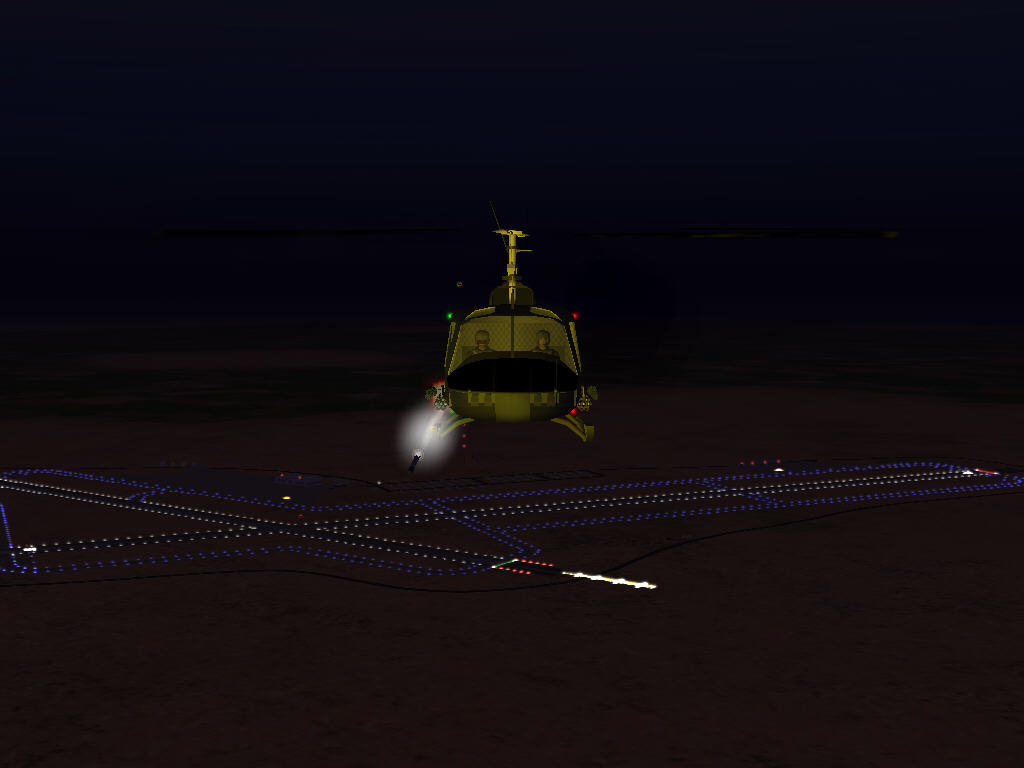
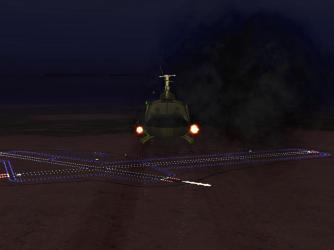
Spook, I think we need some night vision gear here...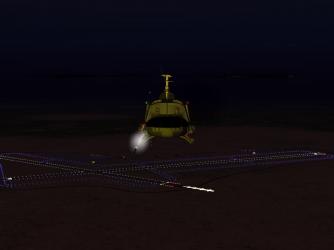
-
What and ending!!! Couldnt have been scipted any better.....bottom of the ninth, 2 on, 2 out....Bam!!!
-
Very, very nice job Ant, ..oh btw...you have a light out on the left fuselage......... baaahaaa made ya look.!!
-
Guys, Any heading bugs found with the stock or add on AC statics in WOE?
-
Ok on the info PT. The F-4's are fine. The F-100D are the problem at this juncture. I'll recheck. Thanks.
-
For WOV. Anyone experience the Static AC changing their heading or spot after applying recent patch?? Thanks.
-
bubu, Any number of things. Mirrors, Lens Flare, multiple SAMS etc etc. Which sim? and what are your settings in the options menu?
-
Think this just about sums it up guys....for the SECOND time.
-
Gather round boys and girls: Bazze has requested that in the future NONE, repeat NONE of his model's are to be redistributed without his written consent and posting of same. He does not wish this mod to be pulled and spoil the enjoyment that is derived from same. He considers the issue concerning this particular mod closed.
-
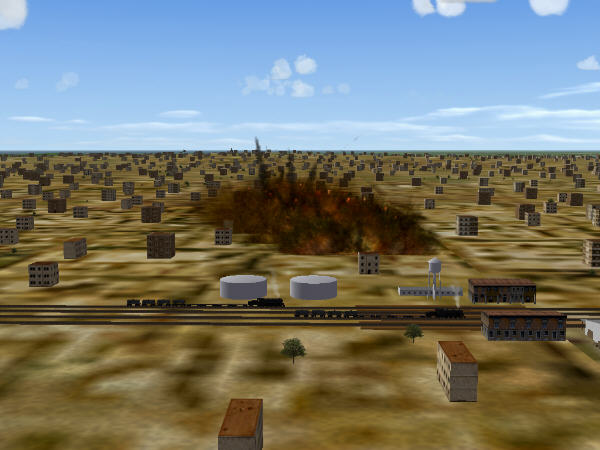
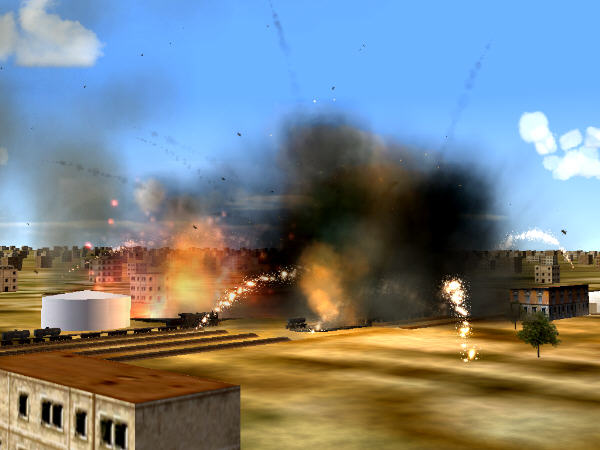
Haiphong Rail Yard 032567, 0900hrs
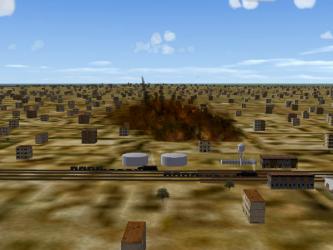
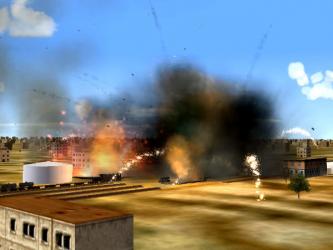
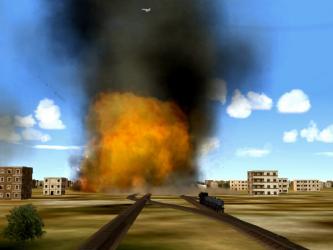
-
Nice columns there Ed.
-
Check this against what you have. This is stock MF F-5E. [LeftFlap] SystemType=HIGHLIFT_DEVICE CLiftdc=0.20 CDdc=0.035 Cmdc=-0.005 DeltaStallAlpha=-2.00 AreaRatio=1.00 DeploymentMethod=AUTOMATIC_AERODYNAMIC_LOAD Setting[1].Angle=8.0 Setting[1].DeployValue=144.0 Setting[1].RetractValue=154.3 Setting[2].Angle=20.0 Setting[2].DeployValue=97.74 Setting[2].RetractValue=108.76 MaxDeflection=20.0 MinDeflection=0.0 ControlRate=1.0 ModelNodeName=LeftFlap ReverseModelOrientation=TRUE [RightFlap] SystemType=HIGHLIFT_DEVICE CLiftdc=0.20 CDdc=0.035 Cmdc=-0.005 DeltaStallAlpha=-2.00 AreaRatio=1.00 DeploymentMethod=AUTOMATIC_AERODYNAMIC_LOAD Setting[1].Angle=8.0 Setting[1].DeployValue=144.0 Setting[1].RetractValue=154.3 Setting[2].Angle=20.0 Setting[2].DeployValue=97.74 Setting[2].RetractValue=108.76 MaxDeflection=20.0 MinDeflection=0.0 ControlRate=1.0 ModelNodeName=RightFlap
-
Ash, I assume your talking SF etc games. TK has known that the AI bombers do not act quite right. Try changing the formation to Soviet. That does improve em sometimes, but not all. Check around for some mods to the formations here and at SMHQ.com
-
Now go SAR for the grey hair where it wasnt last night!!!! Happy Birthday!!
-
WOV: switch on the lights on the runway and on the carriers
eightlein replied to Mur's topic in General Discussion
Mur, I am assuming your familar with the extract utility tool and procedure. If not, get the SFP1 extract utility in the SF/WOV utilities category. You cant do anything without doing that first. You must extract the airfield data INI's from the CATDATA file, make your changes then place it in the VietnamSea terrain folder. This will over ride the default settings. The changes you wish to make are done in the individual airfield dataini's. The default setting for the lights to come on is 0.25. If you increase that number they come on sooner. Theres a post in here at CA I think in the SF/WOV mods section that tells you a bit about it. Each light set has to be done indiviually. For example VietnamSea_Airfield4 dataini: [LightSet002] LightOn=0.25 <<<<<<increase this, the higher the num, the earlier they come on. Color=0.25,0.25,0.88 Material=LightMaterial Height=0.5000 Size=0.2000 Directional=FALSE Prefix=TPoint TPoint01=-279.0145,-726.979 This is just a partial of the lightset for the taxi lights. You can also play with the environmental settings dataini's which will affect when the lights will come on. Its best to check around, read posts, and check the knowledge base. Lot of stuff in there. It may sound complicated, but once you get the hang of it, its quite easy to modify your INI files. Some of the mods are already done regarding this subject. Look in the downloads section section for SF/WOV/WOE. The game does not provide for lighted carriers. -
kurt, when u get a chance check out the knowledge base section in woe/wov/sf regarding multiplayer.
-
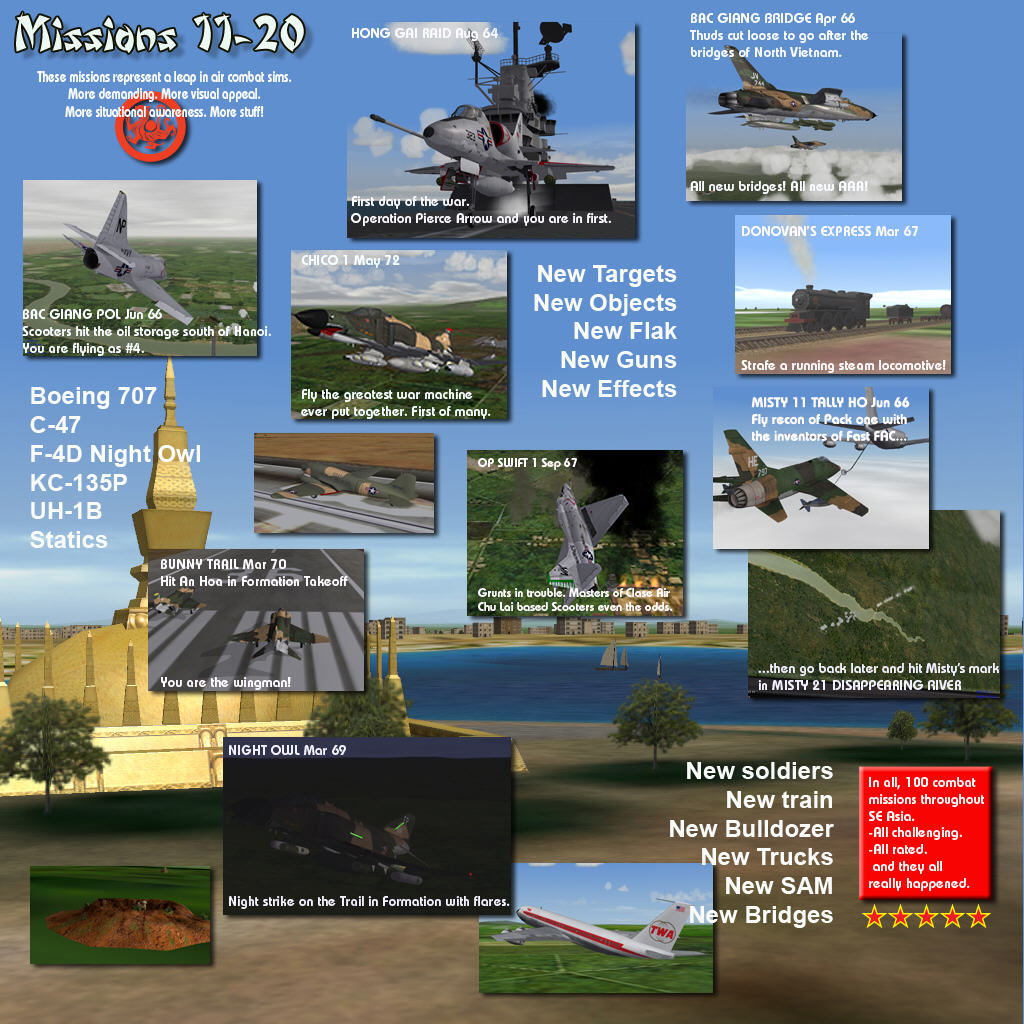
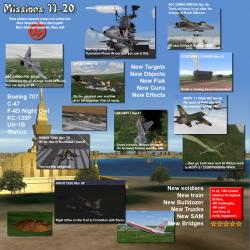
YAP has released missions 11-20.
-
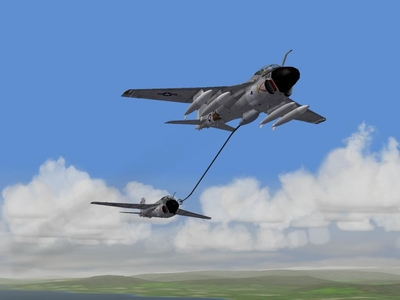 A-6 Refuel