
GKABS
-
Posts
4,026 -
Joined
-
Last visited
-
Days Won
262
Content Type
Profiles
Forums
Gallery
Downloads
Store
Everything posted by GKABS
-
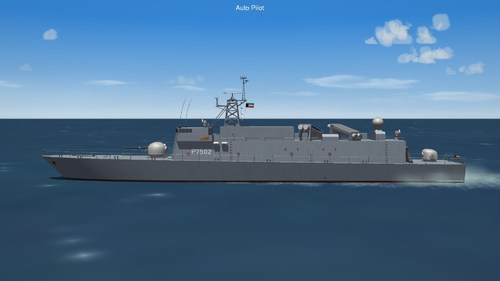
Version 1.1.0
182 downloads
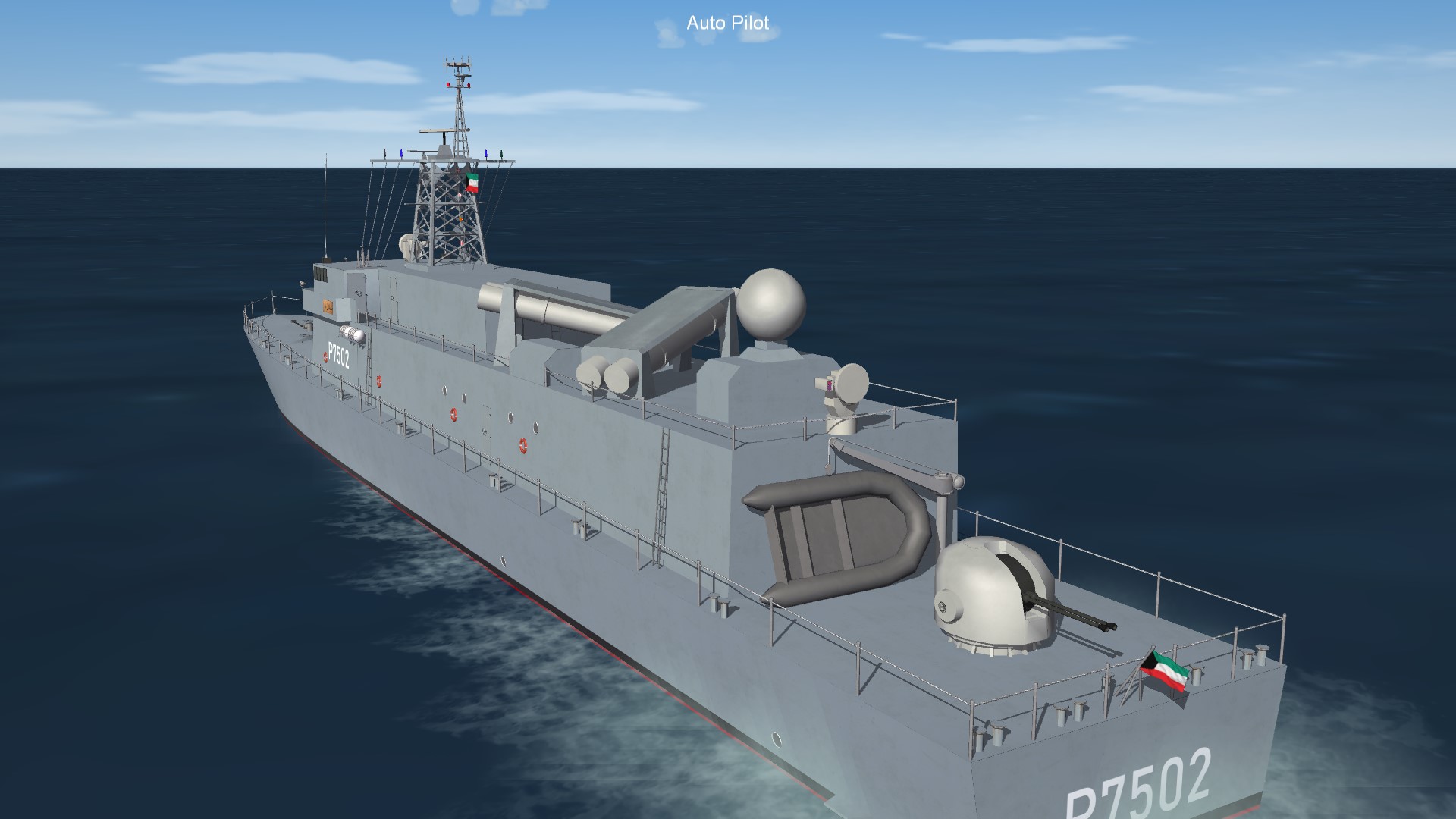
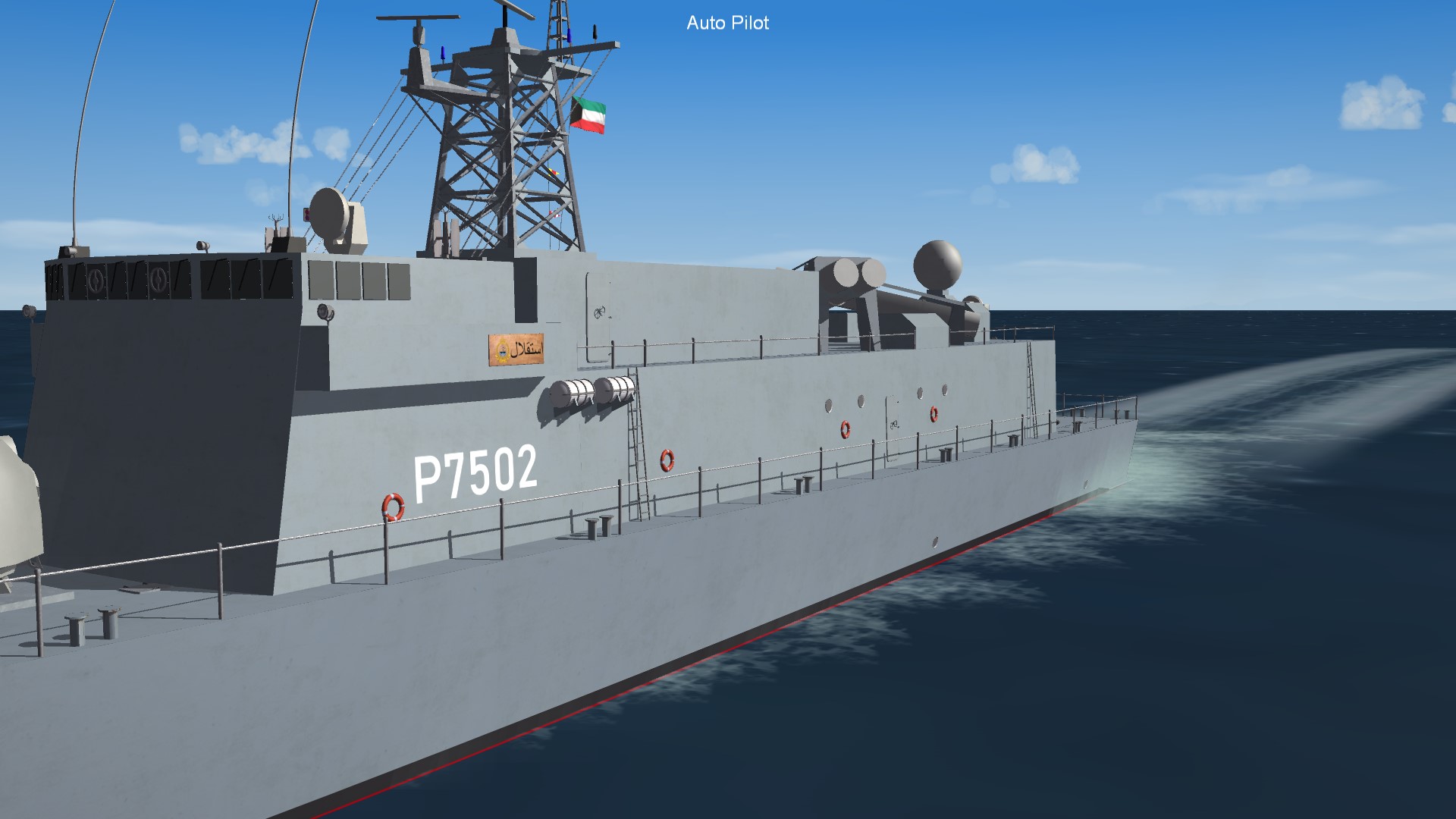
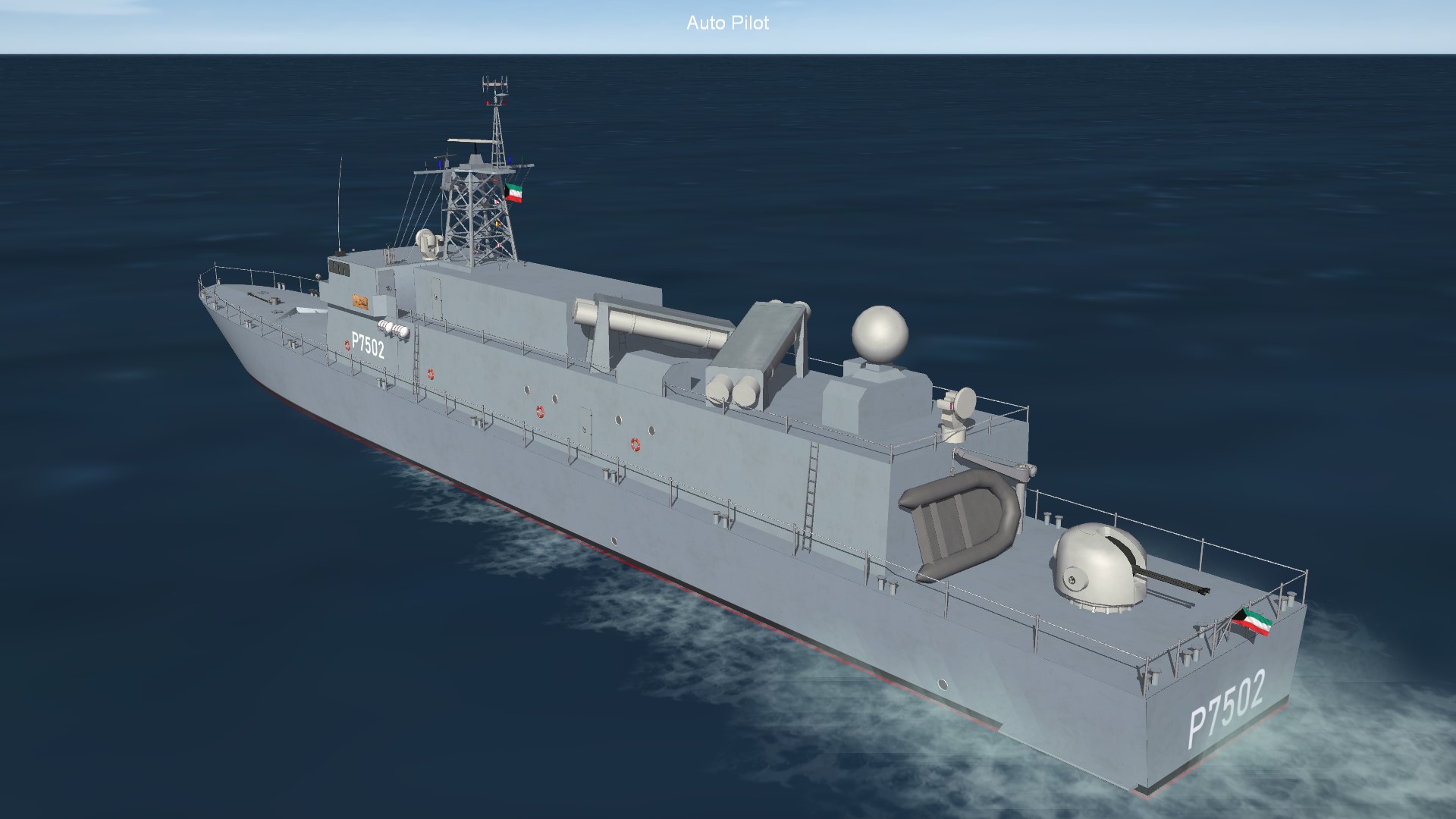
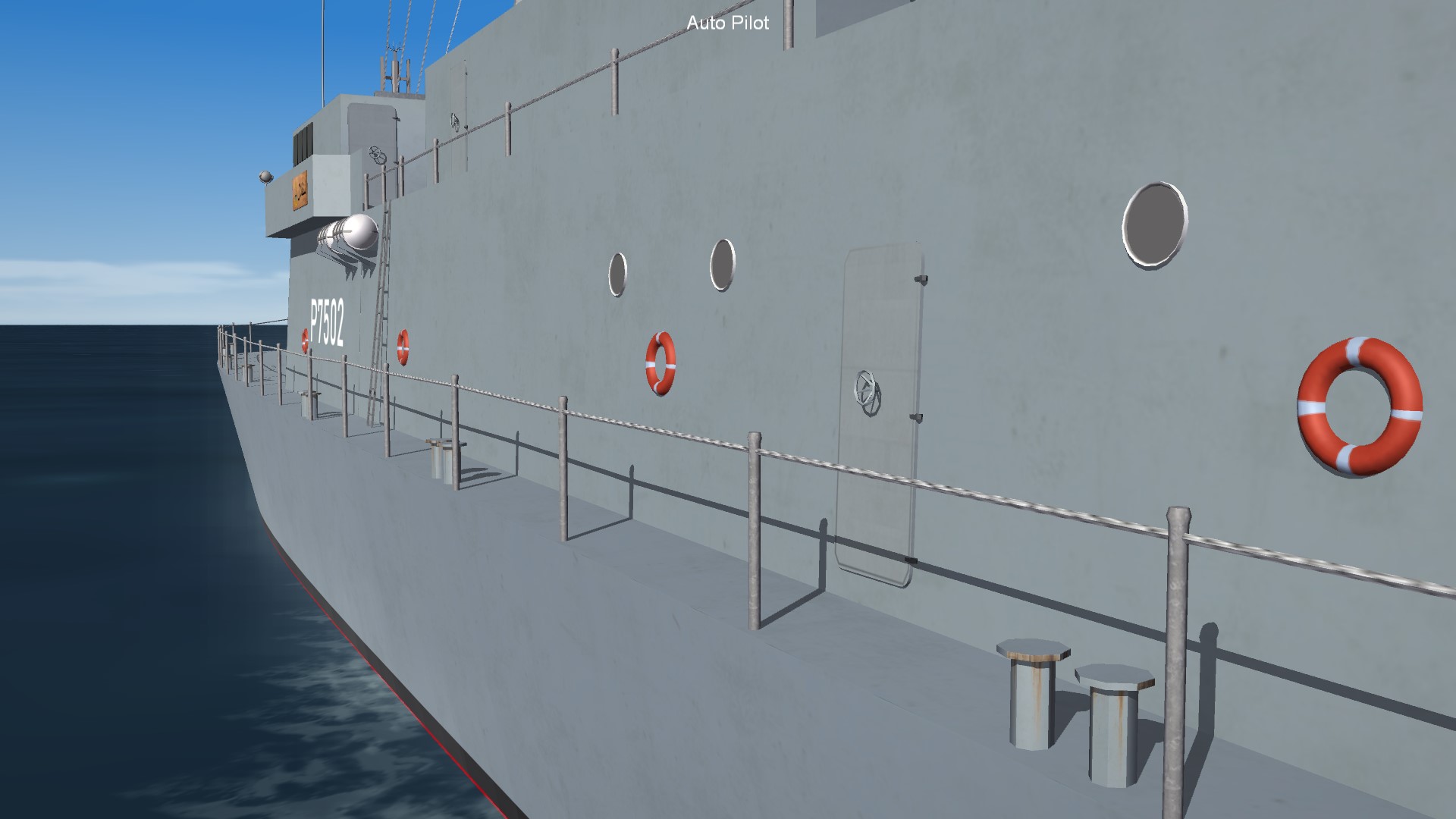
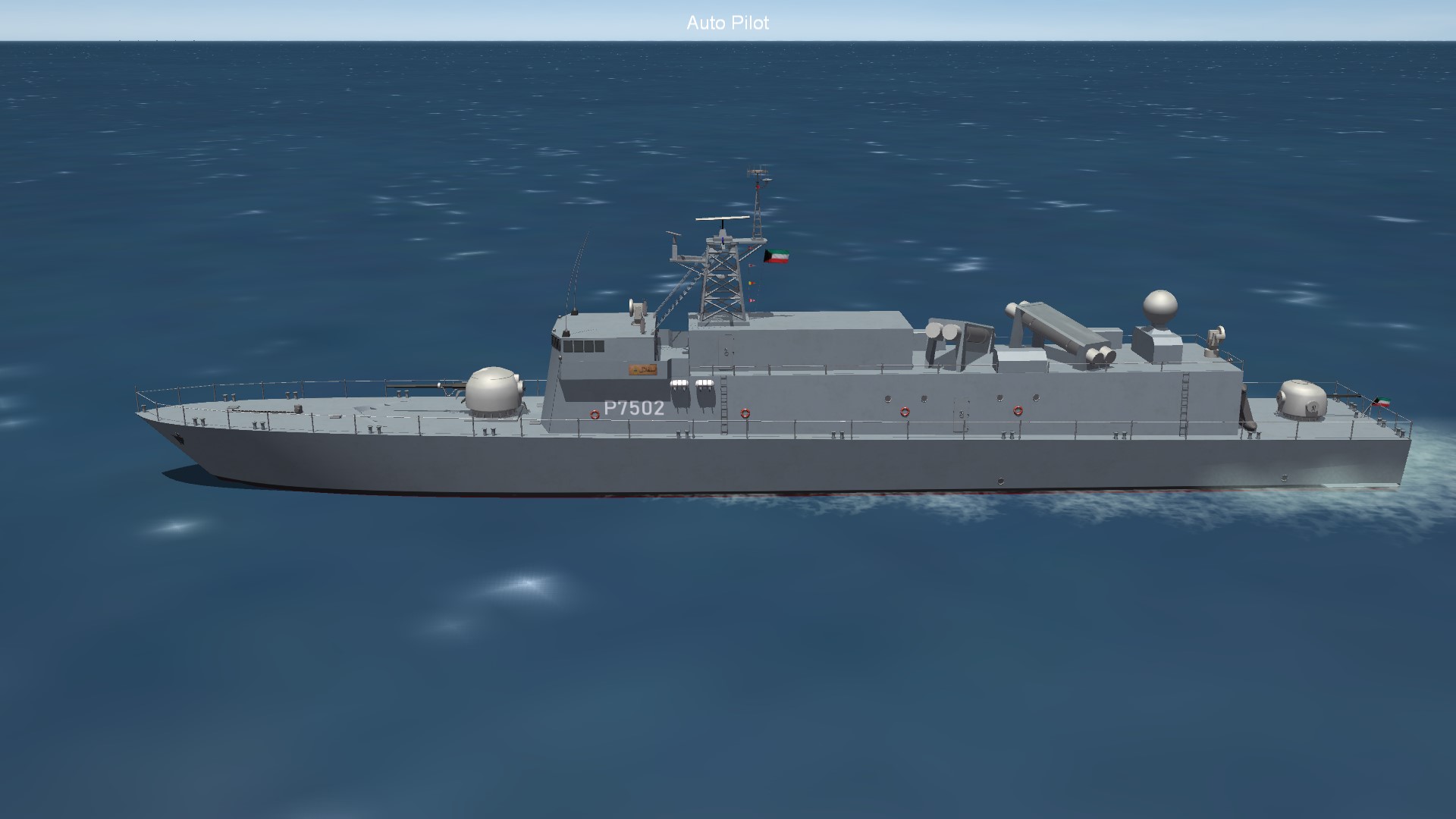
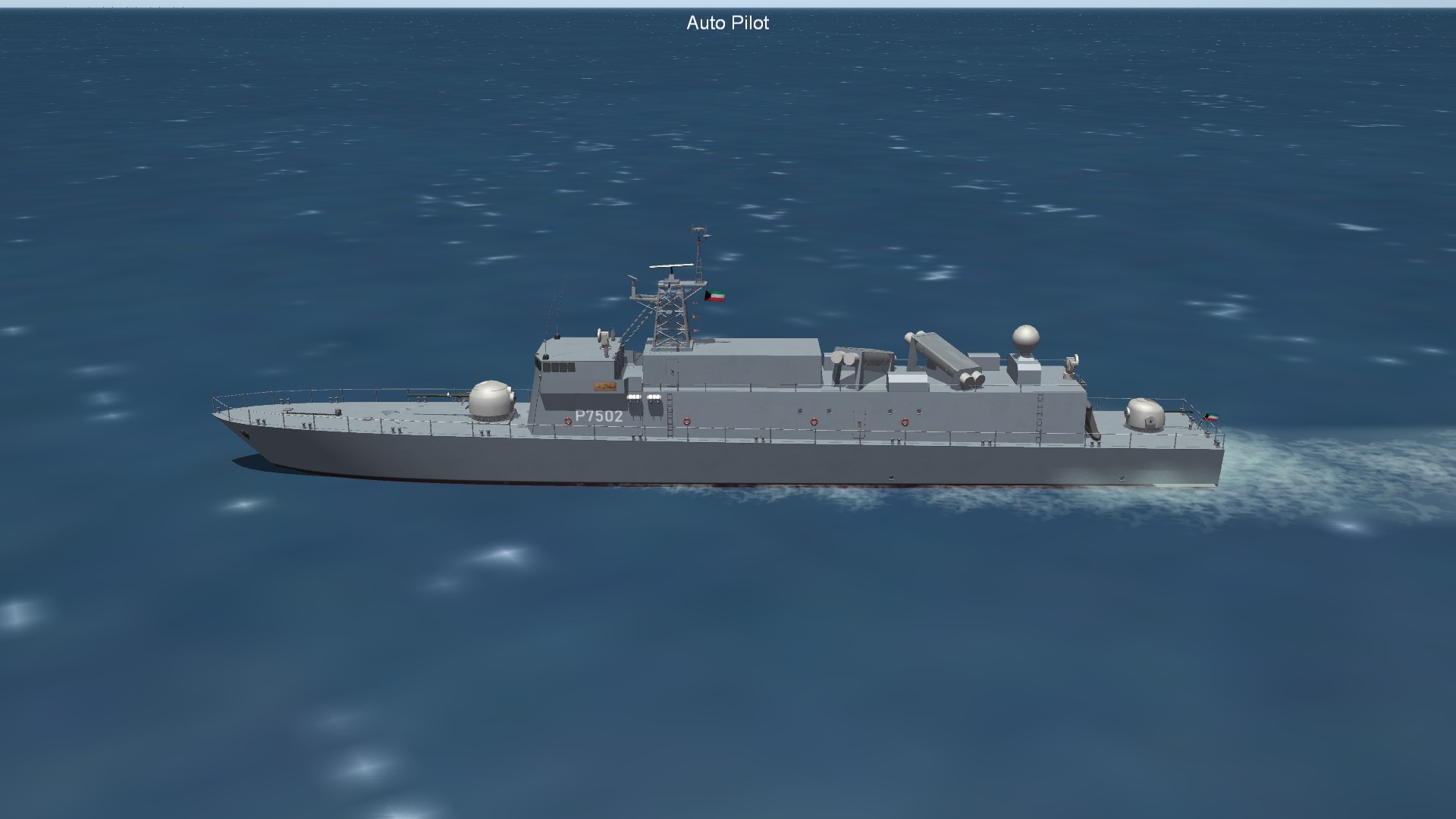
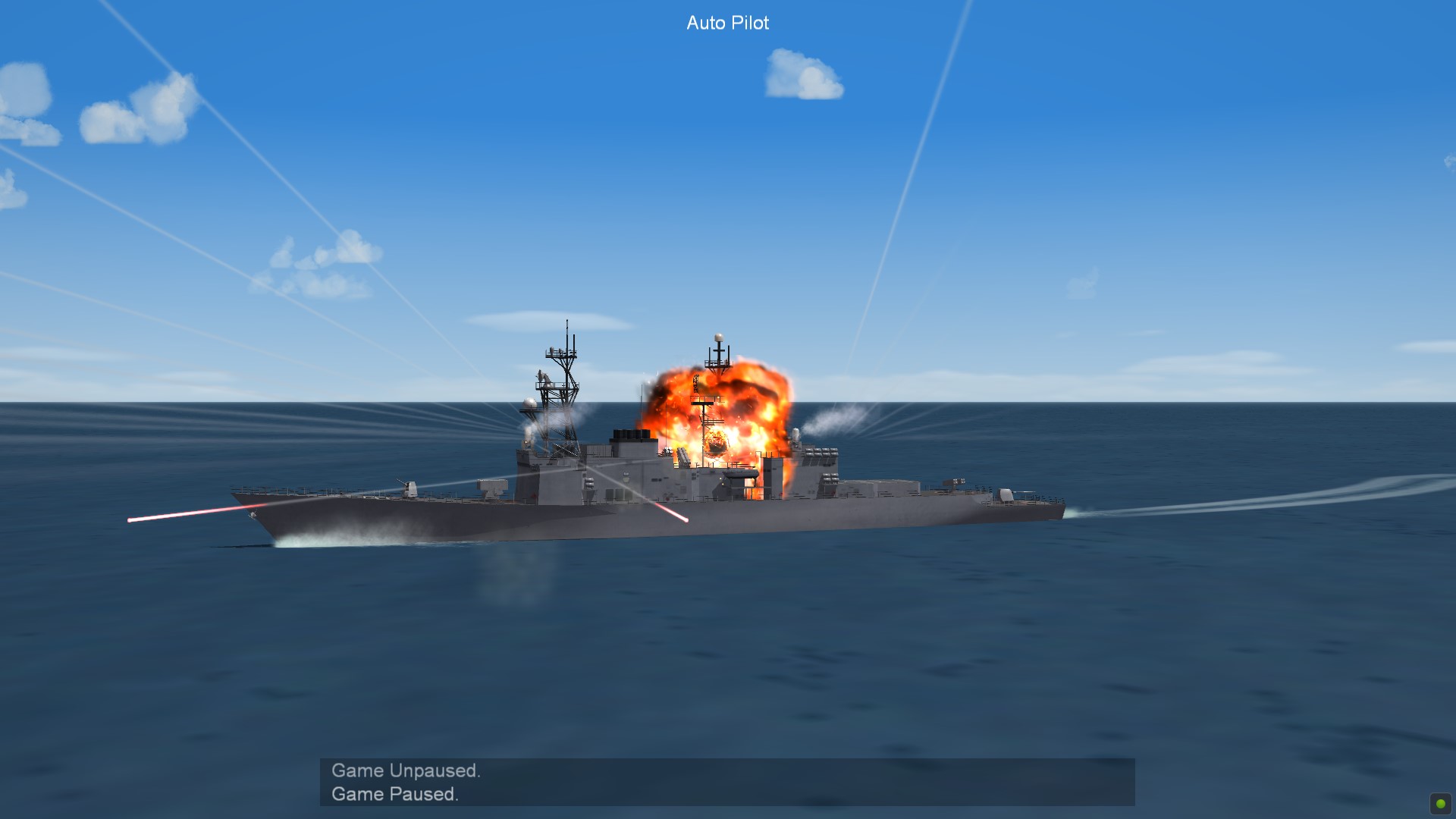
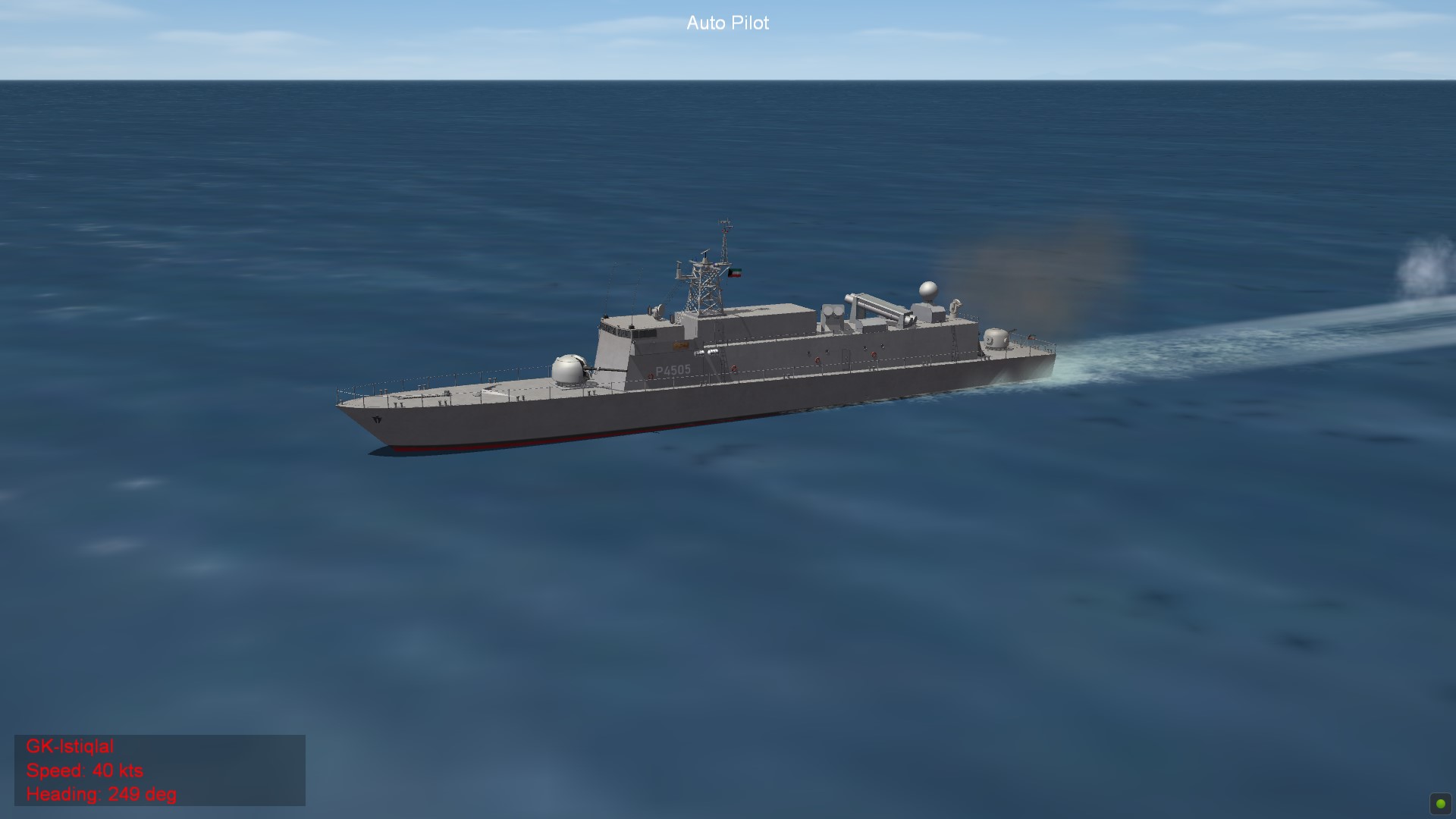
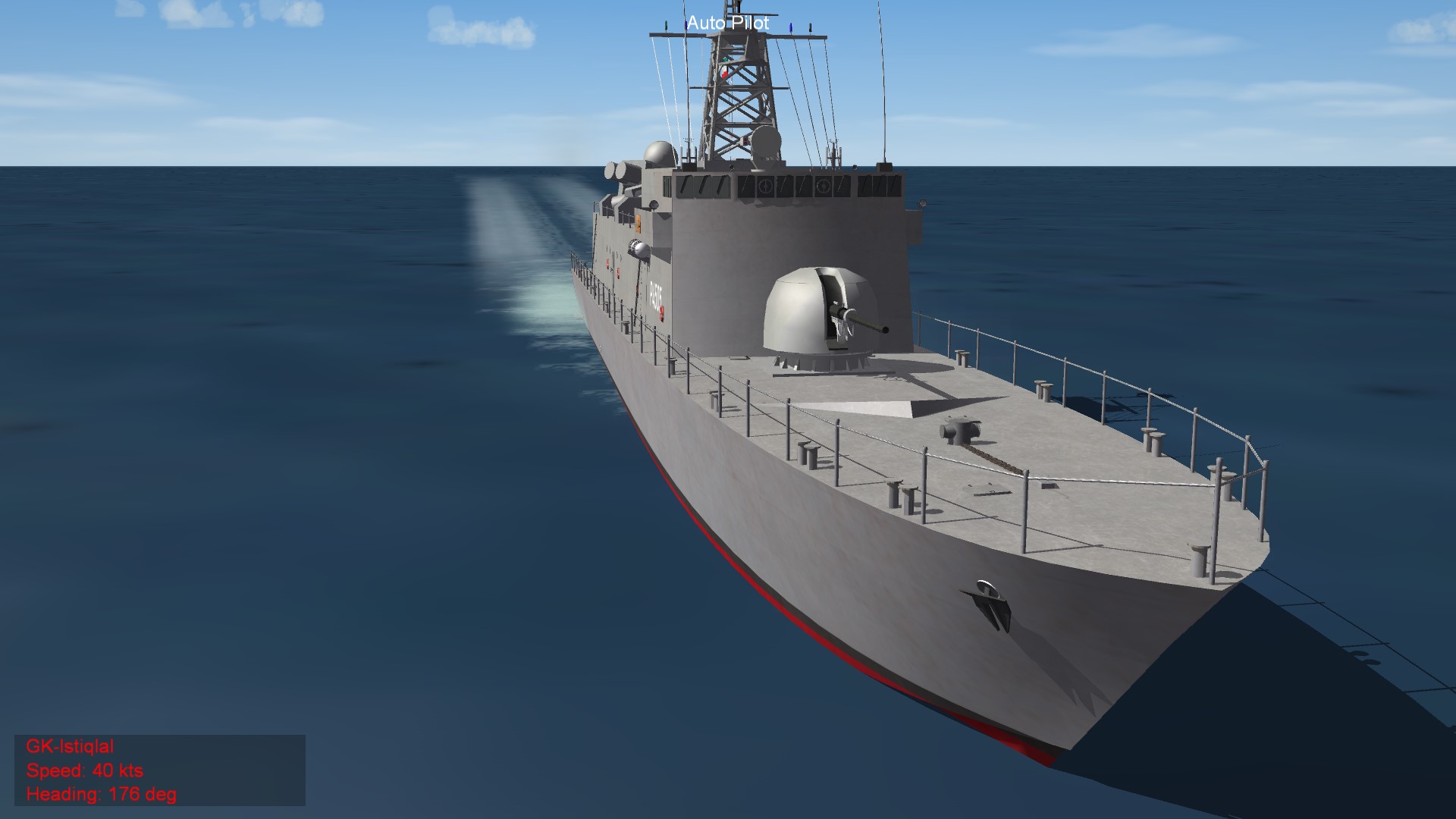
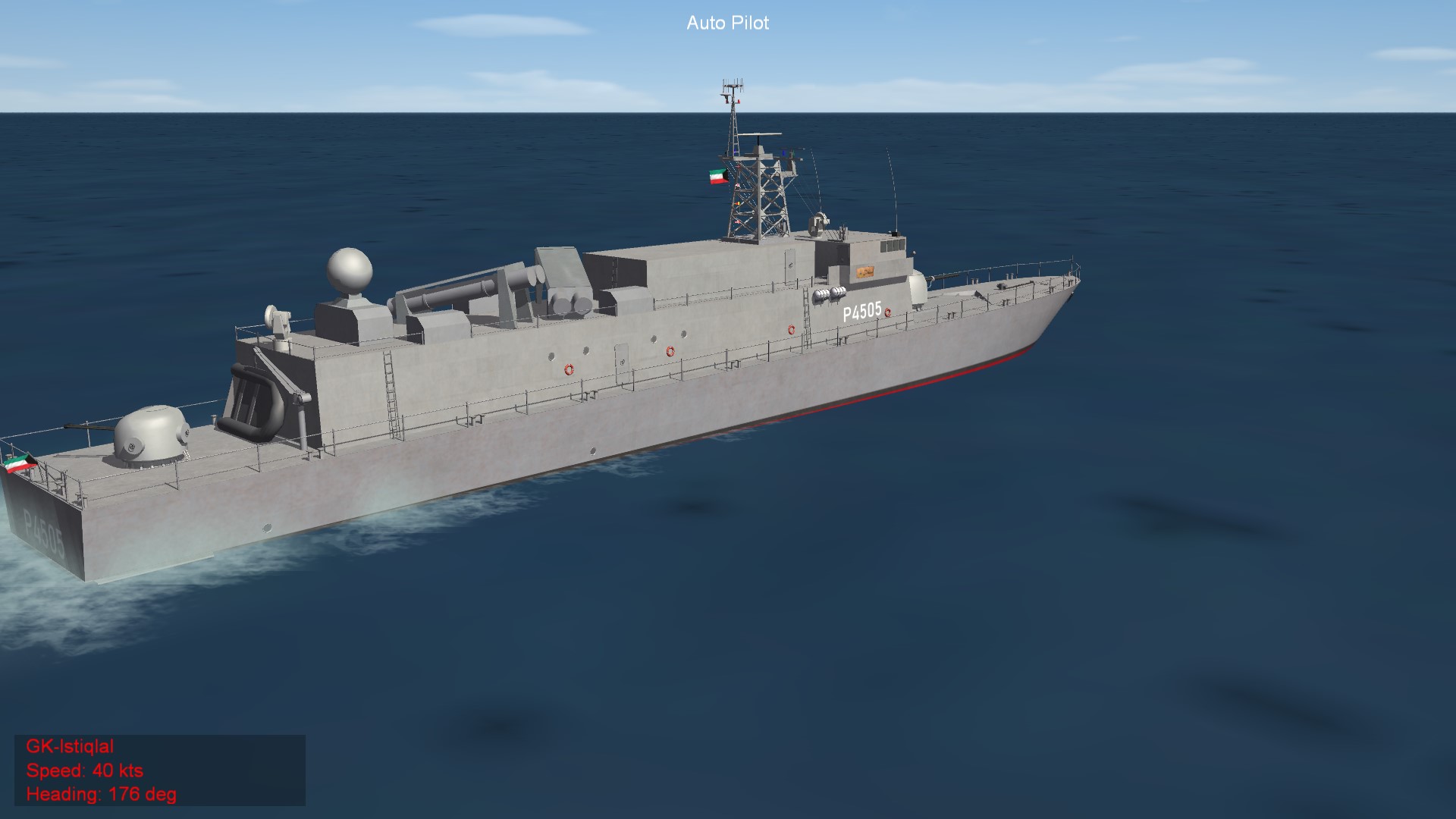
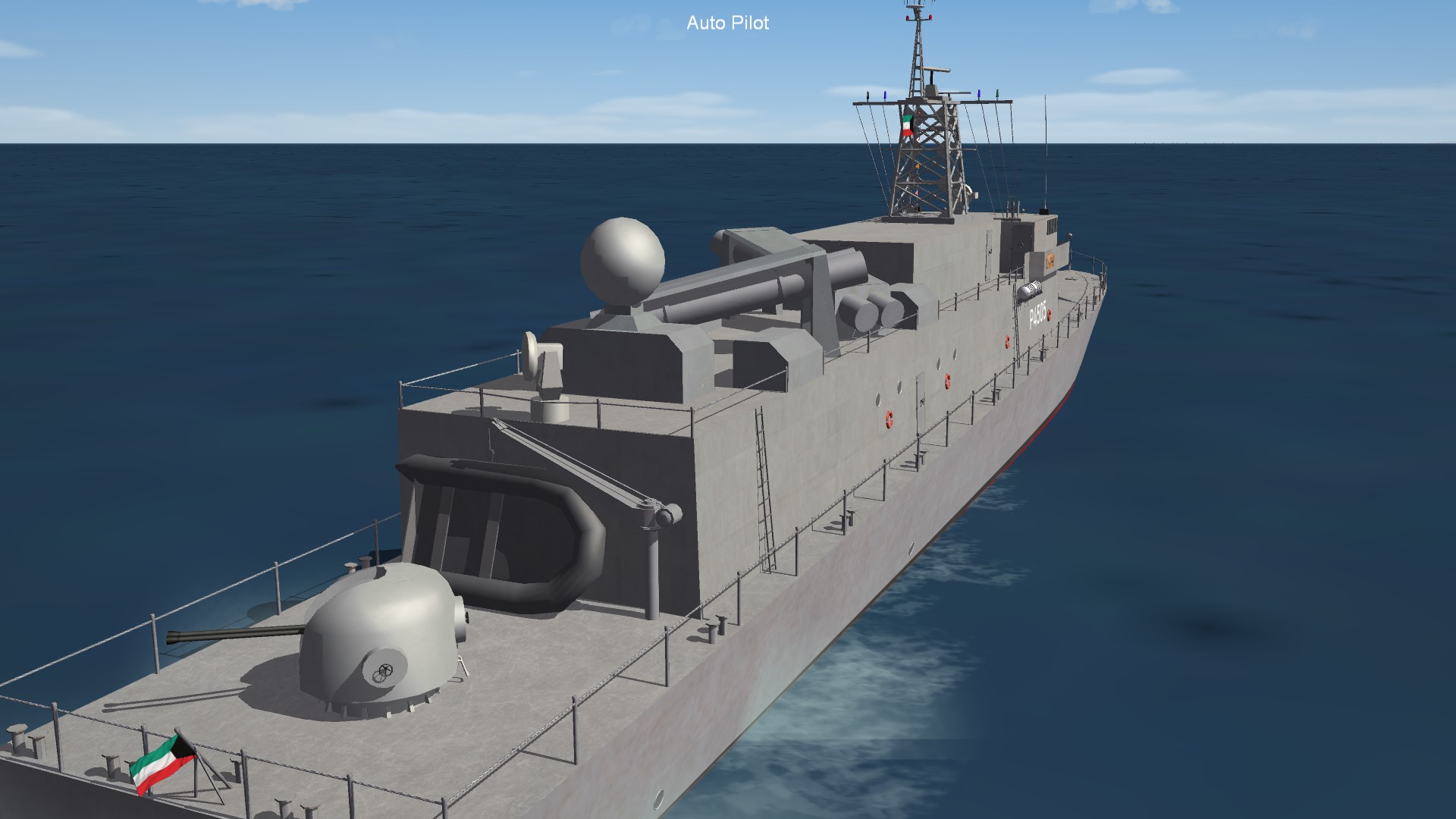
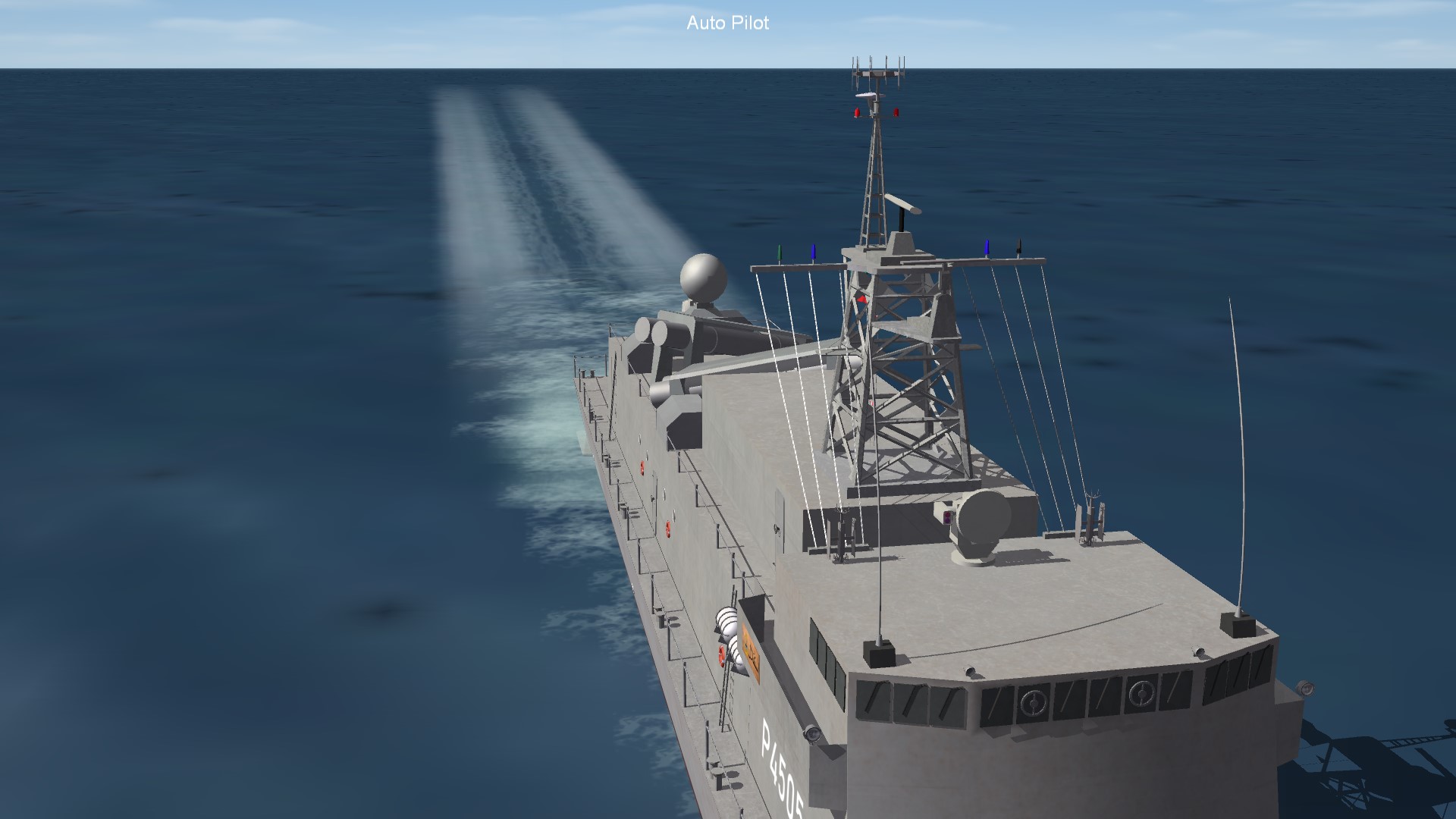
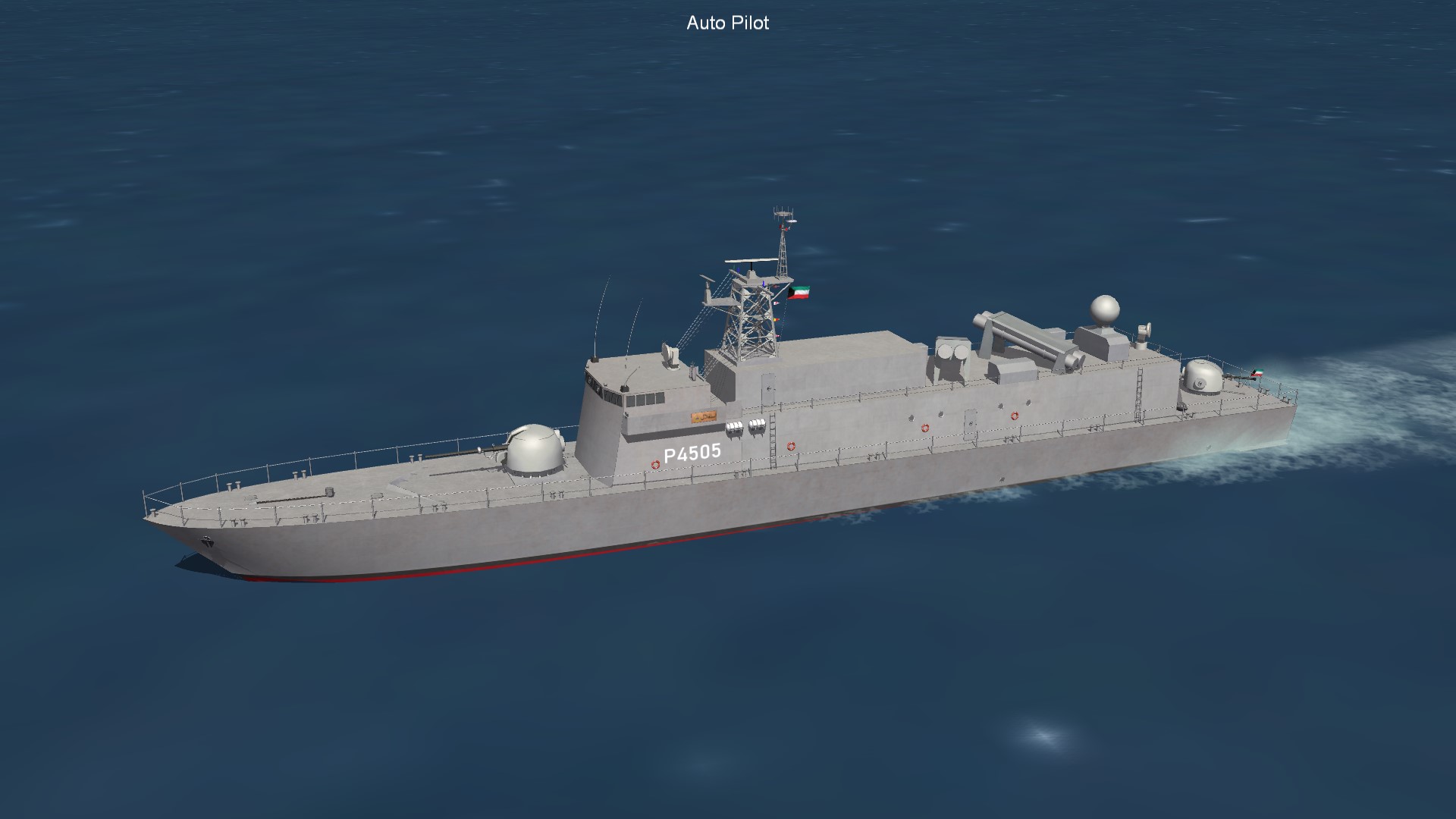
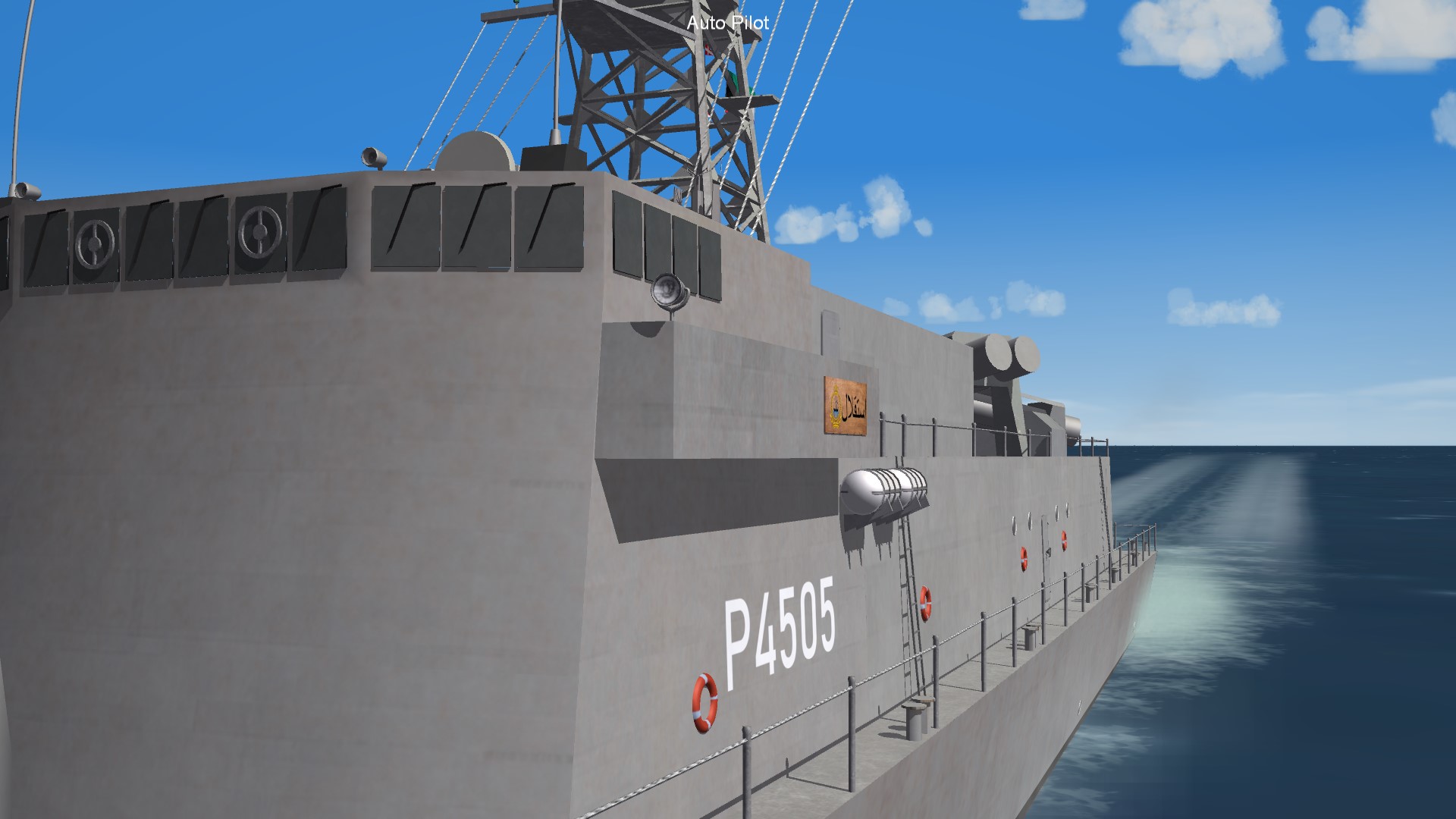
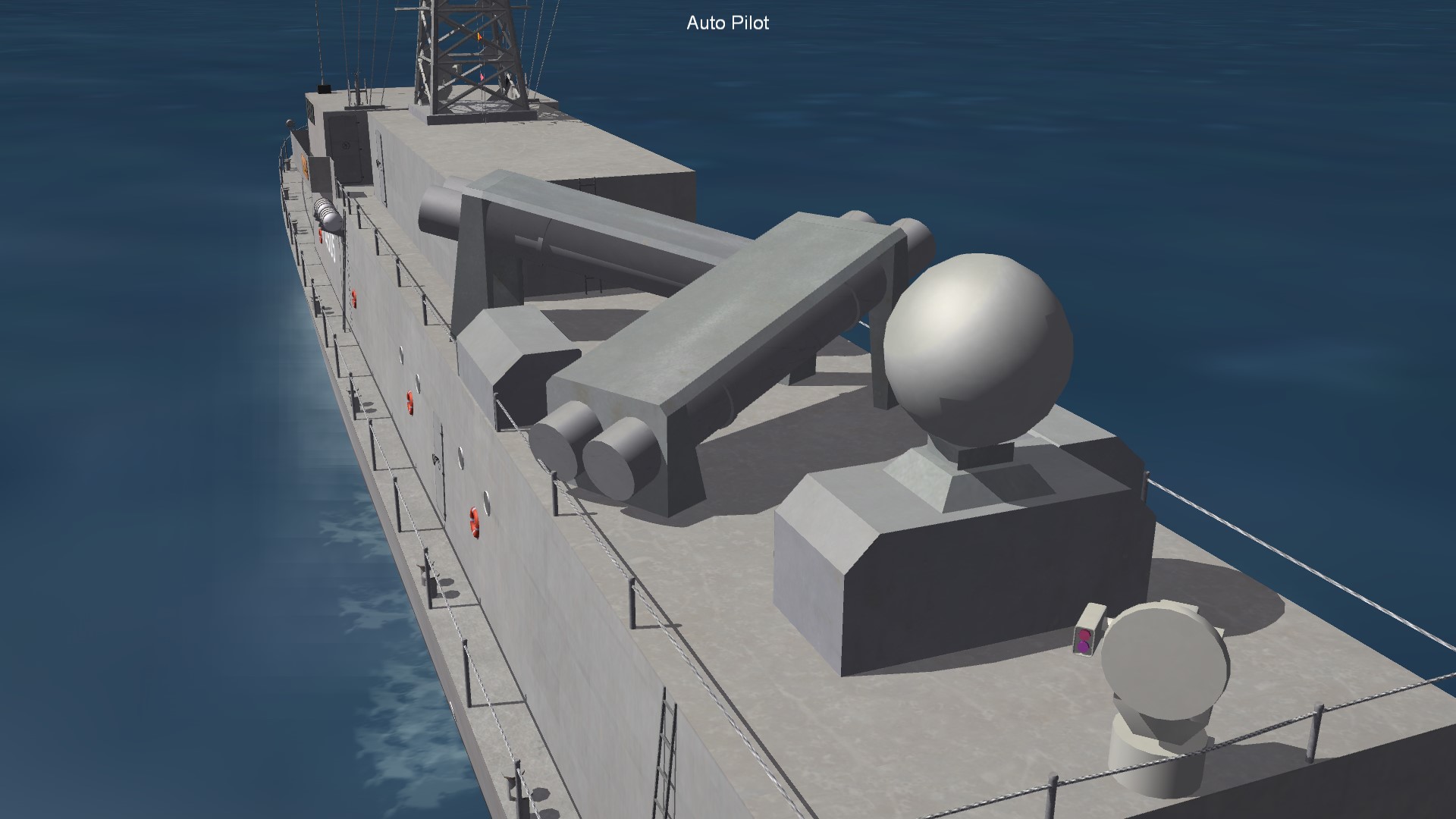
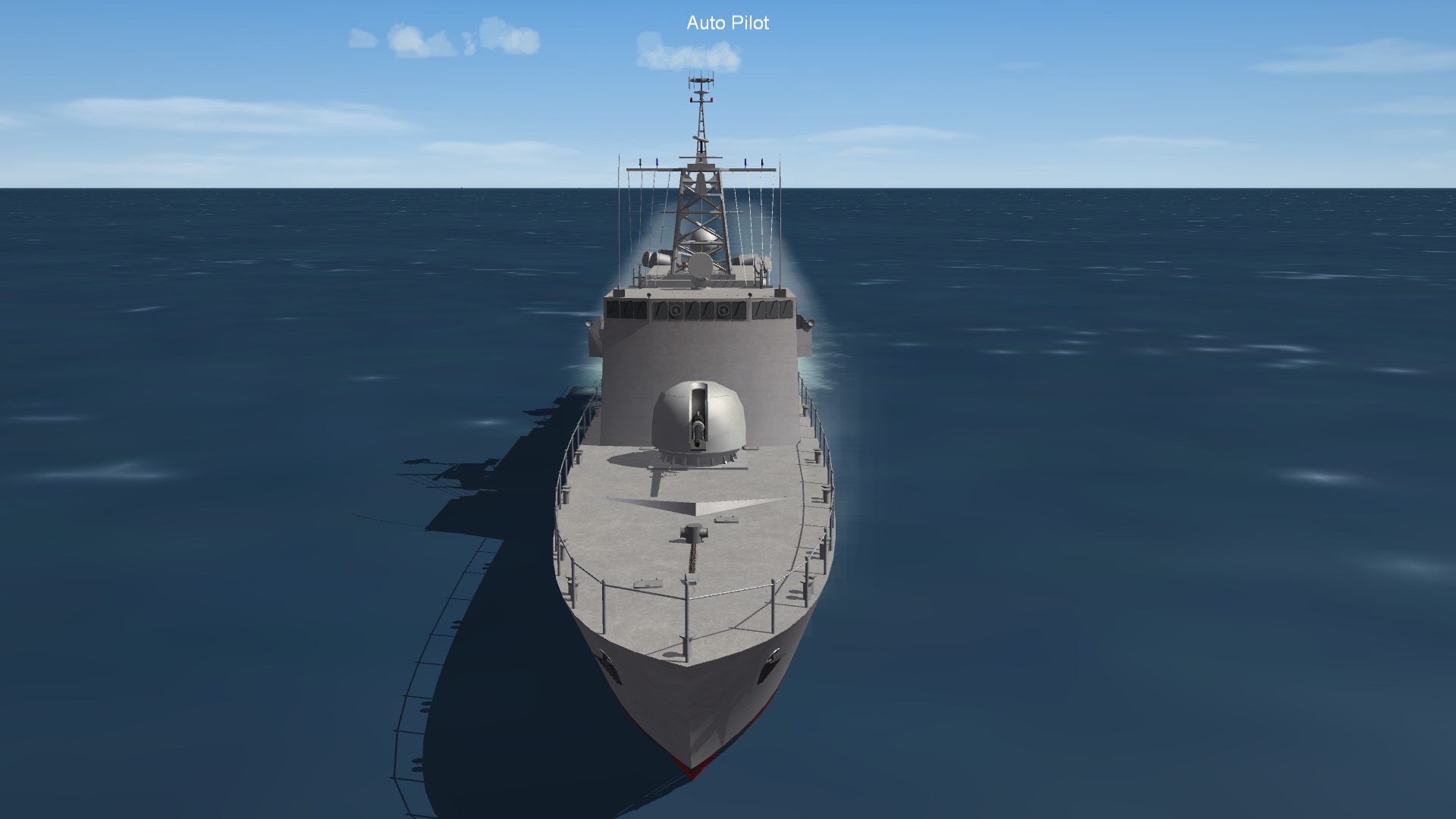
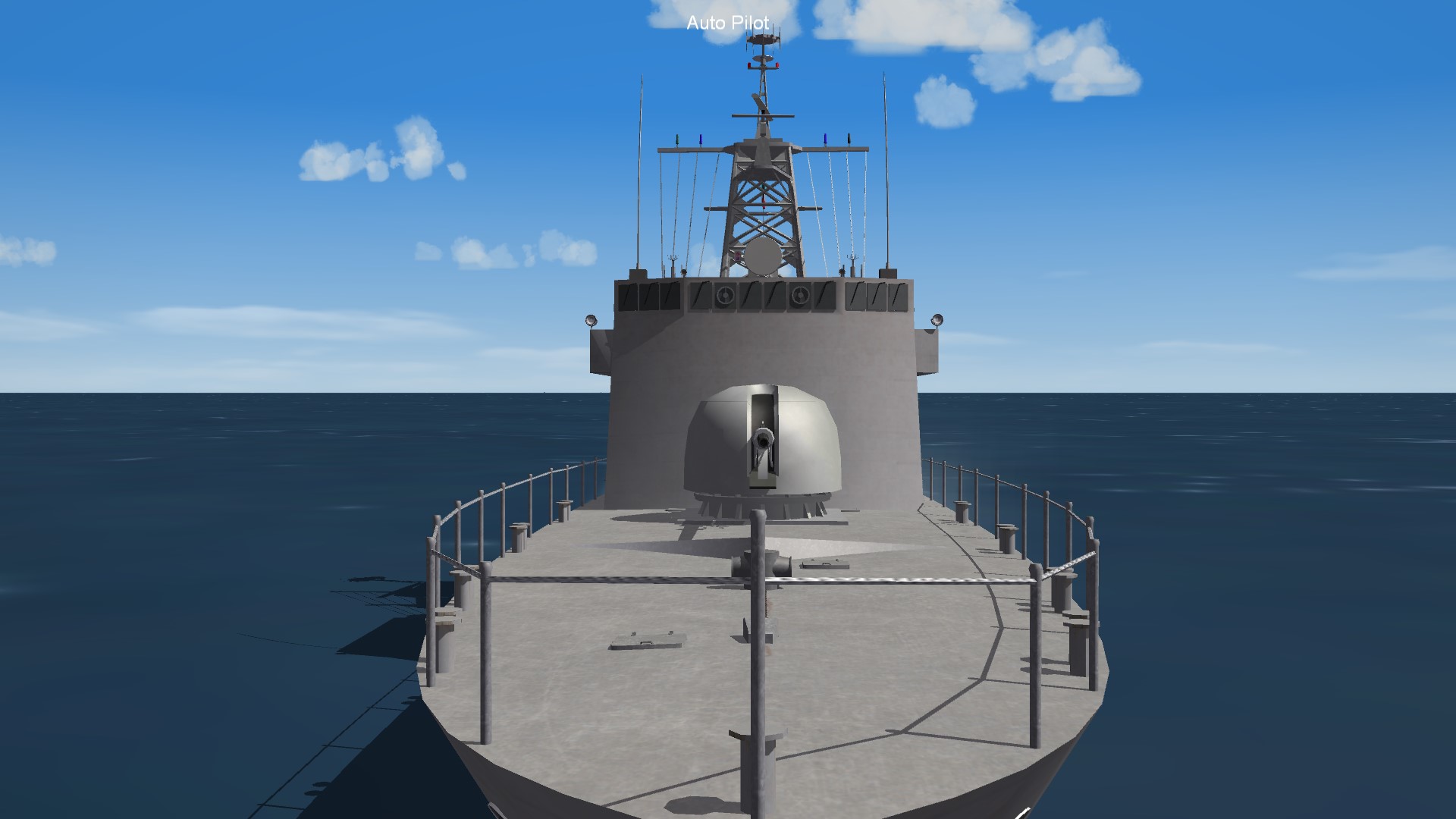
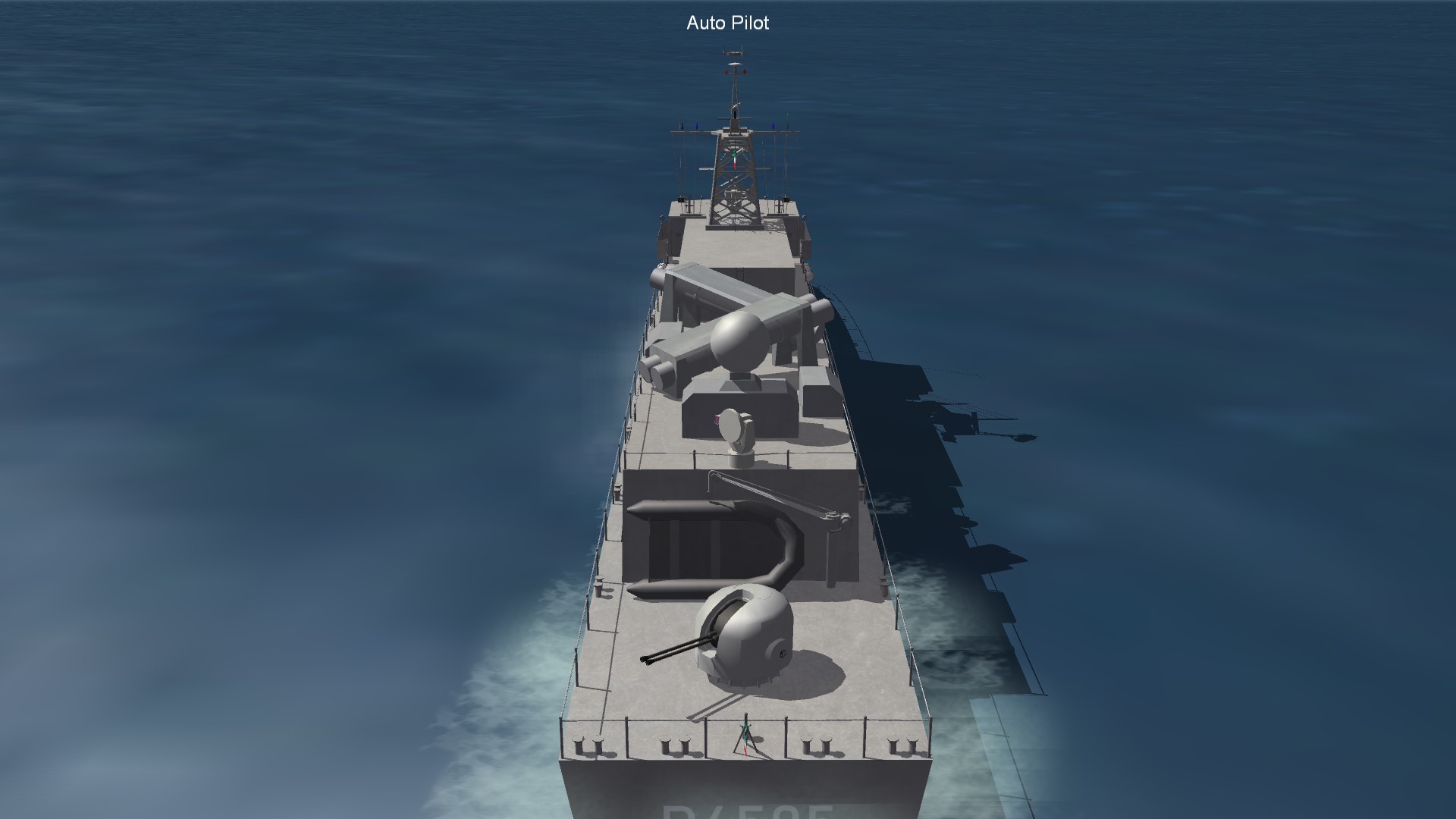
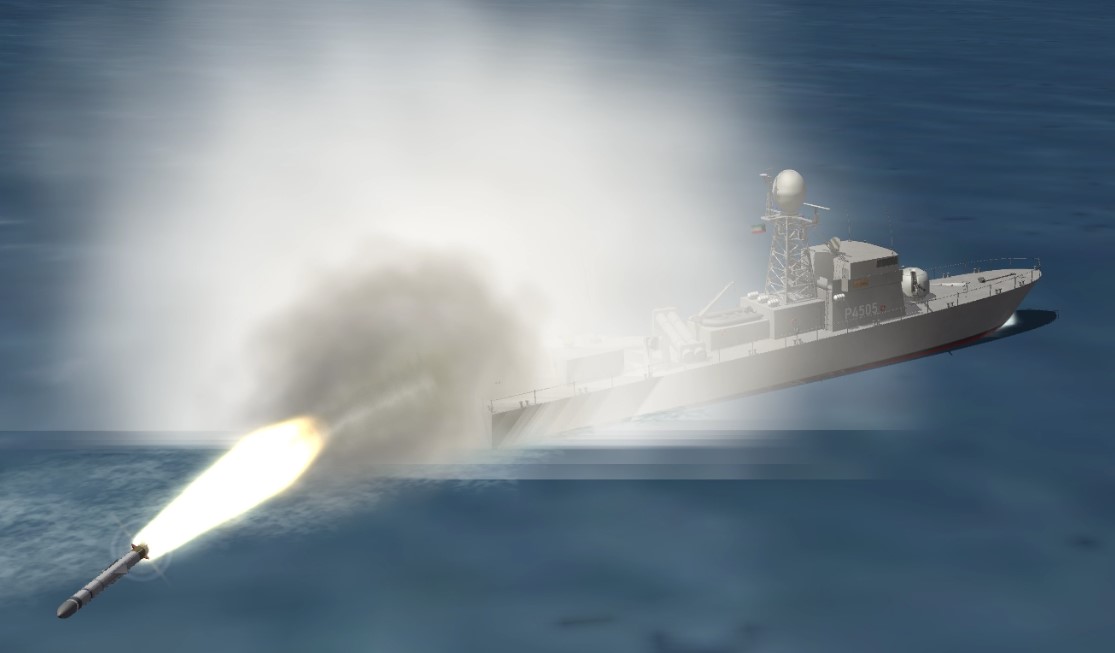
Hello and thank you for downloading my work. https://gkabs.net What's included: Kuwait Navy Istiqlal P5702 (German FPB-57) model. All my files should include the Strike Fighters 2 Series game file (.LOD) and the texture required. (tested and work only for SF2) Installation: Copy files to their proper folder If you need any further help please read the Knowledge Base at: https://combatace.com/forums/forum/268-thirdwire-strike-fighters-2-series-knowledge-base/ 1.0.0 LICENSE: You are allowed to use this model and everything included with it for personal non-profit use for Strike fighters 1 and 2. For use outside of this scope, you need to contact me for permission. gkabs@gkabs.net Credit goes to the following: Third Wire for making this outstanding game. Credit goes to https://www.textures.com as I use a lot of their photos to create the skins. Google for some photos and information. And finally not to forget the wonderful site of https://combatace.com and all the nice members and their dedicated support for this game. Software used: 3d Max 2009 UVLayout v2 Pro Substance Painter Adobe Photoshop If you need any assistance please contact me at gkabs@gkabs.net -
Thank you
-
-
I should try that tomorrow do you have an example data entry of the unguided rocket?
-
I did that didn't work.
-
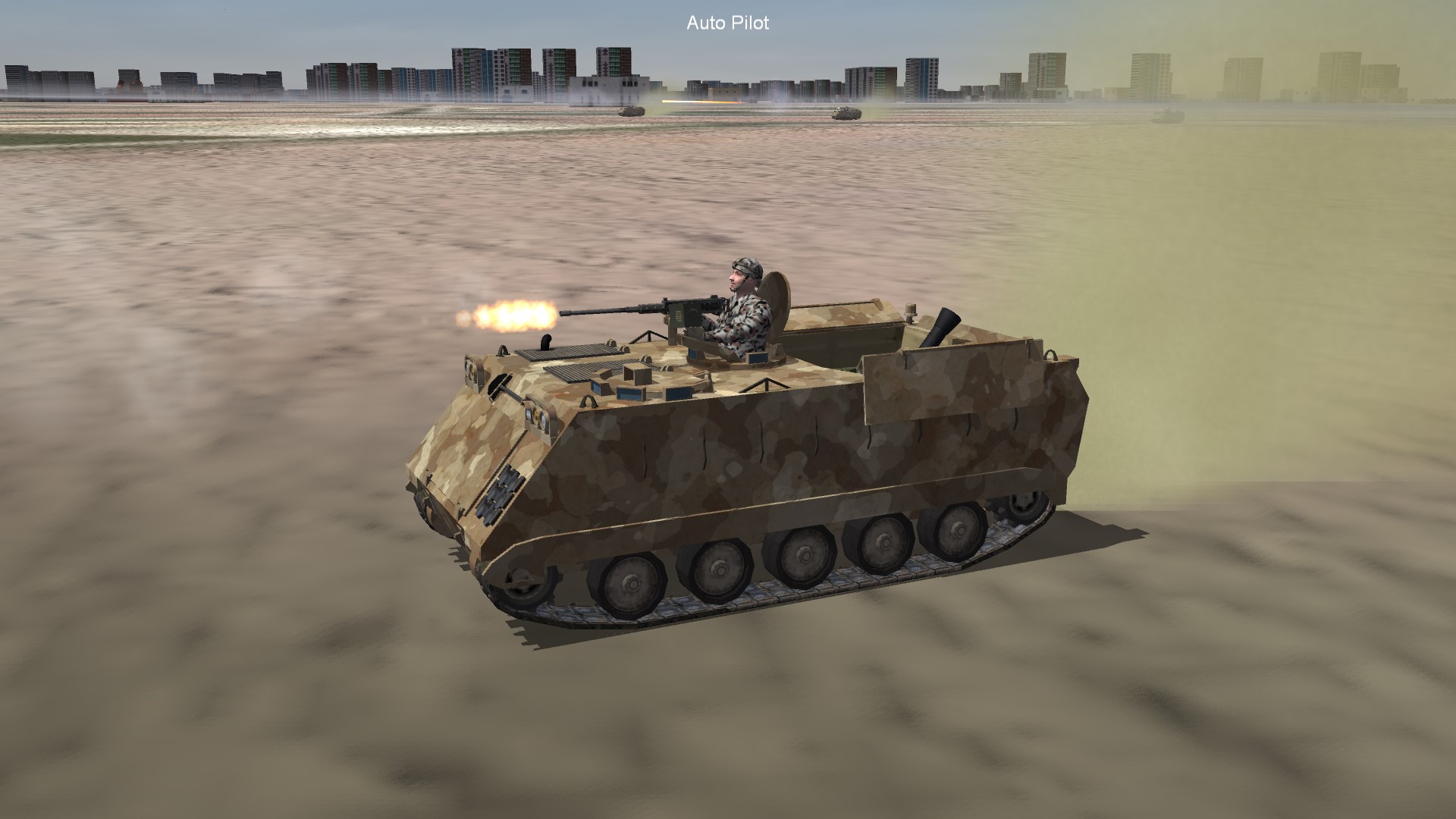
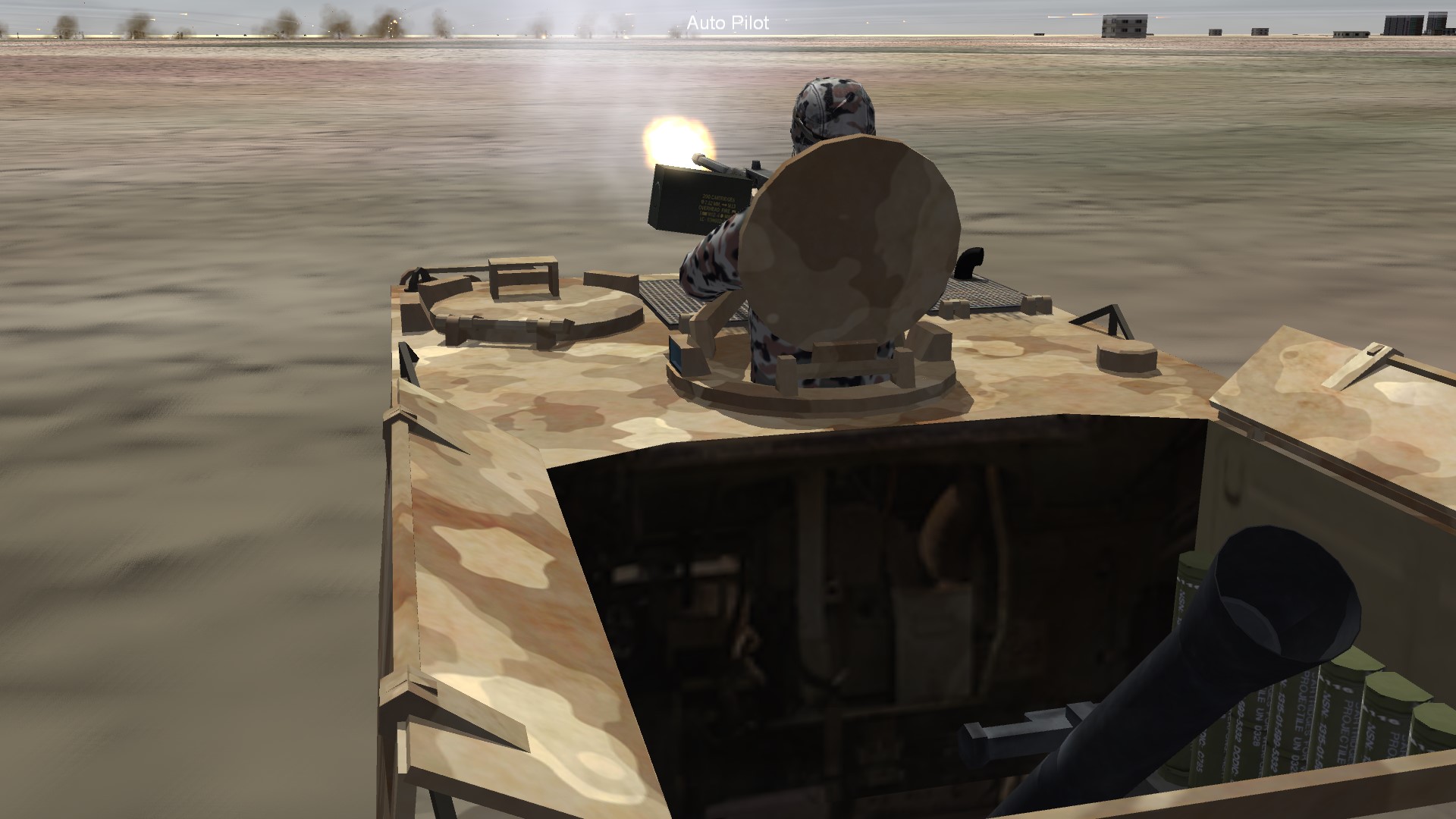
Okay, I have made the mortar round as a gun so I will not be using the mortar model 3d. I have everything working great except for one thing, the mortar keep looking around all the time even after finding the target? it fires and then keeps looking and then finds it again fires and soon on. this is my data file: [MissionData] NationName=USMC ServiceStartYear=1988 ServiceEndYear=2030 GroundObjectRole=ARTILLERY Availability=COMMON Exported=TRUE ExportStartYear=1989 ExportEndYear=2030 ExportAvailability=COMMON [GroundObjectData] DestroyedModel=Tank_Destroyed.LOD DestroyedEffect=VehicleFireEffect EmptyMass=10000.0 Component[001]=Chassis Component[002]=Turret [Sound] EngineSoundName=TankEngine MovementSoundName=TankTrack [DetectSystem] TargetType=GROUND DataLink=FALSE OpticalSight=TRUE NightSight=FALSE VisualRange=2000.0 ViewportPosition=0.0,0.0,2.40 MaxVisibleDistance=4800.0 RadarCrossSection=10 [WeaponSystem] [MovementSystem] MaxRoadSpeed=15.89 MaxOffRoadSpeed=3.33 PowerAvailable=187764.0 MaxTurnRate=16.0 MaxDeceleration=5.0 SuspensionConstant=30.0 MovementEmitterName=TrackedVehicleDustEmitter MovementEmitterPosition=0.0,-3.07,0.50 [Chassis] ModelNodeName=Chassis EffectSize=1.0 MinExtentPosition=-1.185,-2.624,0.295 MaxExtentPosition=1.207,2.45,1.853 HasArmor=TRUE ArmorMaterial=STEEL Armor[FRONT].Thickness=105 Armor[RIGHT].Thickness=72 Armor[LEFT].Thickness=72 Armor[REAR].Thickness=72 Armor[TOP].Thickness=25 Armor[BOTTOM].Thickness=30 SystemName[001]=Engine SystemName[002]=Mortar SystemName[003]=Mortar_round [Turret] ParentComponentName=Chassis ModelNodeName=Turret DetachWhenDestroyed=TRUE MinExtentPosition=-0.395,-0.39,1.641 MaxExtentPosition=0.396,0.611,2.169 HasArmor=TRUE ArmorMaterial=STEEL Armor[FRONT].Thickness=20 Armor[RIGHT].Thickness=20 Armor[LEFT].Thickness=20 Armor[REAR].Thickness=20 Armor[TOP].Thickness=20 SystemName[001]=Gun SystemName[002]=M2_Browning [Engine] SystemType=ENGINE MinExtentPosition=-0.268,0.831,0.573 MaxExtentPosition=0.687,1.753,1.37 [Gun] SystemType=GUNNER GunnerID=1 TargetType=AIR_AND_GROUND MinExtentPosition=-0.801,-1.371,1.647 MaxExtentPosition=1.439,0.255,4.135 GunRange=1500.0 //GunMinAltitude=0.0 //GunMaxAltitude=1500.0 PitchAngleRate=45 MaxPitch=45 MinPitch=-5.0 DefaultPitchAngle=0 YawLimited=FALSE YawAngleRate=45 MinYaw= MaxYaw= DefaultYawAngle=0 YawModelNodeName=Turret PitchModelNodeName=M2_Browning GunStabilization=TRUE GunRadarTracking=FALSE DataLink=FALSE ReloadGunAtAngle=FALSE RangeFinder=7 BallisticComputer=5 VisualSearchTime=2.0 ViewportPosition=0.0,0.0, 10 IndependentSearchChance=100 LookAroundChance=45.0 GunnerFireChance=25 GunnerFireTime=2.5 HasArmor=TRUE ArmorMaterial=STEEL Armor[FRONT].Thickness=20 Armor[RIGHT].Thickness=20 Armor[LEFT].Thickness=20 Armor[REAR].Thickness=20 Armor[TOP].Thickness=20 Armor[BOTTOM].Thickness=20 [M2_Browning] SystemType=GUN GunTypeName=50CAL_M106A3 GunnerID=1 MuzzlePosition=0.00347009,1.46642,2.09117 MaxAmmo=2500 TracerLoading=5 BurstAmount=5 EjectShells=TRUE [Mortar] SystemType=GUNNER GunnerID=2 TargetType=GROUND MinExtentPosition=-0.617,-1.894,0.434 MaxExtentPosition=0.618,-0.455,1.927 GunRange=9500.0 //GunMinAltitude=0.0 //GunMaxAltitude=1500.0 PitchAngleRate=45 MaxPitch=85 MinPitch=0 DefaultPitchAngle=45 YawLimited=FALSE YawAngleRate=25 MinYaw= MaxYaw= DefaultYawAngle=180 YawModelNodeName=Mortar PitchModelNodeName= GunStabilization=TRUE GunRadarTracking=FALSE DataLink=FALSE ReloadGunAtAngle=FALSE RangeFinder=7 BallisticComputer=5 VisualSearchTime=2.0 ViewportPosition=0.0,0.0, 10 IndependentSearchChance=0.0 LookAroundChance=10.0 GunnerFireChance=65 GunnerFireTime=1.0 HasArmor=TRUE ArmorMaterial=STEEL Armor[FRONT].Thickness=20 Armor[RIGHT].Thickness=20 Armor[LEFT].Thickness=20 Armor[REAR].Thickness=20 Armor[TOP].Thickness=0 Armor[BOTTOM].Thickness=20 [Mortar_round] SystemType=GUN GunTypeName=120_M106A3_MR GunnerID=2 MuzzlePosition=-0.005,-0.529,1.864 MaxAmmo=120 TracerLoading=0 BurstAmount=1 EjectShells=FALSE
-
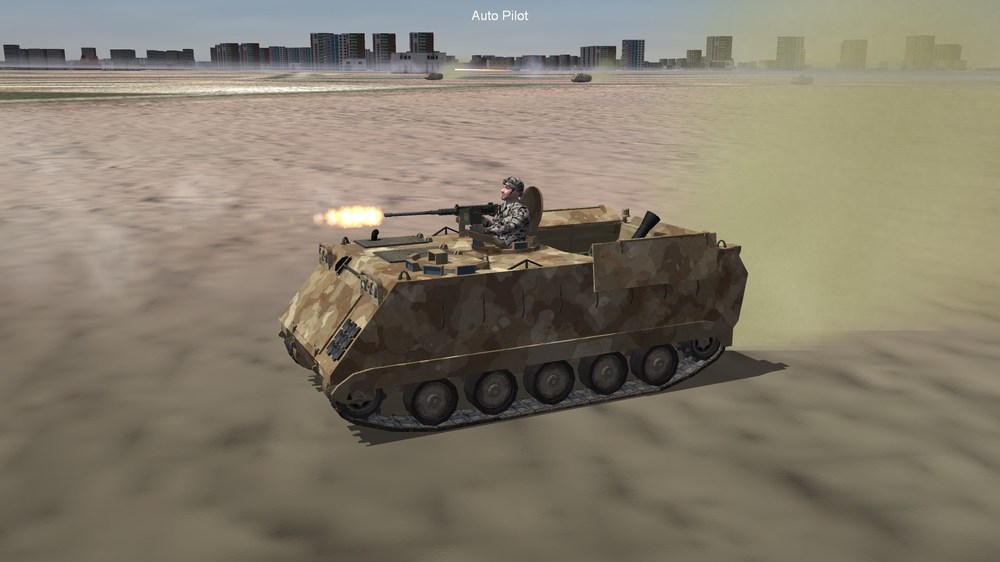
Hello, I would like to know if we do have a mortar as a Weapon in the game? if we do can someone please send me the data file as I need to study it to make the M106A1, M106A2, and M106A3 mortar rounds? the model is completed just need to figure the mortar.
-
That is it for today good night.
-
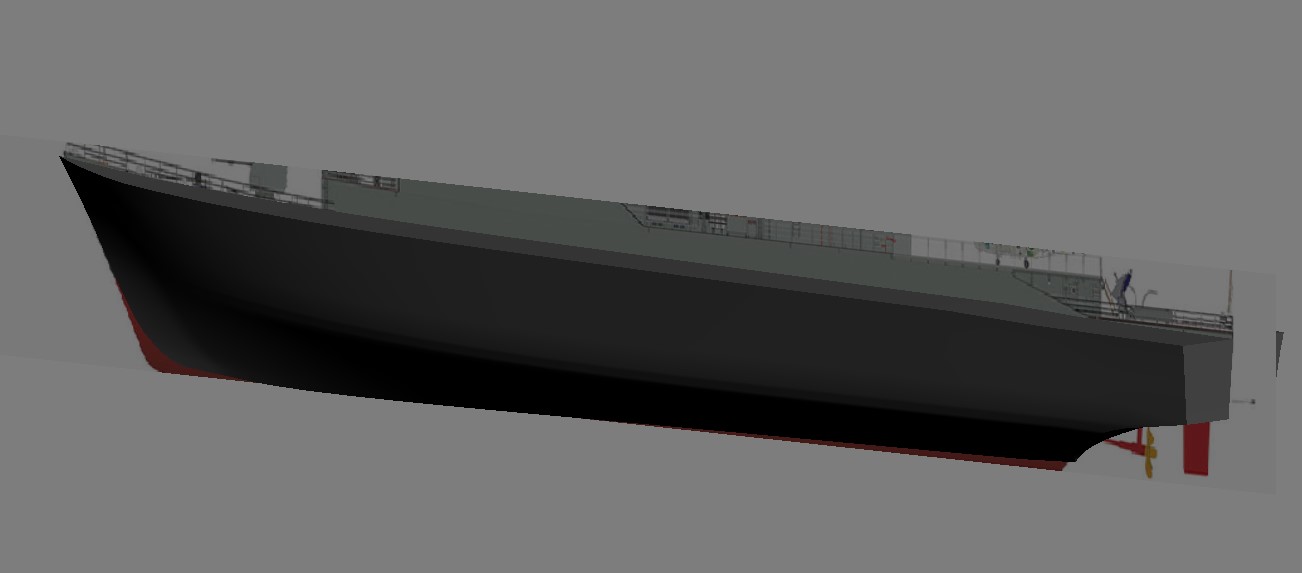
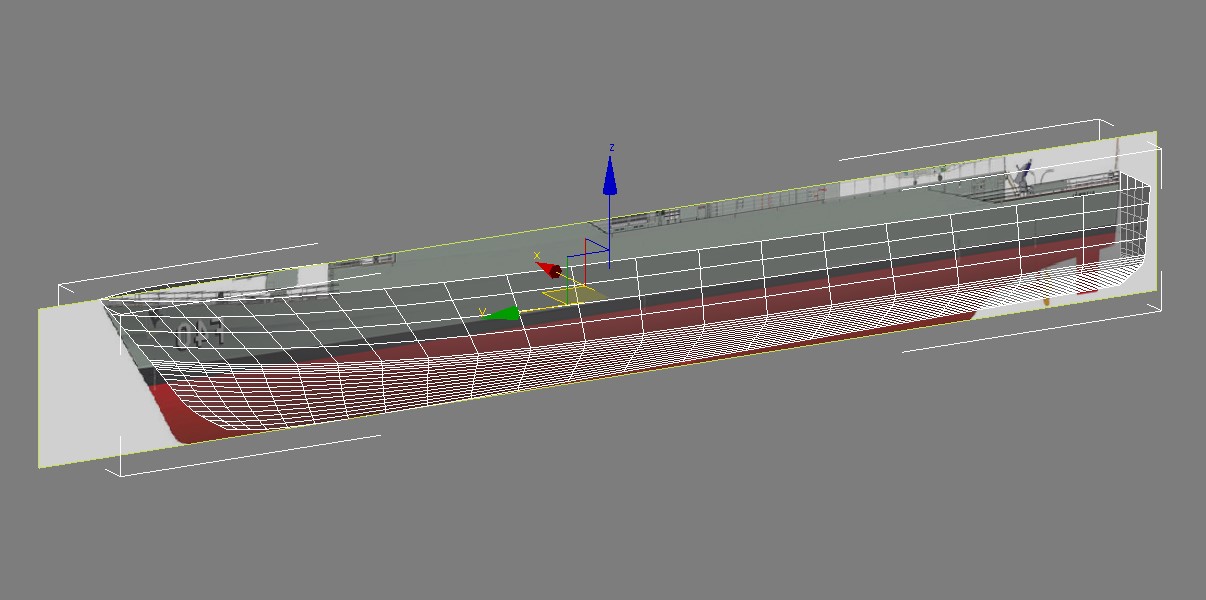
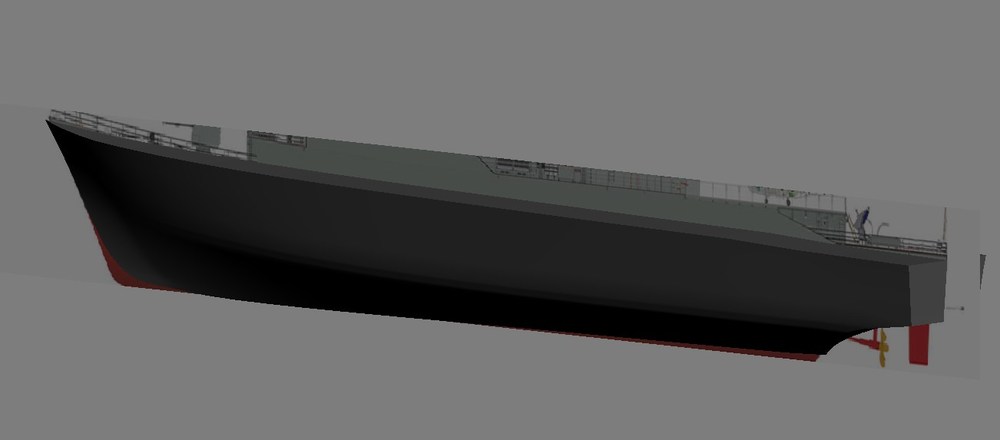
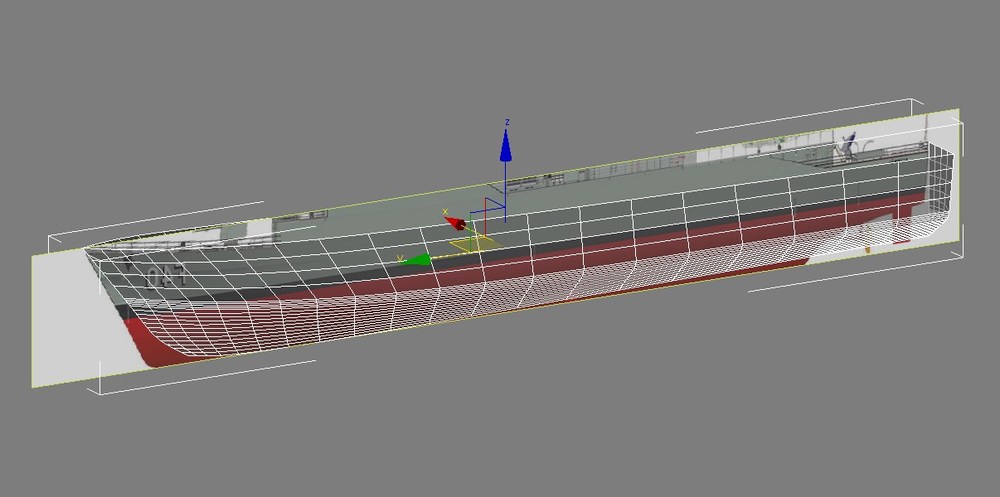
Started working on the Fragata Niteroi F40, this is really going to be a long process, but this is the first step. the Hull needs more tweaking.
-
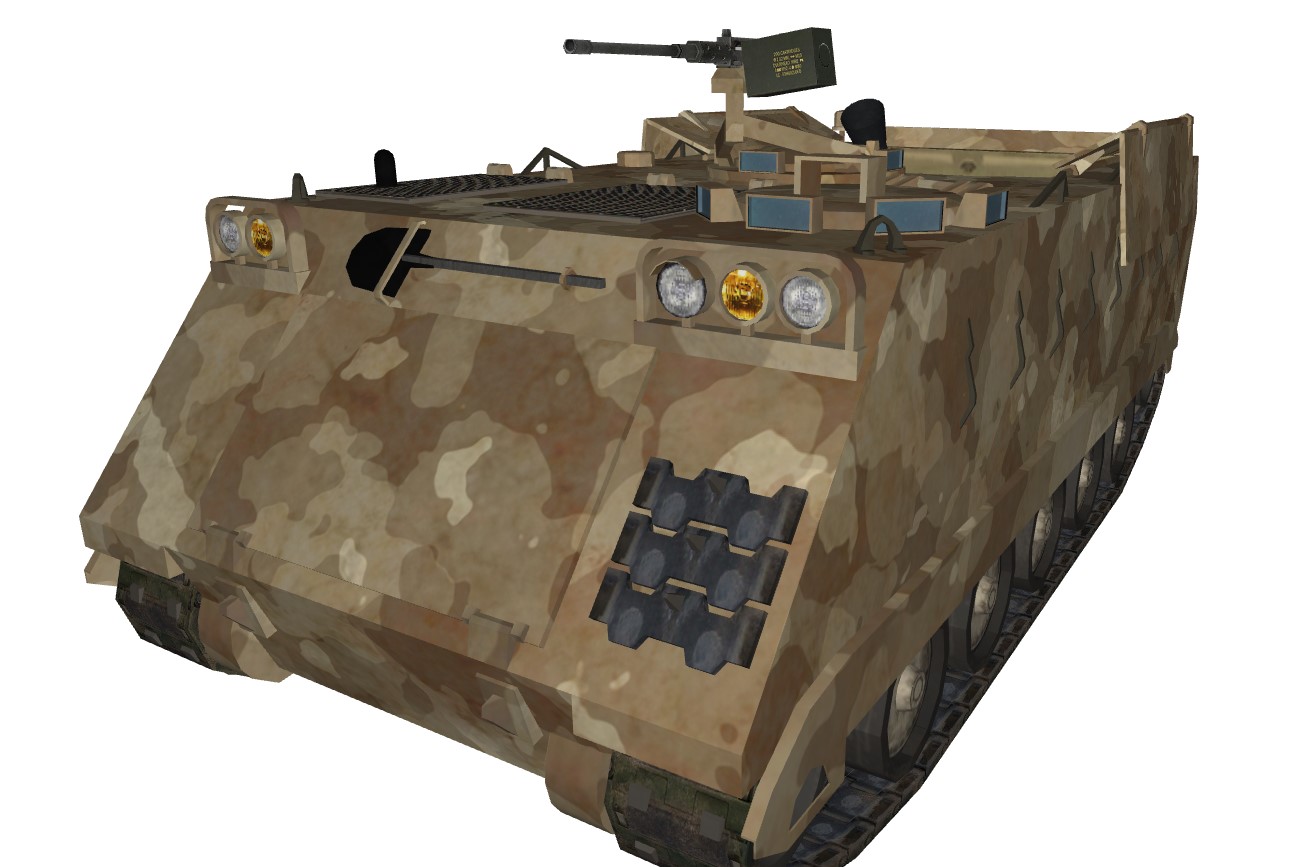
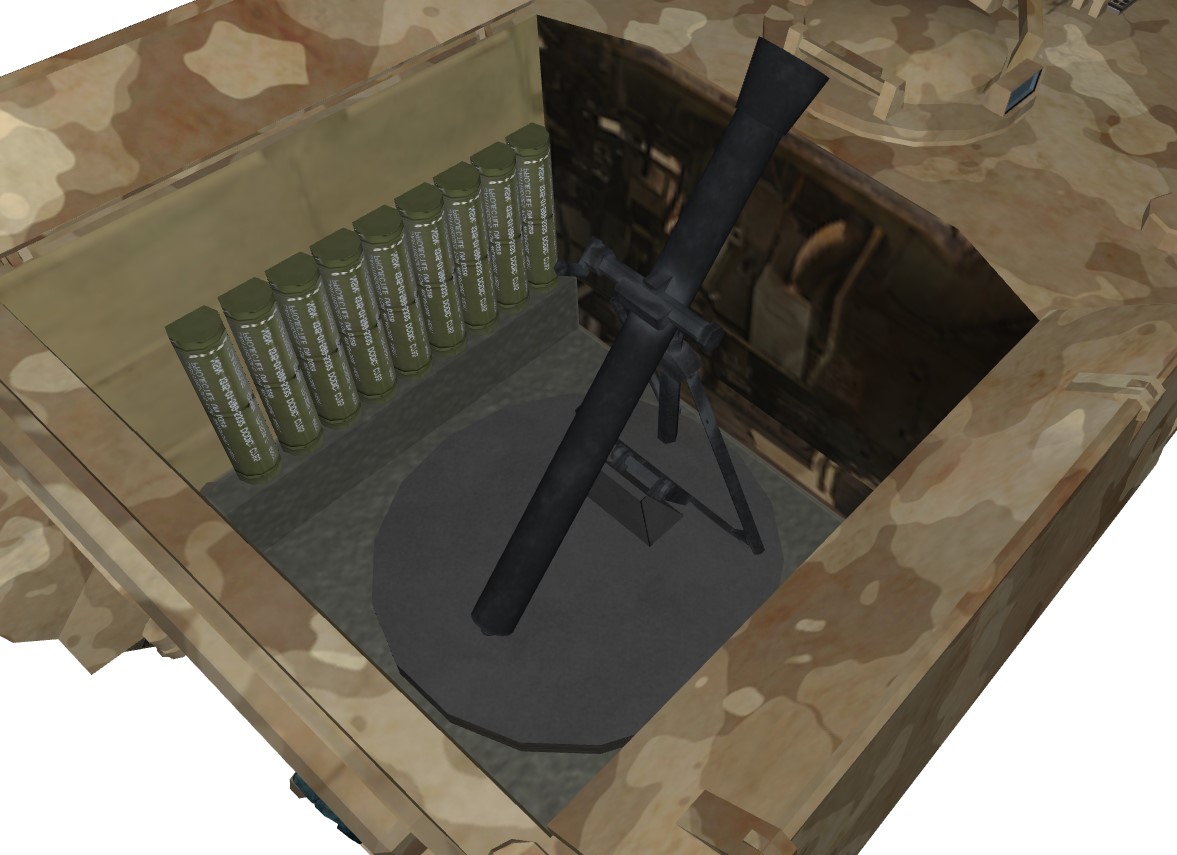
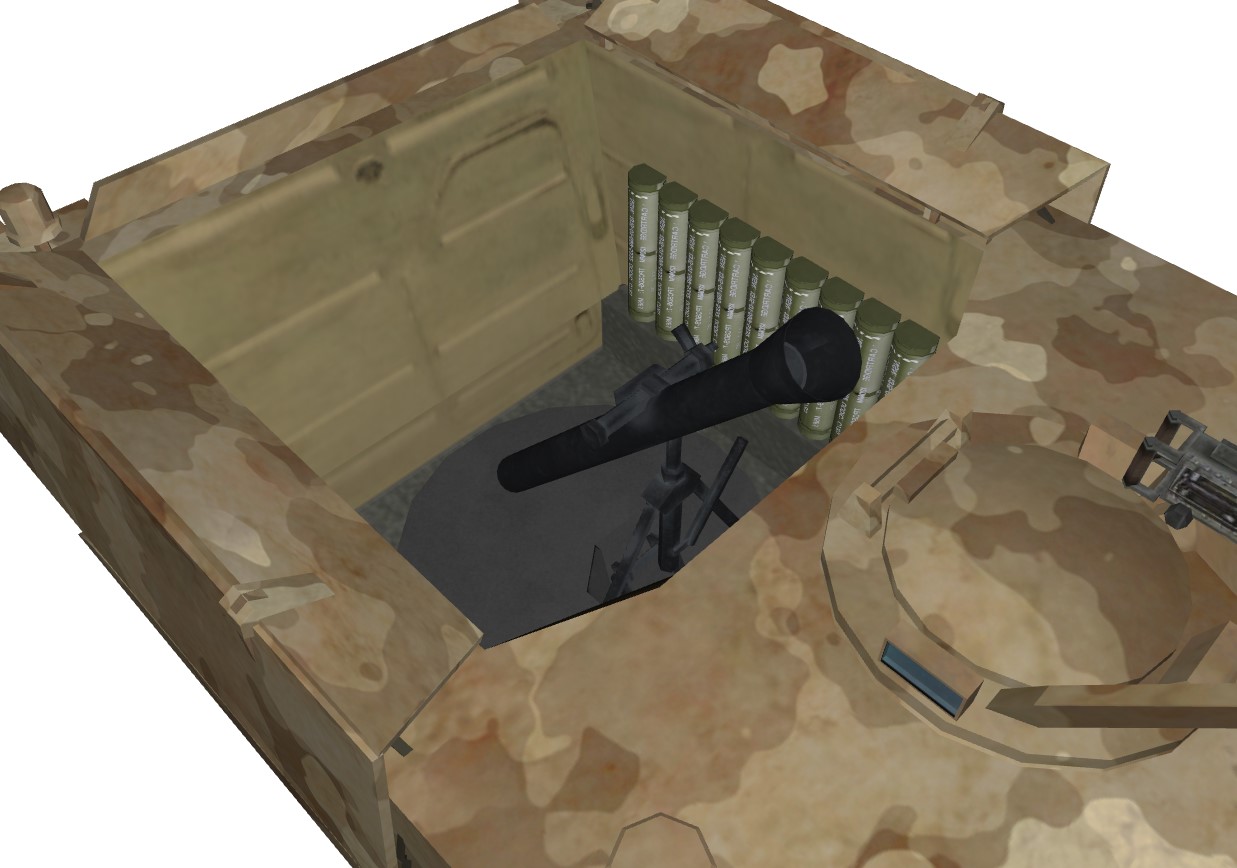
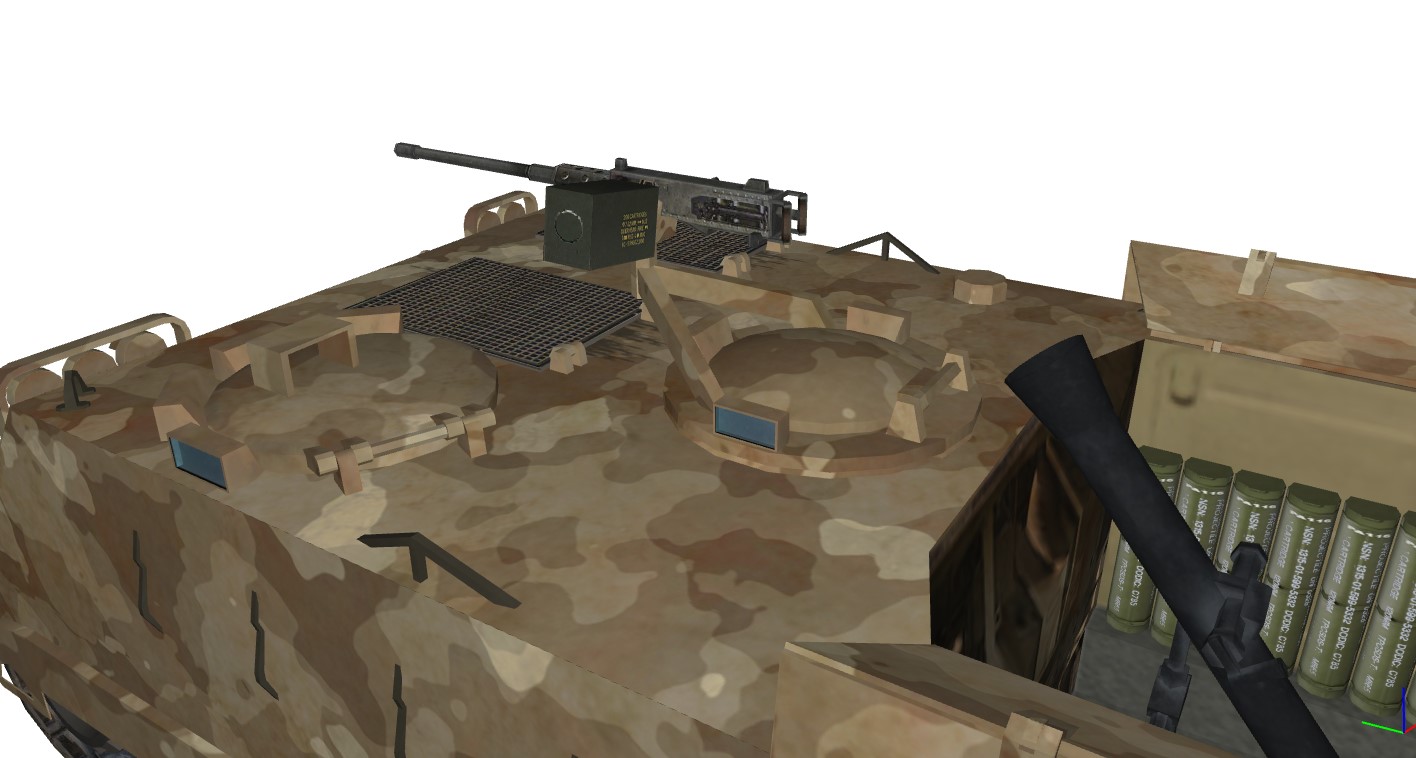
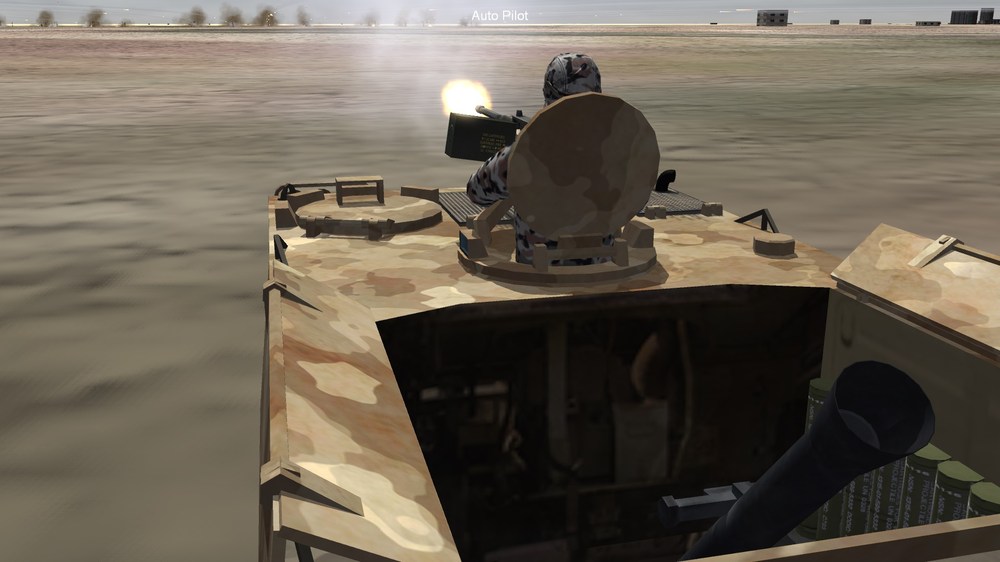
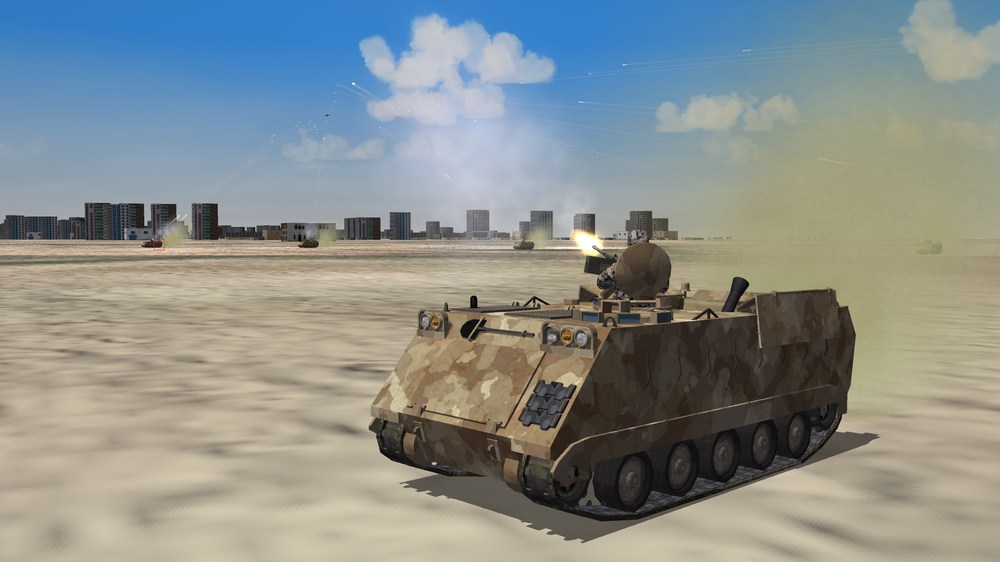
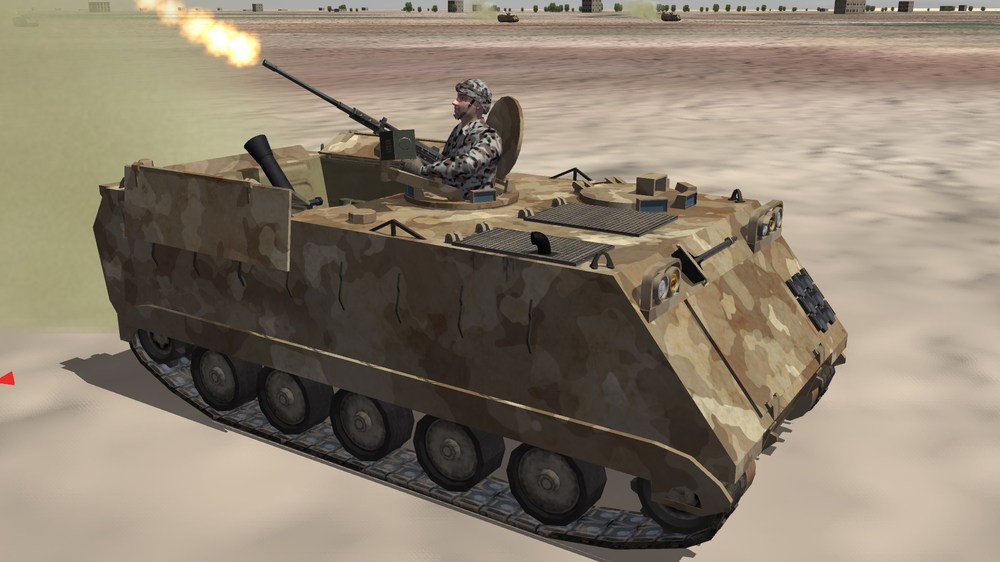
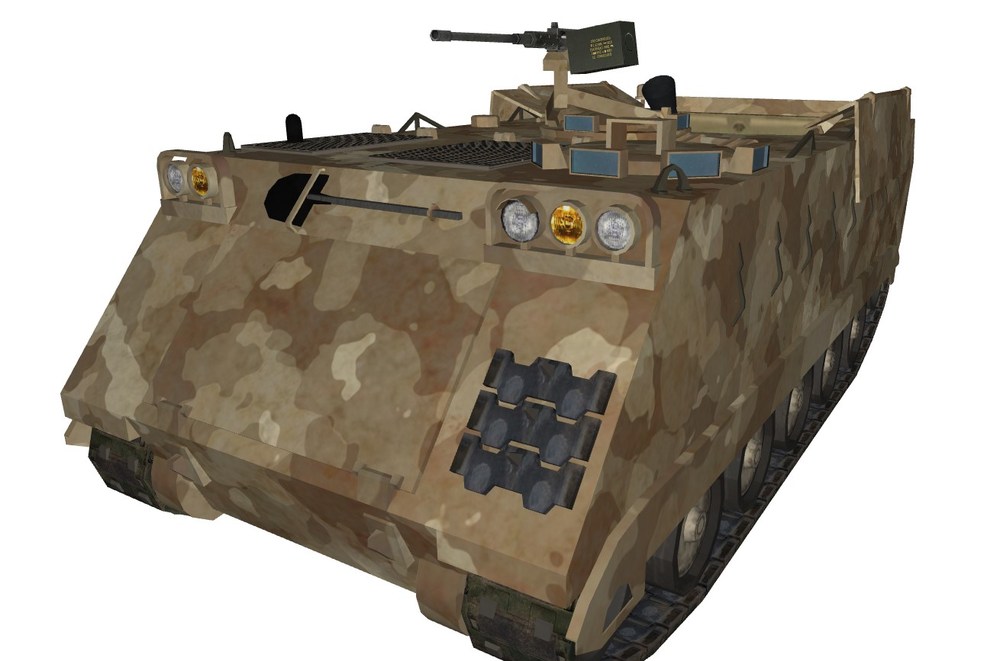
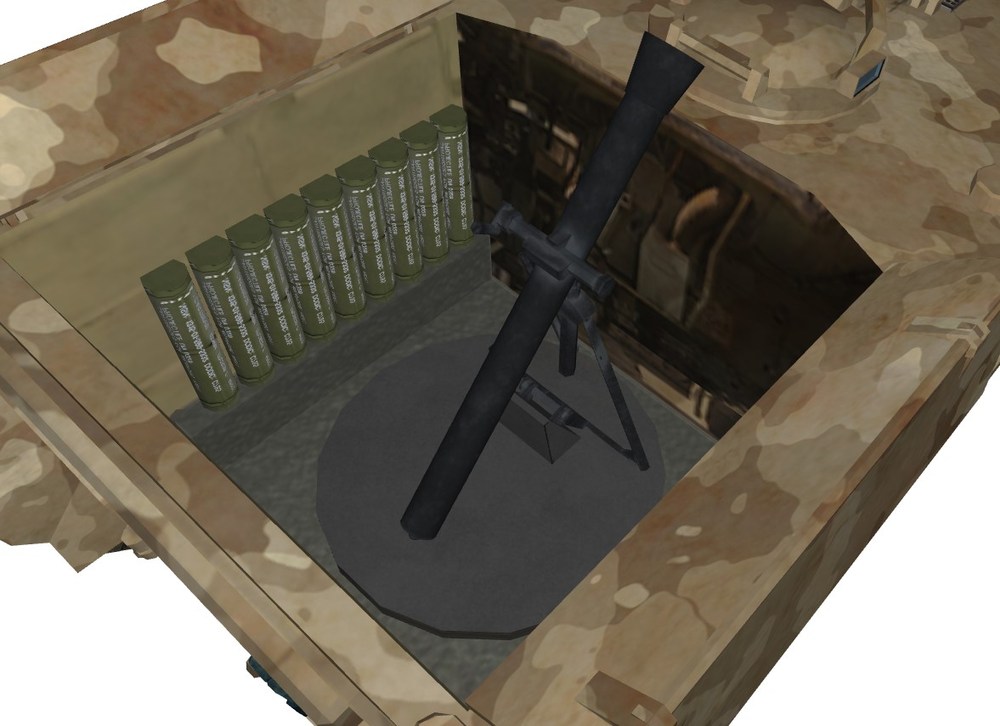
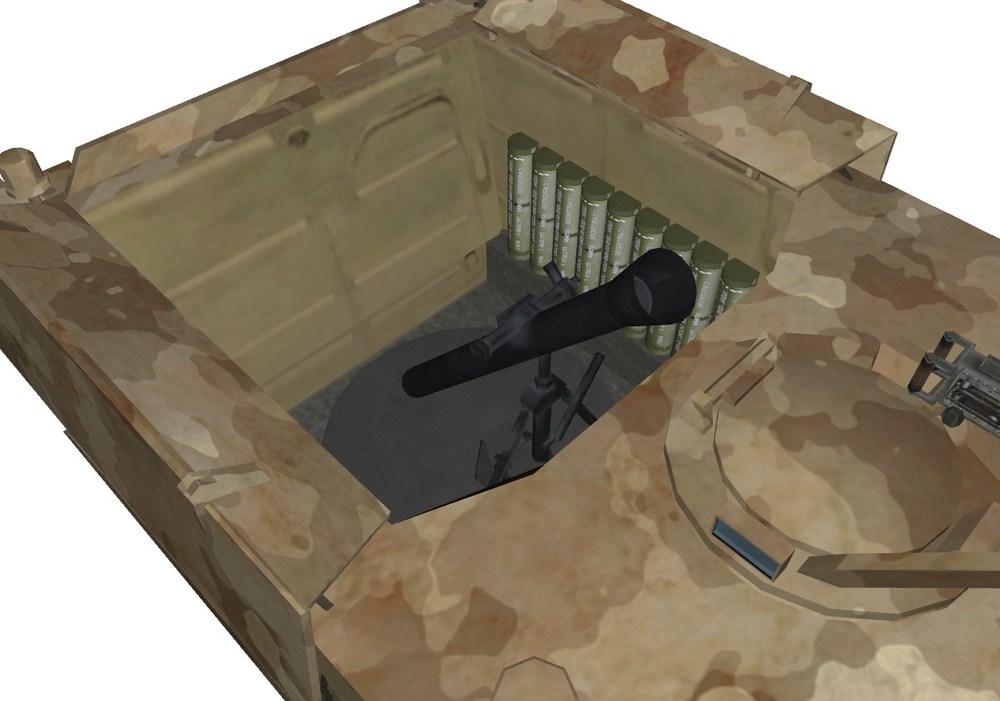
The M106A3 coming along really nice I think.
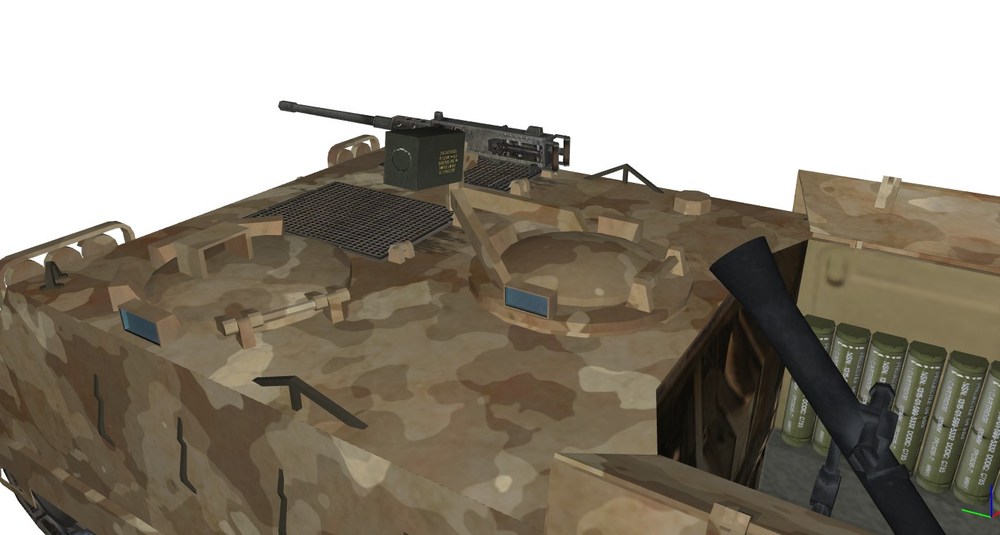
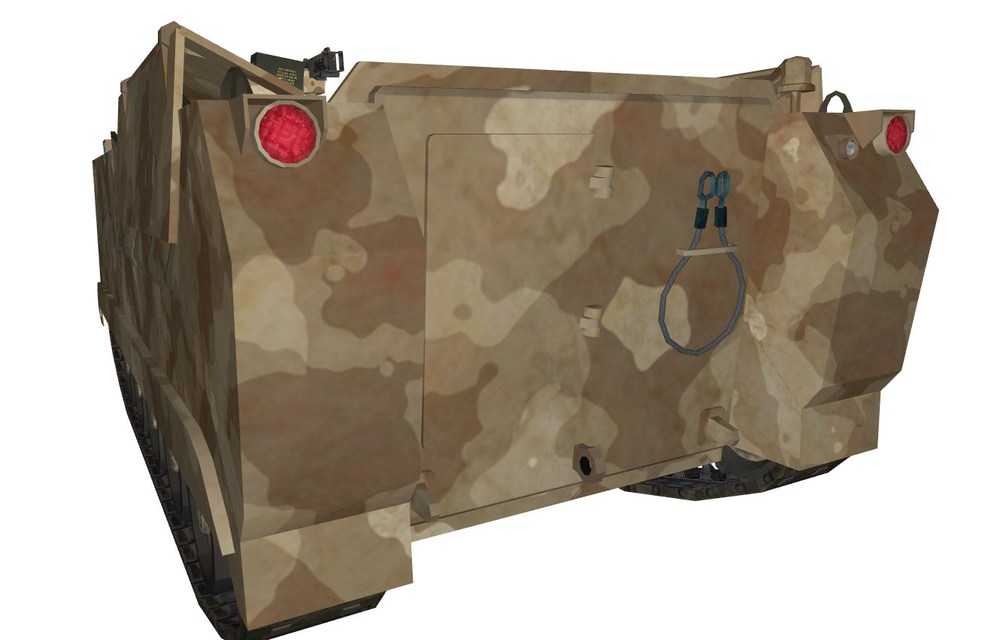
-
Thank you for your kind words, I will consider that after I complete Niteroi Class Frigate.
-
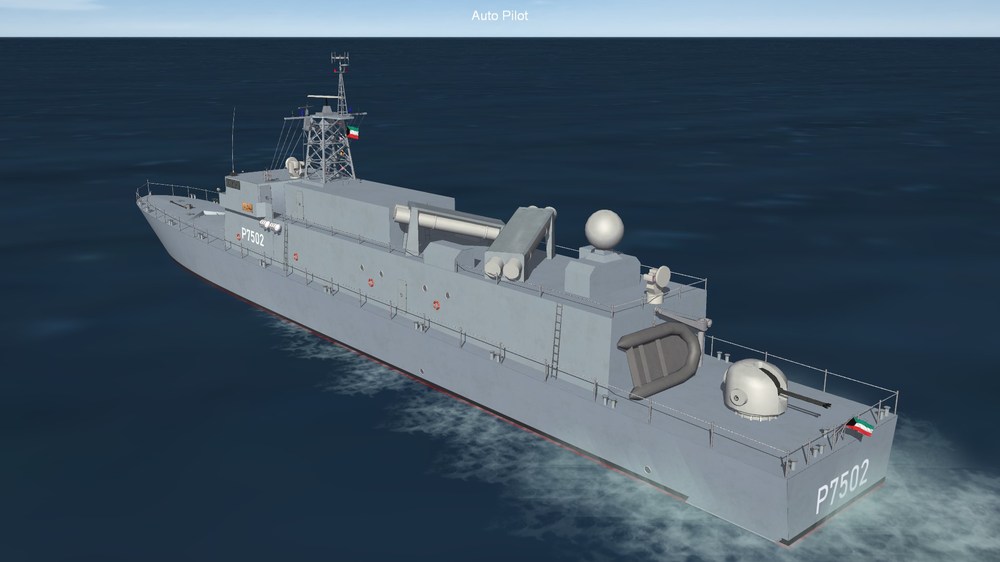
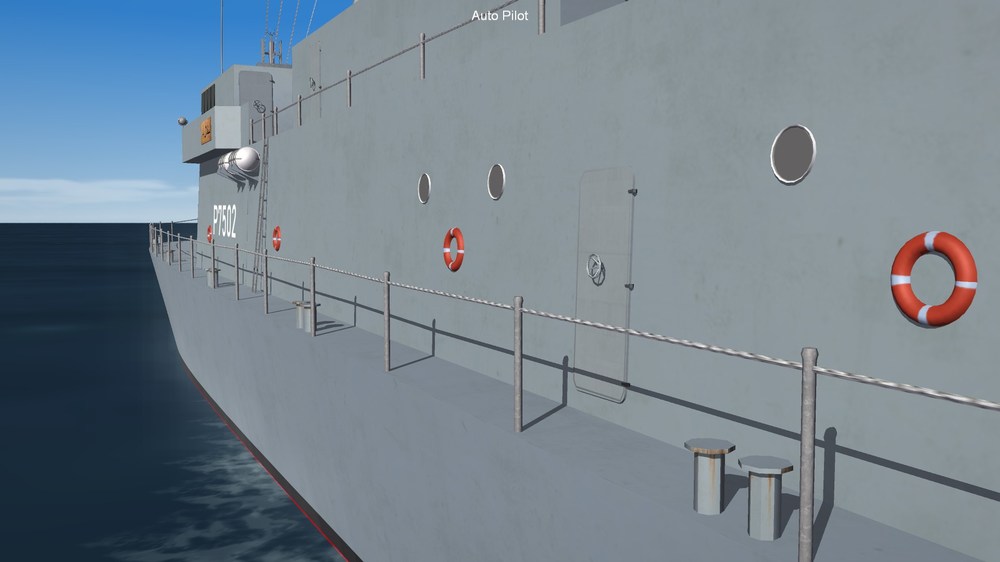
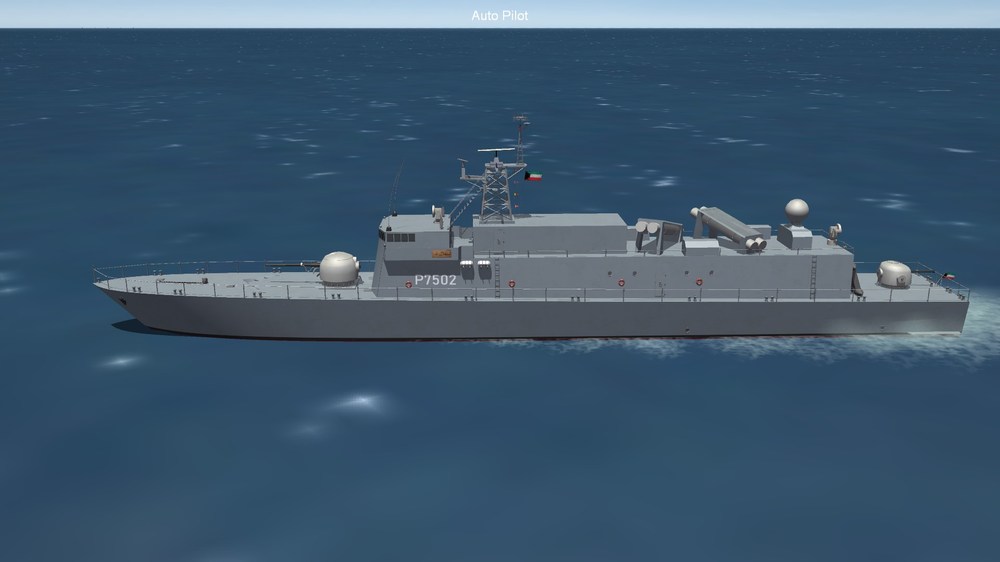
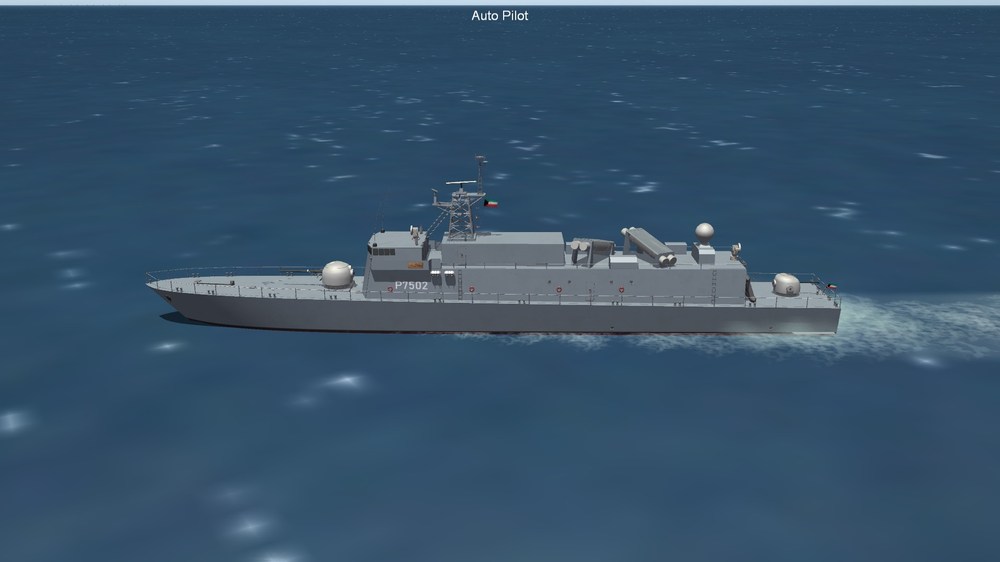
A new boat must come with a new texture lol
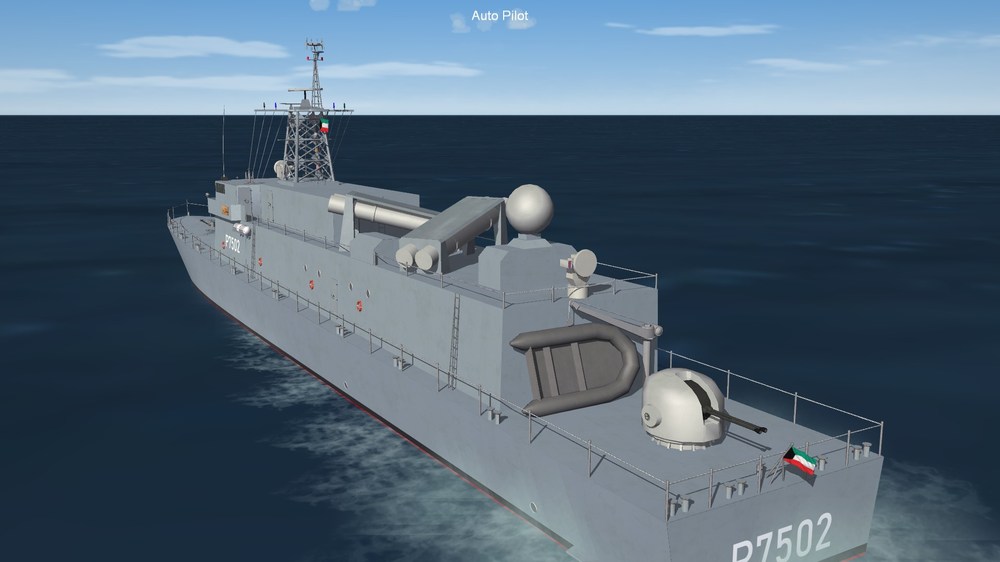
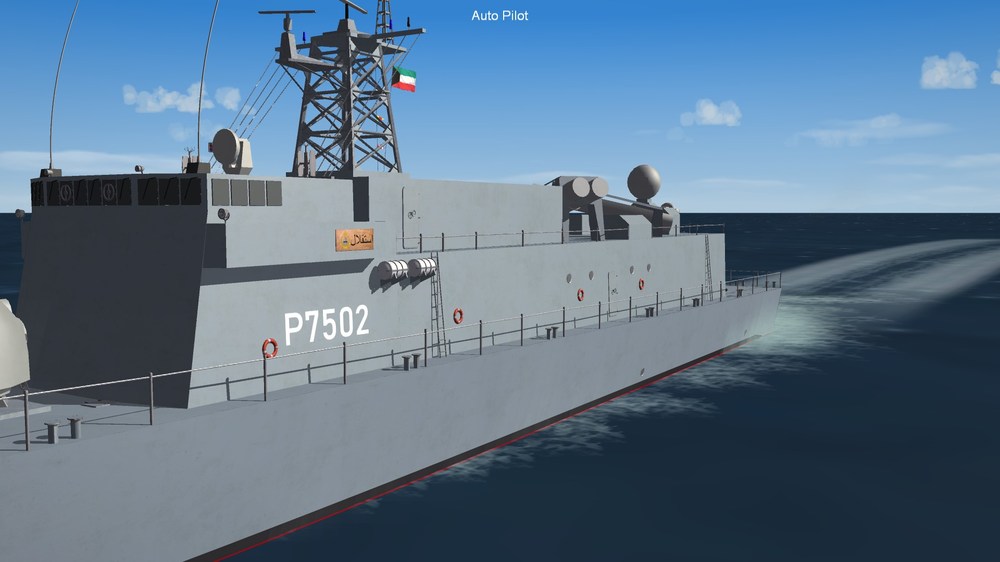
-
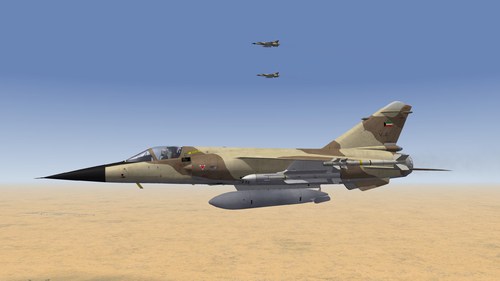 Another outstanding work!
 -
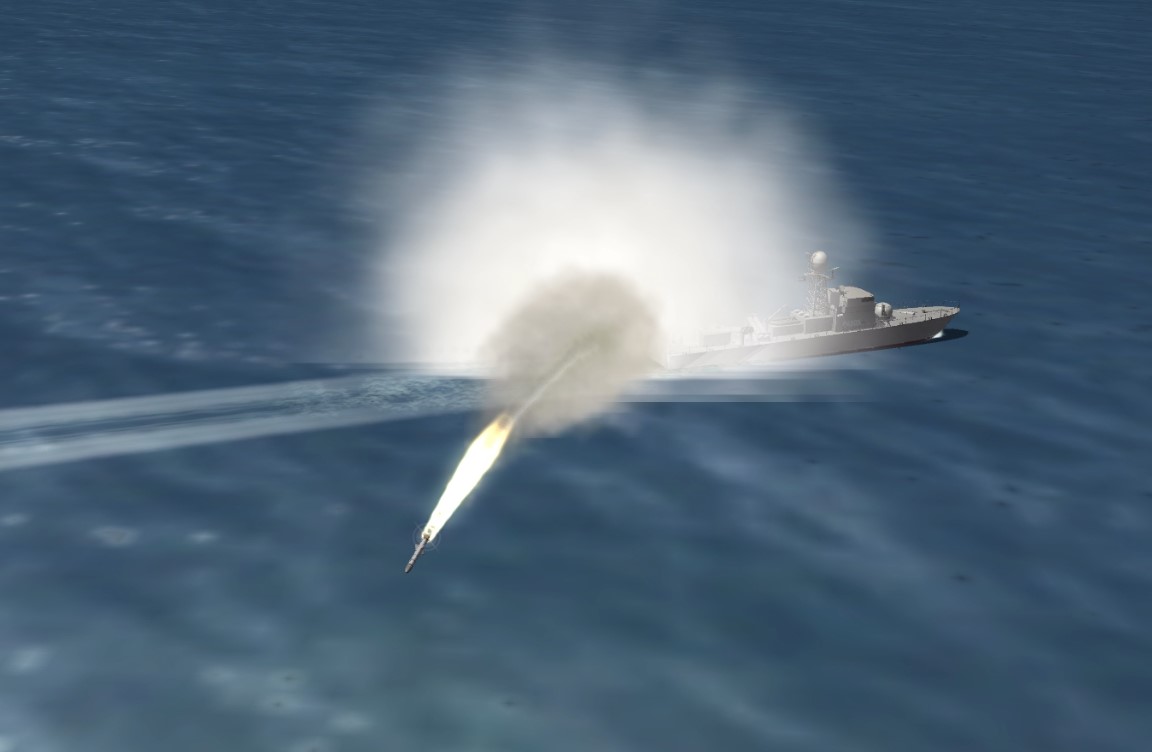
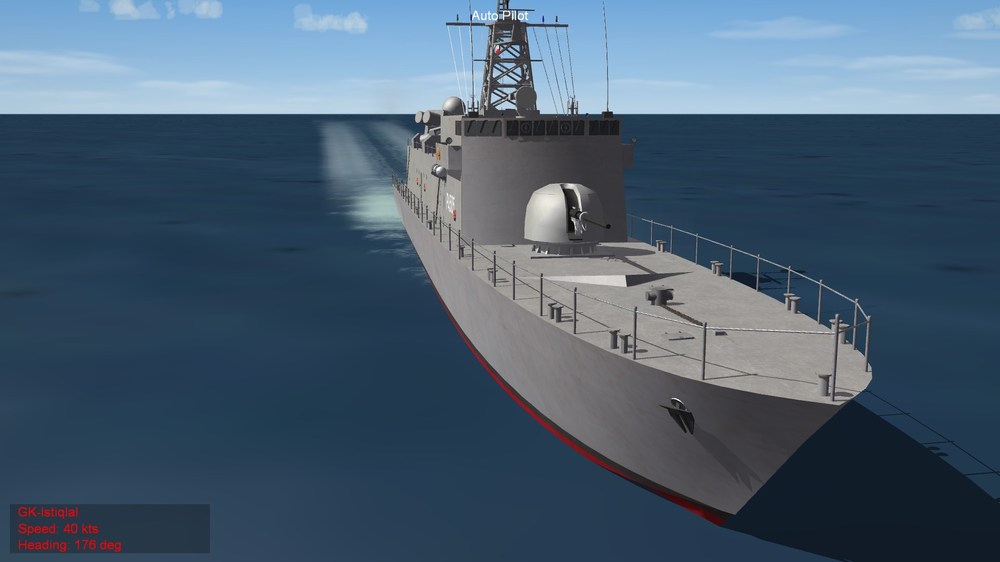
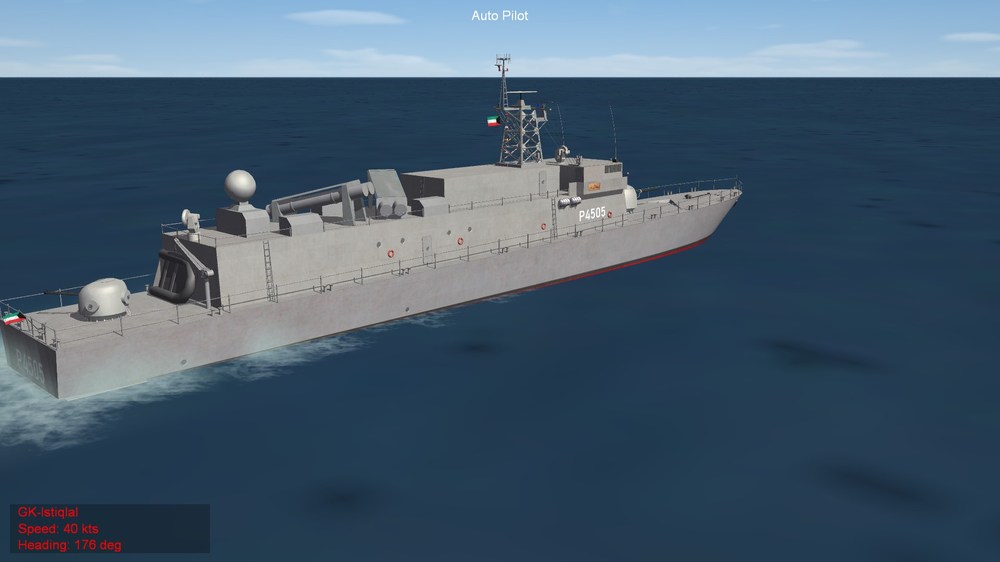
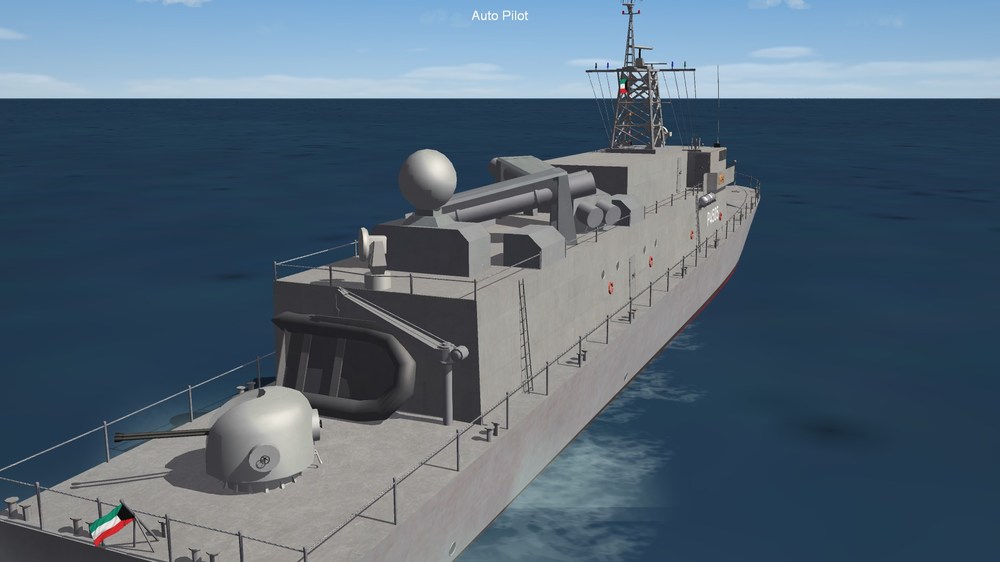
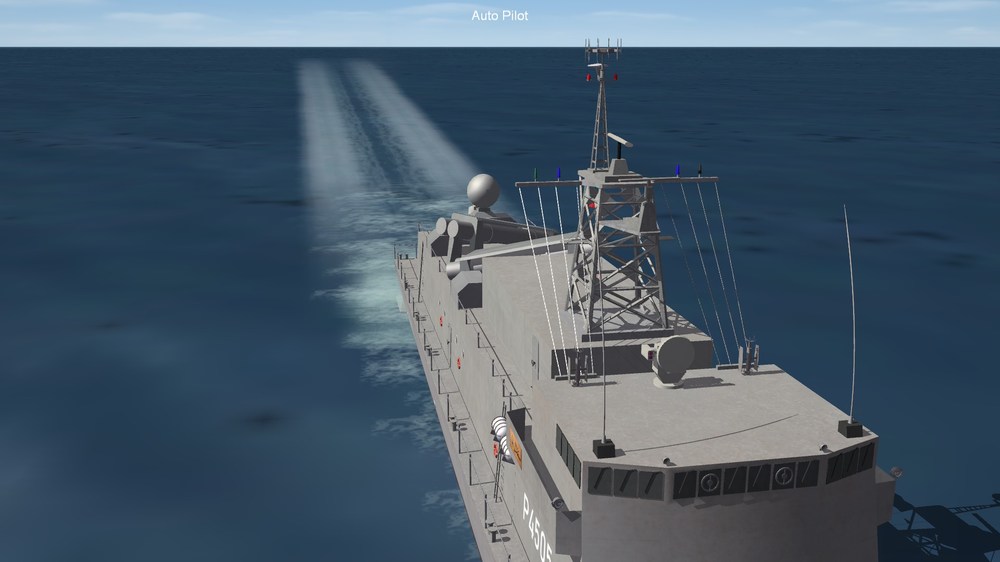
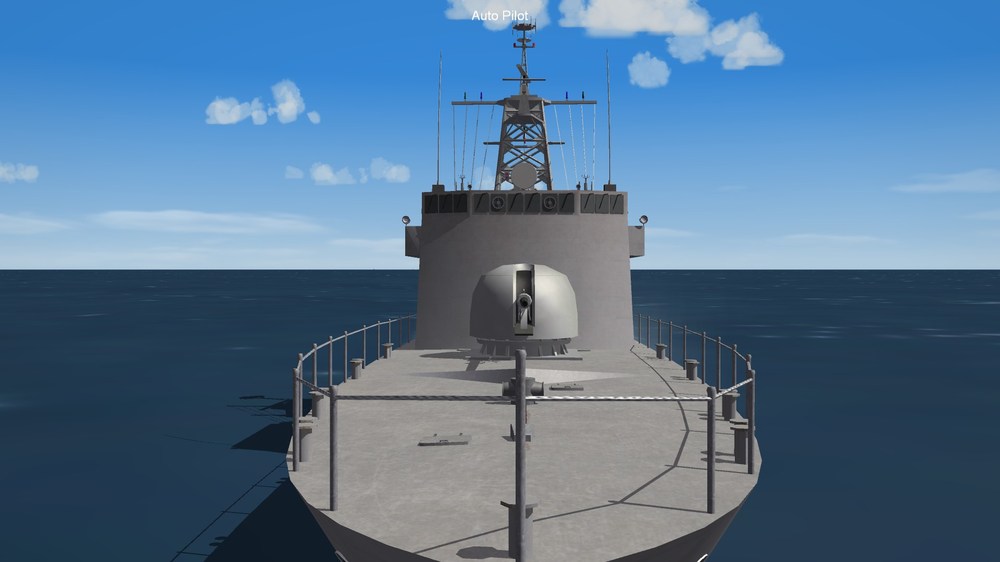
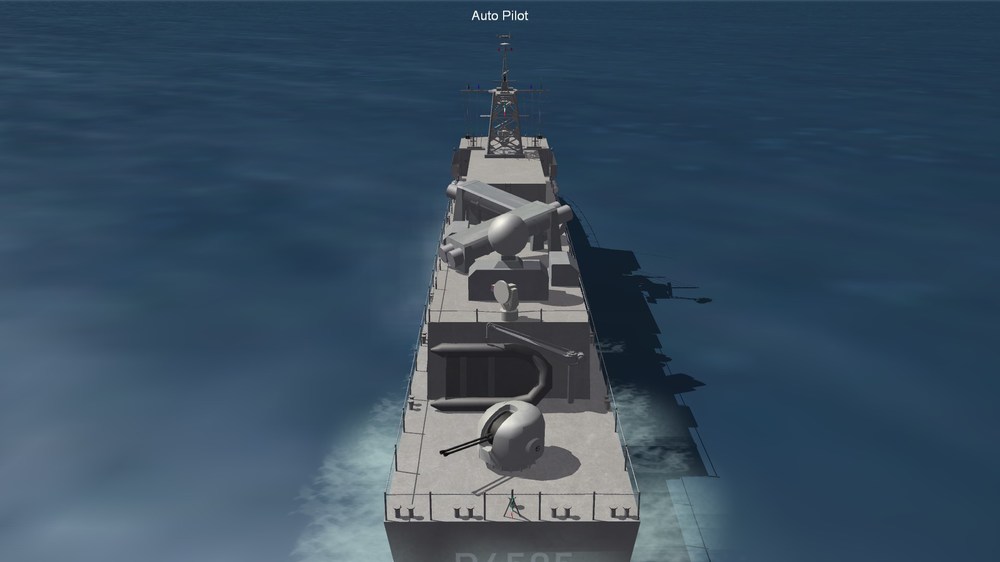
Almost completed the Stiqlal P 5702 I (German FPB-57)
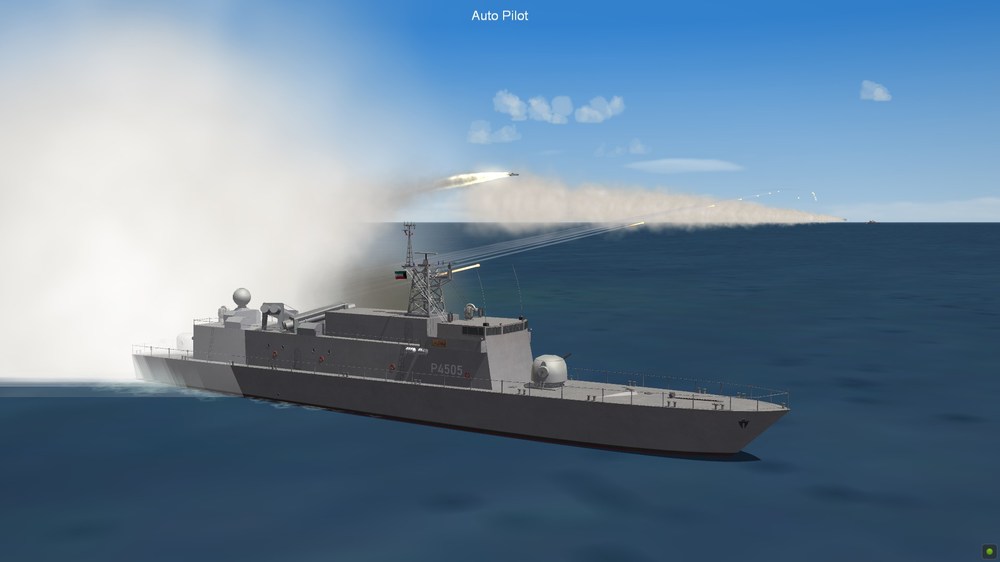
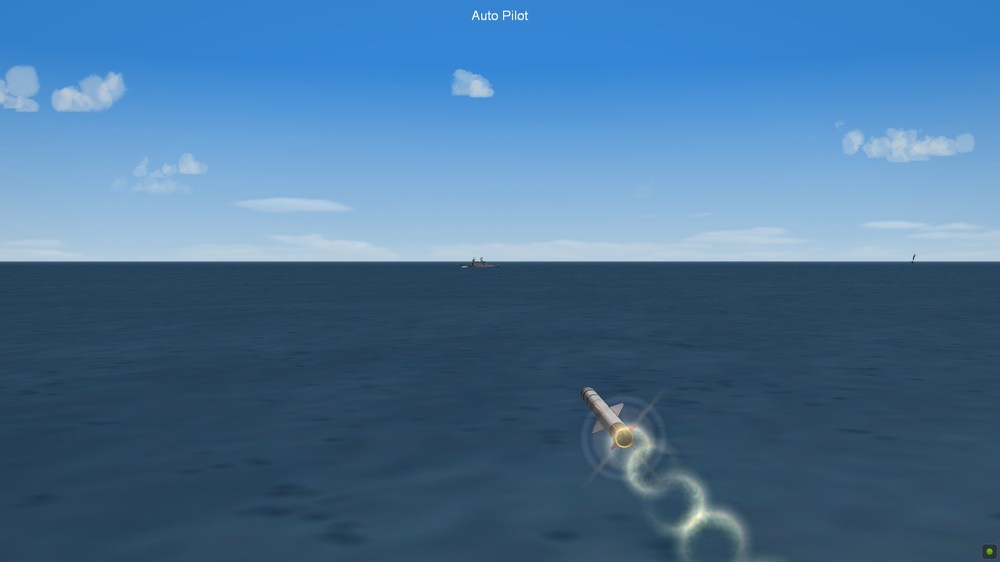
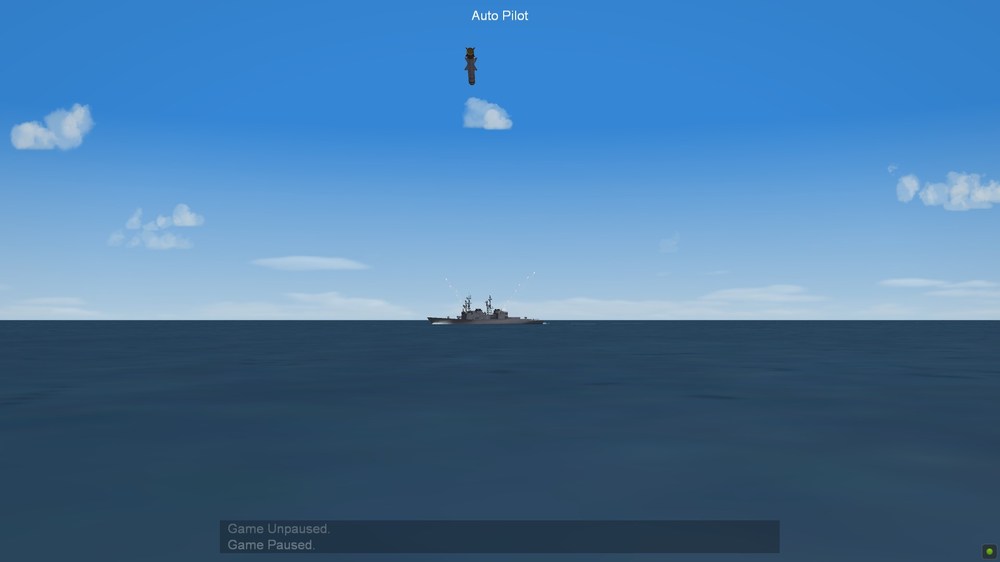
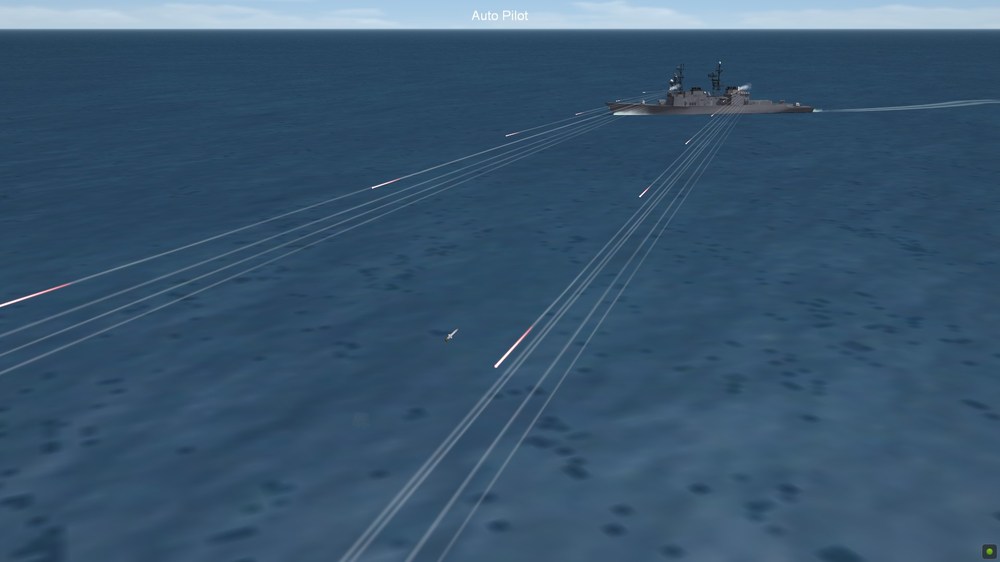
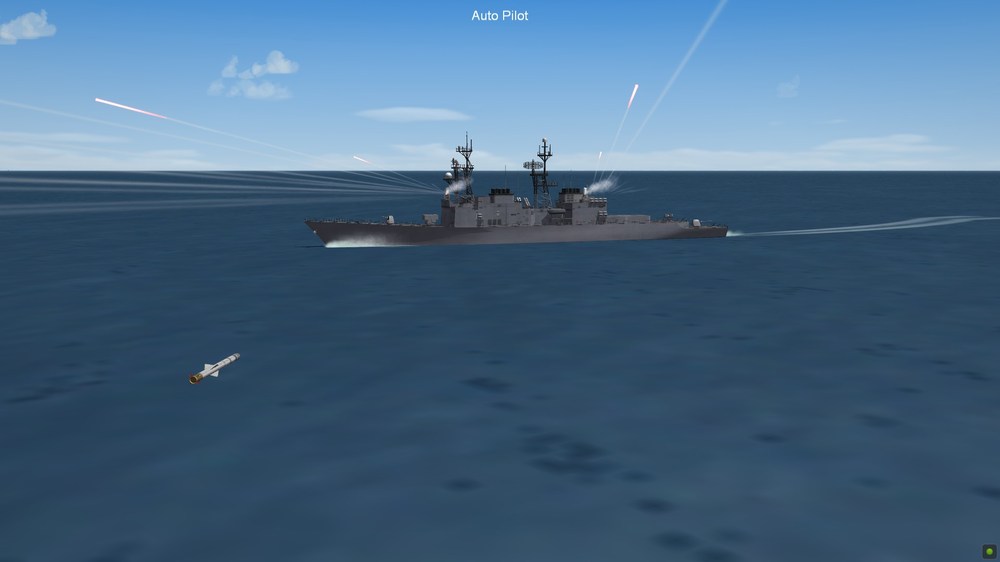
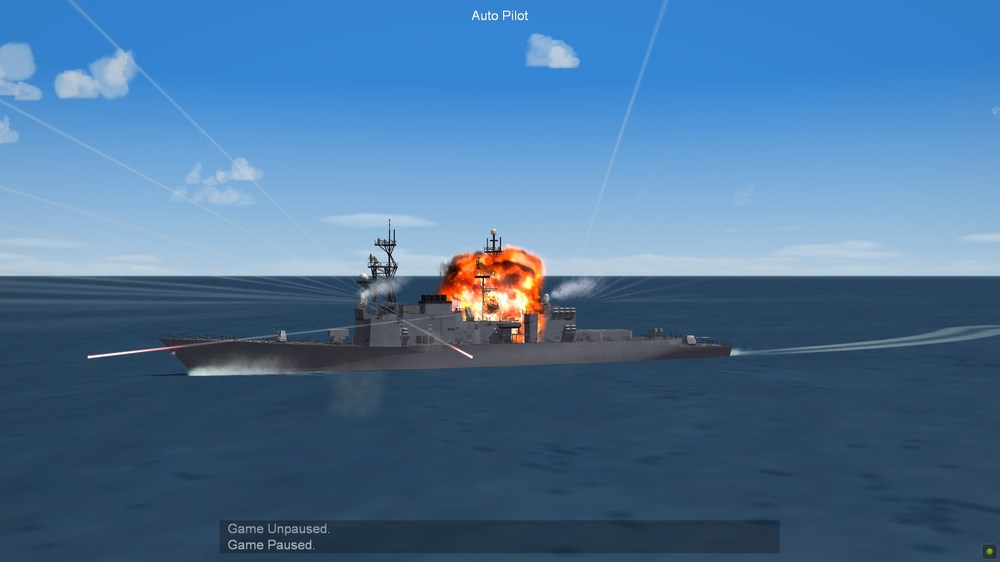
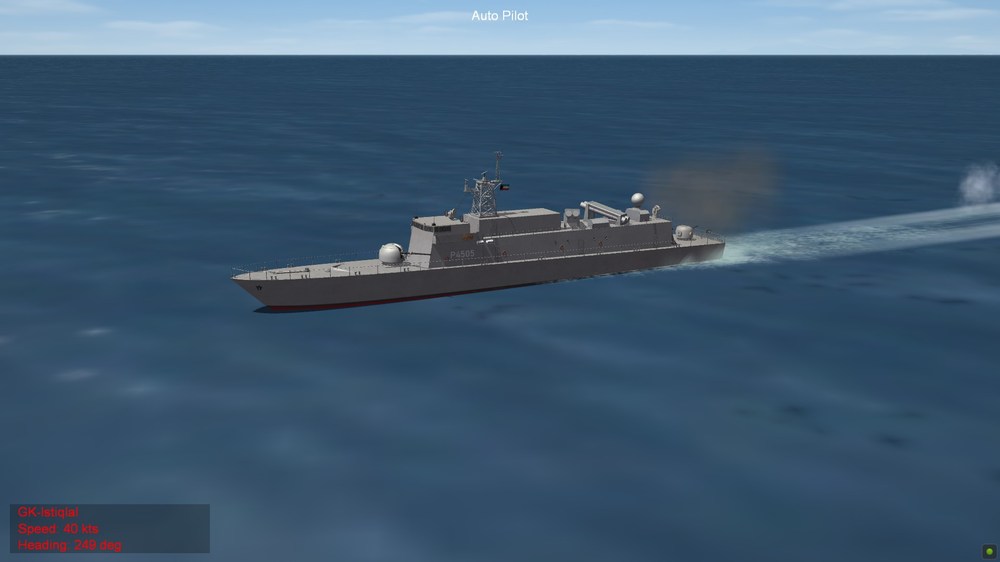
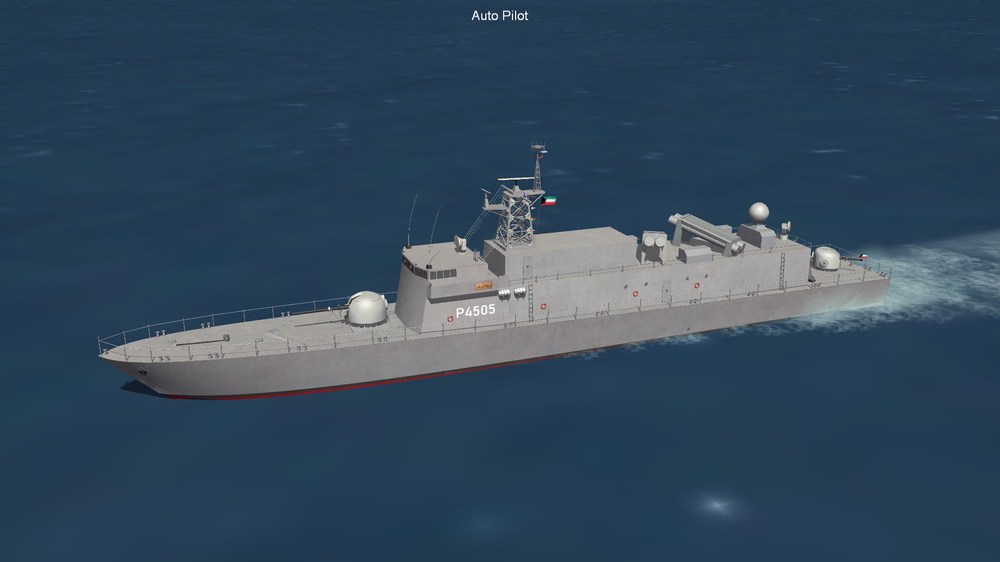
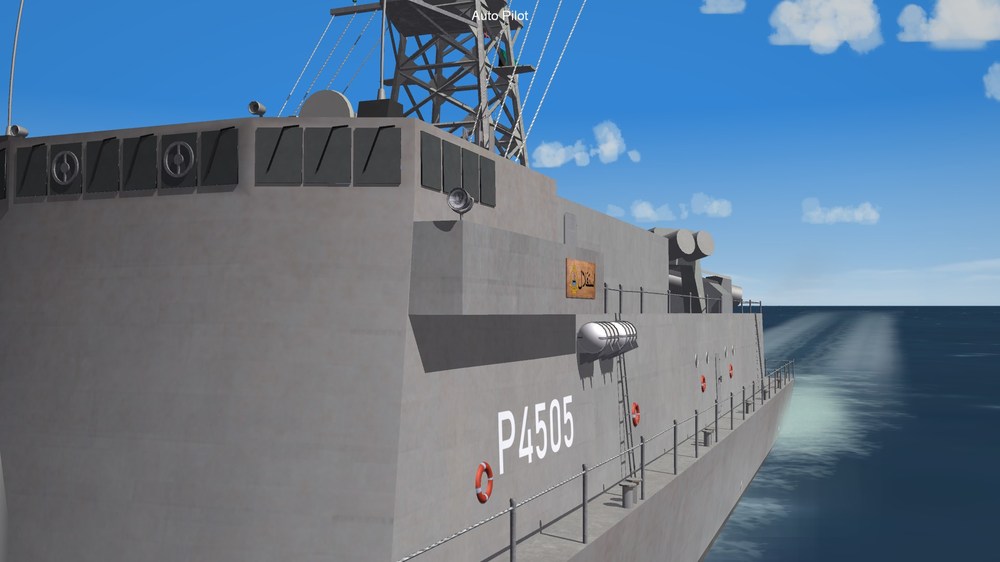
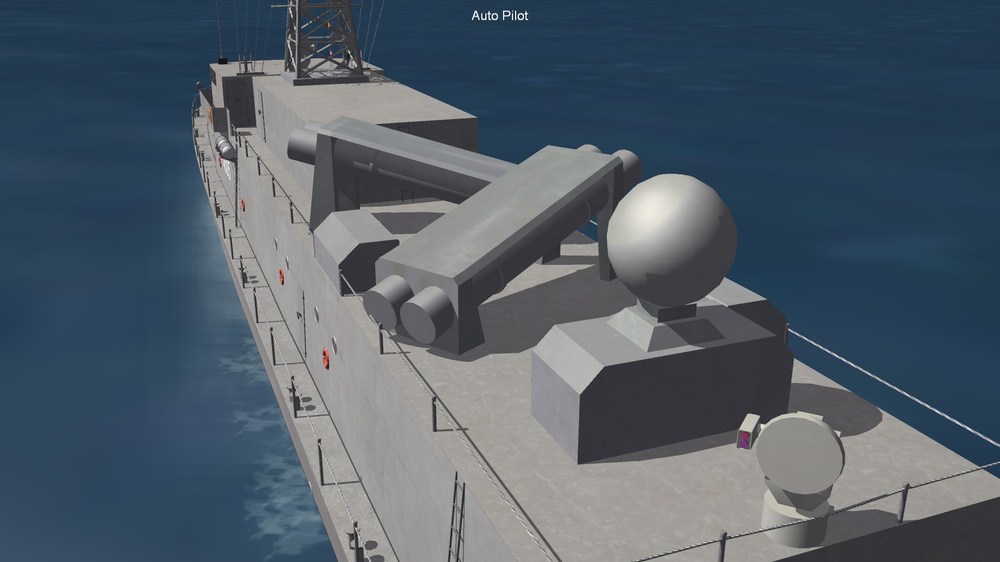
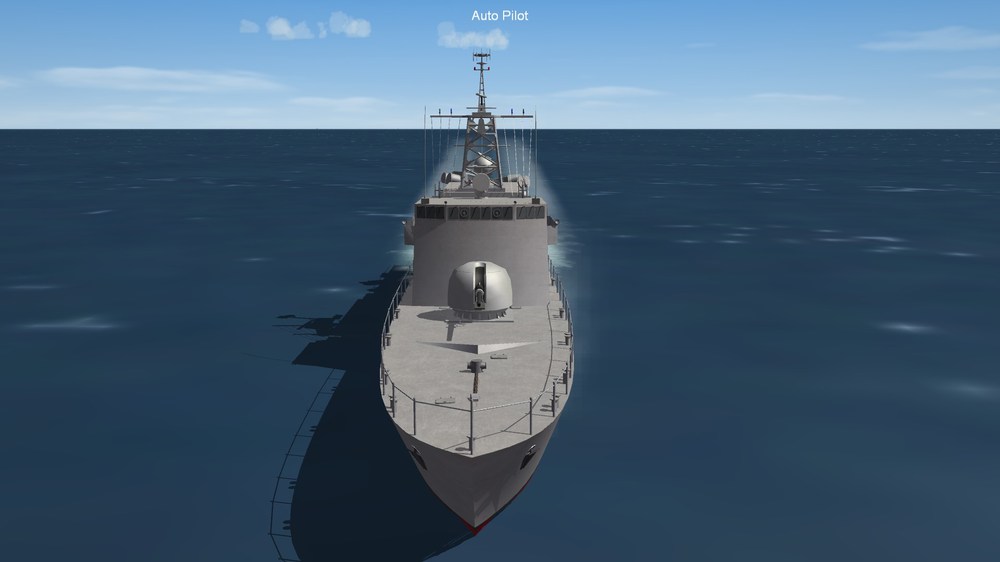
-

Kuwaiti Navy Al Sanbouk (TNC-45) fast attack craft
GKABS replied to GKABS's topic in File Announcements
Yes indeed ;)- 2 replies
-
- 1
-

-
- al sanbouk
- attack craft
- (and 4 more)
-
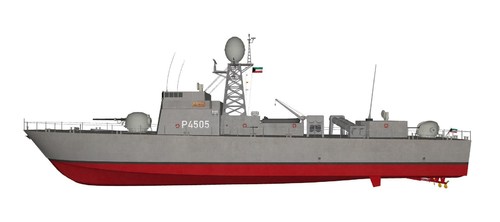
View File Kuwaiti Navy Al Sanbouk (TNC-45) fast attack craft Hello and thank you for downloading my work. https://gkabs.net What's included: Kuwaiti Navy Al Sanbouk (TNC-45) fast attack craft model. TNC 45 TECHNICAL DATA GENERAL: TYPE: TNC 45-021B FIRST OF CLASS: AHMAD EL FATEH FIRST COMMISSIONING: 1984 DIMENSIONS & CREW: DISPLACEMENT: 285 T LENGTH: 46 M BEAM: 7.3 M DRAUGHT: 1.8 M CREW: 33 (+ 3 EMBARKED) SENSORS: COMBAT MANAGEMENT SYSTEM SEARCH RADAR NAV RADAR EO SENSOR IFF ESM / ECM LINK MISCELLANEOUS: 1 RIB CAPABILITIES: ASUW EW MARITIME PATROL AND SURVEILLANCE OPERATIONS CONFINED AND SHALLOW WATER OPERATIONS PROPULSION: 4 X DIESEL TOTAL POWER: 11,480 KW PROPELLERS: 4 X CPP SPEED: 41 KTS WEAPONS: 1 X 76/62 COMPACT 1 X 40 MM DOUBLE BARREL 4 Exocet-40MM-B2 All my files should include the Strike Fighters 2 Series game file (.LOD) and the texture required. (tested and work only for SF2) Installation: Copy files to their proper folder If you need any further help please read the Knowledge Base at: https://combatace.com/forums/forum/268-thirdwire-strike-fighters-2-series-knowledge-base/ 1.0.0 LICENSE: You are allowed to use this model and everything included with it for personal non-profit use for Strike fighters 1 and 2. For use outside of this scope, you need to contact me for permission. gkabs@gkabs.net Credit goes to the following: Third Wire for making this outstanding game. For everyone who helped me with the data file and they are a lot to list and I am afraid to forget someone without them I wouldn't know how the data file structure work. thank you all again Credit goes to https://www.textures.com as I use a lot of their photos to create the skins. Google for some photos and information. And finally not to forget the wonderful site of https://combatace.com and all the nice members and their dedicated support for this game. Software used: 3d Max 2009 UVLayout v2 Pro Substance Painter Adobe Photoshop If you need any assistance please contact me at gkabs@gkabs.net Submitter GKABS Submitted 05/04/2021 Category Patrol Craft
- 2 replies
-
- 4
-

-

-
- al sanbouk
- attack craft
- (and 4 more)
-
Version 1.1.0
236 downloads
Hello and thank you for downloading my work. https://gkabs.net What's included: Kuwaiti Navy Al Sanbouk (TNC-45) fast attack craft model. TNC 45 TECHNICAL DATA GENERAL: TYPE: TNC 45-021B FIRST OF CLASS: AHMAD EL FATEH FIRST COMMISSIONING: 1984 DIMENSIONS & CREW: DISPLACEMENT: 285 T LENGTH: 46 M BEAM: 7.3 M DRAUGHT: 1.8 M CREW: 33 (+ 3 EMBARKED) SENSORS: COMBAT MANAGEMENT SYSTEM SEARCH RADAR NAV RADAR EO SENSOR IFF ESM / ECM LINK MISCELLANEOUS: 1 RIB CAPABILITIES: ASUW EW MARITIME PATROL AND SURVEILLANCE OPERATIONS CONFINED AND SHALLOW WATER OPERATIONS PROPULSION: 4 X DIESEL TOTAL POWER: 11,480 KW PROPELLERS: 4 X CPP SPEED: 41 KTS WEAPONS: 1 X 76/62 COMPACT 1 X 40 MM DOUBLE BARREL 4 Exocet-40MM-B2 All my files should include the Strike Fighters 2 Series game file (.LOD) and the texture required. (tested and work only for SF2) Installation: Copy files to their proper folder If you need any further help please read the Knowledge Base at: https://combatace.com/forums/forum/268-thirdwire-strike-fighters-2-series-knowledge-base/ 1.0.0 LICENSE: You are allowed to use this model and everything included with it for personal non-profit use for Strike fighters 1 and 2. For use outside of this scope, you need to contact me for permission. gkabs@gkabs.net Credit goes to the following: Third Wire for making this outstanding game. For everyone who helped me with the data file and they are a lot to list and I am afraid to forget someone without them I wouldn't know how the data file structure work. thank you all again Credit goes to https://www.textures.com as I use a lot of their photos to create the skins. Google for some photos and information. And finally not to forget the wonderful site of https://combatace.com and all the nice members and their dedicated support for this game. Software used: 3d Max 2009 UVLayout v2 Pro Substance Painter Adobe Photoshop If you need any assistance please contact me at gkabs@gkabs.net- 2 reviews
-
- 10
-
-
-
- al sanbouk
- attack craft
- (and 4 more)
-
Don’t worry I promised you that I will do it and I will, I just have the FPB-57 then I will start working on it.
-
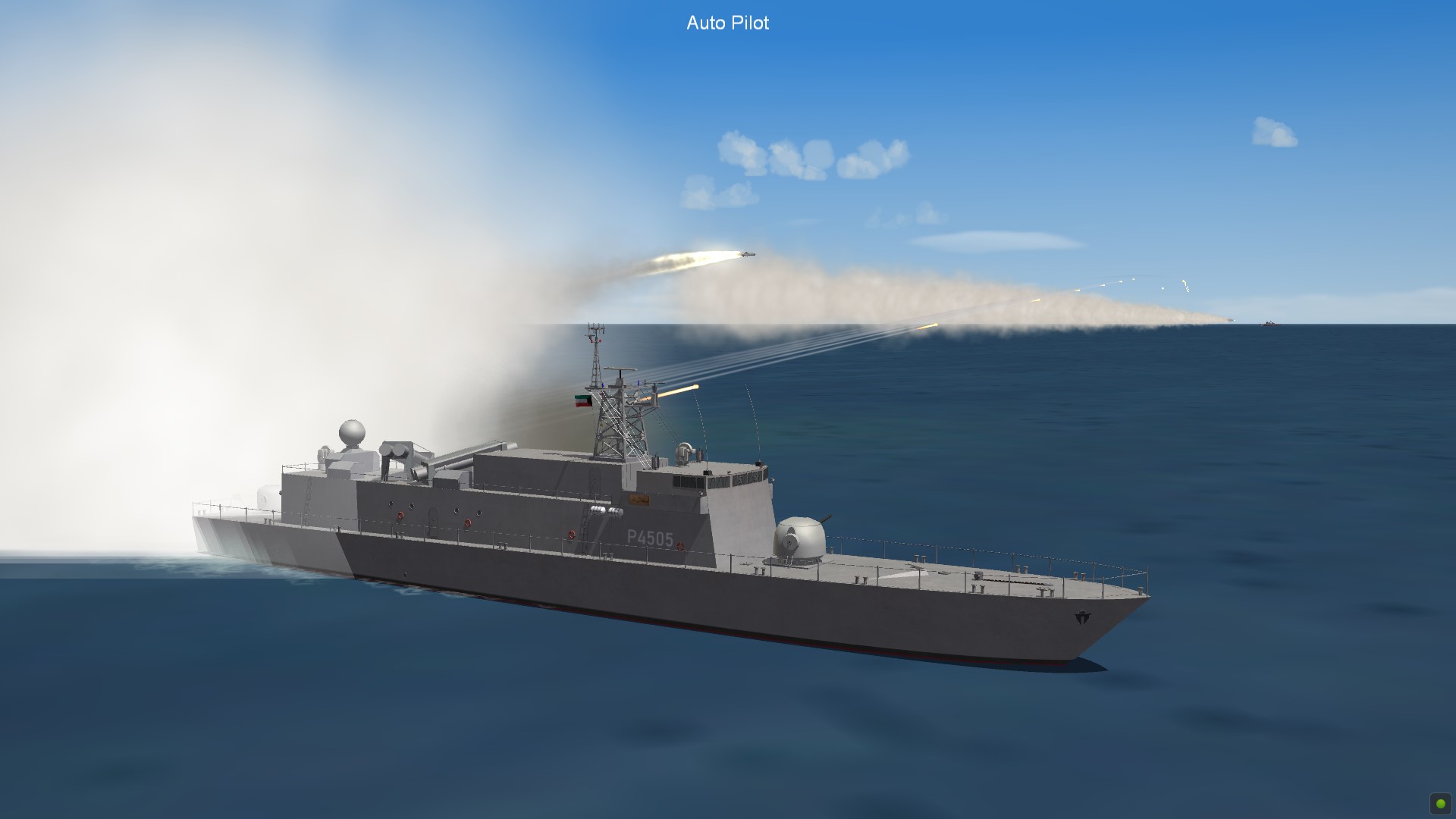
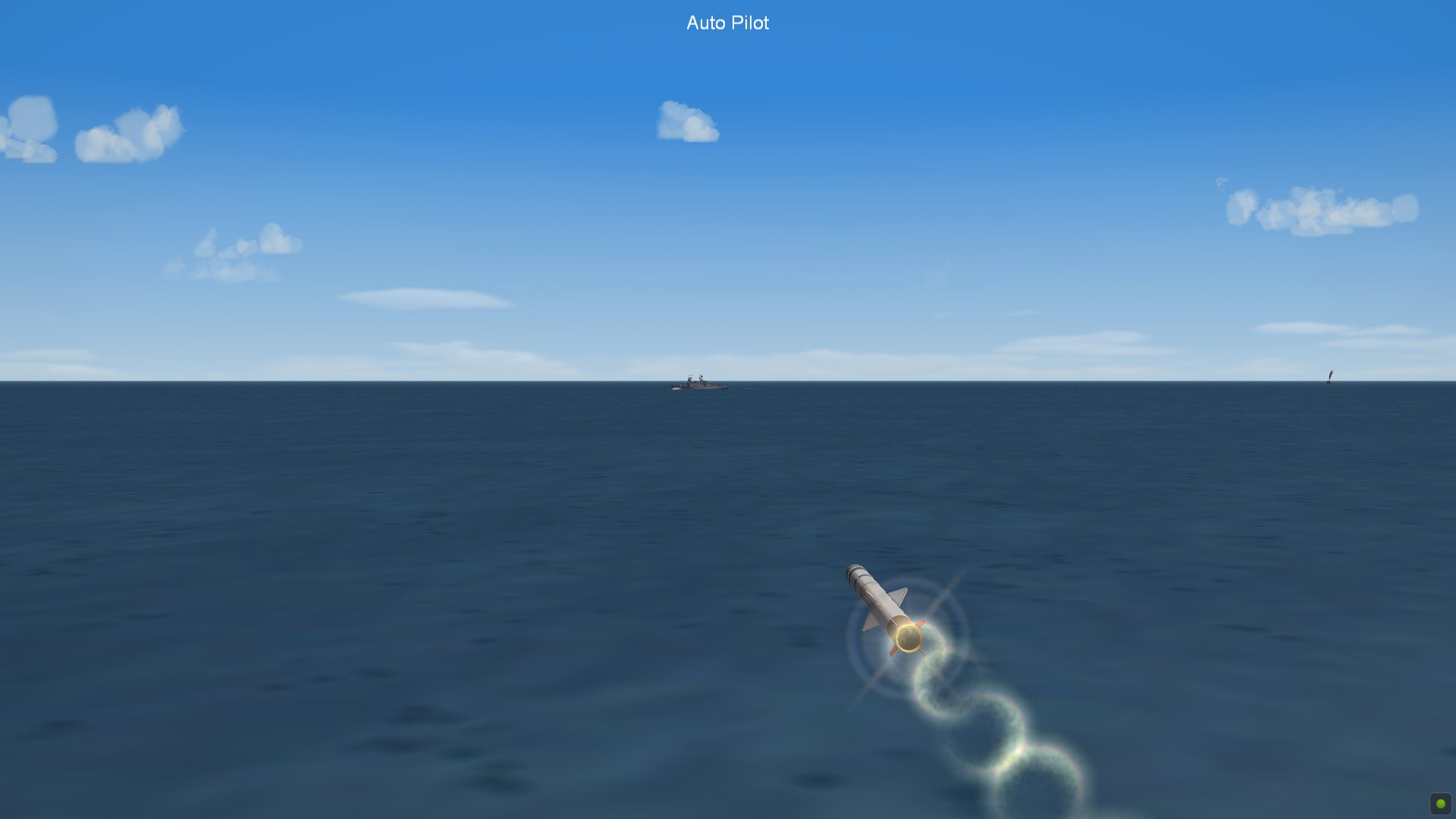
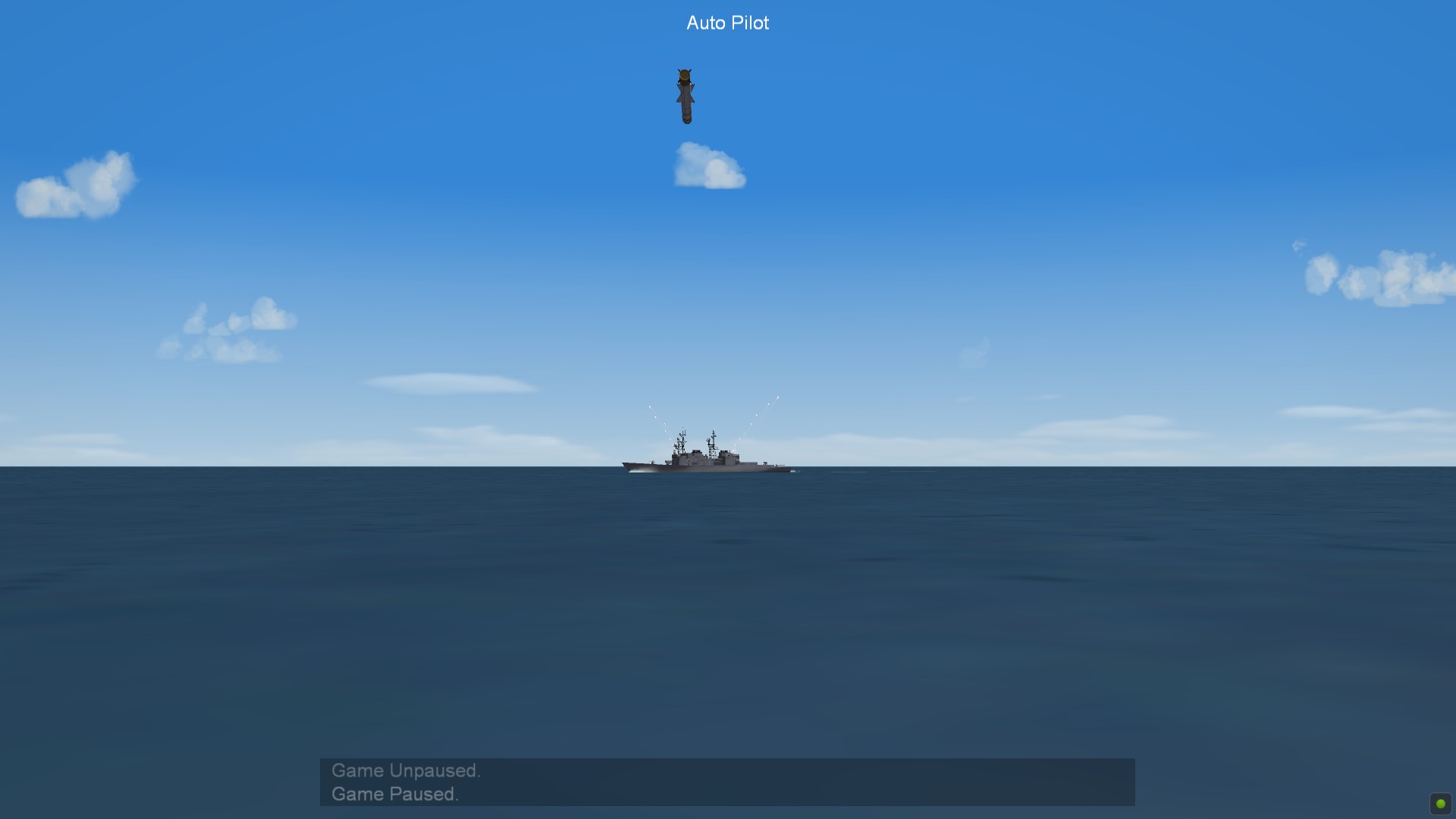
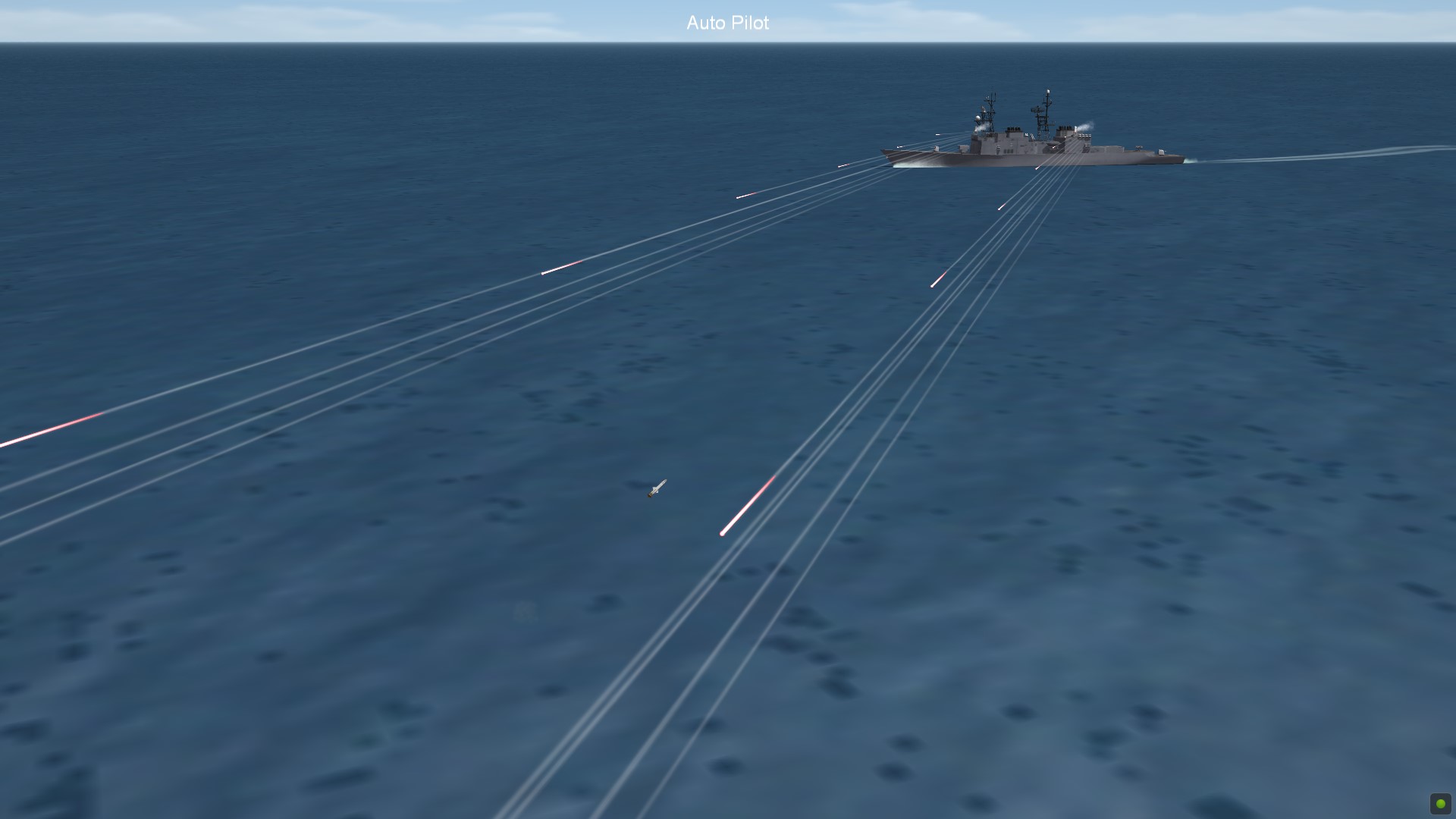
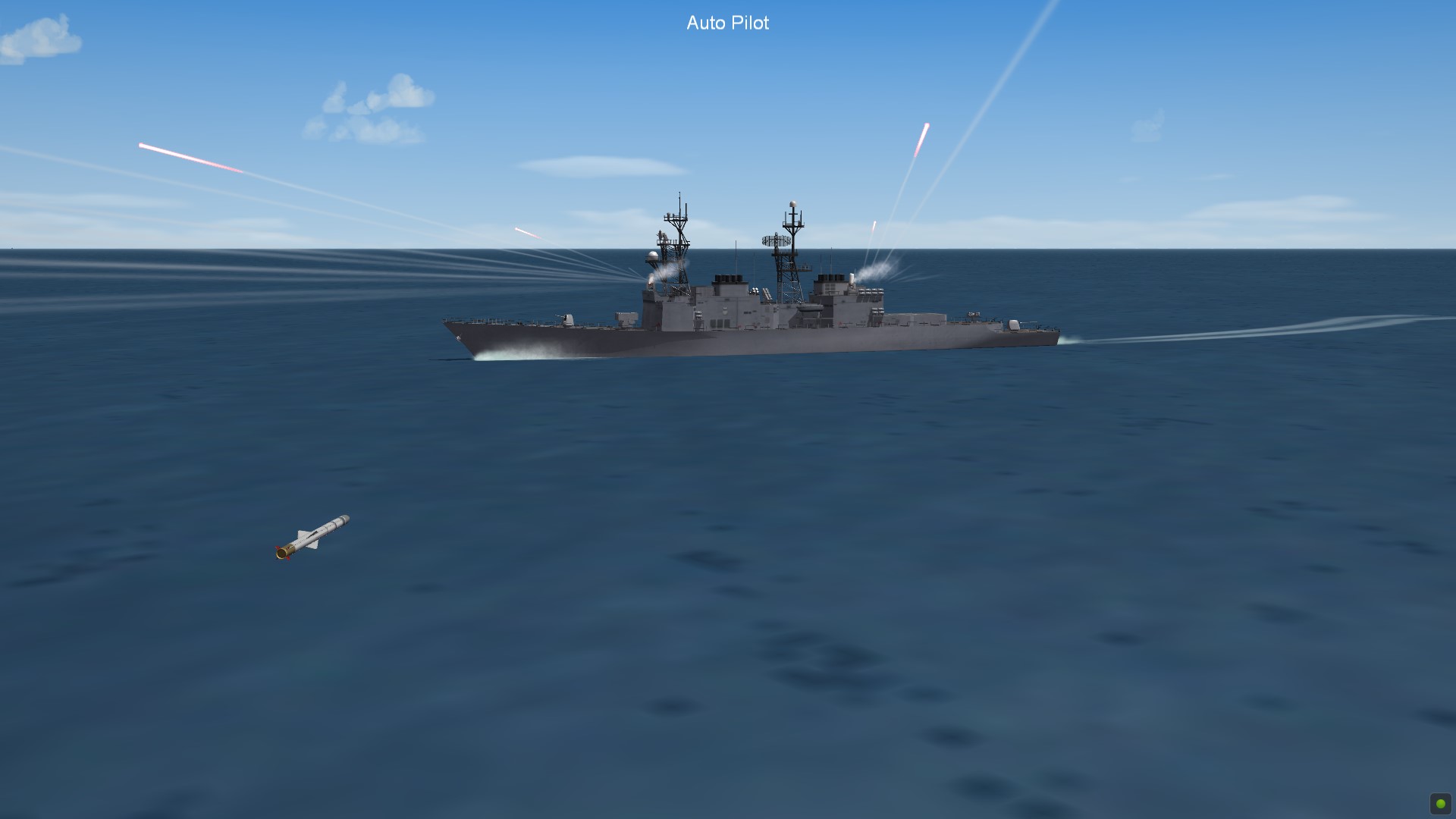
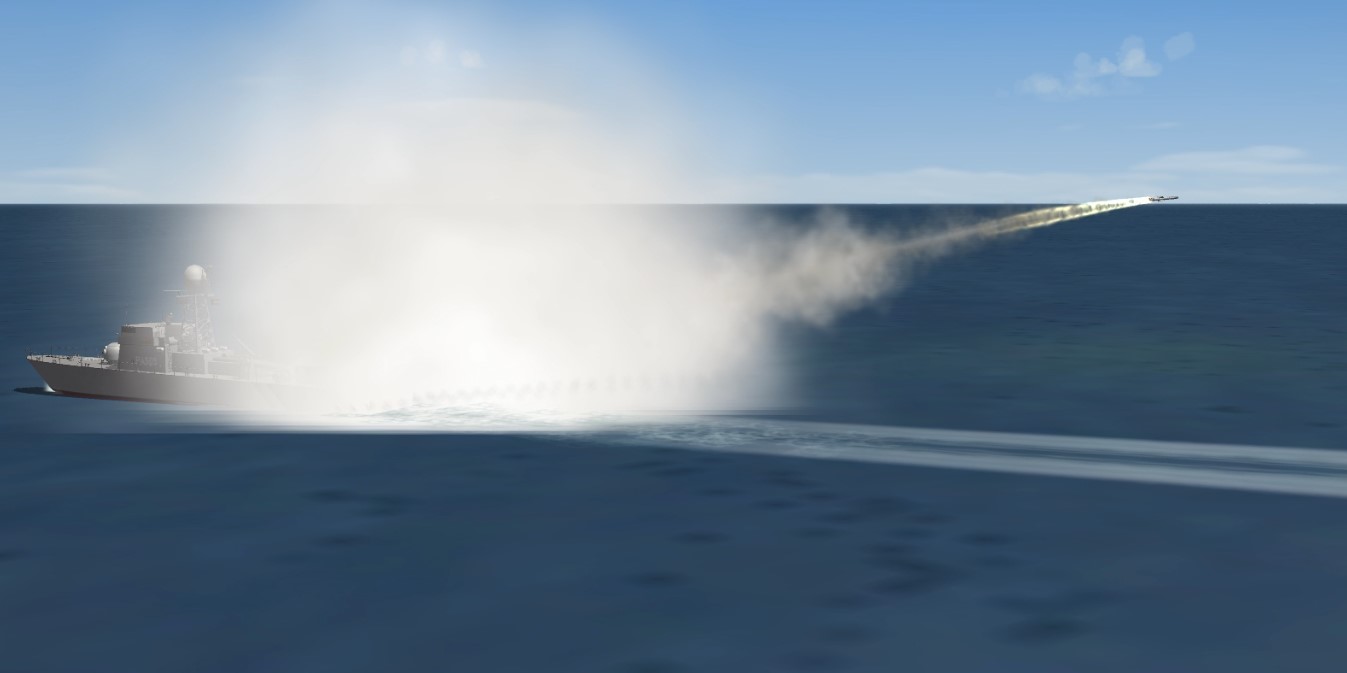
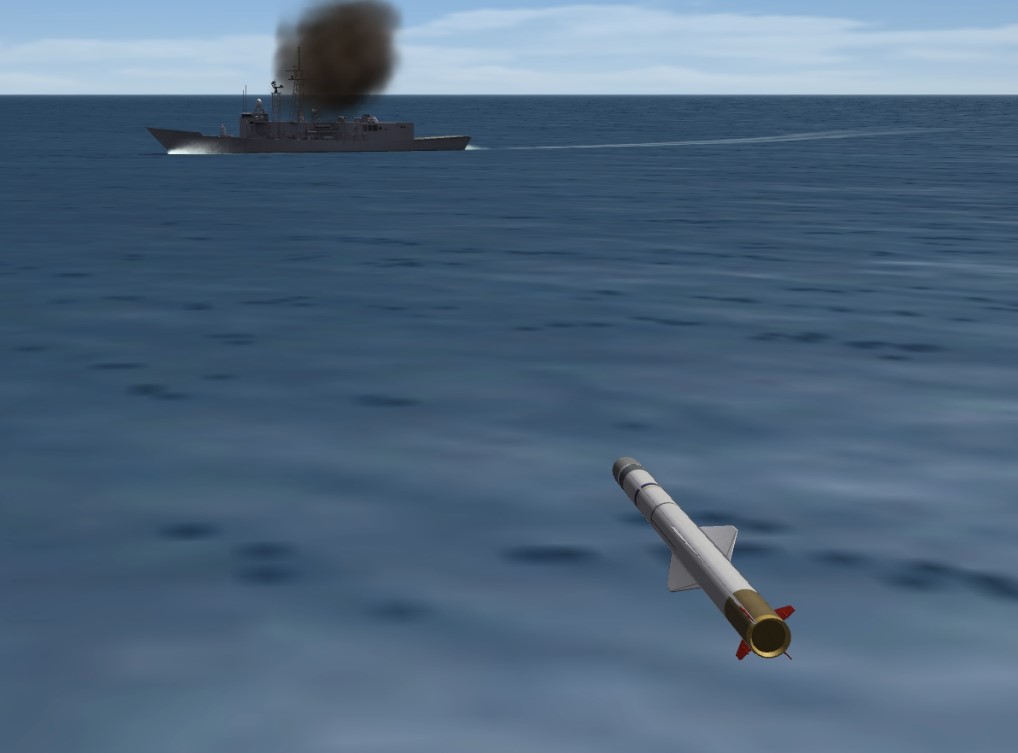
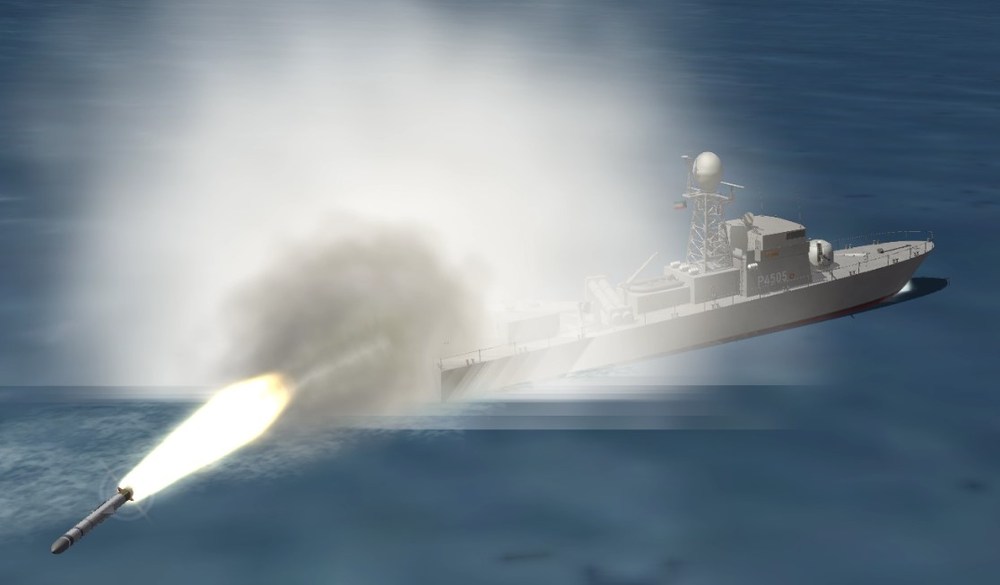
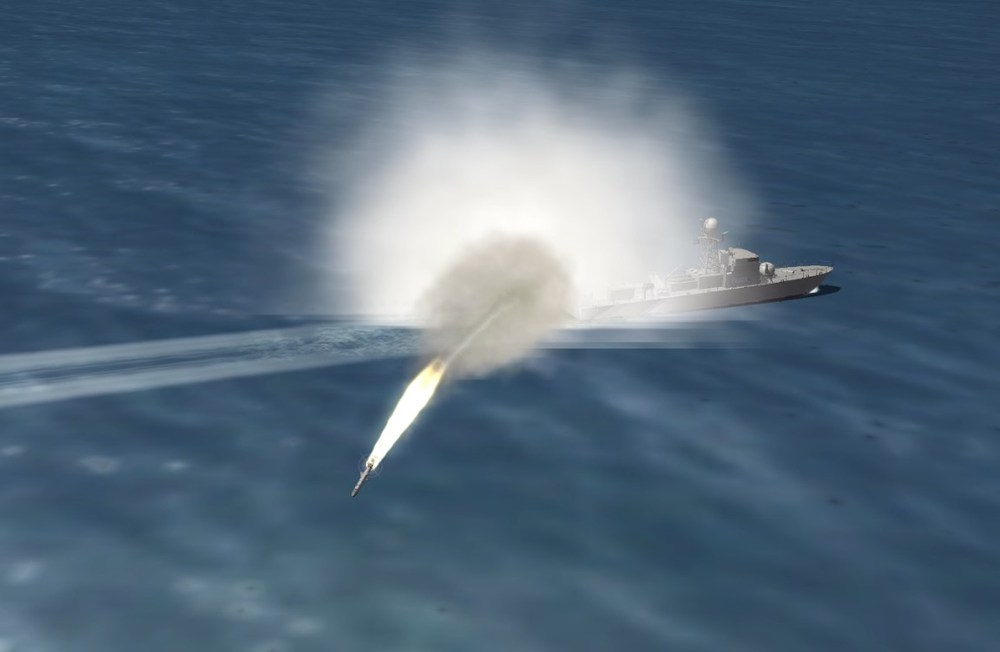
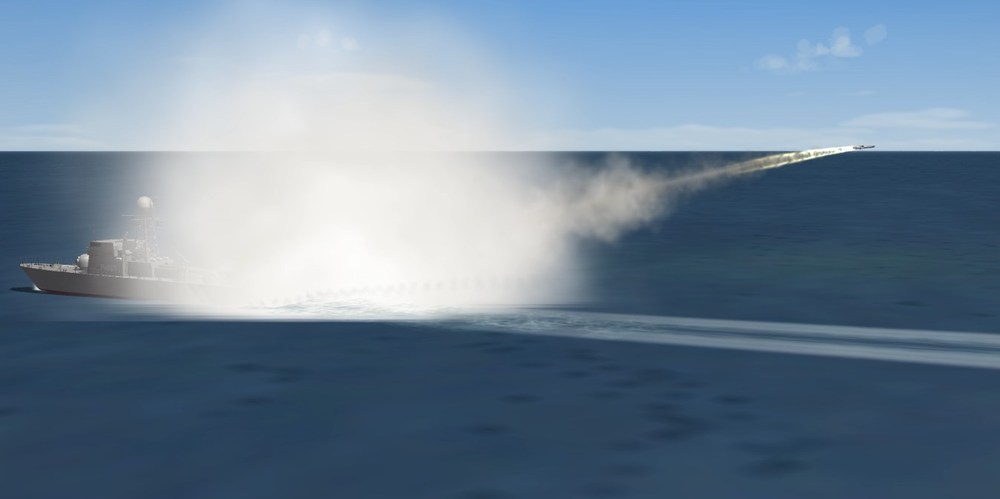
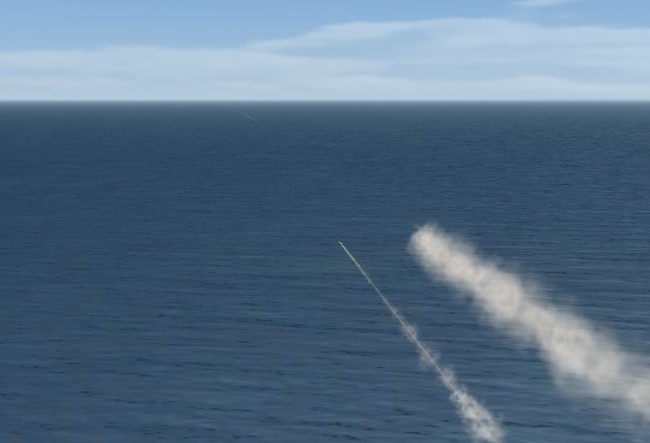
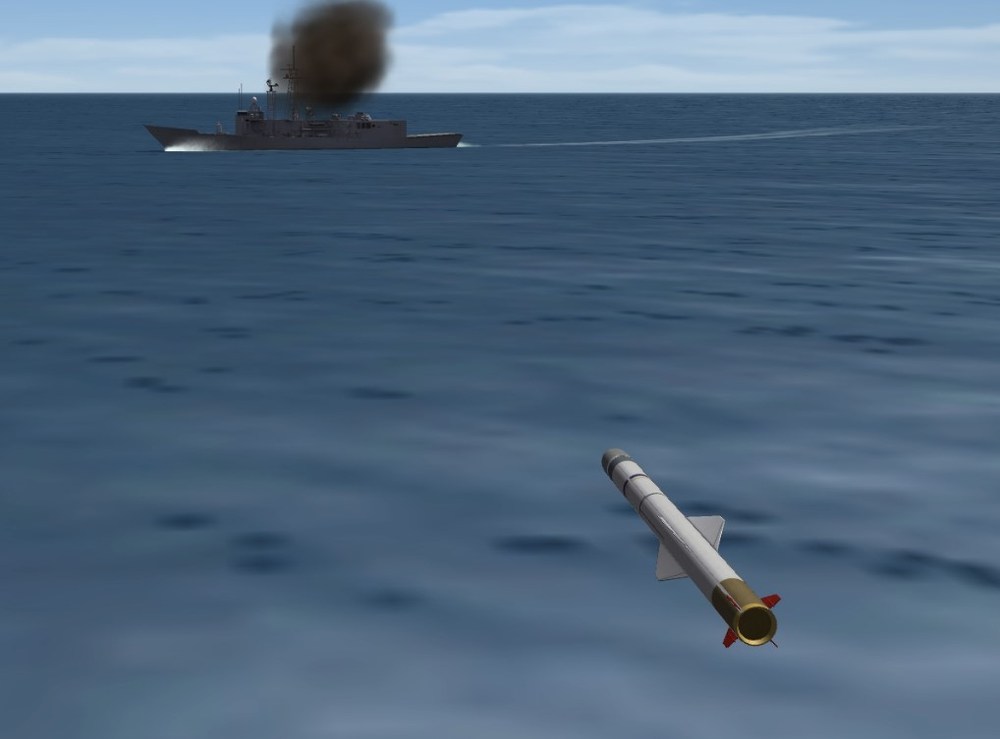
Finally, the TNC-45 boat is completed thanks to everyone how helped me getting the boat to fire its missile and fixing my data file this was an excellent learning curve for me. thank you in no particular order: guuruu , Coupi, KJakker, strahi, acesfakia, and angelp, and this wonderful community
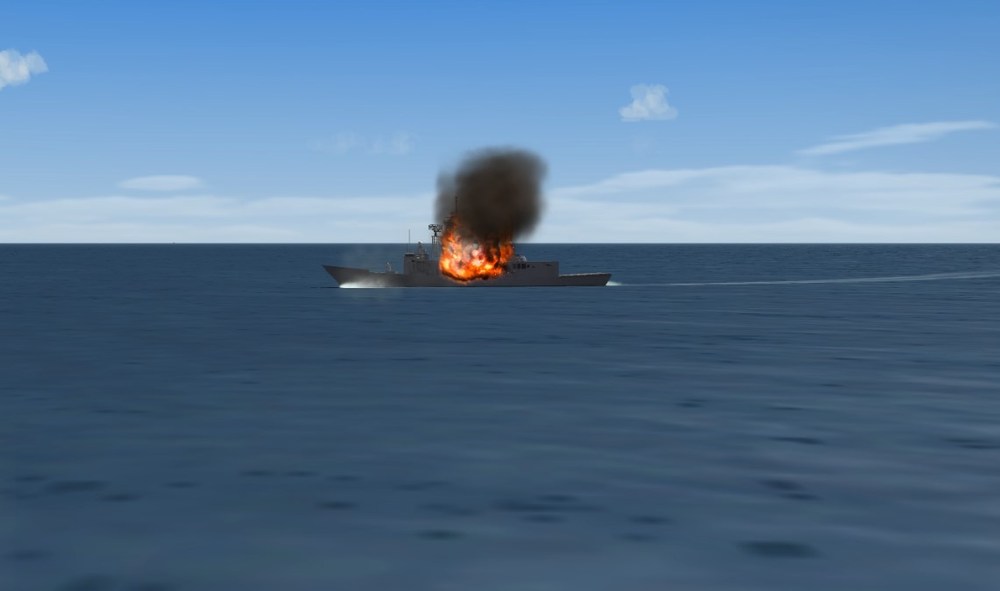
-
Next, after I get the TNC-45 missile issue I will be working on the P 5702 Istiqlal (German FPB-57)
-
Completed the Mortar Shell round
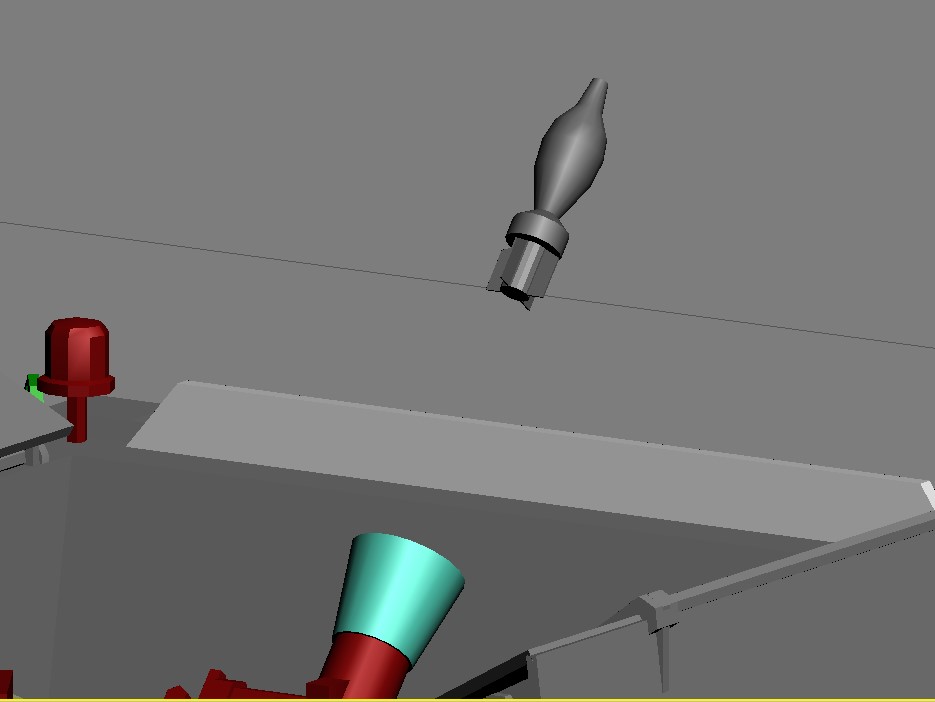
-
Thank you so much KJakker I will test and report back.
-
Nah, you know I will never give up making boats with missiles having a wonderful community like AC that is always ready to lend a hand. send the list let me see (Message).