
About This File
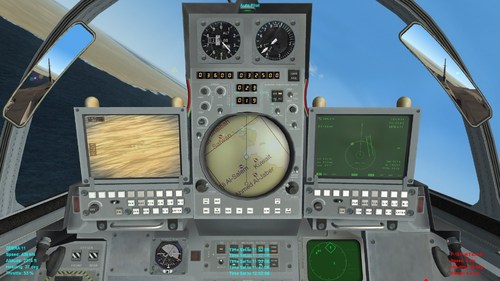
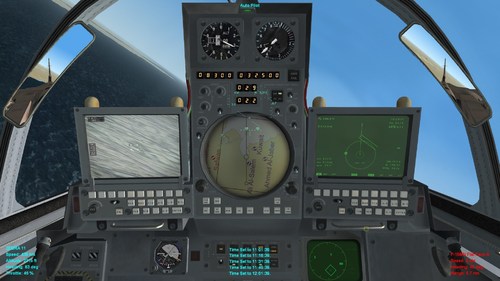
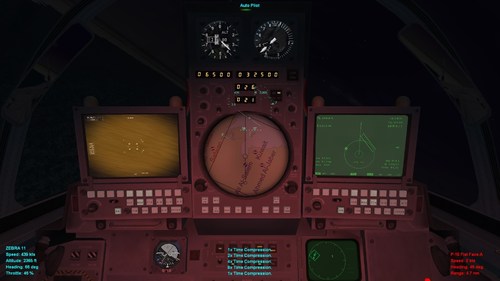
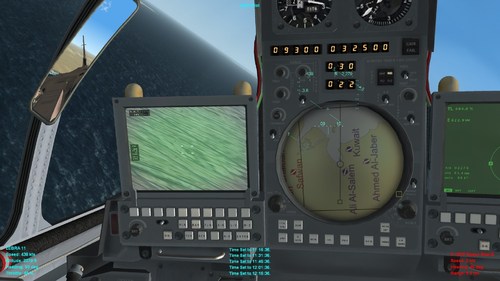
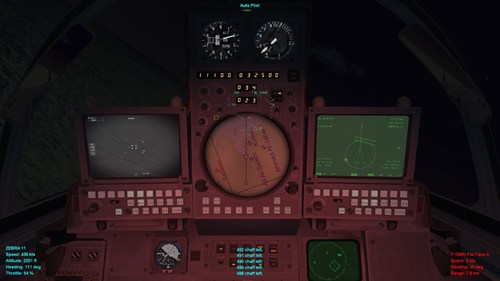
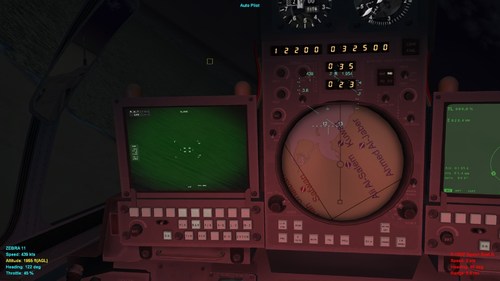
Night vision camera
=================
OK. This solution is not perfect, but a wile better than anything we've had so far.
All you need to do , is to replace the entry in the AVIONICS.INI file and add textures.
Pls, test it and let me know your opinion.
INSTALLATION
=============
Just replace entry of DTVFilterMaterial in your AVIONICS.INI
and put TV Filters in Objects/Aircraft.
You can change color of filter by editing this line in AVIONICS.INI:
TextureStage[01].TextureName=..\ORANGETVFILTER.JPG
CREDITS
=======
It's my final solution for this problem , but it is development
of millions (trials) we did with ODS30 team to solve this problem.




Recommended Comments
Use the "Get support for this file" button under the download button above to discuss file support related issues. This comment area is used for ratings comments.
Create an account or sign in to comment
You need to be a member in order to leave a comment
Create an account
Sign up for a new account in our community. It's easy!
Register a new accountSign in
Already have an account? Sign in here.
Sign In Now