FastCargo
-
Posts
8,142 -
Joined
-
Last visited
-
Days Won
16
Content Type
Profiles
Forums
Gallery
Downloads
Store
Everything posted by FastCargo
-
Dave...I love you man! FC
-
Can the AI wingmen "bobbing" be reduced?
FastCargo replied to MetalMania's topic in General Discussion
Having flown more formation than I care to remember, let me give you my thoughts. 1) Close formation is fairly useless in modern air combat...you MIGHT be able to try to simulate a single target paint by flying REALLY close together, but you negate damn near any advantage of having a wingman which is... 2) Mutual support. A rule of formation is that the closer to lead you are, the more of your attention is focused on him and maintaining position, vs watching his six, your six, checking your stuff, and bogie search. 3) The reason that close formation tends to look better the closer you are is because of trend/deviation information. The closer you are to your lead, the sooner you see deviations forming, therefore the smaller correction you have to make to stay in position. Airshow formations require an damn near intrinsic trust in lead, because if something happens and he heads toward the ground, the wingies may not notice in time. A prime example was the last year the T-Birds operated the T-38A. During the back half of a loop in line abreast close formation, lead's stab jammed, giving him insufficent authority to pull out of the loop. He hit the ground, and all 3 of his wingman hit the ground right beside him. Close formations (the USAF calls fingertip, the USN calls parade) are usually to get the formation to the home field in an quick manner, help keep the formation close when driving through the weather, and finally (most importantly), to look good coming into the overhead. Personally, my formations in the TW series are Fingertip, Echelon, Diamond ... after that, it's line abrest, starting at a mile between aircraft. If I'm on a CAP mission, with 16 aircraft, I've got a wall going that spans almost 20 miles, with radars pinging. My stealth tactics are different though... Most times, the stock formations you see in the TW series are basically route spacing...which is sort of a 'relaxing cruise' type setup. The idea is that you keep in a general, safe location off of lead, but allows enough leeway to take care of your admin stuff within your aircraft. Which means you're going to bobble. FC -
SF2 has the ability to 'detach' certain parts of the LOD...so now you can have tanks that are part of the aircraft LOD and have skins to match. You can do this in SF1/WOx/etc...however, the tanks or any other part won't detach. This may work for certain aircraft that couldn't jettision tanks (the F-106?) but obviously, doesn't work for most aircraft. I had a crazy idea on how to implement this ability in SF1...but I never tried it...I had no idea if it could have worked or not.. FC
-
No worries man....I hadn't had a chance to look at the textures so I didn't know you had already outlined them. Nice detail work! FC
-
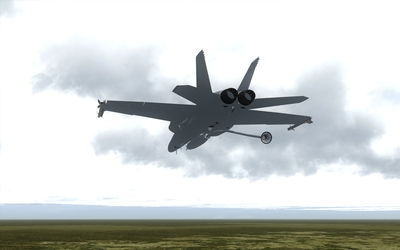
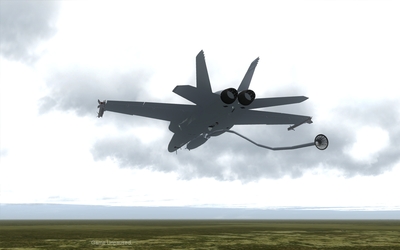
Well, detached weapon lighting (ie seperate LOD files) I'd imagine can only have lighting in the same way slimers work on aircraft...a part of the LOD is set to be 'illuminated' in MAX and a TGA with the color is mapped to it. However, actual 'in sim engine using the ini' lights aren't possible for detached weapons. Now, in the case of the buddy pod, which is part of the aircraft LOD, you can certainly assign lights to it. In fact, with the new MovingLight parameter, you can even assign it to moving parts (the basket). The problem is, I don't know if the light would still show up if that part of the LOD isn't available (say if you don't load the buddy pod, will the 'basket light' still show up)? EricJ, I know where most of the formation lights are generally at on the model (including the wingtips). What I need from you is drawing the locations on your skin...actually, just paint the unilluminated slimers on the skin like they look when they are not lit up. Once that's done, I go back into MAX and actually 'cut' the slimers out of the mesh and reset them to be illuminated with a TGA file map. That way they match perfectly with the skin and you don't have to keep 'guessing' where to paint them. FC
-
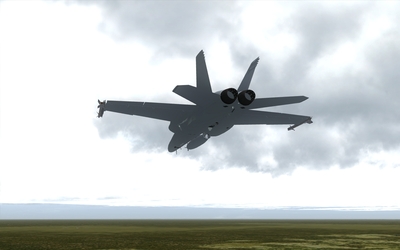
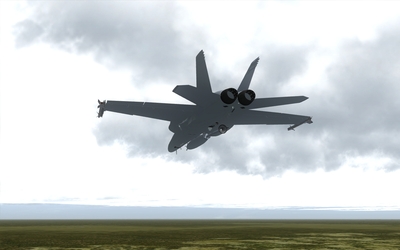
Older paint scheme...but new feature: "Hey, I need some gas!" "I got something here for ya...." "Let me just whip this out..." FC
-
-
-

-
-
-
-
-
Yes, it can be done that way Gunrunner. Just build an ini file for the 'patch' and set it to show at the same distance as the aircraft you are patching. FC
-
F-111A and FB-111 updated to Versions 2.2 and 2.1 respectively. That's the problem with geographically separated team members...hard to make sure everyone is on the same page. Anyway, the models keep only getting better... FC
-
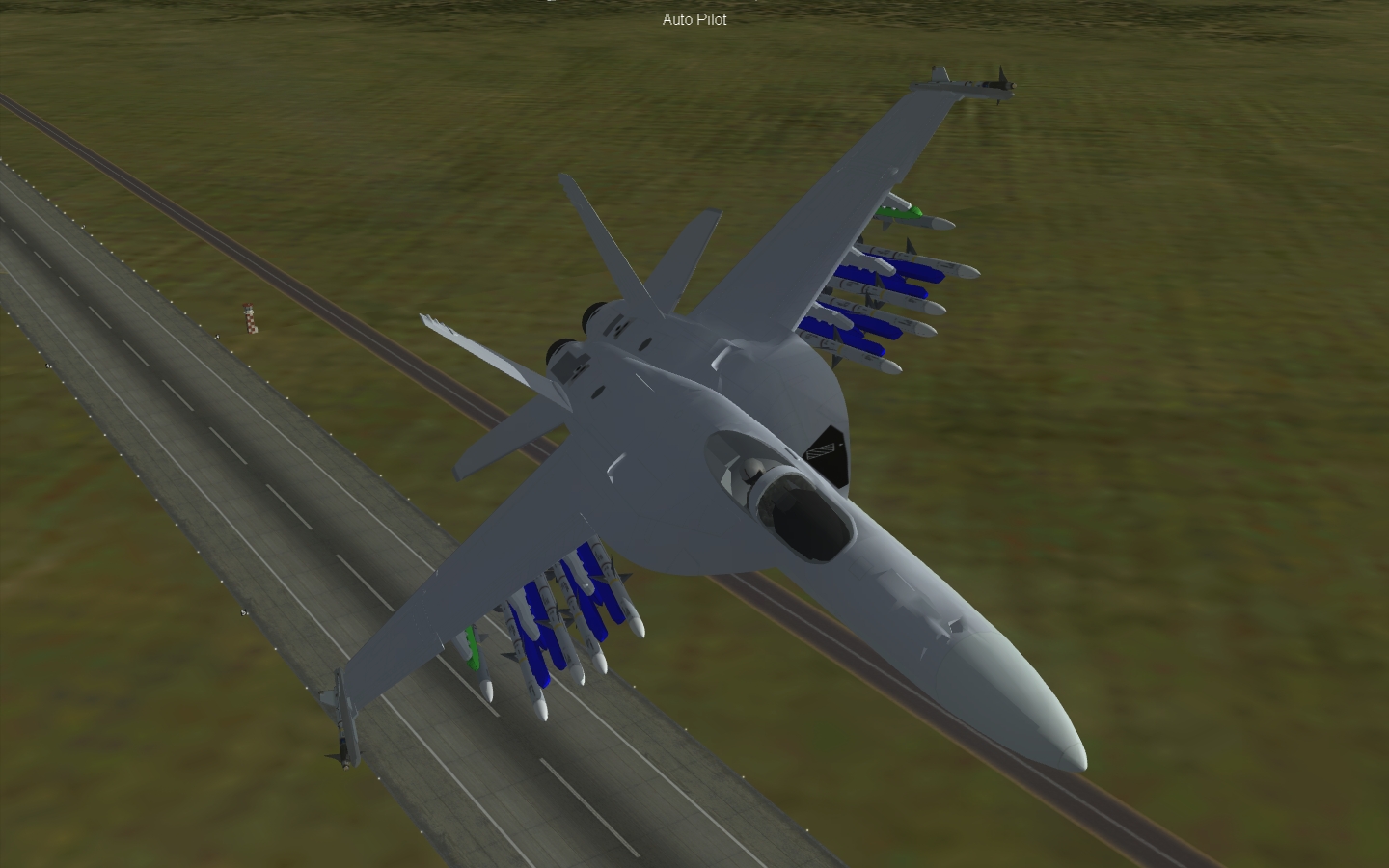
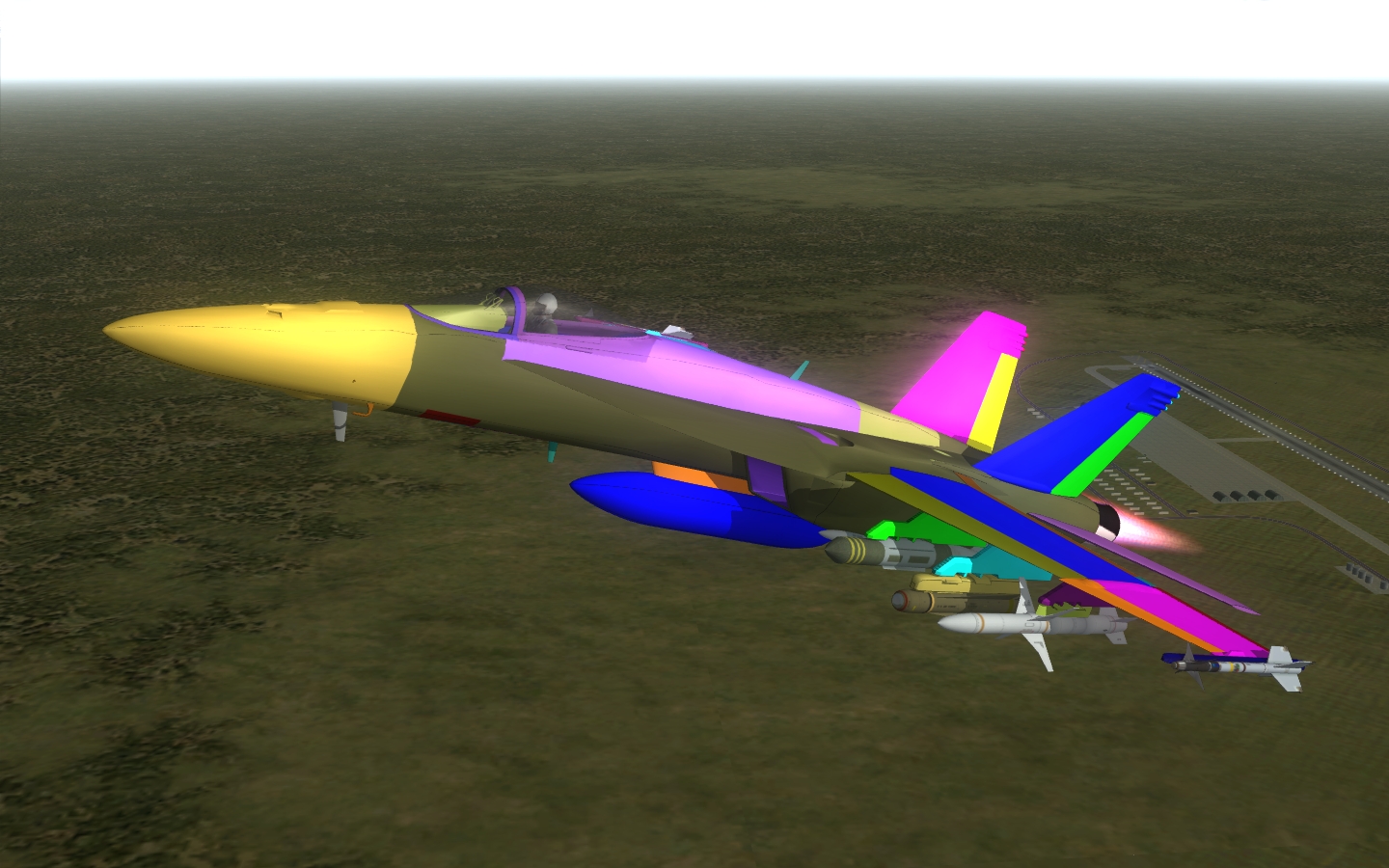
This thread serves as an interesting insight into the process of freeware model development by a team with different disciplines. So in that light, I'll be regularly updating it as I continue to work on the SupaBug. There will be a few things left as a surprise (can't give away everything...) but hopefully this will serve as an educational experience for most of our members. Current update: AGM rails are too big...resizing is necessary, which requires altering the weapon stations. In addition, the ARM and SAHM missiles won't mount with just rails...they need their own separate pylons. Minor work there. Also, just found out spoilers are 'cut' the wrong way...totally missread the diagram they were based on! So they'll have to be recut out of the mesh. Finally, the more I look at the flaps, the more I notice they seem to not only rotate, but 'translate' when extended. So they're going to probably be hard coded on the animation. So, lots of progress, but lots of revision needed. FC
-
Heh, when I first saw this thread, I thought yall were talking about me! A Korean who lives in Texas... Back to your regularly scheduled program.... FC
-
Hey folks, We all are glad that you're enjoying the updated F-111A. The readme mentions it, but I want to reemphasize it here. If you have old versions of the F-111, the weapondata.ini entries included in the update are meant to overwrite the entries you already have. If you have duplicates within your weapondata.ini, it could cause unexpected problems. Please scour your weapondata.ini first before you add in the F-111 entries. And a personal note. The modders like contributing to the community, we don't want undying adulation for just anything we put out there (that would be kind of creepy). Errors will creep in...you can only look at something so much before you start missing stuff. However, please be careful and give us a chance to respond and narrow down any issues you might be having before starting to post fixes. The restrictions that were put in place on the model may have been done for a specific reason...and any fixes posted may actually break something else if the problem was unique to your install. Please enjoy the updated F-111A...think of it as a taste of what you'll see for the others coming down the line and in the DS mod... FC
-
Ultramax, I assume you added the weapons listed in the readme for the F-111A. My question...did you check that you didn't already have those entries in your weapondata.ini? There is a specific warning in the readme to not have duplicates when installing the F-111A weapons. I suspect that is what is happening here...check that you don't have duplicates. In fact, the best idea would be to delete the last entries for the weapondata.ini that you had put in, resend it through the weapons editor, then try again. If it works, then scour the weapondata.ini to see if the F-111 entries exist and substitute the new ones for the old ones, resend through the weapons editor, and you should be good to go! FC
-
If you make those modifications, you will start getting weirdness on single missions (having a gun and having a full bombbay)...which wasn't the case (the gun took up a lot of space in the bay). You shouldn't have to make those modifications. FC
-
Looking at those pics, it looks like the middle pylon is the culprit. It's supposed to be closer to the outer pylon rather than the inner pylon. Okay, it'll take care of it...after I get some sleep! FC
-
Any aircraft can be modified to be radar invisible. Look for the line BaseRCSModifier= in the data.ini of an aircraft. The smaller the number, the less radar visible the aircraft is. Standard small fighter is 10, large aircraft is 100. Stealth aircraft are under 1. You can add the line yourself under the [DetectSystem] category in the data.ini. Have fun. FC
-
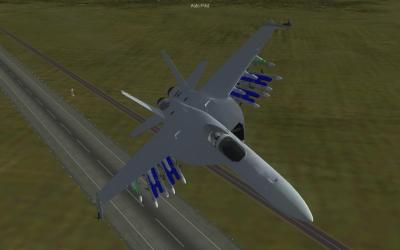
If you like that, you'll love this: AHM problem solved...had to build the rack separately...also managed to reduce the poly count vs the previous method I was using. Nice thing is that legacy Hornets can use the rack too. However, another problem has surfaced...the inner 2 pylons on each wing are too close to each other...I suspect one of them isn't in quite the right position. No worries, though...that's an easy fix...you just might want to hold off on the underside detailing until I nail the position down. FC
-
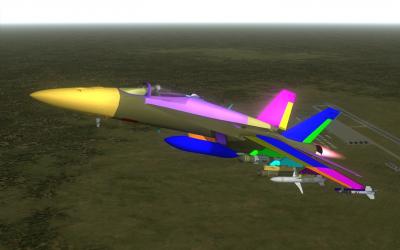
While EricJ, Dave, and JAT work on skins and decals, additional modeling and ini progress: New external tank in game. Sparrow, Maverick, ARM and AAM rails in game. Additional animations added. Have run into a snag on the AAM rails...I'm getting some weirdness when trying to load multiple IRM or AHM weapons on a pylon. I'm sure it's an ini issue... FC
-
Terrains: All-in-one GermanyCE terrain compilation (includes CA_stary seasons, Brain32 tiles, JSF_aggies road bases, etc) Aircraft: F-107 - Updates, plus F-107C. Model tweaking needed, then off to Dave for paint and decals. T-38A/B and F-5B - Skins and decals needed. F-5F and Sagheah - FM tweaks and decals needed. Skins by pappychksix and EricJ. F-35 - Minor tweaks needed for FM (AI) and final skins/decals needed for B and C model. XF-103 - Skin and lights tweaks needed. F-111 - Minor tweaks (slimers and lights for all models). F/A-18E/F/G - Modeling still WIP. EricJ skins, JAT skins and FM, Dave decals. SF-400 - Skins and decals...FM tweaks. FC