

Streakfalcon
-
Posts
354 -
Joined
-
Last visited
Content Type
Profiles
Forums
Gallery
Downloads
Store
Everything posted by Streakfalcon
-
I cant get the drop tanks to show up. Im using the oct 11 patch on SF2e. Can someone check this for me please?
-
Wow Im glad you found that! I thought I was goin nuts after seven years of adding planes to these games!
-
thanks for the heads up, apparently i've missed something.lol!
-
This is wierd, Ive got SF2E with EXp2 and have placed Sundowners Hirez lightnings in my install and they show up as a separate aircraft in the dropdown menu.The hirez hunter F9s don't show up?! I made sure the files were saved in unicode, and the cockpit data file is spelled correctly. Im at a loss. Can anyone who has installed them confirm this for me please?
-
This is wierd, Ive got SF2E with EXp2 and have placed Sundowners Hirez lightnings in my install and they show up as a separate aircraft in the dropdown menu.These don't show up?! I made sure the files were saved in unicode, and the cockpit data file is spelled correctly. Im at a loss. Anyone else confirm this for me please?
-
How do we get it? is this like a DAT thing?
-
First! Thanks Guys!
-
Did it fix the lack of widesky issue? I simply can't play with the stock clouds.
-
Something I hadn't done in a long time...
Streakfalcon replied to FastCargo's topic in RC's and Models
Great pics!. Thats such a familiar sight to me, the box by the launcher, and 5 or 6 rockets waiting their turn. I have two boys and Ill never forget the look on their faces first time one went up. For one day, it was better than anything on xbox! -
Ok guys, I posted this before and after some trial and error, it seems wide sky does work with the newest patch, but the cloud size, number and density all are reduced. Previously with the widesky system I had many voluminous wispy clouds when set to broken or even scattered. There just aren't as good now. Can anyone confirm? its really killing my immersion level in NF4. Ill do the work if someone like celinski can tell me where to start in the environment ini. Thanks guys
-
Yeah thats what ive been using but since the feb 11 patch and exp2 no joy. Anyone have the modded clouds with the newest patch? NF4+ update 4 included
-
So everyone has the old style transparent couds?
-
Hey guys, is there a reccomended widesky type cloud mod that works with the newest patch. I used to be able to just put a single cloud tga in the flight folder and have the puffy skys Ive been used to but it seems I need more now to get that realistic look.
-
Hey guys, a little off topic but Ive been wanting to ask this for a while now. On the Phantom pic above, does anyone notice the "stepping" of the sky color as it lightens up? Ever since I went to a flat screen monitor I notice this with all my night skys. Is this endemic to the flat screen?
-
Is it even possible?
-
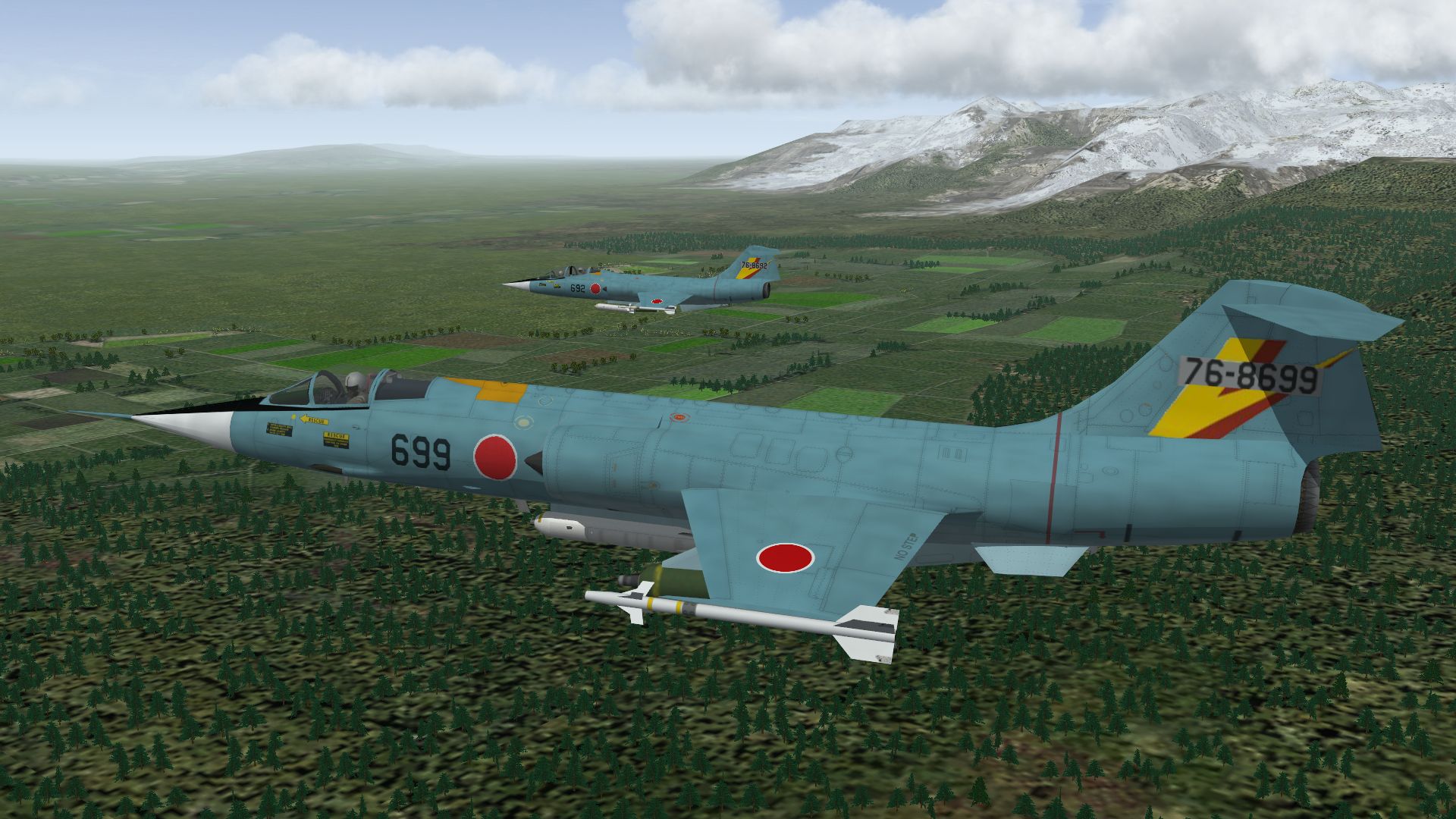
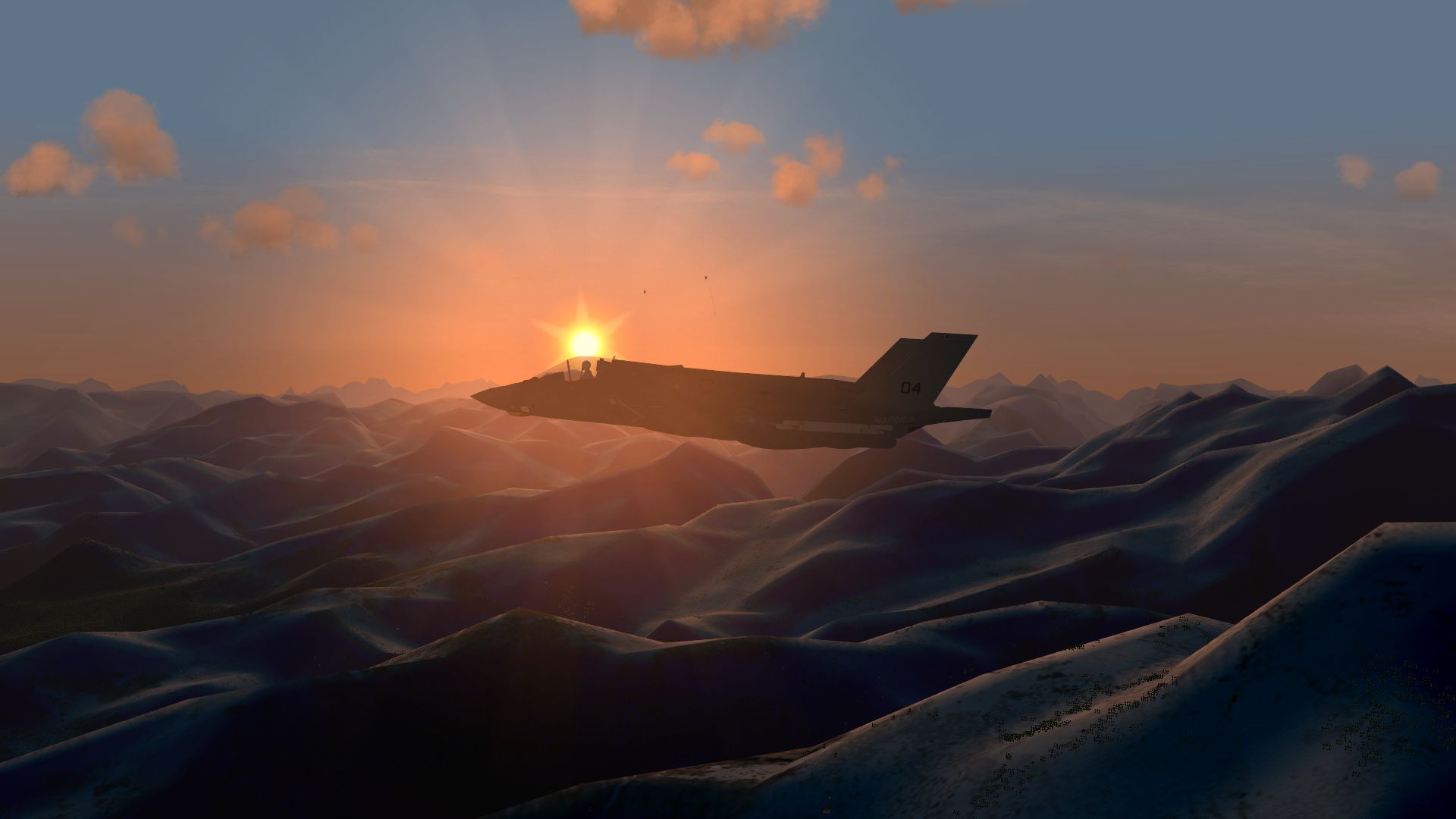
Nice Euro F-84s guys! Ive been on a zipper kick. Ice patrol
-
replace Hawk with another missile/dont work
Streakfalcon replied to ramin-am's topic in General Discussion
weird! sux 4 me -
replace Hawk with another missile/dont work
Streakfalcon replied to ramin-am's topic in General Discussion
Well, I can get the stingers and chaparals to track, but they never fire. I tried using the MF ones but no joy. I did everything I should have; I erased the previous stinger and chaparral entries from my weps ini, deleted the old versions from my ground objects, and created a test mission. Saved the new entries straight from the MF wep file and saved with the editor just like always.Then I put the new ground objects in.??? Has anyone gotten them to fire at a target? -
replace Hawk with another missile/dont work
Streakfalcon replied to ramin-am's topic in General Discussion
Thanks -
replace Hawk with another missile/dont work
Streakfalcon replied to ramin-am's topic in General Discussion
sorry to hijack but... could somebody post their working chapparal data and weps entry? I cant get mine to fire -
RE Giant cows, Where did you think we were gonna get the milk for the giant cereal boxes in NF4?
-
Awesome! Thanks guys
-
Hey bud, can you point me in the direction of the solution to third party tip tanks showing up 90 degrees off axis on the stock F104? I have made countless F4 camo tanks with a hex editor but if I use the stock tanks thery are of course shiny, and I need flat for camo tanks. All of the downloaded tanks turn sideways when I try to fit them on a thirdwire zipper using the same fuel tank type as stock so I can load either. No joy with this specific fix in the KB. I did a search and found many questions regarding this over the years but I cant seem to find how to solve it. Normally my procedure for making new tanks like I did with the F4 is to copy the LOD for the tank and tank skin, recolor and rename the skin, use a hexeditor to change the bitmap callout in the lod and then ensure the tank type was the same in the aircraft ini. Voila, I have multiple F4 tanks to choose from when loading the plane. If I use that approach with the stock F104, all my tanks are shiny, even the camo ones. So I have tried the tanks that come with the varios skins available here for down load. They look great and I can choos them in the loadout screen but they are all rotated 90 degrees. Is it because Im changing the Fuel tank type name in the weapon editor so I can use them on the stock zipper?
-
Not the attachment angles, the stock tanks work fine but all the tanks available for download fit 90 off. This is an old problem and there was a solution, but I just cant find it with a search. I want to be able to use the stock silver tanks on the stock thirdwire F104 when i use silver skins but have available other skinned tanks for cammo skins. Ill try this in the modding forum. Thanks
-
Hey guys Ive searched the kb and cant figure out why all my add on starfighter tip tanks are 90 degrees off. I remember reading about a fix here but cant find it. Anyone help me out?