russouk2004
-
Posts
5,278 -
Joined
-
Last visited
-
Days Won
149
Content Type
Profiles
Forums
Gallery
Downloads
Store
Everything posted by russouk2004
-
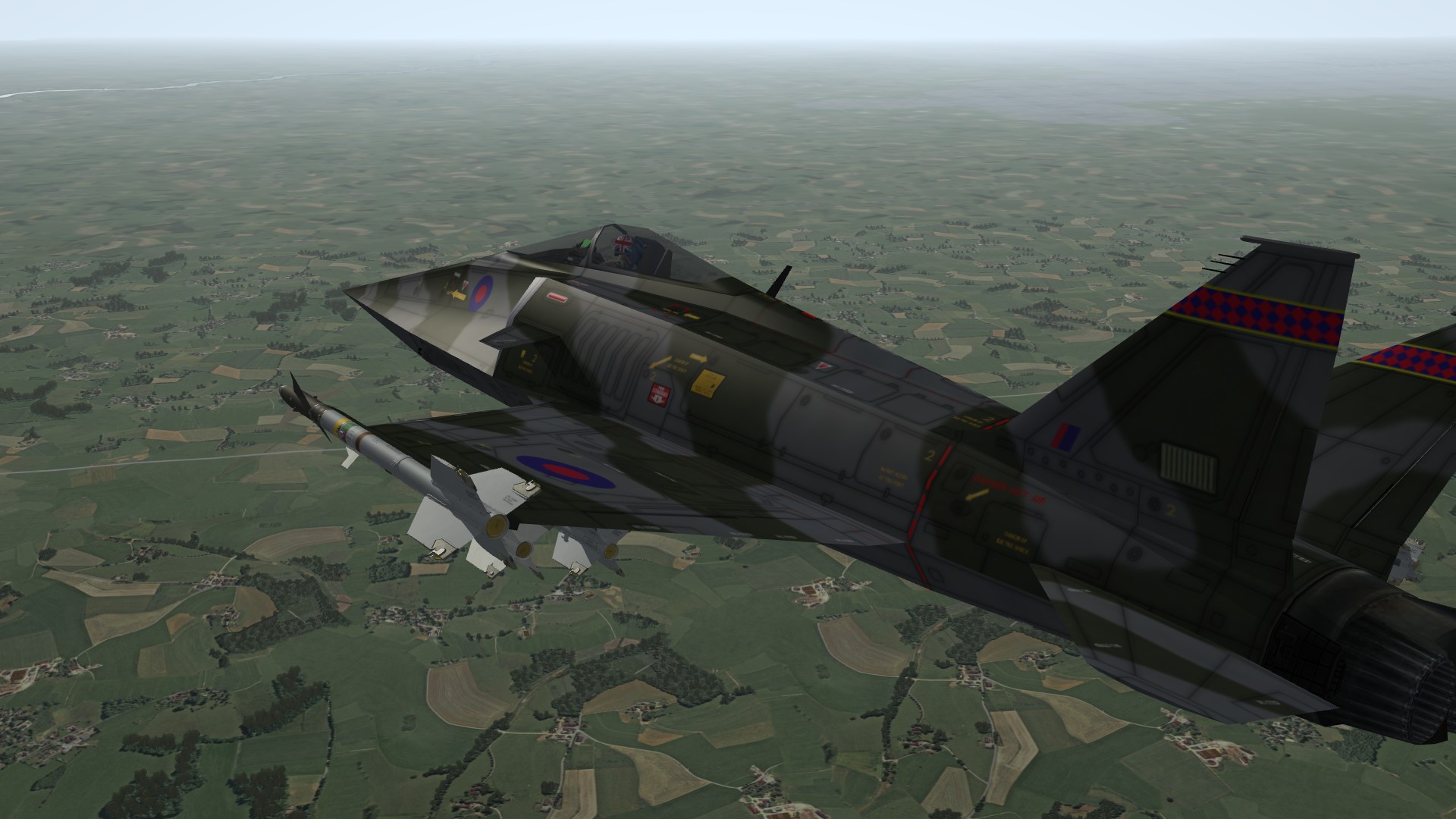
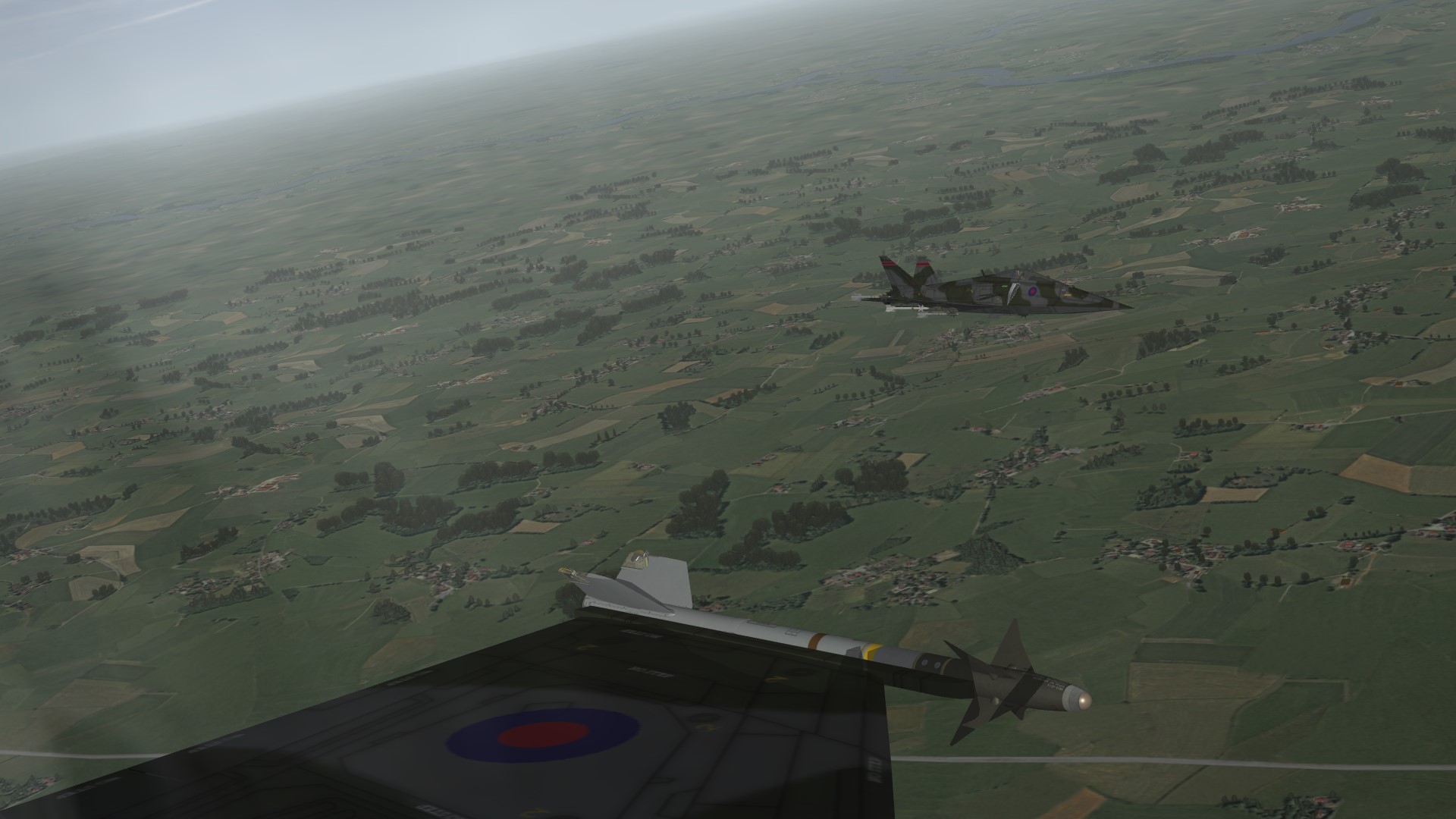
The Sea Kestrel - The UK's X-Wing Fighter!
russouk2004 replied to Spinners's topic in Sci-Fi/Anime/What If Forum
Im sure you have it in hand....camo needs fine tuning...(aligning) and smoothing edges a tad...but hey,im fussy lol otherwise...Good job m8 -
Is it enabled by default in sf2 series,is it a matter of just dropping the bmp in terr folder?... also in SoCal terr,ive added one...is it ok to add the sf2 shader names instead of the older ones ie... old entry [WaterTextureMaterial] UseEffectShader=TRUE EffectShaderName=WaterEffect.fx can I edit thus? [WaterTextureMaterial] UseEffectShader=TRUE EffectShaderName=terWaterEffect.fx
-
TY kev...thought so but wasnt sure.
-
Aggie...Hm,mm all terrains I have,remind me ?..lol
-
lol just uploaded new tank with name same but minus the LTR bit
-
I can make the old tank seperate and rename it slightly...np Tank_300_109.7z
-
4 and 7 to follow soon..
-
Battle of Britain Fighter FM Pack Beta 0.90
russouk2004 replied to baffmeister's topic in World War II Forum
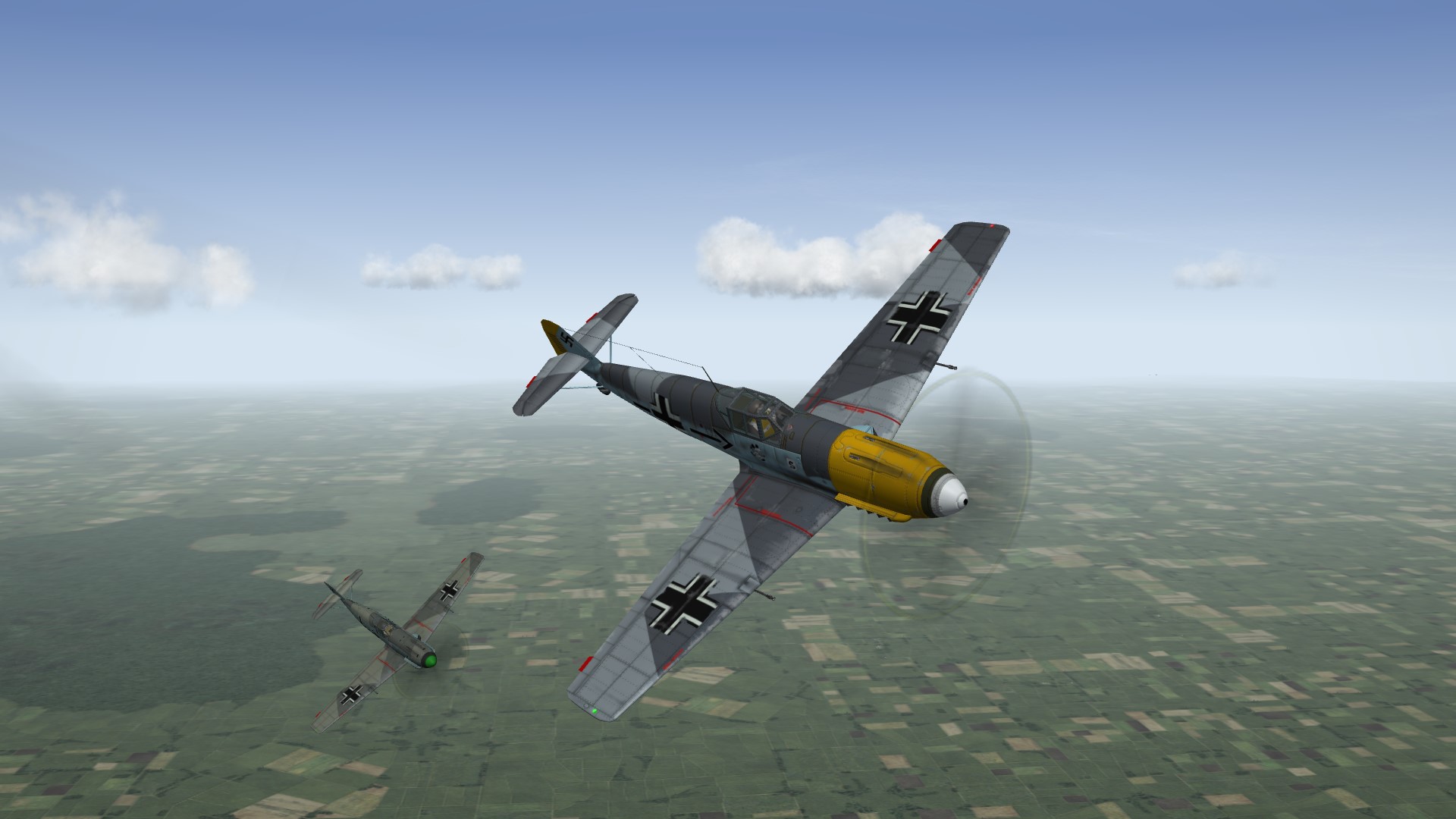
Baffy...ive updated the 109E 3 and 4 and 7.. the data.in has changed as it now has fuselage and no nose or tail mesh...but you can keep data for them but need to set parent as fuselage.I originally cut fuselage as there was decal bleed,which is gone (exported from max With Decals,sorts that).and decal count limit was low,now its higher its ok as one mesh. file here. http://combatace.com...14020-bf109e-3/ -
View File Bf109E-3 Updated BF109E-3,3d model,skins,templates and paintwork, by me Russouk2004 May 06 2013 ********************************************************************************************************** This model is as acurate as I could get it and with skins,and templates has cost me some hard work and long hours... This model is for Strike fighters2 series. It is a free add on and as such cannot be modded without permssion. ========================================================================================================= To install, ======================================= extract and place folder BF109E-3,into mod folder of your choice... C:\Users\XXX\Saved Games\ThirdWire...(or to your path if dfferent.) Must have... Latest patch July12,and latest weapons pack,tho latter isnt essential. hope you enjoy it as mch as I did makng this model. Includes 6 German a\c and one Swiss...you may want to make swiss seperate A\C as it was after all a neutral country...lol Sounds 2 X new german pilots(by me)...one with goggles down,one with them up..(Gerpilot and Gerpilot2 respectively.) Centreline tank...part of 3d model. decals. Squadron ini entries.(add to squadronlist.ini) Bumpmapping. There are a few niggles which im sorting... Legal stuff... ============== Feel free to repaint using seperate templates.... added new layers for panels rivets and common decals. any older skins will need to be modified with new templates...Included. This model is free and cannot be altered without permssion(3d model) unless requested,if modded,via ini files etc,all I ask is credit,where credits due. This add on cannot be used for financal gain. Any queries to .... Rusouk2004@ntlworld.com... Thanks to following... Combatace. Wrench for testing.. Baffmeister for new FM`s. (Data for RussoUK BF-109E-3 model. FM by Baffmeister, Charles, and ThirdWire. Beta 0.9) Submitter russouk2004 Submitted 05/06/2013 Category BF-109
-
Version V2.0
414 downloads
Updated BF109E-3,3d model,skins,templates and paintwork, by me Russouk2004 May 06 2013 ********************************************************************************************************** This model is as acurate as I could get it and with skins,and templates has cost me some hard work and long hours... This model is for Strike fighters2 series. It is a free add on and as such cannot be modded without permssion. ========================================================================================================= To install, ======================================= extract and place folder BF109E-3,into mod folder of your choice... C:\Users\XXX\Saved Games\ThirdWire...(or to your path if dfferent.) Must have... Latest patch July12,and latest weapons pack,tho latter isnt essential. hope you enjoy it as mch as I did makng this model. Includes 6 German a\c and one Swiss...you may want to make swiss seperate A\C as it was after all a neutral country...lol Sounds 2 X new german pilots(by me)...one with goggles down,one with them up..(Gerpilot and Gerpilot2 respectively.) Centreline tank...part of 3d model. decals. Squadron ini entries.(add to squadronlist.ini) Bumpmapping. There are a few niggles which im sorting... Legal stuff... ============== Feel free to repaint using seperate templates.... added new layers for panels rivets and common decals. any older skins will need to be modified with new templates...Included. This model is free and cannot be altered without permssion(3d model) unless requested,if modded,via ini files etc,all I ask is credit,where credits due. This add on cannot be used for financal gain. Any queries to .... Rusouk2004@ntlworld.com... Thanks to following... Combatace. Wrench for testing.. Baffmeister for new FM`s. (Data for RussoUK BF-109E-3 model. FM by Baffmeister, Charles, and ThirdWire. Beta 0.9) -
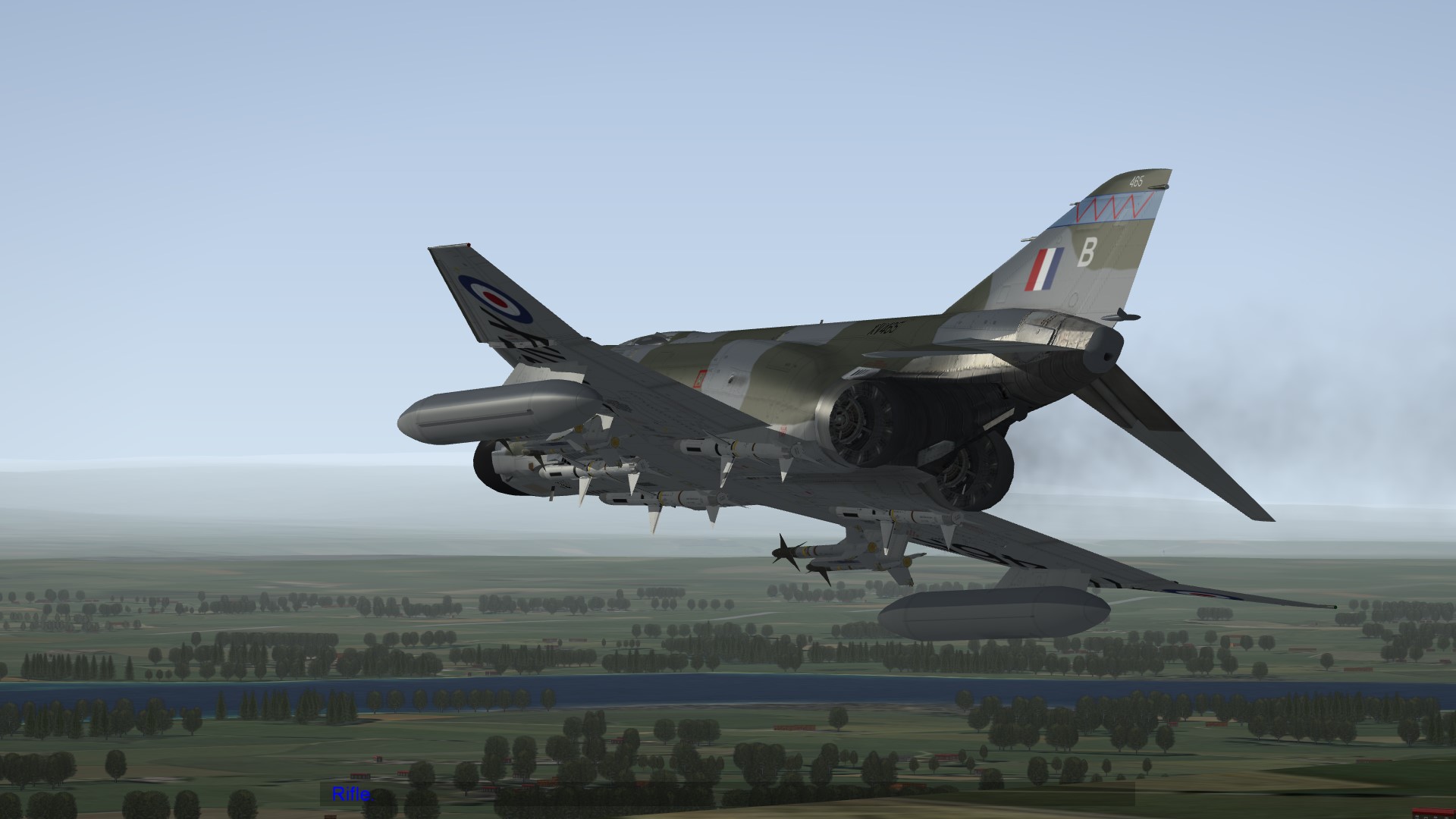
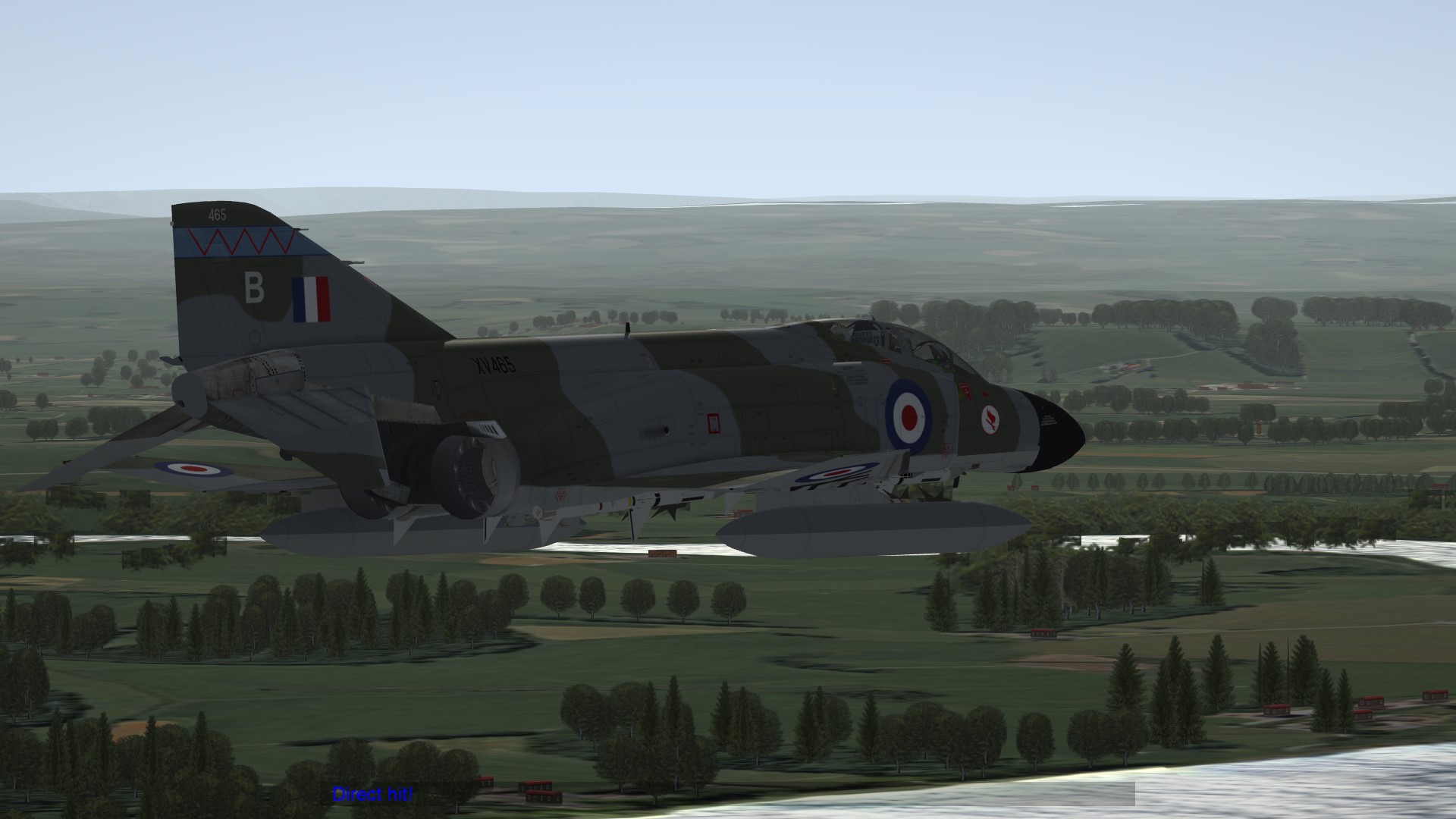
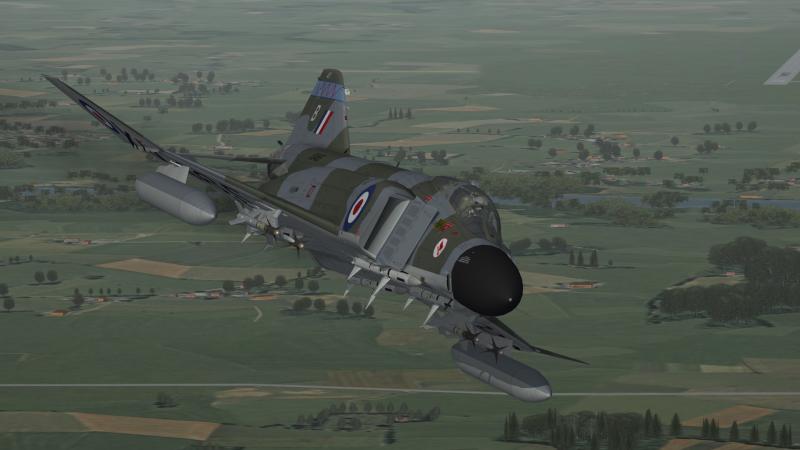
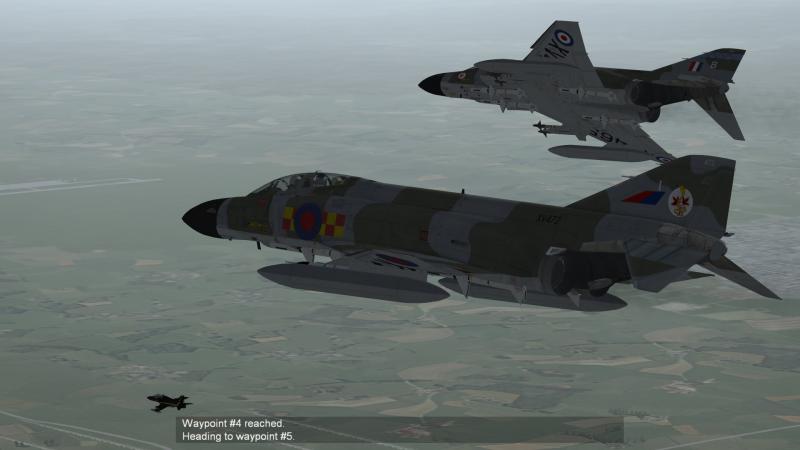
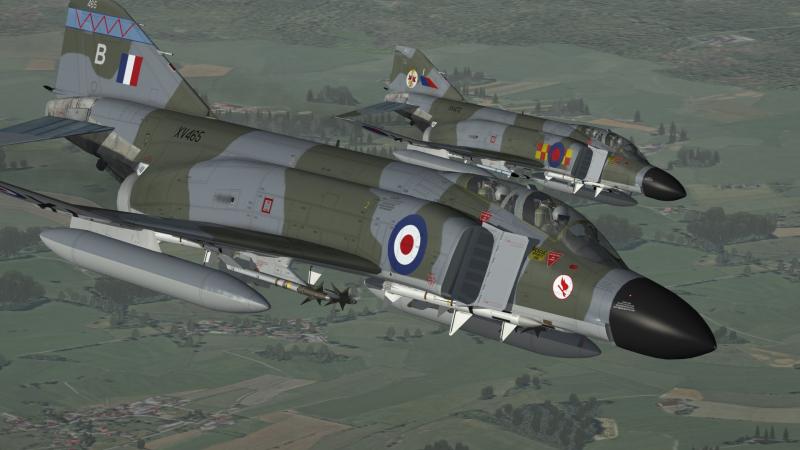
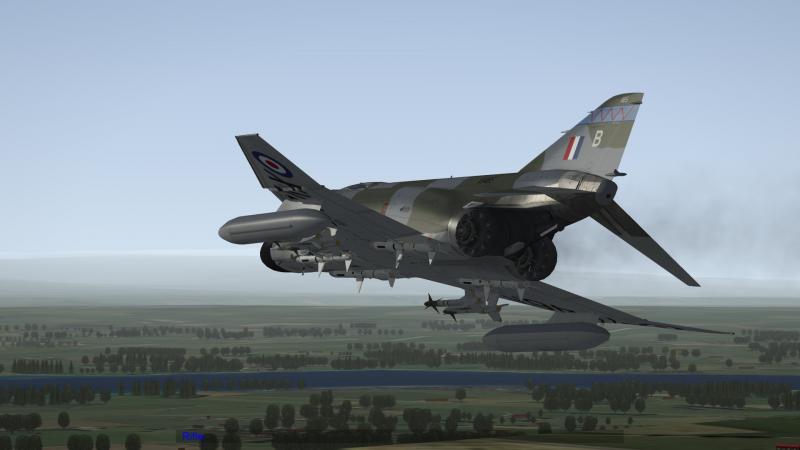
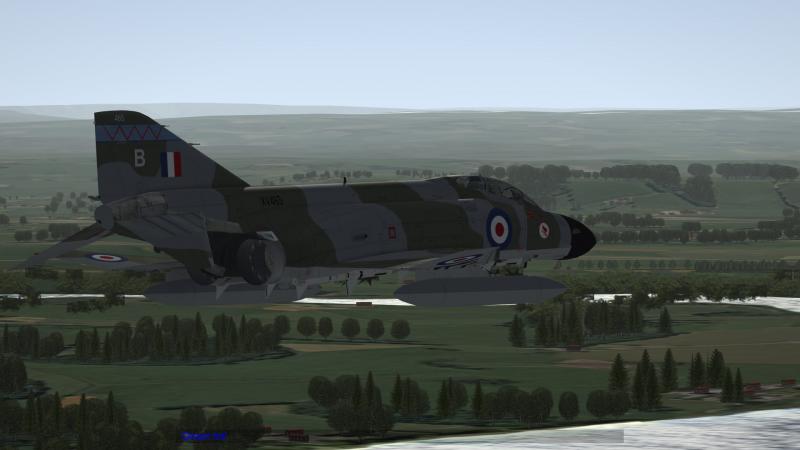
RAF Muscle Boys...love this new F4
-
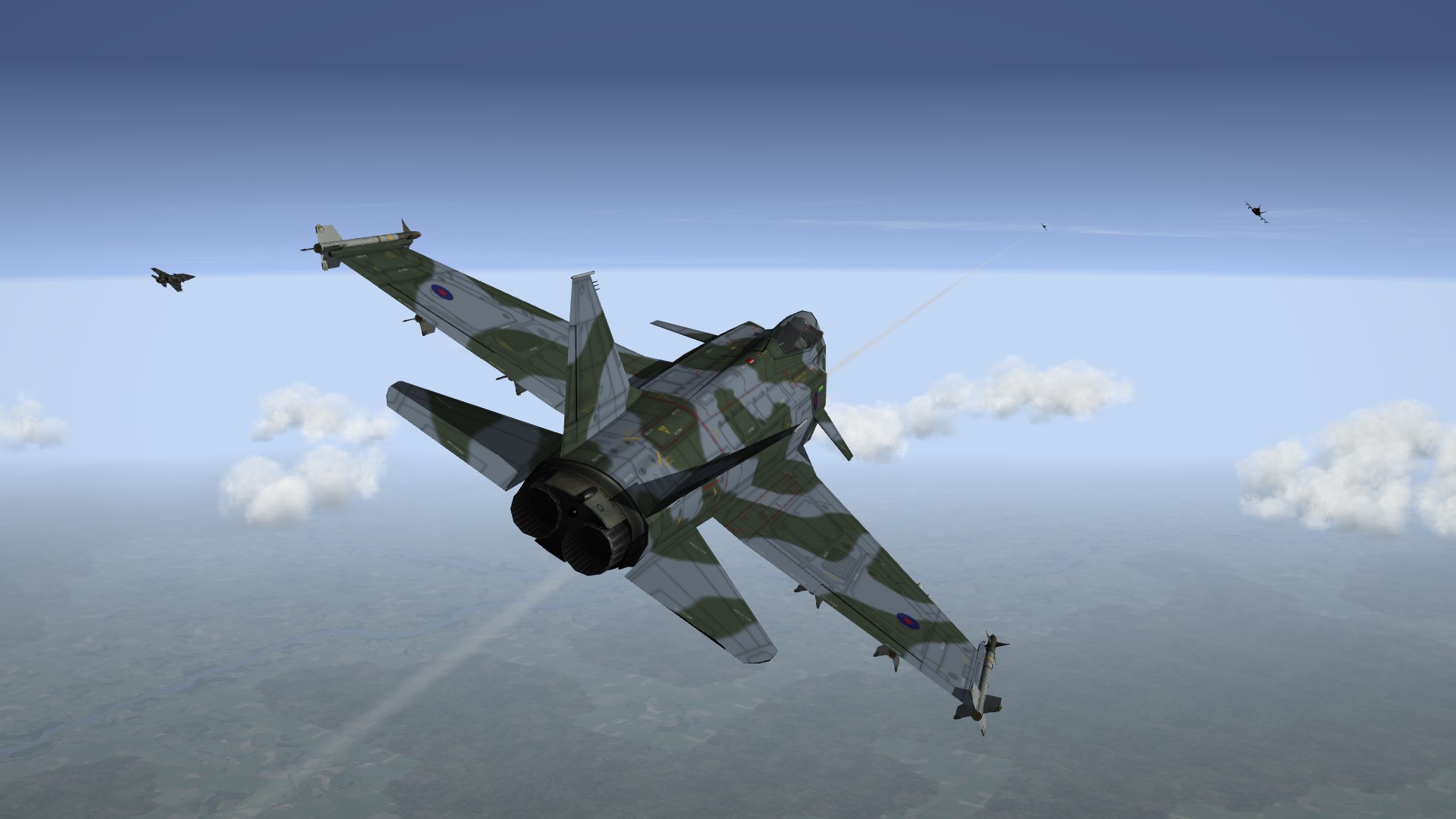
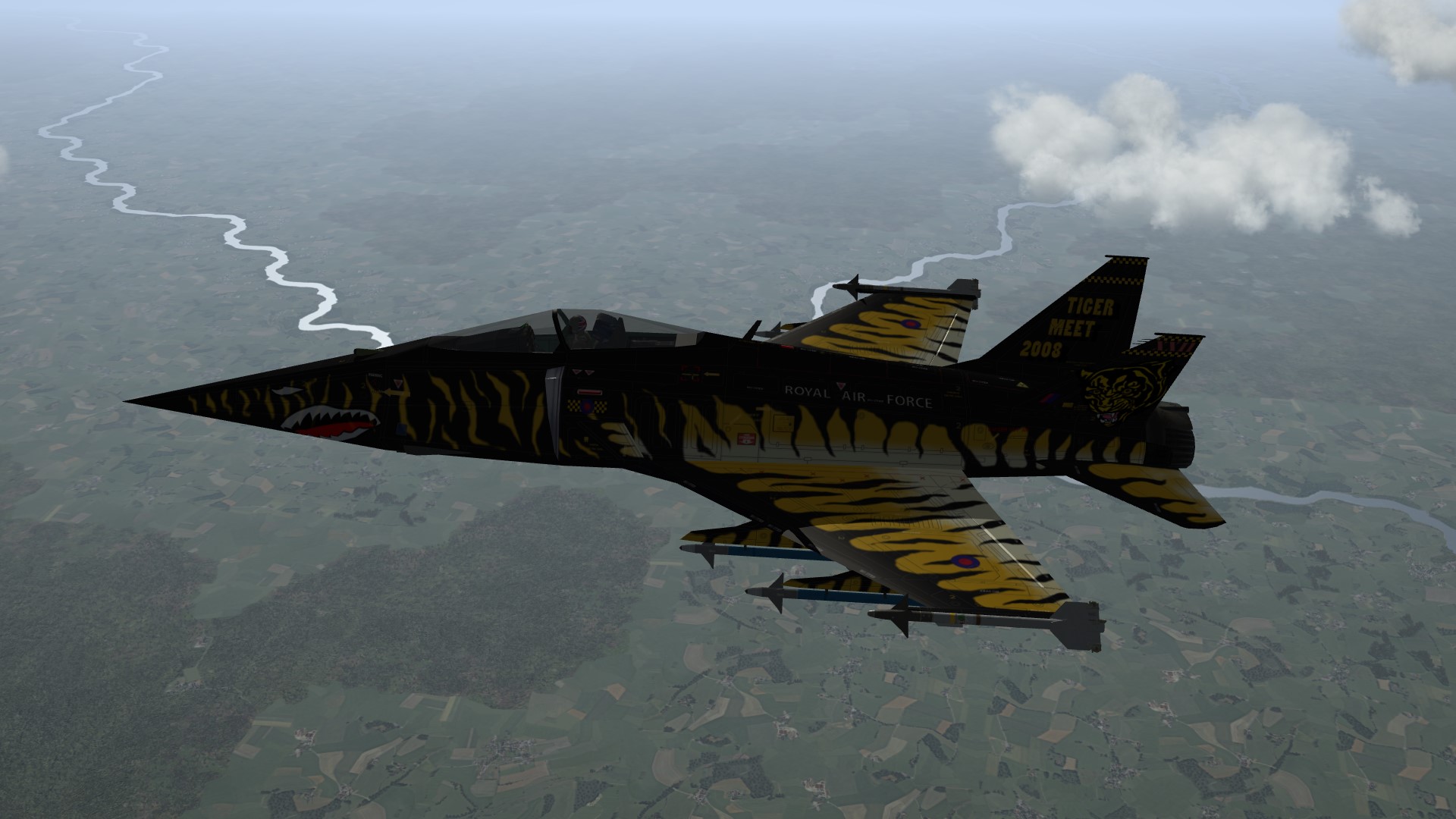
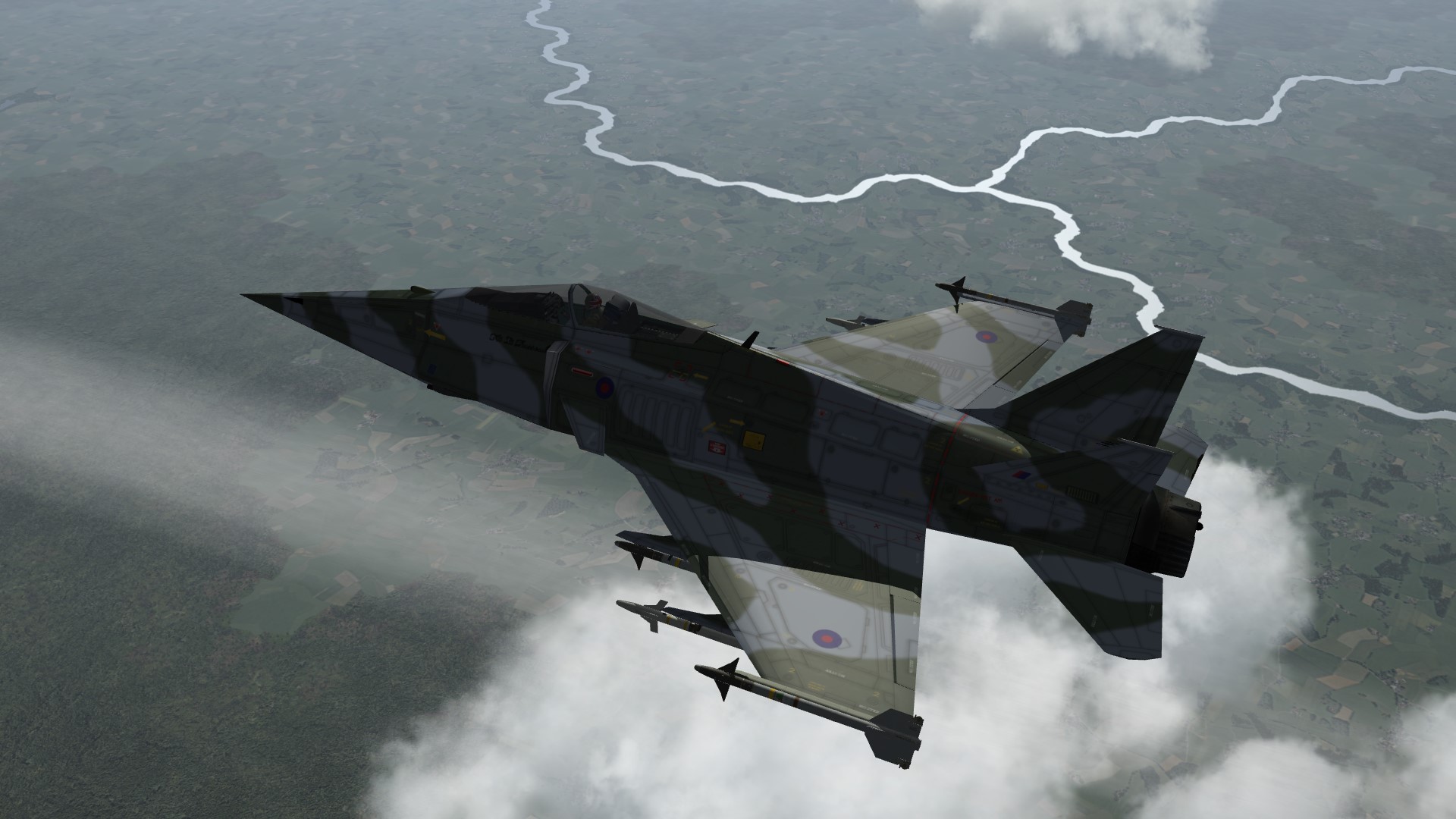
seeing the kestrel inspired me lol...
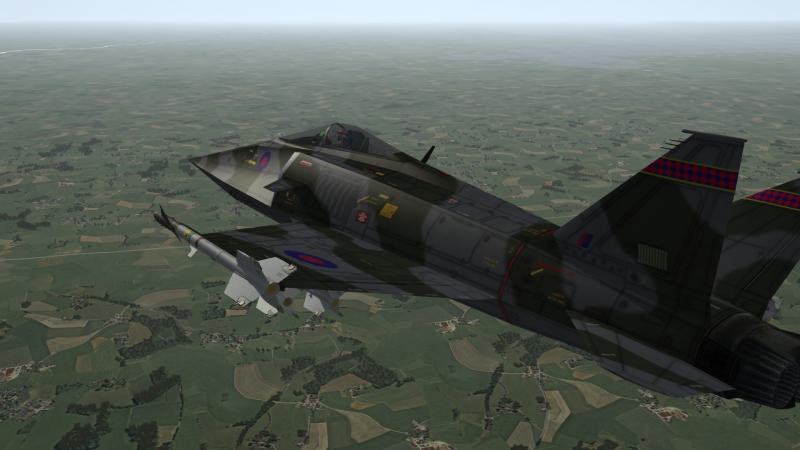
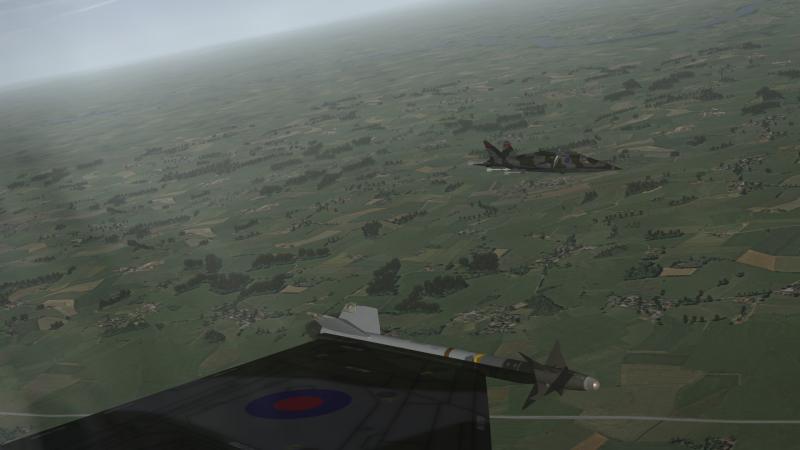
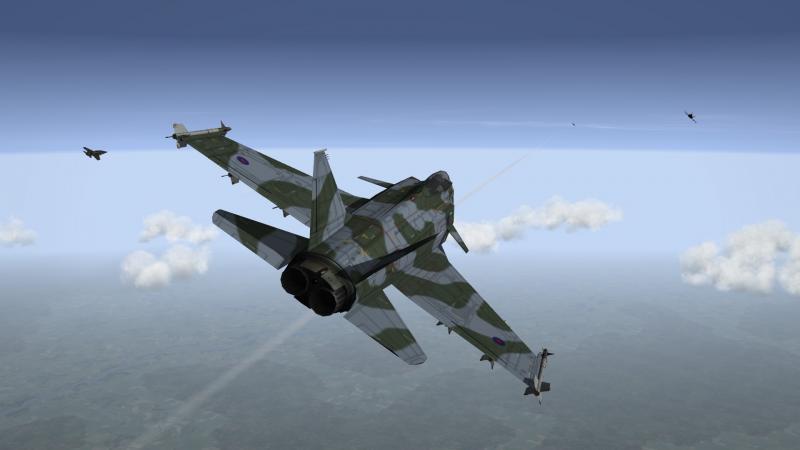
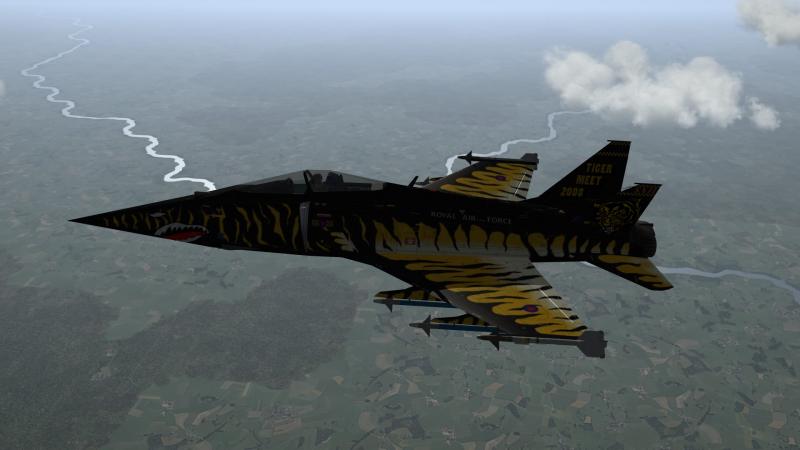
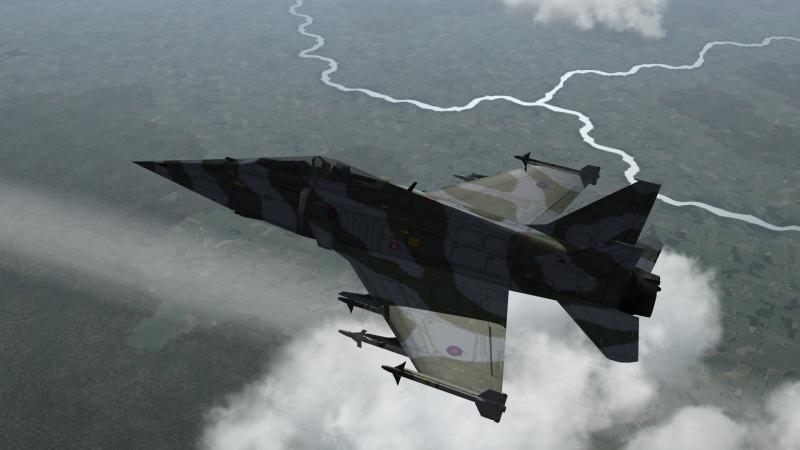
-
kev for model i sent you.. hook length is 1.679 attachment point is 0.0,-1.684,-0.598 dunno how I missed them
-
The actual hook mesh doesnt touch ground,but pics ive seen show same...when down its a good few inches off ground...and named correctly...if it does need altering kev...pm me.. btw kev....shadow issue gone now?
-
TK releases stuff we DONT need?....shameful...he aint getting my dollars
-
Just got to fine tune decs...(location) and will upload package.
-
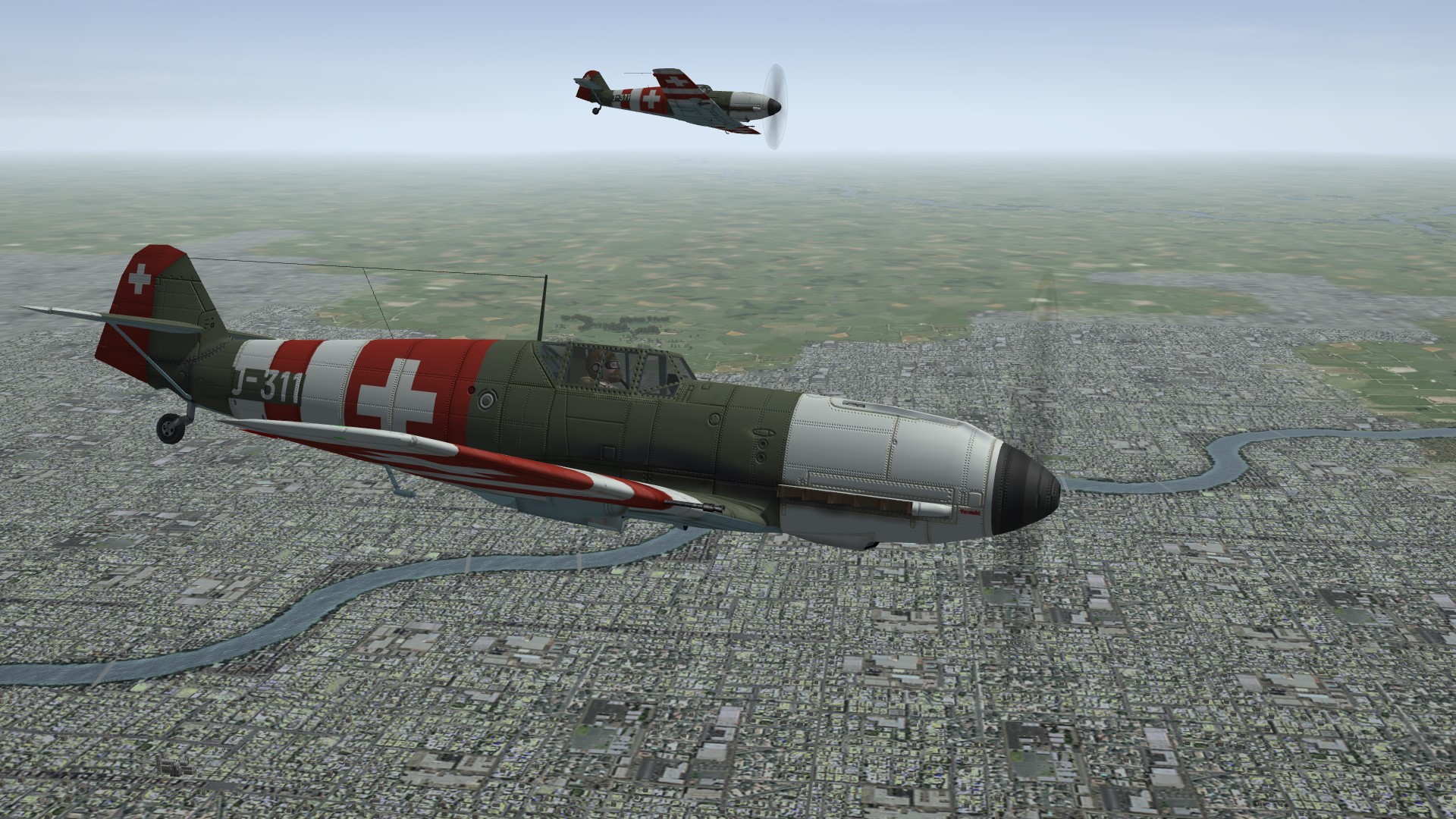
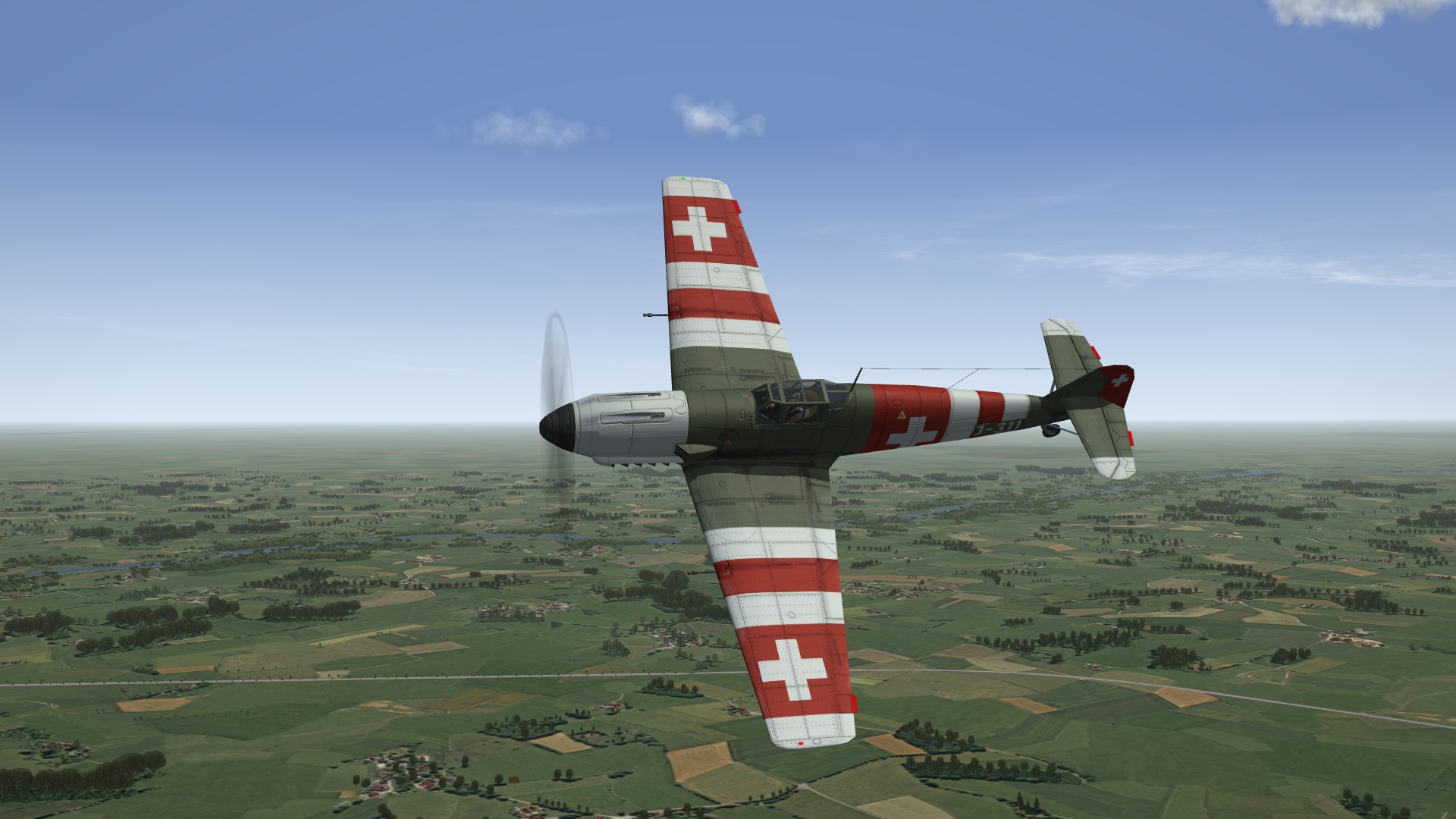
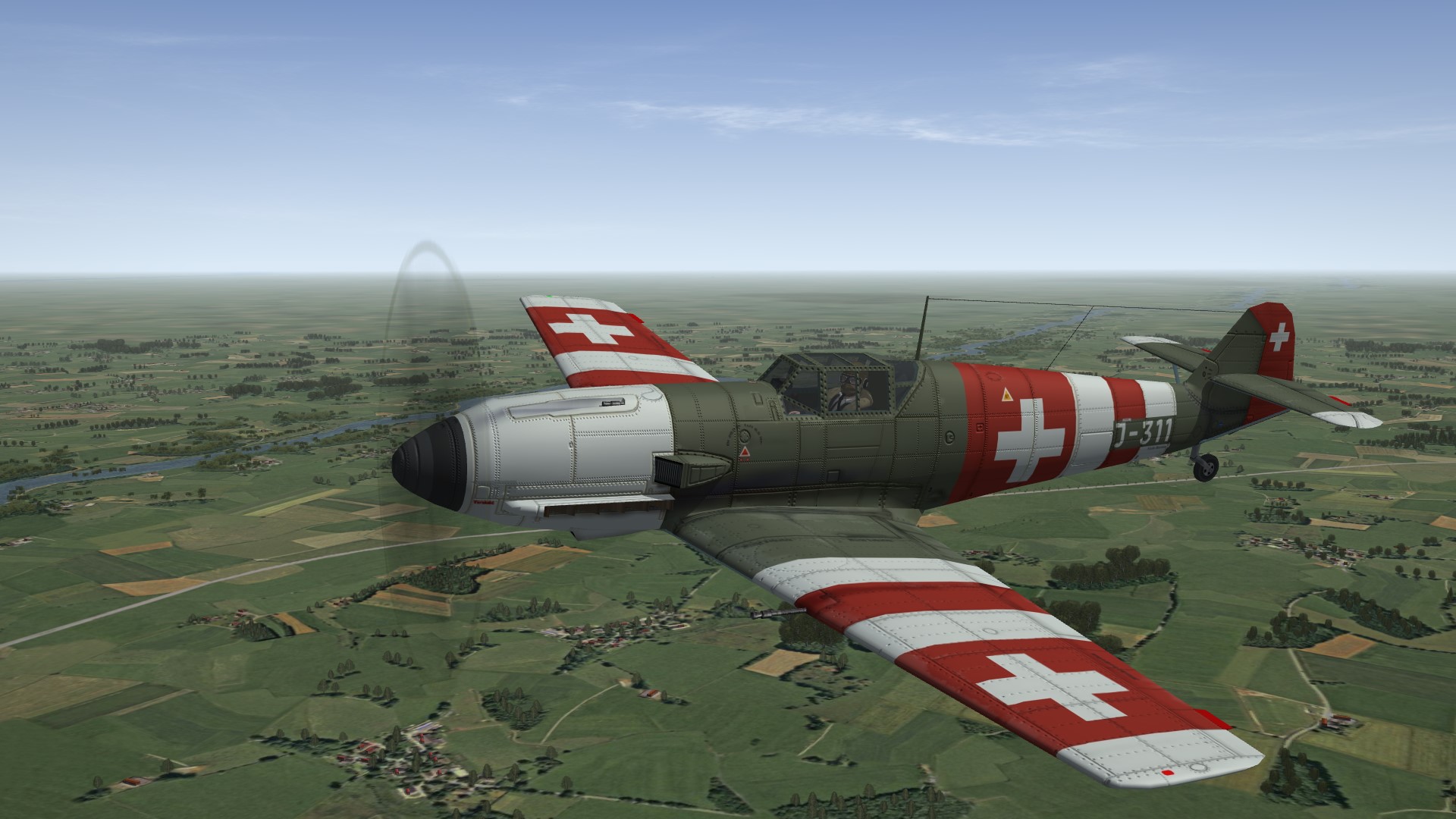
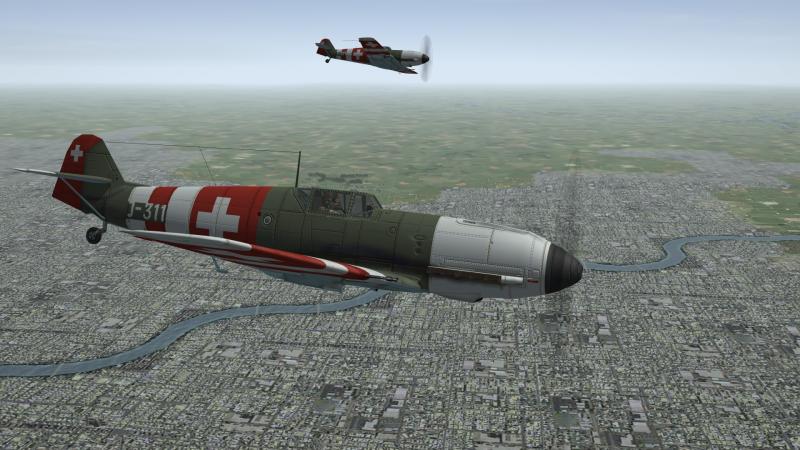
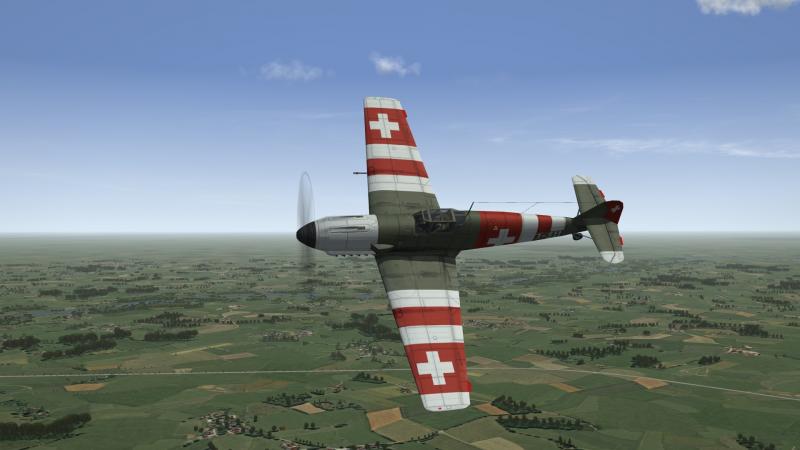
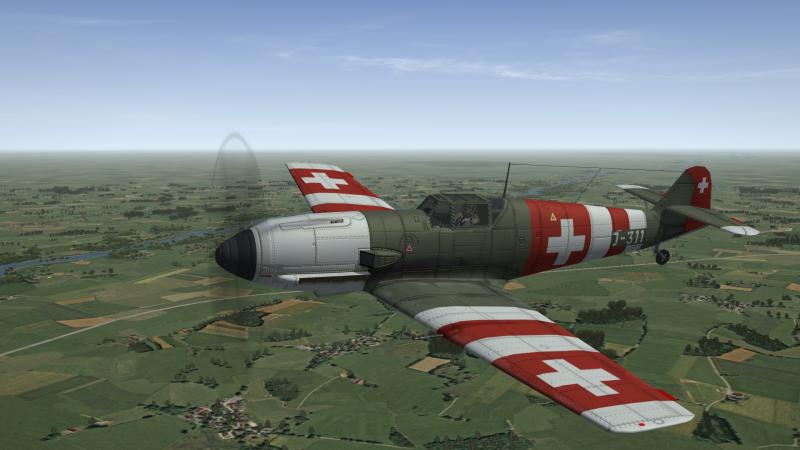
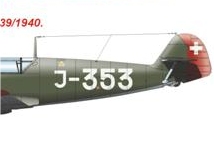
tiles bumpmapped? lower pic ground seems to have depth.?... swiss wip...anyone have correct fonts? (smaller pic )
-
lol stary ty....nice vamp pit btw
-
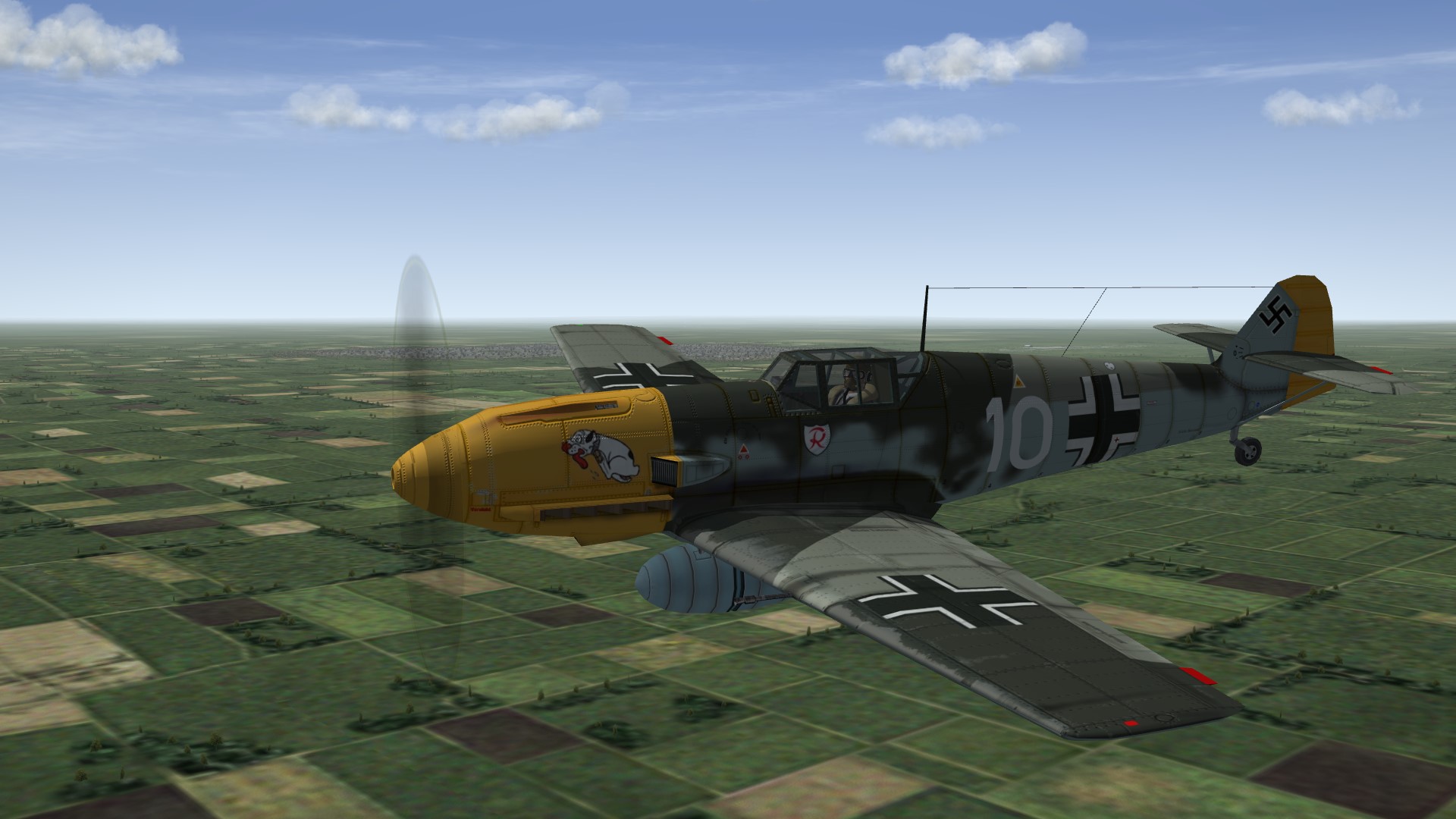
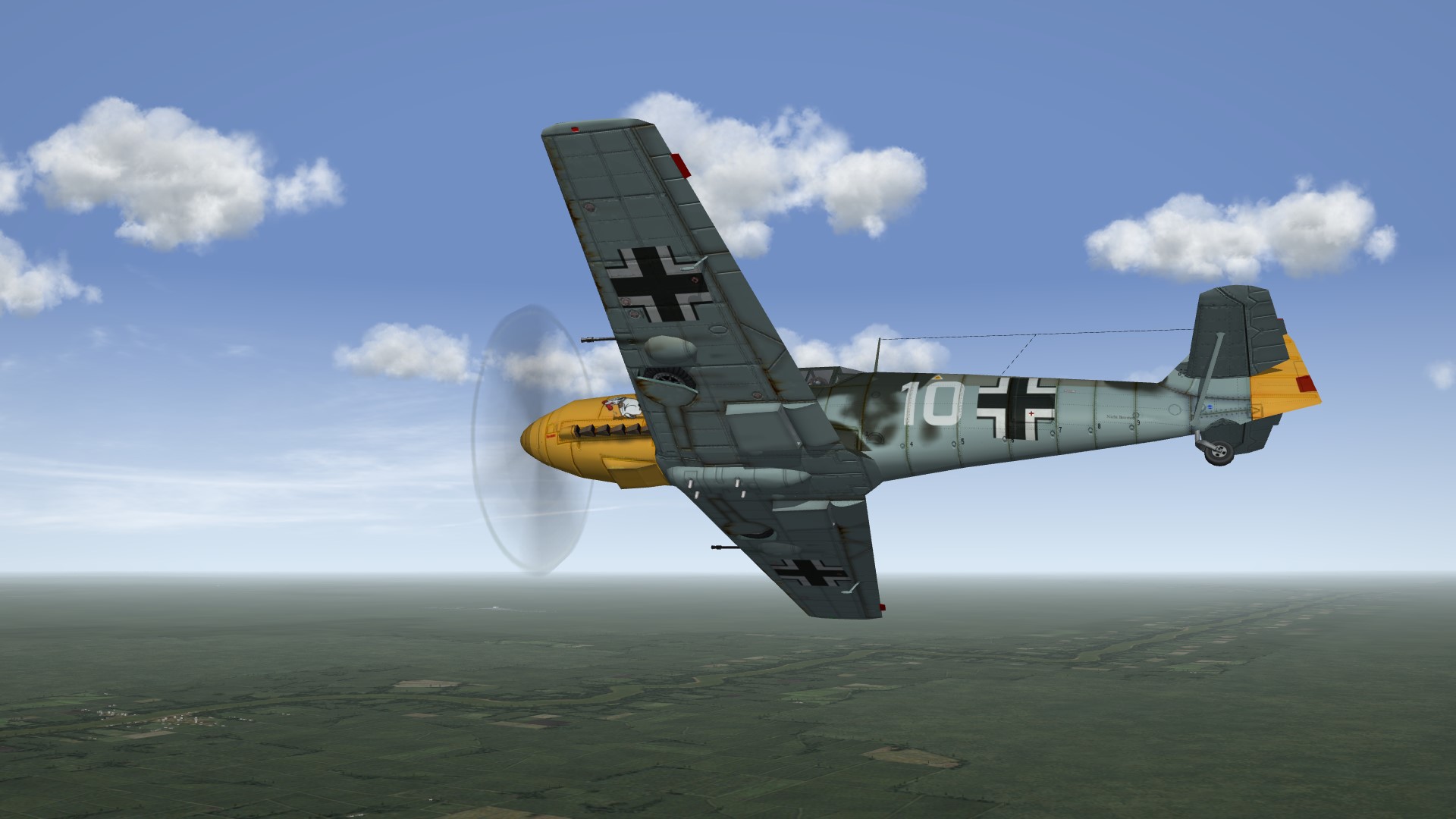
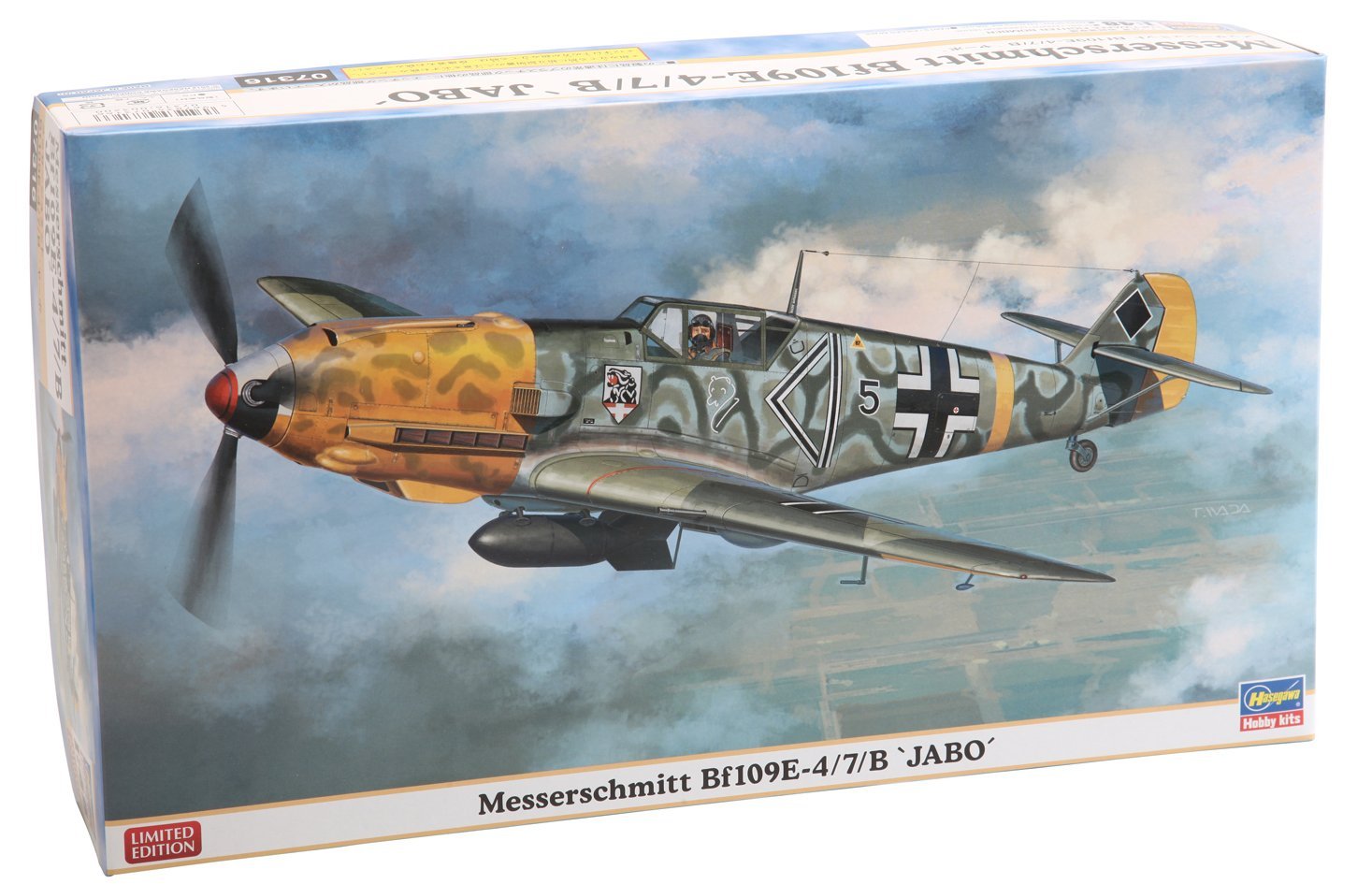
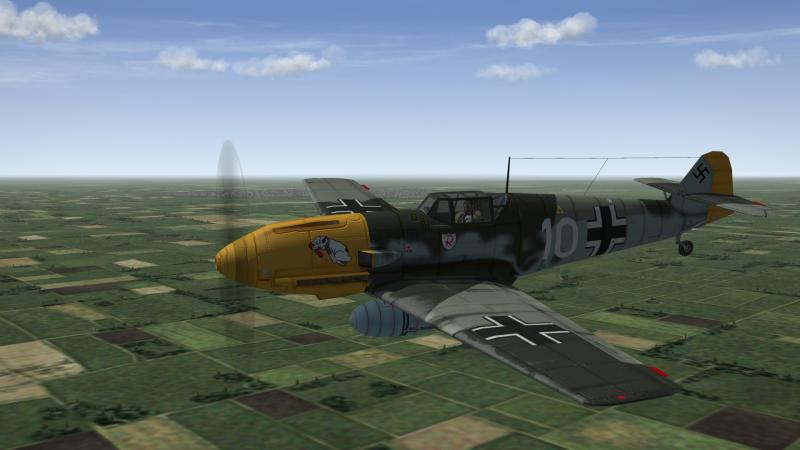
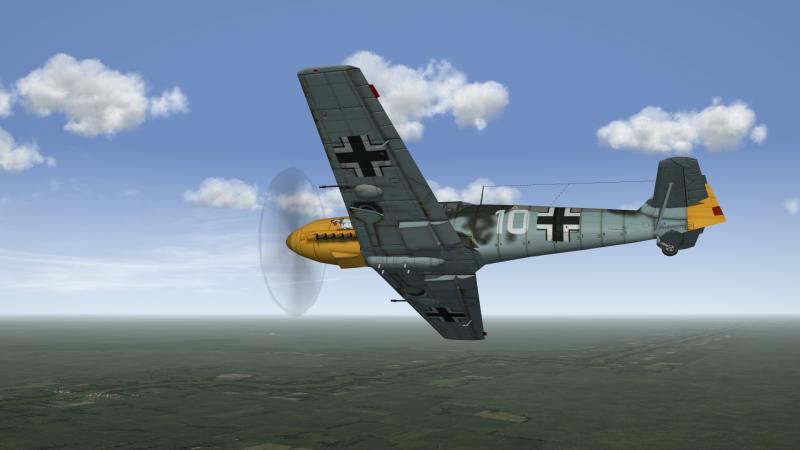
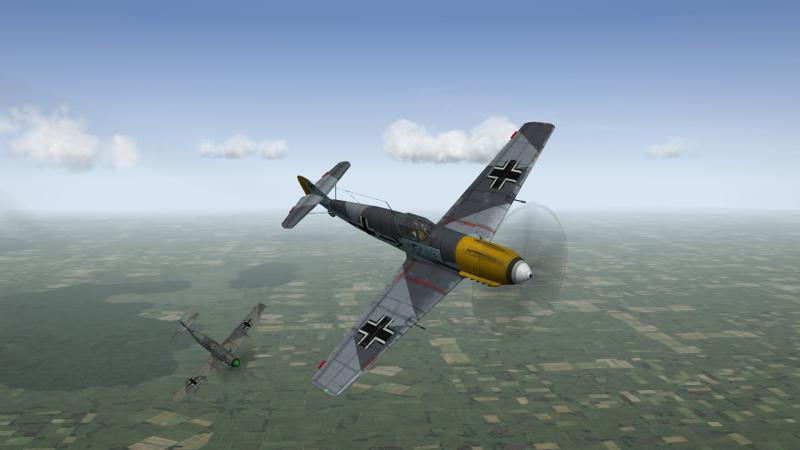
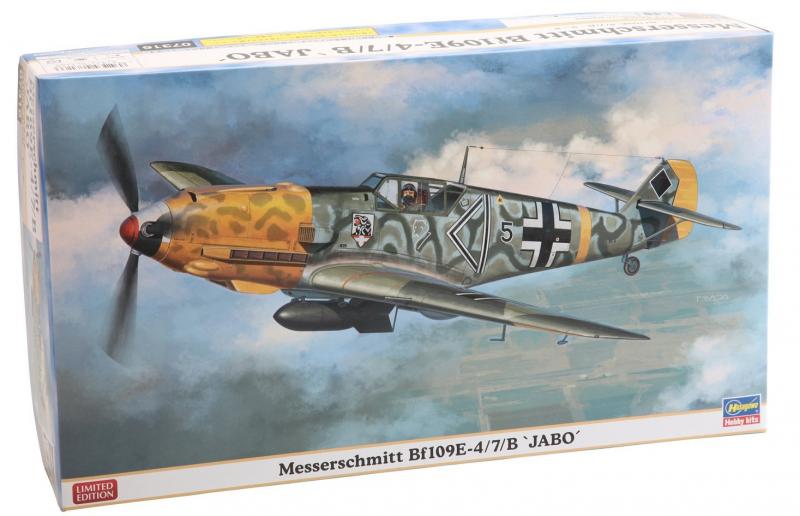
New Skin...1.JG2 Coming soon updated BF109E3 and 4...and brand new german pilot.
-
like so ?..
-
Coming soon...
-
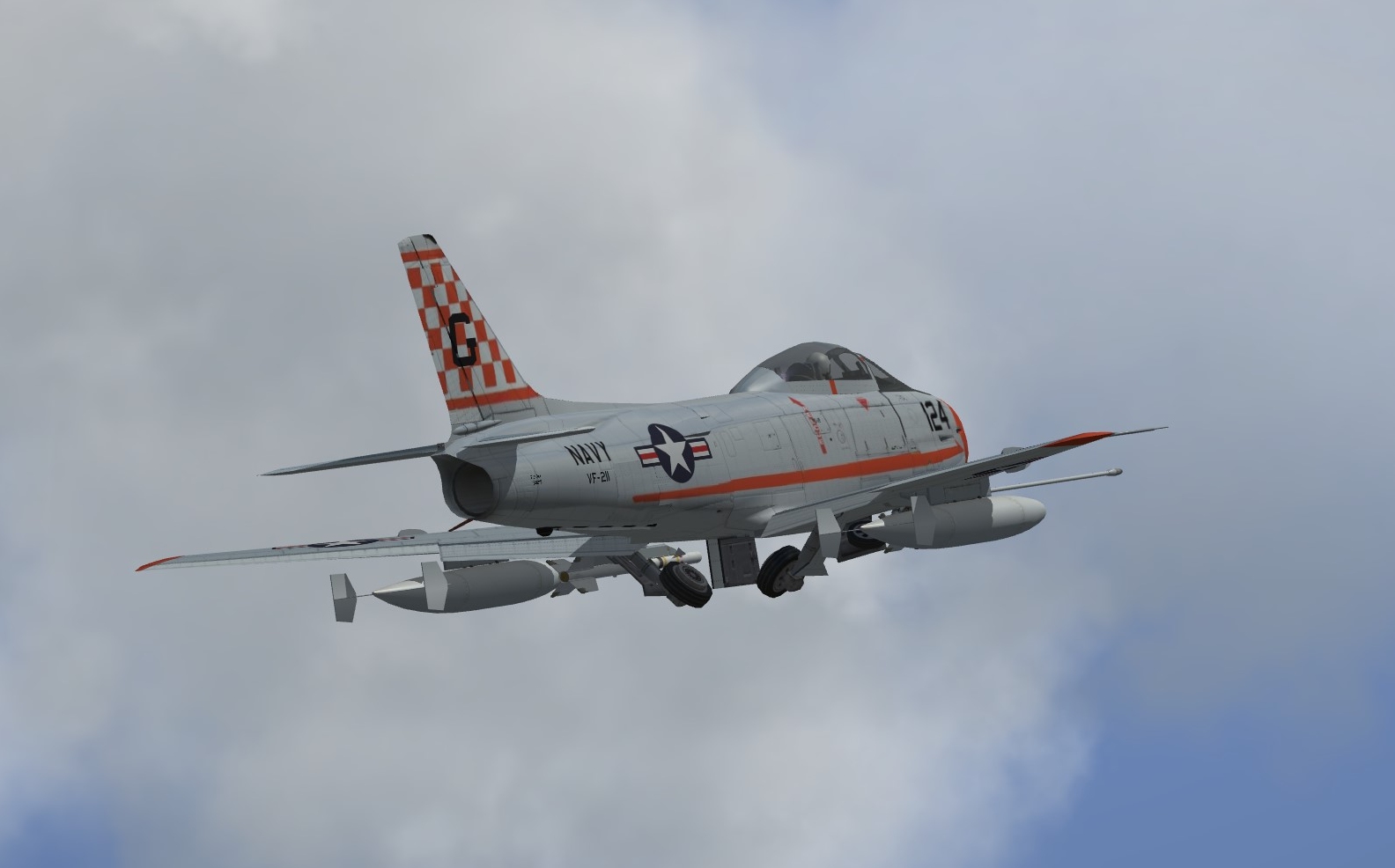
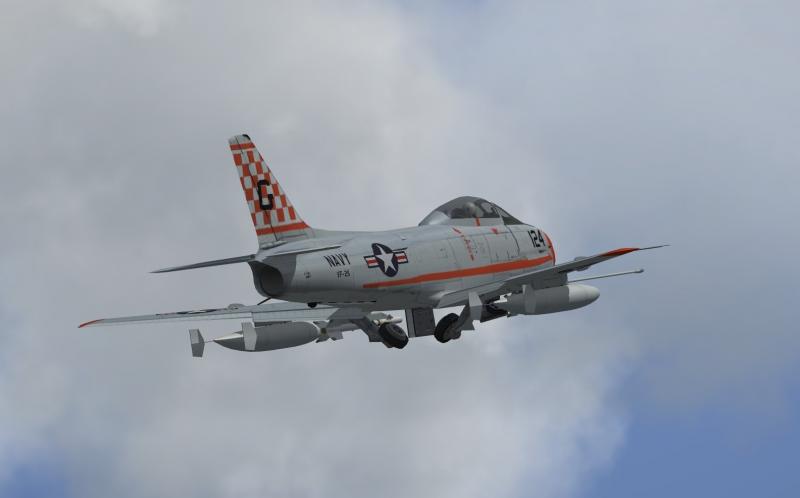
long shadows on Fj Fury...
russouk2004 replied to slick cowboy's topic in Mods & Skinning Discussion
ok...done....just making new light tga as mine wont set transparency....then its ready for mr wrench....wingfold I ll have to put off as a lot of bits need resetting as they are wrong size in max\world. -
long shadows on Fj Fury...
russouk2004 replied to slick cowboy's topic in Mods & Skinning Discussion
Disregard....simple error. In the model ive been doing,I moved shock anims for main gear to one slot number 10,but in data.ini it was in slot 6 hence canopy(slot6) was being read as shocks...so it wouldnt operate...quick check of data.ini and i spotted the wrong numbers...mad...its been driving me mad for 3 hours on and off lol... -
long shadows on Fj Fury...
russouk2004 replied to slick cowboy's topic in Mods & Skinning Discussion
this is weird....re animated canopy,and xfor reset as it was wrong actual size etc...then in game it is slightly open...anim key will not open it...just as nose lifts off ground canopy closes....when you then press canopy key...it shoots back then closes and then works ok... data is fine...canopy is linked properly...only thing I can think of is controllers wrong. [Nose] ParentComponentName=Fuselage ModelNodeName=Nose DamageRating=DESTROYED MassFraction=0.217 HasAeroCoefficients=FALSE MaxExtentPosition= 0.607, 6.108, 1.090 MinExtentPosition=-0.607, 0.192,-0.545 CollisionPoint[001]= 0.051,5.435,0.098 CollisionPoint[002]= 0.087,5.19,-0.643 CollisionPoint[003]= 0.0,3.334,0.978 CollisionPoint[004]= -0.0,3.284,-0.916 CollisionPoint[005]= -0.0,0.94,0.644 CollisionPoint[006]= -0.0,1.157,-0.969 CollisionPoint[007]= 0.132,-0.703,0.634 CollisionPoint[008]= -0.542,4.732,-0.38 CollisionPoint[009]= 0.542,4.732,-0.38 CollisionPoint[010]= -0.801,2.295,-0.418 CollisionPoint[011]= 0.801,2.295,-0.418 CollisionPoint[012]= -0.758,-0.703,-0.39 CollisionPoint[013]= 0.758,-0.703,-0.39 SystemName[001]=InternalGun1 SystemName[002]=Pilot SystemName[003]=NoseGear SystemName[004]=InternalGun2 SystemName[005]=InternalGun3 SystemName[006]=InternalGun4 SystemName[007]=Canopy [Pilot] SystemType=PILOT_COCKPIT PilotModelName= SetCockpitPosition=TRUE Position=0.00,2.66,0.79 MinExtentPosition=-0.43, 2.31,-0.19 MaxExtentPosition= 0.43, 3.30, 1.01 HasArmor=TRUE ArmorMaterial=STEEL Armor[FRONT].Thickness=10 Armor[REAR].Thickness=20 Armor .Thickness=2 Armor .Thickness=2 Armor[TOP].Thickness=0 Armor[bOTTOM].Thickness=4 CanopyNodeName=Canopy [Canopy] SystemType=ANIMATION InputName=ANIMATION_9 DeploymentMethod=MANUAL AnimationTime=3.0 AnimationID=6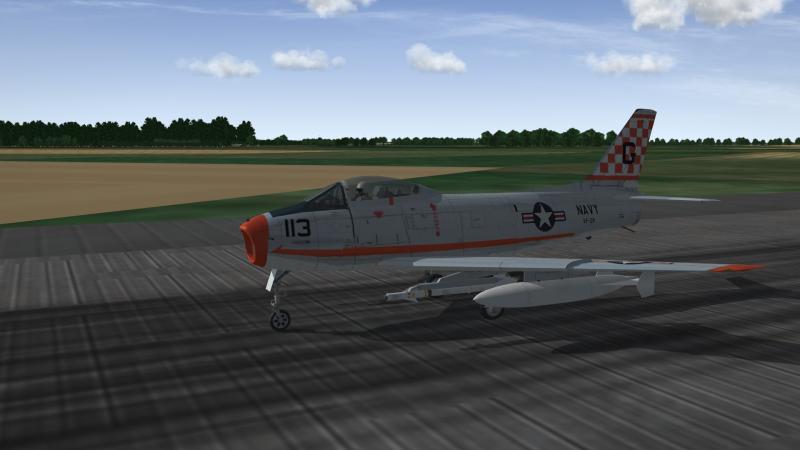
-
long shadows on Fj Fury...
russouk2004 replied to slick cowboy's topic in Mods & Skinning Discussion
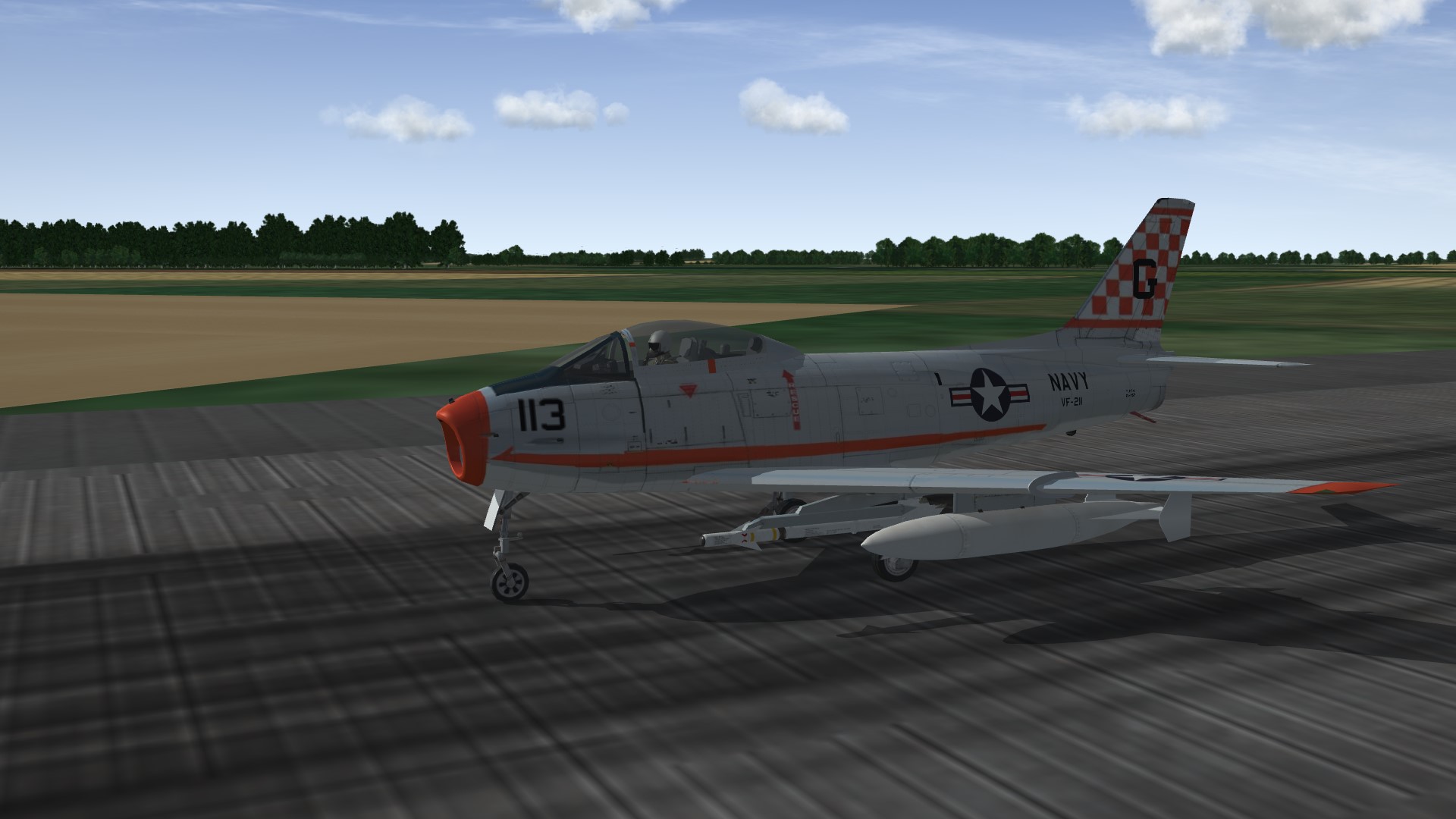
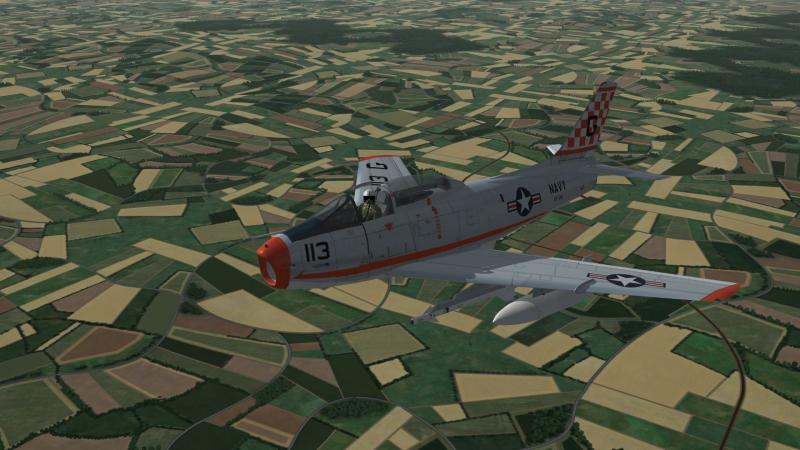
jpg 4 sorry...nosewheel was too big and off ground...sorted...canopy was slightly open on runway...weird...reanimated and gonna test it now...