


Dels
-
Posts
707 -
Joined
-
Last visited
-
Days Won
30
Content Type
Profiles
Forums
Gallery
Downloads
Store
Everything posted by Dels
-
It's all been said above, but the map displayed as a moving map in the aircraft is the planning map for the terrain. Even if you do increase the size of the texture map in the 3D model, the resolution will still be the same (it will just be zoomed in) unless you increase the resolution of the planning map. But that will no doubt have a performance cost. I understand you're probably tying to create some more immersion. But in my opinion, the moving map is just "eye candy" and can't really be used for navigation. Besides, the in flight map screen is much better for that anyway. Dels
-
Yep, 10,000 polys so far and counting.
-
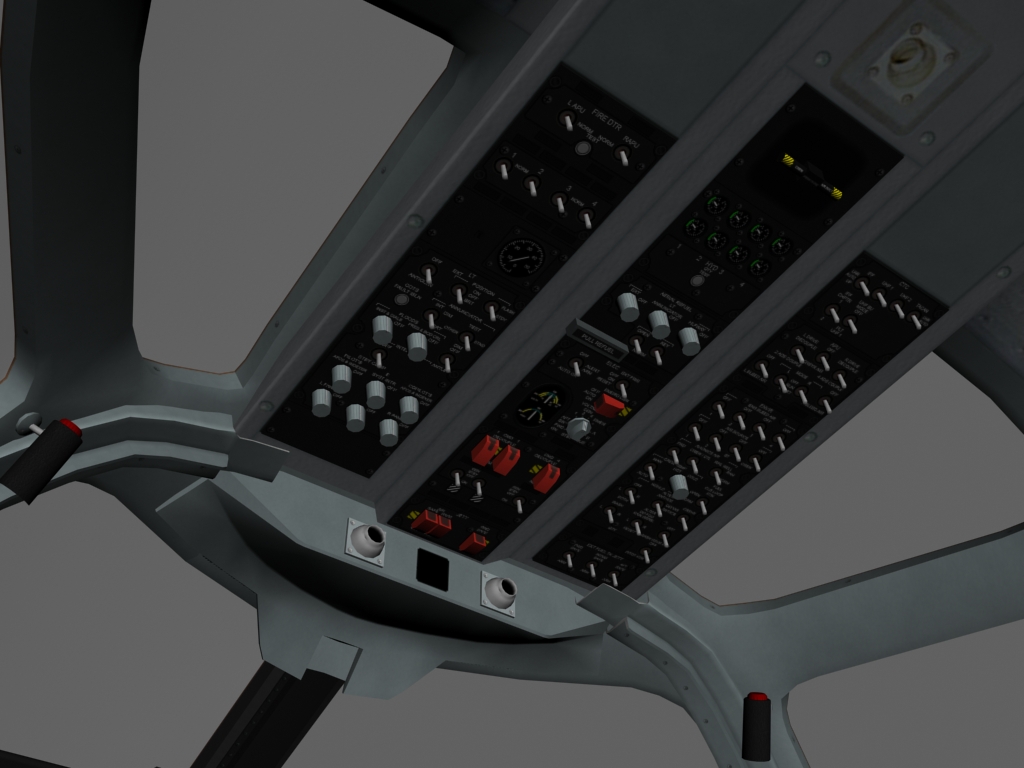
First, I apologise for not updating this thread more regularly but my life has been hectic of late. The good news is that work is still going forward on the pit. As you can see from the pics below, I have completed pretty much all of the cockpit surrounds and panels and am now working on the flight instruments. With any luck it should be done in a month or so...(no promises). Dels


-
Try this file. Dels T-6A.zip
-
Does everyone have the problem of the missing rear canopy? (I'm a bit stumped b/c the one on my computer is fine) If it's a problem with everyone's download, I might upload my .LOD file as an attachment. Dels
-
Awesome work!
-
It's not totally unfeasable to change the model, but I would fear the backlash from the hard core Tomcat lovers...
-
help please: extra canopy frame on addon aircraft after May patch
Dels replied to dtmdragon's topic in General Discussion
You could also change the OpenCockpit=TRUE to FALSE in the *_cockpit.ini. -
Interesting...might have a look at that.
-
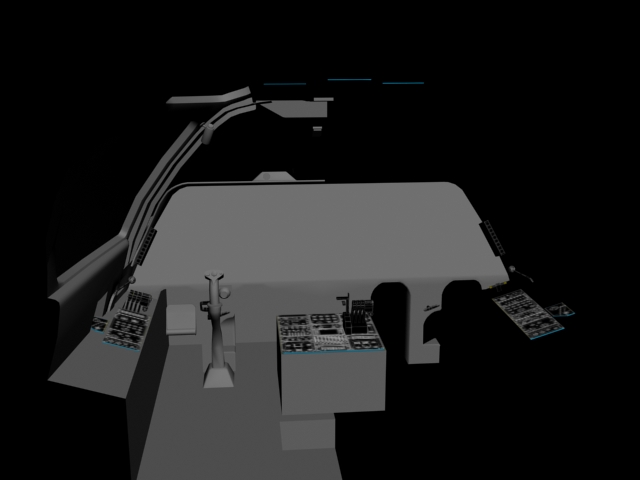
Hi All, Just a quick post to confirm the B-1B cockpit IS in the works and here is a screen capture from 3dsmax showing its progress. As you can see, there's still lots of work to be done, but fortunately most of the the hard stuff is already finished. Dels
-
Thanks heaps guys!
-
Unfortunately I do not have First Eagles and there are no piston engine aircraft (with a cockpit) in SF2V,E or I. I was wondering if someone with First Eagles could open up any _COCKPIT.ini file and post an example of a manifold pressure gauge? It should look something like this: [ManifoldPressureGauge] Type=MANIFOLD_PRESSURE NodeName=? MovementType=ROTATION_Y ValueUnit=? Set[01].Position=? Set[01].Value=? Set[02].Position=? Set[02].Value=? Thanks in advance. Dels
-
Forward Air Control Dels
-
Rockwell/MBB F-31A Mustang II Version 1.0 for SF2
Dels replied to Dels's topic in File Announcements
Are you using SF2 or have you converted it for SF1? If this is the case there wont be a fix because IIRC the first gen sim don't support that functionality. Dels -
Dude, you can use any of my cockpits including the C-130J open cockpit which can be used with any multi-engine aircraft. Dels
-
Thanks. This fixed it for me also. Dels
-
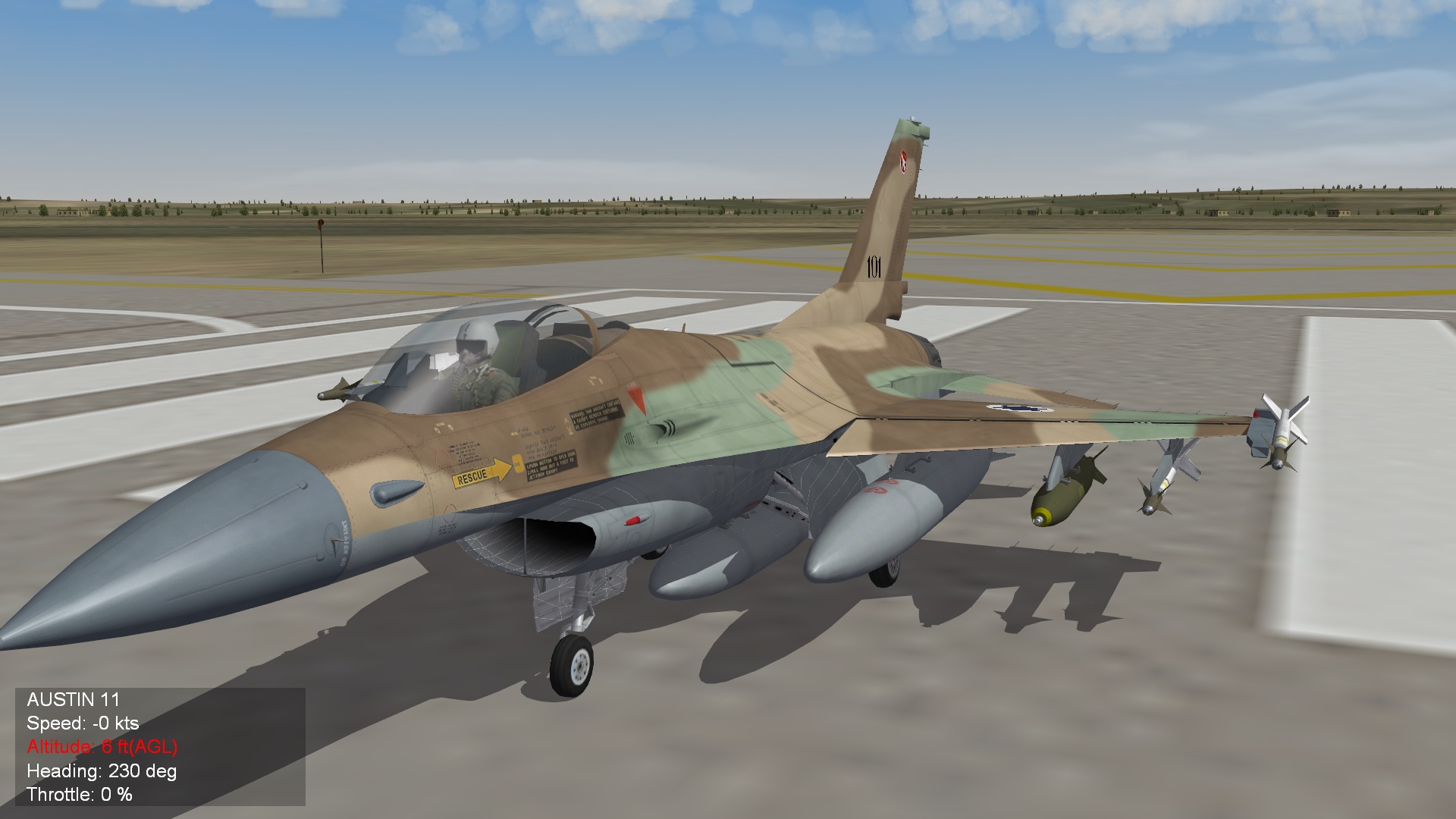
I have just recently updated my SF2 install on my Win XP computer and I'm getting the problem below. As you can see from the screenshot, the 3d mesh frame is visible on some areas of the aircraft model (intake, gear doors etc.) The game is SF2I merged with SF2E and SF2V and patched with the Dec 09 SF2I (merged) patch. Here are the computer details: Processor type and speed : Intel Core 2 Quad Q6700 2.66GHz Operating System version : Windows XP Pro SP3 32 Bit Memory (RAM) : 2GB RAM DirectX Version : 9.0 (with Aug 09 updates) Video Card type : NVidia GeForce 8800 Ultra using forceware version 196.21 I have tried using the ForceDX9=TRUE and disabling the advanced shaders. The problem is evident on all graphics detail settings. Thanks in advance. Dels
-
View File F-31A Mustang II Photoshop templates These are the Photoshop templates for my F-31A, so that others can make skins for it. Enjoy! Submitter Dels Submitted 01/24/2010 Category Skin Templates
-
135 downloads
These are the Photoshop templates for my F-31A, so that others can make skins for it. Enjoy! -
View File Rockwell/MBB F-31A Mustang II Version 1.0 for SF2 Rockwell/MBB F-31A Mustang II. Read the Readme.txt file for installation instructions and credits. Enjoy! Dels Submitter Dels Submitted 01/24/2010 Category What If Hangar
-
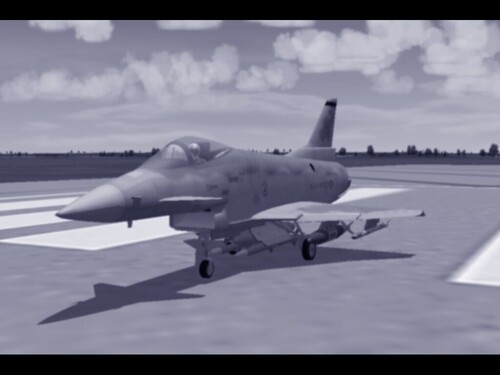
1,419 downloads
Rockwell/MBB F-31A Mustang II. Read the Readme.txt file for installation instructions and credits. Enjoy! Dels -
Uploaded and awaiting approval. @TarnVogel, you can change the 'milky' appearance of the canopy glass by editing the alpha layer transparency in the .TGA file. The file included in the package is slightly more transparent. Dels
-
@TarnVogel Re: Milky canopy glass. Good question, nobody has ever brought it up. I'll have a look at it. @Soulfreak Re: The 'real' skin. No, I'll leave that for someone else to do. (I can't do all the work around here you know...) @Crusader Re: Decoy dispenser in the vertical tail. Yeah, I thought about doing a brake chute like in the real aircraft but couldn't be bothered. So what better way to use the space? (I got the idea from the Hawk 100 series.) Dels
-
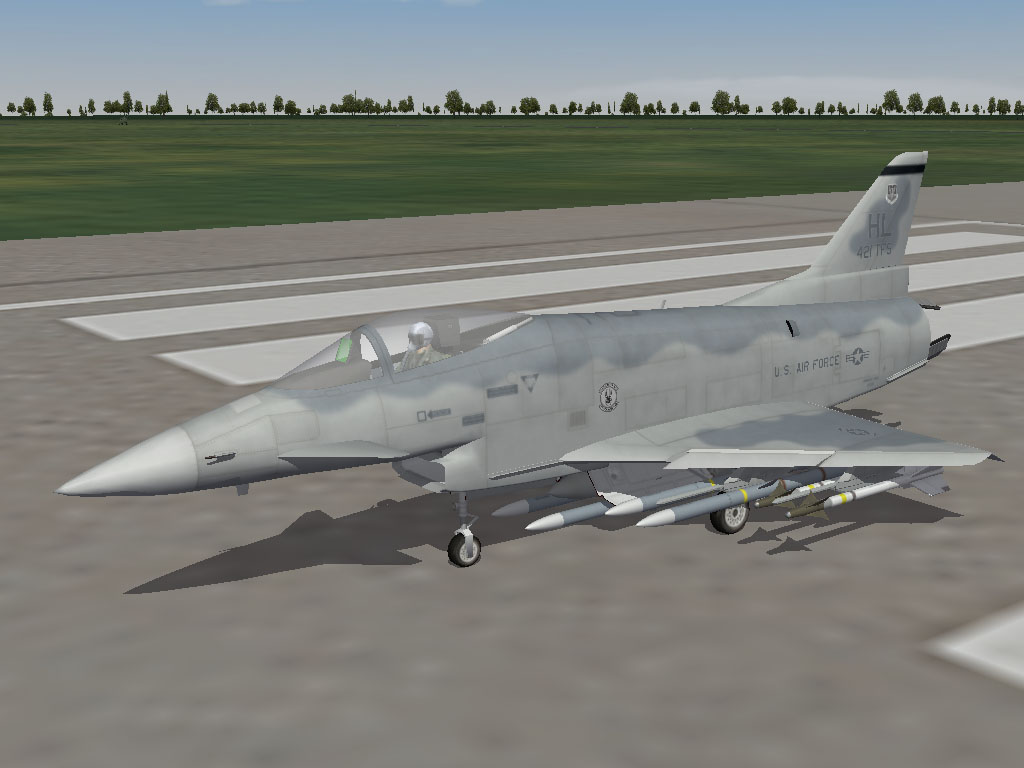
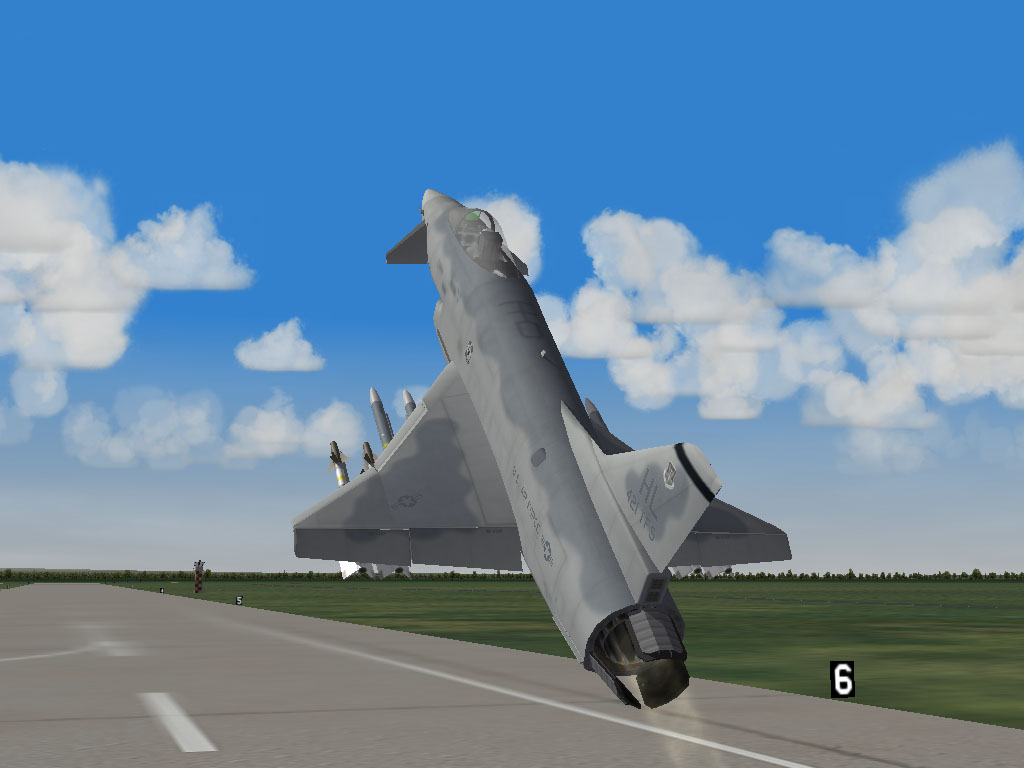
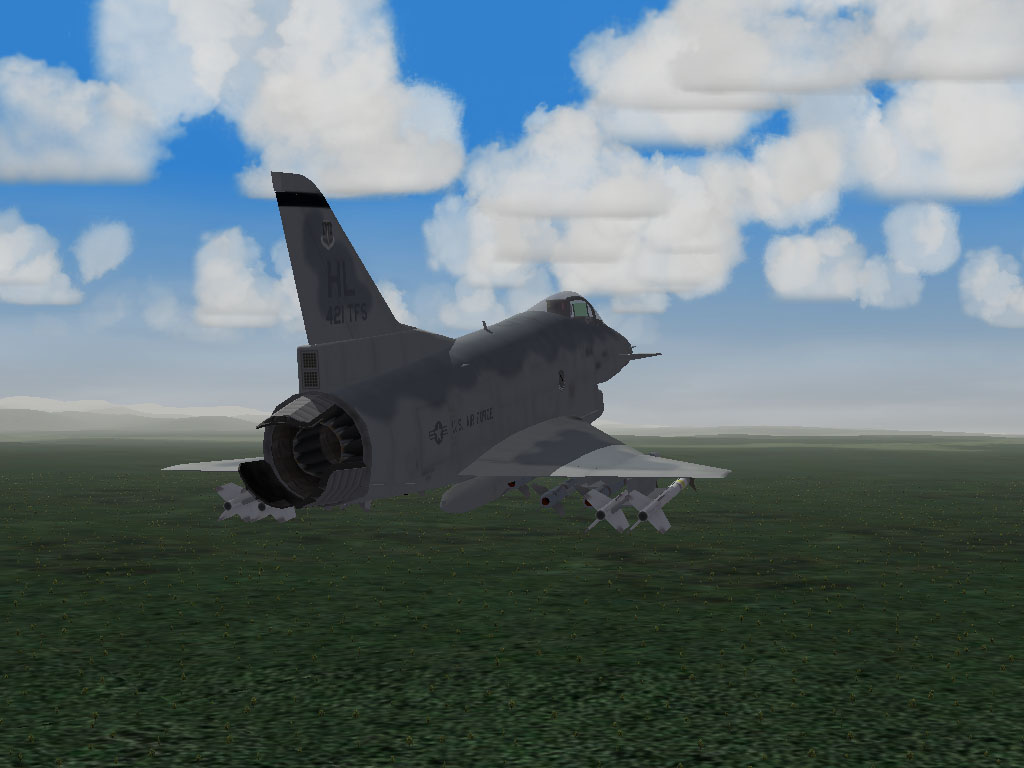
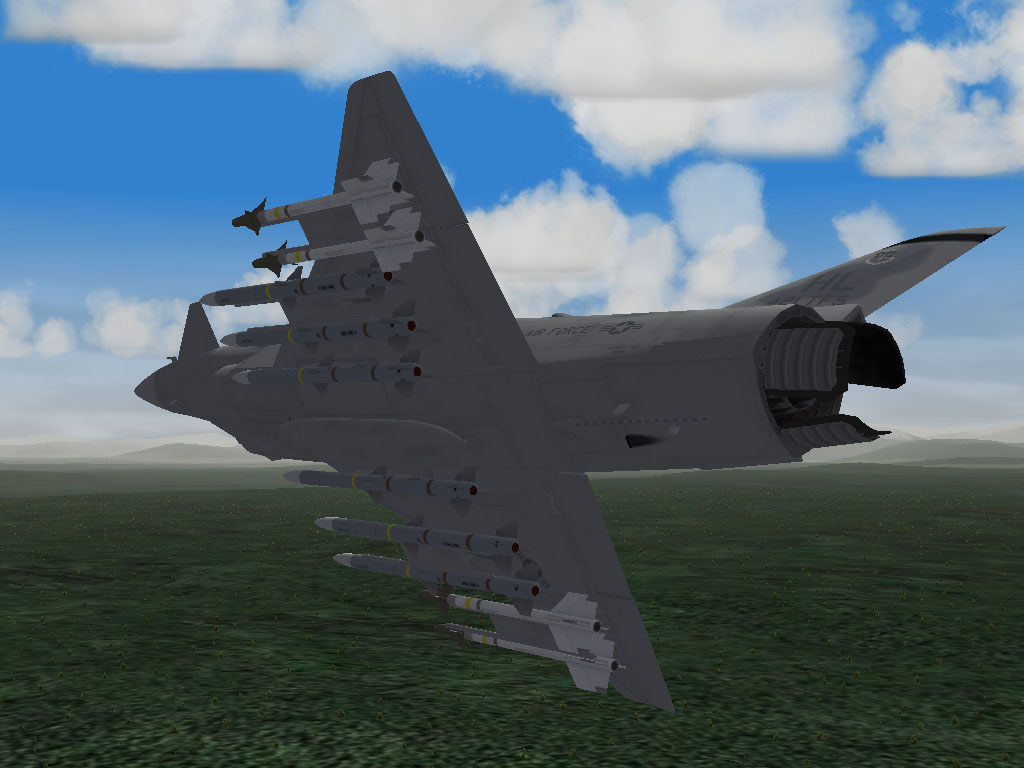
G'Day all, Just a few screen shots in advance of the release tomorrow (hopefully...) Dels
-
I have to agree with Dave. Keeping up with the updates was a bit difficult, and modding my aircraft across to Series 2 took some time. The number of aircraft left to make is dwindling but there are some good projects coming. It's great that we're all sticking with it. That's what makes me keeping modding. Dels

