


Dels
-
Posts
707 -
Joined
-
Last visited
-
Days Won
30
Content Type
Profiles
Forums
Gallery
Downloads
Store
Everything posted by Dels
-
Help With Multiple Attachment Positions
Dels replied to JimBeamer5's topic in Mods & Skinning Discussion
Happy to help. Dels -
Help With Multiple Attachment Positions
Dels replied to JimBeamer5's topic in Mods & Skinning Discussion
I don't think that it's possible to use the AttachmentPosition001, AttachmentPosition002 etc. for external weapon stations. So you might be stuck with either making an invisible rack (which creates other problems), or making the individual weapon stations. Dels -
Good point, I hadn't considered that.
-
I'm still stuck with the old school .bmps. I can make the skins .dds if everyone wants them that way. The templates will be .psd of course. Dels
-
Yes, the AH-64A is still in testing. I'm not planning on making any other skins than the U.S. Army. But I will be releasing the templates, so feel free to make your own in the future. Dels
-
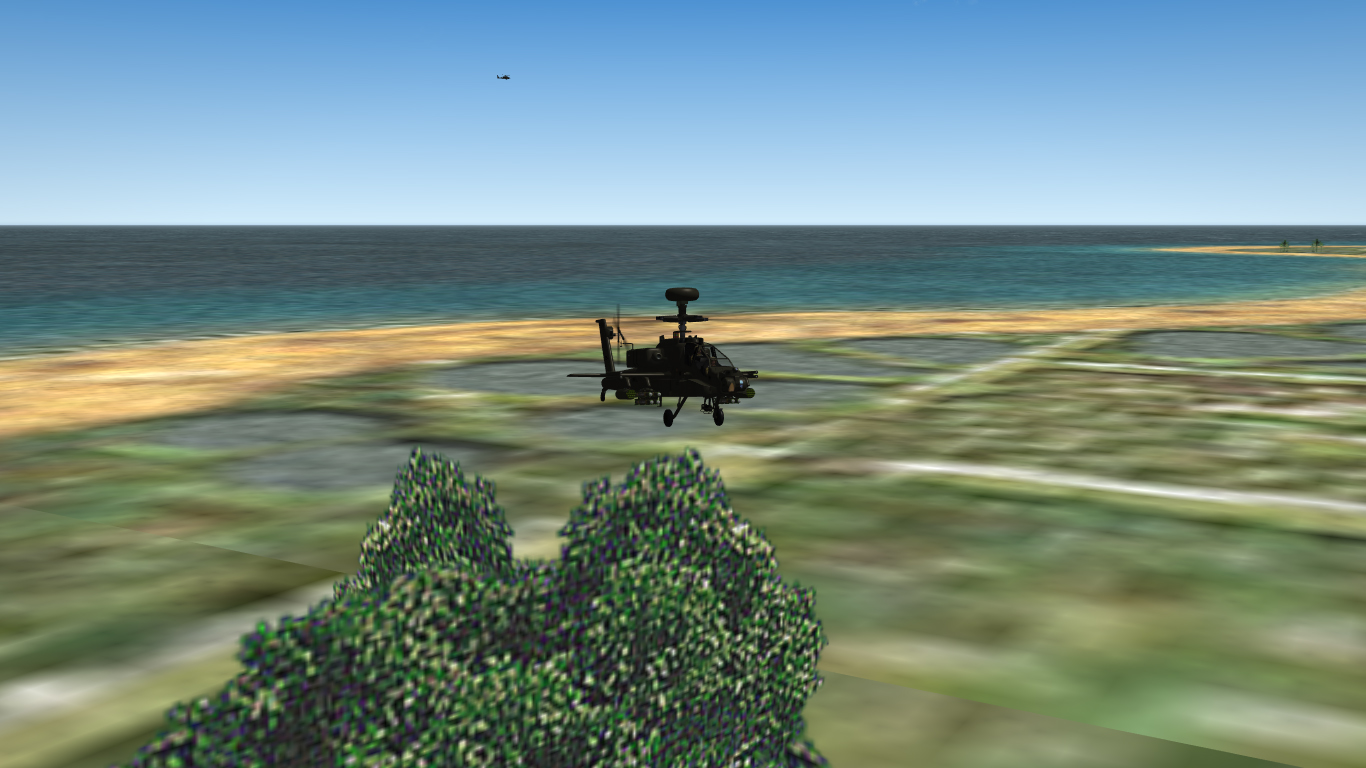
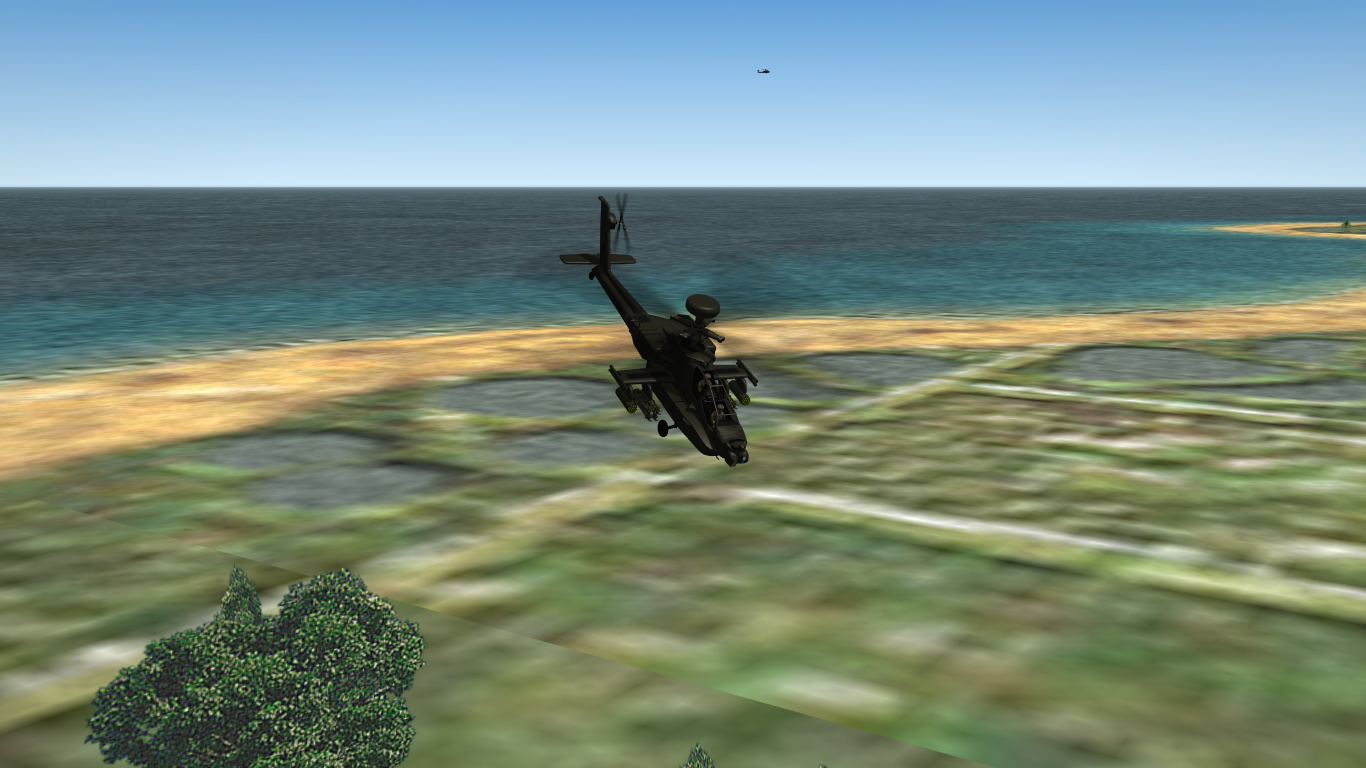
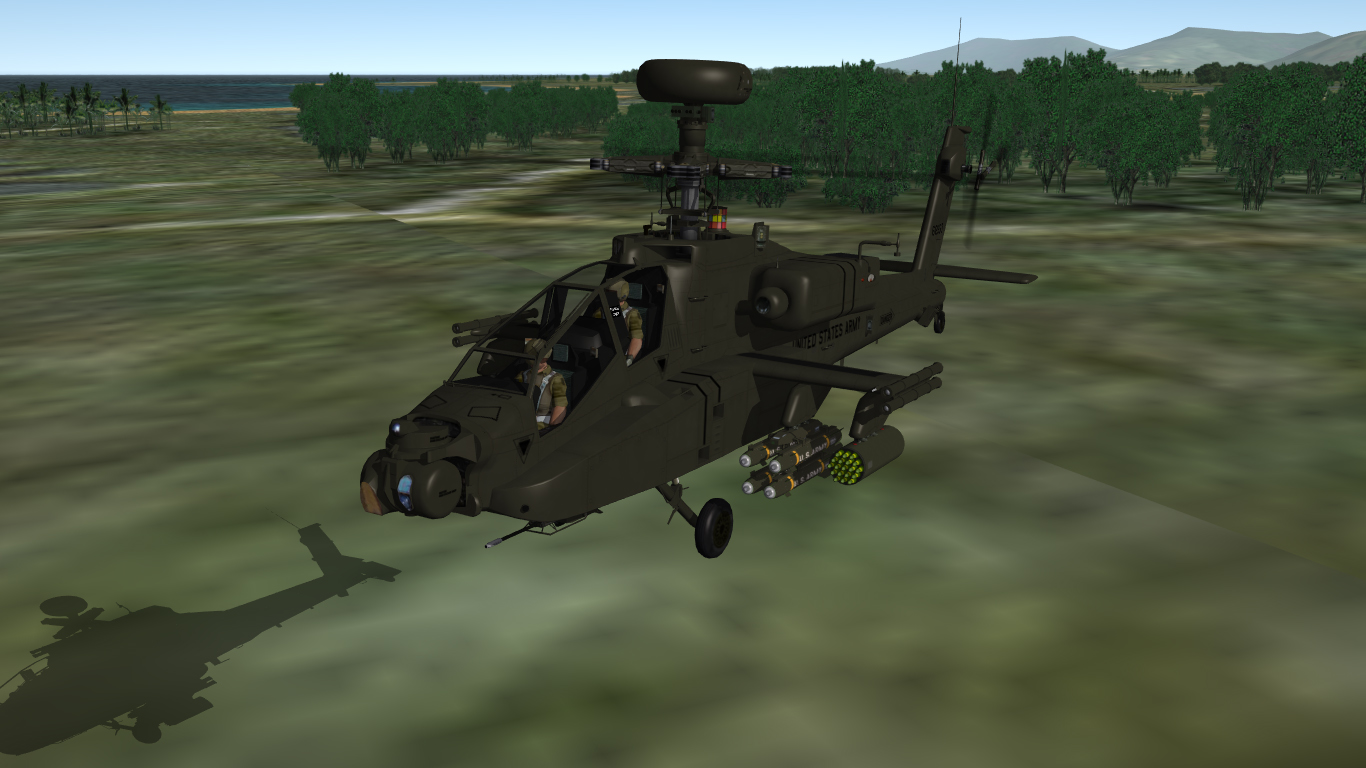
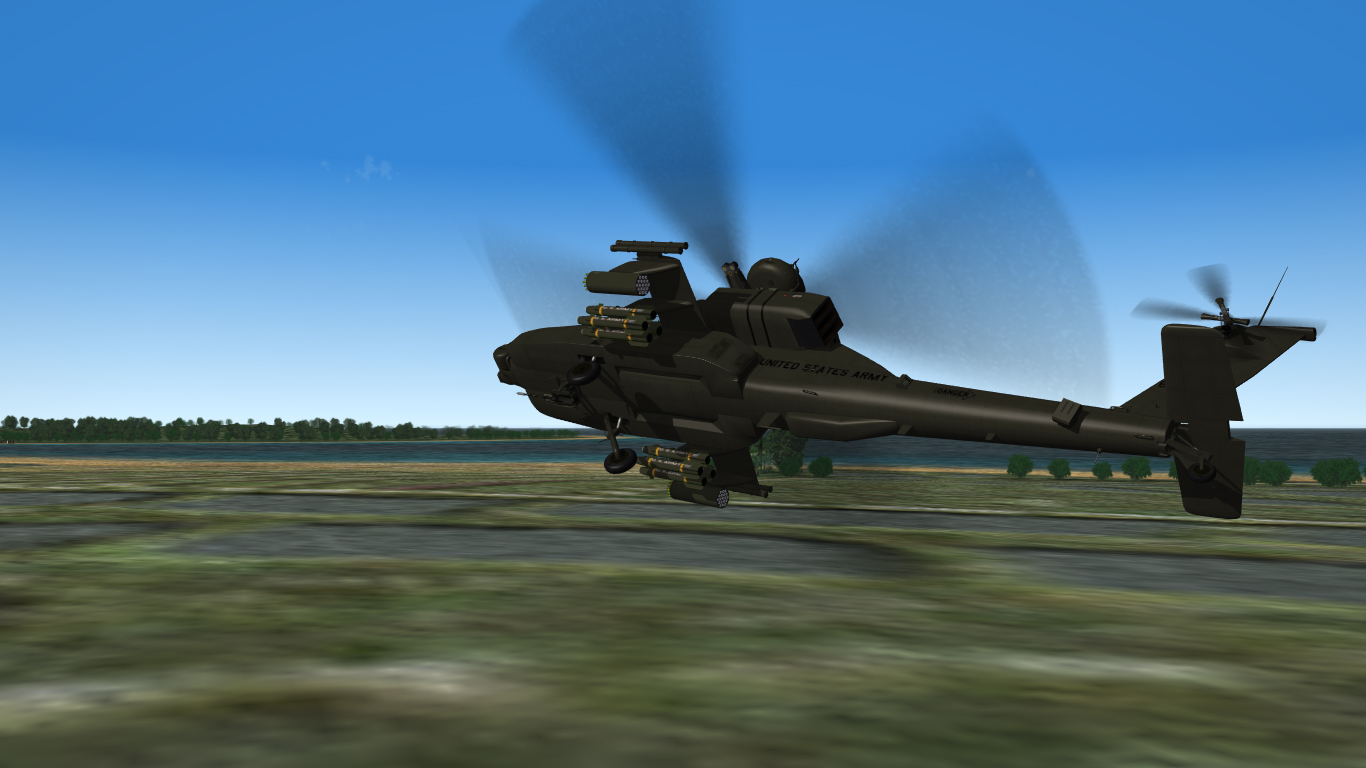
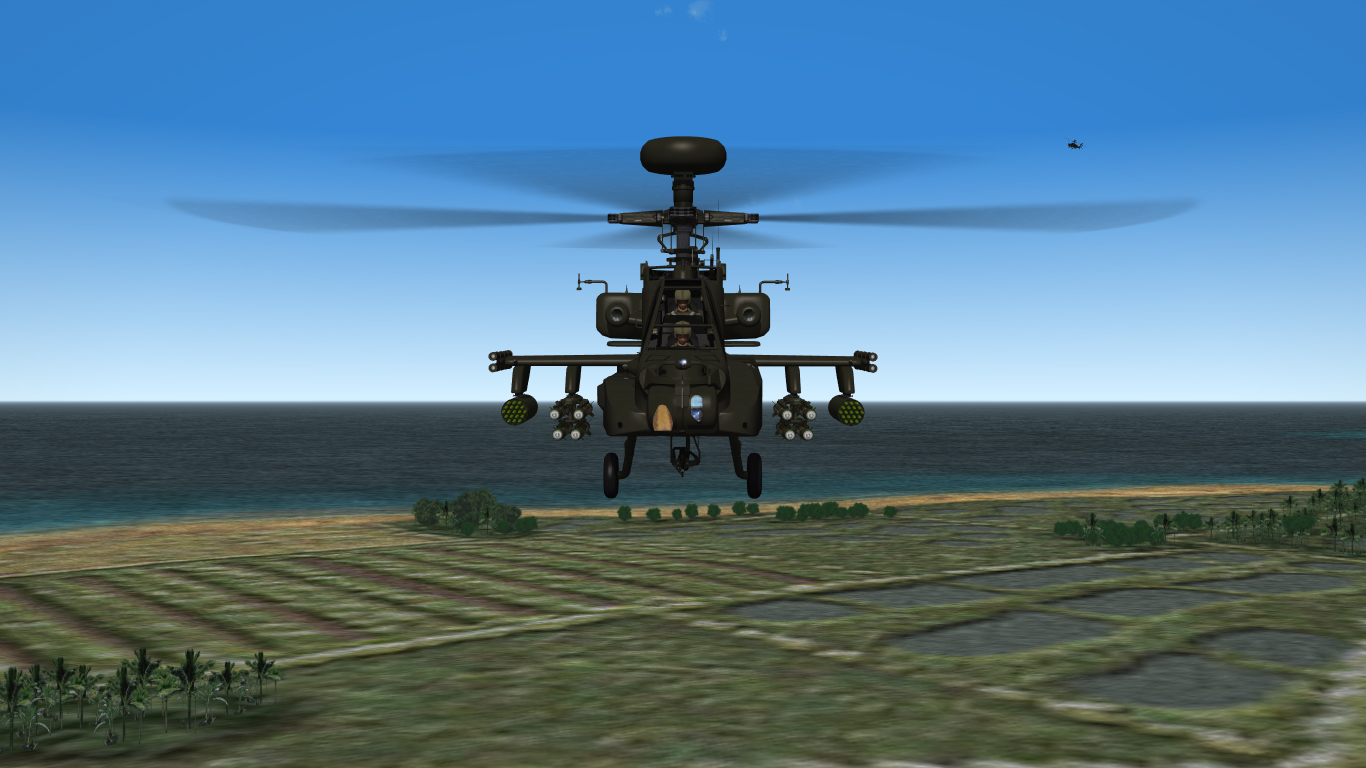
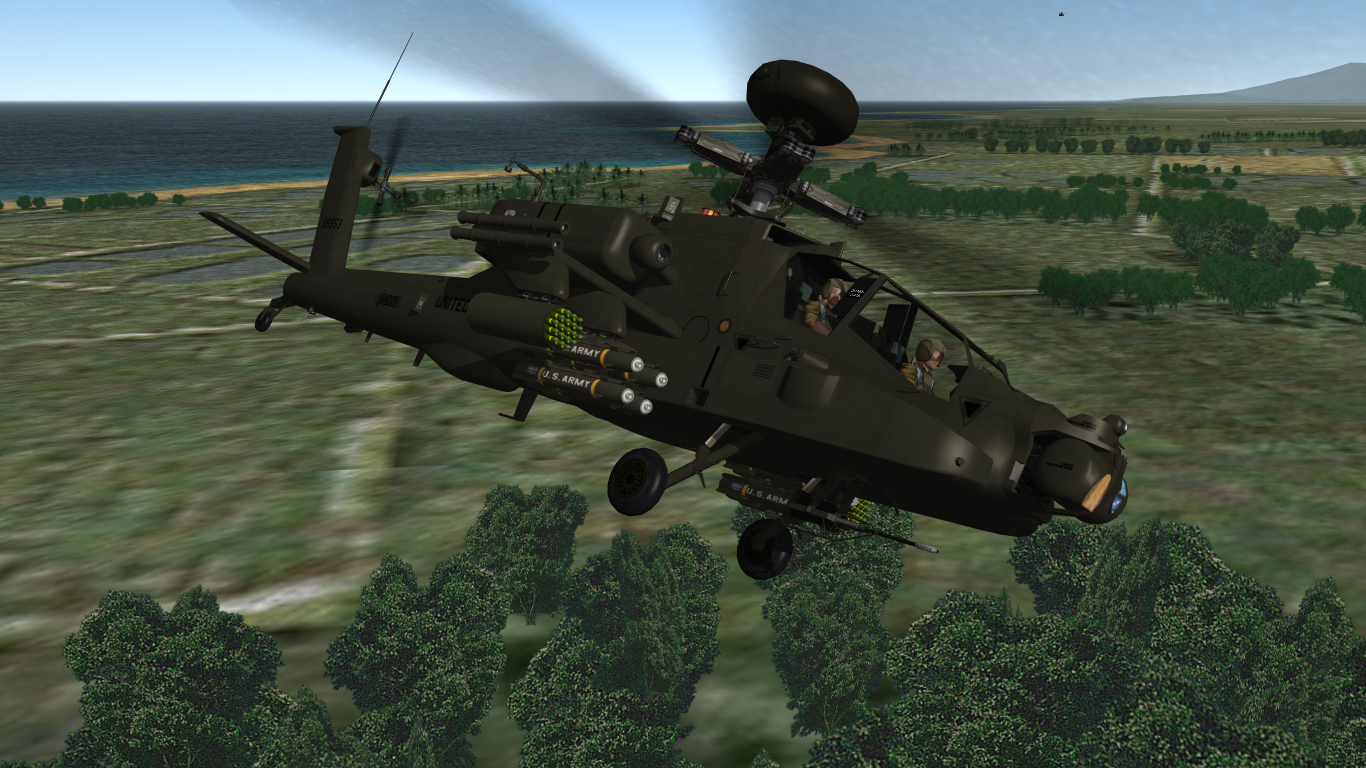
External model is pretty much complete, just working on the pit now.
-
You can use vertex scale animation (just like with the engine nozzles). Dels
-
While it is definitely ammo count in the _DATA.ini as you've mentioned Fubar, I think that what GodsLt was refering to was the number displayed on the loadout screen which is weight. I think it's displayed like that so that all the numbers along the right hand side add up to the AUW displayed at the bottom. Dels
-
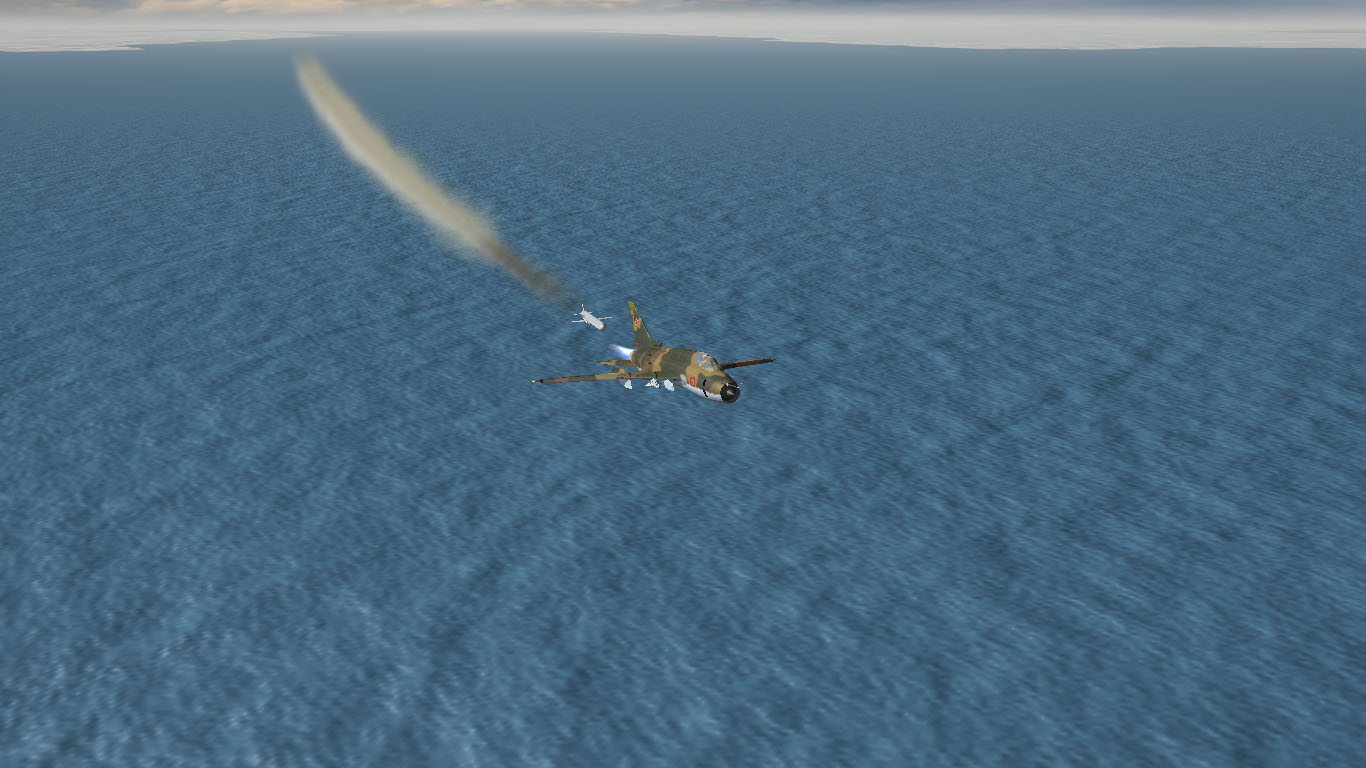
You know you've pissed someone off when they fire a Tomahawk at you...
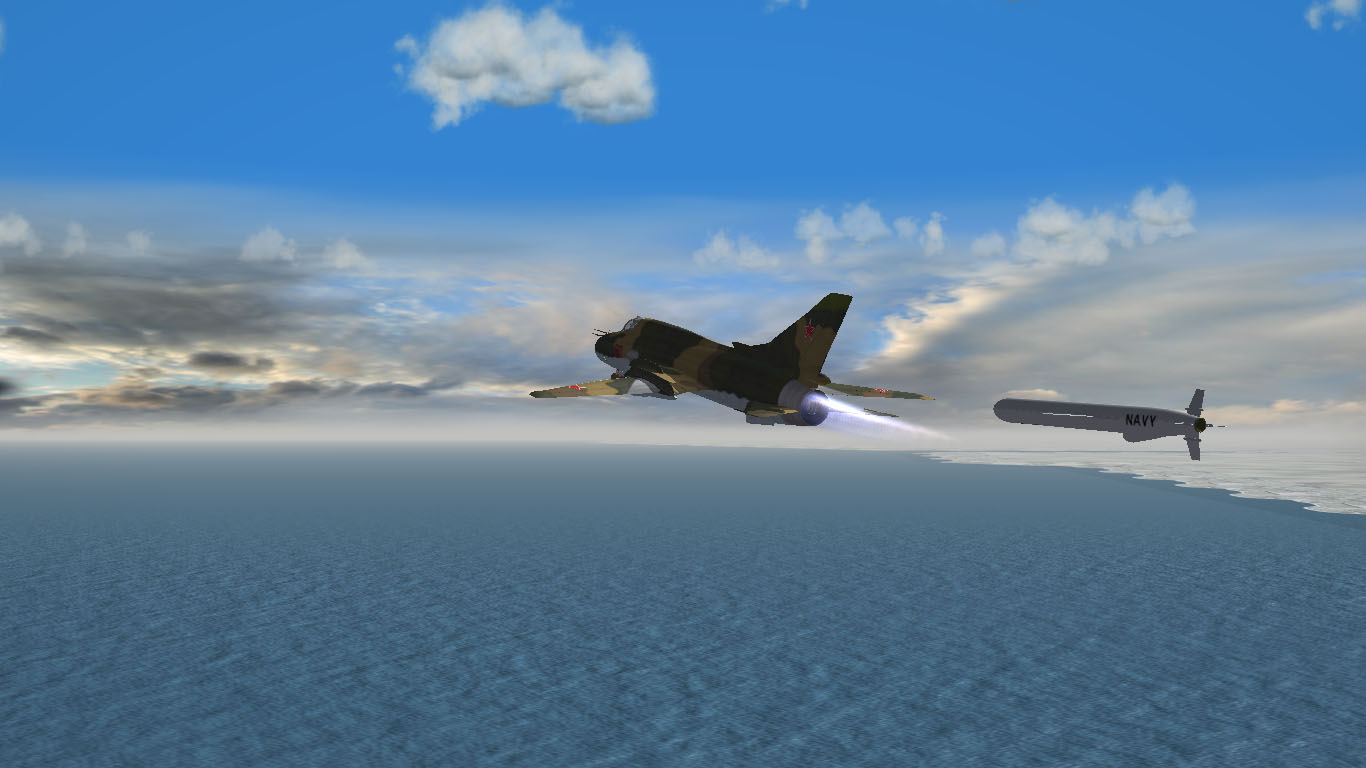
-
I brought this issue up a couple of topics ago. Here's a link to the solution: Thirdwire Forums It has to do with having an entry for DecalLevel=0,1&2 in the Decals.ini. Dels
-
Well, the trees are definitely fading (check out where the vegetation you're flying over meets the desert in the top left corner)...but it does seem to be a bit further. Hard to tell without another screenshot to reference, likewise for the horizon. Dels
-
Thanks Blade.
-
G'day all, I've noticed another issue after the May 11 patch. On the loadout screen, the drop down box for squadron selection is no longer selectable and the squadron no longer displays for all my third party planes (all the stock aircraft are fine). This is also the case for the nation drop down box on some aircraft. Has someone else noticed this and is there a fix for it? Dels
-
Happy to help. :yes:
-
What The Wrench and Soufreak have said above is true but what I think you're asking is this: You have two skins for an aircraft, Skin1 and Skin2. You want Skin1 until a certain date with Skin2 unavailable for selection. Then after that date, you only want to be able to select Skin2. If this is true, the above method won't work and the only way you will be able to do it is by creating two different aircraft folders with only one skin in each. Then you will have to change the service dates of the aircraft in the _DATA.ini as required for when you want the skins available. All of this aside, the StartDefaultDate as detailed above, will work for you. The AI aircraft and the default skin of your flight will be the right skin according to the dates you set except that you will be able to change the skin manually. I think this is a much better solution and an acceptable trade off to having an extra aircraft folder just to separate the skins. Dels
-
I have thought about the Commanche, but that's about as far as I got. As for an update on the Apache, all is finished now and it's in testing. Dels
-
I have also noticed that the issue of some aircraft shadows not showing due to two sided materials (e.g. L-39ZA) as per my post earlier this year has been fixed or resolved in some way.
-
Sorry, just a quick question. Are you trying to apply multiple textures/materials to the one mesh/object? If so, I have never been able to do that and as I understand you can only have one material per mesh. If you need more material slots, you could always combine some textures provided that the thought of re-mapping the affected meshes won't drive you crazy...
-
It could also be the shock orientation. Does the strut compress in the correct direction (i.e. up) on the right hand side?
-
more engine power and speed = fire help
Dels replied to eatthis's topic in Mods & Skinning Discussion
Yeah, cadeteBRA is correct. You've used the pounds force value for the engine rather than the newton value as required in the game. Try these values for the Olympus 22R from Wikipedia: SLThrustDry = 87200 SLThrustWet = 136200 Dels -
I'm pretty sure it's the "LightSrcOffset". Try 0.0,60.0,-0.2 (i.e. change the middle number as desired +ve is forward -ve is backward) Dels
-
Did you try to restart the engine? My guess is that it wouldn't. It's possible that when you "landed" the collision or min/max extent of the engine that failed would have been breached (tail strike perhaps). This makes the engine inoperative just as if it had been damaged by enemy fire. But it is good that this kind of detail was built into the sim. Dels
-
That looks like the old MF cockpit (i.e. before HUD's were a part of the game) So to me, it looks like a texture resolution problem. Check in the Options menu to see what your cockpit textures are set at. Dels
-
Veltro, Does it freeze the game on selection of the gear? If so, does the flight start without freezing when on the runway (i.e. gear deployed)? If not, have you checked the _DATA.ini for mesh spelling errors? Dels
-
Hey there, For all Australian tail numbers etc. try this: ADF serials Dels
