


Dels
-
Posts
707 -
Joined
-
Last visited
-
Days Won
30
Content Type
Profiles
Forums
Gallery
Downloads
Store
Everything posted by Dels
-
For Ground Mapping mode: All it does is give you a visual representation of what objects with high radar cross section are on the ground. You can use it to find ships, tanks, SAM sites, runways etc. You cannot use it to lock onto anything so from that perspective it's useless. For Terrain Avoidance mode: You can use it to fly at low altitude at night by making sure there are no bright returns in front of you. It's mainly eye candy rather than functional...remember, this is a 'lite' sim. Dels
-
Here are the F-22 nozzle model node names as viewed from the back: Upper Left: LeftNozzle2 Lower Left: LeftNozzle1 Upper Right: RightNozzle2 Lower Right: RightNozzle1 Dels
-
Sorry once again I am not at my modelling computer. For the F-22 nozzle nodes, check the F-22.OUT file (use notepad to open it). It lists the mesh names and heirarchy. If I recall correctly the Thrust1T/2T etc. were helper meshes that are not visible. I don't know for sure but I imagine the nozzles would be named Nozzle_Upper_L and so on (or something like that). Dels
-
The mesh names are: For the F-22: Tail_Cone For the F-29: Intake_Plate_L and Intake_Plate_R Dels
-
FOX1313, I'm not at my modelling computer right now, but I'll get back to you with the mesh names soon. Dels
-
Yes, TVC will be animated on the model in game but due to game limitations not for aircraft control. Thanks for the pic. Dels
-
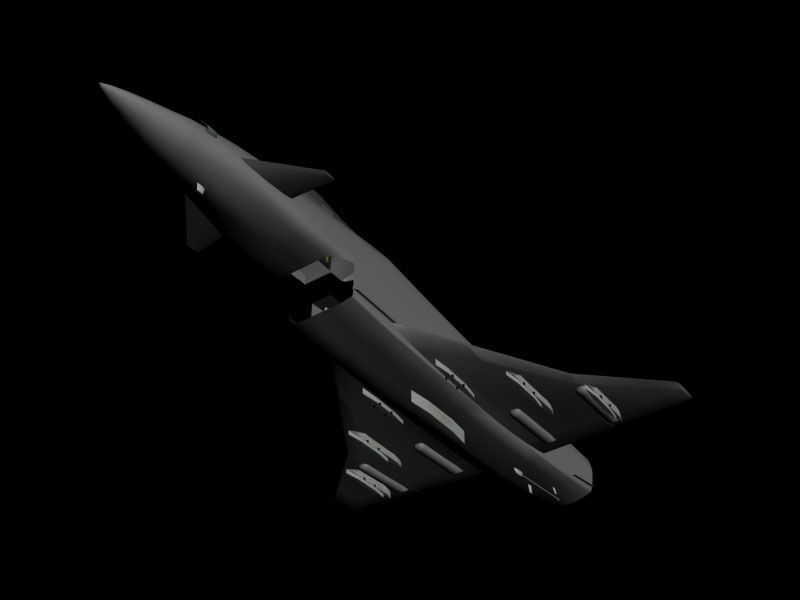
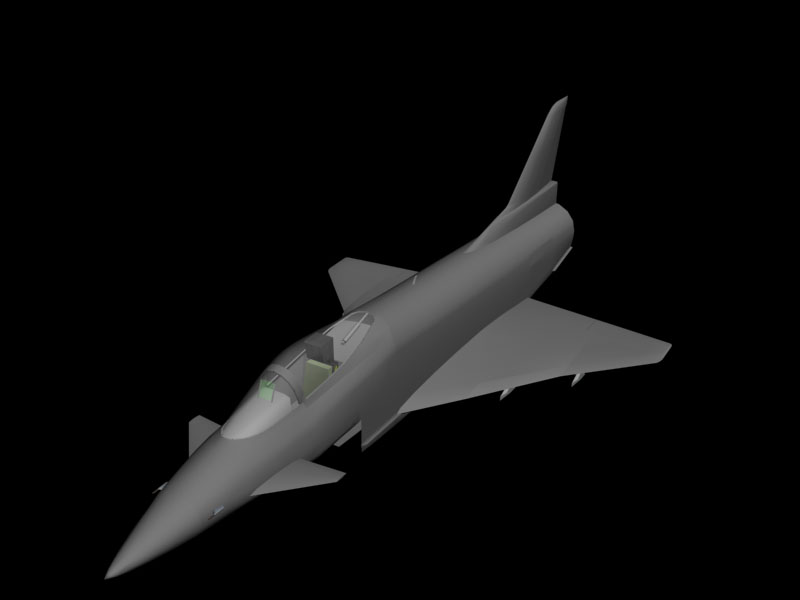
G'Day, I just thought I'd update you all on what I've been working on lately. The model is about 95% complete as you can see from the pics (Haven't done the intake or the thrust vectoring paddles yet) For all you ATF fans out there, I thought that 5 weapon stations wasn't enough. So I've added pylons on the main landing gear doors as you can see from the picture, bringing the number of stations to 7. Should have it in the game by the end of the week and then I can work on mapping, skinning and .ini editing. At this stage I'm looking at a late Jan to early Feb release. Dels
-
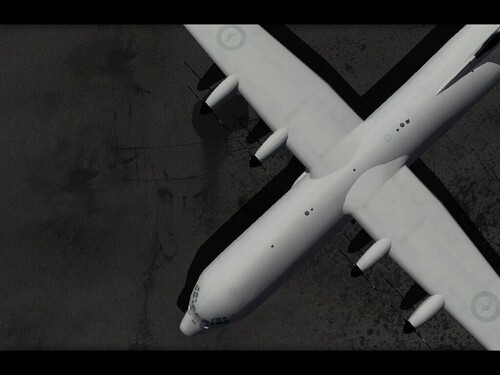
View File C-130J-30 Version 2.0 for SF2 SF2 version of my C-130J-30 including a new skin. Read the readme.txt Dels Submitter Dels Submitted 11/16/2009 Category C-130
-
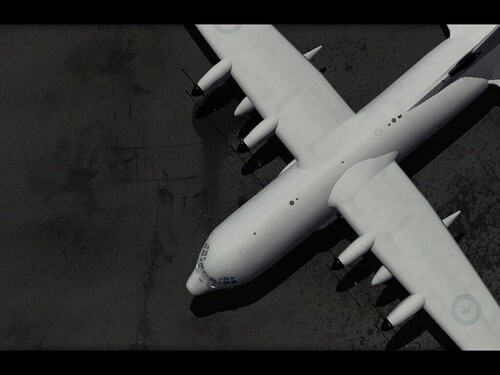
View File C-130J Version 1.0 for SF2 SF2 version of my C-130J including a new skin. Read the readme.txt Dels Submitter Dels Submitted 11/16/2009 Category C-130
-
592 downloads
SF2 version of my C-130J-30 including a new skin. Read the readme.txt Dels -
307 downloads
SF2 version of my C-130J including a new skin. Read the readme.txt Dels -
View File C-123 Provider Package Ver 1.0 for SF2 SF2 version of my C-123 package. Read the readme.txt Dels Submitter Dels Submitted 11/12/2009 Category Other
-
View File C-130H Version 1.0 for SF2 SF2 version of my C-130H including a new skin. Read the readme.txt Dels Submitter Dels Submitted 11/12/2009 Category C-130
-
View File C-130E Version 1.0 for SF2 SF2 version of my C-130E. Read the readme.txt Dels Submitter Dels Submitted 11/12/2009 Category C-130
-
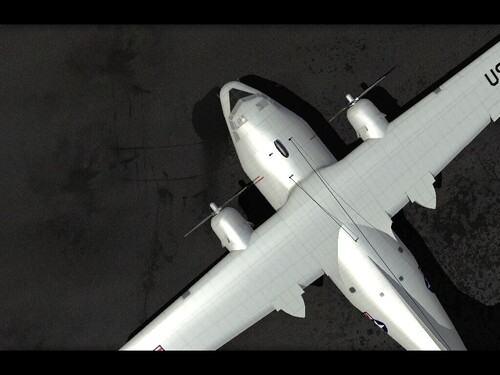
707 downloads
SF2 version of my C-123 package. Read the readme.txt Dels -
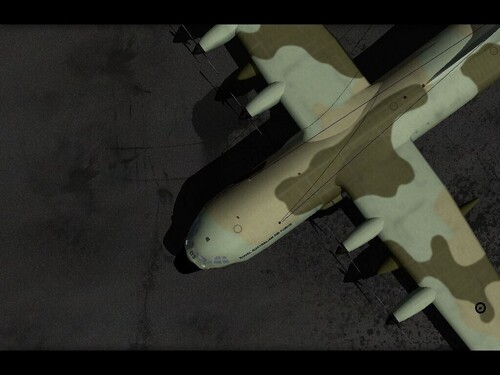
467 downloads
SF2 version of my C-130H including a new skin. Read the readme.txt Dels -
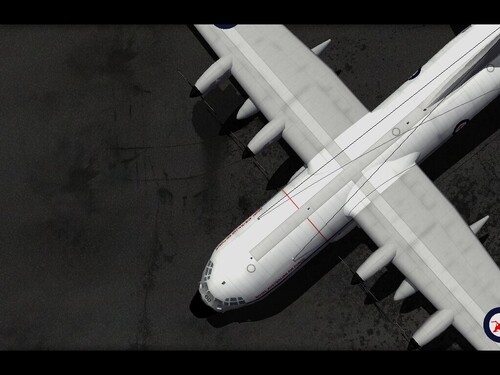
471 downloads
SF2 version of my C-130E. Read the readme.txt Dels -
AC-123K uploaded and ready for download. Just a heads up for everyone, I am just rounding up the finishing touches on the SF2 versions of my C-130's and C-123's. Hopefully should have them up by the end of the week. Dels
-
View File NC/AC-123K Black Spot Version 1.0 for SF2 Fairchild NC/AC-123K as flown by the 16th SOS in the Vietnam War. Read the Readme.txt Submitter Dels Submitted 11/09/2009 Category Other
-
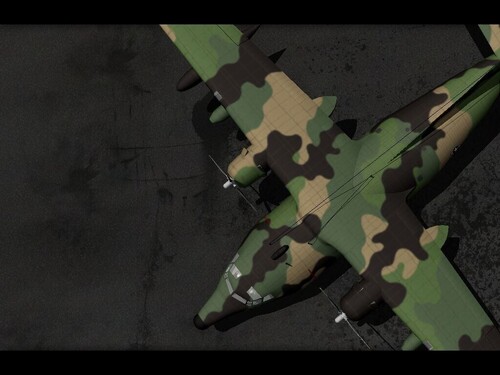
709 downloads
Fairchild NC/AC-123K as flown by the 16th SOS in the Vietnam War. Read the Readme.txt -
Thanks Blackbird. I think I've got all that information from other sites, but good anyway.
-
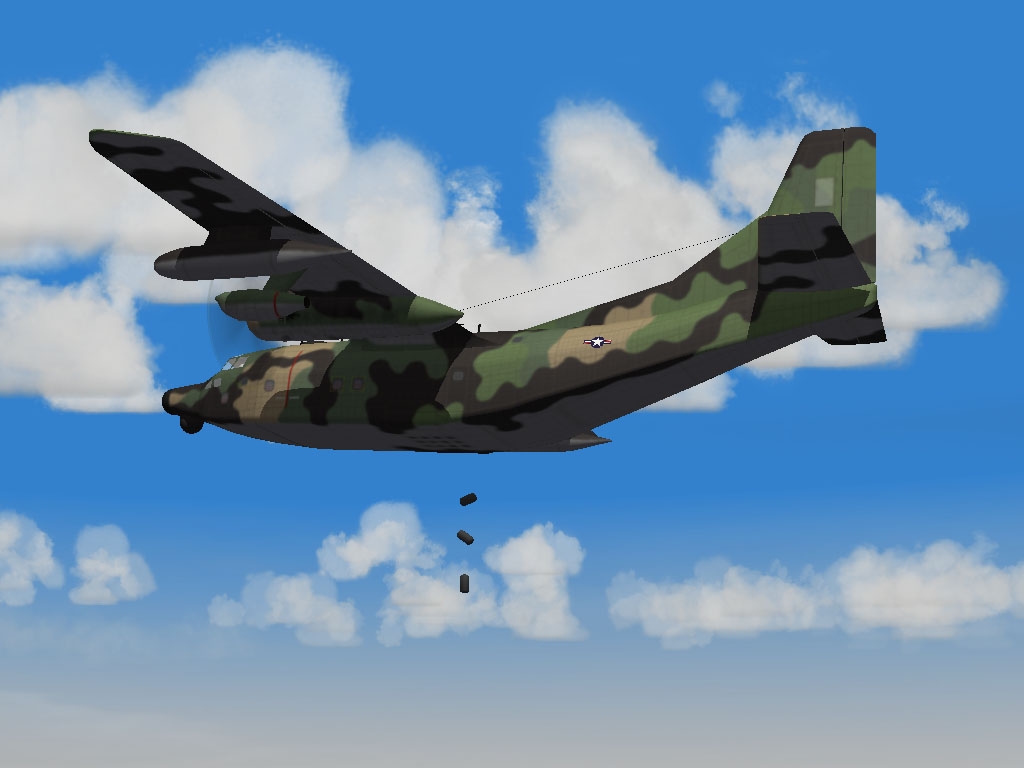
Thanks to some help and inspiration from mppd I have just finished the NC/AC-123K Black Spot. Just doing some more testing, but it should be uploaded in the next day or so. Dels
-
He was one of the greats and gave me endless inspiration. RIP
-
I have had this before as well. Based on what you have said how the gear sinks into the runway on landing (eventually causing the nose to touch the ground destroying the aircraft) I think it has to do with the wheel. The game only knows what to stand the aircraft up on based purely on the _DATA.ini entries. Check the heirarchy and the spelling, something as small as a "space" can cause issues. TCB is the controller. You need to assign it as the controller for all your meshes that move. In 3ds max, the menu on the right panel with the picture that looks like a rotating wheel is where you can find it. All three need to be set to TCB (i.e. position, rotation and scale) Dels
-
Without more info, the only thing I can think is that the mesh name for the wheel is different to what you have listed in the _DATA.ini. In the instant before the aircraft explodes on the runway, is the aircraft sitting correctly (i.e. level on all wheels) on the runway?
