citizen67
-
Posts
266 -
Joined
-
Last visited
Content Type
Profiles
Forums
Gallery
Downloads
Store
Everything posted by citizen67
-
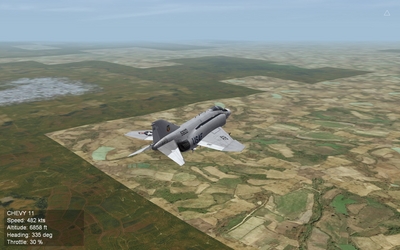
Hi everybody, I'm asking you about this strange issue happened using the F-16C Block 50/52 by Viper Team, on strike missions in SF2 Europe: immediately, when the mission begins, the aircraft starts to tilt on the right side until it explodes, as if sinking in liquified tarmac... The loadout is balanced, no different weapons, no different weight under the wings and it seems this happen only on strike missions. I haven't found nothing about similar issues on the forums, so I'm asking your help. Thanks in advance. -- Citizen67
-
Strange indeed. unzipping I got the message that the .wav files were corrupted... I will retry.
-
downloaded twice, from both download and mirror link, but the file seems corrupted.
-
Hi Fubar, thanks for the answer. I forgot to set my gallery to "public"... now the video should be viewable. I don't think is a "texture popping" issue. As you can see in the video (I hope, now) the flickering lines are in the cockpit, not in the environment. Looks like an anti-alias or a V-sync failure... I don't remember if my card is 512 or 1024, i'll check this evening back from work and I'll post it tomorrow. bye
-
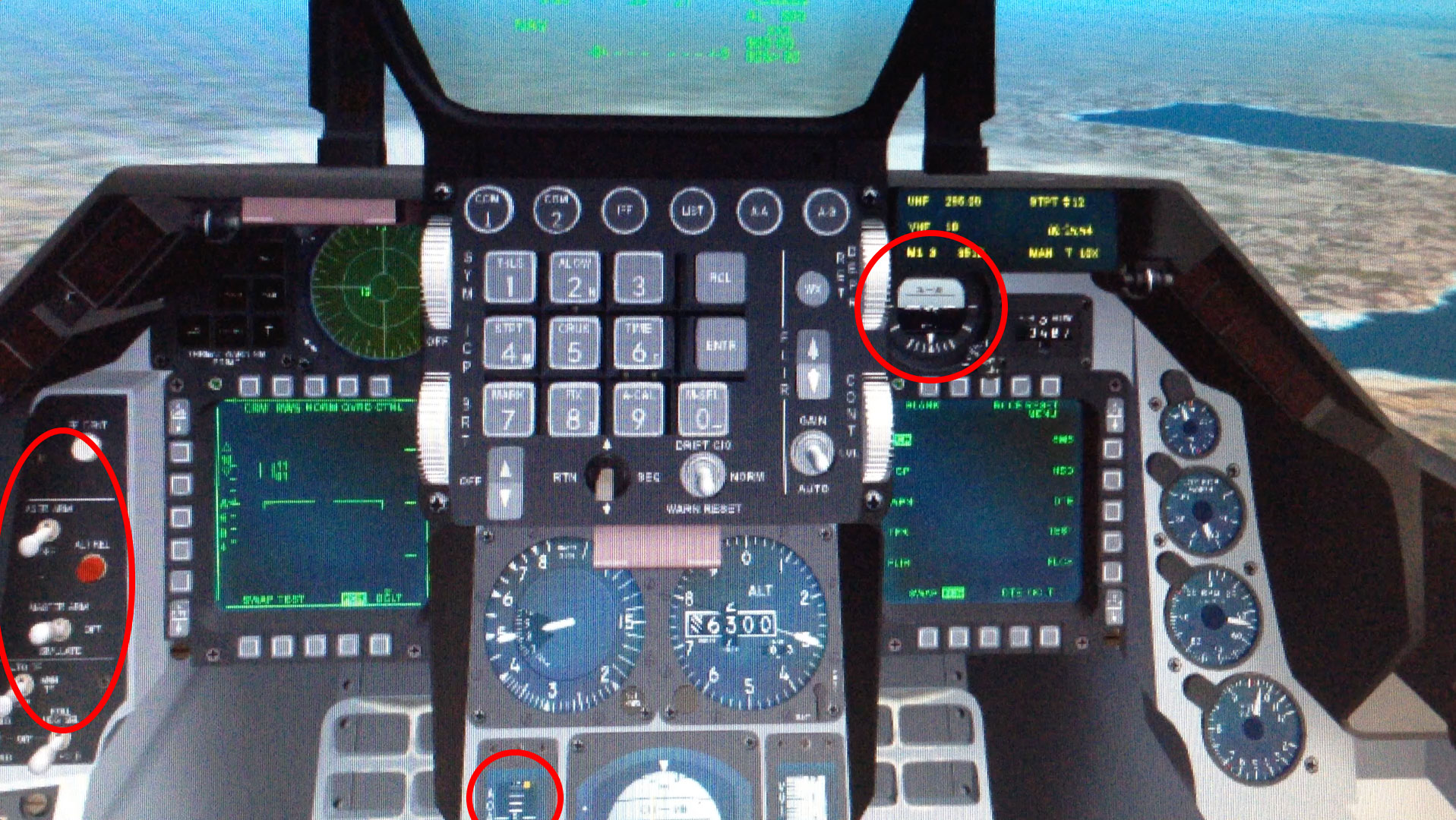
Hi everybody, I tried to solve this problem by myself without success, so I'm here to ask your help... I've noticed that in some cockpit (F-16, F/A-18, Tornado and few others), the horizontal lines are constantly flickering, as highlighted in the following image and as you can see in the video: I tried several times to set my graphic card settings but I could not fix it. Anyone knows hot to manage it? My PC has an old Nvidia GeForce 9800GT... Thanks in advance -- Citizen67
-
-
From the album: My Things
-
From the album: My Things
-
me too 4.12.2 and VP Modpack. But no way to set any kay...
-
Yes, I found it, in the far bottom of the Control Menu, under the last section "HOTAS CONTROL" (or something like that...). But I can't input any key, it remains blank. I don't know why, so I figured out it's because I haven't a HOTAS...
-
Hi Yubba, looks like the Head Movement key, in the IL-2 Settings Menu, is available only using an HOTAS, isn't it?
-
Hi 1977Frenchie, I agree, it could be the menu screen set I installed upon the game that cause the CTDs... I'll try to reinstall the SF2NA Expansion Pack without the menu and I'll check. Thanks
-
Yes, the stock SF2 NA works fine...
-
Hi everybody, I've got a SF2 full merged install, I've modded SF2 NA with the Expansion Pack (http://combatace.com/files/file/13980-sf2na-expansion-pack-part-1-of-3/) and I've also installed a new menu screen set (http://combatace.com/files/file/12866-strike-fighters-north-atlantic-replacement-menu-1680x1050/). The problem is that when I create a single mission and hit the "edit" button, the game freeze and CTD... I can only set the few option in the main single mission screen (map, weather, enemy activity...), but I can't go further to modify flights, waypoint, etc. I can only hit "fly" button. Does anyone has encountered the same issue? Is there someone who can help me? Thanks -- Citizen67
-
Hi eburger68, I will try installing your version, thanks.
-
No, I haven't altered anything. I've opened a few skins in Photoshop to look if there were difference between the ones working and the ones don't (things like 8bit vs. 16bit, RGB vs CMYK), and I closed without saving. The skins are in JPG format, not BMP. Maybe, as Geezer said, there is a disconnection in the file path. In which file I can take a look to check the file names/file path?
-
no, but I've noticed that this problem happen randomly: sometimes yes, sometimes not. and it seems to me it happens only with the F-16C at daytime...
-
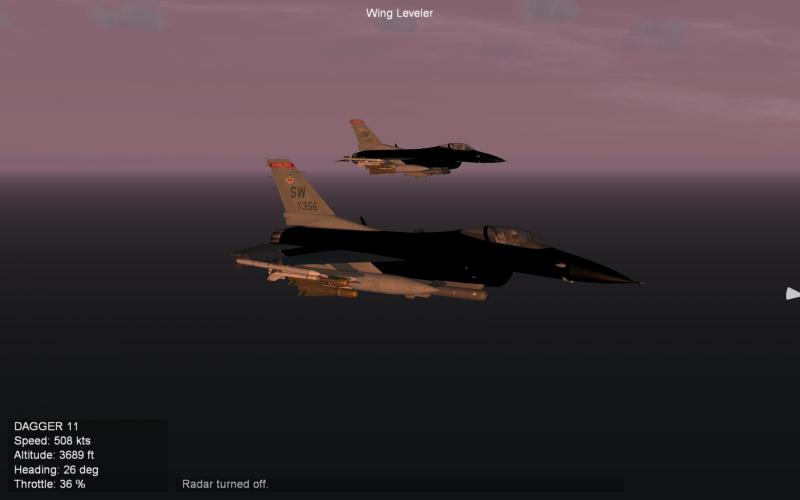
Starting a new campaign in SF2NA - Black Sea Crisis, this is the way the F-16C Blk 50 appears. The skin is 77th FS. I opened it in Photoshop and compared to other skins that works, but I wasn't able to find relevant differences. Maybe something in the .ini files? Thanks in advance
-
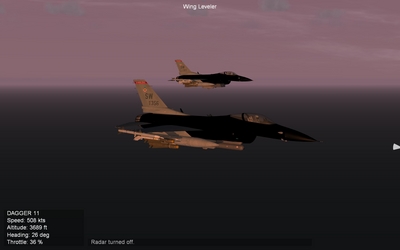
From the album: My Things
-
Hi, the "blank briefing" problem seems to be solved; I deleted "_ru" frome the mission filenames and now the text appears where it should be. But the "arming" button doesn't work and when the mission starts, still nothing appears... only the horizon line and the rain... It seems like something is missing. I think I will wait for a CUP version of the campaign... ;-) Thank you anyway, LIMA33
-
Hi 33LIMA, following your suggestion I installed the Flying Tiger Campaign on my CUP-modded version of IL-2, but it doesn't work: no text in the briefing screen and when the mission start, no cockpit or plane appears on the runway. Did you encounter problems like this? Thanks
-

AMX A-1A, AMX-T A-1B and AMX A-1M Brazilian Air Force
citizen67 commented on denissoliveira's file in Other Origin
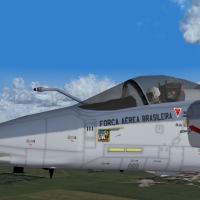 no italian skins?
 -
ok, thanks to all. the only way to build missions/campaigns is using the DLCs Mission Editor/Campaign Customizer, isn't it?
-
Hi everybody, is there any campaign or mission pack that includes the U-2 or the SR-71 blackbird to d/l? Thanks
-
View File SF2: Vietnam Air & Ground War Expansion Pack Menu Screens SF2: Vietnam Air & Ground War Expansion Pack Menu Screens 1920x1080 menu screens for Strike Fighters 2: Vietnam modded with Air & Ground War Expansion Pack by eburger68. This is a set of images only; to install just drag&drop, copy/paste, etc. into your Menu Folder in C:\Users\<YOU>\Saved Games\ThirdWire\StrikeFighters2 Vietnam.../ Thanks to eburger68 for his wonderful mod. -- citizen67 Submitter citizen67 Submitted 01/30/2015 Category Menus