citizen67
-
Posts
266 -
Joined
-
Last visited
Content Type
Profiles
Forums
Gallery
Downloads
Store
Everything posted by citizen67
-
I thought of some ways, let's see if you like them. They go in order from the lowest level onwards. 1 - Flight Journey 1 Hangar - Getting ready for takeoff. Learning, testing, getting familiar. 2 Takeoff - First flights completed. Finding your balance in the skies. 3 Cruise - Steady, reliable, and confident. Sharing experience with others. 4 Navigator - Guiding routes, solving problems, helping fellow pilots. 5 Commander - Leading discussions and missions. Trusted voice in the cockpit. 6 Flight Architect - Designing experiences and shaping the future of flight. 2 - Evolution 1 Penguin - He doesn't fly, but he dreams of the sky. 2 Glider - Finding lift, learning finesse, feeling the air. 3 Prop - Solid pilot with growing skill and control. 4 Jet - Fast, confident, sharp. Master of systems and flight. 5 Mach - Pushing realism, limits, and innovation in simulation. 6 Voyager - Beyond flight. Exploring new frontiers of virtual skies. 3 - Aviators’ Hall of Fame 1 Wright bros. - First in flight. Learning the basics, taking your first lift. 2 Lindbergh - Courageous solo flights, exploring new horizons with determination. 3 Earhart - Bold and innovative, pushing boundaries and inspiring fellow pilots. 4 Yeager - Breaking sound barriers; mastering speed, precision, and skill. 5 Armstrong - Explorer of new frontiers; from supersonic flight to the Moon. 6 Kelly Johnson - Legendary aircraft designer; shaping the future of flight and innovation.
-
 Beautiful. Beautiful. Beautiful.
 -
This is the link: but now everything is working fine. I've checked a few files and looks ok now. Thanks
-

Vietnam Community Project Idea: Gulf of Tonkin Incident - Redux
citizen67 replied to swambast's topic in General Discussion
There will be also a campaign? -
I tried to download a file for checking, after logout/close/open/login and in the download page I got this message: There's something I'm missing?
-
Good news. I was planning on paying a Choice Membership subscription for a month. I'll probably do it anyway, to help. Thank you very much Erik.
-
I could try to make one for you, a numerical set and an alphabetical one, starting from that image. They probably won't be exact, but I'll try to make them as similar as possible.
-
What head or eye tracker works with SF2
citizen67 replied to 1Patriot-of-many's topic in General Discussion
I'm using AITrack + OpenTrack and it's pretty good. Totally free, you only need a decent webcam and a well lit room. -
Same problem with an A-1H in a random generated mission, along with aircraft exploding at start or CTD during an F-105 YAP mission. Otherwise a great number of beautiful eye candy, especially on carriers.
-
Awesome. It's incredible the effort you put into making cockpits. I look forward for the releases. Thanks
-
We are all old. And in solidarity
-
Thanks to you for your great work. Your cockpits take the quality of SF2 to the next level.
-
Glad to be helpful
-
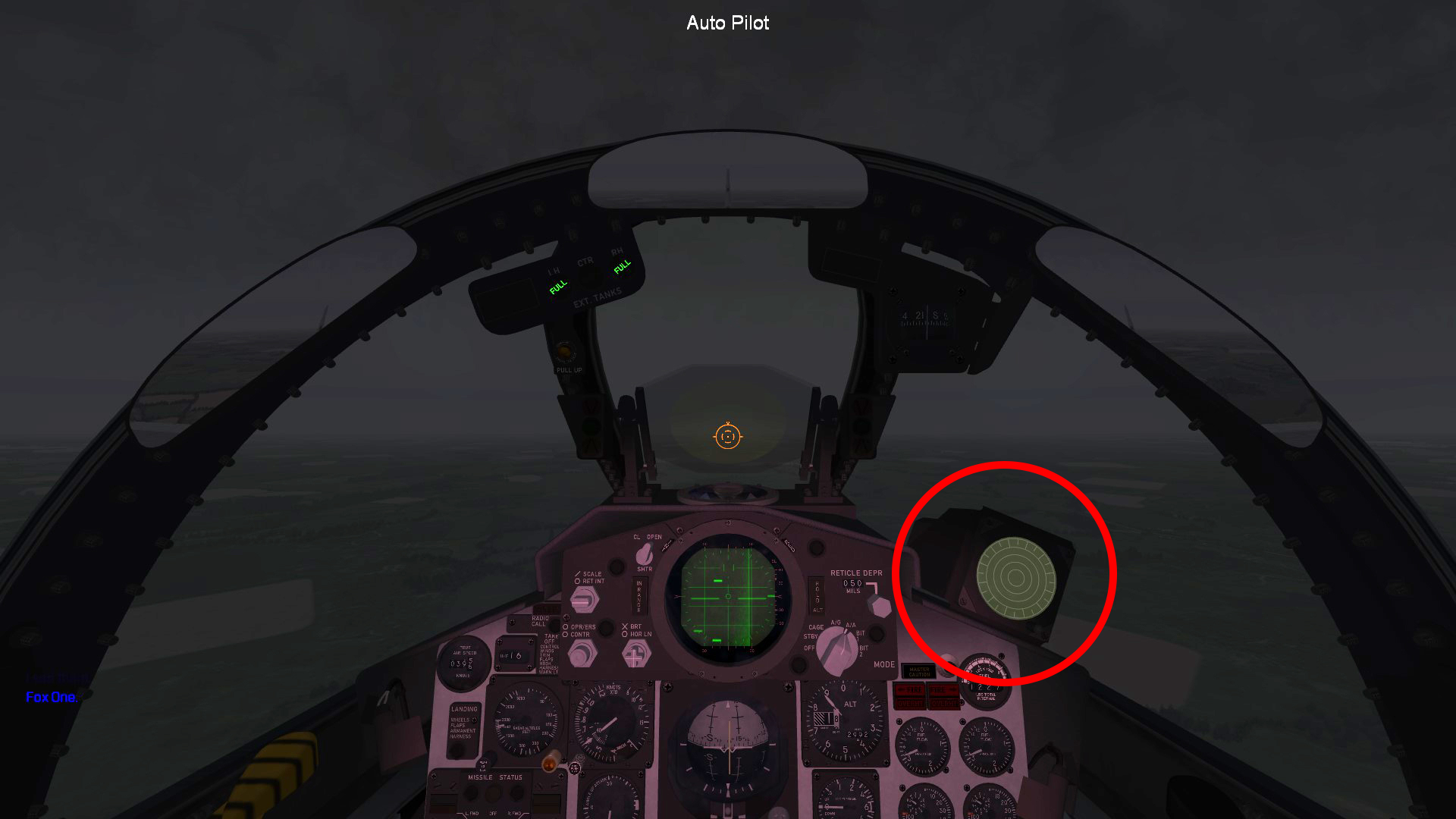
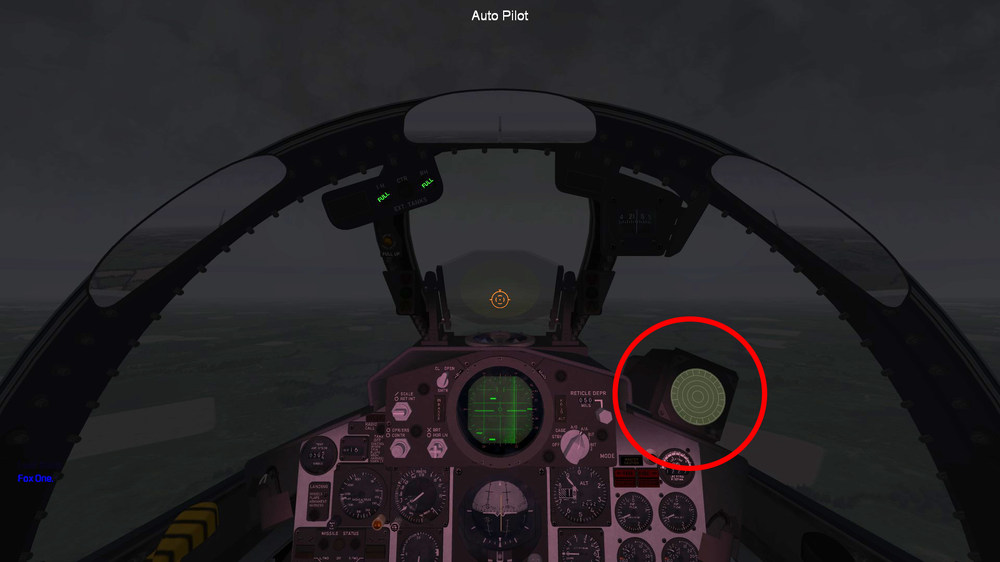
@ravenclaw_007 in F-4D_67_DATA.ini in the [DetectSystem] section, I found that HasRWR=FALSE must be setting on TRUE. Now it works. I found the same in F-4D_71_DATA.ini so I checked the stock [...]_DATA.ini and it's set on TRUE.
-
@ravenclaw_007 tested again the F-4D_67 and the F-4D_78 cockpits together in the same terrains: the 67 still doesn’t work, the 78 works perfectly.
-
Tested again in Rends GermanyCE terrain, North Vietnam with A&G War Expansion Pack with Green Hell 3.5 and Menrva Italy 63-91 and Sweden/Baltic Rim 52-94. It doesn't work in any of them. The old cockpit (the stock one) is working instead.
-
Reistalled but still no functionality. I'll wait for the full release
-
Tested in SF2: Europe with Rends GermanyCE terrain too. No framerate drop but the RWR looks blind... Tried two times. Anyway, good job as usual.
-
Tested F-4D_67 cockpit in SF2:Vietnam. Didn't notice any particular issue. Just a slight delay in the framerate but I think it's due to the bad weather generated randomly by the single mission (it happens with other aircraft too).
-
Beautiful. Thank you!
-
 Great job! About version 2.0 with new HUD: I suggest to whom are using Better CCIP mod by orsin, to edit F-111A_COCKPIT.INI file and set OpenCockpit=FALSE to prevent the gunsight from overlapping the cockpit panel.
 -
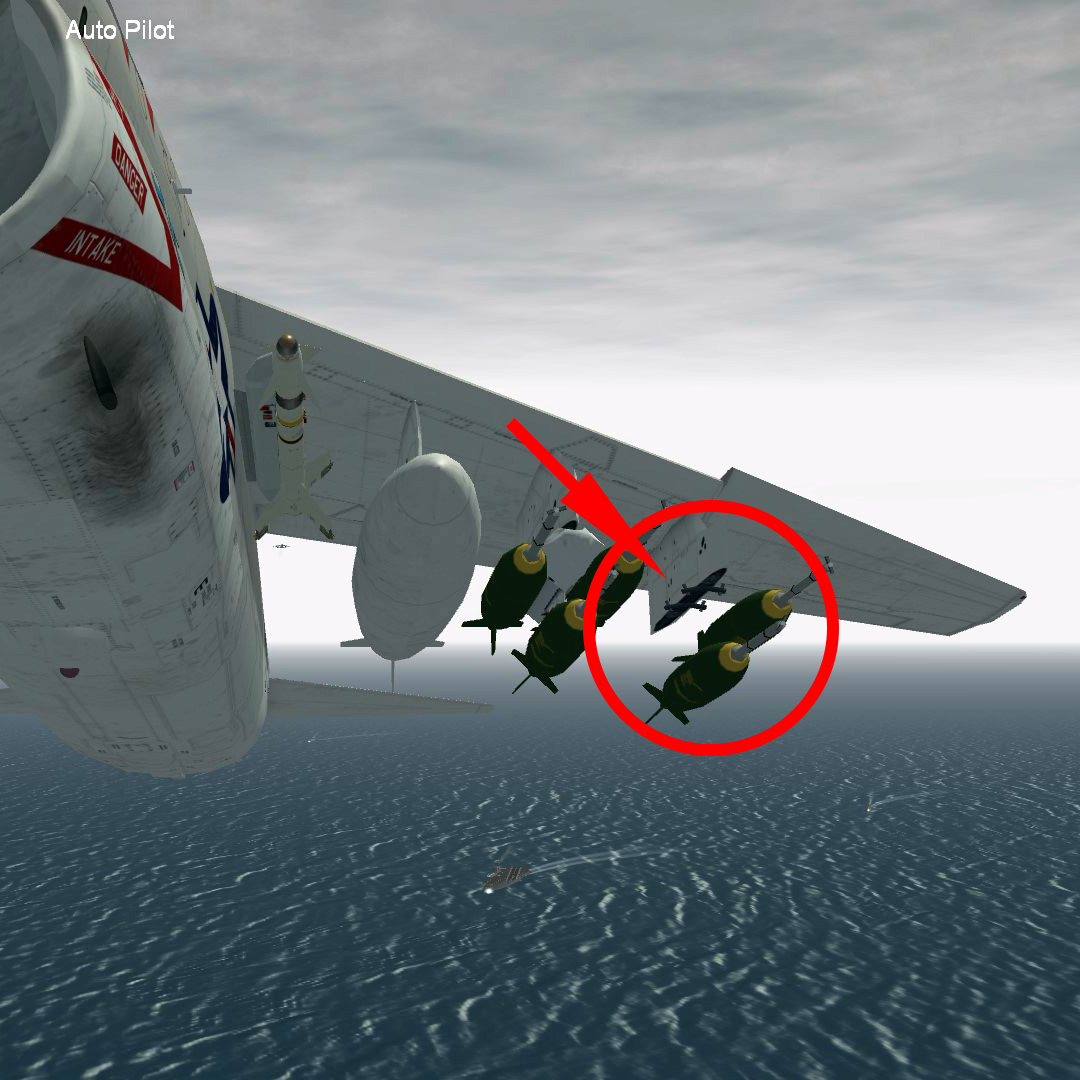
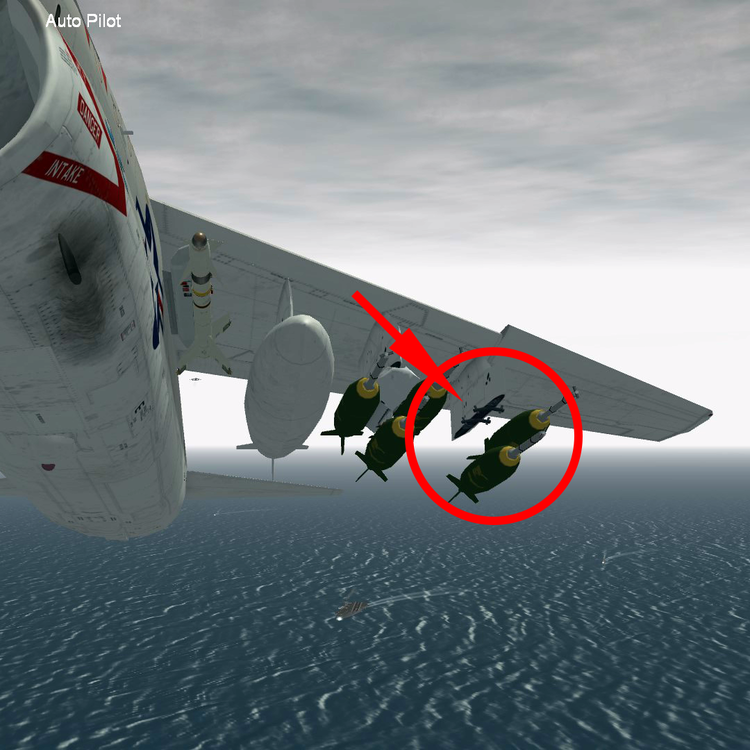
Hi Yakarov, thanks. This is the Station3 section in your A*_DATA.ini, are you referring to this? [LeftWingStation3] SystemType=WEAPON_STATION StationID=1 StationGroupID=5 StationType=EXTERNAL AttachmentPosition=-3.35,-0.74,-0.166 AttachmentAngles=0.0,-3.0,0.0 LoadLimit=1650 AllowedWeaponClass=BOMB,EOGB,TER,2BR,MER,RP,FT, AttachmentType=USN ModelNodeName= RackSpecificStationCode=A-7-6 PylonMass=92.53 PylonDragArea=0.05 MinExtentPosition= MaxExtentPosition= FuelTankName=US_Tank300 FuelTankNodeName=droptank_outer_L "RackSpecificStationCode=A-7-6" is the same as in the other stations (2 and 3); only in Station3 doesn't appear, even copying all the MERs/TERs included in my weapons Folder...
-
Hello everyone, I hope you are having nice holidays. Few months ago I installed "OPTIONAL MOD DATA LOADOUT" from A-7 Corsair II SLUF on Vietnam 1.0.0 by Yakarov79. Now I noticed that both WingStation3, left and right, seem to have a missing rack (see image). I tried to take a look at the .ini files but my poor modding skills don't allow me to fix the problem... Any help around there? Thanks
-
Thanks Menrva, accurate as usual.
-
Hi Wrench, I don't remember... I'll pay more attention next time. I've encountered a similar problem in Operation Odyssey Dawn, in which sometimes desert texture randomly overlapping runways. I don't remember who, suggested me to replace: [HeightField] DetailScale=0.2 DetailFrequency=1.0 MaxHeight=1000 MinHeight=0 with: [HeightField] DetailScale=0.0 DetailFrequency=1.0 MaxHeight=1000 MinHeight=0 in Libya_Data.ini Could it be a similar problem? Meanwhile I'll try what Gepard suggest.